All Activity
- Past hour
-
 cima2019 joined the community
 -
 1013703651 joined the community
 -
 core882004 joined the community
 -
 rkedm joined the community
 -
 AlanRamirez joined the community
 -
 TimVd joined the community
 -
 Chuyin77 joined the community
 -
 Mimaw. joined the community
 -
 Juliablaine joined the community
 -
+1
-
 Msq7007 joined the community
 - Today
-

Light Channel Logo Always Used On Dark Theme And Incorrect Light Channel Logo
Luke replied to Lid's topic in Emby Provided Guide Data
Hi, light with color describes the logo. It does not mean that it would be used with light themes. And the dark logo means that the logo is dark. Does this help clear things up? -
Eu adoro mesclar sereis e filme tenho uma biblioteca pessoalizada de conteúdos classicos
-
@Coxeroni To enable QuickSync via unraid: go to docker container and edit, then toggle advance view (top right there is a toggle that says "basic view") and in "extra parameters:" copy and paste --device=/dev/dri then click apply, and you'll see it in transcoding via Emby server settings. if you need any help with unraid just send me a message, my entire setup is this.
-

Ordner aus Bibliothek entfernen funktioniert nicht
nashedishay replied to nashedishay's topic in German
When I go to Manage Server, then to Library, and try to remove a folder there, the mentioned error message appears. I have tried restarting the server and also restoring it from a backup, but the error is still there. embyserver (1).txt hardware_detection-63909390004 (1).txt embyserver-63909389880 (1).txt -

Roku sees server, but shows no users and I can't log into my user profile
speechles replied to KylerMarkle's topic in Roku
I also have the same thing done on the PC hosting my Emby server on Windows. Why would I want to use an IPv6 address used to access my Emby server?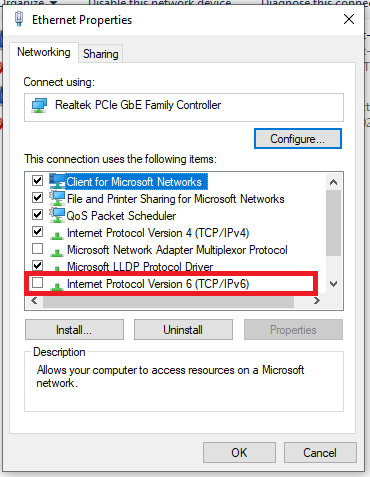
-

Light Channel Logo Always Used On Dark Theme And Incorrect Light Channel Logo
Lid replied to Lid's topic in Emby Provided Guide Data
I thought I had seen a similar post on here, but I couldn't find it earlier. Basically the same thing here. The confusing thing is how I didn't have any of these issues with the IPTV Boss setup. Unless it was somehow using the IpTV provider logos in that setup combined with the EPG data from the Emby Guide Data. I'll do some more testing tomorrow. -
Looks like this is fixed
-

Audio transcoding hammering my CPU. Video is on the GPU.
pwhodges replied to matticas's topic in General/Windows
Why do you think it's the audio - that's a low load compared with video. There has recently been an issue with Tone Mapping being done in software instead of hardware on some systems - could this be your problem? Paul -
Roku sees server, but shows no users and I can't log into my user profile
pwhodges replied to KylerMarkle's topic in Roku
That also means that there is something wrong with your IPv6 setup, because there is no inherent reason for it not to work (it's the default over IPv4 in modern operating systems - and works just fine here). But if this workaround (for that's what it is) works for you, that's OK. Paul -
Hi there; I have recently allowed 3 friends to use my Emby. (milestone?! ). One of the users is using Safari and I think Emby on a Amazone Firestick thing. When he watches almost anything, the audio transcoding is hammering my CPU usage. Is there anyway to reduce this, or can audio transcoding be offloaded onto the GPU? Setup; Ubuntu 24.04, Docker, NPM, Emby. Nvidia GPU. Docker; ... runtime: nvidia ... enviroment: - NVIDIA_VISIBLE_DEVICES=all - NVIDIA_DRIVER_CAPABILITIES=all ... devices: - /dev/dri:/dev/dri ... Emby Settings; All preferred Hardware Decoders selected / checked; MPEG-2, VC-1, H.264 (AVC), H.265(HEVC), VP8, VP9. All preferred Hardware Encoders selected / checked; H.264(AVC), H.265(HEVC) Software Encoders - default settings. Every other setting in advanced checked. Observation during playback (Emby Settings Activity Dashboard) Stream MKV (71mbps) -> HLS (22mbps) Reducing bitrate due to quaility setting Video 4K Dolby Vision HEVC -> Transcode (H264 22mbps) *hardware icon*, -> Tone Mapping (Hable) Audio English TRUEHD 7.1 (Default) -> Transcode (AC3 384 kbps) Observation during playback (ubuntu top CLI process monitor); ffmpeg /bin/ffmpeg CPU 556% That high CPU load literally heats up my machine and slows everything down. Viewing on nearly any other device doesn't have this issue. Only my mate on his devices. Anyway to reduce audio transcoding or force it onto his end? Thanks
- Yesterday
-
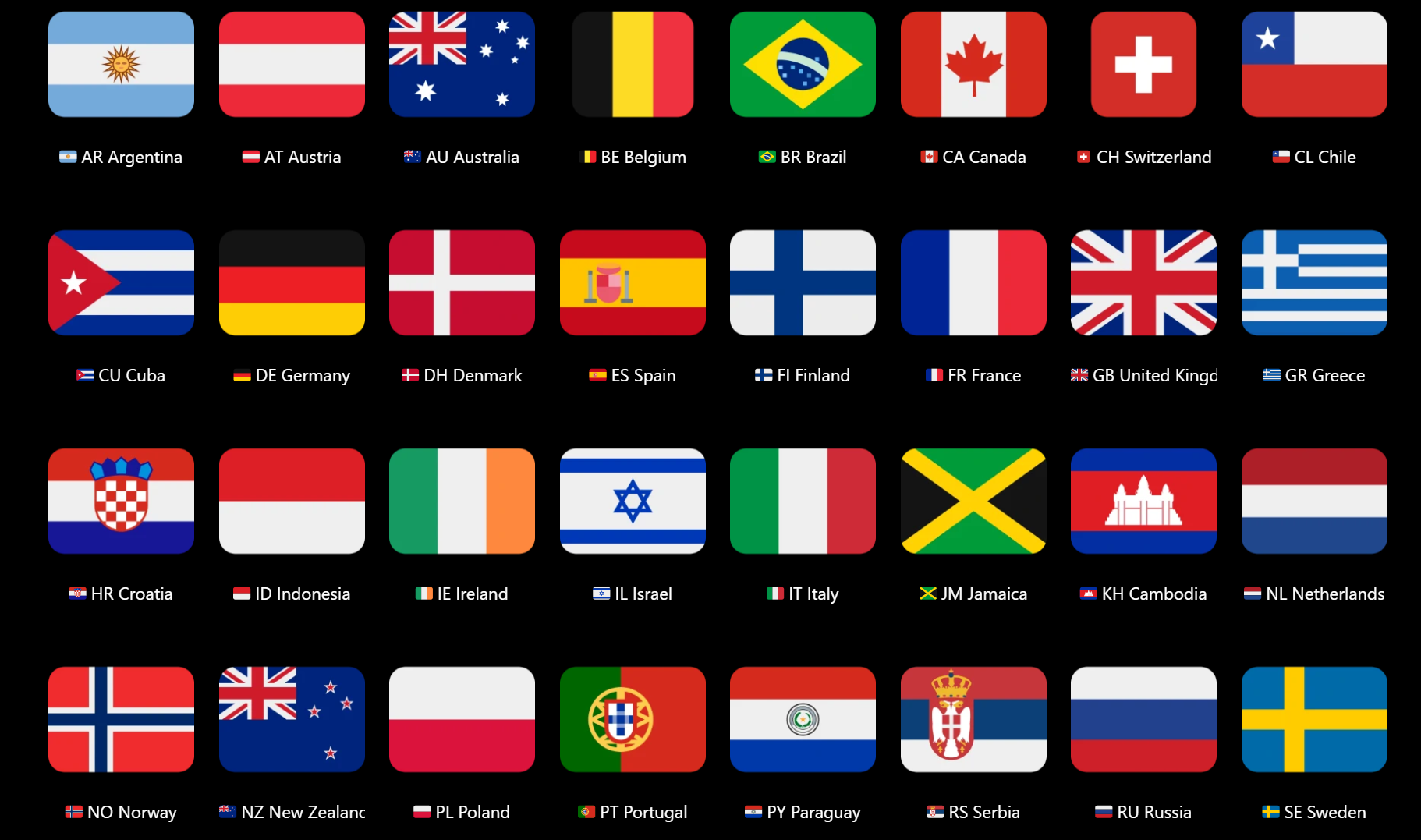
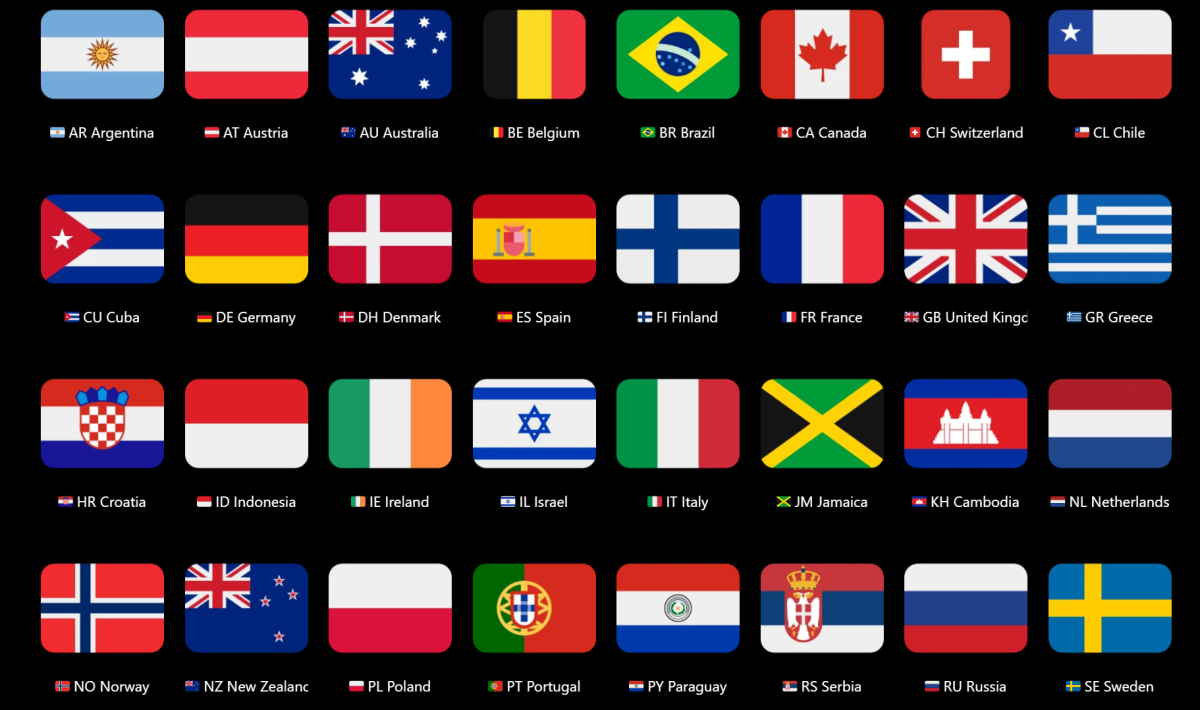
Yeah, I get where you're coming from with this... but... When I want features such as this, I don't so much give up, but try to figure out how to use the current flexibility of Emby to get what I want. Sure, it may take some time and effort on my part to configure everything... maybe several weeks or more for the initial setup, but that's better than waiting for a decade or longer. Also, once your own system is set up, it can then be relatively easy to maintain as your media library grows. Playlists and Collections are a good idea. (E.g.) I decided to make Country collections for my music Album Artists (2000+). I have 36 so far... I also use emojis in the country names and https://emojiterra.com/ is one possible place to get corresponding country flag images from. Beyond this, it is currently possible to filter Moves, TV Shows and Music by Genres and Tags. Therefore adding individual countries to Genres or Tags for media items could be a useful way to achieve Filter by: Country. Again, it will take time, but there may be some useful plugins that could assist??? So for people desperately wanting this, there may be some combination of Playlists, Collections, Genres, Tags, Plugins that will be useful? Then (hopefully in the near future) forthcoming smart features (playlists, collections, home screen views...) will be able to make good use of whatever you have set up for countries or other custom groupings/sorting/filtering? That will ideally be the real game-changer!!!
-
You might be able to see the user-agent string. You can parse that to determine sort of what is rendering the output. That is if they give you a user-agent when they make the query. An authentic one. They are easily forged. But that is one way to tell they are using a browser.
-
Light Channel Logo Always Used On Dark Theme And Incorrect Light Channel Logo
Lid replied to Lid's topic in Emby Provided Guide Data
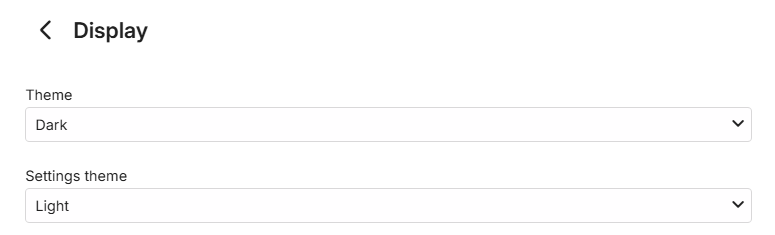
So I set my theme to light instead of dark and this changed the Sky Sport Golf logo to the correct one. But there is still no consistency on things like TNT Sports or Premier Sports where there are multiple numbered channels. I get some of them with one type of logo and some with another. What I don't understand is how this all previously worked without issue. I always had the logos that worked best with the theme and they were always consistent across the similar channels. Annoyingly I have all the correct logos in Dispatcharr. But using those means I don't get the images for shows and things provided by the better Emby Guide data. Tomorrow I'll try removing all m3u's and guide data and starting again. I might try a different postcode in the guide data, I think that gives a different Sky Q region, but I have no idea if that makes any difference in terms of channels. I would have thought it would all be the same data. -
Roku sees server, but shows no users and I can't log into my user profile
speechles replied to KylerMarkle's topic in Roku
You are welcome. Others may have this same issue and stumble across this months/years later. Its nice you followed up and came back to mention it. Rather than the opposite I see on most forums. Where you never know if the issue was ever really fixed or what the solution was. A couple of fixes are mentioned and the OP just disappears from the thread. Nice that this one gets wrapped up with a bow. Thank you. -

Running Emby Server on 2 x different Macs in my home but to the same NAS...Metadata import ???
JohnyMc replied to JohnyMc's topic in MacOS
Bugger, was hoping for an easier way to duplicate stuff. -
I'm of gonna have to agree with rbjtech on this. Try to name your groups very specific so you know what they are supposed to do. Use the native/built in home screen section manager to add multiple tags. Then you can have a home screen row with both "spotlight", "christmas_spotlight", "halloween_spotlight" for the same row. That might be easier to administer with scheduler, and not using the override setting for all. I don't really see what more visual things to add. I don't want to clutter the UI. To be honest this sound like trap you have set up for yourself... But give me a good example and it would be easier what type of flags/visuals you want. A picture in Paint is very helpful! The plugin would not load if running 4.9.3.0. From plugin version 3.0 it's built with assets from the beta server that's not available for server v4.9.3. You could give it a try, but my guess is that the plugin wont load in. From my experience the Emby devs are releasing very stable betas. I have always used the beta for my live/production server, with very few issues. Th latest beta gives huge improvements to Emby, so i kind of suggest to try it out! Releasing it as stable is probably not too far away either.
-
Well, in case you TheGru run out of ideas when you jump back into further development of existing features in Aperture, here is just some feedback and ideas which are merely suggestions: I mentioned this earlier: Create Collections the same way we can create custom recommendation playlists with genres and example movies. Given the new revamped home logic in Emby, Collections are back in fashion! With that being a permission, admins can grant Collection creation to non-admins in Emby.If that's not technically possible, at least let admins create Collections. Add "Favorites" functionality in Aperture while browsing items that syncs to Emby (when you add an item to Favorites in Aperture, is also added to Favorites in Emby". Align Graph and List Similar Movies items: Currently Graph has more items than in the List (more of a bug maybe?). Also personal preference would be to have the List as the default instead of Graph or maybe make the default a configuration option. And maybe the List view can also benefit from the relation data (eg. Same Director, Shared Actor etc.). More filters in Browse (eg. country, watched/unwatched, household reach) Add Person (next to Movies and Series). Given /person endpoint exists already, it's a same not to easily browse/search for it.
-
I think the fix for this would be a new note as that release note has been in the log since the early builds of 4.10.0.2 roughly I think. I'll hold off on updating until we get word.
-
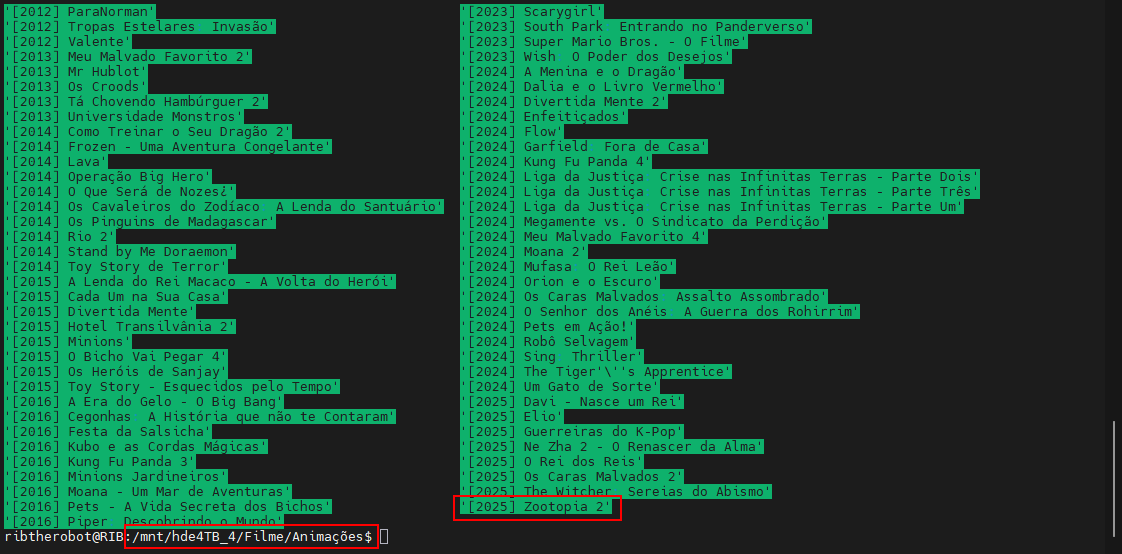
I don't know why it's not finding the movie Zootopia 2. I click on "scan library files" and the movie still isn't found. I've already removed it from the folder and put it back in, and it still doesn't appear in the panel. Does anyone know why it's not showing up to watch? The other libraries are fine; I add them and they appear. It's just this movie that isn't showing up.

-
I have a router/modem(eero) and I have a mesh system as well(deco). The deco is connected to the eero.
-

Roku sees server, but shows no users and I can't log into my user profile
KylerMarkle replied to KylerMarkle's topic in Roku
Yep, that fixed it. Thank you! -
@soderlundDoes this means that the plugin does not work with 4.9.x.x version at all? Not even as auto tagger? I understand that the Home screen enhancements will not work, however, how about the smart playlist features? Edit: Asking because my 4.9.3.0 server shows New update: v3.1.2.0 available
-
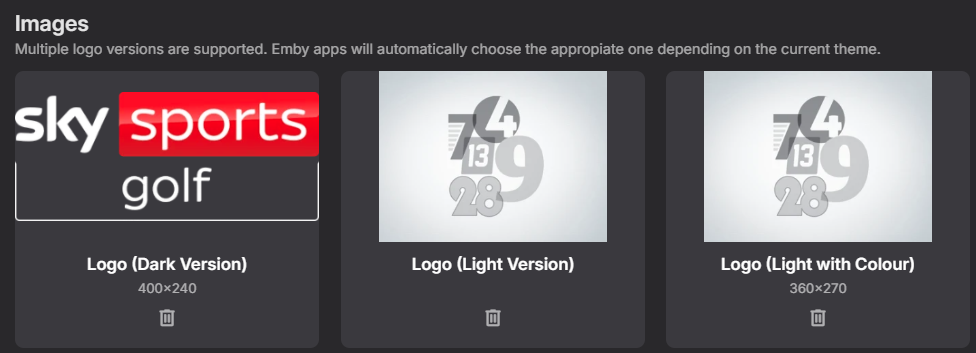
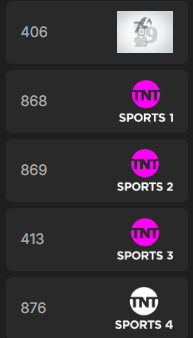
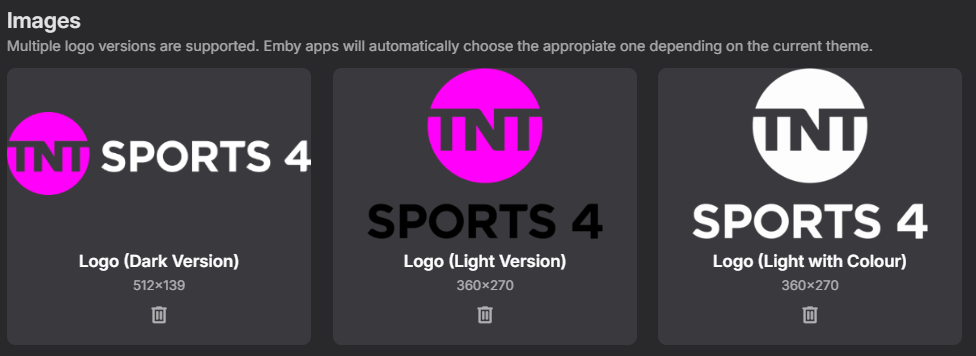
Hi all, Bit of a weird one here. I've been making some changes to my IPTV setup recently and have an annoying issue going on with the channel logos. I was previously using IPTV Boss to output an m3u channel list and then matching these channels to the Emby Guide Data using Sky Q (London SATELLITE) E1 Postcode as the Lineup, this worked fine in terms of channel logos for about a year. I've recently setup Dispatcharr and now I do the same as before but just with a Dispatcharr creating the m3u file instead of IPTV Boss. I'm using the same guide data and linking it to the same channel number I did with the IPTV Boss setup but now in the channel guide "light with colour" logos are being used when I have a dark theme set. Also the Sky Sports Golf light logos seem to be incorrect. I haven't added a server log output at the moment as I'm not sure if that will show anything helpful for this. But I have included a number of screenshots below to show what I mean. 406 is Sky Sports Golf - See below for the 3 images scaped. The 4 TNT channels are all also using the "Light with Colour" logo, but for some reason TNT 4 is white. And also the "Dark Version" of the TNT logo is smaller vertically so I would prefer this as it makes the channel block narrower which is what I had before as it seemed to default to the "Dark Version" Editing the Sky Sports Golf channel Logo from the guide view: Editing the TNT 4 channel logo from the guide view: These are my display settings for the user. I assume it's meant to pick the logo based on the theme. I have also tried setting the settings theme to dark just in case. I've tried deleting the images from the edit view and then refreshing the guide data and the same thing happens. The logos also display that way for all users I have setup and I've tested from my laptop browser and also from the Android App on my phone and they show the same. Does anyone have any ideas on this as it's annoying me even though it's not breaking functionality. Thank you, Liam
-

Ya no está disponible la aplicación de Emby en Samsung?
Embyconnect290876547444 replied to Embyconnect290876547444's topic in Spanish
Hello It seems Samsung is excluding Emby in Mexico. Is there anything you can do to reverse this?