Transparent media logos
A transparent logo retains title or branding pixels and coverage as a layer that can be composed over the library's chosen background.
A transparent logo is a title/branding layer intended to sit over another image or page background. Its transparent positions let that destination remain visible.
One layer meets several backgrounds
An original logo can be presented over a dark backdrop and a light panel without importing a rectangular background colour of its own.
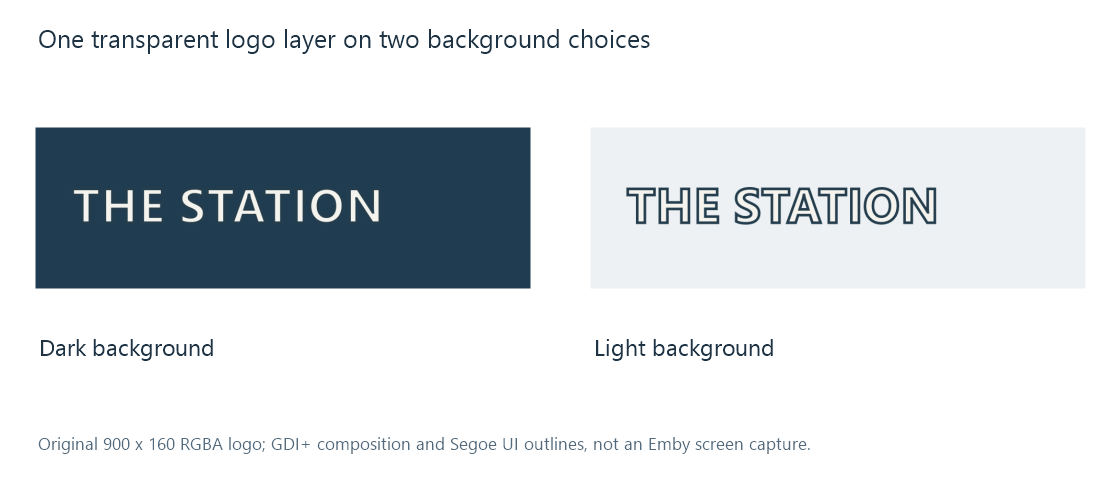
The example uses a generated graphic and local GDI+ composition. It illustrates a resource relationship rather than an Emby screen capture.
A painted white rectangle in an opaque image is not equivalent to alpha. Image transparency develops that distinction.
Emby's logo role is commonly composed over other artwork. The selected image therefore needs useful coverage through the actual resource and presentation route.
Edges retain colour and coverage
Antialiased lettering uses intermediate coverage around its contours. Filtering that colour/alpha relationship inconsistently can create a dark or coloured halo.
Converting the logo into an ordinary opaque photo commits it to a background. A later page cannot recover the original transparent edge from those flattened pixels alone.
Use the intended file/processing convention, rather than assuming every four-component buffer has the same alpha interpretation.
Canvas and visible lettering have different bounds
A 900-pixel-wide transparent canvas can contain lettering occupying only 600 pixels. A view fitting the complete canvas consequently gives the lettering less visible space than a tightly bounded resource.
Cropping unused transparent margins changes the canvas relationship while preserving the visible shape. The app's placement and scaling must still be considered.
Text belongs to a language presentation
A title logo can contain localized wording. Selecting a French poster and an English logo can create a mixed presentation even when both assets refer to the right work.
Artwork language selection connects that text treatment to role and source identity. A textless logo or branding mark needs a deliberate neutral interpretation rather than a language guessed from the audio file.