All Activity
- Past hour
-
 Ghostdiesel joined the community
 -
 liu 1313 joined the community
 -
 Guntak joined the community
 -
 Aarticun0 joined the community
 -
 Aarticun0 joined the community
 -
 Chris.com joined the community
 -
 Jlitwin16 joined the community
 -
Yes, but i did not claimed otherwise.
-
Hi, your screens are showing blank data because the server is denying access to that information.
-

Strm Files Pointing To Local Files Cannot Be Played
Luke replied to Eagleheart's topic in General/Windows
Hi, did you disable on the fly subtitle extraction in server transcoding settings? Try turning that back on. -
Hi, yes there’s room for improvement there. Thanks.
-
Right. They would need to be exposed in the server user interface.
-
But when you visit the movie details you can still see the person.
-

Emby silently fails to index shows when season.nfo or tvshow.nfo has truncated XML
visproduction replied to nopenope12345's topic in Linux
Try using only one dash prior to the resolution and delete all other dashes in the filename. I have not completely tested this, but I seem to have fixed many file naming issues and dbase entries by removing the multiple dashes in file names. - Today
-
I just haven't updated it yet because of the constant new bug reports and some changes that i do not really like.
-
Did we ever get traction on this? Just curious
-

The search experience in Android app needs to be fixed
ecrispy replied to ecrispy's topic in Android
I will be adding pics here, it seems I am seeing something different? the apps I use are on FireStick 4k FYI -

Plugin: EmbyCredits, detect end credits and add auto skip.
sydlexius replied to yocker's topic in Plugins
Yeah, having the marker is still useful. It's up to the devs to make them "actionable" -
Were you able to find a solution/work around with current versions?
- Yesterday
-
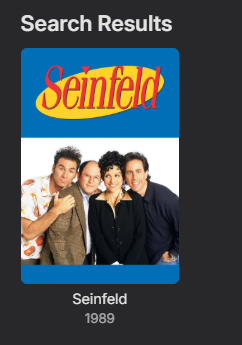
Along with the corresponding log for that query. Using info from your provided screenshot Ideally you don't fill in all the fields if you provide a providerid in your search.
-
I'd say that's a bug that was simply overlooked - just like the dozens of other bugs in the parental controls that were introduced with the major database update in Emby 4.8 but have since been fixed. I still have a working 4.8.0.13 install where people with restricted Tags are hidden from search!
-
Due to a hardware change (switching NAS brands), I intend to migrate to the Docker version. I would like to know the proper procedure to transfer all Emby data and metadata to the new server while preserving all settings. Please note that the directory structure on the new NAS is different.
-

Download movie from server to Emby for Android - "ready to transfer" nothing happens.
Hazandhan replied to Hazandhan's topic in Android
Nope, gave up in the end. Just wouldn't work. It has worked fine previously over the years so I wasn't sure what had changed.. -
Yes, that is the reason I realised this in the first place. On a child's profile they are still able to search up Actors for any media on the whole server. So I do actually want the actor and the content hidden
-
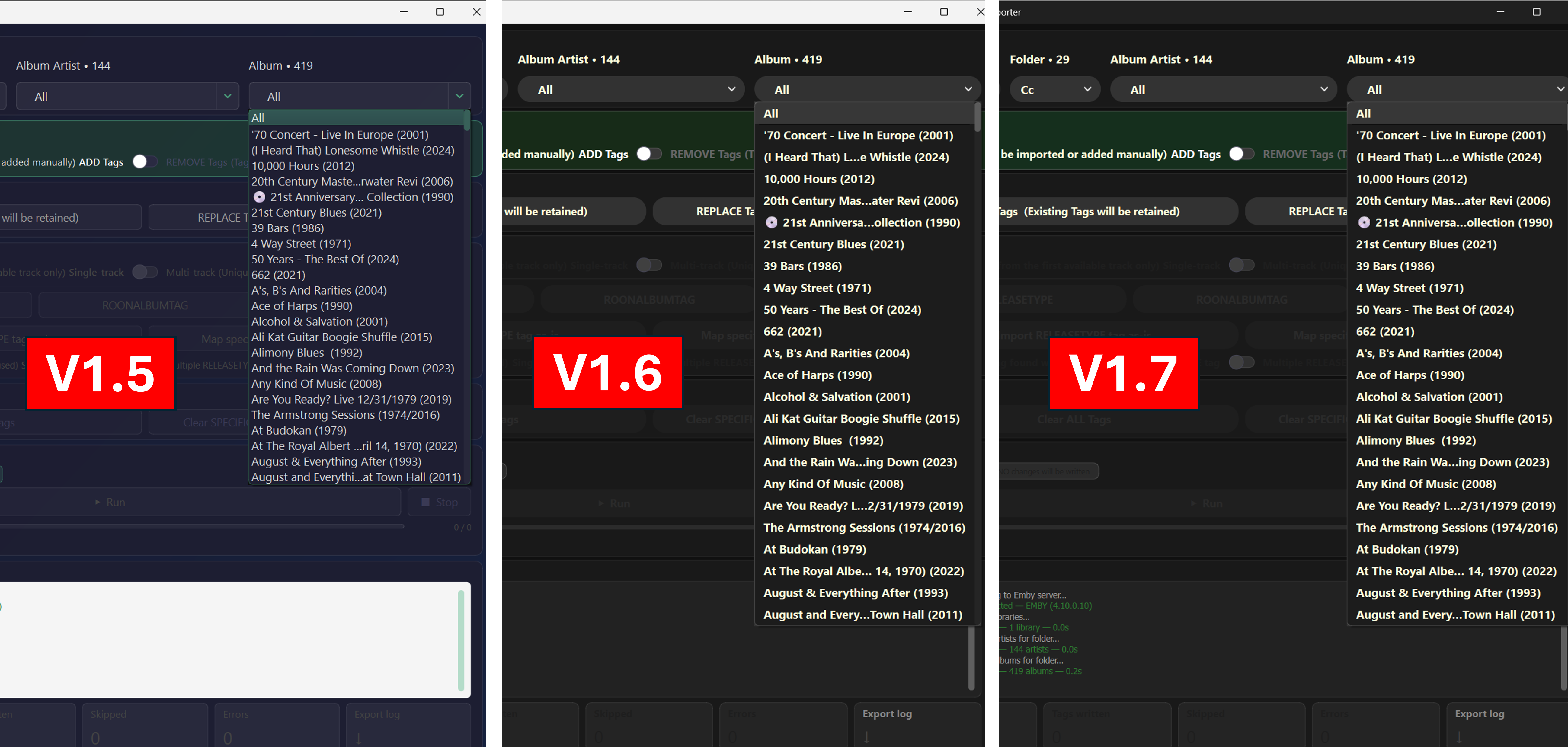
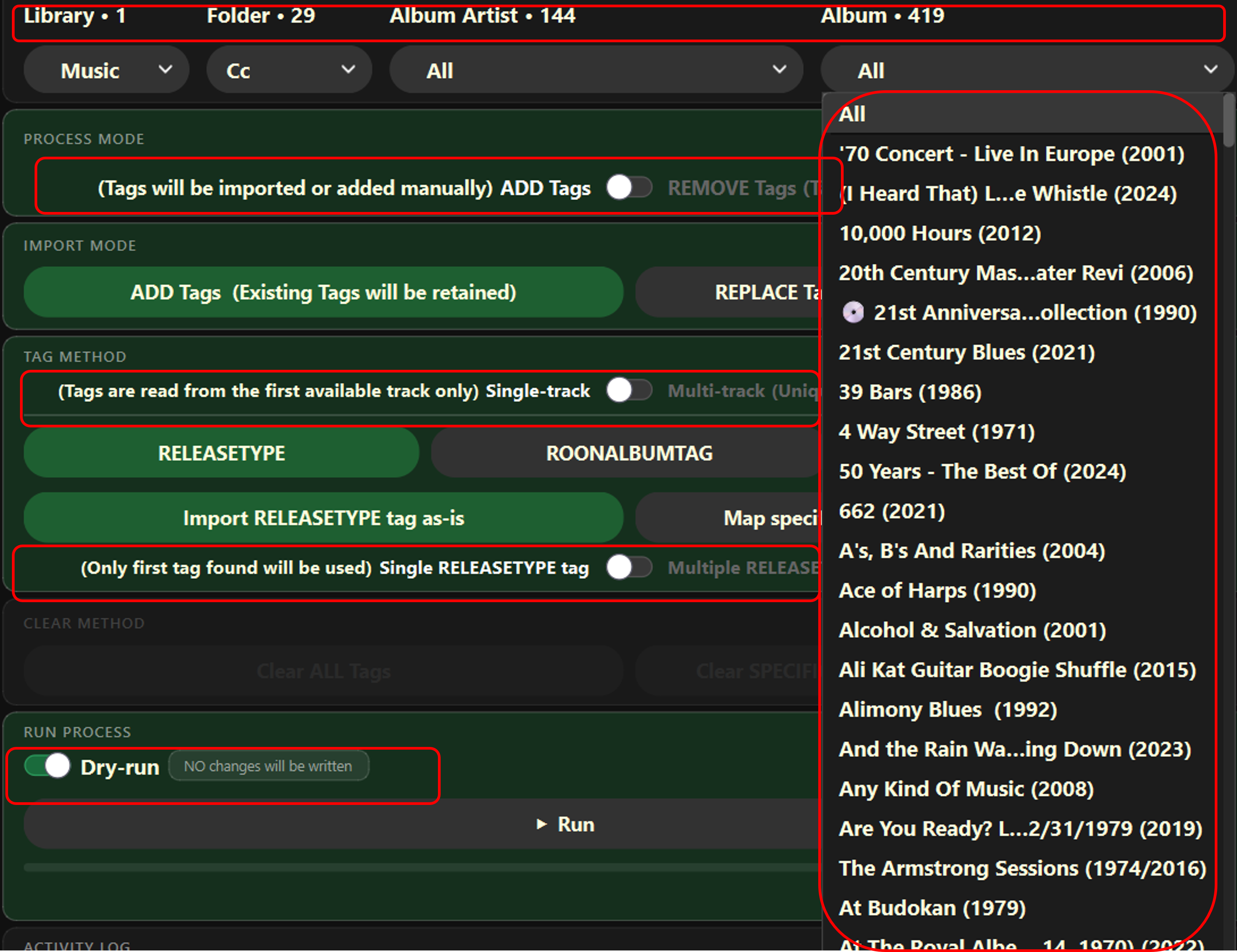
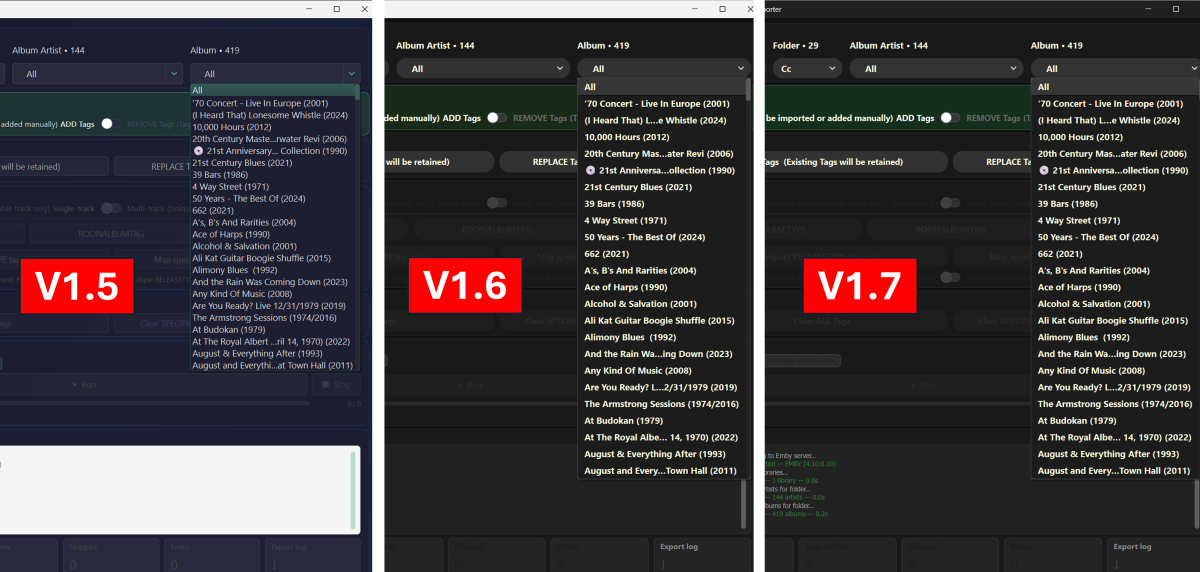
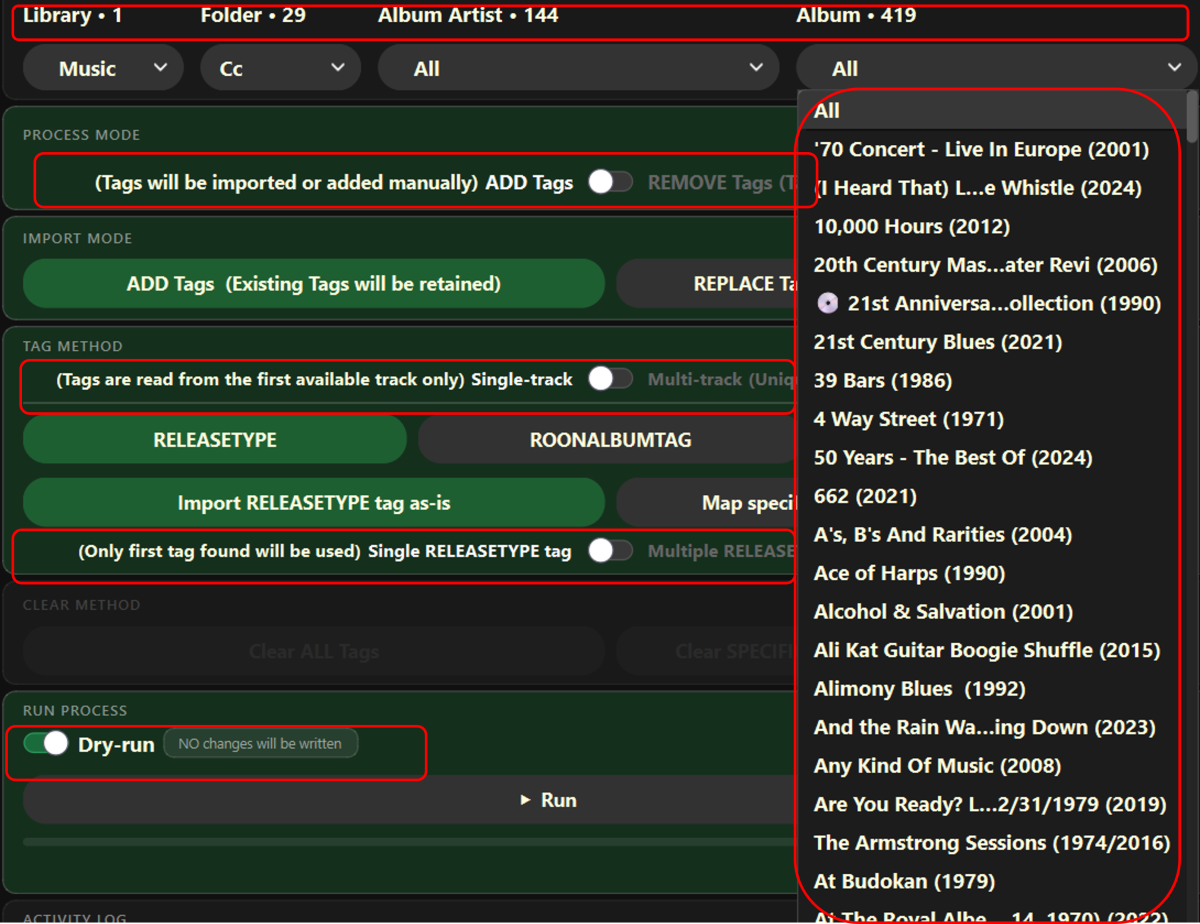
Looking good! Not sure exactly what you are thinking - but some of it reminds me of the Emby settings pages with dark theme applied. Overall, I think the readability is improving with each iteration. The drop down menu lists, with many items, are a lot better with the extra spacing and the white text. Wondering though (and you would have to try it, because I haven't). With all the text in white and bold now (700 font weight instead of 600?) is it 'too much' all at once. What if the drop down menus and other secondary text was reverted back to 600, or perhaps 650, if that is possible? Maybe the red sections below could be toned down??? Perhaps keep the main buttons in bold, as they are, which gives a level heirarchy. Again, I'm just imagining and you can likely better assess the whole GUI and probably make quick changes. I would just break the code!
-
How would that work then as media is linked to Actors so the content would be hidden also?
-
That explains it then. Is there a method to hide actors?
-
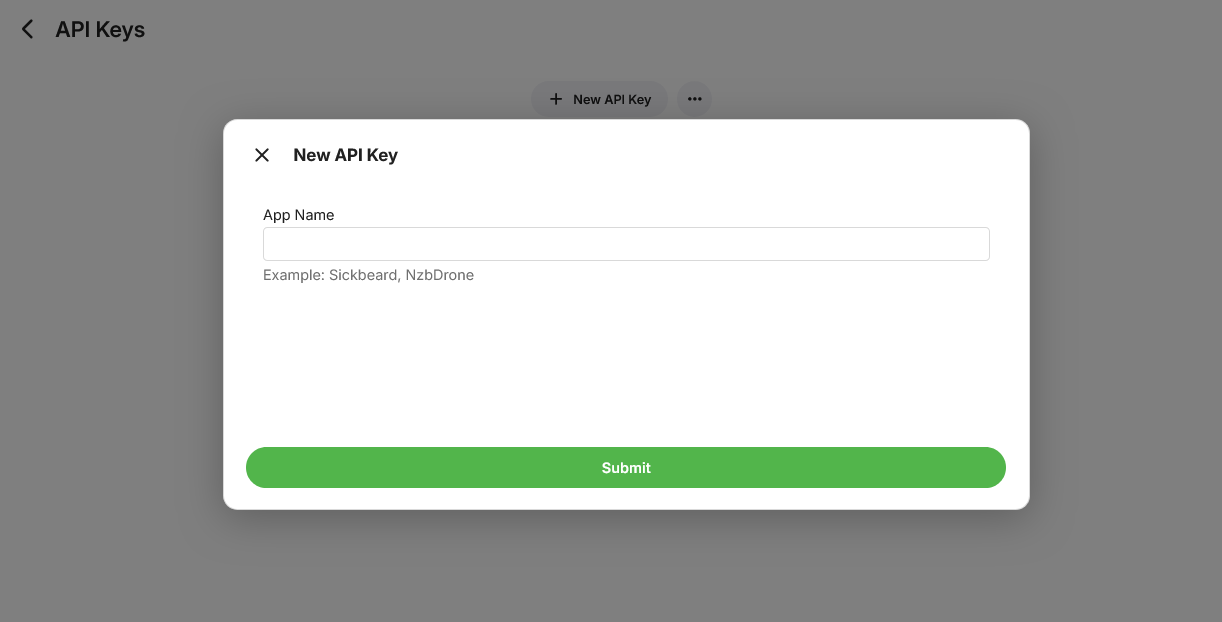
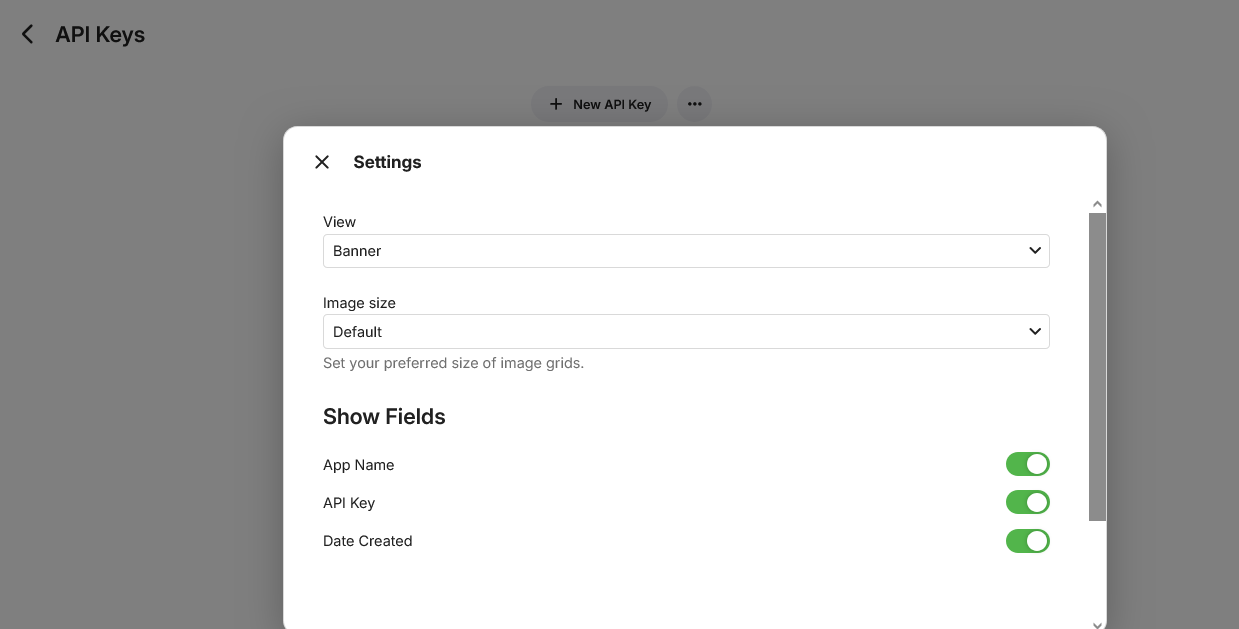
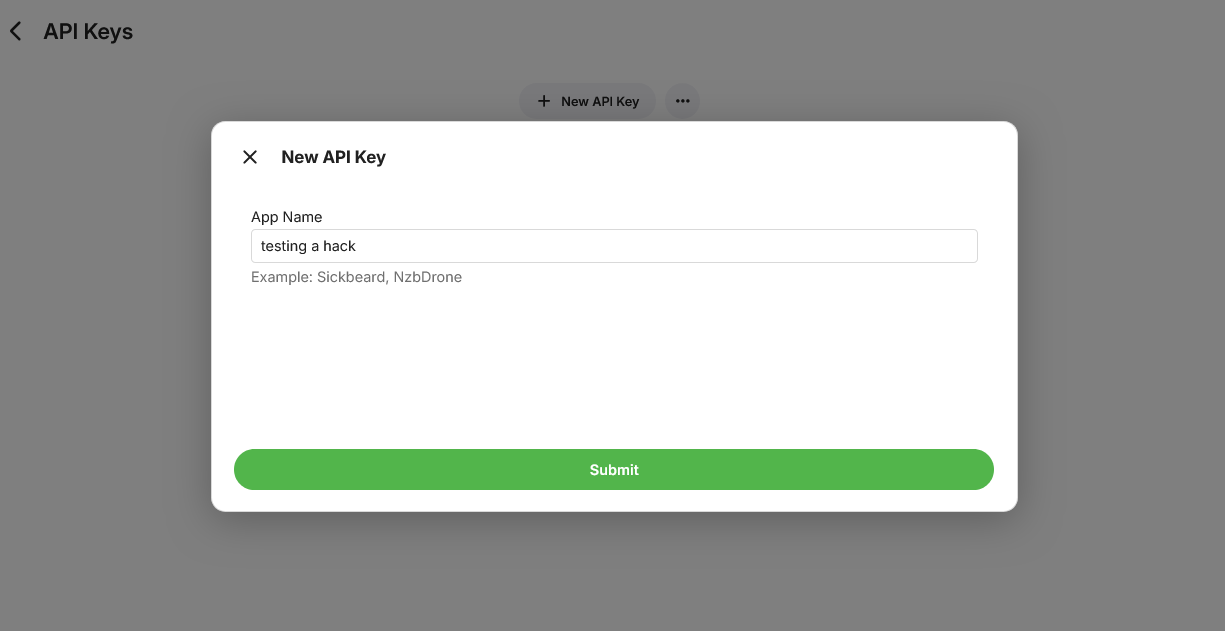
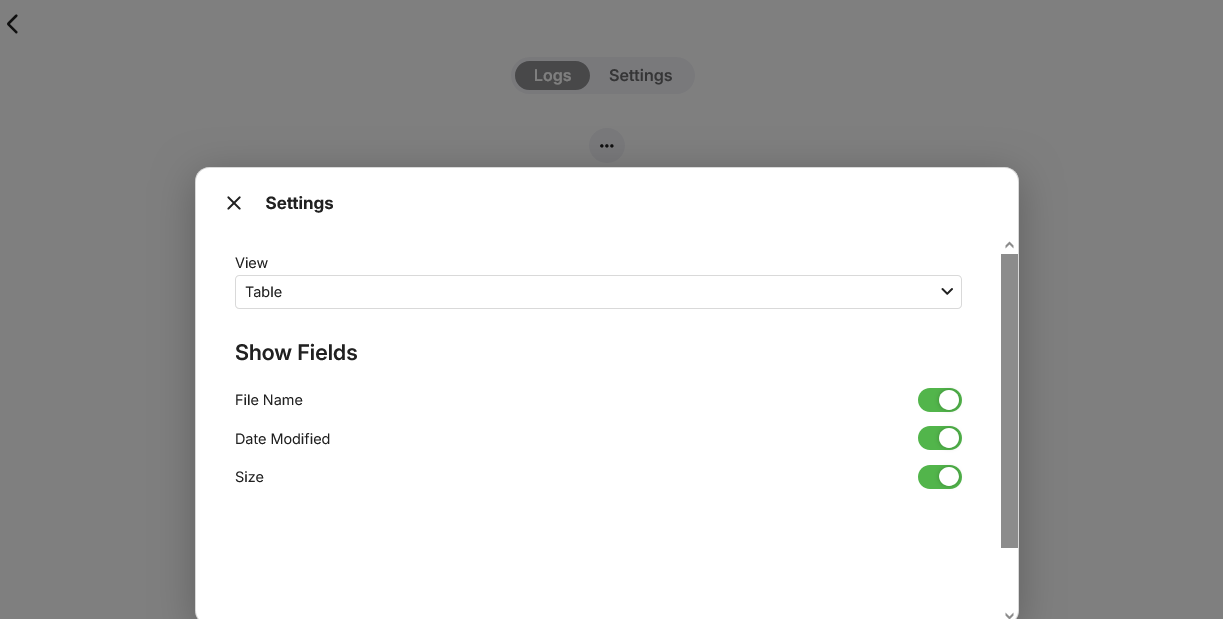
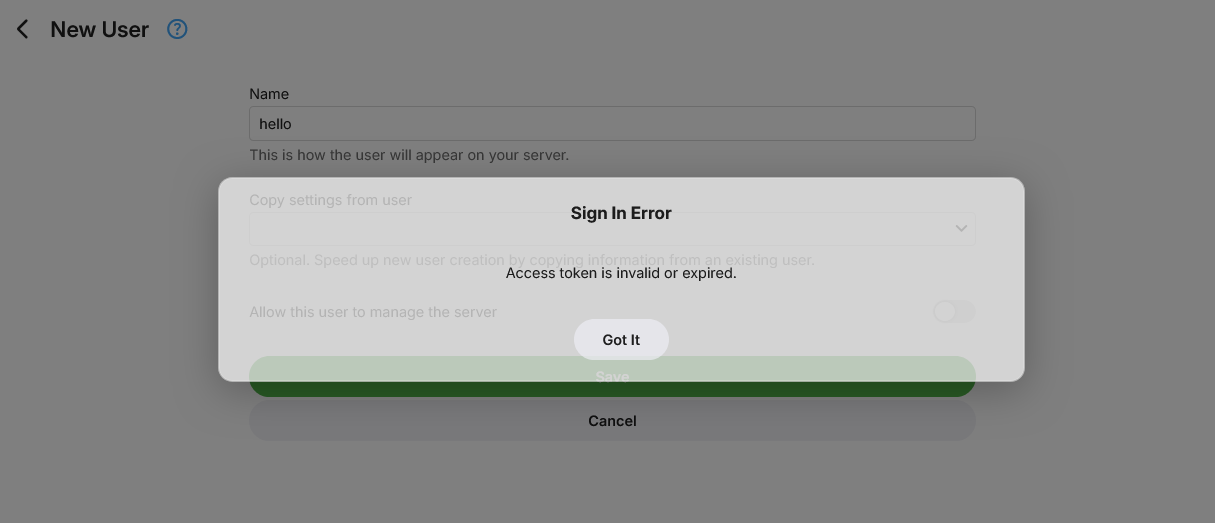
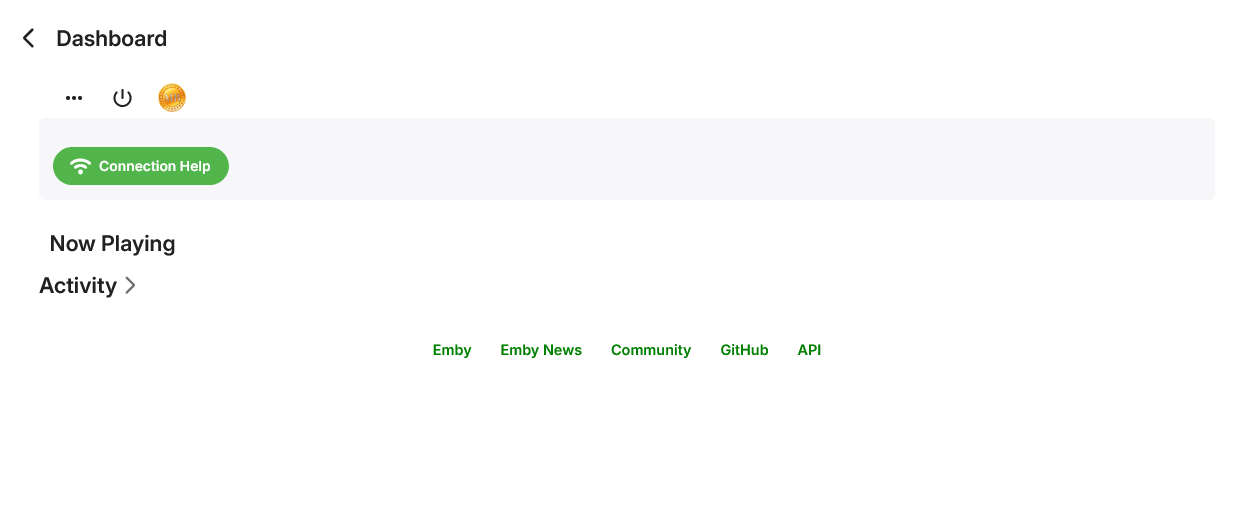
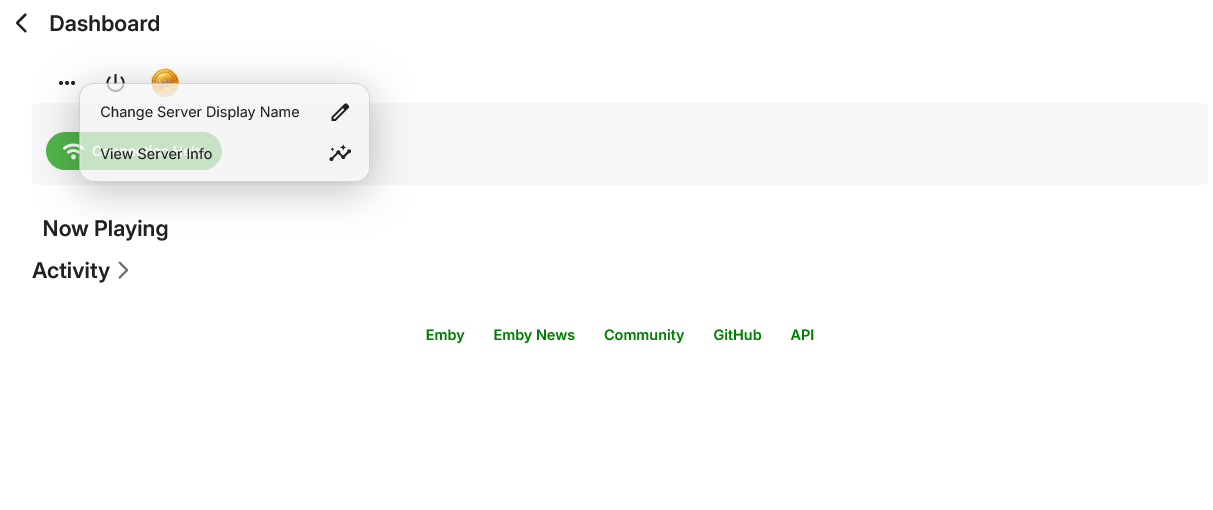
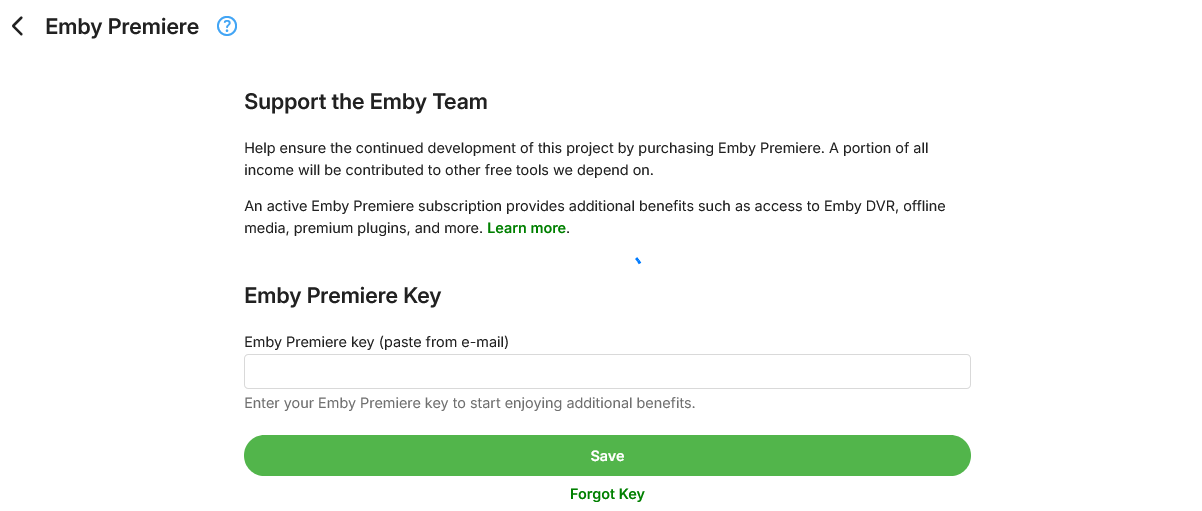
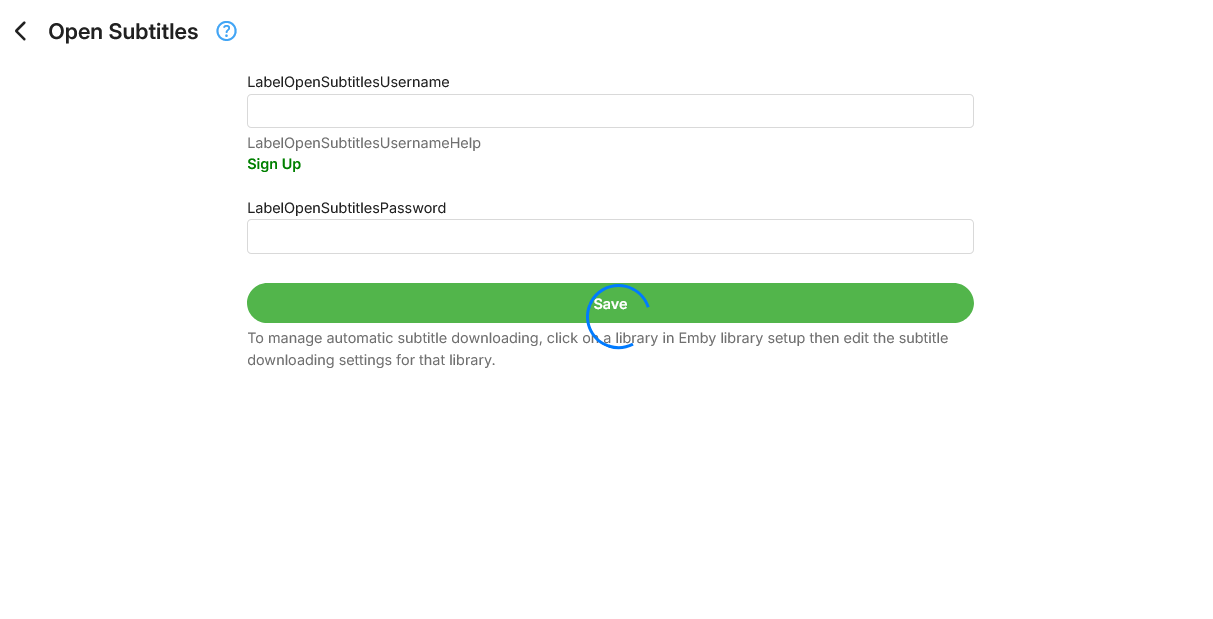
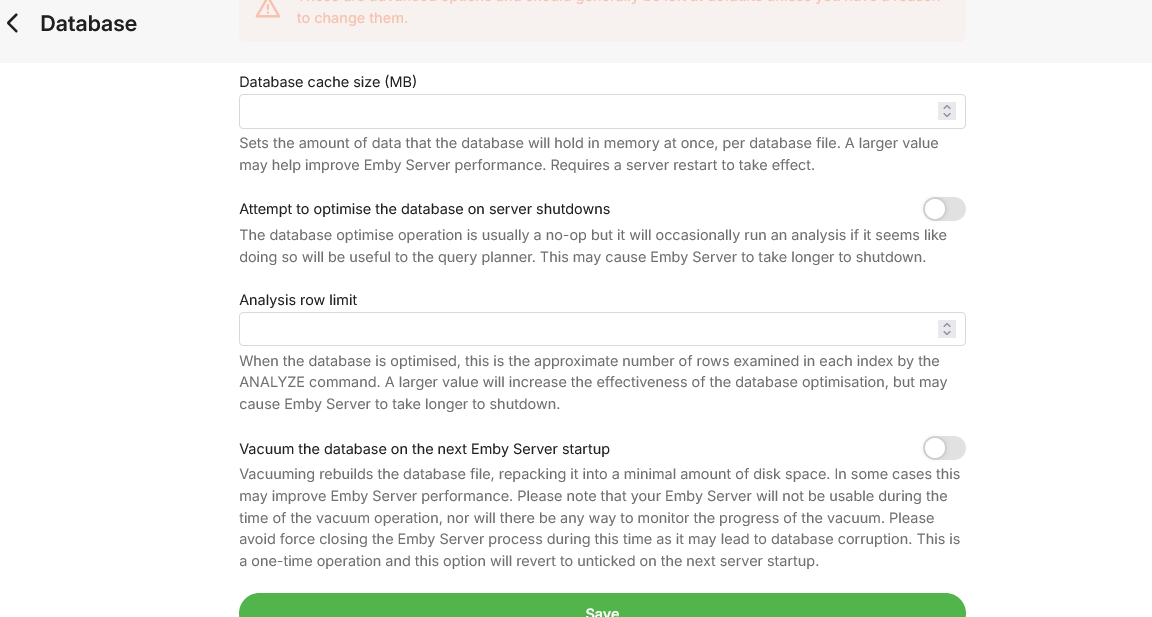
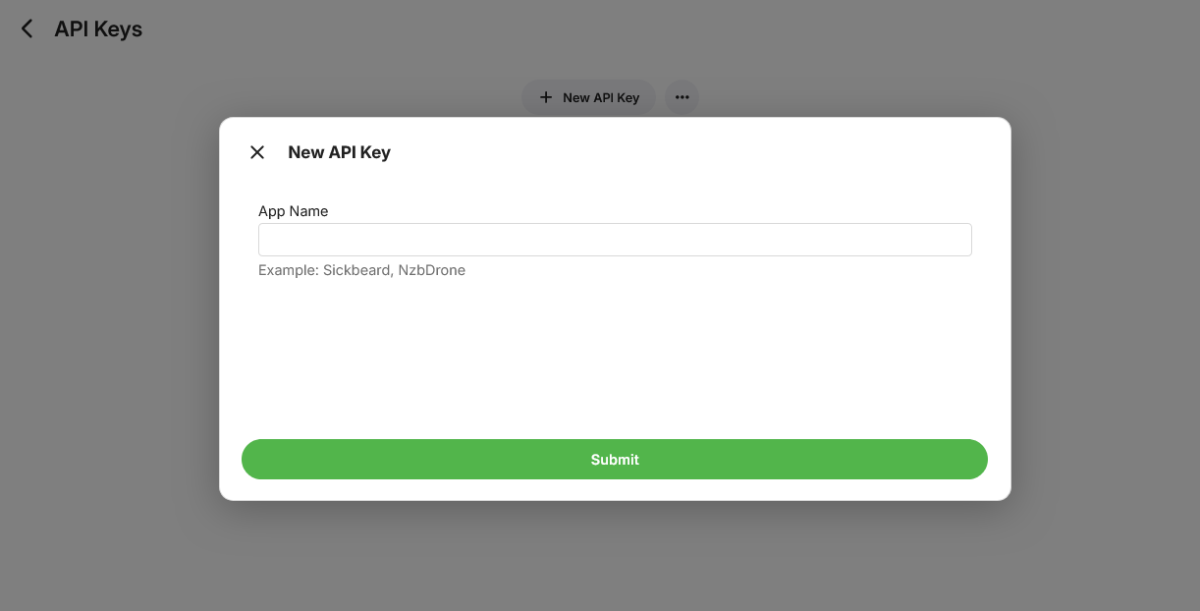
Access to admin areas when not logged in. Problem :- Issue, ability to view settings, options, limited details, unable to update details ( i cannot ) however options are available and viewable to an extent, applying changes creates an error popup -Sign in Error- "Access token is invalid or Expired" see, (Happy with that) Well the fact is that i can see things which are on the admin panels, most areas when I or you have not logged in to the server. I can even tell you if you have Emby premier or not. Now is this an issue??? Im not a hacker, so i dont know how far someone could go, what can actually be done etc. That's why i'm here. Hopefully someone can shed some light. Background setup: - Tested vulnerability on two Emby servers. Both run Dietpi OS as a base, both Emby Premier, Both Odroid C2 SBC, both have multiple USB SSD drives, both run on SD card installations, Both are accessible from the internet on Http and Https, one has a domain name redirected with an A record to a static IP address, one uses http only and a ddns address. Both are standard Emby installations apart from one having fail2ban installed as well, but no extra linux services apart from the minimal, as Odroid C2s are good but not that good. Some plugins are installed on both, Music Brainz, MDB, Opensubs, NFO, DLNA, Trailers, Playback reporting etc. (if you believe these could be a cause, i'll be glad to do more testing) Also, i dont know if this is a Dietpi issue, i guess someone will alert me of this , if the vulnerability doesn't work for you on another OS. Thanks in advance. Recreate the issue: - Logout of the Emby if you are in, try this in another browser, Firefox, edge, try an incognito window, new private window, (this works on all of them by the way in my instance) Anyway, just do it a computer or browser that is not logged in. Even my Samsung phone does this. 1. open a browser and visit your Emby web UI, Remotely, on the phone via the 4-5G internet, locally via your installation Ip or server name, or via a domain name, whatever works for you. If you are prompted to login, great, if not prompted logoff. You may or not see the usernames to choose from or perhaps not, depending on your settings. If you are being prompted to login, don't, instead go to the address bar and remove everything in the address and only leave this: - (of course i am giving you an Ip example, your browser will have your Emby server Ip or domain name). Examples :- http://192.168.178.188:8099/web/index.html#!/ http://192.168.170.148:8096/web/index.html#!/ https://emby.myemby.com.au:443/web/index.html#!/ (Whatever, you get the gist) 2. Once you have removed all of the trailing address sections the fun begins. add the word "dashboard" to the end of the address. you end up with Ie :- http://192.168.170.148:8096/web/index.html#!/dashboard https://emby.myemby.com.au:443/web/index.html#!/dashboard etc. 3. now refresh the page, click go, click enter, it doesn't matter but the important part is to refresh the page when the address is seen correctly, this is the trick. you will see the login page once reloaded .. 4. The magic. now that you have inserted https://emby.myemby.com.au:443/web/index.html#!/dashboard in the address bar, click the big ( < ) in the upper left next to the big Emby logo on the refreshed login page. Not back in the browser, back within the Emby Login Page itself. 5. Now tell me if you have Emby Premier or just the standard version? 6. Do this with any section in the admin panel you wish to try, just add the sections name to the address bar, refresh the browser, once back to the login page, click the ( < ) arrow top left next the the Emby Logo to view that particular section. Again, not back in the browser but the back arrow within the Emby login page . 7. Try this with any Emby admin panel section name, you get the gist of this by now or is it only me????? users, apikeys, logs, scheduledtasks, plugins, databases, network etc., all of it. If you try using the user directory, say for instance "home" at the end of the address, refresh and click the back< button you won't see much, but if you have a custom css background , you will see the background page load. 8. I was unable to shutdown the server even though the button is visible, apply any changes, add users, view libraries or make any useful changes to affect my Emby servers, i guess that's logical as anyone doing this is not actually logged in. So it's not that much of a vulnerability i guess, but I'm not a programmer and actually have no clue if someone could do something in this area by looking at the page code, page source, developer options and the like. They would also have to find the exposed server before even getting into this.. Probably should have other means of reporting a problem in the report a problem section? Anyway i believe someone should have a look and tell me, if its only me or it's a bug of some sort. I've attached some screenshots of the areas i entered within the admin Ui without being logged in for reference Sorry i couldn't screenshot the whole screen with the address bar, windows doesn't let me, but anyway i hope i've outlined it thoroughly enough that it can be reproduced.
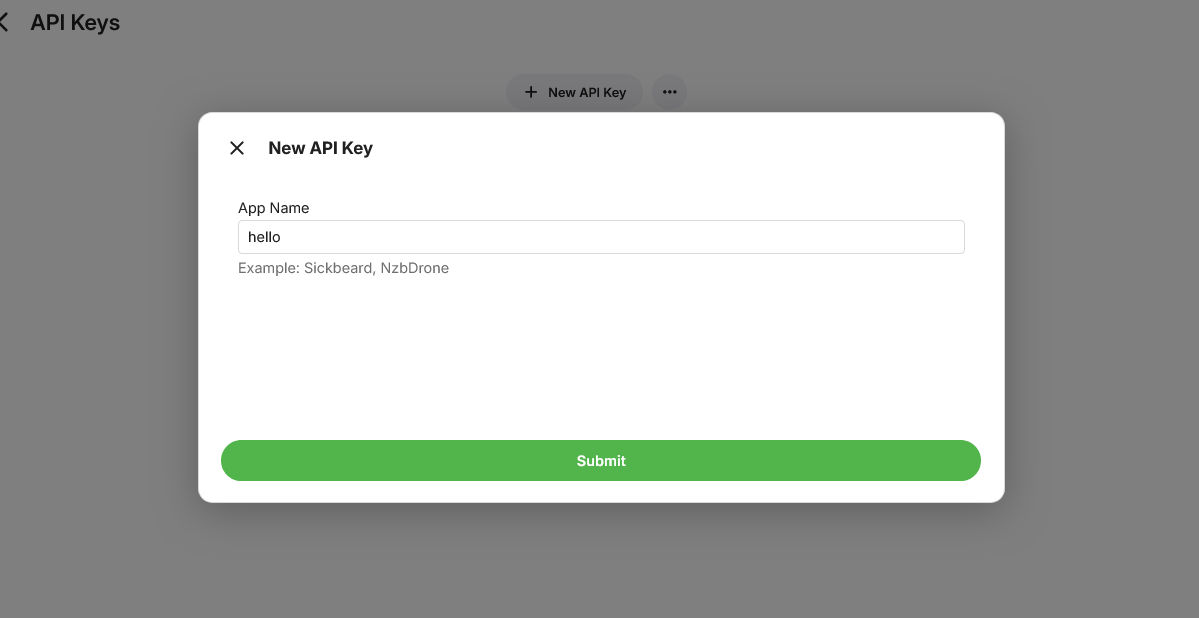
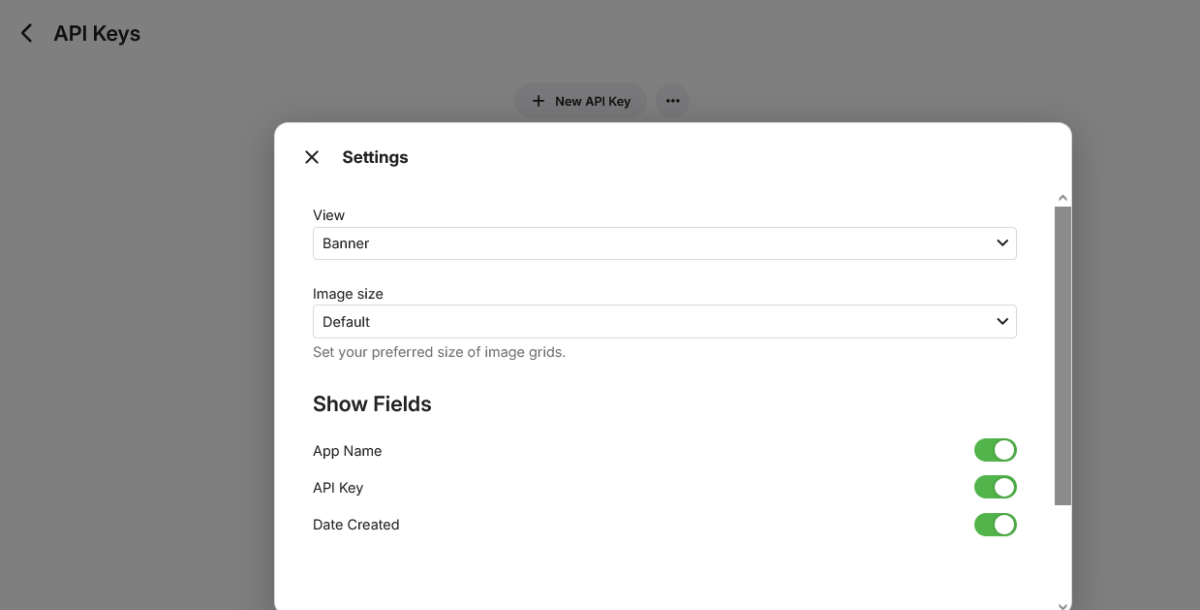
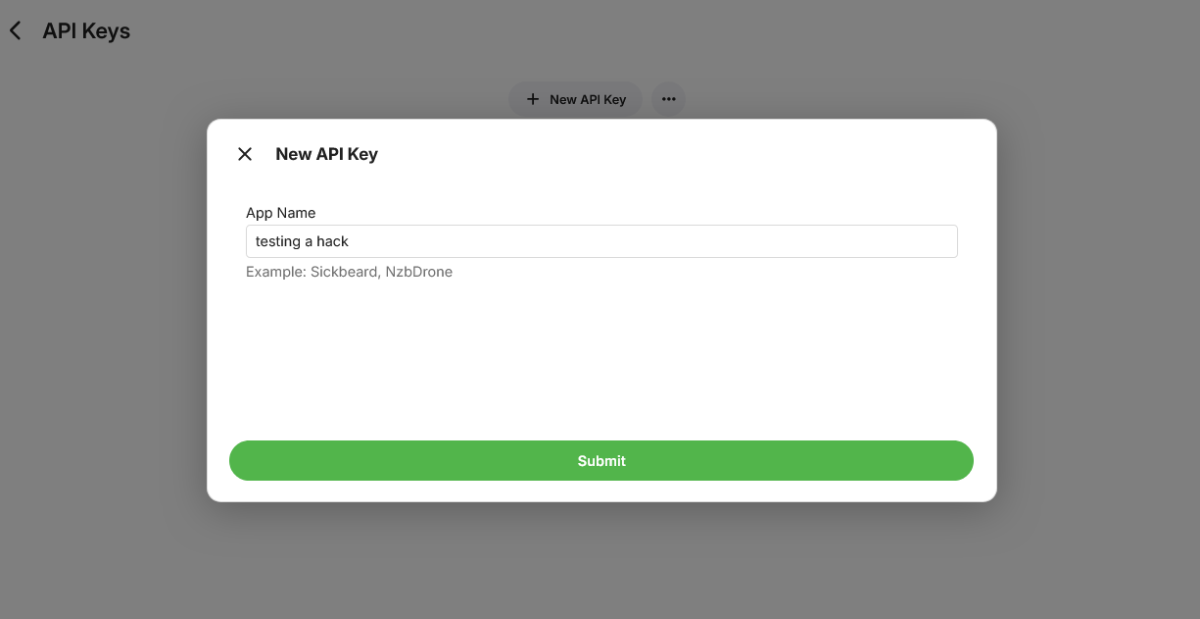
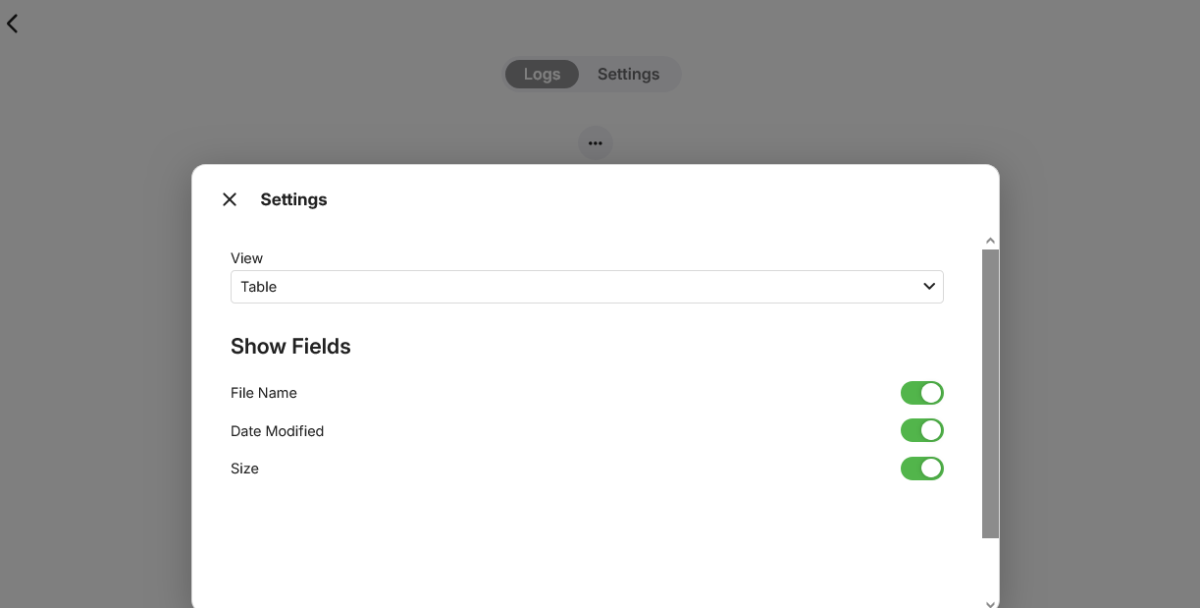
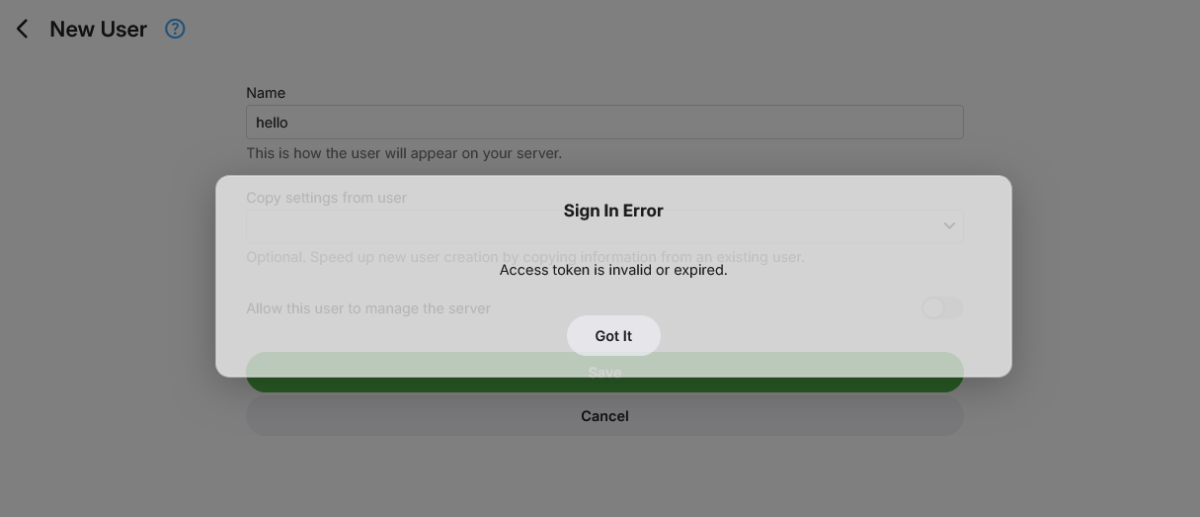
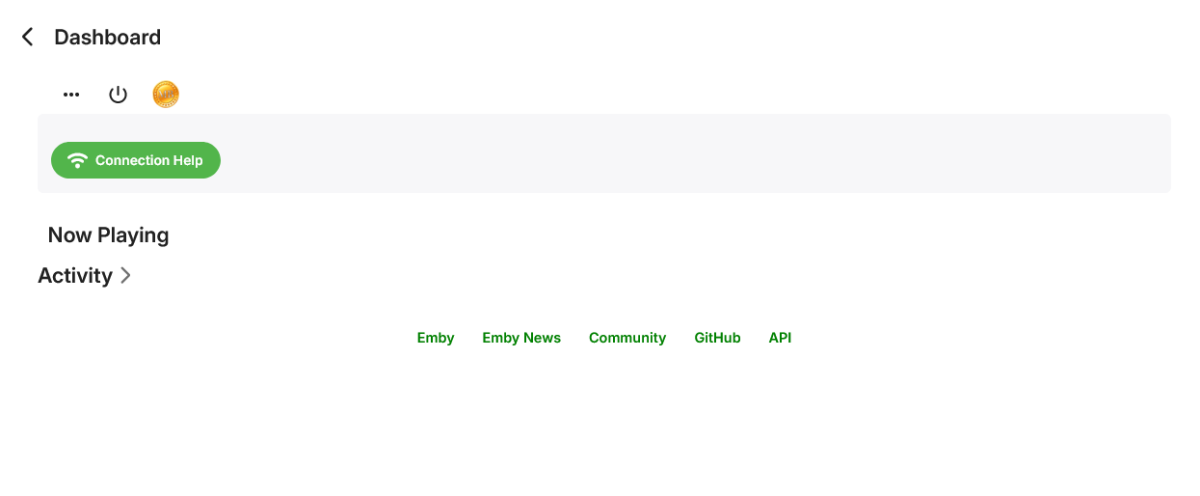
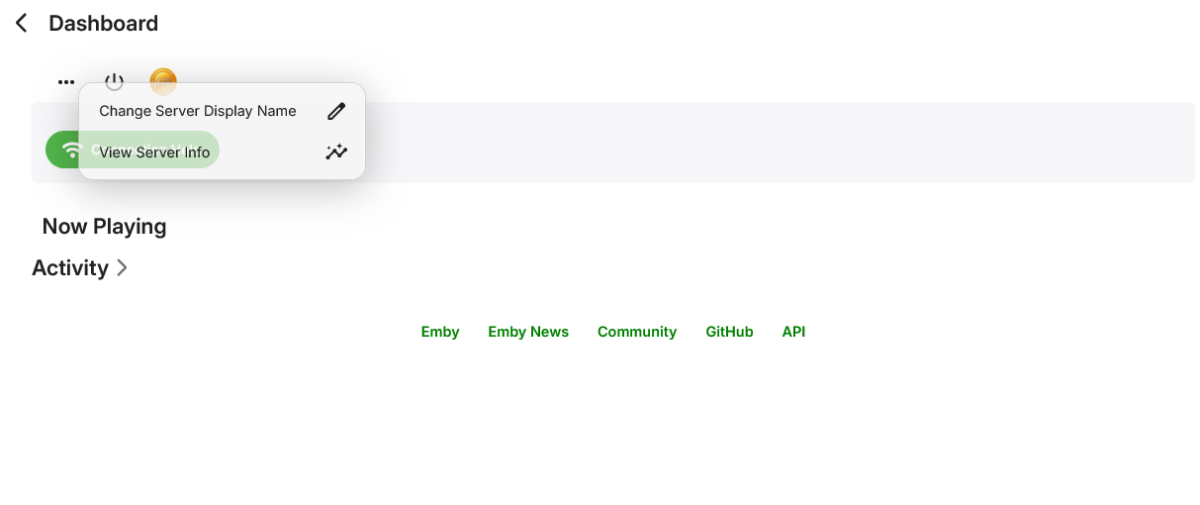
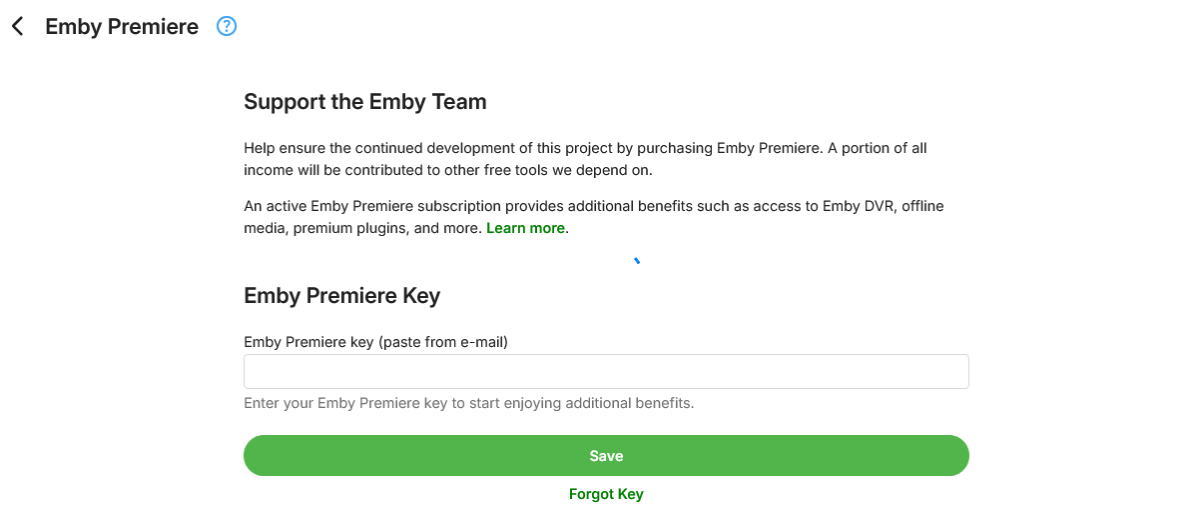
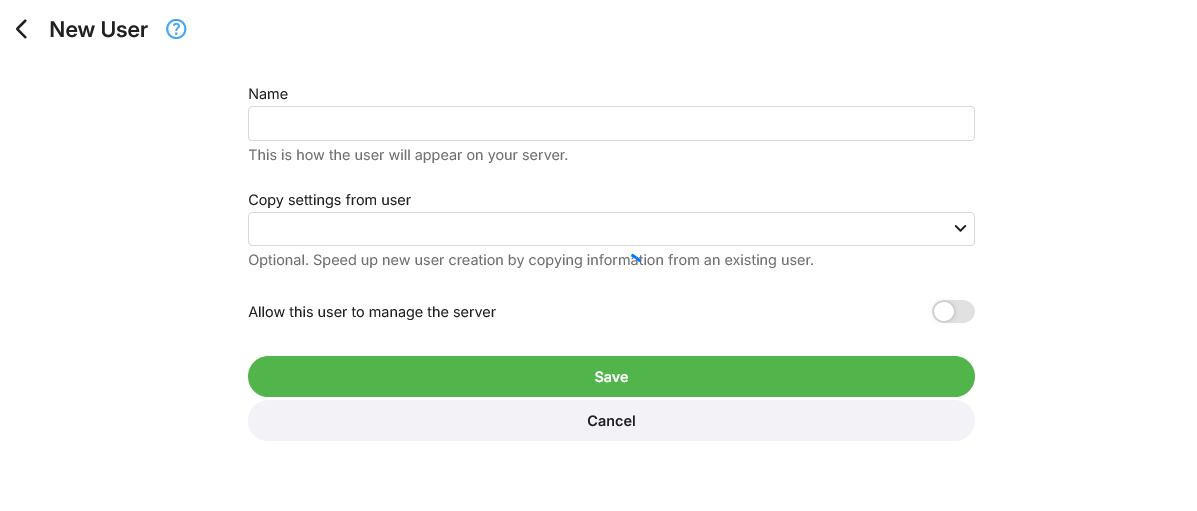
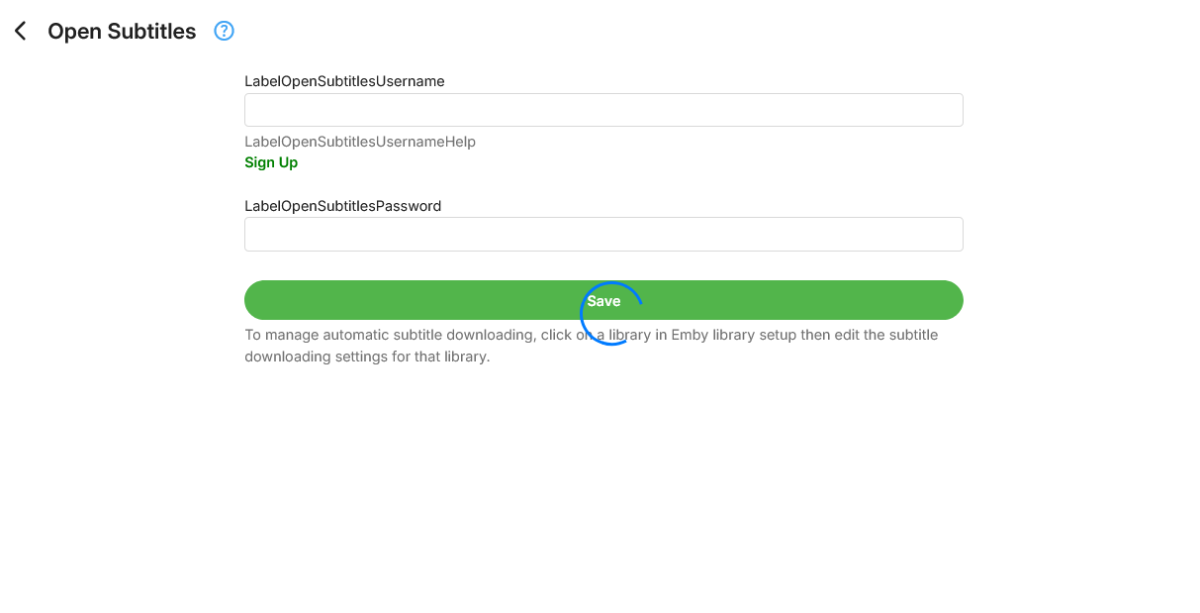
-

Strm Files Pointing To Local Files Cannot Be Played
Eagleheart replied to Eagleheart's topic in General/Windows
That works. Thank you! Ideally, it would eventually work with the ones already embedded in the mkv as usual but I can move forward for now! -
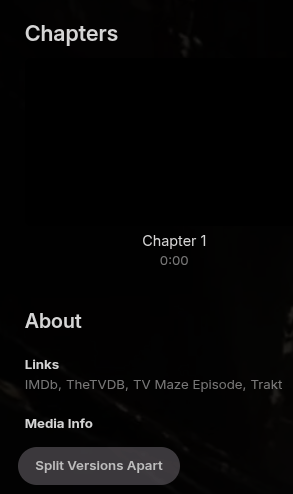
Thanks! @Lukewhy isn't this split version button up at the top near the version dropdown and all the other buttons? Could it not be added to the 3dot menu as well where all the other commands are?
-
Scroll down, it's further down the page.
-

Emby 2.0.3 Apple TV 4K – Emby app crashes during playback (Direct Play) with no server errors
Cricard replied to Eliran's topic in Apple TV
@Luke Same problem here. Client: Apple TV 2.0.5 Server: Emby Server 4.9.3.0 on Darwin 21.6.0 My gut feeling is that it might be related to subtitles or it might be related to the AppleTV screensaver. This has happened to me for a month or two but I think the behavior has slightly changed, possibly after a recent update of my server. Before the update of the server to 4.9.3.0, the subtitles stopped working ~5 seconds before the crash. The behavior after the update is that the subtitles work until the crash, but right after the crash, the AppleTV turns into screen saver mode. I am sorry I cannot be more sure about when/what happened. I have treated Emby as an appliance that just works, not like an application I have to debug. The change in behavior may have been caused by something else or it might be just random.