All Activity
- Past hour
-
So for anyone playing along at home ... After some testing by @SamES, he surmised it had to be a network issue. After some head scratching, router reboots, mesh router firmware updates etc... I noticed the router DNS was set to the ISP DNS, thinking it couldn't possibly be the cause of the playback issues, I tested manually changing the DNS on one of the TV's to 1.1.1.1 and boom .. we have playback. So after manually setting the DNS on the router, all the Samsung TV's now playback including via SSL connection again. I don't think it was blocking as such, but delaying the connection enough to cause issues with the client app on the Samsung TVs. Something must have changed at the ISP end as this used to work fine, but noticeably since manually setting the DNS, all the apps in the TV's seem noticeably snappier to load and play content. Hope this helps someone else and thanks a heap to @SamES for all of his help and his suggestions.
-
 ivanariu joined the community
 -
 lettestit joined the community
 -
 Mirzapc joined the community
 -
 dewei66 joined the community
 -

Downloaded Files not showing thumbnails or skip intro option
manners15 replied to manners15's topic in General/Windows
Hi Luke, just checking if there were any updates on this one? Still unable to get the 'skip intro' option to show up on downloaded media. Hope you can help! Thanks -
 xiaimorenda joined the community
 -
 zachgemme joined the community
 -
 Galafnikof joined the community
 -
 lauram_johnson joined the community
 -
 Praram joined the community
 -

Trakt plugin not allowing to connect to Emby.
dvitale71 replied to GabbaGool's topic in Third Party Apps
The Emby user is Gabba-Gool. I did just notice that my Emby Connect email address and Trakt email address are different. Do they need to match? -

Home network Quality capped at 4Mbps in new App
sloth101 replied to sloth101's topic in Android TV / Fire TV
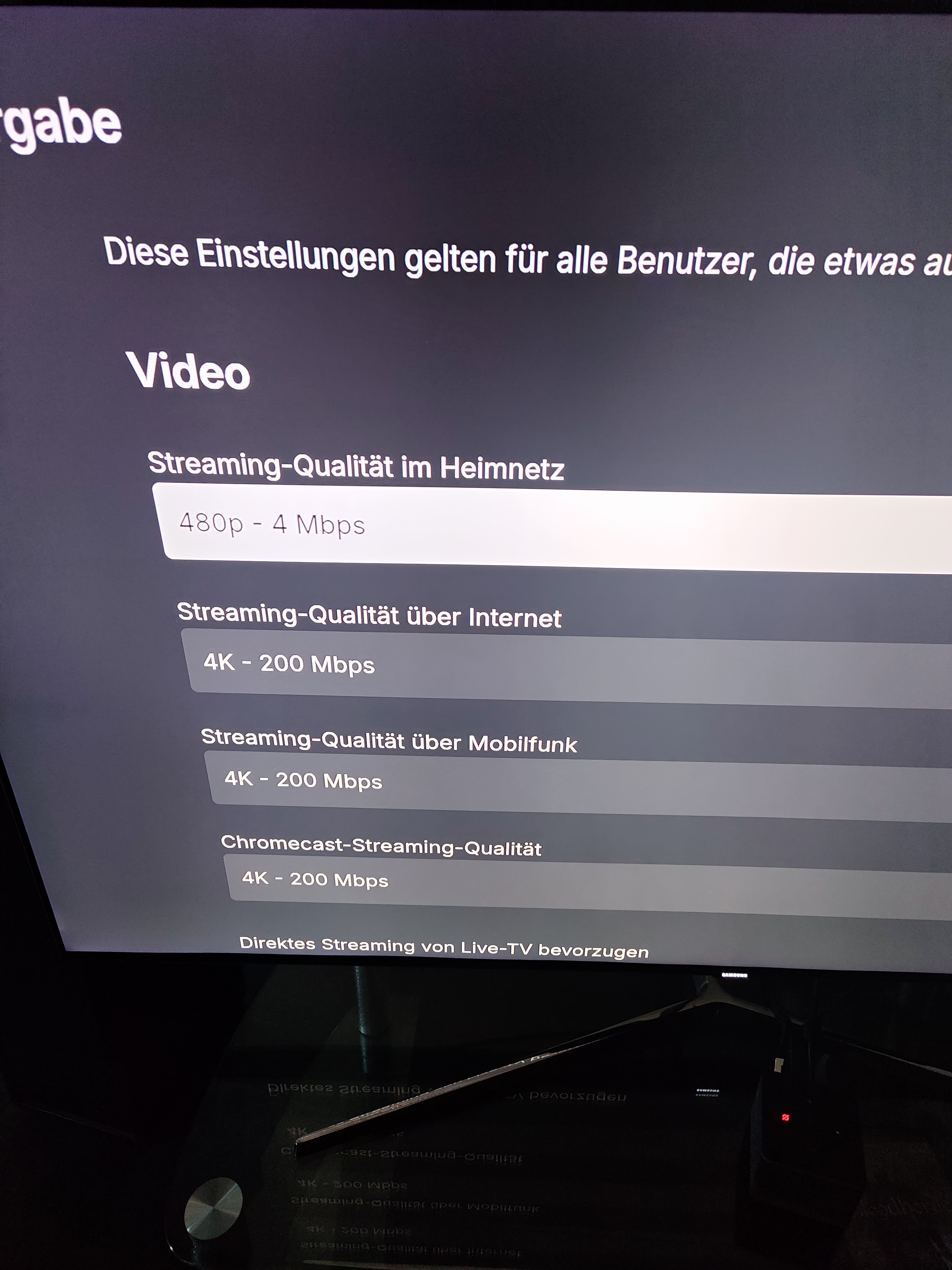
since im seemingly unable to edit my posts: im talking about the FireTV app(s). picture of the issue is attached i tried switching from wired to wifi connection, closed and reopened the app, no difference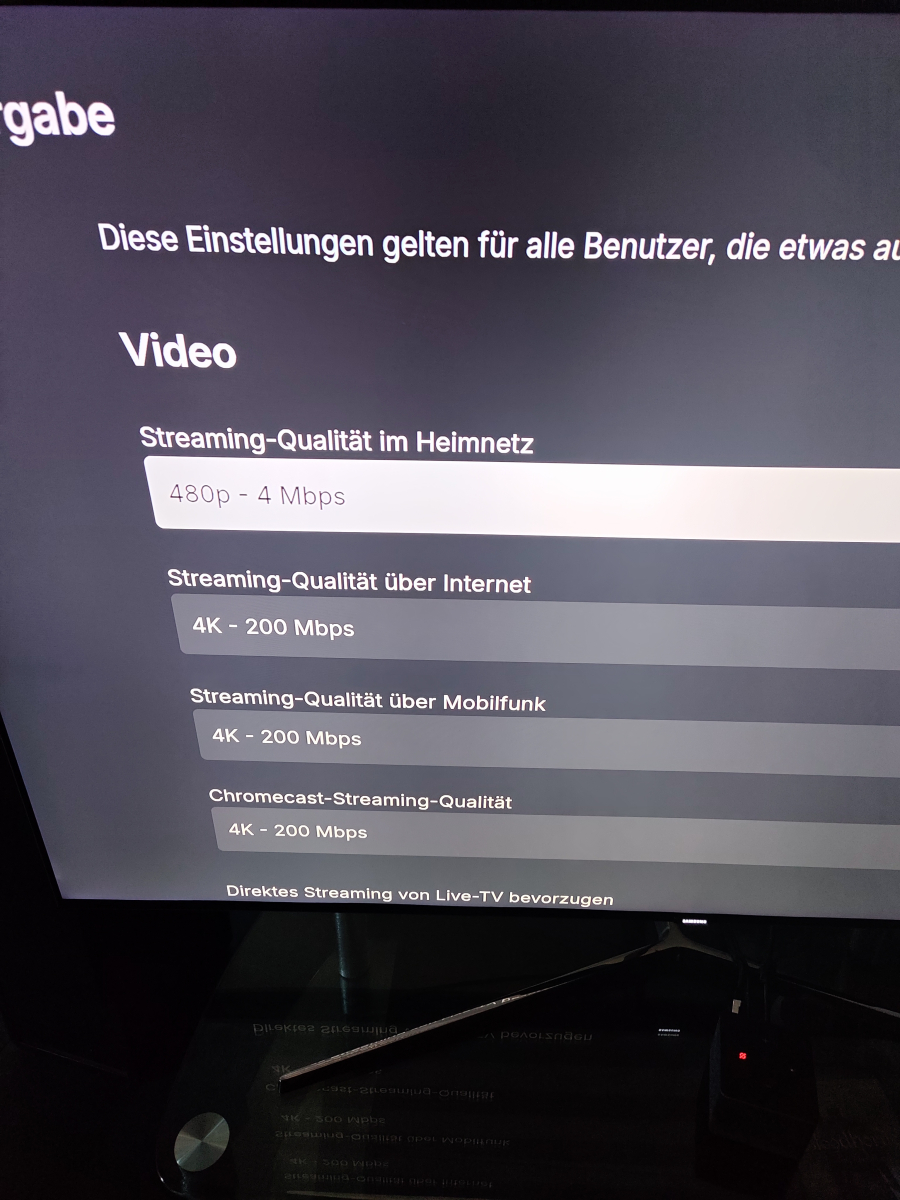
-
J'aimerais que les titre de mes films soit en anglais (titre original) mais que la description des films soient en français. Comment faire, j'ai la version Emby 4.9.3.0
-
 Garc joined the community
 -
Home network Quality capped at 4Mbps in new App
sloth101 replied to sloth101's topic in Android TV / Fire TV
interestingly, accessing the same server through a web browser from inside my LAN also gives me uncapped quality. Its just the new app that refuses to offer any higher then 4Mbps.. what gives? I dont get what im doing wrong.. -
Hey guys Im running an emby server as docker container on my Synology NAS accessing the Server through the old emby app for firetv works just fine, i can stream any quality i want. Same device, same server, new app - home network quality is capped at 4Mbps. cant select anything higher in Playback Options -> Stream Quality Home Network all other quality settings (internet, mobile, chromecast) offer up to 200Mbps. How can i set lan quality to 200?
-

LG TV has a problem playing videos with embedded subtitles.
SamES replied to trekflix's topic in LG Smart TV
You might need to try and delete the subfolders in the server 'cache/subtitles' folder to force it to re-extract subtitles if you are retesting files that previously had issue. -

Collections randomly lost movies but display art still shows them
zellonatious replied to zellonatious's topic in General/Windows
They don't have NFOs no. I will look into reproducing it but it was quite unexpected. I was hoping this was a known issue. - Today
-
The version I have installed is 3.5.28
-
Don’t think so it’s not on the playstore
-
I'm also confused on which app to use for Android TV. Is the beta still live?
-
Great! I'll prepare some new test version for you.
-
Easy/quick way to make a backdrop/fanart the "thumb" image
evil_crab replied to heciruam's topic in Feature Requests
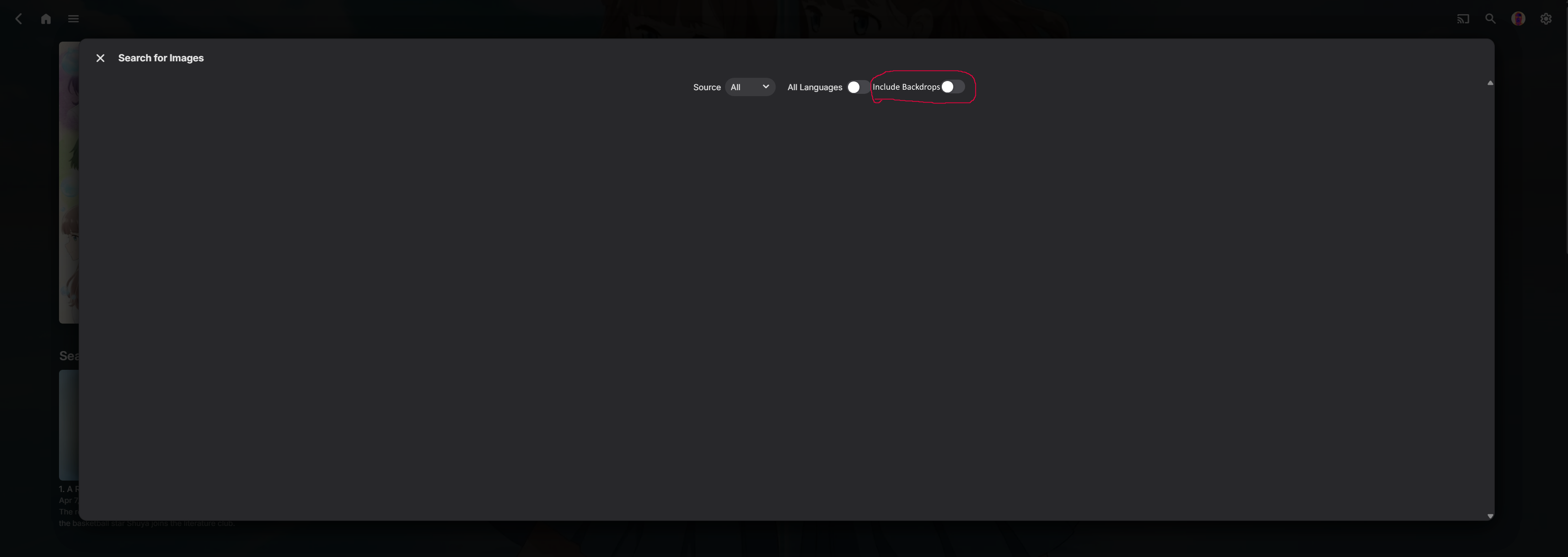
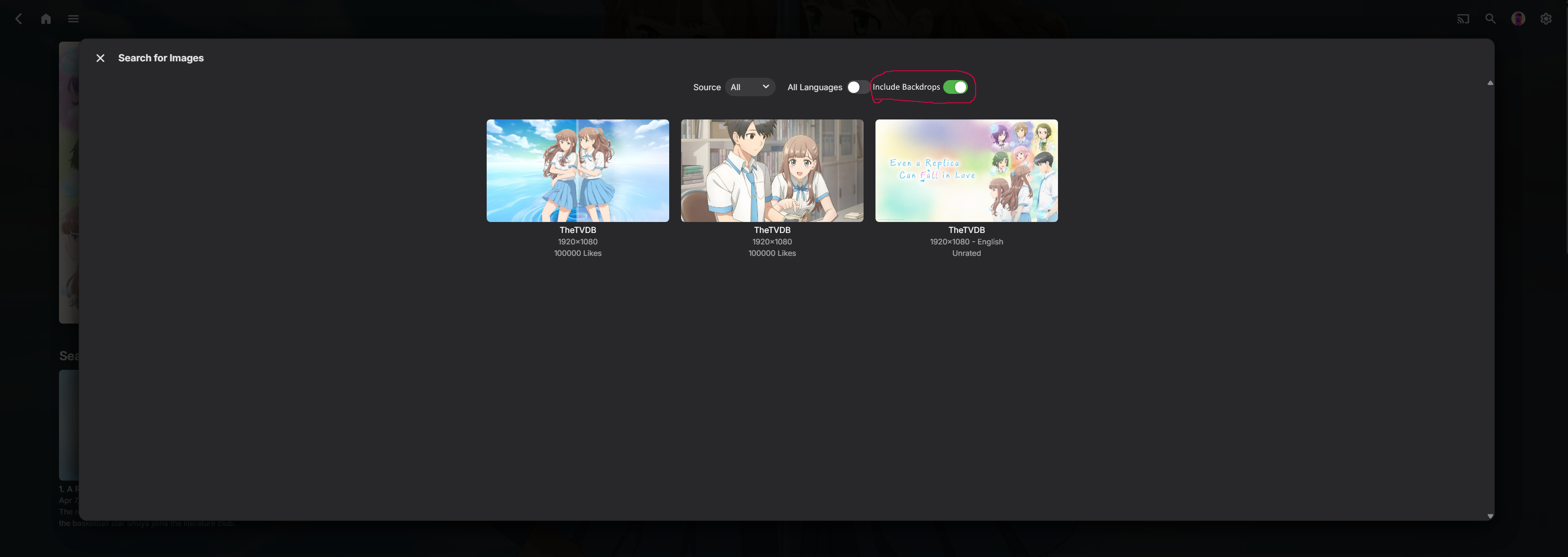
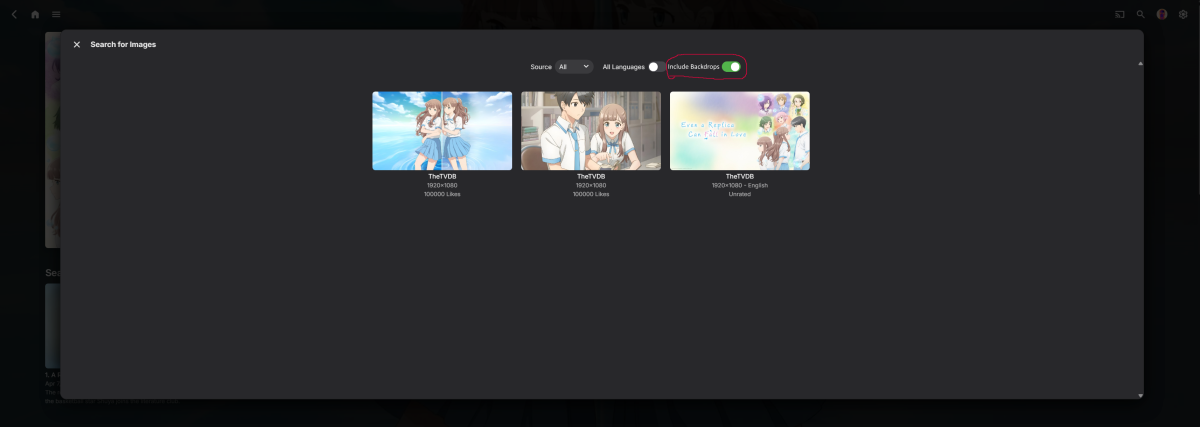
+1 to this feature request. Since very few providers post thumbs as a separate category (to my knowledge, only Fanart does it), it would be nice to be able to include backdrops in the Thumb search. Something like this, maybe: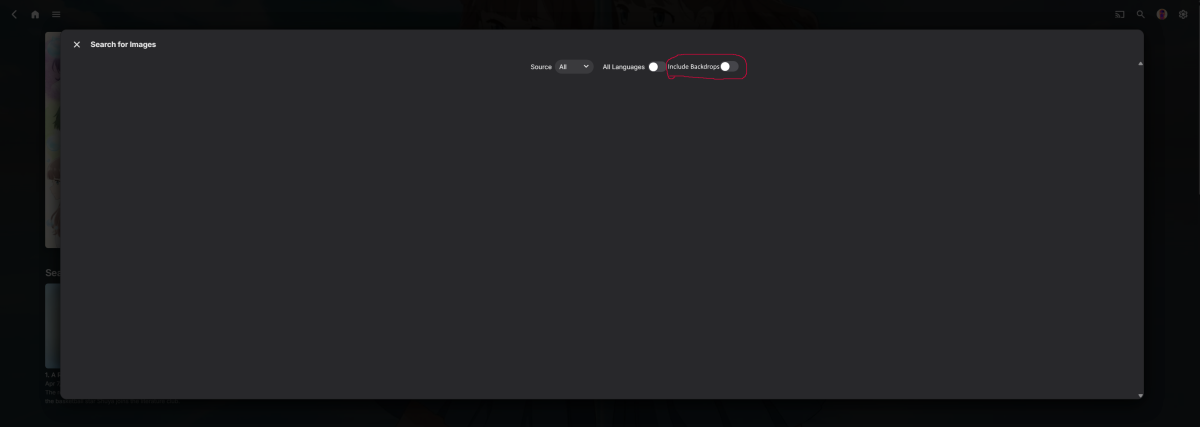
-
I gave up and delete the app a few days ago, I saw this and tried again and it worked Thanks
-
I don't have an option to purchase
-
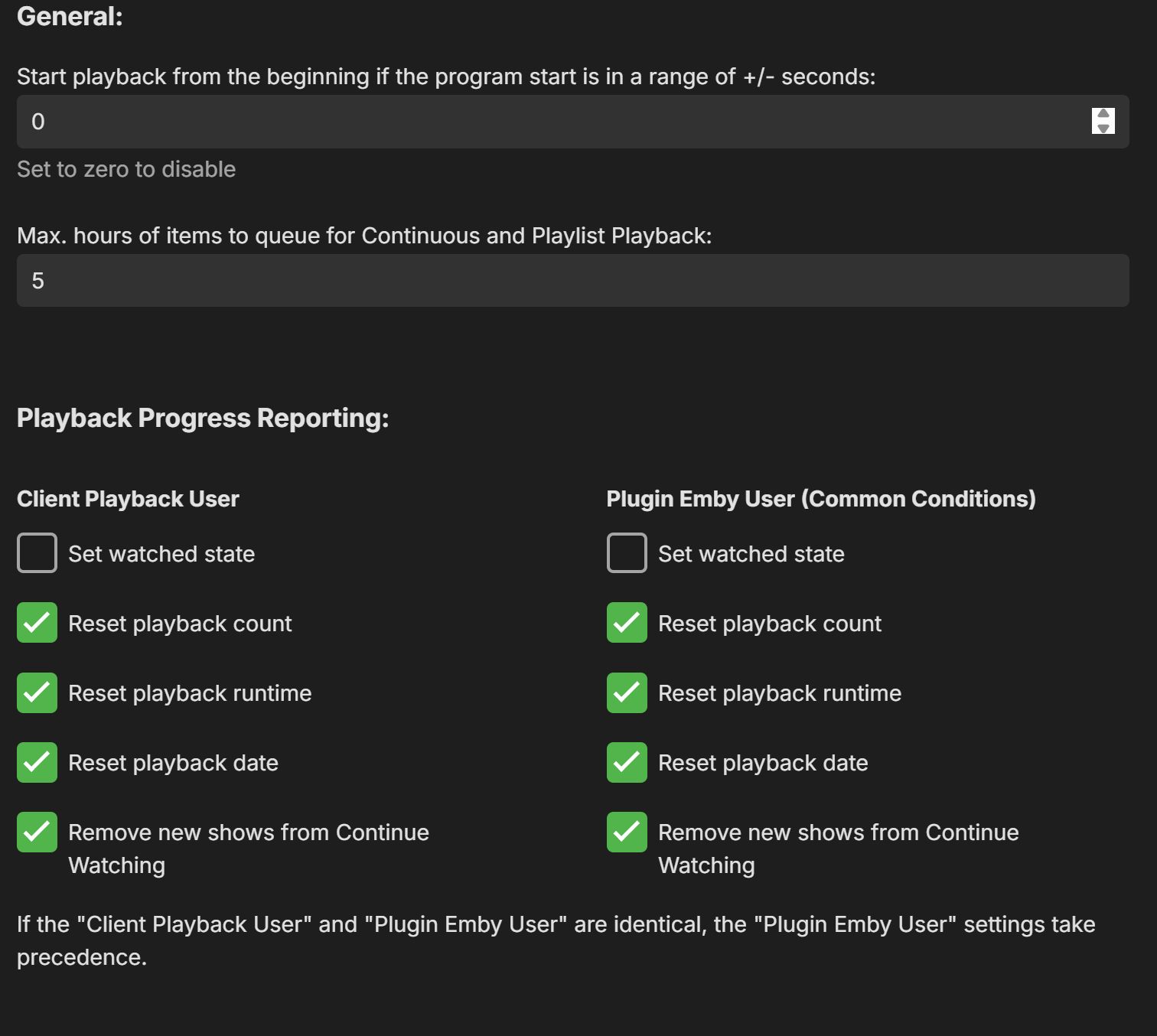
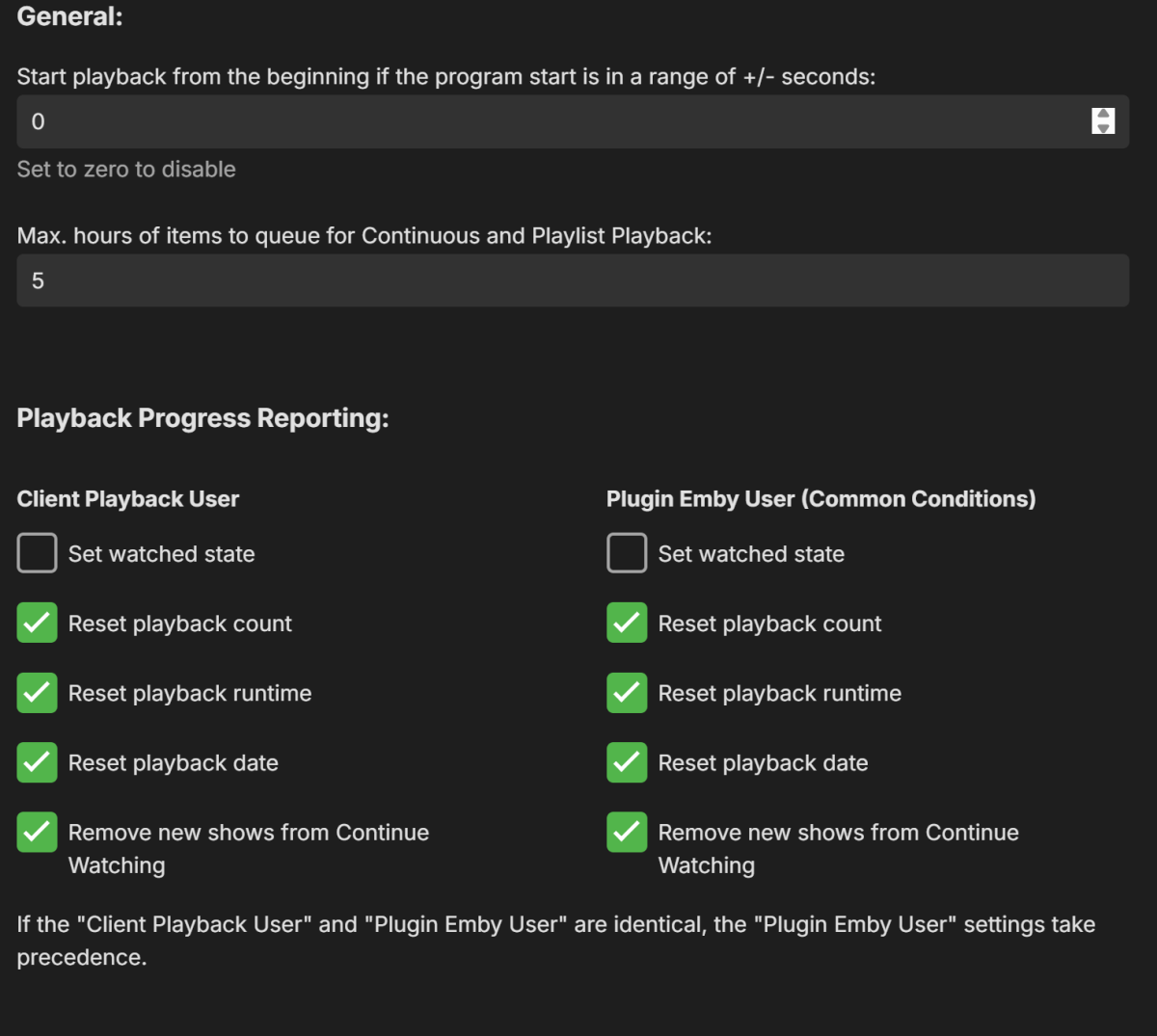
no i use Watched state to include for movies/music videos: watched & unwatched Set movies/music videos watched after percent: Set tv show episodes watched after percent: disable
-
Too bad! Do you need tracking of the play count and watched state?
-
Unfortunately, nothing changes with "Timeout=1"
-

Virtual TV - Uninstalling leaves TV Live on the home page.
Mister_U replied to Mister_U's topic in QNAP
This is in the “Live TV” category -
Hi...using a Nvidia shield pro...is using the Address still available from the above post? As of April 2026?
-
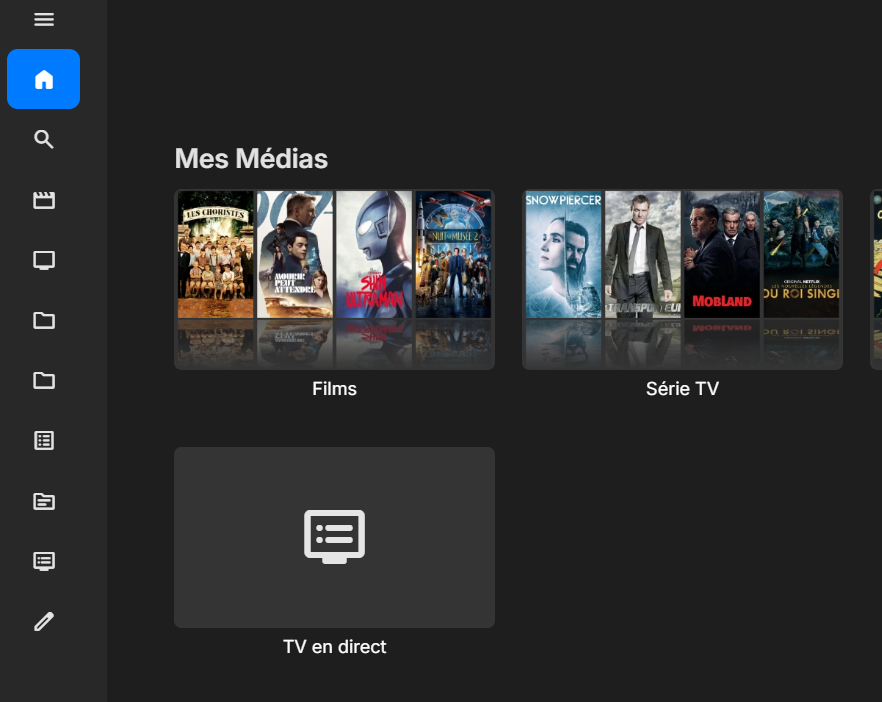
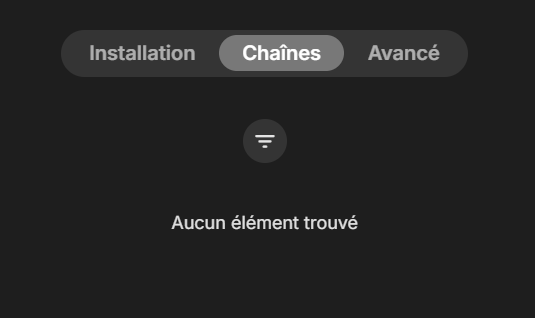
Hello everyone, I made the mistake of trying out the Virtual TV plugin, but it didn't work for me. So I tried to uninstall it, but the “Live TV” tab is still showing on the home page even though there are no channels left to configure and the plugin has been completely removed. How do I delete it properly? How can I delete it properly, given that there's nothing in the Live TV settings: Thank you for your help. I'm at a loss and I really want to get rid of this.
-
Please try if it gets any better with "Timeout=1".
-
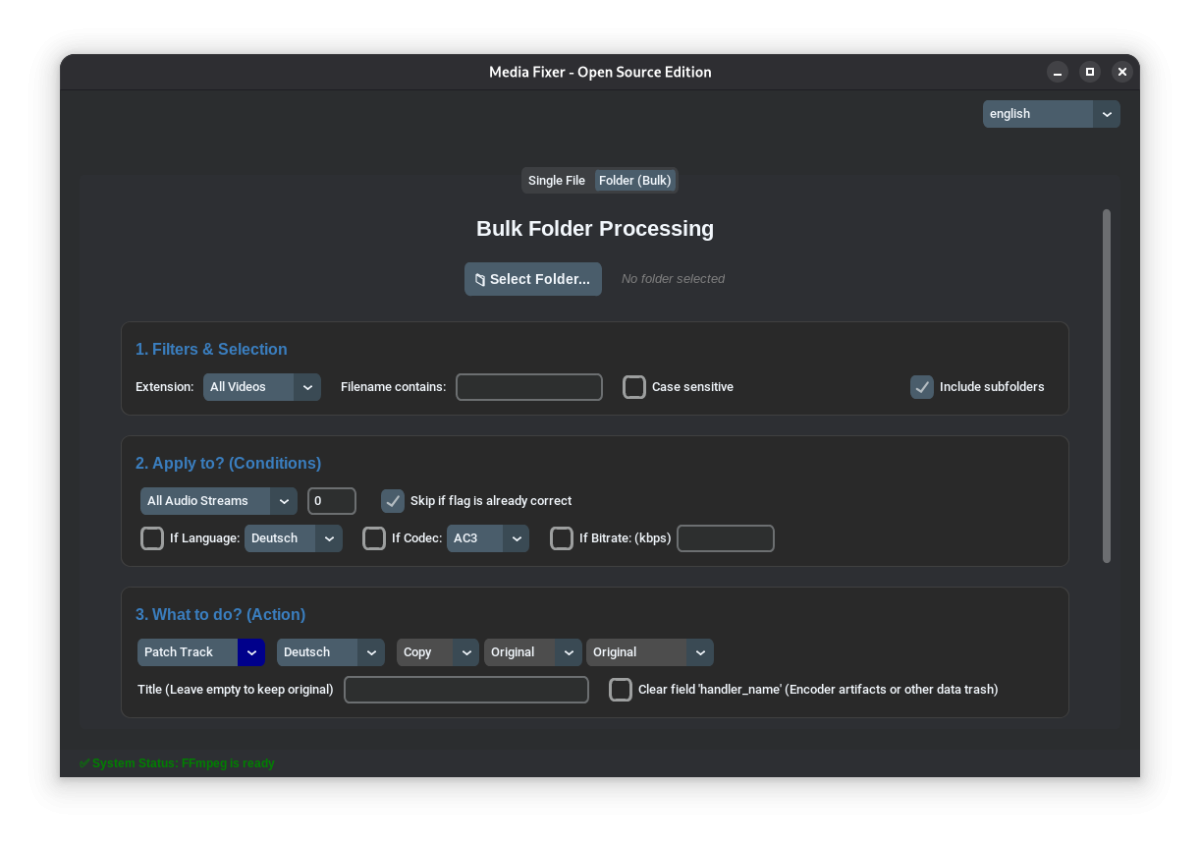
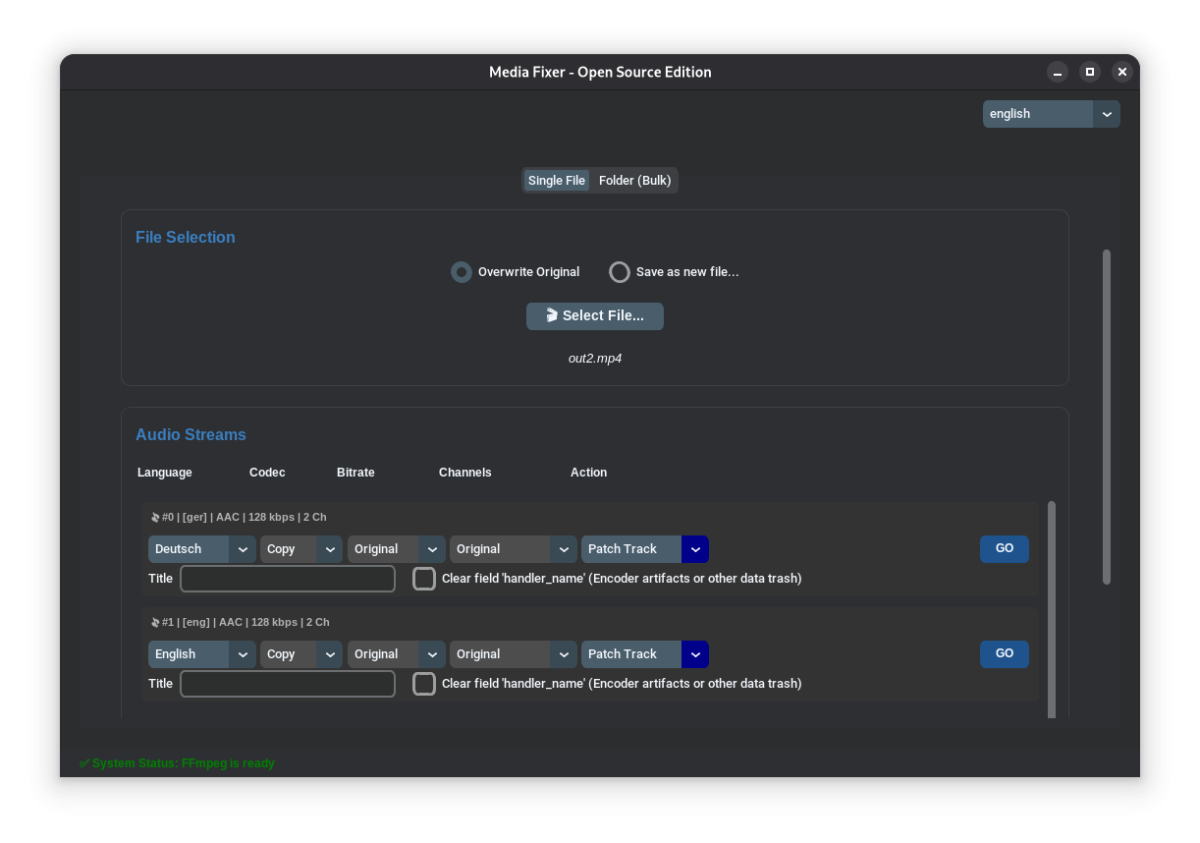
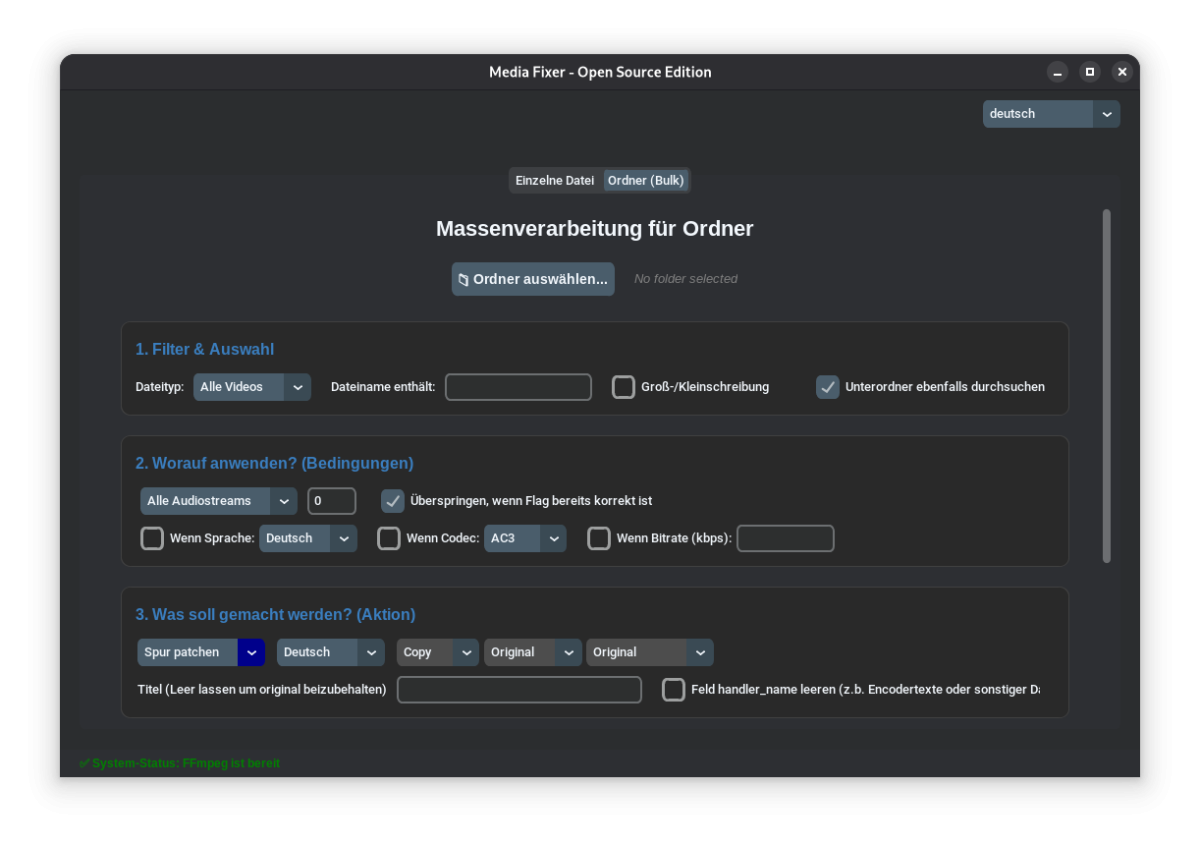
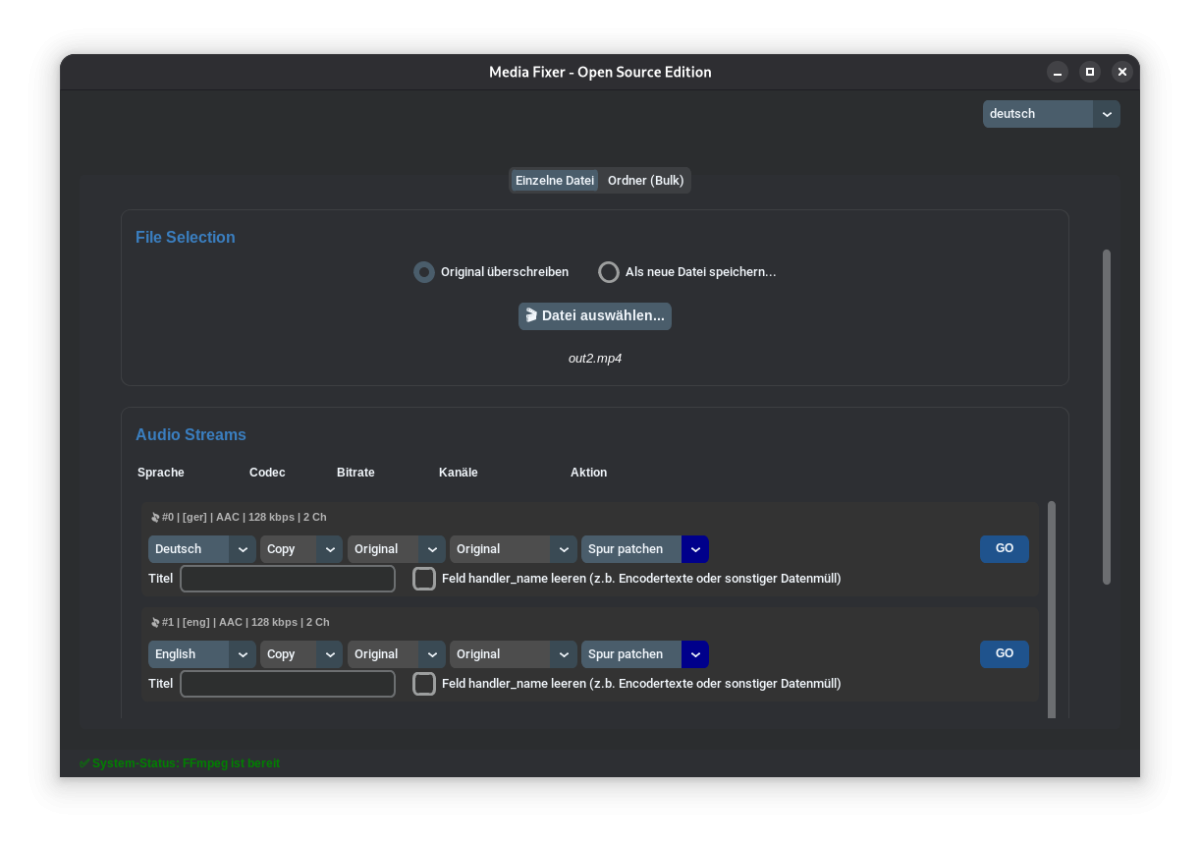
some screenshots i forgot to add in first post xD
-

Guide - SSL Qnap certificate and Emby (manual and automatic)
renefw replied to dieffe70's topic in QNAP
How is this link supposed to help me?