All Activity
- Past hour
-
 Idi joined the community
 -
procedure that I used
-
 玛卡巴卡vivian joined the community
 -
 Mohanad osama joined the community
 -
 KairiRose36 joined the community
 -
 lhuo2580 joined the community
 -
 Aaaa_aaa joined the community
 -
 Skrin joined the community
 -
 me@jackbenda.com changed their profile photo
 -
 LindaTo joined the community
 -
 Soyjokany1 joined the community
 -
@visproductionthose errors are a consequence of previous failures and timeouts. The question is why some requests just seem to hang sometimes and not other times. Maybe due to some sleep / stagnant process or failed auth keys. Who knows.
-
Strict vetting for SSL propagation delay can be around 5 days. Has it been that long, since you activated the SSL? https://sslinsights.com/how-long-does-ssl-take-to-propagate/
-

playback is often paused, crashes, freezes but for a specific user (its the wife-BIG problem :))
visproduction replied to Zeltak's topic in MacOS
Zel, Turning off transcoding can also cause stuttering, depending on the end user's hardware, bandwidth, Wifi, other connectivity issues. Transcoding can actually help stop stuttering if it is setup correctly. Asking about transcoding is sort of only the first step to see what is happening. We need log files and actual settings and media codecs and size when transcoding is turned on. If the media file is too large to be handled through whatever combination you have setup, the playback will pause and crash. Wifi can also cause this with simply too much distance, even other appliances in the house or just being close to large metal items, like a fireplace poker within a few feet of the Wifi receiver. Band width via Ethernet can cause problems if 1GB cable connection is mismatched with a 10/100 switch or Ethernet card. -
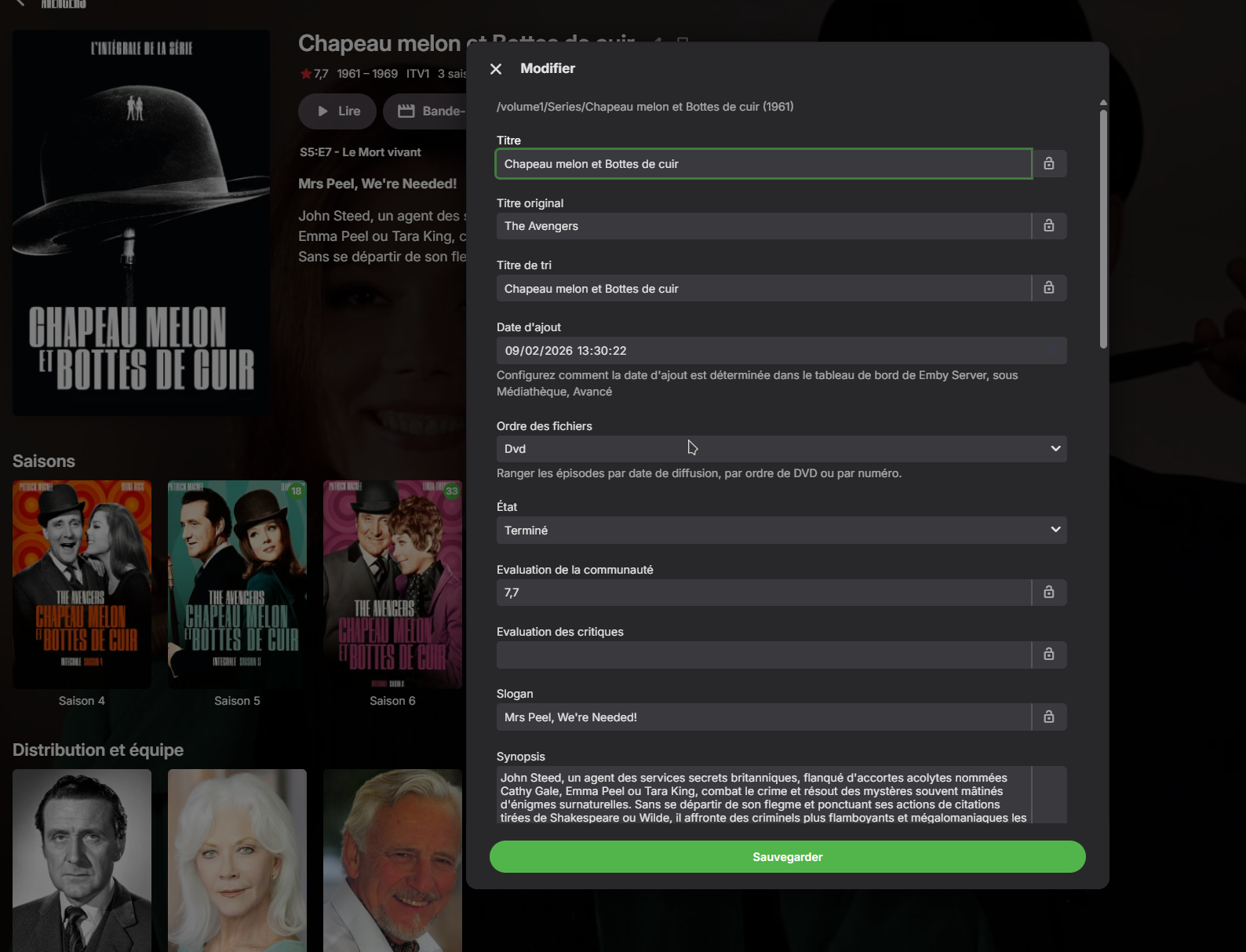
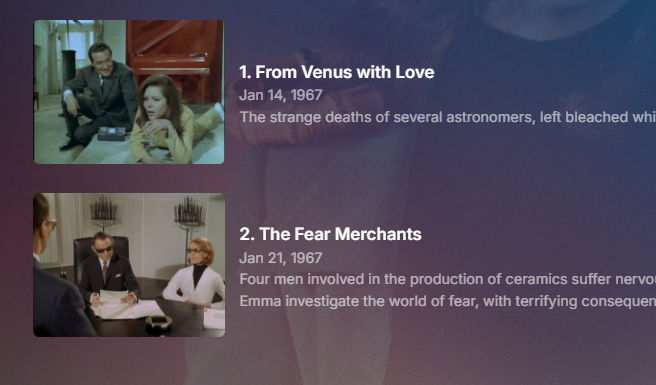
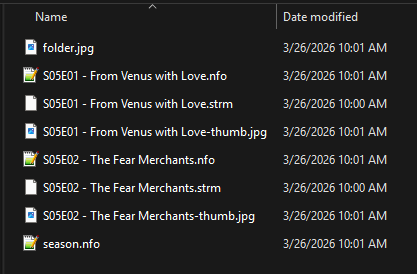
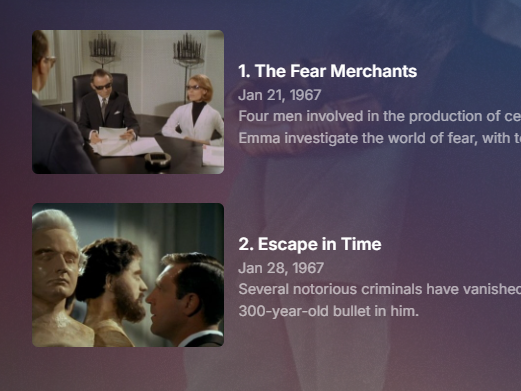
My test Aired order DVD order per steps above (In my test these would be be wrong for my actual file order) But should work in your case as your files are in that order.
-
Live TV from ErsatzTV M3U source always transcodes — ContainerBitrateExceedsLimit despite low source bitrate
me@jackbenda.com posted a topic in Linux
Hi all, I'm running Emby Server 4.9.3.0 natively on Ubuntu Server 24.04 (Intel i5-12500, UHD 770, QuickSync/VAAPI enabled). I have ErsatzTV feeding Live TV channels into Emby via M3U (http://192.168.8.10:8409/iptv/channels.m3u) and XMLTV. ErsatzTV outputs HLS streams at 1200 kbit/s H.264 AAC 720p. The problem: Emby always transcodes the Live TV stream rather than direct streaming it, and the transcode runs at barely above 1x real-time speed, causing buffering and stuttering on all clients. What the transcode log shows: The media source is flagged as: "SupportsDirectStream": false "SupportsDirectPlay": false The transcode reason is ContainerBitrateExceedsLimit, DirectPlayError. The HLS manifest from ErsatzTV reports variant_bitrate: 0, so Emby probes the stream and estimates ~4 Mbit/s. It then decides this exceeds the client's limit and transcodes — even when the client quality setting is set to 4 Mbit/s, resulting in a pointless transcode of a 1200 kbit/s source. The ffmpeg transcode command Emby generates: Input: ErsatzTV HLS at http://192.168.8.10:8409/iptv/session/1/hls.m3u8 Decoder: h264_qsv Encoder: h264_qsv at 10 Mbit/s (or 3.8 Mbit/s at lower quality settings) Speed: starts at ~19x, degrades to ~1.02–1.05x real-time during sustained playback At 1.02x speed there's almost no headroom, so any brief slowdown causes the client to buffer. What I've already ruled out: Local disk I/O is not the bottleneck (NVMe at <2% utilisation) NAS SMB read speed is ~45 MB/s, far above what's needed GPU is not throttling (running at ~1417 MHz) ErsatzTV's own ffmpeg pipeline is healthy and producing segments on time I guess the key question is: Is there any way to force Emby to direct stream (copy) an HLS Live TV source from an M3U tuner, rather than transcoding? The source is already H.264 AAC in an MPEG-TS container, which should be universally compatible. Is the SupportsDirectStream: false flag hardcoded for M3U Live TV sources, or is there a way to influence it via a device profile or server setting? Any help appreciated. A couple of logs attached for your reference. ffmpeg-transcode-3aa1a334-fdde-419f-a931-cb9380d36de0_1.txt ffmpeg-transcode-2c59b904-f3b8-417a-91db-6111478bb332_1 (1).txt -
@visproductionthat's the upnp plugin telling emby it can't configure the router. And that's not what this is about.
-
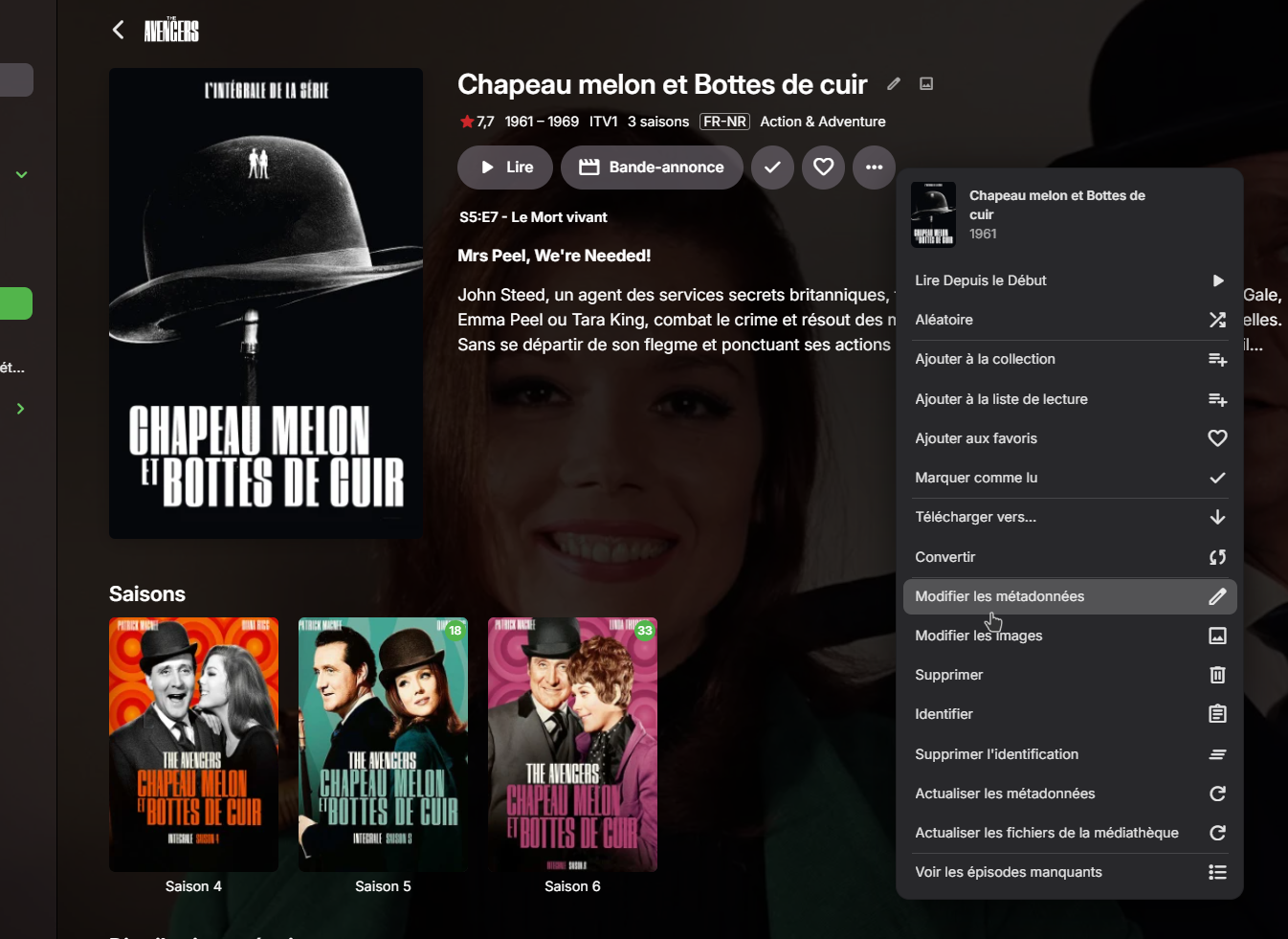
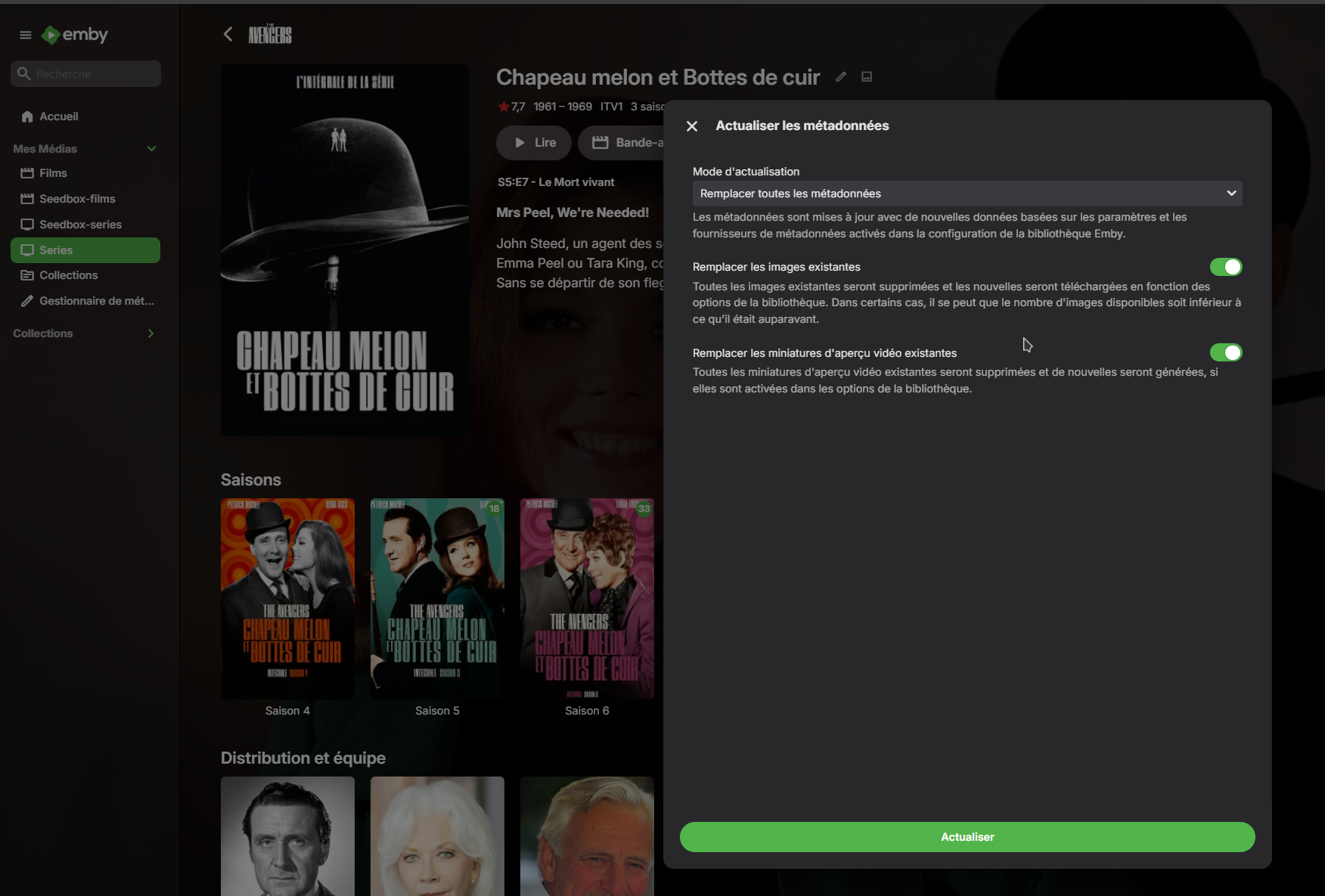
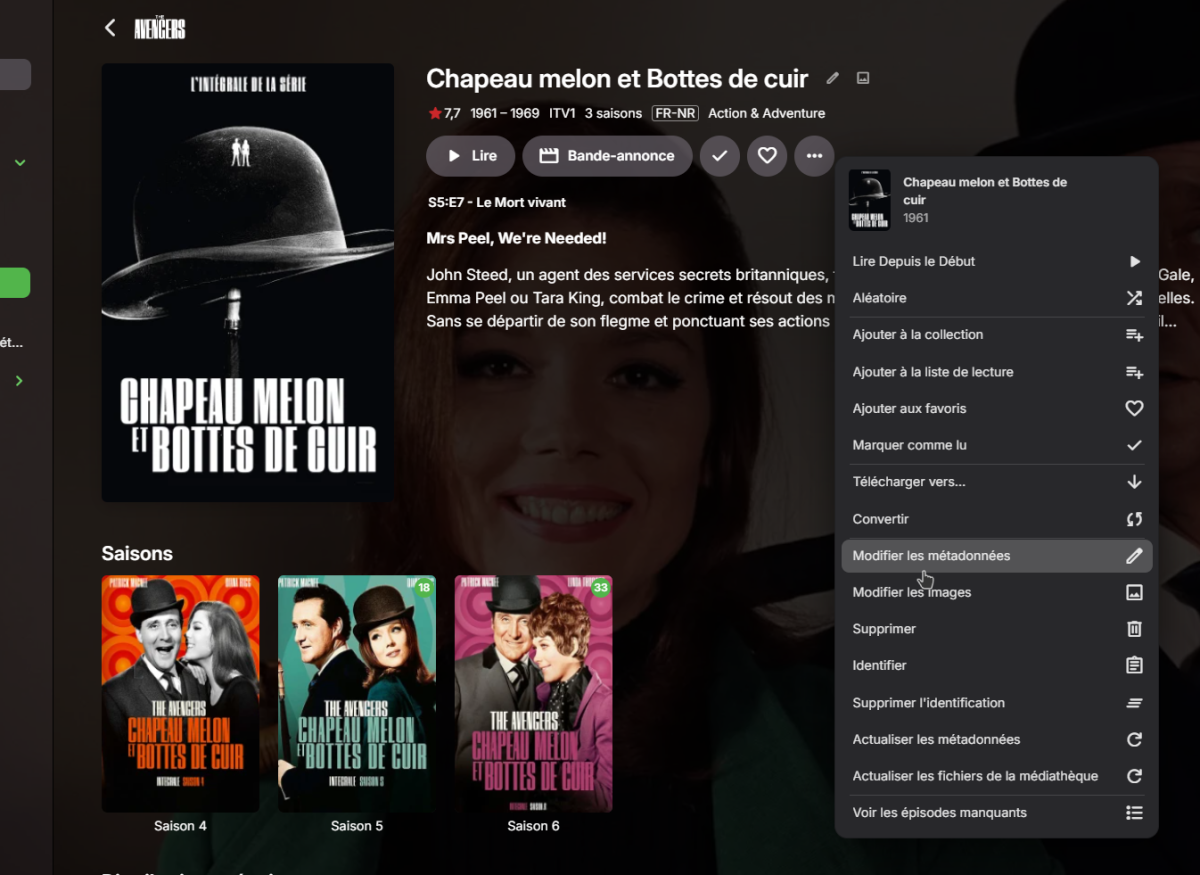
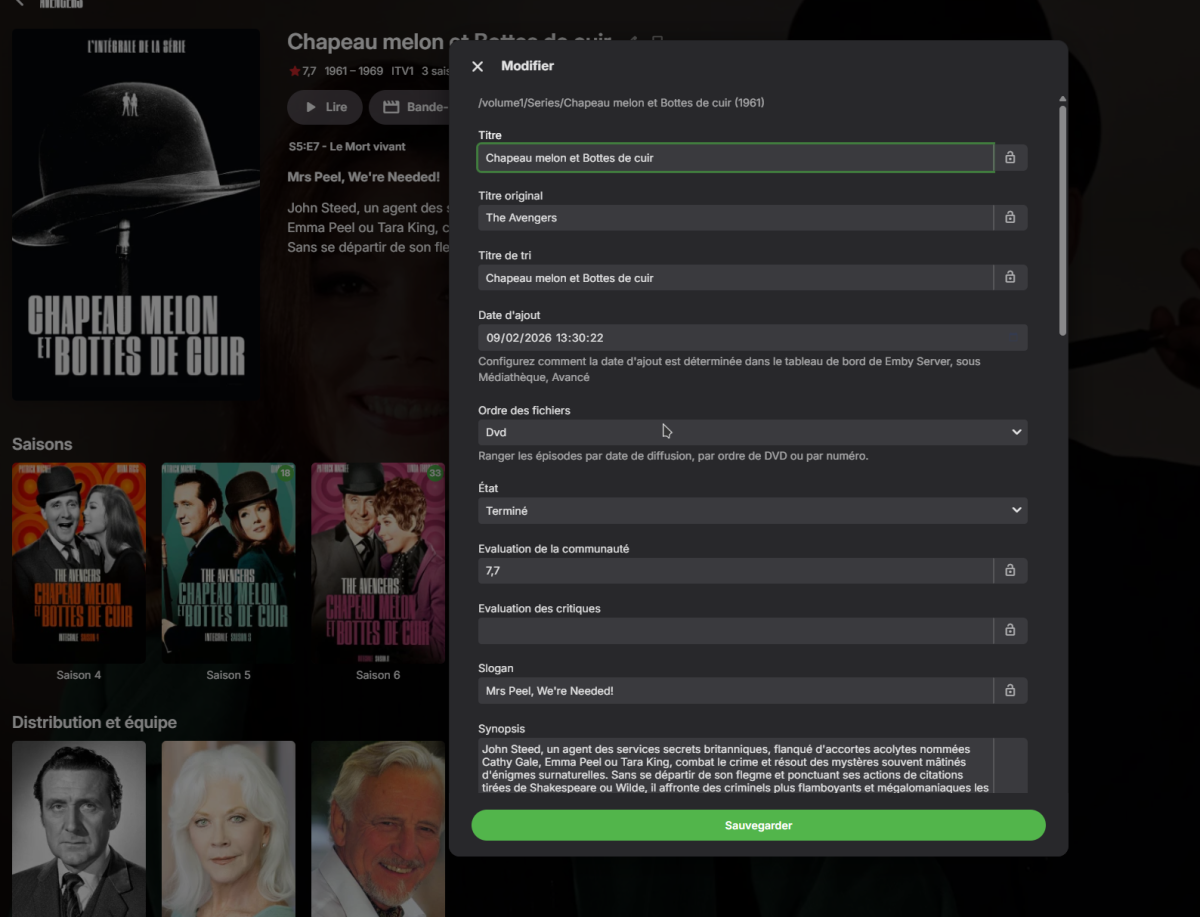
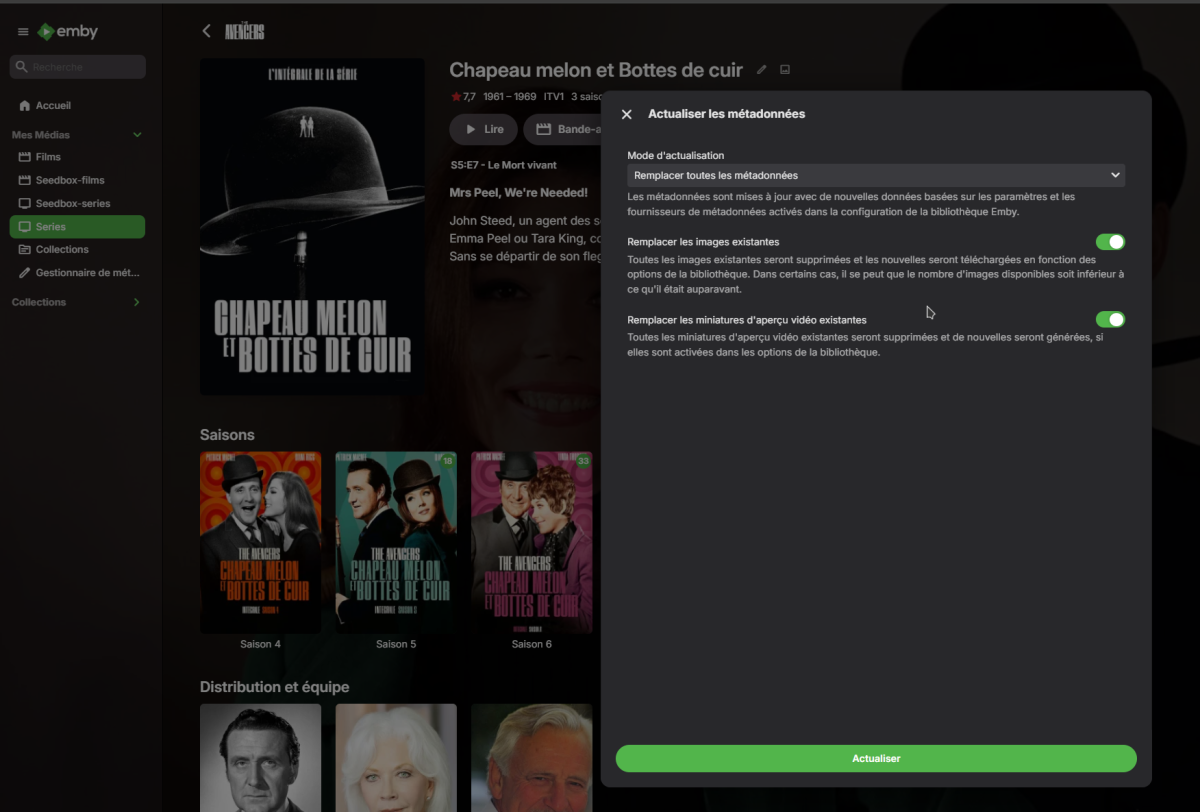
Did you Refresh on the Series/Show or just the episodes? As this option affect the entire Series not individual episodes. Set Series/Show order option Refresh metadata w/replace images on Series/Show Wait a few seconds for Emby to get new info from provider Refresh web page (info should be in new order) Only way you may/will have issues is if there is Locked metadata at Series/Show or Episode levels. If this does not work, we will need to see the server log showing this process.
-
I'm not sure what you mean.
-
Hello, I'm using the Thetvdb module, but even after sorting by DVD, it didn't work. Refreshing the files didn't work either. Do I need to restart the server afterward, or is it immediate? If it's the latter, then it wasn't working. Thanks anyway.
-

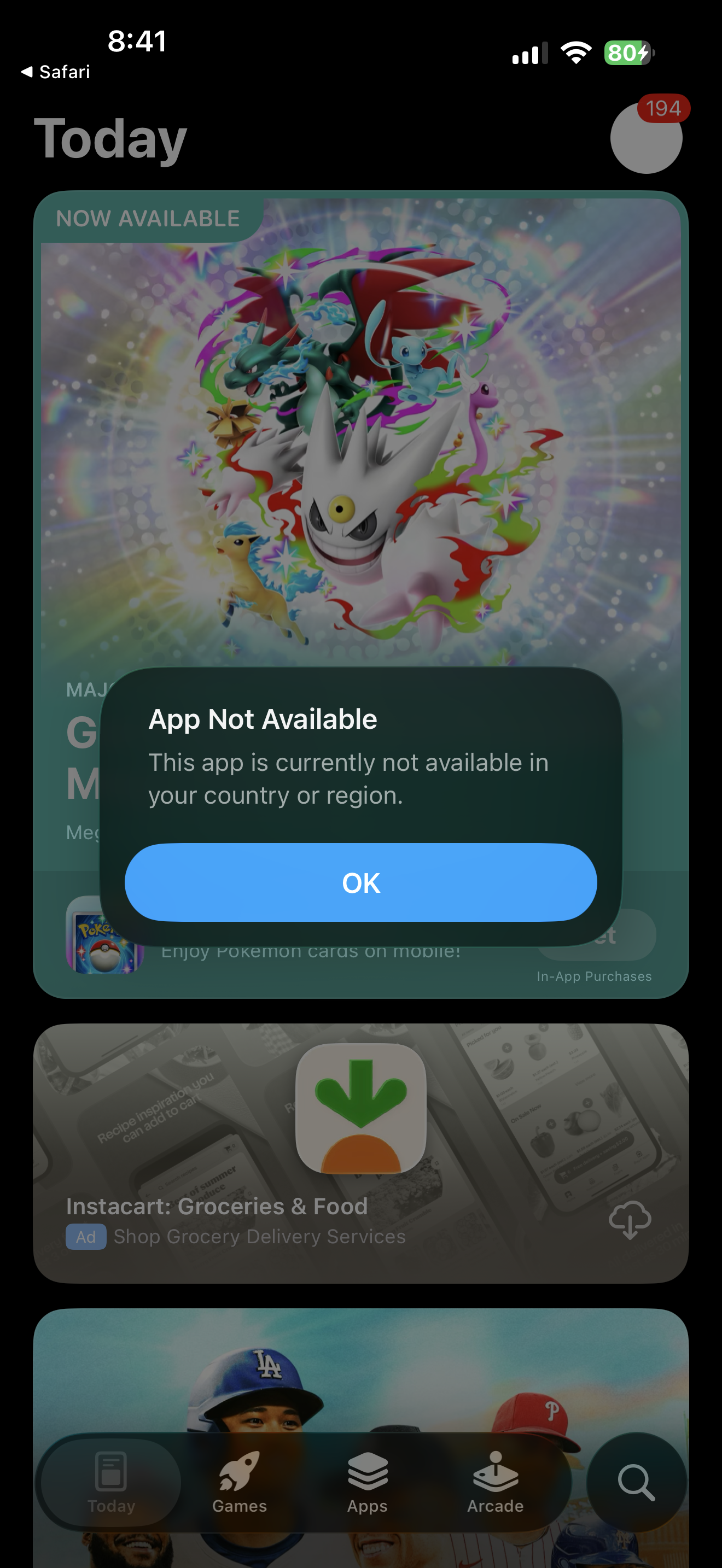
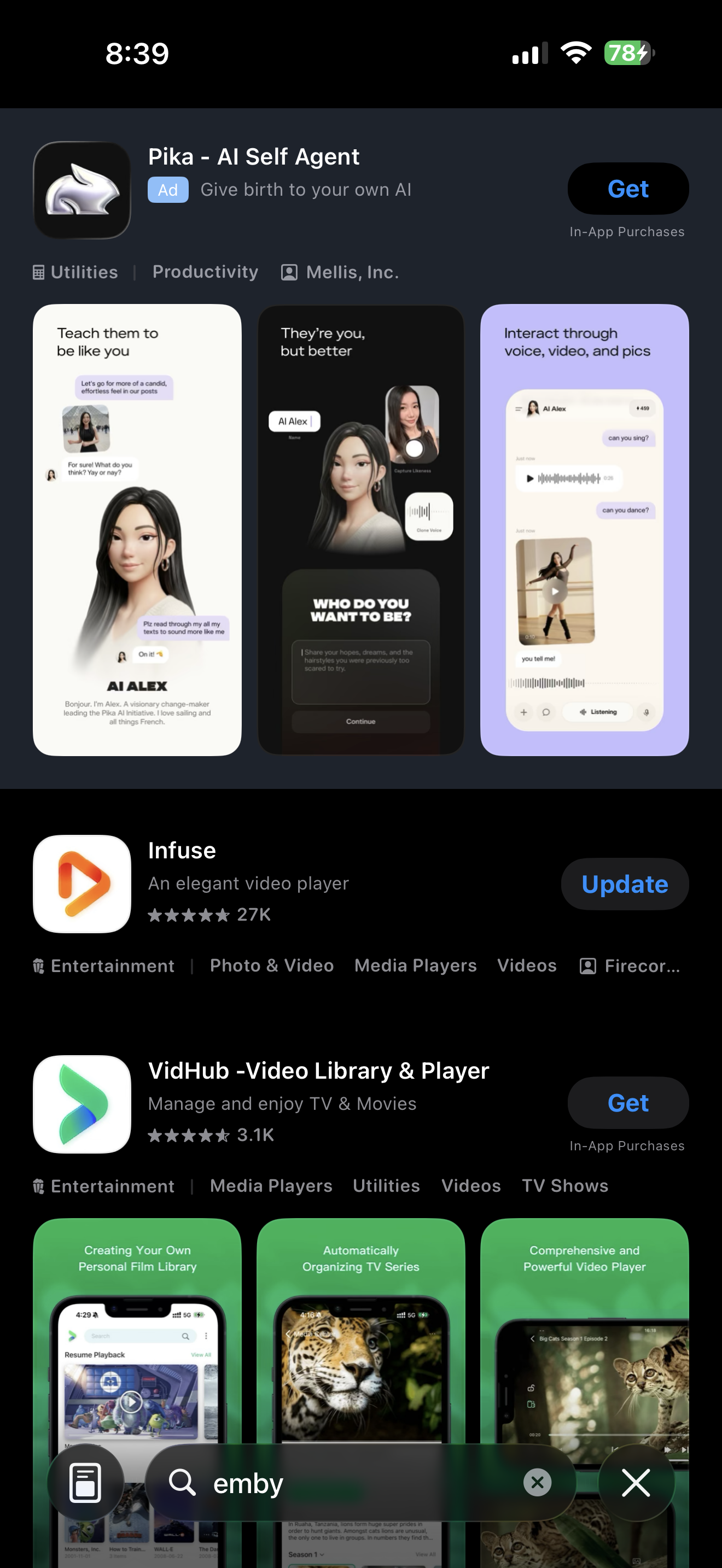
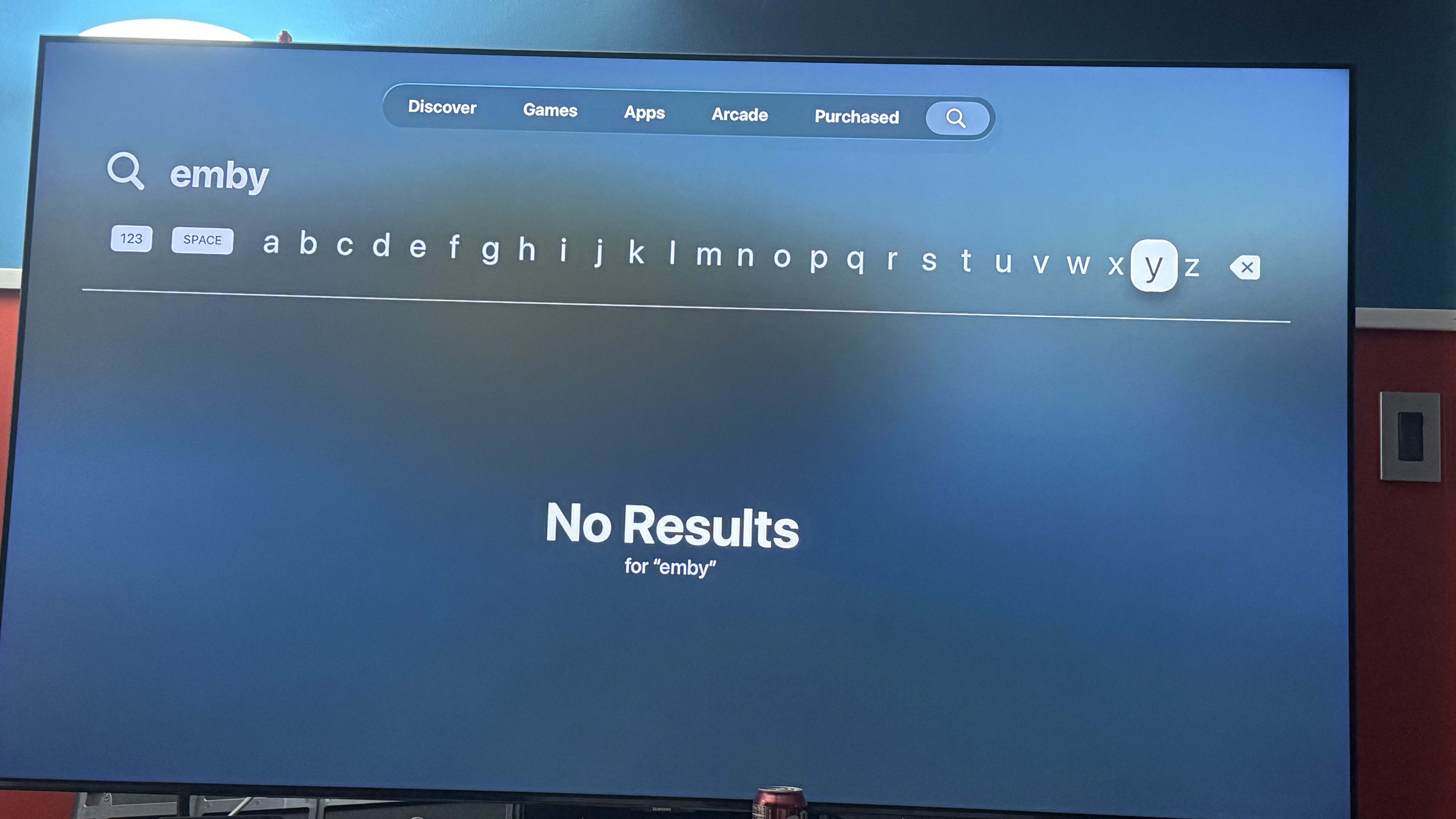
Emby app missing from apple appstore on both iphone and apple tv. As of march 26 830am
ebr replied to G3rmanaviator's topic in Apple iOS / macOS
Hi. Hopefully, it is just a temporary interruption. Thanks. - Today
-

The latest version 2.3.3 doesn't work
MediaEmby1968 replied to MediaEmby1968's topic in Samsung Smart TV
Thanks @FrostByte, Downloaded, Installed and working -
Failed to load resource - possible solutions: https://windowsreport.com/error-loading-resource-chrome/
-
@LukeI need your help
-
Anyone tried the Microsoft PowerPoint Convert to Video feature to make custom prerolls?
visproduction replied to Betonhaus's topic in Fan Art & Videos
Beton, I think naming the preroll files differently can result in a different video that plays with specific audio or video formats. Of course that can change after a transcoding, depending on the user's equipment and connection bandwidth. Another way to do this would be to use Vantage point, where you can assign a video per media. That's a lot of work creating new videos, but you can always just take a short video of yourself, explaining how wonderful a specific TV episode or film is, like a film critic preview. -
Interesting feature request. It may be easier to have the alert go top center, because pushing down the Play action buttons on mobile, tablets and small browsers may not look good. They could be pushed down the page and no longer appear on the media page until the user scrolls down. Top center may look old fashion, but it will be more easily noticed. Also FYI: Vantage Point 2.0 plugin offers alert type preroll videos, per media. Of course, creating custom videos is a lot more work. https://emby.media/community/topic/111310-vantage-point-20-complete-rework
-
In latest log Error in GetSpecificMappingAsync occurs 119 times. Linux access rights? Emby issue?
-

Emby app missing from apple appstore on both iphone and apple tv. As of march 26 830am
Neminem replied to G3rmanaviator's topic in Apple iOS / macOS
Try searching for "emb"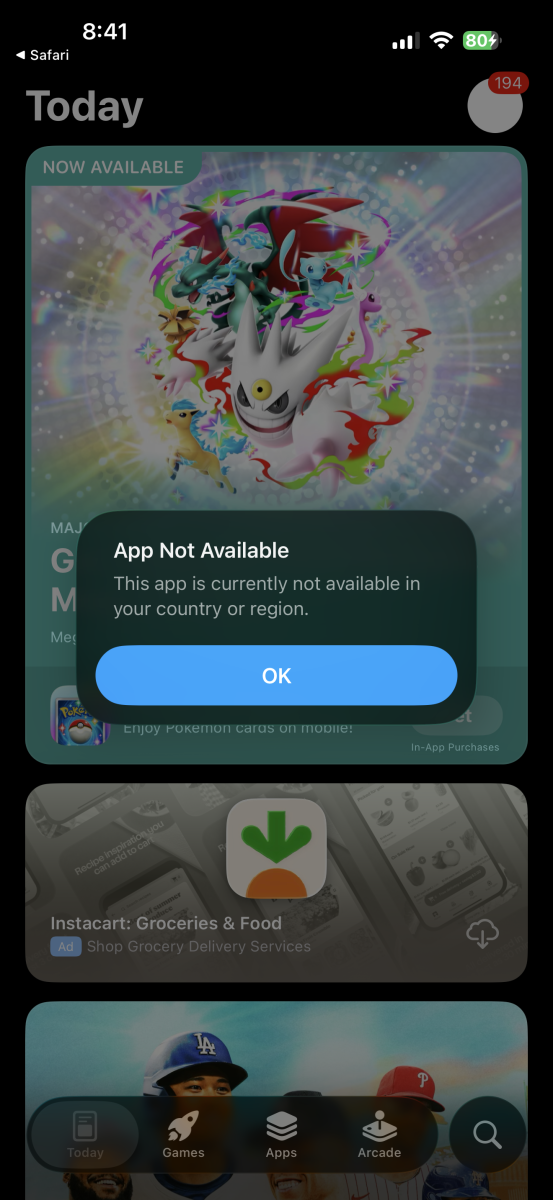
-
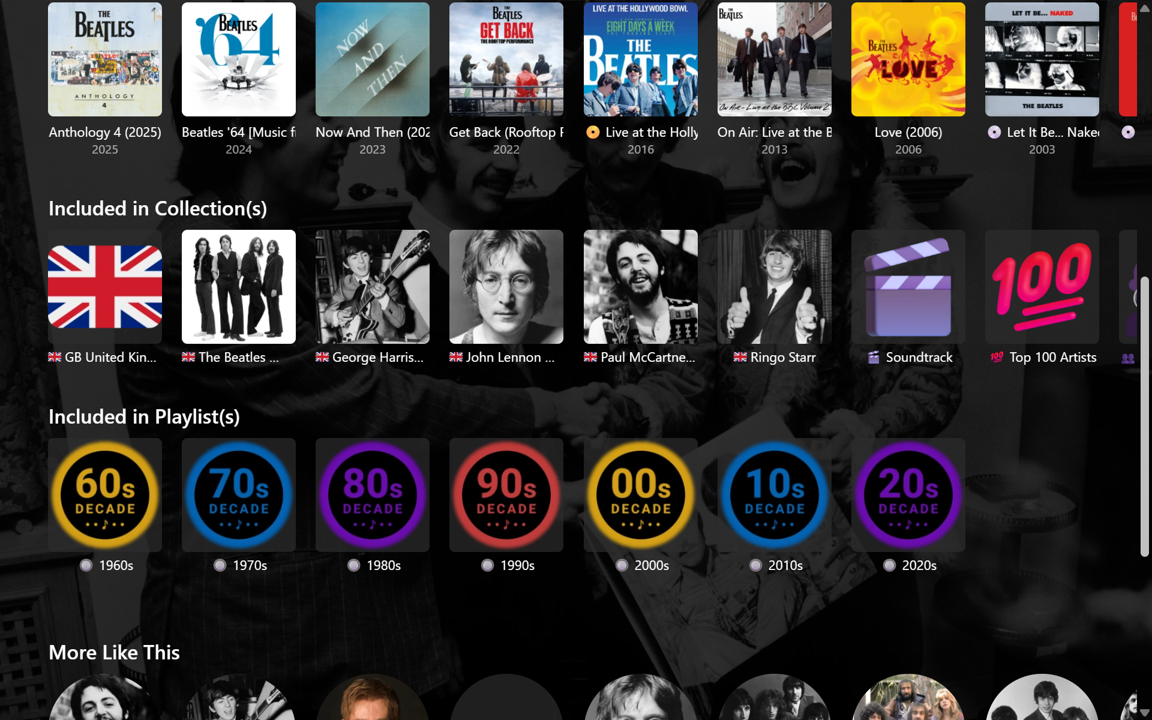
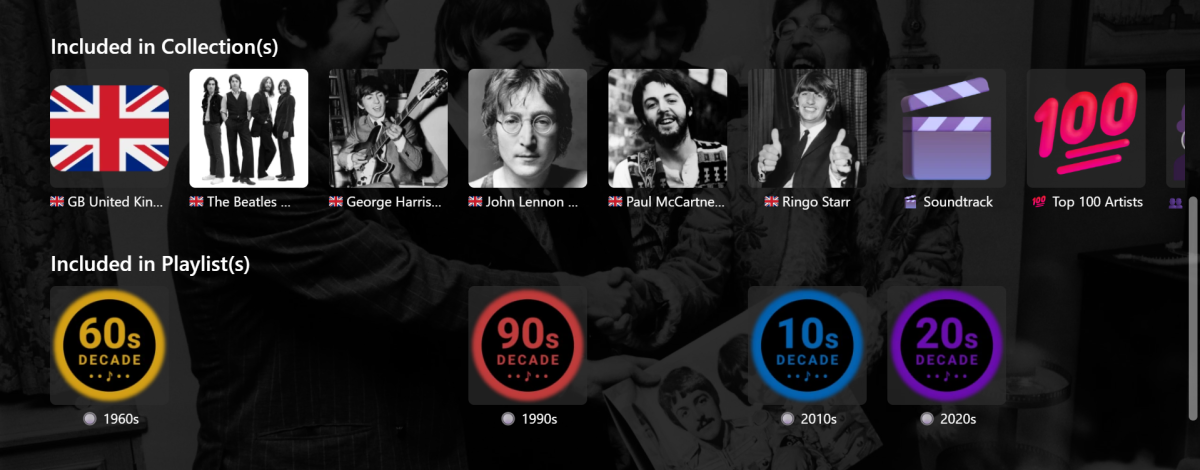
Yeah, you cant can't reflow the remaining items with CSS since they use absolute positioning with hardcoded inset values; the only way you could close the gaps is with js again; you could add those playlist IDs to an exclusion list in the same script?
-

Emby app missing from apple appstore on both iphone and apple tv. As of march 26 830am
cul8rmom1 replied to G3rmanaviator's topic in Apple iOS / macOS
Lol looks like 3 of us posted in the same min about this. Wonder whose are going to get closed as dupes. i clicked on the download link on their website and it said not available in my region. Im in the US. -
Emby app missing from apple appstore on both iphone and apple tv. As of march 26 830am
cul8rmom1 replied to G3rmanaviator's topic in Apple iOS / macOS
USA as well. -

Emby app missing from apple appstore on both iphone and apple tv. As of march 26 830am
sdragon001 replied to G3rmanaviator's topic in Apple iOS / macOS
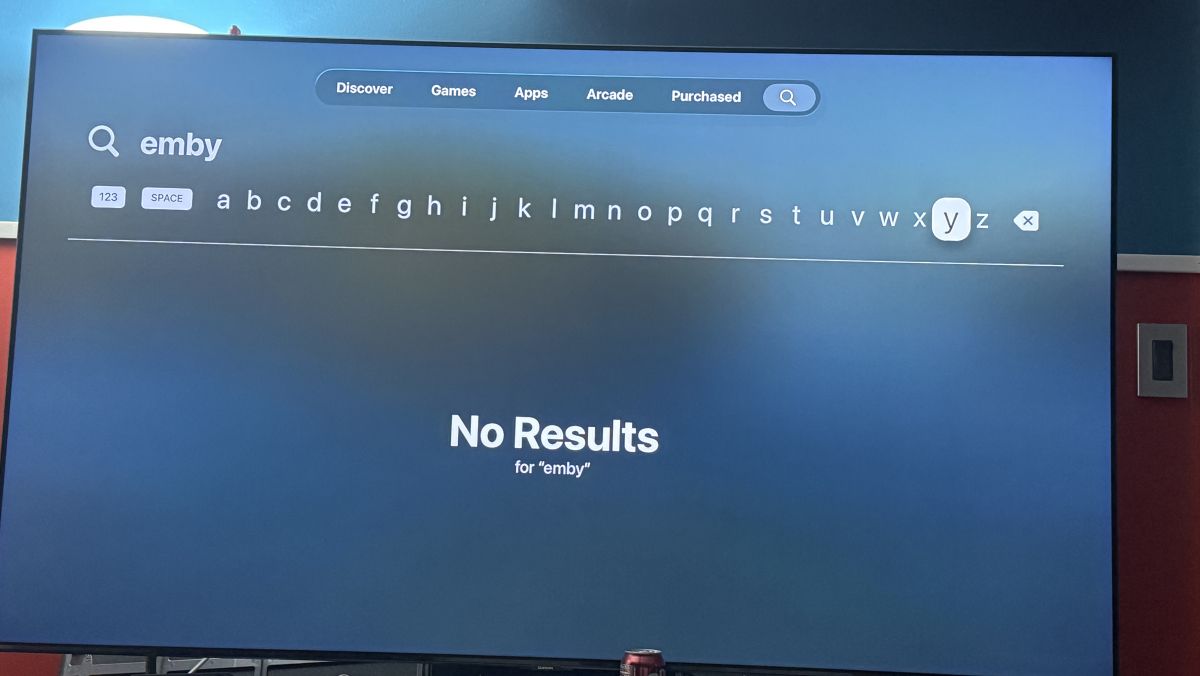
Like the title says, Emby app is missing from the iOS App Store in Canada and UK and could be more regions. -
Emby app missing from apple appstore on both iphone and apple tv. As of march 26 830am
cul8rmom1 replied to G3rmanaviator's topic in Apple iOS / macOS
Emby app missing from apple appstore on both iphone and apple tv. As of march 26 830am. whats the dealeo? thx!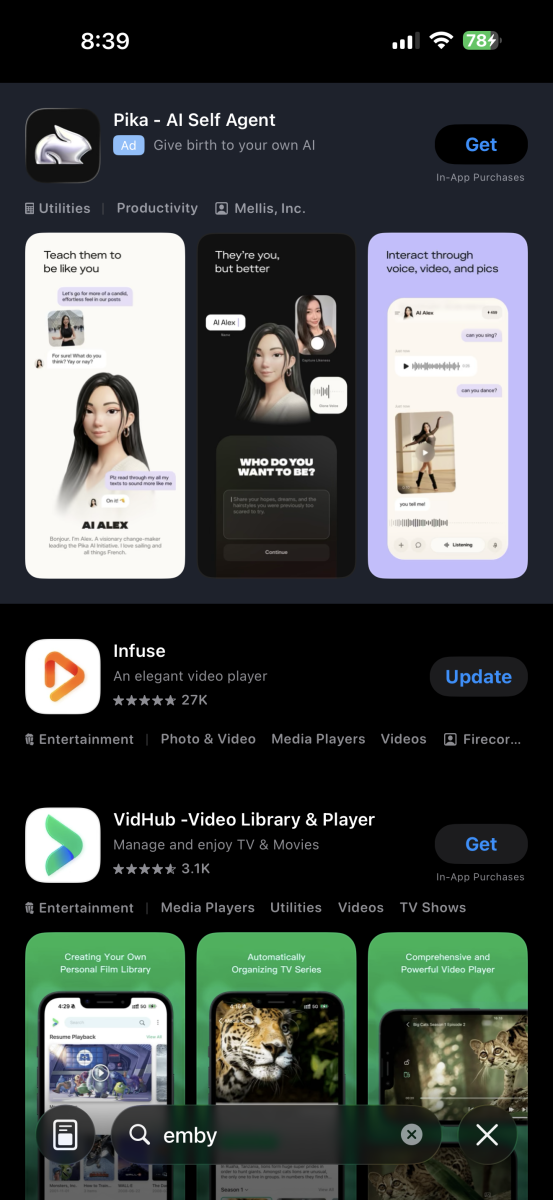
-

Emby app missing from apple appstore on both iphone and apple tv. As of march 26 830am
G3rmanaviator posted a topic in Apple iOS / macOS
The Emby app is no longer available in the Apple App Store. Do we know what’s going on with that? -
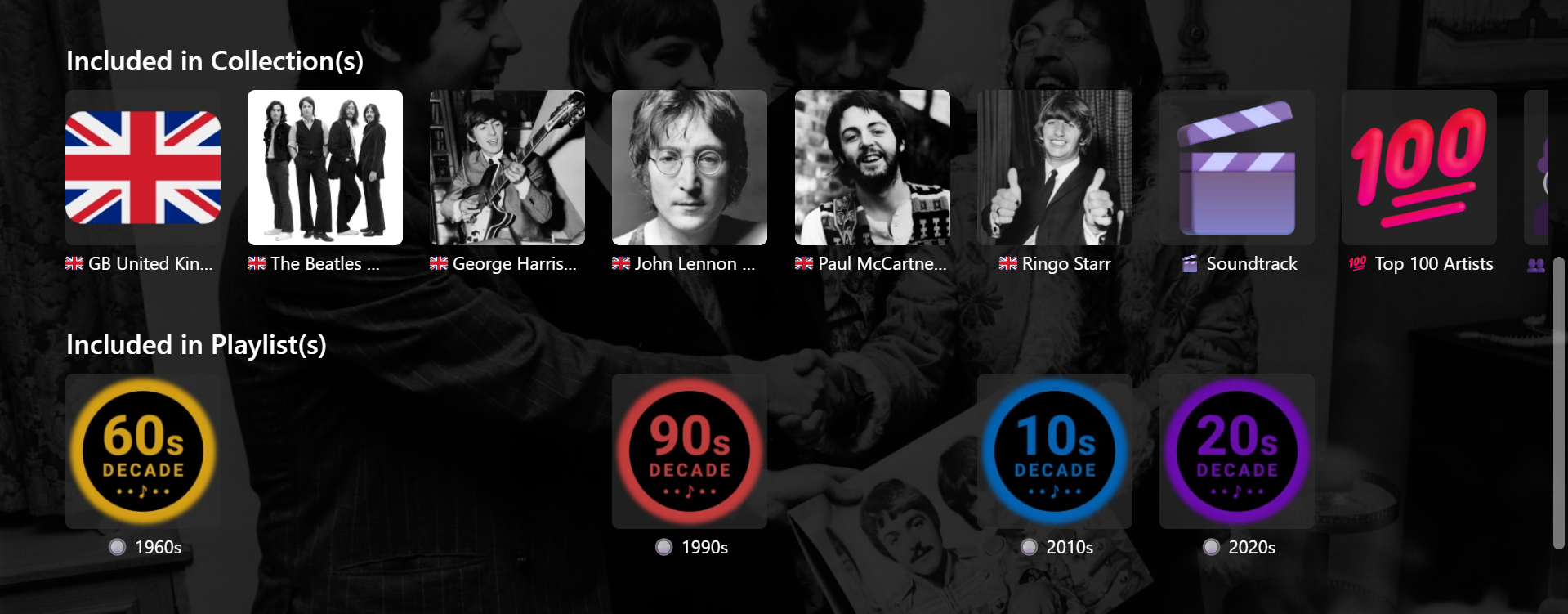
@GrimReaper This version works much better. Just had to fine-tune a couple of things. Needed my local server number in place of yours and had to change the 202px spacing to 145px. Not sure why (????) as DevTools showed 202px. Also played around a bit with CSS for hiding individual selected Playlists as follows (e.g.) /* 1970s */ .appearsOnListsSection .virtualScrollItem:has(img[src*="/Items/688474/"]) { display: none !important; } But, then the hidden items need to be sorted to the end of all Playlists, otherwise blank spaces occur. Probably not a problem for me though, as my Playlists and Collections are sorted into sub-categories anyway and would only ever be shown or hidden as a set, according to these categories. There's probably some combination of splitting the row into two and hiding selected items on certain pages that will end up being useful. Thanks and Cheers !!