All Activity
- Past hour
-
Okay. All dll files deleted.

-
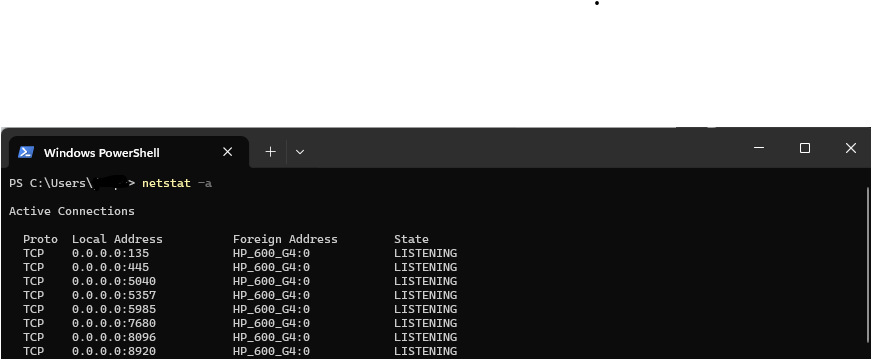
Also your server is not running, you will need to find the emby server executable and run it. Either go to your start menu and search for emby and select it (make sure it’s the emby server and not the emby window client app if you have it installed). Alternatively you’ll need to use windows explorer to find your install path and double click on it there. You’ll know it’s launched as you’ll see the emby icon in your task icon area and if you run the netstat command again. If it isn’t launching then that’s what we’ll need investigate next.
-

Guide Channels Missing USA-OTA36801 Columbus, GA
sa2000 replied to martincom's topic in Emby Provided Guide Data
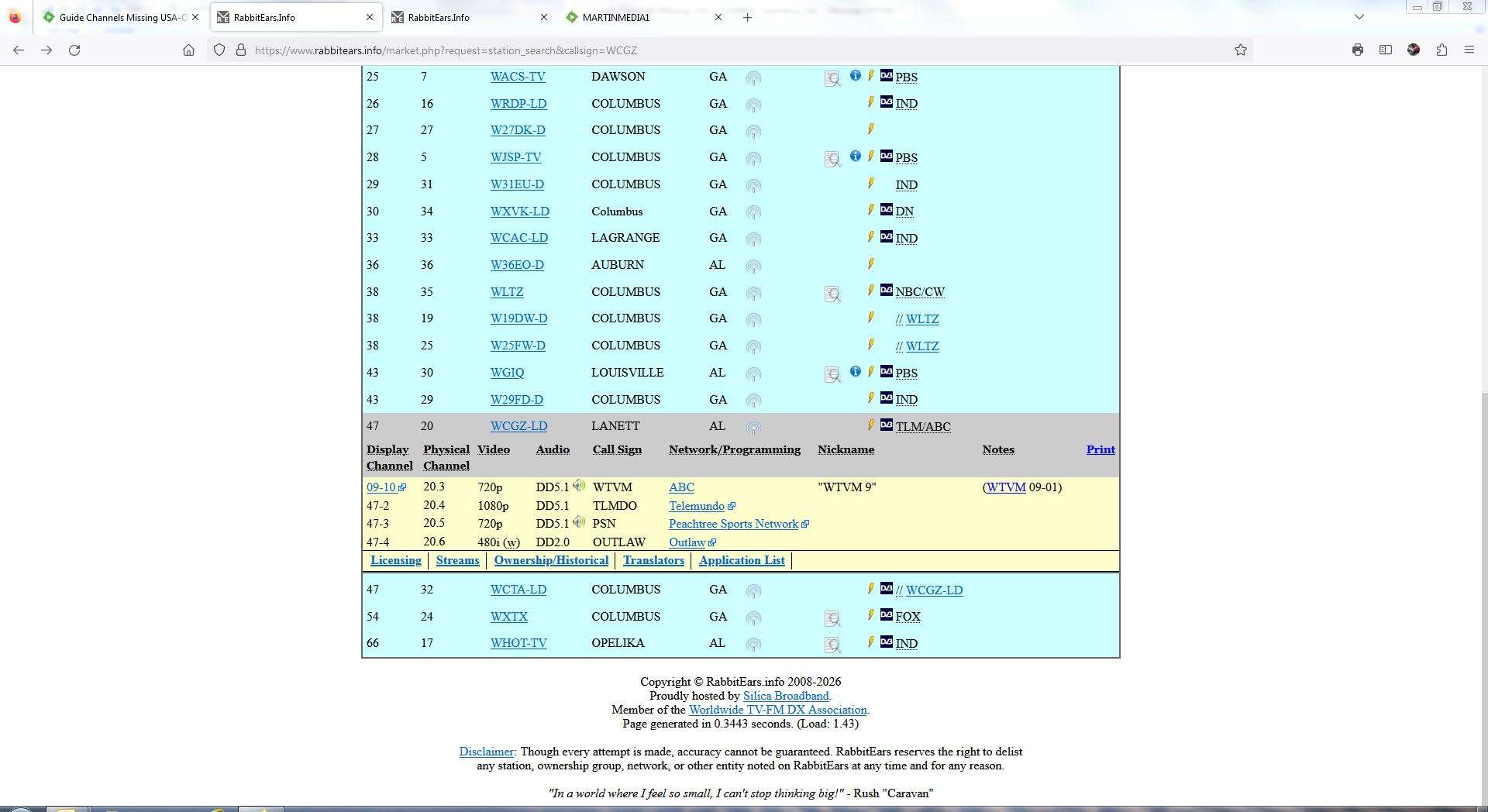
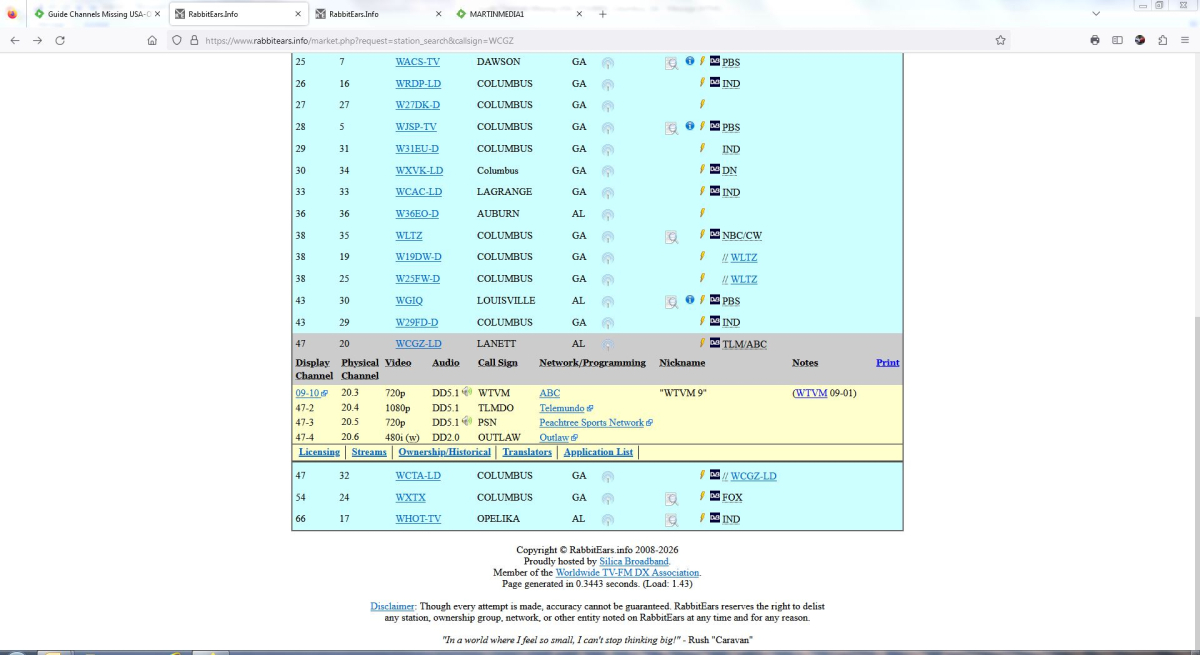
I am looking into the issue - but you should be able to circumvent the problem. In Live TV Settings, Channels tab Do not map 9.1 to any guide data For tuner channel 9.10, map it to guide data for USA-OTA36801 to guide channel 9.1 (I see that the lineup for zip code 36855 - USA-OTA36855 does not list any of the 9.x and 47.x channels - but USA-OTA36801 has 9.1 to 9.6. I will ask gracenote to look into adding 9.10 - assuming they do have WCGZ-LD1 in their database) -
 lievana joined the community
 -
 Savi04 joined the community
 -
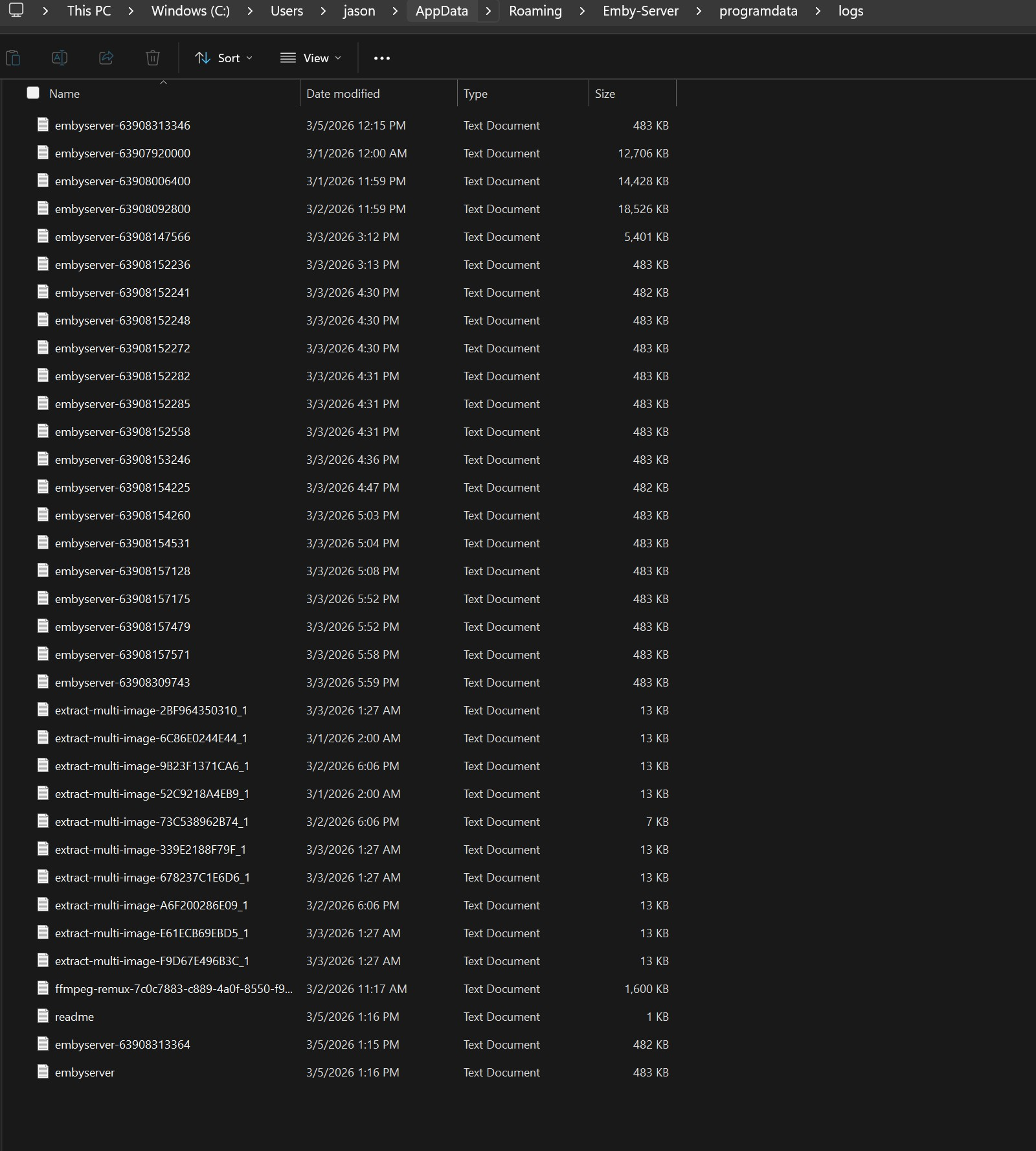
Your can just delete all DLL files from C:\Users\jason\AppData\Roaming\Emby-Server\programdata\plugins
-
 Tiffanycooper joined the community
 -
 Vincenzoinc joined the community
 -
 Duubai joined the community
 -
 Narkor joined the community
 -
 Atikur64 joined the community
 -
 Disiem joined the community
 -
 Ajy35 joined the community
 -

Emby Theater v3.0.20 (Server v4.9.3.0) Homescreen Horiz. navigation broken
scottpro replied to d00zah's topic in Windows & Xbox
I'm running a local proxy and snapshotting each version. -
You didn't delete the plugin.
-
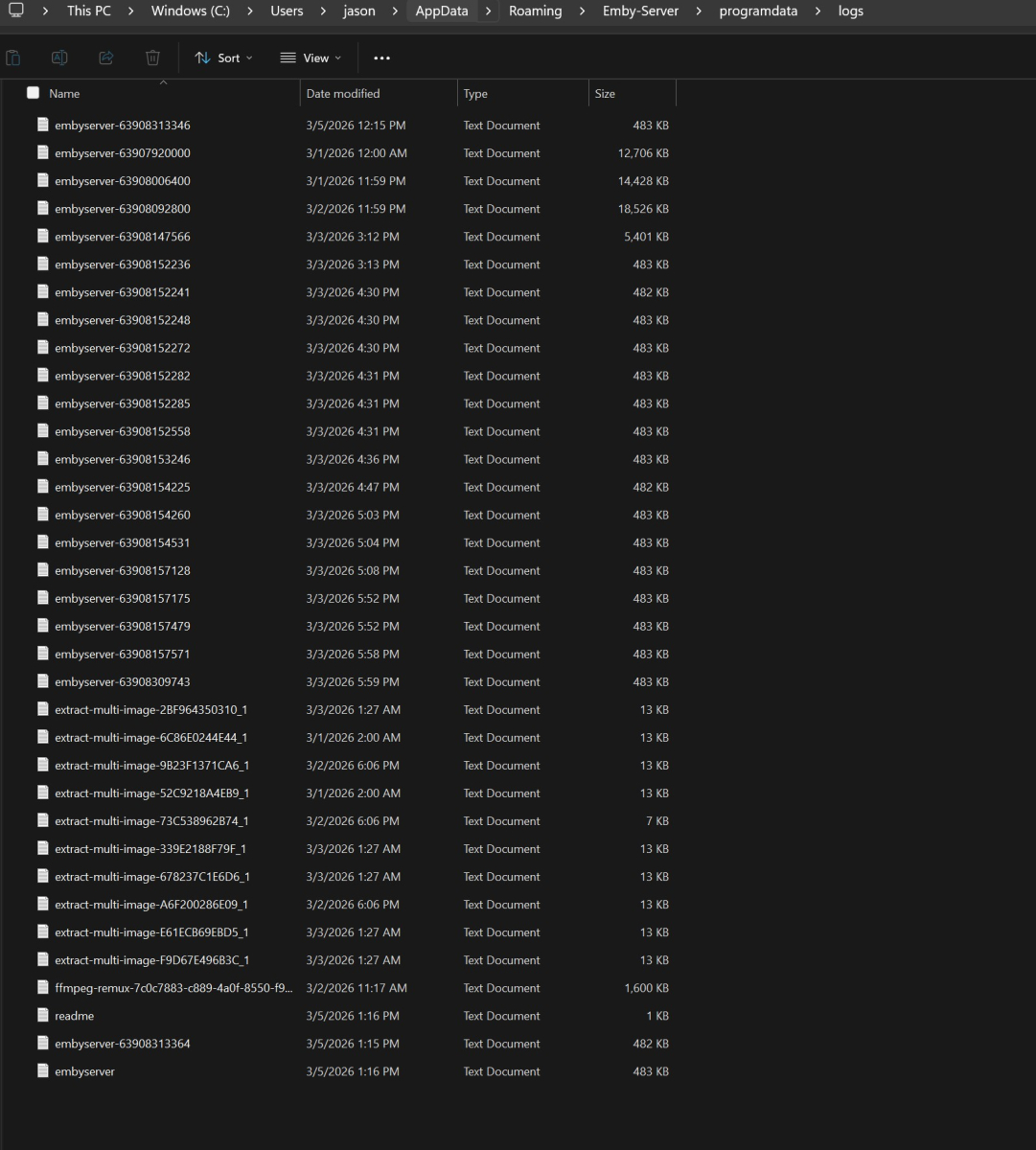
embyserver.txt
-

Guide Channels Missing USA-OTA36801 Columbus, GA
martincom replied to martincom's topic in Emby Provided Guide Data
-
Timeout still not working for Web on 1.6.2 Android still works like before.
-
@treemans32 In here you gave the Home screen sections and library order for the user account What actually changes ? I do not see a reply to Luke's question here and what version of Emby Web / Emby Server? you can see both in App Settings and server Settings dashboard
-
Provide this log.

-

No Trailers on Samsung TV app - taking ages for release still on 2.2.5
Luke replied to Robnaeyaert's topic in Samsung Smart TV
I'm not aware of any region specific delay so once they launch it will be for everywhere. I don't know how long it will take. It has been in this state for several weeks now. Sometimes it's 2-3 weeks, other times a couple of months. -
Guide Channels Missing USA-OTA36801 Columbus, GA
martincom replied to martincom's topic in Emby Provided Guide Data
-

No Trailers on Samsung TV app - taking ages for release still on 2.2.5
Robnaeyaert replied to Robnaeyaert's topic in Samsung Smart TV
Yippee thanks @Lukefor the update. Any clue on how long that might take to filter down to the NZ store? Days, weeks, months? Cheers again Rob -
No Trailers on Samsung TV app - taking ages for release still on 2.2.5
Robnaeyaert replied to Robnaeyaert's topic in Samsung Smart TV
Ahhh got it thanks @FrostByte. If it was a server to replace my Windows 11 machine with the added benefit of superior audio processing, I might consider it, but it feels like just another device I'd need to manage. I get that might get around the very slow Tizen app issues we have as we're trying to avoid the continuous sideload issue. Thanks for the advice. -
Please try that and confirm. Thanks.
-
No Trailers on Samsung TV app - taking ages for release still on 2.2.5
Luke replied to Robnaeyaert's topic in Samsung Smart TV
For device model years 2022 and older, the 2.2.8 update is approved and is waiting launch. So we are just waiting for Samsung to do that. -
Hi, we are looking into it. Thanks.
-
Emby Theater v3.0.20 (Server v4.9.3.0) Homescreen Horiz. navigation broken
Luke replied to d00zah's topic in Windows & Xbox
how are you testing these versions? -
-
No Trailers on Samsung TV app - taking ages for release still on 2.2.5
Robnaeyaert replied to Robnaeyaert's topic in Samsung Smart TV
@FrostByteand @LukeI appreciate your advice, but I'll say it again, we've all "done that" (sideloaded, timebomb, sideloaded, timebomb, sideload, timebomb etc etc) and are getting a little *over* Samsungs lack of movement especially given they restrict sideload apps to 1 month. They cant have it both ways if they want to keep loyal customers. That's why we've been banging on to see if we can get the legit store (for me, NZ Store) nailed please. I get it's out of your hands but surely someone can address this as it's getting very old. Cheers -

-
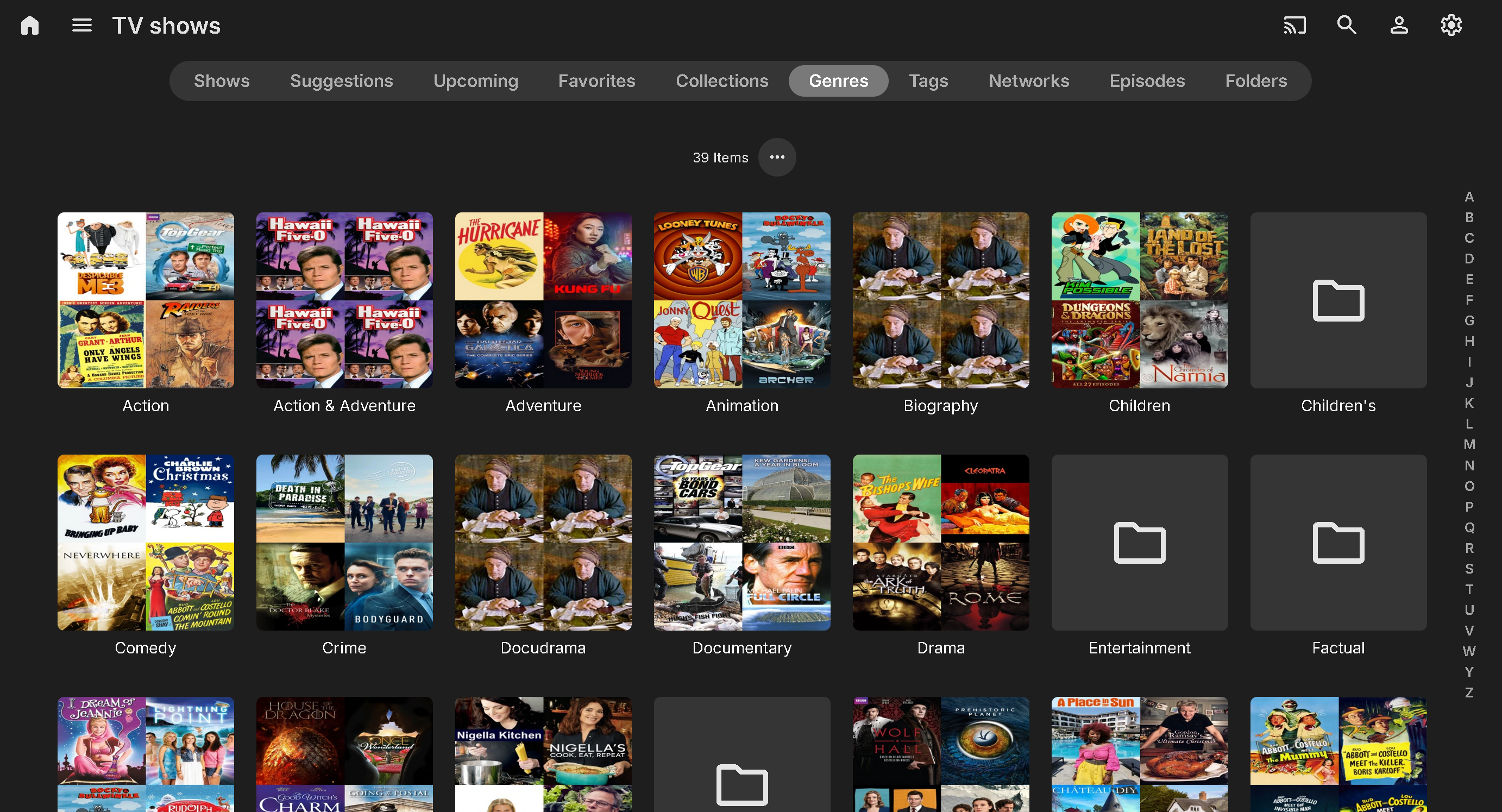
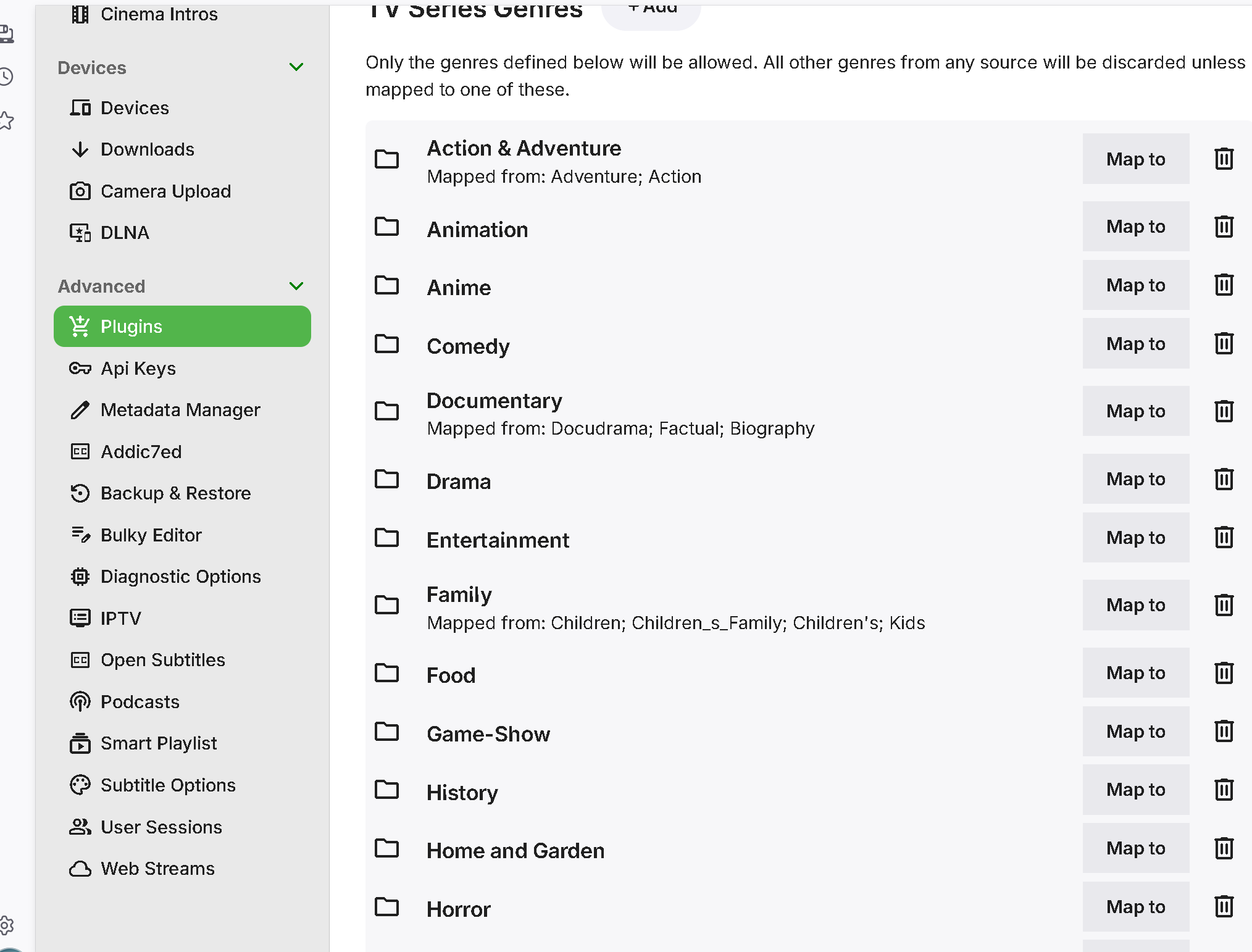
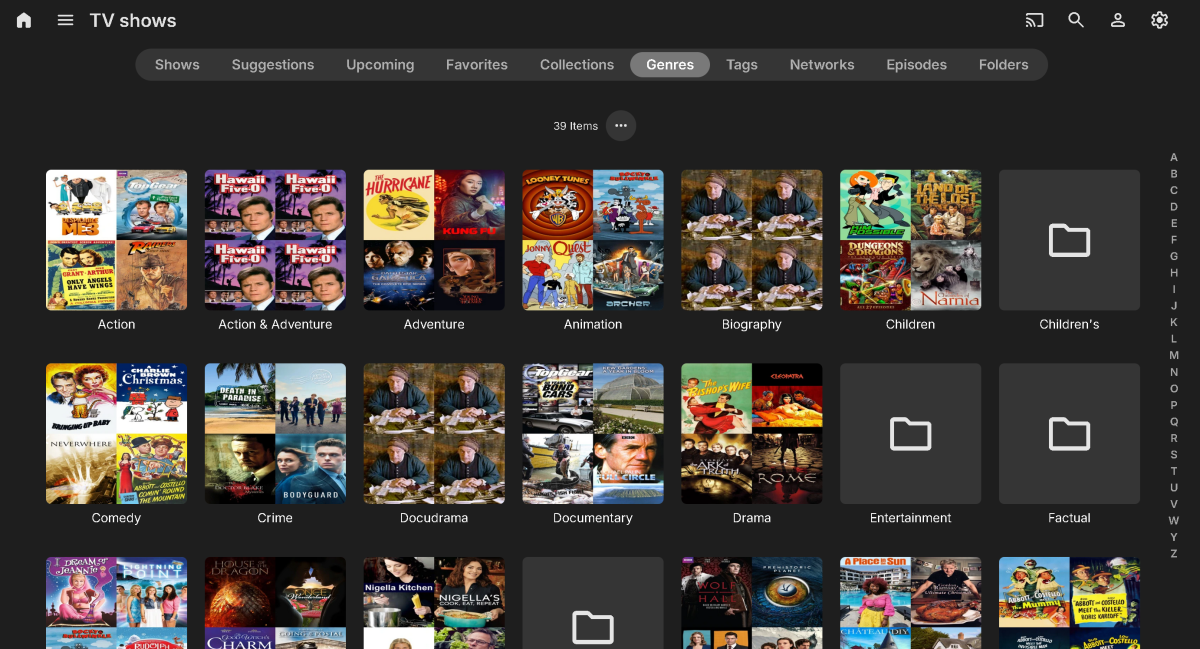
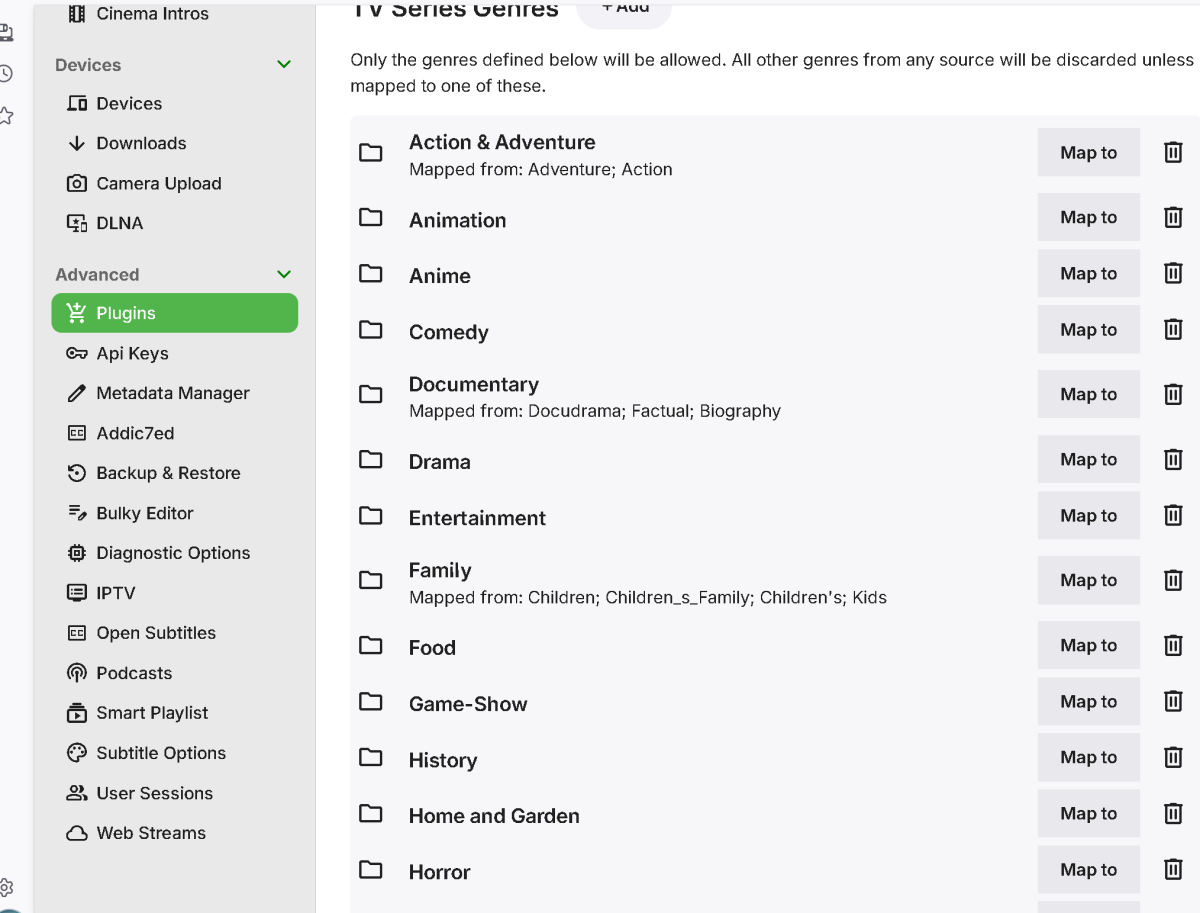
I will upload some screenshots and a log. Basically, the process is: 1) open Genre Cleaner Plugin 2) got edit on TV Shows library 3) map redundant genres into one (i.e., biography, docudrama, etc. into Documentary; Action, Adventure into Action & Adventure) 4) Save and exit Genre Cleaner 5) go to Libraries 6) set TV Show library to Refresh Metadata and wait for completion. 7) after 100% reached, check genres on TV Show library (no change) 03-05-26 embyserver.txt
- Today
-
Jason/Zenith Right, so your machine IP is 192.168.68.54. 1. Open up a browser on your server machine and navigate to http://192168.68.54:8096 2. Try and do that from another machine, could be your phone/tablet browser if you have a device on the same network. 3. Open up a command prompt (Start menu - type Command, select the Command Prompt entry that comes up. Next enter the command netstat -a 4. Show us the screenshot of the first few entries. They will be in order and we need to look for the :8096 & :8920 entries. If they are not there then the server is not running.
-