All Activity
- Past hour
-
 Shareef70 joined the community
 -
En fait j'avais zappé mais il faut que tu ais un certificat SSL actif et valide sur ton serveur Emby pour que le cast fonctionne. En effet les Chromecast refusent de se connecter à des serveurs/services qui ne sont pas en SSL et avec un certificat valide Si tu ouvres ton serveur sur Internet, il est impératif pour des raisons de sécurité de ne le faire qu'en SSL et non en http simple.
-
 nihaoa1st joined the community
 -

2 verschieden Bibliotheken mit gleichen Filmen - in Sammlung alles doppelt?
sylvio2000 replied to sylvio2000's topic in German
Das möchte ich ja gar nicht. Ich möchte für jeden Ordner eine separate Bibliothek. Und innerhalb der Bibliothek wäre es natürlich schön, wenn in den Sammlungen nur die Filme des eigenen Ordners dargestellt werden. Ist das möglich? -
 Neelsayar joined the community
 -
 yuanzuoyi joined the community
 -

The Emby Universal Installer does not work with Fedora 43
fritz.the.cat replied to fritz.the.cat's topic in Linux & Raspberry Pi
Fedora Linux 44 (Workstation Edition). Tried again the installation of emby client beta. Same error as before. "Error: Install failed for package 'media.emby.client.beta'." see attached log fedora emby client beta installation error.txt -
 Bebo10 joined the community
 -
Hi Folks. Been running Emby on my Synology DS220+ nas for a couple of years now without any issues. I have just moved my IP to a new one without a fixed IP address. Since then I have been having all kinds of remote access issues. I have set up a no-Ip account and set that as the DDNS server in the NAS and sometime it works ok. But several of my family members are having problems connecting with EMBY connect - as am I at work. If I add the server manually ie http://*******.ddns.net I immediately get the "Unable to connect right now" message as soon as press enter - it doesn't even try. However on my phone it connects immediately - even though it's using the same wi-fi. Is there a "Do this, Do that" to get it working. Incidentally, I have tried an alternative to Emby on the same NAS (Where I came from to Emby!) and it connects first time every time with their connect software. I REALLY don't want to go back there, but if I can't get this sorted, I may have to
-
 awxdl joined the community
 -
 klentxas joined the community
 -
 leslie2004 joined the community
 -
 avihay 123 joined the community
 -
 syfySimon joined the community
 -

Segment Reporting - Dashboard, bulk editing, and custom queries for your intro/credits markers
sh0rty replied to sydlexius's topic in Plugins
Yes, I mean reporting. -

Native crash (SIGSEGV/SIGABRT) on Nvidia Shield (v4.10.0.13) immediately after ImageService ResourceNotFoundEx
ron67 replied to ron67's topic in Android Server
update: crash of server still occurs (several times per day and on all my client apps) so I decided to do a complete re-install of server and settings on my Shield and rescanned all libraries. Maybe the logs are still useful for your team though, for this moment no further actions required. kind regards Ronald -

Emby Remote Connections on CGNAT Internet Service
ginjaninja replied to ginjaninja's topic in General/Windows
Thanks @pwhodges, yes my wan address and "what is my ip" give the same IP and it is NOT in 100. range. My router does not have an IPv6 address and my dns has no aaaa record. ipconfig/all on my windows server gives no ipv6 address. so my best guess is i am solidly on ipv4. If im not on CGNAT then i think i just went down a wormhole of misguided hypothesis/analysis...maybe i just have an alexa issue. - Today
-
 I am reporting a reproducible HLS playback issue in Emby Server 4.9.5.0. The issue happens when playing a video through Emby Web using HLS, especially when resuming playback from a saved position in the middle of the video, or after manually seeking to another position. If I start the same video from the beginning, playback usually works normally and the subtitles stay in sync. The problem appears only after resume/seek playback in the HLS remux/transcode path. The most visible symptom is that hls.js reports repeated non-fatal media errors such as: HLS Error: Type: mediaError Details: bufferSeekOverHole Fatal: false Reason: fragment loaded with buffer holes, seeking from 887.327815 to 888.6159769999999 After these HLS errors appear, playback no longer behaves as if the video, audio, and subtitle clocks are aligned. Subtitles may become discontinuous or jump in timing, and they no longer match the spoken audio or video scene. In my tests, the subtitles often become ahead of the video by around 1.6 seconds, but the offset is not always exactly the same. Sometimes the video/audio timeline also appears to shift after the buffer hole recovery, which makes the subtitle timing incorrect even though the subtitle file itself is valid. This does not look like a general subtitle file problem. The same media can play correctly from the beginning. The desync is triggered by HLS resume/seek behavior and usually appears after hls.js reports bufferSeekOverHole. In some tests, seeking also caused playback to fail completely with the client message: No compatible streams are currently available. Please try again later or contact your system administrator for details. From the server-side ffmpeg logs, the affected playback sessions use segmented HLS output with arguments such as: -copyts -start_at_zero -ss <resume position> -segment_time 00:00:06.000 -segment_time_delta -<resume offset> -segment_start_number <non-zero segment index> -segment_format mpegts The issue seems related to the generated HLS timeline after resume/seek, because hls.js detects buffer holes in the loaded fragments and performs an internal seek over the hole. After that recovery seek, subtitle timing is no longer reliable. Expected behavior: Resume playback and manual seeking should continue normally without HLS buffer holes, without subtitle timing discontinuity, and without A/V/subtitle desync. Starting playback from a saved position should behave the same as starting from the beginning and then seeking naturally. Actual behavior: When resuming or seeking during HLS playback, hls.js may report bufferSeekOverHole. After that, subtitles can become early or otherwise misaligned with the video/audio. In some cases playback fails with “No compatible streams”. Environment: Emby Server: 4.9.5.0 Client: Emby Web Browser: Microsoft Edge / Chromium-based browser Playback: HLS via hls.js Container: MKV Video: HEVC Main 10 Audio: OPUS source, remux/transcode path may convert audio Subtitles: ASS subtitles, including internal/external ASS tracks Trigger: resume from saved position or manual seek Starting from 0:00: usually works correctly I have attached anonymized logs from the affected playback attempts: embyserver.anonymized.txt ffmpeg-remux-resume-1.anonymized.txt ffmpeg-remux-resume-2.anonymized.txt The logs preserve the relevant HLS/ffmpeg details such as the ffmpeg command line, segment start number, segment timing options, HLS segment responses, Content-Length, and SegmentComplete entries. Private paths, IP addresses, hostnames, tokens, session IDs, media titles, and user identifiers have been anonymized. embyserver.anonymized.txt ffmpeg-remux-resume-1.anonymized.txt ffmpeg-remux-resume-2.anonymized.txt
 -
A port checking site. Rebooting the router has resolved the issue.
-
No, what would be the order of the processes? Do I use the script and then run "Scan media library"?
-
Maybe this is your issue? 2026-05-30 09:38:00.006 Error UniversalAudioService-0HNLS95NDSS62:00000001: Error processing request *** Error Report *** Version: 4.9.3.0 Command line: /Volume1/@apps/emby/emby-server/system/EmbyServer.dll -programdata /Volume1/Emby -ffdetect /Volume1/@apps/emby/emby-server/bin/ffdetect -ffmpeg /Volume1/@apps/emby/emby-server/bin/ffmpeg -ffprobe /Volume1/@apps/emby/emby-server/bin/ffprobe -defaultdirectory /mnt/public -updatepackage emby_TOS5_APP_{version}_x86_64.tpk Operating system: Linux version 6.1.120+ (root@51f02058744a) (x86_64-tnas-linux-gnu-gcc.br_real (Buildroot 2023.08.1) 13.2.0, GNU ld (GNU Binutils) 2.40) #52 SMP PREEMP OS/Process: x64/x64 Framework: .NET 8.0.22 Runtime: Volume1/@apps/emby/emby-server/system/System.Private.CoreLib.dll Processor count: 8 Data path: /Volume1/Emby Application path: /Volume1/@apps/emby/emby-server/system System.UnauthorizedAccessException: System.UnauthorizedAccessException: Access to the path '/Volume1/GaDo_Storage1/MediaSource/Music/Andrea Bocelli/Passione (Super Deluxe Edition)/Love Me Tender.mp3' is denied. ---> System.IO.IOException: Permission denied The server is being denied access to the file. Can you get this corrected and then try again?
-
No, it should work either way. But it likely will not work if these folders are also used in other libraries.
-

El icono de Emby de la barra para pc no sale en español
Luke replied to coyotecabreado's topic in Spanish
You can also jump in and help translate if you want. -
HI, we are looking into this. Thanks.
-
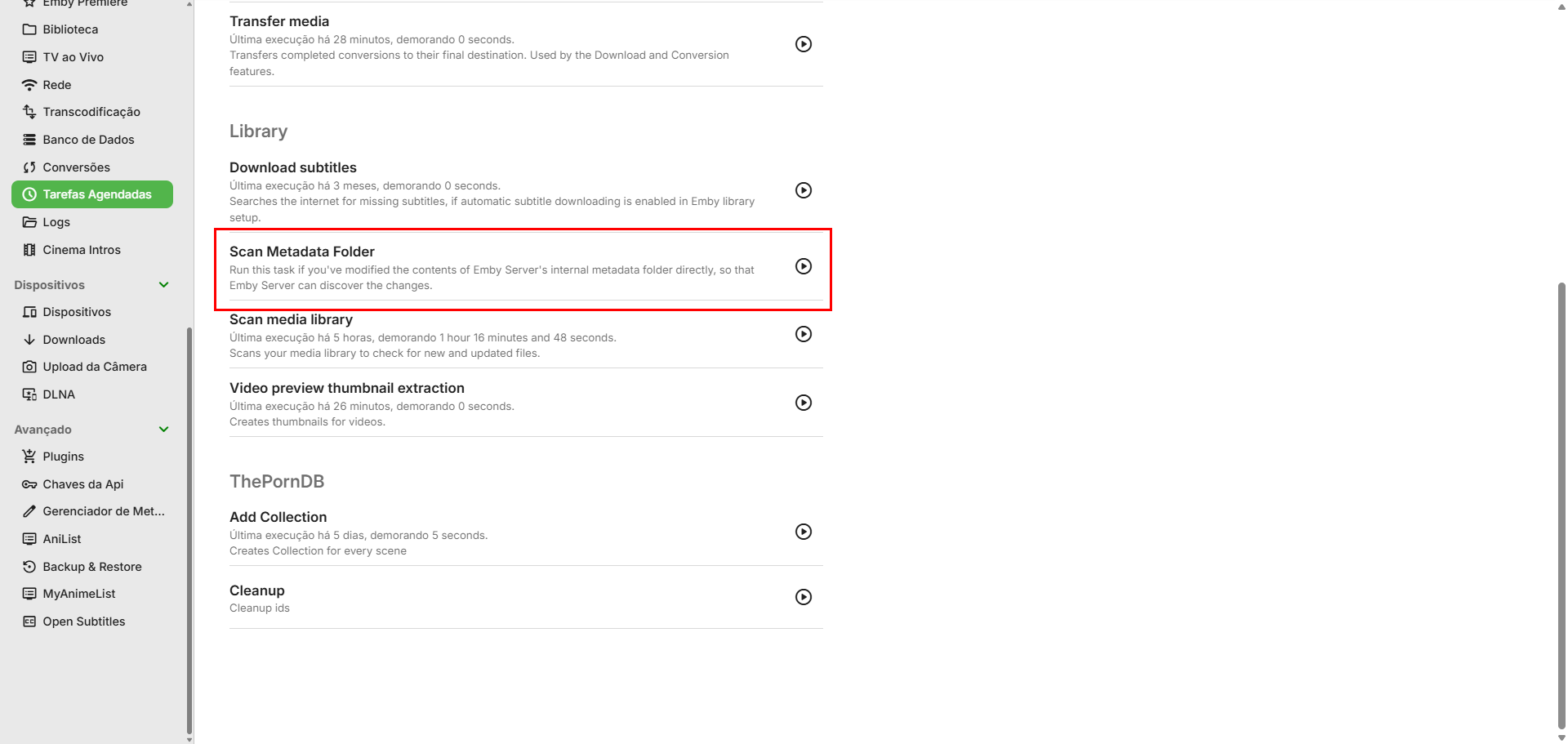
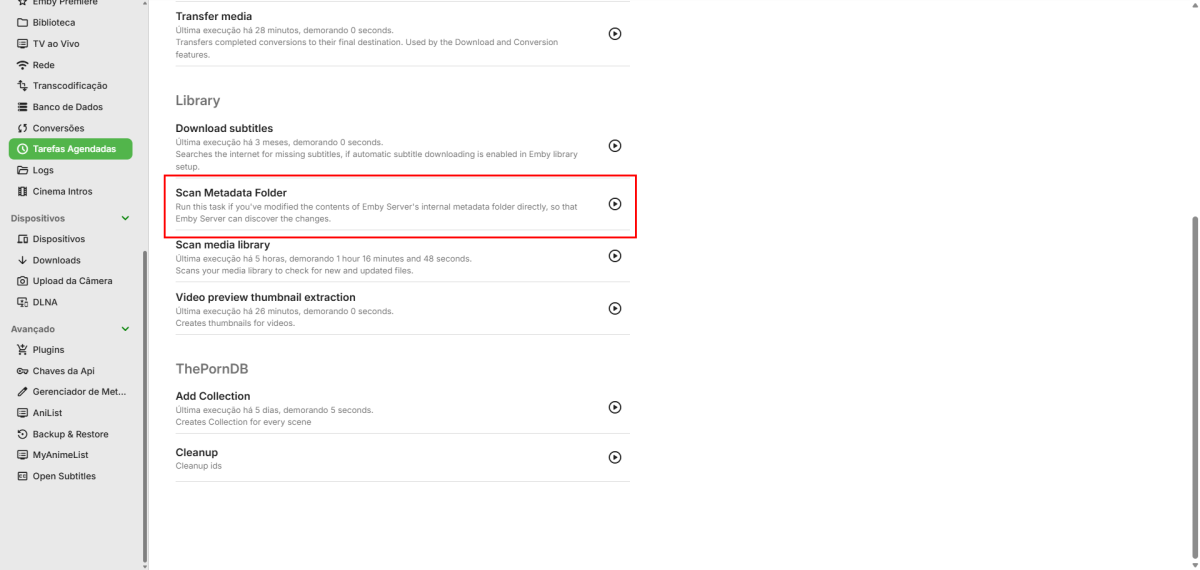
have you checked out the scan metadata folder scheduled task?
-
OK yes it is certainly doable. Thanks.
-
Hi, have you updated to Emby Server 4.9.5? Has that helped?
-
Hi there, please attach the Emby server log from when the problem occurred: How to Report a Problem Thanks!
-
Thanks for following up.
-
Hi, what exactly makes you think the table view does not help? What exactly did you try to do with it?
-
HI there, can you please provide a specific example? How to Report a Problem Thanks !
-
Please add the ability to disable the "On Now" row from the home page
Luke replied to BillOatman's topic in Feature Requests
Hi, have you explored your emby user home screen options? -
Hi, I would try refreshing the metadata on them and see if that helps. Is the path to the media still the same on the new server?
-
Sorry, my mistake. Until there are field-specific options of what to import, you'd have to just disable internet metadata.
-
Hi there, let's look at an example. Please attach the information requested in how to report a media playback issue. Thanks!