All Activity
- Past hour
-
 xixiyaya joined the community
 -
 Asaads joined the community
 -
 Eduferreira joined the community
 -
 hongyuhe joined the community
 -
 Undiagnosed joined the community
 -
 cyliu0427 joined the community
 -
 Hmingbo joined the community
 -
 yoleonet joined the community
 -
 Kamilly_careca joined the community
 -
 ssmmyhn joined the community
 -
I think it's needed for SSL auto renewal and probably has an auto redirect but I'm not sure. I had to set up 80 for certificate renewal with acme.sh and have a 443 redirect in the vhost (using httpd).
-
Seems to do the tick Luke.
-
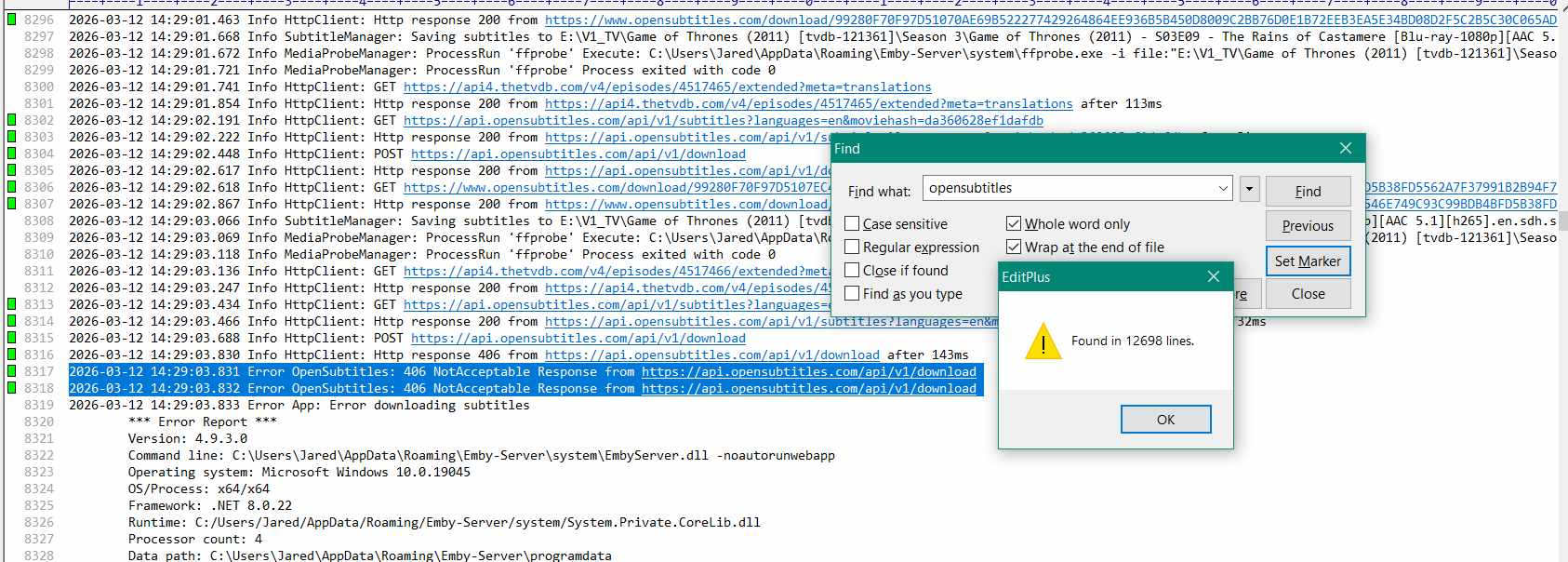
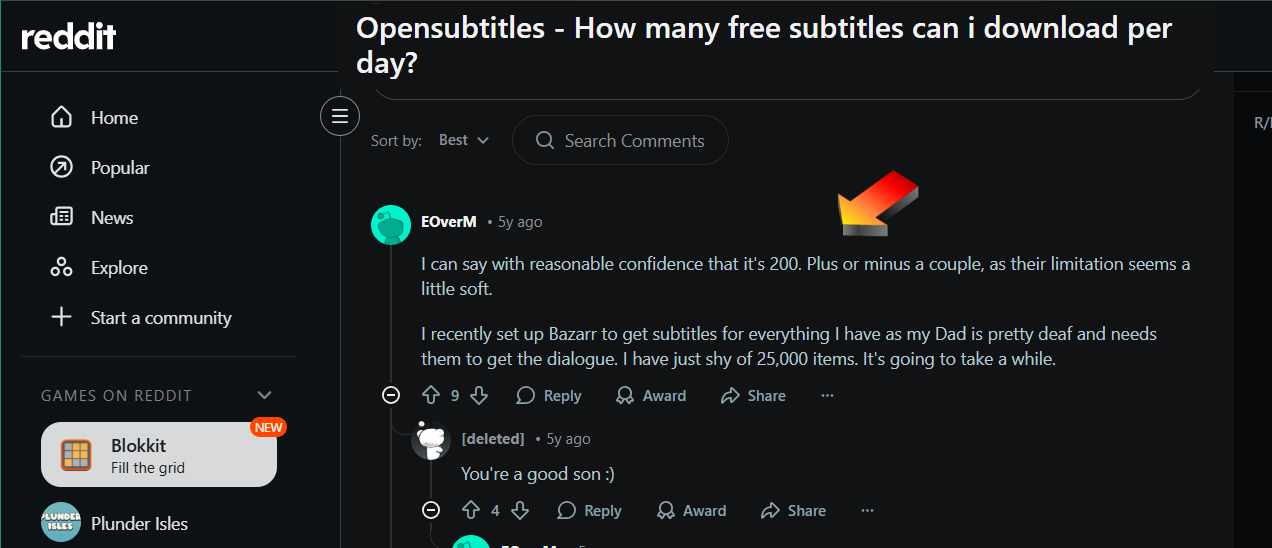
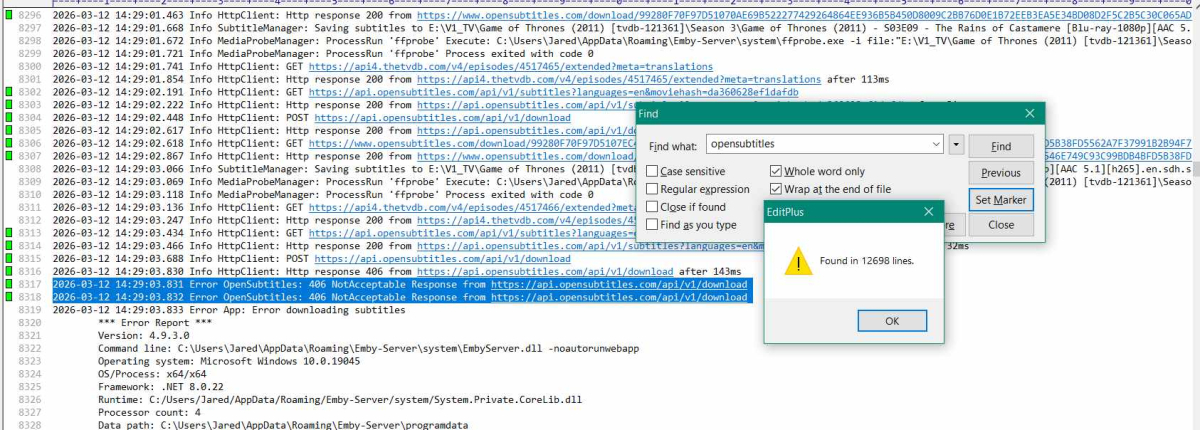
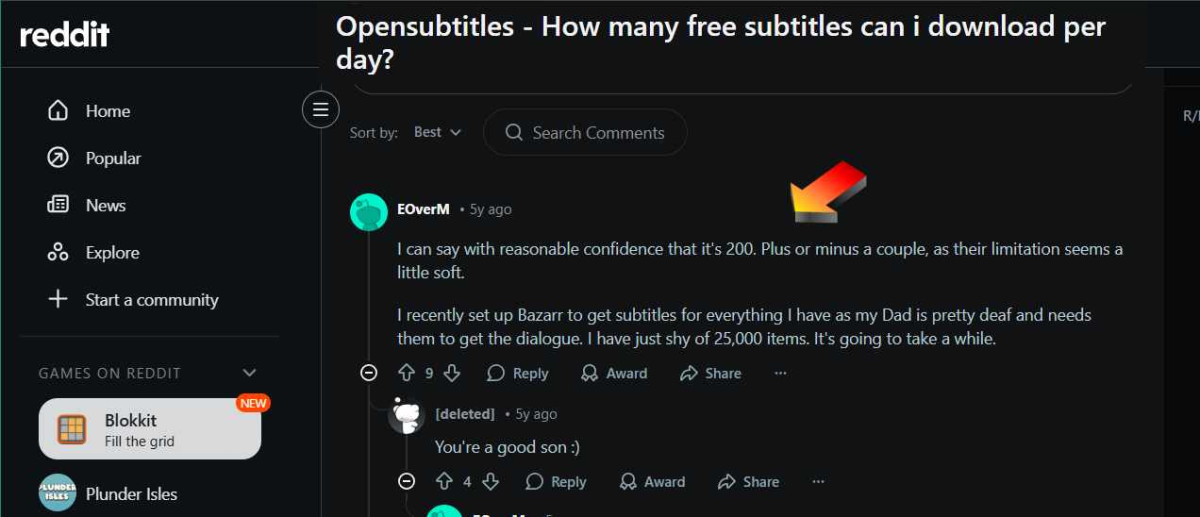
Noticed opensubtitles mentioned 12,698 times in log. Some online mention of subtitles access limited per user at 200. Does that mean number of files or number of requests? Does having opensubs turned on and using media with quite a few subtitles each, might combine to cause 404 no response in the log? Not sure why this would cause a disconnect. Perhaps the disconnect happens for some other reason that does not have to do with subs.
- Today
-
Just checking in on this. Is there a planned release date? Should I give up on Roku and go to a different platform?
-
Hello raidennnnn, ** This is an auto reply ** Please wait for someone from staff support or our members to reply to you. It's recommended to provide more info, as it explain in this thread: Thank you. Emby Team
-
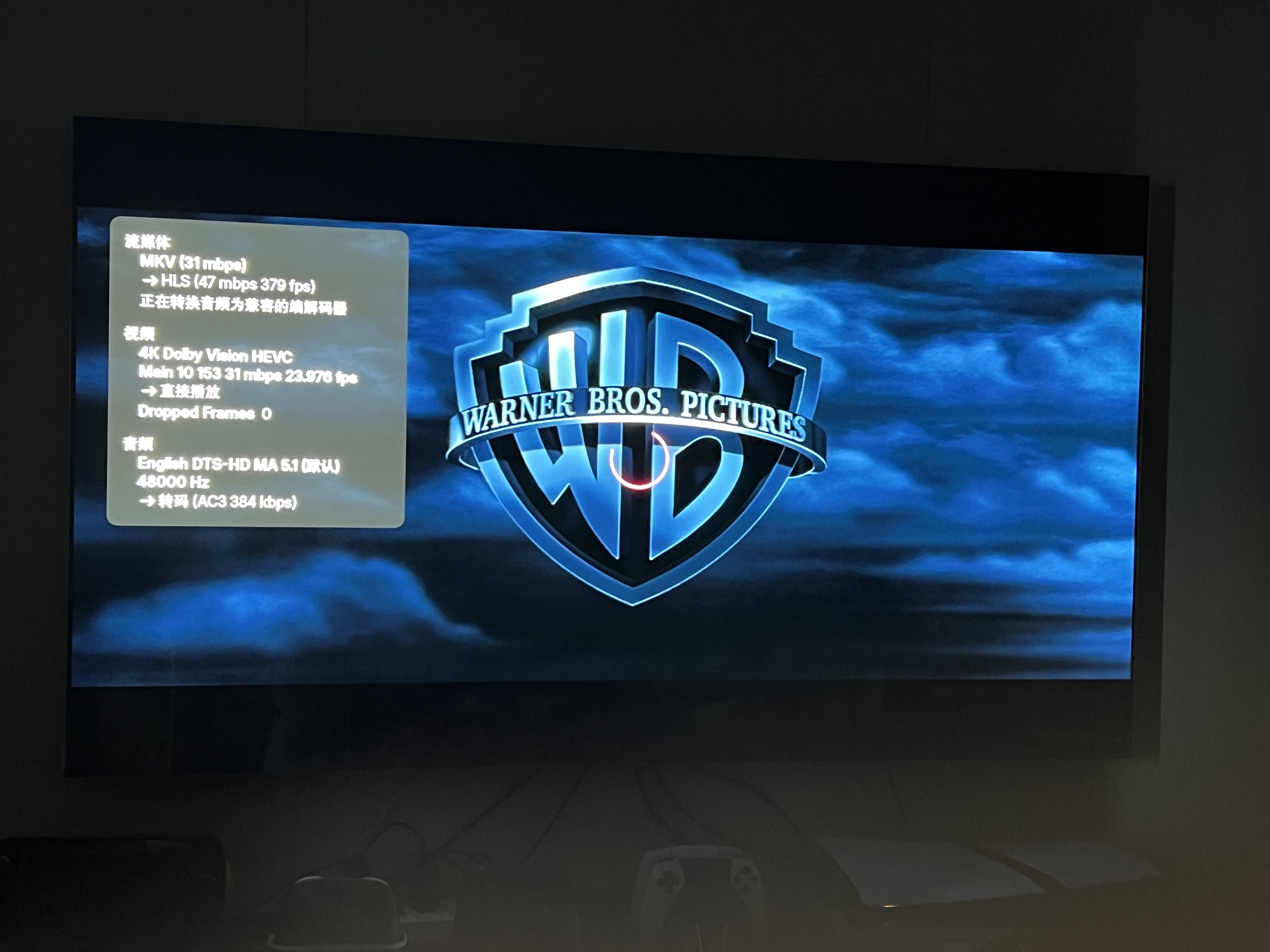
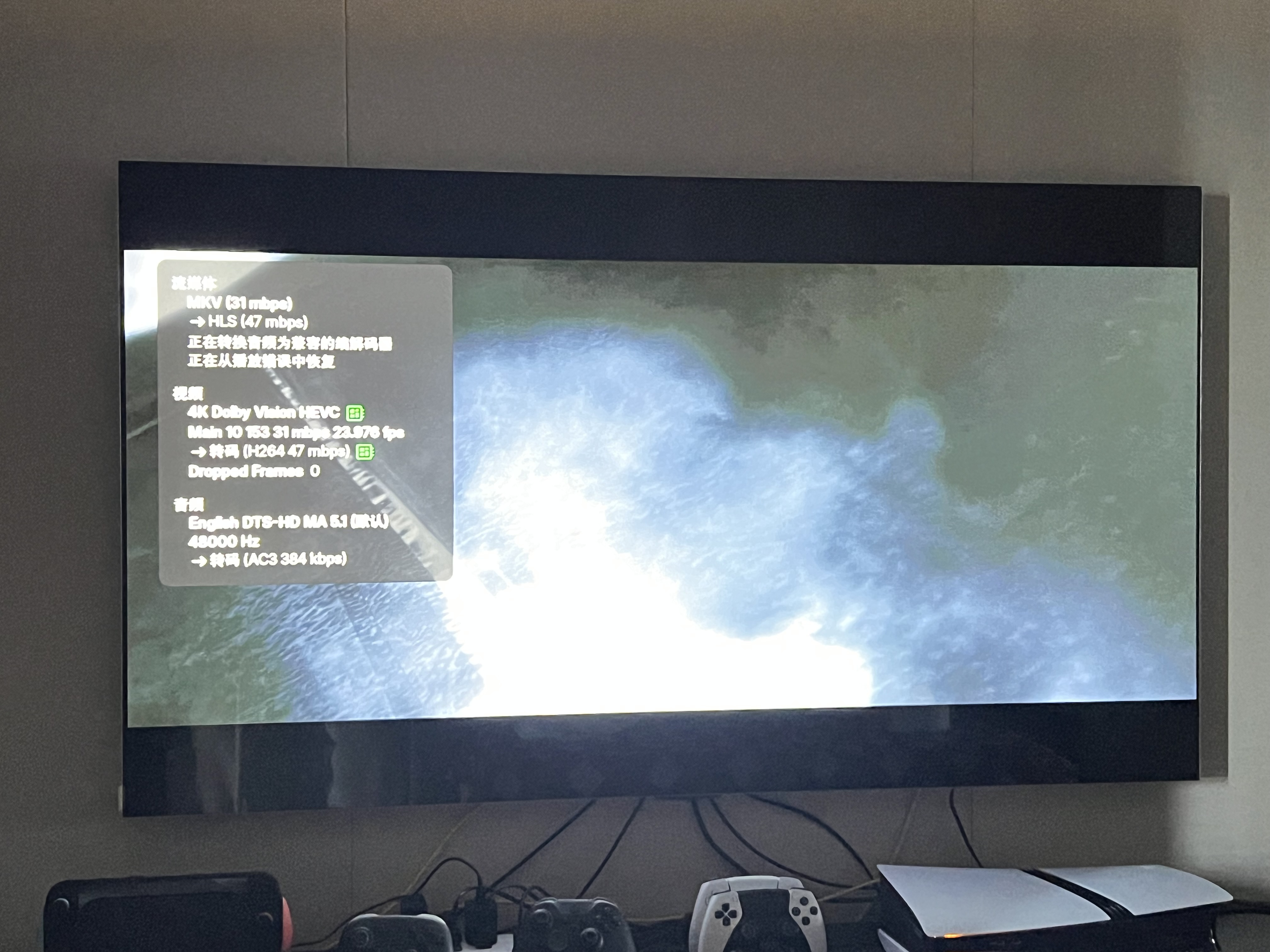
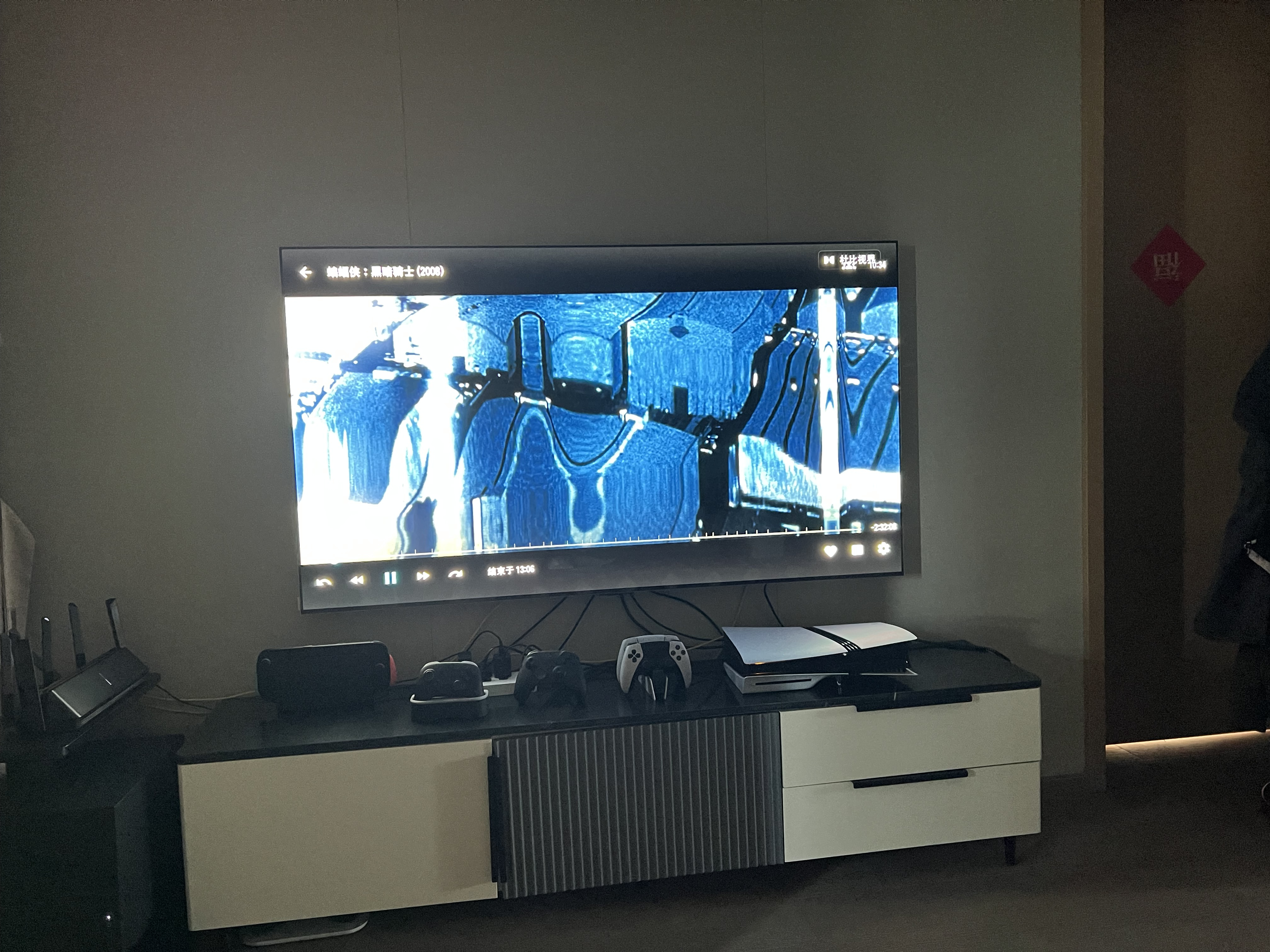
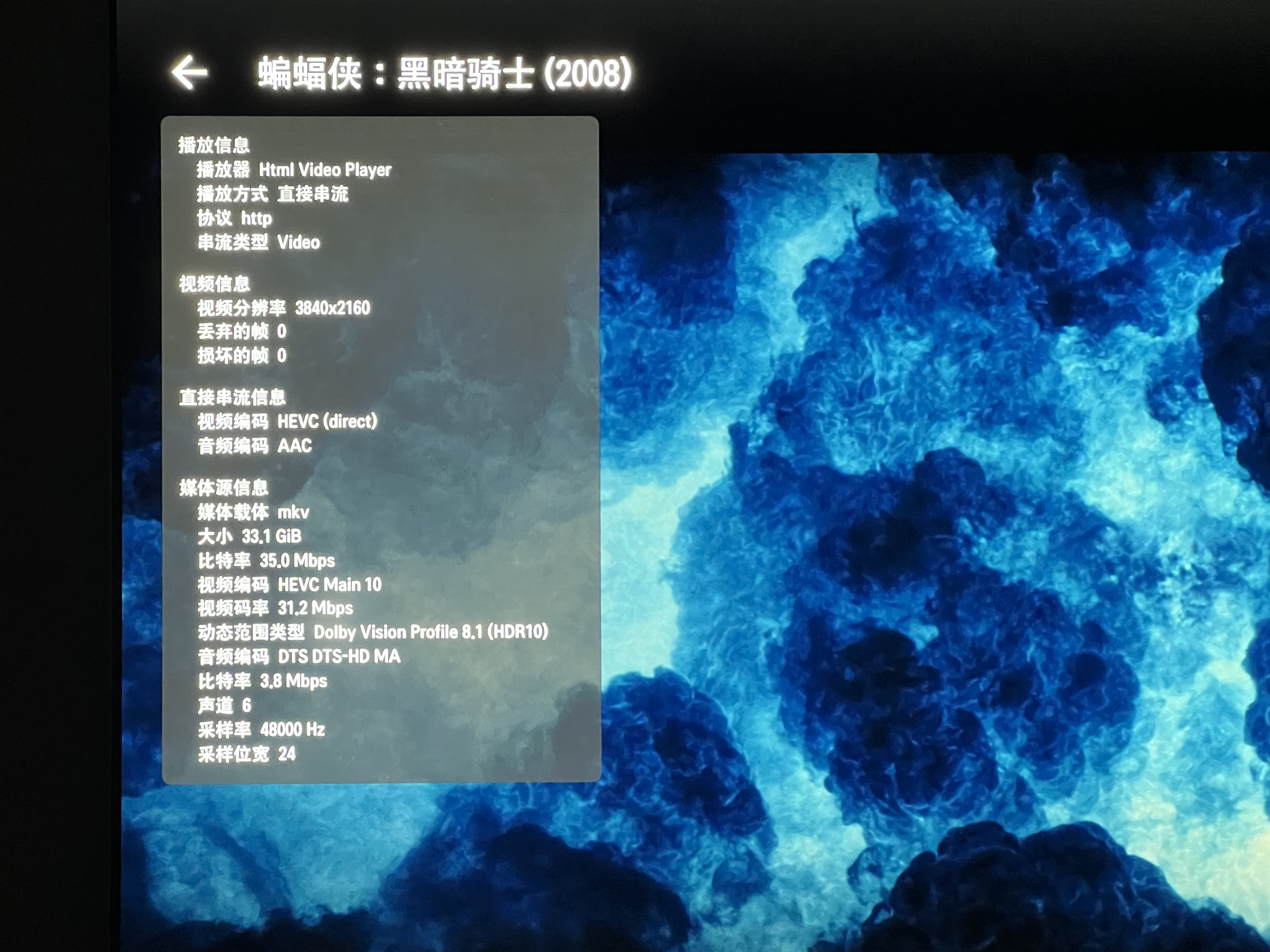
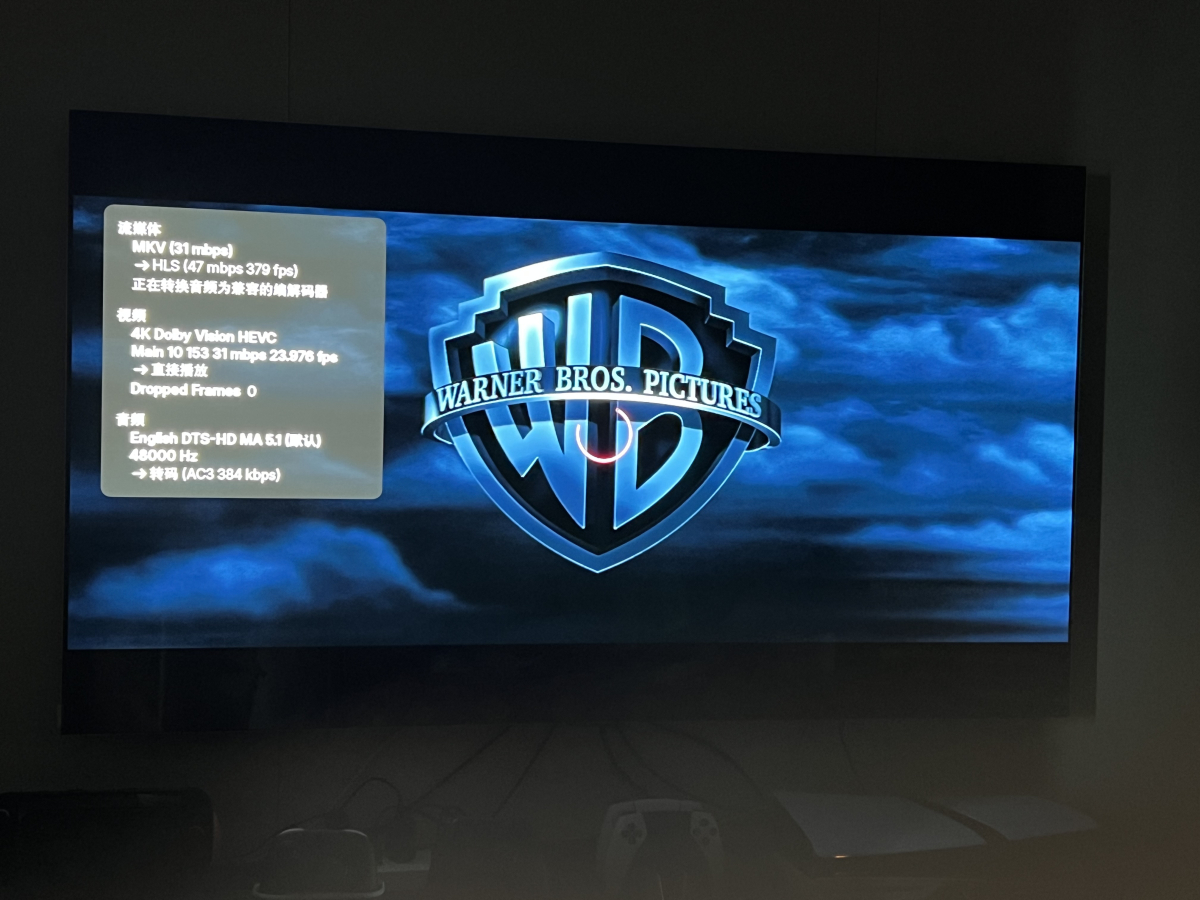
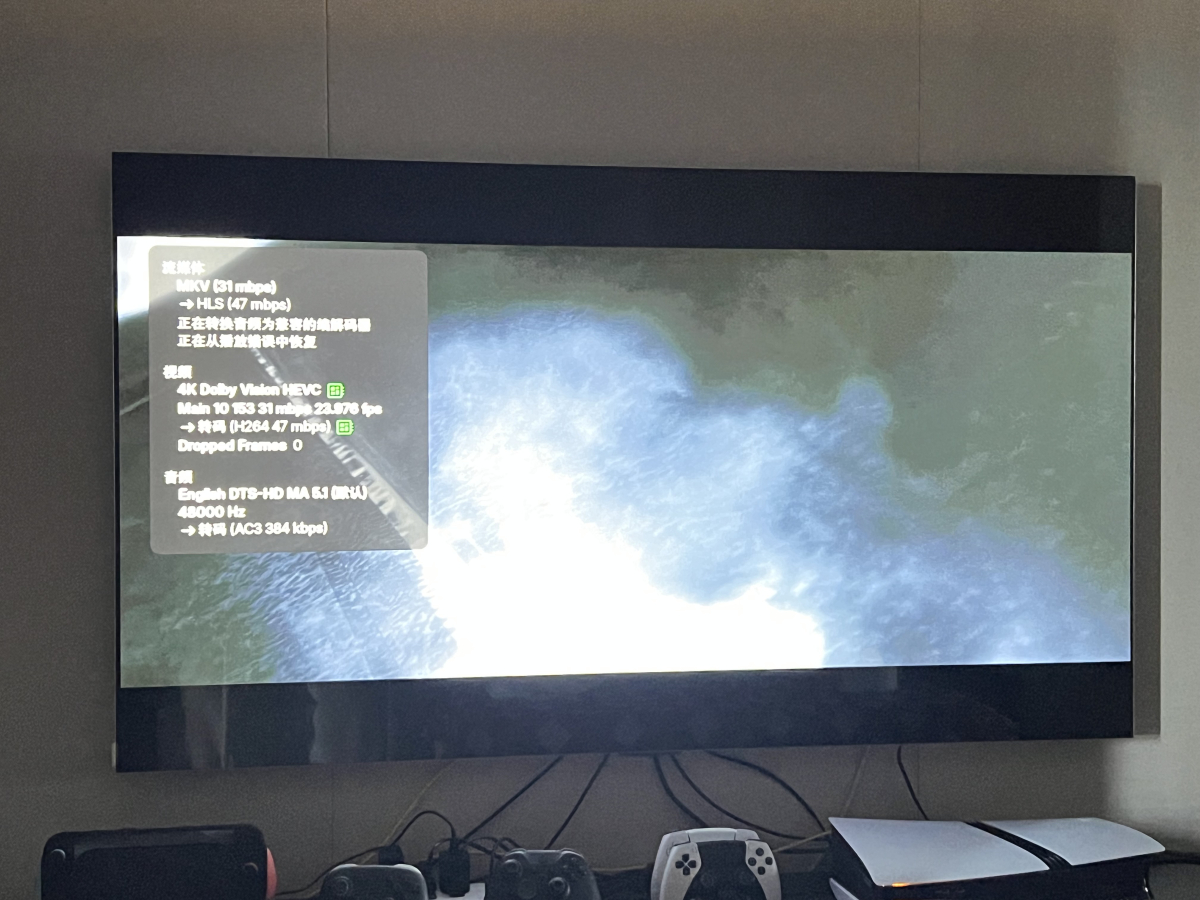
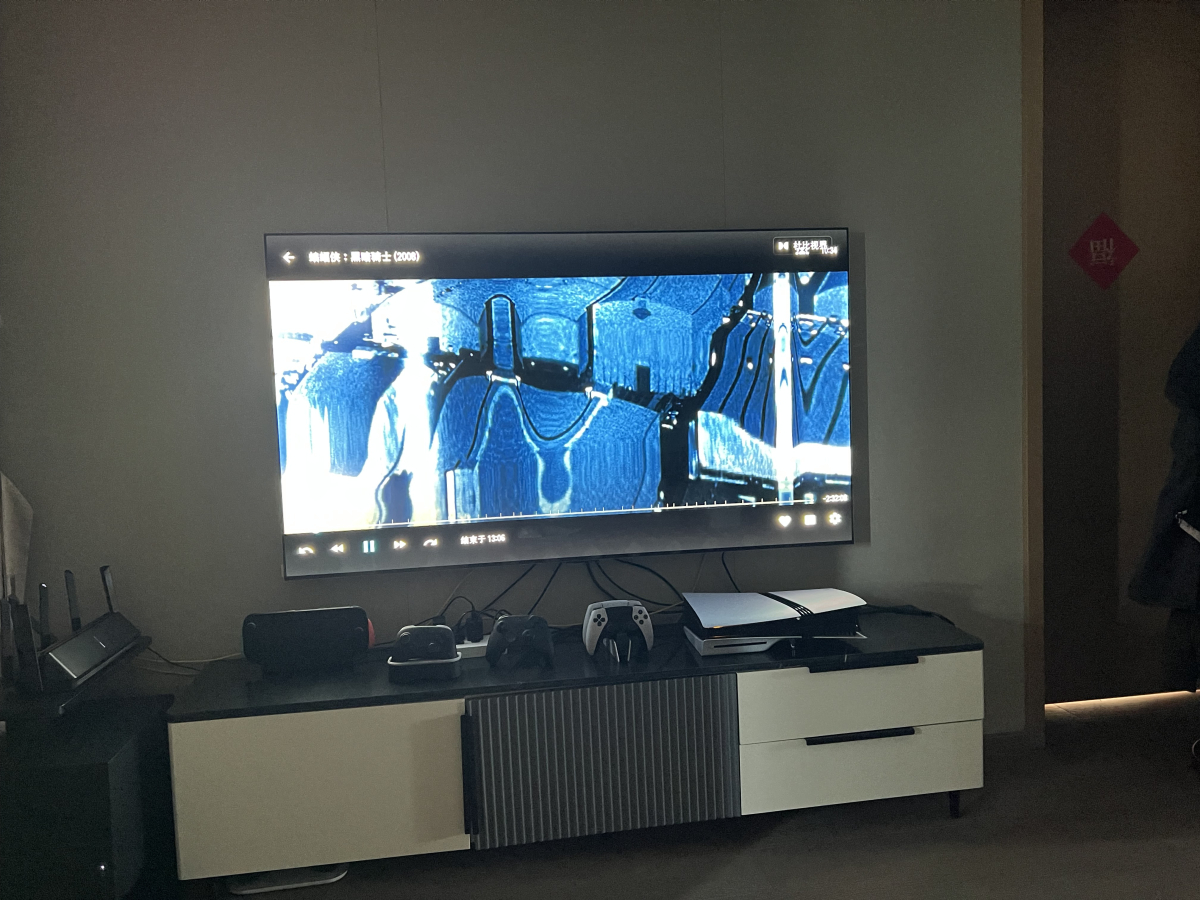
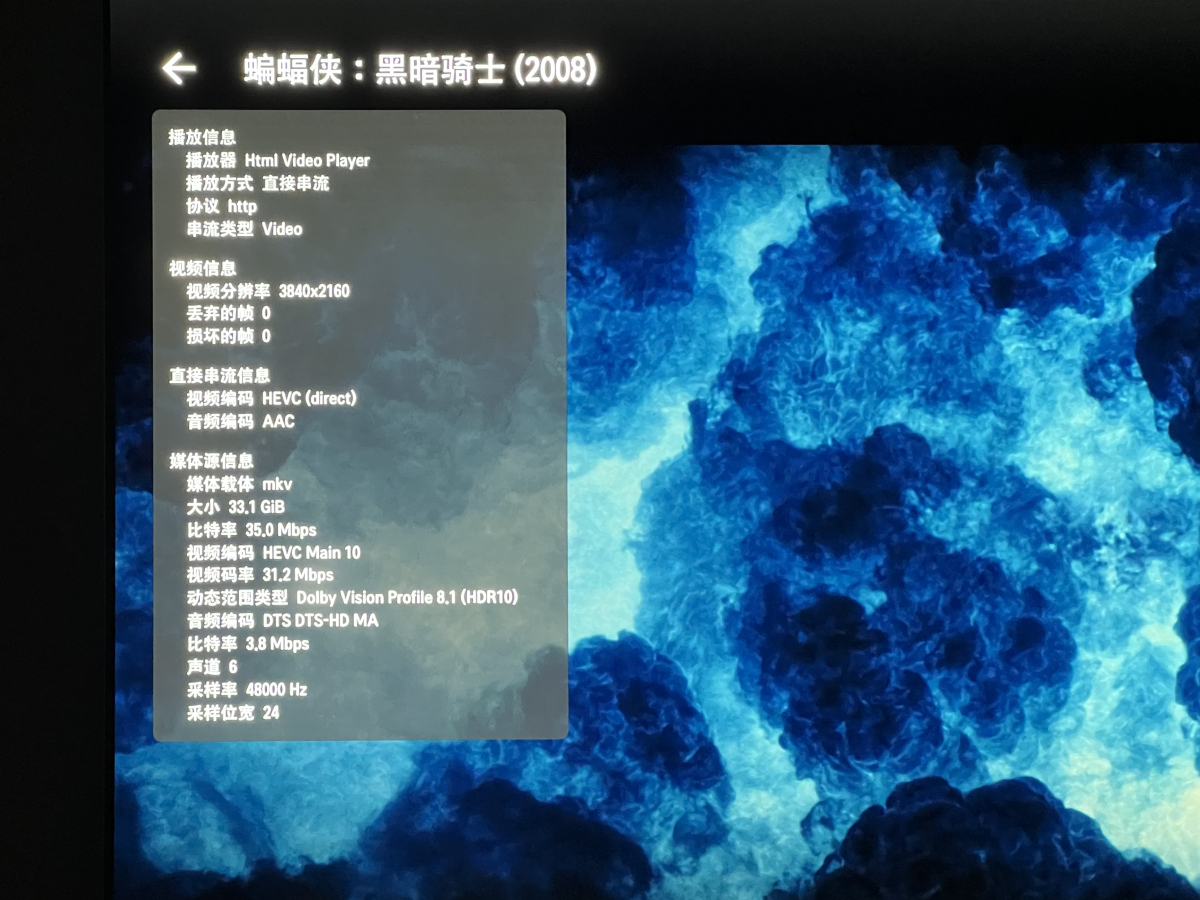
the client is emby on webos (emby for lg 1.0.50) , tv is lg lg5 65, with latest system 33.30.90. server is win11, cpu amd r7 5700x, gpu amd 7900xt. i have bought the premiere the problem is when i play the moive, which format is mkv, 4k dolby vision hevc,audio is dts. video is direct play, trigger hdr mode on my tv, audio transcode to ac3 384k. for the same moive is will stuck, and always at 8s. i try the soft transcode to h264, i will play ok, but hdr is complete loss, just sdr. i guess the problem happen with the audio transcode? i test another video with same video type, but audio is eac 5.1, it play with no problem. i also test with jellyfin, no problem at all, and the moive trigger dv mode in my tv. i will provide the screenshot and some logs.p1 is direct play stuck at 8s, p2 video get transcode, p3 trigger dv mode in jellyfin with same video file, p4 jellyfin play detail. log is all the files generate in the playtime embyserver.txt ffmpeg-transcode-b1910d51-9e0c-4545-a122-48ff224bc61a_1.txt hardware_detection-63909081053.txt
-
I know this is an old thread but I’d love to have this feature. I’ve got friends using my Emby and one uses it for kid shows for her children. So it’s downloading 10+ episodes a day, many of which I don’t care for. It completely blocks to my latest episode chart, so I mission of new shows that I’ve set to download because I don’t see them.
-

My metadata folder weights 200+ gb and my save artwork is set to "Save to media folders"
jmariani posted a topic in MacOS
What happens if I delete the metadata folder? TIA! -

Help with library sync/refresh accuracy
jordn613 replied to jordn613's topic in Emby For Kodi Next Gen
Nm -
I'm sure your right, I do notice a green tint on my dolby vision content when the stream is converted server side which is not there on infuse, when i disable those playback settings it looks exactly the same as infuse
-
Unless you have a good reason for it you shouldn't open port 80 on the WAN side or any other port that isn't using TLS.
-

OpenSubtitles not working, shows "There was an error processing the request" error yet "Success" in Emby log
SolidSnake289 posted a topic in General/Windows
Good day Emby community, Summary: OpenSubtitles stopped retrieving subtitles successfully on or around 01/07/26, as that is the most recent *.srt file that exists on my server (despite adding new content to my libraries since then). This is ALSO the most recent download date seen in my OpenSubtitles.com Account history (reinforcing the fact that Emby hasn't downloaded anything since then). Server info: Emby version: 4.9.3.0 OpenSubtitles version: 1.0.68.0 Browser: Firefox 147.0.2, Chrome 145.0.7632.117 OS: Windows 11 22H2 OpenSubtitles account is VIP, logged in successfully in Emby > Plugins, and I can search/download from the site manually Steps to recreate: Login to Emby server via Firefox (same occurs in Chrome) Navigate to Manage Emby Server (gear icon top right) Navigate to Metadata Manager > Movie library > pick a movie, any movie. For the sake of an example, "The Illusionist", IMDB tt0443543 Navigate to top right meatballs icon > Edit Subtitles Receive popup error message: "There was an error processing the request. Please try again later." (see attached recording) Diagnostic details/logs: After performing the steps above and waiting a few minutes, nothing actually shows in the embyserver.txt log file related to The Illusionist, OpenSubtitles, etc. See attached, "embyserver-afterManualSearchAttempt.txt". I attempted this manual "Edit Subtitles" at 3:01pm EST, and you can see other metadata updates in the log at that time, for The Illusionist (GET https://assets.fanart.tv/fanart/the-illusionist-51be2491f3a61.jpg), but nothing for subtitles. If I run the Scheduled Task for "Download subtitles", I will finally see some OpenSubtitle entries in the log (no errors, though - all HTTP 200 / success). I note that there are 107 OpenSubs searches, which, being an odd number, suggests my account isn't throttled against some round request limit (200, etc). See attached, "embyserver-afterScheduledTask.txt". I previously wrote a Powershell script to run OpenSubtitle's hash algorithm against my library so I can map the API calls in the Emby log against my library, and for some reason, among these 107 OpenSub API calls are files that already have matching *.srt files (and most of them have been there for ~6 months - bringing us to the next point...). A note that The Illusionist DOES appear in this list of 107 API requests, but never actually returns an SRT file. My Movies library is set to "Stop trying for videos older than 180 days" - you can see in the video, The Illusionist was added ~3 weeks ago (02/23/26) This particular movie does NOT have embedded subtitles Lastly and perhaps most importantly: Regardless of the library look-back period and whether or not a movie has embedded subtitles, the fact remains that I cannot even access the subtitle search popup because of the error message (which apparently isn't tripping anything in the log file, anyway) I'd appreciate any useful insights, troubleshooting suggestions, etc. Thank you! Emby Subtitle Search Error.mp4 embyserver-afterScheduledTask.txt embyserver-afterManualSearchAttempt.txt -
This problem has only starting happening recently for me as well. I am running Emby 4.10.0.5-beta x86 version on a Synology NAS with DSM v7.3.2 and LG TV version 1.0.50 Hoping the dev team can fix it soon as I am a huge fan of Emby and would not consider anything else! Thanks
-
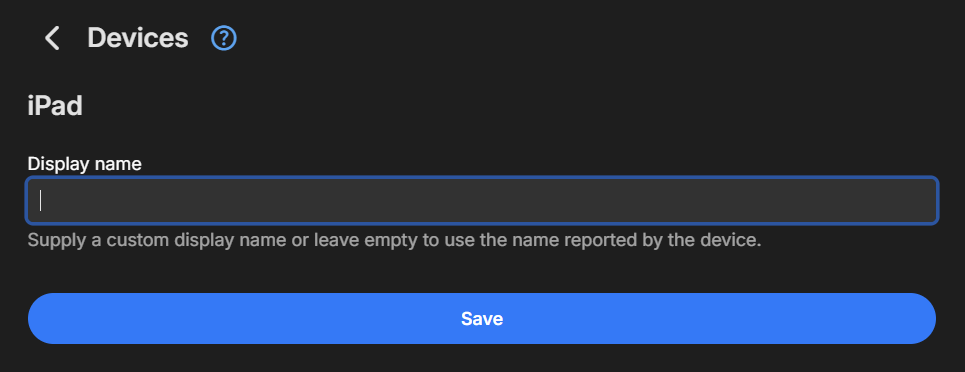
Go to 'Devices' on your server and do 2 things: Define a custom name for your active iPad device and see if that makes a difference to that list. Right-click -> Edit Metadata Remove any inactive or old devices that you know aren't being used anymore. Right-click -> Delete
-

I think my server was hacked
woofstream replied to edvinmorales@hotmail.com's topic in General/Windows
Makes sense. I accidentally put a 1 where a zero should have went in my port forwarding. Port 80 isn't showing a login page anymore, thank you! -

Moved media Library to new location. Some media's metadata points to old Paths and won't play.
bennymac posted a topic in General/Windows
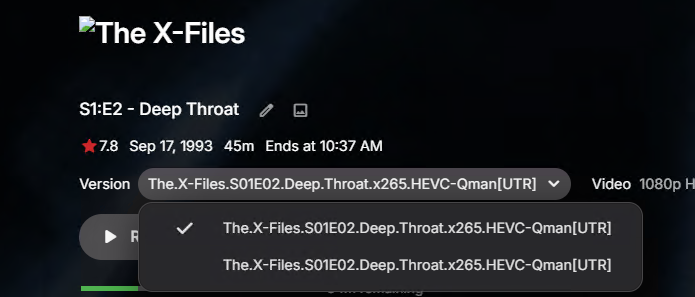
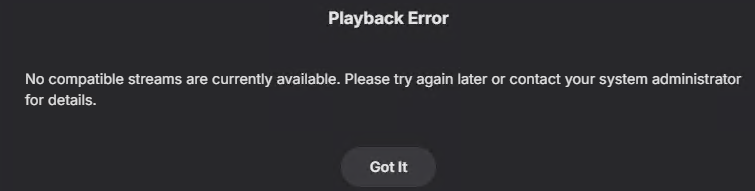
Hi Team, I have run Full Library Scans, refreshes after moving Media and not sure how best to proceed. In the past week we went from Media Libraries pointing to Local internal disks to a dedicated NAS and consolidated paths to single UNC path on the NAS for each content type. All libraries were updated and Library Scan's completed. From what i can see 90+ % seem fines although some media is not playing showing a failed artwork icon. For some files are not playing with "No Compatible Streams Available" Error. Looking into further some paths on content as pointing to old Path. E.g. TV Show library was configured for Z:\TV\XXX, D:\TV\XXX, F:\TV\XXX Now it's all \\192.168.1.221\Media\TV On some media we are getting a Playback Error On those media's metadata the old path shows. There is an alternative version of the same name. presumably what is being reference in the previous file path? We have run manual library scan's and freshed many times but it's not updating the paths. We've even removed the media from the library, refreshed and re-added. It displays the same behavior. Any idea's would be super appreciated.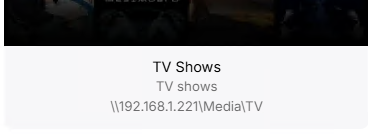

-
If its a known issue, then why does it allow me to use the word "emby" for my server name?, it should have given a warning or just stated it was not allowed Instead it accepted my server name without complaint and then I spend hours trying to figure out why the server name is not showing up correctly on the login page!
-
I don't actually use NPM to properly answer that question but I would assume no the login page should not be exposed, only the port that is used for whatever services you have configured to run behind it - which should only be reachable via domain name (SNI) on that port, which is probably 80 and 443. Some light research indicates that port 81 is the login page, definitely don't expose that.
-
The replacement Emby does because "Google" often flags any server name that contains this as impersonating Emby and gives a big red warning to anyone trying to access it! So use any server name that doesn't contain the text "emby".
-
I think my server was hacked
woofstream replied to edvinmorales@hotmail.com's topic in General/Windows
Thank you! I have that setup now, new IP address from my ISP as well. I am curious though, is the login page for Nginx Proxy Manager meant to be exposed on my IP or is there more I should do? - Yesterday
-
What do you mean by "my own web app" I don't have my own app, I am logging into the Emby dashboard, should it not show the servername correctly as I specified? Would this not be the same for any of my users who login? they are going to see incorrect server name also? What is the point of giving us the ability to name or rename our servers as we want, but then you ignore that and replace it with "Media Server" it makes no sense Is there CSS code that can over-ride this terrible behavior?
-

Malwarebytes finding malware from Emby Theater (Windows)
Luke replied to ptvir's topic in General/Windows
Hi, the version of electron it embeds is old. You may want to uninstall and then install our new windows app from the windows store. -
-
This only happens on your own web app, not our other apps.
-
Intel QuickSync H.265 Max Bitrate 39Mbit/s -> falls back to software encoding above this threshold
Luke replied to embart0r's topic in Linux
Hi, yes we are working on a new ffmpeg build for the server that should be on the beta channel soon.