All Activity
- Past hour
-
Please explain to me what you changed to fix it - maybe some screenshots to show what you changed and to tell me which app that was for and which device And please clarify what you meant when you said "main deco (eero app)" - i do not understand How is he connecting ? which app ? is he using Emby Connect ? Is it the emby connect account he cannot access ? or is it the local account on the emby server ? In which case that means he reached the server. And whay error does he get
-
 Bartbautidta joined the community
 -
 Yuvib joined the community
 -
 _hhectorr_9 joined the community
 -
 dzubiel joined the community
 -
Okay. My wifi is still off and I am able to connect to my server. The issue is, I sent my dad an email through his profile to connect remotely, but he is saying that he can not access the account.
-
 kurbi3333 joined the community
 -
Hello i schedule everyday a scan of my libraries. My server is not CT Proxmox (Ubuntu). Sometimes after a scan is finished, i face a high RAM & disk swap disk usage. To restore RAM and disk a normal usage, i must restart manually the server. Is there a way to automatise a restart just after the scanning task ended? Thanks
-
video of playback working on emby windows app windows.MOV
-
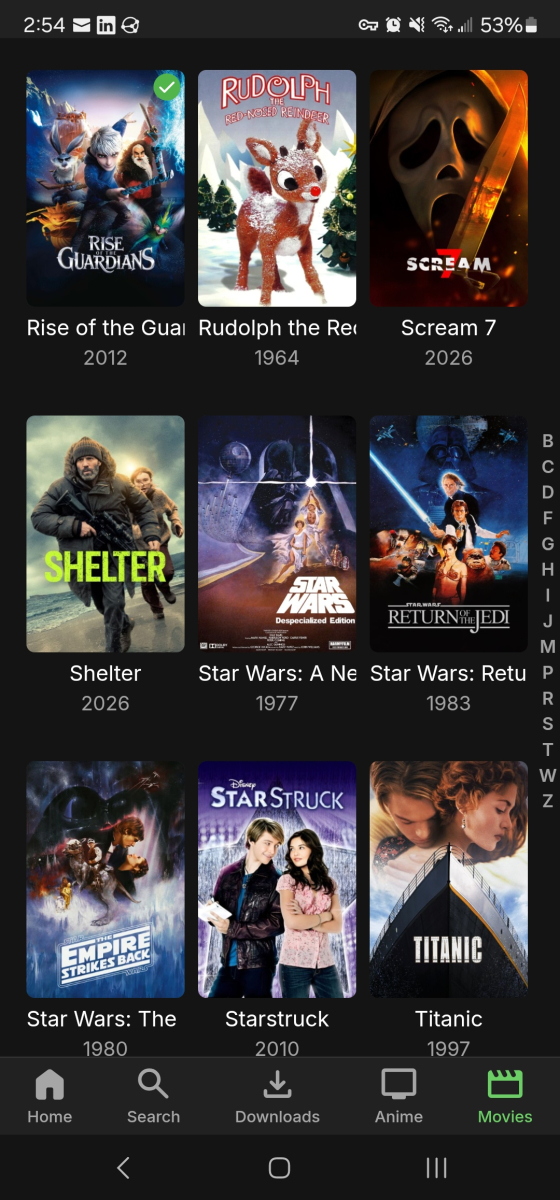
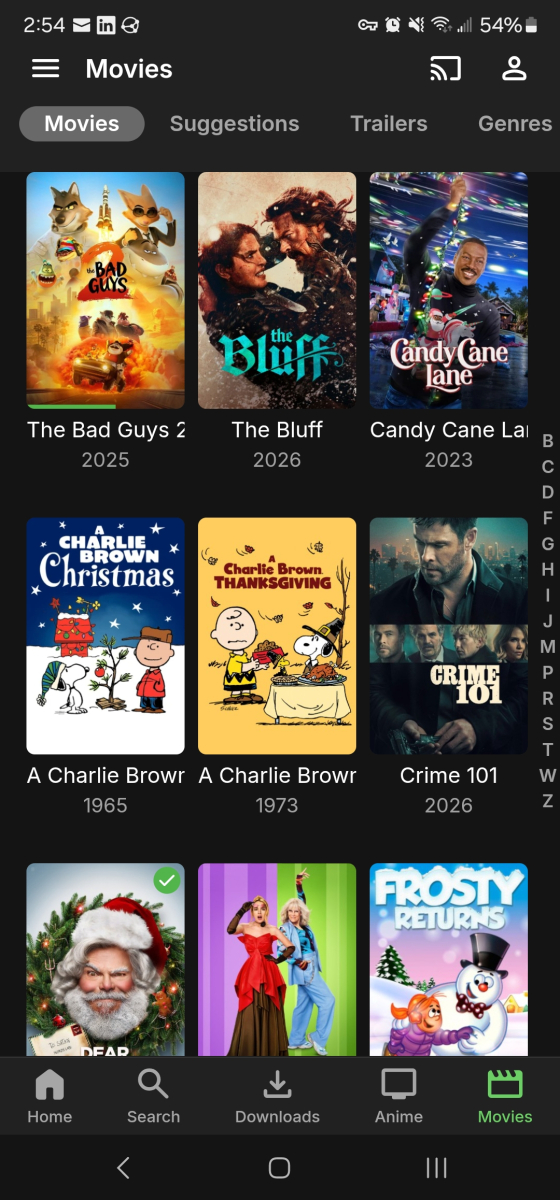
Looking to see if there is a way to have the titles and actors/characters names word wrap? I found the way to do it on browser but that doesn't fix the app side either android (phone or firestick) or tv smart apps and xbox.
-
 Isabel91 joined the community
 -
 martinsodds joined the community
 -
video of playback issue on LG OLED65CS6LA lgtv.MOV
-
 MeM16 joined the community
 -
- I have a problem with playing back recordings on my LG OLED65CS6LA. It happens on most recordings. it seems to be only this device that is affected. windows app seems okay. Using hd homerun tuner. emby server on synology nas. When i go to playback a recording it will show a still screen of the recording for about 1 second then just go blank. All you can do after this is press backup to return to previous screen. - I have tried seeking forwards and backwards but emby does not respond. I have tried restarting emby server and synology nas. i have played back on windows app and LGOLED55BV7 and all recordings play back okay. - I have not seen any error messages. - I have attached server log - I have attached 2 videos, one of the LG and one of the windows app to show playback issue on the LG many thanks Robbie embyserver.txt
-
If the deco is in Access Point mode, it would not have an option to do a port forward May be on the eero you were not forwarding to the local ip address of the emby server but elsewhere
-
I am totally confusd now. I thought eero app controls eero device, deco app controls tp-link deco devices
-
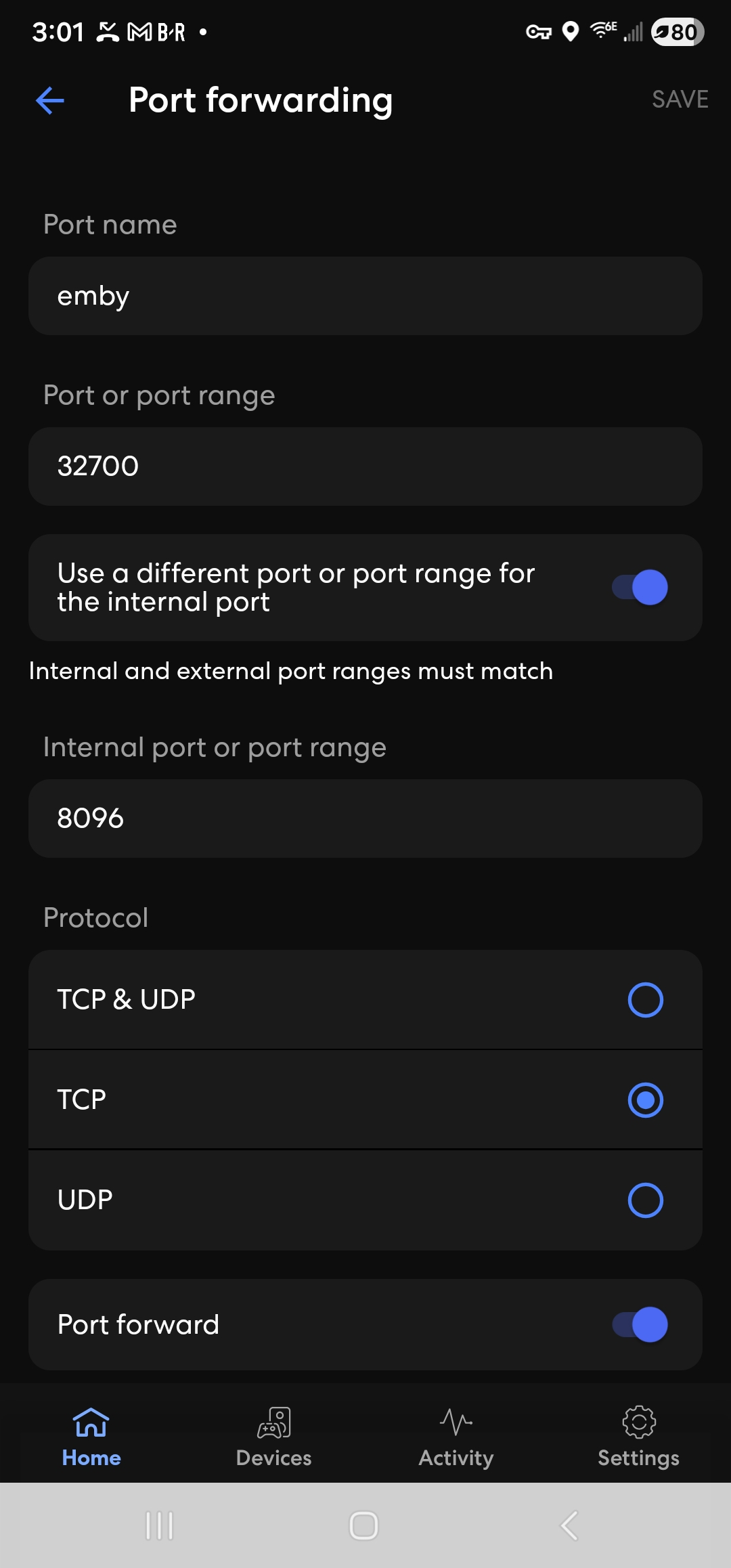
Okay, I think I caught my error. What I did was put the port forwarding on the main deco(eero app). I deleted that and put the port forwarding on the deco that is hardwired to my pc(has emby server). It worked on my phine with wifi turned off. I will try again to double check. I will update information.
-
Try the reboots of all the decos with main deco first. Also restart emby server Also eero reboot sequence eero reboot main deco reboot satellite deco reboots emby server shutdown and relaunch What is the emby server running on ? platform? Any security software / firewall other than system default?
-
^
-

[BUG] The playback progress of ISO disc movies is not sync to the Emby server.
forbxy replied to chuwz's topic in Emby For Kodi Next Gen
Before the Emby Server team addresses this issue, could you please let me know if there is an API endpoint available that allows us to manually add or update the "RunTimeTicks" field for video items? -
Yes, the deco in the app is showing as Access Point still.
-
https://emby.media/support/articles/Movie-Naming.html
-
The decos should now be acting in passive mode as "Access Point" and all the network management for IP addresses should be by the eero. On the Deco app, when you click on Advanced settings, does it show operation mode as "Access Point" ? You could click on Reboot Deco in Settings / System - if the mode is correctly set to Access Point You could show them individually and reboot - starting with the main deco and then once that is operational, the satellite decos rebooted
-
[BUG] The playback progress of ISO disc movies is not sync to the Emby server.
forbxy replied to chuwz's topic in Emby For Kodi Next Gen
@quickmic @Luke I am absolutely certain this is a bug in the Emby Server. When local ISO files are added to the library, they are missing the "RunTimeTicks" field. Furthermore, the server ignores this field when clients send playback progress updates. Since Emby Server relies on both the total runtime and the current playback position to calculate playback progress, the absence of a total runtime causes the server to erroneously mark the item directly as "Played". This issue is not isolated to the Emby Next Gen client; it can easily be reproduced using the official iPhone client as well. The fix should be very simple: similar to how remote items are handled, the server simply needs to stop ignoring the total runtime sent by the client during playback progress syncs. For the record, my tests were conducted using the latest versions of the Emby Server, the official iPhone client, and the Emby-Next-Gen addon as of right now. -
Yes to the first two. Question, for the deco(s) connected to the eero and my pc, should port forward them?
- Today
-
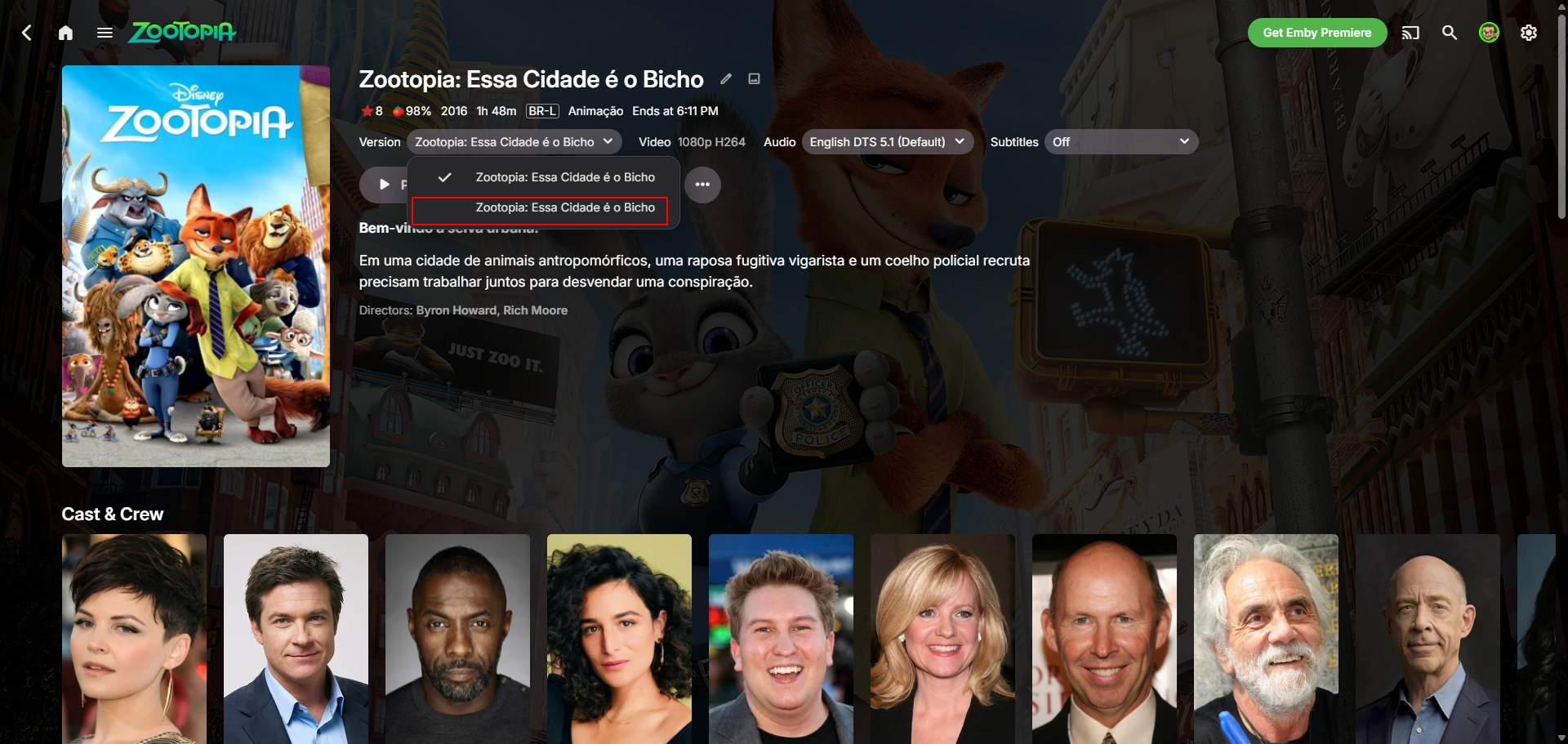
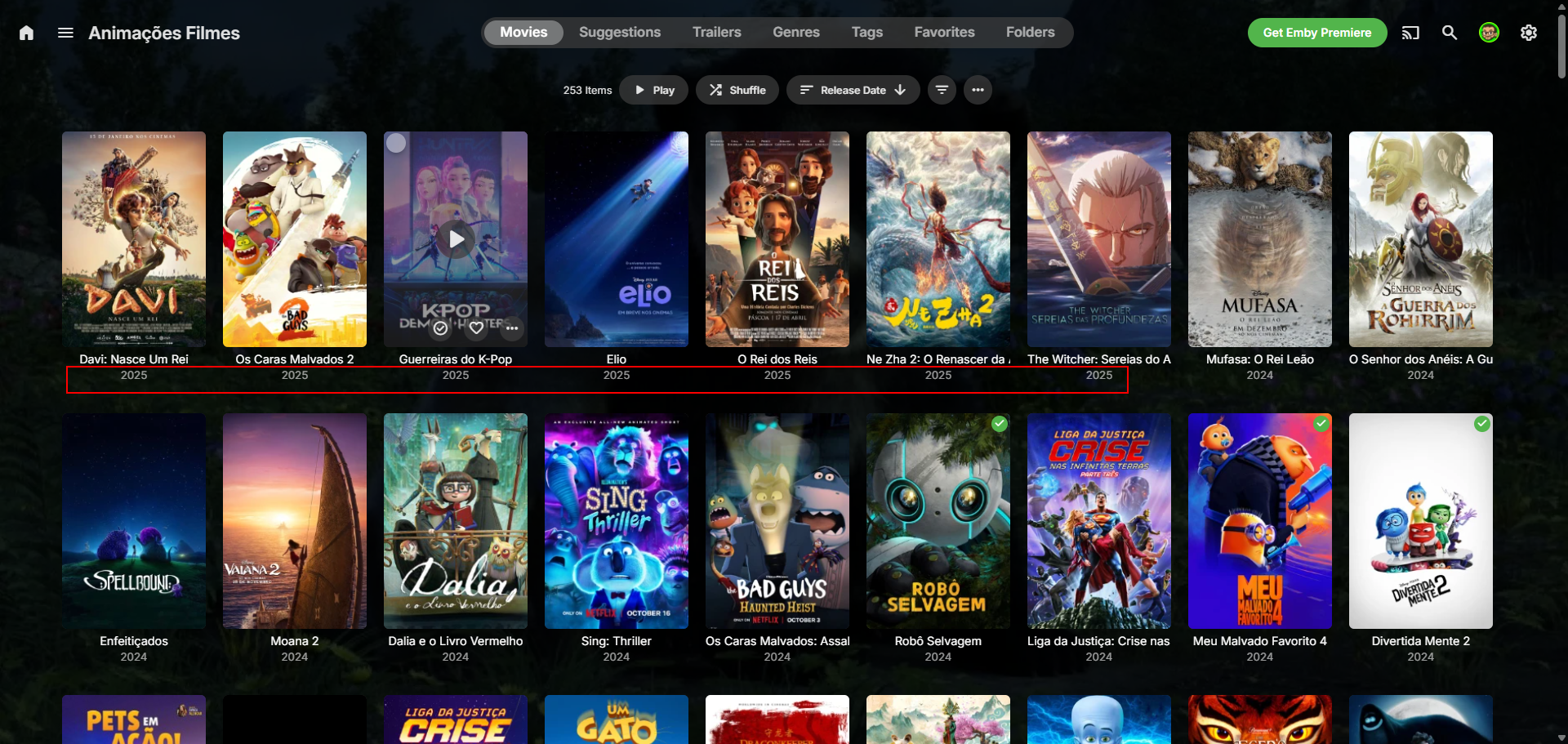
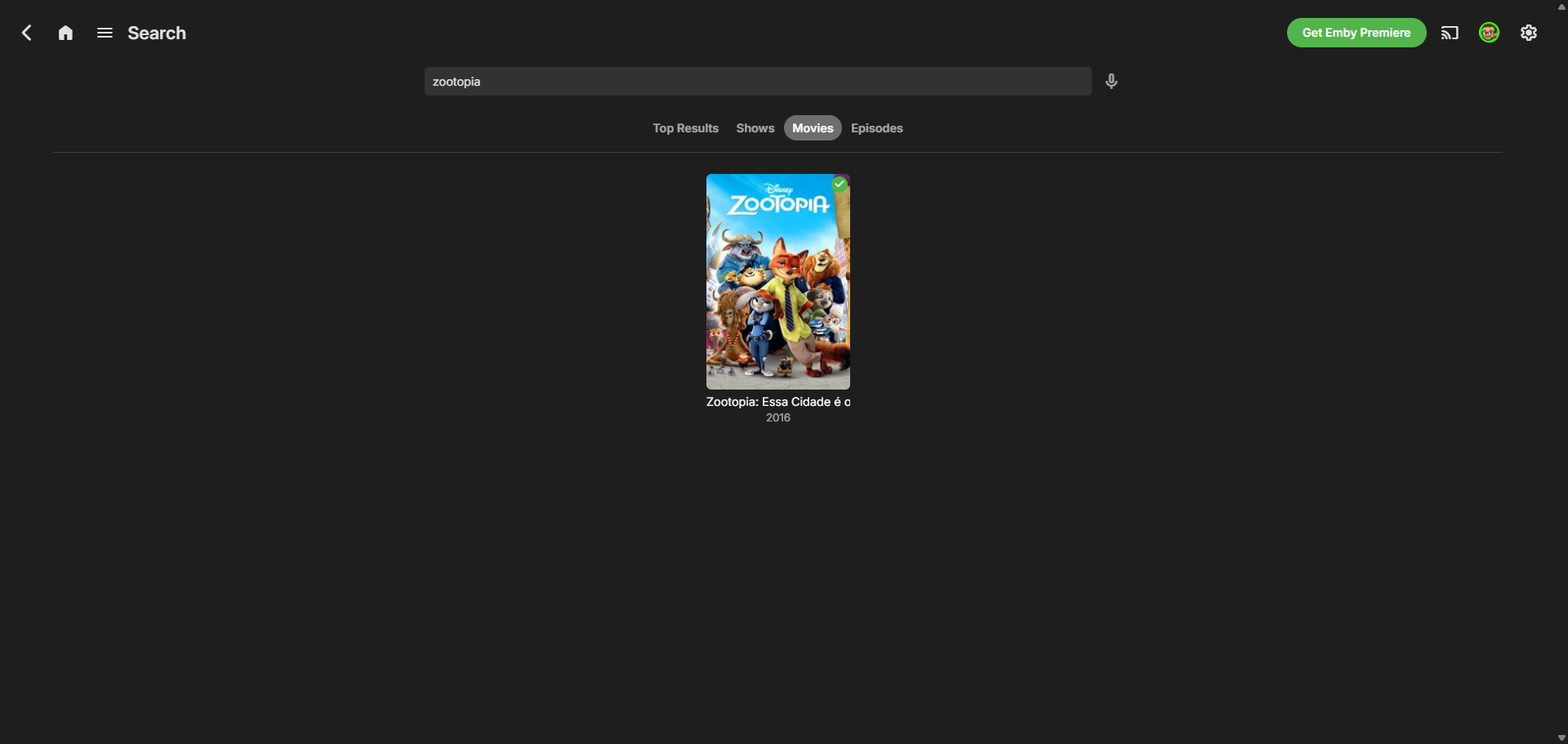
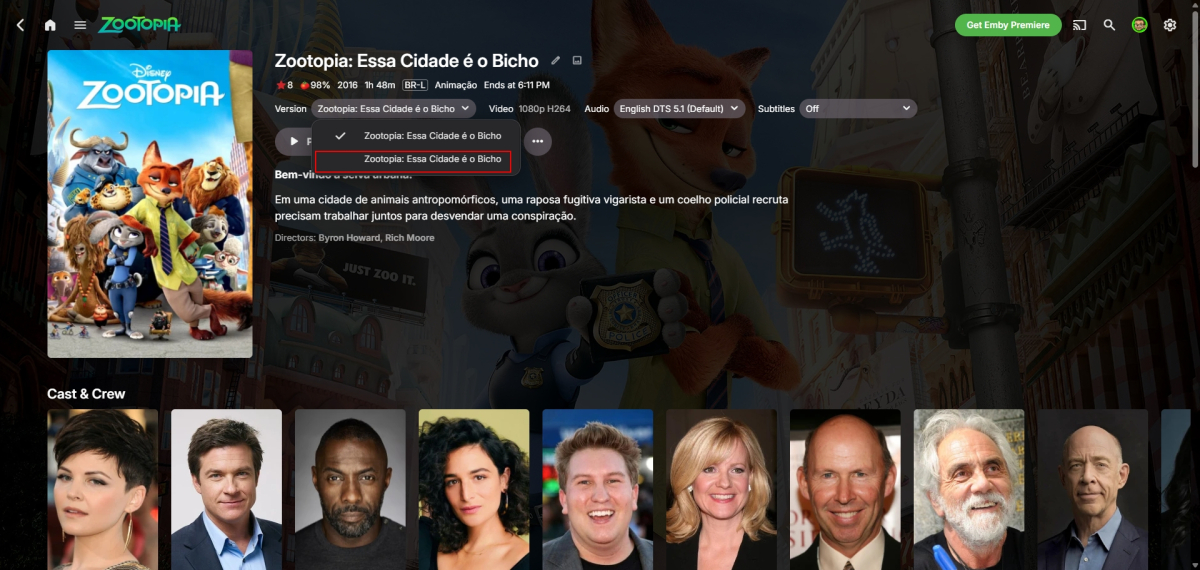
I found the problem: he's included in the first movie as if it were a "second version." How do we prevent that from ever happening?
-
What is the local IP address of the emby server? Is it within the IP LAN subnet on the eero? Does the eeor app have a ping tool where you can ping that IP to see it gets through Does the eero need rebooting after setting up a port forward ?
-
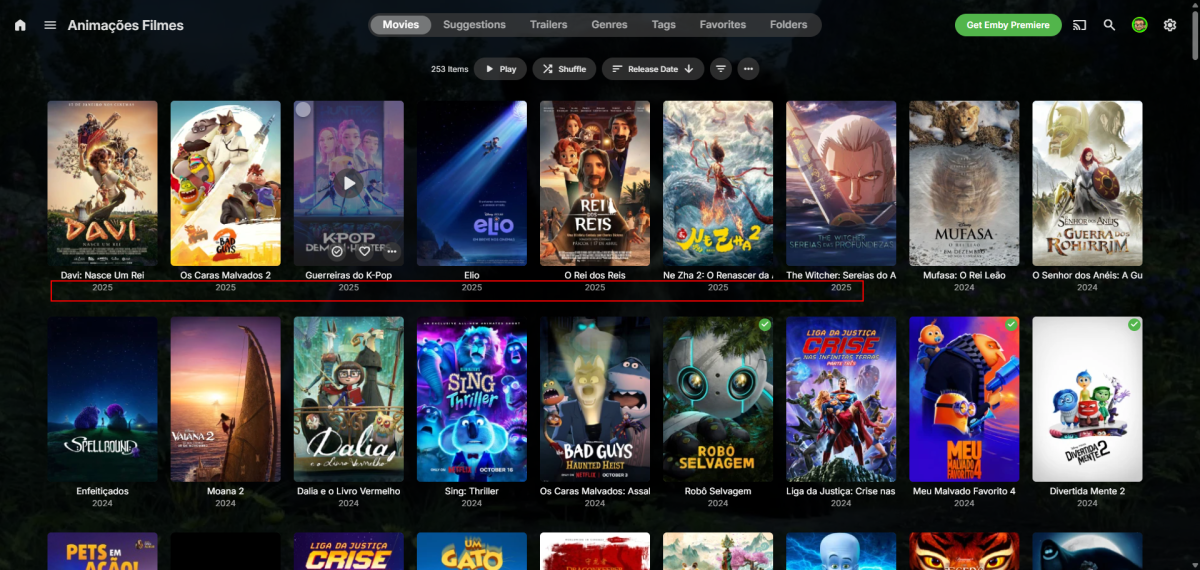
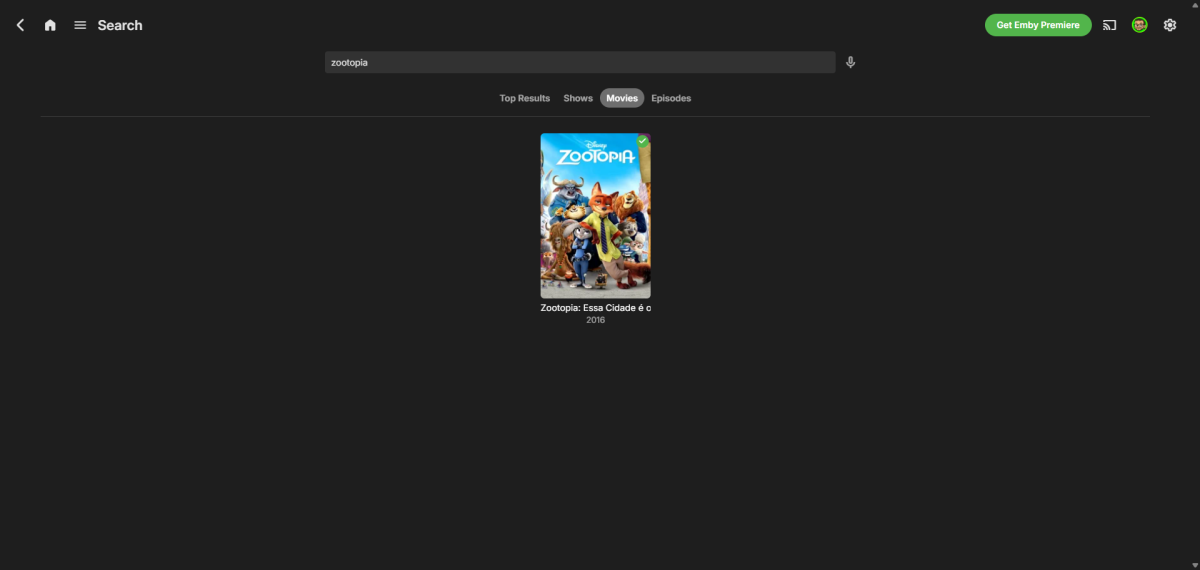
Because of this, it doesn't appear at the top, even though it's filtered by release date, and if you search, only the first movie appears... Oh, and usually when the file is found, it saves the thumbnails, folder, etc. of the movie in the folder, but only the video file is inside. Example below: movie 1 has the images, and movie 2 has nothing, which suggests that the metadata, etc., weren't uploaded. ribtherobot@RIB:~$ ls "/mnt/hde4TB_4/Filme/Animações/[2025] Zootopia 2" '[2025] Zootopia 2.mkv' ribtherobot@RIB:~$ ls "/mnt/hde4TB_4/Filme/Animações/[2016] Zootopia" '[2016] Zootopia.mkv' clearlogo.png fanart.jpg poster.jpg
-
Correct. It is still not connecting remotely. Not sure how much you have read prior. My pc is hard wired to a deco satellite. The main deco is connected to my eero in a different room. I adjusted the settings within deco as recommended yesterday.
-
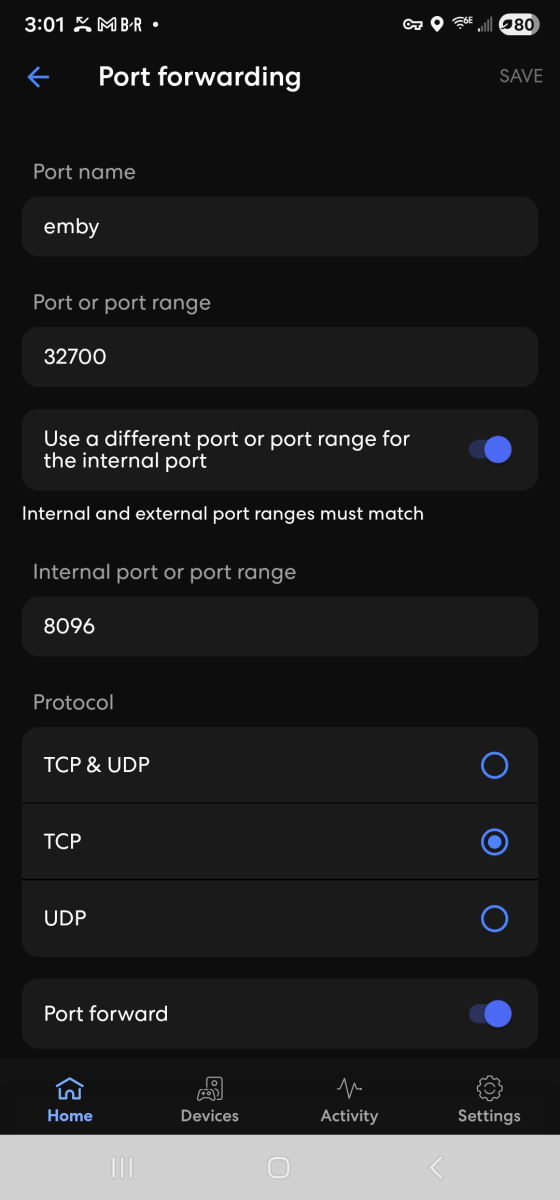
Once you change the http port in network settings, on the emby server settings dashboard, you should see your local IP address with port 8096 and your public ip address with port 32700 Running on http port 8096 Home (LAN) access: http://LOCAL-IP-ADDRESS:8096 Remote (WAN) access: http://PUBLIC-IP-ADDRESS:32700
-
-
That is for https / secure connections and it is disabled - so no need to touch it