All Activity
- Past hour
-
 saaz19 joined the community
 -
 Oakview joined the community
 -
 shmez9 joined the community
 -
 Mark_Kiki joined the community
 -
 Aitanasocas joined the community
 -
 Shaz_ joined the community
 -
Hello i run with last beta (v4.10.0.8) When i start a play, it plays well for some seconds and then a loop (still image)! Only occur on LG, on others clients it works (Windows/Chrome). What's wrong? Thanks Here some traces in logs: 2026-04-02 21:27:41.032 Info MediaInfoService-0HNKGT4245IHO:0000002A: User policy for admin. EnablePlaybackRemuxing: True EnableVideoPlaybackTranscoding: True EnableAudioPlaybackTranscoding: True EnableTranscodingQuality: True 2026-04-02 21:27:41.032 Info SessionManager: Setting _lastPlaySessionId for session 27cf6c95e31db59854fbef1fa9ede1ac to 4d943bbed9c14a489556b0bd3188d413 2026-04-02 21:27:41.032 Info MediaInfoService-0HNKGT4245IHO:0000002A: http/1.1 Response 200 to host4. Time: 2824ms. POST http://192.168.1.44:8096/emby/Items/682491/PlaybackInfo?UserId=x_secret5_x&StartTimeTicks=0&IsPlayback=true&AutoOpenLiveStream=true&MediaSourceId=mediasource_682491&MaxStreamingBitrate=200000000&X-Emby-Client=Emby for LG&X-Emby-Device-Name=LG Smart TV (OLED65G26LA)&X-Emby-Device-Id=daf44956-3950-4daa-8b23-997437ff4e32&X-Emby-Client-Version=1.0.50&X-Emby-Token=x_secret6_x&X-Emby-Language=fr&reqformat=json. 2026-04-02 21:27:41.210 Info VideoService-0HNKGT4245LBT:00000001: http/1.1 GET http://192.168.1.44:8096/emby/videos/682491/original.mkv?DeviceId=daf44956-3950-4daa-8b23-997437ff4e32&MediaSourceId=mediasource_682491&PlaySessionId=4d943bbed9c14a489556b0bd3188d413&api_key=x_secret6_x. Source Ip: host4, Connection=close, Host=192.168.1.44:8096, User-Agent=Mozilla/5.0 (Web0S; Linux/SmartTV) AppleWebKit/537.36 (KHTML, like Gecko) Chrome/120.0.6099.270 Safari/537.36 WebAppManager, Accept-Encoding=identity, icy-metadata=1 2026-04-02 21:27:41.218 Info HttpClient: GET http://xxx.xxx.xxx/series/rsjT6CNvovgQZ4/aFWUeNgdyuajgZ/686758.mkv 2026-04-02 21:27:41.447 Info HttpClient: Http response 401 from http://xxx.xxx.xxx/series/rsjT6CNvovgQZ4/aFWUeNgdyuajgZ/686758.mkv after 229ms 2026-04-02 21:27:41.448 Error VideoService-0HNKGT4245LBT:00000001: Error processing request *** Error Report *** Version: 4.10.0.8 Command line: /system/EmbyServer.dll -programdata /config -ffdetect /bin/ffdetect -ffmpeg /bin/ffmpeg -ffprobe /bin/ffprobe -restartexitcode 3 Operating system: Linux version 6.17.2-1-pve (build@proxmox) (gcc (Debian 14.2.0-19) 14.2.0, GNU ld (GNU Binutils for Debian) 2.44) #1 SMP PREEMPT_DYNAMIC PMX 6.17.2-1 OS/Process: x64/x64 Framework: .NET 8.0.22 Runtime: system/System.Private.CoreLib.dll Processor count: 6 Data path: /config Application path: /system MediaBrowser.Model.Net.HttpException: MediaBrowser.Model.Net.HttpException: Unauthorized at Emby.Server.Implementations.HttpClientManager.CoreHttpClientManager.SendAsyncInternal(HttpRequestOptions options, String httpMethod) at Emby.Server.Implementations.HttpClientManager.CoreHttpClientManager.SendAsync(HttpRequestOptions options, String httpMethod) at Emby.Server.Implementations.HttpServer.HttpResultFactory.GetContent(StaticFileResultOptions options, Int64 offset, Int64 length, CancellationToken cancellationToken) at Emby.Server.Implementations.HttpServer.FileWriter.SetContentResponseHeaders(Nullable`1 reportedTotalContentLength, CancellationToken cancellationToken) at Emby.Server.Implementations.HttpServer.HttpResultFactory.GetStaticResult(IRequest requestContext, StaticResultOptions options) at Emby.Server.MediaEncoding.Api.Progressive.BaseProgressiveStreamingService.ProcessRequest(StreamRequest request, Boolean isHeadRequest) at Emby.Server.Implementations.Services.ServiceController.GetTaskResult(Task task) at Emby.Server.Implementations.Services.ServiceHandler.ProcessRequestAsync(HttpListenerHost httpHost, IServerApplicationHost appHost, IRequest httpReq, IResponse httpRes, IStreamHelper streamHelper, RestPath restPath, String responseContentType, CancellationToken cancellationToken) at Emby.Server.Implementations.HttpServer.HttpListenerHost.RequestHandler(IRequest httpReq, RestPath restPath, String urlString, String localPath, String contentTypeInPath, CancellationToken cancellationToken) Source: Emby.Server.Implementations TargetSite: Void MoveNext()
-
 RubenGir joined the community
 -
 95062 joined the community
 -
 Dubbs420 joined the community
 -
 SadafHaq joined the community
 - Today
-
I'm posting this if anyone needs a work-around. I've been having an issue with bitstreaming Dolby Atmos to my Yamaha RX-A8A AVR. If an AC3 or EAC3 stream is encoded with Atmos, the audio cuts out, sometimes often, sometimes periodically (the frequency of cut outs changes with each movie). I didn't notice any issues with Atmos encoded streams in any of the higher bitrate streams (e.g. Dolby True HD 7.1 seems fine). Also, it doesn't seem to matter if I have bitstreaming enabled or not, the audio was cutting out with it off, but without the Atmos decoder on my AVR flipping out, it was just little blips of audio cutting out). This cropped up after a hardware change (at least I think thats what it is, becuase I don't recall having an issue until I changed out the GPU). Current hardware: AMD Ryzen 5 5700G, 32GB ram, Radeon 9060XT 16GB (previous graphics card was a GeForce 4060Ti 8GB). I also never had an issue with my main PC hooked up (AMD Ryzen 9 9950X3D, GeForce 4090). AFAIK the default behaviour for the Windows app is Balanced video decoding. If you change to High Quality, the problem gets significantly worse, changing to Energy Efficient appears to fix the issue.
-

Free Emby app, free Emby server, remote connection, no limitations — how is this possible?
StefanoMore posted a topic in Android
Hi everyone, I'm trying to understand what the actual limitations are when using the free Emby Android app (downloaded directly from the Play Store) connecting to a free Emby server (no Premiere license). My setup: - 3 Android smartphones, all with the official Emby app from the Play Store - None of them have any in-app purchase or Premiere subscription - I connect to a server that also has no Premiere license - I'm always on a different network than the server (remote streaming) The surprising part: on all three devices I can browse the library and stream movies without any paywall, warning, or limitation appearing whatsoever. The server admin was actually surprised by this — he had always told users to install a modified APK because he assumed the official Play Store app wouldn't work without Premiere. Yet here I am, three devices, fully functional, no purchase made. Downloading content offline is disabled by the admin on the server side, so I can't test that specific feature. My question is: what exactly are the limitations when using a free Android app + free server in a remote streaming scenario in 2025/2026? Has the playback paywall been silently removed for Android mobile, similar to what was announced for Android TV (free playback up to 5 devices per server)? Thanks in advance for any clarification! -

Keine Downloads der Emby Beta trotz Anzeige das eines vorhanden ist?
Anz30 replied to Anz30's topic in German
Super, wusste ich nicht, wird sofort abgespeichert, danke -

Keine Downloads der Emby Beta trotz Anzeige das eines vorhanden ist?
K1ng_Lear replied to Anz30's topic in German
Du findest die aktuellste Beta Version immer auf Git Hub. https://github.com/MediaBrowser/Emby.Releases/releases Dort einfach die richtige Version runterladen, Emby runterfahren und dann drüber installieren. -
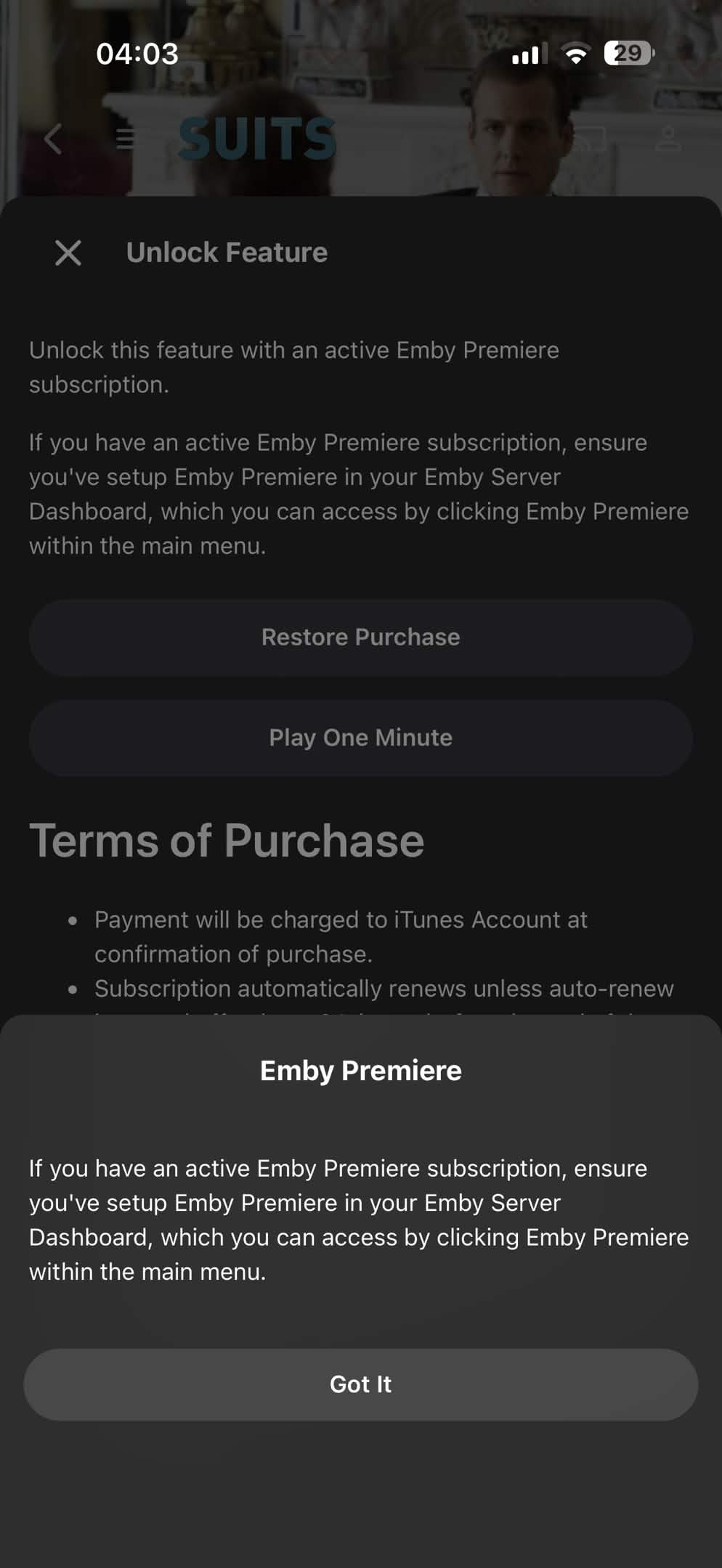
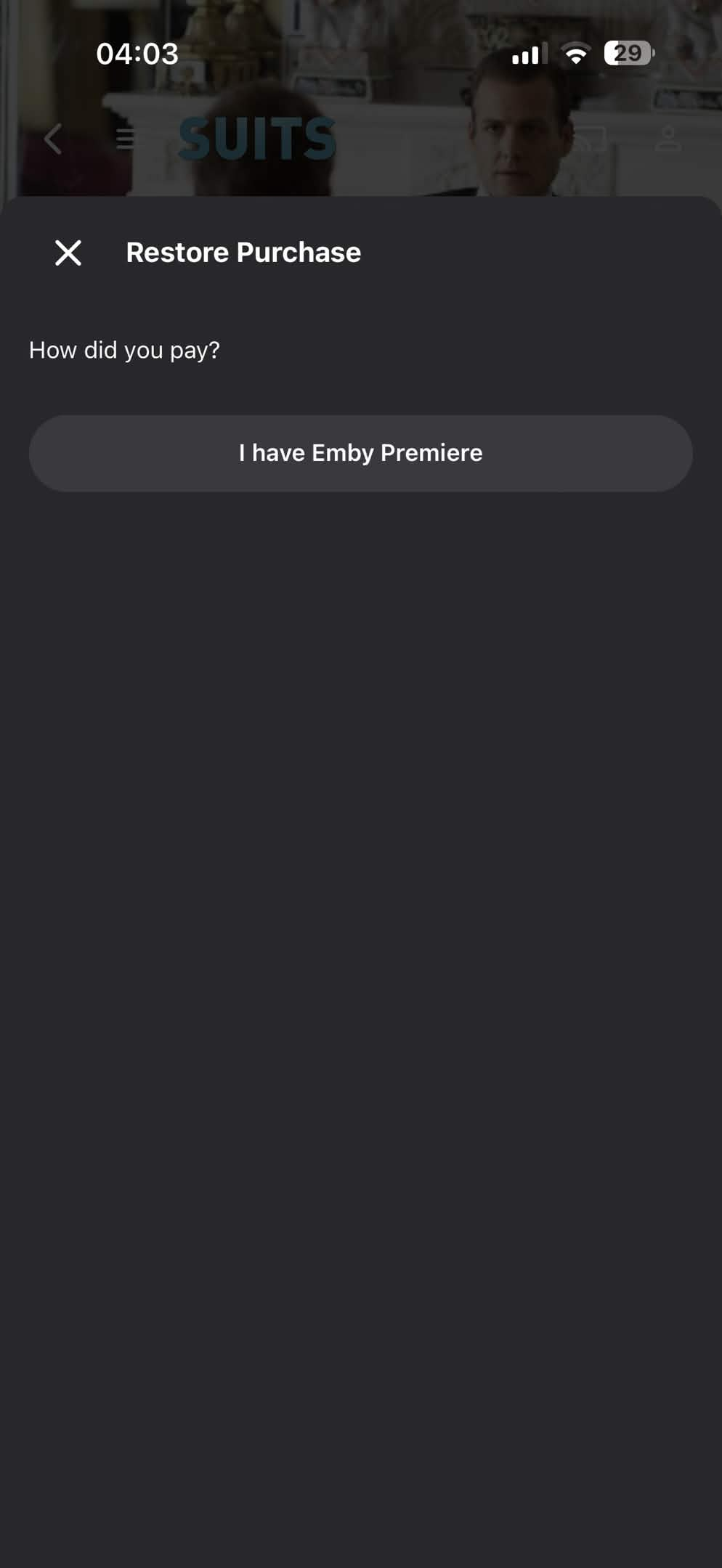
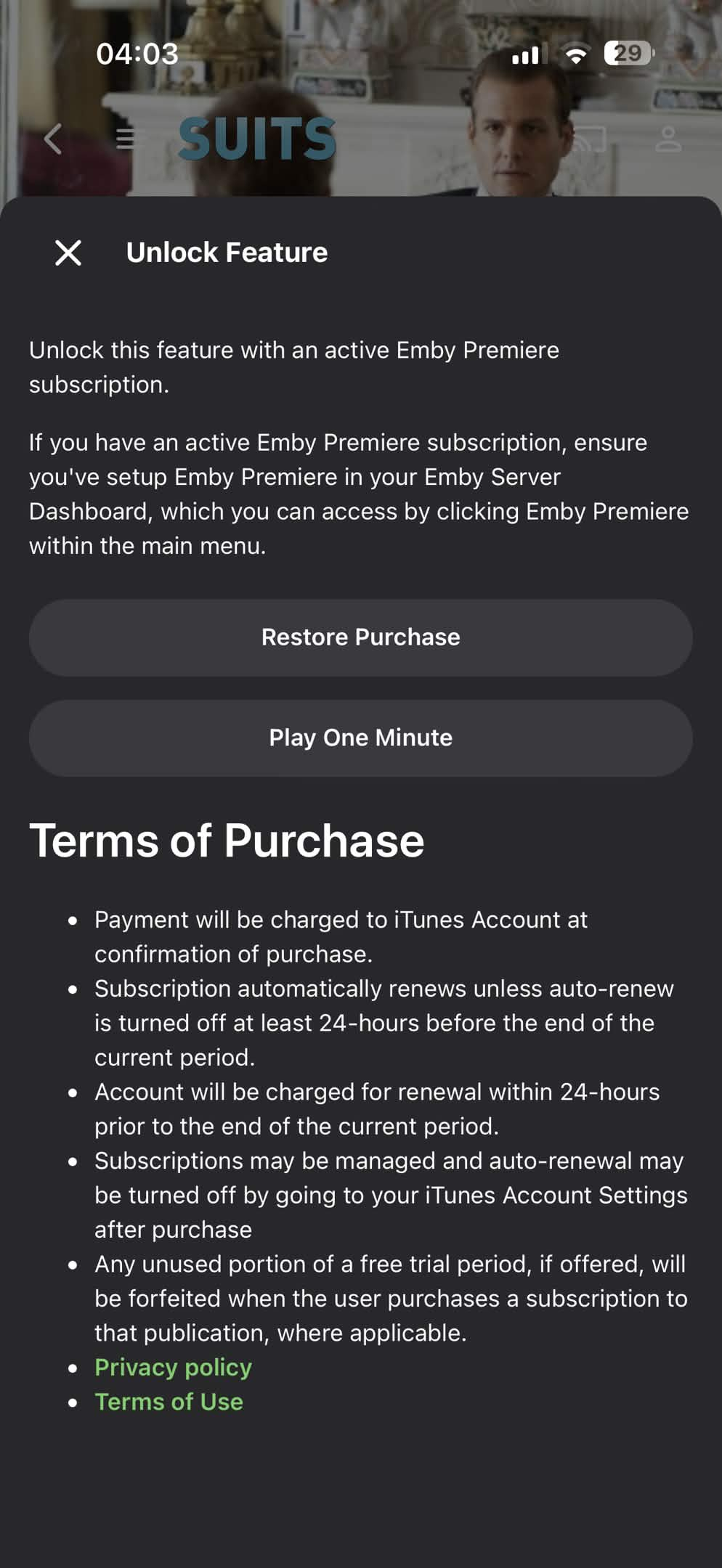
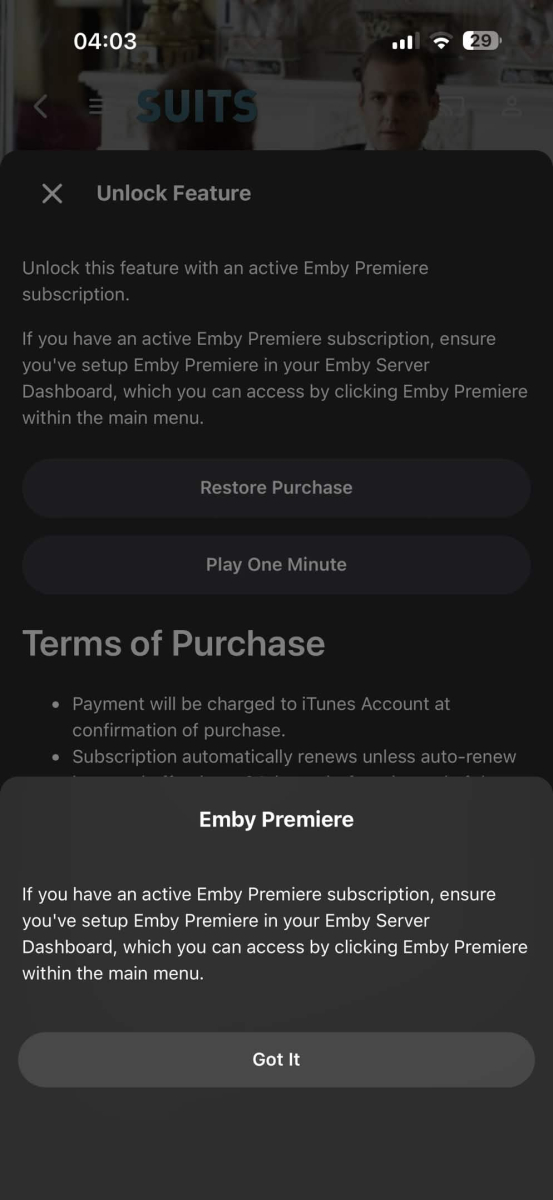
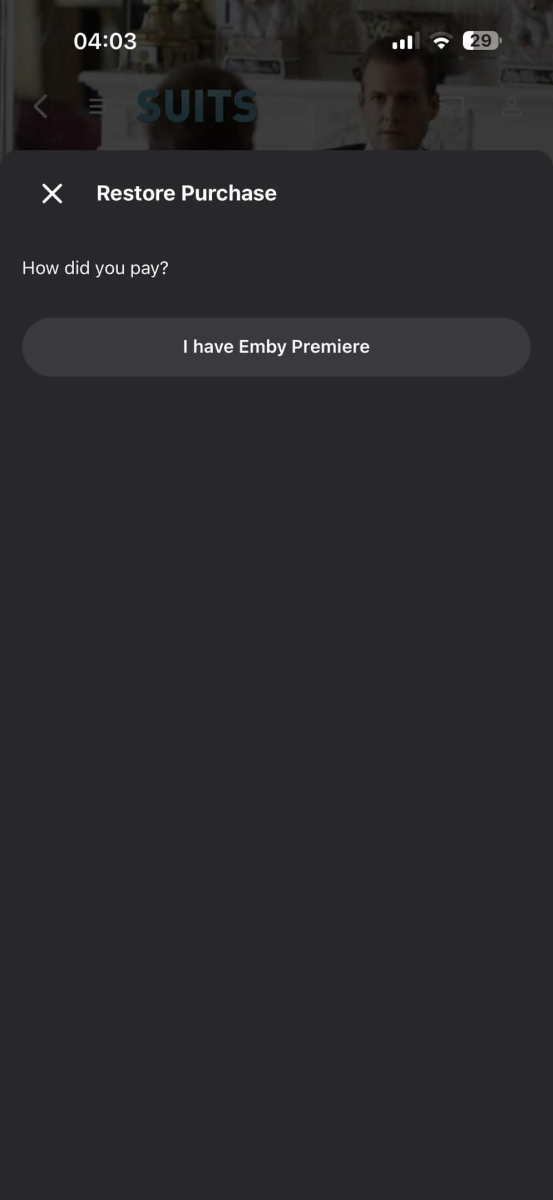
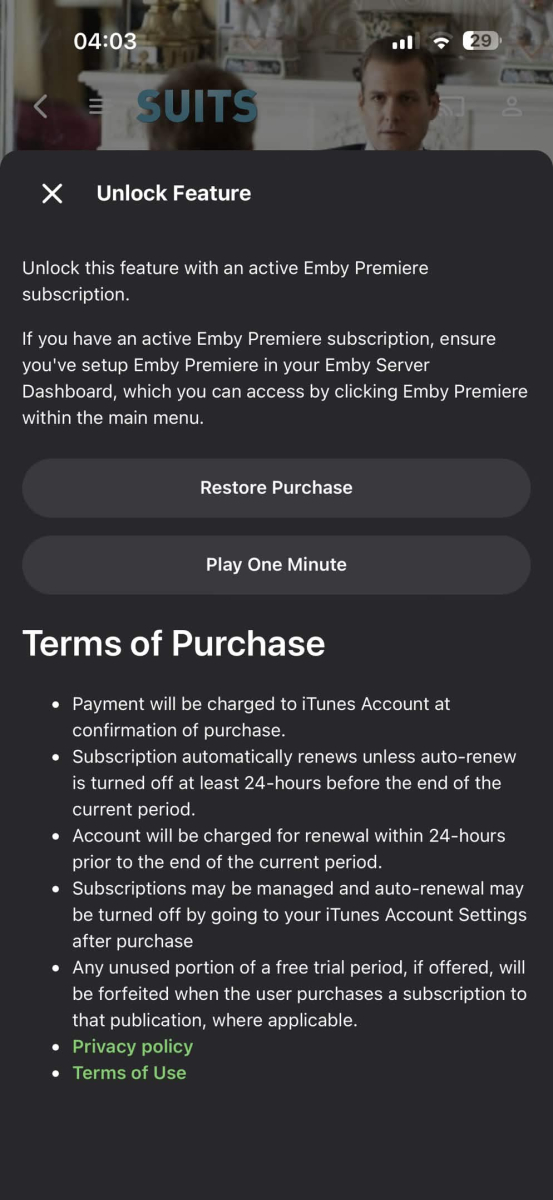
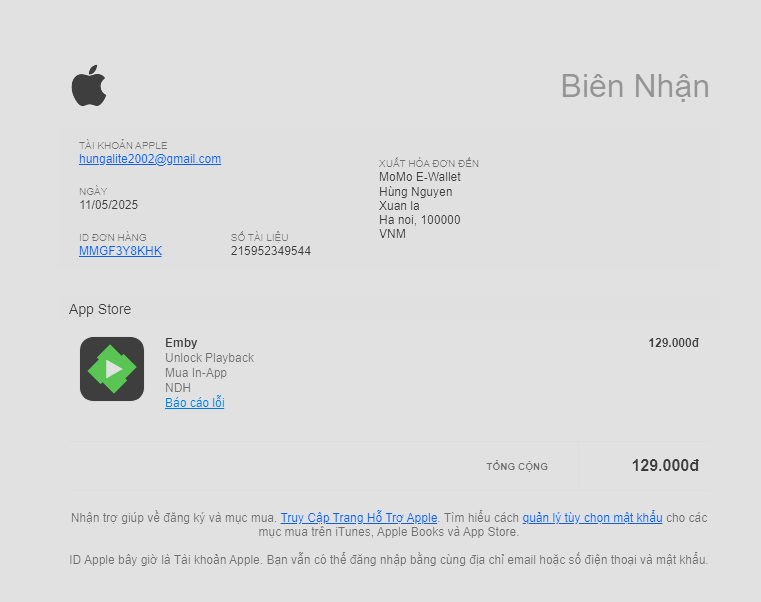
I made an ios in-app purchase to unlock playback in 2025 and now it doesn't work on any of my devices, I only use the apple ID that made the purchase to download the emby app but it doesn't work at all. The restore button doesn't work also, I click the "Restore purchase" button but its only for the Premier subscription.
-
Getting your Plugin in the catalog
-
 Viperexs changed their profile photo
 -

[URGENT] Large Server (90TB) — Library Scans Stalling on Synology NAS
Apotropaic replied to BaNanaBlocks's topic in General/Windows
Not scientific but I’ve sometimes seen issues with just the sheer number of files in a single large volume. Yet a larger share with larger file sizes but less files is relatively quicker. There’s also the potential for the metadata providers rate limiting you, or something else being rate limited (I never investigated it enough). My volumes are no where as large as yours but single libraries would sometimes take over 12 hours to scan back in. -
You can do it with tags with EmbyIcons. It's a manual process though so will be fiddly.
-
Because I don't want any of them to play automatically and if I put everything in the season 0 folder, all specials will be mixed up in a Specials season view in the Emby app. If you have tens of specials for a show, it becomes cumbersome to scroll through the whole list of specials to find the specials related to the season you just watched. It's much more intuitive to have them in the season itself (for example, Deleted Scenes of S01E01 in S01 view after all normal episodes of season 1.
-
I agree, i was about to make a post about this but i kept scrolling to see what other said, then i found this post, i would also want to add to be able to change the color, and support Arabic text also.
-
Hi, Could you make gracenote aware of some changes to the Movie Channels for Sky UK (Satellite and Glass) - these changes happened on 17th March Movies 24+ moved from 315 to 329 on satellite only Movies 24 moved from 312 to 315 on satellite only Sky Cinema Animation moved from 305 to 312 on satellite and 315 on Sky Glass & Stream Sky Cinema Action moved from 307 to 306 on satellite, Glass & Stream Sky Cinema Family moved from 306 to 304 on satellite, Glass & Stream Sky Cinema Greats moved from 304 to 307 on satellite, Glass & Stream Disney+ Cinema HD launched at 305 on satellite, Glass & Stream Source: Changes to the TV Guide - March 2026 | Sky Community
-

Emby Android TV app not sign in at all
colorstmg replied to colorstmg's topic in Android TV / Fire TV
I sent the logs again now after doing as you suggested. Let me know the update. -

Windows 11 updated to 26220.8138 - Emby app wont open - Application Error / .NET Runtime
softworkz replied to Sulphy's topic in Windows & Xbox
This is a Windows Insider Preview version. When you are running these, errors like the one you are seeing must be expected. It's not an Emby issue. -
Just thought id check my firewall logs and can confirm the traffic is going out my internet and back in from a Vodafone owned IP address (Not mine) so yeah they are sending the traffic via there servers before coming back, not massively keep on that...
-
I managed to get this to work today but only way could get to work was publish externally and use http / 8096. Using https via lets encrypt internally or externally didn't work and http internally didn’t work. seems like they are directing all traffic through there servers perhaps? i found this on there docs about trusted certs https://docs.titanos.tv/security-and-tools @Lukeif you need someone to debug / test the app drop me a dm as i can try debug with the debug app but looks like needs to be associated with the account?
-

[URGENT] Large Server (90TB) — Library Scans Stalling on Synology NAS
js28194 replied to BaNanaBlocks's topic in General/Windows
Huh? You posted ZERO logs, Never shared your settings on where your cache may or may not be stored and BLAMING EMBY team for not assisting? I'm assuming you think they can mind read or teleport into your system. Do you pay for remote support? Yuck!!! Nobody INCLUDING you have a clue what solved your problem. Posting your own solution I suppose I'm glad you got it resolved. -

Emby Theater v3.0.20 (Server v4.9.3.0) Homescreen Horiz. navigation broken
scottpro replied to d00zah's topic in Windows & Xbox
I think you need to post that in the Testing Area. https://emby.media/community/forum/160-windows-xbox-beta/ -

Webhook Notifications - Test works, but real notifications are never sent
Multitude9588 replied to Multitude9588's topic in Plugins
I got no notification / webhook call for anything (playbook, user auth, media added, ...) even though I selected almost everything in the notification settings (see screenshots) and the events in question did trigger something (see logs). Greetings Martin -
Cant find this info anywhere
-
Both Emby apps works on my Shield that runs Google tv as well. It’s just on the fire tv it doesn’t work. Tested out plex and Jellyfin on fire tv and it works as well.
-
Thanks for letting me have a test m3u file. I have identified the cause of the problem when using the m3utuner plugin and have referred it to the development team
-
Just as a data point, Dolby Vision works fine for me using the Android (not TV) app on the Google Streamer. As does HDR10.
-

Guide - SSL Qnap certificate and Emby (manual and automatic)
renefw replied to dieffe70's topic in QNAP
Thank you for your inquiry, emby Team Administrator! Here's a complete summary. The script is apparently running every hour. The check-p12.log file always contains the entry "Certificate key has not changed" (in my case, in German), along with the day, time of the elapsed hours, and year. However, when I look at the validity period of emby.p12, it still shows "Valid from January 19, 2026 to April 19, 2026," even though the SSLcertificate.crt file, which the script should be accessing, was updated on March 26, 2026, and now shows a validity period from March 26, 2026 to June 24, 2026. Why is the SSLcertificate.crt file not being executed, apparently without any error message, even though I'm convinced everything in the script is correct? Or to put it another way: Why doesn't the script recognize that the SSLcertificate.crt has been updated and has a longer validity period than the one stated in the emby.p12 file? -

[URGENT] Large Server (90TB) — Library Scans Stalling on Synology NAS
BaNanaBlocks replied to BaNanaBlocks's topic in General/Windows
I have all my NAS devices, the EMBY server computer, and our internet provider on a 1Gb network, so I don't think bandwidth should be an issue. But I will definitely look into that, just in case. Thank you for the response.