All Activity
- Past hour
-
 XanyVSP joined the community
 -
 13589 joined the community
 -
 adeyinkaololade@gmail.com joined the community
 -
 GRRWW joined the community
 -
 Goodddy joined the community
 -
 YAS2003 joined the community
 -
 zhang81711153 joined the community
 -
 啦啦啦啦啦啦啦啦啦 joined the community
 -

Please add support for Android Automotive
RanmaCanada replied to tfloydlex's topic in Feature Requests
Members may have to donate the cash so the dev team can own an Android Automotive Car, so they have something to work on heh. -
 ama22234df joined the community
 - Today
-
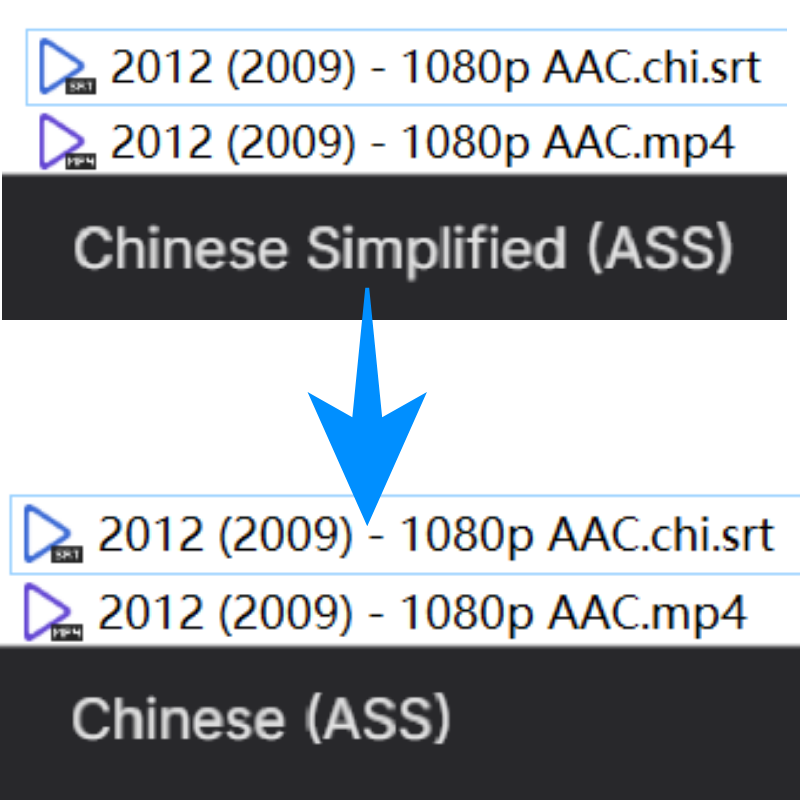
 Hello, I’ve been using Emby 4.8.10.0, which is a version from a year ago. It’s been working fine for me, so I haven’t upgraded. In this version, .chi subtitles are recognized as “Chinese Simplified,” which is great. Today I upgraded my Emby Server to 4.9.3.0, and I noticed that my .chi subtitles, which used to be recognized as “Chinese Simplified,” are now all being recognized as “Chinese.” As soon as I rolled back to the old version, the .chi files were successfully recognized as “Chinese Simplified” again! So I can confirm that this is caused by the new version But I’m not sure if this is a design change on your part or a recognition bug… If it’s a bug, I hope you can fix this issue as soon as possible!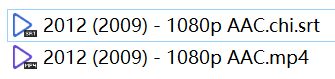

-
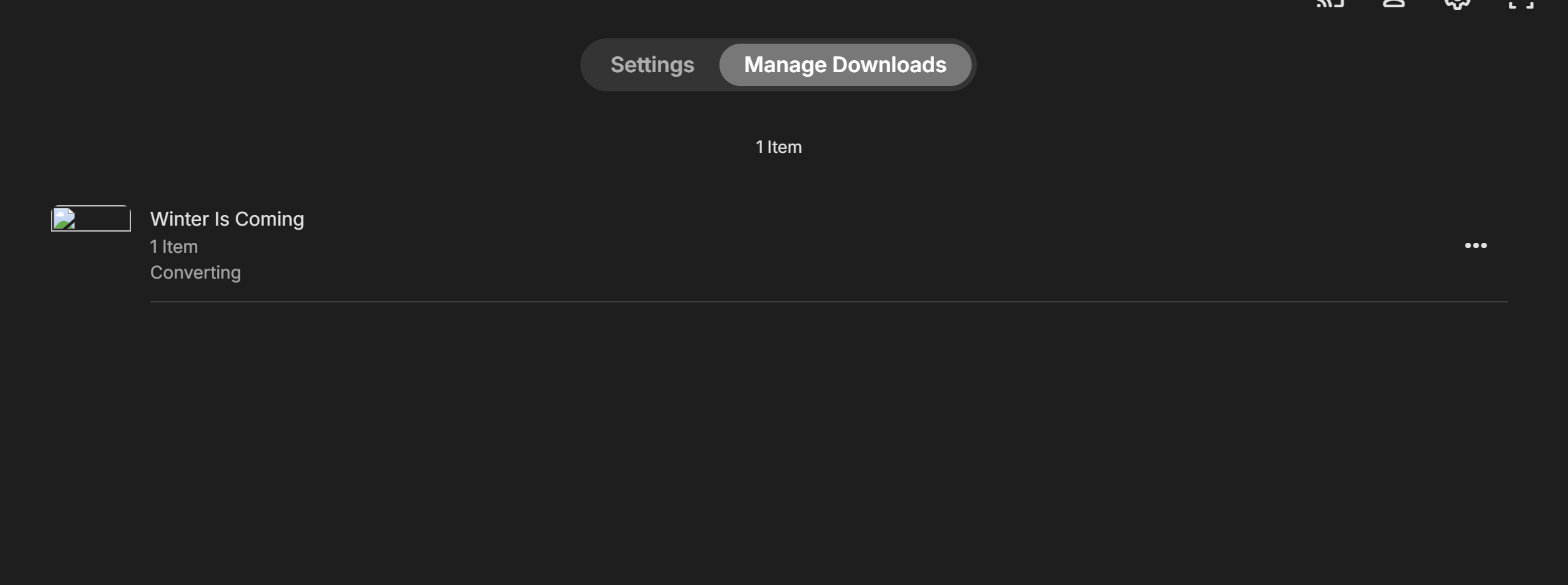
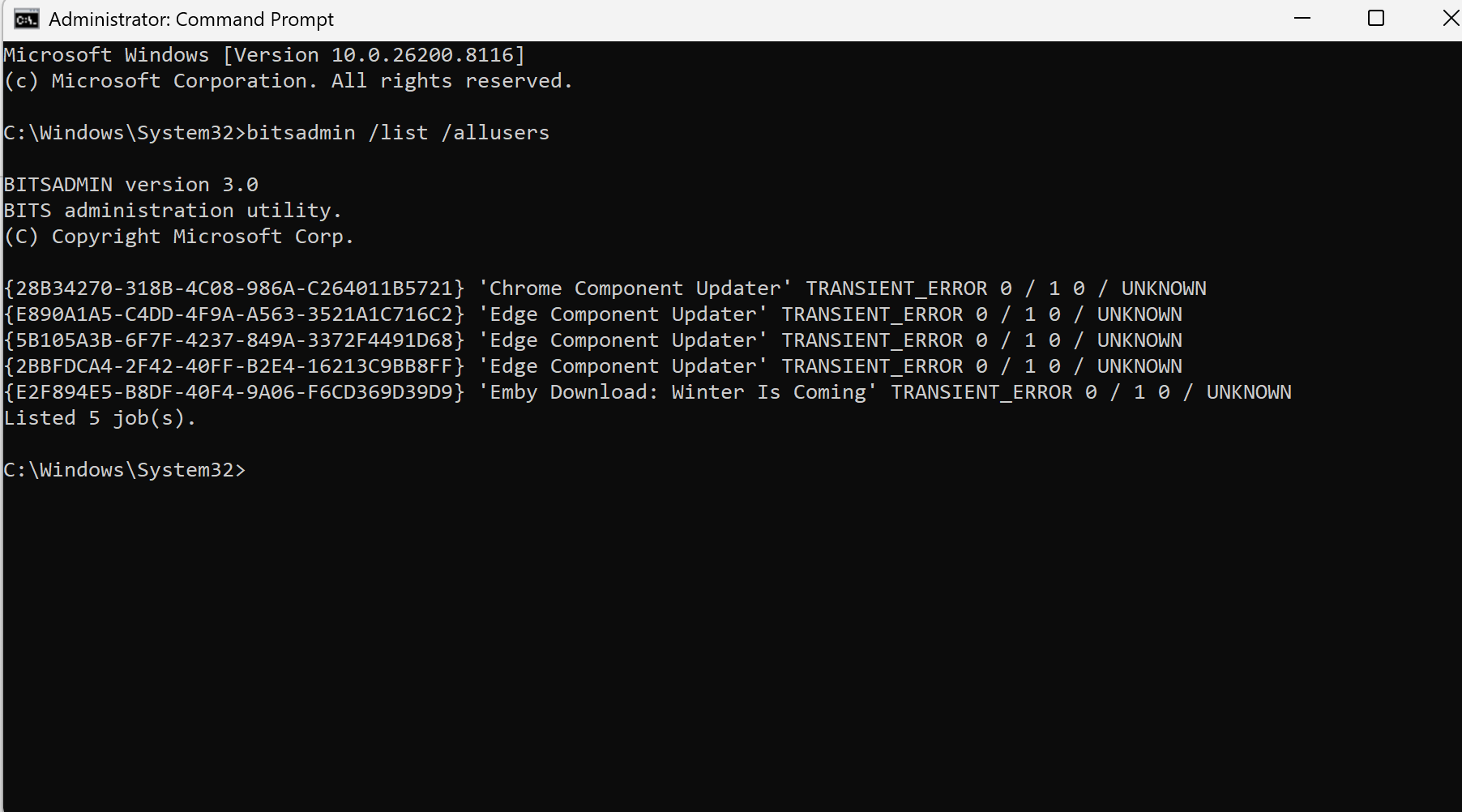
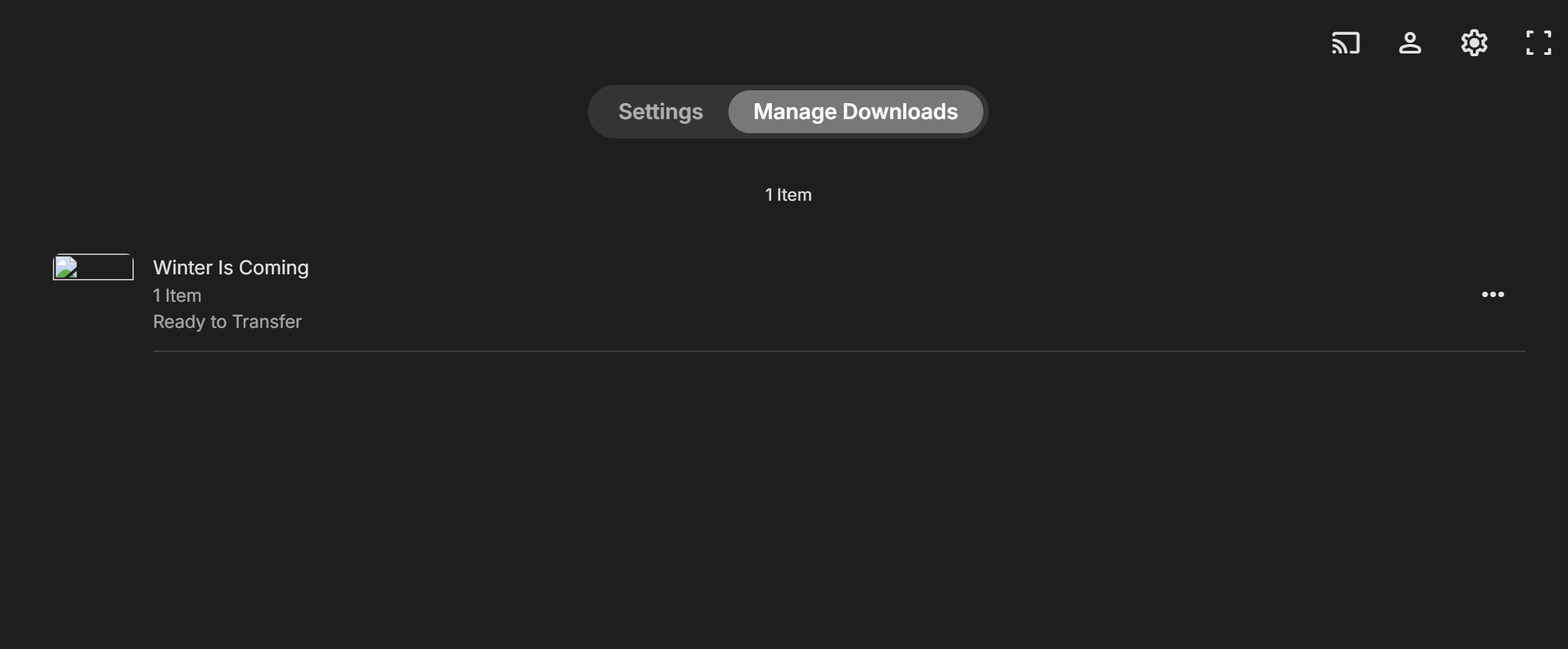
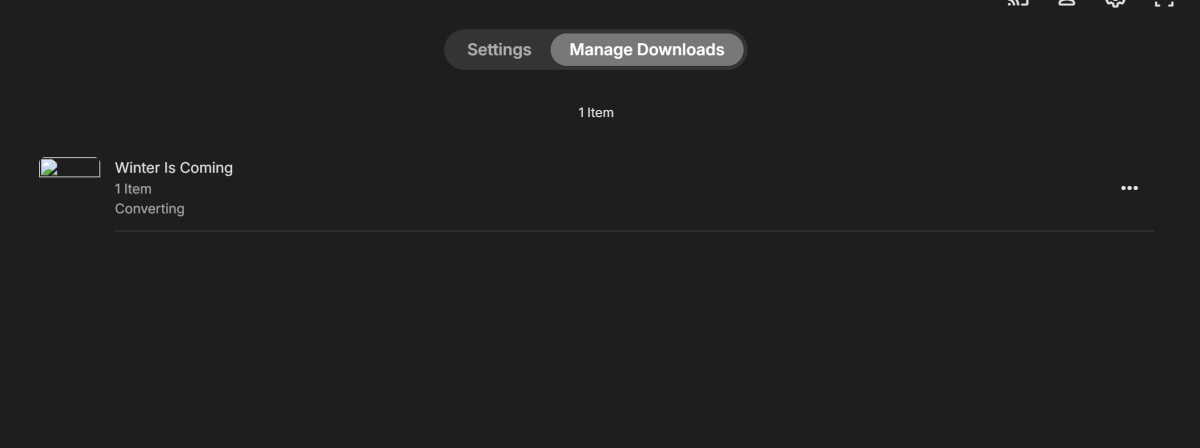
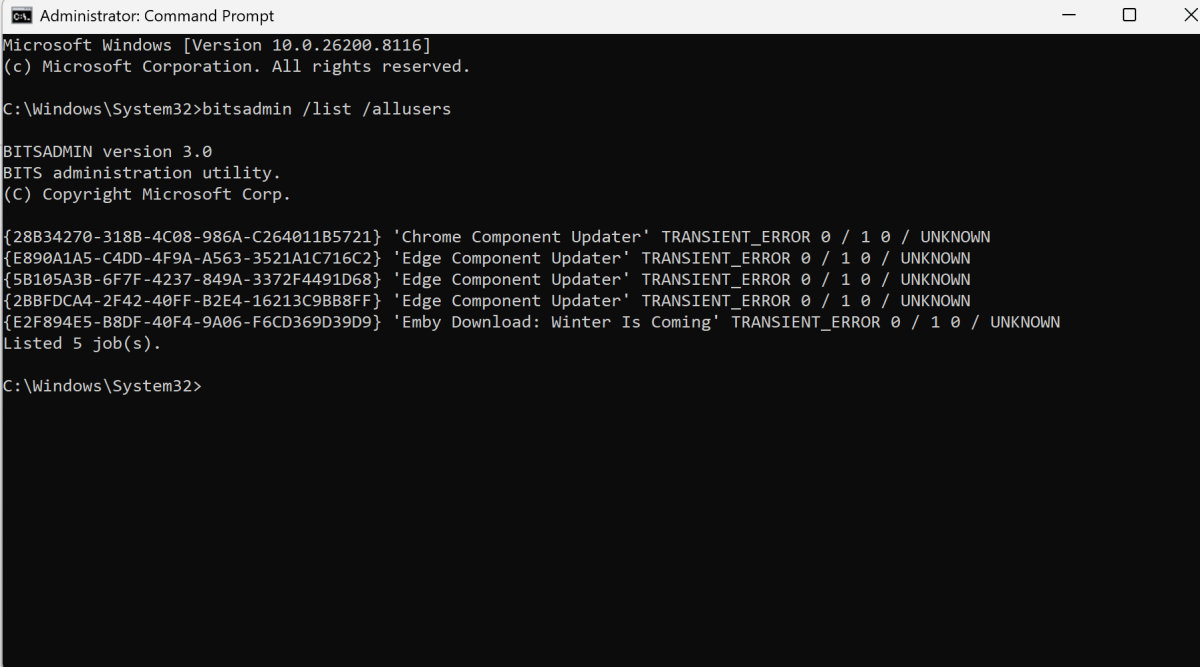
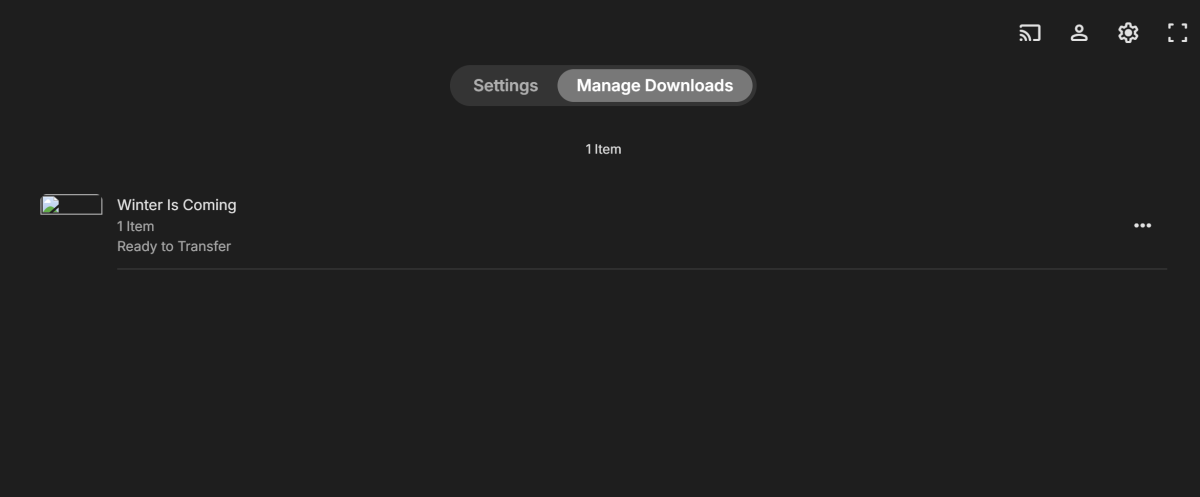
Hi I have an issue with Emby windows wont download movies or TV series its stuck in ready to transfer, it completed the conversions, i have tried to change download quality to keep original and it just stays ready to transfer, i have checked the BITS manager and it shows transient error, tried to clear the job list to restart it made no difference, i have checked the firewall settings and even turned it off temporarily to confirm it wasnt blocking it. i cant run the app as admin it wont allow it, from some research its to do with the windows store apps. it works fine on my android phone when i download so its not a server issue. embyserver (1).txt

-
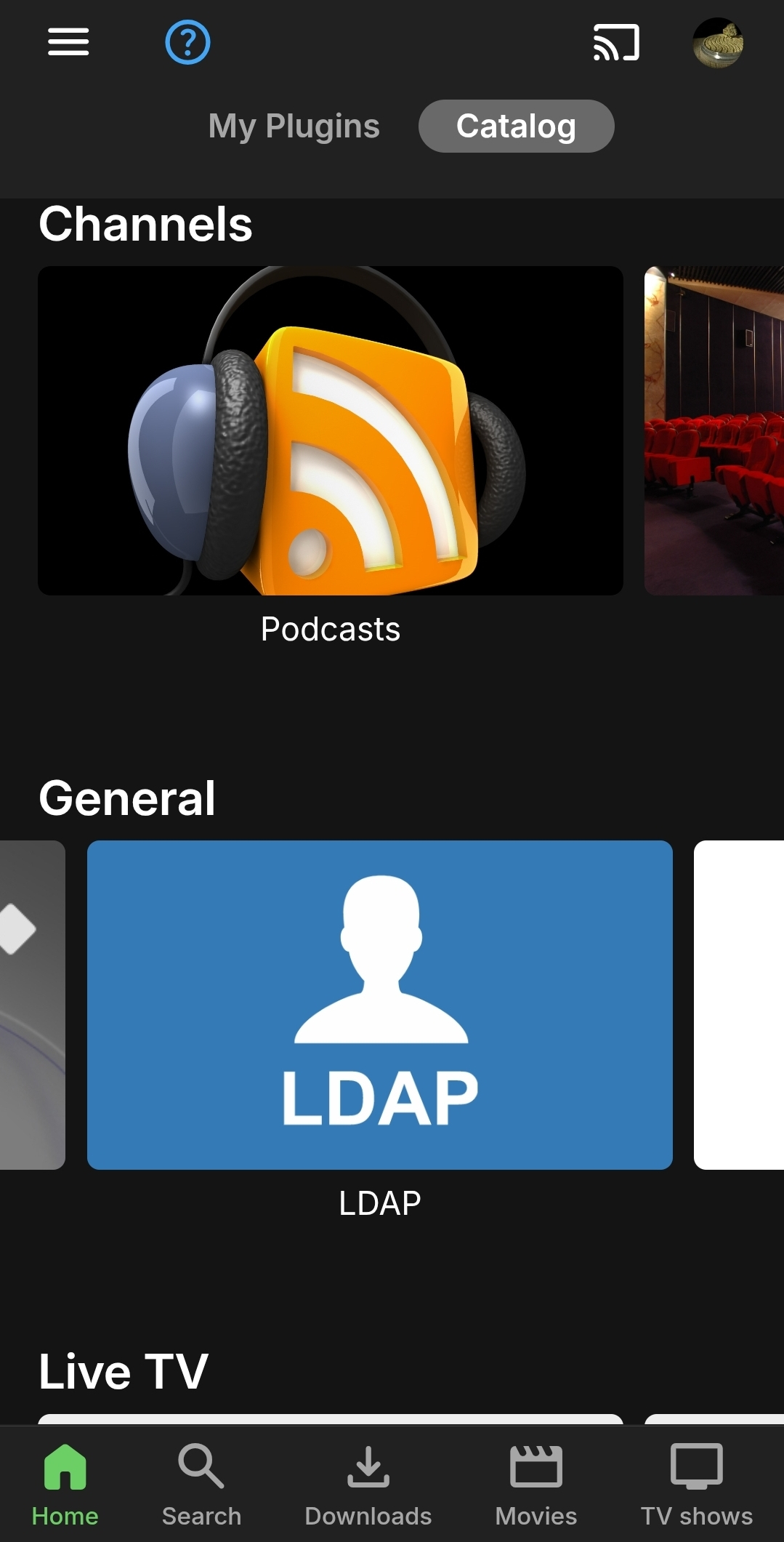
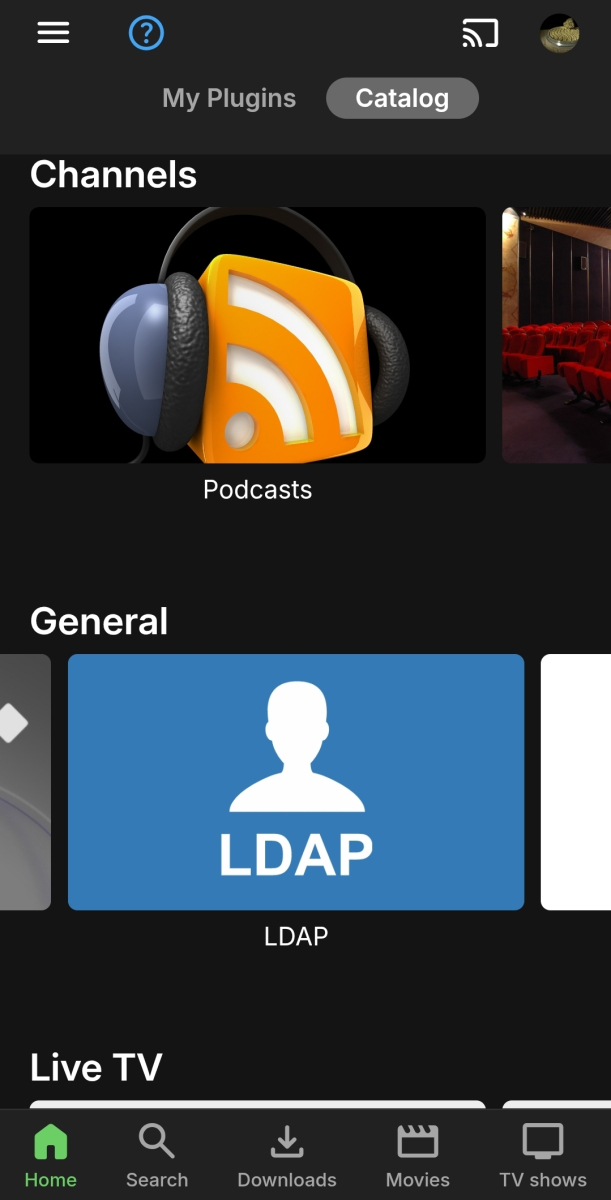
Plugins > Catalogue > General > LDAP
-
Hi All I am on Linux Emby Version 4.9.3.0 Premiere Lifetime I am having hard time finding LDAP plugin in the catalog, it's just not showing up. Is there a place where I can find it? Any help would be greatly appreciated.
-
@soderlundJust want to say thanks for adding music videos and music/audio as well as Watch By (user count). You have actually added more that I expected. Thanks for that. I have not been able to do a proper test but I really appreciate it. On a side note Media Type: Episode Watched: Any User Series Can you test to see if the results that you get is what you expected Thanks Again
-

Emby app crashes when using “Next Episode” prompt
UsamaWaheed replied to UsamaWaheed's topic in Android
Also crashed again with the next episode for the same files I was testing with earlier. - i had to do it three times but it crashed when I clicked on Next episode. Here are the logs for that. emby_android_1774664444959.txt emby_android_1774663823627.txt embyserver (2).txt -
Emby app crashes when using “Next Episode” prompt
UsamaWaheed replied to UsamaWaheed's topic in Android
Hey @sa2000 got the beta app installed. I will go to the old files and test it shortly but I saw another issue. For one of the Anime it wasn't showing subtitles. I reset the app (both data and cache). I rebooted Nvidia Shield TV as well. I thought maybe file has an issue and played it on plex and subtitles show as expected. Tried multiple times to no avail. Here are the logs from the server and the app. embyserver (1).txt emby_android_1774663823627.txt emby_android_1774663131769.txt -
correct, i copies the dll into plugins but it doesnt load. another thing i noticed for example with me when it creates collections. it puts anime in the name of the collections. ive tried to remove this with below. adding template variables to template and collections but it names every collection anime. for instance this one is called anime action. any way to remove this. Action: template: name: Anime genre: Action template_variables: collection_name: Action
-

App opens after install then fails to open
dadofhgnadn replied to dadofhgnadn's topic in Windows & Xbox
Here is the log. EmbyClient.txt - Yesterday
-
It's unfortunately intentional that collection sorting doesn't work. In contrast to Plex, Emby has no real option for individual collection sorting; the only working option I know of would require editing the items' general sort title, For the plugin, it's not in the catalog. You'll have to manually copy the DLL in your Emby plugin folder. See here for more information on manual install and plugin folder location https://emby.media/support/articles/Plugins.html
-
You don't wanna know how many times I've had that same thought... before rolling up the sleeves and just doing it. Grudgingly, though.
-
Darn. I was hoping I wouldn't have to do any monkeying around with the files. I think Emby could improve the default logic and help the user out. If there is no " - " then just use the extension or something useful.
-
Are you using multi-version naming convention (space-dash-space)? Multi-version Movies
-
When a video is deleted, the file goes away but the meta data doesn't. How do I delete everything about a title so that if I add it again later it is as if Emby never knew it existed before?
-
Same folder, video codec is the same. I shouldn't have to know intimate details of the internals of the file to figure this out, IMHO.
-
Glad to see it is starting to come out on some platforms, any APK availability or just via the app store? Not sure I understand the Amazon reference though.
-
How are those movies grouped, each in its own folder? Also, doesn't the Video stream to the right of the dropdown change with different version selected?
-
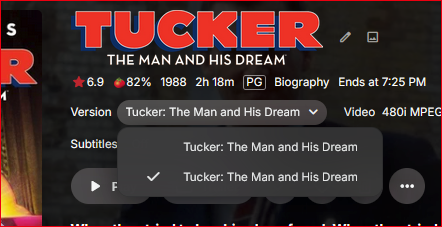
I have two files for the same movie video, but I can't tell which is which from the Version drop list. Should I have to guess?
-
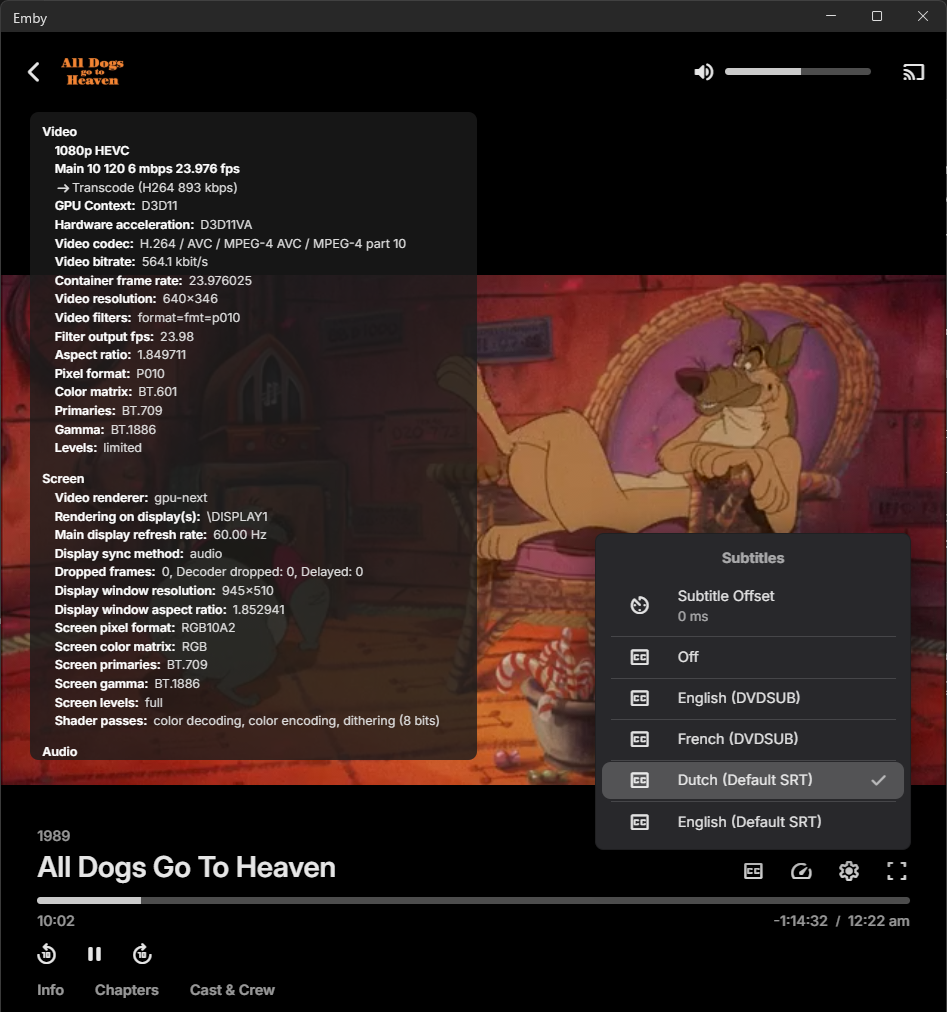
I performed a fresh installation of Emby Server and Emby Theatre for Windows. When playing a movie, it is being transcoded from x265 to x264 (which I don’t want, but I allowed it for testing purposes). However, no subtitles are displayed during playback. Please see the attached logs for details. When I play the same movie using Emby for Kodi, it plays directly without any transcoding, and the subtitles display correctly. Additionally, when using any local media player, the subtitles are shown as expected. The subtitle files are named using the following format: moviename.dut.default.srt moviename.eng.default.srt All tests are being performed on a local network where bandwidth is not a limiting factor. In the settings of Emby for Windows, the subtitle options are configured as follows: Preferred subtitle language: Dutch Subtitle mode: Always embyserver.txt ffmpeg-transcode-b9d1ac04-477c-4773-b211-46e1fef94edb_1.txt
-
Agree with njmckenzie96. If audio gets transcoded i can't get it to choose the compatible track instead. My fix so far has to be setting to compatible track to default and have people with supporting hardware have to choose the better track them self.
-

Subtitles not being remembered after pausing
Jolly181 replied to Jolly181's topic in General/Windows
Hi Luke... I am sorry to be a pain for you guys.. Yesterday after thinking about @visproductioncomments, i decided to take a look at MY settings as well as the EMBY settings and I found the answer that I needed.>!! Subttiles were not not set correctly.. so I changed the setting to "Always Play subtitles" and "Remember subtitle track selections". After that, whenever we played an episode and stopped and came back all was goodness..!!! Cheers -
Hi there, let's look at an example. Please attach the information requested in how to report a media playback issue. Thanks!
-
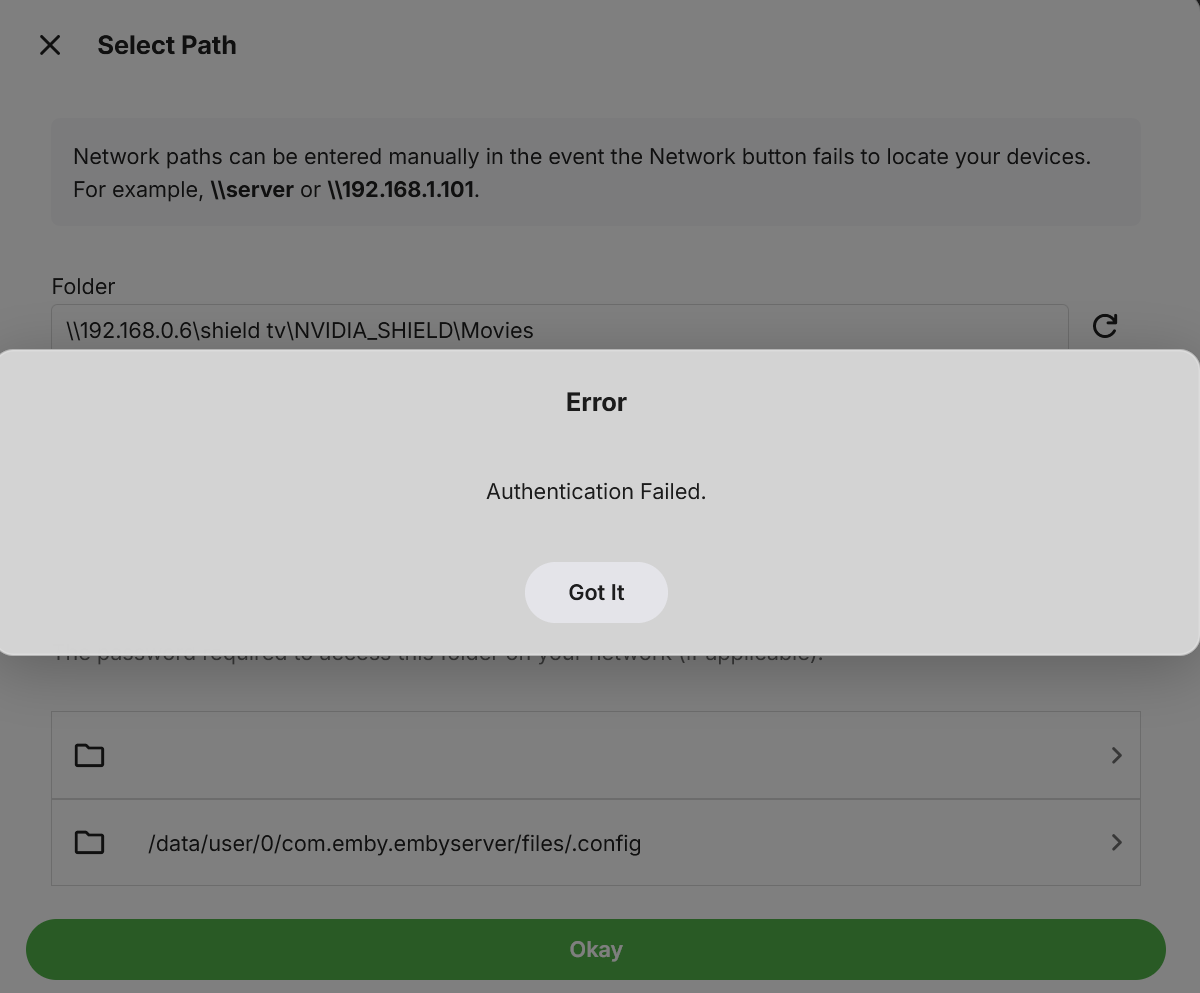
Anyone know why I am getting this error? The read and write permissions are good. I am trying to set up my Nvidia Shield.
-

Select “Continue watching episode,” but the episode listed under it doesn’t match the selected episode.
pwhodges replied to kira yamato's topic in Apple iOS / macOS
This is happening with anything - on an episode details screen the "more from Season" row does not line up with the episode being viewed like it used to. Paul