All Activity
- Past hour
-
 bjs20050423 joined the community
 -
 GW0 joined the community
 -
 Pueblo joined the community
 -
 ericdriantaste joined the community
 -
Why it triggers randomly and not all the time is my question at this point. Maybe one out of 10 videos. Nothing to do with length of video. Happens in both a 'Music Video' library and a 'Mixed Content' library that I've seen so far. I'm a little surprised no one has noticed this before. That's why I was asking about Plug Ins. That would be unique to everyone's server configuration. I'm in the process of building a Linux based server (currently Windows 10) and it will be interesting to see if it shows up there.
-
 w1ldchild joined the community
 -
Same. As soon as the browser tab becomes inactive the sidebar stops working.
- 1 reply
-
- 1
-

-
Emby app for MacOS creash after few seconds after a live tv start (more or less 3 seconds of corrupted images. Other client (Apple TV, iOS, WebApp) is working correctly. Following the crash report of Macos: ------------------------------------- Translated Report (Full Report Below) ------------------------------------- Process: Emby [2877] Path: /Applications/Emby.app/Contents/MacOS/Emby Identifier: com.emby.mobile Version: 2.2.58 (56) Code Type: ARM-64 (Native) Role: Foreground Parent Process: launchd [1] Coalition: com.emby.mobile [2827] Date/Time: 2026-09-10 13:10:38.2495 +0200 Launch Time: 2026-09-10 13:09:26.8897 +0200 Hardware Model: Mac14,13 OS Version: macOS 26.6.2 (25G83) Release Type: User Time Awake Since Boot: 16000 seconds System Integrity Protection: enabled Triggered by Thread: 41 com.apple.audio.IOThread.client Exception Type: EXC_BAD_ACCESS (SIGSEGV) Exception Subtype: KERN_INVALID_ADDRESS at 0x0000000000000000 Exception Codes: 0x0000000000000001, 0x0000000000000000 Termination Reason: Namespace SIGNAL, Code 11, Segmentation fault: 11 Terminating Process: exc handler [2877] ------------------------------------- Following the emby client log (anonymized): [2026-09-10 13:18:01.511] [AppDelegate] Device Name: macOS [2026-09-10 13:18:01.512] [AppDelegate] App Version: 2.2.58 (56) [2026-09-10 13:18:01.512] [AppDelegate] System Version: iPadOS 26.6 [2026-09-10 13:18:01.590] [SceneDelegate] Creating view controller for scene session: <SessionID> [2026-09-10 13:18:01.664] [NativeCredentialsManager] start updateConnectionManager [2026-09-10 13:18:01.668] [ApiClient] tryReconnect to server <ServerID> [2026-09-10 13:18:01.669] [BrowseTree] loadBrowseSection [2026-09-10 13:18:01.674] [UploadManager] attachToSession finished for com.emby.mobile.cameraUpload [2026-09-10 13:18:01.674] [UploadManager] attachToSession finished for defaultSession [2026-09-10 13:18:01.693] [DownloadManager] Begin prepareBackgroundSessionWithCompletion [2026-09-10 13:18:01.695] [DownloadManager] Finish prepareBackgroundSessionWithCompletion [2026-09-10 13:18:01.696] [MainViewController] Loading _startUrl emby-local://app/index.html [2026-09-10 13:18:01.704] [SceneDelegate] scene WillConnect [2026-09-10 13:18:01.704] [SceneDelegate] scene WillEnterForeground [2026-09-10 13:18:01.704] [AppDelegate] applicationWillEnterForeground [2026-09-10 13:18:01.704] [CameraUpload] Photo Access NOT granted! [2026-09-10 13:18:01.704] [AppDelegate] applicationDidBecomeActive [2026-09-10 13:18:01.736] [ApiClient] Server Address for 'Crysoft Media' determined at http://host:8096 [2026-09-10 13:18:01.736] [ApiClient] Server Address for 'Crysoft Media' determined at http://host:8096 [2026-09-10 13:18:01.736] [MediaSync] Begin MediaSync for <ServerID> [2026-09-10 13:18:01.736] [MediaSync] Begin checkLocalFileExistence [2026-09-10 13:18:01.736] [ApiClient] Server Address for 'Crysoft Media' determined at http://host:8096 [2026-09-10 13:18:01.737] [MediaSync] Begin processDownloadStatus [2026-09-10 13:18:01.737] [MediaSync] Begin reportOfflineActions [2026-09-10 13:18:01.737] [MediaSync] reportOfflineActions found 0 actions [2026-09-10 13:18:01.737] [MediaSync] Begin getNewMedia [2026-09-10 13:18:01.737] [ApiClient] Getting response from http://host:8096/emby/Sync/Items/Ready?TargetId=4<TargetID> [2026-09-10 13:18:01.743] [MediaSync] getReadySyncItems returned 0 items [2026-09-10 13:18:01.743] [MediaSync] Begin syncData [2026-09-10 13:18:01.744] [ApiClient] Getting response from http://host:8096/emby/Sync/Data? [2026-09-10 13:18:01.747] [MediaSync] Begin afterSyncData [2026-09-10 13:18:01.747] [MediaSync] afterSyncData: Found 0 items(s) to remove [2026-09-10 13:18:01.841] [ApiClient] Getting response from http://host:8096/emby/Users/<UserID>/Views? [2026-09-10 13:18:01.852] [ApiClient] Getting response from http://host:8096/emby/Users/<UserID>/Items/5590? [2026-09-10 13:18:01.852] [BrowseTree] loadBrowseSection reloadData [2026-09-10 13:18:01.899] [MainViewController] -[MyMainViewController webView:didStartProvisionalNavigation:] [2026-09-10 13:18:01.902] [MainViewController] -[MyMainViewController webView:didCommitNavigation:] To Url: emby-local://app/index.html [2026-09-10 13:18:01.951] [InAppPurchase] Found IAP product: emby.subscription.monthly Emby Premiere [2026-09-10 13:18:01.989] [ServerLocator] Finding Servers... [2026-09-10 13:18:01.990] [ServerLocator] UDP Listener State -> Ready [2026-09-10 13:18:01.990] [ServerLocator] UDP Broadcast State -> Waiting POSIXErrorCode(rawValue: 50): Network is down [2026-09-10 13:18:01.990] [ServerLocator] UDP Broadcast State -> Preparinga [2026-09-10 13:18:01.992] [AppDelegate] applicationWillResignActive [2026-09-10 13:18:01.992] [AppDelegate] applicationDidEnterBackground [2026-09-10 13:18:01.994] [ServerLocator] UDP Broadcast State -> Waiting POSIXErrorCode(rawValue: 50): Network is down [2026-09-10 13:18:02.217] [SceneDelegate] scene WillEnterForeground [2026-09-10 13:18:02.217] [AppDelegate] applicationWillEnterForeground [2026-09-10 13:18:02.226] [AppDelegate] applicationDidBecomeActive [2026-09-10 13:18:02.991] [ServerLocator] Found 0 servers [2026-09-10 13:18:02.994] [ServerLocator] Error sending Server Locator packet POSIXErrorCode(rawValue: 89): Operation canceled [2026-09-10 13:18:02.994] [ServerLocator] UDP Broadcast State -> Cancelled [2026-09-10 13:18:02.994] [ServerLocator] UDP Listener State -> Cancelled [2026-09-10 13:18:03.060] [NativeCredentialsManager] Updating credentials [2026-09-10 13:18:03.063] [NativeCredentialsManager] start updateConnectionManager [2026-09-10 13:18:03.063] [NativeCredentialsManager] onServerAddressChanged <ServerID> - http://host:8096 [2026-09-10 13:18:03.079] [NativeAVPlayer] setSubtitleStyles playerItem is nil [2026-09-10 13:18:12.232] [MediaSync] Begin MediaSync for <ServerID> [2026-09-10 13:18:12.232] [CameraUpload] Photo Access NOT granted! [2026-09-10 13:18:12.232] [MediaSync] Begin checkLocalFileExistence [2026-09-10 13:18:12.235] [MediaSync] Begin processDownloadStatus [2026-09-10 13:18:12.236] [MediaSync] Begin reportOfflineActions [2026-09-10 13:18:12.237] [MediaSync] reportOfflineActions found 0 actions [2026-09-10 13:18:12.237] [MediaSync] Begin getNewMedia [2026-09-10 13:18:12.237] [ApiClient] Getting response from http://host:8096/emby/Sync/Items/Ready?TargetId=4<TargetID> [2026-09-10 13:18:12.244] [MediaSync] getReadySyncItems returned 0 items [2026-09-10 13:18:12.244] [MediaSync] Begin syncData [2026-09-10 13:18:12.244] [ApiClient] Getting response from http://host:8096/emby/Sync/Data? [2026-09-10 13:18:12.250] [MediaSync] Begin afterSyncData [2026-09-10 13:18:12.250] [MediaSync] afterSyncData: Found 0 items(s) to remove
-
 zhenghyang joined the community
 -
 Jojyy joined the community
 -
 sharonkeogh joined the community
 -
 Vincenzo.c joined the community
 -

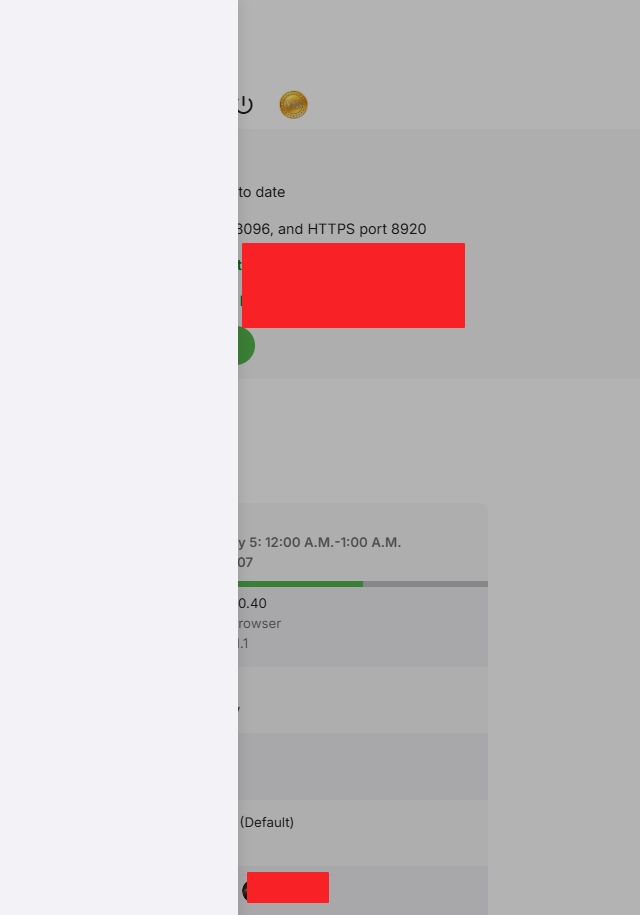
The left bar on the dashboard page has been blank
JNW1980 replied to kira yamato's topic in Apple iOS / macOS
In the TestFlight iPad app on iPadOS 27, I have been able to regularly reproduce the issue by: Opening Emby -> Open another app sending Emby into a background process -> Wait a couple of minutes and reopen Emby -> Click the Cog -> Dashboard missing sidebar. In the web app using safari on macOS 27 by: Opening Emby -> Right click a library and scan or wait for a real-time scan -> Click cog after scan finishes -> Dashboard missing sidebar. Opening Emby -> Move to another tab in the same browser window -> Wait a few minutes and go back to the Emby tab -> Click cog -> Dashboard missing sidebar. -

Plugin: EmbyCredits, detect end credits and add auto skip.
yocker replied to yocker's topic in Plugins
New version in the catalog v2.7.7.0. Added: 1) Support for strm files added. @enterpr1se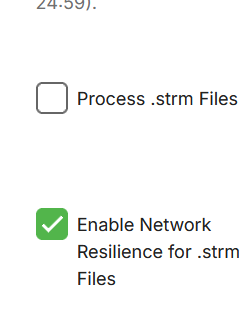
-
Just tested it, and it still works just fine. Did you configure it? try uncommenting one of the examples.
-
Such a great show, can't wait for the next season.
- Today
-
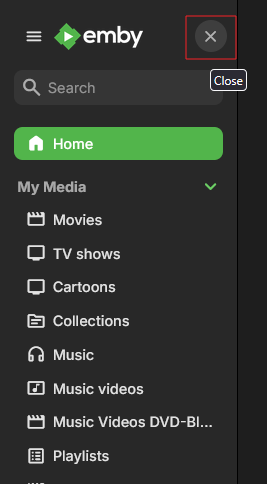
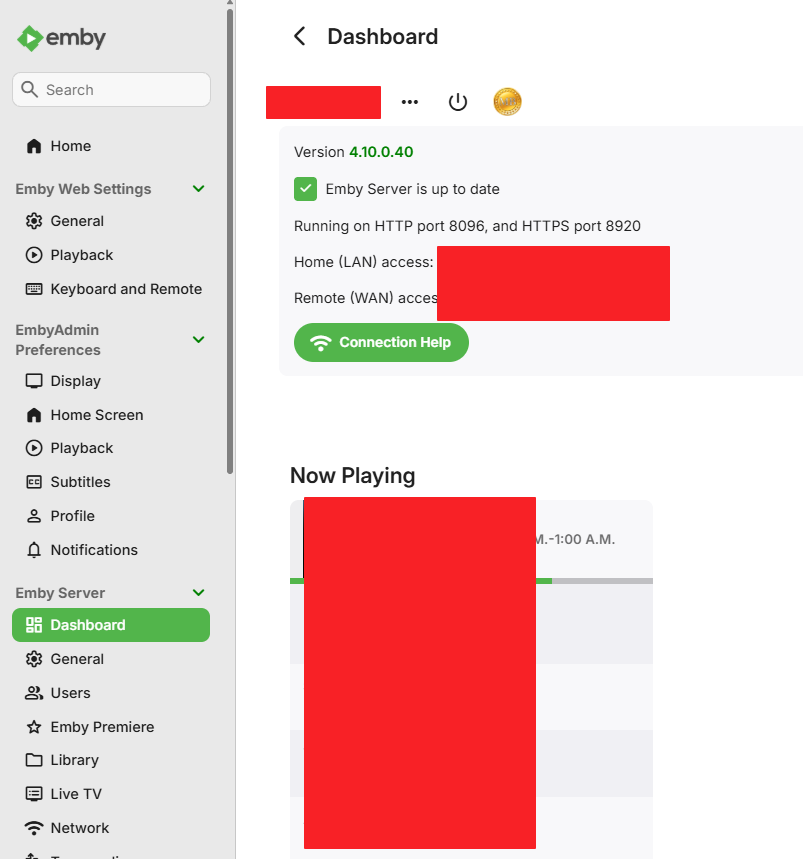
I see this using Edge, Chrome and Firefox. Server 4.10.0.40 running in docker. If i disable the side menu like this. This is important for the issue I have. When the tab in my browser is not active, and I have focus on another tab, for about 15 min. I see this when clicking the cog wheel. If I refresh the browser tab, the sidebar is usable again. If the sidebar is enabled I don't see the issue.
- 1 reply
-
- 1
-

-

LG WebOS Video Freezes When Starting With 5.1 Audio Selected
SamES replied to AndyHN's topic in LG Smart TV
Do you have many files with this type of issue? Can you provide the full media info for one of the files? Maybe even a good idea if you can share a file with me via PM for testing. I suspect that there is an issue with the file that makes it incompatible with the LG. TV media players are a less tolerant of different encodings, so even something that works fine in VLC and other devices isn't necessarily guaranteed to work. I generally haven't seen this type of issue reported, but if we can identify the issue we can possibly handle it better. Regarding your test with the audio tracks, just be aware that the LG internal player will automatically switch to another track if it can't play the selected track. It does this in a way that Emby isn't aware of it, in which case the track we think is playing (and report in stats for nerds) isn't necessarily the track that is playing. If possible, you might be able to check how your A/V receiver is reporting the audio format. -
Uhh is that Frieren is see there, love that show.
-
Vaya ,bueno fue bien el funcionamiento mientras estaba operativo. Gracias al desarrollador
-
.SVG images don't work on the Roku Emby
-
Nevermind! After rebooting server, everything back to normal! sorry about this!
-
Very Nice. Glad you found something to use.
-
I have setup as a test a recording series schedule for this series - and i will see the results after this evening. Also will try it after that with the option to check the library and not record if already in the library. The next airing after today is the 14th There may have been some changes in the emby server beta - you could try out the latest beta (currently Emby Server 4.10.0.40) to see if the outcomes are different I presume you have a record series shcedule setup for "Radio 1's New Music Show with Jack Saunders" and not recording manually
-
Hi, I just noticed that some tabs, like General option, when you click on it the link changes to settings, but the page is blank. The same with "Emby premiere", "Network", "Transcoding", "Database" The option "Live TV" gives an error "There was an error processing the request. Please try again later." I think i had this issue before, because after the update i rolled back to version 4.9.5.0, and the issues were also there. Since i don't know what do you need to help me troubleshoot and help me fix this, please let me know what i should upload. Thank you embyserver.txt
-
In options menu there is a reinstall tv option it delete all apps and channels and you need to manualy add it back and connect it with your account.
-

library no longer appears in Continue Watching after upgrading to Emby 4.10.0.40
sa2000 replied to Deihmos's topic in General/Windows
@DeihmosWhilst we have this issue, you can get round it by have two "Continue Watching" type Home Sections The first Continue Watching type home section, you name Continue Watching and it would have all libraries and will not have the option to include next up episodes The second Continue Watching type home section, you name Next Up and it would have just the TV Libraries and will have the option ticked to include next up episodes -

Series "NFL Football" Not A "Chicago Bears" Fan
GlewShrake replied to bungee91's topic in Emby Provided Guide Data
I had the same frustration with series recordings. Disabling the don't record if already recorded option fixed it for me too. By the way, I've been getting solid NFL betting insights from www.wunderdog.com to help with my game predictions. Their free weekly picks have been useful. -
I have opened an issue with Gracenote for "Radio 1's New Music Show with Jack Saunders" to ask for the airings to be at episode level in the schedule instead of being just the show/series name and identifier. For the recordings for this show - what option have you set for checking if the recording is already in the library/libraries? Whilst gracenote report these in the schedule as a series/show, the recordings will all be with filenames of this form: "Radio 1's New Music Show with Jack Saunders 2024-05-13.ts" If multiple recordings are made, they would have a suffix of " - 1", " -2" etc and would appear as different versions in the library
-
Bug report: I cannot create or add items to collection and playlist via this addon.
-
can you explain it more
-
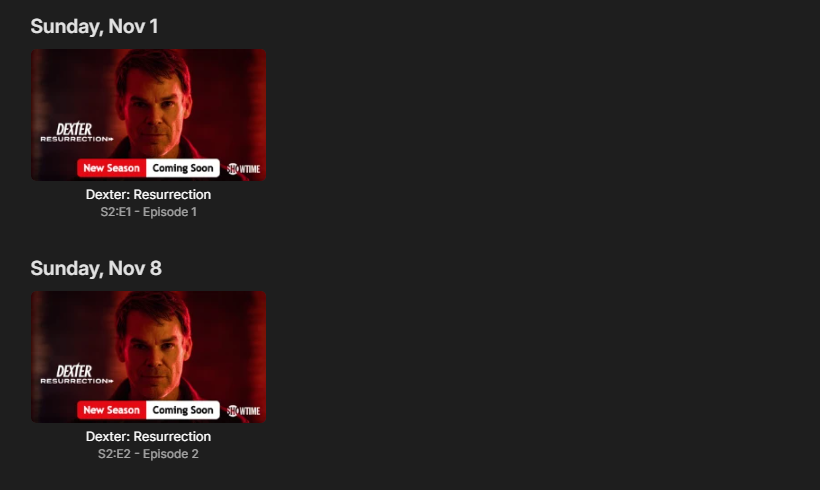
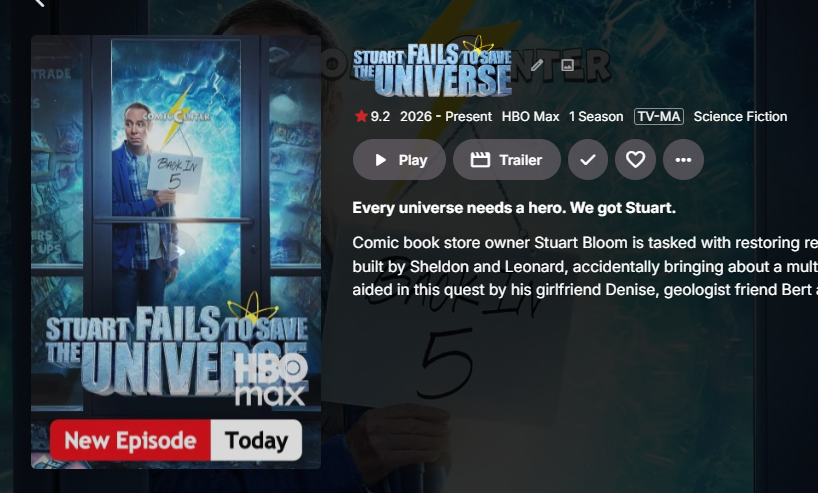
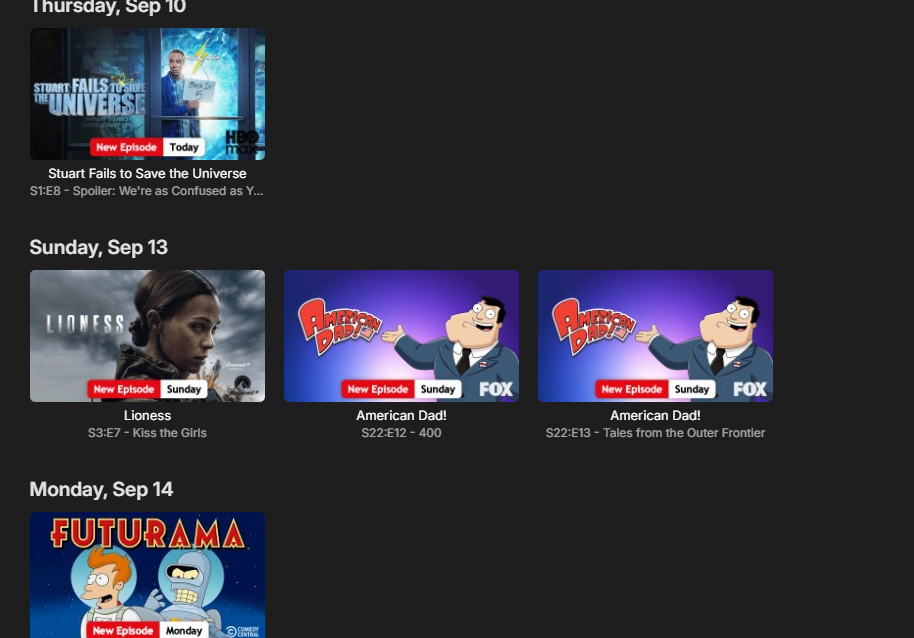
COMING SOON V 1.3.9.0 Includes Netflix style chipped badges and some new features
-
@yocker Fair enough — I know you said you're curious, not that you need it. But I suspect you'd grow rather fond of it if you actually had the option to try it. That's more or less how it was for me: once I had my local playback accessing the files directly, I didn't really want the server back in the media path unless there was a reason for it to be there. With your 10 Gb network and only one local user, you're obviously not going to see some dramatic performance improvement. That's not really the point. It would simply give you another playback option — and, as you said yourself, a nice one to have. And @FrostByte actually illustrates the other side of my argument perfectly: he did use Direct File Access when it was available and says he would prefer to use it again if it were available. So within a few posts we've already gone from “too few users need this” to one experienced user becoming curious about it and another experienced user saying outright that he would prefer it if it were still available. I'm not claiming that proves millions of Emby users are waiting for Direct File Access. It obviously doesn't. But it does reinforce my point: you can't measure demand for a feature properly when the feature hasn't been available to those users for years and many of them don't even know what they're missing. Sometimes people have to know an option exists before they can decide whether they want it
-
I'm sure a lot of people would prefer to use direct access if available, I would and did so when it was available. However, I don't think I've noticed a big difference since it was taken away. Though my network is pretty good so I'm sure that helps. The E4K plugin with Kodi running in native mode is another option and is somewhat easy to set up.