All Activity
- Past hour
-
That is most likely because you are not following the proper naming conventions: Movies, TV, Music ...
-
 Asa215 joined the community
 -
 lf2020 joined the community
 -
 恋语轻唱 joined the community
 -
 mkappleboy joined the community
 -
 josinar joined the community
 -
 Canasangel7 joined the community
 -
 rudy9922 joined the community
 - Yesterday
-
 ernesto879 joined the community
 -
 swamy1969 joined the community
 -

El icono de Emby de la barra para pc no sale en español
coyotecabreado replied to coyotecabreado's topic in Spanish
Aparece en el sitio Emby Server como traducido al 100% (https://translate.emby.media/projects/embyserver/) ¿como explico que faltan cosas?. -
Servidor
-
DasErsteHD.txtArteHD.txtFrankenFernsehen.txtZDFhd.txt Hi, I'm experiencing an issue with IPTV streams in Emby. Playlist used: https://raw.githubusercontent.com/jnk22/kodinerds-iptv/master/iptv/clean/clean_tv.m3u I tested the playlist both through the WebStreams plugin and through Emby's built-in Live TV tuner functionality. The behavior is identical in both cases. Environment Emby Server 4.9.5.0 Windows 10 x64 Emby Web client (Brave Browser) Reproduction Import the playlist above and try to play the following channels: Working Arte HD Franken Fernsehen Not working Das Erste HD ZDF HD The non-working channels do not start playback successfully, while the working channels start immediately. This happens with Emby’s built-in Live TV tuner as well, not only with the WebStreams plugin. Additional information The same playlist and the same stream URLs work perfectly in VLC. All tested channels start and play normally there. I attached logs from: Arte HD (working) Franken Fernsehen (working) Das Erste HD (not working) ZDF HD (not working) One thing I noticed is that the failing streams appear to contain multiple audio tracks and WEBVTT subtitle streams, while the working examples are comparatively simple HLS streams. However, VLC handles all of them without issue. This is not limited to the WebStreams plugin. The same behavior occurs when using the streams through Emby's standard Live TV tuner functionality. Could someone please take a look at the attached logs and verify whether this is an HLS parsing/transcoding issue or a limitation in Emby's handling of these streams? Thanks.
-
I just been using safari via web for now till the update.. don’t want another paid 3rd party app
-
I can't remember but I think the community rating is IMDb. It's taken directly from Emby.
-
Like I said before a few times in this thread my Roku Ultra is going to be at best a backup device for my home theater. The 2019 Shield does everything equally well then the Roku but most of the time even far better. Playing lossless audio is a bonus plus with custom launchers I don't have to look at all the home screen advertisement for a device that I bought outright. Glad this came up because the constant advertising on the home screen which could not be disabled started to bug me.
-
Unfortunately the experimental HEVC encode is not working properly. This results in the "no compatible streams" error when emby attempts to use HEVC. As far as I can tell there are no errors, but the issue is that the playlist files are not written fast enough and after 10s emby force-aborts ffmpeg. During playback attempts (observed with multiple playback devices trying to use HEVC), Emby repeatedly starts short-lived HLS transcode sessions for the same item. Each session: Initializes a new ffmpeg transcode job Begins segment generation successfully (HLS .ts segments are created and written and files grow) Processes are then terminated externally by Emby (Stopping ffmpeg process with q command) and replaced by another identical ffmpeg process a few seconds later x265 itself reports x265 [info]: HEVC encoder version 4.1+1-1d117be x265 [info]: build info [Unk-OS][clang 14.0.5][64 bit][noasm] 8bit x265 [info]: using cpu capabilities: none! So that explains why the transcoding is so slow (it's a 13 year old CPU). But there are no errors, the first stream just gives [... SETUP ...] 23:37:46.224 Side data: 23:37:46.224 cpb: bitrate max/min/avg: 3872000/0/3872000 buffer size: 7744000 vbv_delay: N/A 23:37:46.224 Stream #0:1(kor): Audio: aac (LC), 48000 Hz, stereo, fltp, 128 kb/s (default) 23:37:46.224 Metadata: 23:37:46.224 encoder : Lavc59.37.100 aac 23:37:46.225 subtitle input filter: decoding size 384x288 23:37:46.226 subtitle_kickoff: resend - pts: 292 23:37:46.226 subtitle_kickoff: call subtitle_resend_current 302 frame->format: 3 [... END OF SETUP ...] >> ThrottleBySegmentRequest: Latest request position unknown >> ThrottleBySegmentRequest: Latest request position unknown >> ThrottleBySegmentRequest: Latest request position unknown >> ThrottleBySegmentRequest: Latest request position unknown When I disable experimental HEVC encode support, it switches back to x264, and everything works, and x264 reports: 23:43:11.257 [libx264 @ 0x850806400] using cpu capabilities: MMX2 SSE2Fast SSSE3 SSE4.2 AVX FMA3 BMI2 AVX2 So could it be that the main issue is that the x265 that is statically linked in emby's shipped ffmpeg is compiled with no optimizations causing timeouts?
-
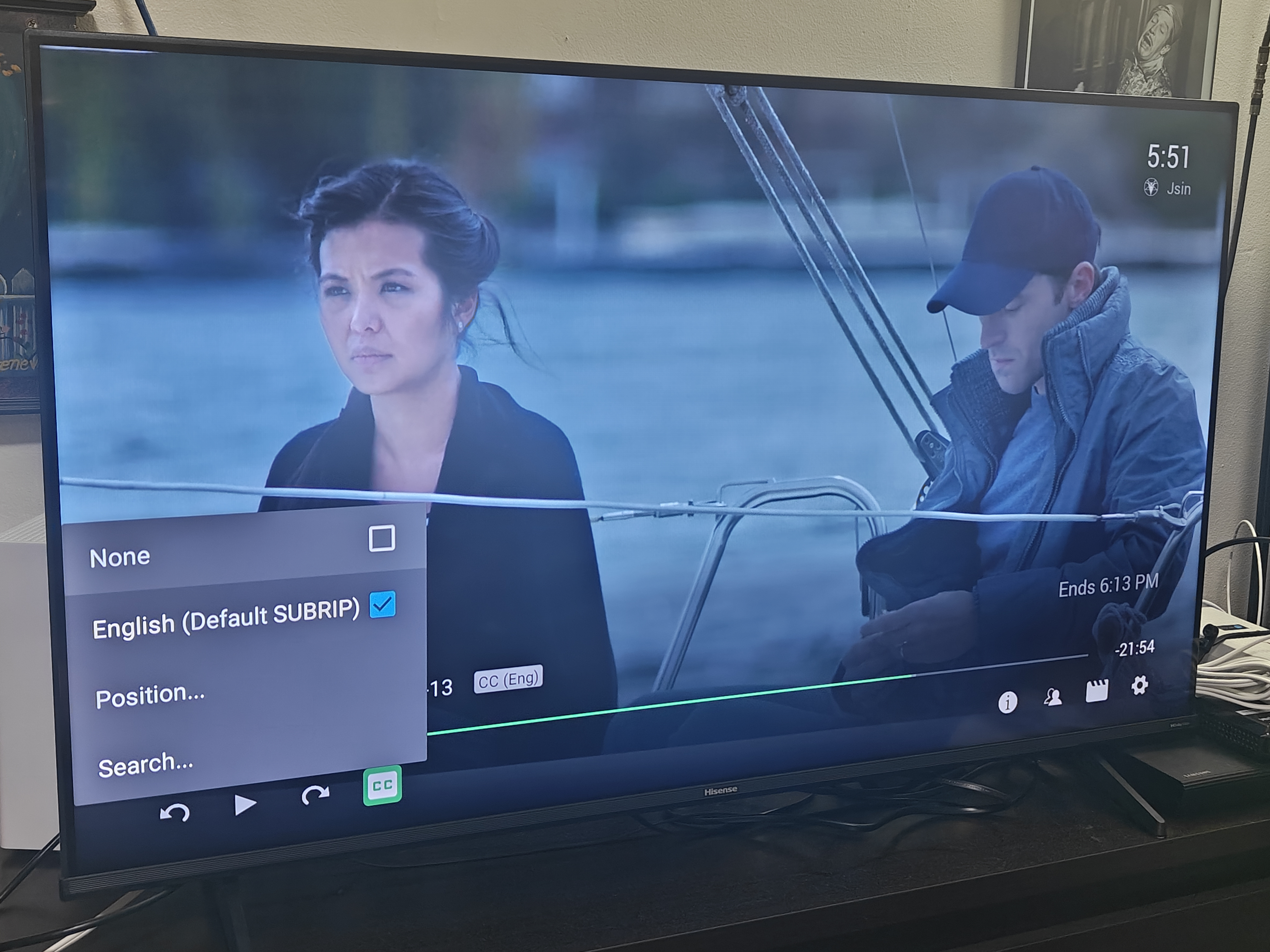
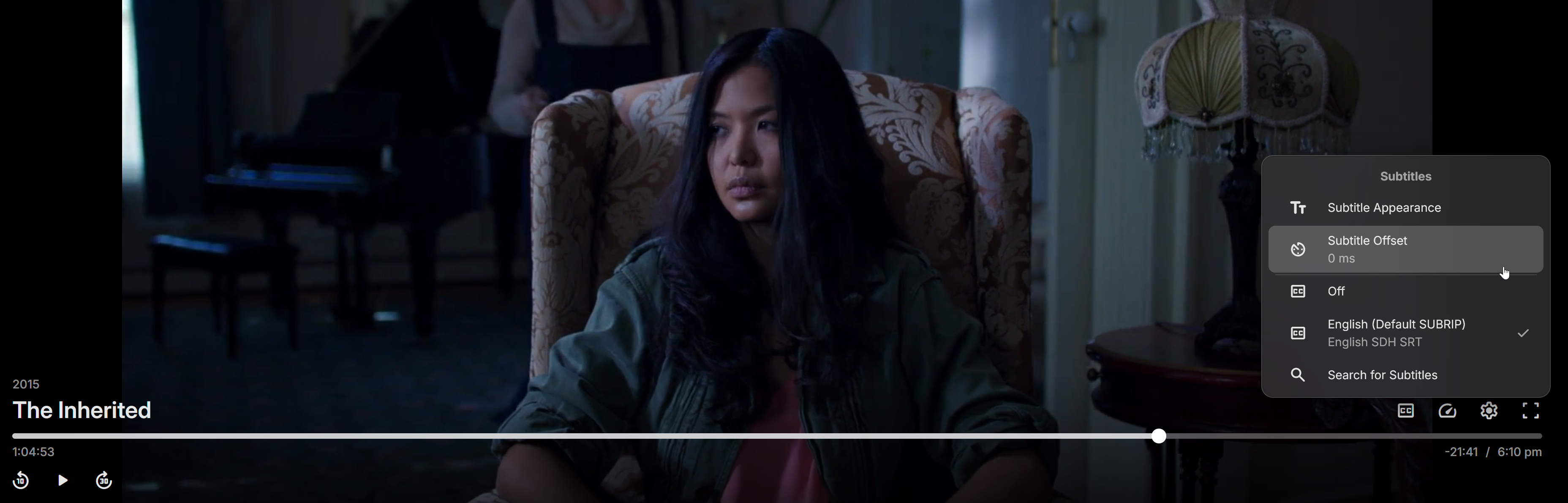
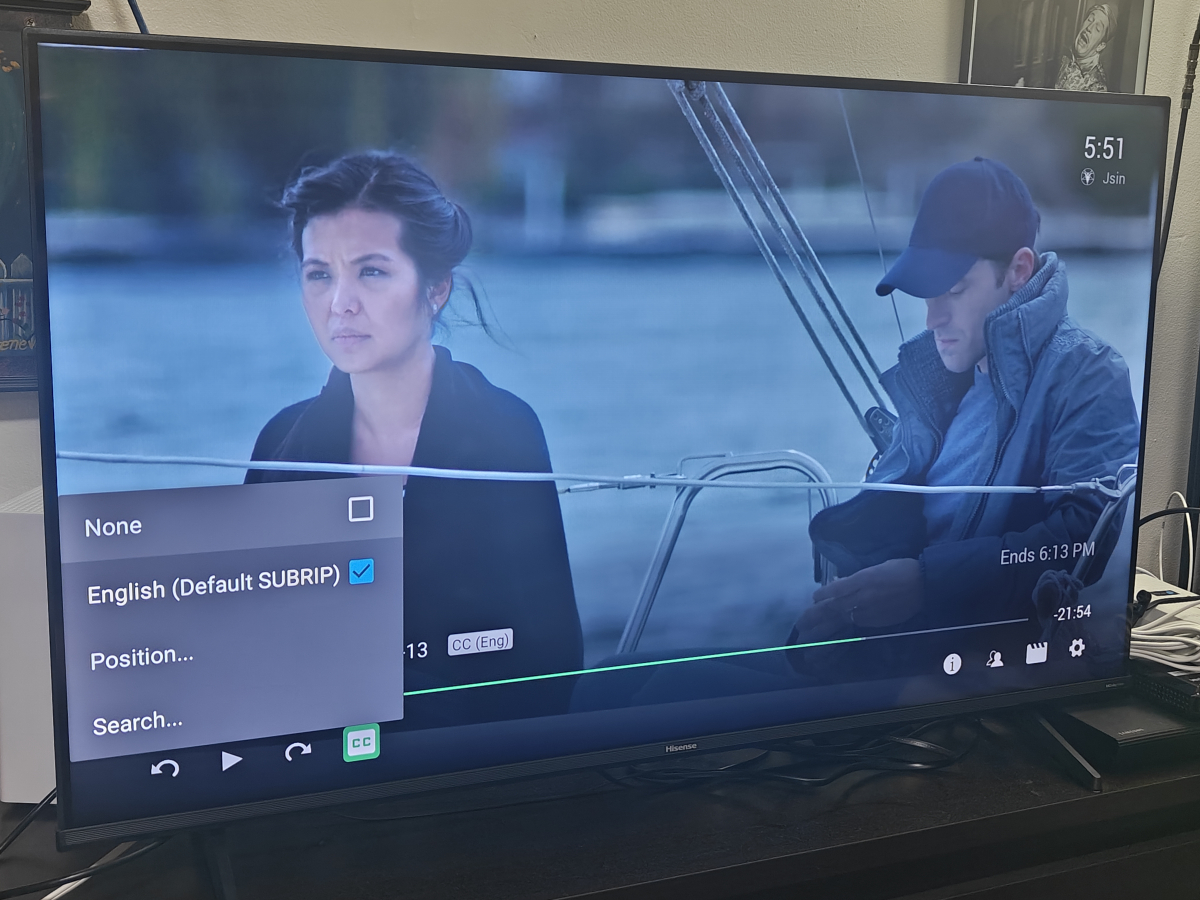
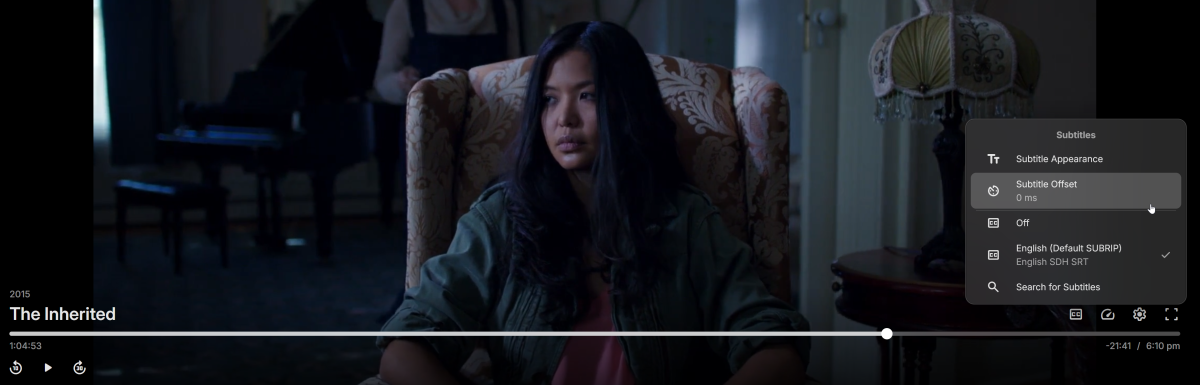
Hello. They are internal subtitles in SRT format muxed inside a MKV container. I just tested on my PC and the option is there but it is not on Emby for AndroidTV.
-
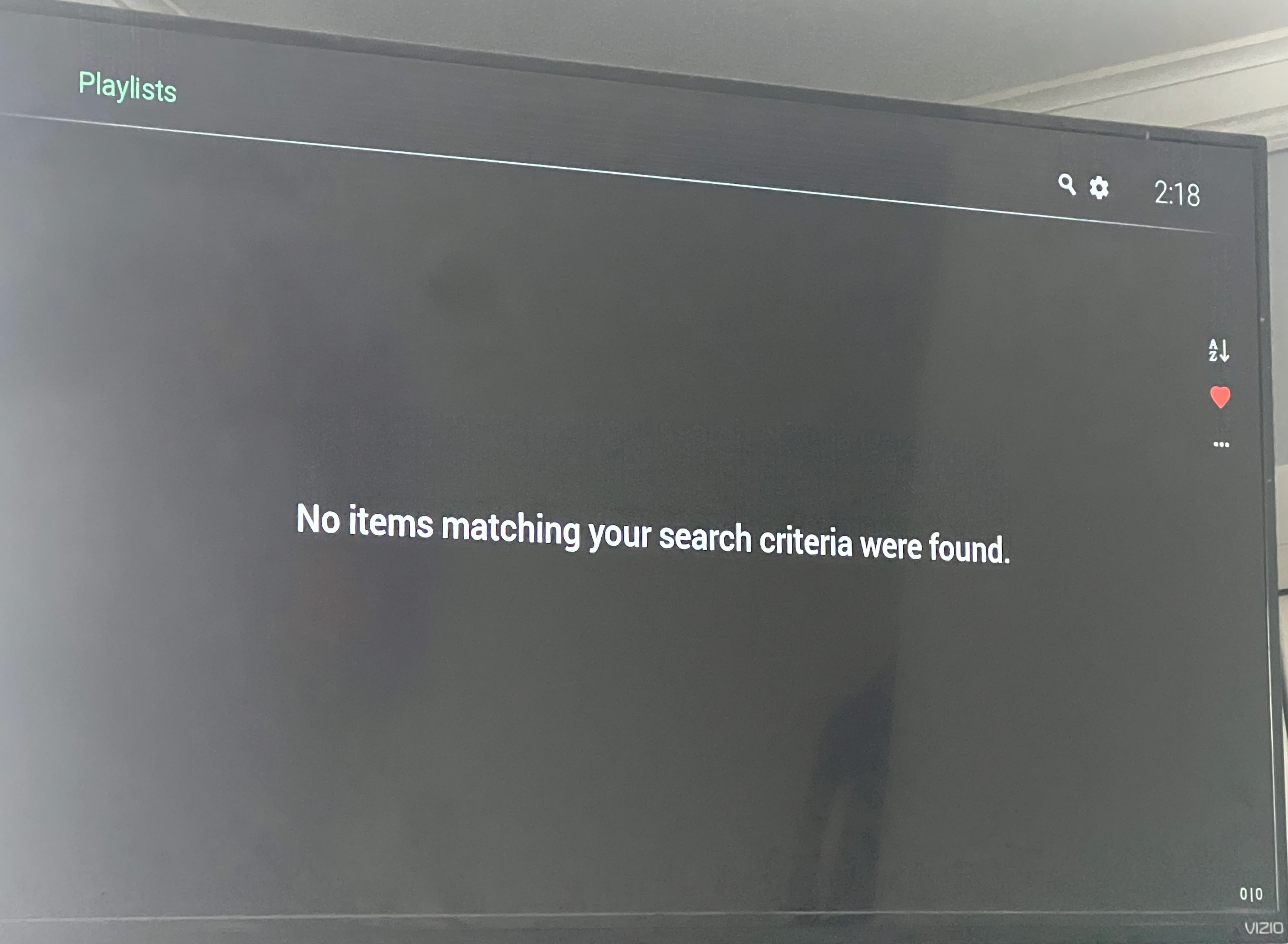
Hi. Click that little red heart... You had previously chosen to only show favorites.
-
Hi. Were these internal or external subs? The delay is only implemented for external text subs.
-
Hello Guys, I went to watch a movie last night and I noticed that the subtitles were a few seconds out of sync with the audio. I went into the subtitle section and found that section to make adjustments in subtitle display time was gone. I know I'm not crazy because I've used it before, it used to have a - and a + to increase or decrease the timing. Did this get removed? I went back to the latest release 2 days ago because I had issues with the latest Beta. Thank you.
-
I finally got the plugin to do what I need. I have a question, will a future release support imdb ratings?
-
I have decided to edit the files by removing ( , ) & [ , ] in order to have them accepted, by the current emby format. So we can close this discusion.
-

[BETA] Ear Wax - NOW AVAILABLE - Testers Wanted
ginjaninja replied to MarvinB's topic in Amazon Alexa
Working for me... -
they are video files, mainly home movies and ads where my son/grandaughter starred in that were done over the years. The setup in them did work fine along time ago with emby.
-
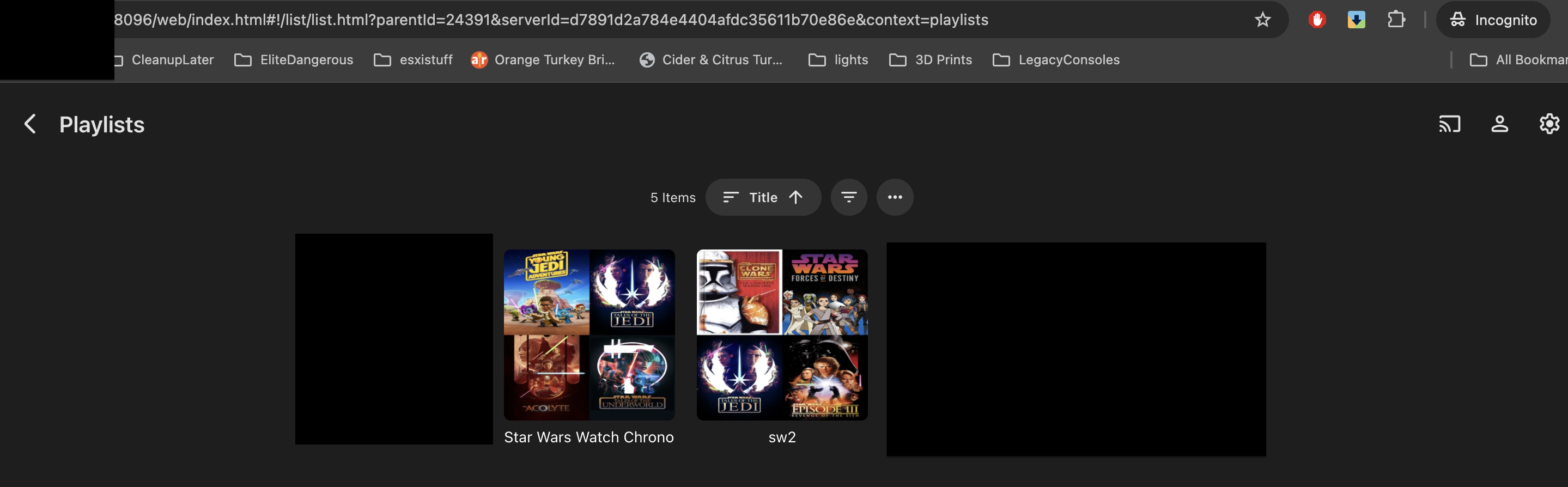
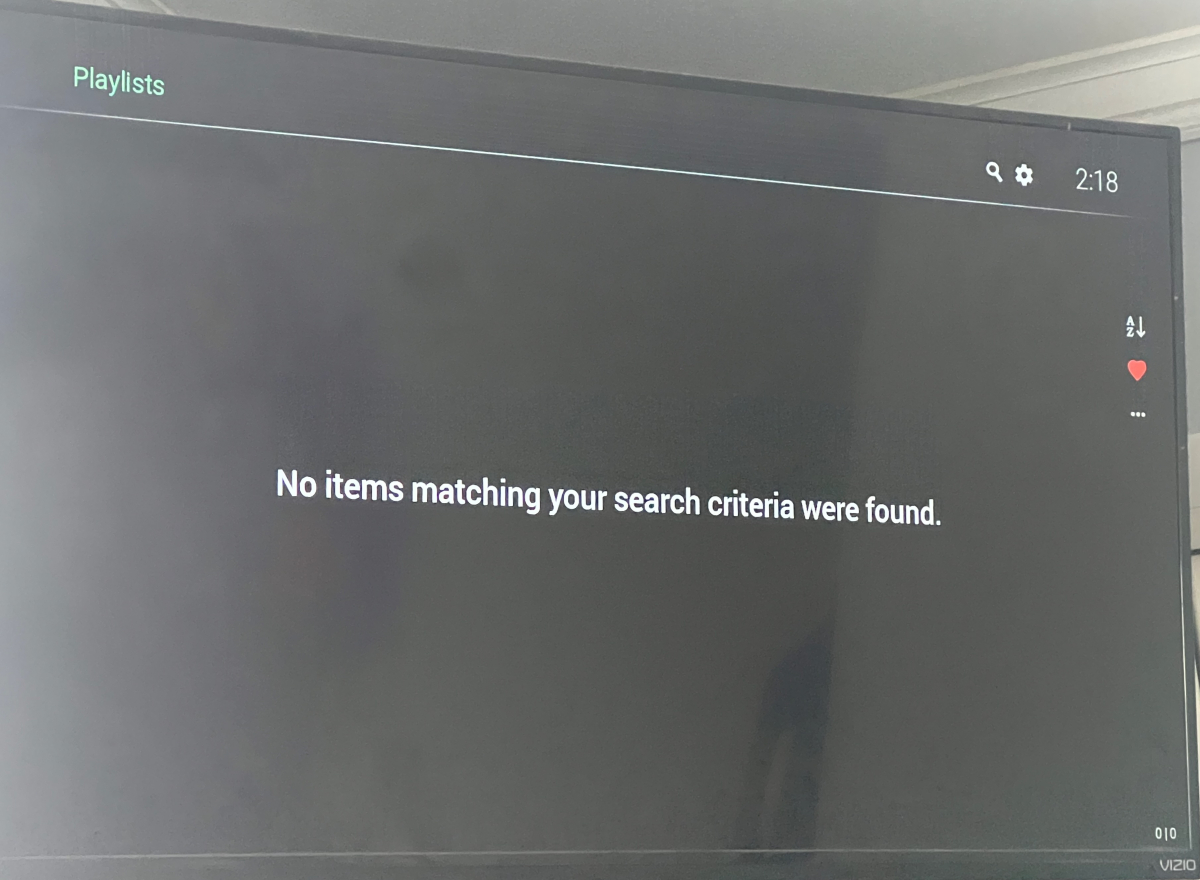
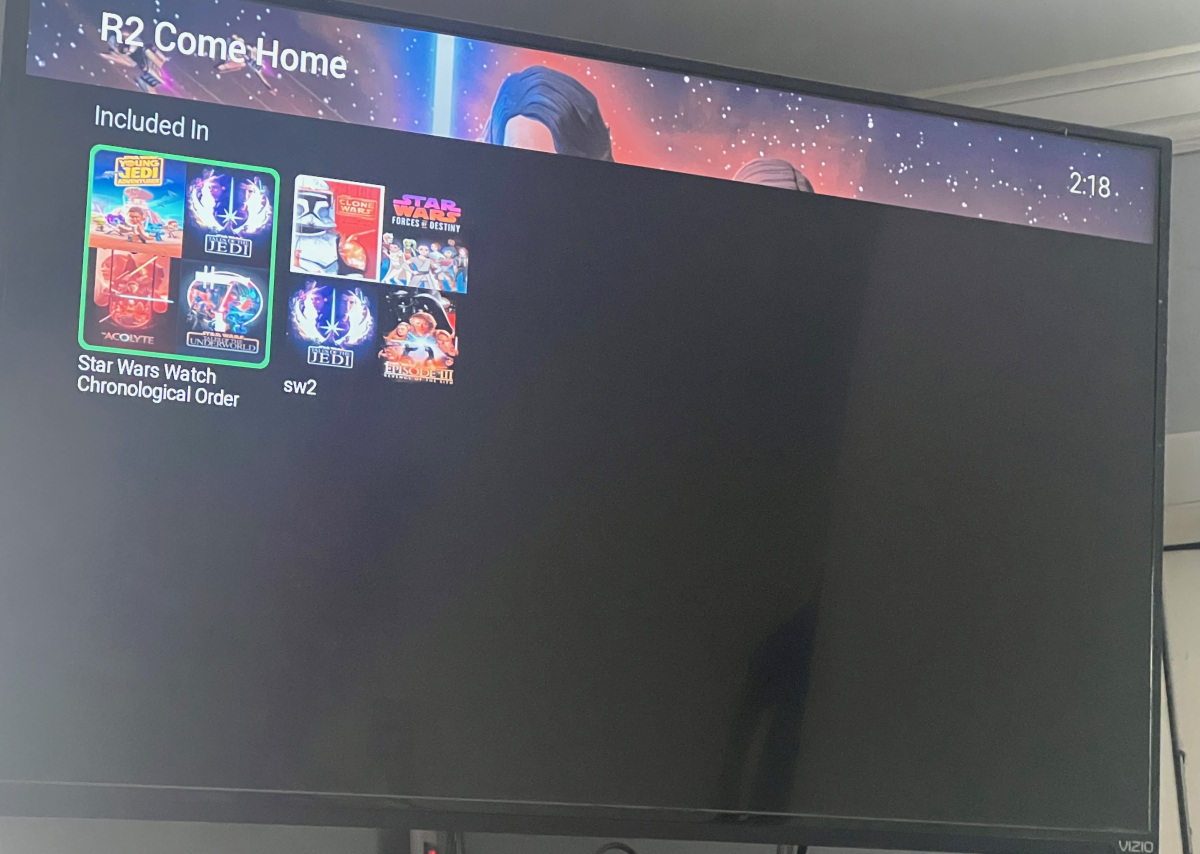
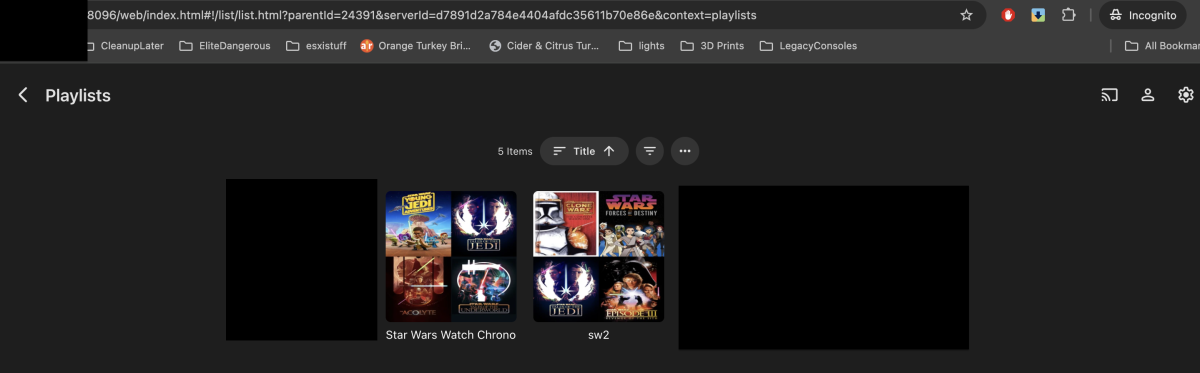
Here are some screenshots first from Roku, for default user, and then from web incognito using same user.
-
Well that was odd, was doing a bit more testing and the old dots were working Whilst the newer dots give the audio not supported error. I tried a reboot to no luck, then one started working and then the other... Either some sort of cache? or emby's awareness of device capabilities was perhaps part of the issue and was fixed whilst i was testing....
-
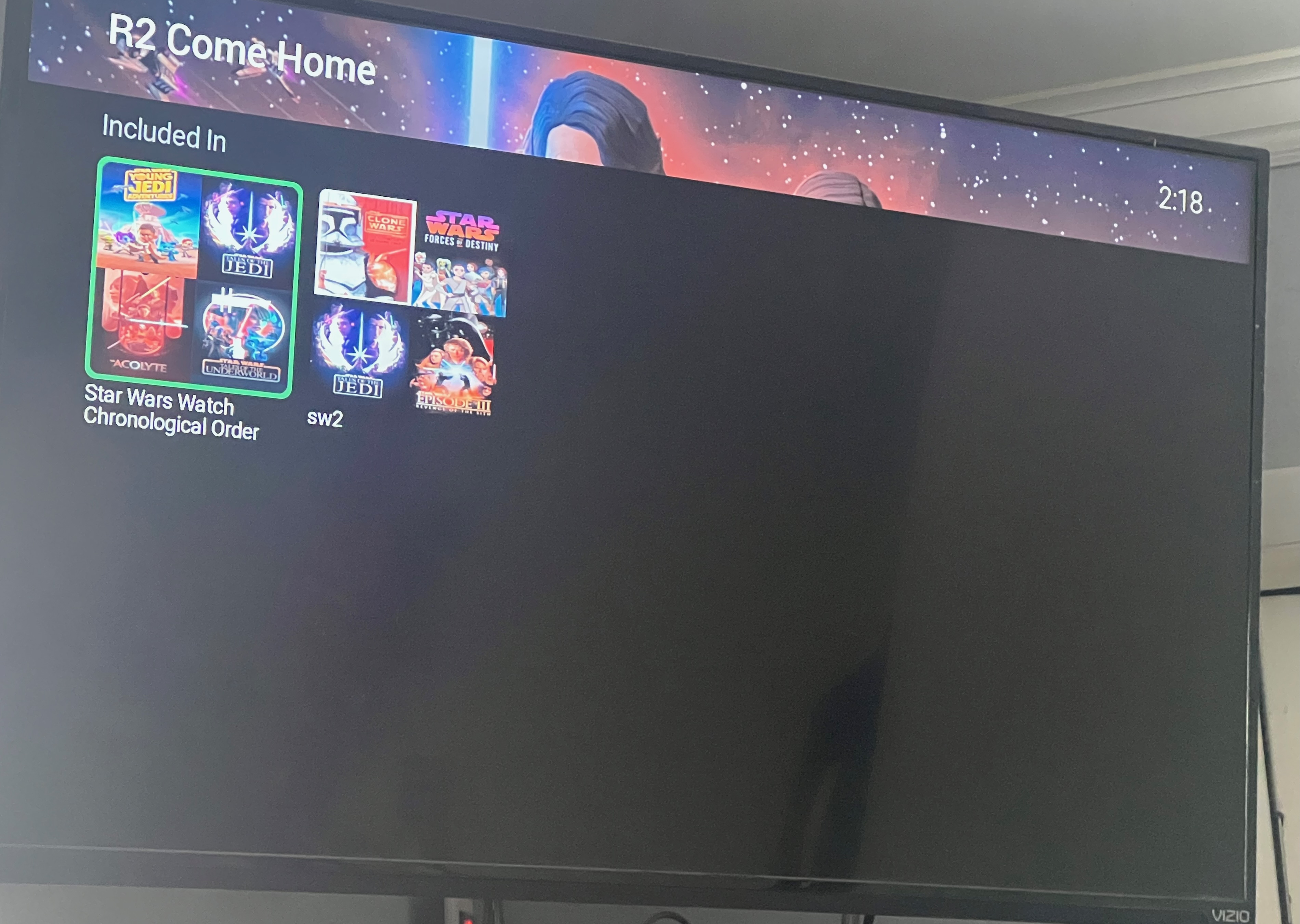
From the homescreen library row I can click playlist and see all the playlists on my end. Can enter them all. Everything normal. Clicking playlists from which view/screen? If you show a screenshot will understand what you mean and try to reproduce and fix this.
-
Hi there, let's look at an example. Please attach the information requested in how to report a media playback issue. Thanks!
-
OK. The addresses that Emby displays are the actual Emby Server addresses. What you see in the browser address bar in your screenshot is when going through the TOS app.
-
Edit what files exactly?
-

Segment Reporting - Dashboard, bulk editing, and custom queries for your intro/credits markers
Aleas replied to sydlexius's topic in Plugins
Nice plugin I like it.. Any plans to add in an option to force re-detection of intros? There's an option for Detect Credits, but really need something that can force intro re-detection. -
My Roku Ultra 4802X connected via HDMI to a Denon receiver offers Passthrough, and it correctly detects what the receiver can accept. I think this became available with the 4800 series, I had the Custom audio settings configured with my older model Ultra.
-
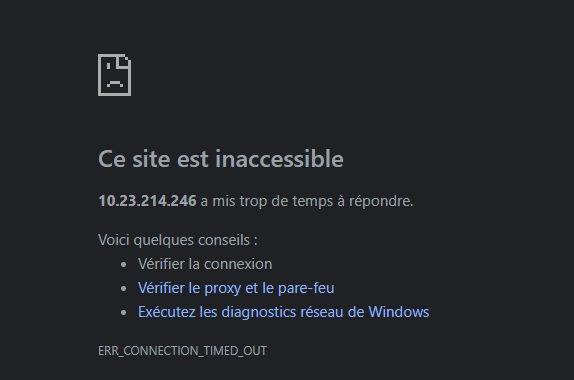
Bon bhe aujourd'hui la conexion par l'ip lan ne fonctionne plus "Accès local (LAN) : http://10.23.214.246:8096" Je ne comprend rien c'est pénible