All Activity
- Past hour
-
 kevin.kattithara joined the community
 -
 PolyNation69 joined the community
 -
 Kendrick67 joined the community
 -
 uchuy01994 joined the community
 -
 Francisco S joined the community
 -
 Summerjaad joined the community
 -
 Sergiomjs joined the community
 -
 Embynetx470752 joined the community
 -
 SAFFF joined the community
 -

Playback Progress Reporting Stops Immediately
corey replied to corey's topic in Emby For Kodi Next Gen
@quickmicJust to add more clarity I install from zip file marked version 1.0.8. After that the video add-on I see is version 10.1.2 and the service add-on is 11.1.27. I removed all Kodi for Emby add-ons again and installed the video add-on. When going into the versions view for that add-on I only see version 10.x and below. No 11 and no 12. -
I have a plugin in mind, but in order to learn how to develop it, I have been essentially re-creating an existing plugin. Essentially I am re-creating the statistics plugin, and rather than storing everything in a XML configuration file, I am using an sqlite db I am having some weird failures. If anyone is up for a code review, it would be most appreciated. TIA Scott
-
I think the only issue @Sgjumper82had with your initial comment was "uh pretty sure it does this by default" as it doesnt do it out of the box....
-
Use case: For ISO files, emyb is not able to detect the media stream info like audio/video format etc. While played these files in Kodi, kodi has already recoganized the correct media format, but currently there is no way to write back these format info back to emby server. After next sync with server, the local saved kodi media info then be overwritten to empty again. Could you let me know, if there is an API to write back media stream info? (I know server plugin can do this but this isn't my expectation, I just want to use REST API)?
-
All the NSSM service editor is, is a 3rd party app designer before SC was standard on all versions of windows. Its beyond ancient but in the days when the Home edition did NOT have a command line SC command to handle the services you had to use the service manager GUI. which not everyone enjoys Using SC to create the service as says, is perfectly fine and does 100% the same thing. NSSM uses the "same" win32 calls to run (I havent verified this in a while). Honestly I do think the KB should no longer use SC as noone is running a version of windows that doesnt have SC at the command line (keep the old KB around to point people to)
-
Hi, not yet but this is on our to do list for review. Thanks.
-
Great Yes that was the solution thx!
-
any news on this???

- Today
-
Playback Progress Reporting Stops Immediately
corey replied to corey's topic in Emby For Kodi Next Gen
@quickmicI am using the https://kodi.emby.tv/ repository and it doesn’t give me the option for 12.x. I’d prefer not to side load so I can get updates more easily. Any guidance on why I might not be seeing it when using that repo? I just tried uninstalling Kodi for Emby, removing the sources, re-adding the repo, reinstalling it all and I only see 11.x still. if it helps (since it’s unclear in the docs) I have been installing the “service” add-on which has an 11.x version. The “video” add-on is 10.x -

embyforkodi (next-gen) 12.X.X support
quickmic replied to quickmic's topic in Emby For Kodi Next Gen
Did you sync the trailers to Kodi? -> Emby for Kodi's service addon config -> Manage libraries -
Playback Progress Reporting Stops Immediately
quickmic replied to corey's topic in Emby For Kodi Next Gen
By instilling it form Emby's Kodi repository https://kodi.emby.tv/ Or sideload it via Kodi addon's install from zip. There is an emby source available. -
Playback Progress Reporting Stops Immediately
corey replied to corey's topic in Emby For Kodi Next Gen
@quickmic— I’m not given the option to update to 12.x in the Kodi interface. I only see version 10.x and 11.x. What’s the best way to upgrade to it? -
Playback Progress Reporting Stops Immediately
quickmic replied to corey's topic in Emby For Kodi Next Gen
Did you try an update to 12.X version of the plugin? 12.X version has a lot of changes also reporting progress to Emby. - Yesterday
-
Holy Cow. Welcome back!
-
Sorry - don't get on these forums much anymore, here is a link to all the disparity images Disparity - Emby I also no longer have the PSD files for these, though I don't think they would be helpful anyway as I made these back in the day before I knew how to use Photoshop so I was just coloring these all by hand. Here is a video of how I used to make them - The font used in the disparity logo is https://www.dafont.com/ethnocentric.font
-
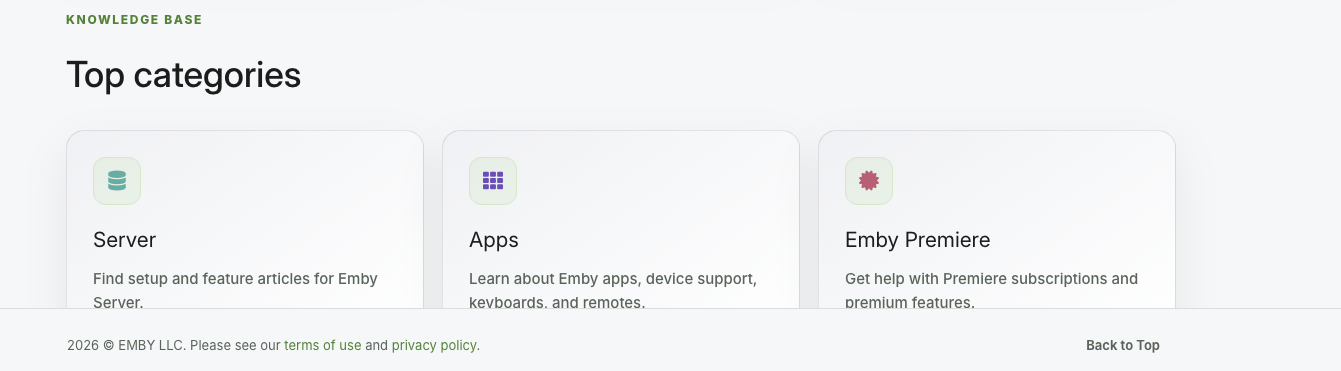
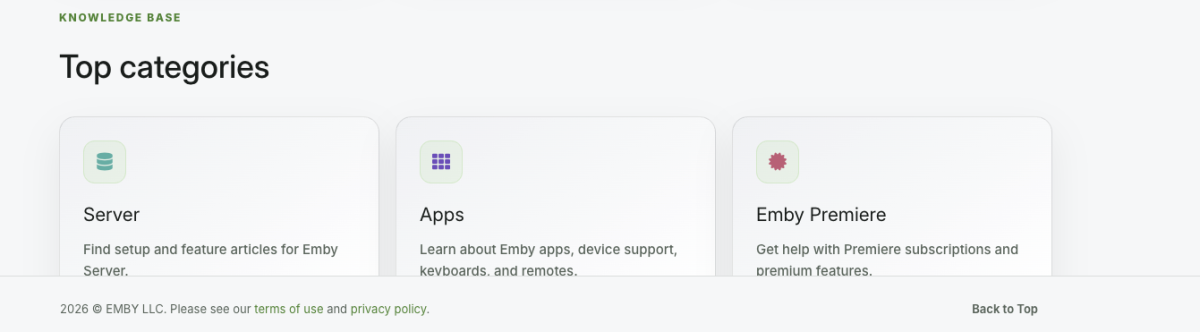
Like the new look. Not sure if this has been reported or not because I am not sure where I would report it so I am doing it here. The support page is getting cut off at the footer. I tried Safari and Edge on a mac. I can't scroll down any more so the the last line of the Top categories are cut off.
-

embyforkodi (next-gen) 12.X.X support
daniel.bmyer replied to quickmic's topic in Emby For Kodi Next Gen
Just curious, what skin should I be using for embyforkodi (next-gen)? -
Emby doesn't run as a service OOTB, thus the KB gives a 3rd-party solution. I kinda do the same thing using the Windows 'restart apps' sign-in option, which works in most scenarios, and only the admin ever logs into the server box.
-
@noybmanwas there an ffmpeg log? Please attach that as well. Thanks.
-
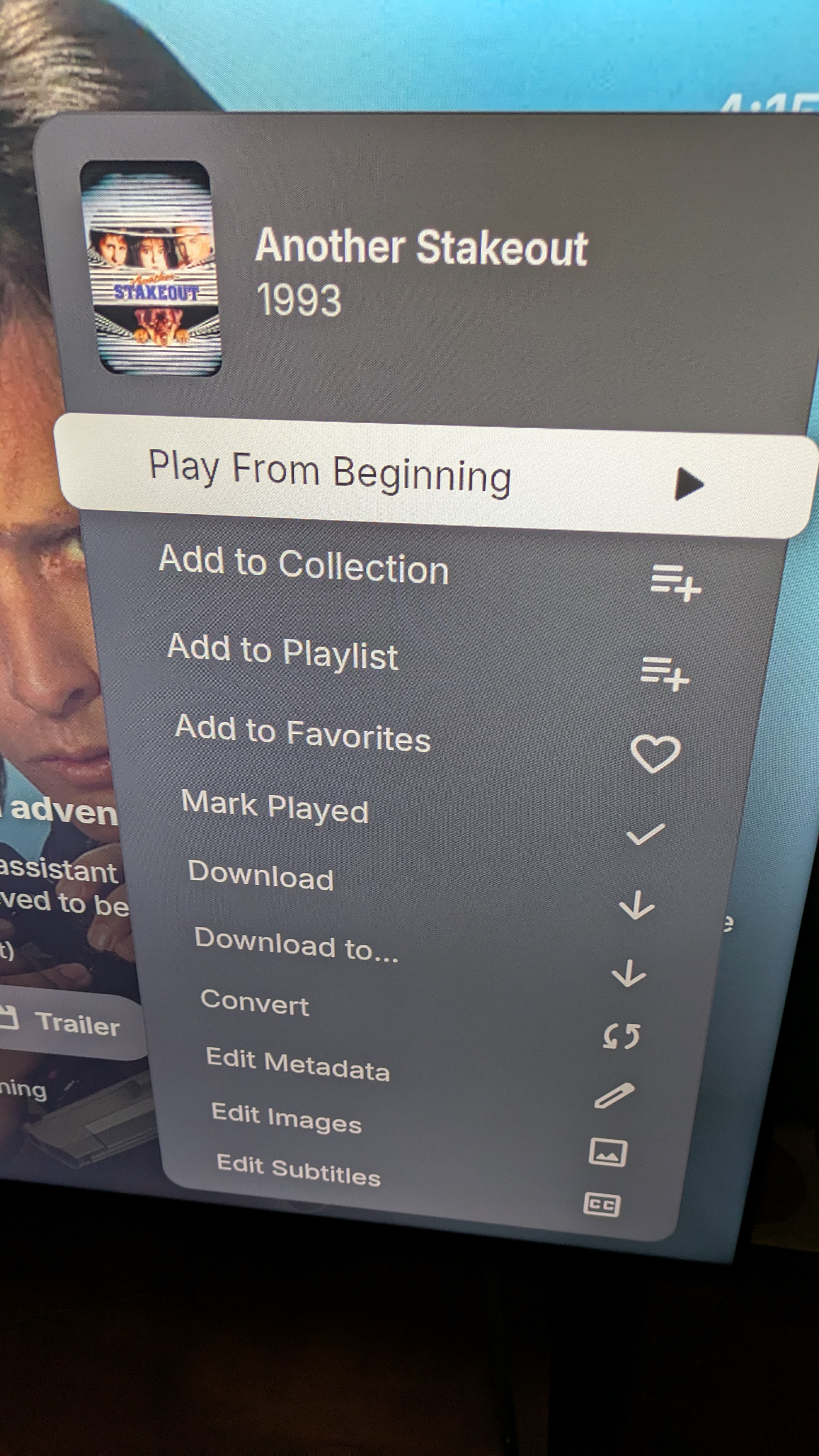
yep, I suspected that might be the case....thanks for confirming. and from those first five, adding to collection is an example of another really useful function to me.
-
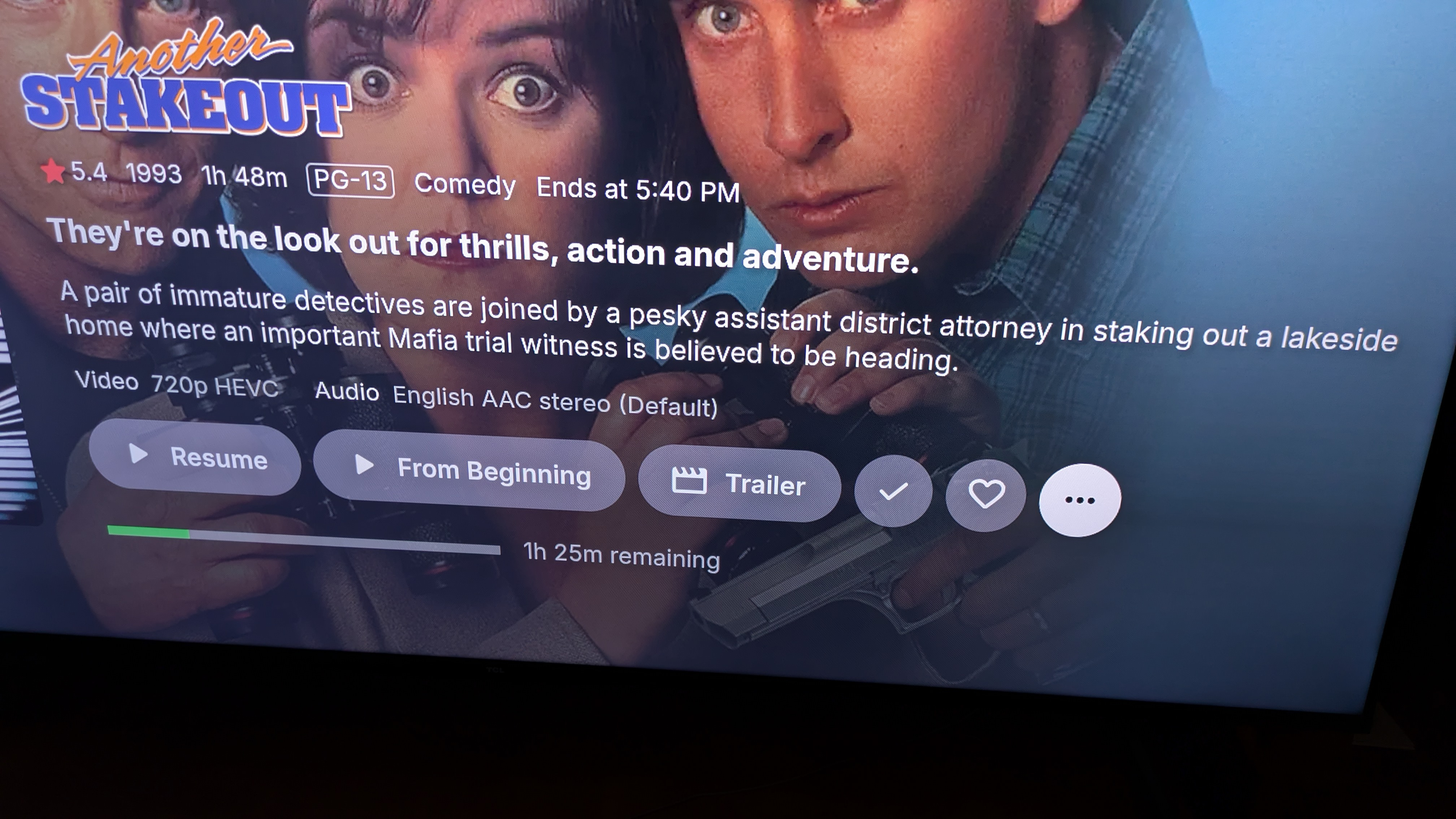
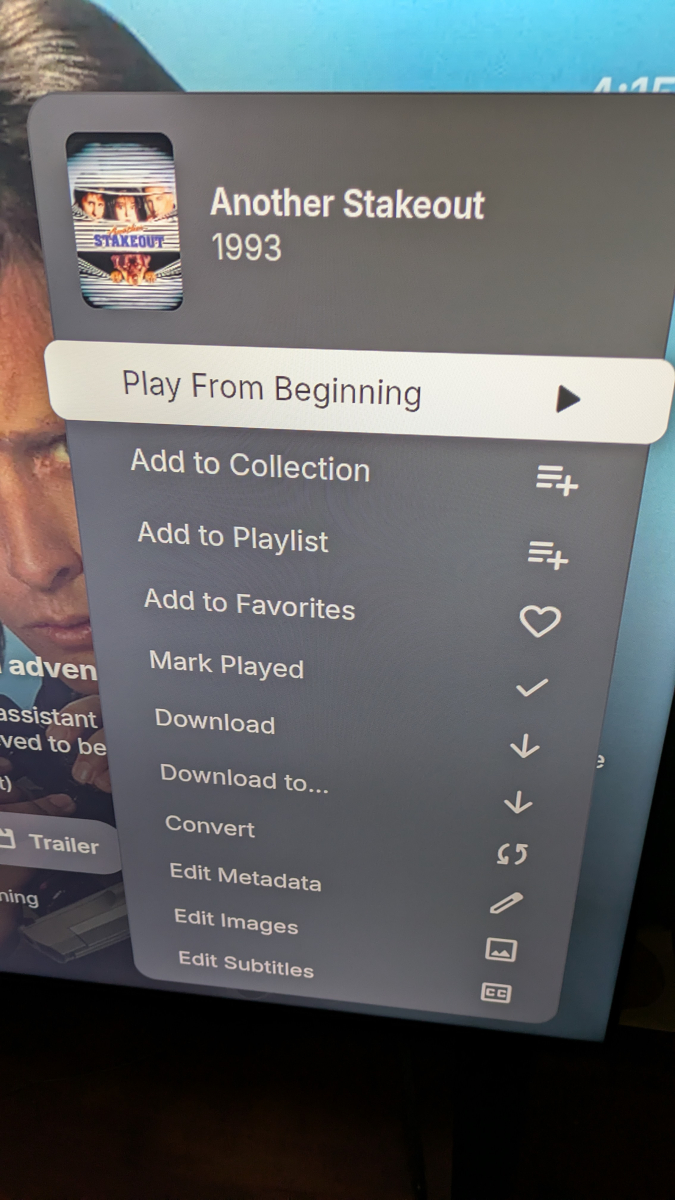
Right OK, there are a lot of features in that menu and many of them will just never make it to the Roku app. It's not realistic to port all of those management functions to Roku. And of course there's no download feature with Roku. But the first five items in your screenshot should all be in the Roku app already, albeit presented a little differently.
-

Transcoding Tests [BROKEN]: Unable to run due to running operations????
Luke replied to noybman's topic in General/Windows
@softworkzwill take a look at it. Thanks. -
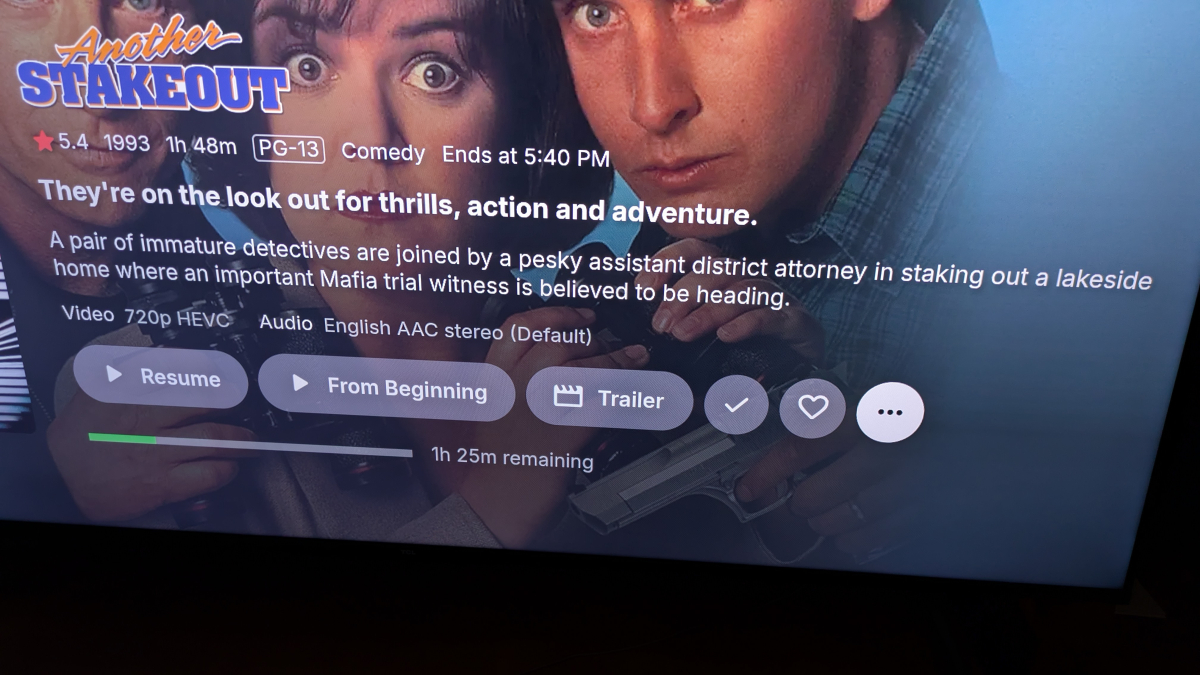
Luke, I'm attaching 2 pics from the android app that will maybe help. the first one shows the '3-dots' button on a movie page (last button on the right) and the 2nd is of course what pops up when it is clicked - basically what I'm used to seeing on the server web page. I can totally see myself spending way too much time playing with images from my remote control.....but it's cool . thanks Luke.
-

Transcoding Tests [BROKEN]: Unable to run due to running operations????
noybman replied to noybman's topic in General/Windows
Still a bug. No change. No feedback. This is stupid. It will not allow someone to run a transcoding test because there is a "connected browser" but you cant attempt to run a transcoding test unless you have a connected browser. PLEASE GO TEST IT.... IT SHOULD FAIL FOR YOU! -
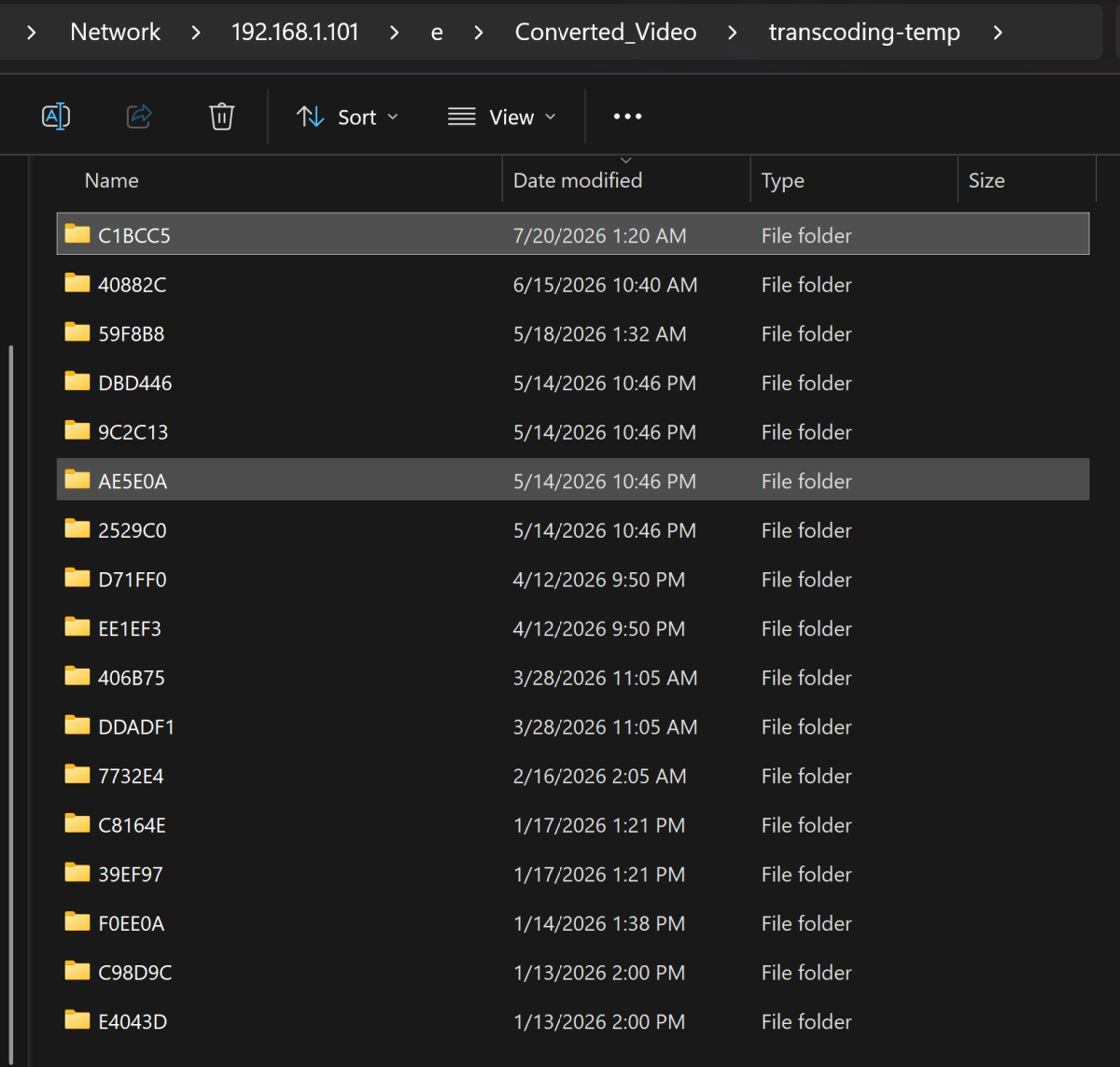
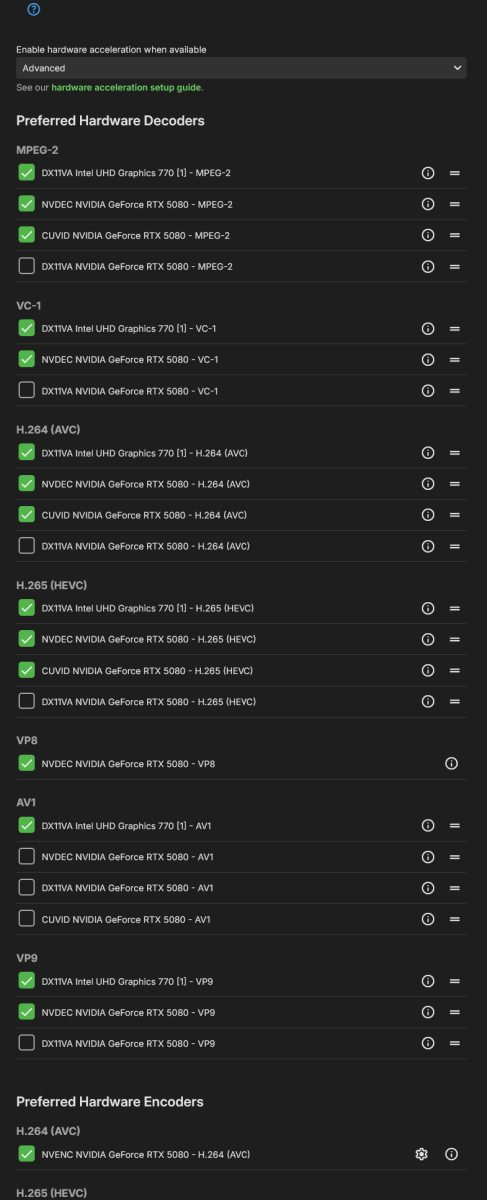
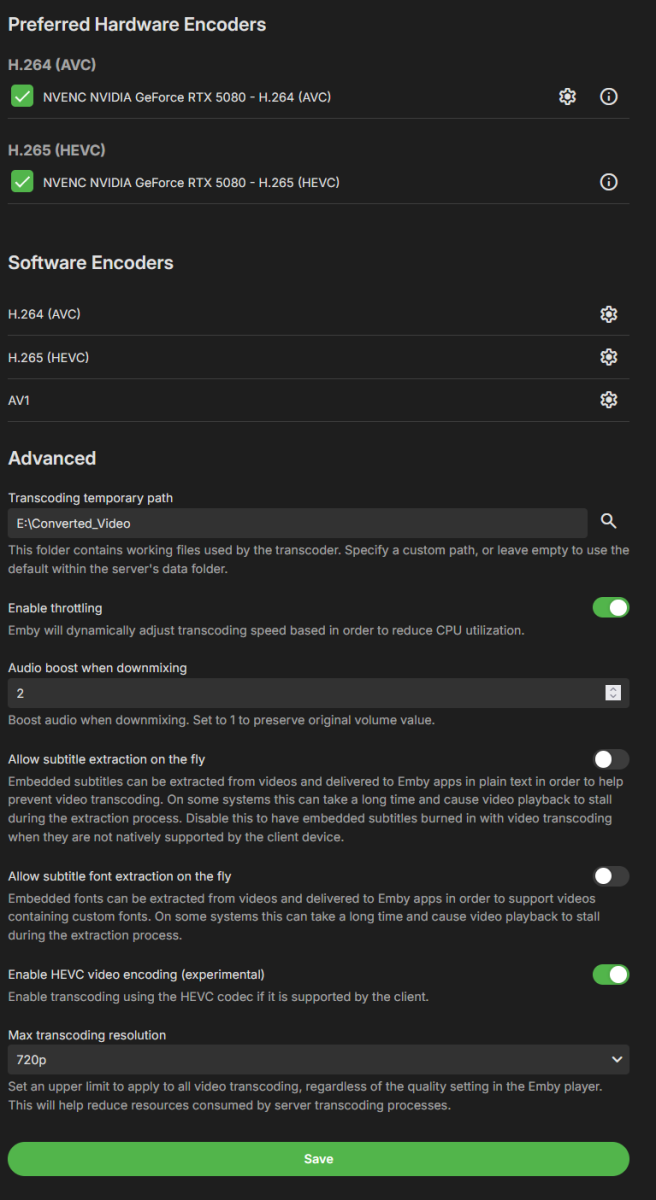
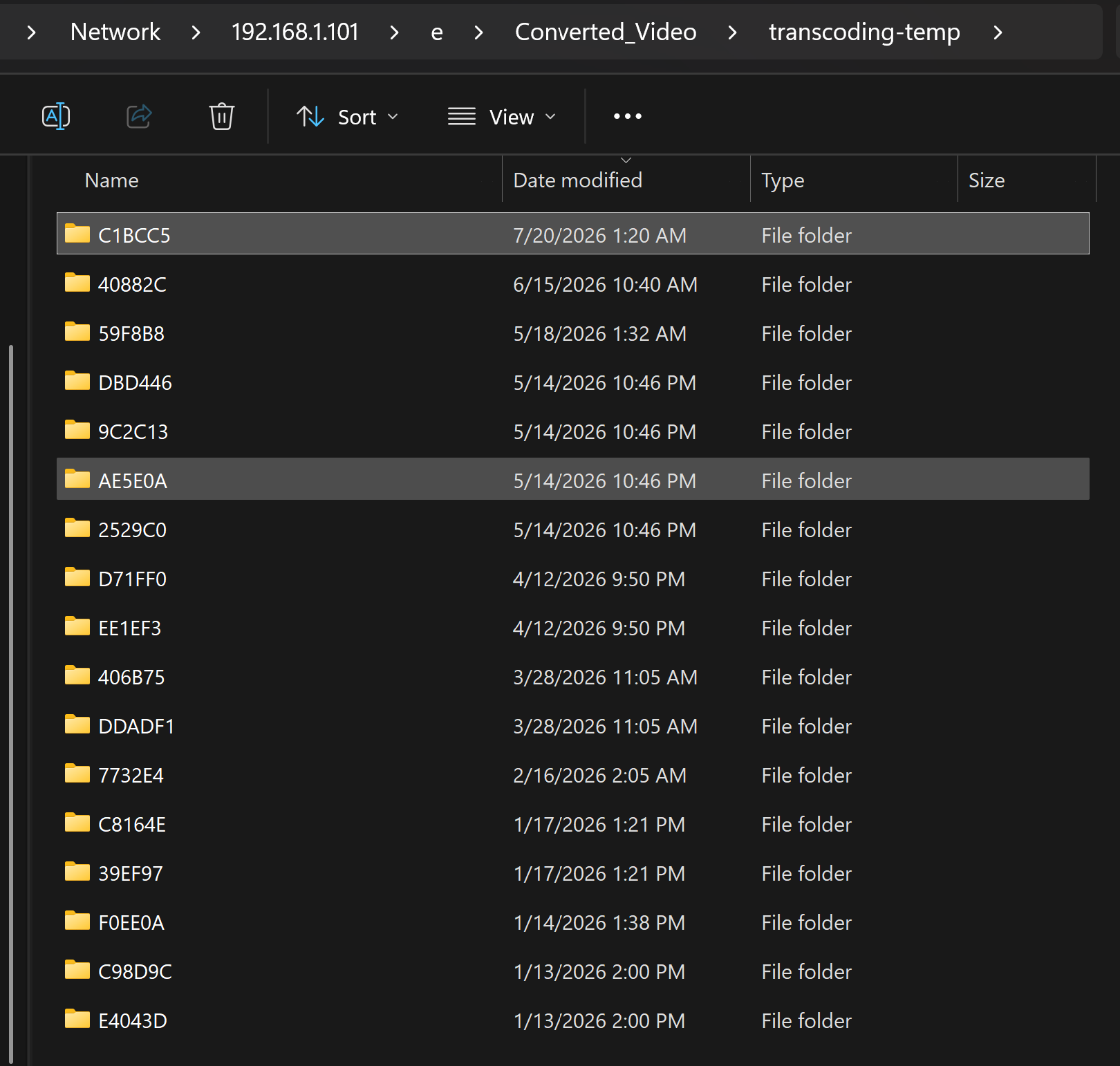
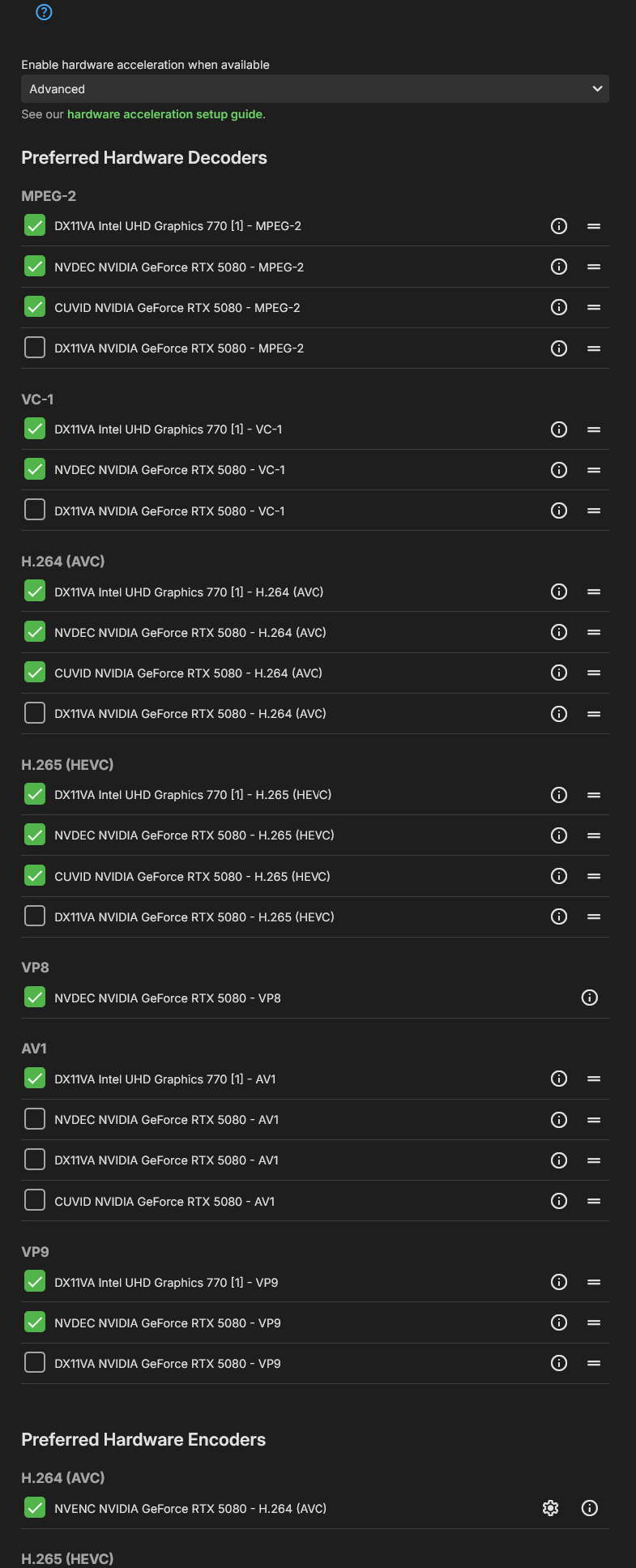
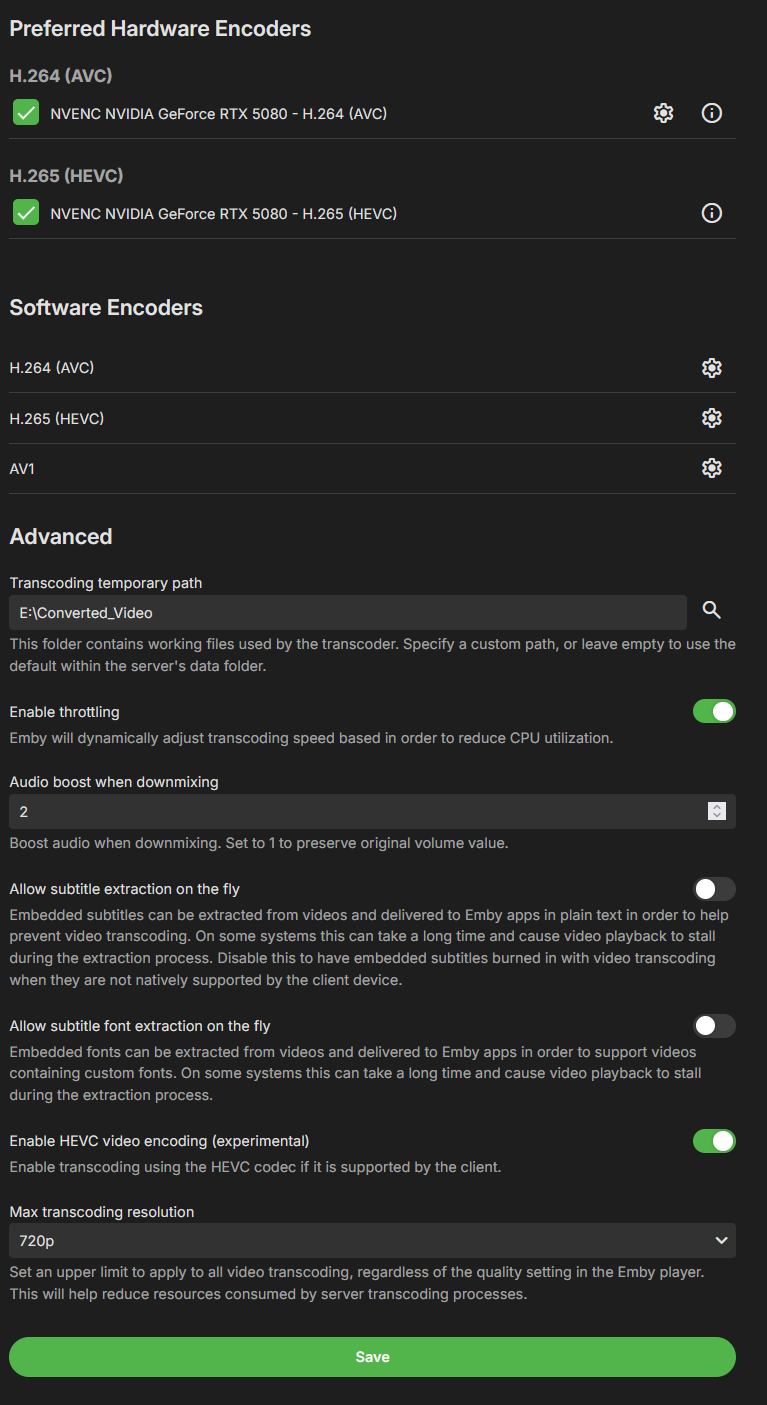
Hey Luke, I am having a similar issue on at least one movie with subtitles. It has subtitles burned in, quite a long list of them too! (like 40+ subs), and if I enable subs, Emby gives the blue circle of death then crashes the play. If I leave subs off, it plays fine. I haven't seen this in all movies, and I believe I have others with built in subs that work, but this is an example where it does not. The log is a fresh start with debug on. Started the movie, the trailers plugin plays two trailers, I skipped to the end of them. The movie begins playing, works just fine. I enable English ASS subs, the movie stops playing, the "emby circle of death" spins for a good hot minute (maybe 20s-30s) then crashes, goes back to the main screen, doesn't play. This is what is in the log (see attached). Maybe it has to do with the burned in media, maybe its special characters in the titles? etc.... PS: the folder path I am using for transcoding is fin. nothing has changed here. I'm stillwaiting for an answer on transcoding settings tests: https://emby.media/community/topic/145076-transcoding-tests-broken-unable-to-run-due-to-running-operations/ Again, NOTHING has changed in all of this time, and I have done transcodes, so I know transcodes work sometimes. Anyways, you have a full log, and a description of what I did with that movie so you can correlate it to the logs. Here are the transcoding settings: embyserver.txt