User Preferences
Users are managed within the server dashboard by navigating to Users.
User Profile and Preferences
Preferences for the user account can be customized by the server administrator or the user.
The server administrator can do this by selecting Users from the server settings dashboard and selecting the user account and on the Profile tab, clicking on the Edit this user's profile, image and personal preferences.
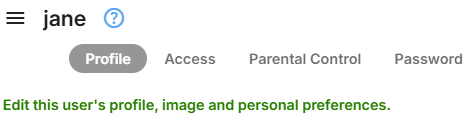
The user can view and amend the user preferences by selecting App Settings and then selecting the user Preferences. Note that the server administrator may disable the ability for the user to edit the Profile. In which case, it would not appear in the list of Preferences.
User Preferences
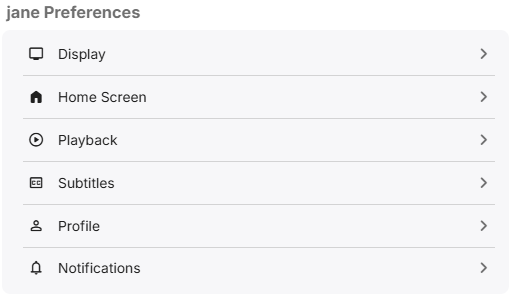
Please refer to the following documents for each of the Preferences: