User Preferences - Profile
The Emby server administrator can edit the user profile preferences through server settings for Users, selecting the user and and on Profile tab, clicking the link labelled Edit this user's profile, image and personal preferences and then selecting Profile.
The administrator can also restrict or allow the user to upload a profile image and change the password and optional pin.
Users that have this locked down by the server administrator would not see this option for editing the Profile in the user preferences.
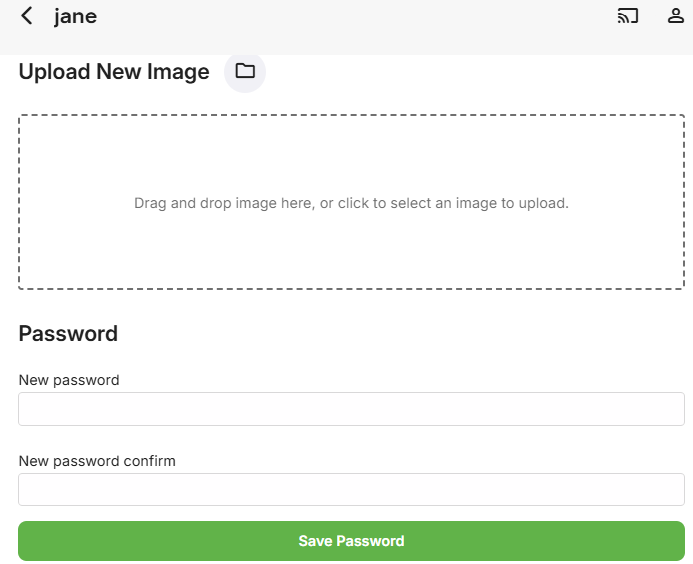
The Profile user preferences cover the following:
Upload New Image
Password
Profile Pin