User Preferences - Home Screen (Legacy)
Up to 7 section types can be configured for the user's Home Screen, with the default being:
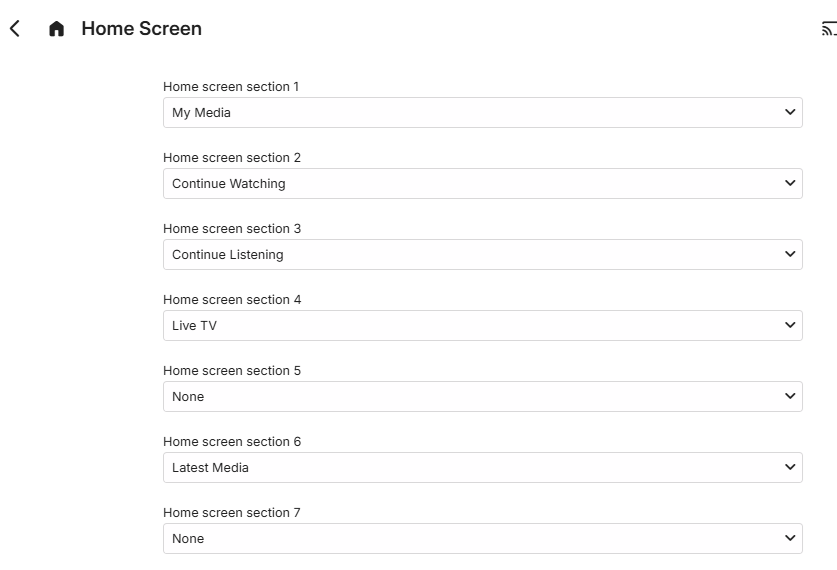
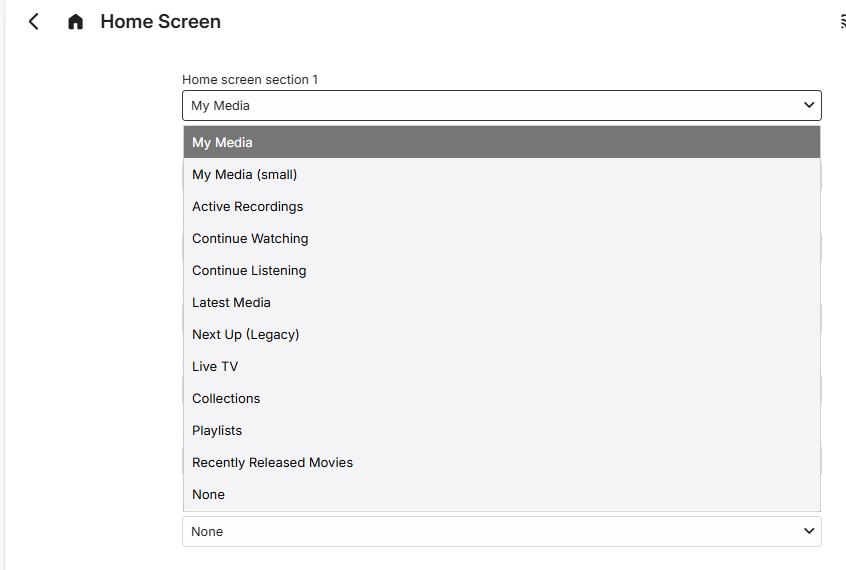
For each section, a drop-down is available to choose from:
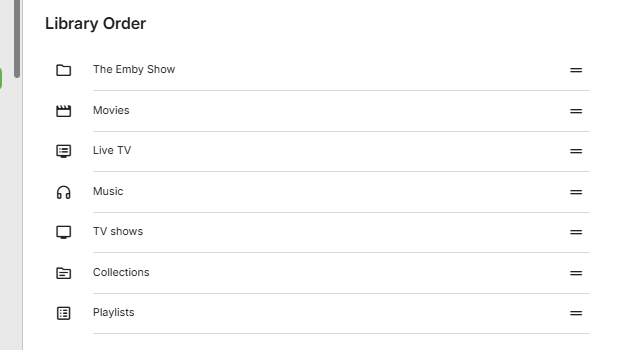
This is followed by a list of the libraries to show the Library Order. Library positions can be changed by moving the rows around.
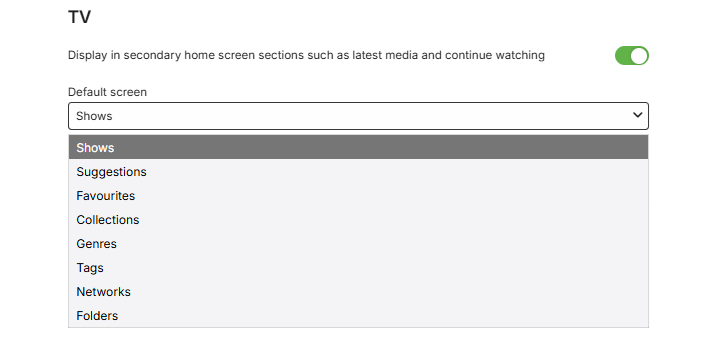
Below the library order list, each library is shown with a configurable option for inclusion in sections like Latest Media and Continue Watching and also an option for the default screen to be pre-selected when viewing the library. The following is an example of this for a TV Shows library, named TV: