Raster images
A raster image describes a rectangular grid of samples whose dimensions, component representation and colour interpretation determine the decoded picture.
A raster image represents a picture on a grid. Its width and height count positions in that grid; each position has samples describing colour, brightness or other components.
Read a grid before enlarging it
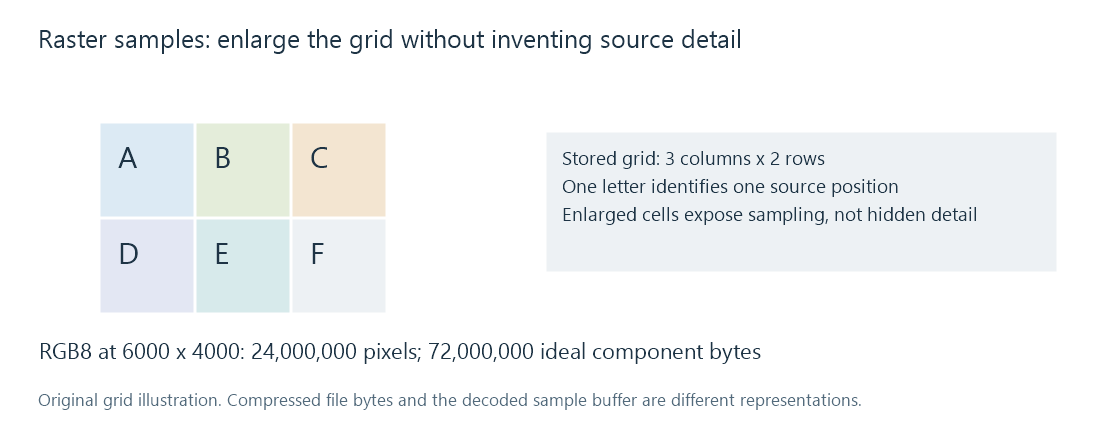
In this invented three-column, two-row picture, each letter stands for a distinct pixel:
| Column 0 | Column 1 | Column 2 | |
|---|---|---|---|
| Row 0 | A | B | C |
| Row 1 | D | E | F |
An enlargement can draw every source pixel as a large square. Those squares reveal the sampling grid; the original file does not contain a larger detailed letter or shape inside each position.
A vector description instead specifies shapes or paths that can be rasterized at a chosen output size. Rendering a vector logo into a PNG produces a raster derivative with a particular grid.
Pixel, component and byte are different units
An RGB pixel has red, green and blue components. With eight bits per component, each has 256 possible stored levels. An RGBA representation adds alpha for transparency.
The representation can instead use grayscale, palette indices, higher precision or another arrangement. A palette index is a reference to an entry, not three directly stored colour components at that position.
For tightly packed RGB at 6000 × 4000 and eight bits per component:
6000 × 4000 × 3 = 72,000,000 bytes.
That is 24 million pixels and 72 million component bytes. RGBA needs 96,000,000 bytes in the same ideal model. Actual image buffers can also contain row padding and additional working copies.
Compressed bytes are another representation
A photo file may be far smaller than its decoded pixel buffer. Its decoder reconstructs the sample grid from encoded data; a gallery then resizes, converts or presents that grid.
This helps explain why loading many large photos can consume memory even when their files look modest. Thumbnail generation can use a smaller derivative for the visible tile rather than retaining every full-resolution decoded picture.
The grid alone does not identify the colour space. ICC profiles and other colour signaling explain how the component values should be interpreted. The file's descriptive title and camera tags are separate metadata.