Leaderboard




Popular Content
Showing content with the highest reputation on 05/30/26 in all areas
-
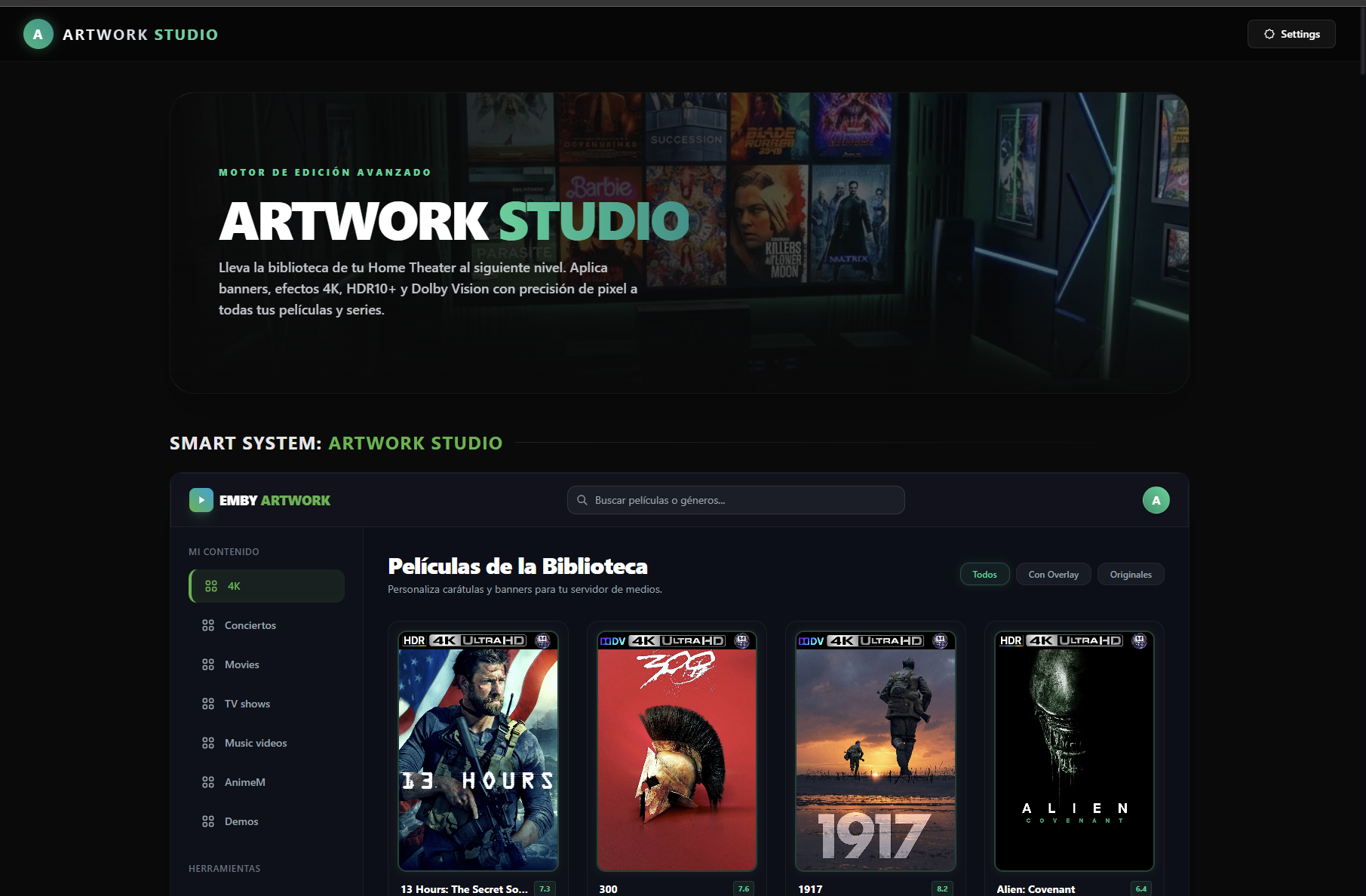
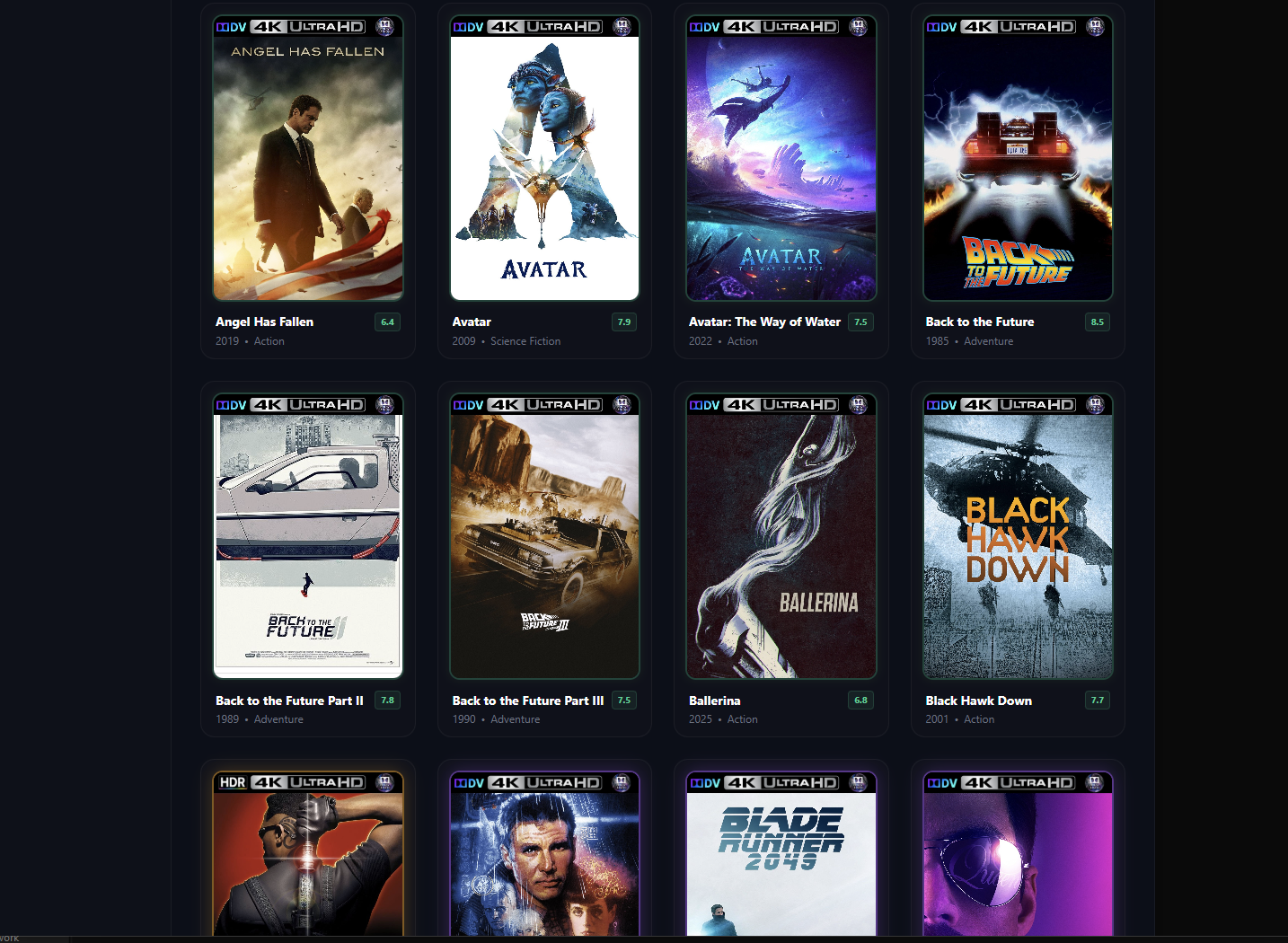
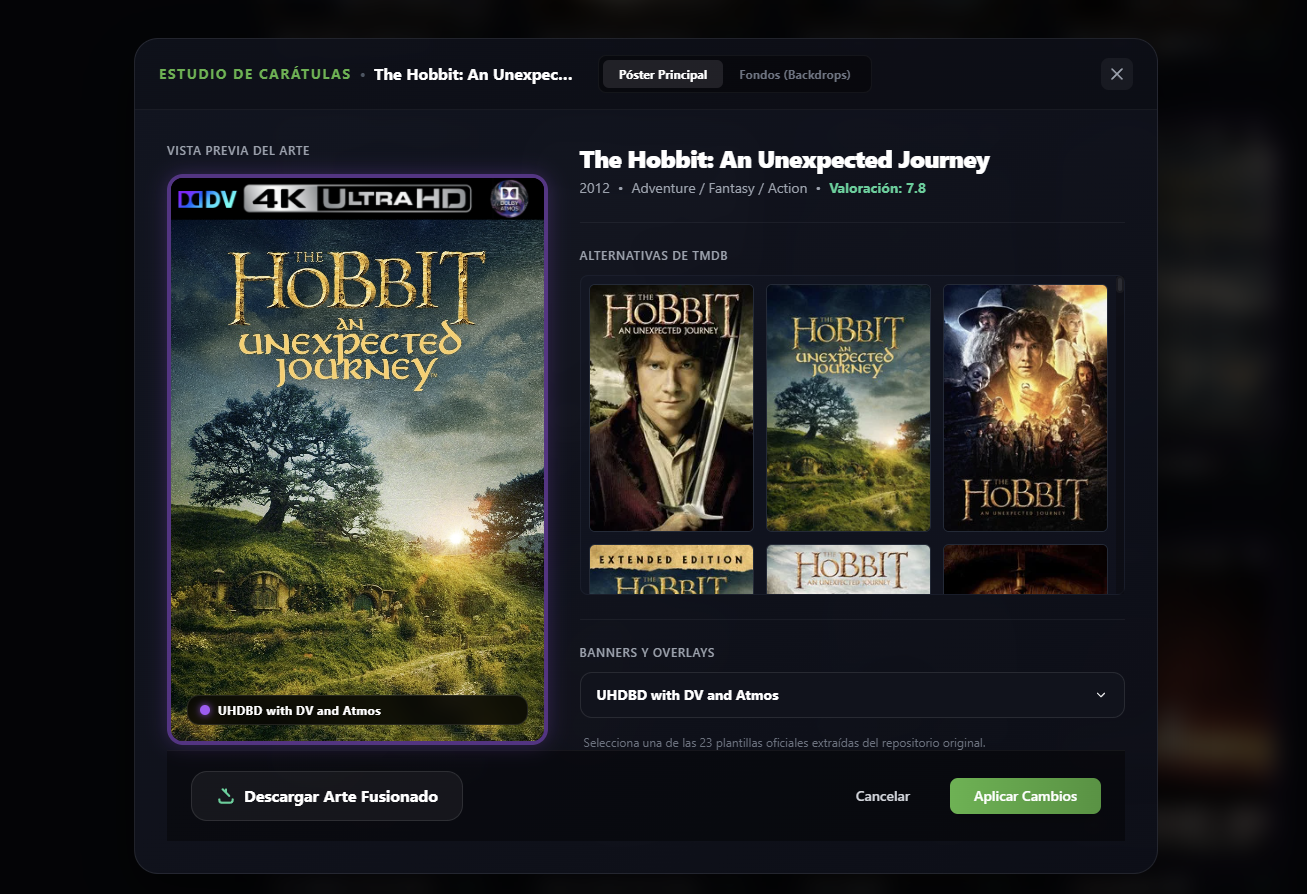
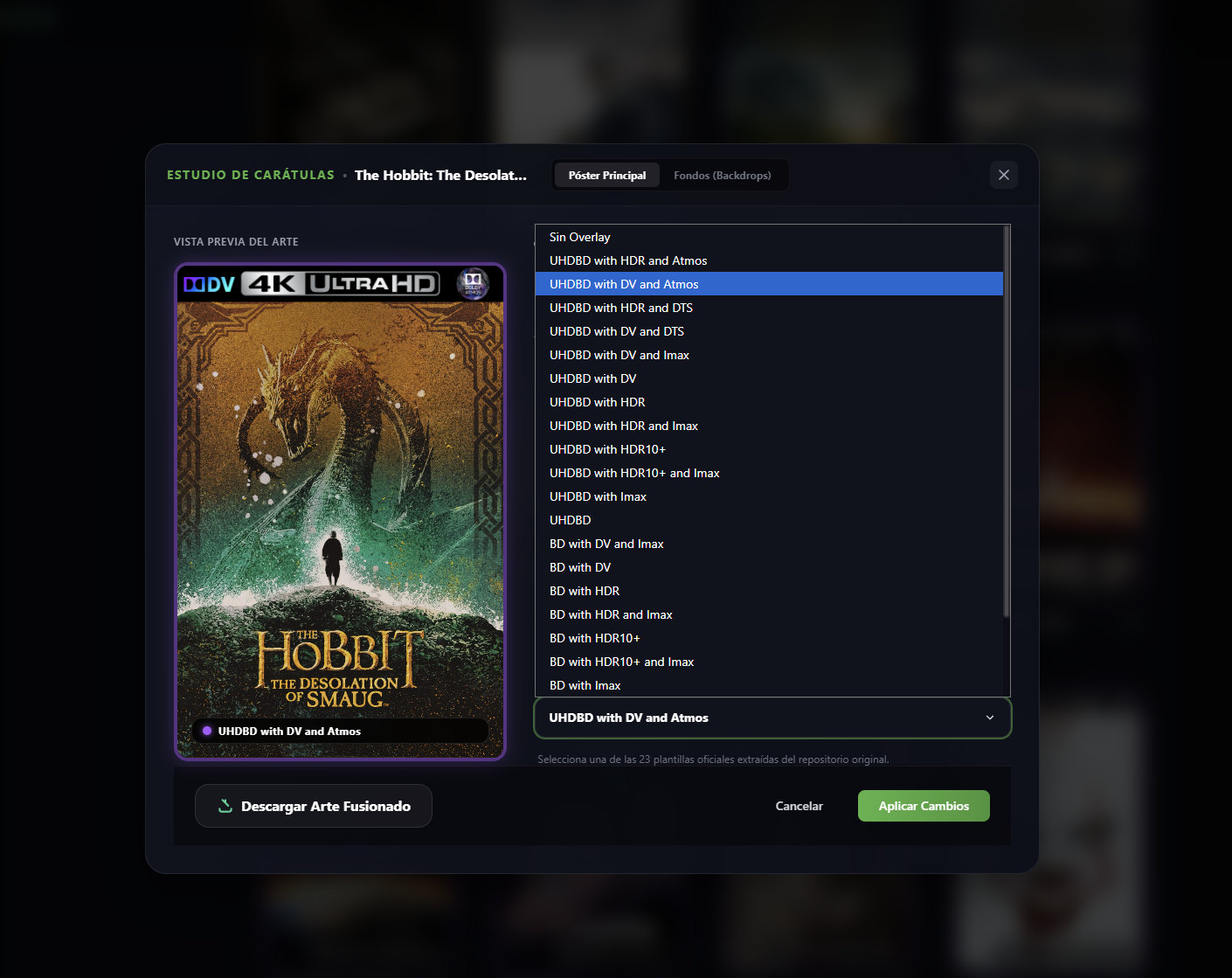
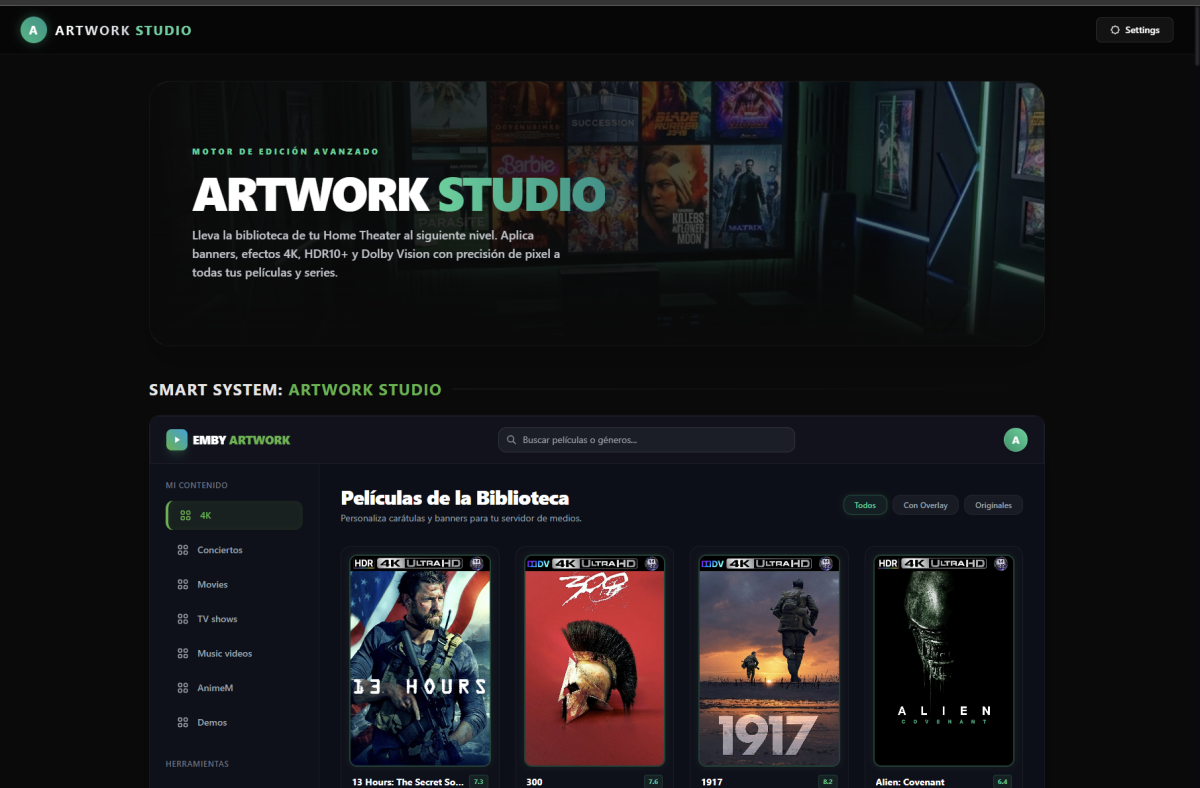
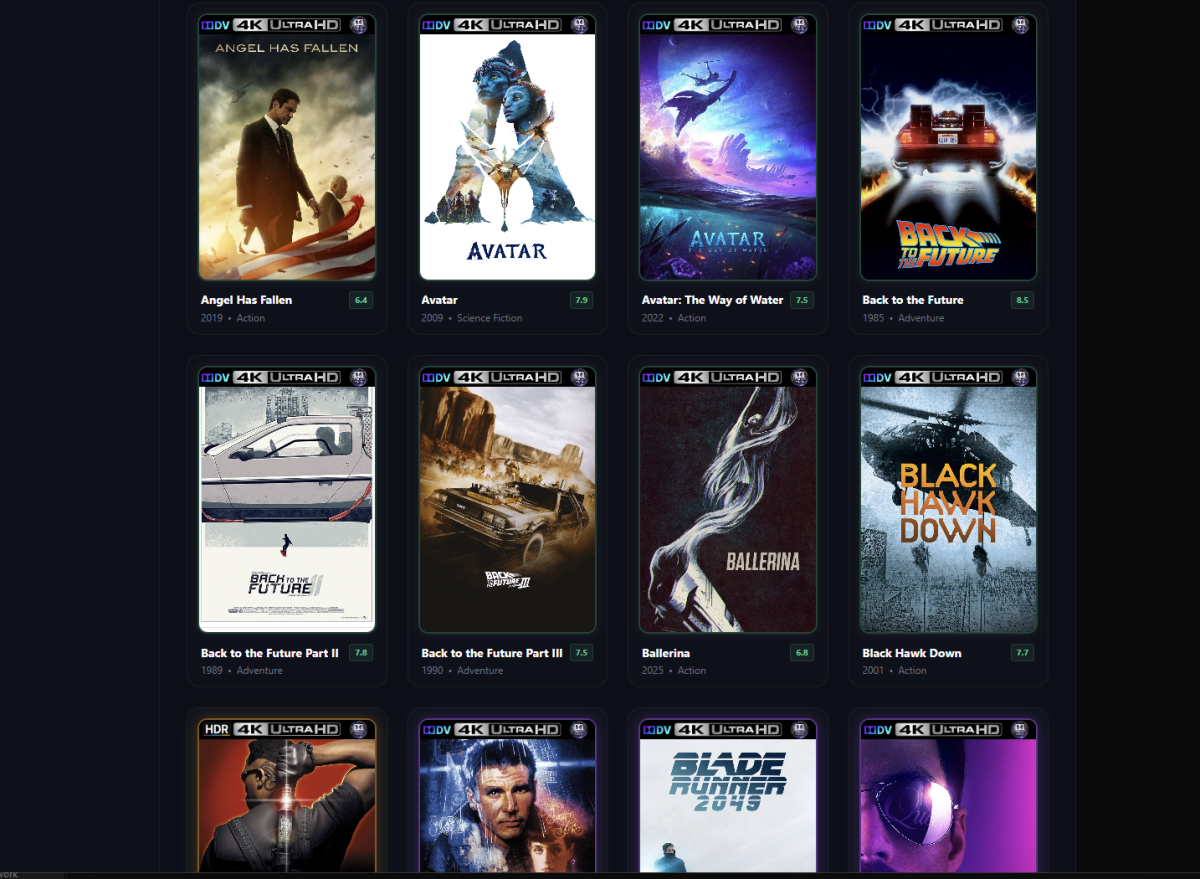
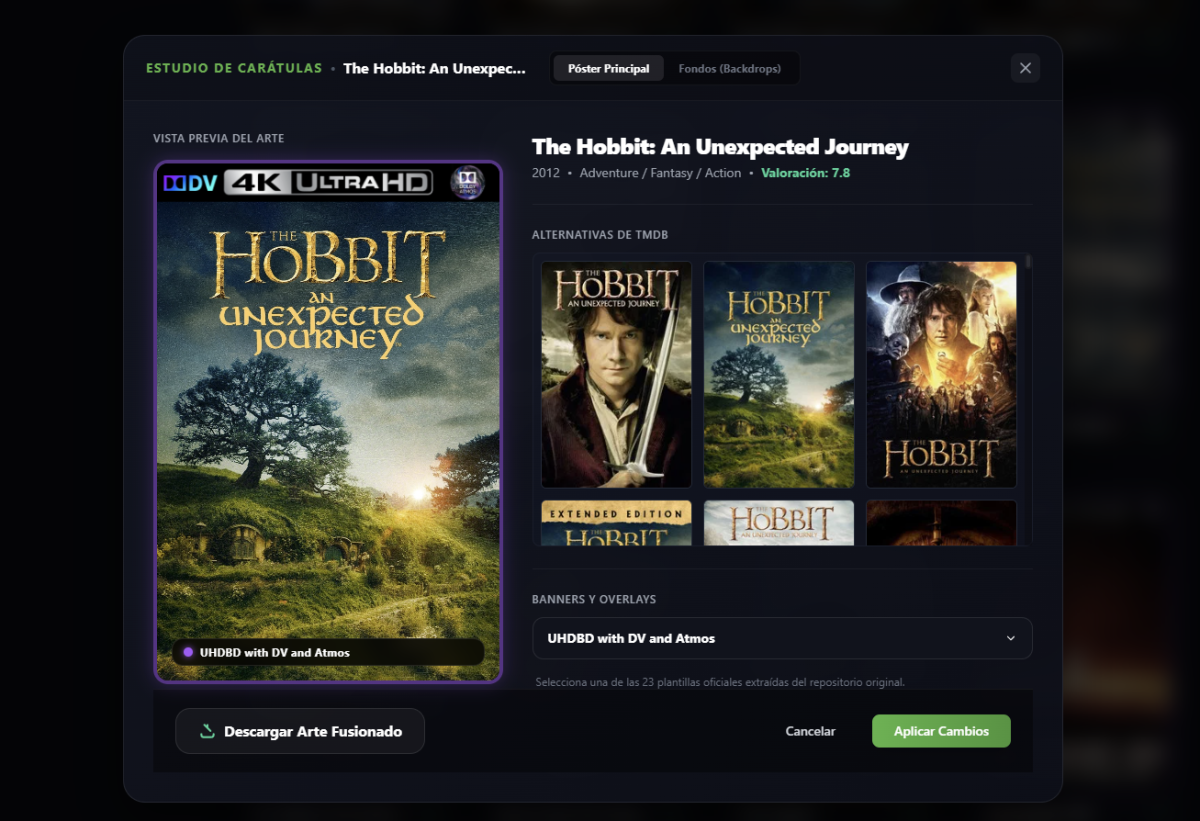
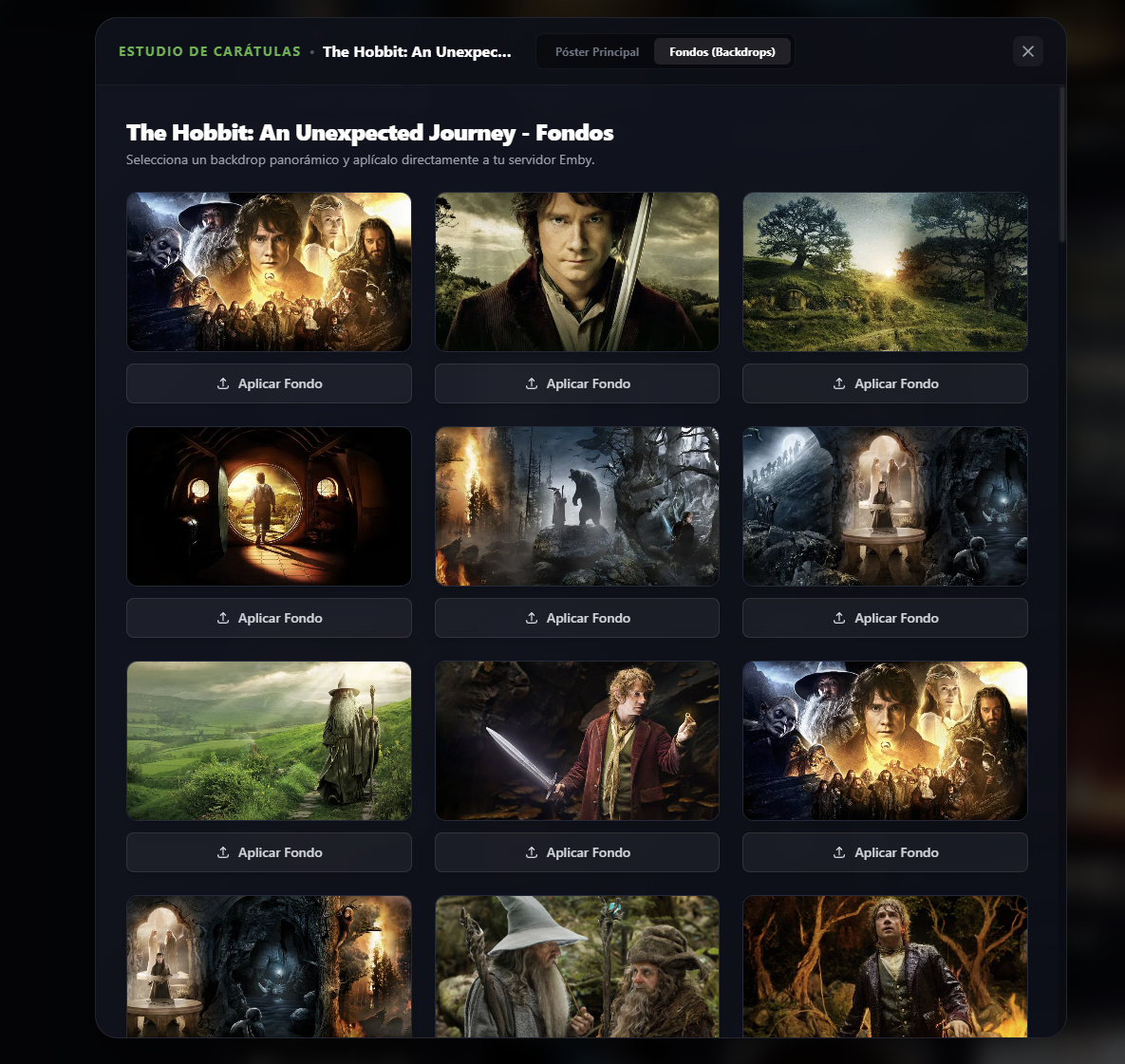
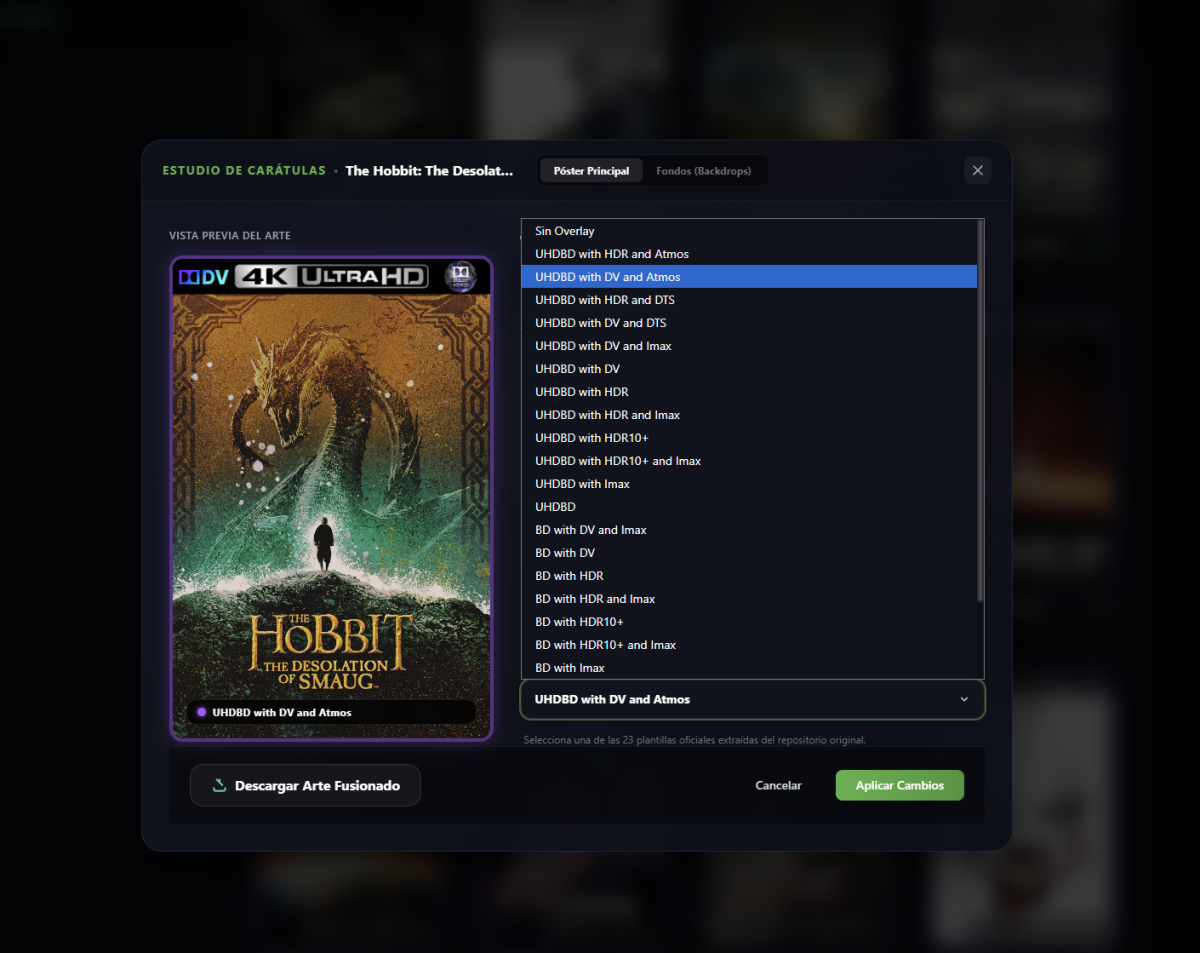
Artwork Studio is a "Homelab" grade tool designed to take your Emby server's visual experience to the next level. Through a sleek, modern UI built with Next.js, it allows you to scan your library, preview movie posters, apply gorgeous overlays (Dolby Vision, HDR10+, etc.), and search/apply widescreen backdrops from TMDb easily. How it Connects to Emby The application interacts directly with your Emby server's official REST API: Libraries and Content: Retrieves available media collections and maps items via the /emby/Library/SelectableMediaFolders and /emby/Items endpoints. Poster and Banner Processing: When applying an overlay, the application downloads the base poster from TMDb, resizes and layers the selected overlay badge using the sharp image library, and uploads the final output as a Base64-encoded string to /emby/Items/{Id}/Images/Primary. Widescreen Backdrops: Downloads backdrop layouts from TMDb and posts them as movie backdrops to Emby via the /emby/Items/{Id}/Images/Backdrop/0 endpoint using Base64. Security & Hardening Features the following security measures have been built-in: Separation of Environment (.env & .env.example): Real API keys and IP addresses are handled via local environment variables. The repository only tracks .env.example containing generic placeholders. Hardened .gitignore: Blocks files containing real configurations (.env, .env.local, .env.production) and build directories (.next/) to prevent accidental leaks. Secure Image Proxy (/api/image-proxy): The frontend never communicates directly with your Emby server when loading movie images. Instead, all images pass through an internal Next.js proxy route. Consequently, your local IPs and Emby API Keys are never exposed in the client's image HTML tags or browser network requests. Decoupled Client Config (LocalStorage & Cookies): Stores connection tokens locally in your browser (localStorage) and sends them to server actions dynamically via cookies only when required, keeping code files completely stateless and clean of secrets. Prerequisites To get the app working, you need to grab these keys and have your server URL ready: Emby Server URL: The local address where your server runs (e.g., http://192.168.1.100:8096). Emby API Key: Generated from the Emby Dashboard (Settings > API Keys > New API Key). TMDb API Key (Optional but recommended): Used to enrich movie metadata, get it by registering for free at The Movie Database. Link
 3 points
 -
HI, yea it's not a bad idea, although our TV layouts generally don't use the poster unless configured to. Also one could argue the effect might be jarring. But I can see the appeal.2 points
-
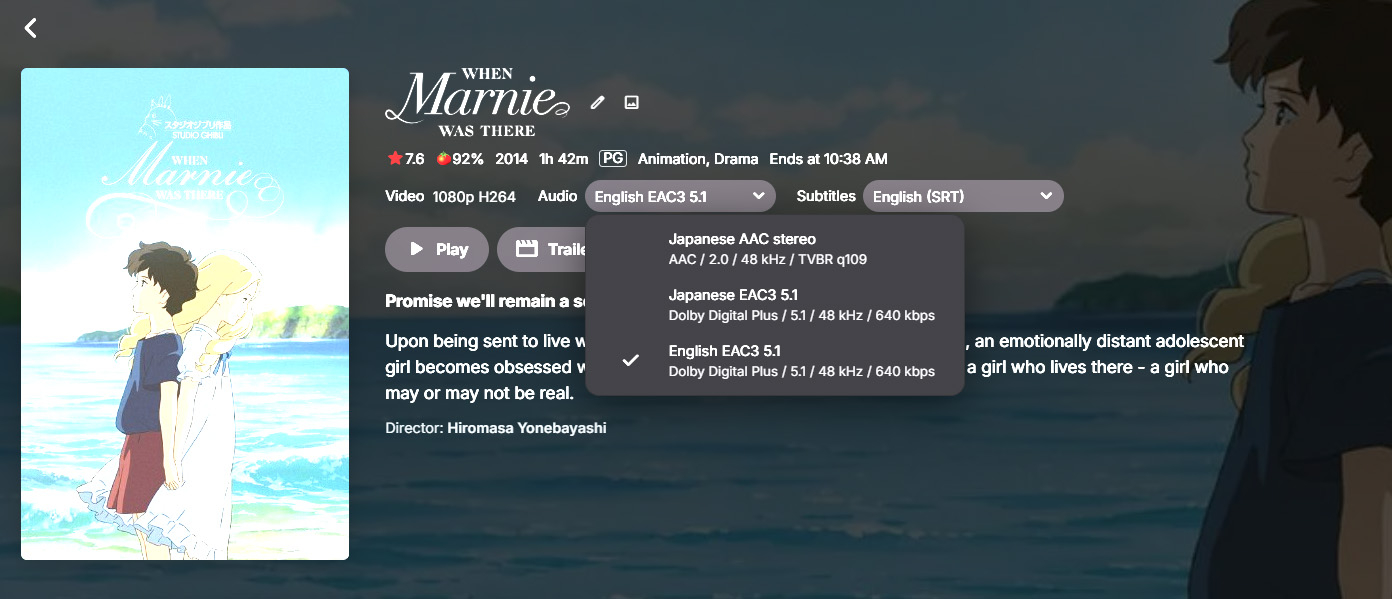
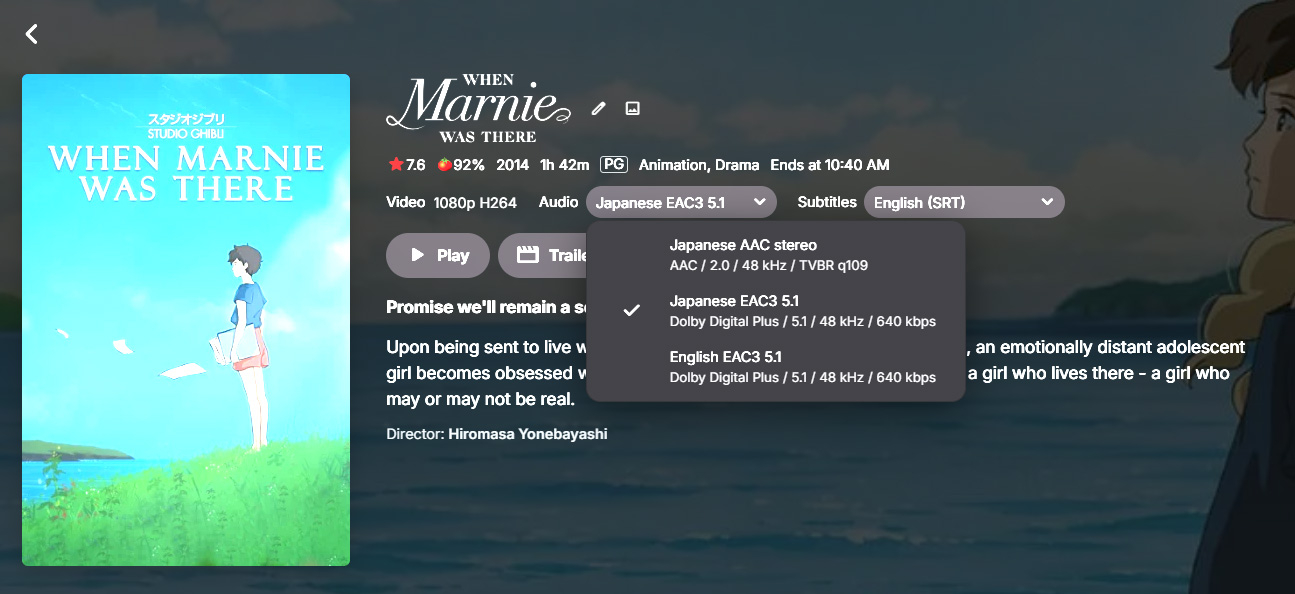
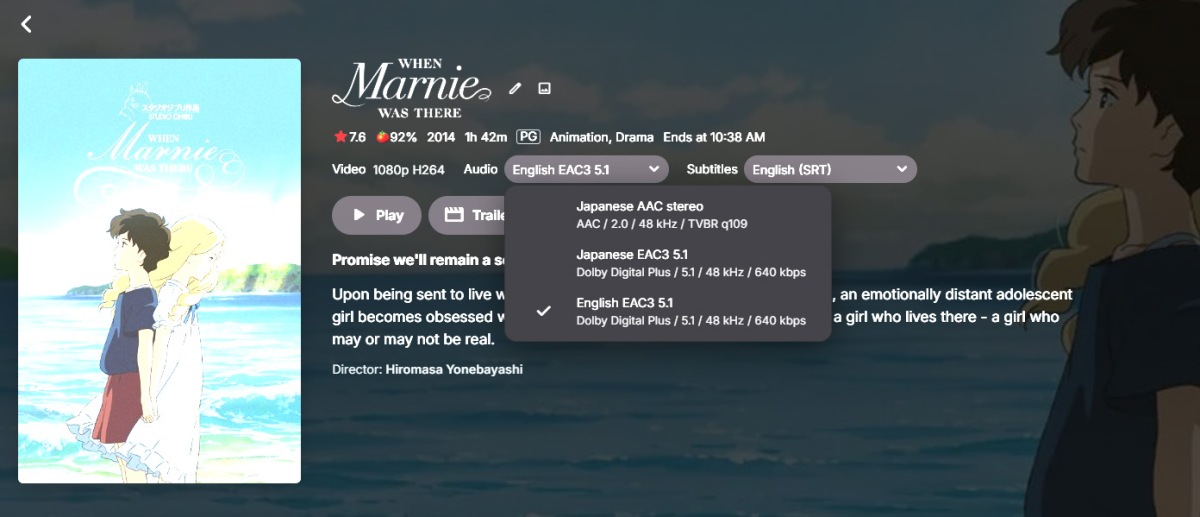
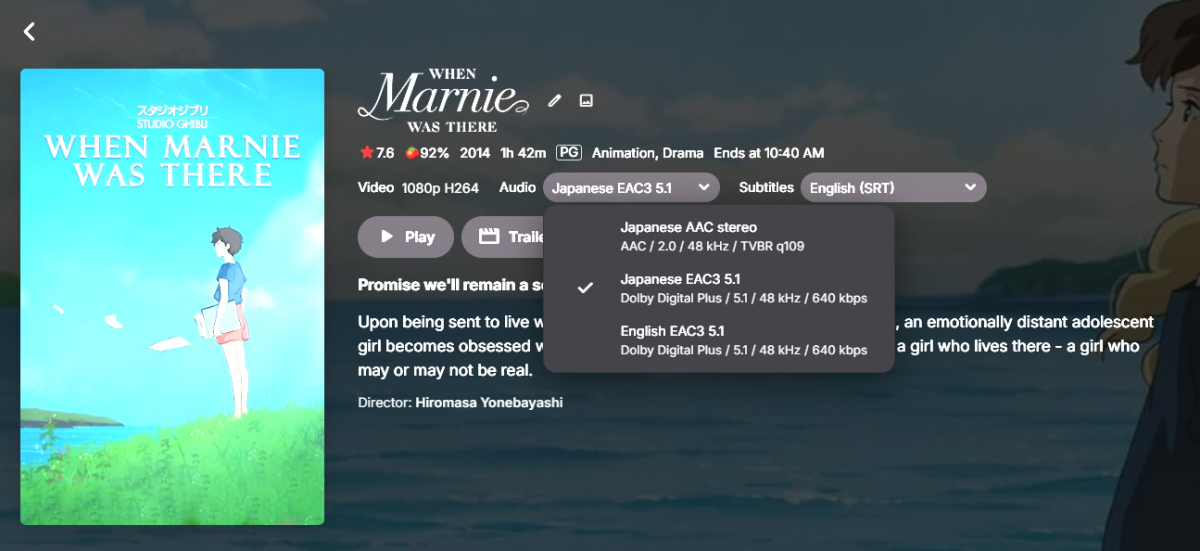
Hi, is there any way to change a movie's poster (also) based on the audio track? Let's say I have an animated movie with two different languages (English and something else), can I select the English audio track and let Emby show the English poster and by selecting the other audio track show a different poster? Would be great for movies with different dubs and even different titles (like Zootopia is called Zootropolis in Europe I think). And it would of course be even greater if there could be an accompanying summary (that you can enter manually, as I don't think the metadata providers provide in other languages than English?) in the user's native language, for example so that kids can read it easier or by themselves. (Sorry for the bad images, these are caused by HDR)
 1 point
 -
@sa2000 Thank you very much for the mention. I was more than happy to do it!1 point
-
Root cause identified and fixed. Posting for anyone else running Emby in Docker on WSL2. The problem: WSL2 clock instability 147 instances of negative HTTP response times in the Emby log (e.g. after -1917ms, after -2561ms), indicating the system clock was jumping in both directions throughout the day. Chrony tracking confirmed the clock was drifting at 1360 ppm — roughly 35 minutes of accumulated error over 7 hours, which matched the recording offsets exactly. The default systemd-timesyncd does not correct this reliably in WSL2. Fix: install chrony with aggressive polling sudo apt install chrony -y Edit /etc/chrony/chrony.conf and make three changes: 1. Update the pool lines to include aggressive polling: pool ntp.ubuntu.com iburst minpoll 4 maxpoll 6 maxsources 4 pool 0.ubuntu.pool.ntp.org iburst minpoll 4 maxpoll 6 maxsources 1 pool 1.ubuntu.pool.ntp.org iburst minpoll 4 maxpoll 6 maxsources 1 pool 2.ubuntu.pool.ntp.org iburst minpoll 4 maxpoll 6 maxsources 2 2. Find the existing makestep 1 3 line and change it to: makestep 1 -1 3. Add at the end of the file: minsources 1 Then restart: sudo systemctl restart chrony chronyc tracking System time should be within a few milliseconds of NTP and updating every 8 seconds. Recordings have been on time since. Thanks @Luke& @sa2000for your help!1 point
-
Got it, thank you. Should've installed that first.1 point
-
The m3u tuner document has been updated Current versions of Emby Server (stable / beta) should have the m3u tuner plugin bundled with the release1 point
-
The Emby Windows FAQ article has now been updated to mention the "View: List" option1 point
-
We recently built music assistant support and submitted it to them, so I would think it should show up there soon.1 point
-
that was the only "Emby......ips" file I had in that folder. Once it crashes again I will send a new one.1 point
-
Hi just wondering if this is still going to be done?1 point
-
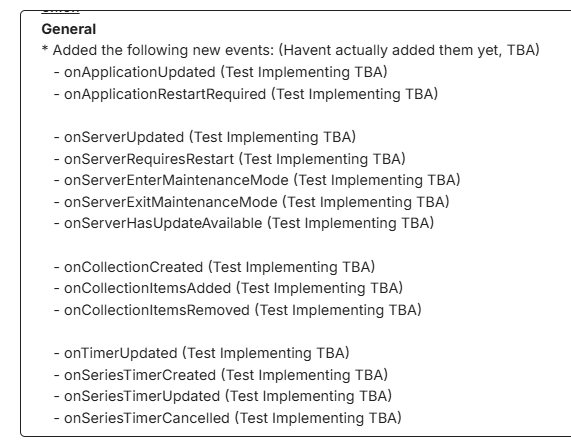
And currently working on implementing these events for next release :-
 1 point
 -
In my experience this can happen when media has been re-encoded to crop encoded black bars from the video. The subtitles were made to match the original size of the video (including encoded black bars), and resizing them to fit into the cropped video gets missed out somewhere. These days I avoid cropping when re-encoding for just this reason. Paul1 point
-
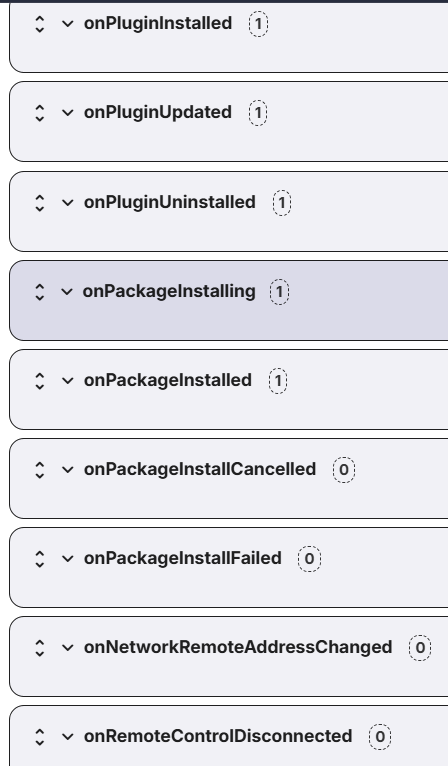
Version 6.1.0.0 released on Catalog; General Added the following new events: onPluginInstalled onPluginUpdated onPluginUninstalled onPackageInstalling onPackageInstalled onPackageInstallCancelled onPackageInstallFailed onRemoteControlDisconnected Added the following new tokens to Session group: %client% %device.type% %has.custom.device.name% %last.activity.date% %party.id% %protocol% %device.endpoint.ip% %supports.remote.control% %user.image.tag% Added new subset of global tokens (available to all actions & events) NetworkInformation %remote.ip.addresses% - Comma separated string listing all remote IP addresses for the server. %local.ip.addresses% - Comma separated string listing all local IP addresses for the server. %mac.addresses% - Comma separated string listing all mac addresses for the server. Reintroduced event: onNetworkRemoteAddressChanged This version (and all future versions released) will require emby server 4.9.5+, however I'll add the DLL file to the Releases page on GitHub incase anyone with an older server install wants to test it. Some script examples for the new events: package_installing.sh #!/bin/bash # Parameters expected: "%package.name%" "%package.version%" "%package.classification%" "%package.description%" "%package.checksum%" "%package.target.filename%" "%package.timestamp%" "%installation.id%" "%installation.name%" "%installation.version%" "%installation.update.class%" echo Package Installing: [name: $1] [version: $2] [classification: $3] [desc: $4] [checksum: $5] [target filename: $6] [timestamp: $7] [installId: $8] [installName: $9] [installVersion: ${10}] [installUpdateClass: ${11}] >> packages.log package_installed.sh #!/bin/bash # Parameters expected: "%package.name%" "%package.version%" "%package.classification%" "%package.description%" "%package.checksum%" "%package.target.filename%" "%package.timestamp%" "%installation.id%" "%installation.name%" "%installation.version%" "%installation.update.class%" "%package.sourceurl%" echo Package Installed: [name: $1] [version: $2] [classification: $3] [desc: $4] [checksum: $5] [target filename: $6] [timestamp: $7] [installId: $8] [installName: $9] [installVersion: ${10}] [installUpdateClass: ${11}] [sourceUrl: ${12}] >> packages.log packages.log Package Installing: [name: Emby Diagnostics] [version: 4.8.0.81] [classification: Release] [desc: Compatibility Update] [checksum: 79171208ef8012747367e2617d95e5f0] [target filename: Emby.DiagnosticsPlugin.dll] [timestamp: 4/11/2025 2:07:03 PM +00:00] [installId: 3e9cb5e5-403f-43ea-9f8c-2780db08b2ad] [installName: Emby Diagnostics] [installVersion: 4.8.0.81] [installUpdateClass: Release] Package Installed: [name: Emby Diagnostics] [version: 4.8.0.81] [classification: Release] [desc: Compatibility Update] [checksum: 79171208ef8012747367e2617d95e5f0] [target filename: Emby.DiagnosticsPlugin.dll] [timestamp: 4/11/2025 2:07:03 PM +00:00] [installId: 3e9cb5e5-403f-43ea-9f8c-2780db08b2ad] [installName: Emby Diagnostics] [installVersion: 4.8.0.81] [installUpdateClass: Release] [sourceUrl: https://embydata.com/admin/service/packageFiles/Emby.DiagnosticsPlugin.dll_4.8.0.81.exe] plugin_installed.sh #!/bin/bash # Parameters expected: "%package.name%" "%package.version%" "%package.sourceurl%" "%package.classification%" "%package.description%" "%package.checksum%" "%package.target.filename%" "%page.timestamp%" echo Plugin Installed [Name: $1] [Version: $2] [SourceURL: $3] [Classification: $4] [Desc: $5] [Checksum: $6] [Target Filename: $7] [Timestamp: $8] >> plugins.log plugin_uninstalled.sh #!/bin/bash # Parameters expected: %plugin.id% "%plugin.name%" %plugin.version% echo Plugin Uninstalled [Plugin ID: $1] [Name: $2] [Version: $3] >> plugins.log plugins.log Plugin Installed [Name: Emby Diagnostics] [Version: 4.8.0.81] [SourceURL: https://embydata.com/admin/service/packageFiles/Emby.DiagnosticsPlugin.dll_4.8.0.81.exe] [Classification: Release] [Desc: Compatibility Update] [Checksum: 79171208ef8012747367e2617d95e5f0] [Target Filename: Emby.DiagnosticsPlugin.dll] [Timestamp: 4/11/2025 2:07:03 PM +00:00] Plugin Uninstalled [Plugin ID: 2ea04f4b-a776-428e-9869-58e8e5b149c2] [Name: Diagnostics PlugIn] [Version: 4.8.0.81] Network Information %remote.ip.addresses% %local.ip.addresses% %mac.addresses% [Remote IP Addresses: $6] [Local IP Addresses: $7] [MAC Addresses: $8] >> [Remote IP Addresses: 100.200.100.20] [Local IP Addresses: 192.168.1.40,fe80::a00:27ff:fe47:c18a%2,127.0.0.1,::1] [MAC Addresses: 08001148B2C4] Please feel free to provide feedback, bugs, ideas, issues, etc. Warmest regards, Anthony
 1 point
 -
No problems, thank you so much!1 point
-
HI, they are in-progress development so I wouldn't try to do anything with them yet.1 point
-
This issue is nothing to do with script option called "ScaledBorderAndShadow". The problem isn't about border or shadow as clearly seen in the screenshots. I rollback to version 3.5.28 and disabled auto update option for PlayStore for now. The problem doesn't exists. I hope the problem is solved in the next updated version. Edit: In version 3.5.36, the issue has been fixed. Updated and checked. No problem.1 point
-
After doing a lot of troubleshooting, I found that the issue was not related to the extension itself. The root cause was that my Emby Server installation was missing the libSkiaSharp.so library (or one of its required dependencies). Once I identified and fixed that problem, the extension started working correctly and the badges were generated as expected. Hopefully this information helps anyone who runs into the same issue.1 point
-
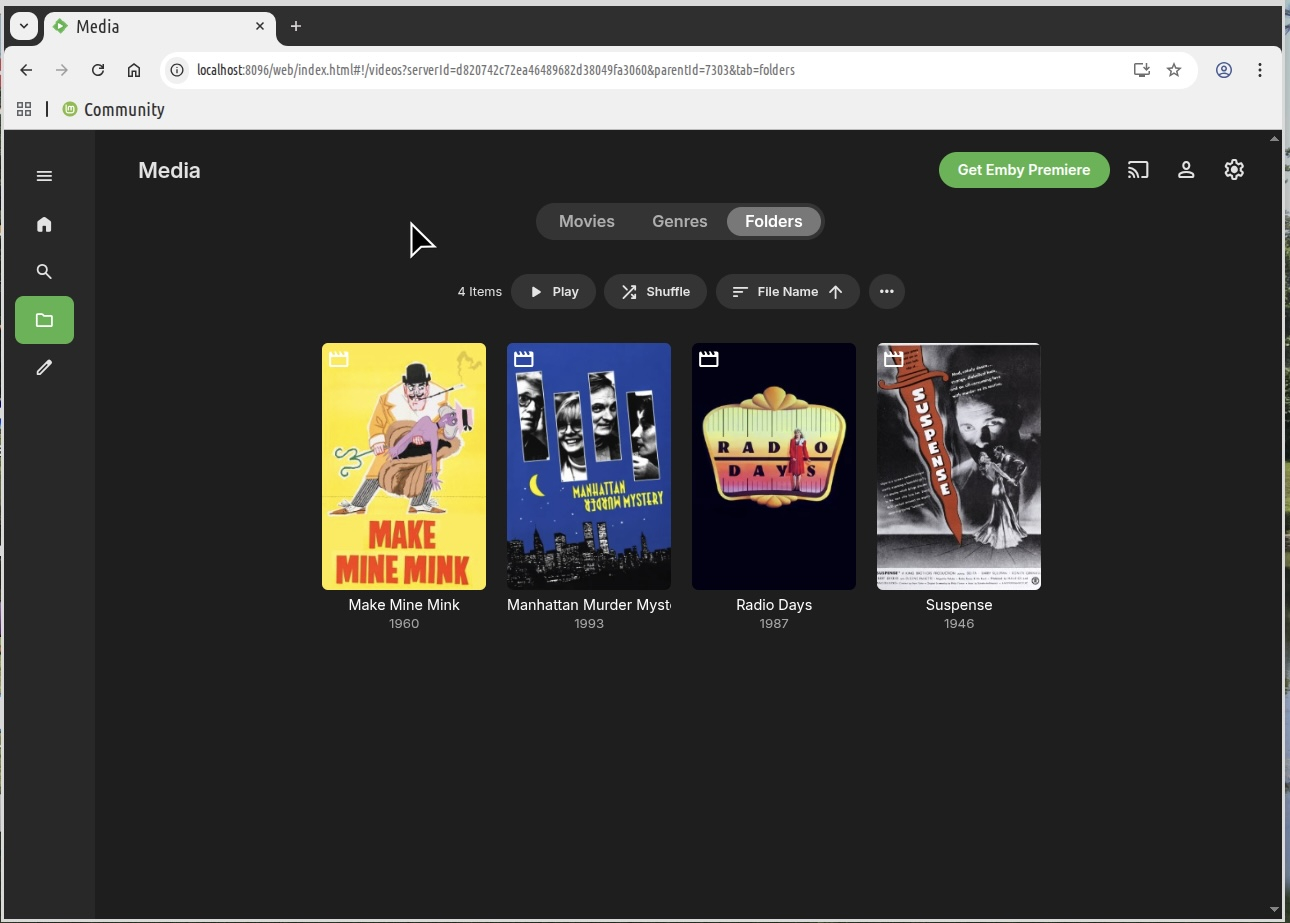
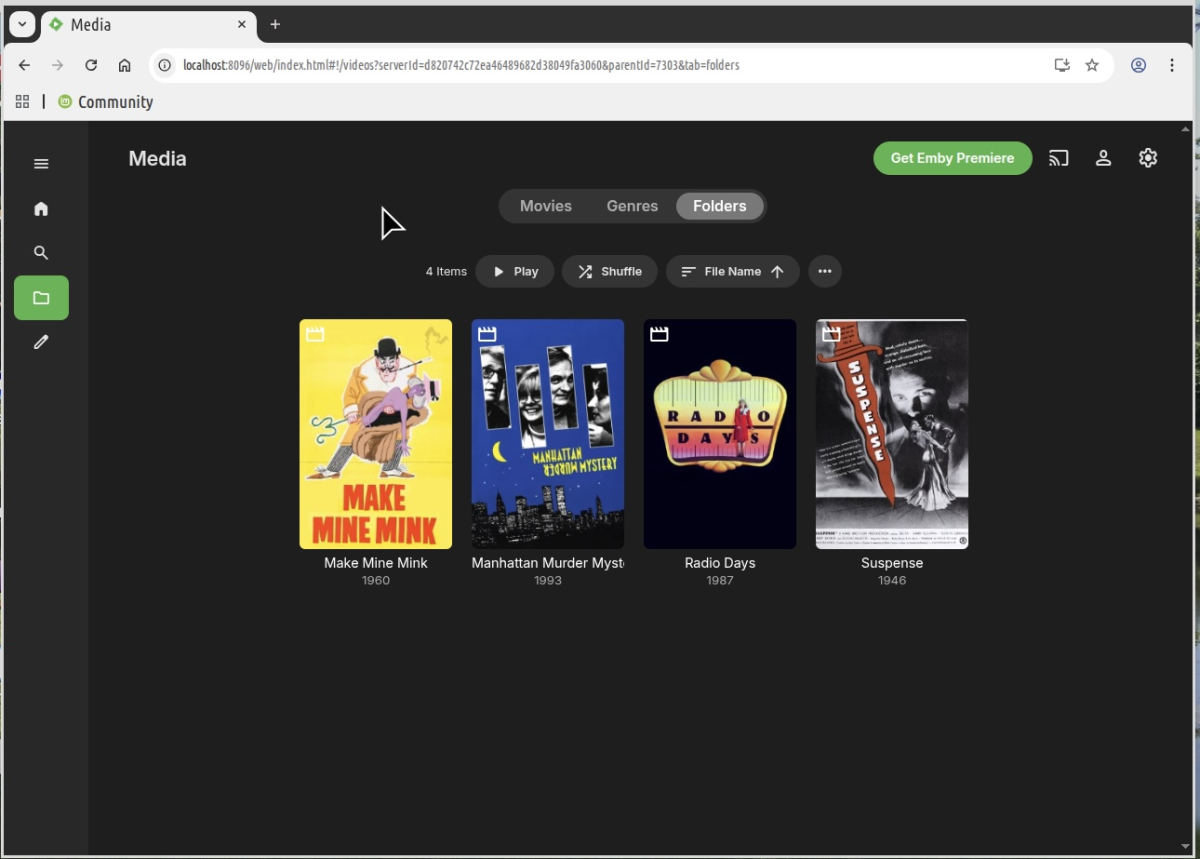
Yes, I’m aware of the OS mortality issue, but am reluctant to upgrade, as I’ve had some rough going dealing with this in the past, but thanks for reminding me. Thanks to your help my media directory now looks like this.
 1 point
 -
Had to force change to private with Powershell. It worked. Emby appears to be working now. One of these updates changed my network: 2026-05 Preview Update (KB5089573) (26200.8524) or 2026-05 .NET Framework Preview Update (KB5092427). So now we know. Sorry for the all caps, as I noticed nobody else does that. That is leftover from my military days. Hopefully, if anyone else updated win11 to the preview, you can tell then to change the network back to private and that should fix it.1 point
-
https://www.plex.tv/blog/new-lifetime-plex-pass-pricing/ The price of a Lifetime Plex Pass is increasing on July 1, 2026. Get this... $749.99. You read that right. I believe with Emby you are getting quite the bargain.0 points