Leaderboard




Popular Content
Showing content with the highest reputation on 05/21/26 in all areas
-
Well I thought adding an update here might be seen by @Luke Given that the post in the FR thread is 16 years old, and still nothing has been done, its worth a shot!2 points
-
That’s a fair shout for a lot of users I imagine, especially if you don’t have the ability to decode and make use of the lossless audio. Or you simply don’t care! The video I’m re-encoding is really just random stuff I have, the films I really enjoy I will leave as-is and plus for most I have a higher quality version anyway. For me I’ve spent a lot of time and money investing in the audio side of my setup, whether I can hear the difference well that another thing2 points
-
This would be a handy feature2 points
-
I reported this bug in the beta, guess nobody bothered to fix it before going to stable. Well done, everyone.2 points
-
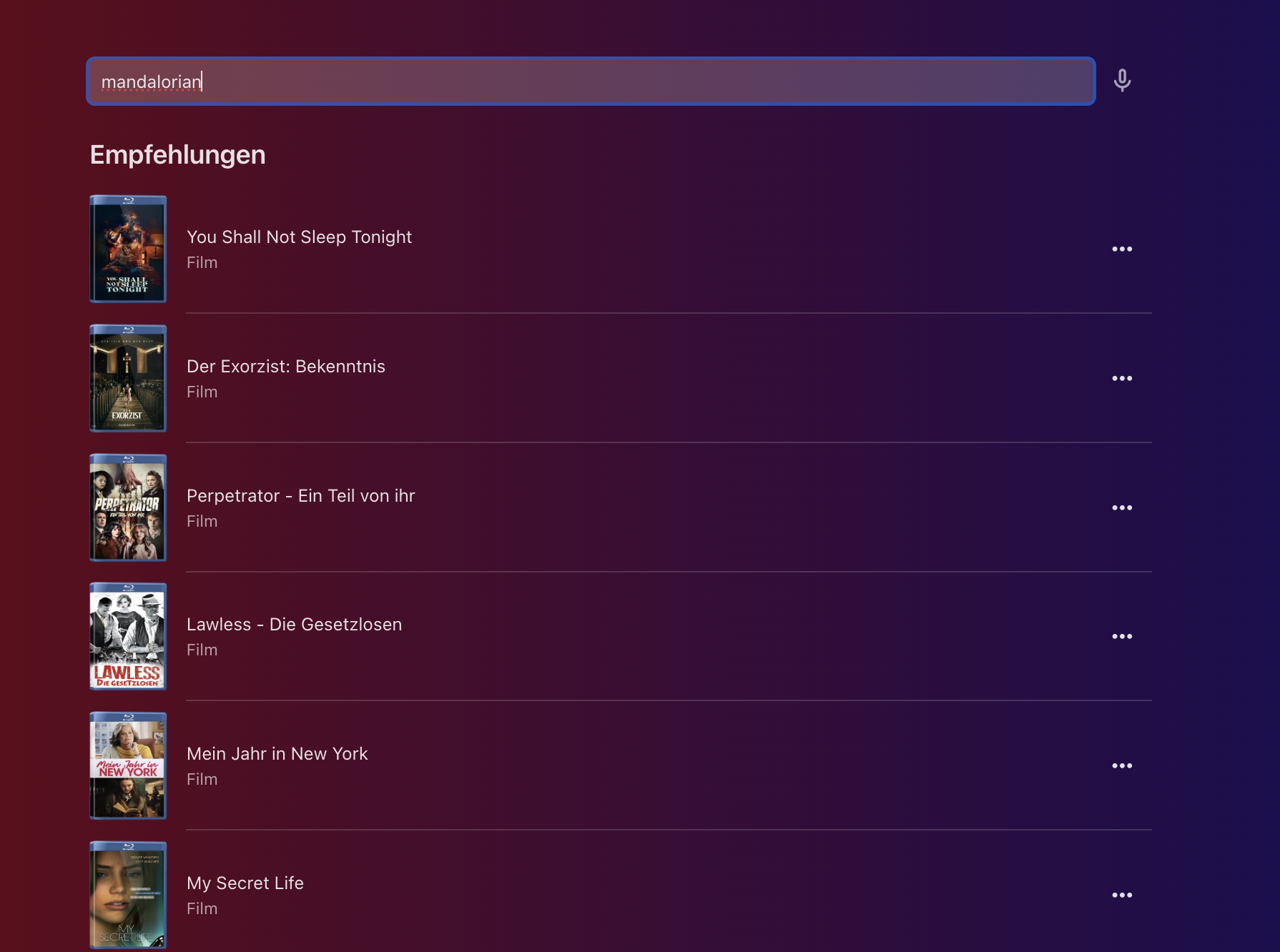
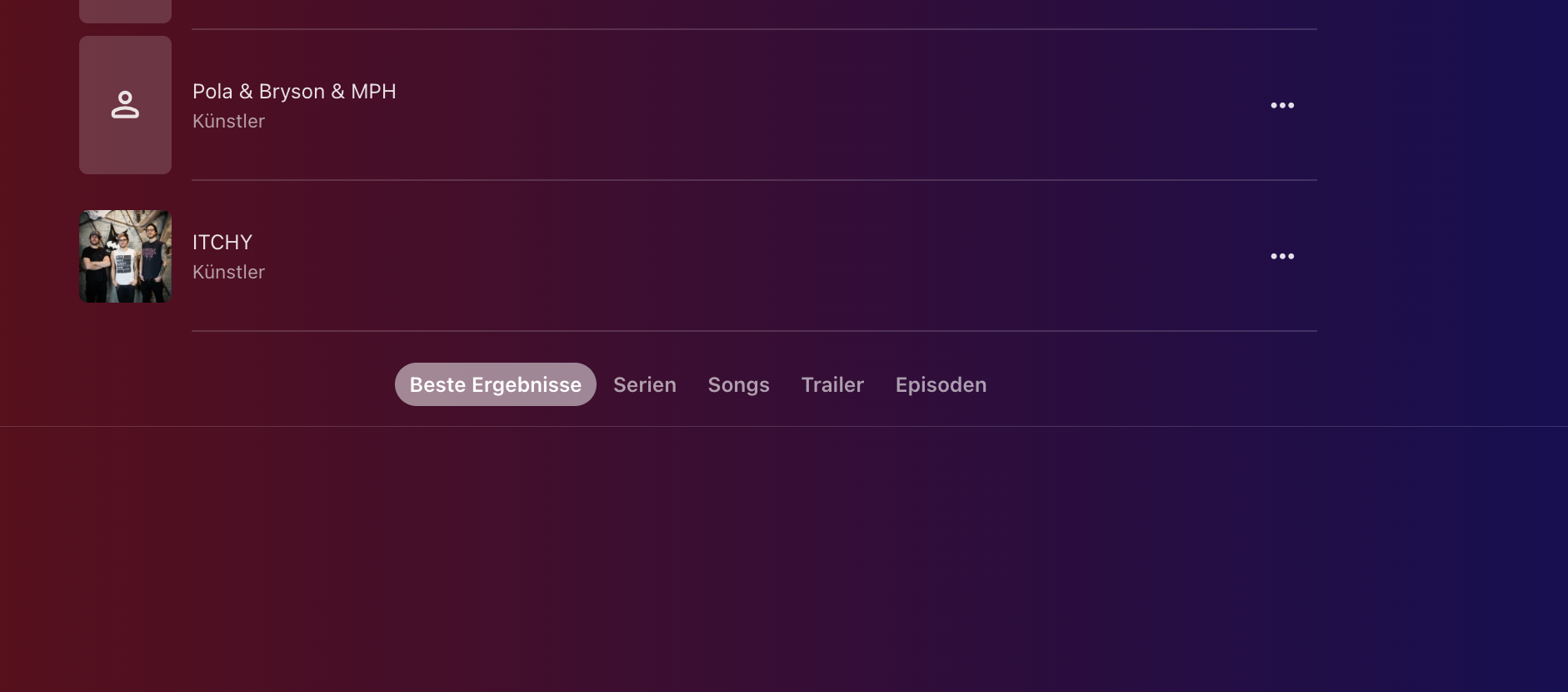
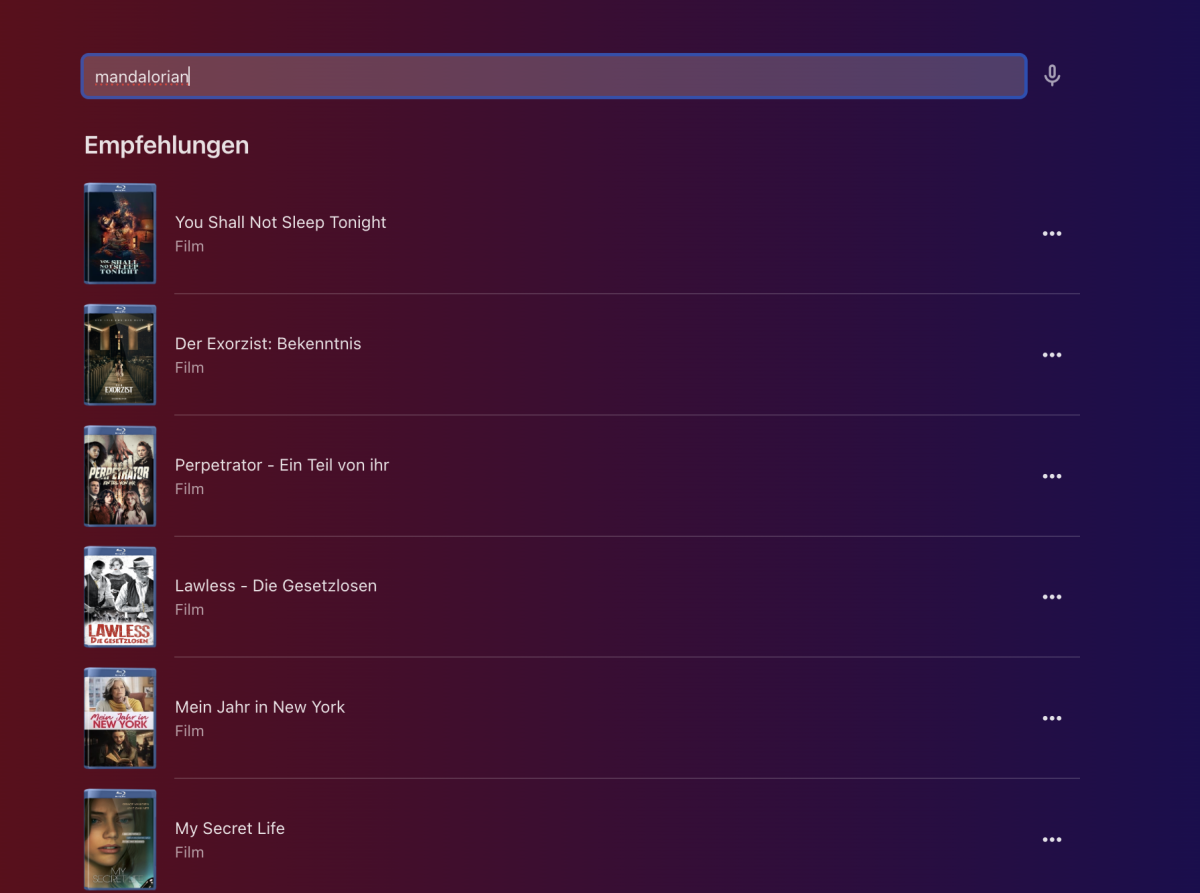
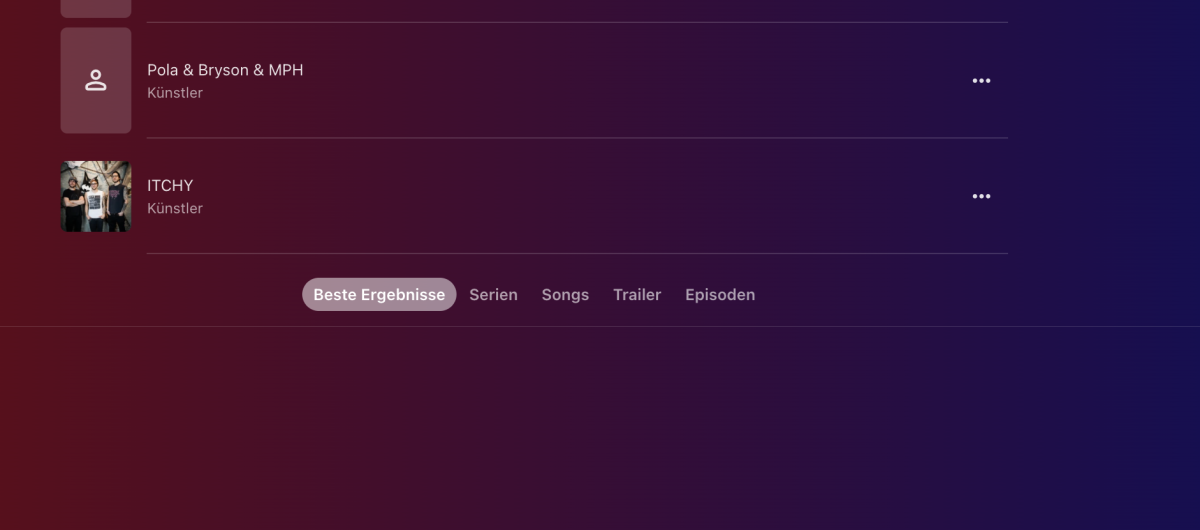
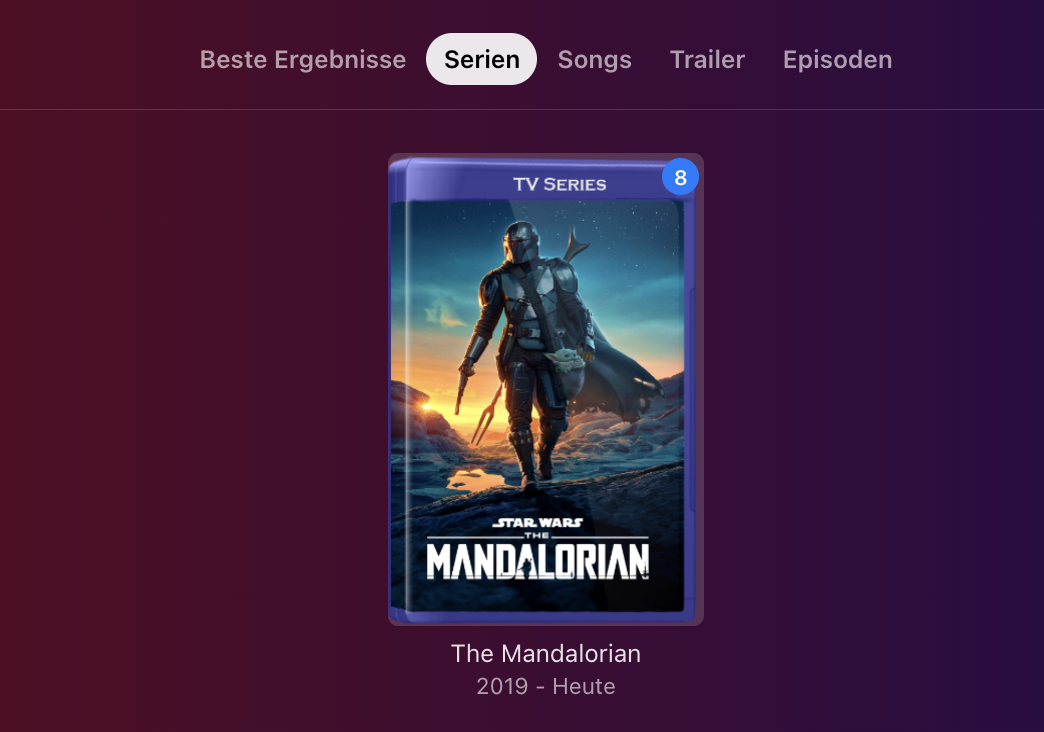
Server: 4.9.5.0 OS: WIN 11 Web Browser Is there something new with the search? was the Url always like this: /web/index.html#!/list/list.html?type=search because it looks different now: i don't get what i am looking for, i just get recommendations, and only if i scroll down i get the categories where i can filter what i am looking for: after scrolling down: but it is not showing anything, only if i click on tv shows, it is appearing: this is not really how the search worked and not really how i want it to work. Is there a way to remove this "list" view or get the cathegories back to the top? I think this is not how it should be right? Thanks
 1 point
 -
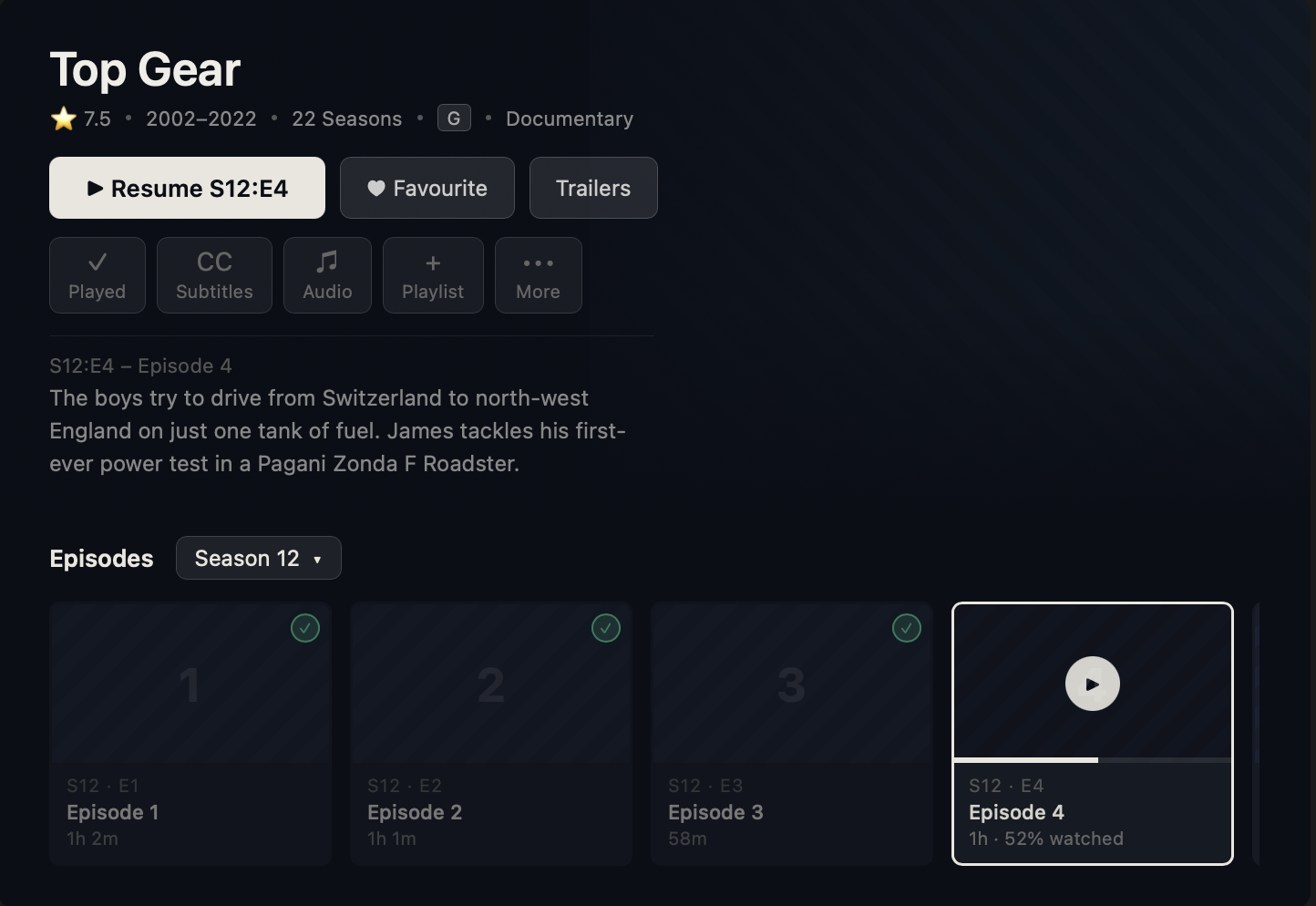
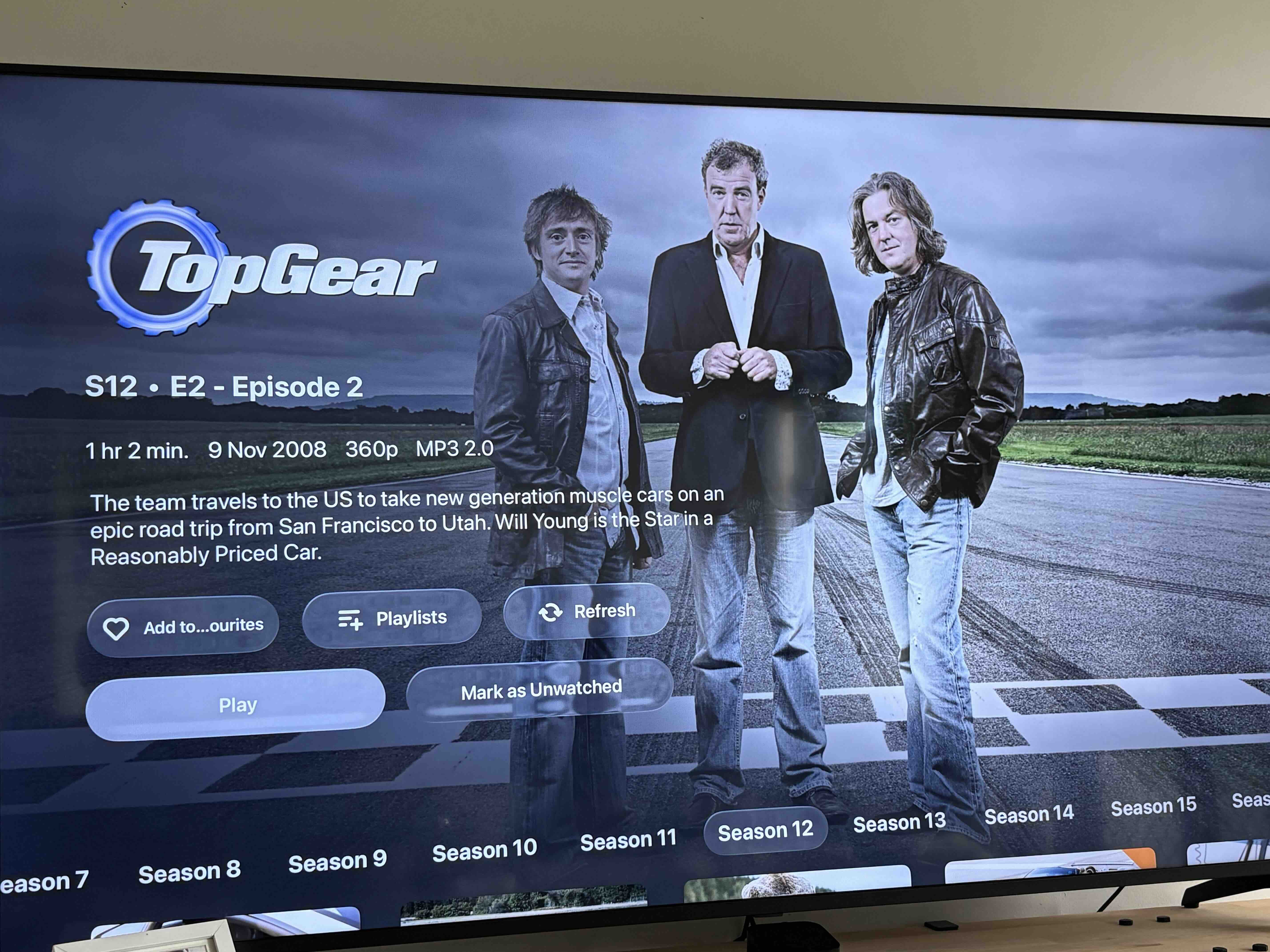
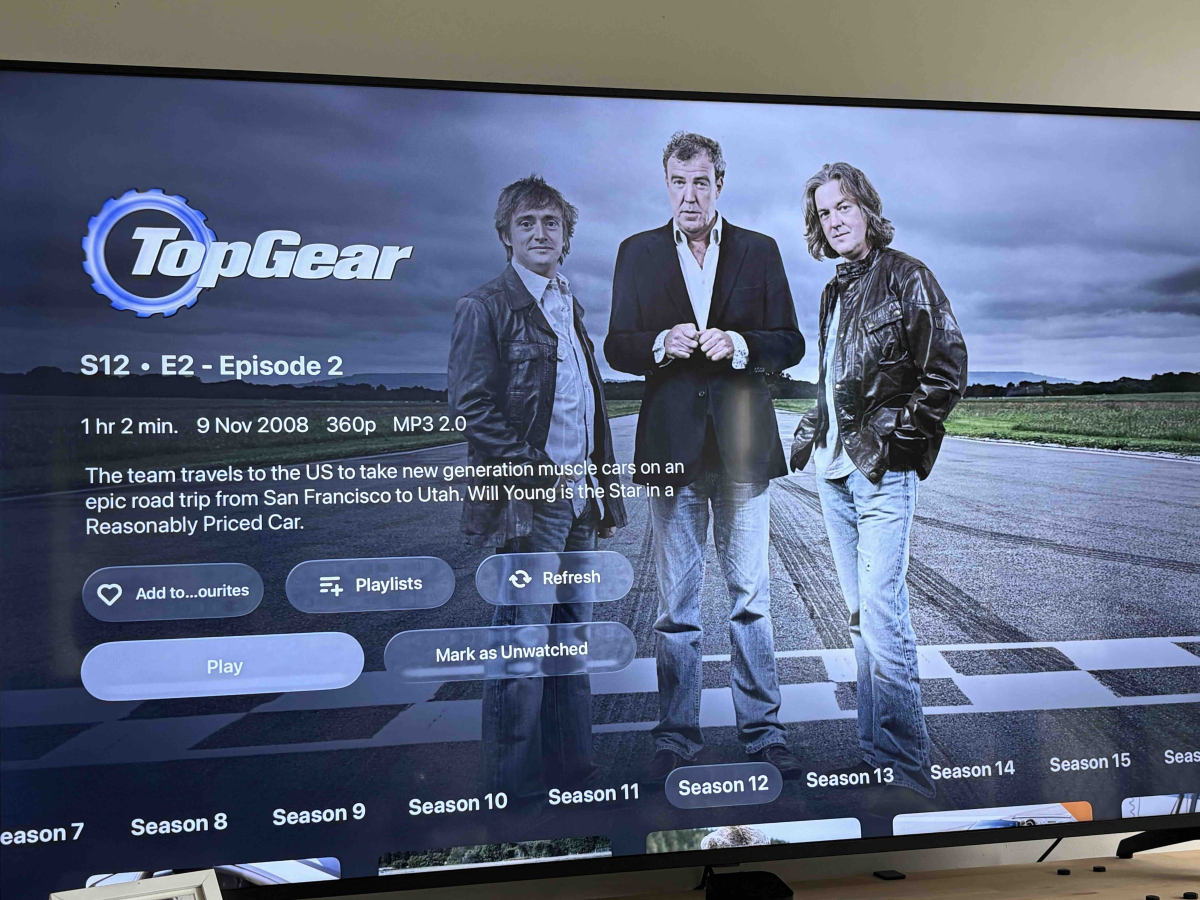
Hi all, I think I found a navigation bug in the Apple TV client related to autoplay. It’s most noticeable when you fall asleep with Emby running. You wake up, autoplay has gone through several episodes, and now pressing Back makes you step through every single one before you get back to the home screen. Autoplay wasn’t something I chose to navigate to so it shouldn’t be stacking onto the back history the same way a tap would. I haven’t been able to reproduce it on demand but I’ll record it next chance I get. Expected behaviour: wake up, press Back once, land back in the season/series/continue watching context you started from, press Back again and you’re at the Emby home screen. This leads to my other bit of feedback around navigation friction more generally. Jumping to earlier episodes or switching seasons when you need to reorient yourself after falling asleep is harder than it should be, and other clients seem to handle it better. If the Continue Watching screen could work more like a persistent season context, current episode selected (as it does now), previous episodes scrollable to the left, upcoming to the right, and a quick season dropdown, that would make “More…”, “Go To Season”, and “Go To Series” mostly unnecessary for the common cases. The best view you have right now for this is actually the Series screen. It has the current episode, watch history, and season navigation all in one place, it’s just buried in a menu if you enter via Continue Watching, and its never loaded into the back history, I'm always taken back to Continue Watching, which hides previous episodes, seasons, series behind added steps. The hierarchy is the problem. A unified series/season/episode/continue watching screen would be incredible and you’re already 90% of the way there with what exists in the season view. This is how most clients seem to handle this, every episode, season is a tap away rather than an extra menu, then tap. To give a better example, I was binge watching the Top Gear specials last night which are scattered across seasons. The amount of Continue Watching, Go To Series, Season 4, Find The episode, Back, Go To Series, Season 5 back and forth was the definition of UI friction. Really appreciate all the hard work that goes into Emby, just trying to bring up a few pain points I find while using the app. I could be completely alone here and people may like the hidden history and buried navigation, but just thought I bring it up. Thank you, Garrett1 point
-
Yes, after tons of googling seems there is 'Samsung Legacy Platform'. Unfortunatelly I coidn't find any information in the TV itself.1 point
-
Also another behavior Ive noticed is season folders are always displayed on the Apple TV. No matter what setting you put for the user they are always displayed in the season folder view. I would love to just scroll down and see all the episodes in a series rather than having to press on each season folder
 1 point
 -
This is an excellent idea... I find myself struggling the same way with long classical LPs - big old symphonies or whatnot - and live performances. I'll convert a few and see how I get on!1 point
-
He wouldn't be running the Orsay app unless he had an Orsay TV Also, in link below search for H5600 https://developer.samsung.com/smarttv/develop/specifications/tv-model-groups.html1 point
-
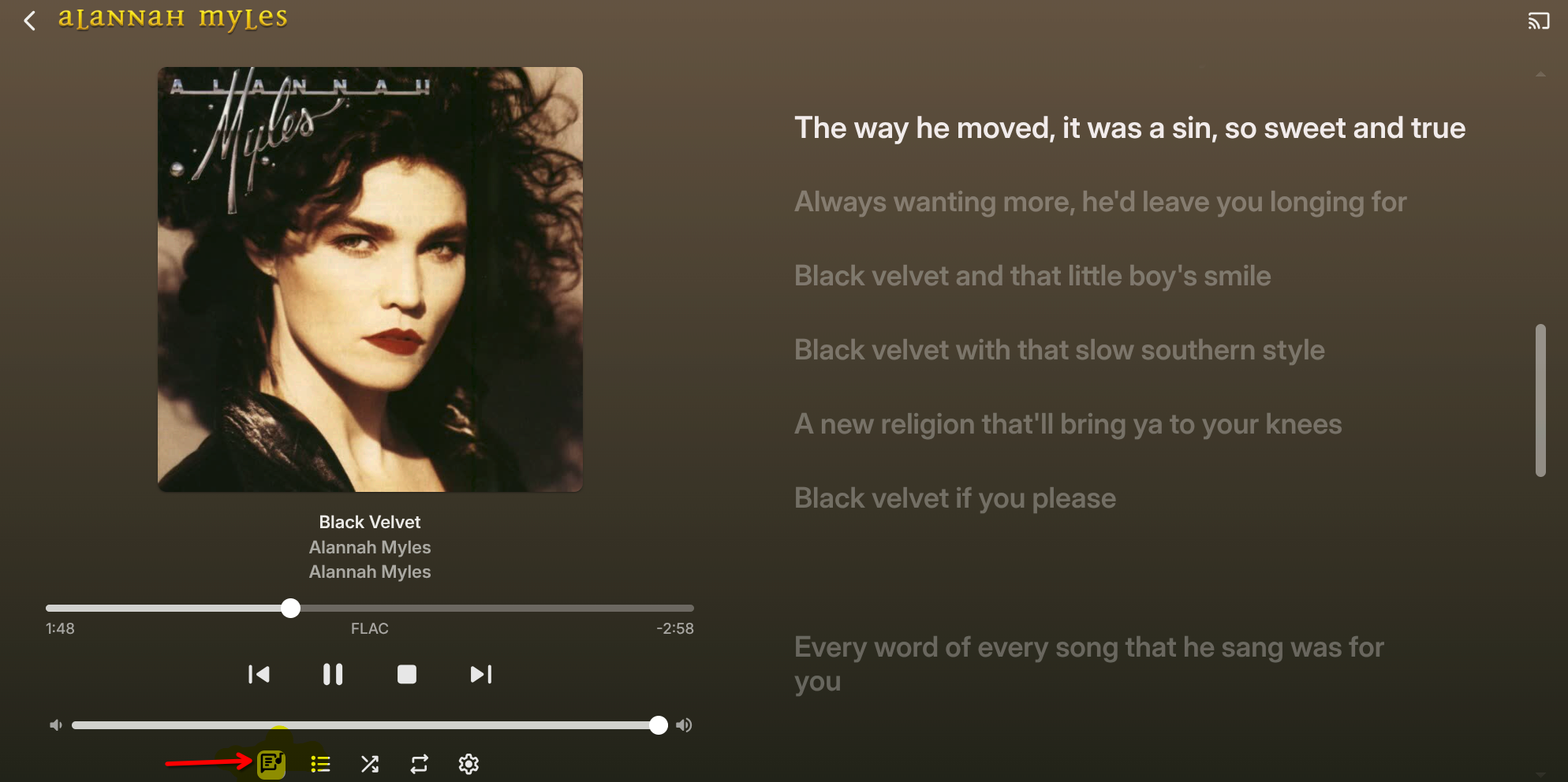
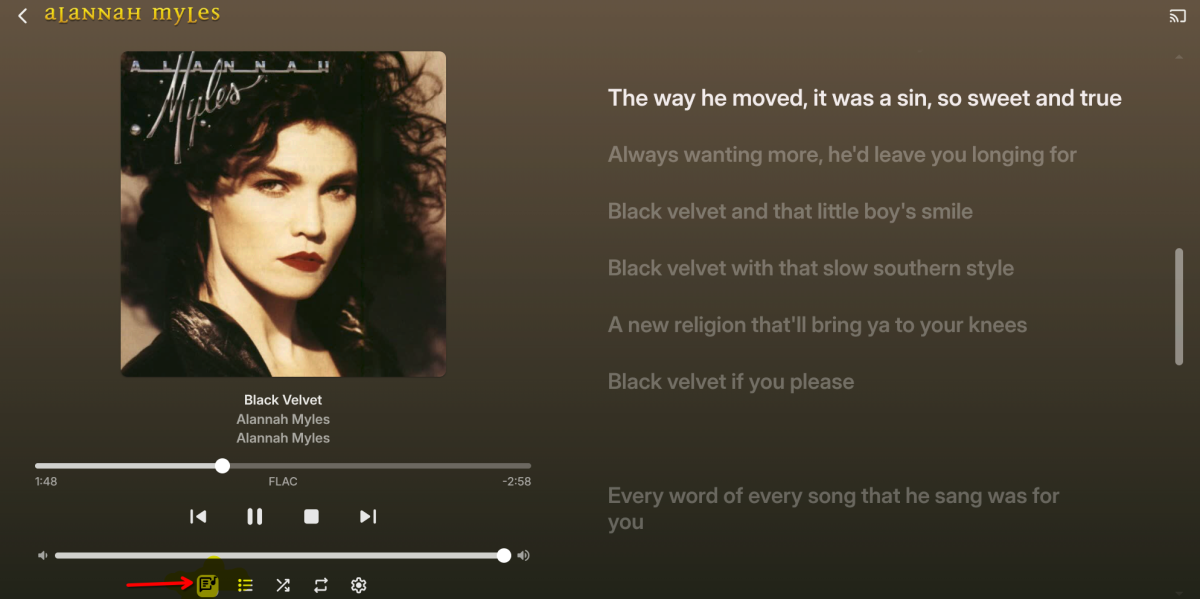
if you have .lrc files beside the music files you can enable lyrics.
 1 point
 -
16 years has gone by and you still can't manage users properly Here are the FR's regarding user management both of them are in the top 5 of all requests1 point
-
I suggest looking into the plugin Genre Cleaner. You can then for example tell the plugin to always map Action to Akcja. Its what I've been using for the occasional duplicate genre like Sci-fi and Science Fiction1 point
-
This would be superdope!1 point
-
Hi, we are looking into this. Thanks for reporting.1 point
-
In dotnet 8 it is marked as experimental, so that is why we have not enabled it. But we can add an option to do so.1 point
-
1 point
-
Hi there, let's look at an example. Please attach the information requested in how to report a media playback issue. Thanks!1 point
-
Check out Wizarr. It does most of what you are asking for and is customizable too. https://github.com/wizarrrr/wizarr1 point
-
Tragicomedy with search continues......1 point
-
Again this is basic networking fundamental concepts, nothing to do with Emby1 point
-
I install Windows patches every month, in the over 11 years I have been running Emby on Windows I have never had a Windows Update disable or block access to Emby Given that the OP doesn't know networking or even how UAC works (Luke had to tell him to run the installer as Admin user) god knows what he has done to screw things up. My point is that this is not the place to learn how to use Windows and Networking basic concepts.1 point
-
Because the server machine has a firewall itself, of course. But the necessary rule there is likely to be in place automatically. The commonest reason for no machines other than the server to be able to access the server is the Public/Private networking thing, which is also something that can get altered in Windows updates. But the router shouldn't affect that. Knowing whether "plug and unplug" means the power (hence rebooting the router software) or just the network cable could still be useful. But I can't help thinking there's something else simple that we are not asking or being told. Paul1 point
-
You had media servers for 16 years, and don't know how TCP/IP networking works? You don't even know how to "ping"; 16 years my ass! You expecting the Emby community to teach you how to use your computer, perform BASIC troubleshooting and networking is ridiculous, and then even more so when you have a tantrum saying no one is helping you!1 point
-
Plus converting to AV1 is just asking for trouble as almost no device supports it.1 point
-
The price for a new Plex Lifetime Pass is increasing from $249 to $749 on 1st July 2026. https://www.plex.tv/en-gb/blog/new-lifetime-plex-pass-pricing/1 point
-
ProjectM, which is OpenSource with favorable licensing, written in C++ and afaik not dependent on DirectX as milkdrop, should be possible to integrate into emby-server(!) with reasonable effort. https://github.com/projectM-visualizer/projectm Demo: https://www.youtube.com/watch?v=jJmLQGhYWys&list=PLFLkbObX4o6TK1jGL6pm1wMwvq2FXnpYJ Imo this feature doesn't belong into the client and, just as the OT mentioned, the rendering should be lifted by the server. In this ecosystem the server is the heavy machine and the clients are not. And this circumvents any individual client-problems, as the rendered video is just played out as any other video.1 point
-
Hmm ... no Emby updates, but my Person metadata seems to be working again. Maybe tmdb API was causing problems.1 point
-
Are you sure you were running the Samsung app? For some reason all I can find is DNLA from your Samsung in that log. I don't believe there has been any Orsay updates released since 2018 either. Unless you have a SEK and are running Tizen.1 point
-
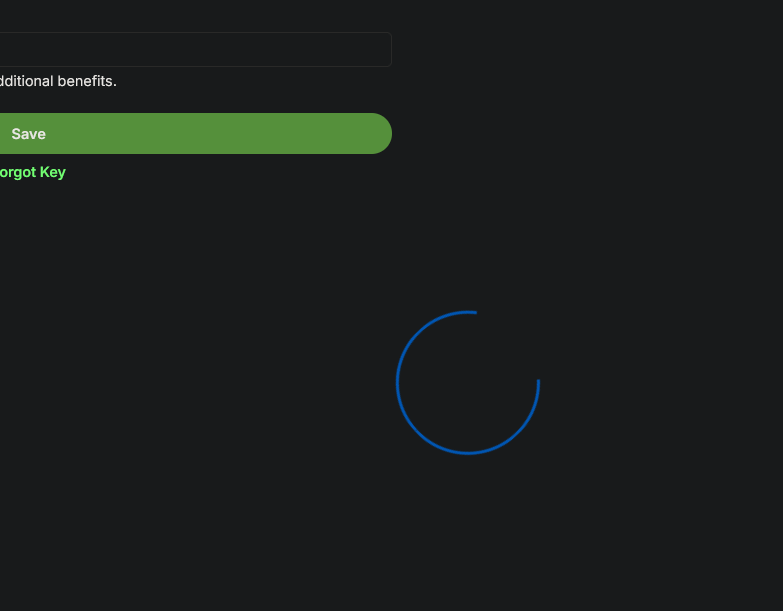
After updating my Emby Premier key is not registering and I get a spinning wheel on the admin page trying to save it. I've restarted and reinstalled. Blanked it out, shutdown and resaved it. All results in the spinning wheel and the "get emby premier" button at the top of the page. Edit: This seems to be resolved after I cleared the mb3 domain through noscript. This is something I have not had to do before so I'm not sure what's changed in the code.
 1 point
 -
Add me to the list. I have the same issue on 3.5.36 android shield tv client , resume causes to play from beginning even if show is half way in, it's random. I can't reproduce now ofc, but will get a recording next time i resume something, not just one show or 1 movie, been going on for months.1 point
-
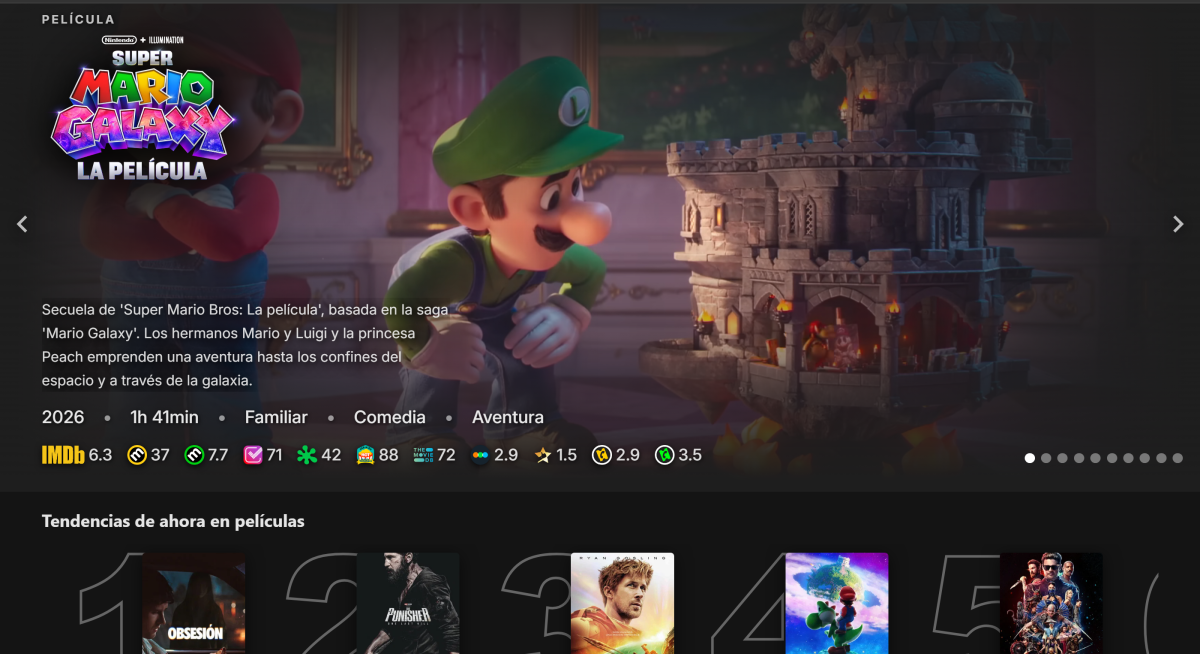
Thank you for this work! My Emby is digivolving into Embyflix.
 1 point
 -
1 point
-
New artist, not already in the database. Existing artists does not have that problem. BTW I usually add an artist.nfo with the artists1 point
-
Ill give it a try with a small collection. My folder naming and structure is on point.1 point
-
Works like a charm! Sorry for the ruckus, the cache did the job, or better the emptying of it.1 point
-
StableBit without SSD StableBit with SSD and SSD Optimizer
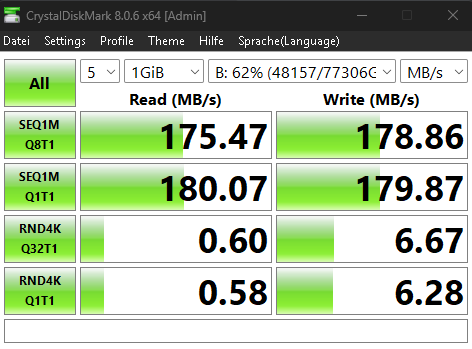
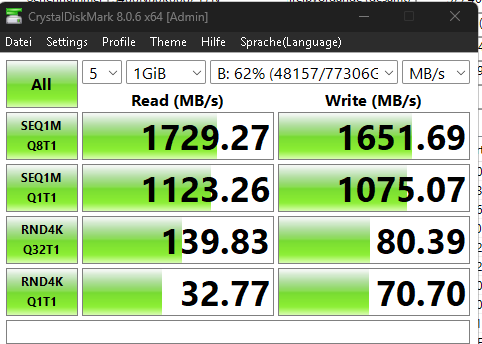 1 point
 -
There are about 6 subtitles and subtitle_kickoff in the first log appears 1321 times. That seems excessive and may be part of the issue. Also some alert error for DTS in the second log. DTS seems to often be difficult to transcode.1 point
-
AV doing file scan1 point
-
Possibly Related? https://windowsforum.com/threads/boost-windows-11-performance-by-disabling-search-indexing-using-faster-alternatives.372160/1 point
-
User management should have been enabled years ago, its a disgrace that its now version 4.9 and 11 years later we still can't manage user profiles & settings properly. What is the point of creating feature requests if they are never actioned?1 point
-
Something like this... Infuse does it really well, but you lose transcoding.
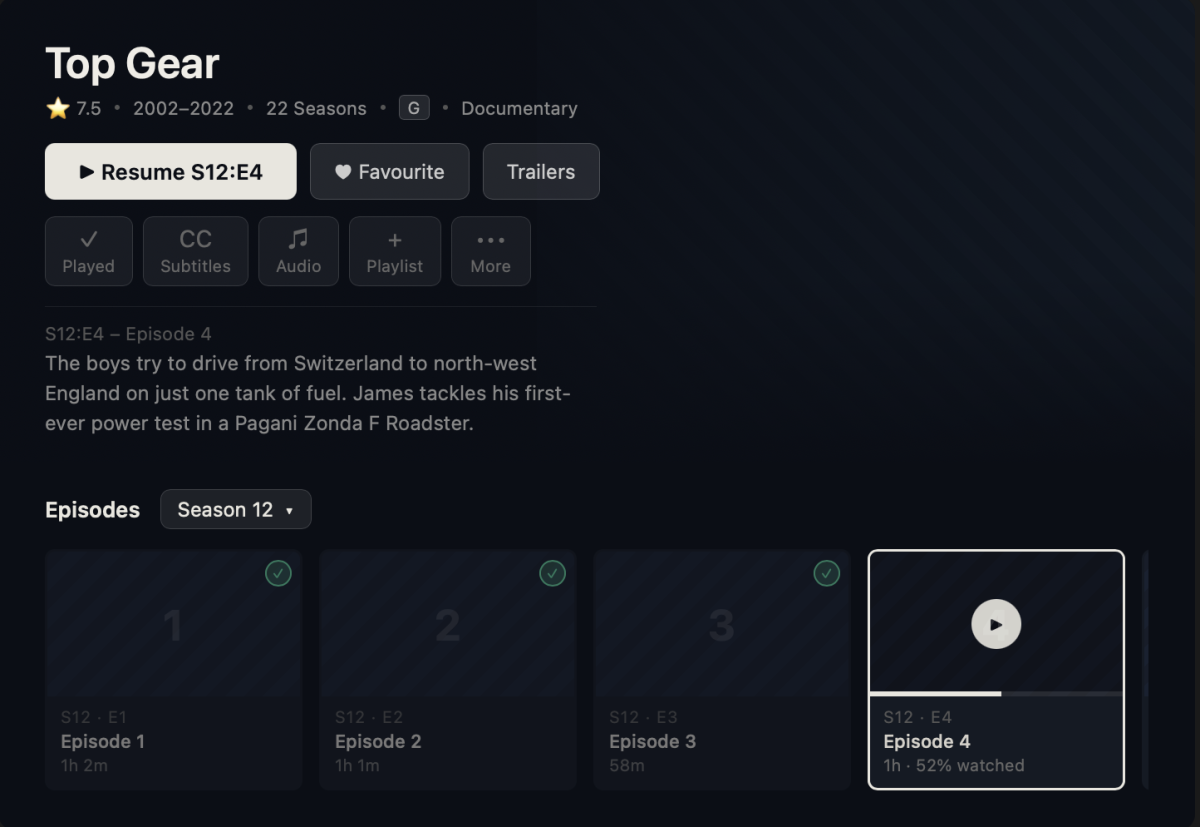
 1 point
 -
Hi, try shutting the server and then installing the update from the website.1 point
-
“Opensubtitle” is not a type of subtitle. The only types are internal and external which, as pointed out upthread, is already marked in Emby.1 point
-
Oh the people are smart enough, but if you refuse to give the information required for people to help you, there is nothing the community can do. It's like going to the doctor and saying "I'm in pain" and the doctor asks you where, what happened, and for how long, and you decide to start talking about how crappy a doctor they are, how bad their waiting room is, their staff, etc, instead of answering the questions1 point
-
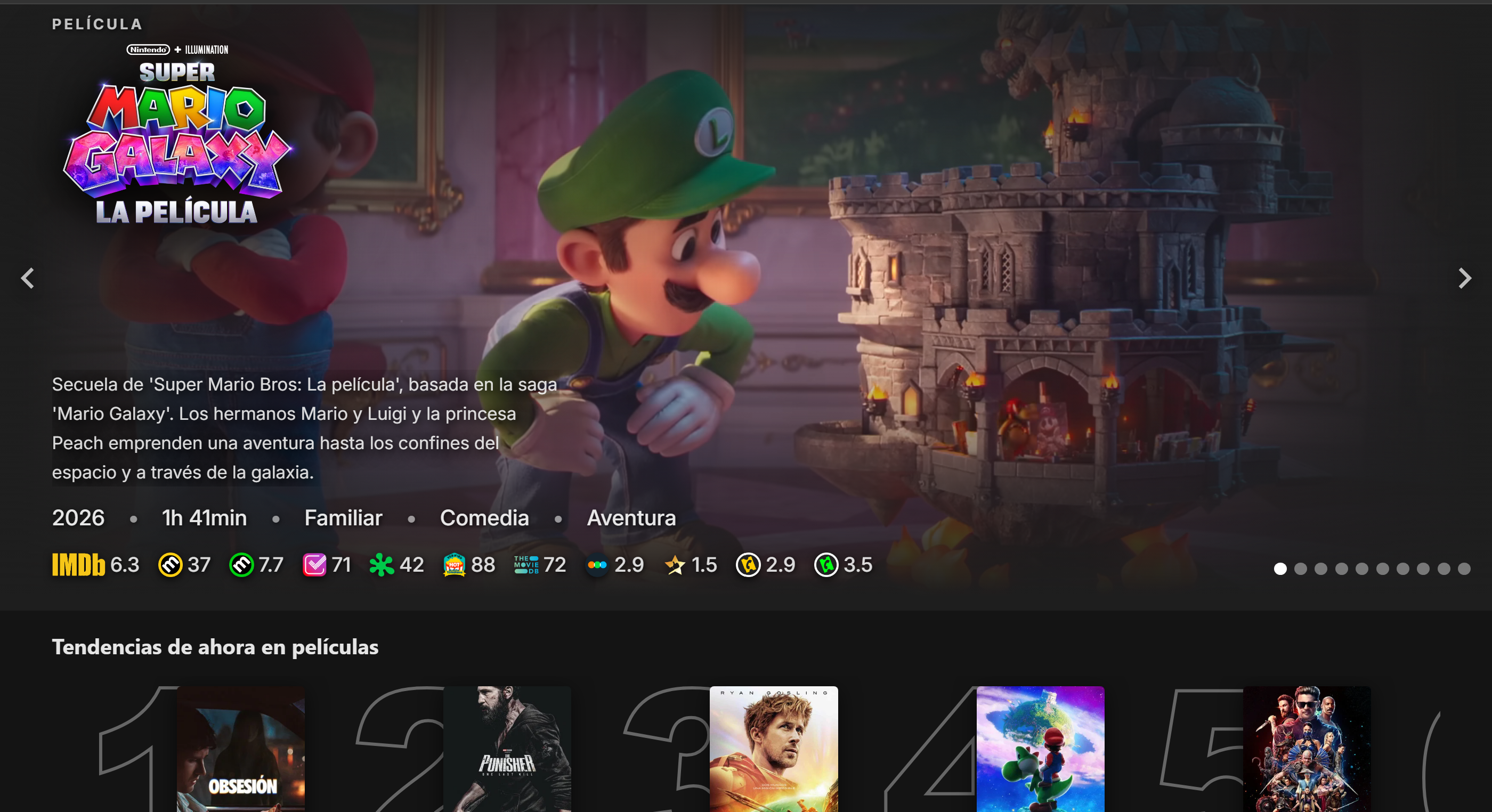
You can play with this CSS to further customize spotlight :root { /* --- SPOTLIGHT VARIABLES --- */ --spotlight-width: 100%; /* OVERALL WIDTH: 100% (Full screen), 95% (Small edge gap), 1200px (Max size lock) */ --spotlight-height: auto; /* OVERALL HEIGHT: auto (Uses Aspect Ratio), 50vh (Half screen), 400px (Fixed height) */ --spotlight-aspect-ratio: 21 / 9; /* SHAPE & SCALE: 16/9 (Default), 21/9 (Ultra-Wide), 3/1 (Extreme Banner), none (Disables ratio if using fixed height) */ --spotlight-fit: cover; /* CROP BEHAVIOR: cover (Fills box, no bars), contain (Uncropped, has bars), 100% (Stretches) */ --spotlight-position: center top; /* ANCHOR POINT: right top (Protects logos/faces), center top, center (Default), left top */ --spotlight-overlay: linear-gradient(to top, rgba(0, 0, 0, 0.95) 0%, rgba(0, 0, 0, 0.4) 60%, transparent 100%); /* TEXT SCRIM: Change the dark fade behind text. (Use 'transparent' to remove) */ /* --- Some example options to try out: --- */ /* --- The Cinematic Ribbon --- */ /* --spotlight-width: 100%; --spotlight-height: auto; --spotlight-aspect-ratio: 32 / 9; --spotlight-fit: cover; --spotlight-position: center 20%; --spotlight-overlay: linear-gradient(to top, rgba(0, 0, 0, 0.95) 0%, rgba(0, 0, 0, 0.4) 70%, transparent 100%); */ /* --- Extreme Letterbox --- */ /* --spotlight-width: 100%; --spotlight-height: auto; --spotlight-aspect-ratio: 4 / 1; --spotlight-fit: cover; --spotlight-position: center 25%; --spotlight-overlay: linear-gradient(to top, rgba(0, 0, 0, 0.95) 0%, transparent 90%); */ /* --- Framed Billboard --- */ /* --spotlight-width: 1400px; --spotlight-height: auto; --spotlight-aspect-ratio: 24 / 9; --spotlight-fit: cover; --spotlight-position: center 15%; --spotlight-overlay: linear-gradient(to top, rgba(0, 8, 20, 1) 0%, transparent 100%); */ /* --- Uncut Showcase --- */ /* --spotlight-width: 98%; --spotlight-height: 40vh; --spotlight-aspect-ratio: none; --spotlight-fit: contain; --spotlight-position: center; --spotlight-overlay: linear-gradient(to top, rgba(0, 0, 0, 0.85) 0%, rgba(0, 0, 0, 0.4) 40%, transparent 100%); */ /* --- Thin Letterbox Showcase --- */ /* --spotlight-width: 100%; --spotlight-height: 30vh; --spotlight-aspect-ratio: none; --spotlight-fit: contain; --spotlight-position: center; --spotlight-overlay: linear-gradient(to top, rgba(0, 0, 0, 0.95) 0%, transparent 100%); */ /* --- Extreme Slit --- */ /* --spotlight-width: 100%; --spotlight-height: auto; --spotlight-aspect-ratio: 5 / 1; --spotlight-fit: cover; --spotlight-position: center 20%; --spotlight-overlay: linear-gradient(to top, rgba(0, 0, 0, 0.9) 0%, transparent 100%); */ } html[class*="theme-"] body .spotlightCard { width: var(--spotlight-width) !important; margin: 0 auto !important; } html[class*="theme-"] body .spotlightCard .cardImageContainer { padding-bottom: 0 !important; aspect-ratio: var(--spotlight-aspect-ratio) !important; height: var(--spotlight-height) !important; background-size: var(--spotlight-fit) !important; background-position: var(--spotlight-position) !important; background-repeat: no-repeat !important; background-color: transparent !important; } html[class*="theme-"] body .spotlightCard .cardImageContainer img, html[class*="theme-"] body .spotlightCard .coveredImage { object-fit: var(--spotlight-fit) !important; object-position: var(--spotlight-position) !important; } html[class*="theme-"] .spotlightCardFooter { background: var(--spotlight-overlay) !important; display: flex !important; flex-direction: column !important; justify-content: flex-end !important; } html[class*="theme-"] div.spotlightCardText:not(.mediaInfoItems):not(.spotlightCardText-first) { text-shadow: 0px 2px 10px rgba(0, 0, 0, 0.9) !important; color: #ffffff !important; -webkit-text-fill-color: #ffffff !important; font-weight: 500 !important; }1 point
-
It turned out to be a file system issue on the drive. I created a brand new directory for the shows, carefully moved all the files into the new folder, and then updated the library path in Emby to point to the new location.After doing this and performing a full library scan, Emby is now detecting everything correctly — including some content I had previously forgotten I added.I’m not sure what caused the original file system problem, but recreating the folder and moving the files fixed it completely.1 point
-
@Luke You need to change few things on device management, it is left in year 1999. 1. When editing user devices, after clicking all devices button for user devices, implement DESELECT all devices button, so we don't have to click 300,000 times to deselect all devices in system including all browsers. It does not makes sense at all. 2. If would be much better that on same screen when i manage a user and his devices, emby FILTERS OUT and SHOWS only devices that user is using not ALL. Also does not makes sense that user "tom" shows 150 devices that he never used or loged in.1 point
-
I've been running side tests using ffmpeg, a home http server, and a generic instance of AVPlayer on tvOS 26 so I could bypass the restrictions currently imposed by Emby. I did all that so I could see & document what it would take to get HEVC & HDR / DV working on AVPlayer on tvOS 26. I'm sure Emby has it's own HLS manifest builder which is more capable than ffmpeg. That may or may not need to be adapted to accommodate HDR/DV playback on tvOS26. So to sum up my findings: HEVC on AVPlayer needs: -tag:v hvc1 & -hls_segment_type fmp4 (& strict -unofficial if Dolby Vision metadata is present) This will play all HEVC videos and by default tvOS 26 AVPlayer will tone map any HDR/DV to SDR HDR/DV on AVPlayer needs: CODECS, SUPPLEMENTAL-CODECS, VIDEO-RANGE, FRAME-RATE (don't know if Emby already adds all those to the manifest) https://developer.apple.com/documentation/http-live-streaming/hls-authoring-specification-for-apple-devices-appendixes Without this, AVPlayer (at least on tvOS 26) will tone map any non-SDR content to SDR. With the correct manifest: AVPlayer switches the TV to HDR / DV mode and videos play as expected. You and the team probably know most if not all of this already. I just thought I'd document my findings if case you (or anyone coming here via Google) finds any of this helpful one day. Thanks again for taking the time to read all this. Looking forward to seeing Emby do native HDR on the Apple TV1 point
-
My setup is the following which allow hardware rendering in an LXC container on ProxMox. 1) Get the Group ID On the host, get the render and video group id with getent group render (104) and getent group video (44) On the emby lxc container, get the render and video group id with getent group render (108) and getent group video (44) 2) Append the following in your emby lxc config file by taking care to adapt the group ids accordingly to your setup : # 0 -> 43 (lxc), map groups starting at 100000 (host) lxc.idmap = g 0 100000 44 # 44 (lxc) map to 44 (host) lxc.idmap = g 44 44 1 # 45 -> 107, map groups starting at 100045 (host) lxc.idmap = g 45 100045 63 # 108 (lxc) map to 104 (host) lxc.idmap = g 108 104 1 # 109 -> 65536, map groups starting at 100109 lxc.idmap = g 109 100109 65427 # don't forget to map user as well lxc.idmap: u 0 100000 65536 3) Allow proxmox to map groups On the host, nano /etc/subgid and add the following (video and render HOST ids) root:104:1 root:44:1 Not sure if that's needed but maybe this line in /etc/subuid is also mandatory, my config has it anyway : root:100000:65536 4) On the emby lxc config again, passthrough the /dev/dri to the container : lxc.cgroup2.devices.allow: c 226:* rwm lxc.mount.entry: /dev/dri dev/dri none bind,optional,create=dir lxc.mount.entry: /dev/dri/renderD128 dev/dri/renderD128 none bind,optional,create=file 5) On the container, add the user emby to the video and render groups : usermod -a -G render emby usermod -a -G video emby Everything should now work as expected without messing around with chown, chmod or having a privileged container !1 point