Leaderboard




Popular Content
Showing content with the highest reputation on 02/18/26 in all areas
-
My proposal is a setting in the Emby client apps to set custom proxy headers like e.g. in Immich, Conduit or Embywatch. Currently you need to open a ton of paths like /emby/web/* or /emby/Items/* to be able to use an Emby app from the outside of LAN via Reverse Proxy with an authentication layer in front of Emby. Pangolin/Traefik Reverse Proxy is used in this example: You would set up the custom proxy header "P-Access-Token: xxx" and "P-Access-Token-Id: yyy" inside the Emby app and it can connect successfully to your Emby Server behind the Reverse Proxy with all the bells and whistles like 2FA, Passkeys etc since the Request Headers tell the Proxy: "Hey, I'm a trusted app because of your set up Headers for the resource requested but not able to use your Pangolin Login Prompt like a Browser".2 points
-
Guys I have to apologize for my last statment in reference to trailers, I misspoke and wanted to accept the responsibility. I"ve been dealing with the trailer issue for so long I gave up on it and stopped checking in, I commented about the Admins/Devs "should be embarrased" for how long the issue lingered, as mentioned I'd stopped checking on it and didn't realized progress had been made. I'd I'd like to apologize to the Admins, Devs as well as the members for the incorrect statment. Thanks.2 points
-
Just for the feeling that the WebUI access is protected. An attacker would need to know that he need to use the Android App. But that's it. That's why I created the Feature Request for custom headers which would make the bypass rules obsolete.2 points
-
once again this seems to be a never ending emby story. As i saw when this topic startet i already knew, this is another dead end on emby side. This is really so frustrating, as luke is writing since the beginning this is "planned for a future update" everytime i read this, i know it is just a far far dream.2 points
-
Home Screen Companion Plugin https://github.com/soderlund91/HomeScreenCompanion Below is a summary for this plugin, visit GitHub for latest release and full documentation. Home Screen Companion is a plugin for Emby Server that automatically manages home screen sections using tags and collections for your Movies and TV Shows — and keeps your home screen sections in sync across multiple users. It works by connecting one or more sources to a tag and/or collection in your Emby library. Sources can be external lists from Trakt, MDBList or TMDb, rules-based filters on your own library, AI-generated recommendations, or your existing local collections and playlists. Each source runs on a schedule, and the plugin makes sure your tags and collections always reflects the current state — adding and removing movies and series automatically. The plugin can then use the tags or collections to create a home section and give you a living and curated home screen experience. With Home screen companion you can also manage the home screen sections for all users - copy, manage and create home sections directly from selected source. No need to set it up for every individual user, just copy it from one user and you can have a server wide home screen! Important Requires minimum Emby server 4.10.0.10 Key Features Different source types — External List, Smart Playlist, AI List, Local Collection, Local Playlist Automatic tagging and collections — items are added and removed as lists change Advanced scheduling — annual, weekly, or specific date windows Per-entry home screen sections — automatically managed sections for any tag or collection Home screen sync — mirror one user's home screen layout to any number of other users Top-List — Create a "Top 10 movies of today", and the plugin will create a new home section for selected users with numbered posters Home screen sync — mirror one user's home screen layout to any number of other users Source Types External List Connect to curated lists on Trakt or MDBList. The plugin fetches the list on a schedule, matches items to your library by IMDB ID, and keeps tags and collections in sync automatically. Smart Playlist Build dynamic lists directly from your library using a flexible rule builder. No external service needed — the plugin scans your library and tags items that match your criteria. AI List Generate recommendations using AI. Write a natural language prompt and the plugin calls an AI model to produce a list of movies and shows, then matches them against your library. Local Collection and Local Playlist Tag items based on an existing Emby Collection. Combine with scheduling to create time-limited promotions of curated content — no external API needed. Tags The plugin take the source type you have and put a tag on Movies and Series. You can choose at what level to put the tag, either the Series, Seasons, or the episode. Collections Any source type can automatically maintain an Emby Collection alongside its tag. Playlist Any source type can automatically maintain an Emby Playlist for all or selected users. Scheduling Set up advanced rules when the tag or collection should be active. For example you only want to tag a Christmas list during December, or you only want your collection be available during Halloween. With the scheduler, tags and collections get added and removed automatically. Home screen Add a dedicated home screen section to any tag/collection entry. The plugin creates, updates, and removes the section automatically on each sync, no manual Emby configuration needed. Just select your source and enable the home screen option - and you will have this source as a row on your home screen for all selected users. Home Screen Sync - server wide home screen With this function you can easily copy a users full home screen sections to all other users. No need to set this up for every user now! Just configure the home screen sections and library order for one user, and you can have a server wide home screen that looks the same for all selected users in the blink of an eye. Top-List The plugin can create a "Top 10" style of home section for selected users. This can be done by either manually select what movies you want, or use existing tags to have a list that is auto-updated. Installation Download the latest .dll from the Releases page (GitHub). Place the .dll file in your Emby plugins folder. Restart Emby Server. Screenshots More screenshots in below spoiler1 point
-
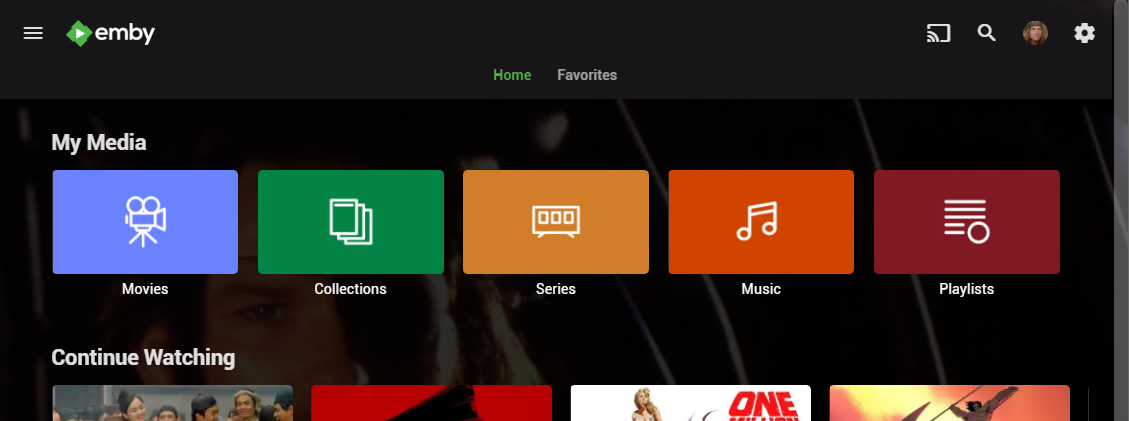
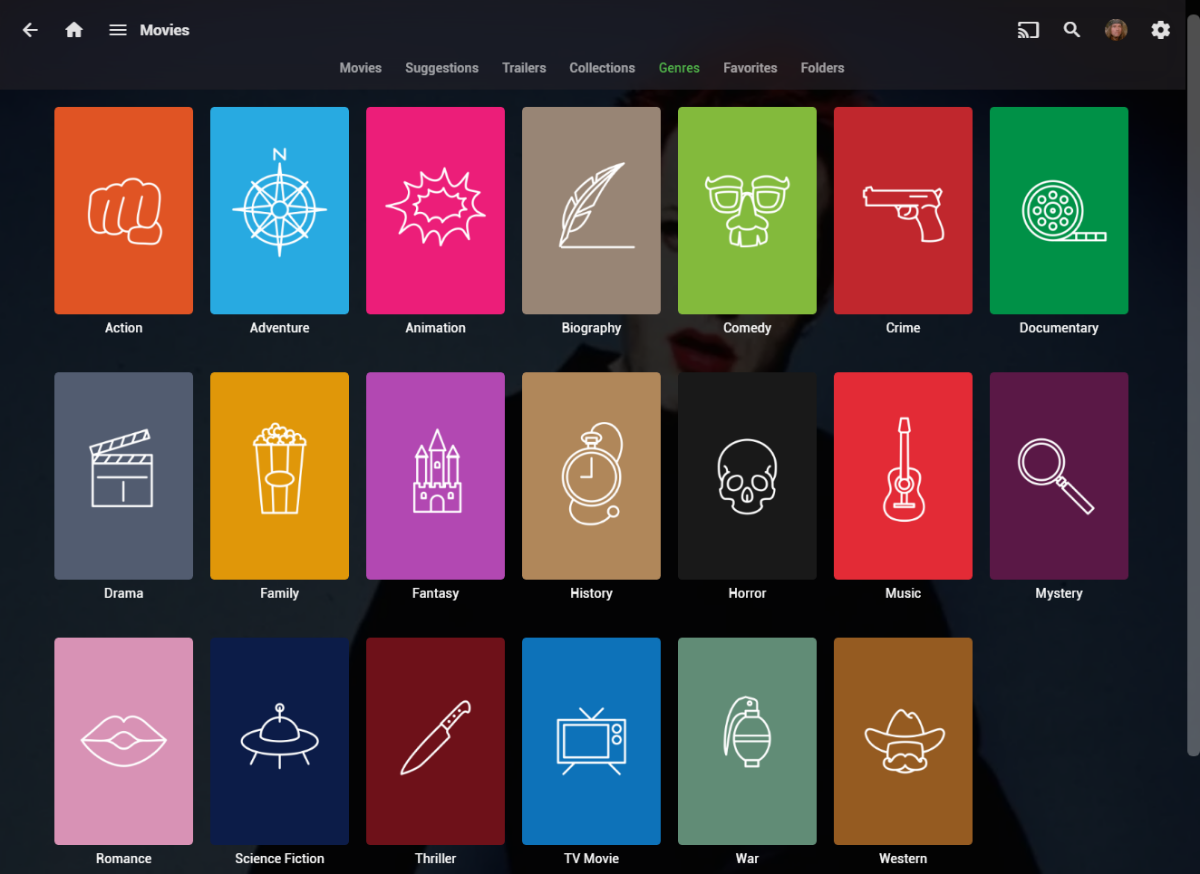
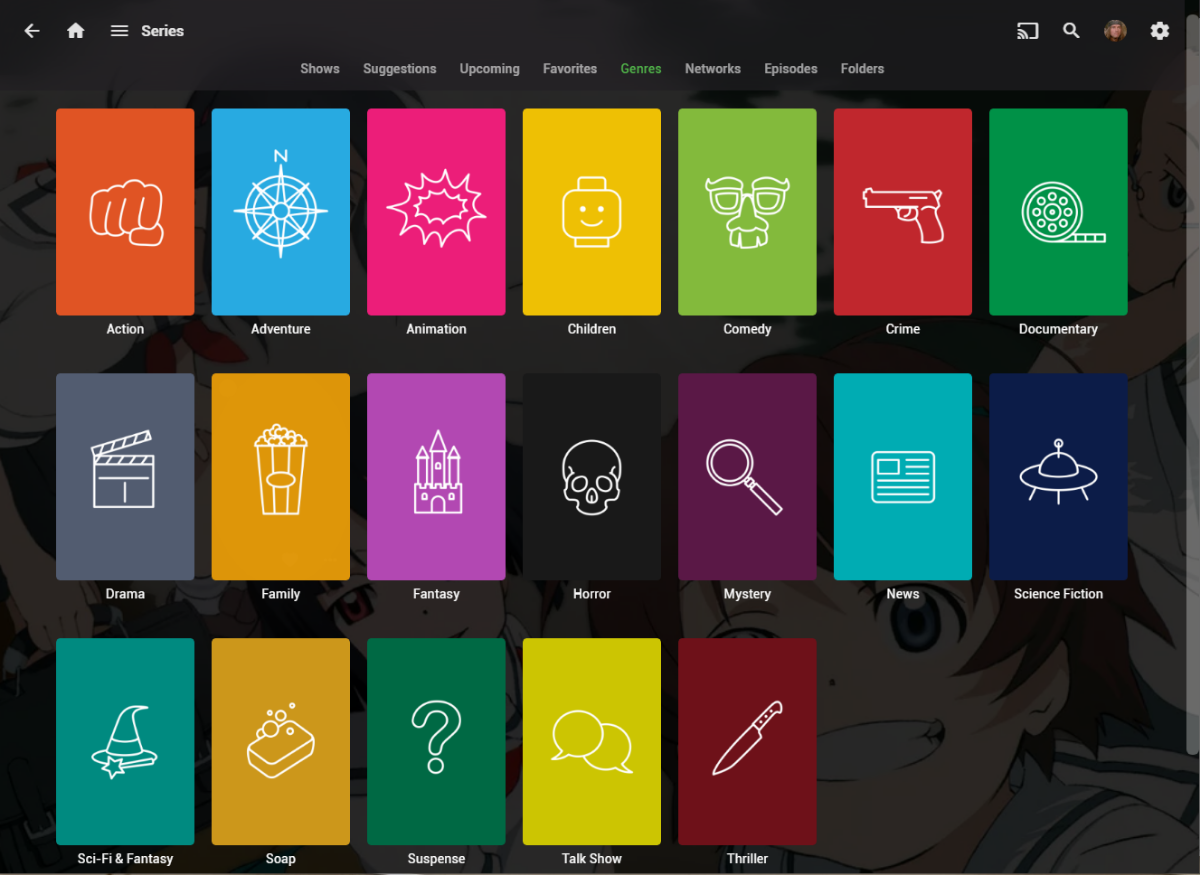
I wanted a colorful, but minimalist set of Library and Genre icons for when I'm using Emby on Roku, and something that stood out dramatically from the movie posters and thumbs. Here's what I did for the My Media set. Here's my Movie Genres: And the Series Genres RAR file attached with the full set as PNGs, and there is some in the archive not shown above (like Sports and Adult). Enjoy! -Mickey EmbyIcons_v4.rar
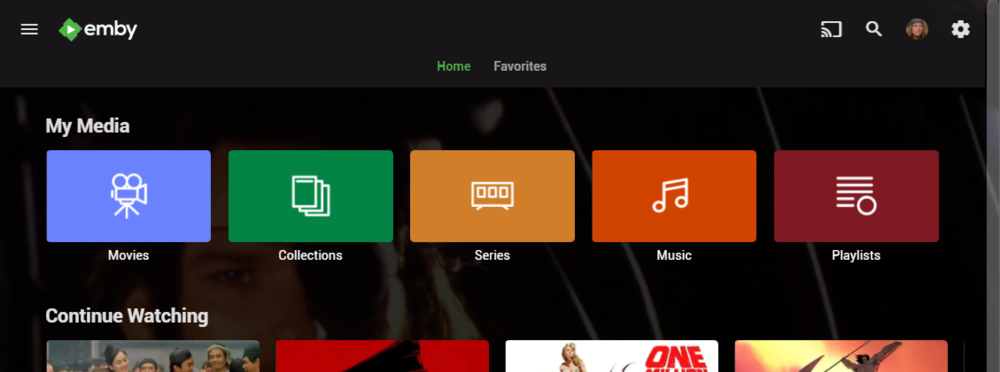
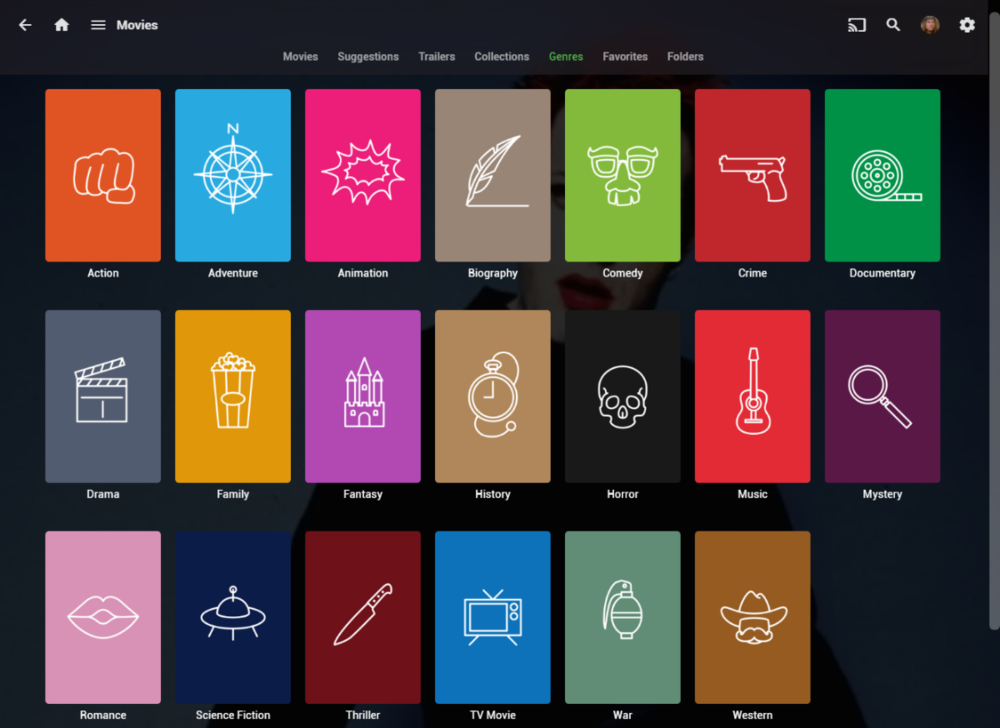
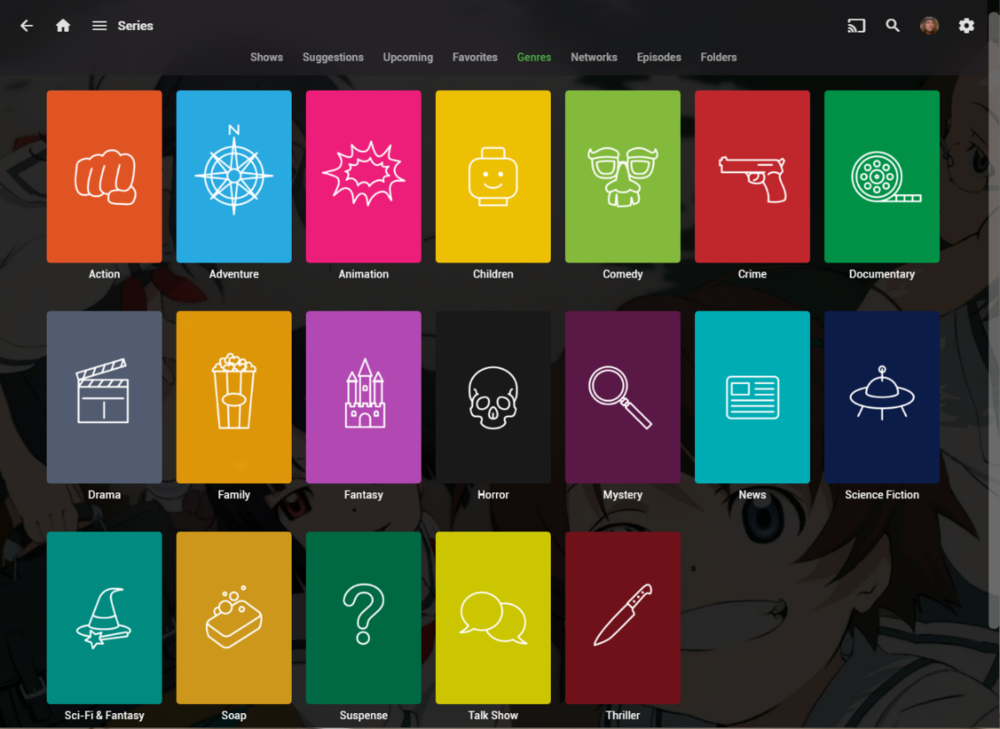 1 point
 -
The wait is over! We are excited to announce public availability of the new Emby Linux app beta program. Why a Native Linux App? While Emby’s web app works well across platforms, there are limits to what a browser-based player can achieve, especially when it comes to modern video and audio playback. The Linux app was created to go beyond those limits. At the core of this decision is one simple goal: BEST IN CLASS VIDEO PLAYBACK. Browsers continue to improve, but they inevitably lag behind native applications when it comes to advanced video technologies, hardware acceleration, and reliable fullscreen playback. Emby users expect smooth, high-quality playback — and delivering that consistently requires a native application. Benefits Over the Web Player The new Linux app provides several advantages over watching through a browser: More reliable video playback with fewer browser-related limitations Better performance and lower system overhead Improved full screen behavior across Linux desktop environments Direct integration with native video playback technologies A cleaner, distraction free viewing experience By separating video playback from the browser entirely, the app is able to take full advantage of the system and deliver a smoother experience. Designed for Linux Desktops The Emby Linux app is built to feel at home on Linux. It works across major Linux environments . The result is a modern Emby experience that’s faster, more consistent, and purpose built for Linux users. Available Now The new Emby Linux Beta app is now available and we are waiting for your feedback! Want to get started right away? Head on over to the beta instructions page for more! Please provide feedback in this forum: Linux Beta1 point
-
This should be fixed with the next update already..1 point
-
I'm not sure how this is implamented. I'll have to research it. @Lukeor @Happy2Playcould you point me in the right direction?1 point
-
I just tested the new beta with my LG G5 but the problem with freezing on DTS transcoding after exactly 10s still exists.1 point
-
In theory yes but require manual database update as almost everything is database driven now. Have a look at this topic.1 point
-
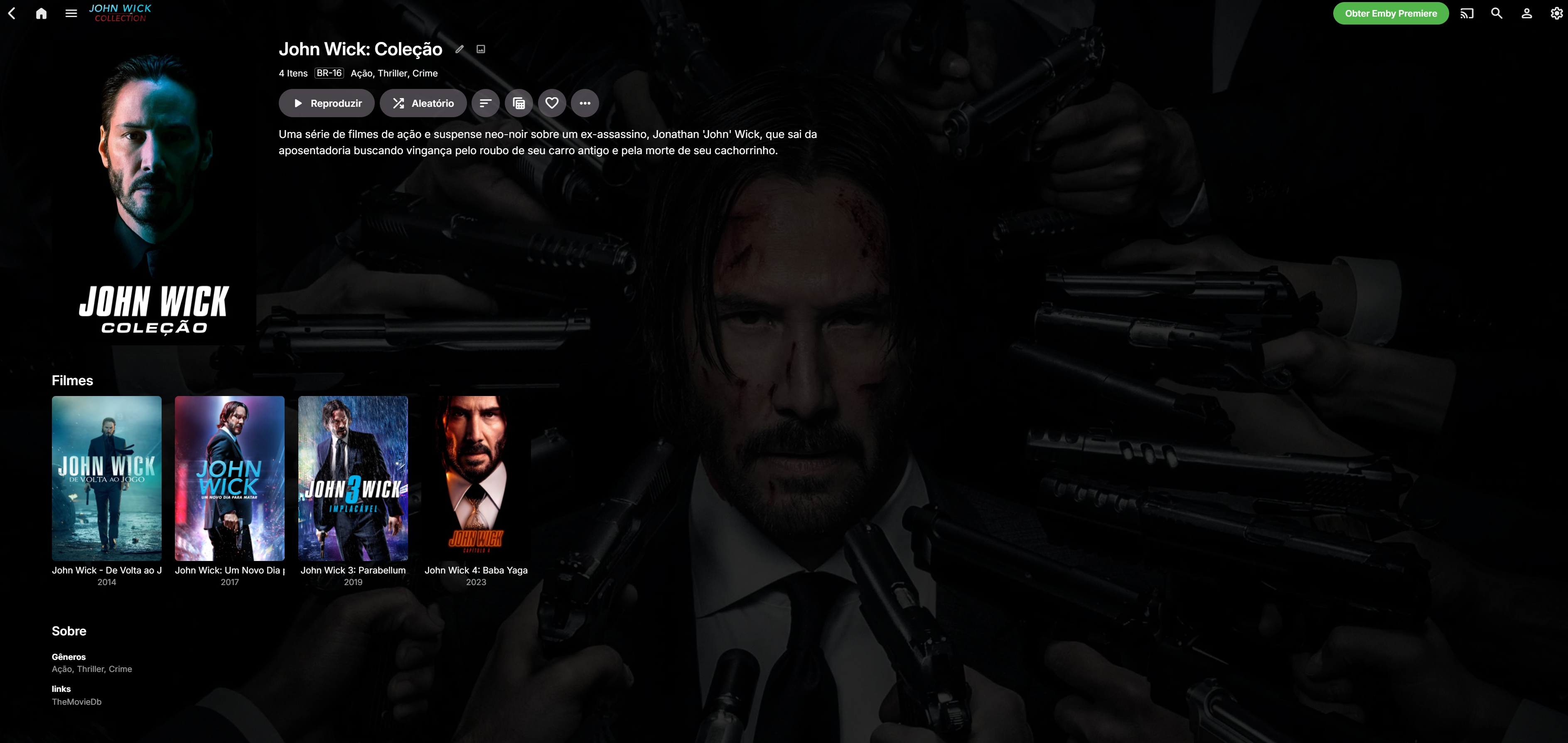
Great work! One question though: Am I able to set a poster URL for collections? If not, I propose this as a feture request @soderlund911 point
-
@LukeJust a friendly reminder that this EOF issue with MKVs has been around for quite a while.1 point
-
@LukeAny closer to finding a permanent fix for "auto-playing next episode" ? Thanks1 point
-
I see that sometimes, when the server is still scanning and adding content. Is the server done scanning and adding content? You can check that in the logs.1 point
-
Can you please reproduce the problem and then follow the instructions to send a log from the app?1 point
-
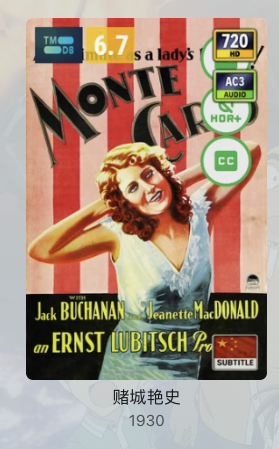
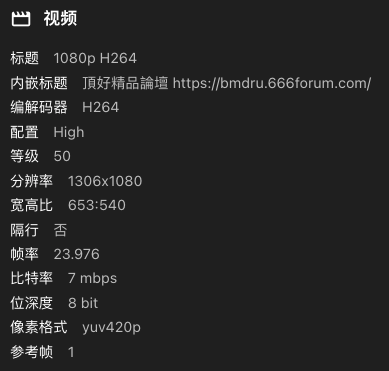
After fast use, it's a perfect resolve for me, especially it has filename rule, it's a simple way for me to show the chinese subtitle icon, because I rename the movie filename including "[ZH]" if it has a chinese subtitle include. Just two little advice: 1. some sesolution display is not as same as emby do. for exmple, the resolution is 1306*1080, but the icon shows 720p 2. DoVi P8 can use a DV+HDR icon, instead of just DV, the only DV icon should be used for DoVi P5. and if there is no HDR format, you can use a SDR icon. That's all. Thank you again, It's really a perfect plugin. I think I don't need KOMETA now

 1 point
 -
Maybe not everything is anonamized. We should definitely be hiding api keys, emby tokens, public ip addresses, server name, user id Could you send my by private message the raw log files and ones you downloaded through the emby web logs download interface1 point
-
Working fine on my old iPhone 6 again.1 point
-
The 2.2.8 update for model years 2022 and older is still in Samsung review.1 point
-
I’ve been meaning to consolidate my music for ages, and I finally used Musconv to push my Tidal liked songs over to Apple Music. It’s super intuitive and way faster than I expected. It’s such a relief knowing my library is safe and organized on my new platform without the manual headache. Totally worth it for the time saved!1 point
-
Apologies for the delay in updating... I have replaced the Emby server hardware, fresh Emby install, new o/s (W11), created a firewall rule on the Emby server to allow internal pings, replaced my network hardware (Orbi router and satellite), and assigned a static IP address to the TV (Emby server has always had a static IP address). Still happening - it seems to alternate between internal and external access each time I tune the TV on/off. Disabling remote access for the user prevents the user being able to log in. Next time I see Emby coming in via the internet, will try the built in TV browser and see what I get.1 point
-
If you look at the server log, there were failures to contact multiple hosts such as tvdb: 2026-02-12 09:30:00.000 Info HttpClient: GET https://api4.thetvdb.com/v4/search?type=series&q=EP00080939&remote_id=EP00080939 2026-02-12 09:30:02.535 Error HttpClient: Error getting response from https://api4.thetvdb.com/v4/search?type=series&q=EP00080939&remote_id=EP00080939 *** Error Report *** Version: 4.9.3.0 Command line: C:\Users\adminperson\AppData\Roaming\Emby-Server\system\EmbyServer.dll Operating system: Microsoft Windows 10.0.19045 OS/Process: x64/x64 Framework: .NET 8.0.22 Runtime: C:/Users/adminperson/AppData/Roaming/Emby-Server/system/System.Private.CoreLib.dll Processor count: 32 Data path: C:\Users\adminperson\AppData\Roaming\Emby-Server\programdata Application path: C:\Users\adminperson\AppData\Roaming\Emby-Server\system MediaBrowser.Model.Net.HttpException: MediaBrowser.Model.Net.HttpException: No such host is known. (api4.thetvdb.com:443) Perhaps you had a network issue at some point. In any event, this likely prevented the recording process from obtaining the series year and that's why it got sent to a different folder.1 point
-
Just to take care of yourself,this problem is not a big deal1 point
-
Wow I feel like a dumb-dumb now. Blanking out the key, saving, and then re-attempting resolved it. Thanks again!1 point
-
If it's a Sync job (IE download via an app) then yes it will appear in the Downloads section within Devices on the server dashboard, and if it's a download from the web app (probably API too) then it will show in the Activity Log.1 point
-
Hello @roaku, I am still using the beta version. Further up in the pictures in @Liuhangbjpost, the symbols are also displayed inverted. That's not really a big deal, but I think the symbols are easier to recognize when they are not inverted. Especially when text such as HD, HQ or SD etc. is included.1 point
-
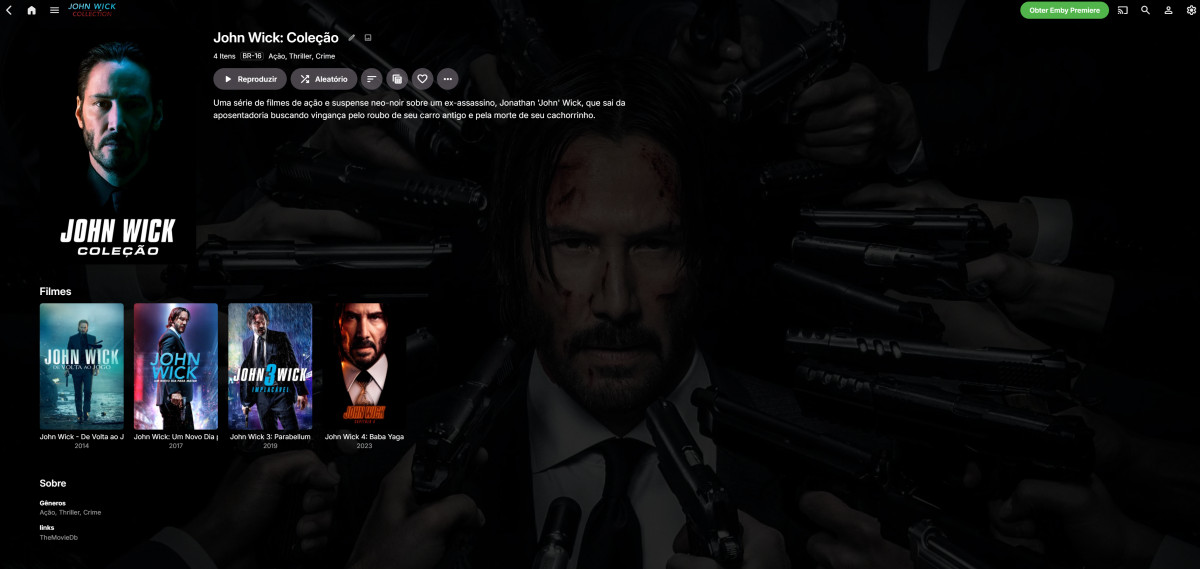
obrigado pela ajuda, estava desabilidade na biblioteca de coletaneas. habilitei e deu tudo certo
 1 point
 -
There is a difference between Dolby Atmos TrueHD (lossless audio) vs Dolby Digital Plus which supports Atmos (lossy audio). Netflix and other apps use Dolby Digital Plus (not TrueHD) and Emby also handles this format without problems. With regards the the Shield, the TV will pass through lossless TrueHD via HDMI input and ARC output, but it does not support TrueHD from within an app. So what you are experiencing is correct,, and it's an LG limitation. BTW, Samsung TV's have the same limitation, so it's not unique to LG. I hope that explains it, but let me know if it doesn't. This is an old article but it is still accurate and explains it well https://emby.media/support/articles/LG-Why-not-Atmos.html1 point
-
Agree. Would love to see an ability to sort them by the current series first for all missing in current then by remaining, else be able to only show missing episodes for current seasons only. I use the complete list all the time, but once you have show like south park or the graham norton show, its endless pages of scrolling just looking for the change in show poster graphic I have 1000+ entries from shows in there from previous seasons i am not interested in seeing.1 point
-
I have deinstalled the Plugins VuPlus 3.2.9.0 ZDF Mediathek 4.8.0.20 ARD Mediathek 4.7.0.51 as those are the ones i recently installed. Will monitor if failure reoccurs.1 point
-
You can try this. I haven't tried it yet, but it looks promising.1 point
-
It's nice to dream, but I don't think we'll ever see this feature implemented. Emby hasn't been updated in a long time, with no new features or app updates for Android TV compatibility... As a paying user, I sometimes feel cheated. Anyway, I hope the Emby team sees this message. @Luke1 point
-
OK we are looking into your issue with Emby for macOS. This is normal. It should only happen once. You have to approve your server's SSL certificate if your iOS device doesn't trust it by default.1 point
-
I have a new release posted: https://github.com/bbidwell85/totality @MediaIntelNUC I believe the issue was that Totality wasn't recognizing Emby libraries with the "boxset" collection type. When fetching your library list, Totality was filtering to a set of known media types, but boxsets wasn't on that list, so it was silently skipped. This has been fixed in the latest version. Totality now properly detects and includes boxsets libraries from Emby, mapping them as movie libraries so they get scanned and their collections are recognized correctly. Because multiple movie libraries are merged together in the mediabrowser, I've added the ability to view by individual libraries or all together. Same goes for completeness scans. You can now select individual libraries to scan that are the same media type. My Emby media library is not set up like yours, so I wasn't able to properly test. Let me know if it fixes the issue for you. @Exor85 The error you are seeing is most likely a packaging bug on my side. A dependency that Totality needs to talk to Emby servers wasn't being bundled correctly into the installed app. I will implement a fix and include it in the next release.1 point
-
Hi, Thank you for the great product. It is a pleasure to use it. I have seen some posts but they are years ago regarding my request. Is there a plan to have notification (when adding movies, shows, live tv etc.) from the emby app ? This means to get a push message on my android phone, iphone, windows app, etc. With 3rd party software its not so cool. Thank you.1 point