Leaderboard




Popular Content
Showing content with the highest reputation on 02/13/26 in all areas
-
Yeah, I know this thread. This is about positioning only and it doesn't work while dragging, etc. What we need is sync of: Position realtime while dragging Size realtime while dragging Un/Minimize Un/Maximize Fullscreen virtual desktop stacking order When we extrapolate from the positioning API - which took 5 years from when the issue was filed - and with 7 remaining items, this means... ....we will have that in 2061 (applause! applause!)4 points
-
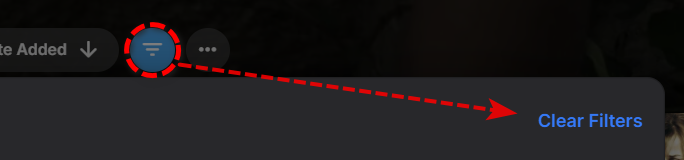
Per your Image the Blue bubble shows you have filters applied. As your item count shows one view is filtering content out.2 points
-
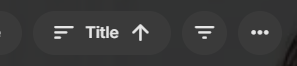
The 'blue' icon indicates there is an active filter on that view. Click the blue icon, and then click 'Clear filters' Also, ensure both tabs are using the same Sort Order, i.e. change both to 'Title' to do a proper comparison.
 2 points
 -
New version on GH supports enabling or disabling every Rating provider.2 points
-
I am very chill sir, a single capitalized word with 3 letters made you nervous? You wrote NAS capitalized, are you chill? It doesn't matter if Emby is going to add support for it, or not. If Emby devs decide they are not interested, that's totally fine. Btw, Emby devs are going to decide, not you, you personally have no idea if they ever going to support it or not. Luke's latest reply about it is that it something that can't be ruled out. Not likely, but not rejected. And there is no reason hijacking this feature request thread with your wishlist. Create a new thread and request there what you want (a setting in client apps to set up custom proxy headers).2 points
-
Home Screen Companion Plugin https://github.com/soderlund91/HomeScreenCompanion Below is a summary for this plugin, visit GitHub for latest release and full documentation. Home Screen Companion is a plugin for Emby Server that automatically manages home screen sections using tags and collections for your Movies and TV Shows — and keeps your home screen sections in sync across multiple users. It works by connecting one or more sources to a tag and/or collection in your Emby library. Sources can be external lists from Trakt, MDBList or TMDb, rules-based filters on your own library, AI-generated recommendations, or your existing local collections and playlists. Each source runs on a schedule, and the plugin makes sure your tags and collections always reflects the current state — adding and removing movies and series automatically. The plugin can then use the tags or collections to create a home section and give you a living and curated home screen experience. With Home screen companion you can also manage the home screen sections for all users - copy, manage and create home sections directly from selected source. No need to set it up for every individual user, just copy it from one user and you can have a server wide home screen! Important Requires minimum Emby server 4.10.0.10 Key Features Different source types — External List, Smart Playlist, AI List, Local Collection, Local Playlist Automatic tagging and collections — items are added and removed as lists change Advanced scheduling — annual, weekly, or specific date windows Per-entry home screen sections — automatically managed sections for any tag or collection Home screen sync — mirror one user's home screen layout to any number of other users Top-List — Create a "Top 10 movies of today", and the plugin will create a new home section for selected users with numbered posters Home screen sync — mirror one user's home screen layout to any number of other users Source Types External List Connect to curated lists on Trakt or MDBList. The plugin fetches the list on a schedule, matches items to your library by IMDB ID, and keeps tags and collections in sync automatically. Smart Playlist Build dynamic lists directly from your library using a flexible rule builder. No external service needed — the plugin scans your library and tags items that match your criteria. AI List Generate recommendations using AI. Write a natural language prompt and the plugin calls an AI model to produce a list of movies and shows, then matches them against your library. Local Collection and Local Playlist Tag items based on an existing Emby Collection. Combine with scheduling to create time-limited promotions of curated content — no external API needed. Tags The plugin take the source type you have and put a tag on Movies and Series. You can choose at what level to put the tag, either the Series, Seasons, or the episode. Collections Any source type can automatically maintain an Emby Collection alongside its tag. Playlist Any source type can automatically maintain an Emby Playlist for all or selected users. Scheduling Set up advanced rules when the tag or collection should be active. For example you only want to tag a Christmas list during December, or you only want your collection be available during Halloween. With the scheduler, tags and collections get added and removed automatically. Home screen Add a dedicated home screen section to any tag/collection entry. The plugin creates, updates, and removes the section automatically on each sync, no manual Emby configuration needed. Just select your source and enable the home screen option - and you will have this source as a row on your home screen for all selected users. Home Screen Sync - server wide home screen With this function you can easily copy a users full home screen sections to all other users. No need to set this up for every user now! Just configure the home screen sections and library order for one user, and you can have a server wide home screen that looks the same for all selected users in the blink of an eye. Top-List The plugin can create a "Top 10" style of home section for selected users. This can be done by either manually select what movies you want, or use existing tags to have a list that is auto-updated. Installation Download the latest .dll from the Releases page (GitHub). Place the .dll file in your Emby plugins folder. Restart Emby Server. Screenshots More screenshots in below spoiler1 point
-
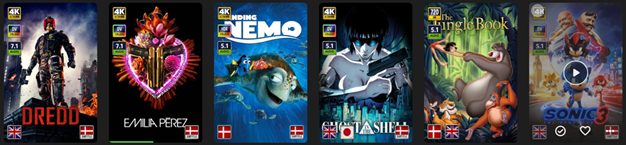
EmbyIcons, in catalog under general. Source code at: yocksers/EmbyIcons: Displays icons on posters in Emby depending on audio and subtitle languages. EmbyIcons enhances your Emby Server by overlaying informational icons directly onto media posters. Display language, codecs, resolution, ratings, and more at a glance with fully customizable profiles for different libraries. Features Extensive Icon Support: Audio/subtitle languages, original language, audio channels, codecs (audio & video), HDR/Dolby Vision, resolution, frame rate, aspect ratio, parental ratings, community ratings (IMDb, Rotten Tomatoes, MDBList audience scores), custom tags, and favorite counts Multi-Profile System: Create distinct profiles and assign them to different libraries for complete customization Flexible Layout Control: Position icons in any corner with custom priority ordering and horizontal/vertical stacking Series & Collection Aggregation: Smart detection shows icons only when all episodes/items share the same property (with Lite Mode option for faster scans) Profile Import/Export: Backup and share your profile configurations Icon Manager: Identify used, unused, and missing icons in your collection Series Troubleshooter: Find episodes with inconsistent properties causing missing icons MDBList Integration: Display Rotten Tomatoes audience scores with a free API key Live Preview: See layout changes in real-time before saving Advanced Settings: Fine-tune cache sizes, performance, and memory usage Icon Naming Convention Place your icon images in a folder on your server. Recommended: ~100x100px PNG with transparency. Supported formats: .png, .jpg, .webp, .gif, .bmp. Icons use the format: prefix.name.png (case-insensitive) Prefix Type Example lang Audio Language lang.english.png sub Subtitle Language sub.german.png og Original Language og.japanese.png ch Audio Channels ch.7.1.png, ch.stereo.png ac Audio Codec ac.dts.png, ac.eac3.png vc Video Codec vc.hevc.png, vc.av1.png hdr Video Format hdr.dv.png, hdr.hdr.png res Resolution res.4k.png, res.1080p.png fps Frame Rate fps.24.png, fps.60.png ar Aspect Ratio ar.16x9.png, ar.2.39x1.png pr Parental Rating pr.pg-13.png, pr.tv-ma.png tag Custom Tag tag.3d.png, tag.directors-cut.png rating Community Rating rating.imdb.png (none) Rotten Tomatoes t.tomato.png, t.splat.png (none) Popcorn-O-Meter t.popcorn.png, t.spilledpopcorn.png, t.fresh.png (none) Favorite Count heart.png Note: Rotten Tomatoes Popcorn-O-Meter requires a free MDBList API key configured in Advanced Settings. Configuration Overview Settings Tab Global Settings: Set icon folder path, loading mode (Hybrid recommended), output format, quality, and logging Profile Management: Create, rename, delete, export, and import profiles Per-Profile Settings: Assign profiles to libraries Enable/disable icon types with custom alignment (corner), priority, and layout (horizontal/vertical) Configure TV show/collection aggregation (Lite Mode, exclude Specials season, etc.) Customize rating score background (shape, color, opacity) Adjust icon size Icon Manager Tab Scan your library to identify missing, found, and unused icons. Perfect for organizing your icon collection. Troubleshooter Tab Series Troubleshooter: Find episodes with inconsistent properties (resolution, codec, etc.) that prevent series-level icons Aspect Ratio Calculator: Get the exact icon filename for custom aspect ratios Advanced Tab Fine-tune cache sizes, expiration times, concurrency, and MDBList API key. Default values work for most users.
 1 point
 -
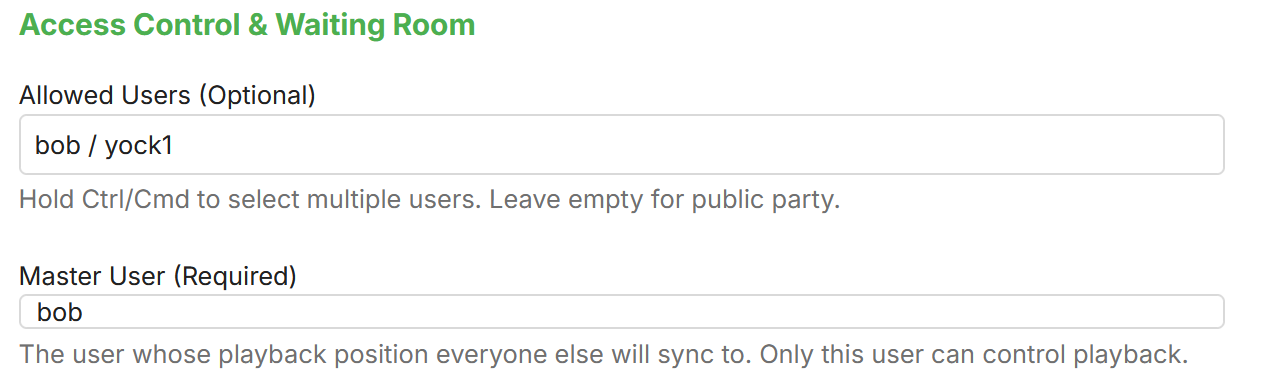
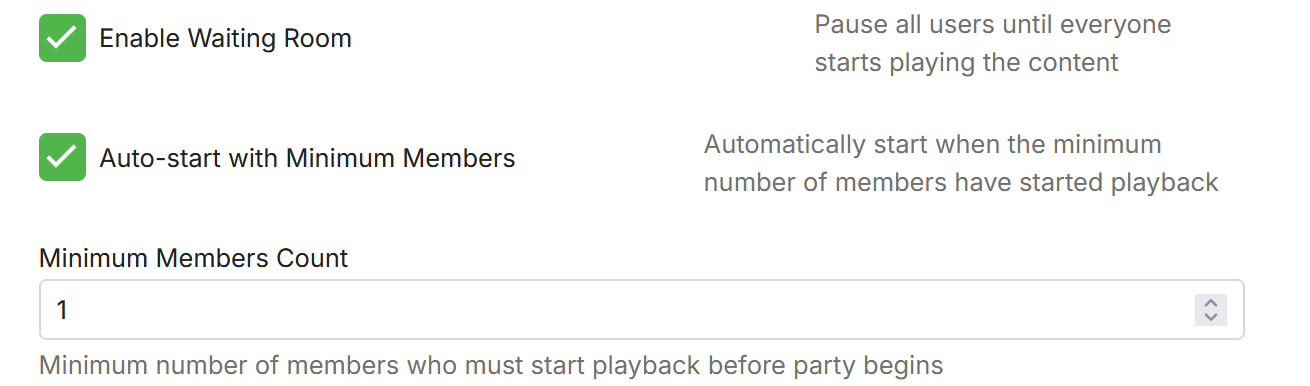
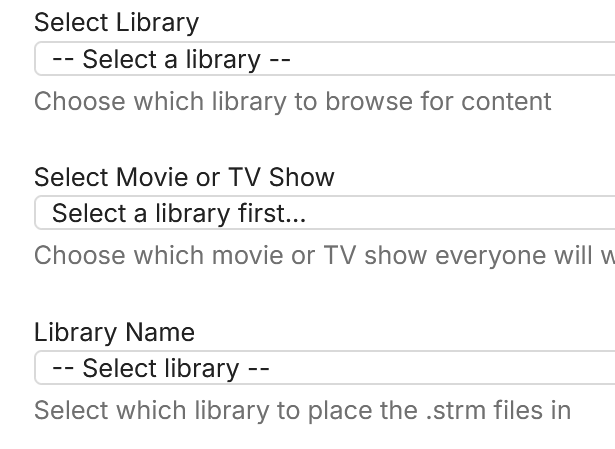
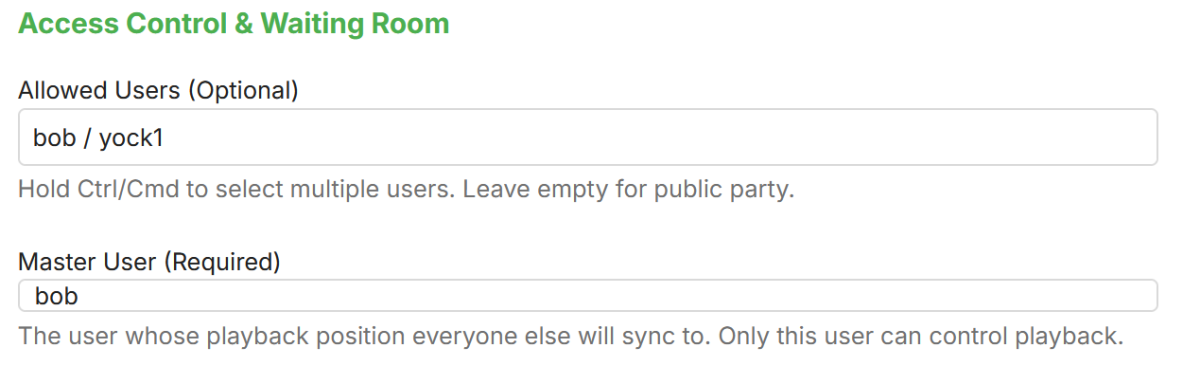
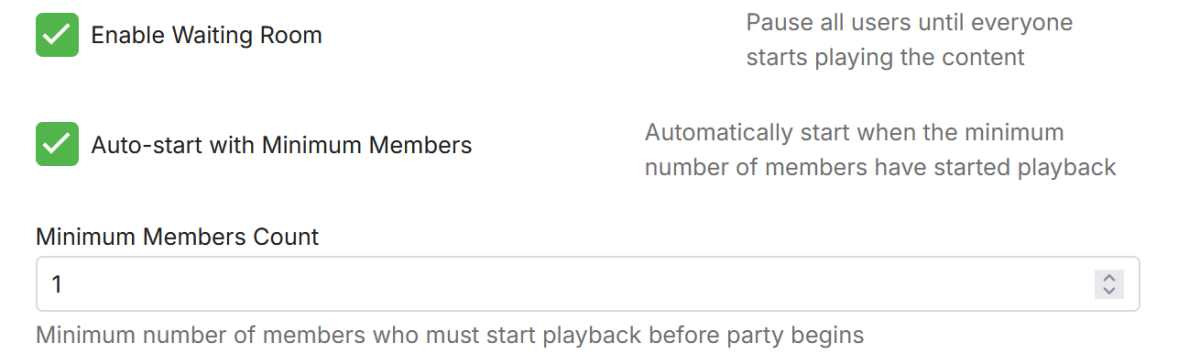
Here is my take on a watch party plugin. yocksers/WatchParty-for-Emby - Github The way it works is that you choose a movie, what people to join and how syncing should work. The plugin makes a STRM file in a library chosen in the settings (i recommend making a separate library for this!!) User starting that file will be synced together. There are extra configurations that can be set to customize it more. There is also an external webpage where users can add more watch parties without having to have admin access to Emby, this can be configured to have a custom password for security reasons. This webpage needs to be binding correctly in the docker version of Emby. In Windows version of Emby you might need to run "netsh http add urlacl url=http://*:8097/ user="Everyone" to give permission in the firewall. This webpage also has a dedicated chat for each watch party. How to create watch party: Choose movie and what library to place the STRM file in: Set users as master: And then press create watch party. The movie should now show in the configured library and when the amount of people configured have joined it will start. Please report any problems and ideas for the plugin either in here or to me in a private message. Latest version can be downloaded at: yocksers/WatchParty-for-Emby Github. Lastly: If this plugin doesn't fir your needs then i encourage everyone to also look at the Watch Party solution that Oratorian made!! It's well made and might fit your needs better.

 1 point
 -
A new plugin is in the Emby plugin catalog for Emby Premiere users, largely developed by @softworkz. This plugin requires Emby Server version 4.9.1.27+, so unless you're running that, you will not see it. WebStreams This is designed to be a better version of the IPTV plugin. You can now import both single streams as well as M3U lists into Emby Server. Eventually we may also add RSS support and merge the podcasts plugin into this. Beyond RSS, there is also the potential to support other formats if there's enough demand for them. Features Import both single streams and M3U lists into Emby Server TV episodes within M3U are displayed with Series and Season hierarchies, just like regular libraries (make sure to select the appropriate content type when adding a source) Rich metadata support using MovieDb and TVDB (make sure to select the appropriate content type when adding a source) Ability to filter what gets imported Known Issues We need to add more visibility into the server's background refresh queue. You can see the progress of it on the webstreams config page. Currently if you restart the server in the middle of this, then you will need to run the refresh channels scheduled task.1 point
-
My question would be what filter do you have applied here as it could be affecting that specific movie showing first in Movie tab vs Folder tab? ie 26 items on Movies tab vs 39 items on Folder Tab At the same time both tabs are being sorted differently also as the Folder tab is by File Name and the Movies tab is by Title. Even though 99% of the time they should be the same but not everyone's setups are per the KB naming schemes.1 point
-
Maybe we can move this to the Synology board and put a pin on it or something?1 point
-
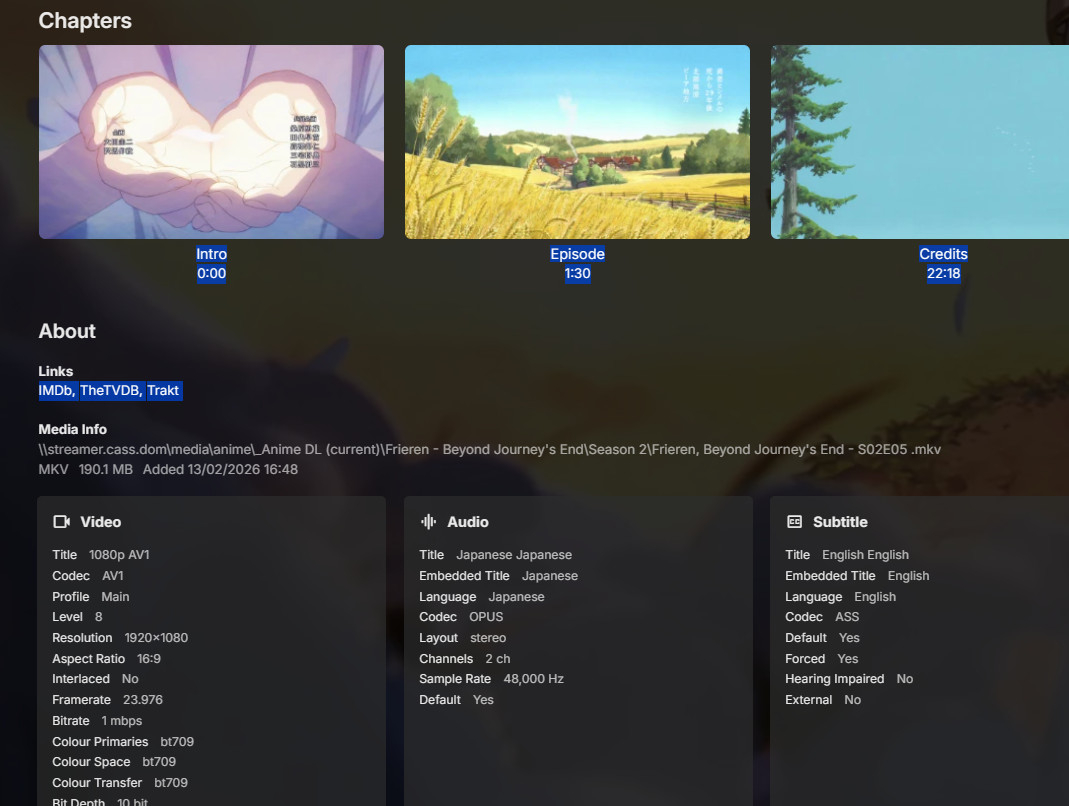
MKVToolNix is one way; also MediaInfo. Changing them with MKVToolNix will copy to a new MKV file (not transcoding, though); if the files are already MKV, you can change the flags in place using jMKVpropedit But actually, they are shown by Emby at the bottom of the details page for Movies or TV episodes, under the Chapters row. However, Emby can't change them. Paul
 1 point
 -
@seanbuff @Robghand @avalon65is the same person.1 point
-
I finally managed to login to the emby app on my tv. I un installed the app again after i cleared the data and cache, then re installed the emby TV app. This time a pin number came on the screen which I had to enter on emby's website? which I submitted. then my emby server appeared on the screen. I clicked on that and that was it, back working again1 point
-
Thanks! Yea I assumed a plugin would most likely be needed to accomplish that. I might try the banner swap but will have to make sure all of my media have hi res banners. Appreciate the help!1 point
-
Okay, great, that's exactly what I was trying to get to. We should be able to change the app to no longer require the remux/audio conversion and that will solve the issue for you.1 point
-
I have add a note to the support article Intro Skip to mention that at least 2 episodes are needed for a season before intro detection can start to analyze the episodes in a season1 point
-
OK, more options to control this are certainly possible. Thanks.1 point
-
Yea we'll have to add this 3D type to the system. Thanks.1 point
-
New release is out (minor changes to the Actions menu UX): https://github.com/sydlexius/Segment_Reporting/releases/tag/v1.2.0.4 Improved Unified Actions dropdown menu (#58) — Each episode and query result row now has a single "Actions ▼" button that opens a clean dropdown menu with Edit, Copy, Delete, and Set Credits to End options, replacing the previous row of individual buttons. Type-selective Copy and Delete (#58) — The Copy and Delete menu items now expand into submenus letting you choose Intros, Credits, or Both, so you can copy or delete just the segment type you need. Shared dropdown menu infrastructure (#58) — The menu system is built on reusable helpers in the shared library (theme-aware colors, submenu positioning, click-outside dismissal), keeping the code consistent across the Series and Custom Query pages.1 point
-
For those waiting patiently (!) for a new Linux version of the Emby Theater app that actually works with the common distros like Debian, Ubuntu and other variants, I did discover a couple of things the last few weeks. First, on one of my desktop computers, I changed from Linux Mint LMDE7 (Debian 13) to CachyOS. Imagine my surprise when I installed Emby Theater and it worked GREAT. So I said, FINALLY, I can watch my programs using the app instead of the web client. The web client works ok, but it stutters a bit and there is a lot of transcoding going on, no matter what browser I use. So I still use another Desktop in another room that remains on Linux Mint LMDE7 that I don't want to change at the moment. So on a lark I install SNAP support (not native to Mint LMDE) and installed the SNAP version of Emby Theater. Well, what do you know, that version works as well on Mint LMDE7. So for the moment I'm happy! I have also tested the SNAP version of Emby-Theater (v3.0.19) on Ubuntu 25.10 and it worked there as well. So, if you are running distros based on Debian and Ubuntu the SNAP version of Emby Theater seems to be the way to go for now. In addition, it also seems to work natively on CachyOS, which implies it will also work on other Arch based versions of Linux as well. The version that I installed is 3.0.21, and I installed it using the instructions from the Emby web site.1 point
-
Many people are still using it, just like me.1 point
-
This thread is very confusing. @Robghare you posting here under two different accounts?1 point
-
@Luke Here I am hat in hand begging for some kind of fix for this.
 1 point
 -
@LukeThat would be a killer feature if it come's to Apple TV/Android TV clients.1 point
-
1 point
-
Sorted! Just had to change the permission of allow all for all usergroups and did a re-scan and that seemed to work. Thank you. What was so strange was that movies added prior to updating Emby in December all had the same permissions in Tnas as the movies that were not showing. The solution for anyone with the same issue is to navigate to Terramaster. Click "properties" on the movies folder and check "allow all" for the emby user (I did for all users just to be safe) then check the box for all Sub folders to inherit the same permissions. Thanks all1 point
-
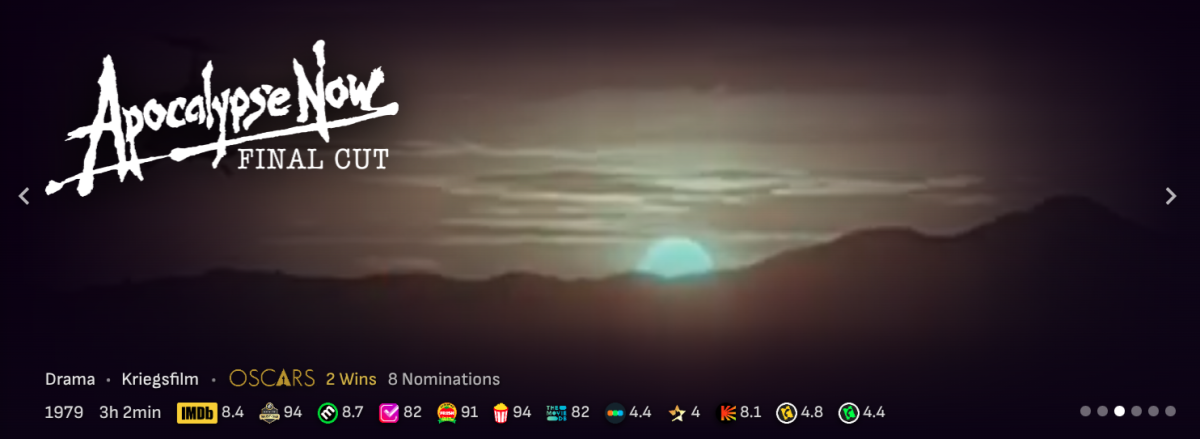
New version in GH. - RT Verifiied Hot badge is now validated via CORS proxy (when enabled) - Added Oscar wins and nominations via Wikidata SPARQL API. The more I tinker with it, the more I'm asking myself why lots of things aren't already present in Emby @GrimReaper. 80% of the widget content is via API calls, except two RT badge verifications and Allociné.
 1 point
 -
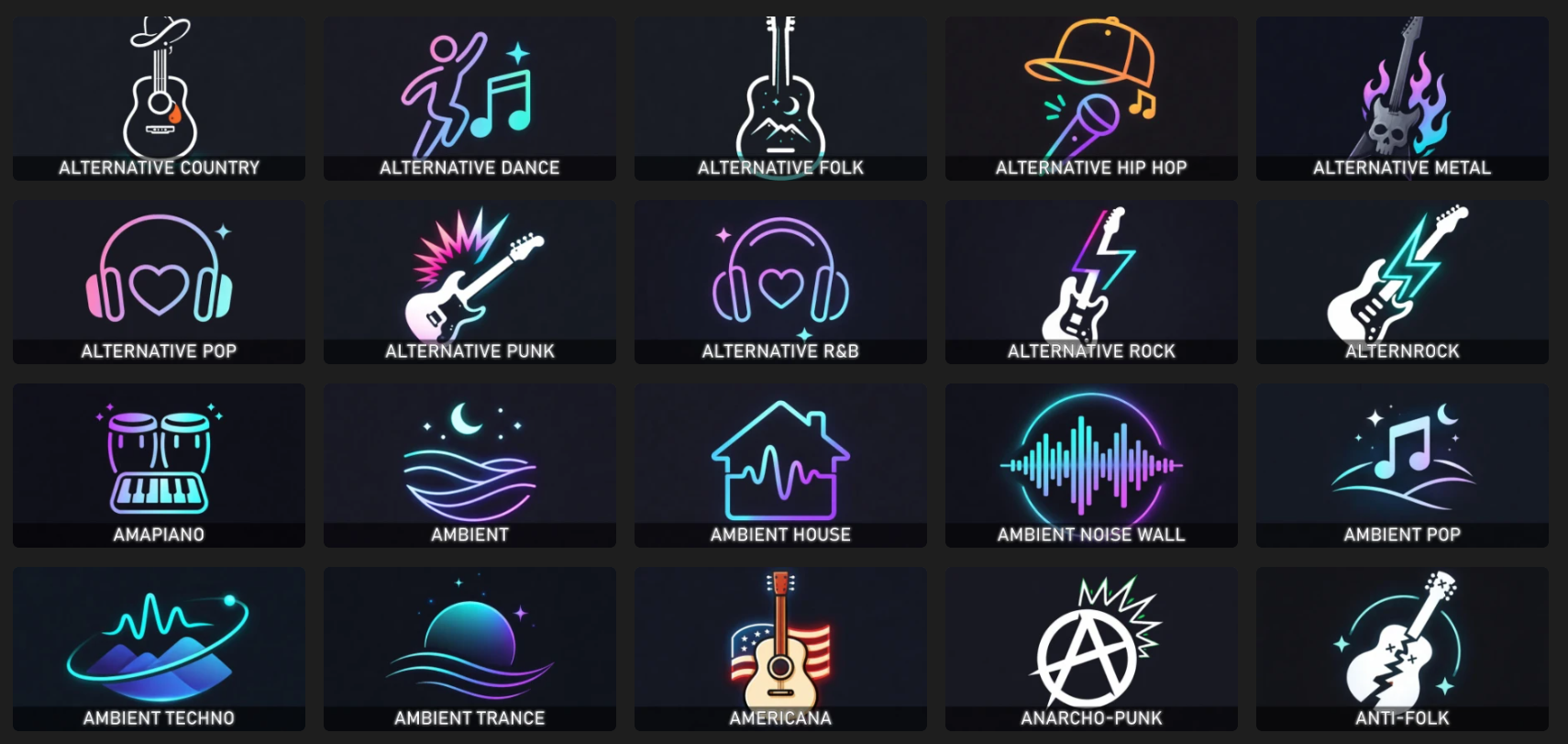
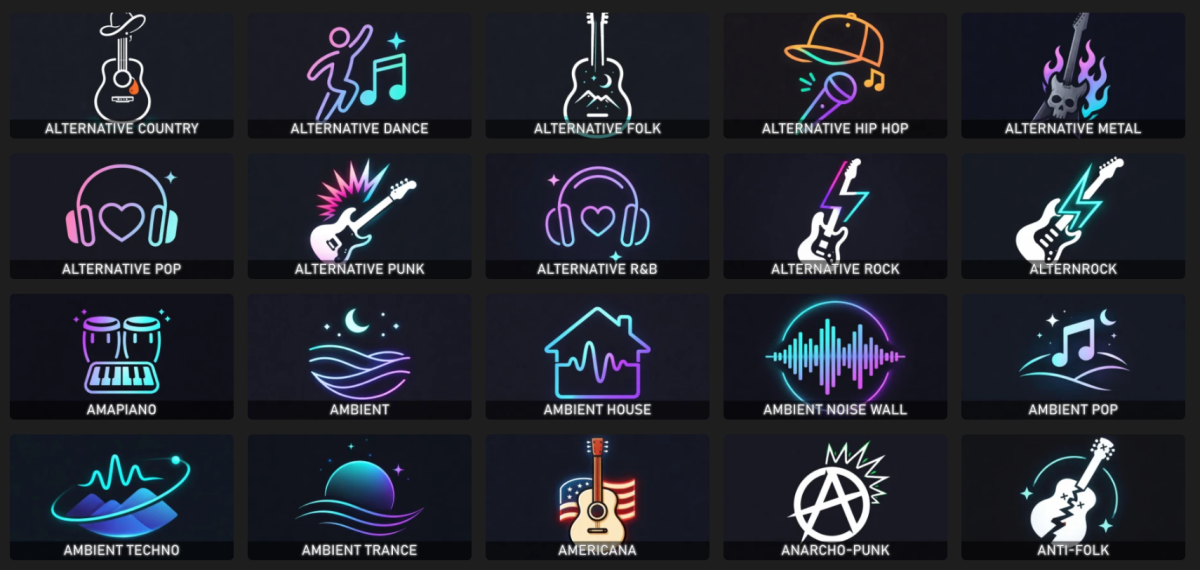
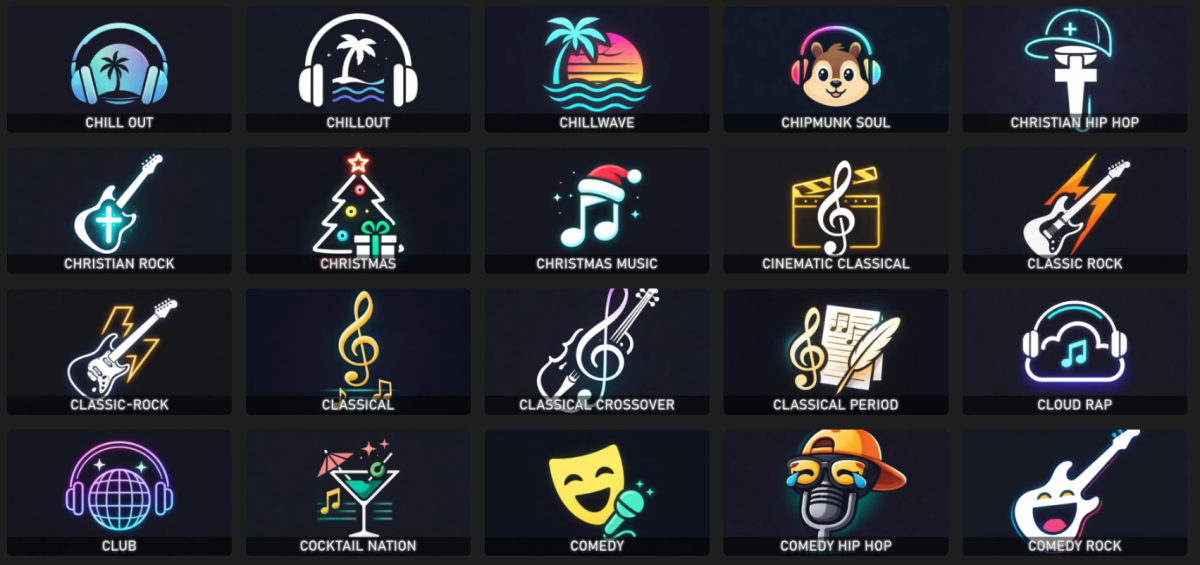
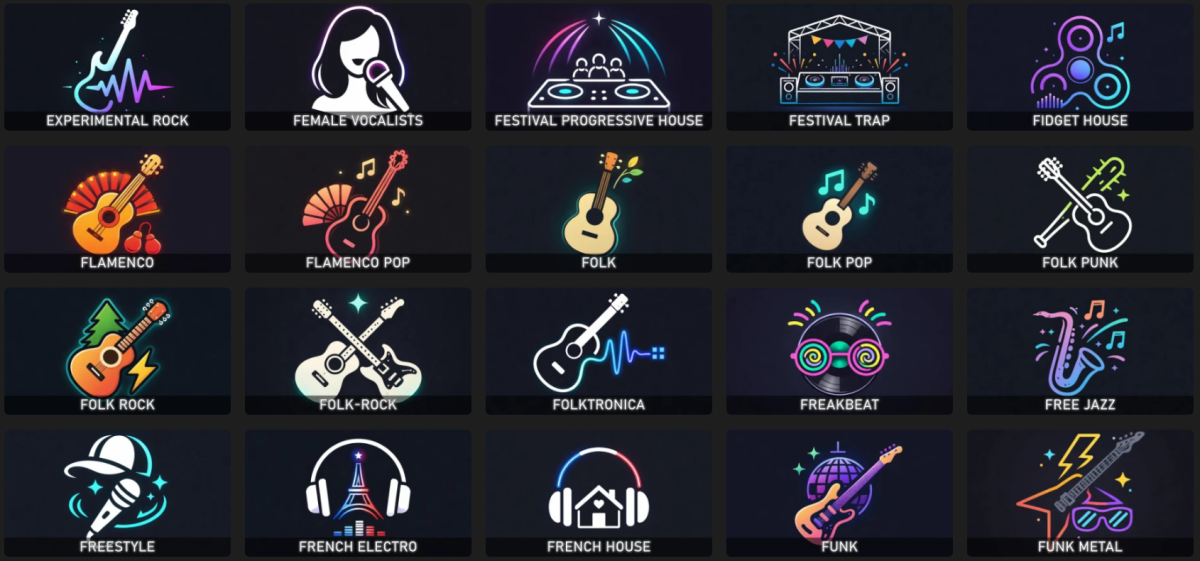
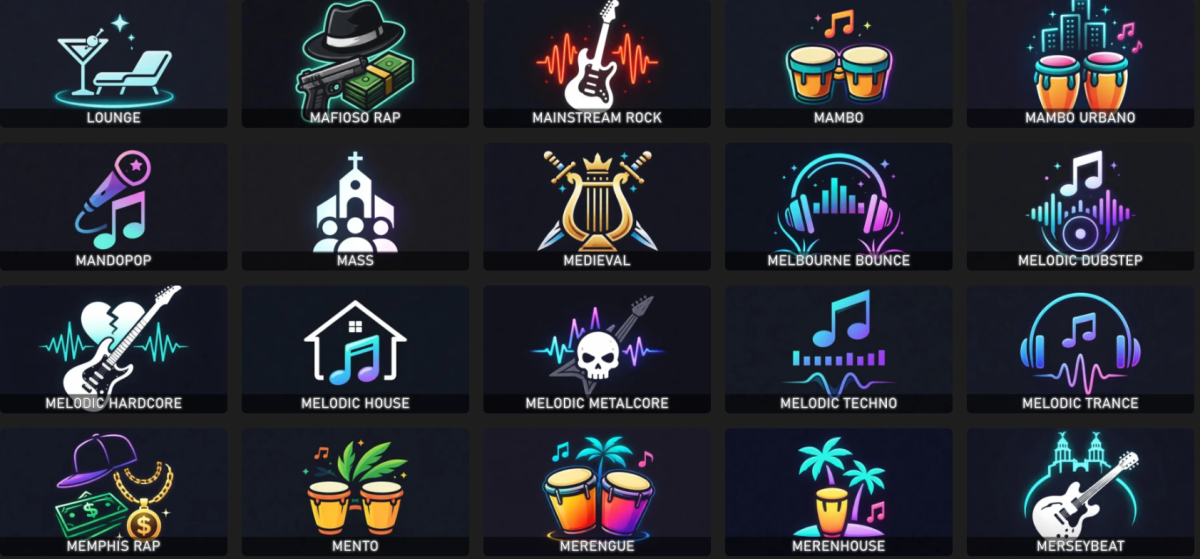
When reorganizing my music library, I decided to recreate all the music genre images using some AI scripts. I'm sharing the package with you in case you find it useful. For each genre, there's a square folder version and a thumb version with the genre text imprinted on it. Alternatively, there's also the original version without the text. Samples: musicgenres.rar
 1 point
 -
But then you need to store both all the alternate titles, and sort titles for each of those titles, and properly connect them to each other...just so you can enable extra UI bloat.1 point
-
OK we’ll take a look at it. Thanks.1 point
-
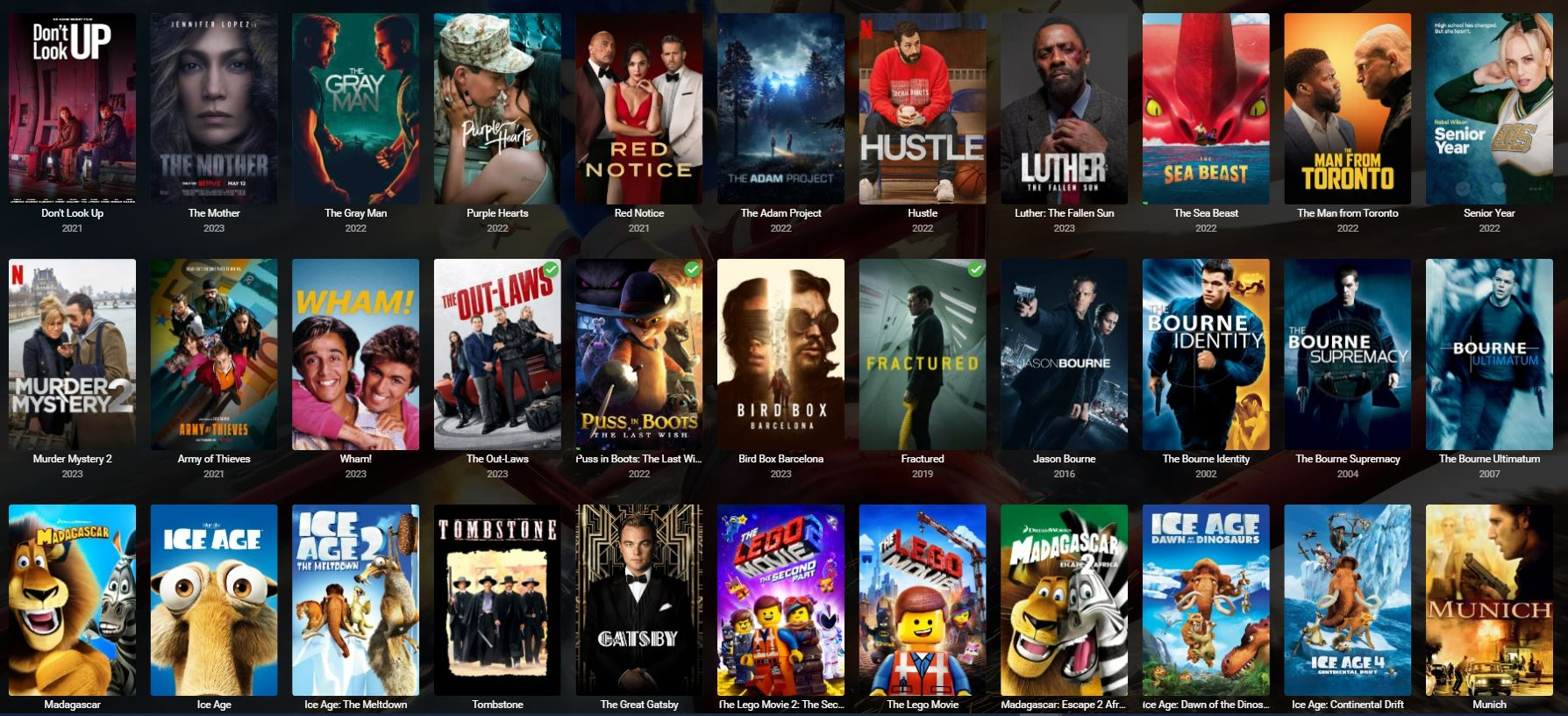
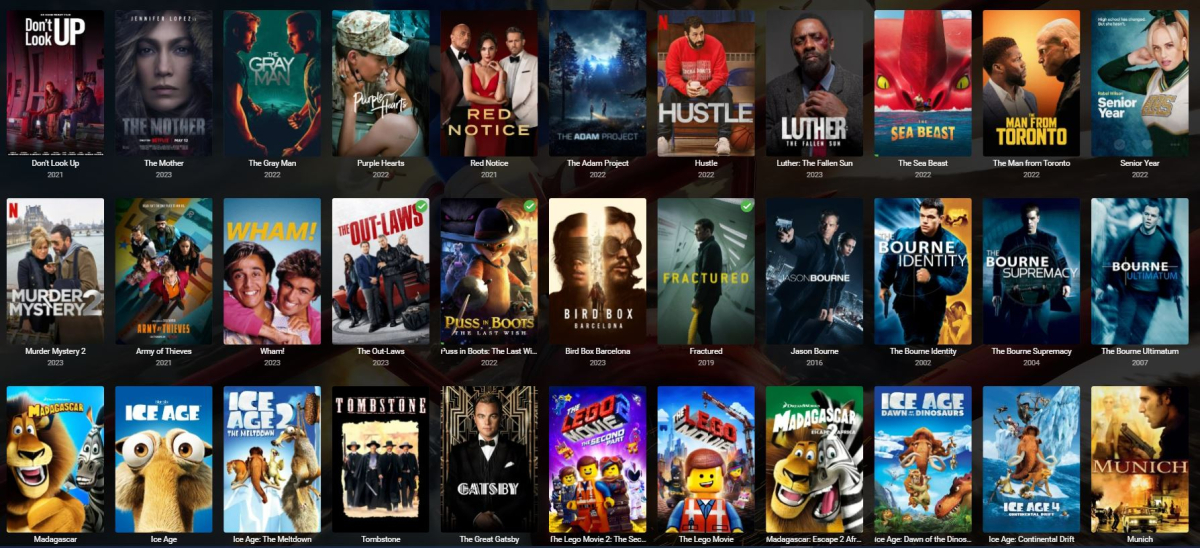
If this is already possible, that's awesome, if not a really great feature would be the ability to print the library as it looks exactly on the screen. I would like to have a printed version of all my movies, (not a text list of the movie name but instead a Graphical Version of the movies, showing the movie image, so what you see on the screen) this seem like a simple feature. The new print feature would allow a user to select how many number of columns and rows a user would like to print and number of pages, etc.
 1 point
 -
Hello everyone, I propose integrating a Tailscale-like functionality directly into Emby clients and servers to facilitate remote connections without the necessity of a non CGNAT connection or opening up home firewalls and the security concerns that entails. While starting a Tailscale client is relatively straightforward for most tech-savvy individuals, it becomes less intuitive on devices like TVs (where it can't be autorun), often causing confusion among users. To circumvent this, I typically set up a NanoPI as a proxy for remote users, directing their Emby client to it. However, if the open sourced Tailscale client were integrated into Emby, clients could transparently connect from any location with an internet connection. I understand that this integration would require significant effort, but I believe it would be a highly utilized and defining Premiere feature, attracting users from other Emby alternatives. Running the Emby server itself with the linuxserver.io docker mod is already straightforward, and the server can be easily referred to by a simple name rather than by an IP address or a lengthy FQDN. https://tailscale.dev/blog/docker-mod-tailscale Anyway, food for thought. Keep up the good work.0 points
-
Happening to me as well on iPad iOS 16.7.12 but working on my other iPad IOS 26.2.1 @Lukecsn we get this rolled back? I’m leaving the country and already download shows and movies on this iPad that are unusable now and I’m leaving on Saturday morning.
 0 points