Leaderboard




Popular Content
Showing content with the highest reputation on 01/09/26 in all areas
-
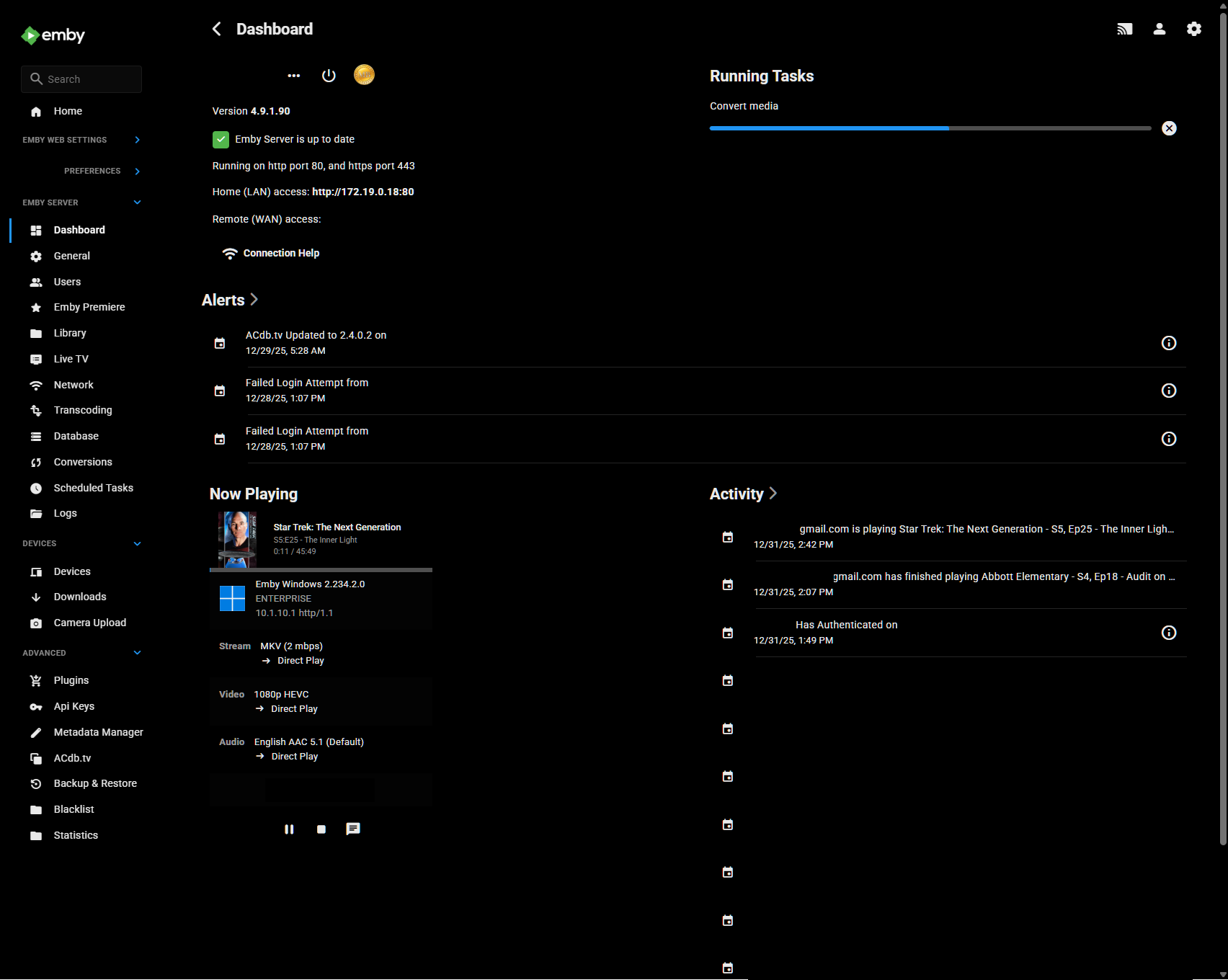
I have my server installed in Docker on Synology and have a notification that new version 4.9.3.0 is available but i Docker Hub still 4.9.1.90 is marked as newest. When will this be available to update?3 points
-
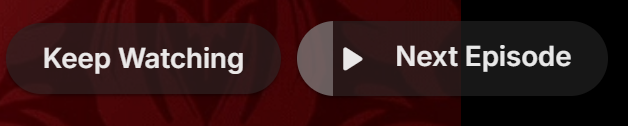
Tired of seeing end credits before Emby loads the next episode of your favorite TV show? Now you can remove that iritation! EmbyCredits detects those end credits and add a marker for Emby to use so end credits can be skipped. In the catalog under Metadata or at: https://github.com/yocksers/EmbyCredits This is either by done chroma fingerprinting and comparing the episodes or by the plugin extracting png/jpg images of the TV show, sending them to a tesseract docker container, the tesseract finds a match and reports that back to the plugin that then adds the skip to Embys database. Emby then shows a "Keep Watching | Next Episode" when it sees the marker. NOTE: Requirements: yock1/embycreditocr installed if OCR detection is wanted (recommended and most precise method). In the plugin you add the Tesseract server IP: IMPORTANT!!!!! As the plugin extracts a lot of images it needs a custom folder to do this as to not fill up Emby docker disk images so set this setting: Then add some keywords to search for (i have added a few but for more precise detection you should add some more that are fitting to your library). Choose a library or a single episode and press process. The plugin can also be set to run as a scheduled task or auto detection for when new shows or episodes have been added to Emby. Speciel thanks to friends who helped developing and @Neminemfor help with testing! If you like this plugin then please consider donating at https://buymeacoffee.com/yockser so i can sit back and relax once in a while with a nice coffee. Disclaimer: Use at your own risk! The plugin has been tested and re-tested but bugs are devious little things that can creep in unnoticed. Do with the plugin what ever you want, change the code, call it your own creation or even take money for it.. I don't care. The original will be here for free!
 2 points
 -
The wait is over! We are excited to announce public availability of the new Emby Linux app beta program. Why a Native Linux App? While Emby’s web app works well across platforms, there are limits to what a browser-based player can achieve, especially when it comes to modern video and audio playback. The Linux app was created to go beyond those limits. At the core of this decision is one simple goal: BEST IN CLASS VIDEO PLAYBACK. Browsers continue to improve, but they inevitably lag behind native applications when it comes to advanced video technologies, hardware acceleration, and reliable fullscreen playback. Emby users expect smooth, high-quality playback — and delivering that consistently requires a native application. Benefits Over the Web Player The new Linux app provides several advantages over watching through a browser: More reliable video playback with fewer browser-related limitations Better performance and lower system overhead Improved full screen behavior across Linux desktop environments Direct integration with native video playback technologies A cleaner, distraction free viewing experience By separating video playback from the browser entirely, the app is able to take full advantage of the system and deliver a smoother experience. Designed for Linux Desktops The Emby Linux app is built to feel at home on Linux. It works across major Linux environments . The result is a modern Emby experience that’s faster, more consistent, and purpose built for Linux users. Available Now The new Emby Linux Beta app is now available and we are waiting for your feedback! Want to get started right away? Head on over to the beta instructions page for more! Please provide feedback in this forum: Linux Beta2 points
-
Don't know from which server version you've updated (and to which one), but that option has been implemented for over a year now, with the release of 4.8+ version, you likely just haven't stumbled upon it till now.2 points
-
Hello, I'm testing this beta version. No bugs to report so far, but a suggestion regarding the "Set Time for Missing" button. Episodes in a series are rarely the same length, but the credits sequence is usually the same length. So why not allow users to set a marker for a relative duration at the end, for example, -31 seconds, -00:31? Just a suggestion.2 points
-
I've changed the series folder to "24 (2001) [TvdbId=76290]" and I'm scanning the library files now. I'll let you know if that does the trick!2 points
-
You can probably do systemctl edit emby-server.service and add this (replace the service name with your openvpn client service name) [Unit] After=openvpn@client.service Wants=openvpn@client.service2 points
-
Hi, yes it is coming. Thanks.2 points
-
Summary: Emby does not remember where you stopped reading. Reopening an eBook always starts at the beginning. Please persist a per-user last read position and resume from it on all clients. Steps to reproduce: Open any eBook Go to a later page or chapter Close and reopen the book Expected: The book opens at the last read page. Actual: The book opens at page 1. Request: Save and sync last read position per user for all supported formats. Update on page change and on exit. Resume automatically across devices. Optional API endpoint to read and update progress.2 points
-
Thank You. I have reproduced the issue and referred it to the development team Compared with a movies library where we logged this as debug Debug ImageProcessor: Creating image collage and saving to <Path> There was no evidence of that being done for the music library2 points
-
Danke Euch beiden, thank you both !! With the latest hint I realized what's to do exactly. By using this opportunity all passwords will be reset - and all avaliable users have been shown. Now I know the username of the admin and have all opportunities back. !!!2 points
-
If the chapters are auto-generated by emby then a) there will not be any chapters in the source file (MKV etc) and b) the chapters will be every 5 minutes. So if your last chapter is perfectly on a five minute mark, then it's highly unlikely to be a real chapter, if not, then it can probably be used as a good starting point to confirm the credits from that point on, but I don't think it can reliably be used to just add a hidden Credit marker at that point ?2 points
-
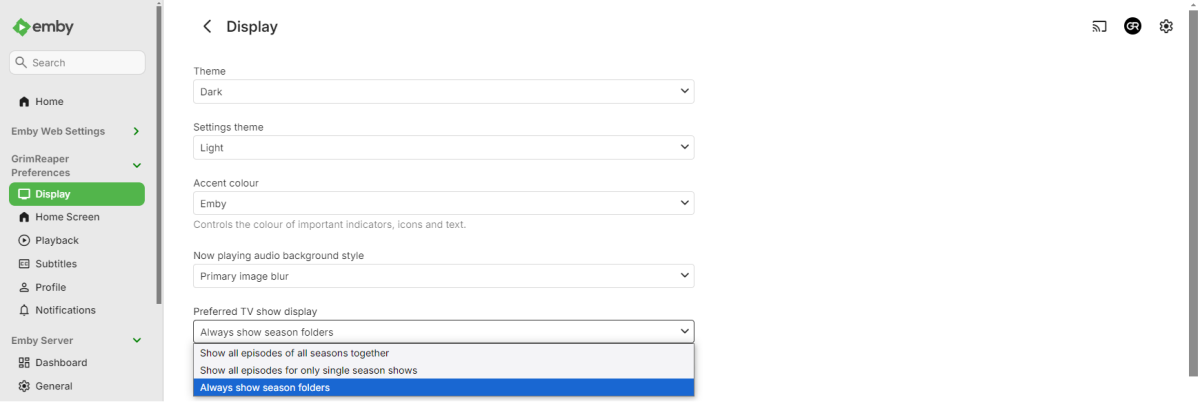
It is an option, set it according your preference under your user's Display preferences.
 2 points
 -
If it's helpful for debugging, Genre cover images are now recreated properly (though manual trigger still seems to be needed), but Playlist cover images are not.2 points
-
And I'm working on it ;-). Learning curve engaged...Very cool!!!2 points
-
Watching Eye is a plugin designed to give you granular control over your server's streaming environment. It's the perfect tool for managing user watch time, monitoring server performance, and ensuring a smooth viewing experience for everyone. Key Features: Watch Time Limiter: Set daily, weekly, monthly, and even yearly watch time limits for specific users. Create global watch time rules that apply to all users, with the option to exclude certain individuals. Establish specific time windows during which users are allowed to watch content, perfect for parental controls. Transcode Notifications and Blocking: Receive instant notifications when a user's stream starts transcoding, helping you identify potential playback issues. Proactively block transcodes based on video resolution or container format to conserve server resources. Customize notification messages to inform users why their video is transcoding and suggest solutions. Playback Control and Monitoring: Automatically stop streams that have been paused for an extended period,. Keep a detailed log of transcoding events and when users reach their watch time limits. Download on Githuib - WatchingEye.1 point
-
Here is the latest list of versions for Emby software across the server and clients. Emby Server Stable: v4.9.5.0 (2026/05/18) Release Notes Beta: v4.10.0.14 (2026/06/04) Release Notes For other platforms, please refer to the download page. Emby for Android TV Google Devices Stable: v2.1.23 (2025/12/27) Beta: v2.1.46 (2026/04/15) Amazon Devices Stable: v2.1.23 (2025/12/27) Beta: v2.1.46 (2026/04/15) Stable Release Notes Beta Release Notes Universal Android app Stable: v3.5.16 (2026/01/26) Beta: v3.5.36 (2026/05/10) Release Notes Download the latest Beta here. Emby for Kodi See here for the latest information. Emby for Roku Stable: v4.1.63 (2026/05/04) Release Notes Beta: v4.1.64 (2026/05/13) Release Notes Emby for Windows (Windows Store for PC & Xbox One) Stable Release Notes Beta release notes Emby for Linux Beta Release Notes Emby for Samsung Smart TV (Orsay) E-series to H-series TVs only Release Notes Emby Theatre for Samsung Smart TV (Tizen) Release Notes Emby Theatre for LG Smart TV Stable: 1.0.50 (2026/01/19) Emby for iOS Stable: v2.2.53 (2026/05/16) Stable Release Notes Beta: v2.2.52 (2025/04/11) Beta Release Notes Emby for Apple TV Stable: v2.0.3 (2025/12/26) Announcement Beta: v2.0.6 (2026/04/11) Release Notes Emby for tvOS (Apple TV) Stable: 2.1.6 (2022/12/23) Release Notes - TBA Beta: 1.5.1 (10) (2021/03/02) Beta Release Notes Emby For MacOS Stable: 2.1.6 (2022/05/09) Details here. I will keep this post up-to-date as much as possible, but please send me a PM about anything I haven't updated, or is missing. Special thanks to @Borskfor supplying a lot of the updated information. Thanks.1 point
-
Thank you so much @sa2000 You are awesome!1 point
-
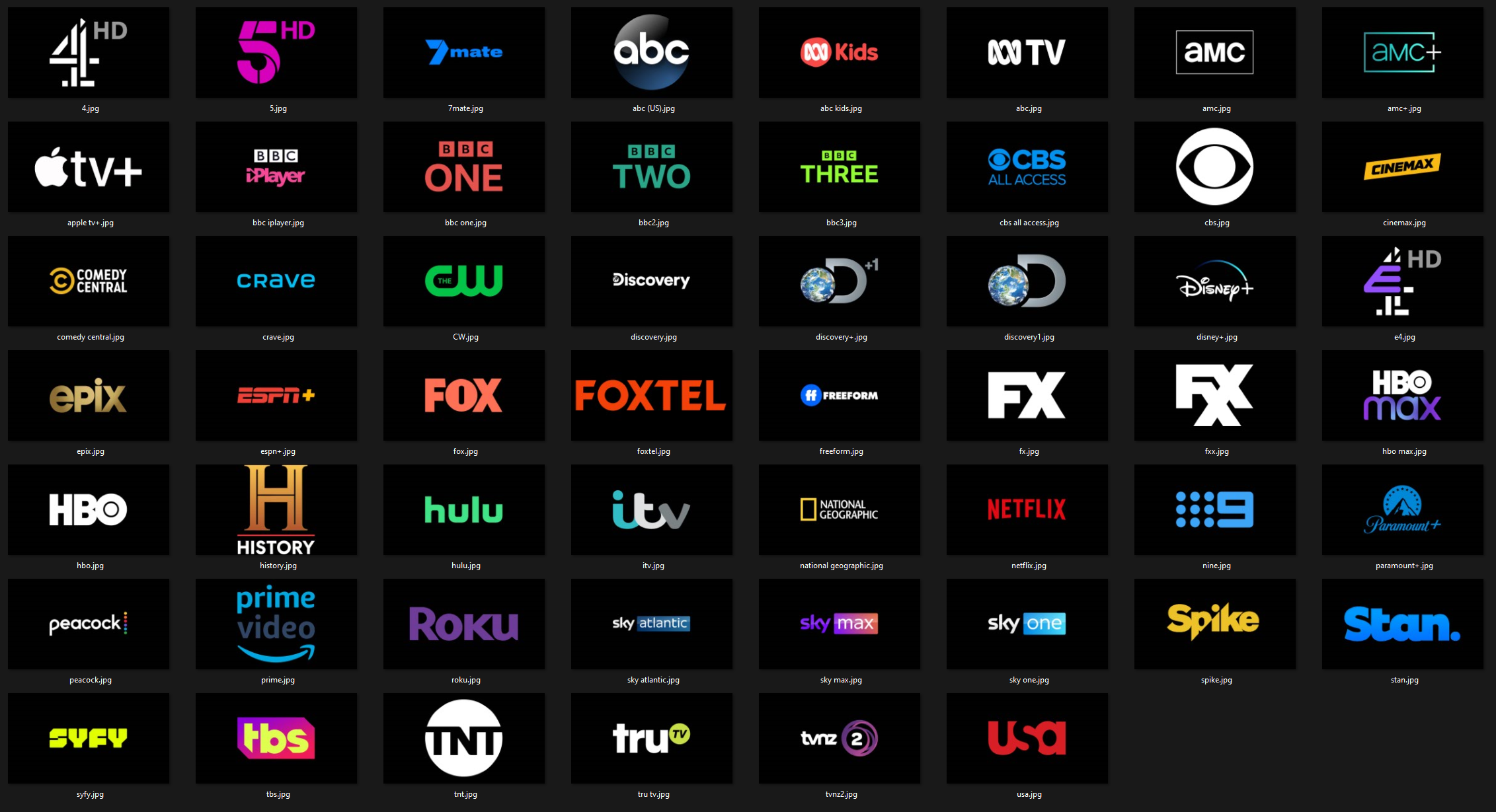
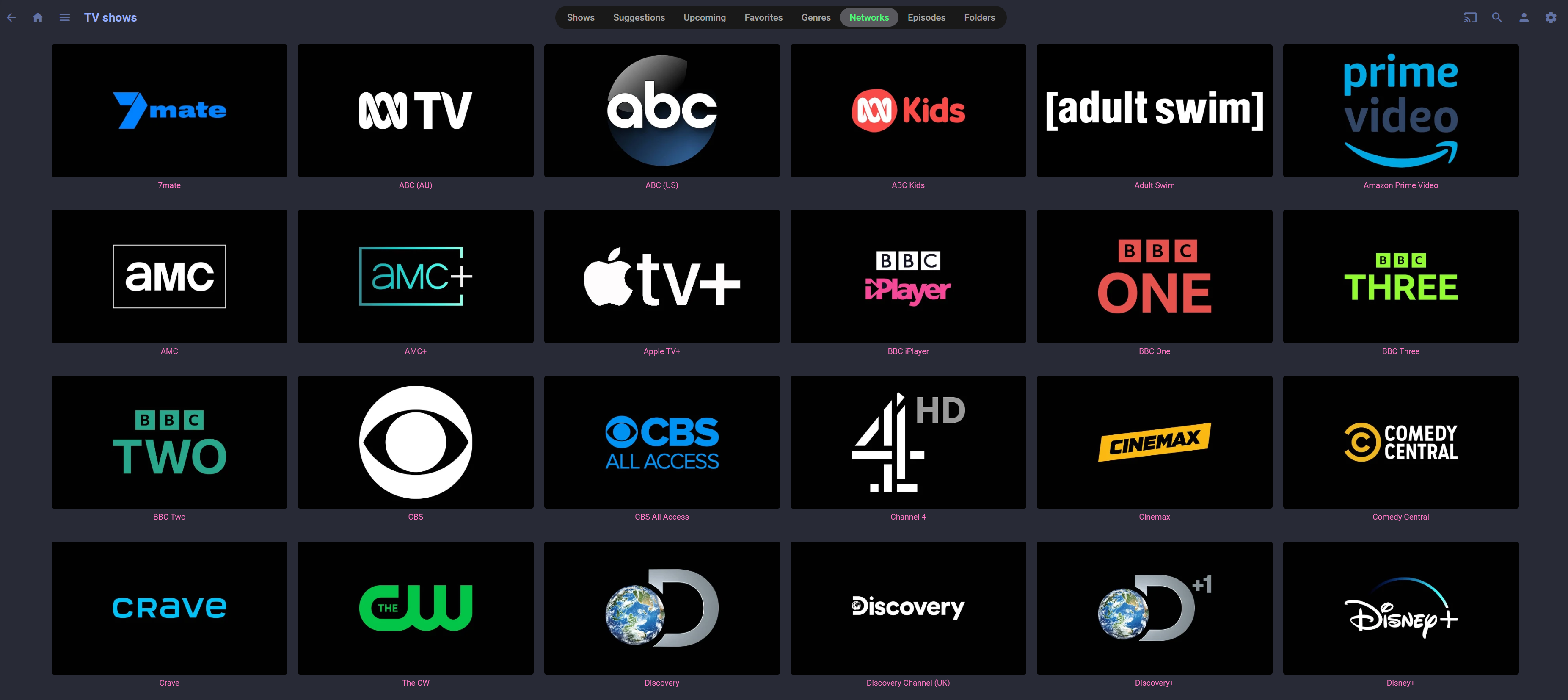
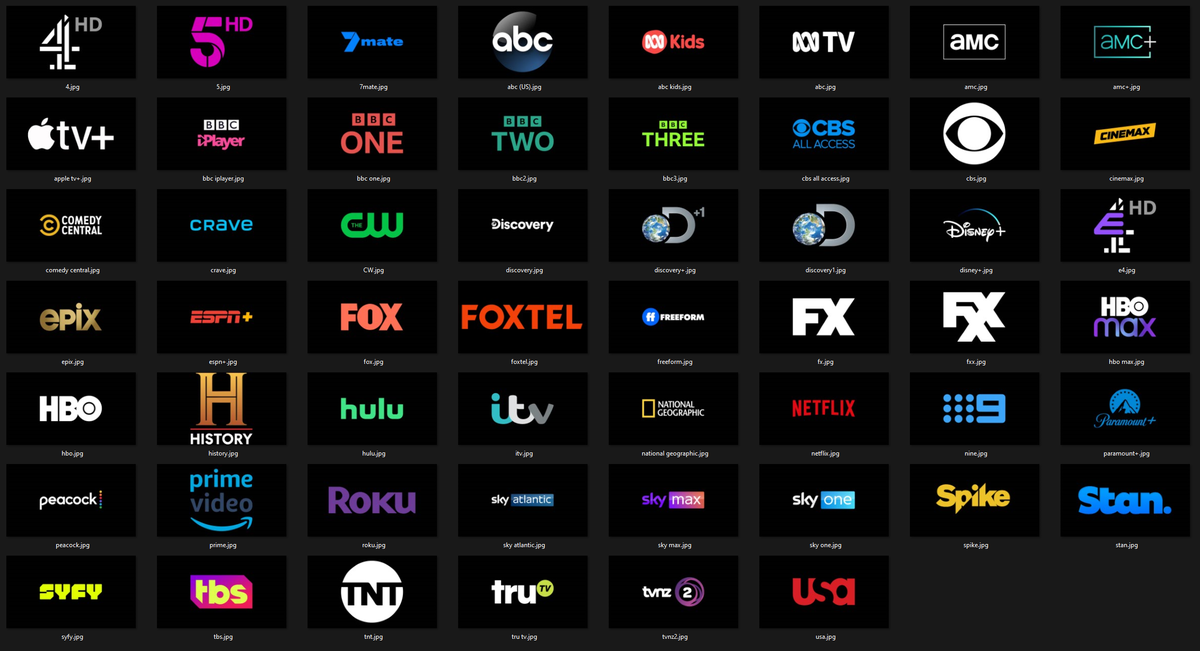
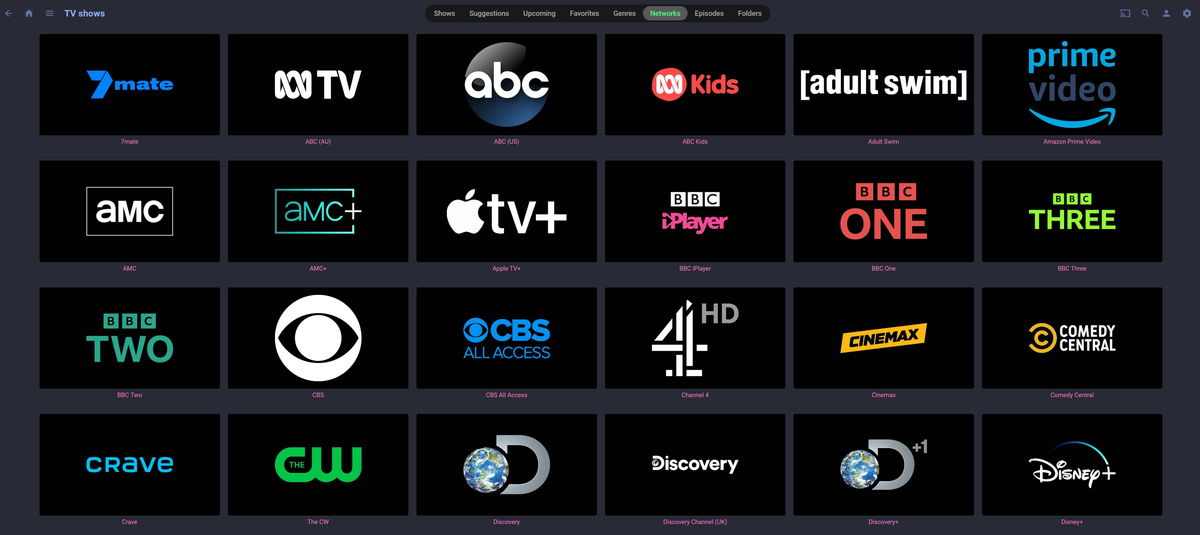
I've recently moved from Plex to Emby (a few months in and my experience is so much better). I love using unified graphics with my media, Posters with logos at the bottom, 4k overlays and matching collection posters etc. TV Network logos was something new for me with Emby so I've created these unified logos. If any one is interested I'll zip them up and host somewhere, also happy to take requests to add more. Emby TV Network Logos
 1 point
 -
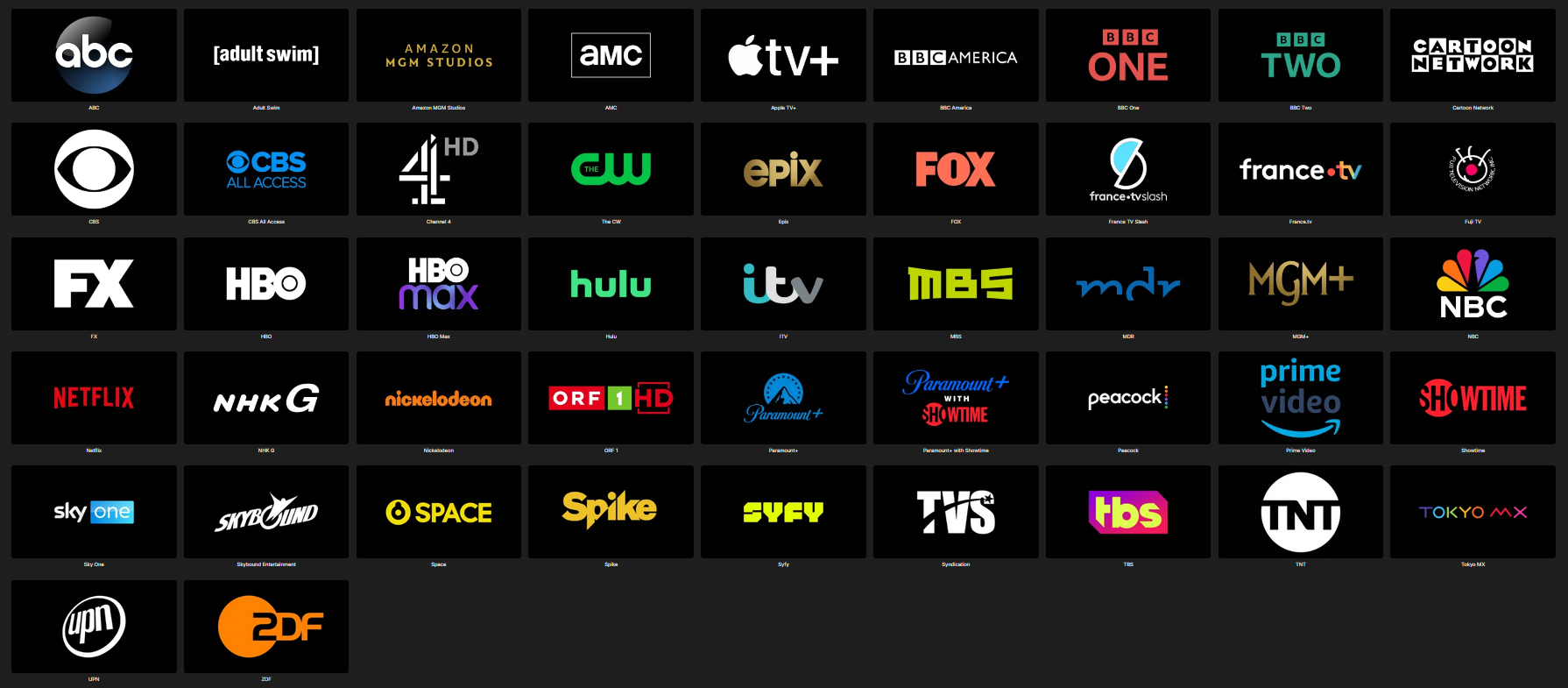
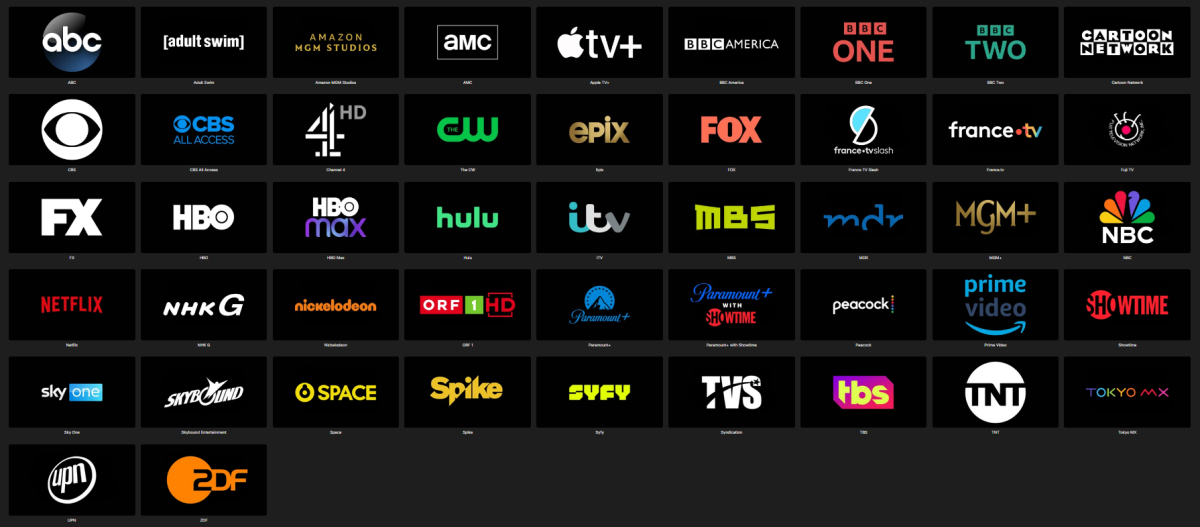
Since some popular channel logos (e.g. adult swim, nbc, showtime, amazon mgm, bbc america, mgm+, nickelodeon) were missing I added them to @Pejamascollection. Emby Black Channel Logos.rar
 1 point
 -
When it comes to audio, the environment is the huge trump card. If you're working with a common living room type environment, there is only so much that can be done and you definitely don't want to be spending a fortune on the speakers. Mediocre speakers in a well-designed room can sound 100 times better than $100k speakers in a bad room. So, that is just to say, realize the limitations with the environment before going to far overboard.1 point
-
I have remuxed using ffmpeg but that didn't help. Just to make one thing clear, this file and others that show issues aren't some torrents off the net. I have ripped them myself using MakeMKV and worked them over with Handbrake. Now I grant you I could well have used the wrong settings there. But I also tried remuxing with ffmpeg. No change. But I'll see about trying with mkvtoolnix1 point
-
I just checked my IP and indeed i am behind a CGNAT. I will request a static IP address from my provider. Thanks guys!1 point
-
I have fixed the plugin to not be able to set time stamps stamps out of the range of the video. I'm not sure if Emby would even allow it as i never tested but i added it as a percussion. I'm also putting the final touches on the new "minus from end" and should be done soon. Should be easy enough to use. If not i am as always open to ideas! For more precise control i recommend the Chapter API plugin in the catalog, it's really good!1 point
-
Hi. Red is the transcoding position.1 point
-
Thank you!1 point
-
Just to reiterate my self. I have some shorts like "Disney Animated shorts" and "loony Tunes" there old content have no credits. Well 1-5 sec flash screen "Walt Disney" and "Thats all folk" but short within 5 secs to there ending. So they will never get picked up, but OCR, unless you set marker to 0 sec, and even then it would fail. And then would rerun "OCR" on next scheduled time, and fail again, again, and again. That's why I sugested the mass edit with a max duration of all episodes in a season. When you know what shows would show this behavior. I was not clear in my wording, about max duration. I guess @yockerwas worried about that some would be out of range. Sorry about that, been busy, 3 job interviews today Episode 1 : 5:31 Episode 2 : 8:40 Episode 3 : 7:51 But if the goal is to set it to not run again on next scheduled time, and have it seen as if it have credit marker. Then a out of range marker would be fine. IE credit marker at Episode 2 : 8:40 and then apply that to all. Best case : It will not rerun over and over again. Worst case : people will wonder about the marker. Enough of this rant1 point
-
Thank you for clarifying that. So I will create an exception for Emby. Have a nice evening.1 point
-
Agreed, issue is fixed for me too.1 point
-
@frankythedogGood idea, i will look into it asap! @NeminemDamn you!!1 point
-
Stable Server version 4.9.3.0 fixed the slow search for me.1 point
-
Hmm I made the FR to make the season match the maks time of episodes. I think I did not think it through, all the way But this would / might be better1 point
-
Thanks. 1st report: I used the beta in my bedroom last nigh and I managed to produce several of the situations where the problem usually manifests. (Of course it was so intermittent that I can't be sure) and I had no problems at all. I will report back at irregular intervals and I REALLY hope it is fixed.1 point
-
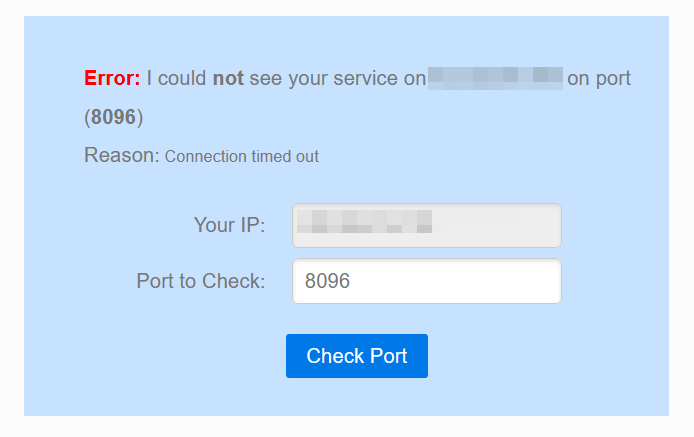
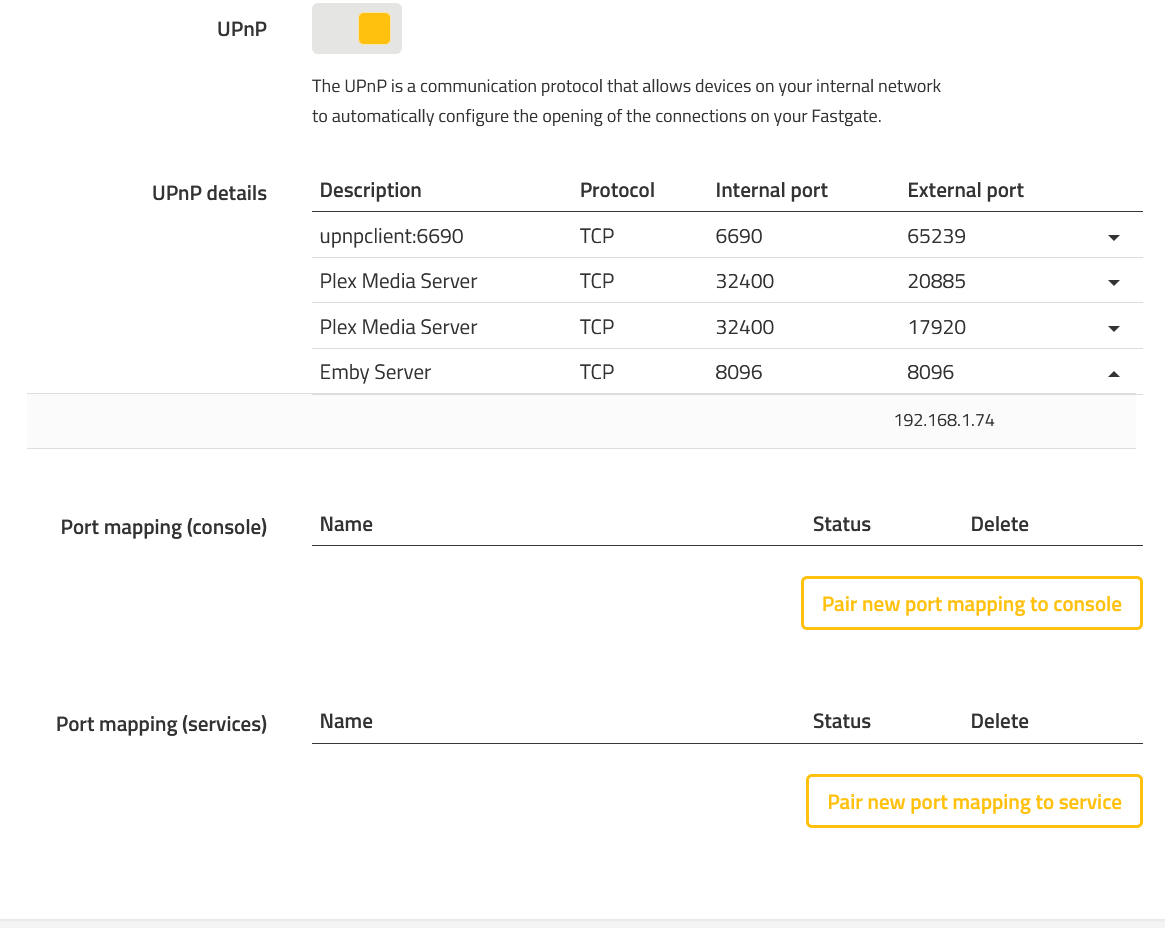
Thanks. I just checked on this and it seems my port is closed? I scheduled a call with my internet provider to verify. When I log into my router it seems the port forwarding is set up but I'm not 100% sure.
 1 point
 -
Skybox is another great movie app. Glad you got things working!1 point
-
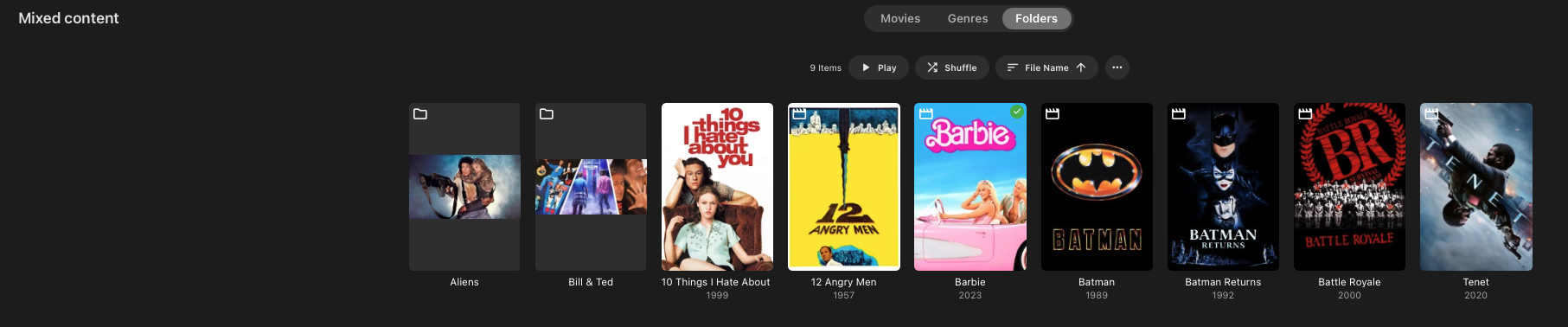
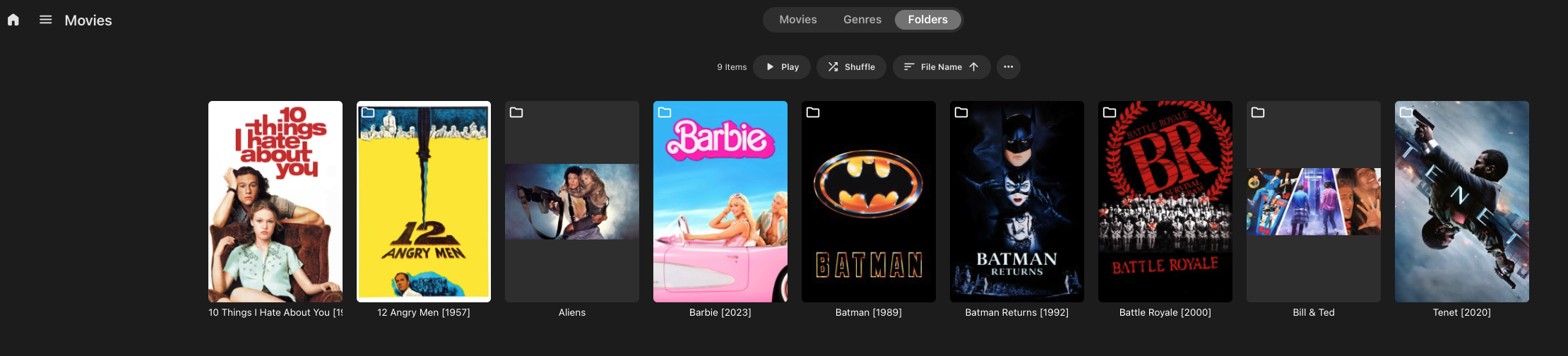
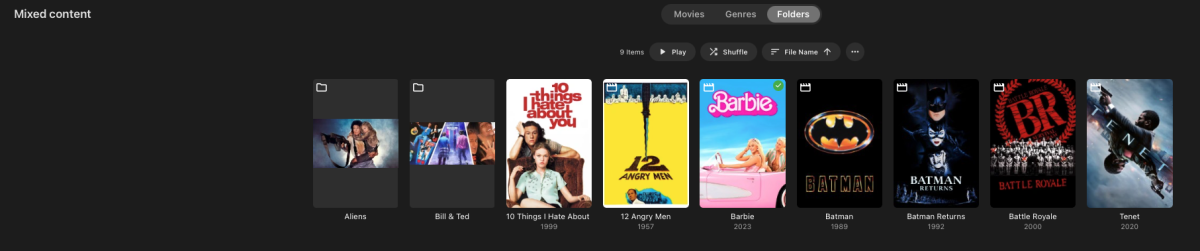
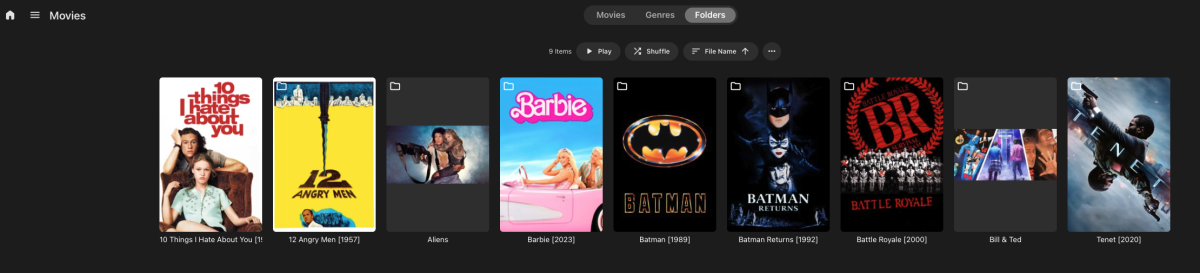
Here is a comparison. I created a new Mixed Content Library in MacOS (ARM64) and Synology NAS (DSM 7.2+). They are both running 4.9.3. They both have Legacy Scanning selected. MacOS has the single items folders shown as media content. And the multi-item folders as actual folders (the desired outcome): Synology still shows these as folders (never mind the library name as "Movies", this is set up as Mixed Content):
 1 point
 -
Merci de ton aide. Après pas mal de temps, puisque je ne trouvais pas EMBY dans les utilisateurs directement j'ai tapé "emby" et il est apparu. J'ai donc validé ce que tu recommandes et je verrais demain matin. Merci bien.1 point
-
It would appear that when the plugin sync's (can be manually triggered by Scheduled Tasks->Refresh Internet Channels), the plugin script successfully starts to enumerate the info being received from the Tunein target server - but then stops receiving data and fails to continue because the Tunein target server quits sending data. In the Emby event logs, you will see Http response 429 messages being sent from the Tunein server: TooManyRequests. So it appears to me that a pause or delay would have to be added to the plugin's code (likely between enumerating each folder as some can be large - "outline text" tag in the server data output) so the Tunein server doesn't stop the repeated queries with a http 429 error for TooManyRequests. Or maybe a counter to pause after a set number of queries. Or maybe change the enumeration loops from async to sync so multiple enumerations are not occurring at the same time? I have no idea what the threshold or timeout is set to on the Tunein server. Likely some kind of DDoS attack prevention configuration set up on their servers. I recall back years ago the sync used to take hours...maybe that was an older version of the plugin and it was slow for a good reason!! The modifying of the source code is a little over my head, so I don't think I'll be able to resolve this...at least not on my own, but I'm willing to provide additional info and testing if anyone else wants to dig into tweaking the source code and compiling it. A couple other items to note: 1. USERNAME: I confirmed the Tunein servers will accept the username field from this plugin as either your Tunein USERNAME or EMAILADDRESS. I successfully returns your "favorites" using either as your account identifier. But do note that your Tunein account settings must have your Favorites set to "public profile". As the plugin is not authenticating with your Tunein password, it will not be able to retrieve your Favorites if your Favorites are set to "private profile" in your Tunein account settings. Favorites is one of the first items sync'd by the plugin. 2. YOUR LATLON: This field seems to get appended to most of the queries ran by the plugin. As a workaround, I adjusted my LATLON field in the plugin to try limit/filter the query results to only local stations with the &c=local parameter. For example, Toronto, Canada could use a LANLON field of: 43.653225,-79.383186&c=local . I am still experimenting with this a bit using curl commands from the command line, lots of good info posted here for any others interested: GitHub - core-hacked/tunein-api: Unofficial documentation of TuneIn's Streaming API. (opml.radiotime.com)1 point
-
Hi, It's not enabled for embedded subtitles. Are you saying that the subtitles embedded into your own video are out of sync?1 point
-
Right now we are working on integrating a major update to the video player that we embed (exoplayer), and then we will re-evaluate this. Thanks.1 point
-
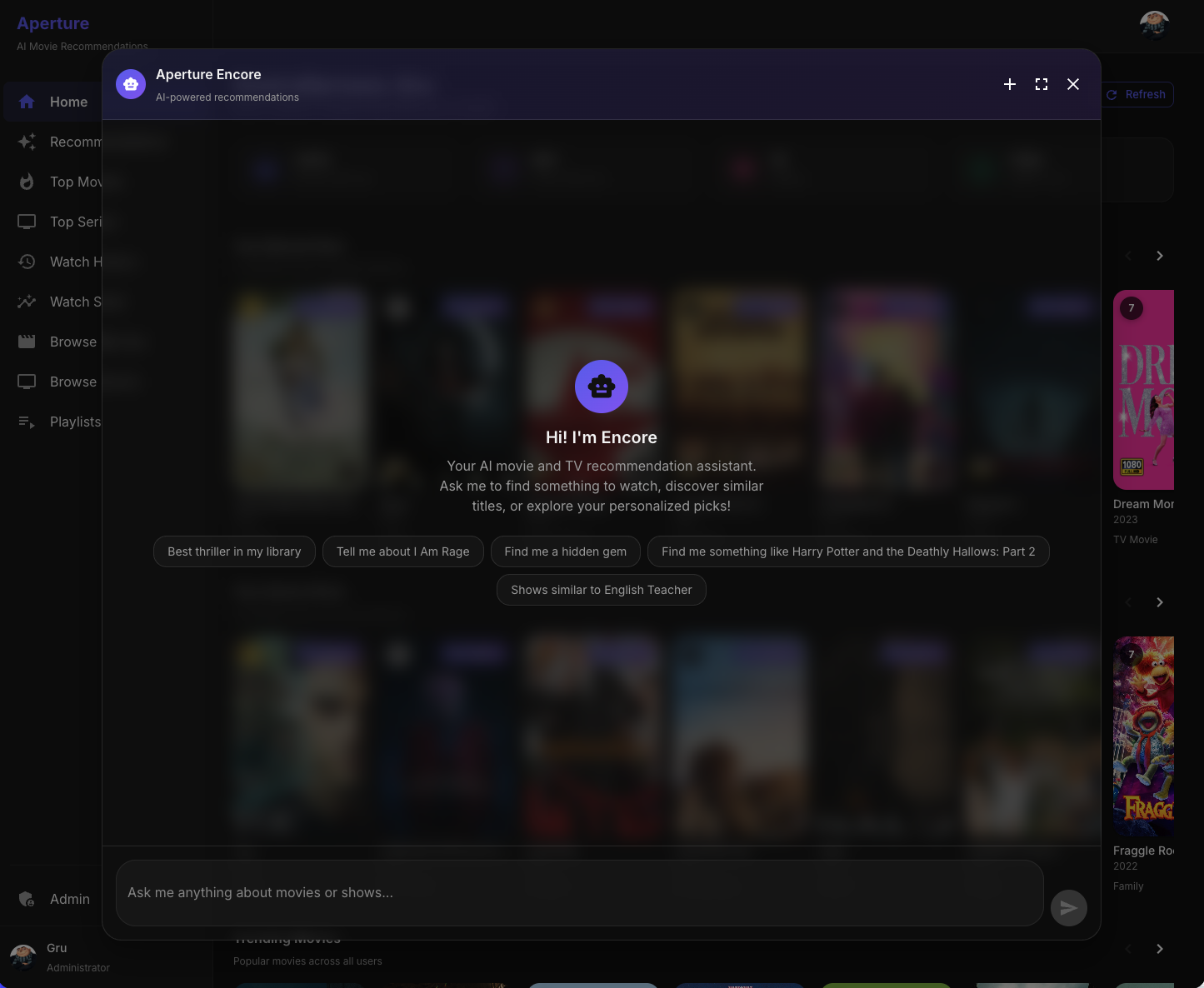
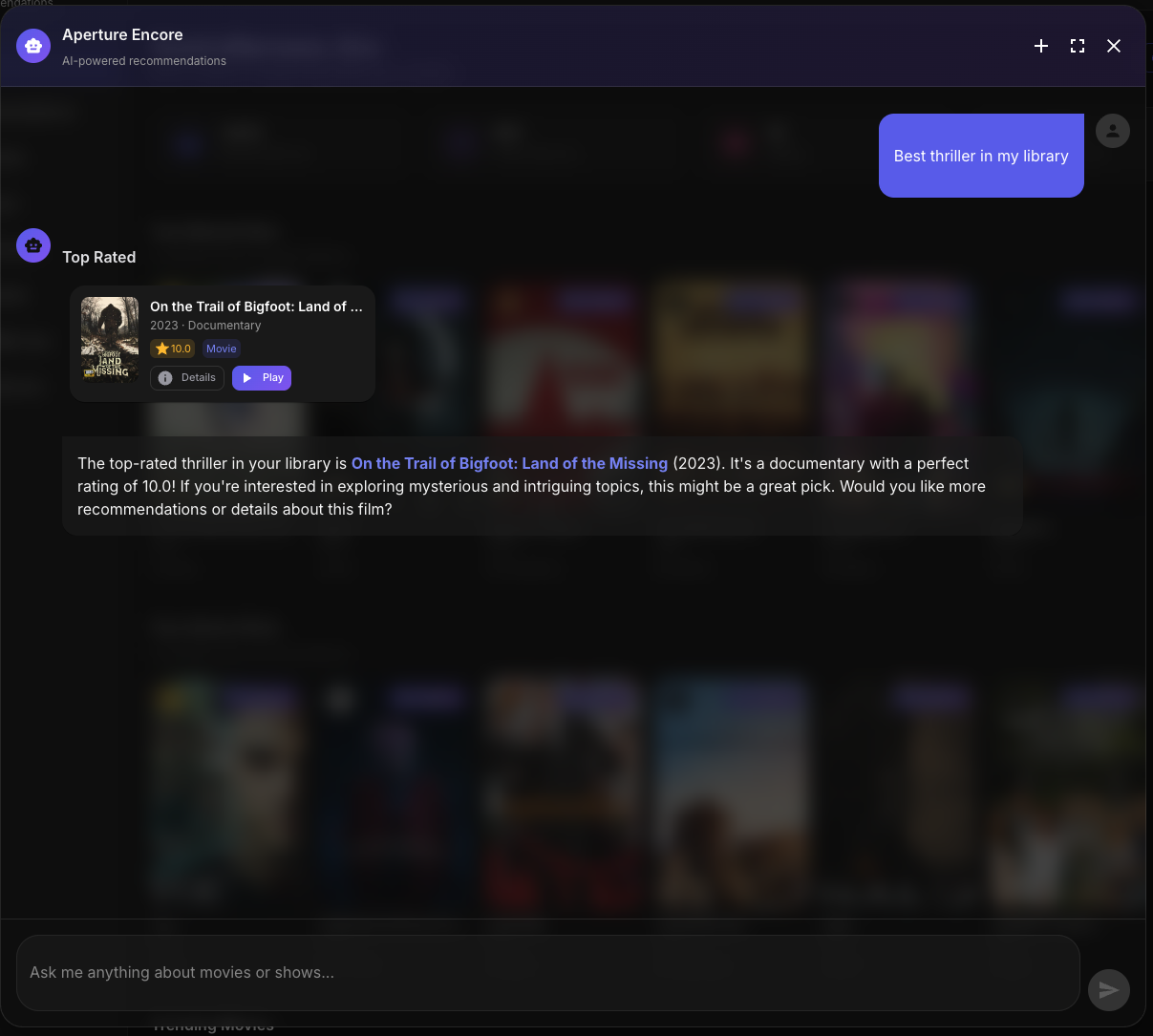
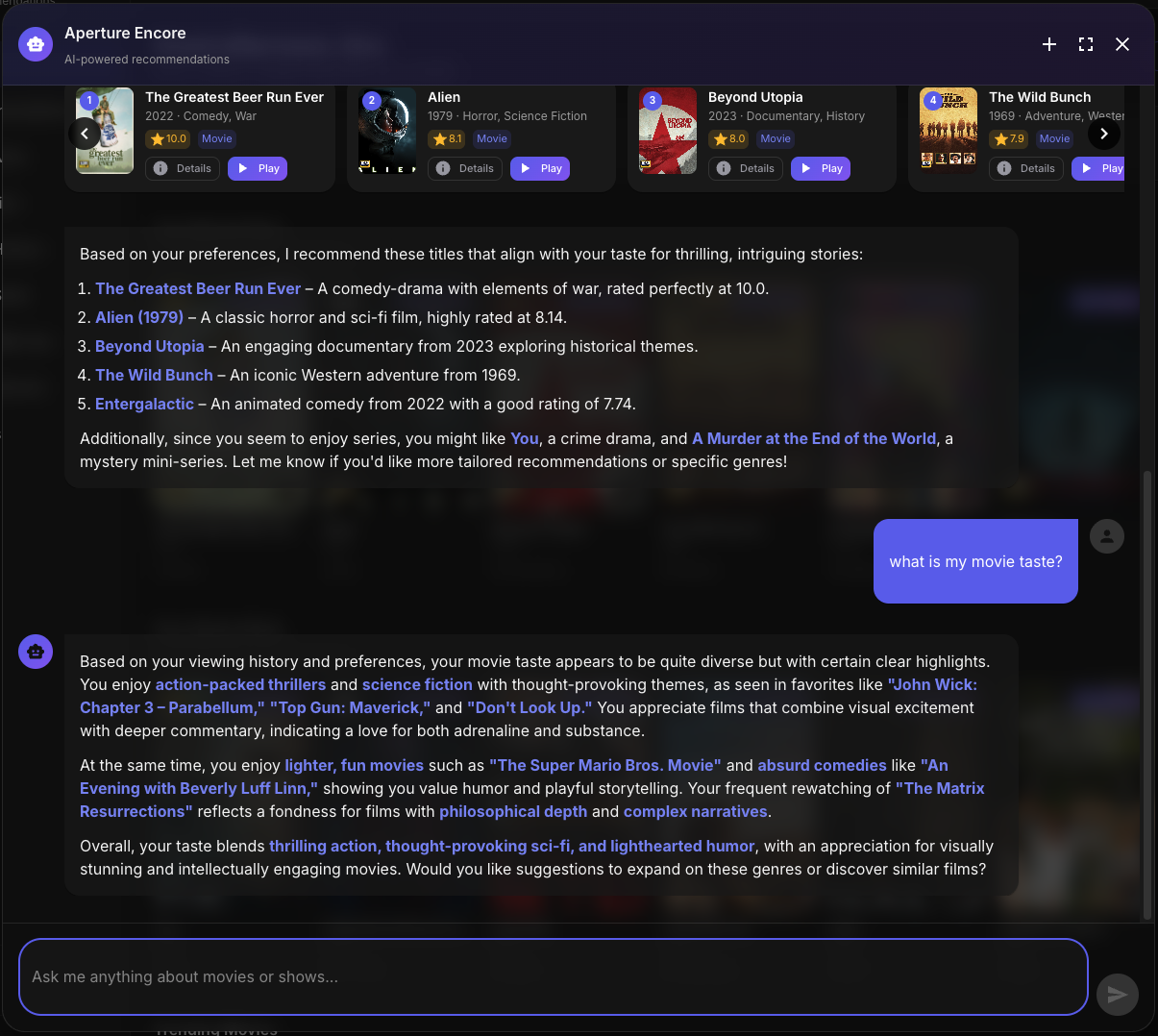
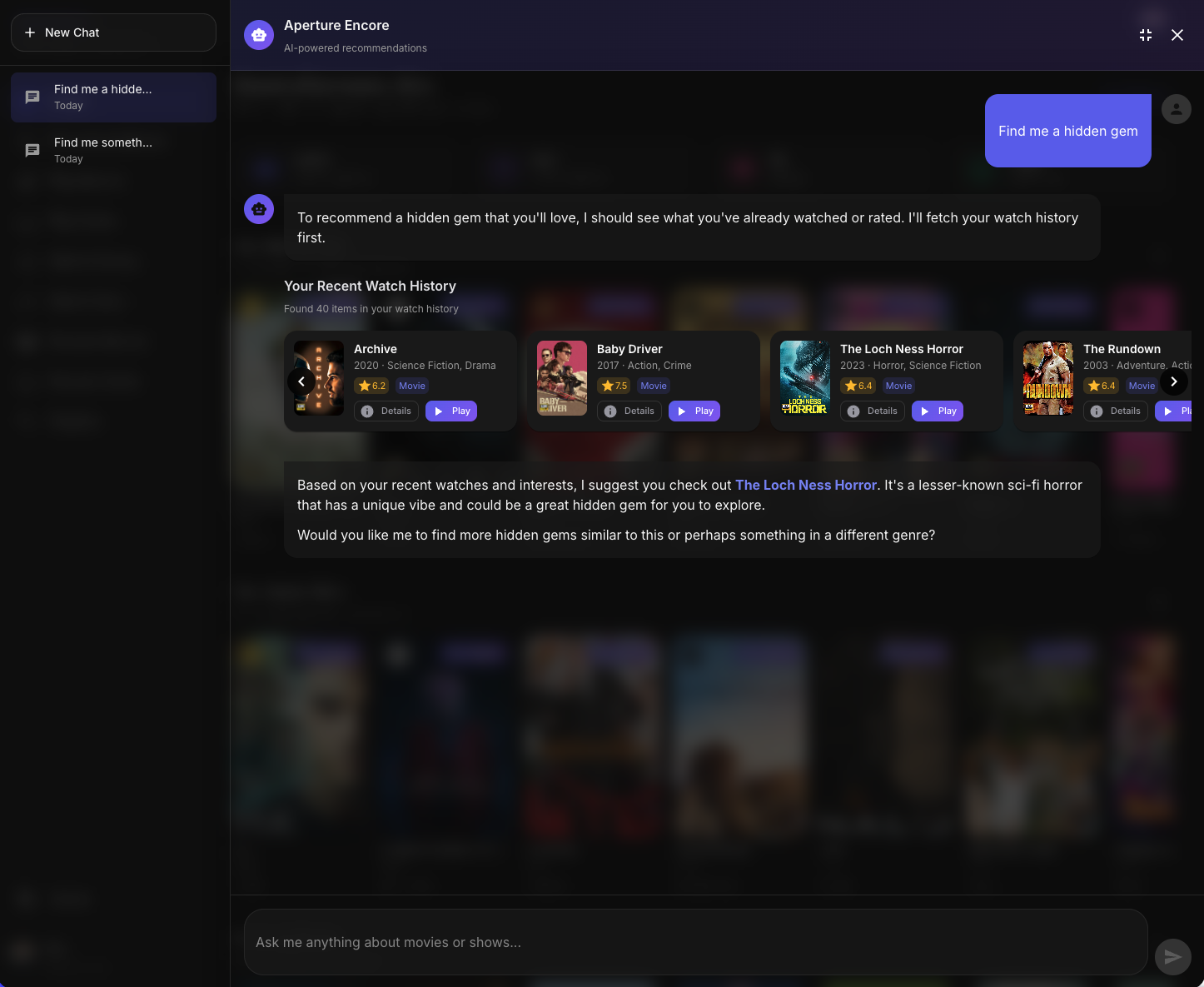
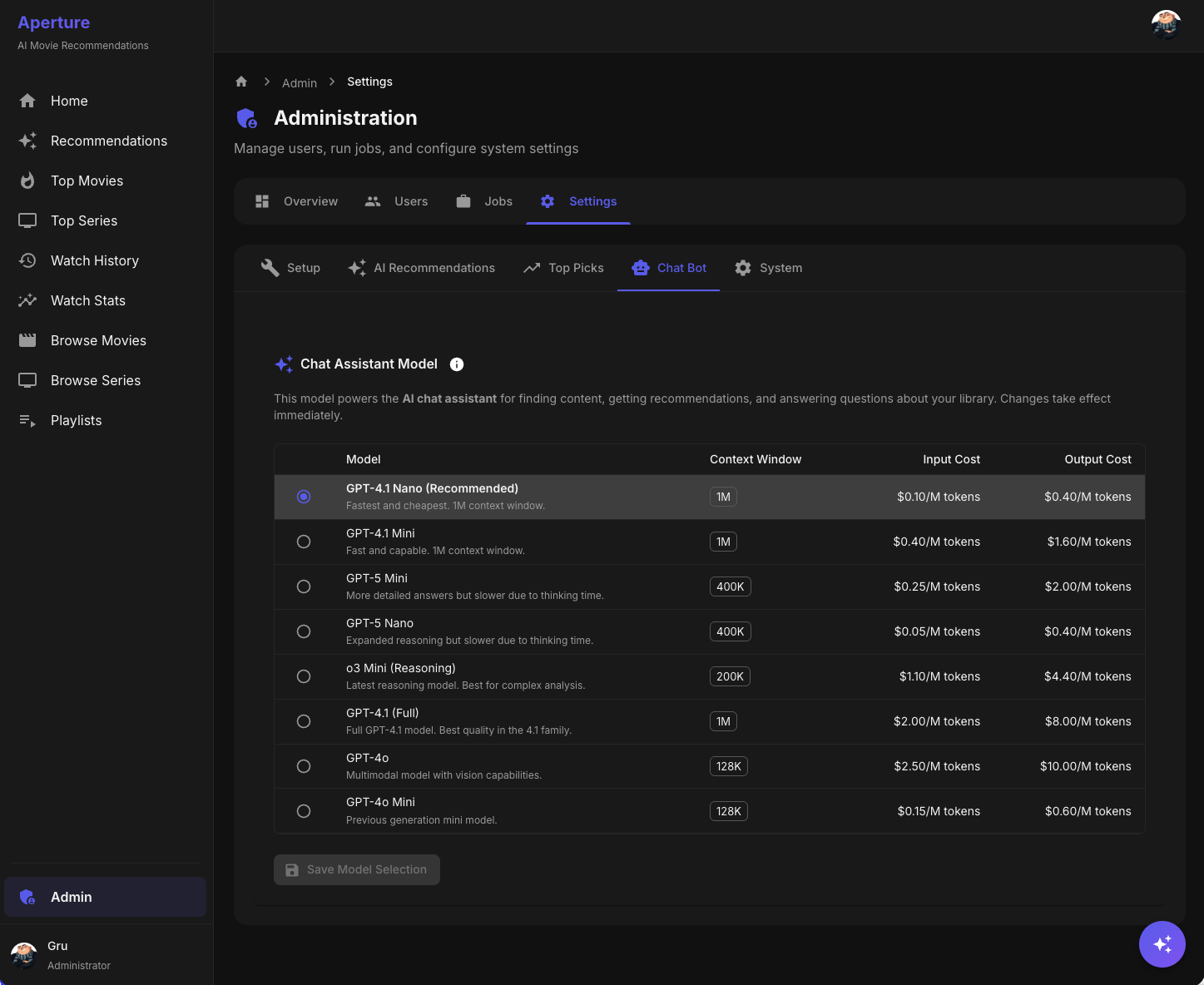
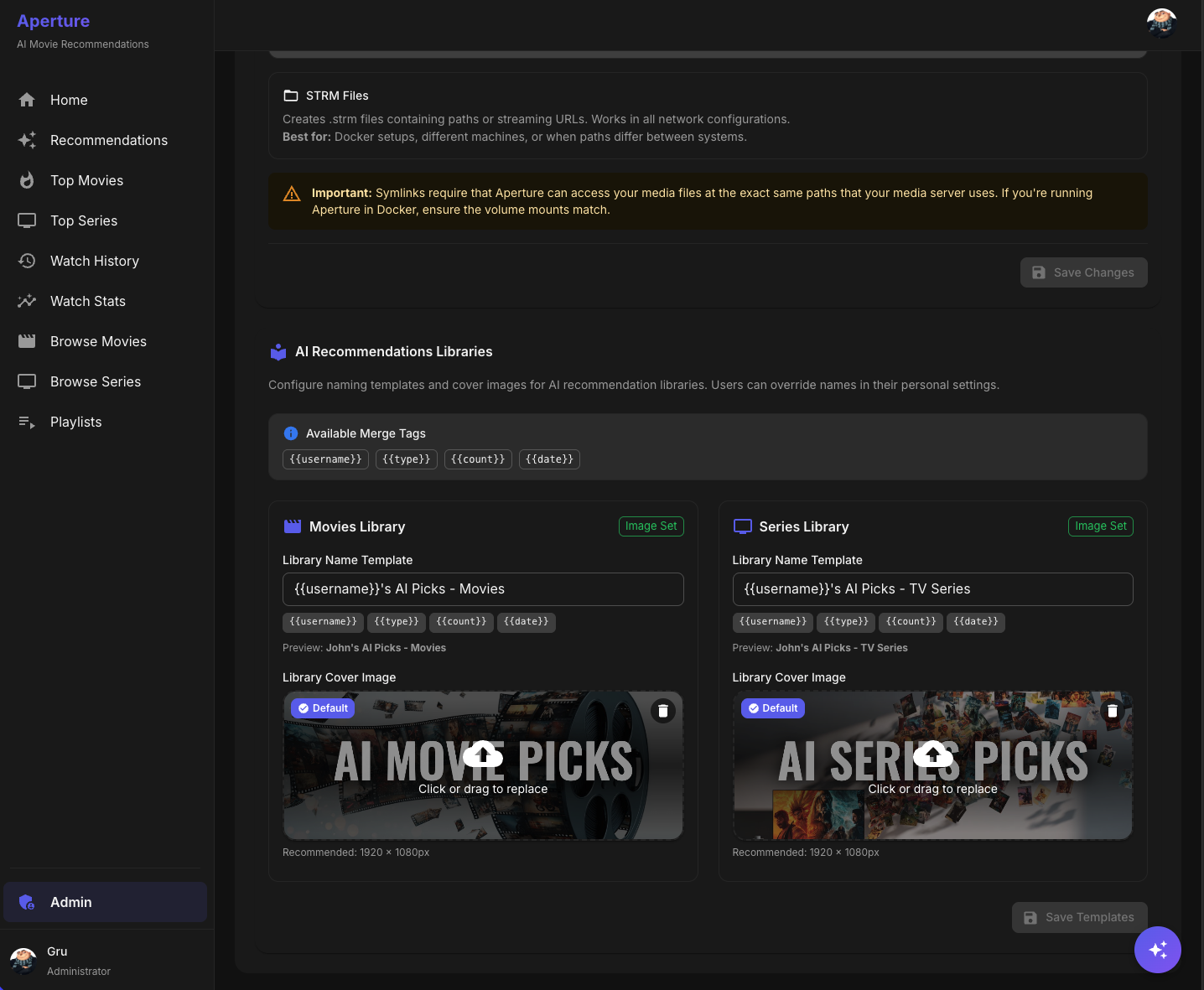
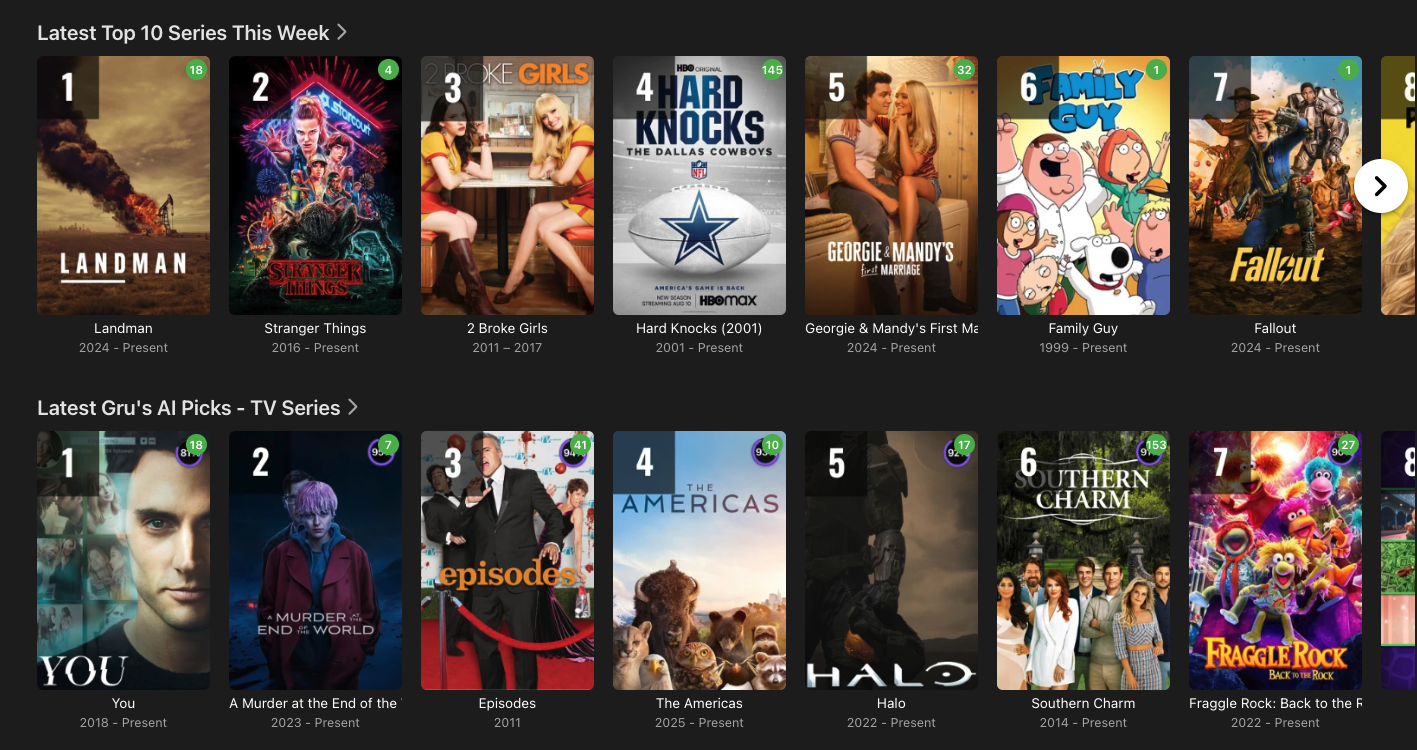
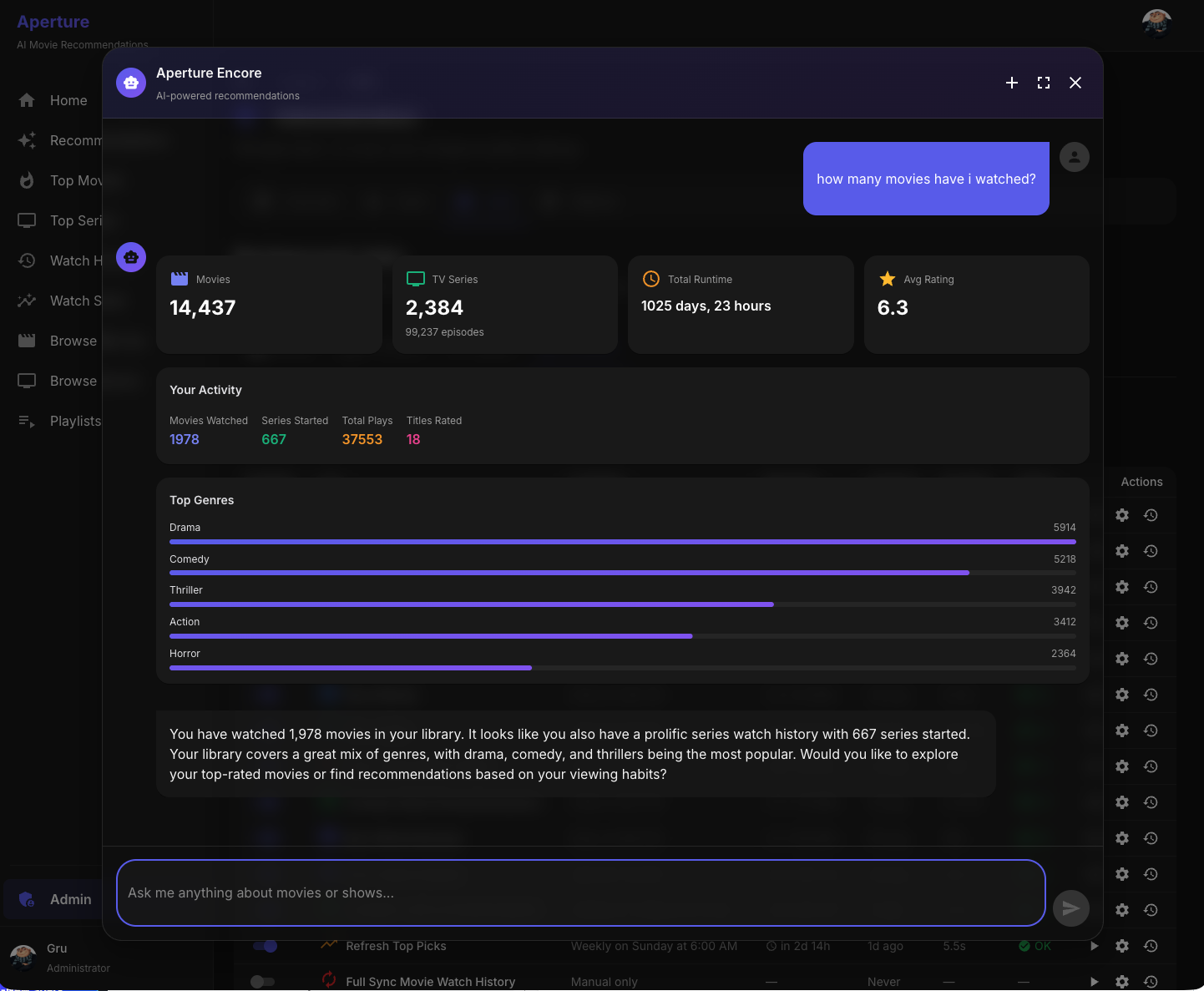
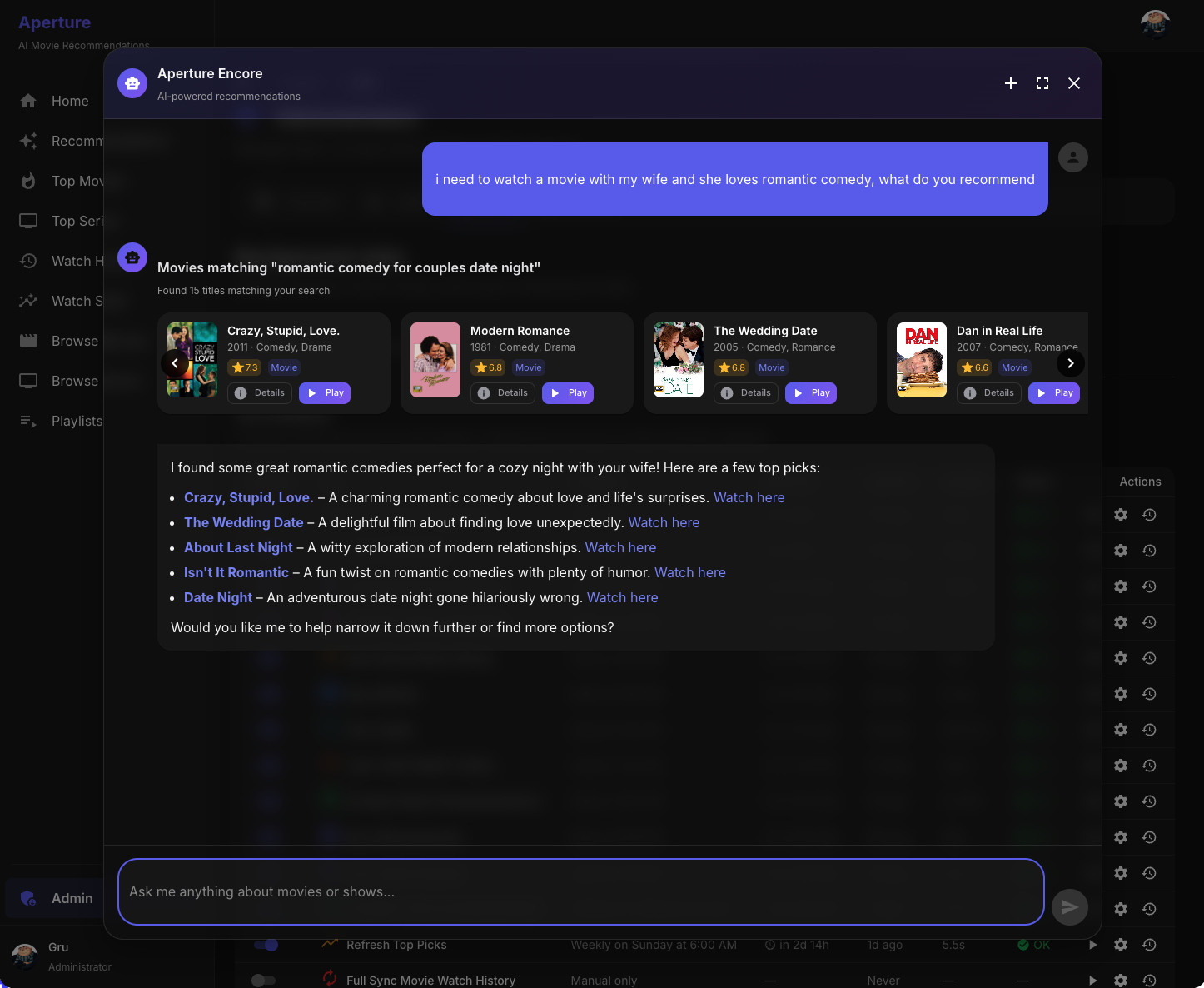
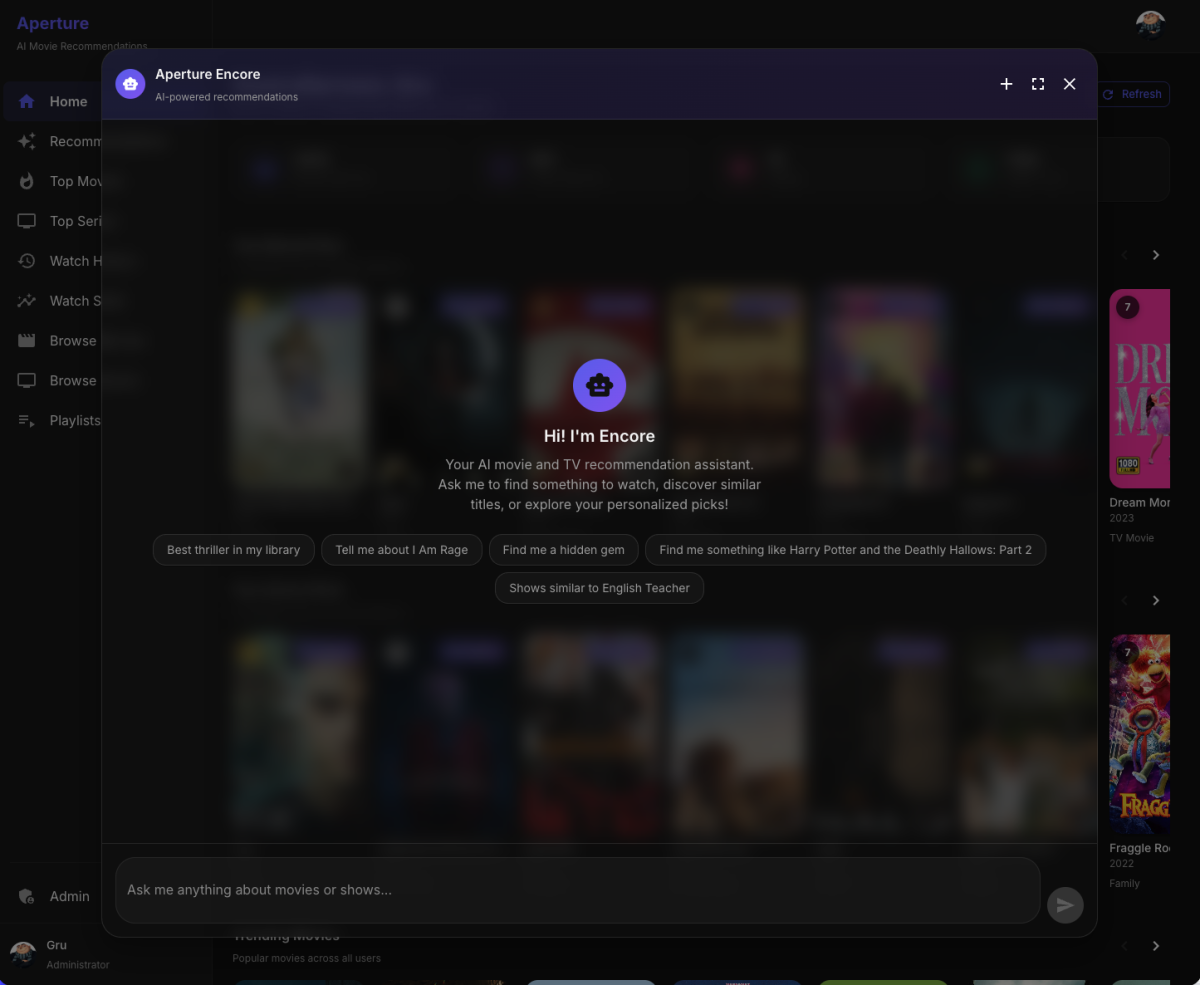
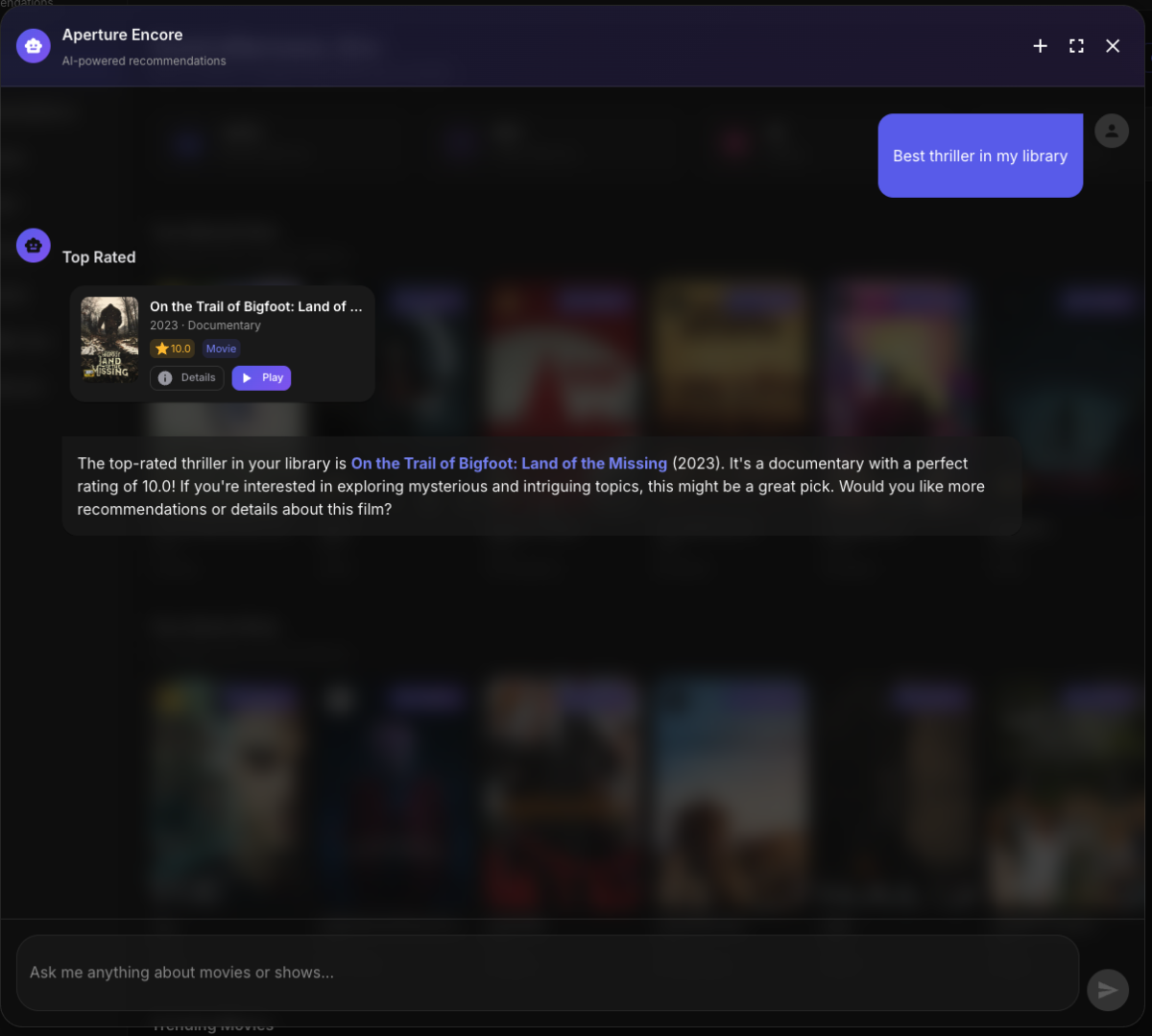
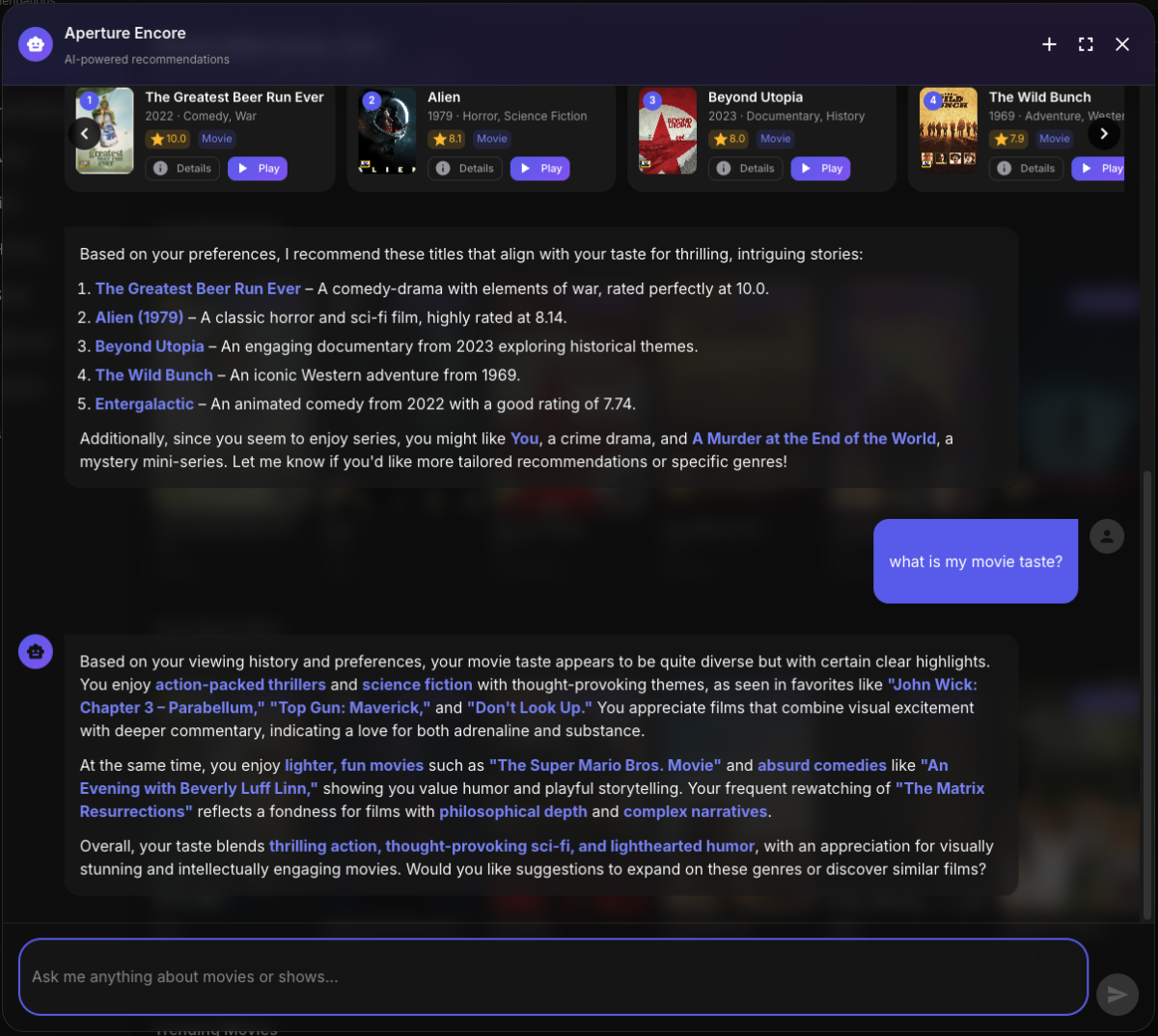
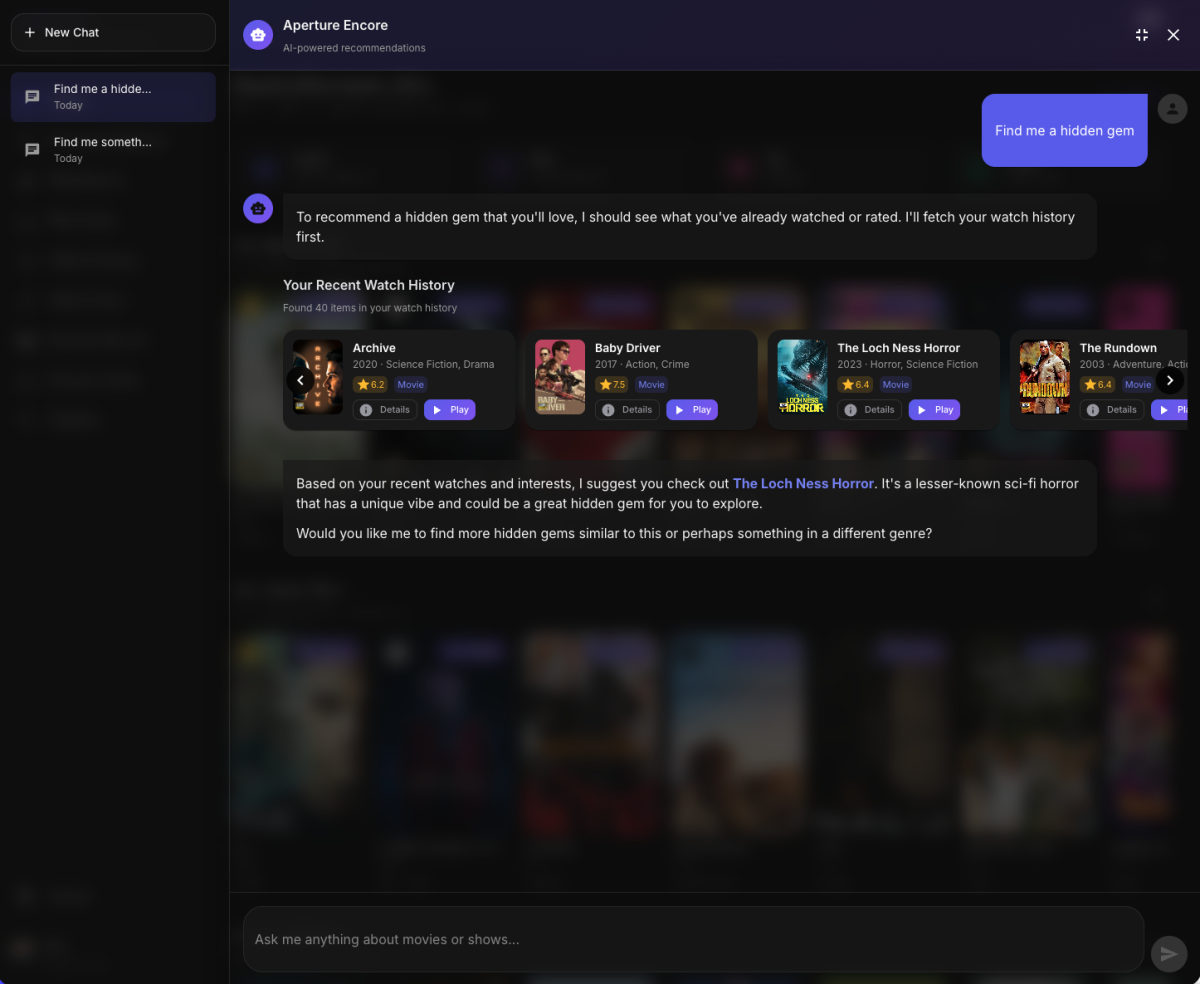
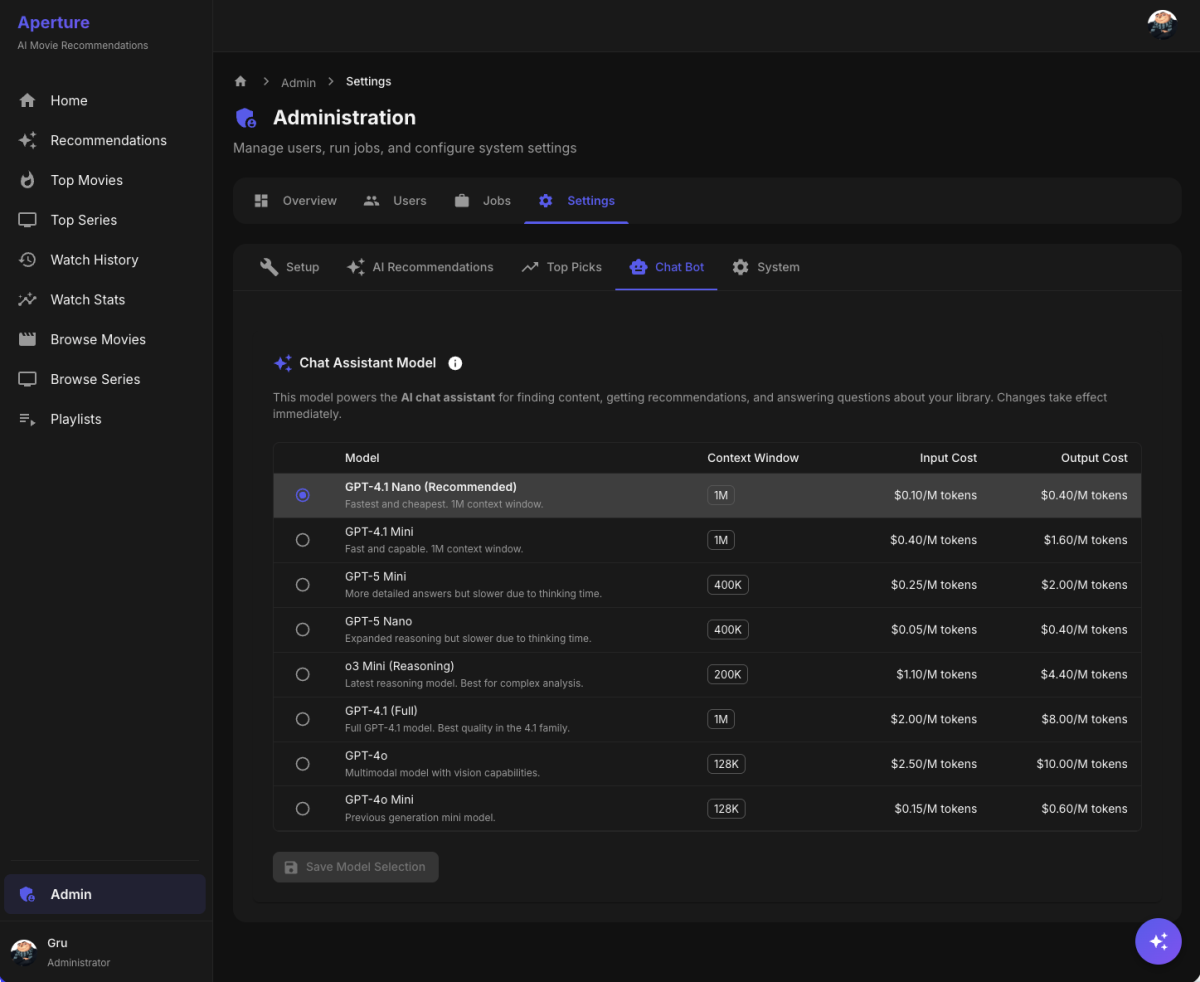
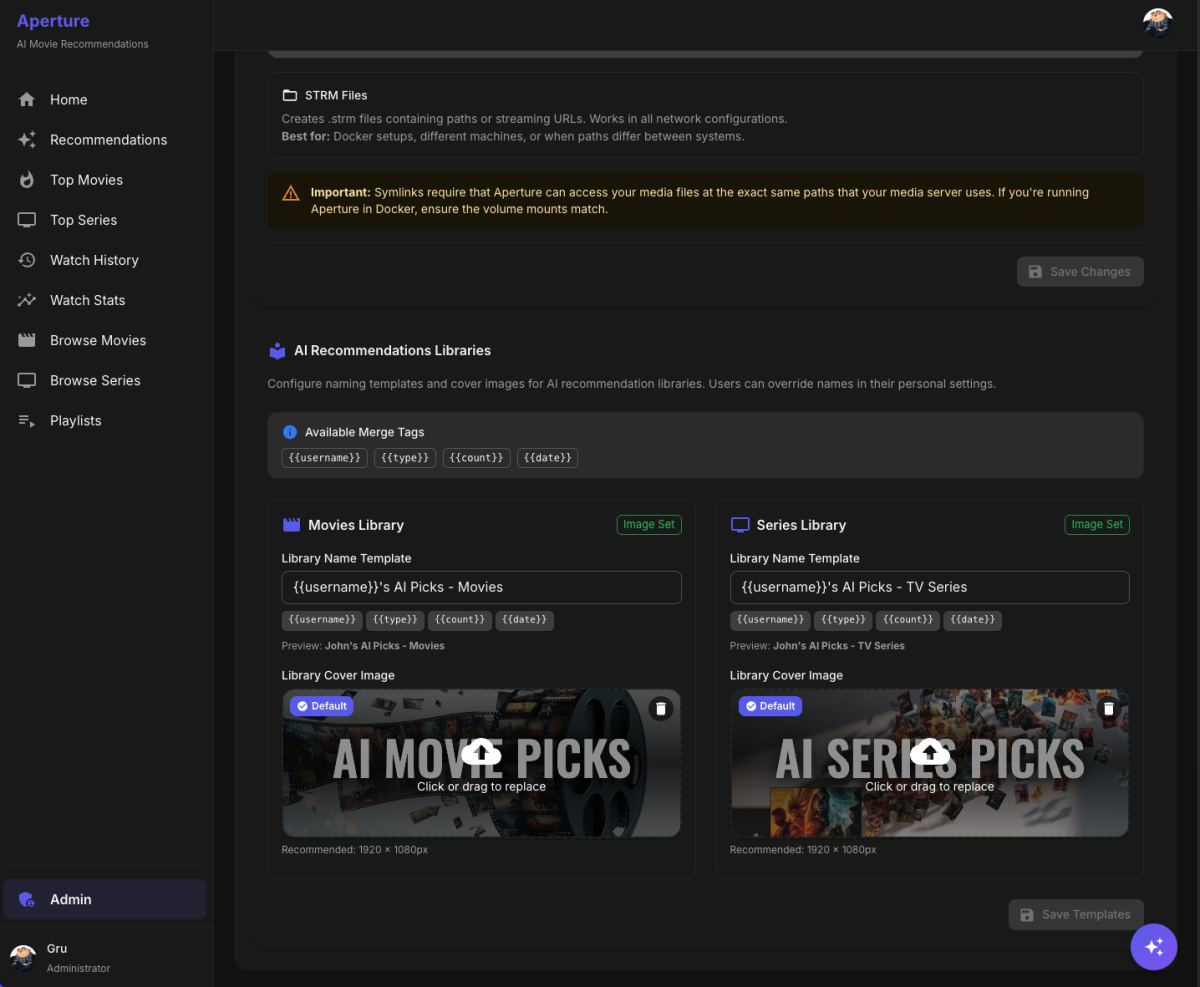
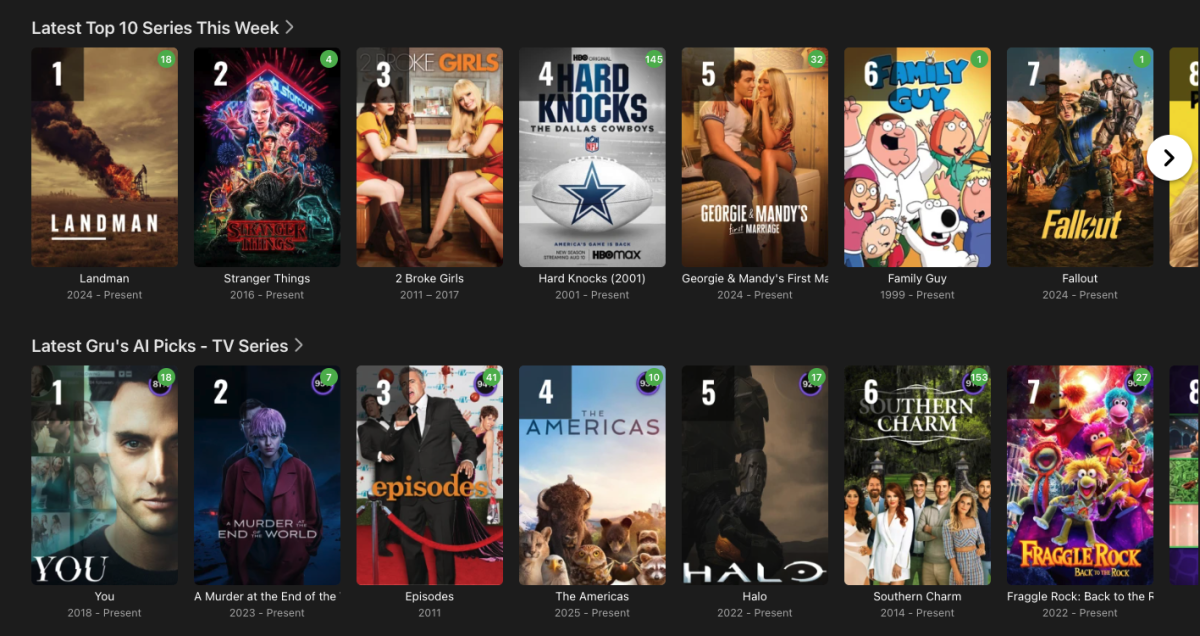
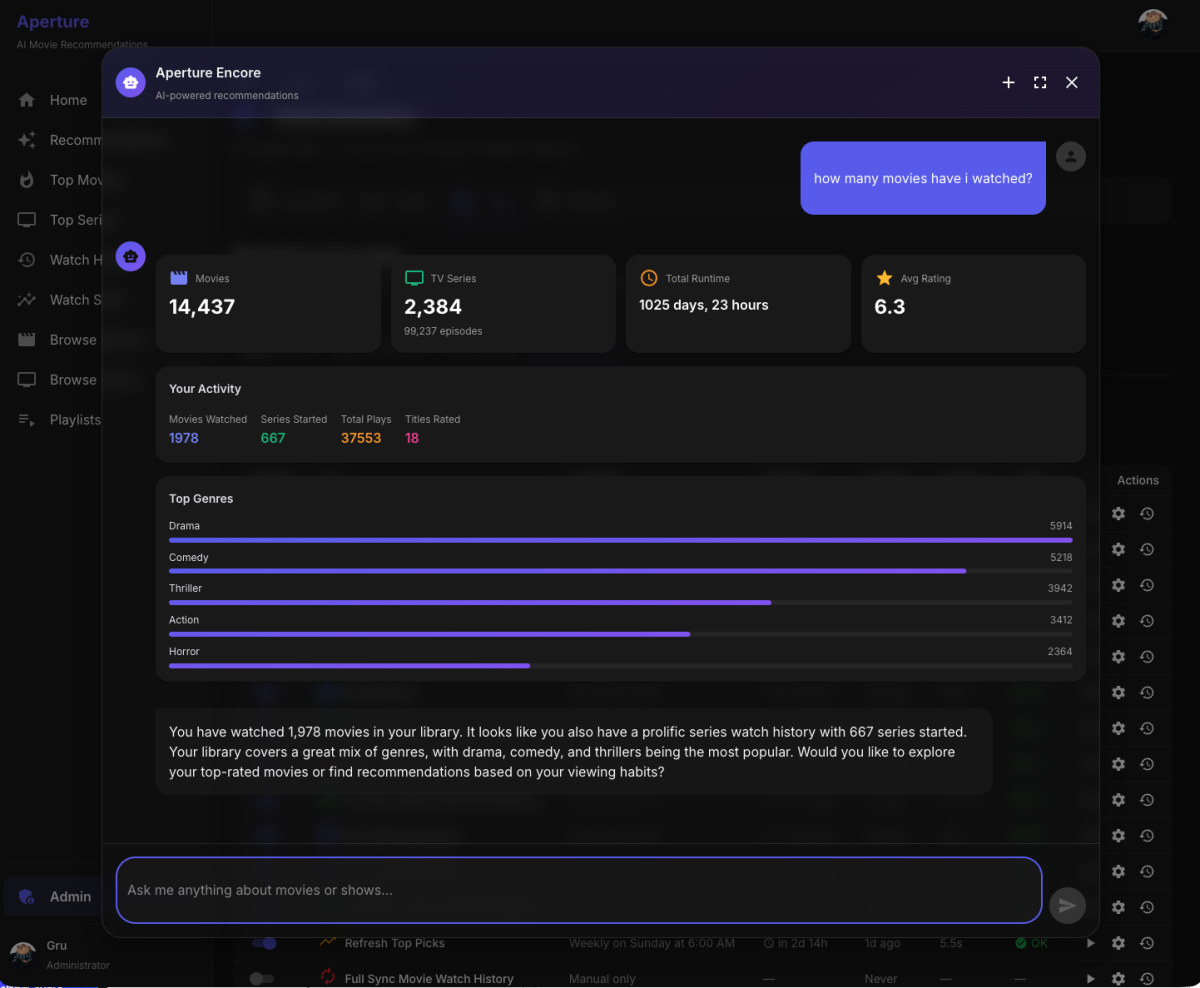
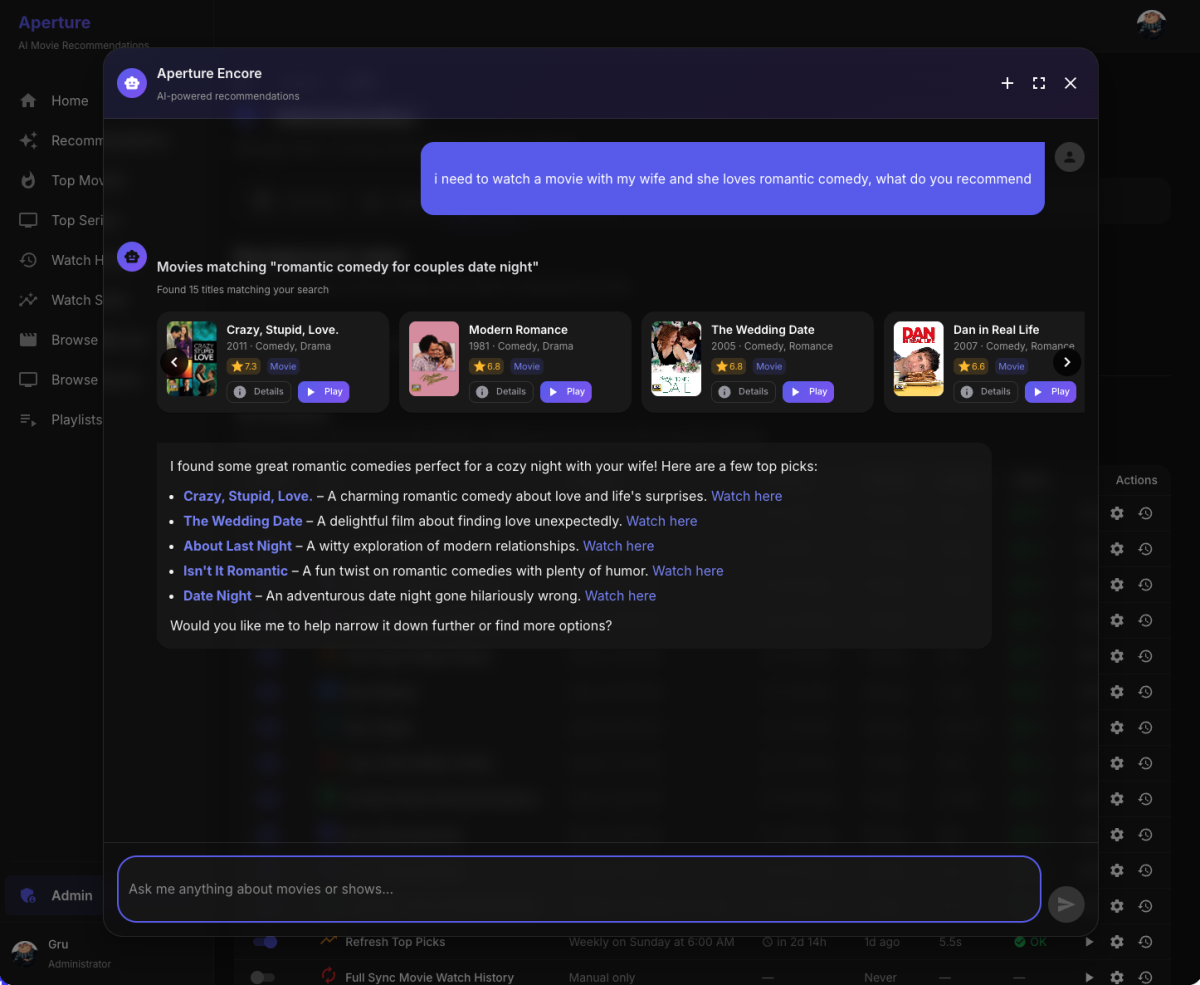
Aperture Update: What's New v0.1.7 This update brings a major new feature plus several quality-of-life improvements. Introducing Encore, Your AI Assistant The headline feature of this update is Encore, a conversational AI assistant built right into Aperture. Think of it as having a knowledgeable friend who knows your entire library and can help you find exactly what you're in the mood for. Getting Started Click the sparkle button () in the bottom-right corner of any page to open Encore. Just type what you're looking for in plain English: "What should I watch tonight?" "Find me something like Inception but darker" "Show me 90s action movies" "Movies with Tom Hanks" "What have I watched recently?" Encore responds with beautiful content cards showing posters, ratings, and one-click buttons to view details or play directly in Emby/Jellyfin. Smart Discovery Encore uses the same AI embeddings that power your personalized recommendations, so when you ask for "mind-bending sci-fi" or "cozy mysteries", it actually understands what you mean — not just keyword matching. You can also ask about your watch history, ratings, library stats, actor/director filmographies, and more. Conversation History Your chats are saved automatically. Expand to fullscreen mode to see your conversation sidebar where you can switch between past conversations, start new chats, or rename/delete old ones. Rate from Any Poster You can now rate movies and series directly from their posters — no need to open the detail page. Just click the heart icon in the corner of any poster and select your rating (1-10 hearts). Library Image Management Admins can now upload custom banner images for Aperture-created libraries (AI Recommendations and Top Picks). Images sync automatically to your media server. Series Poster Overlays Series recommendations now get the same rank badge overlays as movies — Gold for #1, Silver for #2, Bronze for #3. Smarter Symlinks When using symlinks for virtual libraries, Aperture now automatically links artwork files, subtitle files (renamed to match the video), and season folders for series. Emby Series Sorting Fix Series in your AI Picks library now appear in the correct rank order on your Emby home screen (previously they sorted randomly based on episode dates, yes this is hacky workaround). I hope you enjoy these updates! Give Encore a try and let me know what you think.
 1 point
 -
We'll be announcing it here as soon as that happens.1 point
-
The wait is over! We are excited to announce public availability of the new Emby Linux app beta program. Why a Native Linux App? While Emby’s web app works well across platforms, there are limits to what a browser-based player can achieve, especially when it comes to modern video and audio playback. The Linux app was created to go beyond those limits. At the core of this decision is one simple goal: BEST IN CLASS VIDEO PLAYBACK. Browsers continue to improve, but they inevitably lag behind native applications when it comes to advanced video technologies, hardware acceleration, and reliable fullscreen playback. Emby users expect smooth, high-quality playback — and delivering that consistently requires a native application. Benefits Over the Web Player The new Linux app provides several advantages over watching through a browser: More reliable video playback with fewer browser-related limitations Better performance and lower system overhead Improved full screen behavior across Linux desktop environments Direct integration with native video playback technologies A cleaner, distraction free viewing experience By separating video playback from the browser entirely, the app is able to take full advantage of the system and deliver a smoother experience. Designed for Linux Desktops The Emby Linux app is built to feel at home on Linux. It works across major Linux environments . The result is a modern Emby experience that’s faster, more consistent, and purpose built for Linux users. Available Now The new Emby Linux Beta app is now available and we are waiting for your feedback! Want to get started right away? Head on over to the beta instructions page for more! Please provide feedback in this forum: Linux Beta View the full article1 point
-
Greetings to everyone. I'm here to leave my testimony too. I recognize the great work done by the developers to improve the Android app which has made considerable progress. Despite this, at least when it comes to the TV experience, it's not even close to the Android TV-specific app. I agree with those who say that it almost seems like multiple button presses on the remote control are required to reach the desired point, which presents slowdowns perhaps due to a more modern interface, significant lag during the OSD display and also some frame skips that seem to appear every now and then. So I will be grateful if developers could maintain ATV even just via apk.1 point
-
DON'T UPDATE ANY SOFTWARE, HARDWARE, PROCESSES OR CONFIGS UNTIL AFTER THE HOLIDAYS If it's working leave it be. Don't mess with things. Don't even think about it. Unless you want break something, have people bugging you, and be scrambling to fix something when you should be relaxing. Murphy's Law is in full effect for the next week.1 point
-
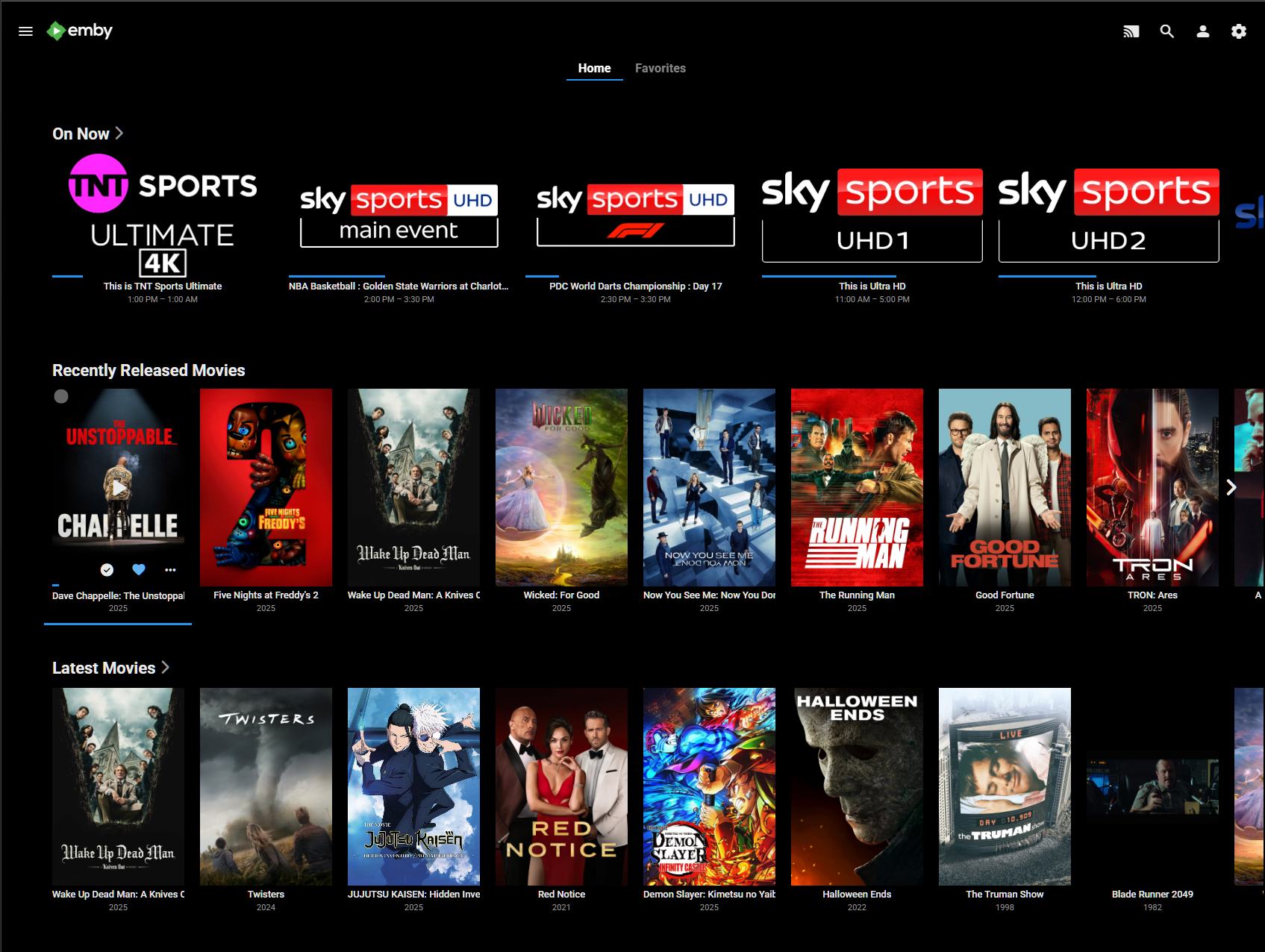
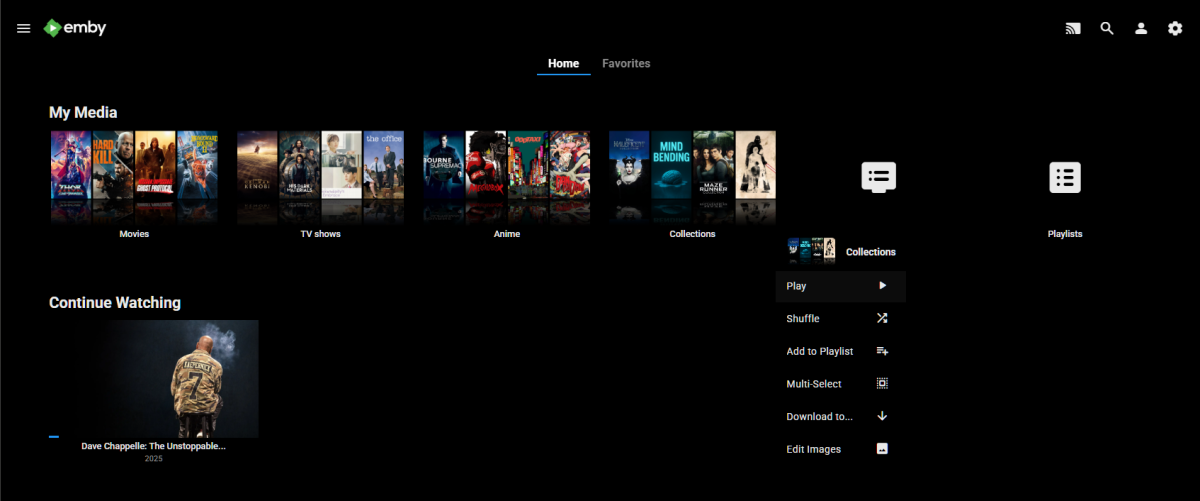
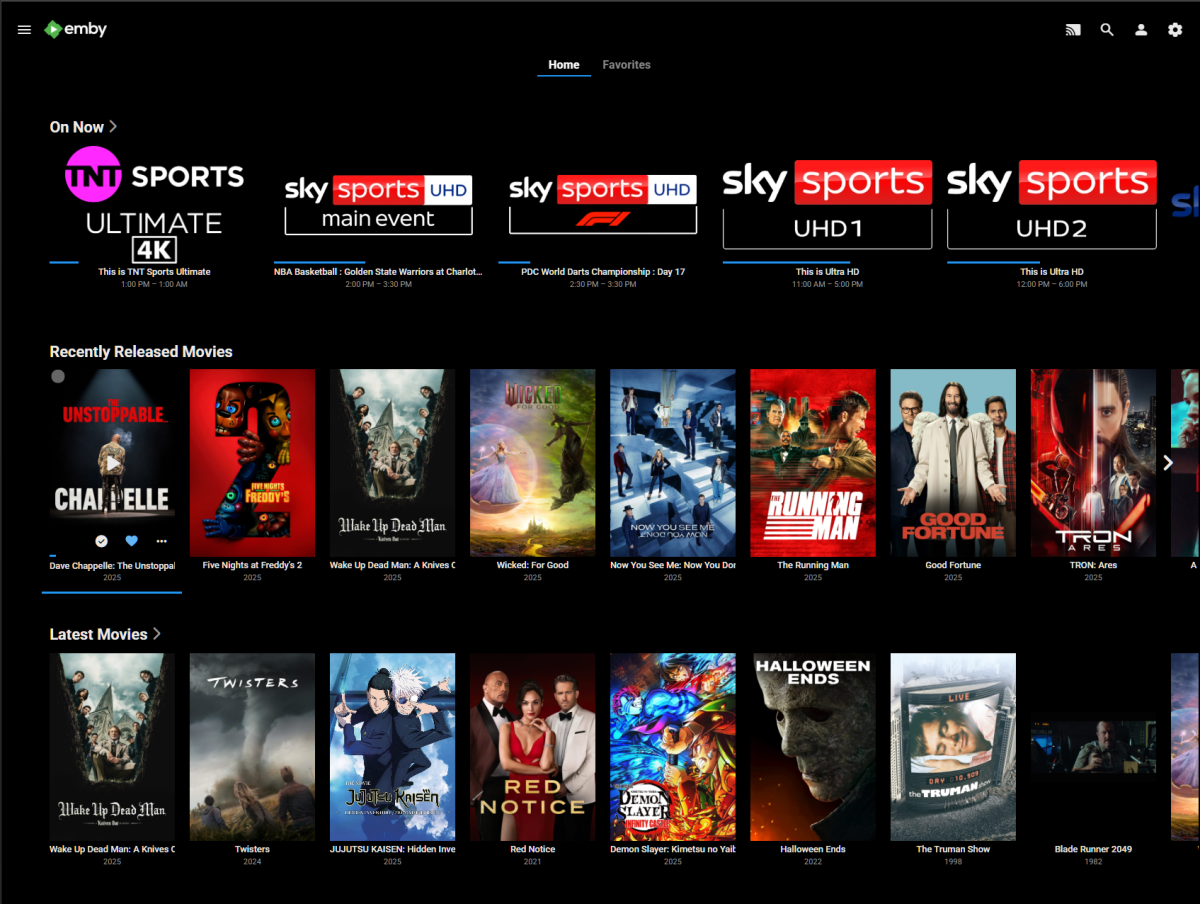
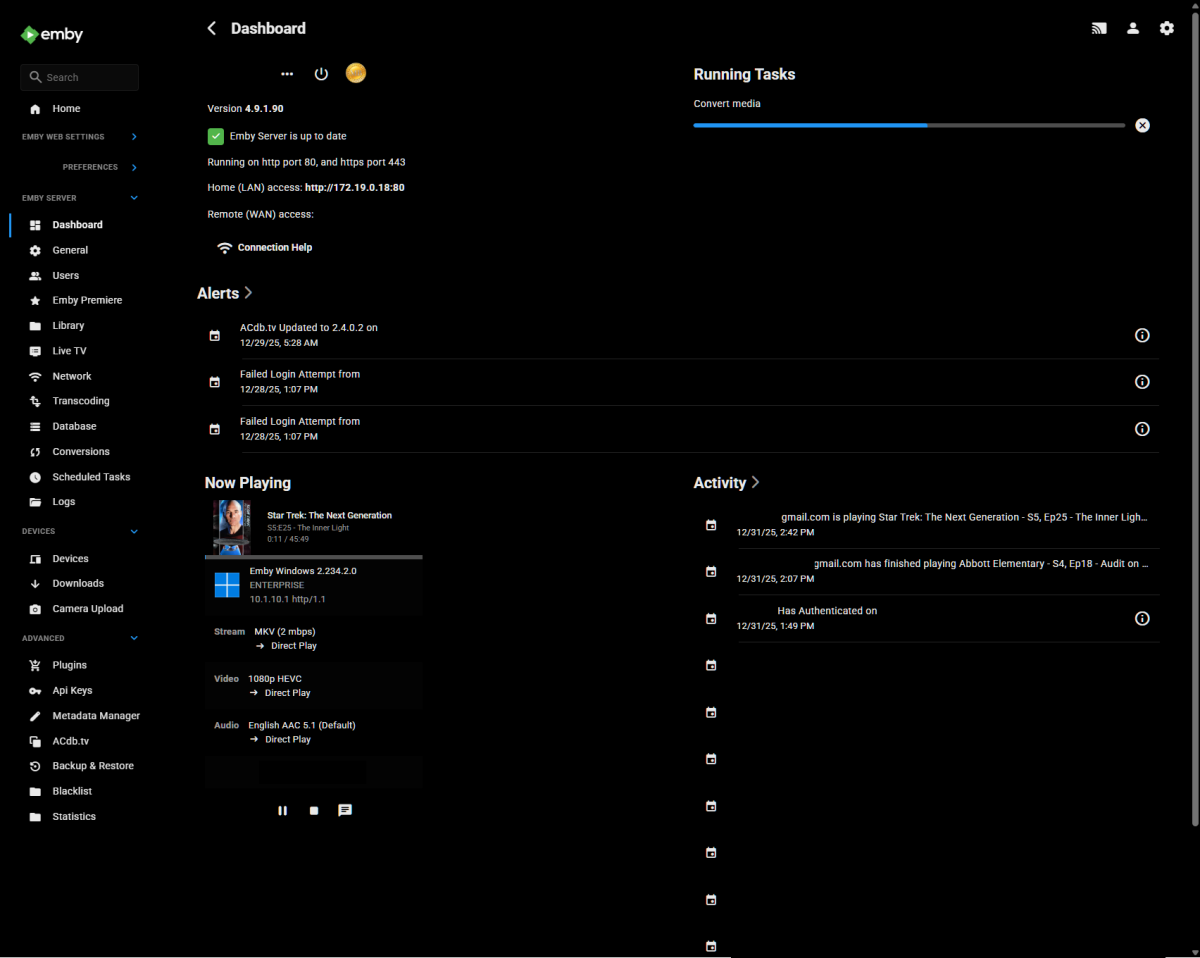
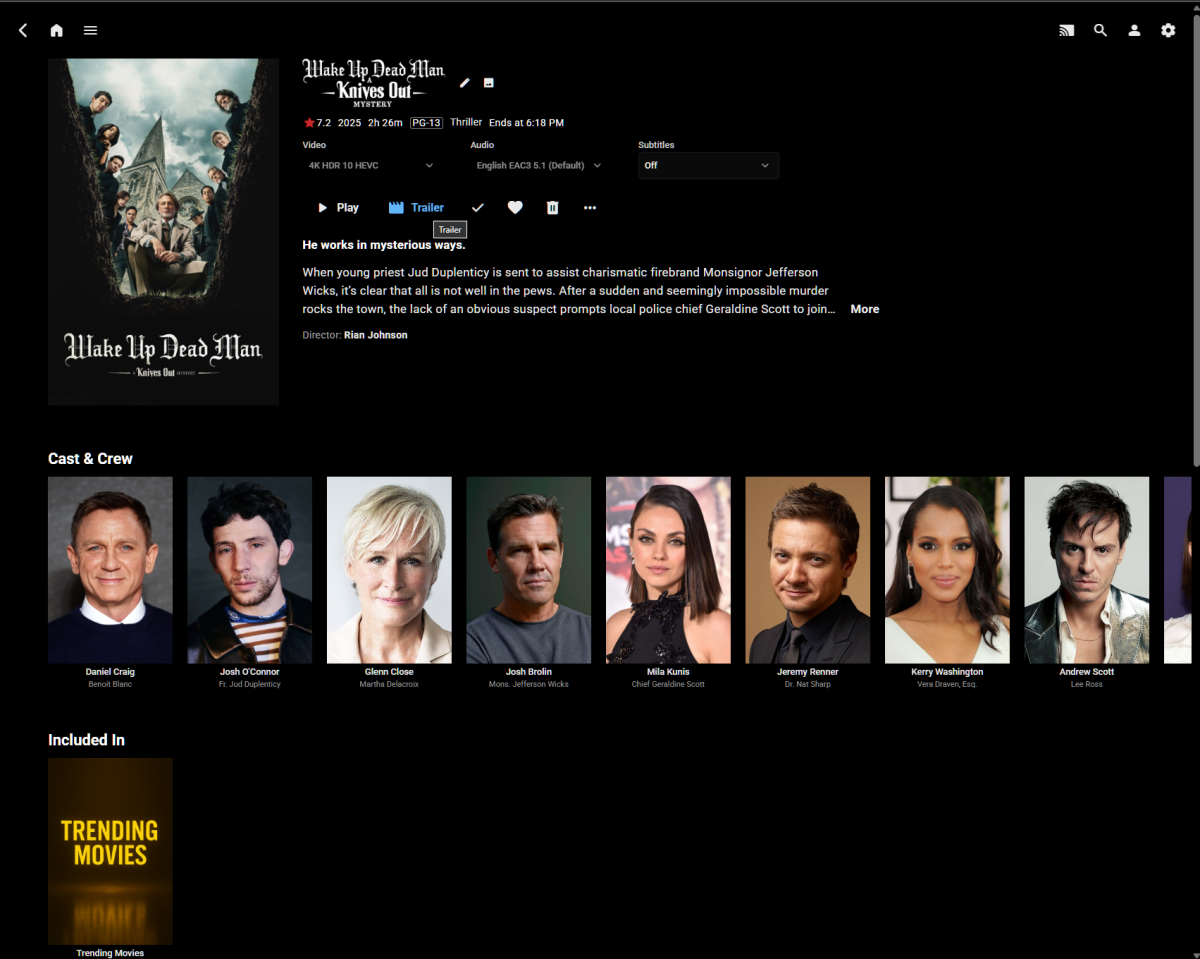
Hi All, I'm a big fan of minimalistic, clean UIs optimized for OLED displays. I've spent considerable time developing a custom CSS theme for Emby's Web UI that emphasizes pure blacks, flat design, and intentional interactions without visual bloat. The theme is attached to this post and free for anyone to use. While I offer it without warranty or formal support, I'll continue updating it as I refine the design. Feel free to try it out and enjoy a cleaner Emby experience! Highlights: Pure OLED optimization - True black (#000000) backgrounds for perfect contrast and power efficiency on OLED displays Modern blue accent system - Clean, minimal design with blue (#2196F3) accents replacing Emby's default green Flat, borderless interface - No rounded corners, no shadows, no visual bloat. Consistent hover behaviors - Blue icon/text changes on buttons, blue underlines on links, with zero background overlays Issues: Some minor UI & alignment issues on mobile devices, but I use the app anyways. Margins on same pages need adjusting. To Do: The settings page needs better visual feedback. Will adjust to match theme structure for consistancy (blue) Release notes (v4.8.1): Fixed detail page buttons (Play, Trailer, Favorite, etc.) now show blue hover states matching the overall theme Resolved home page logo disappearing when hovering over the header Optimized menus, dialogs, and forms with proper spacing and content-sized layouts Consolidated CSS variables into single organized block, unified hover behavior sections, and added navigation table of contents for improved maintainability. Screenshots: v4.8.1-optimized.css

 1 point
 -
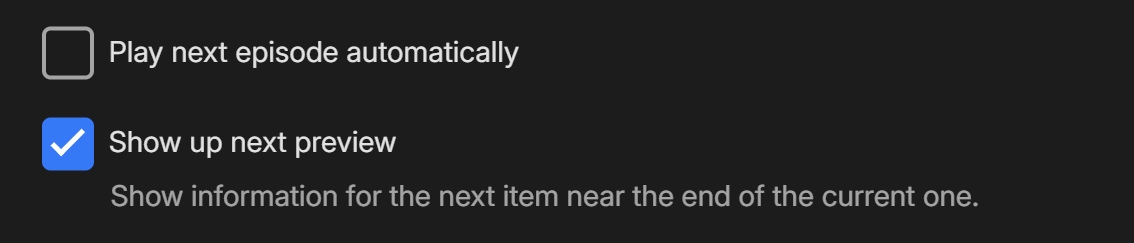
There is, you just need to enable transport controls in your App Settings under 'Playback' - change this to 'No' What do you mean by this? In your 'Playback' settings, what do you have selected here?

 1 point
 -
Hi. Can you try searching for our standard android app (Just "Emby" on Amazon and "Emby for Android on Google) on the same device's app store and see how that compares? Thanks.1 point
-
youve been 'looking to improve this' since 2022 and still have not - as it's part of the premier experience that we are paying for then you are in breach of contract. either fix it quickly or make it a flaky free feature. downloads are the only thing i have premier for and it doesn't work reliably!1 point
-
Hi, how does this relate to Emby?1 point