Leaderboard




Popular Content
Showing content with the highest reputation on 09/05/25 in all areas
-
It has to be, otherwise users will report "bugs" of overviews, titles and images not showing up.2 points
-
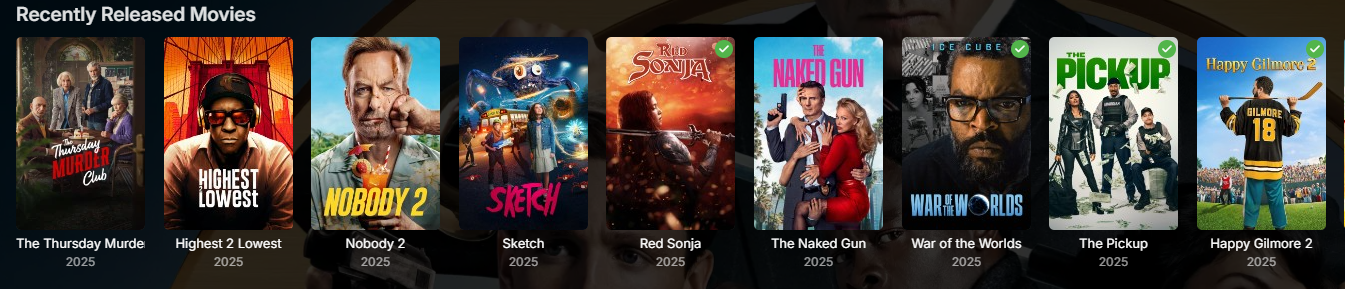
I like the idea of this one because my wife and I tend to gravitate to newer movies when we want to watch something and the Recently Released Movies quickly fills up with movies we've already seen.2 points
-
Found the issue and pushed a fix.2 points
-
I meant to say "Thanks!"2 points
-
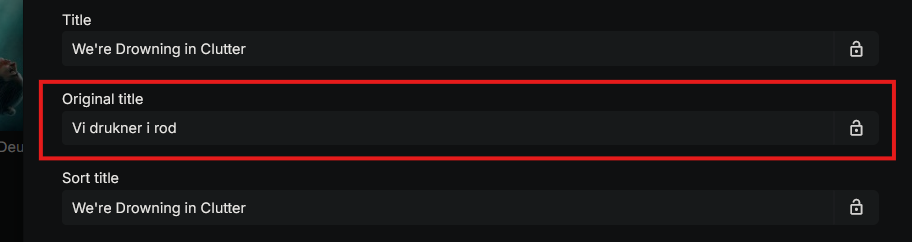
I know there's a similar request, but it's not exactly what I have in mind, so I will make a suggestion for the only feature I'm missing from Plex (All other things are way better here, so I have no intention of moving back) The ability to, on a library folder basis, to pick the language that titles are displayed in, not as a subtitle, or an extra title, just pick which language titles are displayed in - and most importantly, the ability to, on a per library basis, to select to show the original title of the movie. The last part is the most important one, and probably the easiest one to implement, since it seems like it's already available. As a non-english speaker, I would like english/american movies to be titled in their language, but my local movies and shows should have their local name. This information is already available in the metadata, but it's a bother to go change it manually for every thing, so would be nice to be able to set it as the default to be shown Thanks, and I appreciate all that you do
 1 point
 -
Thanks for the quick fix @hackthis02! Statistics v3.4.1.2 just installed a few minutes ago, and I can confirm on my setup the issue has been resolved.1 point
-
I remember raising this 2 years ago. https://emby.media/community/index.php?/topic/121413-48046-new-home-screen-section-options/page/2/#findComment-12805321 point
-
And OFF by default?1 point
-
Yes, we need to scroll over these to finde more.
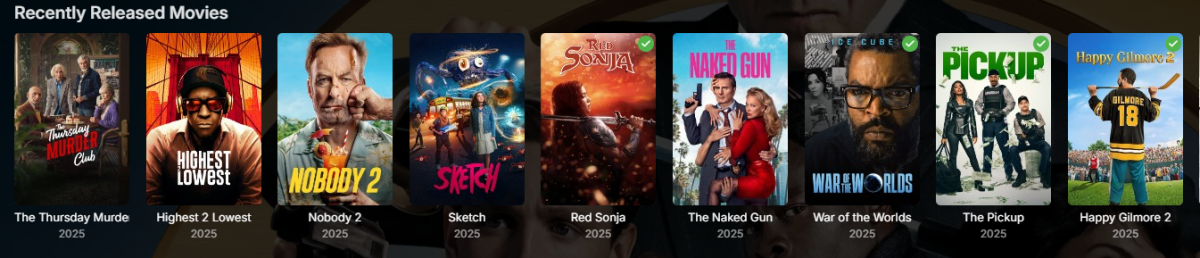 1 point
 -
Thanks, Luke... I forgot to hit submit an hour ago on what I just posted will look at Genre Cleaner1 point
-
Yes thank you.1 point
-
Are you looking at this?1 point
-
Hi, yes the genre cleaner plugin can help you normalize them.1 point
-
It's not that I don't want it or need it but I have been waiting for it for 5 years now and no one from emby will make anything other than a vague non-answer in this thread. I would still like it since I use emby with streaming TV now but with the app interface for Direct TV Steaming on my TV I don't actually need it because emby can only get a subset of my channels so it makes sense to only use emby from the web app for me to record the things I plan on archiving. So yes, I would like TVNext but at this point unless I get cable TV again it really isn't as important. And until TVNext is available it makes no sense to pay for cable TV anyway since my streaming package is FREE and allows me to record the things that are important.1 point
-
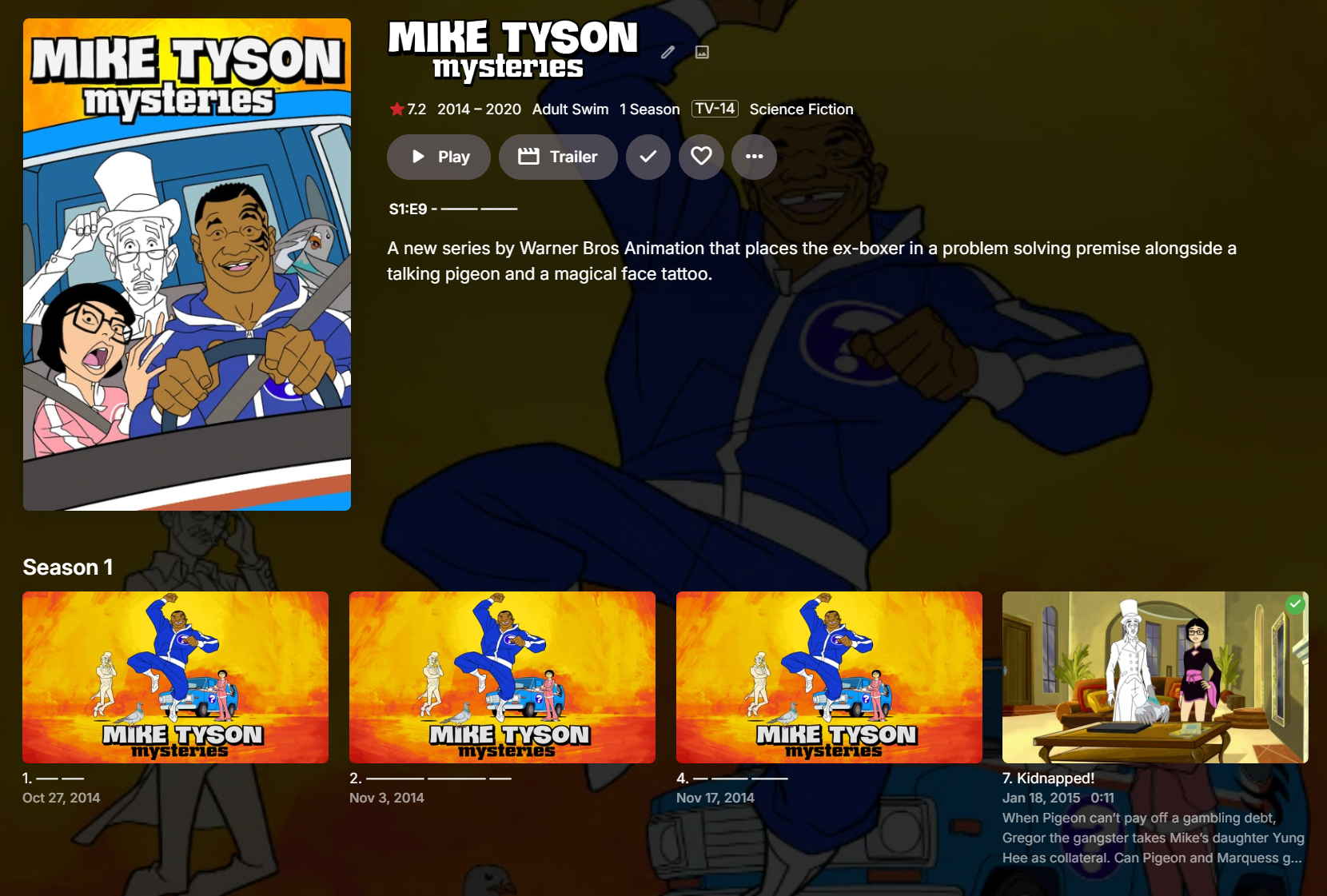
Hi, this will be in the 4.9 server release for the web app, and will be in the next update to many of our apps. It will come in the form of a user setting: And then you will screens like this: Of course it is not guaranteed to be applied everywhere, particularly when it comes to screens that are more intended for media management purposes than viewing. Enjoy.

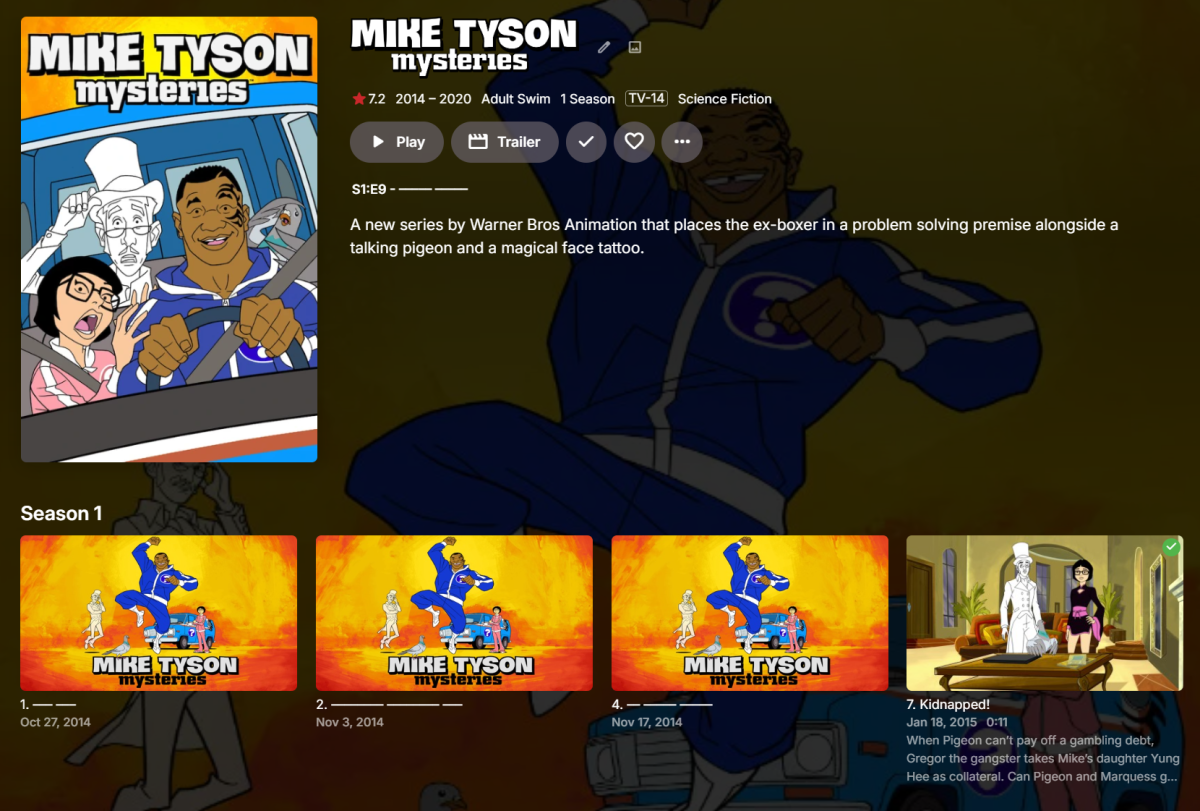 1 point
 -
Hi, this will be in the 4.9 server release for the web app, and will be in the next update to many of our apps. It will come in the form of a user setting: And then you will screens like this: Of course it is not guaranteed to be applied everywhere, particularly when it comes to screens that are more intended for media management purposes than viewing. Enjoy.
1 point
-
This thread has really been derailing lately. If you no longer want/see the need for TvNext, cool. Talk about e-book readers or whatever is your fancy in another thread. There is plenty of people who want this to see the light, and that has already been confirmed to be happening. I hate the delay too, however it was confirmed to be happening, and to even get that given plenty of other requests that never have any confirmation is at least something. Cable cards are a relic, yes we as consumers should have a choice however that doesn't mean we will. TvNext (and Emby in general) will try to support what is common for this use case, and that has been demonstrated. Many people are moving to M3U, and even though that has some potential legality concern, you have the option. I use OTA exclusively, and plan to for the foreseeable future. Even better if DRM gets removed from ATSC3, however not holding my breath. Super fast channel changing, proper tuner management, .... are all benefits that anyone using LiveTv will benefit from, period.1 point
-
Thank you so much, that is really encouraging and since you did it two weeks ago that is even more encouraging. Usually when I come across things like this while searching the thread is 5 or more years old and I am not confident. I don't see them as ever not supporting cable cards technology wise since essentially every piece of equipment they rent you has one whether it is removable or embedded. Once connected their system doesn't care so once hooked up you are good. One of my cable cards is 10 years old and I have never had a problem with it, even switching it to different equipment.1 point
-
ngl, it was a PITA. I do it thru the reddit mods on r/Comcast_Xfinity. I was not able to do this over the phone or chat. just know that you will need to bring your own cable card that you can easily get off of ebay if you don't have one already. good luck with this! Here's the post I filed for reference: https://www.reddit.com/r/Comcast_Xfinity/comments/1mz2b8v/new_tv_service_without_x1_box/1 point
-
I will have a look and compare 4.8 and 4.9 behaviour1 point
-
I believe the AP has enforced a restriction on the users settings, as per my suggestion. In my experience, the automatic bitrate mechanism is not reliable, so manually setting this would always be my recommendation.1 point
-
For getting control of Genres you can manually edit them yourself and lock them in the metadata manager. To assist with that you can use the BULKY plugin to bulk edit items. It's in the metadata section of the plugin catalog. You can also use the GENRE CLEANER plugin which is also in the metadata section of the catalog. I haven't ever used it personally, so I don't know if it will fix exactly what you are trying to do. Also of note, I saw your post in the virtualTV topic. If you are looking to just add a bunch of movies to a virtualTV channel, it may be easiest to put the ones you want into a playlist or a collection and use that as the virtualTV "channel content source" for your channel instead of genres.1 point
-
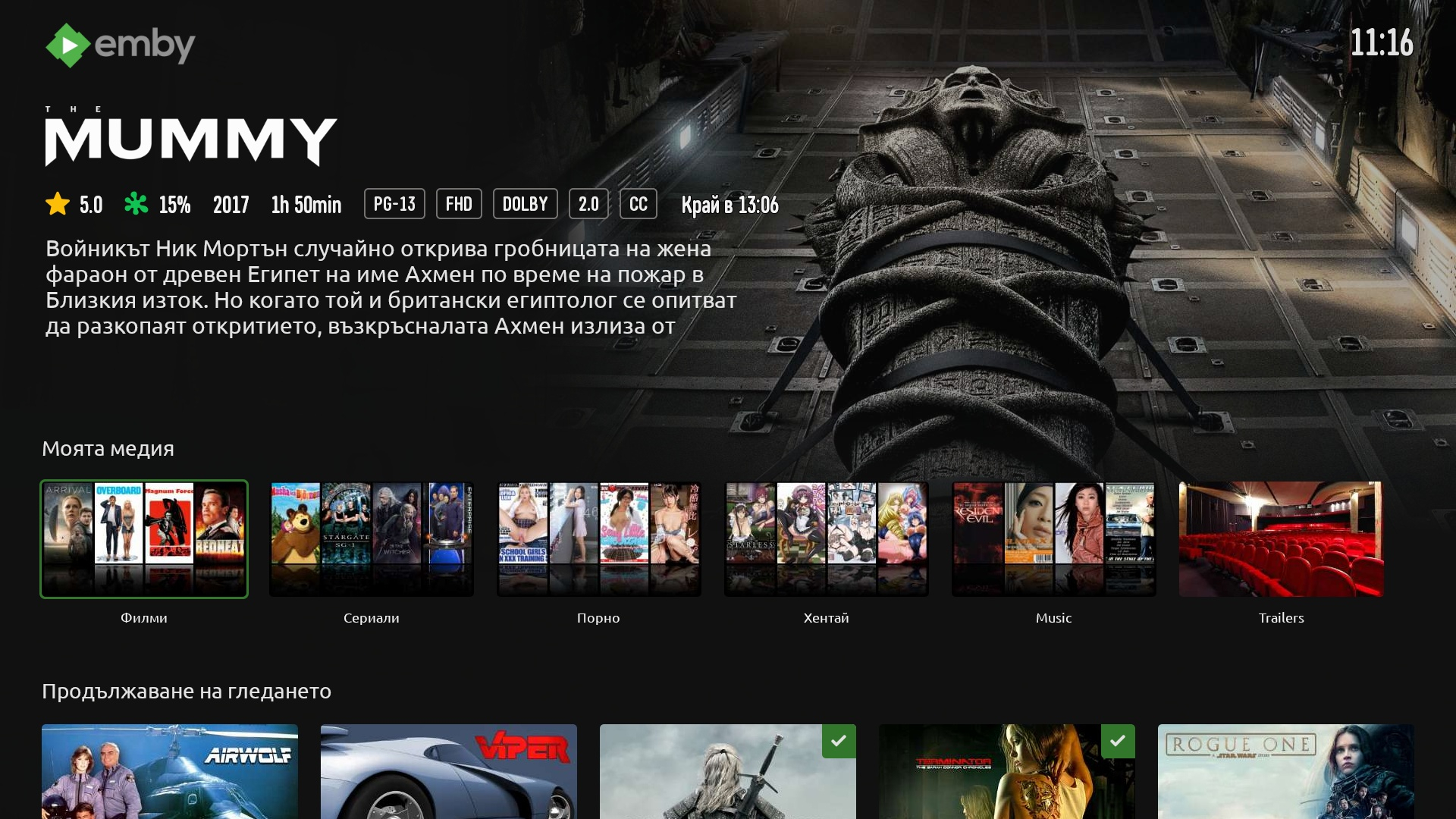
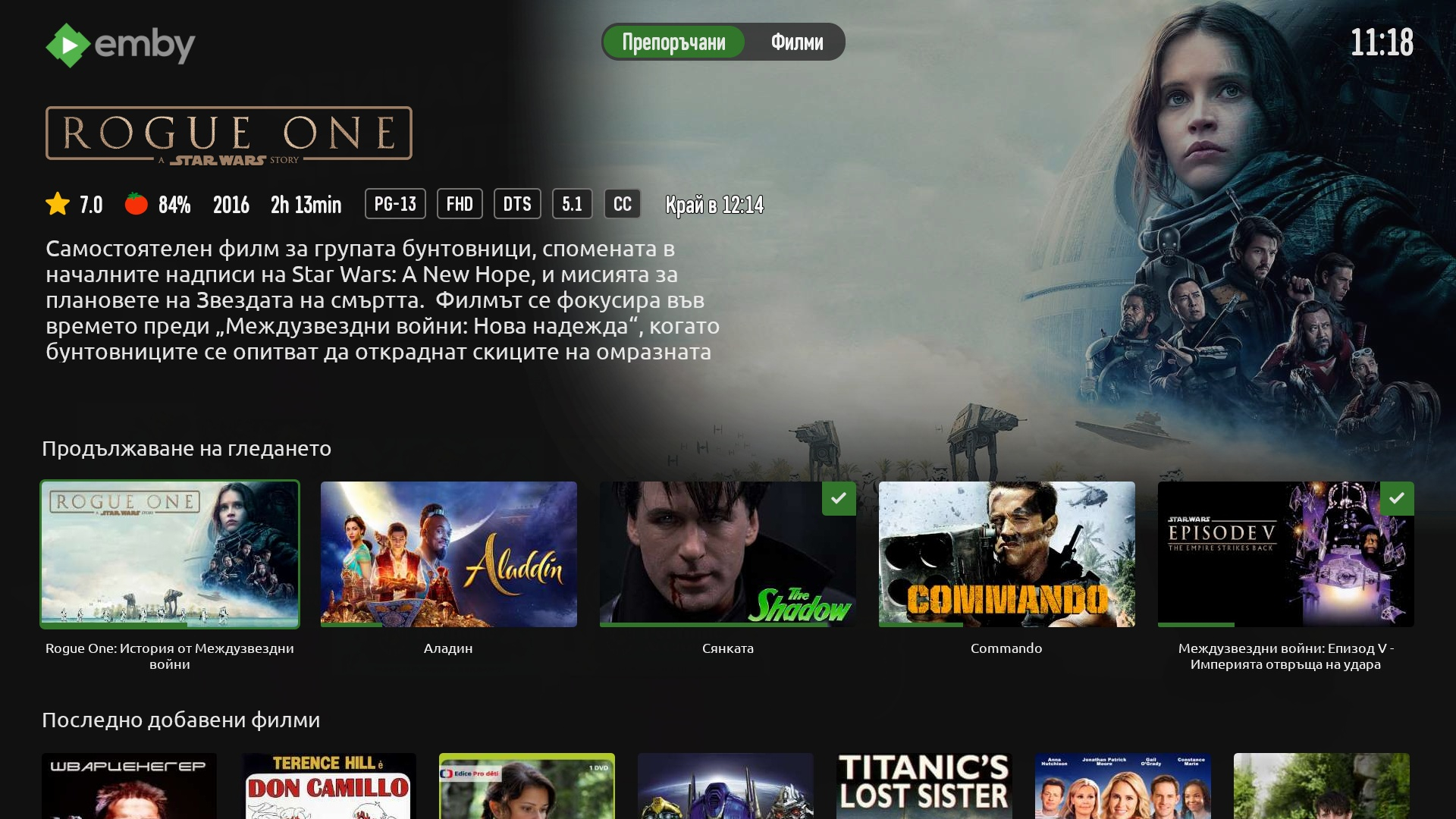
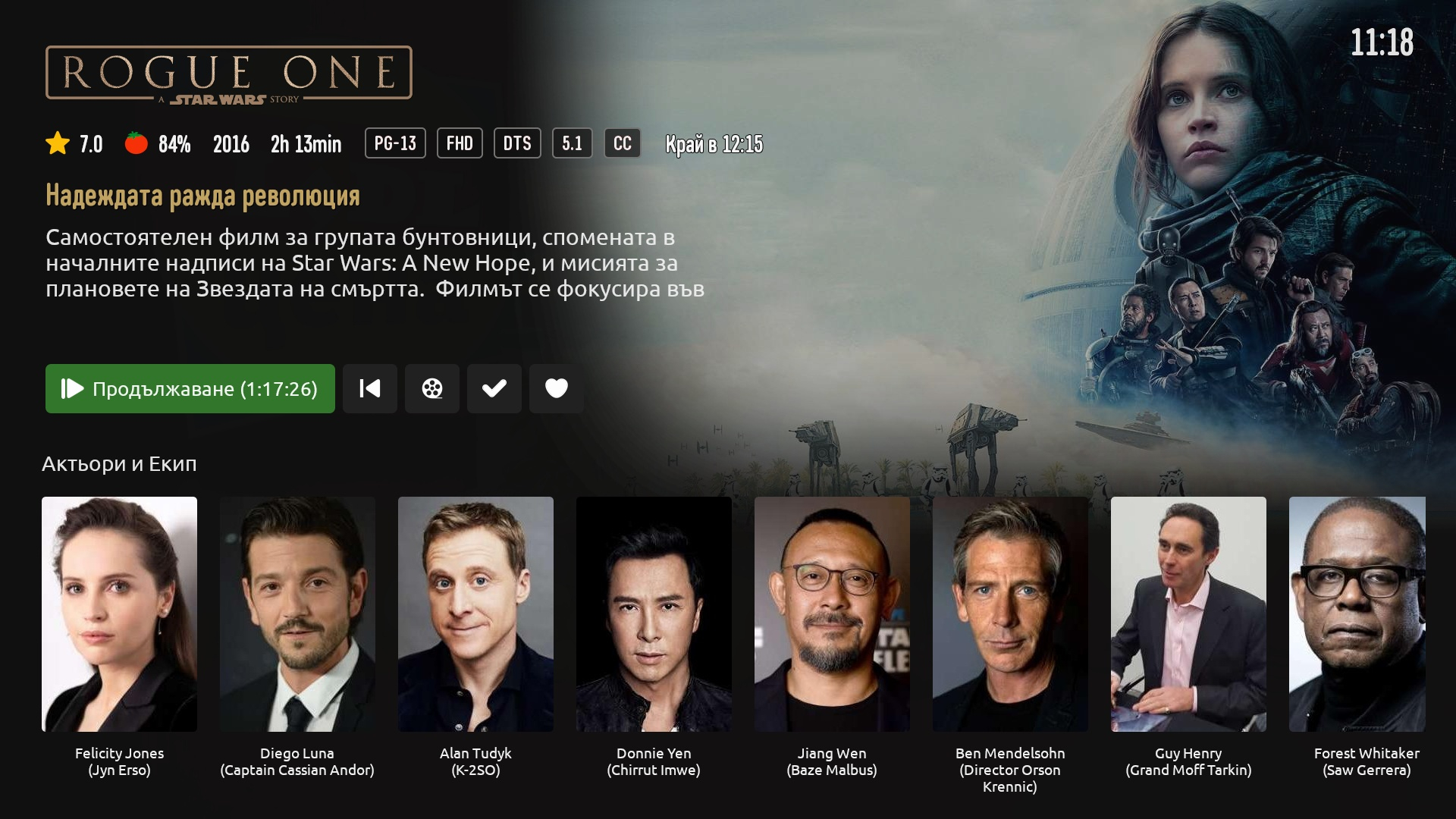
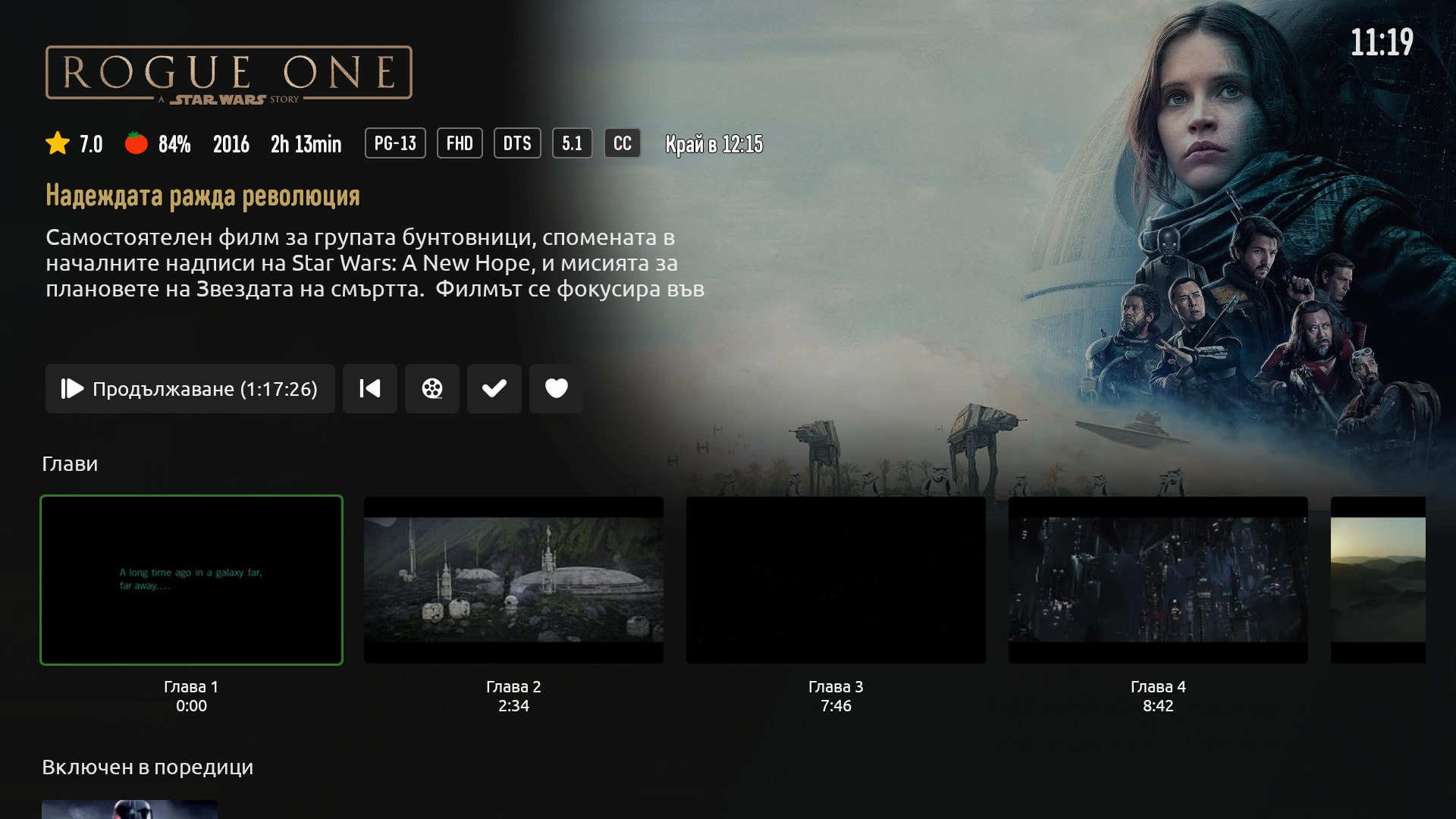
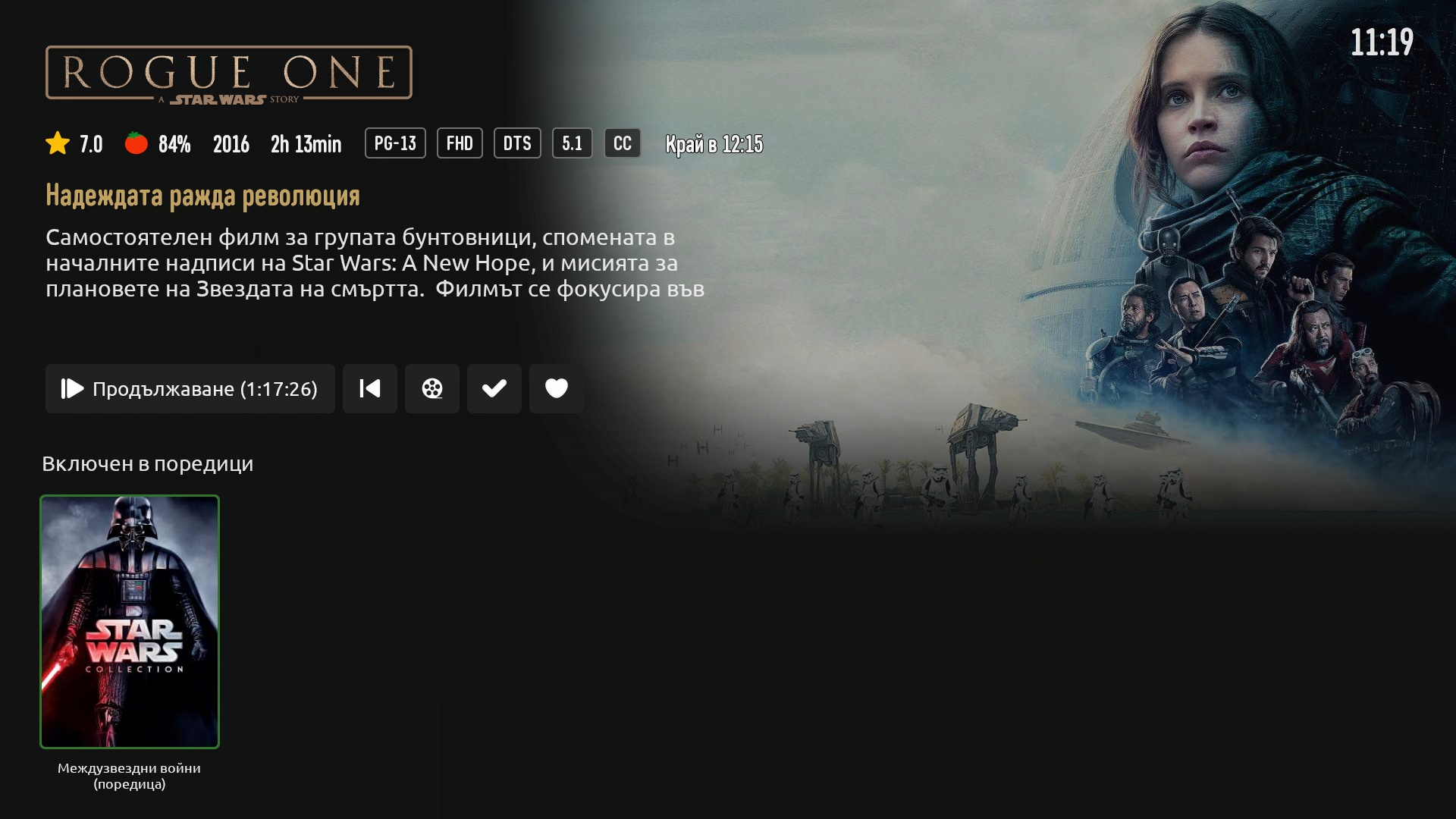
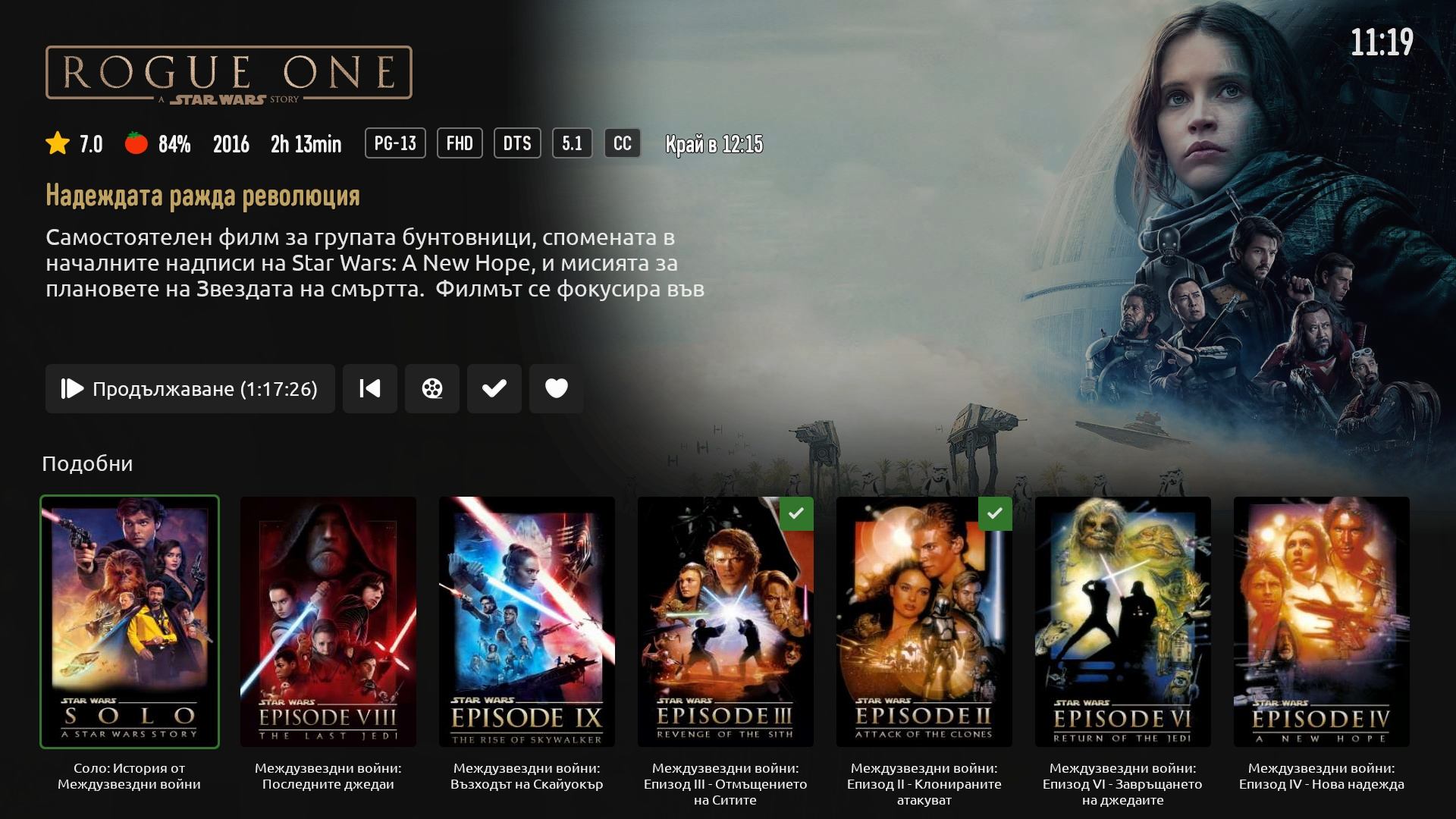
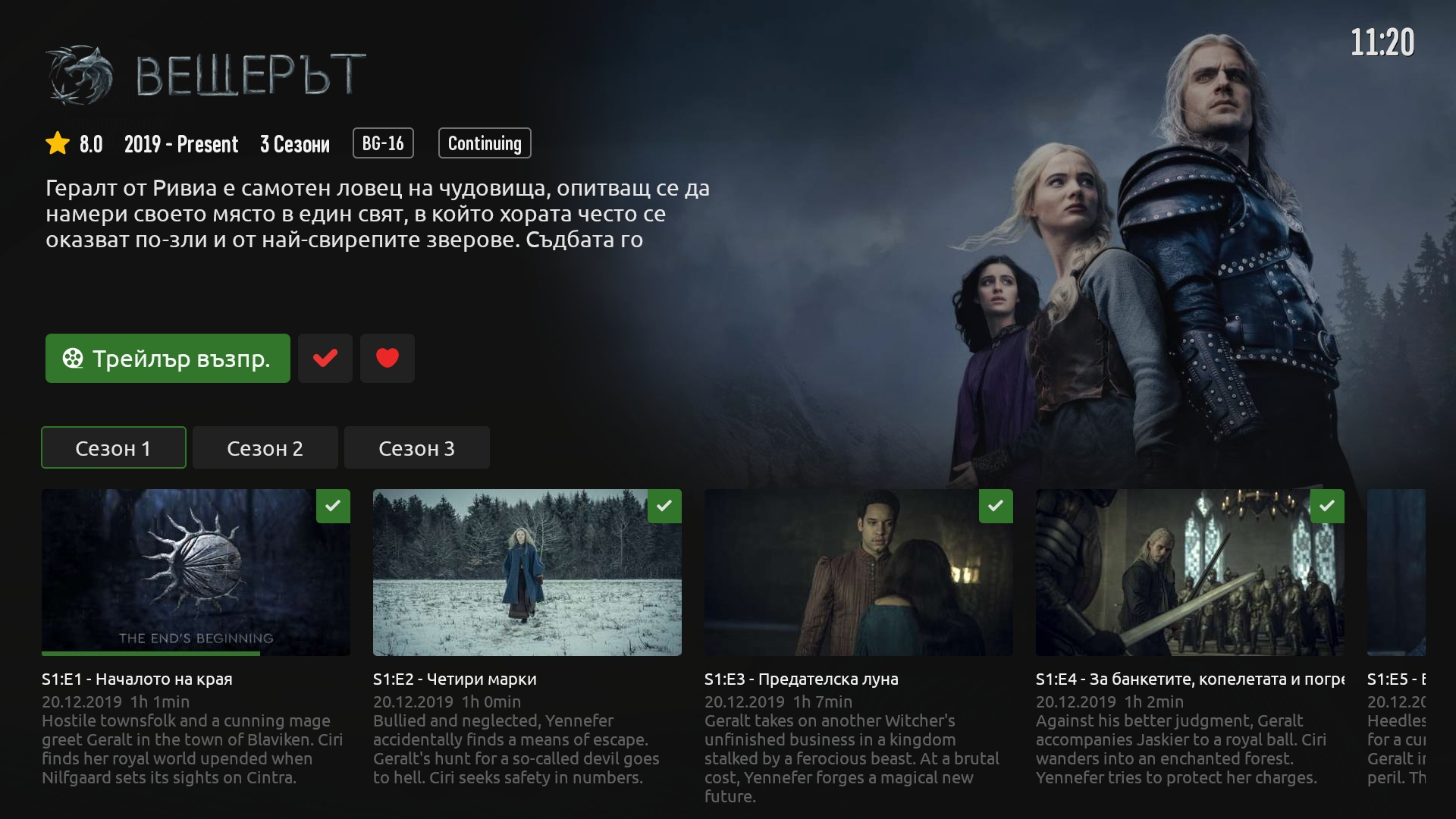
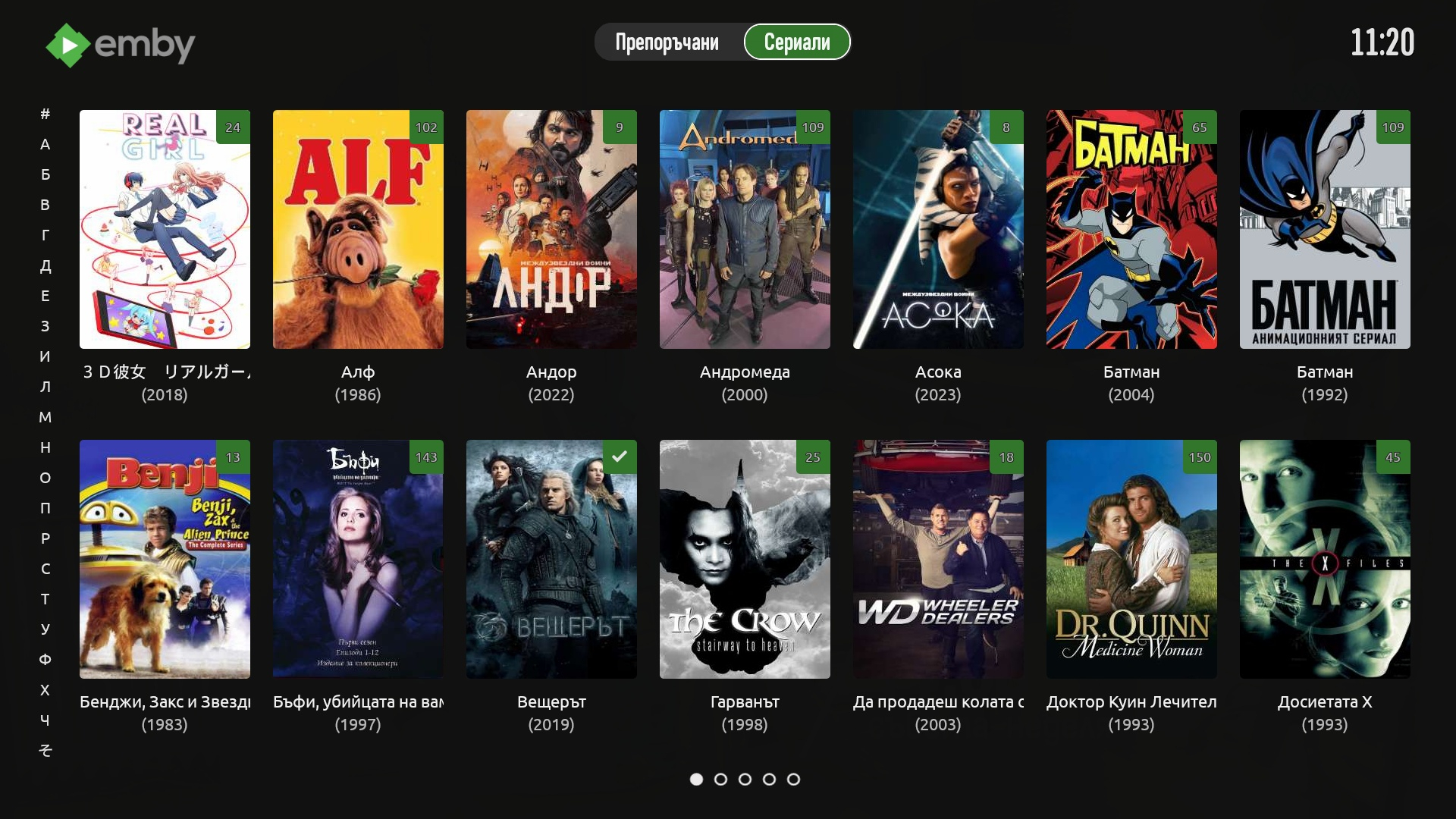
So after hours of developing the first nearly complete version is ready (only player have to work on). Home Library recommendations Single movie screen TvShow list (movie too) Single Tv Show screen
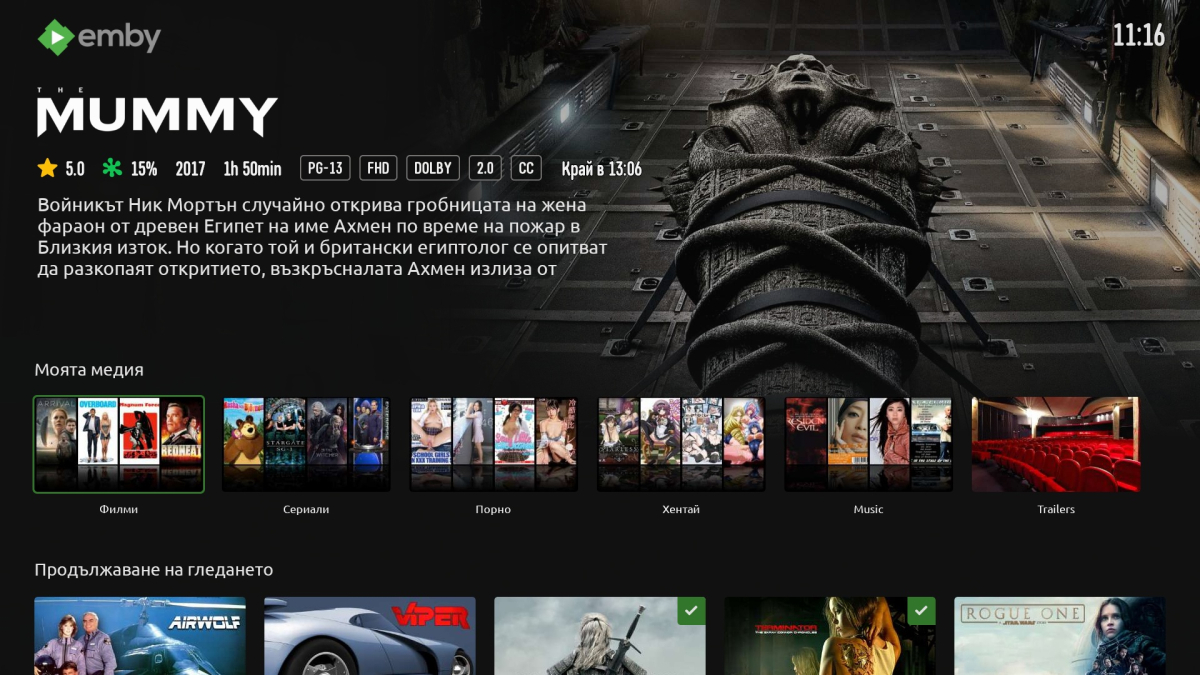
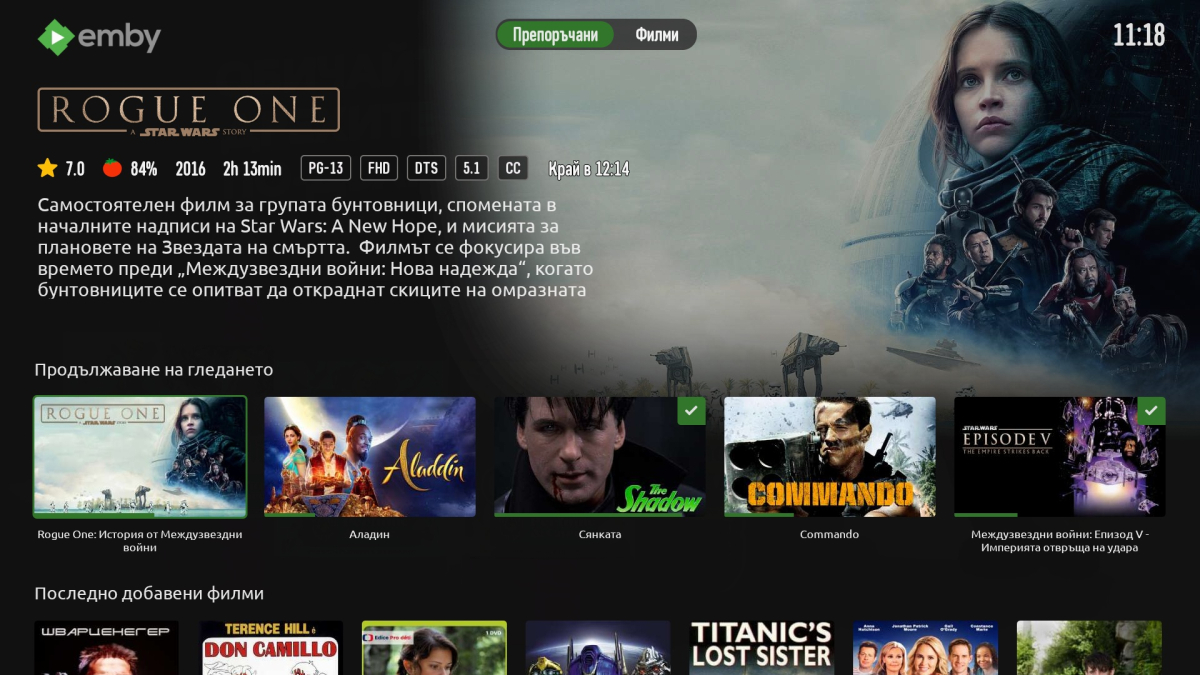
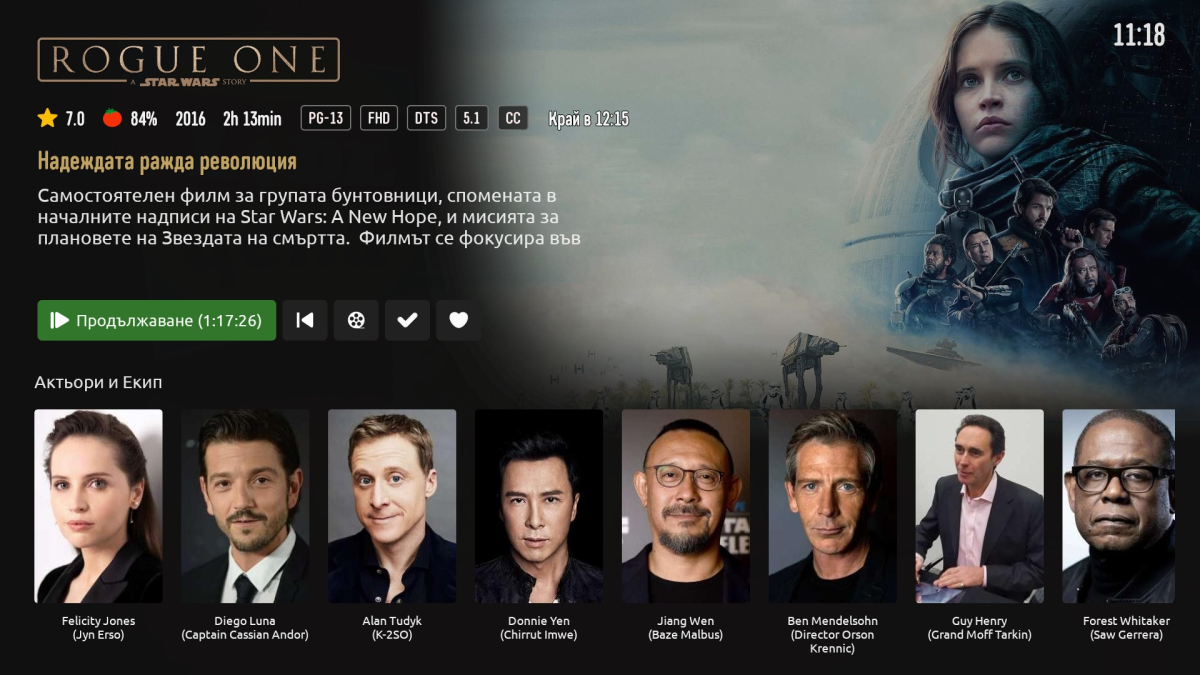
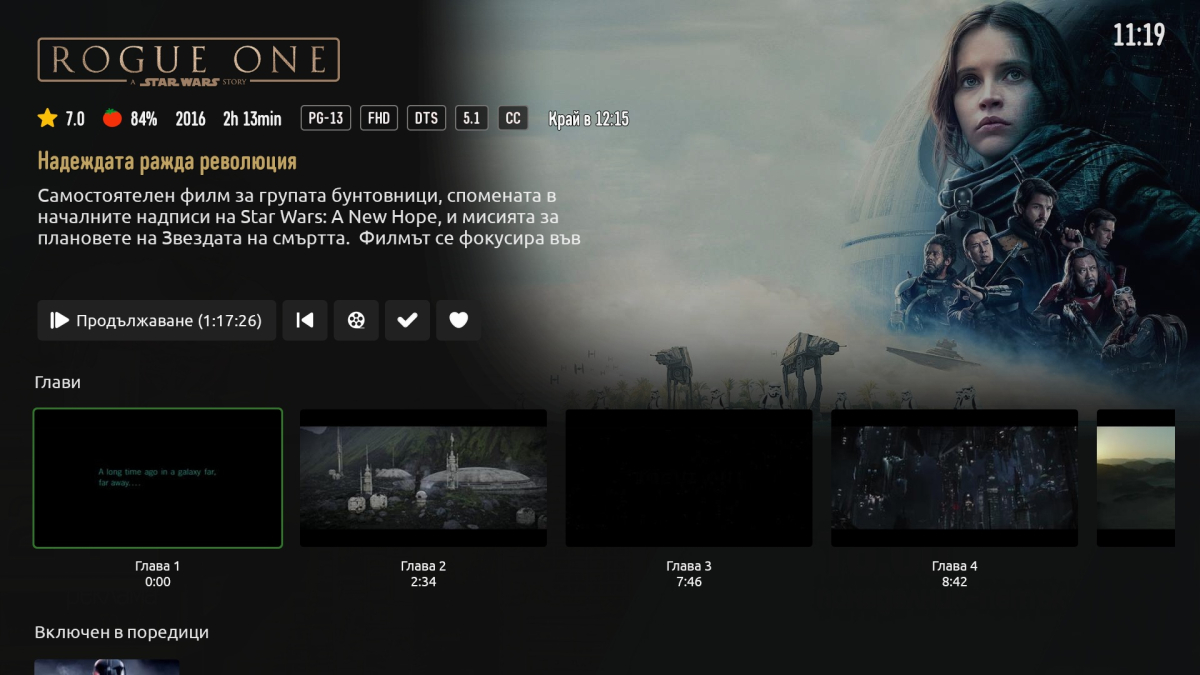
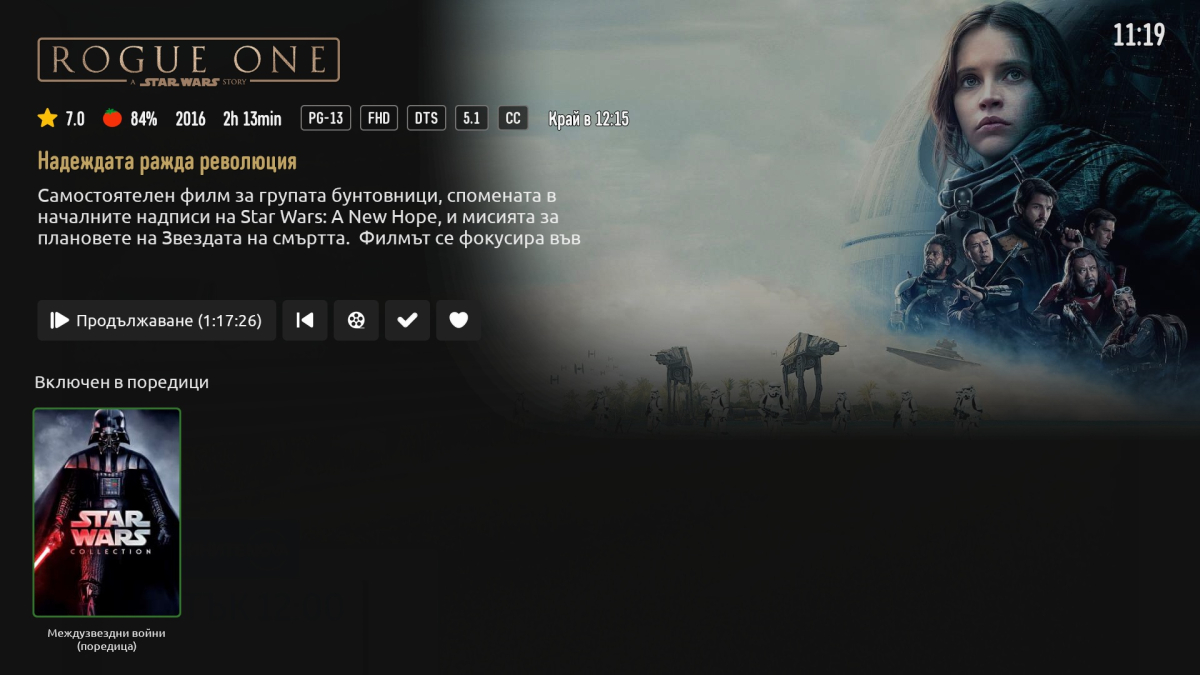
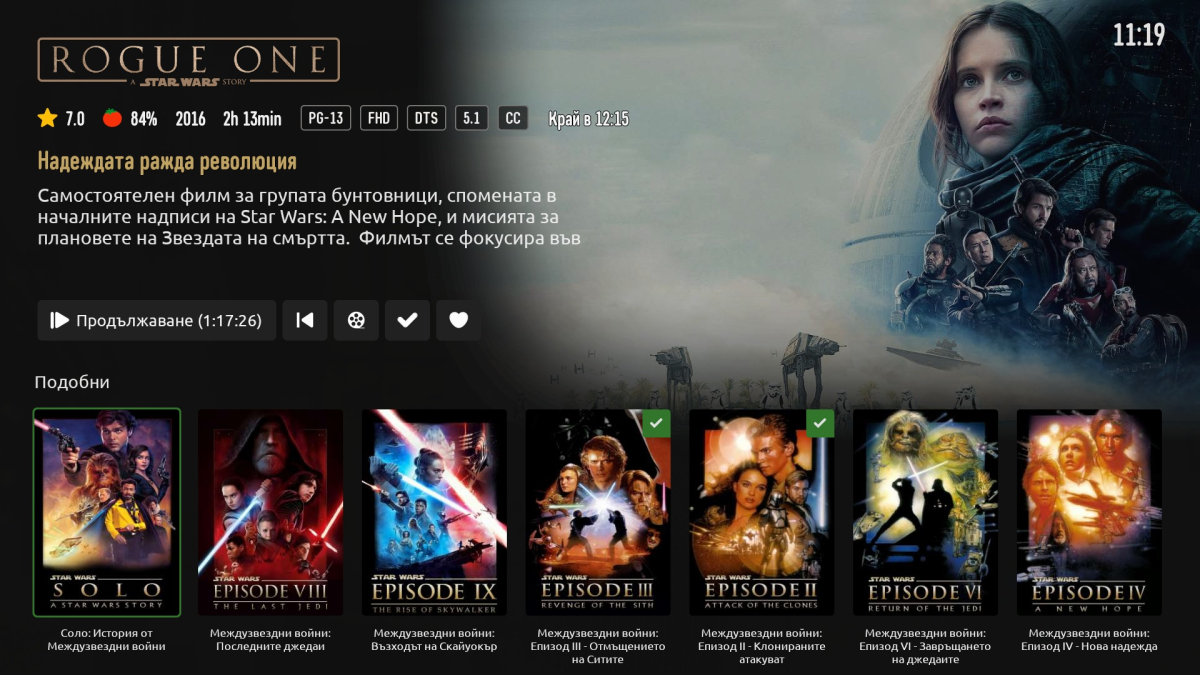
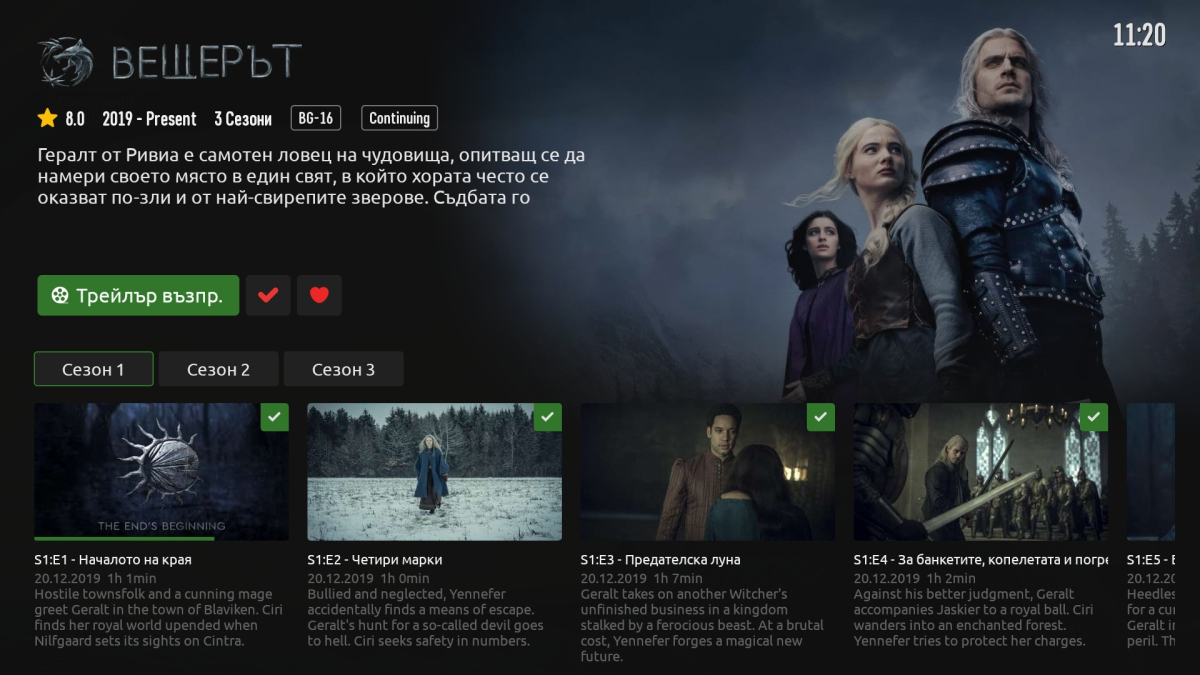
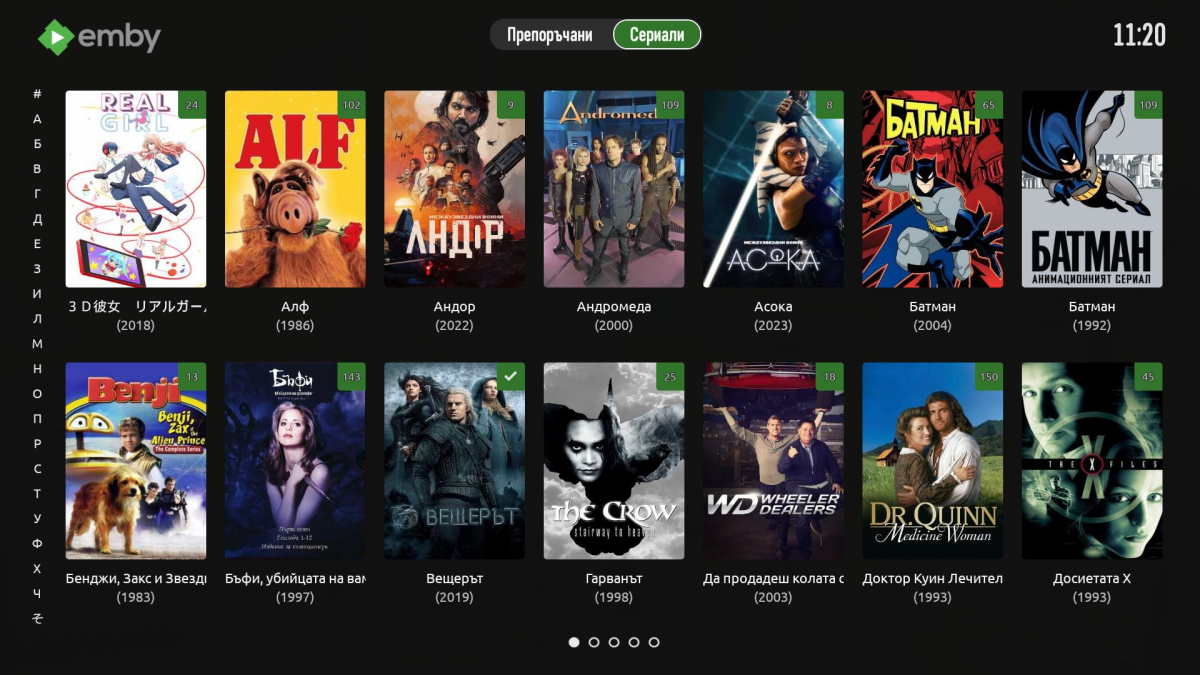 1 point
 -
Version 13.3.0 Notes: Please remember to leave an updated textual review on the Play Store. Your feedback is essential for improving the app’s ranking and securing Symfonium’s future. This release add support for Classical music tags to Symfonium parser (Clear tag cache + sync necessary), but since there’s many ways to tags things, please open issues on the forum if the defaults does not match your way. Added: Symfonium tag parser now recognizes these additional tags (You need to clear the tag cache and sync again for the new fields to be filled): Media Type, Album version, Album release status, Occasion, Grouping, Original artist, Original album, Movement name, Movement number, Work. Those tags can be used in smart filters/playlists, about sections, now playing string templates, … You can now add a rating bar to artist and album page header. Added new options to Album page to group tracks by work and display movement name/number instead of track title when available. (On by default!) Added many new custom string click and long click actions. Added Album grouping, occasion and media type as possible navigation nodes (Library, tabs, shortcuts). Added support for Jellyfin plugin AudioMuse AI to bring Sonic Analysis to Jellyfin (Smart flows, …). (Requires at least AudioMuse 0.1.18) Added a new setting to limit the maximum output sample rate to 48kHz when using the internal decoder. Added decade mixes and years browsing to Android Auto. Changed: Major design tweaks, M3 expressive, consistency, … Rewrite Symfonium tag parser: Can now scan much much larger libraries. More efficient consecutive syncing with external lyrics and cue files. Translations under 50 % completion have been removed. Please contribute via Settings or the forum as more translations are reaching that point. Low-rated or “excluded from mix” tracks now correctly excluded when using sonic smart flows. Fast-scroll touch zone reduced to minimize accidental taps. Recently skipped songs are now omitted from Personal mixes. OpenSubsonic album versions use a new storage method—please run a sync to repopulate them. No more tries to extract waveforms from very long media to avoid memory issues. Database settings are now a subscreen of Advanced settings. Try a new workaround for MIUI non transparent navigation bar on some devices. Remark: AutoEQ databases are updated outside of the application, you can clear the app cache in Settings/Playback settings/Advanced settings to update them. Fixed: Fix some Smart Filters rules not taking in account missing values. Fix some FLAC files not being playable. Please continue to submit sample files and logs if you encounter further issues. Hopefully fixed some possible BT metadata issues. (Thanks Robert for finally having someone sending the full bug report ;)) Fix cue sheet handling sometimes not using the file tags for metadata. Fix proxy mode for Subsonic providers with Proxy authentication configured. https://support.symfonium.app/t/version-13-3-0-released/104351 point
-
I reinstalled Emby client and restarted Emby server and now is everything fine. Thank you for help.1 point
-
I can confirm this is working now - thanks!1 point
-
I am on EMBY 4.8.11.0 and I have the same :
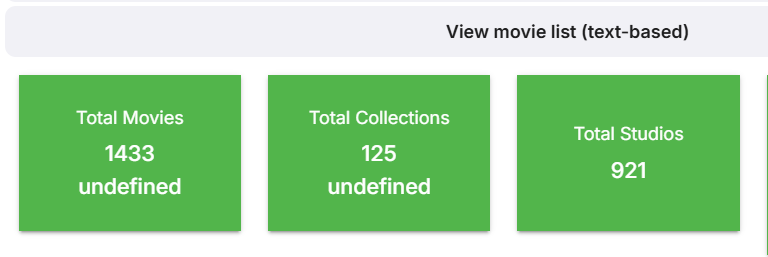 1 point
 -
off topic, but while xfinity does not support cablecards, they will still activate them and allow you to byod. i was able to do this recently, as i reactivate cable every year for football season and cancel thereafter. not sure how long they will do this for, but it’s good for now. idk how anyone with a cable card uses emby because the time it takes to switch channels is unbearable for me.1 point
-
thank you so much for your help1 point
-
It will apply to both.1 point
-
Seems to be working. Nice feature. Thanks!1 point
-
Hi, the items are being groped by series now. We’ll have to add a param to control this.1 point
-
@EHRETic Did you use Emby in a docker in your new server? If so, you can try updating the graphics driver in the docker container. Just follow the steps in the N150 posts or the steps here.1 point
-
Log file sent.1 point
-
@Luke i it works thank you very much sorry for the delay.1 point
-
Fix confirmed in 4.9.1.25.1 point
-
In the upcoming 4.9 server release, when you refresh the metadata on an album it will also do the same for all of the tracks.1 point
-
Operating System Version Desktop Environment Window Manager Compositor Graphics Manjaro Rolling KDE X11 KWin HW(Nvidia)1 point
-
OK so that's specific to QutsHero. @sa2000can update that. Thanks.1 point
-
Most users do not have massive libraries. I would think that we could just auto mix tracks with similar genres and the results would not be that much different from using an external service.1 point
-
It was chosen as a good first project to trial and onboard a new developer because it was mostly isolated work that wouldn't impose too much risk to the rest of the system. And it is something that is requested regularly all the time. His second project, which you'll find out about soon, is not live tv related but is also heavily requested. It can be found on the first page of feature requests sorted by most reactions.1 point
-
From what I gathered, Softworkz (maybe some others too) did a load of work, that would have greatly improved TV, and he did the Media Center theme which was great. Both of those pieces of work have been held up with no let-on of availability in a production release. The server betas are every few days with mainly "regression fixes" or "improve database performance" and the whole 4.9.x release has been dragging on for months, despite relatively little in new functionality and mainly bug fixes. Something is holding it all back. It's probably agreement of team for a new MAJOR version so that people will have to pay for it, possibly. Unless the Emby team comment, which so far, only Softworkz has put their neck out to try and describe in a meaningful way, but you can tell they are constrained. The releases were said to be speeded up after 4.8 was released, but that hasn't happened either, unless it was 4.9.x as was quoted quite a time ago. We can ask as much as we like on here or protest even. but unless the Spokesperson gets to the lectern to give us all a speech, treat it as pie in the sky There's nothing that can replace Emby for me, the only competitor is Jellyfin, and I would rather stay with Emby unless the changes get too idiotic. I've been here since Media Browser days, so got no choice but to sit it out till they are ready as I can't see anything else that can replace it at this stage.1 point
-
As you are mentioning the Wiki, it must have been 5 years since you've looked at it: https://github.com/MediaBrowser/Wiki/wiki Since 2023, we have an all-new documentation site here: https://emby.media/support/articles/Home.html All articles have been revised and brought into a new and natural contextual order (toc tree). Documentation is public and everybody is free to contribute: https://github.com/EmbySupport/Emby.Docs or report issues which will be responded in a timely manner: https://github.com/EmbySupport/Emby.Docs/issues/new Again, totally off-topic, though...1 point
-
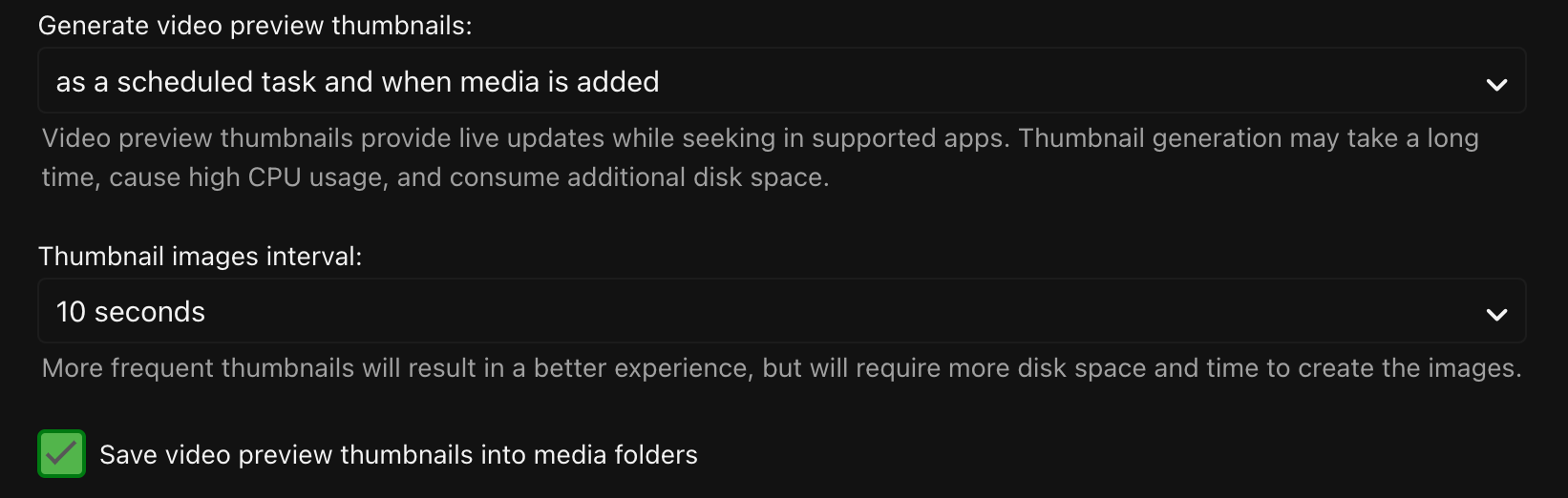
Hi I want to generat video preview thumbnails every 10 ceconds, then I enabled the preview thumbnail feature with these settings After the scheduled task finished, most of files it works well, but some of them doesn't show me any previews which shorter than 5 minutes in runtime. Are there any way to generat preview thumbnails for videos shorter than 5 minutes Thanks in advance for any help!
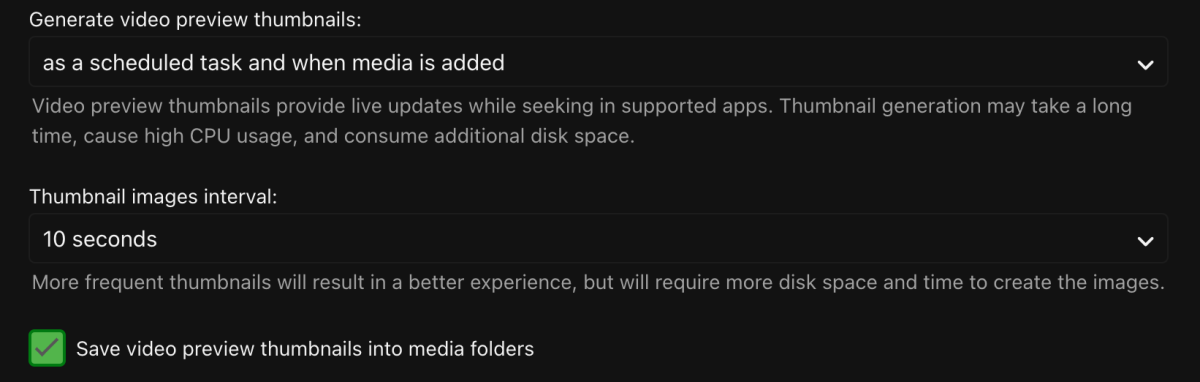 1 point
 -
Love this idea. Honestly would love some more customization with cinema intros. Being able to play multiple bumpers and ads would be fun addition. Just adding even more of that in "theater feel"1 point
-
5 Minutes was probably chosen as a good all-around value as it helps stop generation for things like trailers. I'd also suspect the usefulness of previews becomes less and less the shorter the duration of the video is. As a work-around, you could script this to happen out-side of Emby Server easily for any folder containing a video file with a bif file present. @LukeCould we make this a configurable option per library with the option of only generating the index on the main video as well as for any video file?1 point
-
Hello! I'm a user from Quebec, Canada and we have 2 main languages, French and English. Most of my library is in those 2 languages, I would like to be able to keep the original title in French if it's a french movie. At this moment, the french movies are getting translated. Anyway to do it? I think that a setting to set the original title by default for all items in the library would solved my problem (since the original title will be in French if it's a french movie) I don't want to split my collection into different folders (one folder by language) Regards,1 point
-
Yes this needs updated to include this row.
 1 point
 -
This community is here to help you. Here are some guidelines on what information you should supply when reporting issues. Make sure to check out our Knowledge Base for more useful information. Reporting Emby Issues Please create a topic in the community. Describe the problem in your own words, including what you're trying to accomplish, and where you're getting stuck. Please mention some specific examples. In your description, be very specific about the steps you took and what happened with the system. Describe it like you are talking to a blind person - because you are. We cannot see what you did or what happened so be as specific as possible. If you saw error messages, please tell us what they were. If the problem is difficult to explain, please include screenshots that demonstrate the issue. Please attach the server log from the time frame the activity occurred. See the section below titled Emby Server Logs. Please supply the full and complete log file in txt format. Please don't zip or compress, and avoid attempting to extract relevant sections. Everything is relevant to us. If a server transcoding log (ffmpeg log) was also generated during playback (in the server logs folder), please attach that as well. If you are using the Roku or Android TV specific app, please also follow the instructions below to send a log from the app. Emby Server Logs Logs can be accessed directly within the server's web interface by navigating to Logs under Emby Server sidebar section. If you're having difficulty using the web interface, log files can be found in the logs subfolder of the Emby Server Data Folder . Note: Be aware that these log files would not be sanitized if obtained directly from the logs folder and should not be uploaded in the forums. If there is an error downloading the logs through the Emby Web interface for Settings / Logs, please enable debug logging, repeat the attempt to download the logs and report the problem in the forum indicating the logs download issue. The raw logs can then be forwarded to a member of the Emby Team when requested. Emby for Android TV/Fire TV and Emby for Roku Logs These apps have the option to send an app log to us electronically. You enter the settings page and turn on the "Debug Options". Now there will be a new tile on your home page settings row (or menu option on the user menu at the top) labelled "Send Log". Reproduce your problem and then use this button to send the log. Then add the following information to your report in the forum: Exactly what you were doing and what happened. Include the name of whatever you played if it is a playback problem The time you sent the log (in Eastern Time please - UTC -5) The name of the Emby user on the local server that was logged in at the time How to Post Log Files You can simply drag a file onto your post to attach it. Alternatively, you can upload your log file to Paste2 or a DropBox account and then post the link in your topic. Please avoid linking us to log files that require us to sign into a website. If the problem is occurring in the Emby Web app, please remove any custom CSS you may have created and see if the issue remains after that.1 point