Leaderboard




Popular Content
Showing content with the highest reputation on 07/19/25 in all areas
-
Okay so plan is: 1. Make everything dynamic except HDR detection. 2. Change the icon naming scheme to work with that. 3. While i'm at it, add support for aspect ration. I understand having to rename the icons will be an inconvenience for you guys and i'm sorry. At the very least i will make sure to give a good number of correctly named icons that can be used.3 points
-
To me this suggests you uninstalled all your plugins. What shows on the plugin page? Please post a server log.2 points
-
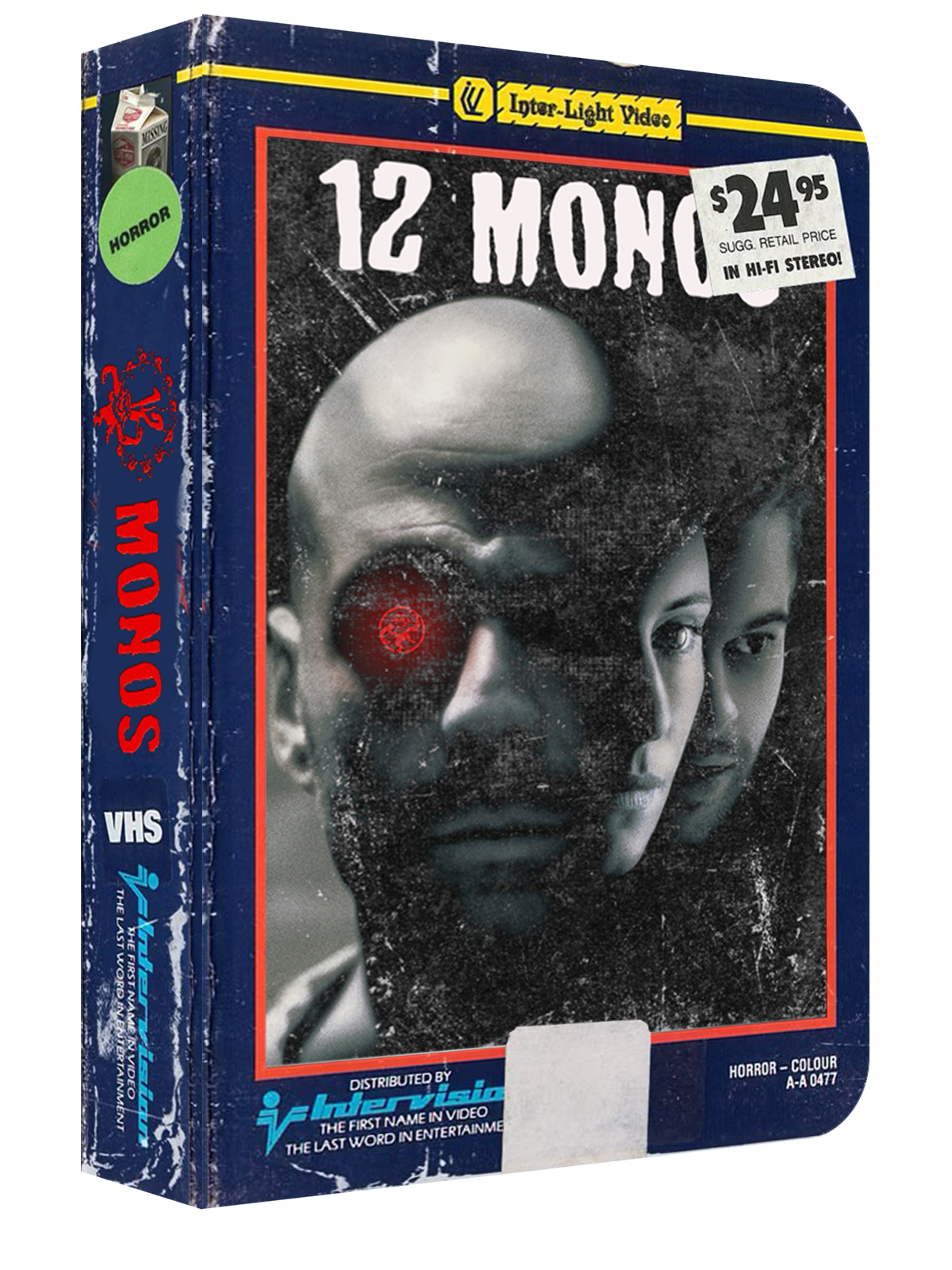
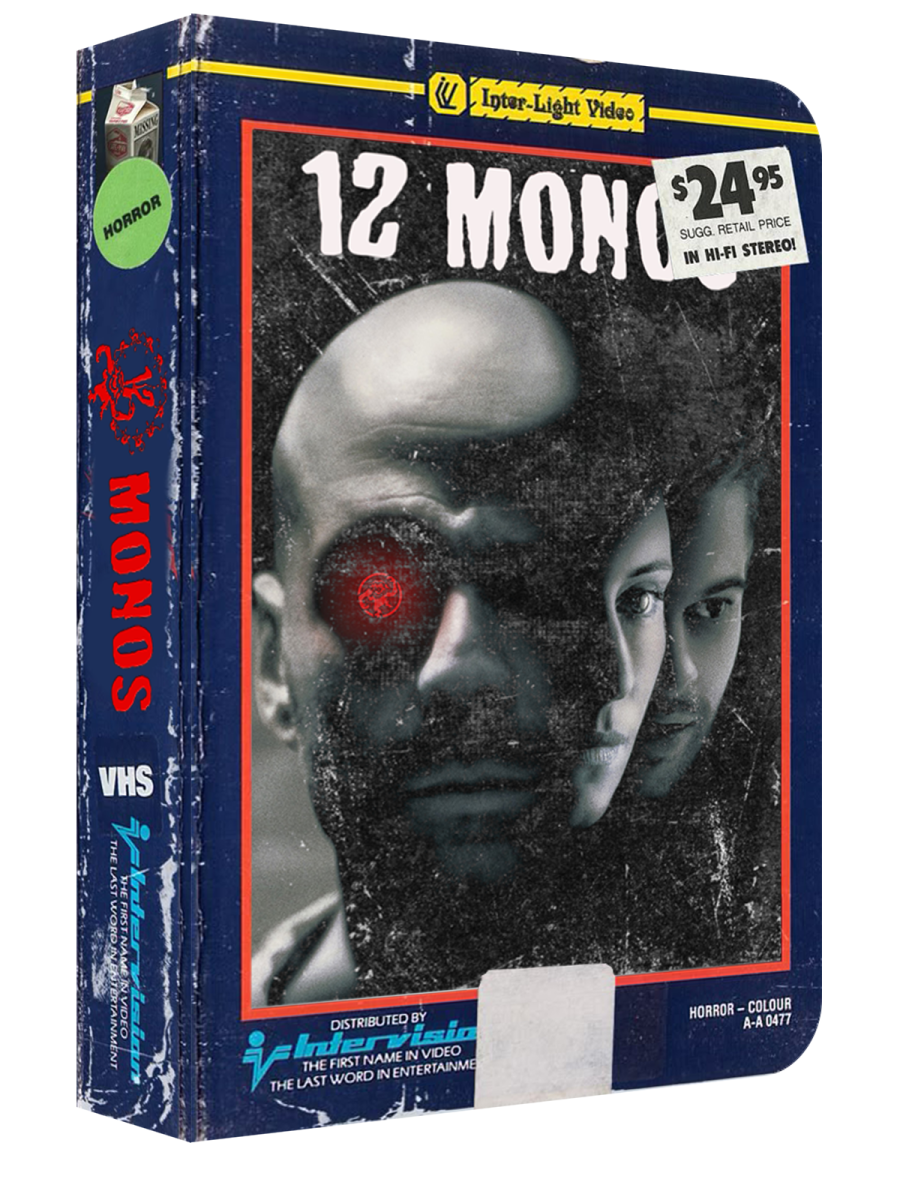
acabo de empezar este nuevo proyecto , de cajas de peliculas en vhs , si alguien le interesa colaborar que me lo haga saber , ya que lleva mucho trabajo , estaria bien tener ayuda , yo tengo el psd para editarlo solo , seria descargar e implantar imagenes y algun filtro , quedan una cosa asi mas o menos
 2 points
 -
Nevermind. I renamed the parent folder to be suffixed with " - (1969) [tvdbid=78260]", so it picks up the correct show now. E.g.: Scooby-Doo Where Are You - Season 01 - (1969) [tvdbid=78260] A quick Scan of the TV Show library, and it's all fixed up!1 point
-
bueno tambien acabo de empezar la odisea de crear los videos tematicos de las pelis , si alguien quiere pedirme alguna que no se corte ire poco a poco por orden alfabetico de mi listado de pelis y esta es la primera 13 horas los soldados secretos de benghasi 19 (2).mp4 a ver si os gusta , y le dais amor subire mas1 point
-
I just use the HDHomerun App for streaming app for streaming TV. No problems. The problem with Emby is that the Direct Connect actually still uses the server instead of going out to the HDHomerun device directly. I would love to see this as a feature. I have problematic OTA signals and Emby hangs constantly when the signal drops. The HDHomerun Appdoes not have this problem. VLC seems to well, but still has a few hangs.1 point
-
thanks for your help, it was indeed. Hi mate thanks for your help. Just after reading your post i immediately remembered deleting the plugins, silly me but thankfully it was an easy fix.1 point
-
I'm interested in this feature too.1 point
-
Yes that would cause it.1 point
-
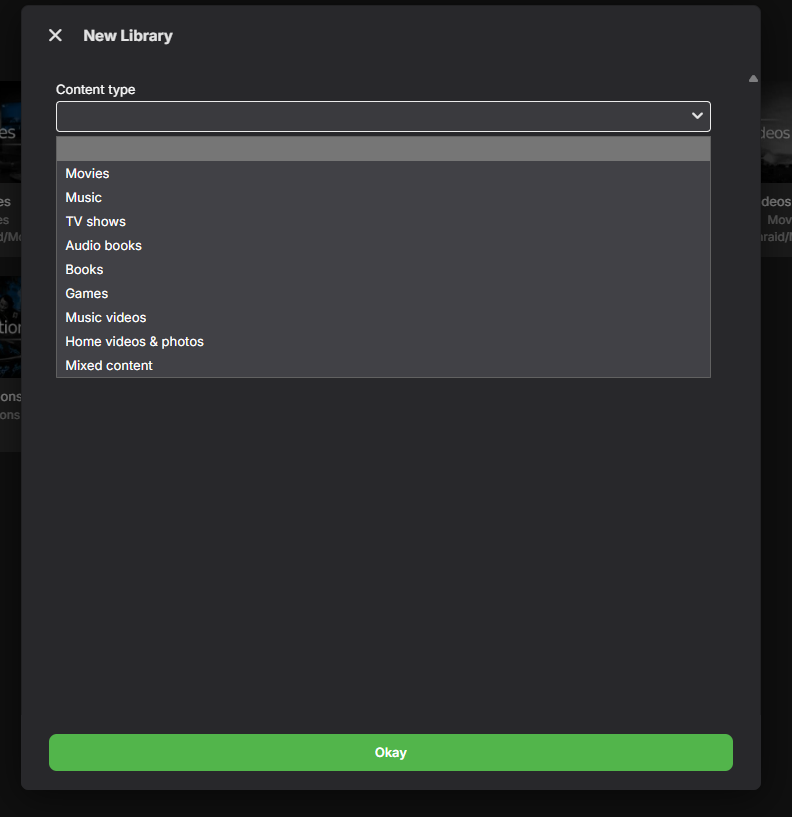
What library option did you set it up with ? I would chose "Movie" option
 1 point
 -
Ok, so typing it in rather than copy/paste seems to be working for movies and episodes. Thanks Grim!1 point
-
Search in the settings? That takes away all the fun...1 point
-
Thanks and I presume this is DirectPlay. Can you please also confirm that you have this same problem regardless of whether your select the audio track before playback and also during playback. We've seen this issue previously, and it's caused when the audio track marked as 'Default' is not the first audio track, which I can see in your example (Audio track 2 is the default). You can check if you have some examples with multiple Audio tracks but track 1 marked as the default - these examples should work correctly, but it would be great if you can confirm. The problem is that LG automatically swaps the audio tracks so that the 'default' track becomes the first track. We have resolved this by also swapping our track order to match, so I'm surprised that you are seeing this issue. I think all the previous examples where I have seen this were mkv files, so I'm wondering if MP4 files have a different issue.1 point
-
The filename detection for HDR10+ isn't going any where as long as Emby doesn't support HDR10+ correctly.1 point
-
I guess that's some illegal copy/paste character as I'm seeing no issues with it on 4.8.11.0. Try copy/pasting this: div.cardText-secondary { white-space: pre-wrap; } or just type it by hand.
 1 point
 -
Also make sure you are on the latest server version.1 point
-
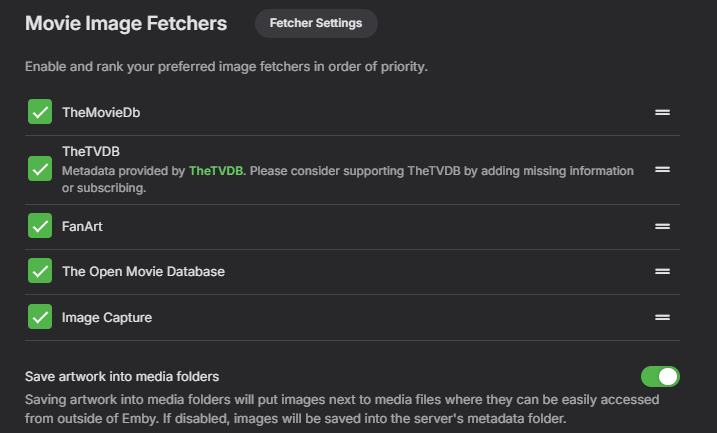
Hi, what image fetchers do you have enabled on the library?1 point
-
I want you guys opinion on something. I'm thinking of changing the detection in the plugin to be much more dynamic. As it is right now all video and audio formats, channel count and so on are hardcoded into the plugin. I'm thinking of changing it to dynamic so new formats and even custom ones are automatically supported.. This makes it so if a new audio codec gets released called for example EAC4 then audiocodec_eac4.png will automatically just work in the future as long as Emby reports it. This will work this way for everything, codecs, channel numbers and so on.. It will also make sure that all codecs just works and doesn't need to be added by me in the future. Audio and subtitle languages would also just work without me having to add all languages. They will have to be renamed to using actually audio languages like subtitle_english.png instead of the sometimes confusing 3 letter codes. HDR, HDR10+ and Dolby Vision might be hard to implement into this because of how Emby works and most likely have to use the old method. Unless someone knowns of a way to do it that i have overlooked. It will all also require people to rename all their icons, hence why i ask for your opinions as this might be annoying to do. Naming examples: videocodec_h264.png audiocodec_eac3.png language_english.png subtitle_english.png channels_5.1.png tag_name.png Users can pretty much just look at what Emby reports and add icons for it them self. It also opens op for easier integration of things in the future like aspect ratio. What do you guys think? Something you guys would like or would it be an absolute pain to rename the icons?1 point
-
No special file names are needed for either plugin except for the icons ofc. I strongly believe it's a sandboxing and/or permission problem in Arch. Arch is known for being very, very strict with security! Try and ask the Emby developers if they know how to fix it. You can upload an Emby log with debugging enabled and i will look through it to see if i can find out precisely what's wrong, i can't promise anything though. Other than that i don't think i can help much, sorry.1 point
-
Thanks Luke, now with that setting it's fine for me.1 point
-
Hi, not yet but we are working on it, so stay tuned?1 point
-
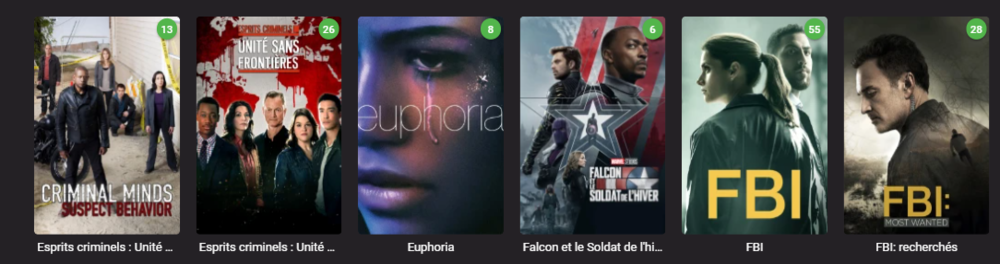
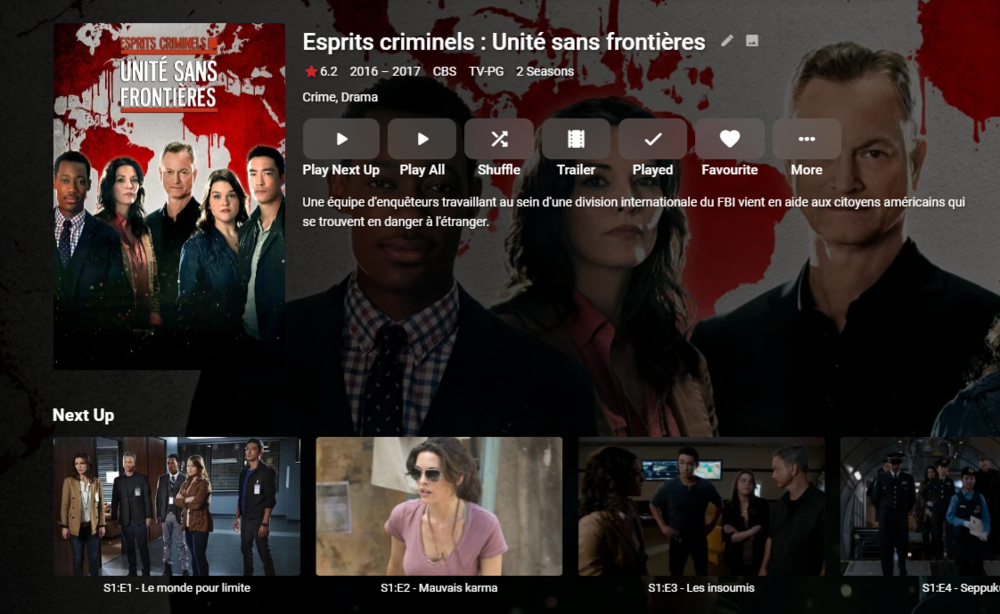
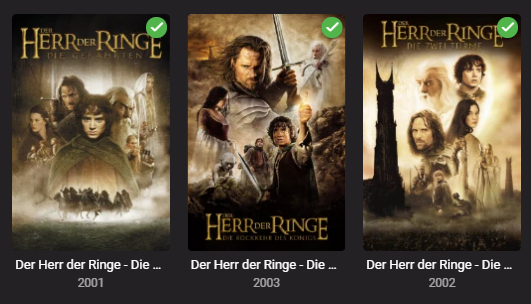
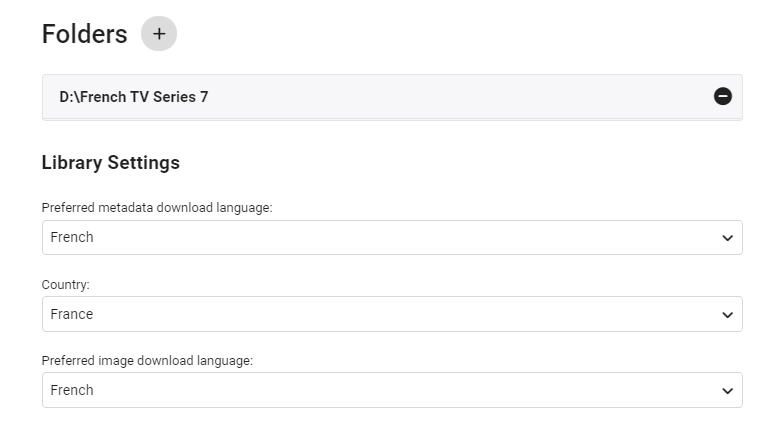
edit 30/08/2022 I've updated the script as follows - - On repeat usage, added Progress Monitor when skipping existing STRM files (rather than thinking it's hung ..) - Added Summary page of the New Libraries This also works with TV Series - due to the nature of each episode needing it's own STRM file - it takes a little longer, but works just as well. ------- I've created a simple script that creates a copy of the structure of an existing emby library (file path). It then populates this new structure with strm (link) files back to the original video files. You can then use this library as a new library within emby - and subsequently you can choose the metadata language as you would do as part of the normal setup. This means you can get : native language metadata (if it exists) native language artwork (if that exists) subtitle language as required (you can do multi language subs in the core system) The video file is played from the original library - so there is no need to duplicate the video files. If required, user permission can be removed from the main library, leaving just this new library to browse in the users native language. Usage (windows batch file) Copy the batch file 'libstrm.bat' and 'library.txt' to the emby server in a suitable directory. Modify the 'library.txt' file to match your system. In the example file I have - D:\TV Series\;D:\French TV Series\ D:\Films\;D:\German Films\ Also works with UNC - \\media\TV Series\;\\media\French TV Series\ \\media\Films\;\\media\German Films\ The first path is the original location, the second path is the new library location (with the strm files). Note - the path must end with a \ and the entries are separated by a semi-colon. The 'library.txt' file can contain any number of drives and folders - I suggest testing with a sample to start with. Run the 'libstrm.bat' file from a command. Depending on the number of folders/files - it may take a few seconds or more to complete - but it will show progress as it goes. Once complete - create new emby libraries pointing to the new locations - remembering to set the metadata language as required. For example :- Once setup and emby has scanned the new folders (it will do this automatically if set to monitor - or a manual scan) - all the relevant metadata will be imported. As an example - in my test French library :- Note the French metadata, episode names and artwork. In my test German library :- Again, German metadata & artwork. Keeping the system updated ... Because creating the strm files is manual - to add NEW media, the script can just be run again (via the Windows task schedule ever day for example). If the strm file is already there, it will not recreate it. However, if media is removed from the original library (remember it links to it, it is not a copy) - then the strm link will unfortunately break. It can of course just be removed manually by deleting the strm file. I've added a progress bar to now show when items are skipped (every 100 items gets a # displayed..) Media Playback ... The resulting playback will of course be identical to playing the original file (as it IS the original file) but any playback preferences will be remembered for that library. So if the Audio was set to French with French subtitles, then next time it is played, it will remember those settings. There may be a way of setting these to a library default in the native language - I have not experimented with this. Feedback welcome. (rename the libstrm.bat.txt file to libstrm.bat) library.txtlibstrm.bat.txt

 1 point
 -
It would be great if we could set a maximum number of failed login attempts within a certain time and then have that ip address blocked.1 point
-
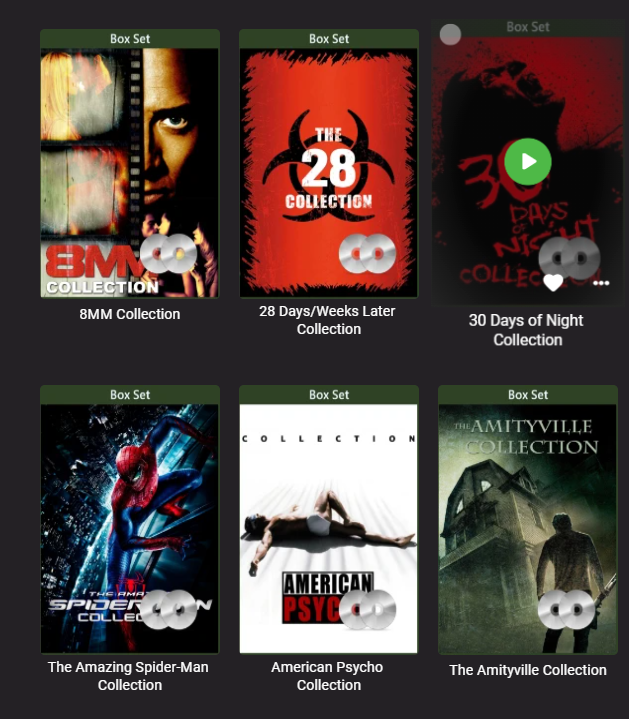
Why do you need to locate it? Just replace: div.cardText.cardTextCentered.cardText-first { white-space: pre-wrap; } with div.cardText.cardText-first { white-space: pre-wrap; }
 1 point
 -
Feature request: Roadmap/Development transparency In scrolling through the current feature requests, and having put in a few myself, I'm curious: How many upvotes does a feature request need to get before you guys actually start working on it? Is there a certain number of votes per period of time, or how do you decide what actually gets worked on? I ask because I often see a feature request, and the response is generally something along the lines of: If the Emby Team already agrees with the user, the script goes: Emby team - "It's something we'd like to do in the future, thanks." But no timeline is given. A year goes by and it still hasn't been implemented, so the user asks again, and gets a response similar to: Emby team - "We are working as hard as possible to make everyone as happy as we possibly can. Thanks." User gets frustrated, asks for an ETA, response is like: Emby team - "Hi. We have never stated this feature was slated for any particular release. It is planned for the future but not under active development yet." 2.5 years have gone by for this feature request, with almost 30 upvotes, and active development isn't even on the horizon. If the Emby Team disagrees with the user request, the script goes something like: Emby team - "This is why we think the way we are doing things is right, thanks" Users - "Hey, I see what you are saying, but here are 9 reasons I disagree" Emby team - responds to 1 point of the 9 made to tell the user they are wrong, or that that 1 little point isn't relevant, ignores the other 8 points User - gets frustrated, keeps pushing Emby team - "This thread is here to gauge user interest, we will see how many upvotes it gets and may implement it in the future" Years go by, thread gets upvoted, feature never gets implemented. The highest upvoted feature request right now in the top 20 pages of this forum has 63 requests (not even counting how many similar threads may have been locked for being duplicates), and it's not even under active development at this time, despite being created by a developer and being over 2.5 years old. To get ahead of some of the responses I'm sure I'll get, let me just say: -I absolutely appreciate that Emby exists, and I appreciate and respect the time that goes into its creation and development. I know that developing a program takes time. -Yes, I am a premiere subscriber -No, I'm not just trying to complain about this. I am simply asking for realistic responses that actually have usable substance and transparency. Some actual follow through or a roadmap so that users know if their requests are even being considered for active development, rather than waiting for ages only to be told that the item they thought was getting worked on or had a chance at being worked on isn't anywhere on the horizon. -Yes, I do really love Emby, and I want to see it grow and get better, which is why I have chosen to give you guys my money, and why I recommend it to people. Unfortunately, that doesn't negate my frustration with this current process.1 point
-
As far as I understand (I have very limited knowledge on network/router configuration): The router has four ethernet sockets, each locked for a specific purpose. My ISP provides both internet and digital TV. 1: internet 2: TV 3: TV 4: internet. 1 & 4 - so I had connected Roku to 1 and PC to 4, once I switched cable around - Roku 4 and PC 1, it worked fine. Cant explain reasons, lack understanding, but one of those 1 or 4 is locked in "bridge mode".1 point