
Leaderboard




Popular Content
Showing content with the highest reputation on 05/26/25 in all areas
-
I believe we have determined there are issues with this in 4.8.x that have been addressed in the 4.9.x line.3 points
-
Hi. I'm facing same issue. While "remember audio" works as expected and changes the audio of all episodes when you change it in one, "remember subtitles" option doesn't work at all. No matter what subtitle mode you set, subtitles are not propagated to other episodes. Do we have any update to this topic?2 points
-
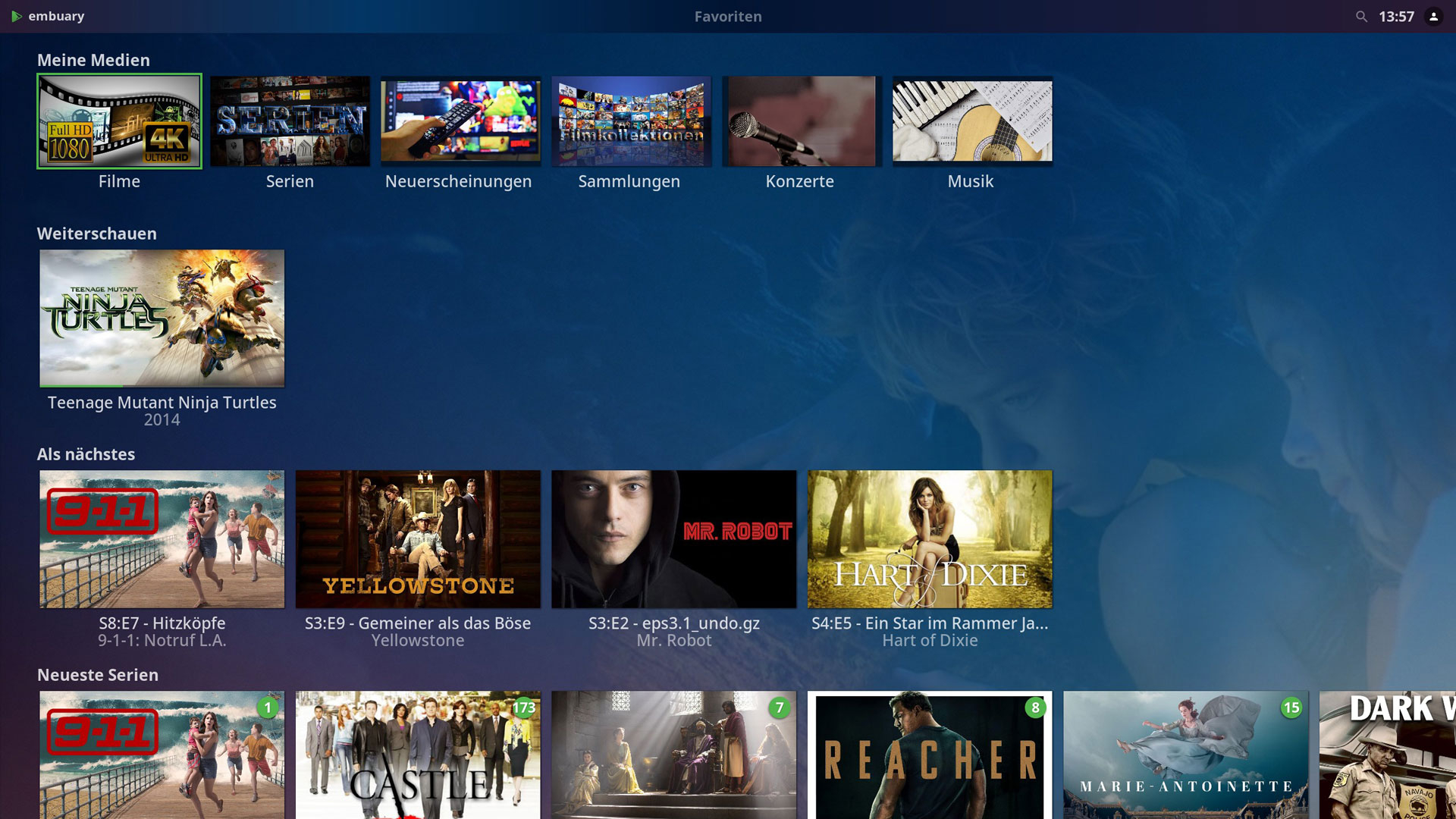
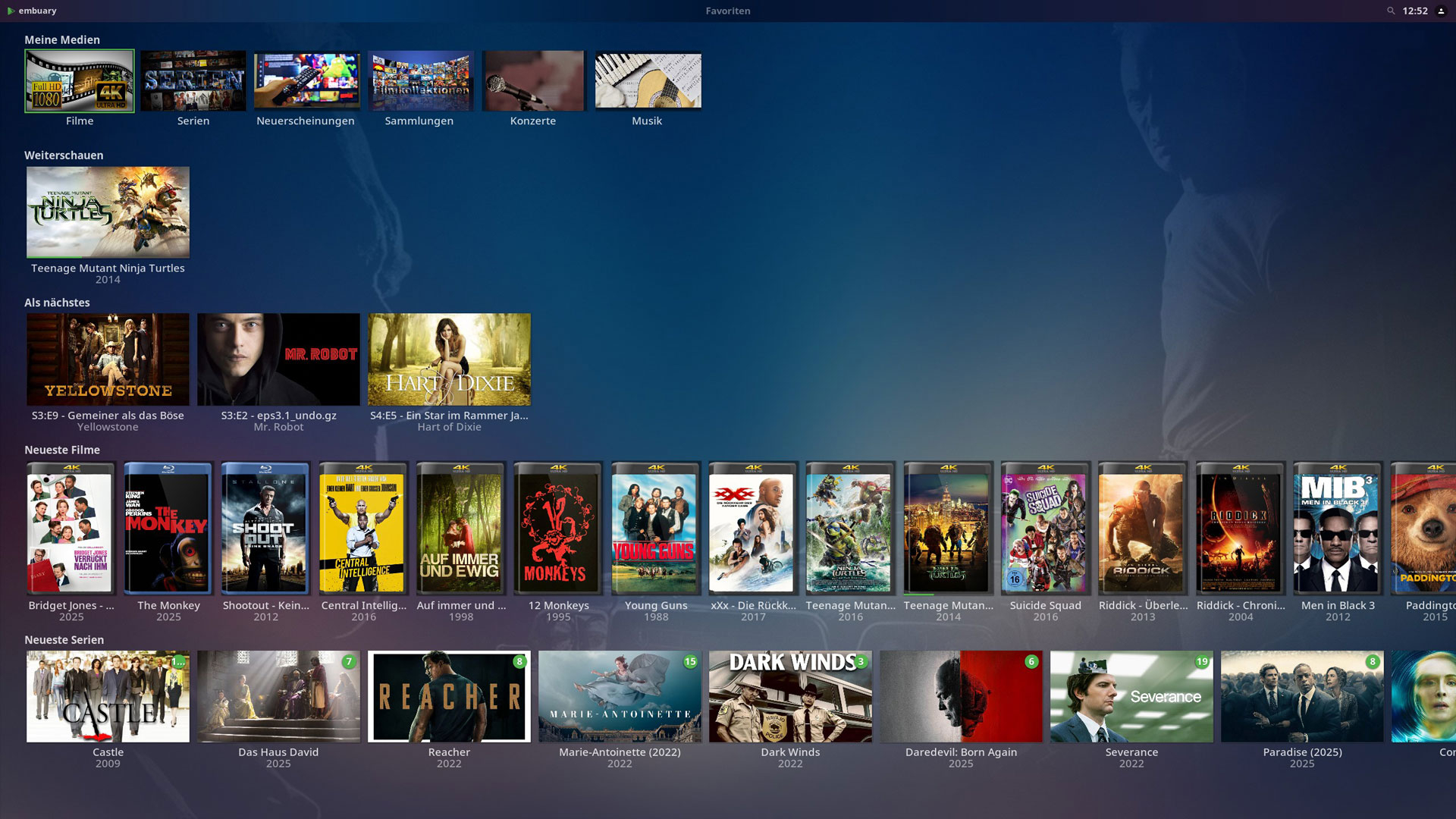
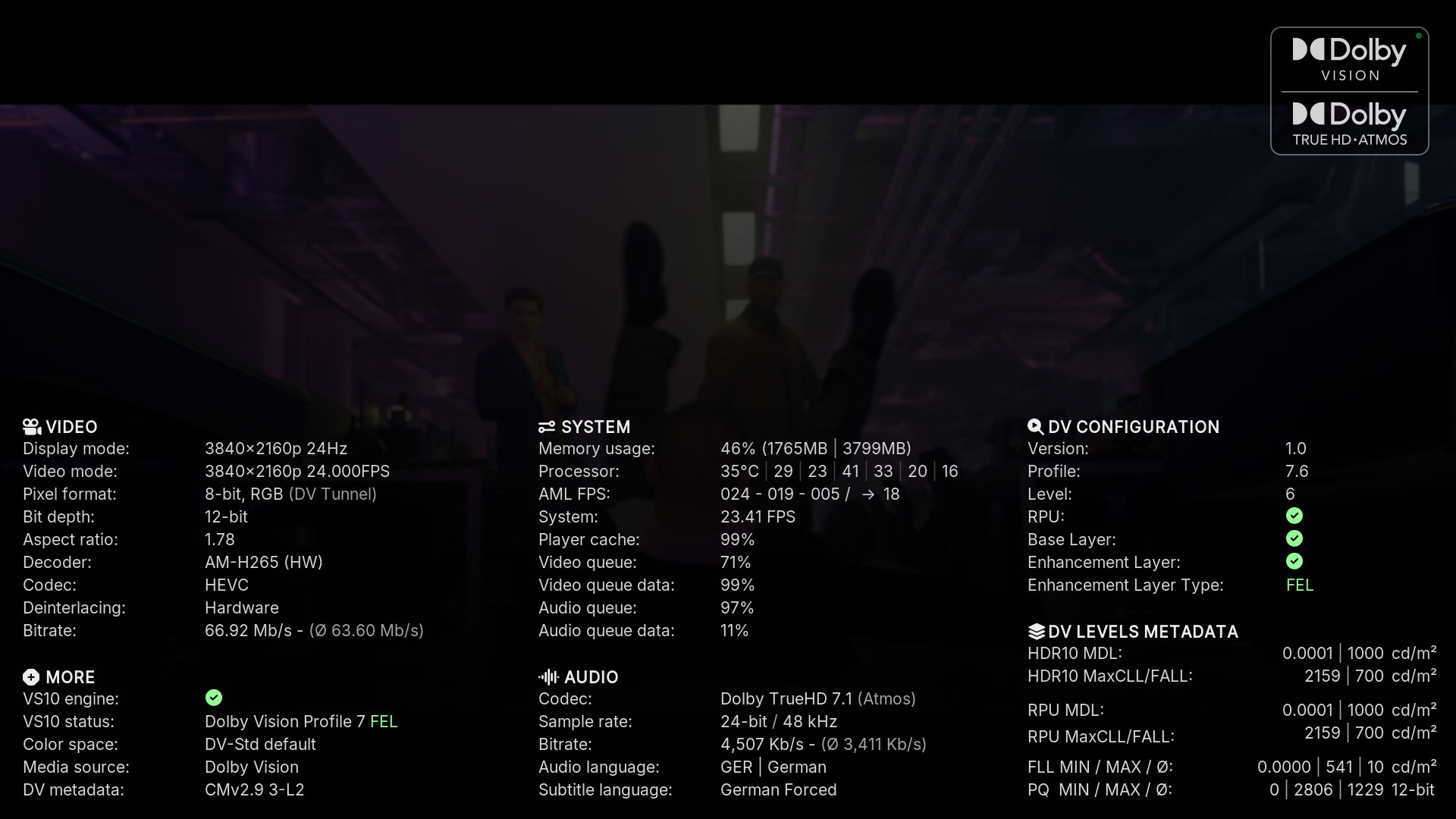
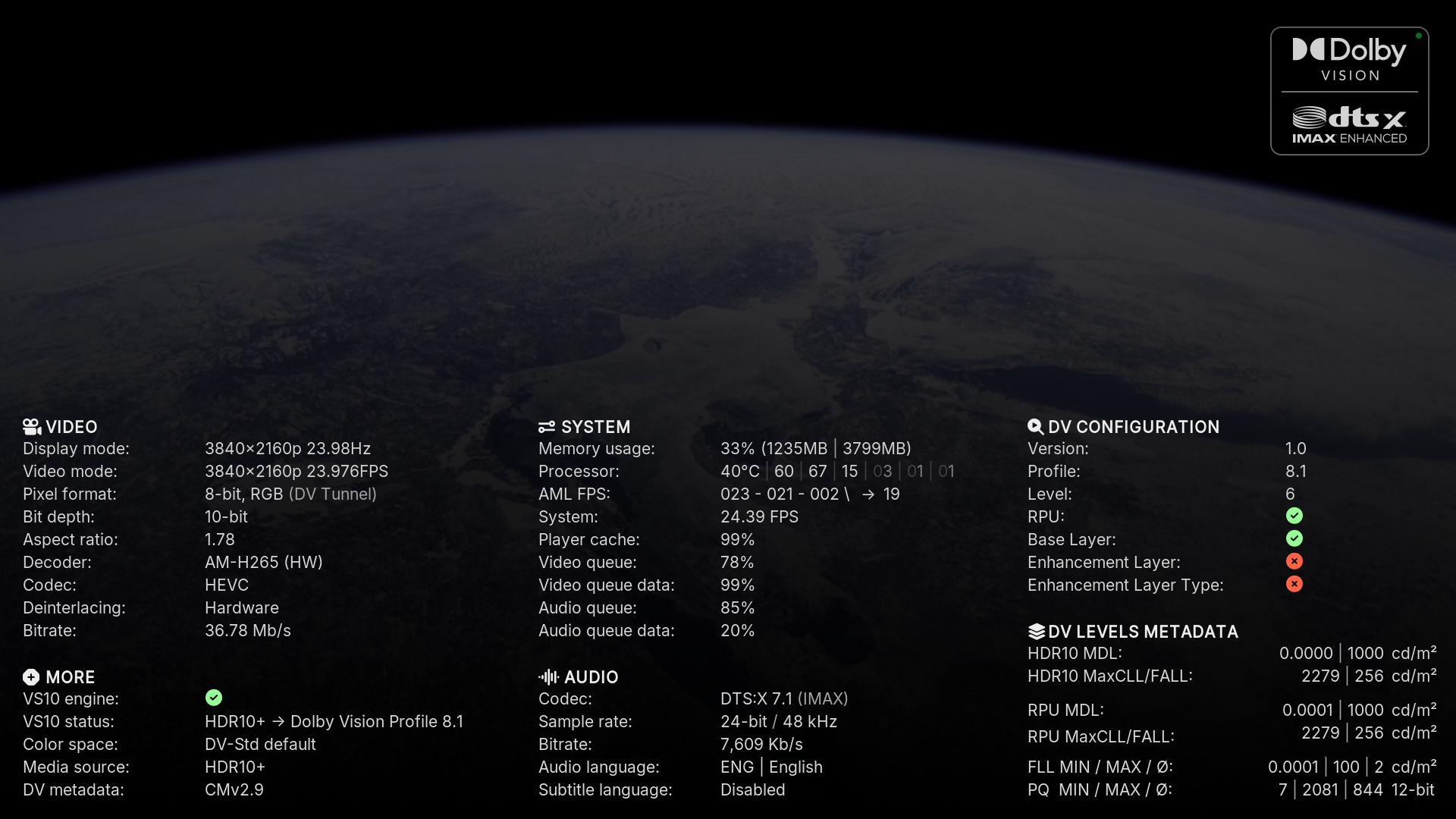
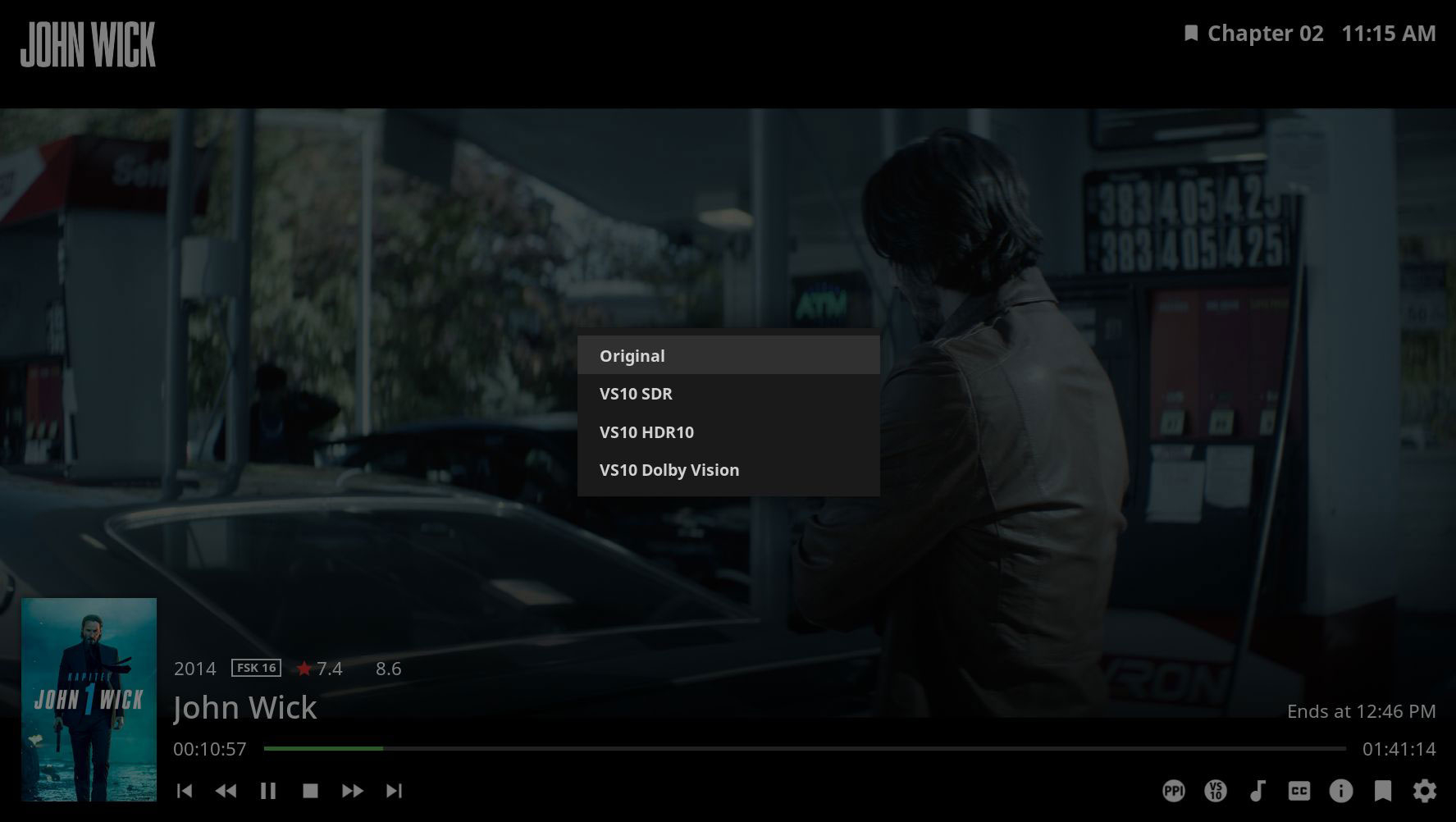
____________________________________________________________________________________________________ Auch wenn ich hier eigentlich nicht weitermachen wollte, so möchte ich euch die neuen Modifikationen nicht vorenthalten. Und damit hier nicht ständig neue Dateien hochgeladen werden, hab ich eine Repository auf Github erstellt. In Zukunft könnt ihr die aktuellste Version immer dort herunter laden. https://github.com/Teddyknuddel/embuary.omega _____________________________________________________________________________________________________ Even though I didn't really want to continue here, I don't want to withhold the new modifications from you. And so that new files are not constantly being uploaded here, I have created a repository on Github. In future you can always download the latest version there. https://github.com/Teddyknuddel/embuary.omega _____________________________________________________________________________________________________ Changelog: [B]Version 21.0.1[/B] - Changes by jamal2367 - Added two buttons in the video OSD for "PlayerProcessInfo" and "VS10." - Modified PlayerProcessInfo - Codec logos, which can be set in the settings under "Playback & Media" at the bottom - Improved audio codec detection [B]Version 19.0.2[/B] - Changes by Teddyknuddel - Added 4k Resolution - Compatibility for Kodi 21 (Omega) [B]Version 18.8.8[/B] - Changes by sualfred - Added support for new Artist Slideshow version - Added busy spinner to genre window - Cleanup _____________________________________________________________________________________________________ 2K Version 4K Version Playerprocessinfo Playerprocessinfo New buttons VS10 Mode _____________________________________________________________________________________________________ VS10 Mode ist nur mit CoreELEC Omega Nighlty CPM nutzbar _____________________________________________________________________________________________________ VS10 mode can only be used with CoreELEC Omega Nightly CPM _____________________________________________________________________________________________________ Haftungsausschluss: Ich übernehme keinerlei Haftung für Schäden an der Hardware. Installation auf eigene Gefahr. Des weiteren: Sollte etwas nicht funktionieren, erwartet bitte nicht, dass ich es sofort erledige. Wenn es in meinen Möglichkeiten liegt, werde ich es korrigieren. Wenn nicht, dann müsst ihr selber dazu beitragen. _____________________________________________________________________________________________________ Disclaimer: I accept no liability for damage to the hardware. Installation at your own risk. Furthermore: If something does not work, please do not expect me to fix it immediately. If it is within my possibilities, I will correct it. If not, you will have to do it yourself.
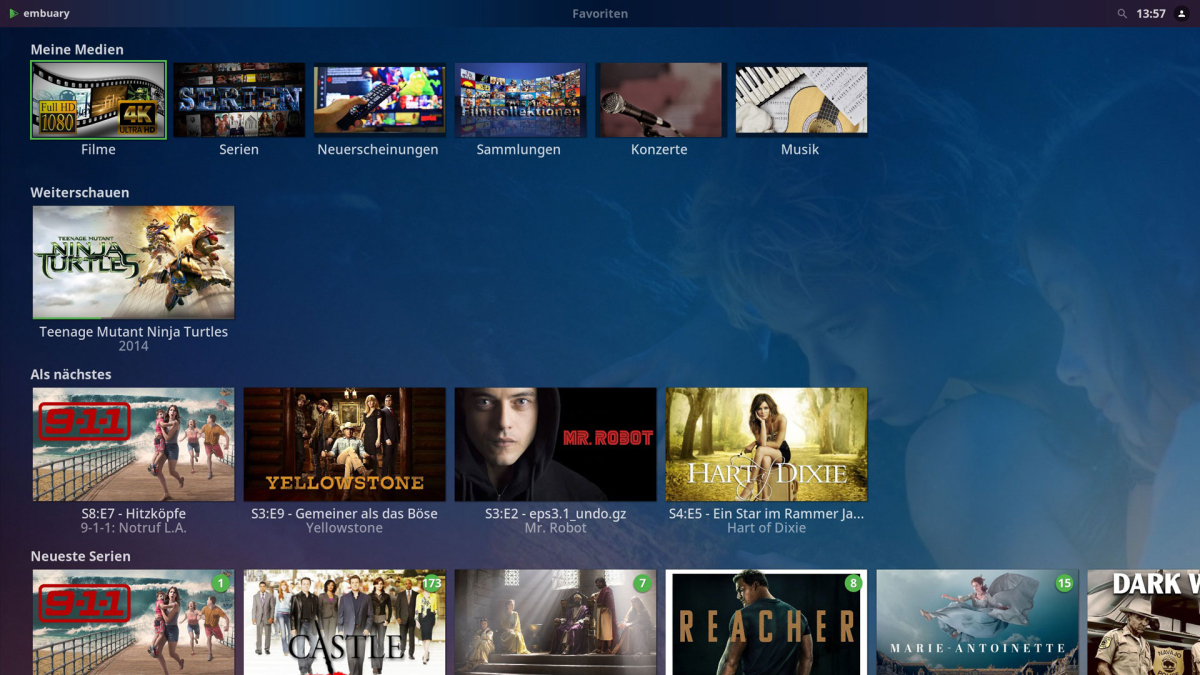
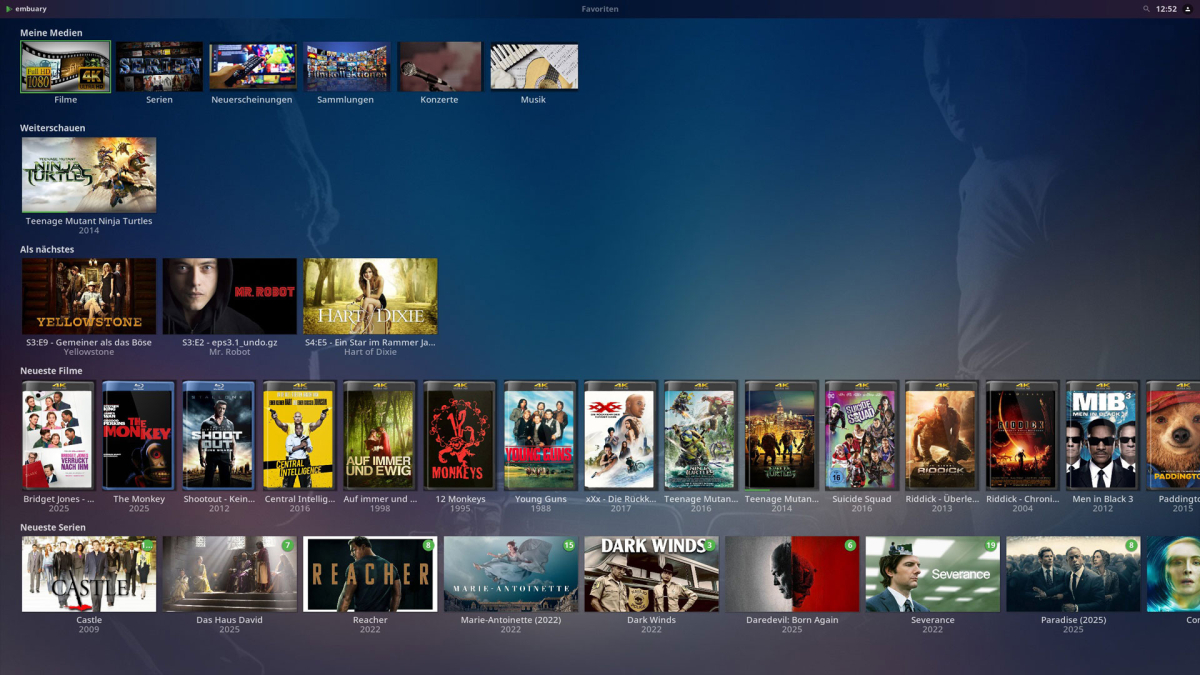
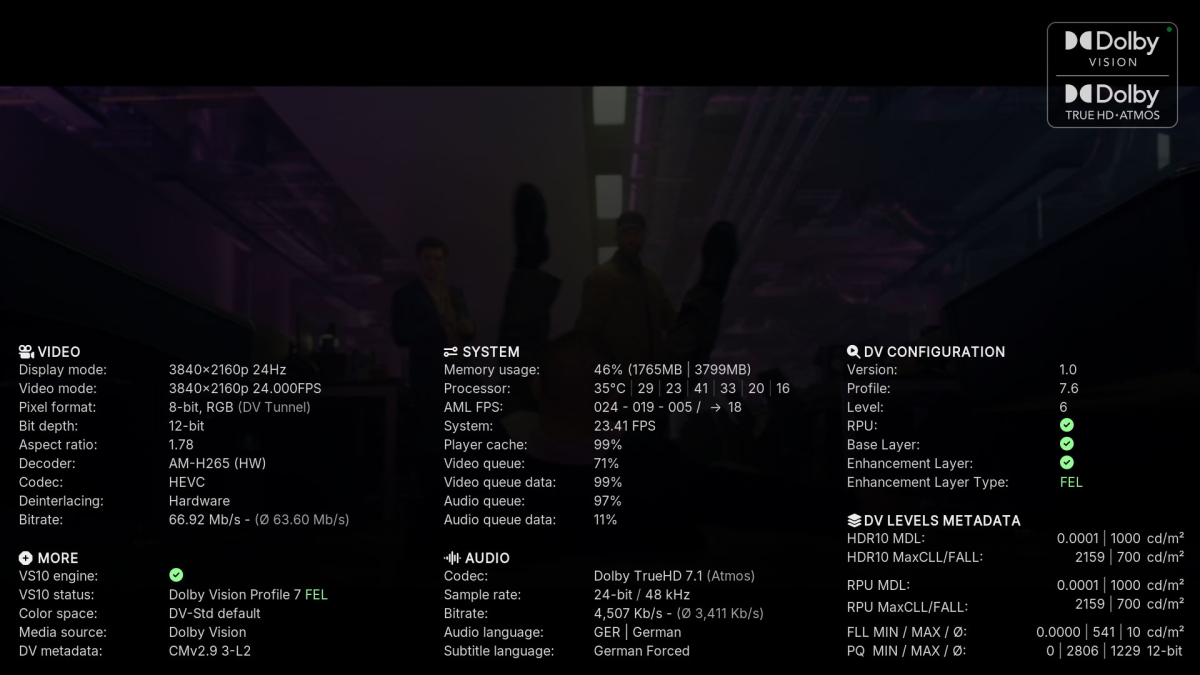
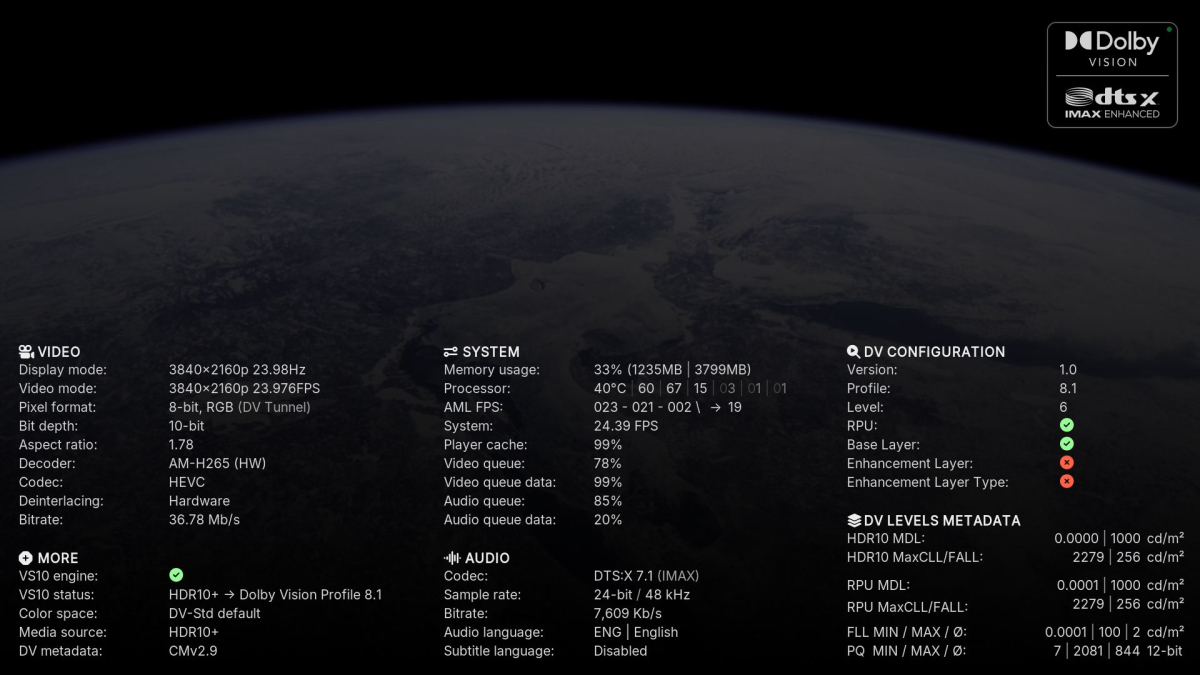

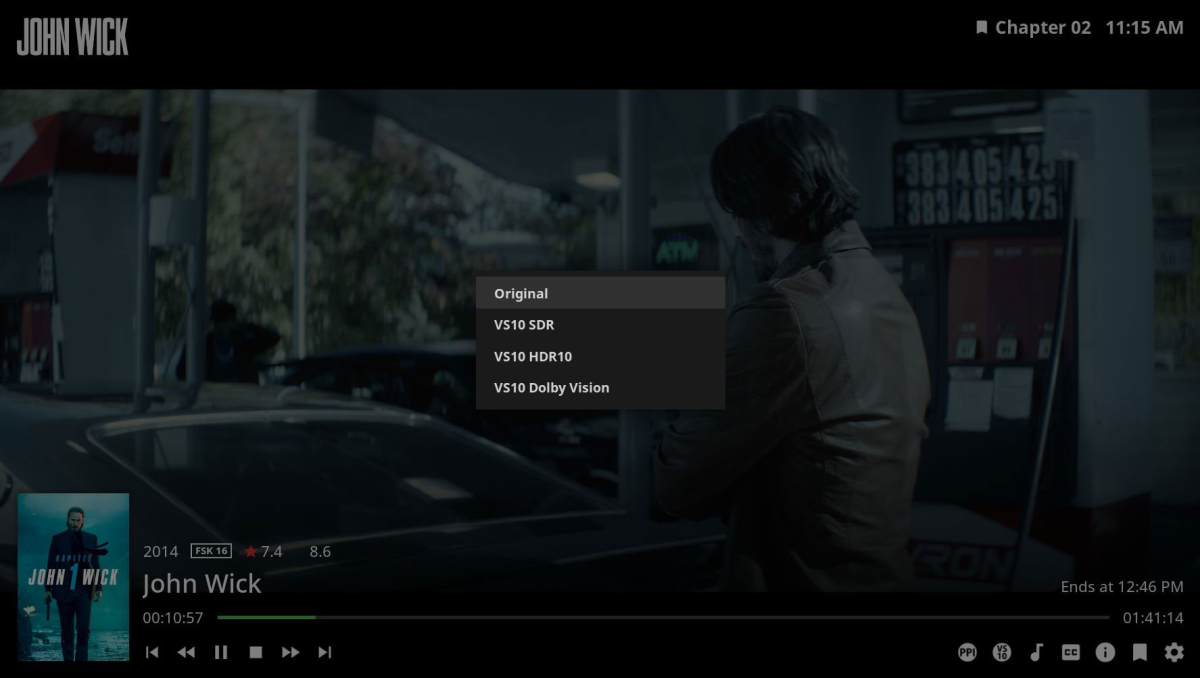 1 point
 -
Went OT, split topics not to hijack the thread.1 point
-
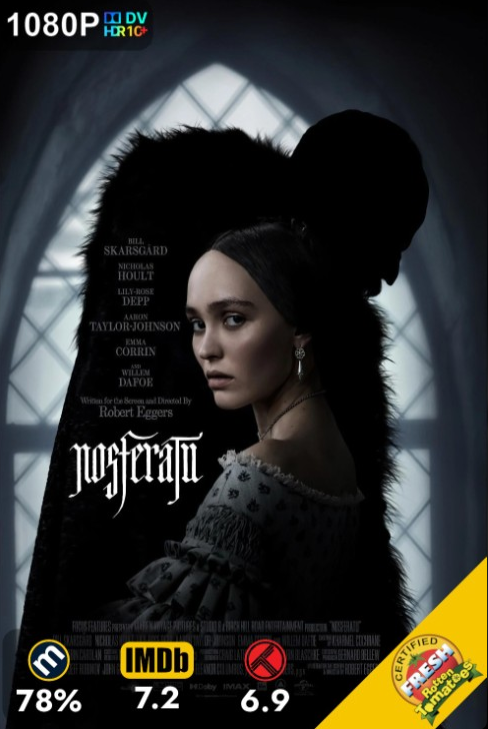
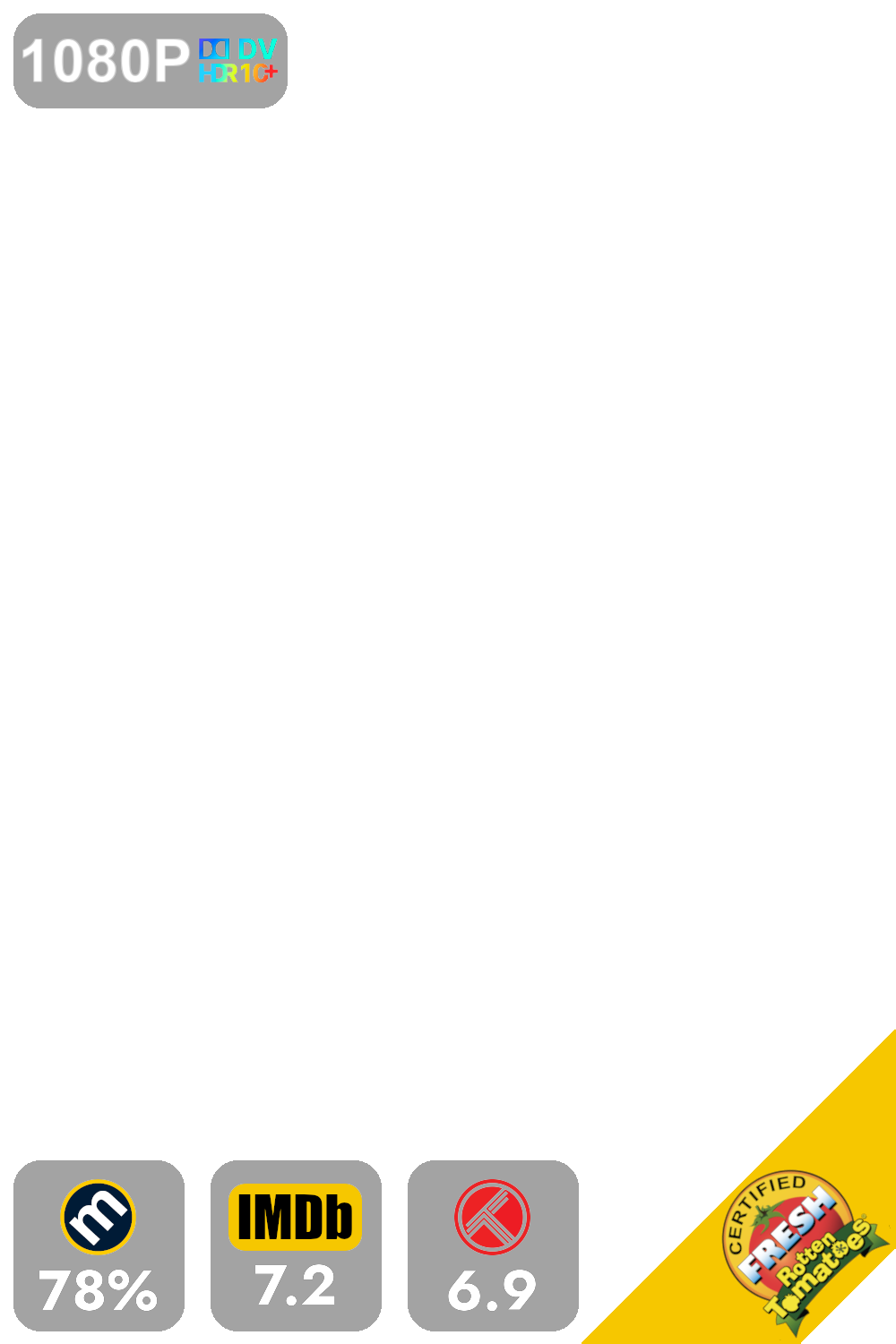
I'd guess that making a standalone plugin is on the roadmap/not too far in the future. Even in present state, spinning a Plex instance with a single library shouldn't be much of a hassle. Yes, it's planned to make the whole script standalone. Not sure if it'll be a fork of its own or if my work will someday be integrated in the main branch. The script is still relying on Plex objects in some cases, thus the dependancy without actual usage. Overlays do work as expected with a separate plugin, meaning you can change the poster but keep the overlays. The overlay is ItemId specific, meaning a new donload of a film requires the script to run again. I use my Kometa version in a docker; every day at 5 am it creates/updates the collections and overlays, I only have to hit "Save" in the plugin for the overlay update. Worst thing that can happen: it adds additional tags for some collection items like " LIBRARY_NAME Based on a Book" or " LIBRARY_NAME Halloween Movies". Testers & feedback welcome. = +
 1 point
 -
As said, CoverArt and Iconic apply on-the-fly/cached overlays/treatments. I assume EmbyKometa does as well. From the above linked plugin topic: You might also read through related topic for hints/tips/naming scheme for indicator image files: Sure you can, as per above. Linked above. As said: not image files, no Custom images for that plugin at present time. As per plugin dev: I'd guess that making a standalone plugin is on the roadmap/not too far in the future. Even in present state, spinning a Plex instance with a single library shouldn't be much of a hassle.1 point
-
Nice, thanks for the info. I will look forward to version 4.91 point
-
You're correct. I updated the channel to use the Emby provided EPG and it's properly marking new episodes as new. Sorry to waste your time.1 point
-
HI, yes this is certainly possible. Thanks.1 point
-
^ As per your post here1 point
-
Hi, yes this is something we can look at supporting. Thanks for the feedback.1 point
-
It did for me, thank you two !1 point
-
Will try this when Emby's Beta has resolved there current RAM usage issues. @yockerI do NOT think your plugin is contributing to the RAM usage issue. As I can reproduce it without your plugin installed Just had to remove all custom plugins, to rule them out Good work, and happy vacation1 point
-
As to why - that notation defines a subnet, and a subnet is a specific thing, not just any limited range of addresses. The number after the "/" specifies how many bits of the preceding 32-bit address are significant. I can't say whether specifying values other than 0 for the non-significant bits (as you did) is actually forbidden, but it will not have the effect you expect, and I would avoid doing it as it could lead to confusion. Paul1 point
-
It doesn't have to be /24 but that is the most common and if the one in Emby was indeed /255 that's not a valid mask. Make sure /24 (255.255.255.0) matches the netmask given out by your DHCP server/router.1 point
-
I would try this in stead 192.168.0.0/24 That should apply to all devices on your 192.168.0.X ip range.1 point
-
i found the solucion the problem was with the ssl it was shelf created by open ssl the windows ap requires a vilide ssl not self host but i dont se way the didnt alow shelf created ssls to be used by the windows and theater app1 point
-
But beta-releases? and that's what I use to see if the strings fits and looks good.1 point
-
Hi. I'll take a whack at explaining... The first channel list you showed comes from your tuner. So, these are the available channels that you can actually receive (assuming proper signal). The second channel list you showed comes from the guide data - either the lineup you chose that is based on a region or an xml file you chose. Those two things will probably never be exactly the same as one is a total pool of possible channels from one source and the other is an exact set of channels from a piece of hardware on your network. Make sense now?1 point
-
@Carlo1 point
-
Strangely, after my phone installed an update to Android 16 Beta (QPR1 Beta 1) on May 20 and prior to the app update, playback started functioning as expected. I just tested the updated app both on and off of my home wifi, and playback appears to be normal. Should things change, I'll respond to this forum thread. Thanks for your reply and follow-up.1 point
-
Correct, this image type is not used anymore.1 point
-
Collection rows on home screen with full sorting control is the dream1 point
-
Hi again, i found it in the catalog thanx to this post : regards PS : after restarting emby server, i don't have anything else to do, do I ?1 point
-
New version up. Mostly optimizations. New Task scheduler. This is when triggered redraw all overlay icons to posters. This is to make sure they are up to date as some icons might not show under some circumstances. Run it once a day or so as it might be taxing on some systems. No new versions will happen for a while as it's summer and it's break time! Will ofc. fix bugs if found.1 point
-
No worries, will do I had a lot of trouble getting client logs last time and wasn't able to, hope that's not needed with this one1 point
-
+1 for custom sort order. within the collection itself, i should be able to just drag and drop movies to sort in whatever order i deem fit, and have that be saved as the ordering for the collection. i'd like to have 2 different collections for saw movies. one in 'release order,' and one in 'chonological order.' same for marvel. i can't edit the 'sort as' field because then i can't have multiple different timelines of the same movies. i had this on plex, so it's doable. just a matter of making it a priorty to address is all.1 point
-
You were right it was a DNS issue I fixed it from my server.1 point
-
++ for Vidaa support1 point
-
Update: I added the year back to Rugrats Pre-School Daze and it did keep the metadata.1 point
-
For future reference if someone finds themselves here. After seeing the two paths that were not working by looking at the folders section, I simply removed and readded those two paths to the library and it is working properly now!1 point
-
@yockerHere is an updated framework that I usually use for all my plugins, it uses more the the Emby UI tooling and not just the "easy" option you were. https://github.com/bakes82/EmbyIcons Look at EmbyIconsConfigPluginPageView as it will have all the logic you need, from there you should be able to back track, I also included some samples. I tend to keep everything in emby so I also put the sample for writing activities, and drop down examples, you should just need to update the "RunJob" section with your logic, all the drop downs if they are multi pick are CSV stored.1 point
-
This option looks DateLastRefreshed column in the db for the item and refreshes it Every 30 days.1 point
-
Is there any news on this topic? I've been waiting for this option for a long time.1 point
-
Hello everyone, I've encountered the same problem. Device Information: - Device Model: iPad Air (1st generation) - Operating System: iOS 12.5.7 (latest available for this device) - Emby Client Version: 2.2.39 Issue Description: The Emby client crashes immediately upon launching the app, rendering it unusable. This occurs consistently across multiple attempts, including after restarting the device and reinstalling the application. The problem persists regardless of network conditions or server status. Already Taken: 1. Restarted the iPad 2. Reinstalled the Emby client 3. Confirmed storage availability (>2GB free space)1 point
-
Yeah, unfortunately that doesn't work either. I am going to see if I set something else up on my network and test out remote access. If I can't access, then it tells me something is up on the router side which I will have to sort out. My router is connected to my cable modem which I had to have the cable modem set up in bridge mode. I am wondering if someone that bridge mode got reset which is why now I cant access outside my network. EDIT - yup, that is what it was. The bridge mode on my cable modem got disabled, so I had to go into the modem setting and set up port forwarding there as well. My folks will be happy1 point
-
I was able to get around this by: - Creating a new directory (Fully empty) and binding it to what Emby sees as the original directory - Creating a new library in Emby with this path - Scan Now the metadata is being removed and items are being removed from the database.1 point
-
The feature is currently disabled as there was significant negative feedback about it that having just a link was not useful. Also it puts an apikey on the query string providing access to everything that the sharing user can access, so I think we need to rework that before this comes back.1 point
-
A fair point. Thanks, I didn't consider that Genre. The issue is Emby only implemented CreditStart in the enum options - ChapterInfo{ StartPositionTicks integer($int64) Name string ImageTag string MarkerType MarkerTypestring x-internal-ref-name: MediaBrowser.Model.Entities.MarkerType ($enum)(Chapter, IntroStart, IntroEnd, CreditsStart) ChapterIndex integer($int32) } .. the original Plugin had CreditEnd as well. Thus you could auto-skip to CreditEnd - and then carry on with Playback and naturally finish the post credit video and then roll onto the next item. I guess a lot of the work would be in the Emby clients - as currently Emby doesn't actually give you any 'skip' options for CreditStart - I believe it just brings up the 'Next Episode' at the time specified by CreditStart - no good for this scenerio. @LukeMaybe simply adding CreditEnd to the above values (and updating ChapterApi) would be a good first step, even if the values are not currently used. I see JF have taken it one step further as well - and now included Commercial Preview Recap Outro Intro In their Media Segments ...1 point
-
I know this is an old thread but I recently switched back to Emby after a few years back on Plex and whilst most of the emby experience is great, having downloads show up right under Continue Watching (on Android) does not make sense to me as there's also a button in the bottom bar that also provides access. It would be great if Downloads would be its own section under Home Screen so it can either be disabled or moved down to the bottom.1 point
-
If you’re looking to switch from Plex to Emby, you’re not alone. Many users are making the transition to Emby for its advanced customization options, better privacy controls, and flexibility. While moving your media library might seem daunting, this guide will walk you through the entire process, ensuring a smooth migration without losing your watch history and you'll be up and running before you know it! Why Switch from Plex to Emby? Before we dive into the migration process, let’s highlight some key reasons why users prefer Emby over Plex: Greater Customization: Emby allows for more granular control over metadata, streaming quality, and transcoding. Privacy-Focused: Unlike Plex, Emby does not require an internet connection for local streaming. Better Integration with IPTV & Live TV: Emby offers superior support for IPTV playlists and tuners like HDHomeRun. Self-Hosting Benefits: You maintain full control over your server and user data. Now that you know why Emby is a great alternative, let’s get started with the migration process. Step 1: Install Emby Server First, download and install Emby Server on your preferred device: Visit Emby’s official website and download the server software for your OS. Follow the installation instructions and set up your admin account. Once installed, access the Emby dashboard via your web browser. Typically at http://localhost:8096 Step 2: Prepping Your Media Files to move to Emby Ensure your media files are well-organized before adding them to Emby. The ideal folder structure should be: /Media /Movies /MovieName (Year)/MovieName (Year).ext /TV Shows /ShowName/Season X/ShowName - SXXEXX.ext If your Plex media is stored in a different location, move or copy it to your preferred location for Emby. Keeping the same structure ensures a smoother migration. Emby's media scanners will do a great job if not all of your movies or shows are organized in this fashion, but it definitely helps to have an organized and well structured media folder. Step 3: Set Up Your Libraries in Emby Now, it’s time to add your media to Emby: Open the Emby Server Dashboard. Navigate to Library > Add Media Library. Choose the appropriate content type (Movies, TV Shows, Music, etc.). Select the folder where your media is stored. Choose metadata providers (TheMovieDB, TheTVDB, etc.). Click Save and allow Emby to scan your library. Step 4: Importing Watch History from Plex (Optional) Emby doesn’t directly have a built-in tool for importing watch history from Plex, but you can use Trakt to sync your progress. Install and setup Trakt Scrobbler in Plex and sync your watch history. Link your Trakt account in Emby, allowing it to import your watch history. Run a scheduled task for importing playstates from Trakt. This should only have to be done once. Step 5: Configure Emby for Optimal Performance To get the best experience, here are some begging tweaks to Emby’s settings that will help get the most out of your new media server: Sign up for Emby Premiere: While not required, Emby Premiere offers many benefits like hardware transcoding, offline downloads, Live TV DVR and more! Enable Hardware Transcoding: Navigate to Dashboard > Transcoding and enable hardware acceleration for smoother playback. Set Up Remote Access: Under Network, configure remote access settings if you want to stream outside your home network. Fine-Tune Metadata Fetchers: Go to Library > Metadata and choose the best providers for accurate metadata. Step 6: Install Emby Apps & Start Streaming Emby is available on multiple platforms, including Android, iOS, Apple TV, Roku, Fire TV, and more. Download the Emby client app for your devices and start enjoying your media. Final Thoughts Migrating from Plex to Emby doesn’t have to be complicated. By following this step-by-step guide, you can transition smoothly while preserving your media organization and watch history. Emby offers a flexible and customizable media server experience, making it a fantastic choice for those who want more control over their media. Are you ready to make the switch? Try Emby today and take your media streaming experience to the next level! As always, you will find unrivaled support from our users and staff over at the Emby Forums if you run into any issues or have any questions about this process.1 point













.thumb.png.f4cb0545e98b51fd9b00e427622ab761.png)












