Leaderboard




Popular Content
Showing content with the highest reputation on 05/24/25 in all areas
-
Thanks, I confirm that the problem was in the ssl certificate. In particular, the player for the Samsung TV does not accept Let's Encrypt certificates; by installing a ZeroSSL certificate on the Emby server instead, everything works correctly. I would never have imagined such a problem on relatively new Samsung TVs. I will never buy a Samsung TV again. Thanks to everyone for the tip.2 points
-
Unless you've configured that button to do something else. Also, there are some devices which do not support long press such as some Samsung TVs. I would prefer the X be brought back myself as it's a lot less obstructive that opening the OSD to close SFN. Either that or only show the X when the center button is configured for anything other than SFN.2 points
-
FYI - you can now control what the "long press" action does in the standard Android app since v3.4.572 points
-
I'm not the original encoder... checking with media preview it looks like it has the same specs as all the other mp3 files I have... there's tons of them I got a long time ago from a collector/fan who recorded these radio paranormal esque shows in the late 90s/2000s... they are pretty much all mp3... I'm not sure what's up with this particular file...but I re-encoded it with audacity and it plays fine so at least there's that.... thanks for trying it2 points
-
Thank you SO much! I can't believe it was that simple! haha1 point
-
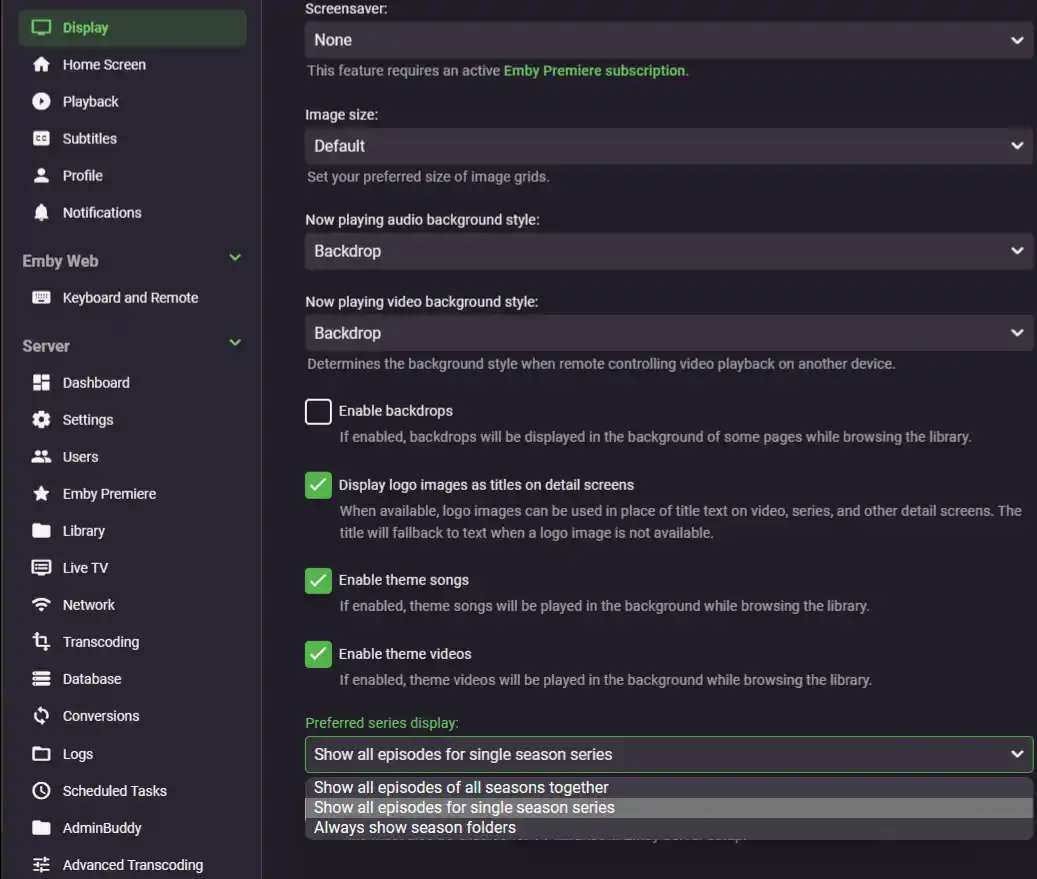
Change Preferred series display to "Always show season folders" under user settings>Display tab.
 1 point
 -
Well you have to buy some TV, and none of them are without their own set of quirks.1 point
-
Worked. Thanks!1 point
-
Items are tracked by ProviderIDs and will retain/preserve their Playstates even if/when removed/re-added to the library (save Home Videos/any other item without external IDs).1 point
-
Great information. For the benefit of others who might read this thread. I did find an interesting observation. When removing the library and re-adding it, Emby did indeed restore my uniquely created genres written in my nfo files. BUT ALSO to my pleasant surprise, Emby retained the watched status of movies I was marking manually to match my four years of Kodi. So despite deleting and re-adding the same library (so I could get it to read my nfo files), it kept the watched status. I find that very interesting and in my case a great thing.1 point
-
That setting fixed it. It's not very intuitive for users though. Thank you.1 point
-
Hi, yes it has to implement IHasSupportedExternalIdentifiers1 point
-
Emby would rewrite complete NFO, most (all?) of the actual metadata would remain unchanged but header and some tags/nodes would be changed and some new/changed tags/nodes would be written in Emby format; whether TMM would "understand"/know how to read back those tags/nodes is anyone's guess, depends if they have introduced support for it. To summarize: it is never a good idea to have two different software write/rewrite same NFO, as that is bound to create issues down the road, rather sooner than later. Or if you select Edit Metadata and just press Save in that dialog. Emby would still rewrite compmlete NFO (as per first paragraph). TMM might read that tag, but would likely have issues with reading/importing some of the Emby-specific NFO tags/nodes. Nothing prevents you to test it, though.1 point
-
did a Guide refresh and the schedule seems to be back to normal
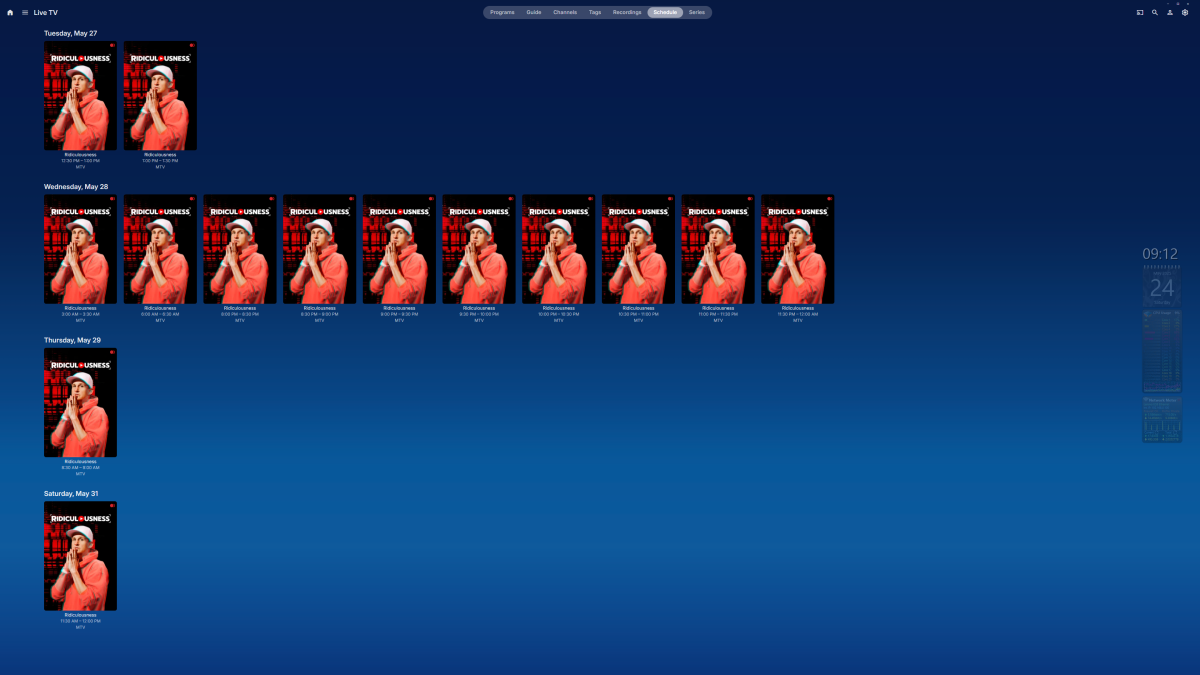 1 point
 -
Watch data is separate from the show data (it's per-user, for one thing, so it's stored in a different place), and is deliberately retained. Paul1 point
-
@yockerI will have to push testing your plugin, in to the future. I'm seeing some issues with my Beta server install, where it's keeps using more and more RAM. I have removed you plugin and all other plugins that are not on by default, to see if its something in Beta, that's eating my memory.1 point
-
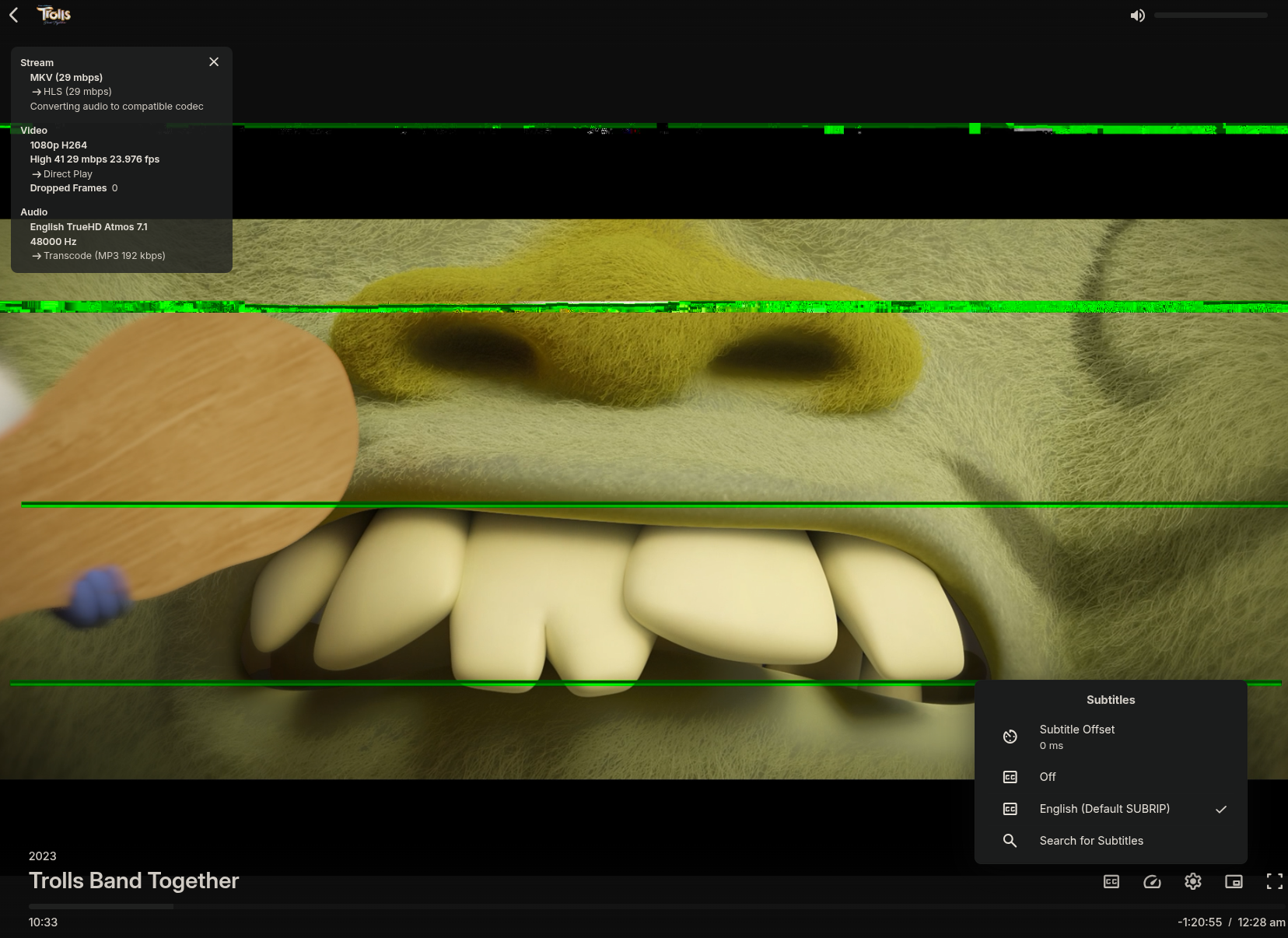
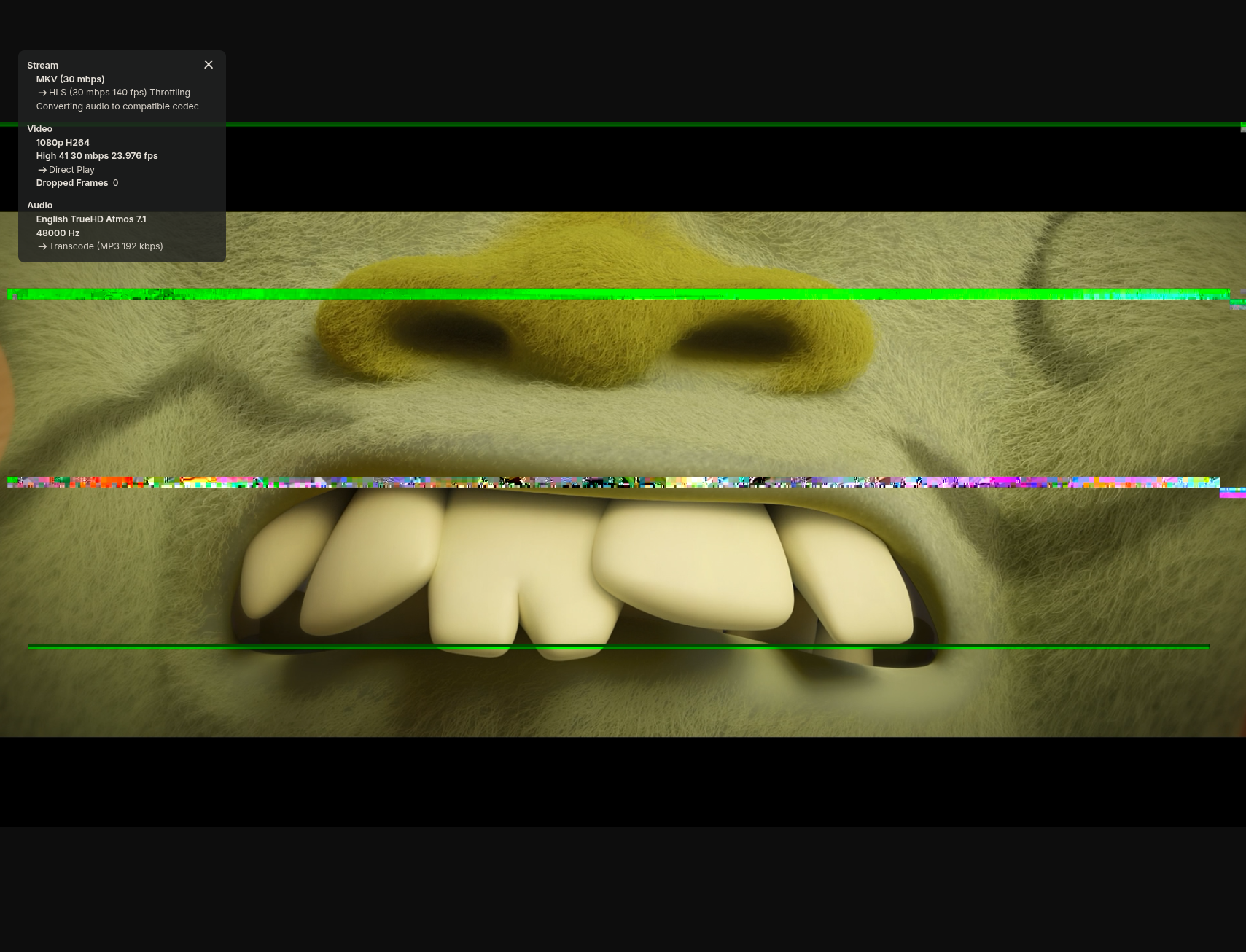
I tested removing all the subtitles from the file and just had a single element SRT instead but it still does it, so it's something with the video track still but not clear what. And yes, direct playing does not show any issues.
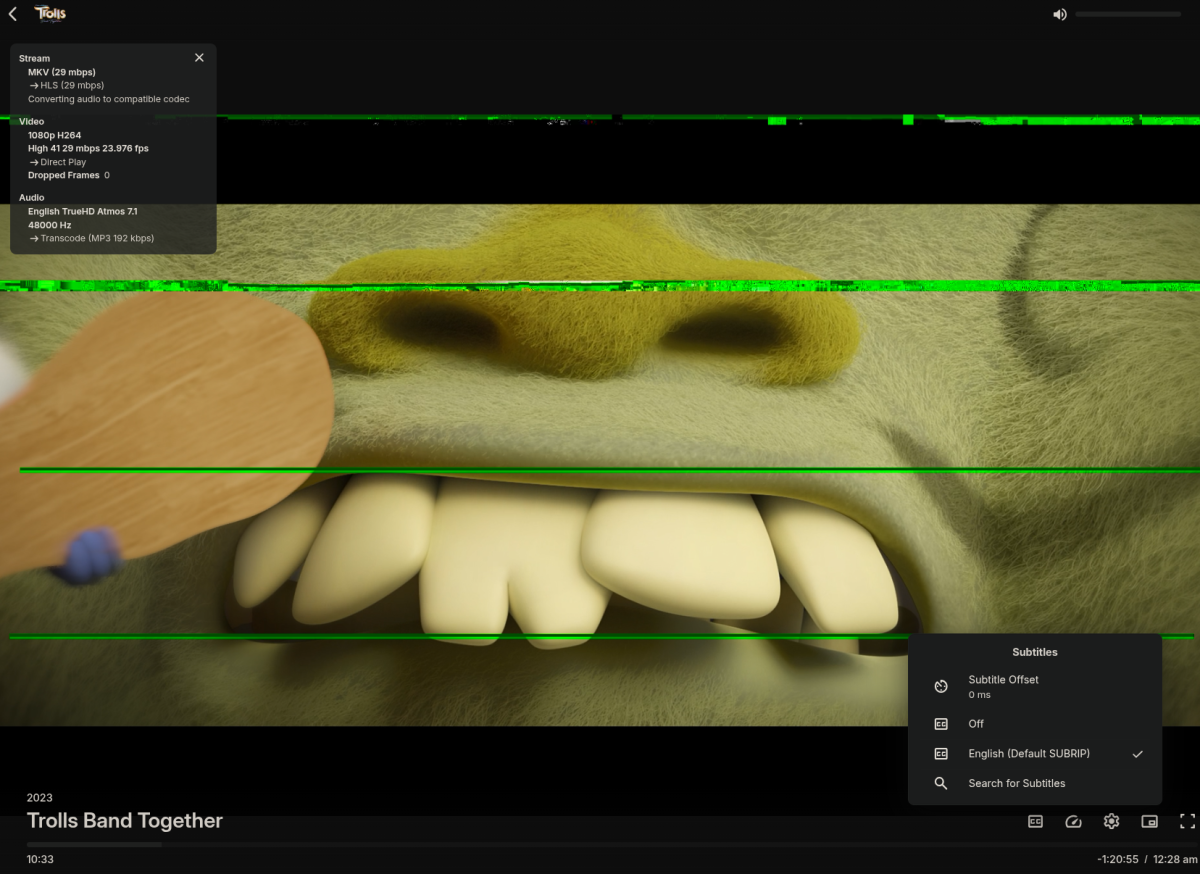 1 point
 -
I am able to reproduce issues with the same file. Not exactly the same as you but I get corruption too, I saw some basically right away during the universal logo but I see it at the same spot you've shown too. I tried to convert the file from AVC to HEVC as part of my usual ingestion pipeline and ffmpeg did not report any errors, I will try again with more logging just in case. I then tried to play the now converted file and there is no issue. Indeed MPV and VLC do not show the corruption, but I saw it in the TS file playback. In this case I am not sure why a remux would do this since it's not doing anything with the video, maybe @softworkzhas some ideas. EDIT: To clarify, when playing back the TS file MPV is basically straight up skipping frames, VLC shows the corruption. 4B4A37_105.ts
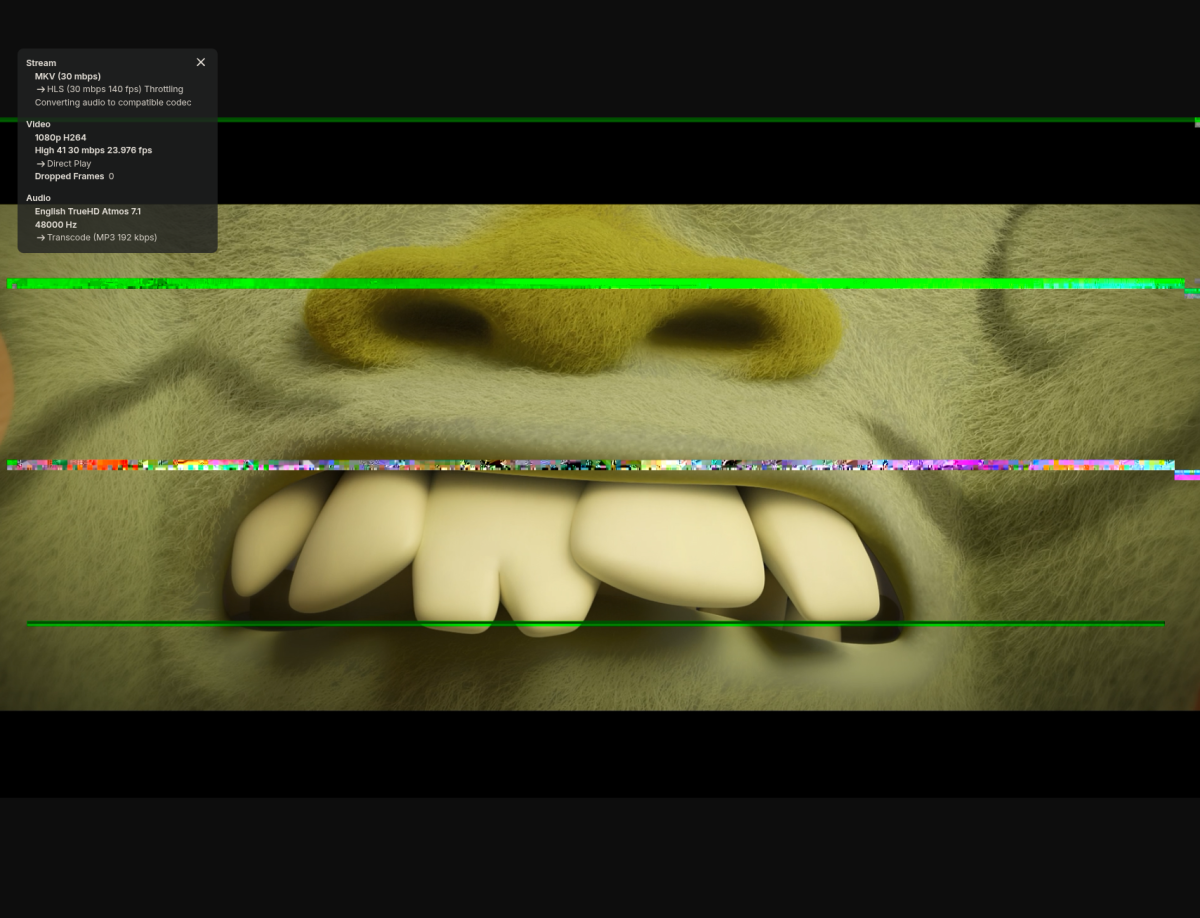 1 point
 -
Yeah, every 5 mins for me. Kinda heartening that I am not the only OCD person around...1 point
-
Seems to work as expected for audio tracks, but it's completely broken for subtitle tracks. I can't get the subtitles to stick for other episodes under any scenario. Even if I reach the end of one episode with the desired track selected and let it auto play the next episode, it starts with no subtitles selected (or whatever the default would dictate).
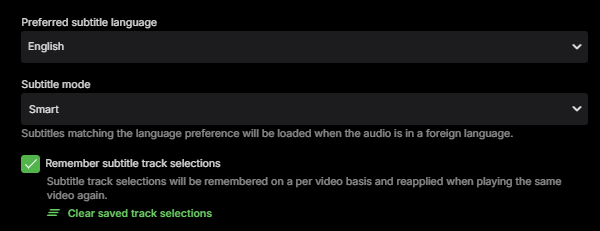 1 point
 -
Obrigado pela ajuda! Fiz alguns testes alterando manualmente e aparentemente deu certo! Muito obrigado!!!1 point
-
Yeah I think it also gets picked up during a jellyseer media scan. I have radar and sonarr set to initiate a scan on media completion rather than leaving automatic scanning enabled in Emby. This results in API hits that are picked up by the reporting plugin. It's entirely a cosmetic thing that I try to ignore but my compulsive personality would love to hide it.1 point
-
Agree this is a non-issue that emby can't possibly be expected to resolve as even if it could identify the episodes by file name, it doesn't know when one finishes and one starts. It takes seconds to split a file if you know the timestamps you want to split at (use mkvtoolnix etc) - you don't need to re-encode anything. If it's TS (recorded) files, then again split is easy - use avidemux for example - again, no need to encode. Handbrake is for encoding - so don't use that It involves a little work agreed - but then you will have a fully metadata indexed item by episode, fully searchable etc.1 point
-
Hello and thanks for the tips. Actually yes, I likely can use the Emby with Android TV as an app. Just I found that this doesnt work and if I can contribute to make a software or a plugin (DLNA plugin in this case) more compatible, then why not. I have a slight technical background, so if any developer would be interested in debugging this deeper in direct cooperation, I want to offer my help. If not, thats not a problem. I have another DLNA solution that works fine with the Philips TV as well as the possibilities of running Emby directly as well as on a FireTV stick or similar.1 point
-
Coming soon in a new version 1.06 Many alignment tweaks for mobile and Two new features! Easier setup to customize home page rows bottom title size and colors. Currently, these can be adjusted, by editing inside the code. See the note above. That will be updated to just make changes, inside the top variables instead. Top promo image with hover over features. A lot of people have said they want this in other posts. Unfortunately, when you add this with CSS styles, you won't get clickable areas. Only browser hover will work. To get click to go directly to a media or show a trailer, you need javascript updates and this would need a proper Emby feature. However, if you are happy with just a promo image, this will work. I hope to release the new version before the end of May. Here is the top promo image mock up with the image change just adds text and hover over shows the full image with no transparency. You can also change the hover image to something else. You can change it's height, it's left and right margins, the border color and turn the transparency effect to be less or turn it off completely. It's more a promotion with text and will not be clickable. I hope some people will like it. Any ideas about this feature are welcome.
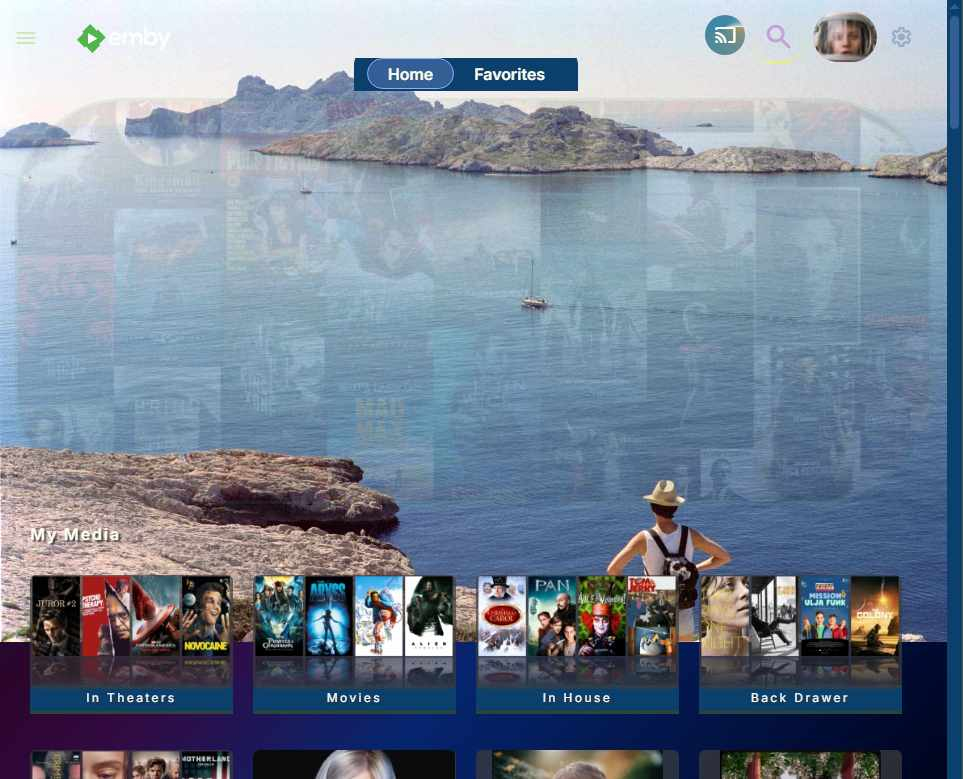
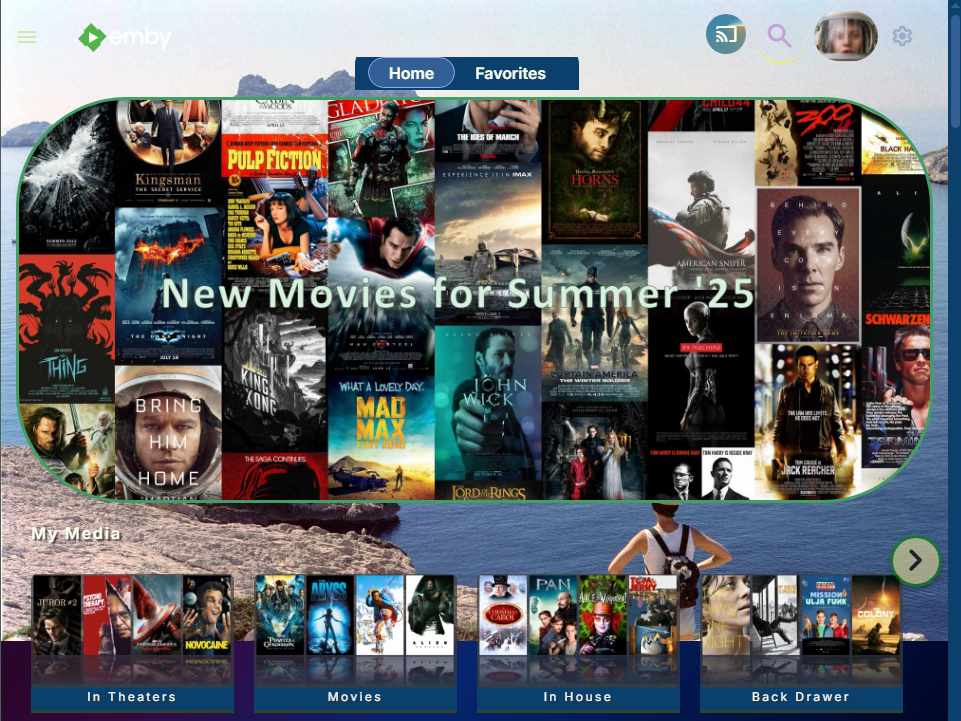 1 point
 -
1 point
-
No, you don't have to wait 10 years, but we do need to consider how reliable it's going to be, and how many people will actually want to use it given the CPU requirements. Just like any other feature request, we want to see what kind of audience it will have before committing to the work.1 point
-
That's a contributor network theme0 points