Leaderboard




Popular Content
Showing content with the highest reputation on 05/21/25 in all areas
-
Yeah, it why i said to do it on your own risk. Works fine with the change here though, ofc. doesn't mean it will for all.2 points
-
Yes, as TMDB "credits" argument returns only latest season cast - to see full cast from all seasons, Emby would need to query "aggregate_credits" - which, I assume, a lot of users would not happily welcome.2 points
-
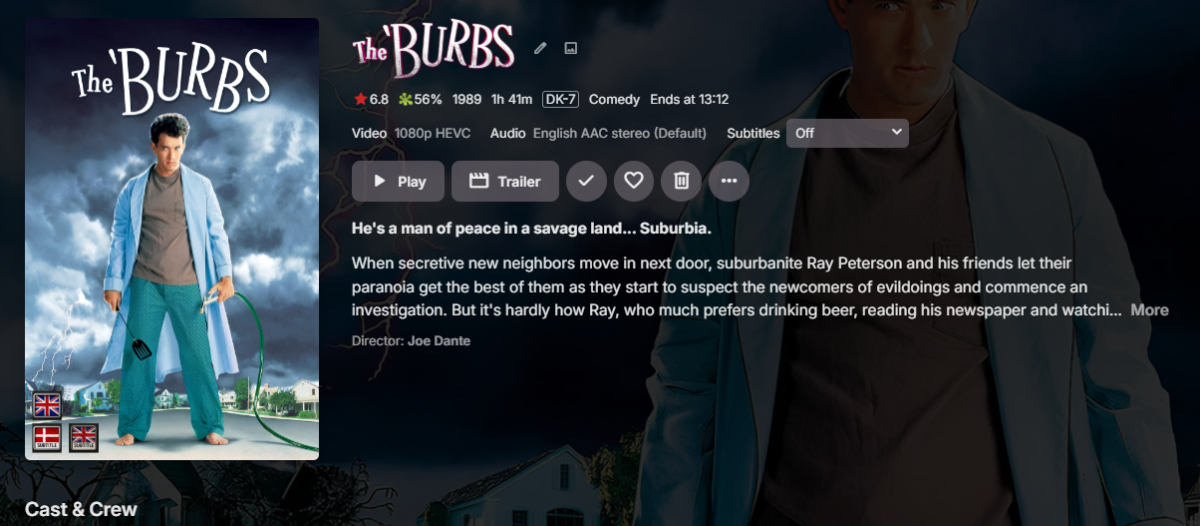
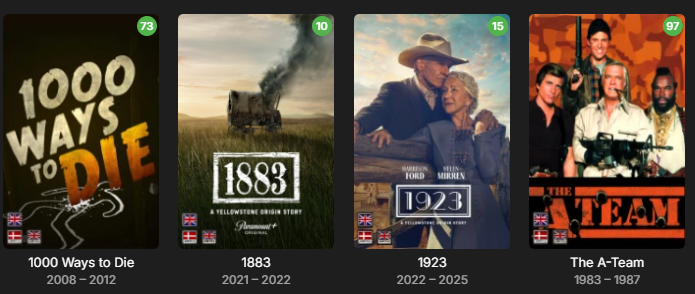
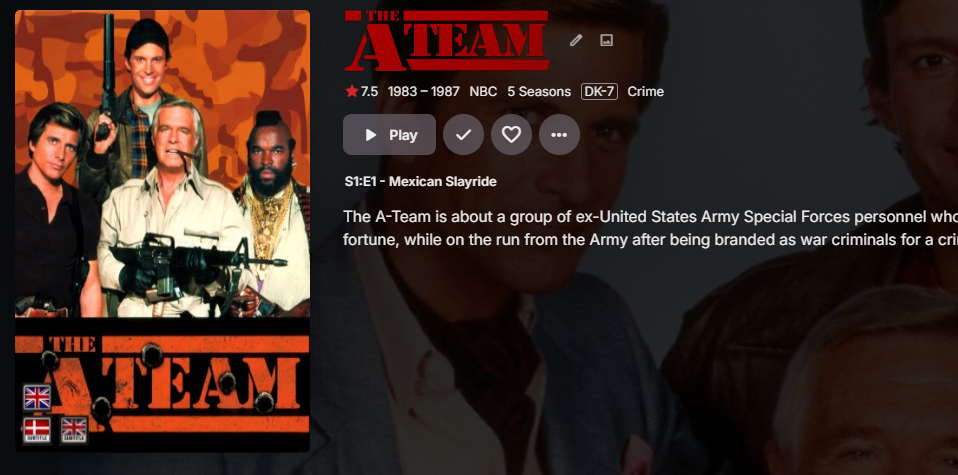
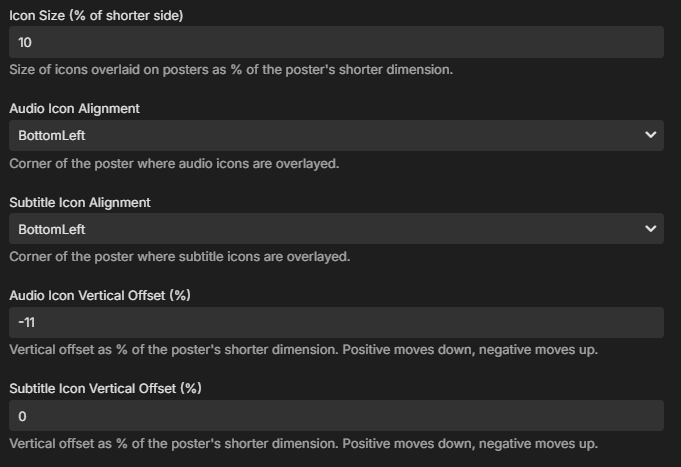
Nice I think that did it. It looks a lot better. I did have to fiddle with the numbers, now that they are % Movies : Tv Show :

 2 points
 -
New release up. Changed the vertical positioning setting to use procentage based positioning instead. Should fix the problem with the positioning being different based on different sized posters. EmbyIcons.dll2 points
-
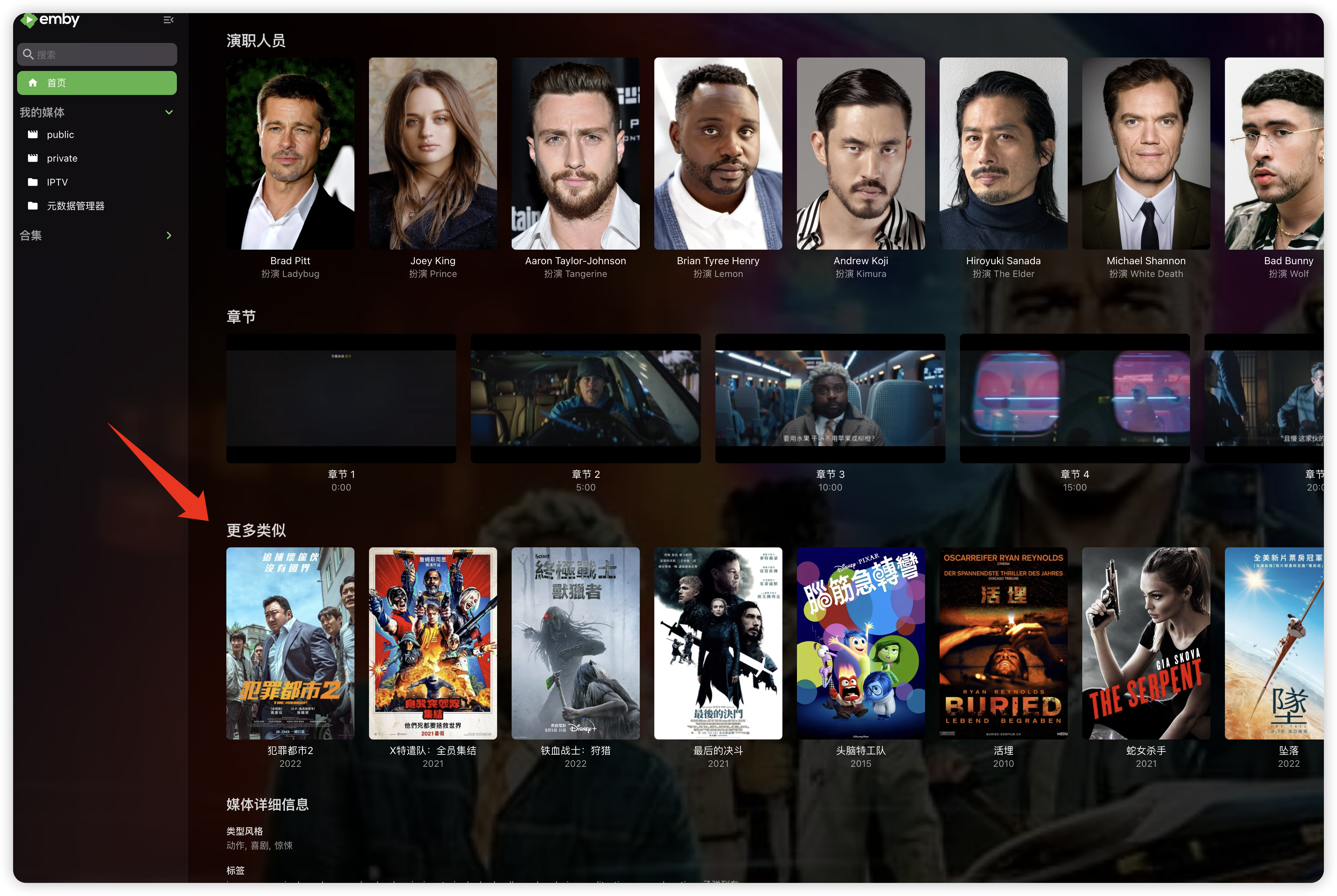
"More like this" will recommendations are made based on multiple media libraries,I don't like this, I prefer him to only recommend similar ones in the current media library, otherwise I would rather turn it off. What should I do?
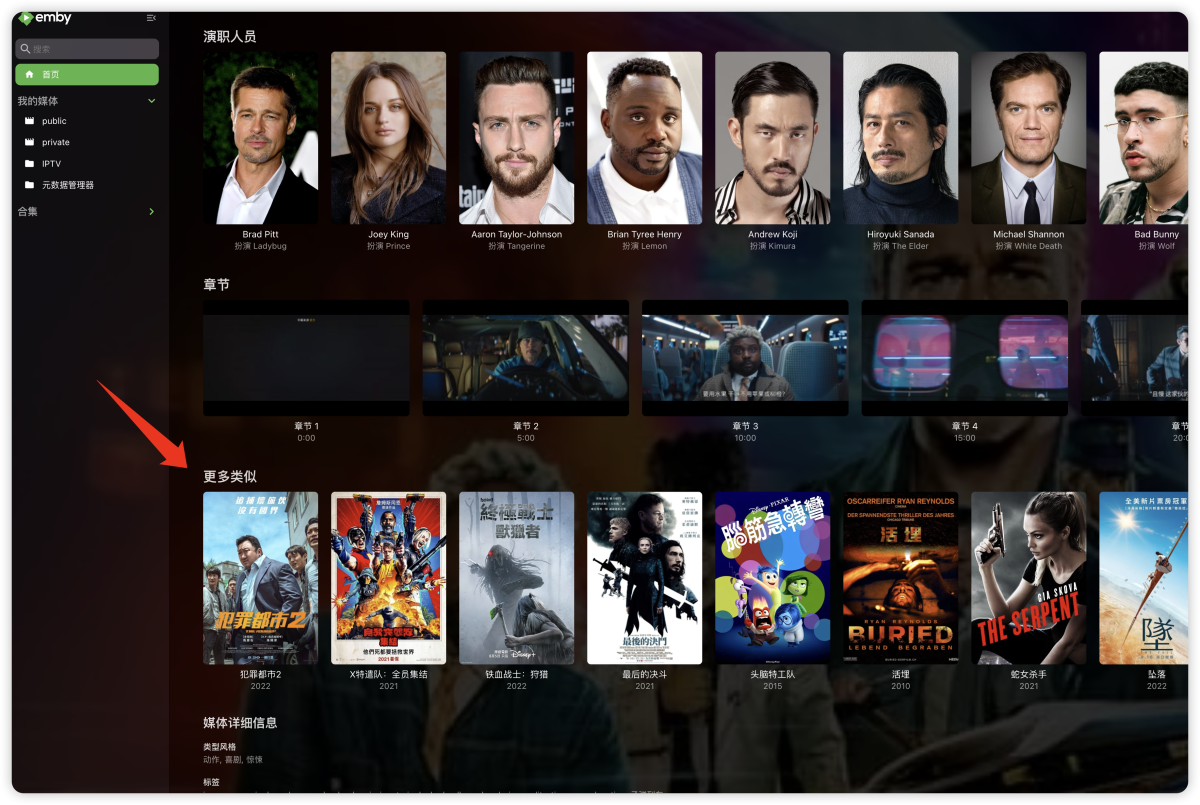 1 point
 -
I would also like to request this. I had naively assumed since the windows client ran on webview2 that it had already been a feature1 point
-
Personally, I don't think I'd ever use only one or the other, but some users might have different opinion? Sure. Edit: Done.1 point
-
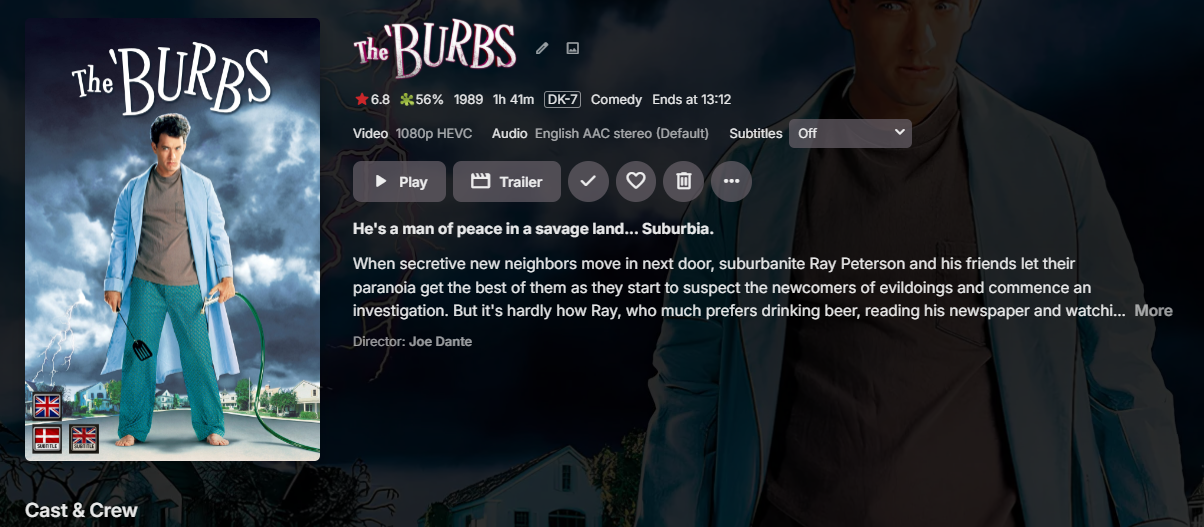
Yes they are very good plugins and I can only recommend them! For me they lacked two things I wanted. Iconic lacked custom icons and Cover art lacked being able to show more than one icon for languages. So I made this plugin. If the developers of those pluginsread this. Please don't have this plugin stop you from making similar functions!!1 point
-
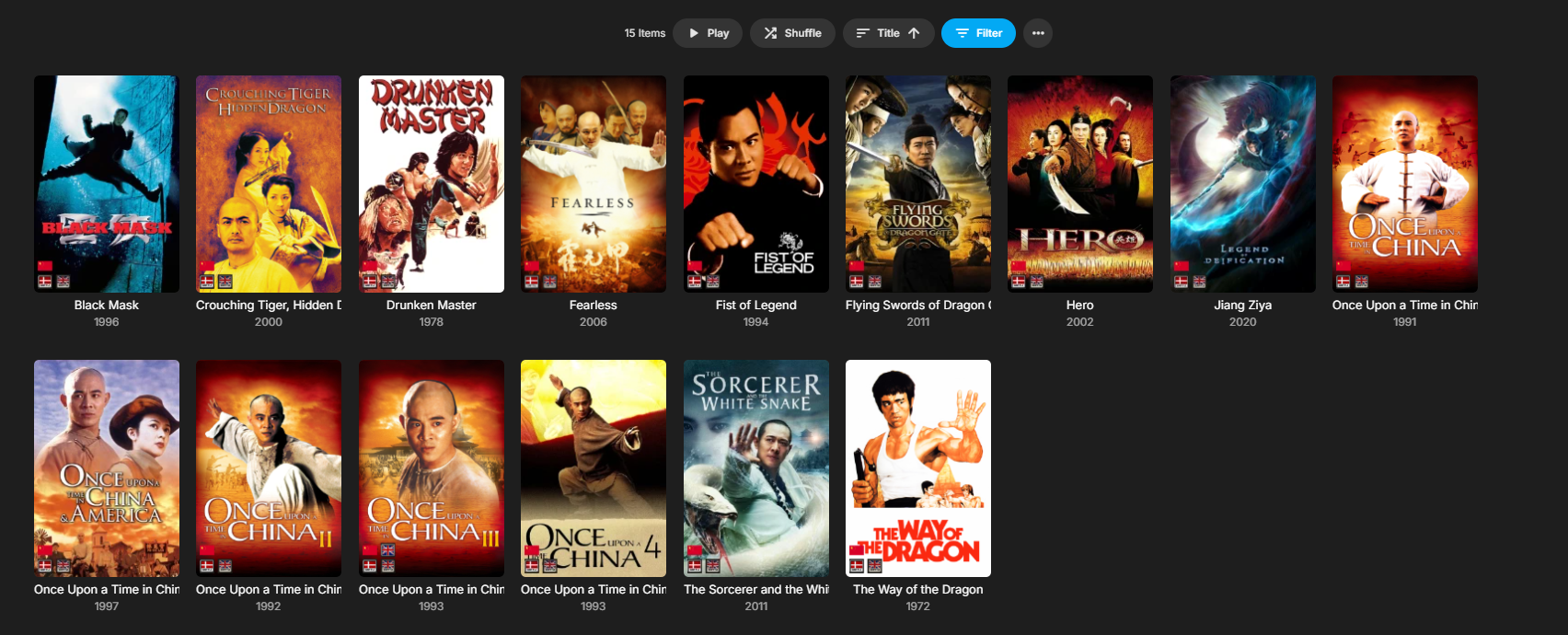
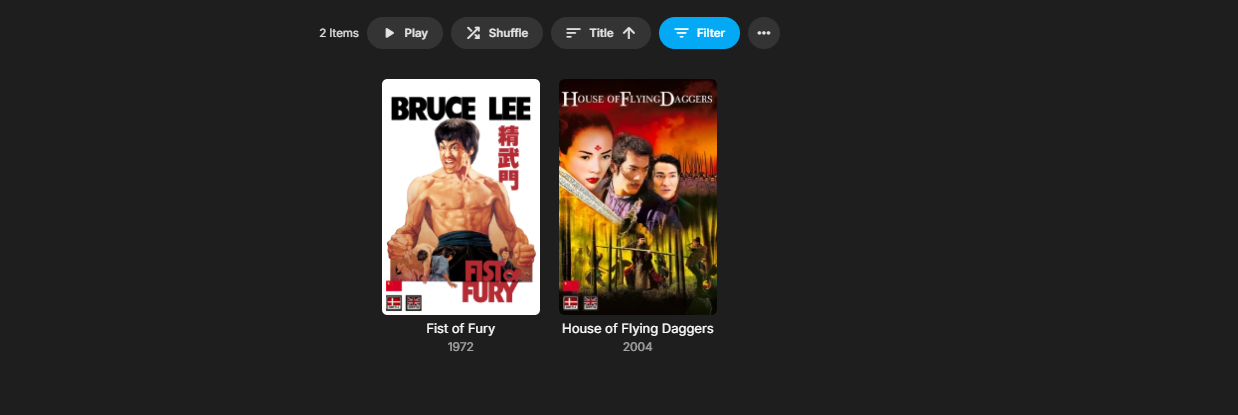
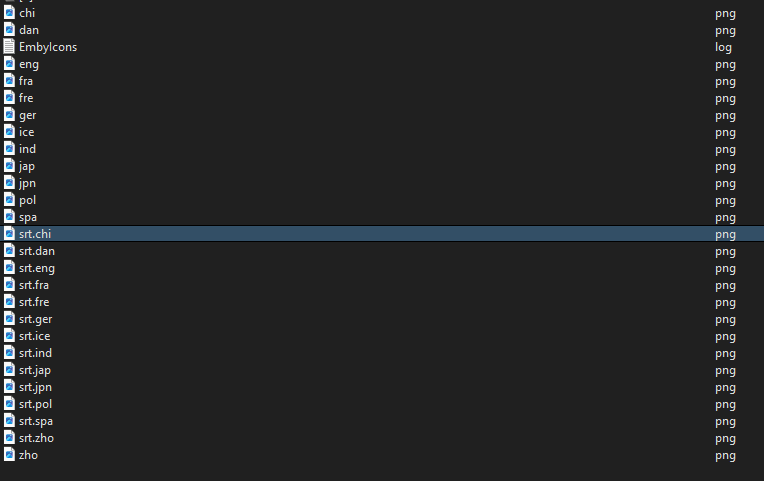
This does not matter if your media files metadata is not set up right. Here is my unmanaged media filed. Chi : Zho : Now you might hate me, but I use the same flag for both.
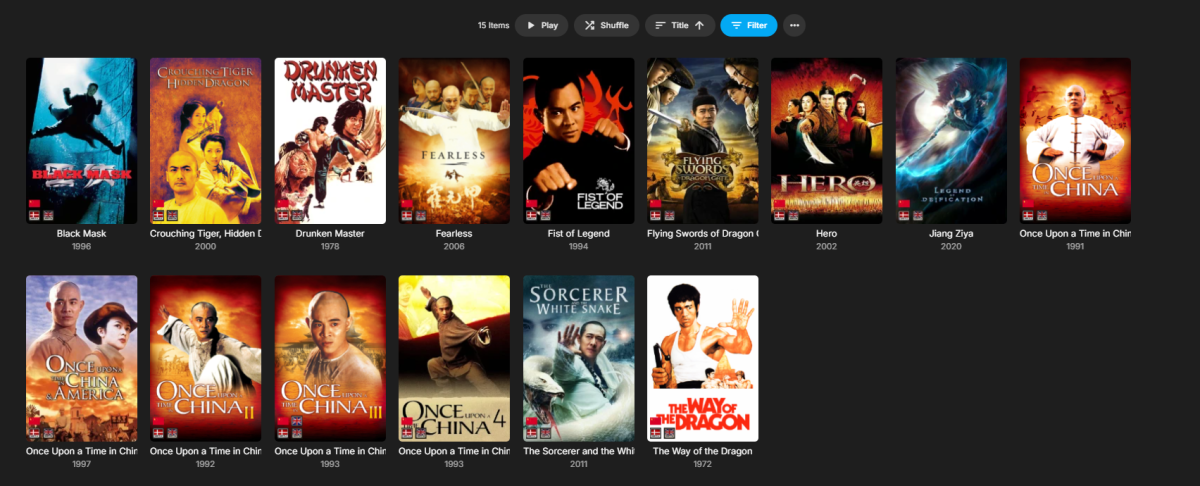

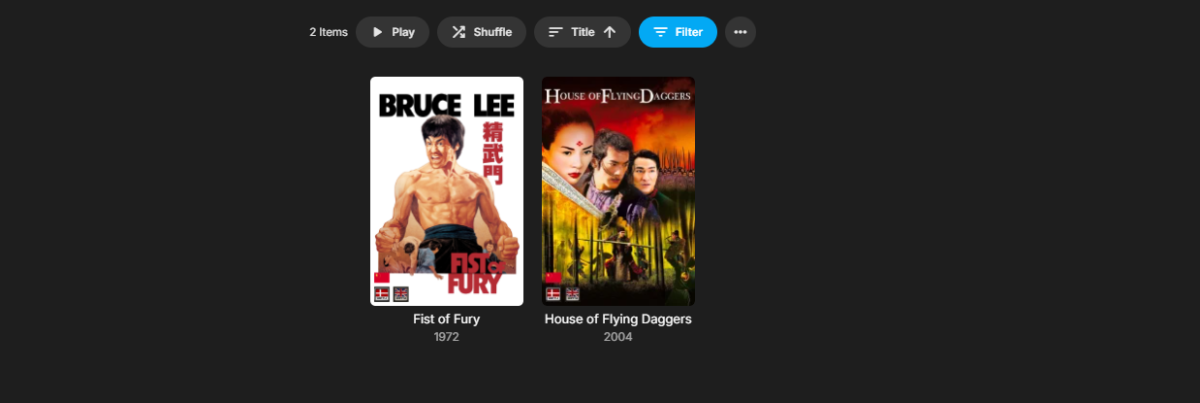

 1 point
 -
I believe I was just confused by the marketing of my Samsung TV/Soundbar. Atmos, Dolby Digital, Digital+, and then of course the TrueHD all look similar enough on the spec sheets that I may have lumped them together. Also, the app can't passthrough audio to the soundbar. Only another device have have it's audio passed through. Once again, I assumed too much. I guess I will never learn.1 point
-
Just to add to this. When I have been testing this GREAT plugin. I have removed the old plugin, done a server restart, to clear images. The posters returned to original. Doing this also gave me a clean slate, to test the new version. Loaded the new version of the plugin. And tested again. None of my original poster where ever changed.1 point
-
I appreciate the suggestion, but i have no real interest in doing this as the plugin was simply made because CoverArt lacked the functionality of multiple audio and subtitle tracks. It's a good idea though and i thank you many times for the suggestion! It doesn't modify the poster, instead it overlays the icons via Emby's internal system. So icons are dynamically drawn and overlayed on the posters as needed and put in the cache for later use. This also means that if you uninstall the plugin the posters are intact and not needing a re-download. The last update should have made it so a metadata refresh is not needed any more. I say "should" because It might need it on rare occasions but then it's Emby it self that needs it most likely.1 point
-
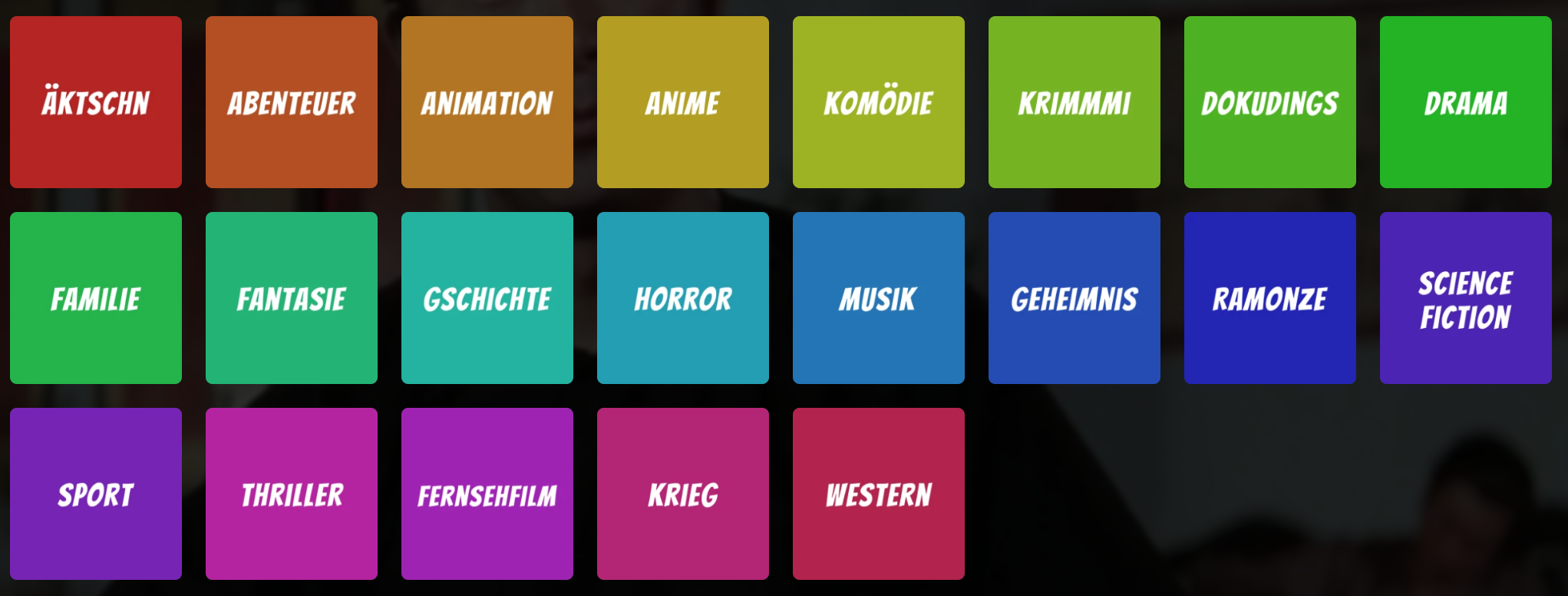
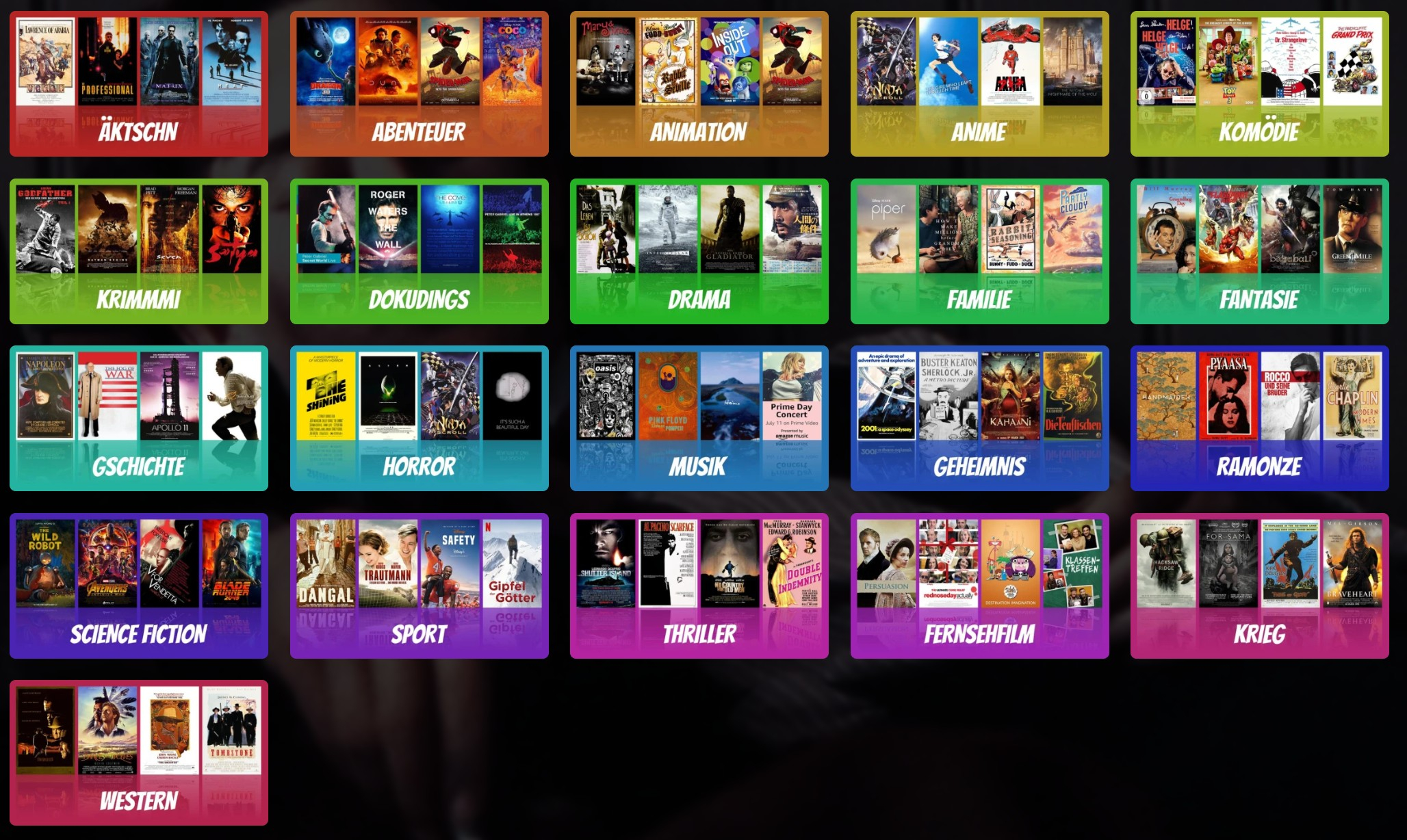
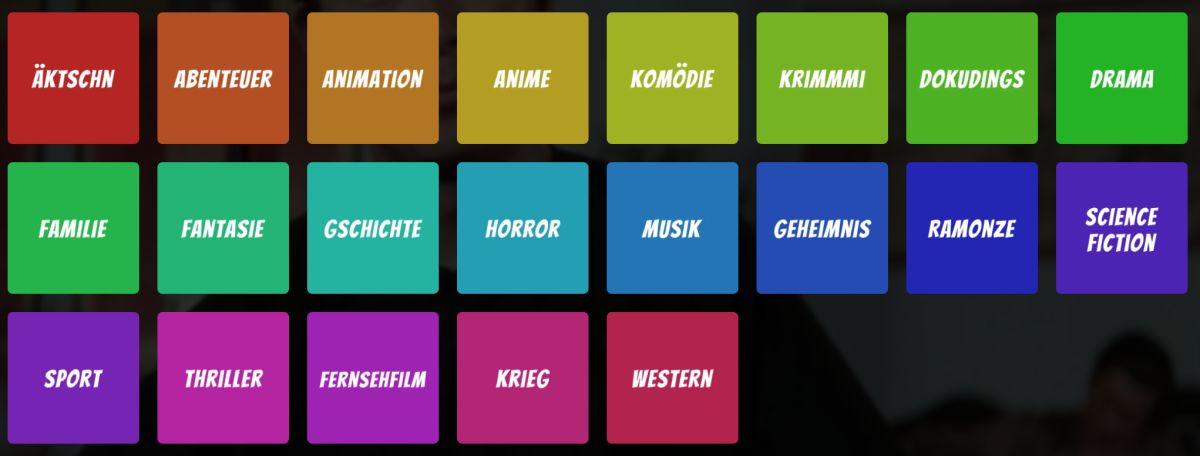
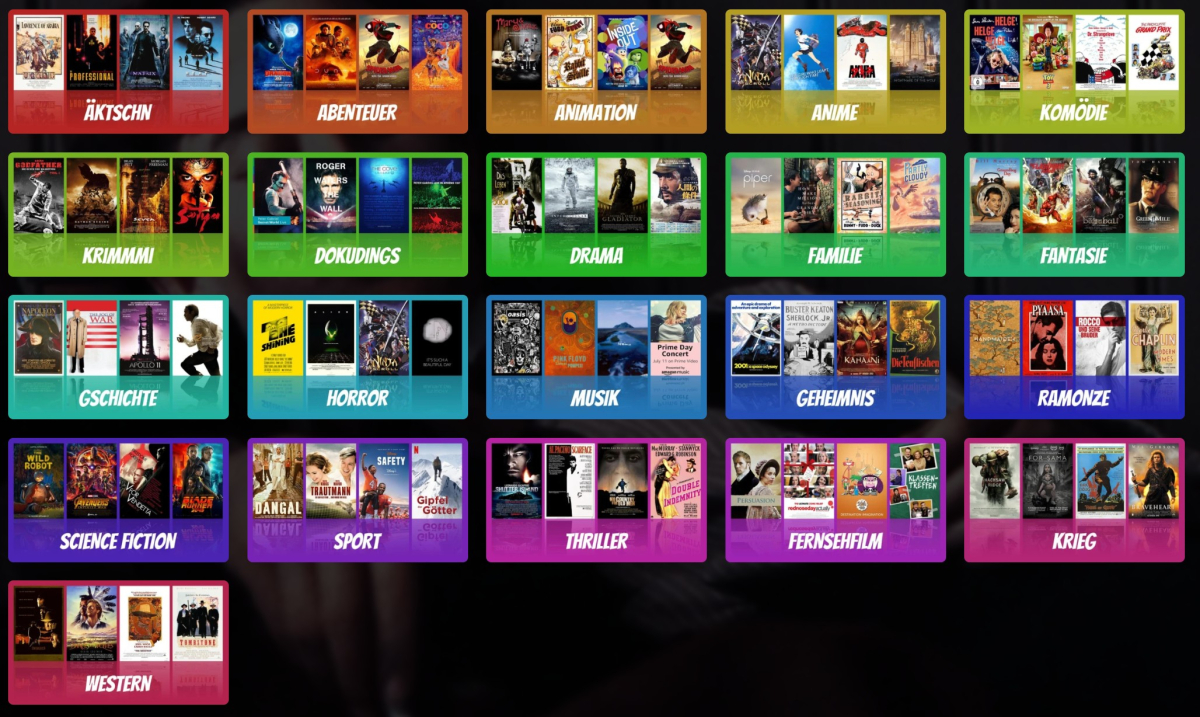
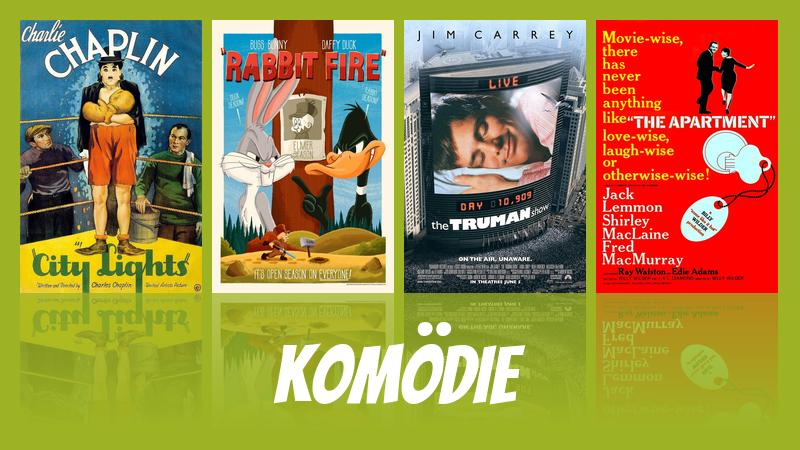
Ei Gude, Ich habe das Skript überarbeitet und voll lauffähig gemacht. Aktuell liest es eine Liste an Genres ein genres_dict: dict[str, str] = { # "MeinTest_01": "Komödie-Test", # Emby Genre -> eigener Name "Comedy": "Komödie", "Action": "Äktschn", "Adventure": "Abenteuer", "Animation": "Animation", "Anime": "Anime", "Fantasy": "Fantasie", "Crime": "Krimmmi", "Documentary": "Dokudings", "Drama": "Drama", "Family": "Familie", "History": "Gschichte", "Horror": "Horror", "Music": "Musik", "Mystery": "Geheimnis", "Romance": "Ramonze", "Sci-Fi": "Science Fiction", "Sport": "Sport", "Thriller": "Thriller", "War": "Krieg", "Western": "Western", "TV Movie": "Fernsehfilm", } und macht daraus das oder das Das Skript ruft dazu alle Genres von Emby per API ab ruft die Top X eines Genres an Filmen ab, dabei kann z.B. PremiereDate oder Bewertung etc. zum Sortieren verwendet werden wählt davon nach Zufall vier Poster für die Übersicht aus wählt davon nach Zufall 7 Fanarts aus und kopiert sie in den Output Ordner schaut in der Tabelle oben nach dem Label und erstellt die Primary/Landscape-Version im Output macht daraus ein Mal Primary/square und Thumb/landscape. (Optional) Löscht alte Fanarts für das Genre und lädt die neuen Bilddaten nach Emby hoch. Die Farben setzen sich aus dem Farbkreis im HSB-System zusammen. Bei drei Genres hätte man Rot - Grün - Blau, je 120° Abstand bei 360° Farbton technobabbel. Müsste in die Config. Formate sind frei zuordenbar, Landscape Bild kann Primary und/oder Thumb in Emby werden Code für das Bannerformat habe ich auch, müsste noch integriert werden wenn Interesse ist Ich müsste noch ein paar Optionen oder eine Config einbauen, ist doch etwas komplexer geworden Schrift kann selbst gewählt werden, aber die Größen etc. sollten auch in die Config Liest aktuell nur Filme für die Genres ein. Denkbar wäre, TV-Poster für Thumb zu verwenden und Filmposter für Primary Die Bilddaten werden über die Odnerpfade aus Emby kopiert, die Bilder liegen bei mir als Kopie im Filmodner ab. Keine Ahnung ob das Skript die Bilder auch direkt aus dem Metadaten Verzeichnis abfragen kann Ist in Python geschrieben. Passt das für soweit oder habt ihr noch Ideen?
 1 point
 -
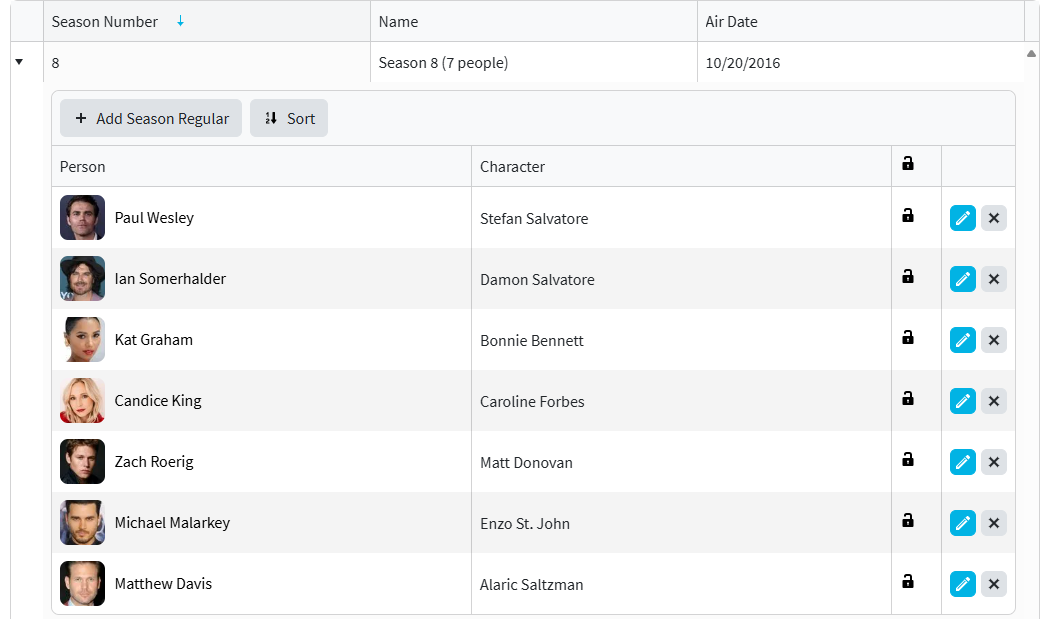
Would have to test myself but it is the way TMDB breaks out Cast and you have to remember Cast will only come from first provider. But TMDB Cast list is decieving as it lists every person ever on the show but does not provide that full list as series level as they technically are some Guest stars. From TMDB Series json "credits": { "cast": [{ "adult": false, "gender": 2, "id": 83141, "known_for_department": "Acting", "name": "Paul Wesley", "original_name": "Paul Wesley", "popularity": 4.489, "profile_path": "/1WGVCxymuPTiBCqo1Nsy42CZmEd.jpg", "cast_id": 0, "character": "Stefan Salvatore", "credit_id": "52585550760ee34661096e9f", "order": 1 }, { "adult": false, "gender": 2, "id": 19211, "known_for_department": "Acting", "name": "Ian Somerhalder", "original_name": "Ian Somerhalder", "popularity": 7.4185, "profile_path": "/gq8YFzAOaxNVtSUFKccpxp2YjRS.jpg", "cast_id": 0, "character": "Damon Salvatore", "credit_id": "52585550760ee34661096e47", "order": 2 }, { "adult": false, "gender": 1, "id": 159962, "known_for_department": "Acting", "name": "Kat Graham", "original_name": "Kat Graham", "popularity": 3.9413, "profile_path": "/gZb5Xz2eKZqDy4hXgTEtvyTvRq4.jpg", "cast_id": 0, "character": "Bonnie Bennett", "credit_id": "52585551760ee34661096f75", "order": 5 }, { "adult": false, "gender": 1, "id": 85144, "known_for_department": "Acting", "name": "Candice King", "original_name": "Candice King", "popularity": 3.5393, "profile_path": "/qy290E0X2o1NZwhGyiGSmMi1tyB.jpg", "cast_id": 0, "character": "Caroline Forbes", "credit_id": "52585550760ee34661096f23", "order": 6 }, { "adult": false, "gender": 2, "id": 221841, "known_for_department": "Acting", "name": "Zach Roerig", "original_name": "Zach Roerig", "popularity": 2.9203, "profile_path": "/fjNS8QTDnGsuoOz66aP6JlN93FQ.jpg", "cast_id": 0, "character": "Matt Donovan", "credit_id": "554d66169251413faa002e4d", "order": 7 }, { "adult": false, "gender": 2, "id": 1465190, "known_for_department": "Acting", "name": "Michael Malarkey", "original_name": "Michael Malarkey", "popularity": 1.8125, "profile_path": "/731hKJr8wnFf2OEx6wMcAQyO1g6.jpg", "cast_id": 0, "character": "Enzo St. John", "credit_id": "554d6406c3a3682594002cc7", "order": 10 }, { "adult": false, "gender": 2, "id": 56045, "known_for_department": "Acting", "name": "Matthew Davis", "original_name": "Matthew Davis", "popularity": 2.8901, "profile_path": "/9QsCJBQ45iR5R36F0LAuzvY1zuO.jpg", "cast_id": 0, "character": "Alaric Saltzman", "credit_id": "52585551760ee34661096f49", "order": 14 } ] Where TVDB has 14 listed.
 1 point
 -
@MagicDoubleM Did a little test of that plugin. I changed the nuget packages and some version numbers in the csproj, seems to work stable on non beta version 4.8.11.0 of Emby in case you are interested. At your own risk if you do this but works fine here as far a i can see.1 point
-
Thanks! Yes exactly, the plugin picks up dlls and auto-updates them.1 point
-
You mean instead of the normal .zip files i release or a .dll together with the code? Put a .dll into the release, will try and remember to do that from now if that's what you mean.1 point
-
Awesome! Thanks for the update Luke!1 point
-
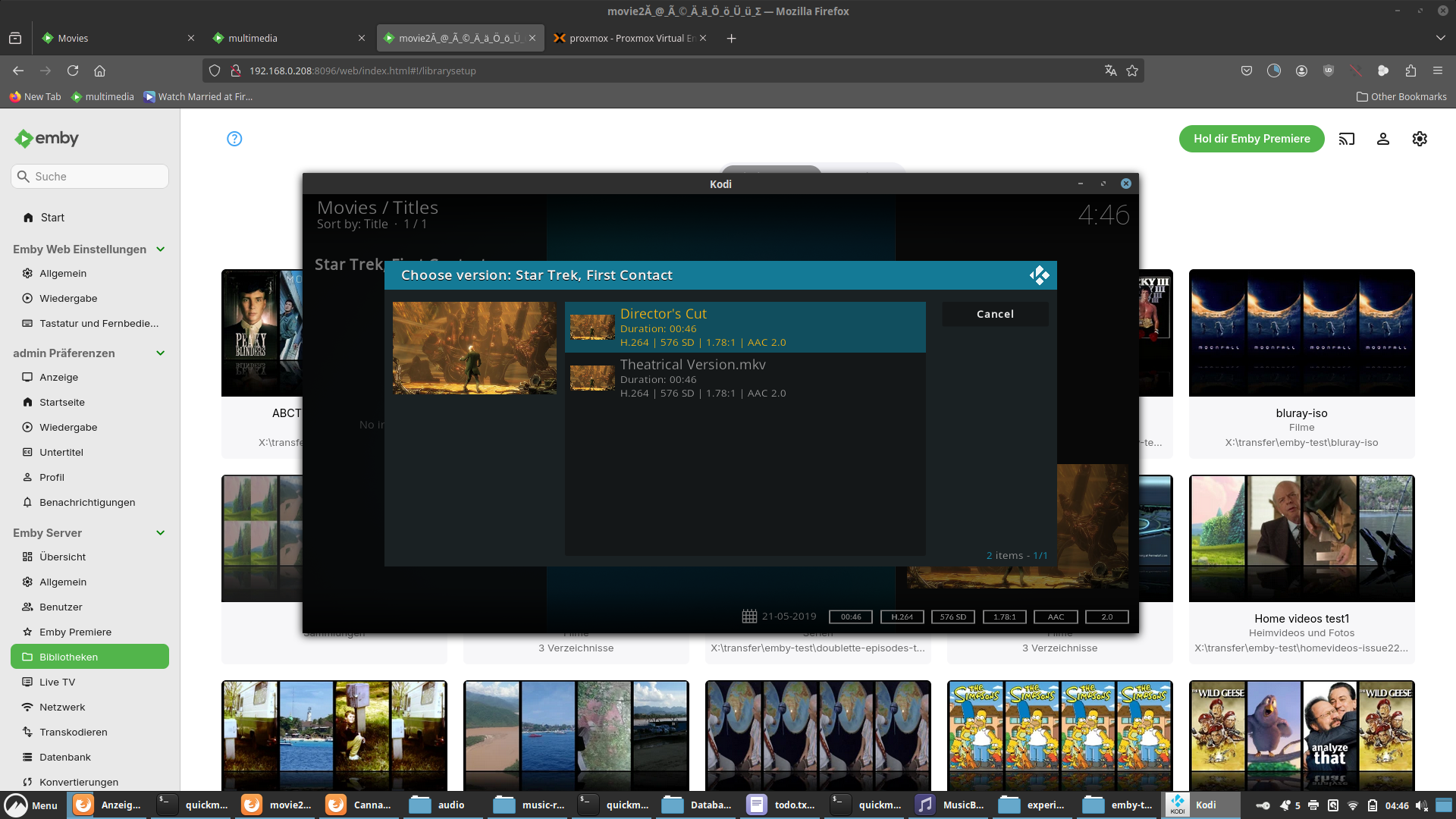
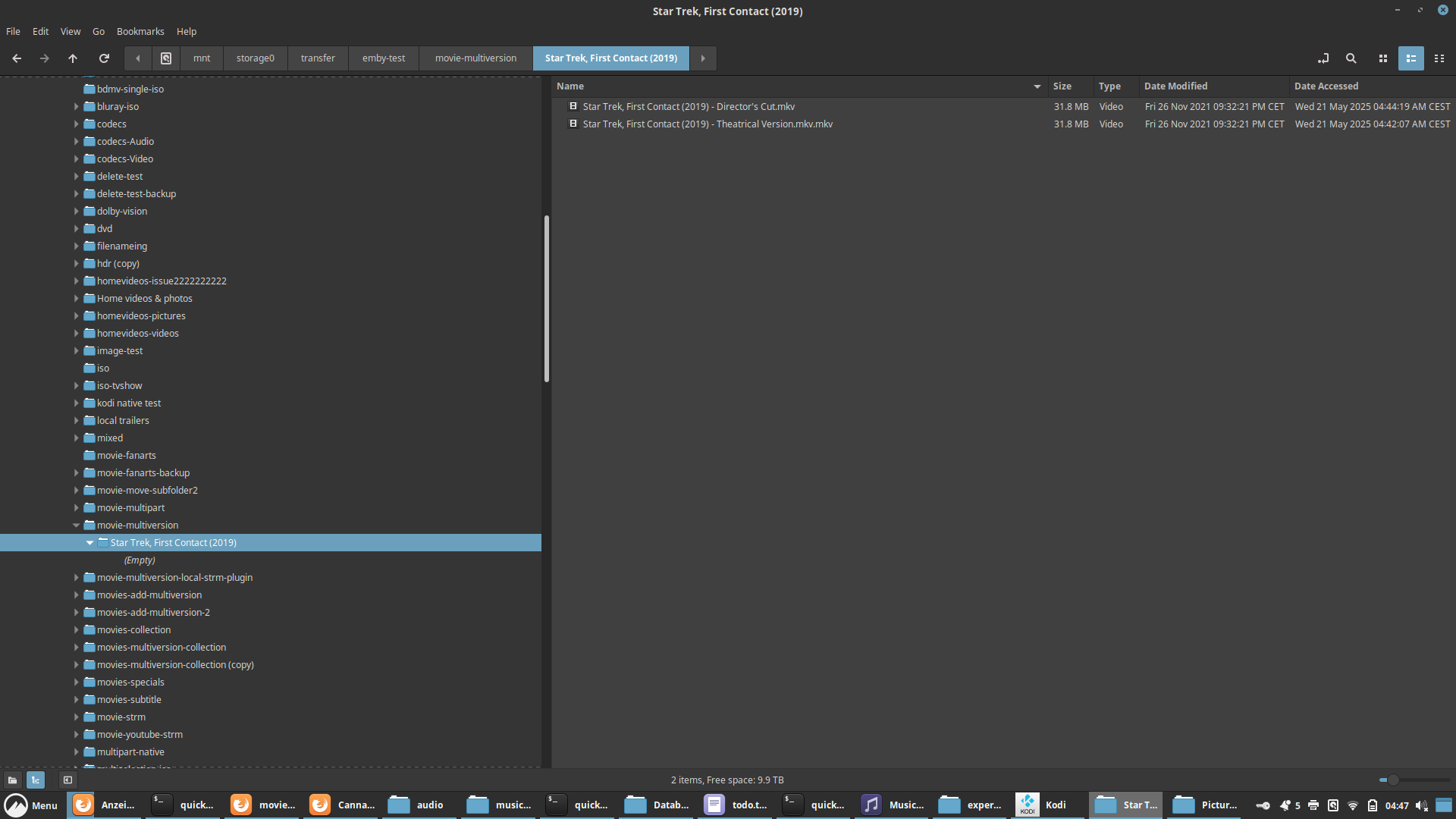
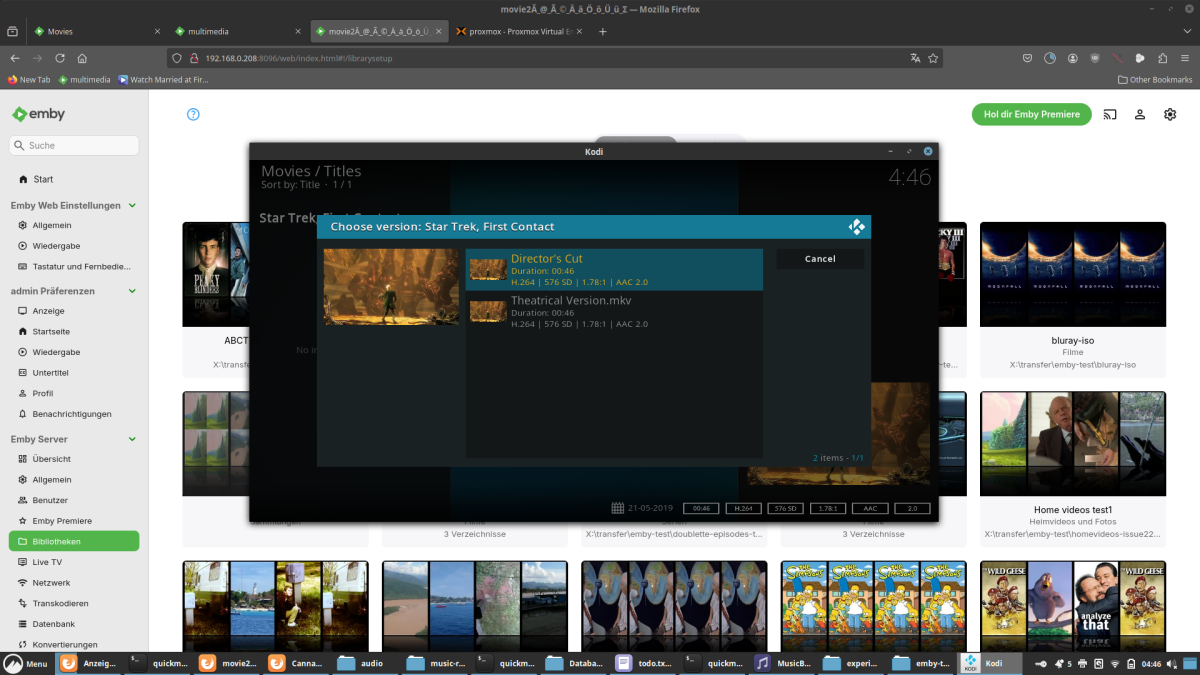
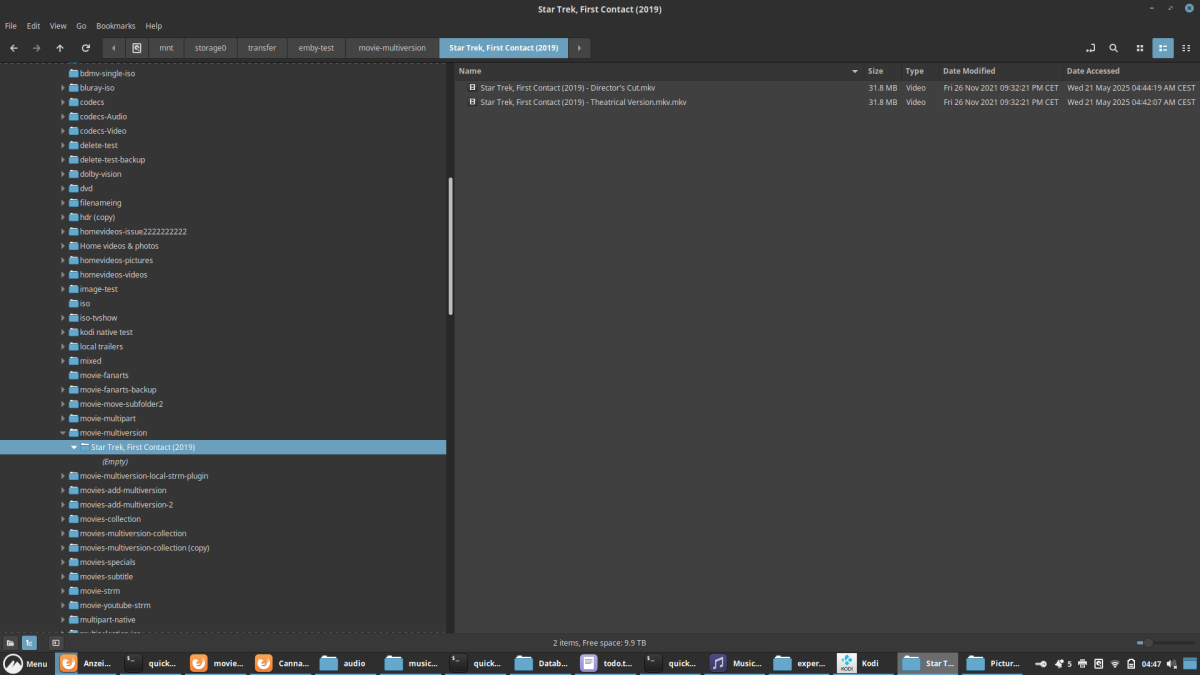
Funktioniert hier einwandfrei. Muss etwas Spezifischen in deinem Setup sein. Kannst du mir bitte deine exakten Dateinamen durchgeben. "Film (2019)" ist ja nur ein Platzhalter. Welcher Kodi Skin? Hast mit den default Skin gestestet?
 1 point
 -
At minimum we should be able to disable this feature altogether. Ideally you could select which libraries are included in the "More like this" section. (Similar to how Home Screen customizations allows you to opt-out libraries from "Continue Watching" and "Latest Media")1 point
-
Emby for Apple TV 1.9.9 has been released. Here are the highlights: Support playback correction in the video player Support sleep timer in the audio player Support subtitle offset in the video player Support new youtube trailer playback (in the 4.9 server) Fix home top tabs not being translated1 point
-
Emby for Apple TV 1.9.9 has been released. Here are the highlights: Support playback correction in the video player Support sleep timer in the audio player Support subtitle offset in the video player Support new youtube trailer playback (in the 4.9 server) Fix home top tabs not being translated View the full article1 point
-
The resolution value at the bottom of the Art card for the movie depends on the earliest date added in the .nfo files. If there are two versions 720P and 1080P, open the 1080P .nfo file, look for date added and make the date several years ago. 2025 change to 2020. It should be earlier than the date added for the 720P version in it's .nfo file. Rescan the libraries and your resolution should show 1080P in the Art card poster info. I reported this before, but it still needs a code update to fix. It's probably very low on the to do list.1 point
-
Out of curiosity - do you have your TV connected to the network via wireless connection? Or do you have a wireless subwoofer near the TV? I had a LG TV that was nothing but trouble until I wired the network connection and removed the wireless credentials.1 point
-
I'm using the Asustor Flashtor 12 Pro (FS6712X)1 point
-
Hi @LukePlease Update it, App is far more better on IOS and a lot of options. themed songs themed videos, playback options, Display, home Screen. I heard that new Apple TV that will release this year and I am Planning to upgrade. Hope it will be fix before new ATV release. Thanks..1 point
-
In case anyone search's this topic and finds this thread, I wanted to document my full workflow that worked flawlessly. This was for migrating Emby Server from running on Windows 11 to running in Docker on Ubuntu Server. My media paths changed but I have always had my Emby Server set to save metadata to NFOs in the media folders so the changed paths did not matter. Back up the original Emby Server Create a new backup location for the new server Copy the most recent "full" and "server database" backups of the old server, to the new backup location Do a fresh install of Emby Server in its new location. DO NOT restore anything Set up the Libraries for the new server; pointing them to the correct folder locations Click through each setting on the new server and update them to match the old server (network settings will likely be a new local IP address) Create users on the new server to match the old server. They do not have to match exactly but should be easily identifiable. Wait for Libraries to completely import and populate; "watched" statuses will be gone but do not panic Go to "Backup & Restore" and set the Backup Folder to the new backup location Current Backup Date should be the date of the most recent old server backup (that was copied into the new backup folder) Click "Extract Data From Backup", make sure the old user (left) matches the new user (right); click "Restore from Backup" The watched statuses on the new server should now match the watch statuses on the old server. I hope this helps. Edit: I recommend deleting the old server backup files/folders from the new back up location. That way when the new server does its first back up, it will due a full backup of the new server.1 point
-
I jumped in because I have a specific use case. My elderly mother has two Hisense TVs in her house and we wanted to give her access to the home movies and photos. She has been able to figure out how to navigate the Hisense menus but doubtful will spend time with a Roku or otherwise. Which is why we didn't go down that route.1 point
-
So this means it would be easy to do?1 point
-
I am not sure if a third-party repo should be pinned (and implied to be recommended by Emby) since you never know if the packages can be trusted going forward in case the domain or server ever gets hijacked.1 point
-
This plugin seems to be designed for non-English-speaking countries, language learners, and avid collectors of movies and TV shows. Most people collect videos in their native language. Consider developing a separate plugin to identify a film’s production/release country. It could pull data from Emby’s media info or video metadata, but country info fields in video files’ metadata are rarely used. Adding a "Show Country Icons" option would overcrowd posters. If we add the following to PluginOptions.cs: [DisplayName("Show Country Icons")] [Description("Enable or disable overlaying country icons.")] public bool ShowCountryIcons { get; set; } Displaying three lines icons (flags for subtitles, audio tracks, and country) would clutter the poster space further. A standalone plugin would minimize file size. Emby appears to use ISO 639-2/B (e.g., chi for Chinese) instead of newer standards like ISO 639-2/T or ISO 639-3 (zho).0 points
-
Hello, Make it a premium option, but do make it possible.0 points