Leaderboard




Popular Content
Showing content with the highest reputation on 04/10/25 in all areas
-
Anyone can scan public IP addresses for open ports and find servers running there. One way to help mitigate this to by using a reverse proxy in front of Emby, that only recognizes a specific domain name and rejects all other connections. You can also setup tools like fail2ban that will monitor for ip addresses repeatedly failing login attempts, then block those IPs automatically.3 points
-
I also had the problem of DLNA not working at one point. I found out that the Emby docker needs it's own IP for DLNA to work, it doesn't work if it uses the IP of the server it self. Atm. My Emby is running a custom network and DLNA is working.2 points
-
your CaddyFile looks like a v1 Caddy file. I assume you are on v2. Here is mine for reference: { email steve@xxxxxxxxxx.com } emby.mydomain.com { reverse_proxy 10.3.0.124:8096 } I have more in my Caddy File, but this is all it should take to get it working.1 point
-
Thank you for the advice! This is actually how I did it originally, but I had some problems with the path of the remote media, here last year : So I ended up having to cache everything and place the paths within local strm files. This seems fixed now though., so I can probably cache the metadata but not have to use strm files.1 point
-
I can confirm this working, thank you @Lessaj! It's a very time consuming process, it makes no sense that we need to do this just to change paths. This should be possible through UI, where you just change the path and save it, Emby should be able to do the rest easily.1 point
-
HI, yes we are looking into this. Thanks.1 point
-
You are correct. I would want it hidden.1 point
-
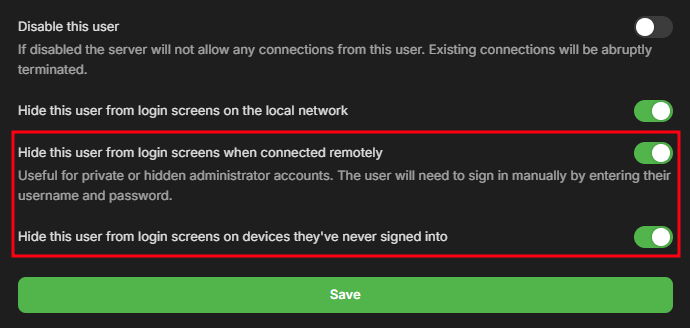
Yes this is the likely answer. Here's three things that can help: Use different router port numbers than the defaults Have passwords for your users and hide them from login screens on devices that they haven't logged into before Setup SSL on your server.1 point
-
The Scan MetaData folder scheduled task did not fix all the entries, nor Scan Media Library task after changing to Central time. I did a Refresh Metadata on the TvShows library, wishing it will update all the entries, but for some reason it stopped at 90%. Looking at the logs, its still going with updates every second. So I will let it wait.1 point
-
I've refreshed all metadata for movies so they no longer generate collections and that has helped, no more hanging on full library scans. It does take a few minutes for the library scan to even start the scan, but nothing hangs or freezes for anyone so I'm not too concerned about that, thanks!1 point
-
Changing the timezone to central and rescanning the metadata on the show does fix the error. Changing back to UTC and rescanning it and the error is back. My guess is it is an issue calculating off of UTC time. Right now I set the server time to central and doing the scheduled task, "Scan MetaData Folder". I hope this will fix it for all files so I dont have to go to each one and refresh meta data. Leaving the machine in Central time is not ideal, but at least a work around for now.1 point
-
I will have to check this, I don't have time today, but don't panic I will make sure it is supported. Can you send me your m3u file in a pm? You can do find/replace with a text editor and replace username/password/providerURL if you don't want me to see that info. I don't need them, i just need the m2u with the format that it is in. This is ok like this, but send the whole file in a pm: #EXTINF:-1 tvg-id="tt8740614" tvg-name="tt8740614" tvg-type="tvshows" group-title="The Residence (2025)" ,The Residence (2025) S01 E03 https://providerURL/username/password/tvshow/tt8740614/1/31 point
-
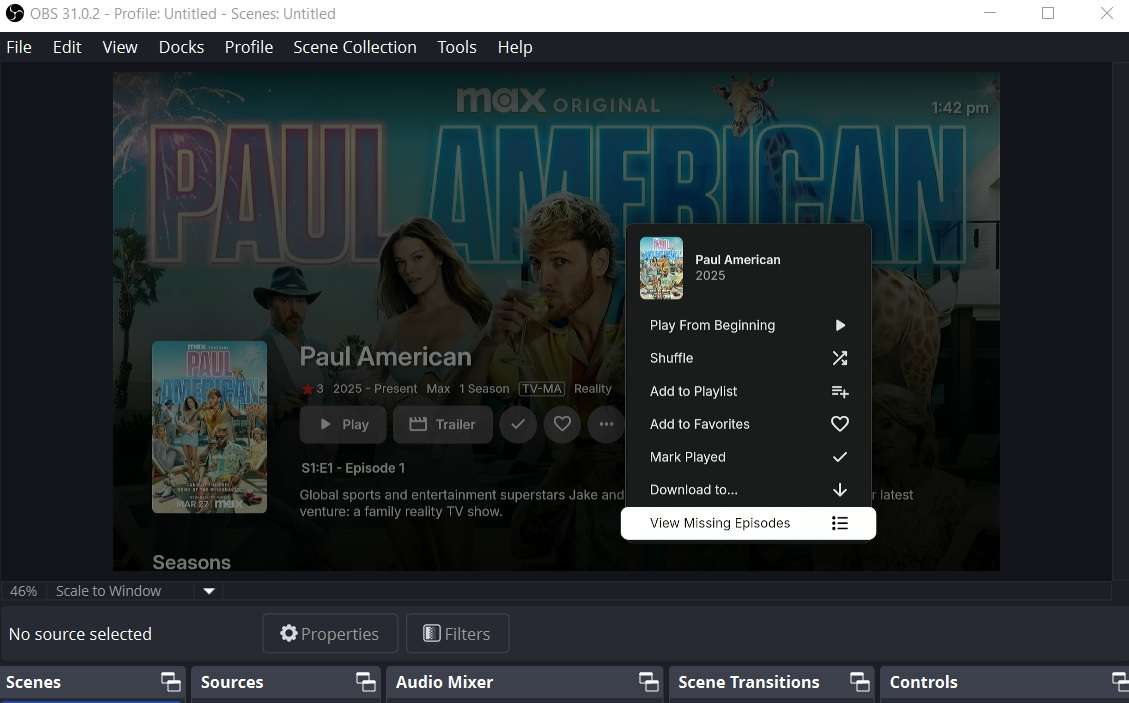
Yeah I like this feature I use it every day
 1 point
 -
... Please check the instructions below from me. One minute of Google searching and I find this tutorial too. https://mariushosting.com/how-to-install-emby-with-hardware-transcoding-on-your-ugreen-nas/1 point
-
@Luke Thanks for the response, Luke. I just followed the given instructions under the heading "Portable Installation". I have installed the portable version before but never jointly on the same rig as the full version. So, this was a first for me which gave me an unexpected result. @Happy2Playhad the solution and everything is grand now. As for the rest of you, having served 22 years in the military and traveling all around the globe gave me an education I can never repay. Stationed at RAF Wittering as a TDY, I had the opportunity to study at Cambridge. So, I would say to those who profess their mastering of the English language, get a new dictionary. Obviously, some people at Emby studied the correct version or at least one which was written by an English Scholar. Cheers!!!
 1 point
 -
I’ll check this out when I get home from work. @jelum@Luke1 point
-
Did you at some point have these unticked, under your user settings. If these are unticked half you security is wide open for password guessing.
 1 point
 -
Thanks for that, I guess that's why it was hard to find, LOL Very soon = a few days or a couple of weeks?1 point
-
@Syntax24what Luke wants to say: In your last log: ---- 2025-04-07 22:20:14.905 Info App: Emby Server Version: 4.8.11.0 ... Could not load file or assembly 'MediaBrowser.Model, Version=4.9.0.12, ---- That means that the dependency (a nuget reference) in your project is 4.9.0.12, but the Emby server is 4.8.11.0. Change the dependency version to 4.8.11.0, rebuild the project and use the new DLL1 point
-
Maybe I'm not getting it or you are missing what I am saying. The Transcode test plugin does EXACTLY this and allows you to reproduce the full ffmpeg syntax. Otherwise the 'Test' plugin is also pointless ? Yes (of course) you need to select the same 'test' - but it will then run it on your GPU/system - the ONLY variable here. If another user ran the exact same scenerio as my example above on exactly the same GPU (UHD 770) - where I get fps=203 - then I would expect them to get in that ballpark. Yes they may have a slightly slower or faster UHD770 - but it's going to be a perfectly valid comparison. I'm going to run the exact same test on multiple GPU hardware platforms, multiple times - maybe I'll start a different thread with the results and others can contribute.1 point
-
I got so excited about the solution to my question, I forgot to reply to this portion of your post. I do use NFO files only for my metadata. I don't use any scrapers within Emby, I do all of the tagging, images, and collection/sets in TinyMediaManager. I mostly do this because I like to ensure certain TV show episodes are in the correct linear order (Firefly & Dresden Files come to mind). It also is useful for home videos and music videos that have no data that can be scraped.I just fill in all the info that I want and create some artwork. File naming and NFO are taken care of. I started doing this back on Kodi. There were frequent reloads and NFO's made for the fastest scan.1 point
-
We'll add it into the 4.9 release. Thanks.1 point
-
Hello friend, Thank you for your reply and encouraging recommendation! Personally, I use either cmd exiftool (or jExifToolGUI) to load my photo media files with the four metadata tags presently used by Emby; namely, date, title, description (parsed as OVERVIEW), and subject (parsed as TAG). Writing photo metadata with multiple subject tags to be parsed into Emby TAGS is easily accomplished using cmd > exiftool -sep ", " -Subject="tag1, tag2, tag3, etc." filename.ext With the addition of a fifth metadata tag, such as "XMP-dc:embycollections", that Emby will parse into Emby COLLECTIONS, both VIDEO and PHOTO media types can be coded in bulk to share the same Emby COLLECTIONS group criteria, if desired by the user. That would be delightfully fun and greatly enhance the UI experience for Emby's HOME VIDEO & PHOTO library users. Cheers! Ta!1 point
-
Yes, it is fixed, Thanks!1 point
-
Copying what exactly?1 point
-
My Fault a typo was causing it to fail before the output of strms., I am still checking the memory management, and some alterations to directory scanning. I am almost done testing, I will post as soon as I can.1 point
-
Glorious! I never knew of the tails command. That is perfect. Thank you very much for the information/solution. @LukeThis is exactly what I was looking for and I bet it wouldn't be too difficult to make a plugin do the same thing so that it is viewable in the server settings. I'm sure there is something similar for those people stuck on Windows.1 point
-
Can confirm this is resolved when the right-click menu is in view. Can you also provide the same treatment when the "Home" button is selected at the very top and also in the side menu? Thanks. Steps to reproduce: From any item on the home screen, click 'Back' button on remote, navigation jumps to top 'Home' bar = Backdrop disappears From top row on home screen, click 'Up' button on remote, navigation jumps to top 'Home' bar = Backdrop disappears From any item on the home screen, click 'Left' button on remote, navigation opens side menu with 'Home' selected = Backdrop disappears1 point
-
I convert all subs to SRT using SubtitleEdit via CLI and overall the OCR is pretty good but there are definitely errors that come up. If I'm watching something and I find it's really bad I'll extract the SRT and fix it and remux it.1 point
-
You can tail the log to see it probing files, making API calls, generating thumbnail previews, intro detection, etc. Depending on if you store NFO with your media or not will affect how long this rescan takes to complete.1 point
-
Hi, we’ll look at improving this. Thanks for the feedback.1 point
-
Hello friend, My primary use for Emby is adapting its HOME VIDEO & PHOTO library type as a user interface to serve my family archives and share them using the Emby Roku app. I have longed to find any online or TV user app that has the technical prowess required to add a text overlay on top of a photo, like one would find in any analog photo album or scrapbook, that users could edit with little bits of information like event, place, people, etc. shown in the photo. I have high hopes that Emby devs and admins might take up the challenge, but it requires more voices to be heard above the Movie and Music streaming crowd, whose desires enjoy the most attention due to their massive numbers. Those of us who sometimes prefer streaming slideshows of beautiful images with lovely captions are a disadvantaged minority in the world of competing movie and music streaming apps. Do not give up hope. Cheers!1 point
-
I liked the orange of the Halloween theme, but there isn't a "Dark (orange accent)" theme. In fact there aren't nearly as many "Dark" themes as there are "Light" ones. So I humbly request that more dark themes be added, or we be given the option to create customized themes to our liking (and which works on more than just the Web client).1 point
-
@Chro I was looking to edit the visual display to mimic the old media browser themes. We need to move past just changing a color & I think the current look for emby theater is getting a bit stale. Not trying to be rude & I am not a developer but how hard would it be to add a few more enhancements? You could even charge for it.... a theme package but I do believe some window dressing is needed.1 point
-
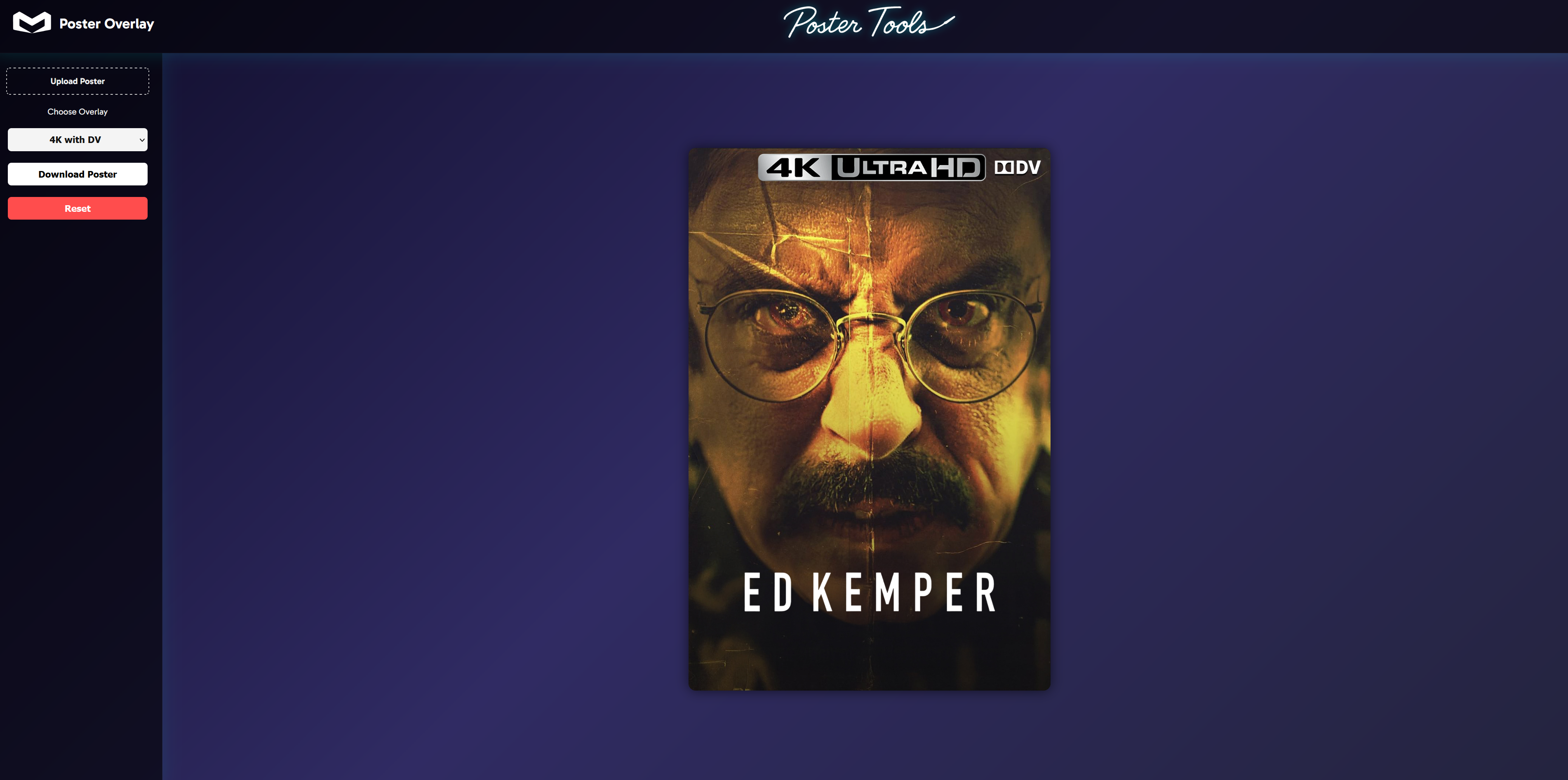
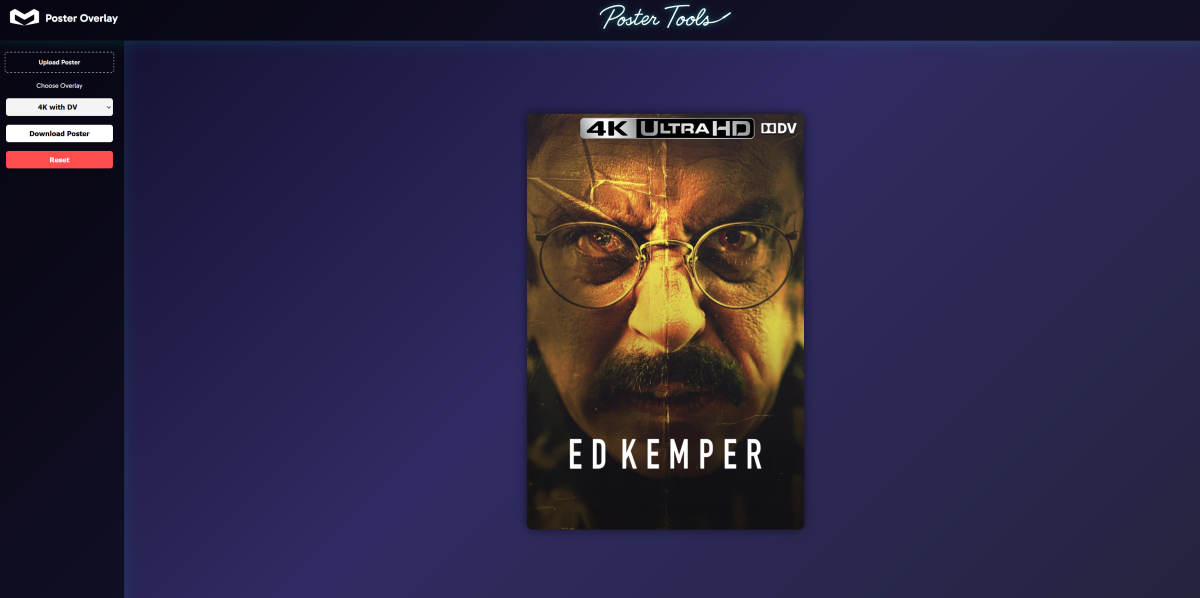
Been a while, nice to see others interested in this and taking the time to make changes. I've recently been working on a website with nicer visuals, other tools and functions etc. Bit of a teaser of the overlay tool.
 1 point
 -
Yes lots of changes from almost 6 years ago. As to many users disabled plugin updates and complained when things stopped working correctly so dev sort of closed the loop and coded the hidden schedule task to rest with ever restart to override custom file disabling the task. So while server is running one can stop the schedule task until next restart via the api. But has to be done at ever server restart but don't know if the api call can be done fast enough at restart/startup to prevent the startup task from running.1 point
-
I published new version to notifier: yoas1/emby-telegram-notifier:v0.3 update: Add movies/series Community Rating. For admins: Users add to favorites notification.1 point
-
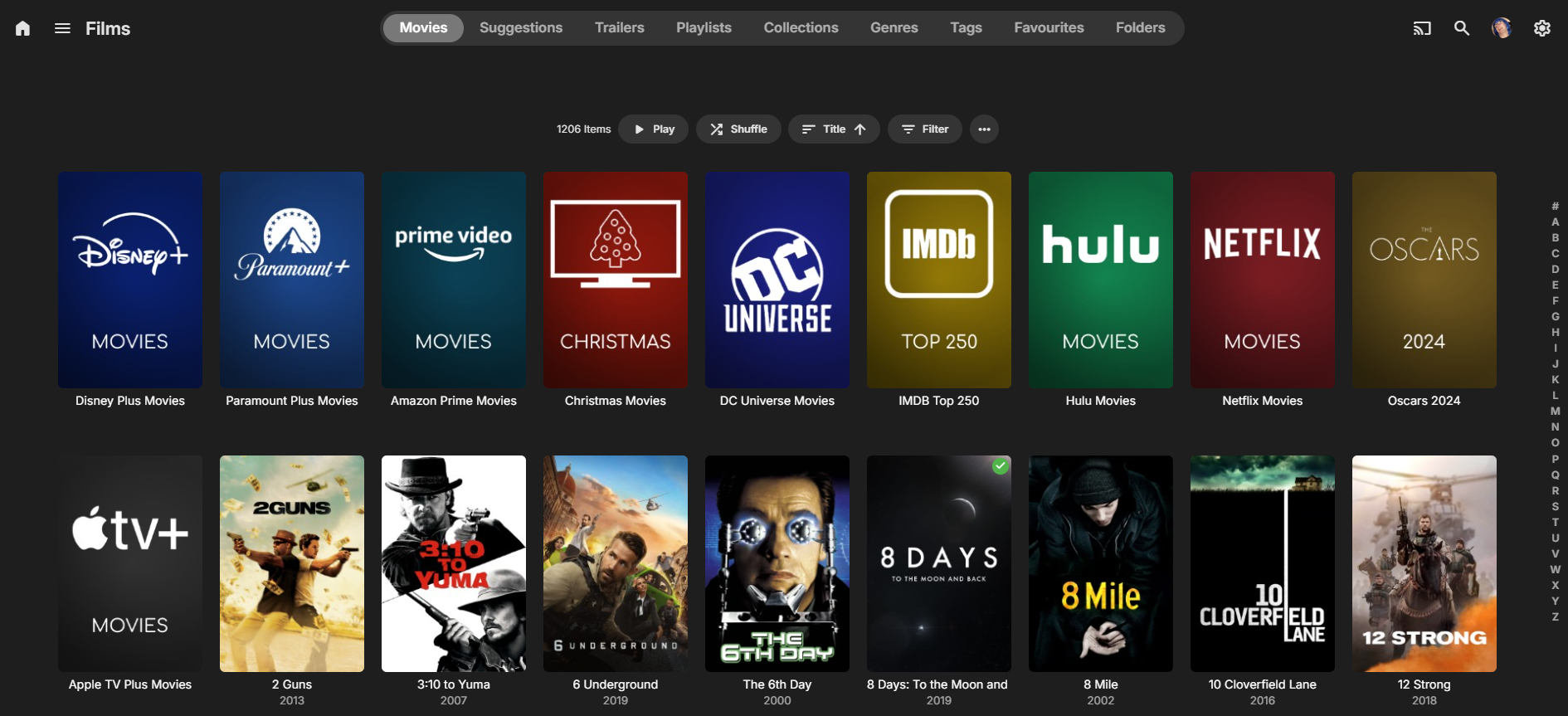
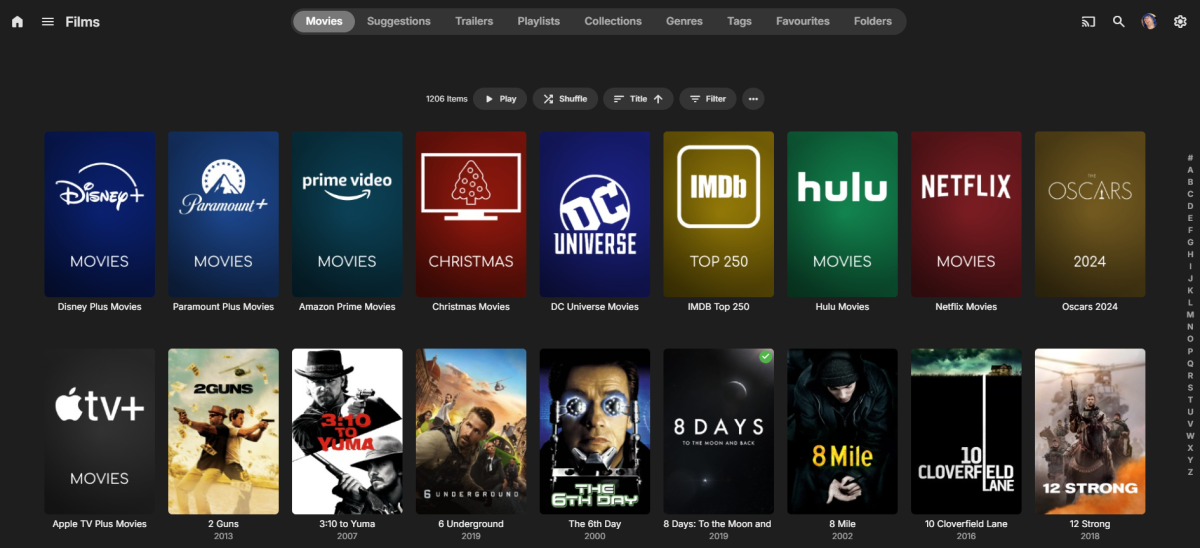
Thanks. Smart views sounds interesting and if I can use the contents of a collection as a row/virtual library - then that would be perfect, but I don't believe it resolves the nested collection issue I'm afraid. If I'm in 'movies/films' for example then I just want to click on the root collection - oscars, or a franchise or 'universe' (star wars, mcu etc) and then see all the associated further collections under that. I shouldn't have to resort to using tags or any other mechanism to do that. As it used to work (or be 'allowed') was tbh perfectly fine - you had to do it via the API but at least it worked - now, I guess it's been blocked - but for me personally, it never caused any problems.
 1 point
 -
I was messing around with the Emby API and thought of creating a lightweight dashboard to display some basic info and details about the Emby server. I'm planning on adding more features soon. You can use it on your Emby server as well. Features Server Info: Displays the server version, operating system, server name, and HTTP port. Sessions: Shows the total number of sessions, active streams, playing streams, and paused streams. Media Info: Provides counts of movies, series, and episodes in your Emby server. Library Info: Lists all libraries and shows the item count for each library. Let me know what you think about it haha Here is the GitHub repo: https://github.com/imahmud1/emby-dashboard
 1 point
 -
Watch/Resume data applies to a users not the media. It is recorded by global ids (IMDB, TMDB, TVDB ids) in the userdata table. There is not way to clear the userdata table for that item as no one has ever requested that as they want the data. Sure you can make a Feature request for when you delete media the userdata is purged also, but I am sure it would be a low priority and get lots of negative feedback.1 point