Leaderboard




Popular Content
Showing content with the highest reputation on 03/18/25 in all areas
-
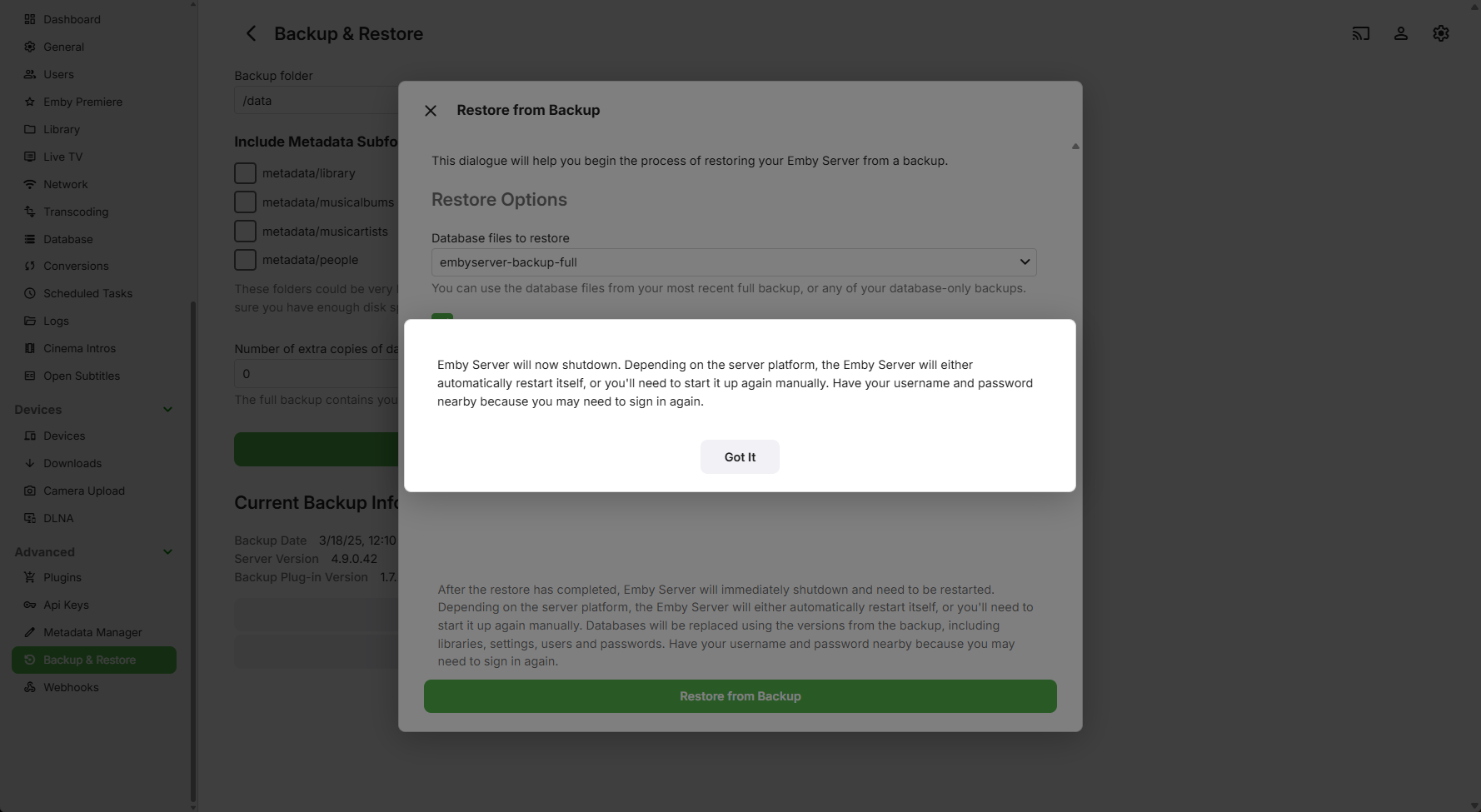
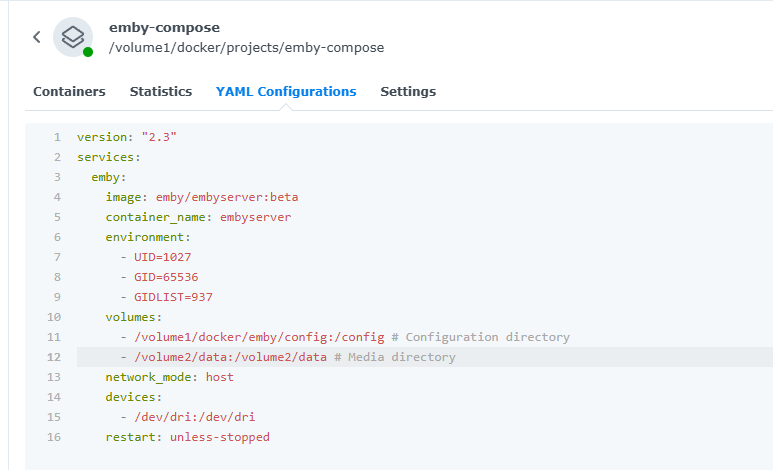
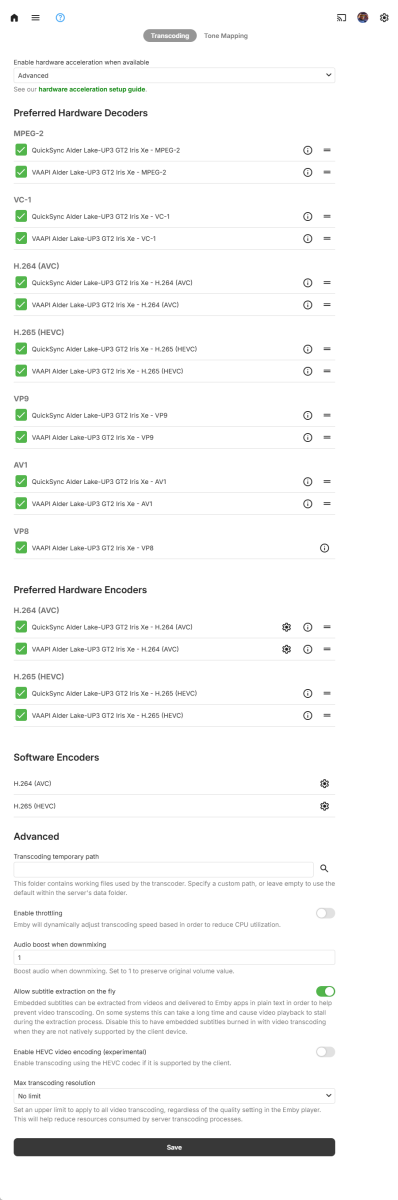
Ugh, I overthought this. I just trashed the Docker container and simply changed the media path to the "old" DSM package one, built it reimported the backup again, and everything is there, metadata and all. Hardware transcoding also enabled fine!
 3 points
 -
Thanks, I appreciate the reply. I am glad that nothing is wrong with my Emby installation.2 points
-
Yep, select this doodad..
 2 points
 -
Thanks, good work, merged, it will be in the next release in a few days.2 points
-
If anyone is interested, attached below is a plugin for viewing and editing the metadata and images of Emby library content. You can edit a single item or many items at once. I use this tool to help build TV Guides for myTV. If anyone wants the source code, I will post it. Vic myTvTool.dll2 points
-
So basically this. I have TV Shows, Movies, and Anime libraries. For anime; I'd prefer to set the default to Japanese with Subtitles. For movies, English and no subs unless forced. For TV Shows, the same. However, Emby only allows one overall setting this for this, for all libraries, instead of just one. I think it'd be a pretty nice little feature.1 point
-
Okay yah with media path changes these cross platform path issues exist and somewhat require database hack or removing/readding libraries. Discussed in many topics but here is one example1 point
-
I think I solved this issue now. I had an issue with scheduled backup of database, and after used my media group (1001) and emby user of that group (1002) in the run of the docker that issue is gone, so I assume that I got a handle on it. Thanks1 point
-
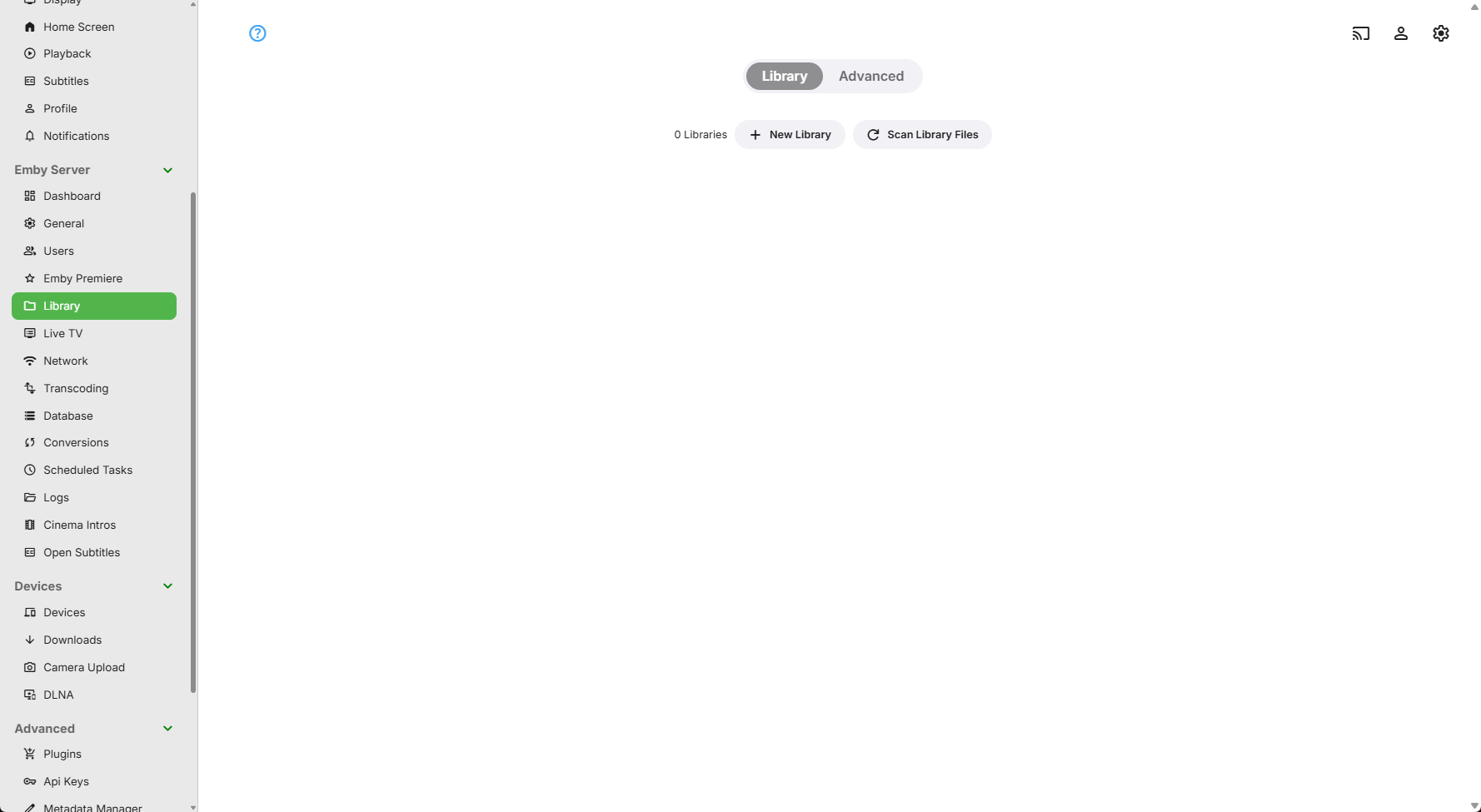
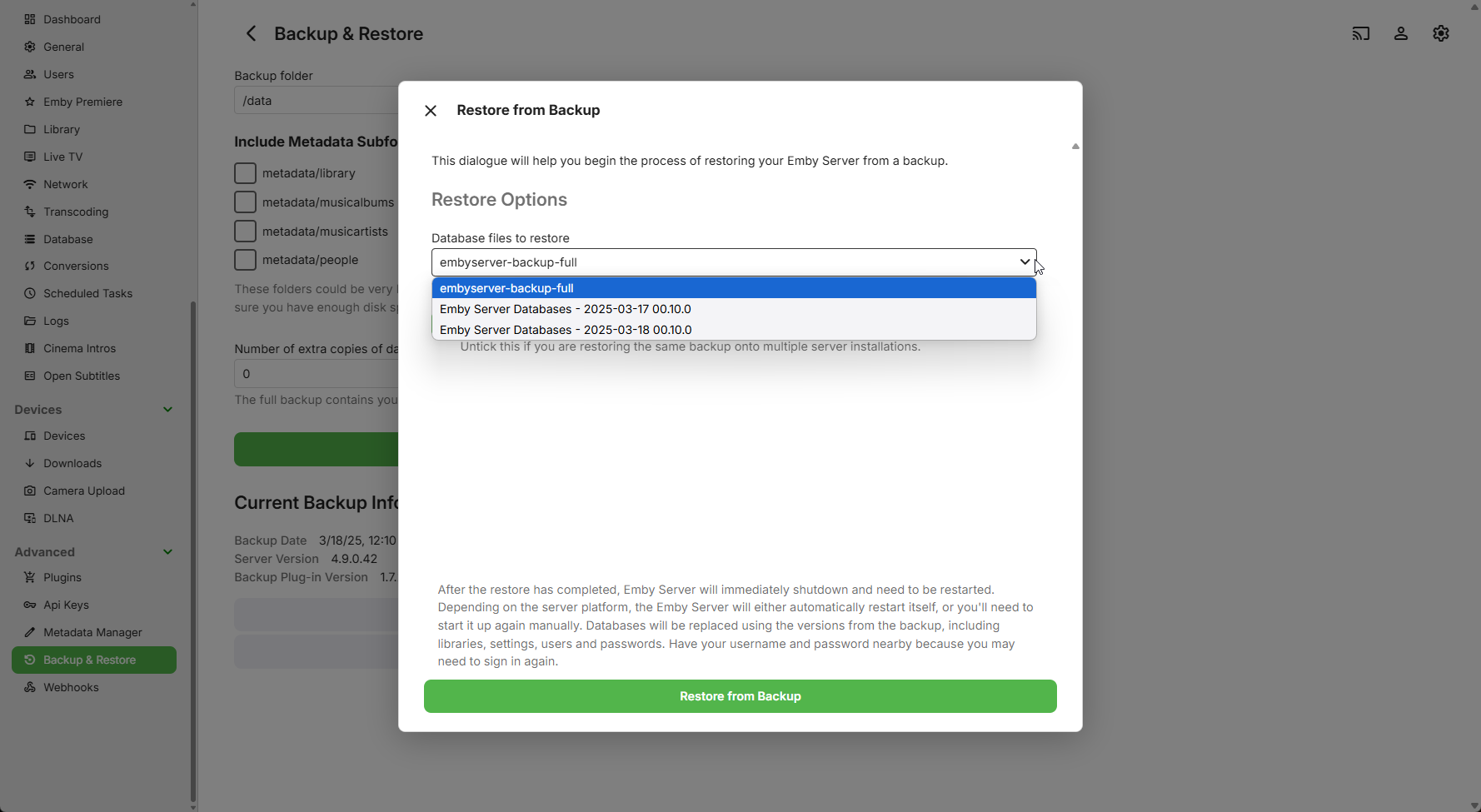
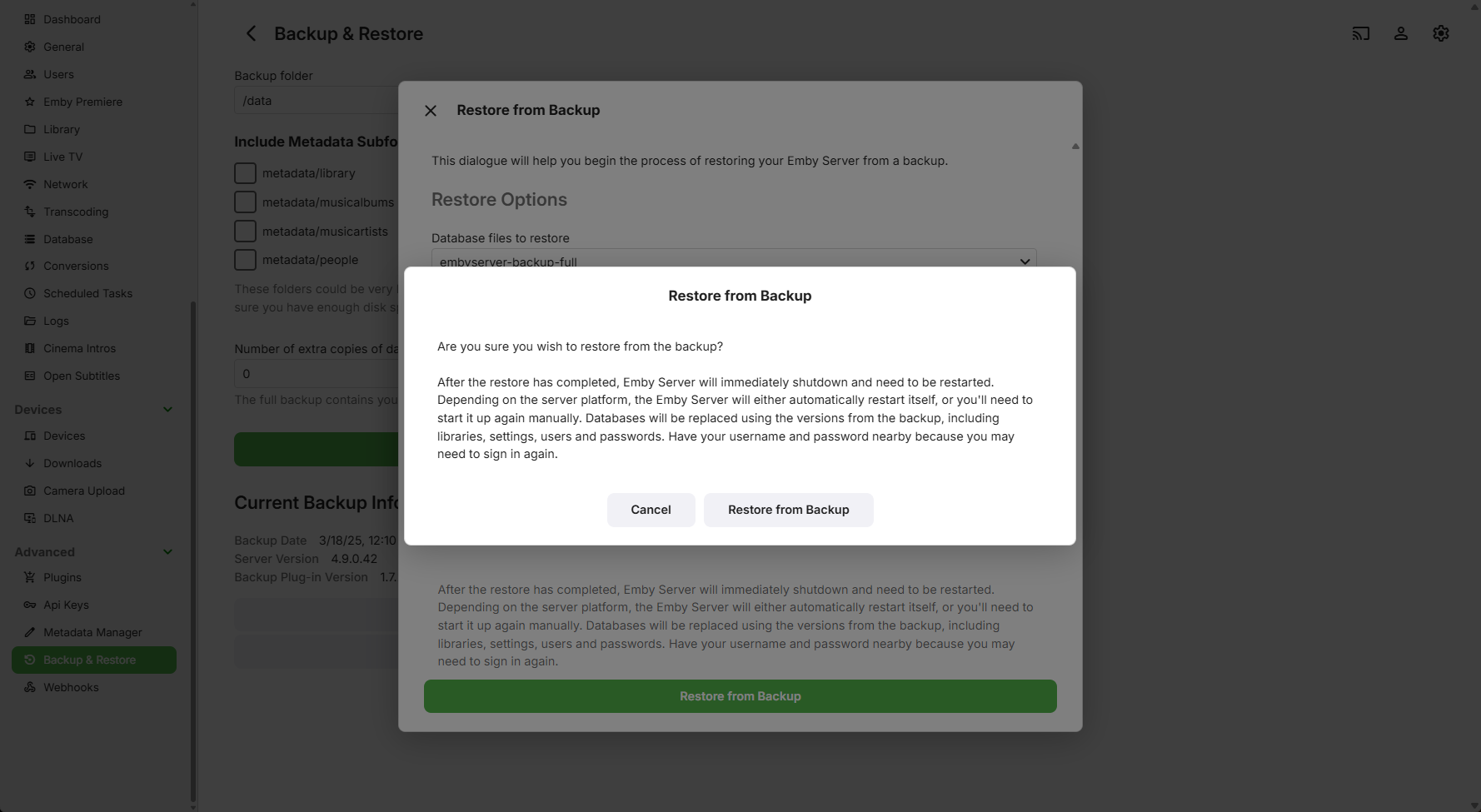
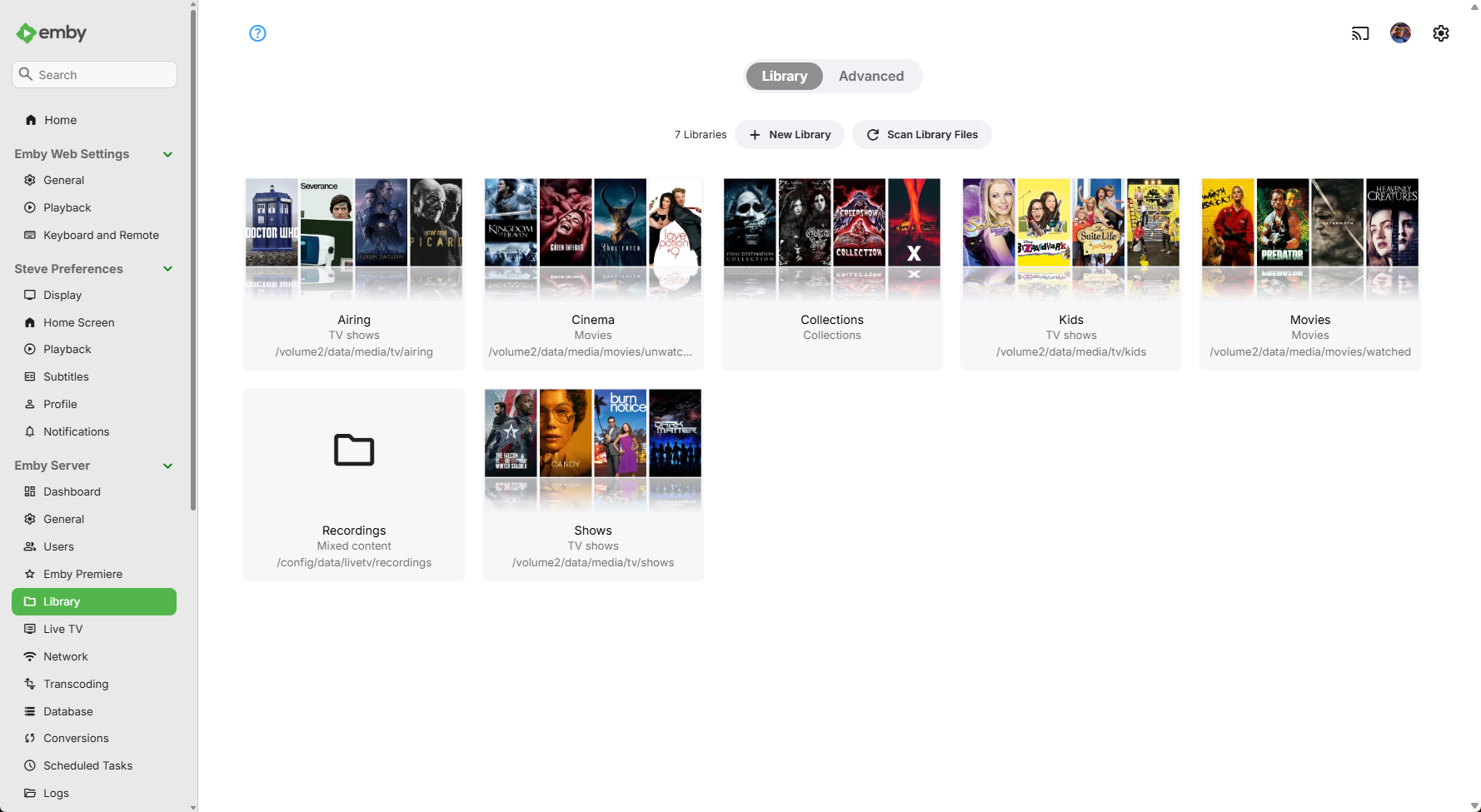
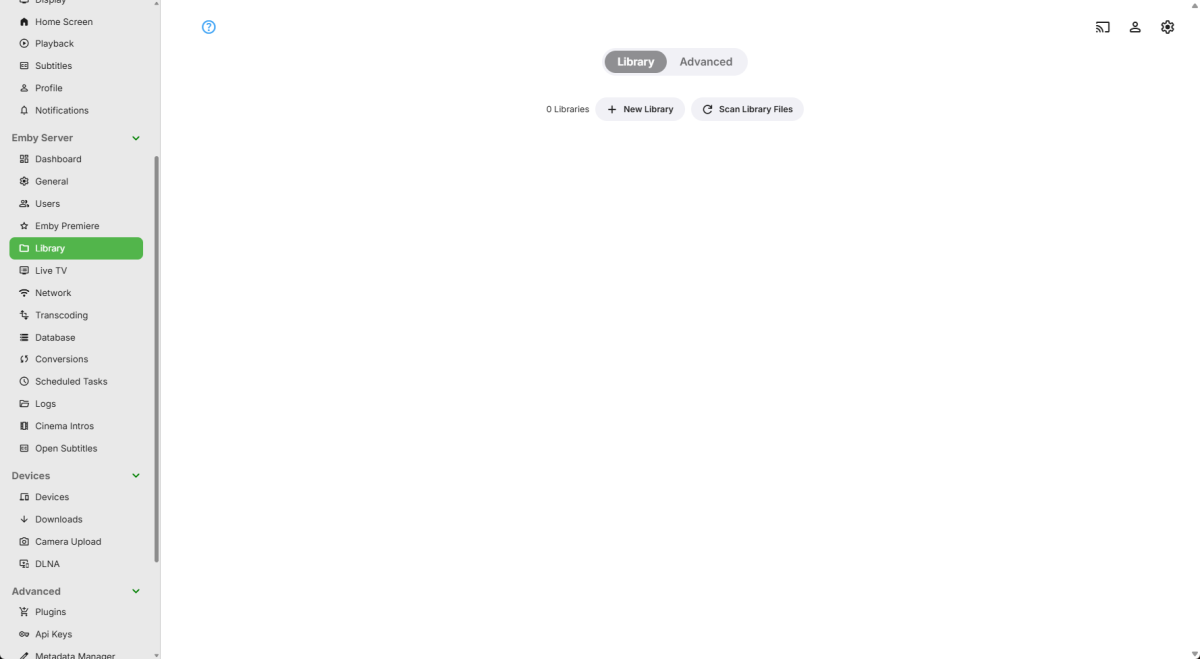
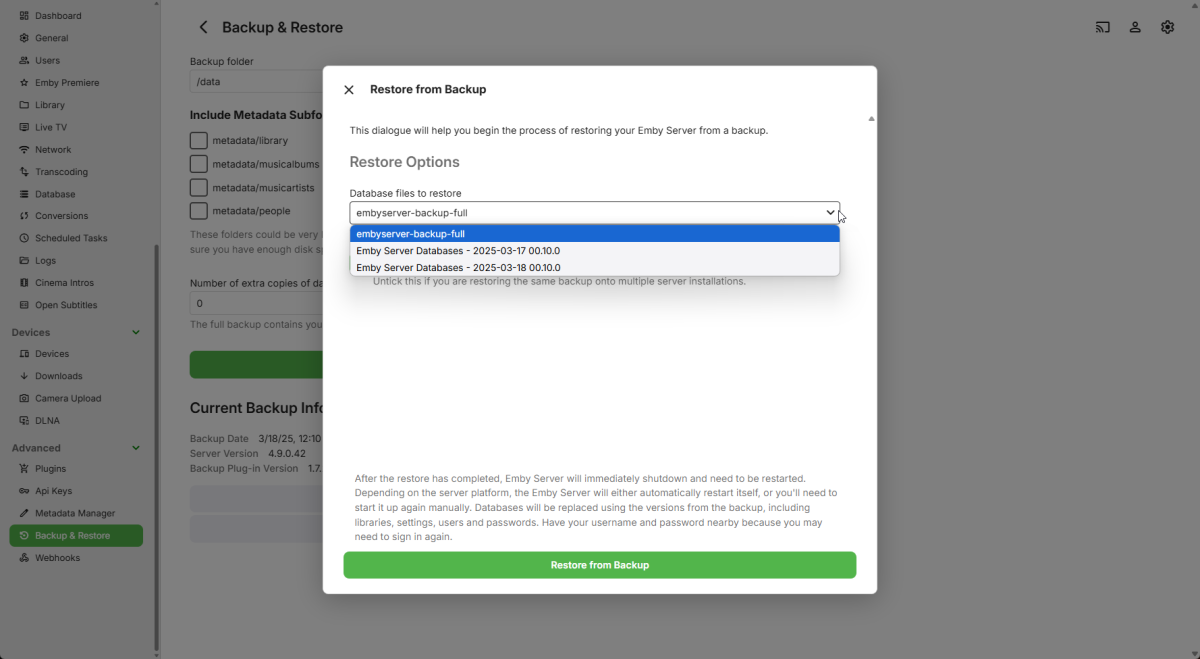
Yes, it seemed to work! I stopped the EmbyServer package in DSM (I did not uninstall it) I built the EmbyServer docker project skipped setting up a library Logged into Emby and added my premiere key I set backup path to the same one as from Package install I was offfered Full recent backup and a couple of metadata snapshots Before After It looks like a bunch of images are missing @Lukewhat task should I kick to repopulate the metadata? Or is there a path I could copy all the metadata from the app install on DSM to the Docker config directory to repopulate images/subtitles etc? Then I need to add the new Docker instance api key to Sonarr, Radarr, Watchstate etc etc
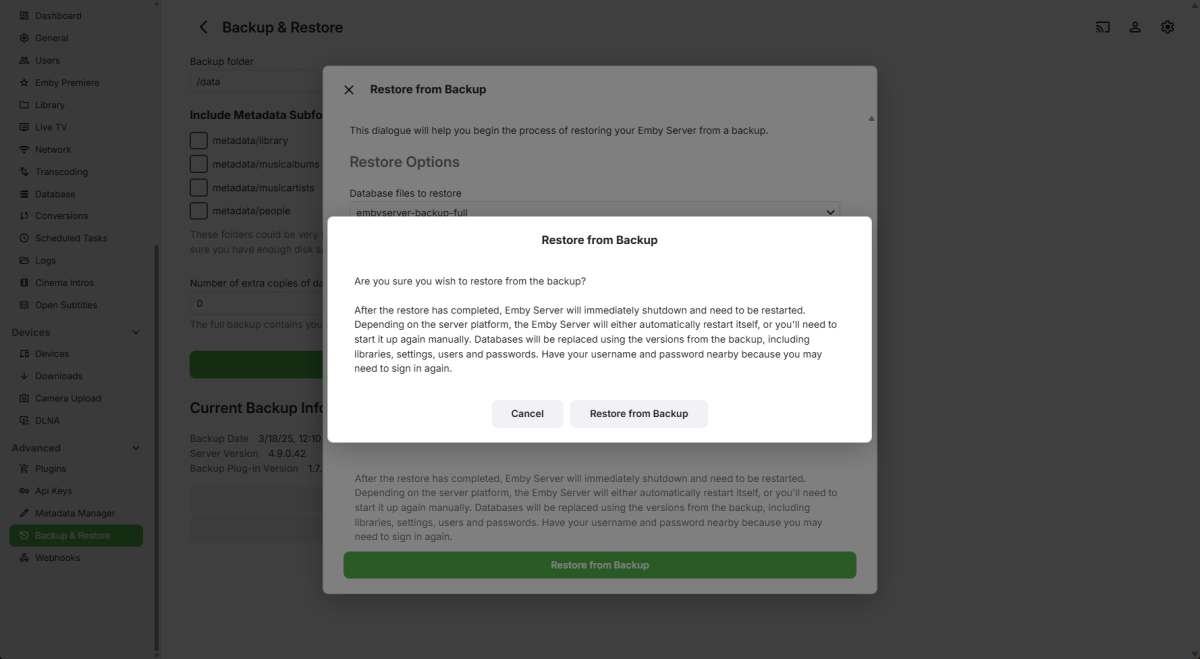
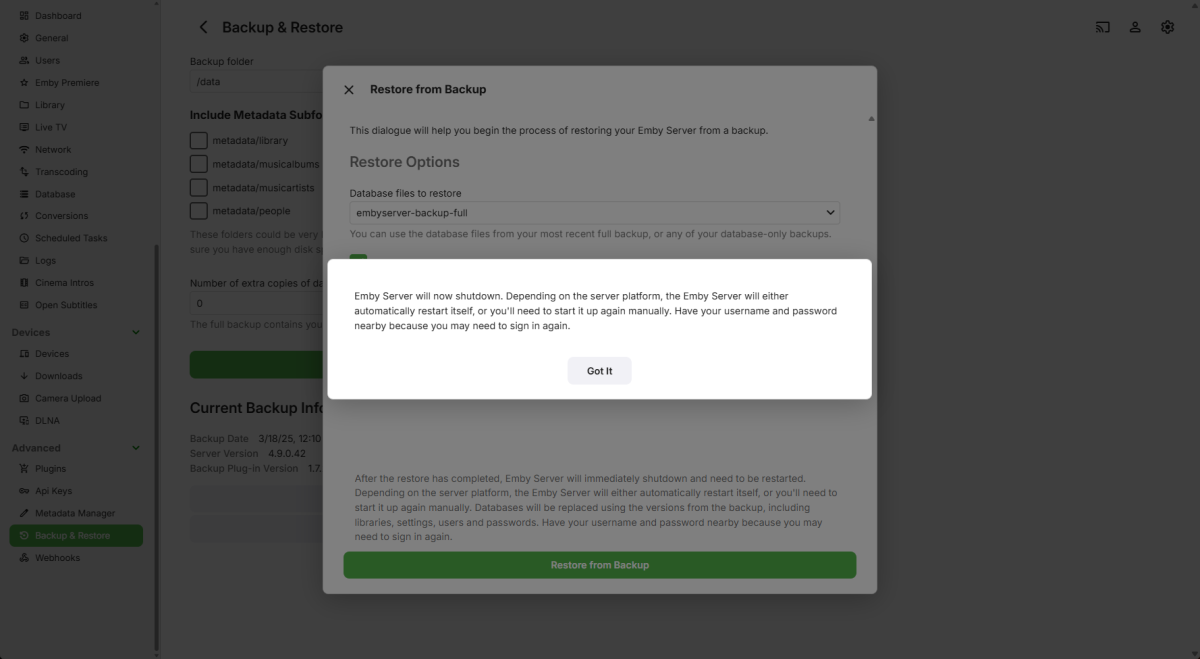
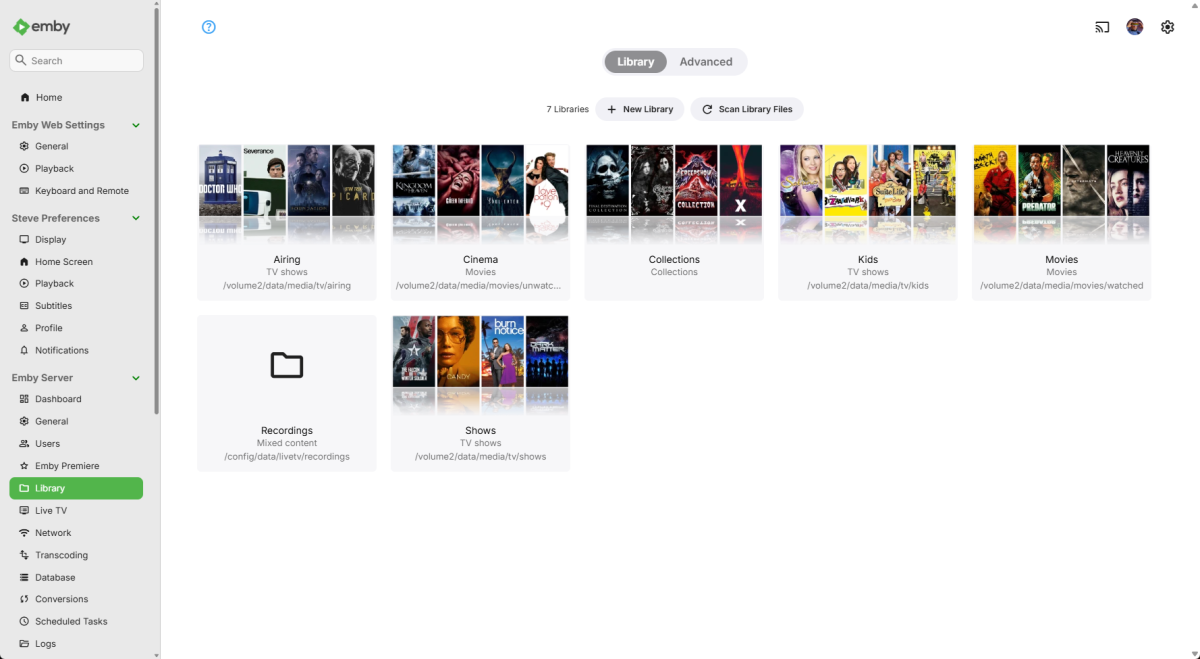 1 point
 -
I have some observations after some testing. - Nvidia Shield internet speed test. Result. 250mbps up and down which is identical to the speed I have bought and also identical to same test done from host machine and my main PC - Docker bridge mode changed to host. Result: No effect. Well except that in bridged mode I had equal up and down load while streaming, but in host mode I only have upload. Odd? - Running 4K movie in one room with direct play and transcoding a 4K movie in another room. Result: No impact on quality in either room. - I have some (okay, read "a lot of") permission denied on writing to disk from my log. Could these be the reason? How would I go about fixing that? 2025-03-17 18:46:35.677 Error ProviderManager: UnauthorizedAccessException: Emby Server is being denied write access to /mnt/Disk1/EmbyServerMetadata/metadata/people/Jared Leto-tmdb-7499/folder.jpg. Please check your file permissions. 2025-03-17 18:46:35.678 Error Server: Error processing request *** Error Report *** Version: 4.8.8.0 Command line: /system/EmbyServer.dll -programdata /config -ffdetect /bin/ffdetect -ffmpeg /bin/ffmpeg -ffprobe /bin/ffprobe -restartexitcode 3 Operating system: Linux version 5.10.0-34-amd64 (debian-kernel@lists.debian.org) (gcc-10 (Debian 10.2.1-6) 10.2.1 20210110, GNU ld (GNU Binutils for Debian) 2.35.2) #1 Framework: .NET 6.0.25 OS/Process: x64/x64 Runtime: system/System.Private.CoreLib.dll Processor count: 8 Data path: /config Application path: /system System.UnauthorizedAccessException: System.UnauthorizedAccessException: Access to the path '/mnt/Disk1/EmbyServerMetadata/metadata/people/Jared Leto-tmdb-7499' is denied. ---> System.IO.IOException: Permission denied --- End of inner exception stack trace --- at Emby.Providers.Manager.ImageSaver.SaveImage(BaseItem item, LibraryOptions libraryOptions, IImageSource source, ReadOnlyMemory`1 mimeType, ImageType type, Nullable`1 imageIndex, Nullable`1 saveLocallyWithMedia, Int64[] generatedFromItemIds, IDirectoryService directoryService, Boolean updateImageCache, CancellationToken cancellationToken)1 point
-
You are 100% and my apologies. I saw someone IMO spamming a paid service across several discussions and tried to mitigate as there are plenty of free options available. I tried to remove it but Im not able to.1 point
-
Having the same issue as the above users, posting here so I can follow the thread. This has to be fixed, it reverting my 165hz panel to 23.96hz is a huge pain in the ass, it never did this before so I'm not sure why this was even added/changed. Never had any playback issues prior to this. I think everyone's question though is "why"? If I go change my refresh rate back to 165hz while the title is playing there are literally 0 issues so I'm not sure why Emby is switching my refresh rate even when this "feature" is disabled. It's super intrusive and a massive annoyance to reset.1 point
-
I have moved your question to the Emby Server forum1 point
-
I do not want anymore forced scrolling horizontal rows! This is getting ridiculous.1 point
-
Yep it doesn't appear it is updating. Emby Blog vs this page Blogs - Emby Community1 point
-
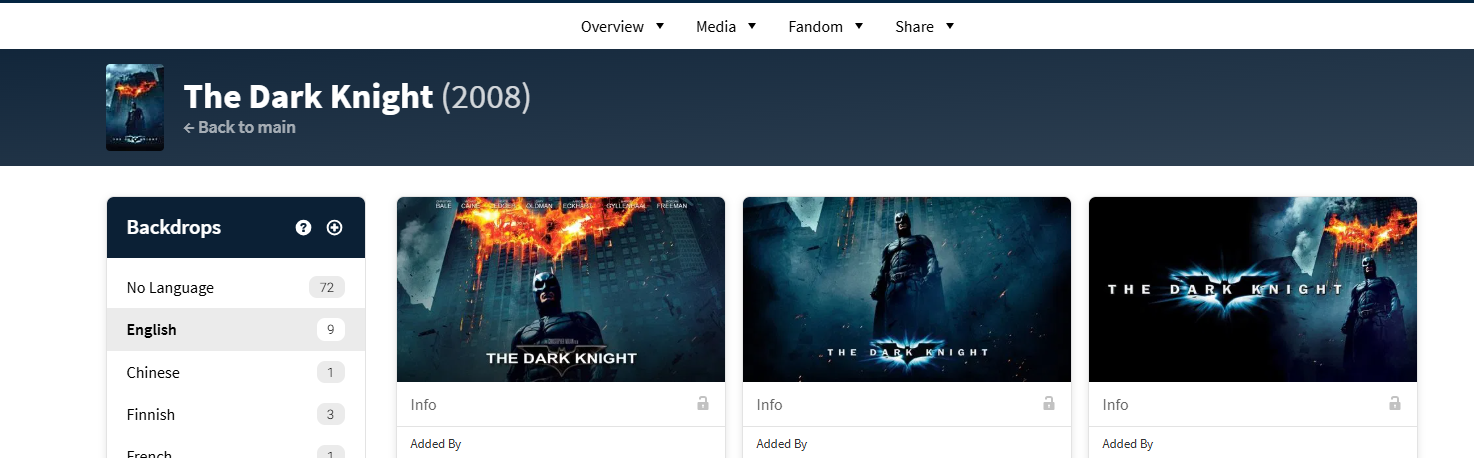
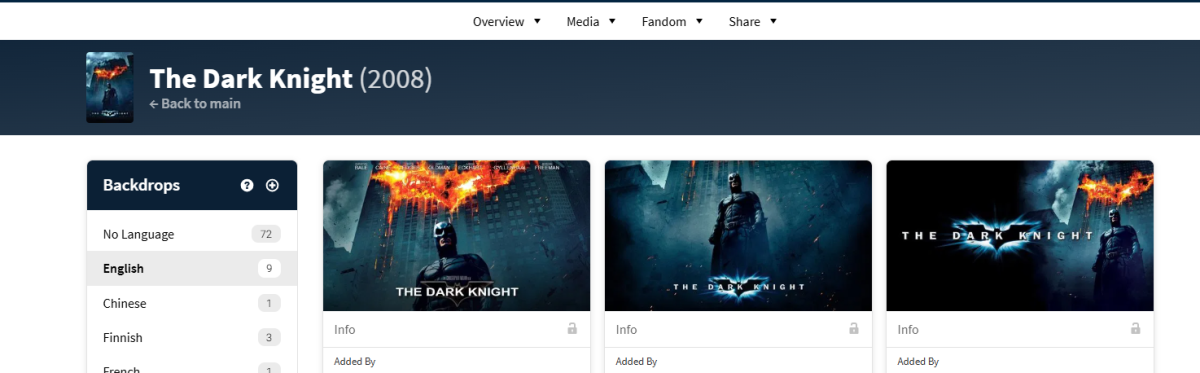
As you can see technically no as Emby has not taken the time to port/map them to thumbs and have removed them as even backdrop options.
 1 point
 -
Hallo, ja funktioniert1 point
-
Solved. I used the local admin in the nssm tool. thanks for helping me. RobB1 point
-
To give some specific details, the M1 Pro chip's MediaEngine can give you 20 streams of real time 4K H264 and H265 transcoded video with ZERO CPU or GPU involvement. The M1 Max can give 30 streams. Newer generation chips support even more streams, added 8K support, and additional codecs like AV1.1 point
-
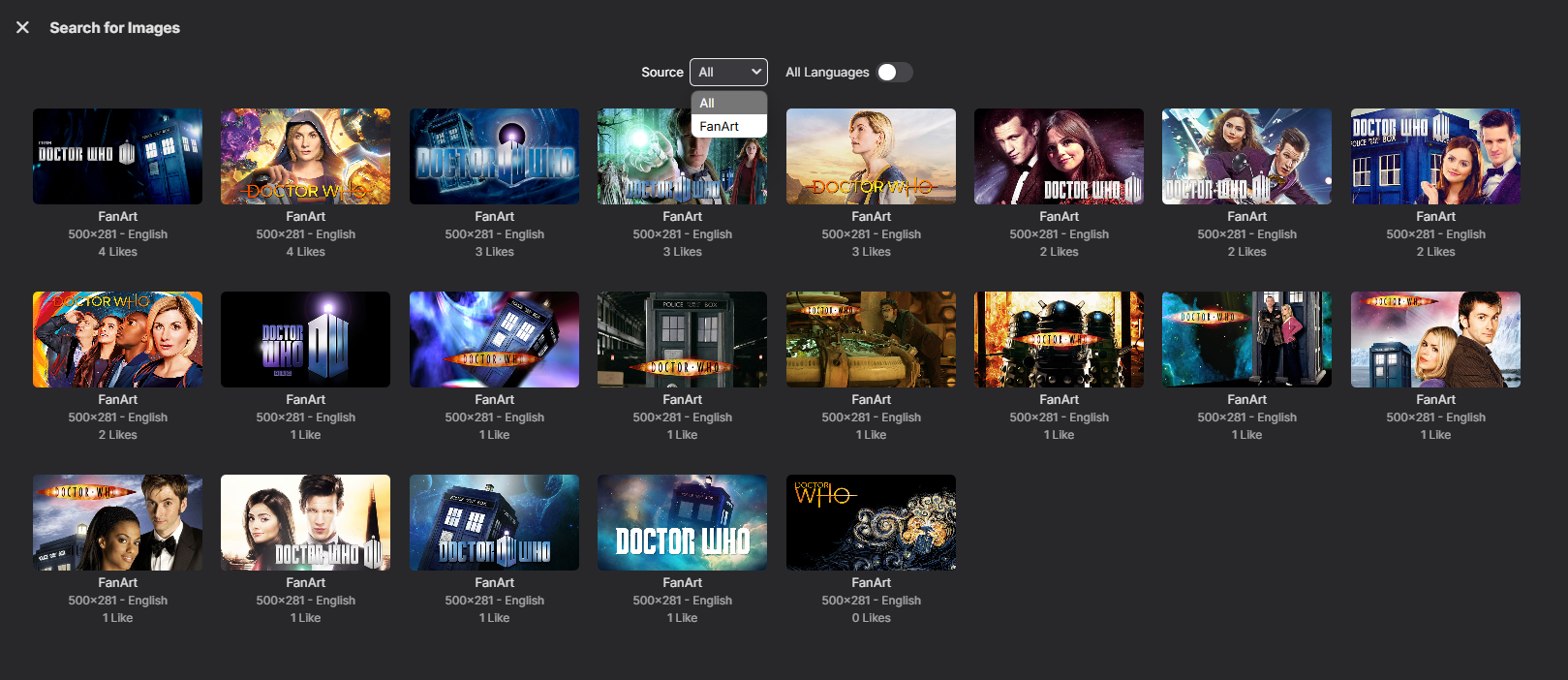
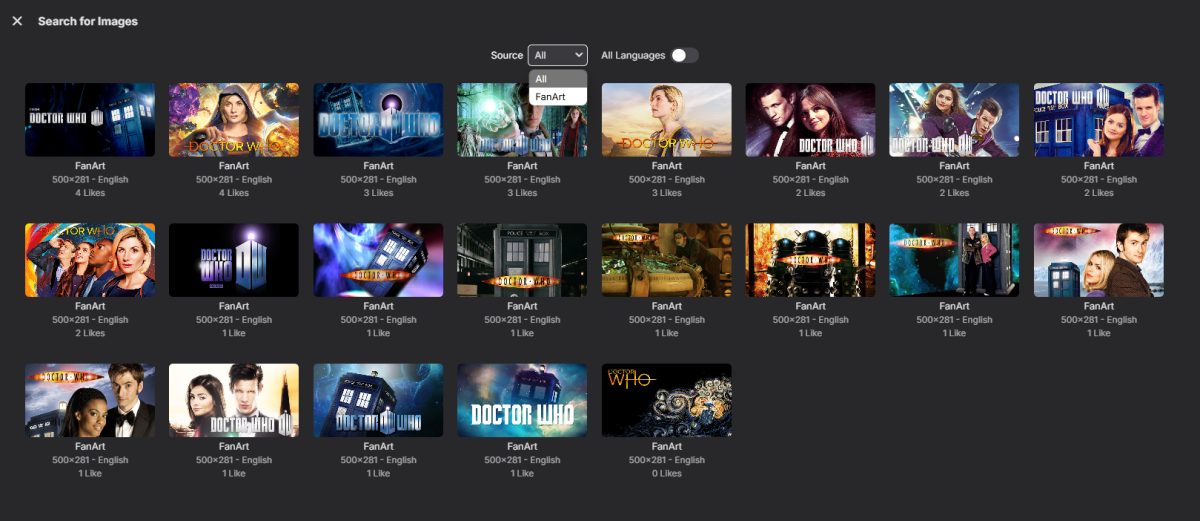
Sorry but from a Thumb image standpoint Fanart is the only provider for that specific image. As from TMDB/TVDB they would be backdrops with text that are not mapped to be fetched that way. Unless you are talking about a different image? But complete example would demonstrate your issue better. As for errors will probably need to see the full server log.
 1 point
 -
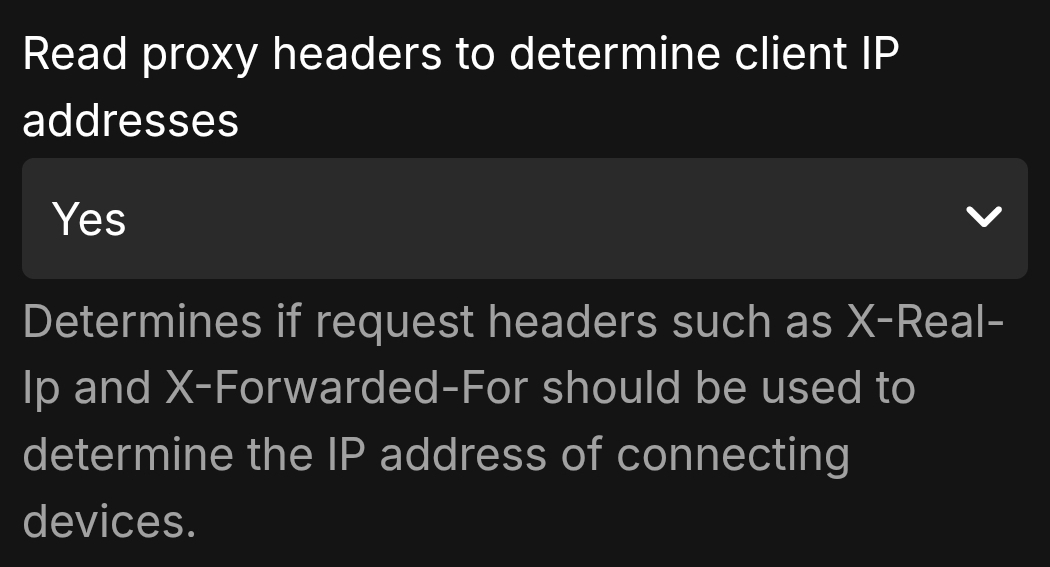
proxy_set_header X-Real-IP $remote_addr; proxy_set_header X-Forwarded-For $proxy_add_x_forwarded_for; You need these two headers set. These are the lines directly from nginxs config; I'm not sure how you enable/set them in NPM as I don't use that. You must also set this setting in Emby > Network
 1 point
 -
Thanks for publishing the info and to keep the open discussion, very useful to setup an effective server for the Emby users.1 point
-
I don't know why, but I know where. I'll check it out.1 point
-
Just checked, now I can browse films and tv shows correctly, which are the only things I need to see and edit using Chapter API. Thank you1 point
-
Second option will delete what is not in the m3u at the next run. For example strms and their sub folders, however it is sometimes leaving the empty folders behind. Last option will remove top level folders if checked and will also remove empty subfolders. For example you only choose movies, it will delete TV shows and live TV folders if they exist and haven't been removed. I understand the confusion. They sound like they do the same thing. Programming wise I should merge them into the same thing. The last one is basically a clean up anything that should have been done already.1 point
-
Same as I described in my first post. A freeze with horrible repetitive crackling sound.1 point
-
Hi, Thanks. Don't think it's possible while i'm riding. I will check the log of my server next time1 point
-
After deleting it, everything has been normal up until now. Thanks for the suggestion.1 point
-
I did try that. The problem I have is that all MusicAlbum for ALL libraries are returned not just the library I set as the query.ParentIds Anyway for now I have run out of time and am just removing MusicAlbum as a supported type.1 point
-
Shield TV with Projectivy Launcher is the best experience IMO. Works with all HD audio formats and no ads with Projectivy Launcher either.1 point
-
Thank you. I may just stick it out and do it all manually. Nothing wrong with having sweat equity in the project. But it’s good to know I have this option if I need it. Thanks again. You are always very helpful.1 point
-
I did a fresh install of 1.0.45, and it seems to have fixed it. I don't have any clue what caused it because I'd done fresh install of previous versions, and it's always been like this. But a fresh install fixed it now for anyone having this problem.1 point
-
Ok. I've tried my hand at doin' the Pull Request. I hope it was correct.1 point
-
HI, we are looking into this. Thanks.1 point
-
Hi, no, as I just mentioned, it is not the same as your windows account: https://stackoverflow.com/questions/510170/the-difference-between-the-local-system-account-and-the-network-service-acco1 point
-
Right but you logging into the PC is not the same as how the windows service will execute. Note that in the screenshot it says "local system account". This is not the same thing as your windows account.1 point
-
Hi, yes we are looking into incorporating some sort of fallback like that. Thanks for reporting.1 point
-
Still the 31st of Never from what I can gather1 point
-
True Correction: Okay a little change to target last child. div.view-startup-login div.itemsContainer div.squareCard:nth-last-child(1) {display: none;}1 point
-
Wow, not been on this forum in a long long time lol, but had a couple of people ping me messages about these icons. I still use them on my own Emby install, but haven't added any additional ones and don't have the time to do so anymore, but if anyone wants to do so please feel free to, I've re-shared all the jpgs and psd files on my onedrive here https://1drv.ms/f/c/655e7401b924ce2b/QivOJLkBdF4ggGWgAAAAAAAAQ_Y9kH1HC_1xew I don't appear to be able to edit my original post to update this link (unless I'm missing something) so this will have to do.1 point
-
I'm fully aware of the work you're doing (I'm also a developer of tools that I distribute as freeware) but the Premiere subscription is too expensive for me. That said, I paid to unlock the AndroidTV client installed on my TV box.1 point
-
Additional Overlays to go along with the defaults. I don't have any IMAX files to test but I know the aspect ratio is 1.43:1. I didn't know if aspect_143 or aspect_1431 would work so I included both just in case one might. The zip file also has additional aspect ratio images. Overlays.zip














 1 point
 -
(Duplicate from an other related and closed post.) More of Interest: https://www.youtube.com/@MovieThemesSymphoniesSuites/videos https://www.what-song.com/ General search for Official Soundtrack (OST) - Just put OST after the film's name and year. https://www.youtube.com/results?search_query=Casablanca+1942+OST Of course, none of these searches allow downloading. Youtube would allow embedded, or perhaps access to search results with a button. It would be easy to program a button to just do a youtube search and open a tab to the results. https://www.youtube.com/results?search_query=[Movie name] + [year] + [OST]. This would automatically work for probably 98% of media. It would sort of fit as a link down in the imdb links which do the same thing with a new tab. The obvious ideal function would be to play the audio in the background as theme-music. That already works in Emby if you use hard copies of any music file. One method is to add audio to a theme-music subdirectory. That works fine for .mp3 and .flac.1 point
-
Attached below is the latest code. I have corrected a variety of bugs, and I have improved the GUI in several places. Vic1 point
-
iPads Mini 2, iOS 12.5.7 and Emby 2.2.36 still not loading. Deleted older version, rebooted and reinstalled and still does the crash loop.1 point
-
That’s what we all noticed ;-1 point
-
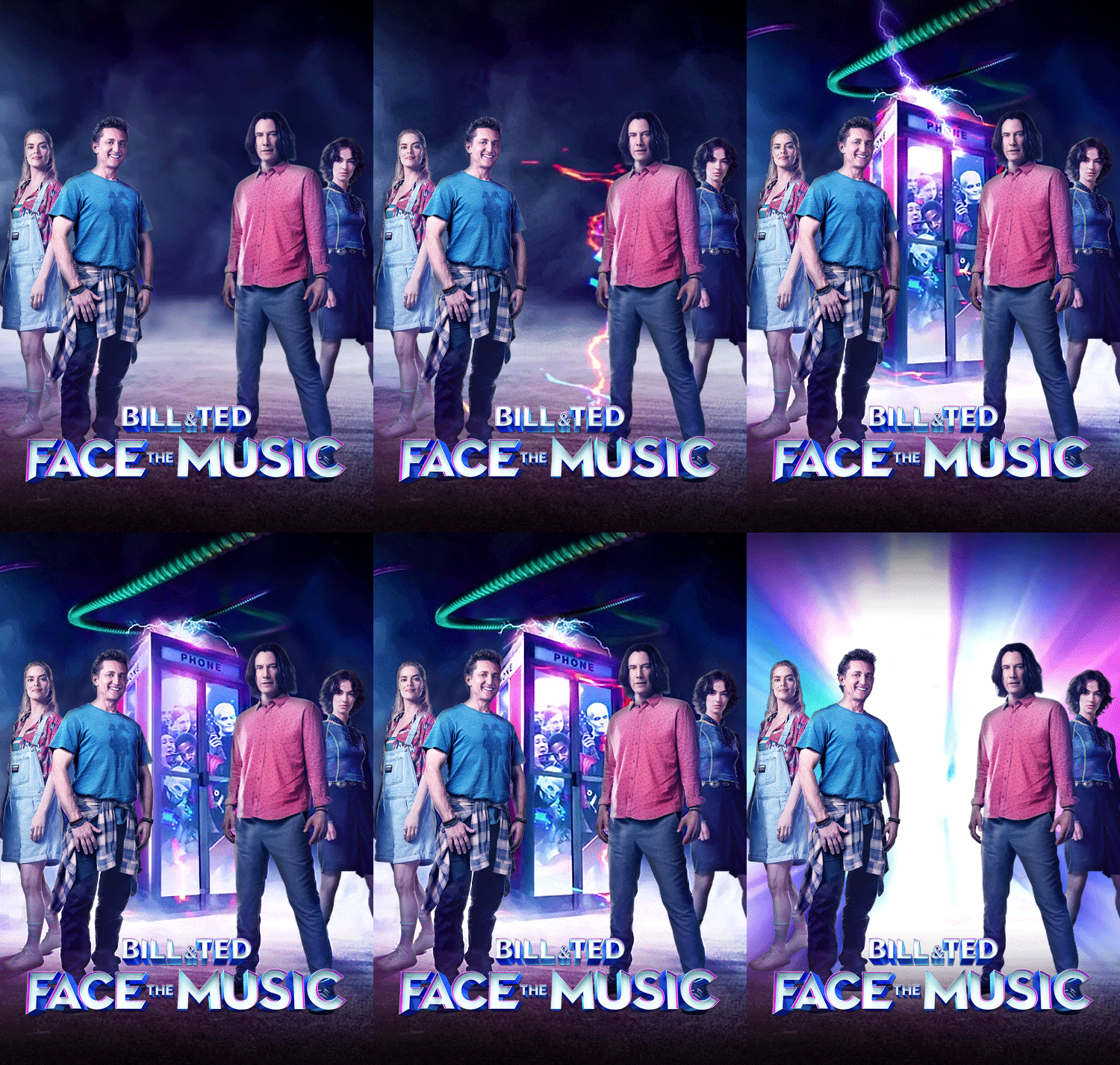
Here are a few animated movie posters to use.




 1 point
 -
HI, yes we need to get this into the metadata editor. Thanks.1 point
-
Of interest on this issue: https://www.makeuseof.com/tag/identify-song-youtube-video-movie-playing-pc-si/ https://www.tunefind.com/1 point
-
You mean this is something you've considered? I'd love to be able to associate an album to a movie/series in my collection.1 point