Leaderboard




Popular Content
Showing content with the highest reputation on 01/16/25 in all areas
-
I created the new paths, waited for a complete scan, and then deleted the old paths. Everything seems to be intact. Thanks2 points
-
I'm running Emby server on Windows 11 24h2 Pro and don't have any issues. I am running emby as a service using NSSM. I have a service window 06:00 to 08:00 when backups and various tasks are beeing run and a scheduled script that checks if a reboot is pending and reboots the server, that way no one will be interrupted by a sudden restart. I did "debloat" my windows 11 installation by uninstalling litterally all apps using powershell and setting a few gpo's that disables consumer experience.2 points
-
Unless I'm being a bit blind (highly possible!), I'd love a way to hide a couple of the top green navigation items without hacking it in myself. For example, in Movies I don't want the 'Trailers' item to appear for any profile and for TV I don't need the 'Upcoming' nav link. Obviously not a major issue but thought it would be a nice thing to have, perhaps allowing them to be re-ordered like the home page items but again just a nice extra,1 point
-
It would be a great feature to allow an option for how many days back for the tv guide to go for providers that offer catchup services. You can then go back in he guide and play whatever you want like a PVR always.1 point
-
Long Promised — Long Awaited — Finally Here! We are excited to announce the first release of our all-new range of Emby apps, starting today with Windows and Xbox. With a fully redeveloped native foundation, this update delivers improvements across the board: from remote control and gamepad support to background downloading (Windows), as well as refresh and HDR mode switching, and most importantly, enhanced video playback. The new app also comes with a name change from Emby Theater to simply Emby. The name is the only simplification though: On Windows it supersedes and replaces both current apps, "Emby Theater Desktop" and "Emby Theater" from the Windows store, combining the best of both in a single app. It provides enhanced video playback driven by MPV player under the hood, like and even better than "Emby Theater Desktop", and the Download features which were previously available in the Windows store app only. A primary design goal has been to ensure that users of either previous app encounter no drawbacks when moving to the new version. Video Playback (Windows) Video options in the previous ET Desktop app were not always straightforward. The new Emby app adopts a fundamentally different approach to video playback configuration, which accommodates to a range from least to most knowledgeable users by boiling quality options down to three simple and easy understandable presets alongside a custom mode which allows to control all the underlying options in detail. The main presets are: High Quality A no-compromise choice for the best possible quality, regardless of resource usage. Recommended for powerful PCs with high-end GPUs. Video decoding and filtering occur in software for optimal quality, and output scaling uses custom GPU shaders. Balanced The default and recommended choice for most users. Similar to ET Desktop and a standalone MPV player with default settings. Efficiency Mode MPV player is generally focused on quality rather than power saving, and even with the Balanced preset, you can get short of energy rather quickly when running on batteries. This mode is not built-in or available in the regular MPV player. All video operations are fully performed in hardware while scaling at the video output (no shaders/gpu kernels) gets disabled. Too simplistic for you? Enter the Customize mode where you can control all options in detail to find your perfect setup. Video Playback (Xbox) In the new Xbox app, we have a new playback implementation which is based on ffmpeg and takes place of the HTML video playbaback which which had limited codec and format support. By combining ffmpeg decoding with elements from Windows Media capabilities, it combines the best of both worlds: The rich format and codec support from ffmpeg and the built-in hardware acceleration of the Xbox for playing 4k and HDR videos in the best possible way Automatic Refresh and HDR Mode Switching (Windows & Xbox) Refresh rate switching is now as simple as enabling or disabling a single option. The new app can track its window position across multiple monitors and adapt the refresh rate accordingly. On both Windows and Xbox, it can also automatically toggle HDR mode based on the video content and the capabilities of your monitor and graphics hardware. Download Feature (Windows) With the download feature, you can transfer media from your Emby Server to your client device in a suitable format and size, so you can enjoy your media when you're on the road or without an online connection and even automatically synchronize items based on the watched status. The new Windows app implements this with a completely different approach. Instead of periodically polling and running in the background, it uses Windows Push Notifications for server-side activation and the Windows BITS (Background Intelligent Transfer) service for downloads. As a result, the app runs only briefly whenever the server notifies it about newly available items or when BITS reports a completed download. If you don't use this feature, nothing runs in the background at all. Enhanced Support for Remote Control and Gamepad Input (Windows & Xbox) Remote Control support has been extended to cover almost all functions defined in the Windows Media Center remote button schema. For game controllers, mapping has also been expanded to assign functions to all available controls. New options pages provide a reference for button assignments and allow you to test inputs to ensure everything works as intended. Windows Theme (Windows) As a visual highlight, the Windows app features a new and exclusive Windows theme with Mica material background (Win 11) and seamless integration with your Windows desktop appearance, matching theme colors and dark/light switching accordingly. High Contrast Themes (Windows) As part of the Windows theme, the new Emby app also supports the Windows High Contrast settings. Fonts adjust in size and weight for better visibility, and fewer — but thicker—lines are drawn to enhance readability for those who need it.1 point
-
Apologies for the very late response. I went on vacation, and thus was trying to resolve this so i had a fully working emby before i left for some entertainment on travels. Anyway. I seem to have it working now. I deleted the actor folders that were created without the TMDB ids in them. And now when i access an actor in emby, the image pulls from my Tiny Media Manager actors folder, and the nfo details are created in the Emby Metadata Peoples folder. I think my issue may have been something i did at creation of my emby server.1 point
-
This would be very welcome considering the multiple M3U sources these days. Thanks for your prompt reply. Cheers !1 point
-
I didn't get a chance to test this yet (as the movie I had problems with is fine now that I identified it manually) but if I spot another movie that was originally mislabelled, and I fix it using TMDBID, I'll add it here.1 point
-
Cool stuff, and a really good update! Hope to see all the new options on the TV apps as well later on!1 point
-
Ich bin erst am Samstag wieder am PC und kann es kontrollieren. Im Prinzip bin ich schon sehr zufrieden. Vielen Dank, Luke.1 point
-
Yeah, its fixed for me too so thanks for reporting. The app only errors out once when a VOD strm is not available instead of trying an infinite amount of times requiring a force close of the app.1 point
-
Didn't get a notification from your reply. I will work on it. Thank you!1 point
-
Thanks, I'll add it in next version.1 point
-
I had no Sample, i Hope you know what i mean. YouTube, Google i searched Into but i did Not find a Pictures / Video. Perhaps you know what i mean1 point
-
Cool thx for the clarification. I have installed it now and will test it with deleting a show im not watching anymore see if its working edit: it worked. so that plugin was the solution MANY THX1 point
-
2.1.23g, the main screen appears to be mostly refreshing in it's own now. Occasionally I have to relaunch the app or go to favorites and back to force it.1 point
-
Hi, we'll take a look at it. Thanks.1 point
-
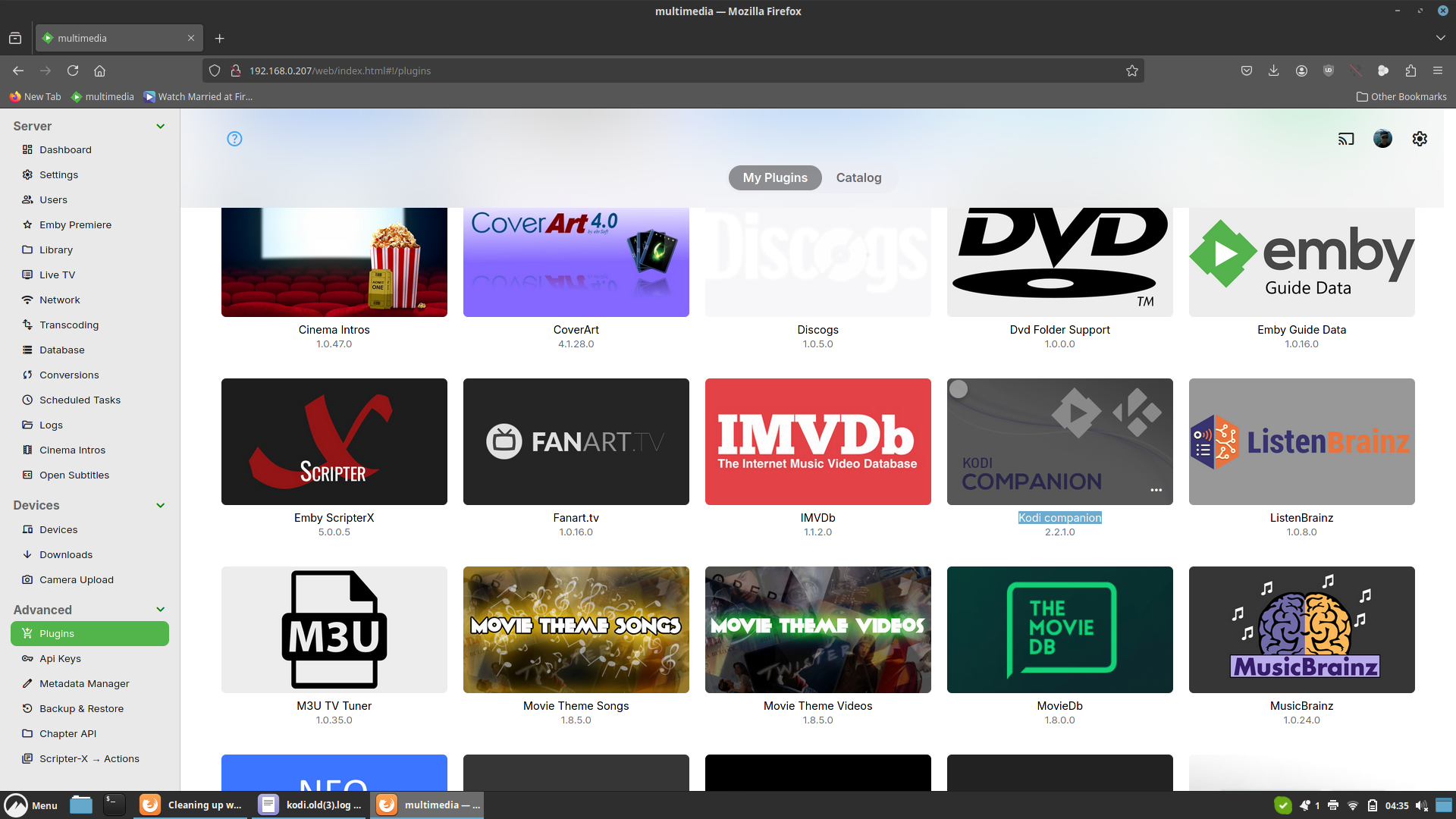
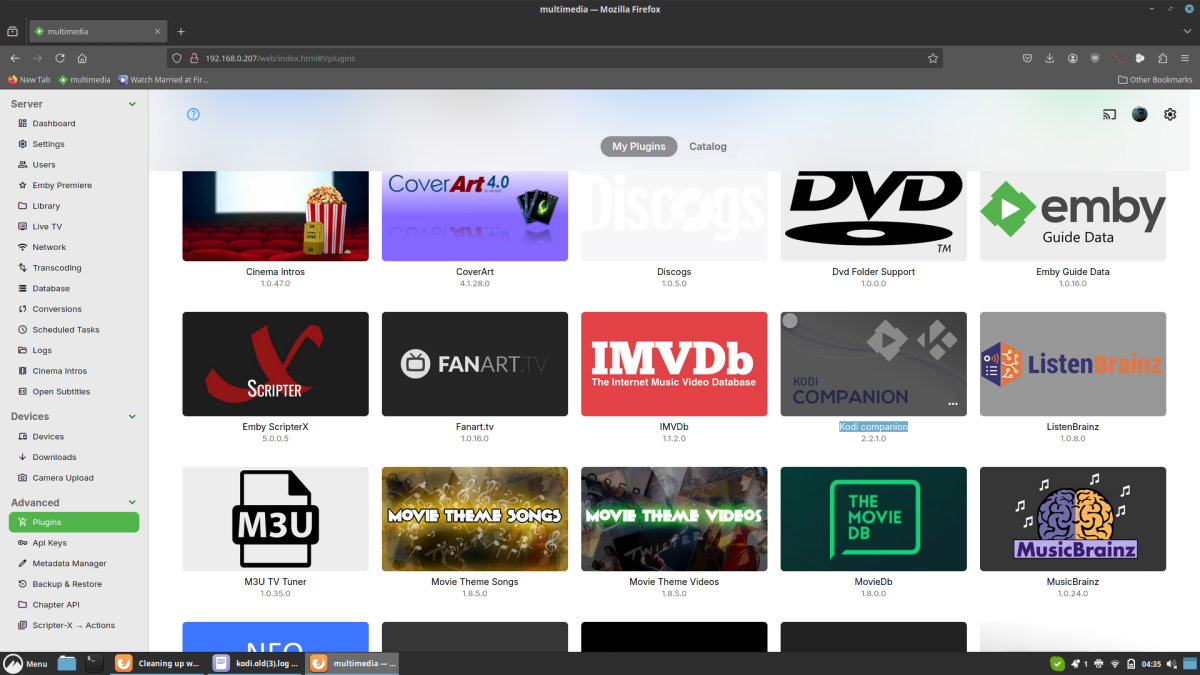
Kodi companion is an Emby server plugin. You need to install it to keep track of deleted content while Kodi is offline. Moving files is for Emby servers a content delete action in one folder and add content in another folder. Emby doesn't know that you "moved" files. When Kodi companion plugin is not installed, Emby server doesn't report the deleted content to Kodi, only the added ones and exactly leads to what you reported -> double content. I'll add a notification in one of the next version, if the addon is not installed.
 1 point
 -
Much thanx! That will be a welcome addition.1 point
-
I actually was wondering how this was going, two weeks today I think. I am impressed with your follow-up with the vendor. I am an IT manager, so I can appreciate when I am called upon because further down the chain end users reach out to me because of no action on their tickets. Thank you for the update. BTW, Outlaws 10.6 is alive and well. I think
 1 point
 -
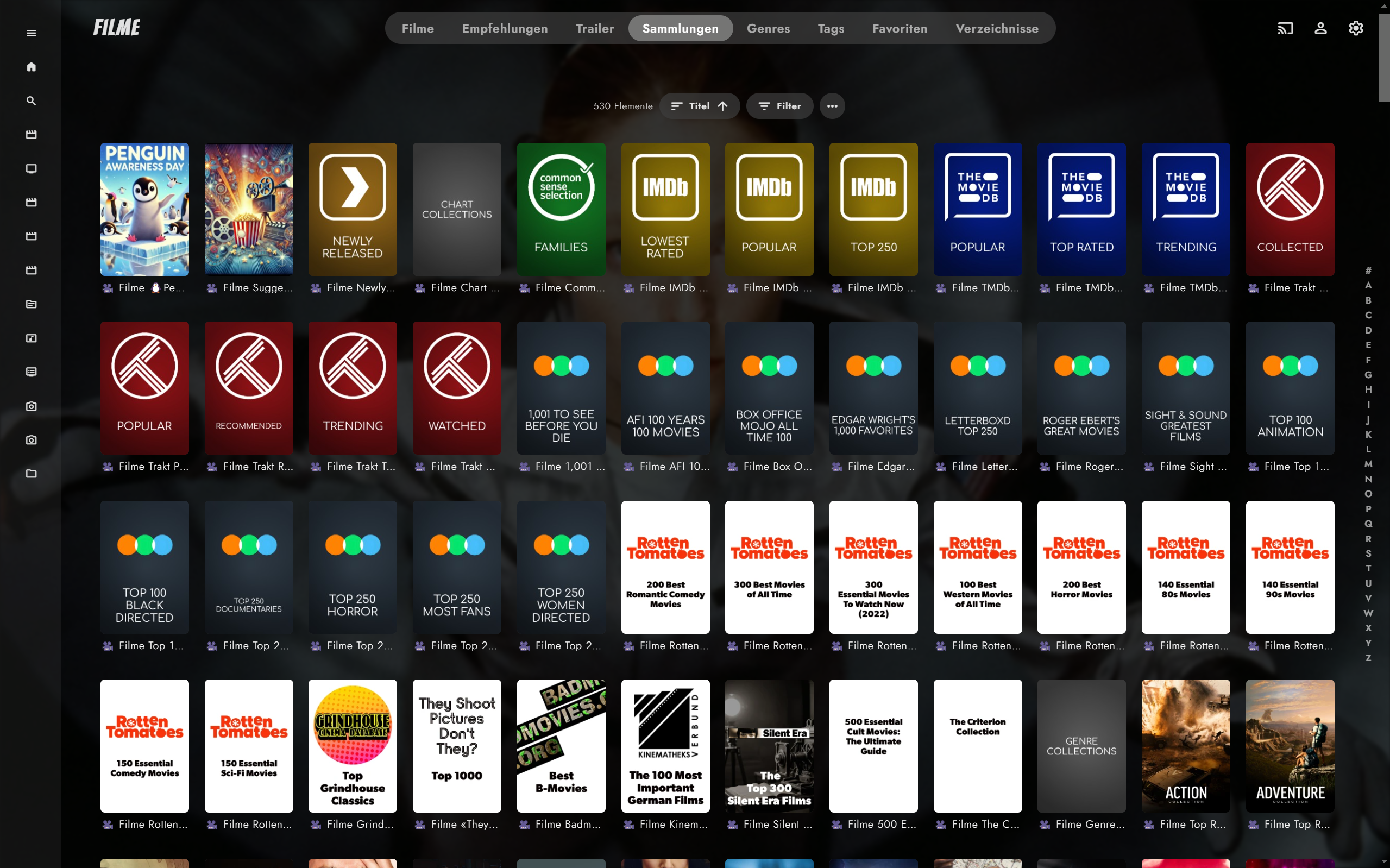
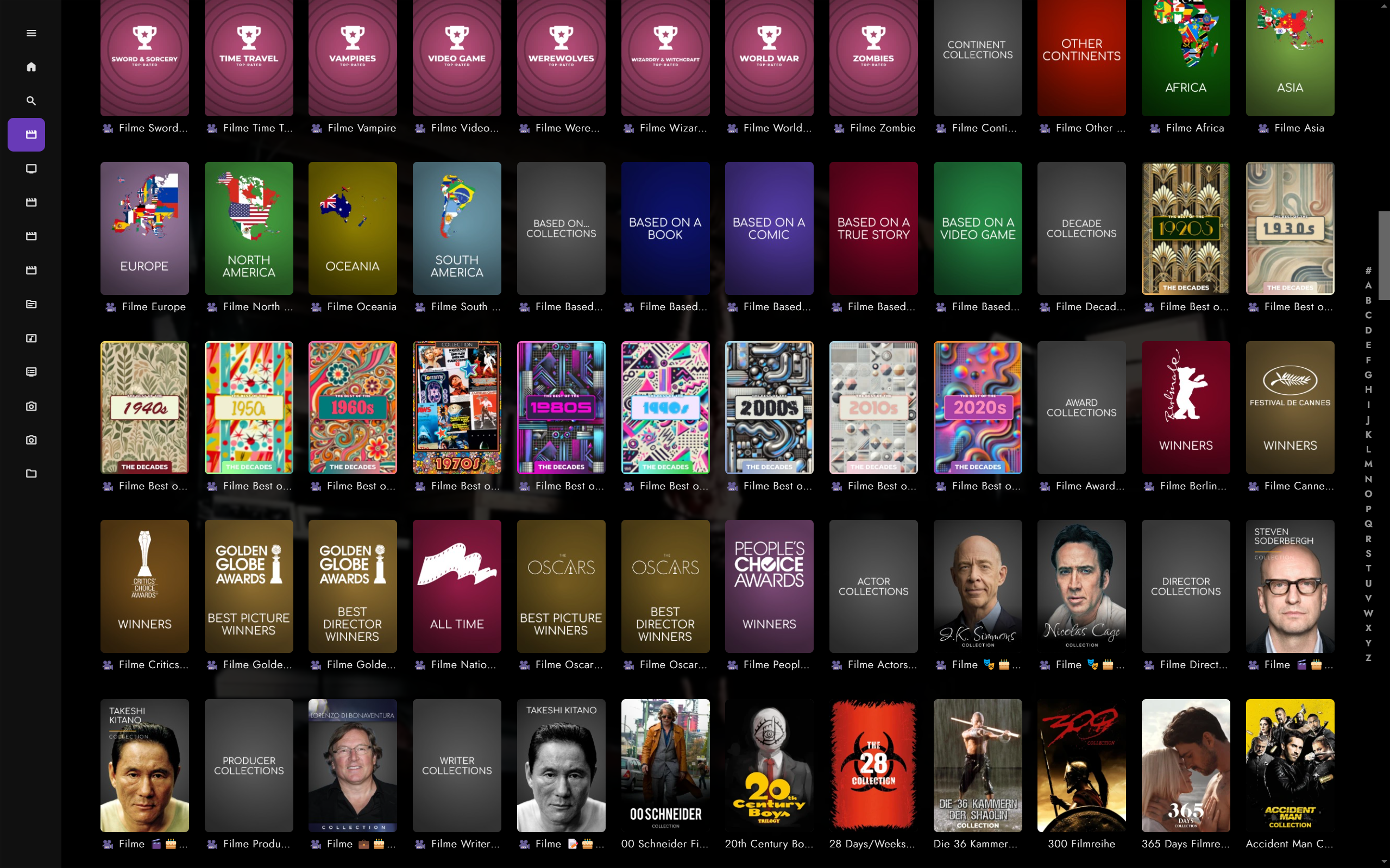
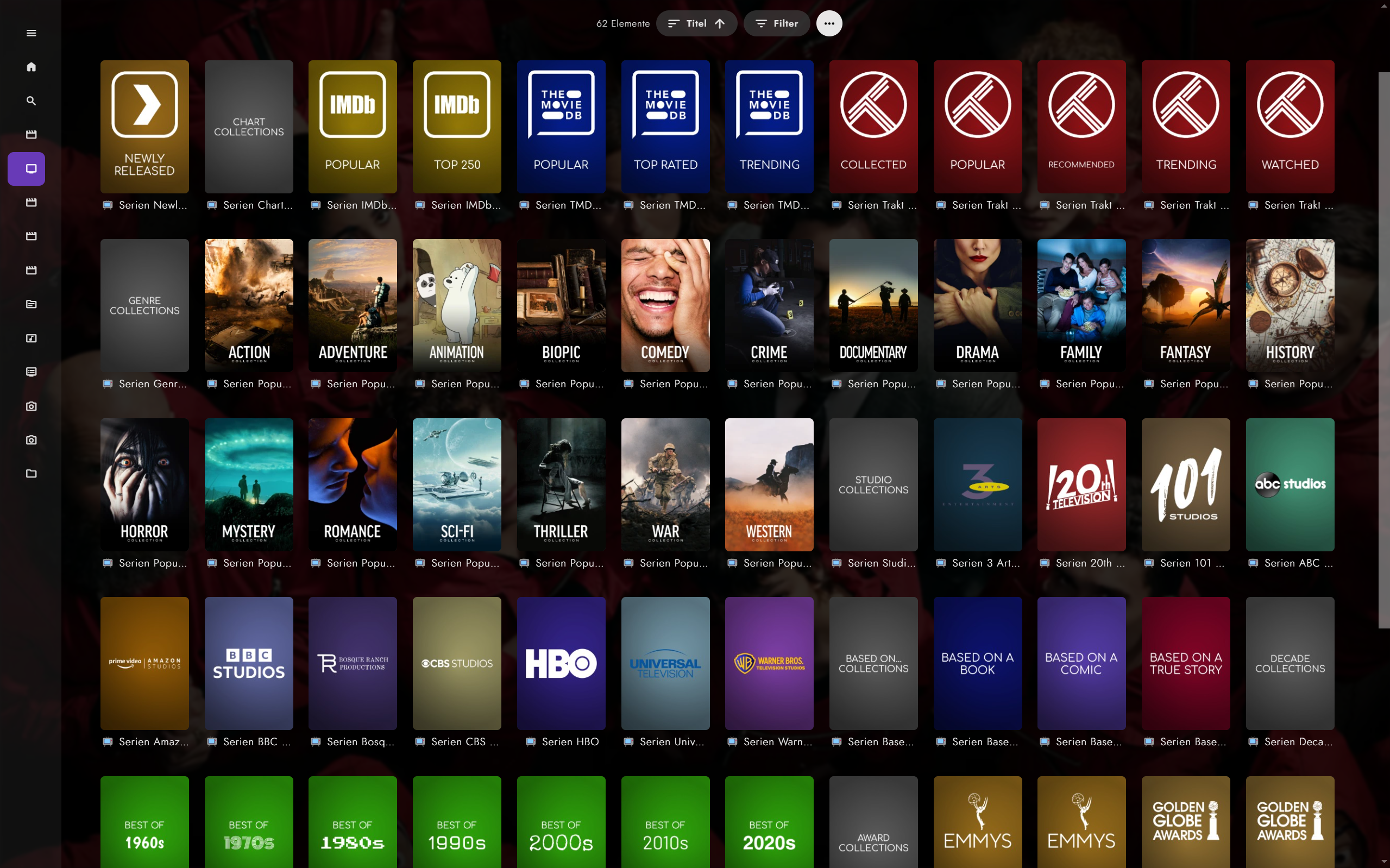
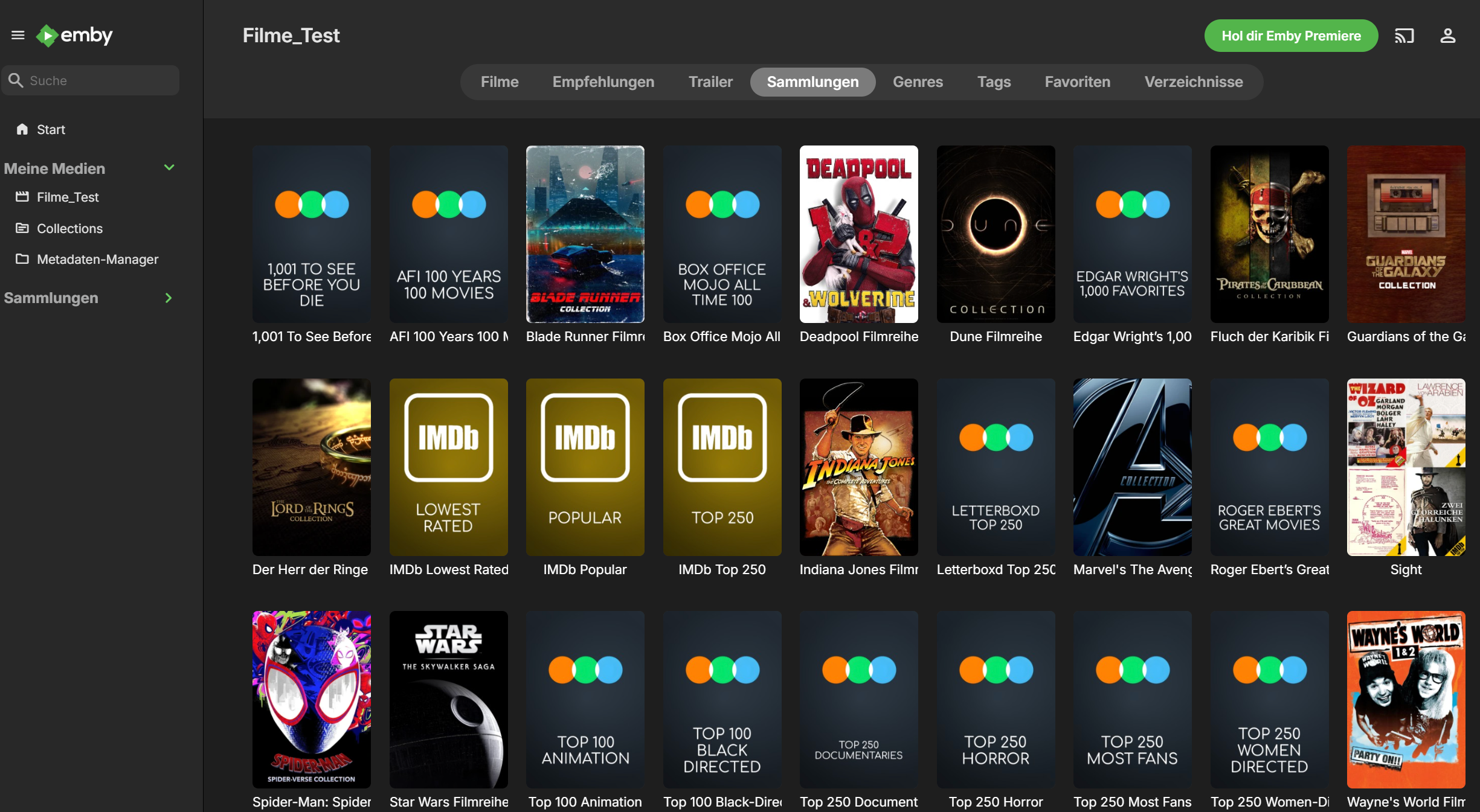
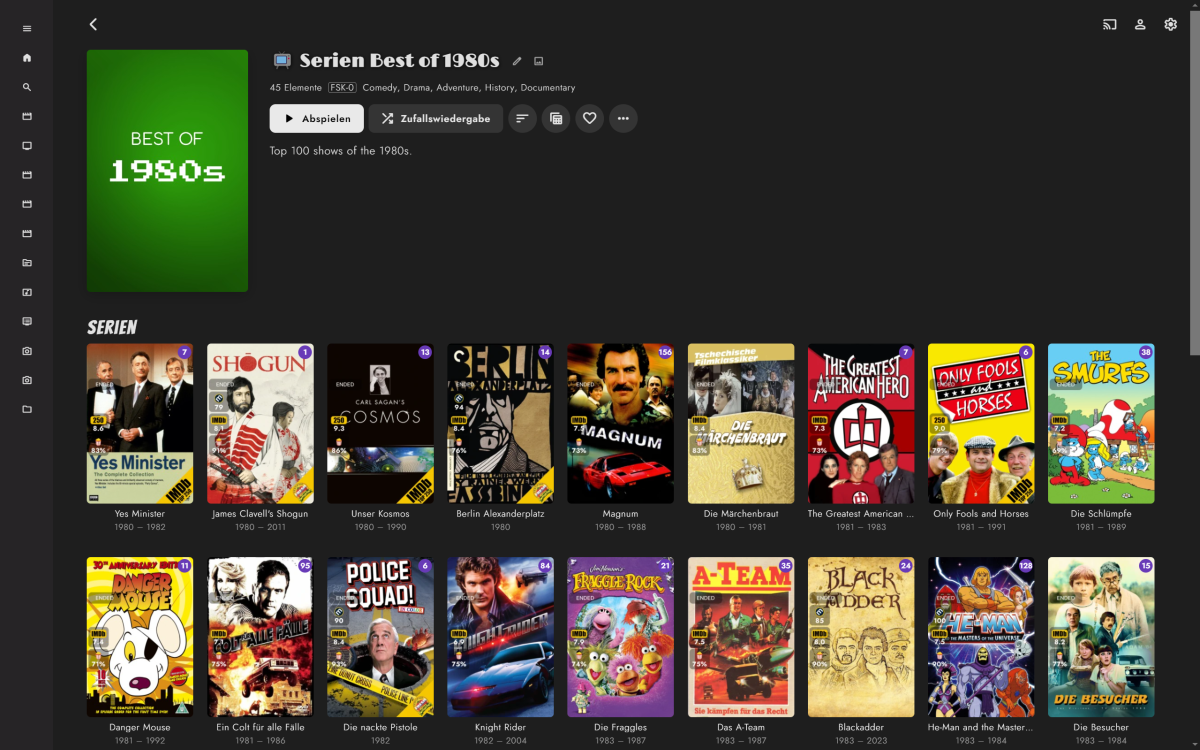
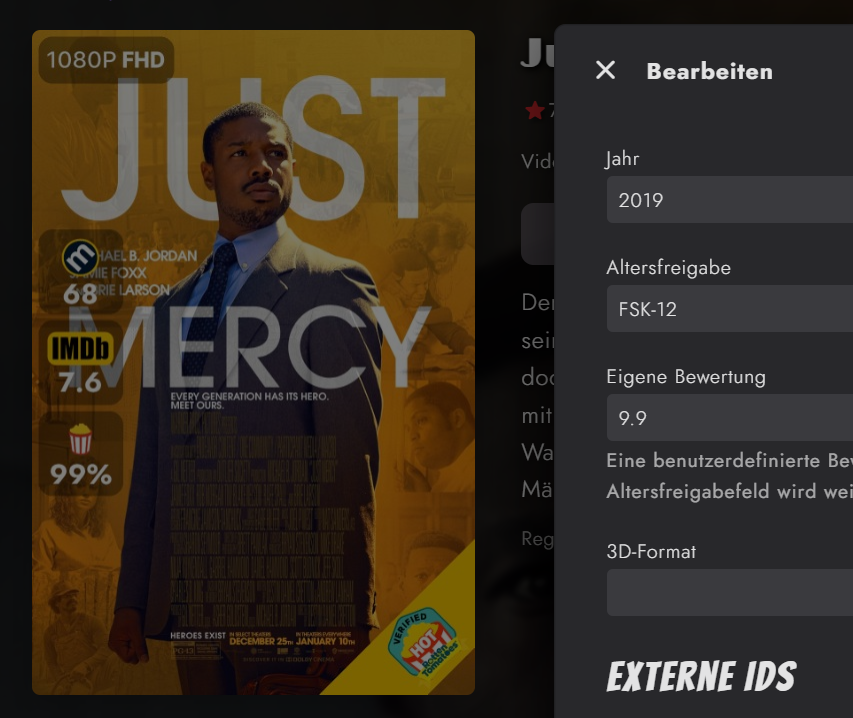
I made some progress over the past weeks. Movies TV Shows Overlays (done with ImageEnhancer/simple & raw plugin) It's working fine for me, but it's currently more a fork of Kometa rather than Kometa supporting an additional media center. It'll need more fine tuning, code separation as I preferred brute force over patience and trial and error. Most urgent philosophical questions/to dos: Plex obviously only generates collections for separate libraries. Emby has collections/boxsets that can span across libraries, e.g. shows, movies, actors in one collection. This creates naming issues, due to Plex differing per lib and Emby doesn't. I currently solved this by adding a unicode icon + the library name (e.g. Movies, Shows) for each collection, as otherwise shows and movie collections would be mixed up in the collections view. An alternative would be to use only the raw collection name, which would lead to collections being overwritten or getting out of sync. Overlays were realized by using the Emby ImageEnhancer (like Iconizer etc.) and exporting transparent pngs rather than merging the overlay with a poster, as I like to change posters and don't like losing the overlay + a simple plugin. Good? Bad Ugly? To realized the three ratings as seen in the screenshots, I've blatantly overwritten Emby's custom age restriction use it for the popcorn rating, as there are no custom fields. Smart playlists which append labels are currently a mixed bag of feelings, as Emby 4.9 will bring some kind of smart collections/playlists. Kometa appends labels/tags which are not actually used for creating/updating collections. Support for composers added, as Emby supports composers. But no composers are scraped from TMDB. Issues/ToDos Multiple studios lead to multiple overlay logos Season poster overlays for tv shows Episodes not started yet No overlays for thumbnails yet (seems Plex uses thums only for episodes) Constantly updating stdios with differing spelling, i.e. FOX -> Fox, will need a studio renamer Is someone interested to join work on the integration?
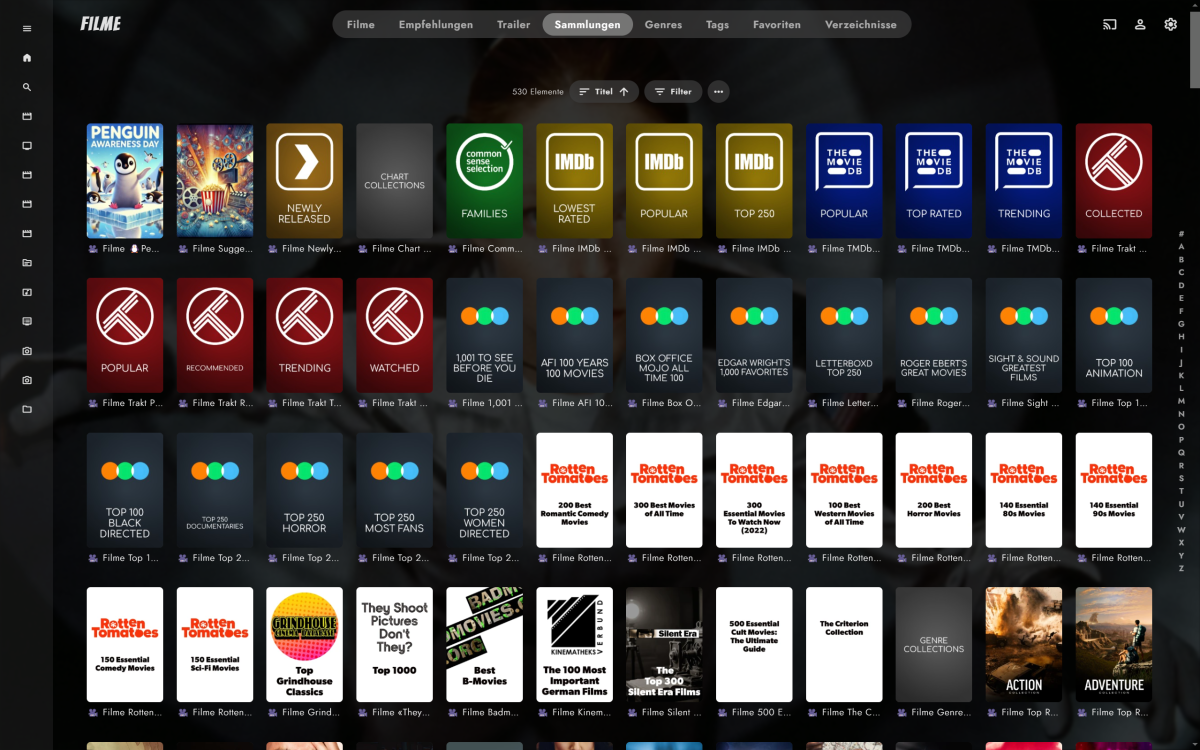
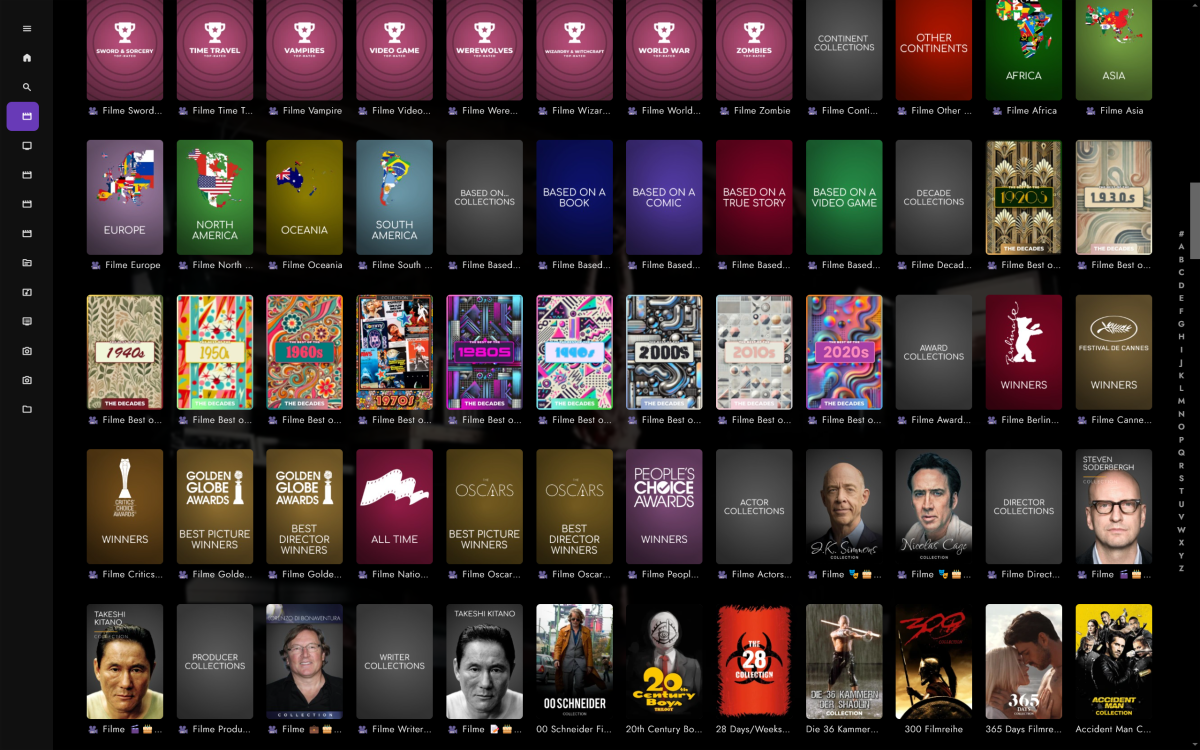
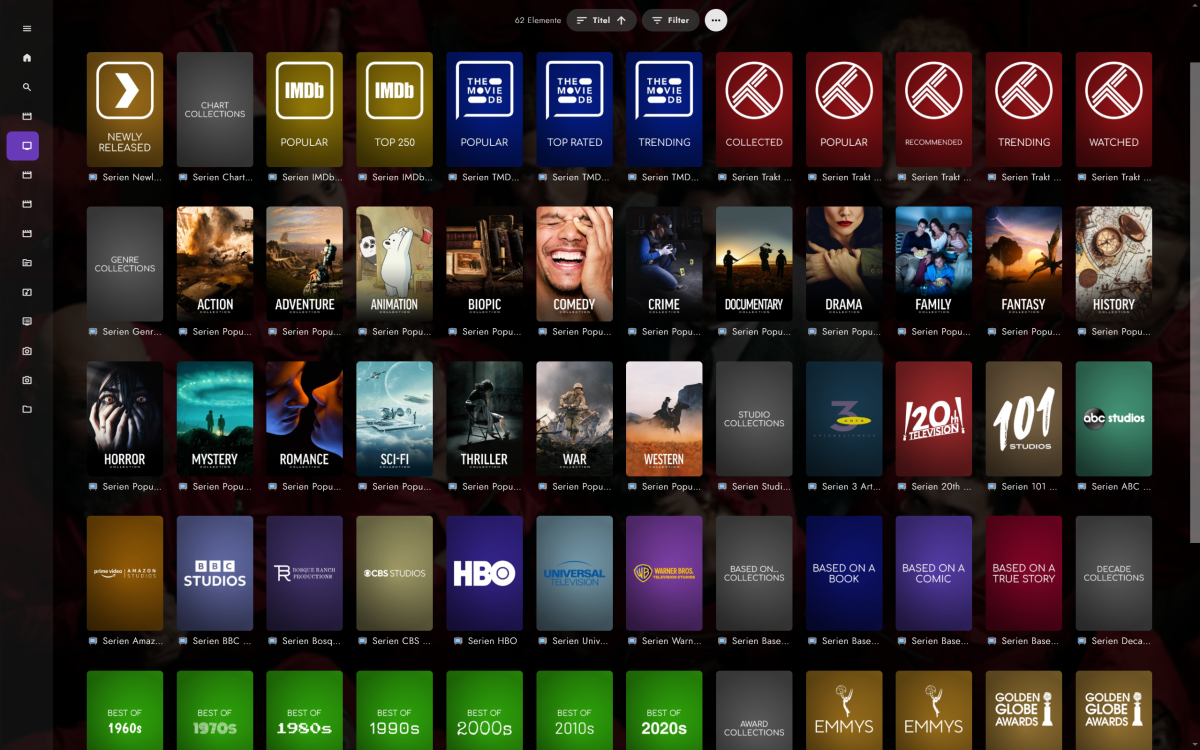
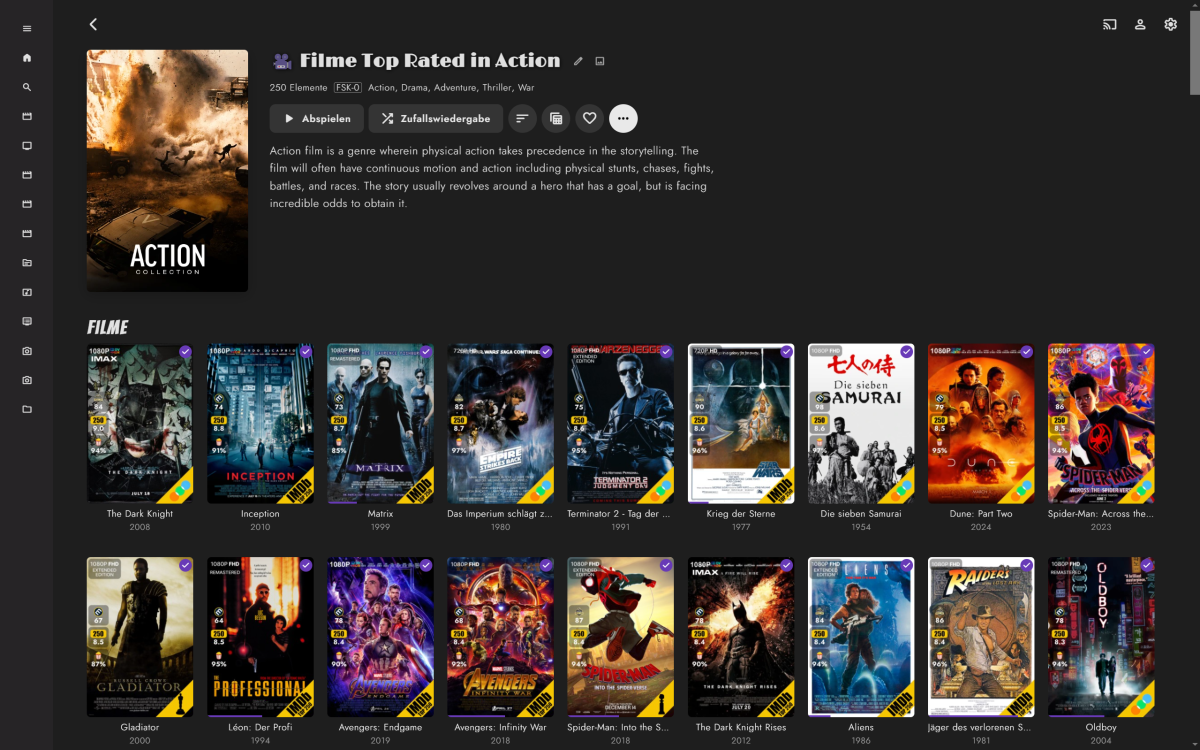
 1 point
 -
Yes crApple products are great if you want to stick to their ecosystem. If you want to venture away from it, yeah you're going to have a really bad time.1 point
-
1 point
-
So I run different VLAN's myself - I simply route it via the firewall - so I allow TCP 8096 from one VLAN to the other. The source network is of course the client network, the destination is the emby server network. Do not allow it the other way, as the emby server should never be pushing (initiating) a request to the client. Note for 'discovery' over different VLAN's - then you also need to forward the UDP port as well, but I never bothered, leaving discovery only working on the emby server vlan - all other vlan's need to enter the IP address directly. From a security point of view, allowing all traffic from one vlan to the other via an ACL is a big no-no, but from a network perspective, the traffic is still segmented so it serves a purpose.1 point
-
Apple TV is a horrible choice anyways as HDR and DV don't work with Emby and you need to use INFUSE for them to function. Then there is also the fact that it's extremely conservative with the connection test. Every single one of my friends who has one has their streams limited to 4mbit if they leave it on Auto. No one should be using it for Emby, no one. Anyone who suggests you do use it, has no idea what they are talking about and should be ignored.1 point
-
Hi, it's because they're getting merged as multiple versions. What we'll do for the active recordings display is just flatten the list and show them all.1 point
-
Hi, no there isn't, although I think some way to do this in the guide would be nice.1 point
-
HI, not exactly, although there is the theme videos feature: Theme Songs & Videos1 point
-
sorry been busy holidays. i just found the issue with why these stream files wasnt working, from another post. its definitely not the usual suspect, lol although the metadata was there. but i guess not the data that counted.. i refreshed metadata and now the strm file that errored out works.. i suggest if ffprobe dont get results instead of it tring multi times and failing to play. but realize there is no media data and trigger a refresh metadata of that file and then try playing it.. out of all the possible log errors etc from multiple posts on emby that were unresolved. i believe this would help greatly. so you can close my posts. thank you! im not sure if this is the right post to get back on at the moment. ill try a little later to review the old posts and update. but the original reason is some strm files didn't want to play. so i had to do allot of troubleshooting to figure out why. it would be nice if there was documentation on all the errors in logs though.1 point
-
@Nuitariusessentially you just need to remove the old paths from the user interface, and add the new ones. Please let us know if this helps. Thanks !1 point
-
When you have a m3u playlist, there should be a select all, deselect all channels. Sometimes the providers has so many channels and it takes forever to uncheck all you do not want. - Also support for channel groups, this is supported on many iptv units. Choose one country, sport.. what ever the supplier has in their setup. - Easier to go to next channel, now you have to go out and then press play again.1 point
-
New BETA version available 11.1.20: Delta changelog 11.1.19 -> 11.1.20 fix sync folder removal issue in native mode1 point
-
For posterity, here is my batch conversion solution which finds all videos with 265 in the title with mp4 extension, remuxes them to mkv & strips the tags, and deletes the original file. Maybe someone will find it useful in the future. ~/Scripts/remux.sh: #!/bin/bash # converts mp4 to mkv without tags and deletes original file # usage: bash remux.sh INPUT.mp4 input="${1}" output="${input%.*}.mkv" mkvmerge -o "${output}" "${input}" mkvpropedit "${output}" --tags all: # can comment this out if you don't want to delete original file rm ${input} find ~/Videos -iname '*265*.mp4' -execdir bash ~/Scripts/remux.sh {} \;1 point
-
I have not tried it on Emby but that is what I would attempt to do The alternatives are: - Edit the databases and look for paths and change all paths, or - Delete and Recreate the libraries Are there any other options?1 point
-
Hi. Can you please show an example of this? As for the other apps, they are attempting to direct play by decoding in software. If the device is not powerful enough, that can be an issue. There is no setting for this right now.1 point
-
That app should have already been transcoding as it knows the device doesn't support AV1.1 point
-
OK I think I should be able to get this resolved on the 4.9 beta channel. Thanks.1 point
-
Awesome. Well-done on the new release. Please can you provide a direct exe/msi installer download?1 point
-
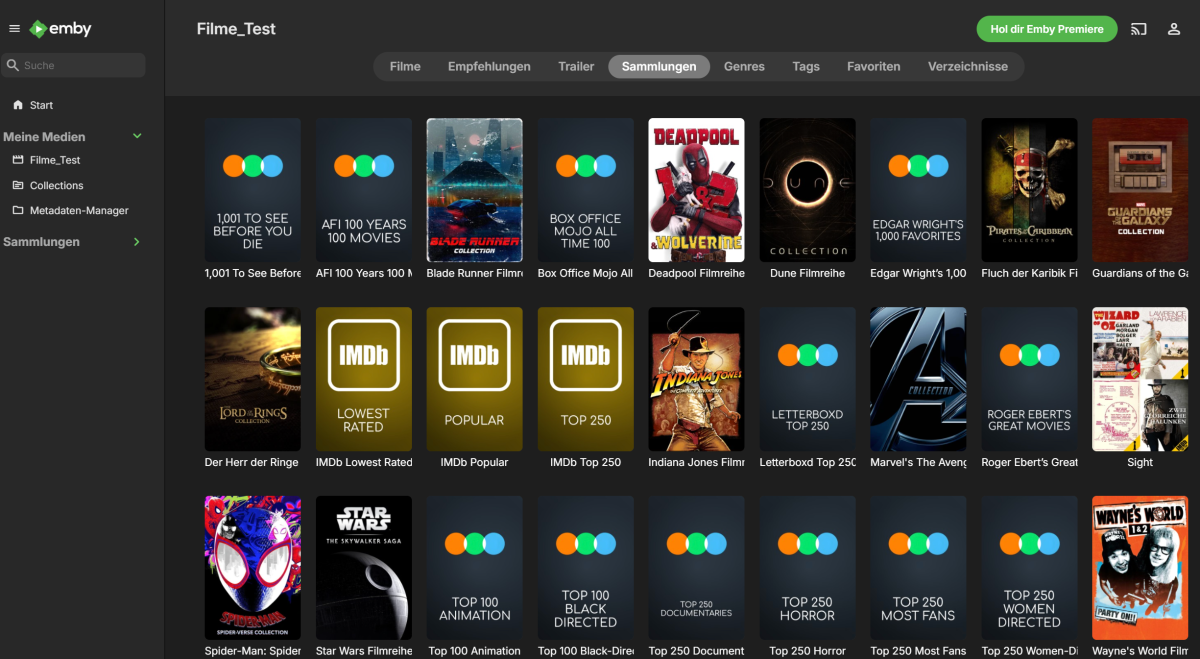
With some time taken, I've managed to butcher the code of Kometa and got it initially working with Emby. I thought of the ways possible to make it work without affecting too much of the rest. I've mostly butchered plex.py with some changes done to other parts which relied to heavily on Plex. I've tried recreating the Plex objects, as it would be otherwise too much work for me. Working (tested): Sync movie libraries Sync Imdb lists Sync letterboxd Poster upload Not Working: Overlays Lists by actors (maybe?) Sort name + summary for boxset Boxset sort order setting Plex labels become a local json file Untested: TV shows Music Multiple libraries etc. Mentions: I used a Plex server for piggyback hacking, thus I guesst the prerequisite is still a Plex library. Config was not updated, enter your Emby credentials in modules/emby.py It's a proof of concept, with no consideration taken towards compatibility to the source project. Removed "docs" folder for sharing Kept my current config as reference No idea how much work I'll put in it, I want the boxset sorting title fixed, summaries and boxsets by actors fixed. I know that we're not there yet, but it's a beginning. Any help welcome! Result with the current version, brand new test server, ca. 400 movies: Kometa.7z
 1 point
 -
Ok, so can you be perfectly honest now? Is it a licensing issue, or software implementation problems? If it's the former, I'm more than happy to pay a few pounds extra to get Emby Premiere with Dolby Vision.1 point
-
@Luke as per: https://emby.media/support/articles/M3U-Tuners.html tvg-name - Channel name tvg-id - Channel unique ID tvg-chno - Channel number tvg-shift - Number of hours to shift the EPG (only used as needed) tvg-group - Group the channel belongs to for group management of the guide. These groups will be imported as tags by Emby for use in parental filtering as well. The end of the #EXTINF: line after the comma, is the channel name. Would think tvg-name would be utilized for guide data matching and not as "Channel Name" Example string: #EXTINF:-1 channel-id="metvn" tvg-id="METVN" channel-number="434" tvg-chno="434" tvg-logo="" tvg-shift="0" tvg-group="ClassicTV;" group-title="ClassicTV;" tvg-name="METVN" ,MeTV M3U properties tvg-id="METVN" also sometimes presented as channel-id="metvn" tvg-chno="434" also sometimes presented as channel-number="434" tvg-group="ClassicTV;" also sometimes presented as group-title="ClassicTV;" tvg-shift="0" tvg-logo="" tvg-name="METVN" ,MeTV1 point
-
Improved channel selections (select/deselect all) button. And maybe the categories support in selecting and deselecting channels. VOD and Series support in seperate categories. Channels are not shown when tvg-id are the same. When emby sees 2 same tvg-id it will only show the first one it sees. All others are not even listed anymore. While the IPTV provider has the same channel in 2 different bitrates available. In this case only the lower bitrate channels are shown. becasue these came first i guess.1 point