
Leaderboard




Popular Content
Showing content with the highest reputation on 12/22/24 in all areas
-
All about the new app here:2 points
-
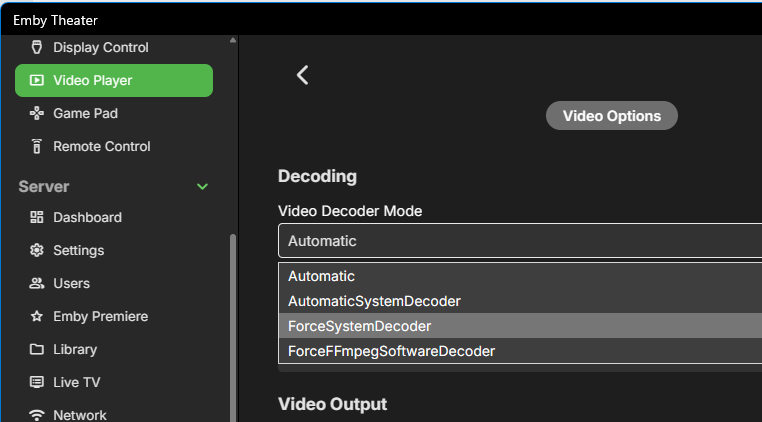
Good news for all Xbox users: The big issues are fixed in the next update, which is in store certification already. Unfortunately it can still be rejected or take multiple days - fingers crossed that it will arrive just in time to make holidays really happy for all Xbox users. Stuttering/Shaking Playback on Xbox One Models This has been fixed and confirmed in a beta version and the fix is included in the new stable version currently waiting for store review. The new version has a Video Options section now: For all Xbox One models, the setting needs to be "Force System Decoder" For all newer models, it should be "Automatic" These values are automatically set as defaults, depending on the model. HEVC Playback Please see here: https://emby.media/community/index.php?/topic/134691-the-santa-softworkz-xbox-christmas-miracle/
 2 points
 -
Just to throw my hat in the ring. I use emby as a backend with Kodi as a frontend. I used to love having cinema mode on before watching a film to show a couple of upcoming film trailers. However now the quality is so bad I have turned off the feature altogether. I don't want to have to faf getting my own trailers, this feature should just work. Hope there will be a fix soon. I'm sure there are many like me who like this feature but have not voiced their opinion this far.2 points
-
Read here:2 points
-
Long Promised — Long Awaited — Finally Here! We are excited to announce the first release of our all-new range of Emby apps, starting today with Windows and Xbox. With a fully redeveloped native foundation, this update delivers improvements across the board: from remote control and gamepad support to background downloading (Windows), as well as refresh and HDR mode switching, and most importantly, enhanced video playback. The new app also comes with a name change from Emby Theater to simply Emby. The name is the only simplification though: On Windows it supersedes and replaces both current apps, "Emby Theater Desktop" and "Emby Theater" from the Windows store, combining the best of both in a single app. It provides enhanced video playback driven by MPV player under the hood, like and even better than "Emby Theater Desktop", and the Download features which were previously available in the Windows store app only. A primary design goal has been to ensure that users of either previous app encounter no drawbacks when moving to the new version. Video Playback (Windows) Video options in the previous ET Desktop app were not always straightforward. The new Emby app adopts a fundamentally different approach to video playback configuration, which accommodates to a range from least to most knowledgeable users by boiling quality options down to three simple and easy understandable presets alongside a custom mode which allows to control all the underlying options in detail. The main presets are: High Quality A no-compromise choice for the best possible quality, regardless of resource usage. Recommended for powerful PCs with high-end GPUs. Video decoding and filtering occur in software for optimal quality, and output scaling uses custom GPU shaders. Balanced The default and recommended choice for most users. Similar to ET Desktop and a standalone MPV player with default settings. Efficiency Mode MPV player is generally focused on quality rather than power saving, and even with the Balanced preset, you can get short of energy rather quickly when running on batteries. This mode is not built-in or available in the regular MPV player. All video operations are fully performed in hardware while scaling at the video output (no shaders/gpu kernels) gets disabled. Too simplistic for you? Enter the Customize mode where you can control all options in detail to find your perfect setup. Video Playback (Xbox) In the new Xbox app, we have a new playback implementation which is based on ffmpeg and takes place of the HTML video playbaback which which had limited codec and format support. By combining ffmpeg decoding with elements from Windows Media capabilities, it combines the best of both worlds: The rich format and codec support from ffmpeg and the built-in hardware acceleration of the Xbox for playing 4k and HDR videos in the best possible way Automatic Refresh and HDR Mode Switching (Windows & Xbox) Refresh rate switching is now as simple as enabling or disabling a single option. The new app can track its window position across multiple monitors and adapt the refresh rate accordingly. On both Windows and Xbox, it can also automatically toggle HDR mode based on the video content and the capabilities of your monitor and graphics hardware. Download Feature (Windows) With the download feature, you can transfer media from your Emby Server to your client device in a suitable format and size, so you can enjoy your media when you're on the road or without an online connection and even automatically synchronize items based on the watched status. The new Windows app implements this with a completely different approach. Instead of periodically polling and running in the background, it uses Windows Push Notifications for server-side activation and the Windows BITS (Background Intelligent Transfer) service for downloads. As a result, the app runs only briefly whenever the server notifies it about newly available items or when BITS reports a completed download. If you don't use this feature, nothing runs in the background at all. Enhanced Support for Remote Control and Gamepad Input (Windows & Xbox) Remote Control support has been extended to cover almost all functions defined in the Windows Media Center remote button schema. For game controllers, mapping has also been expanded to assign functions to all available controls. New options pages provide a reference for button assignments and allow you to test inputs to ensure everything works as intended. Windows Theme (Windows) As a visual highlight, the Windows app features a new and exclusive Windows theme with Mica material background (Win 11) and seamless integration with your Windows desktop appearance, matching theme colors and dark/light switching accordingly. High Contrast Themes (Windows) As part of the Windows theme, the new Emby app also supports the Windows High Contrast settings. Fonts adjust in size and weight for better visibility, and fewer — but thicker—lines are drawn to enhance readability for those who need it.1 point
-
I would like to hide (Rotten Tomatoes) Ratings. I don't need to know critics' opinions of the movies on my server.1 point
-
The jellyfin plugin looks like it is using Web Scraping to get the info which will be against the terms and conditions of the Douban web site, due to Emby being a commercial application it can not support systems that knowingly violate usage terms and conditions so it can not support a plugin like the one Jellyfin is using. https://github.com/cxfksword/jellyfin-plugin-metashark/blob/main/Jellyfin.Plugin.MetaShark/Api/DoubanApi.cs#L251 point
-
OK then what I would suggest is to do everything with the UI and verify that it functions as expected. Once you have that, then it's a matter of finding the database differences between what the server does vs what you are doing.1 point
-
If you continue having trouble getting Connect set up again, is there any reason you can't just give him your server details and let him log in directly? Paul1 point
-
Really this is going to depend on your router and how you have routing, gateways, failover, and NAT if using IPv4 setup, as well as how port forwarding is handled by the router itself in such a scenario. At least on PFsense I can forward the same port to the same server on multiple different WAN connections if I wanted. If for whatever reason I wanted the same server accessible from different WAN connections, my approach would be to use a reverse proxy and forward the ports to that and have the proxy pass the traffic to the emby server. I would use a different subdomain for each WAN connection. You would need proper DNS records on the provider. It could be done over IP, but it would be cumbersome. For example. emby1.example.tld would resolve to wan 1, emby2.example.tld would resolve to wan 2, etc. You wouldn't be able to use emby connect for this feature though as that is only going to resolve to a single IP/domain name. IMO anything short of basic port forwarding or reverse proxy support is out of scope for anything emby should support as far as remote access. If you don't want to/can't directly forward ports to emby or use a reverse proxy then there are already 3rd party solutions to handle this better than anything the emby team could/would implement. The one feature that the team could implement that might be useful when connecting through a VPN would be an area on the network page to specify local addresses/subnets for clients connecting through a VPN so that they are treated as remote connections rather than local. This could help prevent bandwidth issues and force the server to transcode to a lower bitrate rather than trying to direct stream content that exceeds the internet connection bandwidth.1 point
-
If you didn’t have nfo files then editing the database directly would probably be ok. But since you have them, if you edit one but not the other it means you’re going to have two pieces of data that are out of sync, which could result in any number of unknown quirks.1 point
-
Speed should not be an issue as transcoding works fine for other apps. Both streams in the video have "strange" channels numbers, the 5.1 is AC3 6 channel and the 7.1 is TrueHD 8 channel. Both streams do it. I have a none remux file of the same movie and that plays fine. Hes playing an video with EAC3 5.1 no problems at the moment.1 point
-
Another +1 for native ebook/PDF integration.1 point
-
Can you remove this content do full scan, then readd it as I am looking of "Debug App: Found extra AdditionalPart" login like shown in linked topic above. Or if you have a different movie you can add. Yes this is the recommended method these days as not all clients will automatically play second part.1 point
-
Tbh I always merge multi part videos into 1 file. Adding I use this to merge them AVIMux GUI 1.17.8 / 1.17.8.3 Free Download - VideoHelp1 point
-
Yeah. And recently released isn't the same as recently added. I'd also like to see more suggestion rows altogether, not necessarily just a longer row for just recently added. More rows of the "because you watched this" suggestions on the library screen mostly, but on homepage would be cool too.1 point
-
To me that just says if Emby can show all my Collections on the Home page, why can't it do it for other rows. Well not all my latest movies going back forever, but quite a lot more.1 point
-
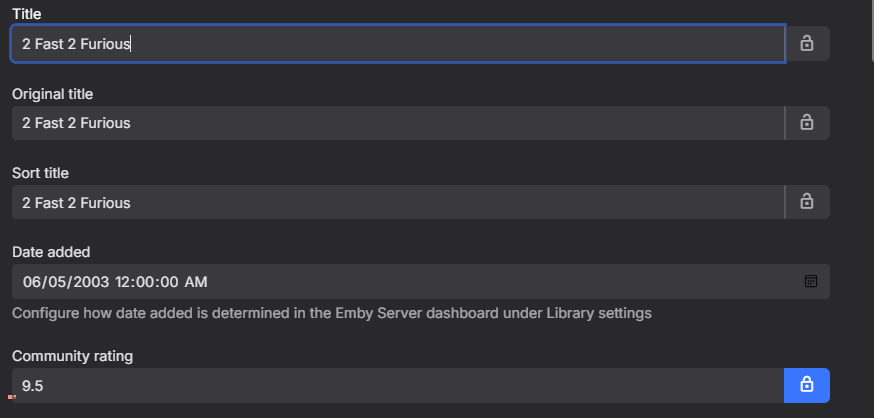
In summary... There doesn't appear to be an issue with Emby updating locked fields. It was a misunderstanding of the situation on my part. It looks like I need to rethink the way I'm setting CommunityRating. I'm not 100% sure what's going on yet, but the NFO file and edits to SQLite seem to be "conflicting" with each other. I need to investigate further to find out. Thanks for the insight @Happy2Play: )1 point
-
Sounds like you many need to provide @Abobadersome specific info in a PM to check account info. But will still come back to you needing to link specific email address to local user account but all server info technically can manually be added once logged in to Connect.1 point
-
@luserSorry I don't entirely follow Edited from 5.9 to 9.5 and locked. Refreshed metadata search for missing or Replace All had no change. So this can come back to what is your library settings? Is there a NFO file with media? As it sounds like you have a nfo file but do not have Emby writing nfo files so nfo data overwrites database data. But that is just a guess without all the information.
 1 point
 -
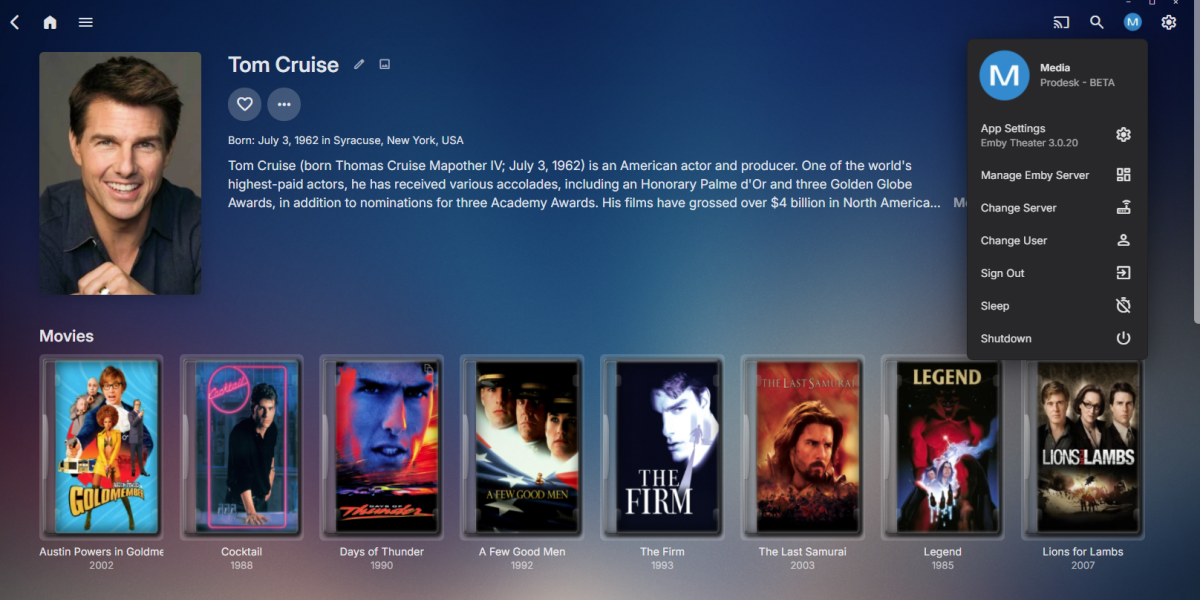
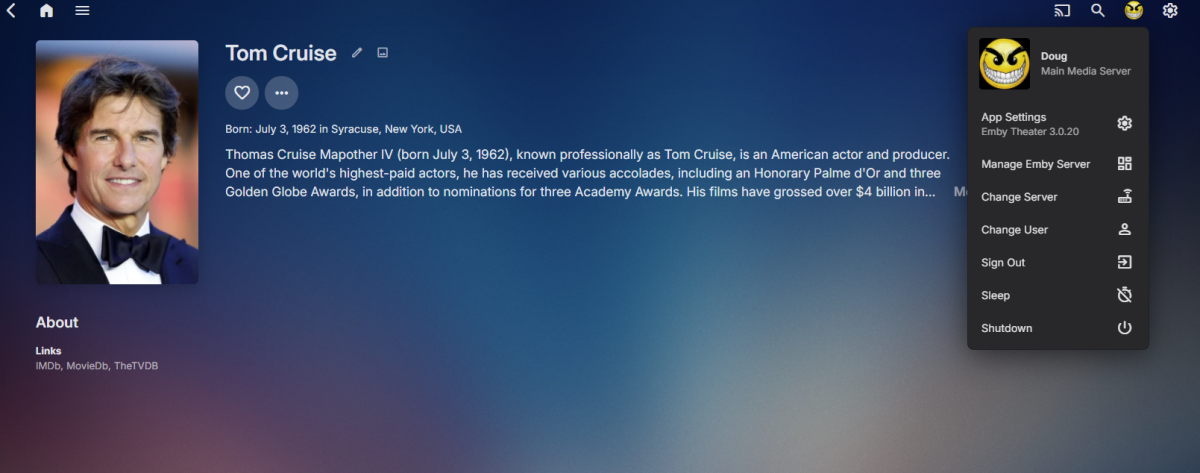
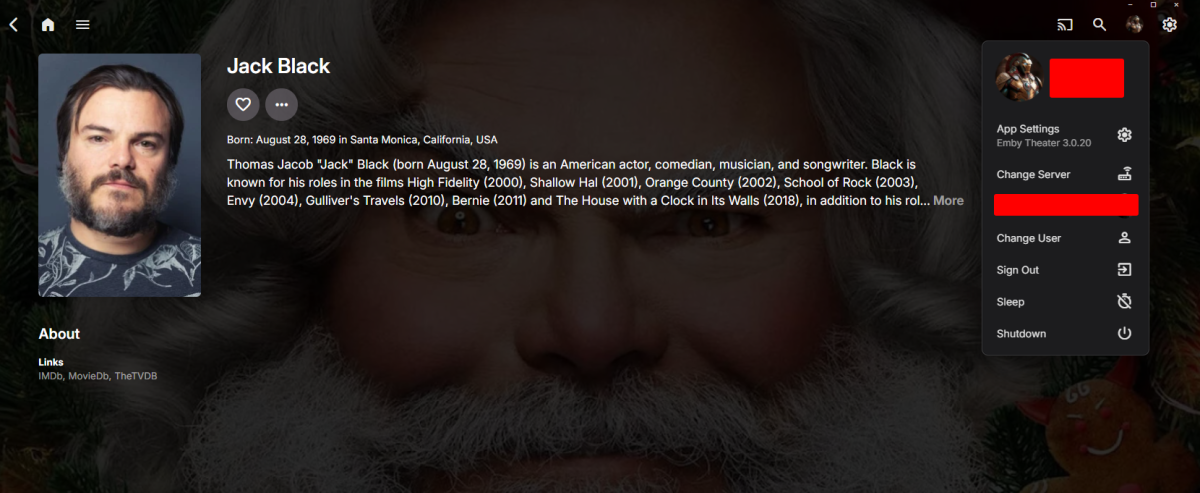
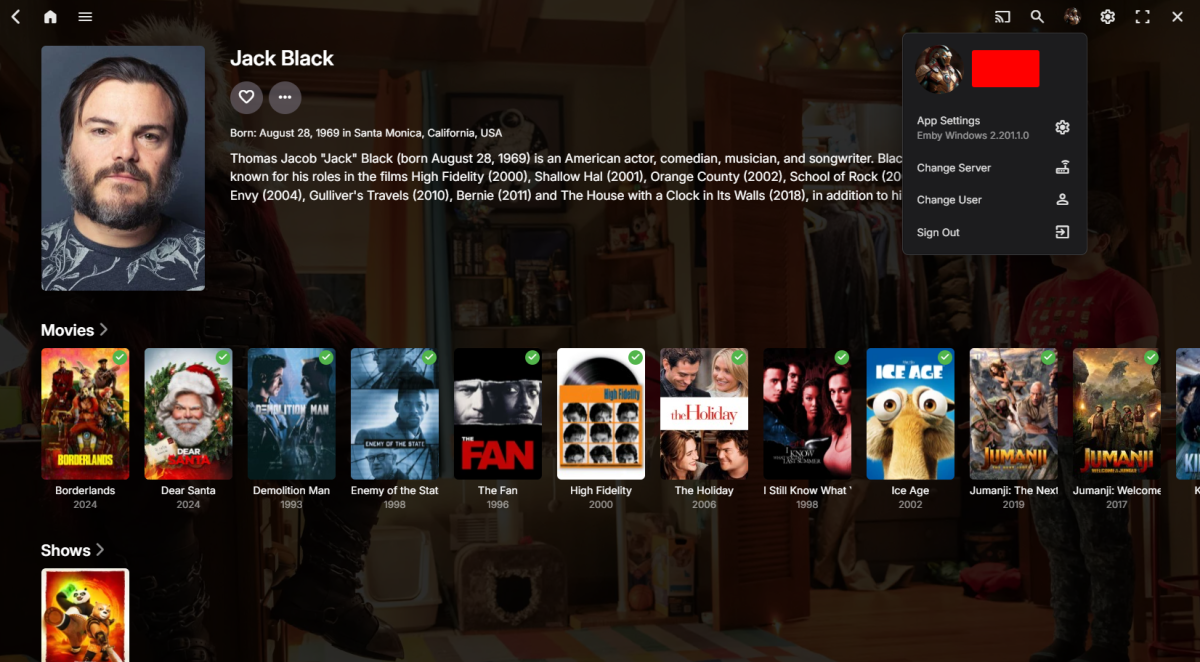
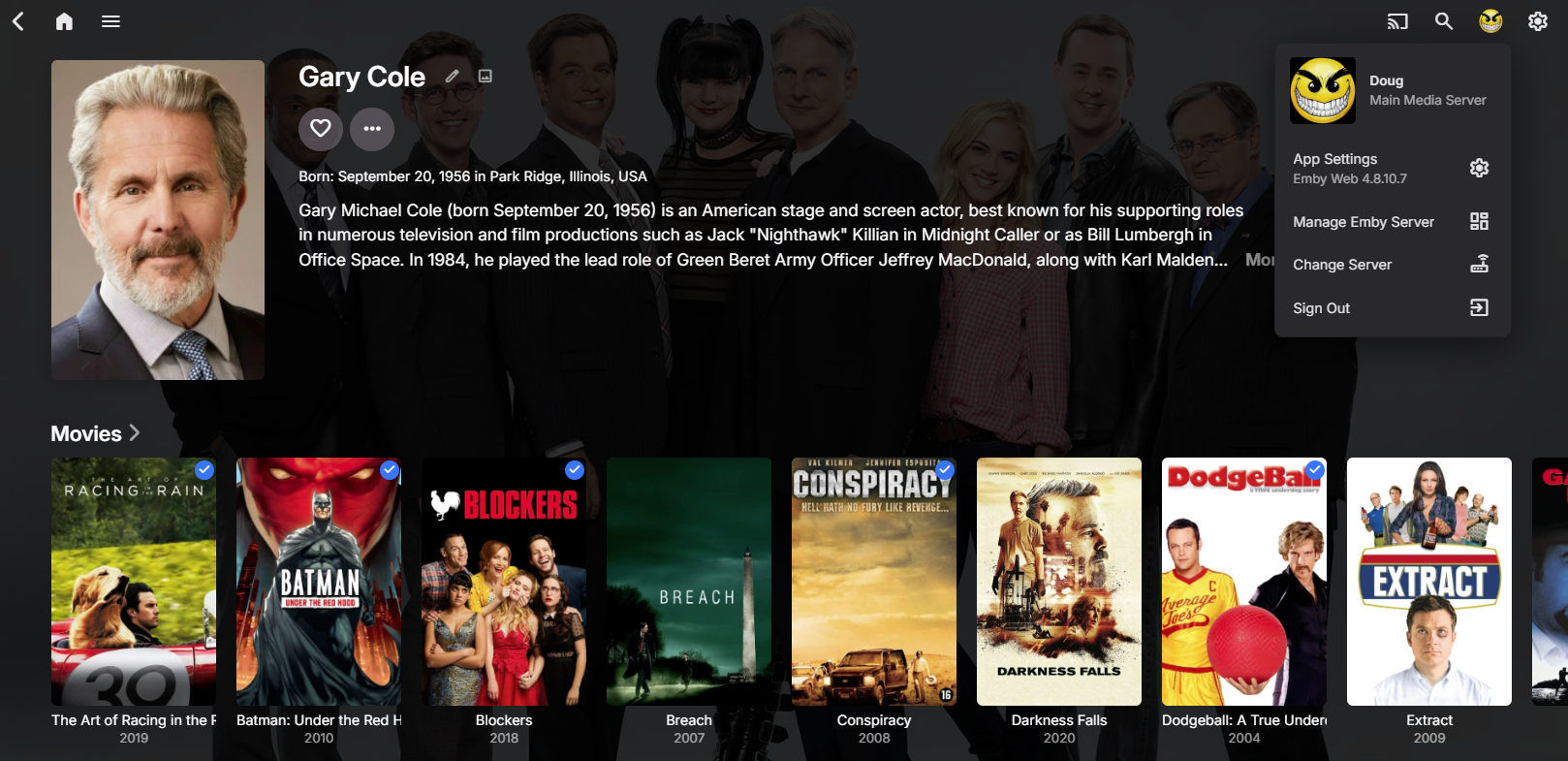
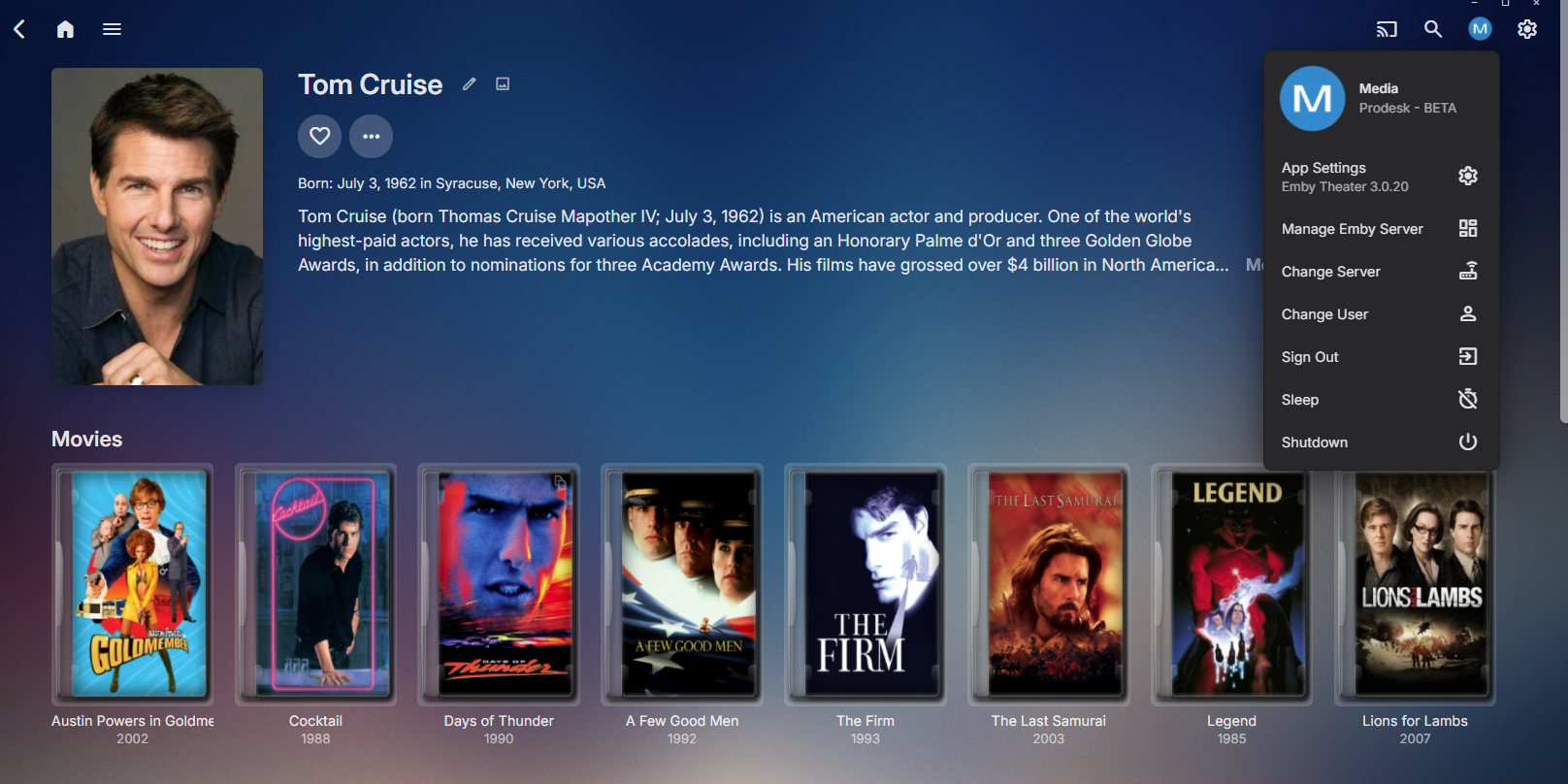
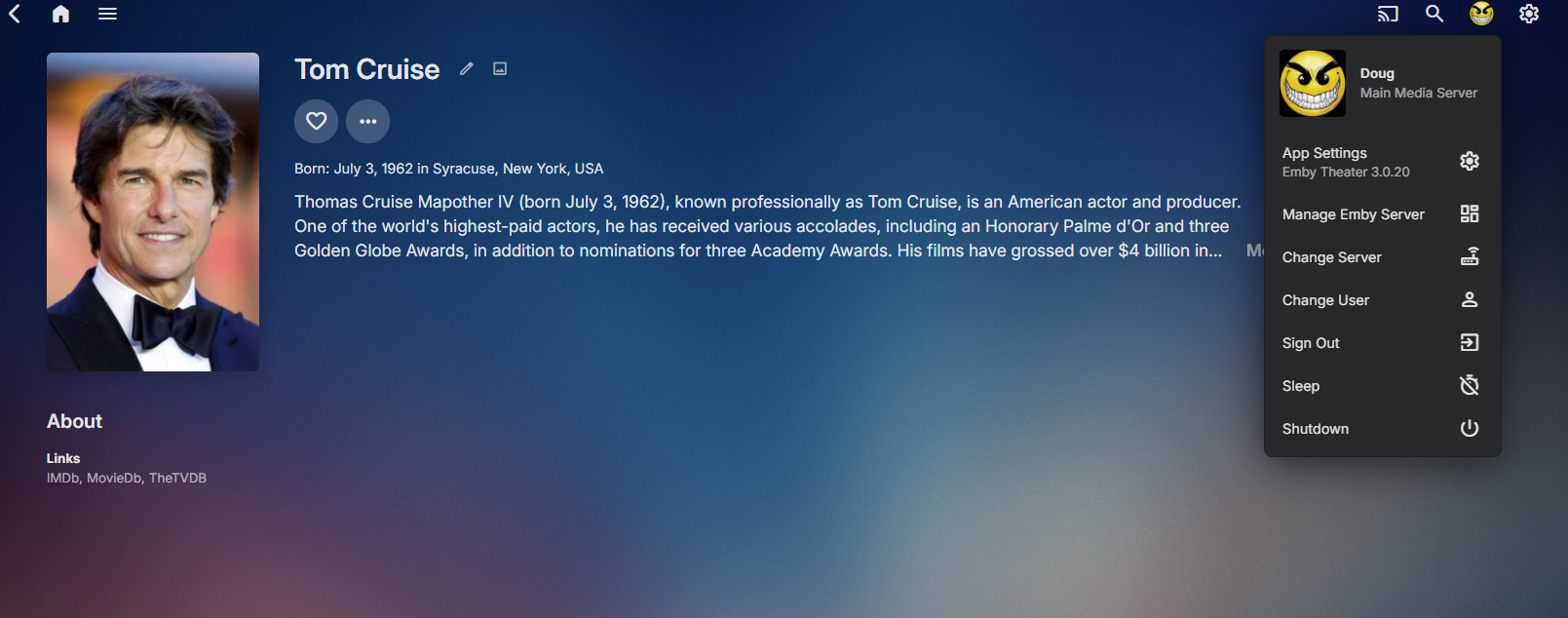
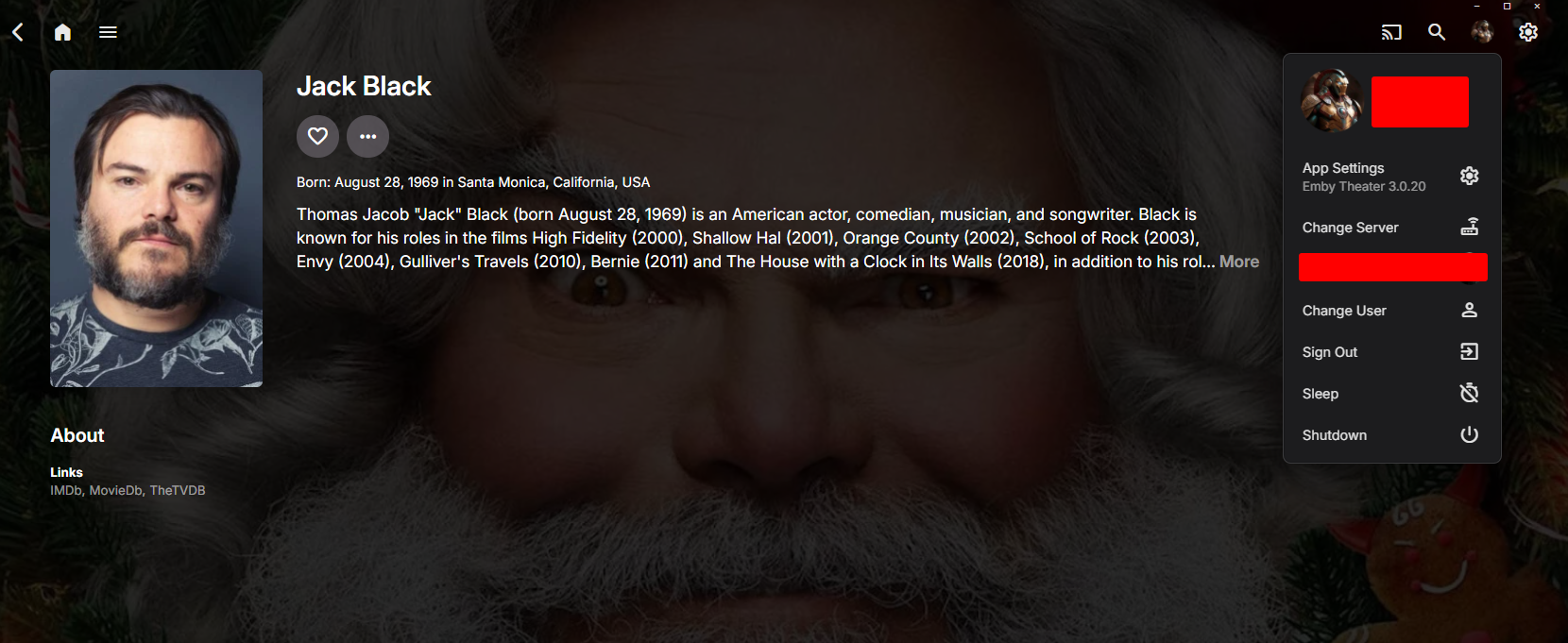
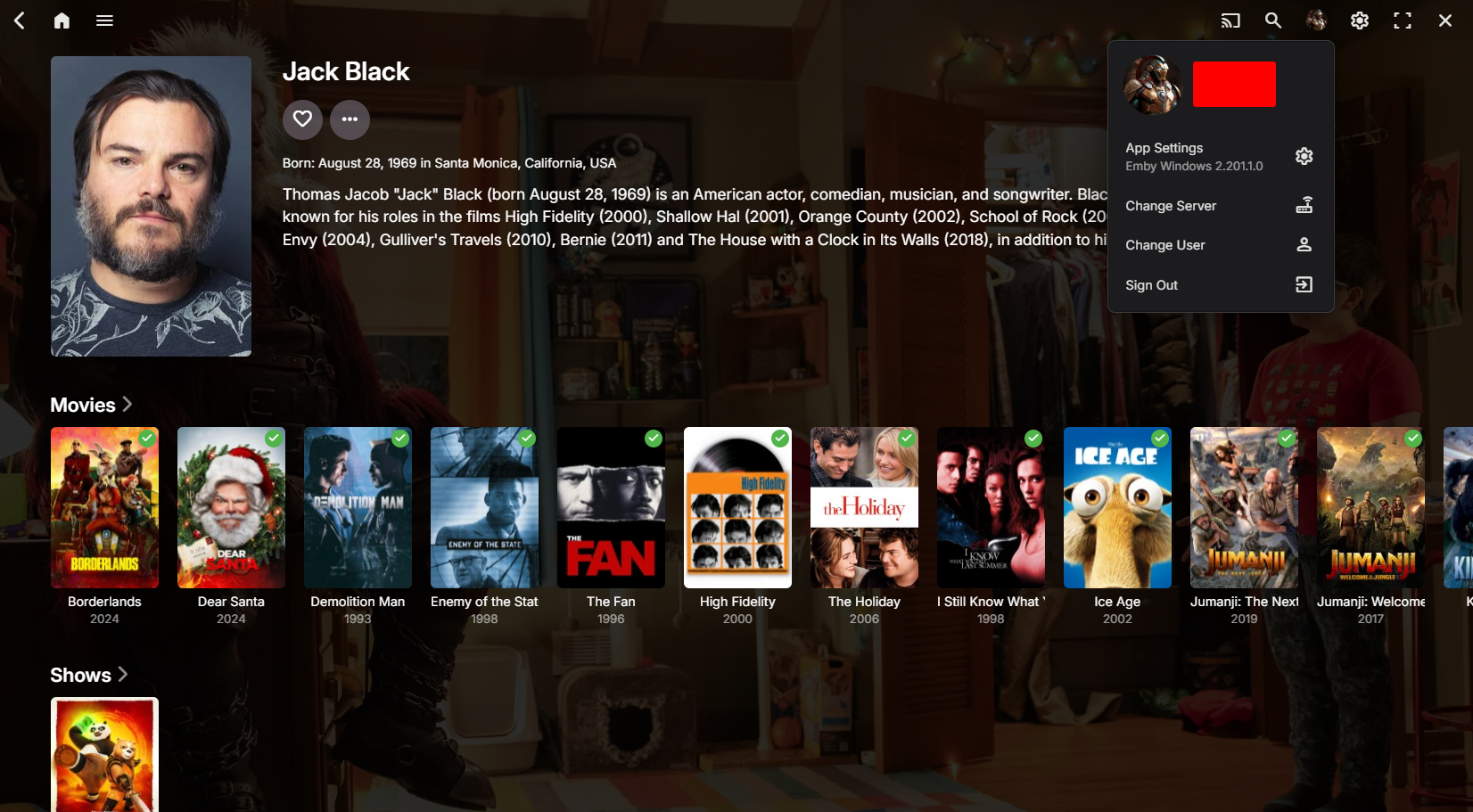
Yes there is something going on in some clients and it is server version dependent also as it doesn't work in 4.8 but works in 4.9.x.x. So we know now Desktop ET 3.0.20.0 and new iOS 2.2.33 are having issues with linked media via People in 4.8.x.x.
 1 point
 -
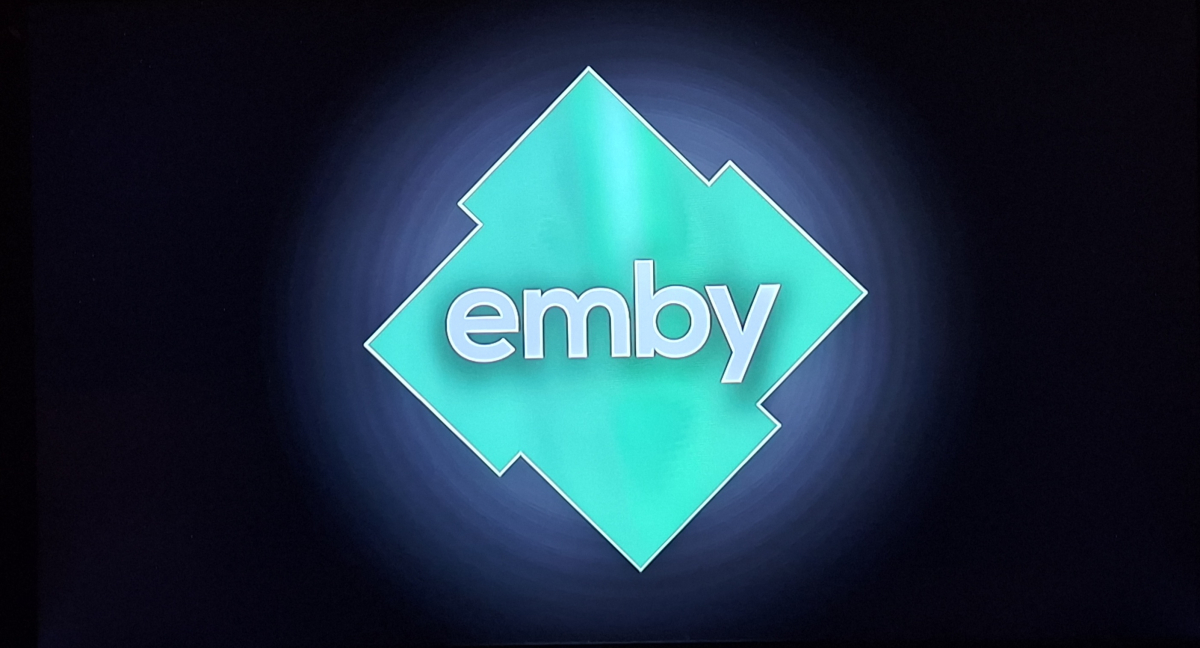
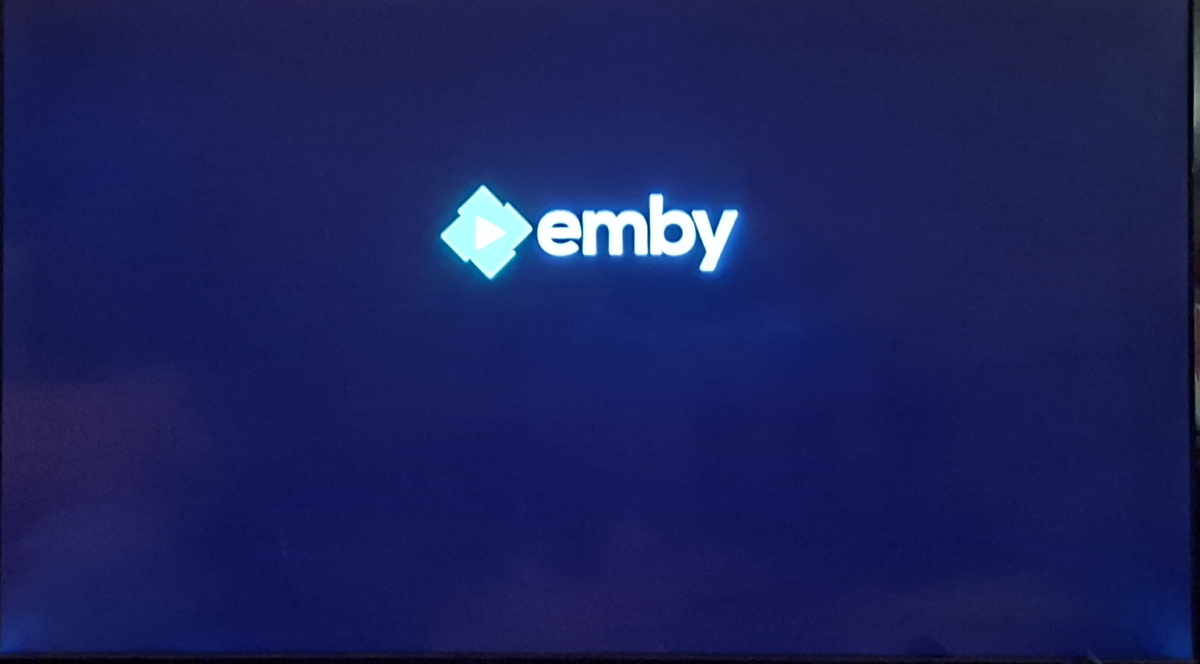
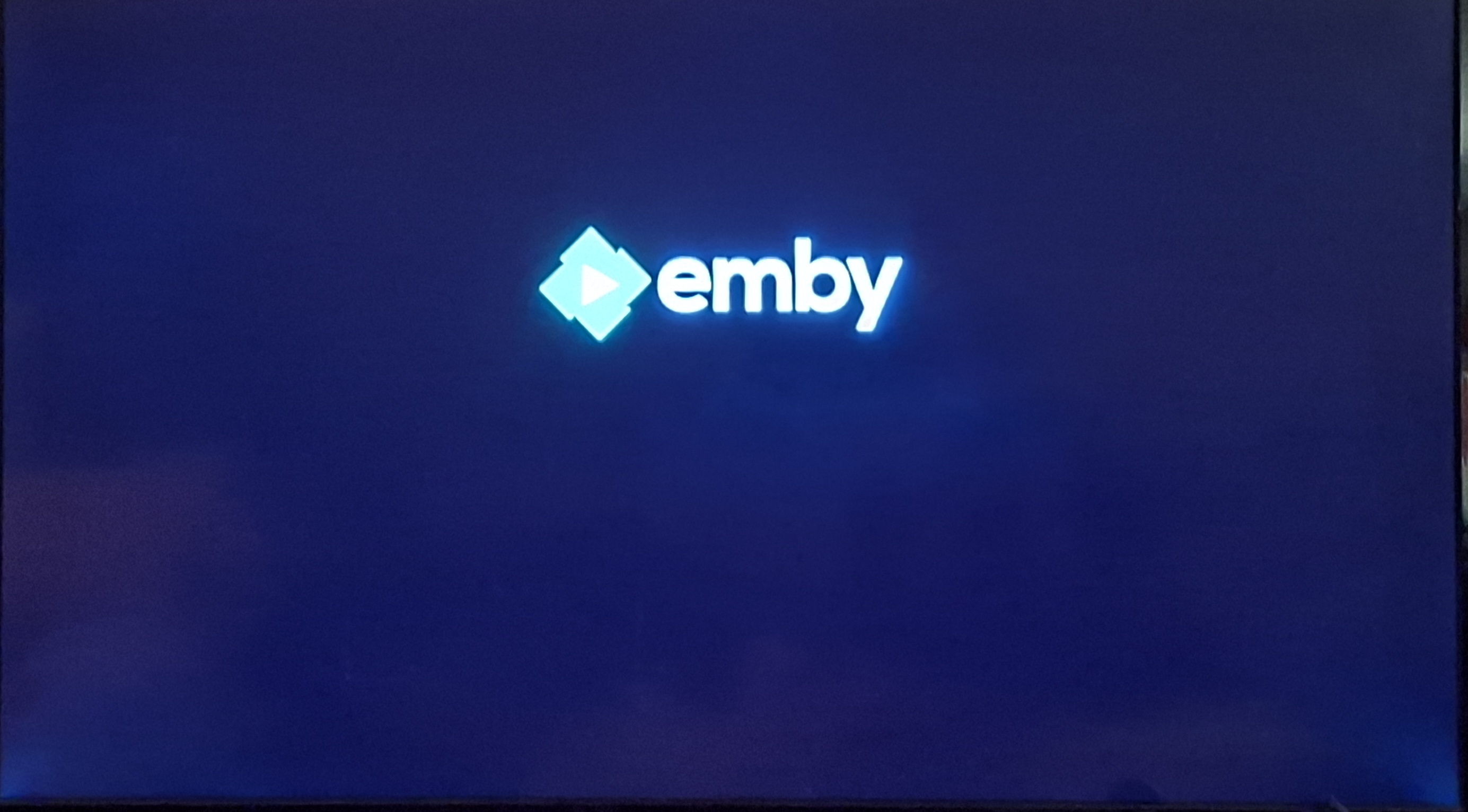
Finally got a chance to take a look at the new app on xbone. I like the fancy new splash screen on startup; someone definitely out some love into that It does seem odd that the old splash screen then shows for quite a while after that though. Images for reference: New (after it's animation) Old (this displays after and longer than the new one, sometimes with a loading wheel) It's great to see the profile pin is now hidden by asterisks instead of displayed in plain text to the whole room. Thank you! I've got the same playback issues as everyone else, though I was expecting it at this point. Even SD ~1mbps HEVC transcoded to H264 stutters. Music plays fine though. There is also around a second or two of solid green screen at the beginning of playback; regardless of whether you are starting from the beginning of the file, selecting a chapter, or resuming a previous spot. All I've got to test with ATM are HEVC files, so I'm not sure if it happens on direct played content or just the transcoded stuff. I'm also really happy to see resuming paused playback seems to be fixed. I hadn't made a thread on this as I knew there was a whole new app in the pipeline: But for a few months now, I've been experiencing an issue with the previous app where pausing playback on xbox without exiting the player, then resuming caused the entire app to freeze. The server dash showed playback progressing, and the logs showed the client sending playback progress; but the user just saw a frozen screen, heard no audio, and got no response to any input. The only way to fix this was to close the app via the xbox home menu and restart it. (or restart the entire console) This appears to no longer happen with this update. It's a shame we're at the mercy of Microsoft, but I'm looking forward to a release MS hasn't screwed over . I can be patient. Fantastic work guys, and Happy Holidays!
 1 point
 -
Really loving the new app. It is much snappier and with HDR support now working well I can finally integrate my 4K media rather than using MPC/MadVR. Also noticed performance with playback is improved over theatre and runs well playing 4K on my lighter desktops. My crusty plasma does miss the screensaver option to avoid burn in though; if it’s possible to bring that back at some point, unless it is there and I missed it? Thanks again for your hard work emby team, and merry Christmas!1 point
-
If it's one or two odd-shows, you can manually edit Season title, as suggested: If it's a bunch of them,. I reckon removing/re-adding would to the trick with less hassle.1 point
-
WOW, the new Windows app is fantastic, thank you so much for your hard work @softworkz. The holidays are well deserved! I agree with others that the exiting via back space key is odd. I use it on a desktop so it does not bother me but it should be addressed. On Android TV, if I hit back button, then I at least get the query of whether I want to exit, which I usually don't. Making this optional in the future would be great. Also,I found a cosmetic issue on Windows 10 in the window has a dark task bar, yet there is a one-pixel-wide white strip at the very top. I am including a screenshot to make this clear. Would e nice to fix that too. Cheers!
.thumb.png.2dc6de14deab2662eb6a6d7270acdc17.png) 1 point
1 point -
I thought it might be Edge's cache at fault. I used another browser and found that it actually worked. Then, I disabled Edge's cache, and now it works as well.1 point
-
I don't care about seeing the list, but it would be nice to at least know the number, like just a "You are at 07 devices that count against your available total of 25" or something of that nature. Households use way more devices per individual nowadays, with TVs, tablets, phones and laptops. Just my mom and boyfriend have TVs in every room and 2 phones, 2 laptops, and a tablet each. It will only take a few people to fill up the slots.1 point
-
Nein ich hatte kein eigenes Zertifikat erstellt lets encryp ist da schon vorhanden aber ich hab das problem gefunden bzw hat mir jemand geholfen, ich muss Port 443 benutzen damit klappt es jetzt in den Apps ich hatte die ganze Zeit 8920 probiert weil das in den Einstellungen stand aber nun ist alles gut1 point
-
In the metadata for the series, did you remember to change the "File Order" to "DVD"? You have to (a) decide which TVDB ordering you are going with, (b) name all the files to match that, and (c) tell Emby the order you are using so it can get the corresponding info from TVDB. Paul1 point
-
Seeing the same thing in Emby Theater version 3.0.20 In the new app installed via Windows store I don't have a issue. version 2.201.1.0 I don't own a iPhone so can't test that. But on windows you can install the new Emby app from the windows store, as Emby Theater is getting deprecated.
 1 point
 -
The answer is no. I am very slowly working on a different (new) version which has a lot better and more robust code now im 2 years on in my c# learning... However the plugin is still avaliable a few posts above this on (in page 10) and the live tv logo removal tool still works in it. Just use it for that and remove it again, a lot of the original plugin is redundant. It still removes the logos, and then when you run a guide update afterwards they will re-populate.1 point
-
It seems the new app did rectify the issue, so far I haven't had the problem, so that's awesome!1 point
-
That's not a contradiction as the other users were not talking about Xbox. For Xbox, the behavior is reasonable, because closing the app by navigating back provides a natural and familiar integrated flow as it returns you to the Xbox Dashboard from where you can easily enter the app again. The other users though, were talking about Windows, and when you're on Windows and you accidentally close the app, you are landing on the desktop and there's no natural way to get into the app again with a remote control. This means that each time when it happens, you need to stand up from your sofa, and go for using another input method (keyboard/mous) just to start the app again. @Luke1 point
-
Yes that helps! Not wanting to be a Christmas Grinch, but was hoping I could click on the list of items and actually get into the folder contents of that movie. I appreciate all your help. Your responsiveness has been amazing. Especially this time of year.1 point
-
My understanding is that the new app isn't using mpv for audio, only video, so even if you could use an mpv.conf it wouldn't matter. The choice to use not use mvp had something to do with getting the now playing information into the windows UI. This also means not exclusive mode for audio.1 point
-
Yeah that sounds useful for the plugin. Not something I would consider for the script right now at least.1 point
-
here is the old kodi 18 branch https://github.com/faush01/plugin.video.embycon/tree/feature/kodi18 you should be able create a zip from it and use that.1 point
-
New BETA version available 11.1.13: Delta changelog 11.1.10 -> 11.1.13 minor http improvements fix server reconnect when using proxies fix dynamic content issue fix Kodi shutdown issue fix sync timing issue faster http communication fix http chunked transfer encoding fix song selection via dynamic nodes when same song is assigned to multiple Emby libraries improve playlists fix subcontent realtime updates improve sync locks fix egde case sync and logging issues improve http request locks fix async commands ping improve progress updates when playback ended or seek workaround for Kodi bug when seekposition is higher than runtime -> Kodi stalls for couple of seconds unless stop is pressed increase subtitle download timeout to 30 seconds fix edge case sync issue, when init sync is in progress, incoming updates might not be processed and results in a sync loop1 point
-
+1 for fast channel switching1 point
-
@softworkzThe good thing is now subtitles working correctly. So i am happy about that... Now left UI and Xbox media remote (RCU) to be resolved and it will be great.... ( maybe @Luke)As for the UI are you interested in suggestions for the layout on TV mode (not only xbox but all app that use the same style like current xbox style)? Just a remark what i think is not good in UI (on Xbox): - not optimal layout - a lot of free space that cant be used - abnormally large buttons compared to the text - small clear logo (used for video title but too small for a title) - lack of stylish sidebar in vertical mode - constant tiny tooltips showing when selecting something (that seems to be left from windows but is not suitable for xbox or operations with RCU) - existence of full screen switch (not usable for xbox...There its always fullscreen) And something partially UI and server thing.... - Please allow video versions to have separate progress and possibility to define poster and banner! The poster/banner can shown in UI when selecting version. (or introduce new section "editions") That is usable for movie editions....Now is inconvenient when i have a director's cut and theatrical cut and when i watch theatrical director's cut version to resume from same place....1 point
-
Yes and its getting annoing. Been using androidtv lately1 point
-
Everything is very good, but it would be convenient to disable or turn off the introduction. Compared to the previous version or the web version, the start-up is too slow. Additionally, having to press a button to hide it is bothersome. This setting should be permanent, allowing the introduction to be turned off permanently and speeding up the start of Emby.1 point
-
Maybe now that the new Windows app has been released, TVNext will be going to beta.1 point
-
Is this only a successor to the Windows Store app? What does it mean for Emby Theater Desktop? Why can't you just leave Emby Theater Desktop as is and let me continue using it? How can I launch the Emby app from the command line? (Windows) How can I make the Emby app start automatically on Windows startup? (Windows) I'm experiencing stuttering video playback, what can I do? (Windows) On the video quality settings page there are multiple presets. How can I know which settings are applied by each preset? (Windows) I have installed the app, but it doesn't look like it does in some of the screenshots. (Windows) To which folder do the downloaded files go when using the Download/Sync feature? (Windows) I am changing the subtitle style settings, but it doesn't seem that they have any effect. (Windows & Xbox) Will the Windows theme be made available in other Emby apps? Is there some other way to download and install the Windows App? Why can't you provide an MSIX for download and manual installation? Why are you forcing me to have a Microsoft account for downloading the app from the Microsoft Store? I have selected the High Quality preset in the video quality options, why doesn't it use hardware acceleration? (Windows) The start animation is nice, but it takes a long time and the previous Windows & Xbox apps were starting up faster, can the animation be disabled? (tbc)1 point
-
Hi, no ETA but we are working hard on it. Thanks.1 point
-
I literally just got an Apple TV today and I can't seem to find the settings for basic things. I can't find the alphabet for jumping quickly through my library. I can't see where to change my subtitles to yellow with a dark background. The is an ever so slight delay in audio, but I can't change the sync. I did a quick search on the forum, and it seems like these are things that have been requested for the past 4 years. Is this app no longer supported?1 point
-
Hi, we are looking into this. Thanks.1 point
-
3,5 years later and I also would like to see a user friendly url it can’t be that hard to create?1 point
-
I don't know what OMDb provides and doesn't provide. The average user shouldn't be expected to know either. There should be an option to disable ratings appearing, that 1) is cross-platform (ie. not CSS); 2) doesn't require you to disable an entire metadata source, especially given their generic and unhelpful names; and 3) doesn't require a library-wide metadata refresh. It should simply be hidden. You shouldn't be required to erase it from your server's database, much less to erase any and all metadata from a given source simply because that source includes ratings.1 point














.png.ae4f6806bd2ddbd1b34510bb14081b2c.png)






.thumb.png.f4cb0545e98b51fd9b00e427622ab761.png)






