Leaderboard




Popular Content
Showing content with the highest reputation on 06/20/24 in all areas
-
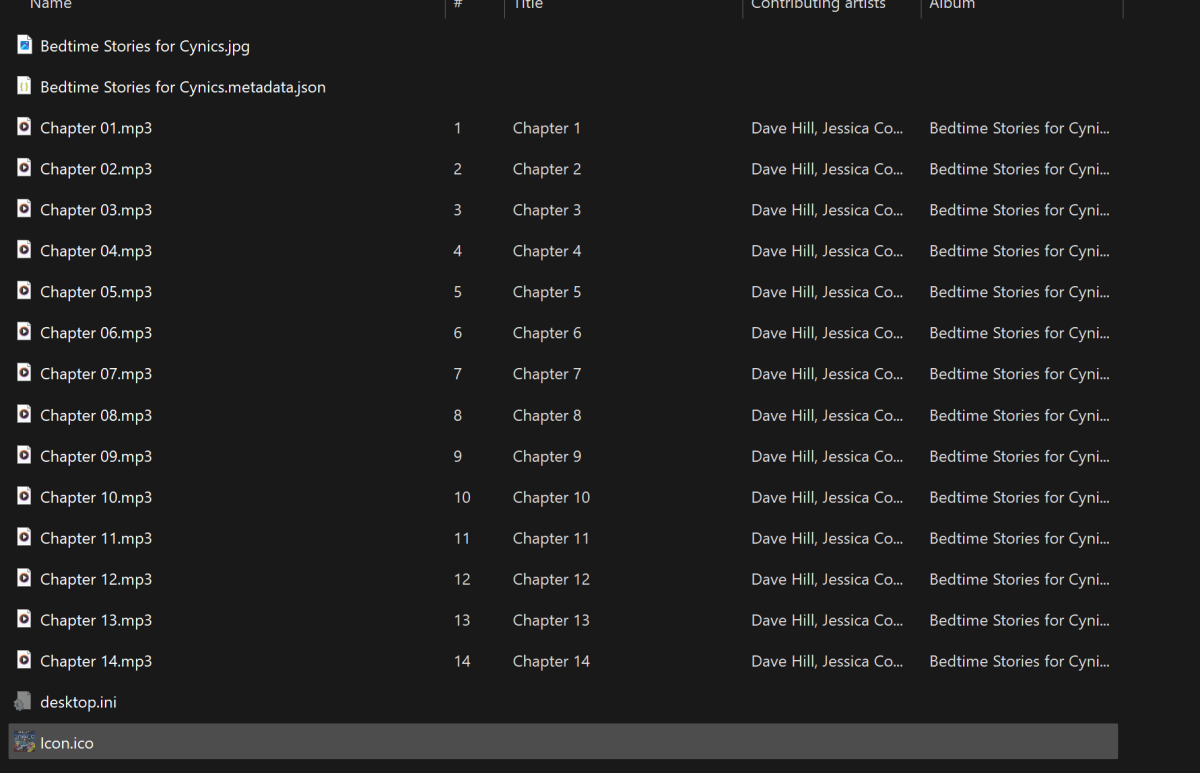
I figured it out!!!!!! So I think the ultimate culprit here was Libation. In the audiobook folders that it was creating it was adding a hidden .ico file and a desktop.ini file. I don't think emby liked these at all. I created new folders myself and copied all the files minus the hidden ones to them and recreated my audiobook library on emby and viola! Hopefully this will help someone in the future lol. Thanks for all the help everyone!
 3 points
 -
After a lengthy, multi-day troubleshooting fiasco, I think everything is back up and running. I believe the problem was the faulty drive dropping out and causing the BSOD, but now things are resolved and I'm up and running 100%. Thank you for the fast replies!!2 points
-
Just chipping in to add that an emby widget would be nice. I've been using it for audiobooks lately but the lack of a widget on my home screen makes it more tempting just to listen to music since Spotify is right there on my home screen.2 points
-
Agreed it would be a nice enhancement, but I get around it by simply disabling the scheduled scan altogether and scan the items/library of my choice via the API or on demand - controlled by either the OS scheduler, scripts or via a Scripter-X 'on scheduled' task within Emby. There is so much more than just the scan order that could be included in this - selective scan, some libraries don't change and thus scanning them is a waste of resources. Some libraries you may also want scanned more frequently than others for example, especially if you turn off or cannot use real time monitoring. Having a single task to sequentially scan them all, has always seemed very limited/inflexible.2 points
-
That's what I think too, makes sense.1 point
-
Sure I will provide a statistical report when I have time to do a test and record that data.1 point
-
@Luke Installed just now on my system that has Intel Graphics. First thing I noticed is no overlay. Video plays, but no overlay at all. Only way out of the video is to hit ESC. Overlay was working on the old version (not Flatpak). I installed using the steps as outlined on your web page. Restarted machine, still no overlay.1 point
-
Of course that is what I "should" have done. However I did not as i started with my TV library and proceeded from there. It is easy to fix this kind of problem in retrospect but I screwed up and created TV first and I want/need to simply change the order scans happen in. But that does not appear to be possible. I think I will try to create a new TV library and that should be then last in the scan order. That should fix my problem. I just hope it does not turn out to be "fixed" like taking the dog to the vet to have him "fixed."1 point
-
Thanks @LukeI just prefer to use the external player than the Emby player. Its just strange that I havent had an issue with the continue watch till upgrading so guess I will have to live with it if I want to use the external player which is a shame. Many thanks1 point
-
If your server is running a VPN client this will only cover outgoing requests from the server, IE to metadata providers, but incoming requests will still come in through your WAN IP which is what the DDNS needs to resolve to. Most DDNS services that I know of offer a client that you can use so in that case if you try to run the DDNS client on the server at the same time as a VPN client you would need to exclude it from VPN traffic (split tunneling) otherwise it will end up returning the VPN external address. More than likely you would not want this unless your VPN provider allows you to open a port, then it would be possible to have incoming requests go through the VPN but this is probably more advanced than you'd want to set up and your VPN provider may not offer that. However if the DDNS client runs upstream of the server, such as on your router which doesn't have a VPN client running, it should return the address of your WAN interface so the DDNS can resolve to the right address. It can take a few minutes for DNS to update when the IP changes. EDIT: Also wanted to add, in my case I'm running pfSense with multiple VPN client connections but you can configure the specific interface to use for the DDNS request, not sure if any consumer routers would have something like this even if they have DDNS support along with VPN client support.1 point
-
One more comment on the migration. I read some posts here saying that performance might be impacted by having Emby Server running on Windows with the data files on the Synology NAS. And it was... performance is much better! I think that's because the processor in the new Dell Inspiron is way more powerful than what's in the five year old Synology.1 point
-
A domain will not solve the dynamic IP address problem - it will just make it 'nicer' to point to 'your' name as opposed to a free DDNS name. @bizzsThe solution is to use DDNS as said above, but you don't need a domain as you'll get one with DDNS (a subdomain of the DDNS provider). I'd suggest seeing what DDNS your router supports (go into the Admin and look) as that will make the entire thing much easier.1 point
-
Finally got around to this. Downloaded the LRCGET installer from GitHub and it is initializing the library now. I have about 17,000 songs currently in my library and the initialization is nearly complete in the time it took to type this out..1 point
-
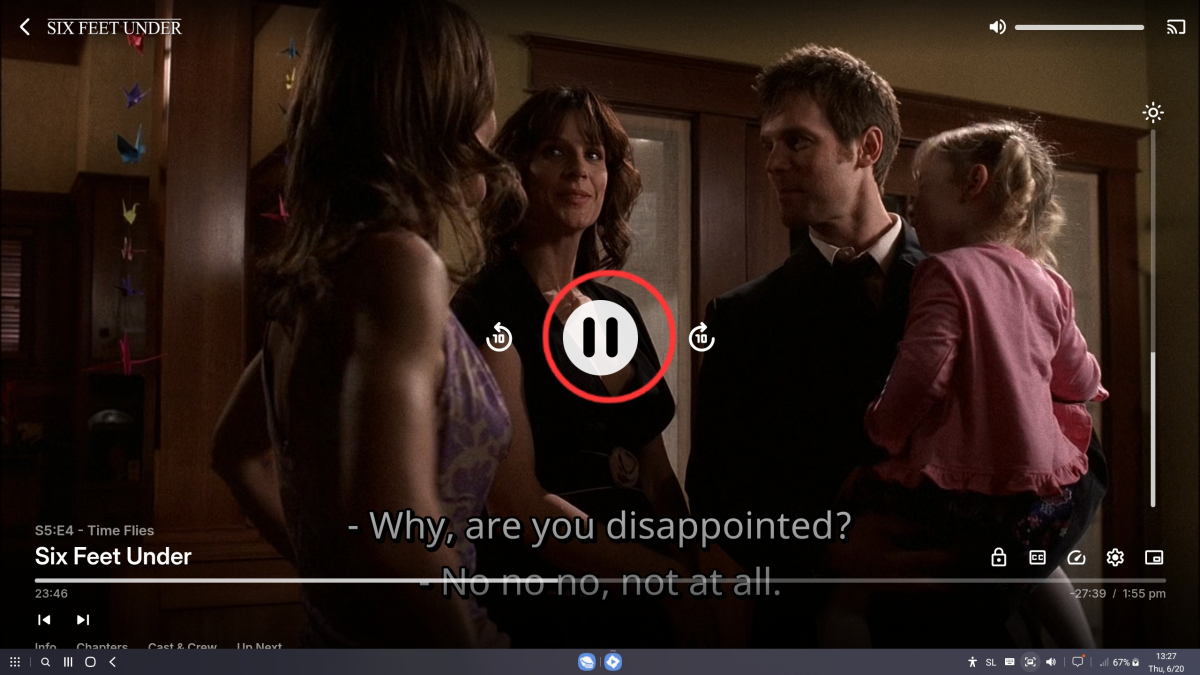
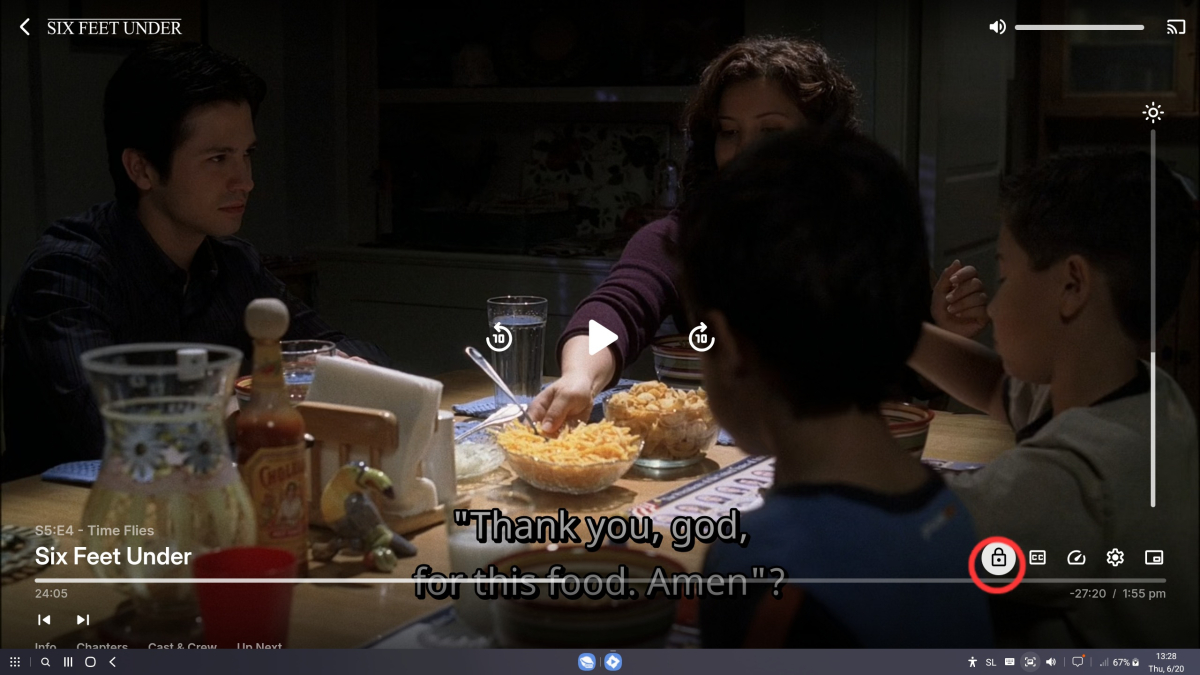
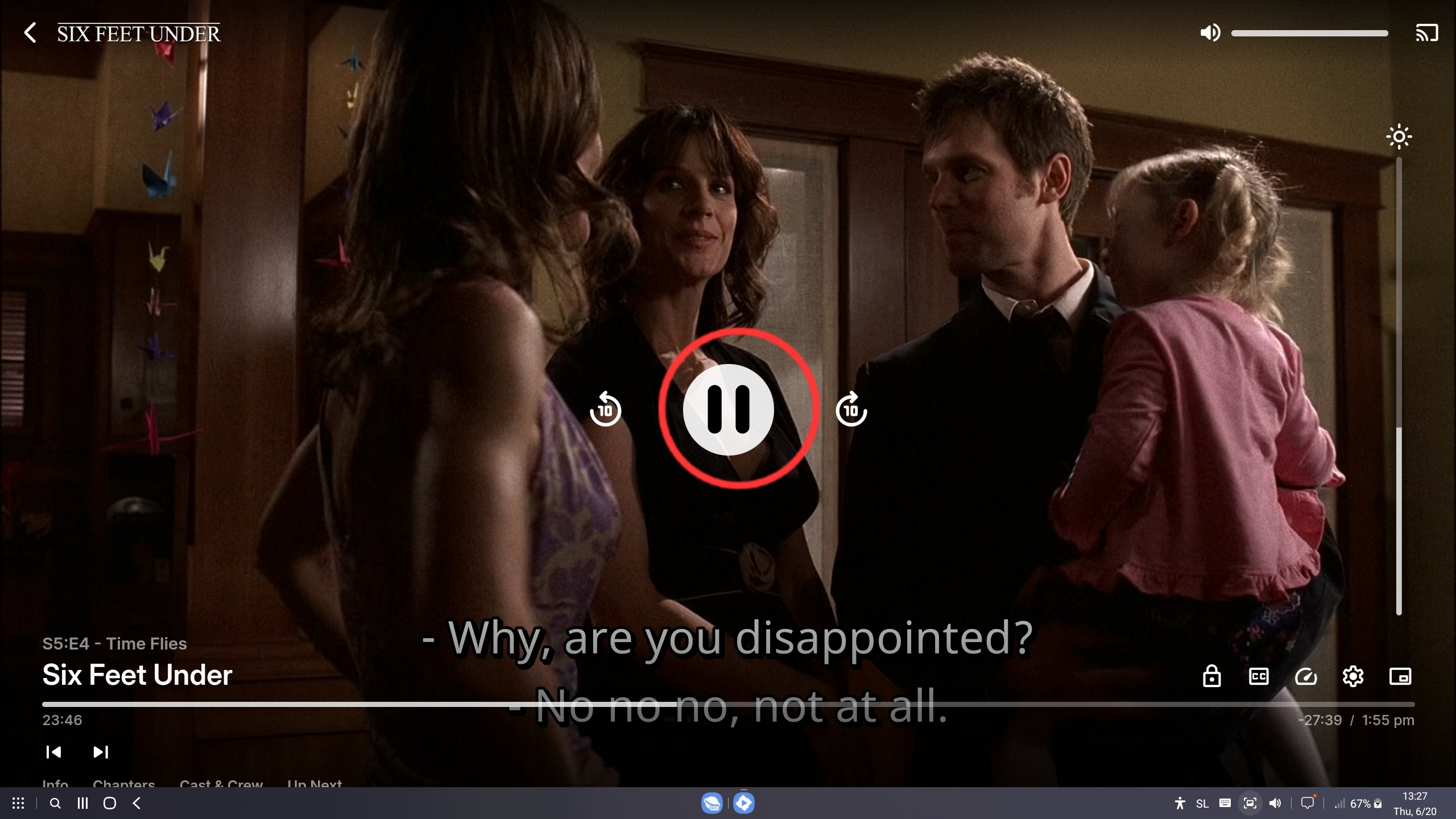
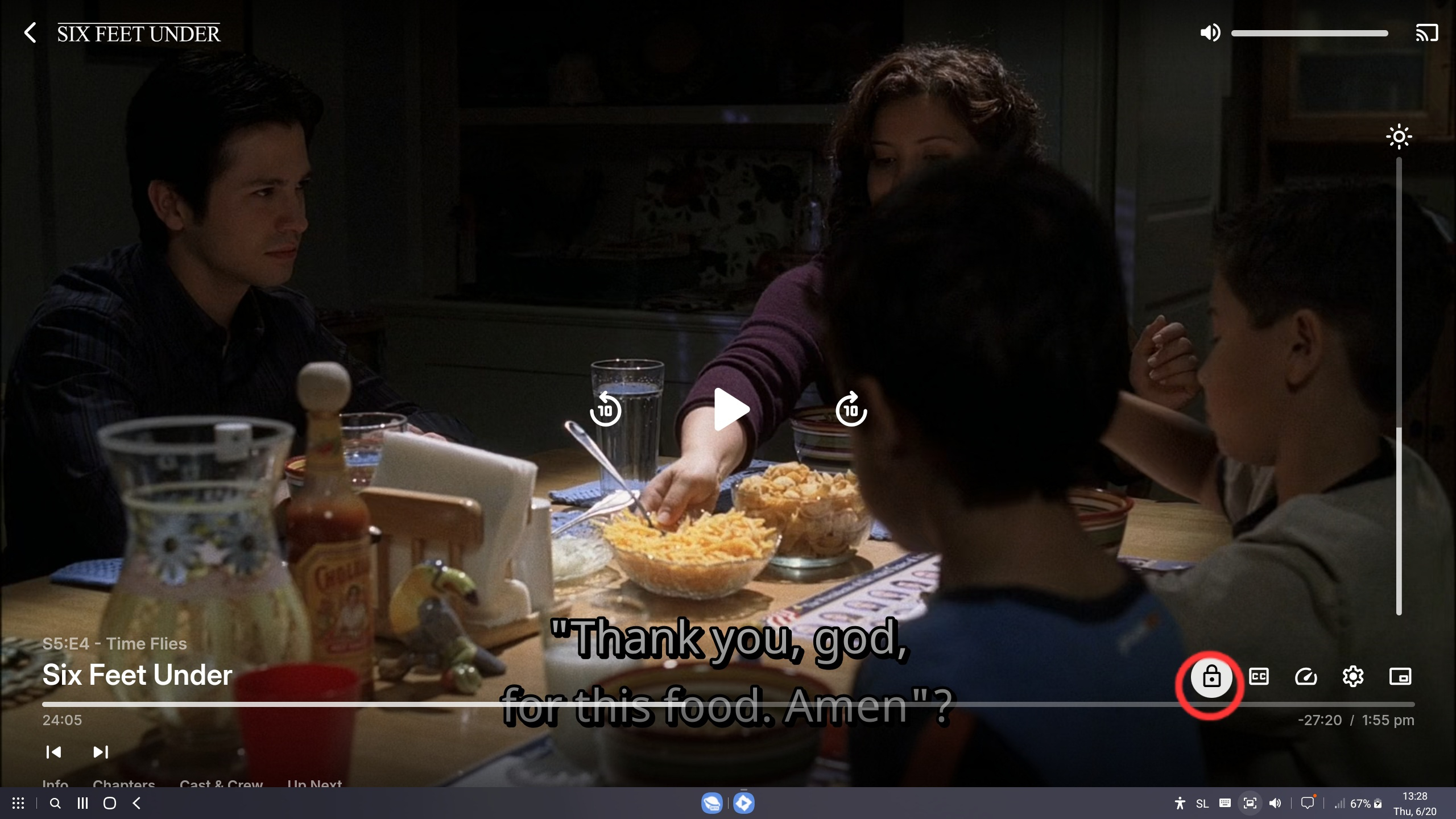
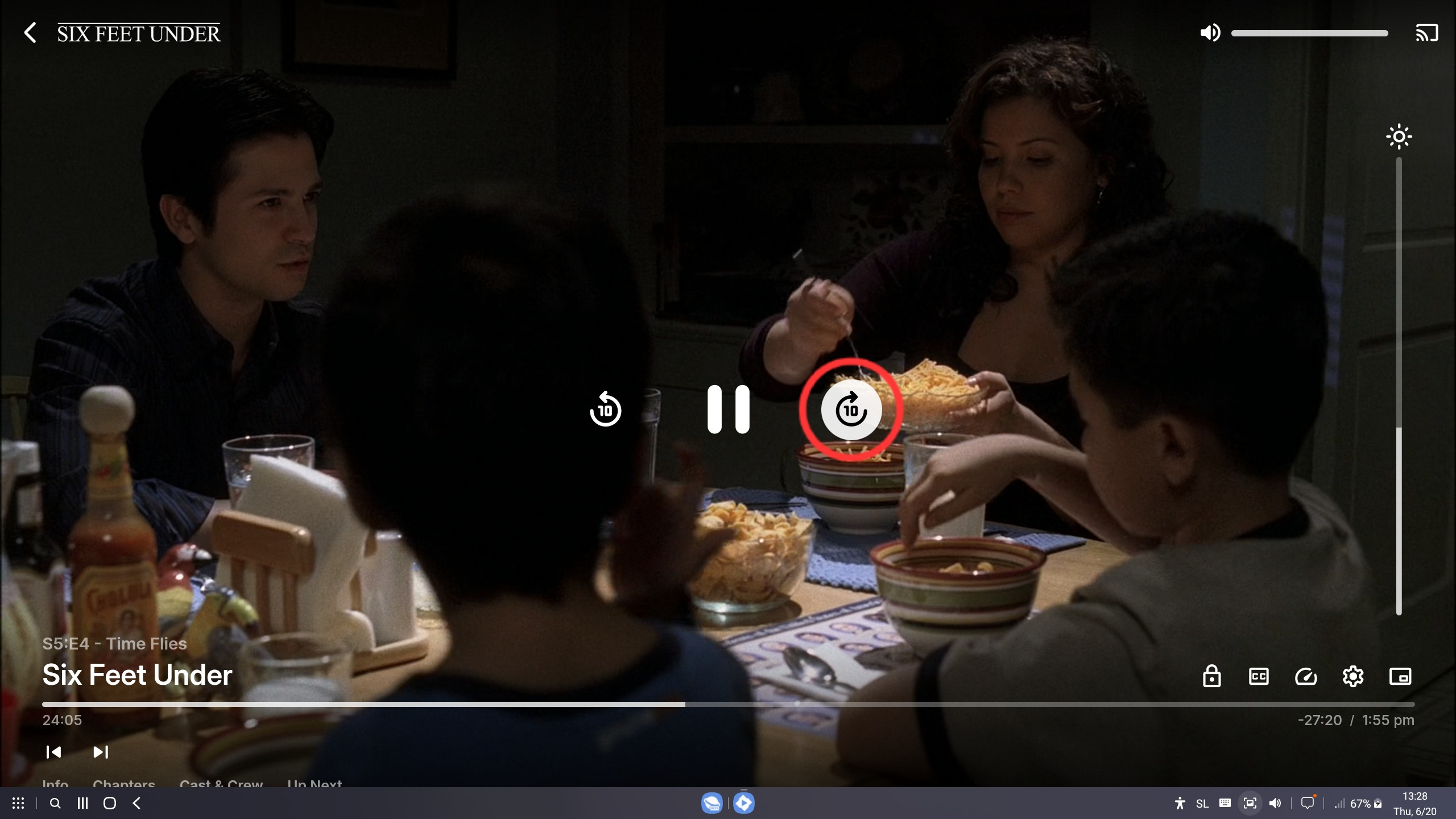
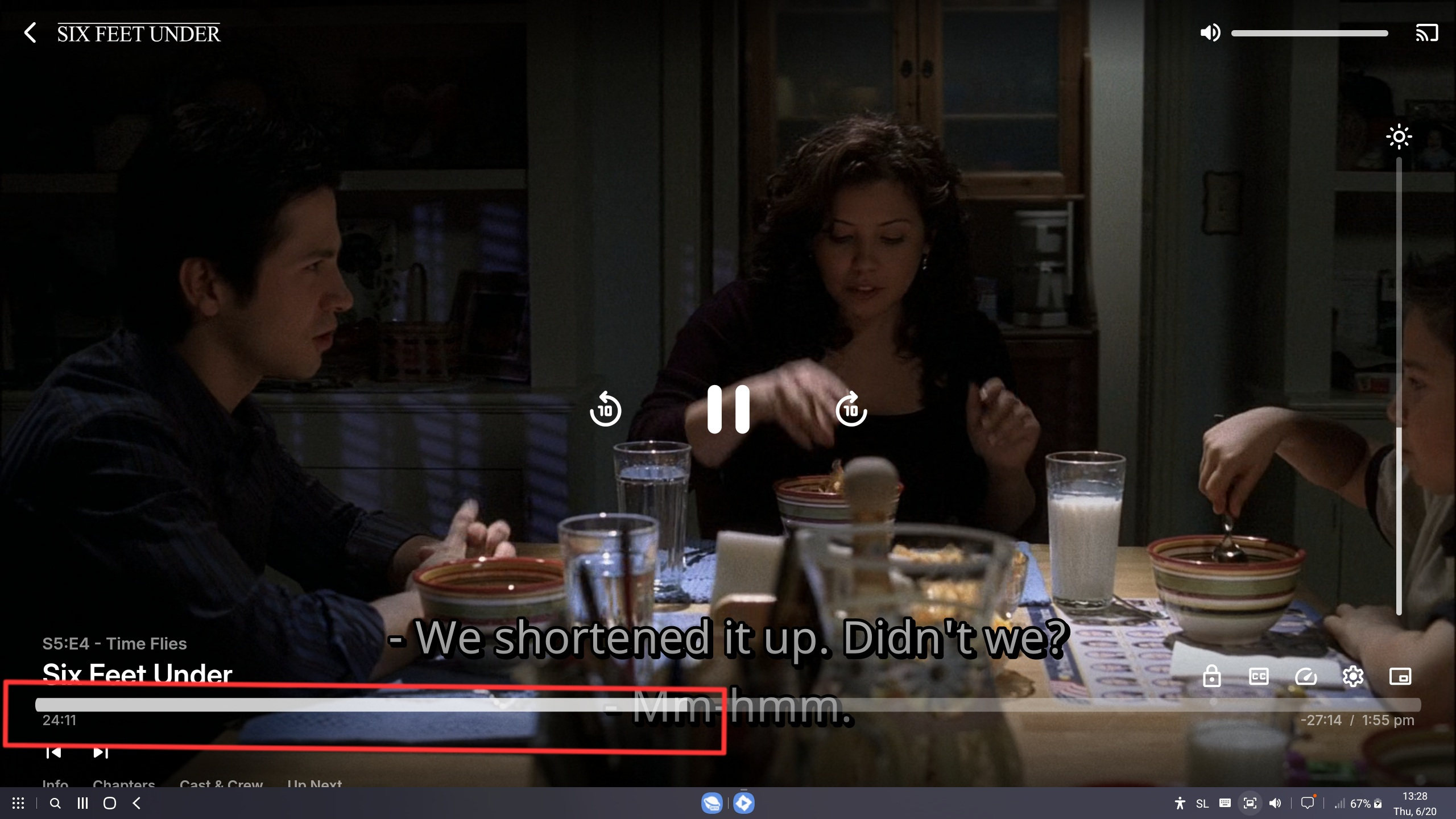
It's better. Now when I play on Emby, it's nicely focused, so the "space" button pauses and plays, and the left and right arrows skip 10 seconds. That is great. Up and down arrows then make it go out of focus, and then it stops working. See pictures. It only works when the playback timeline is focused. Maybe if the up and down arrows were used for volume (instead of making it out of focus) or brightness (brightness is pointless on DEX because you are on a different display and you can't change the brightness on a different display).
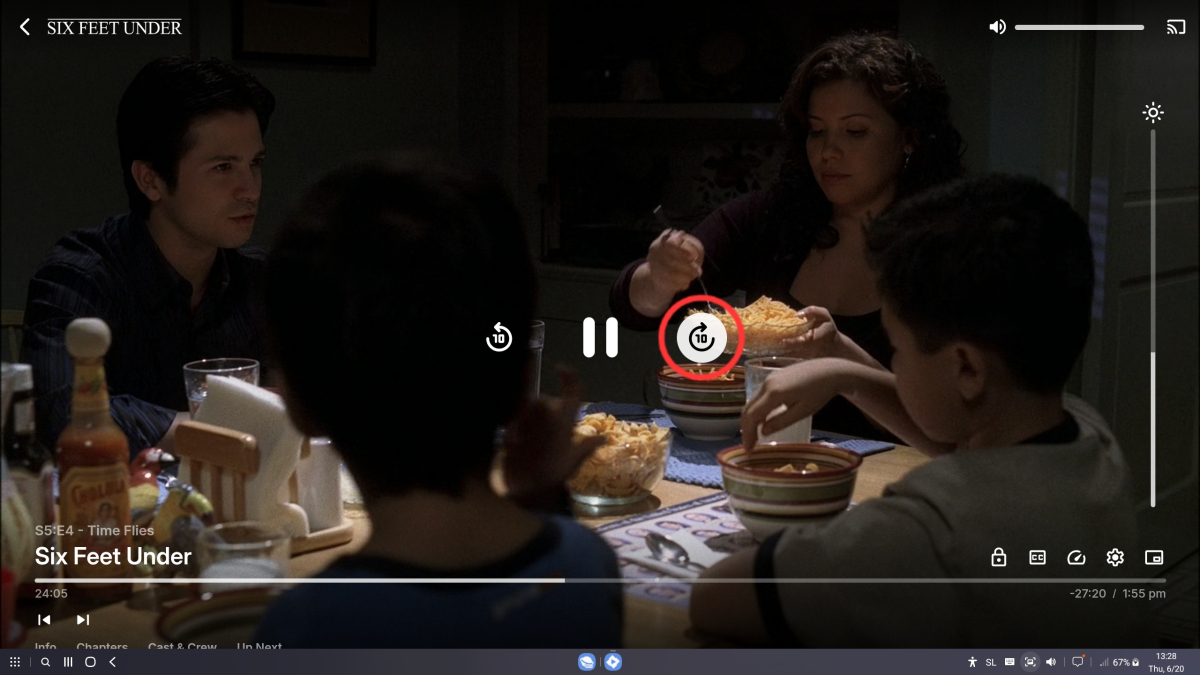
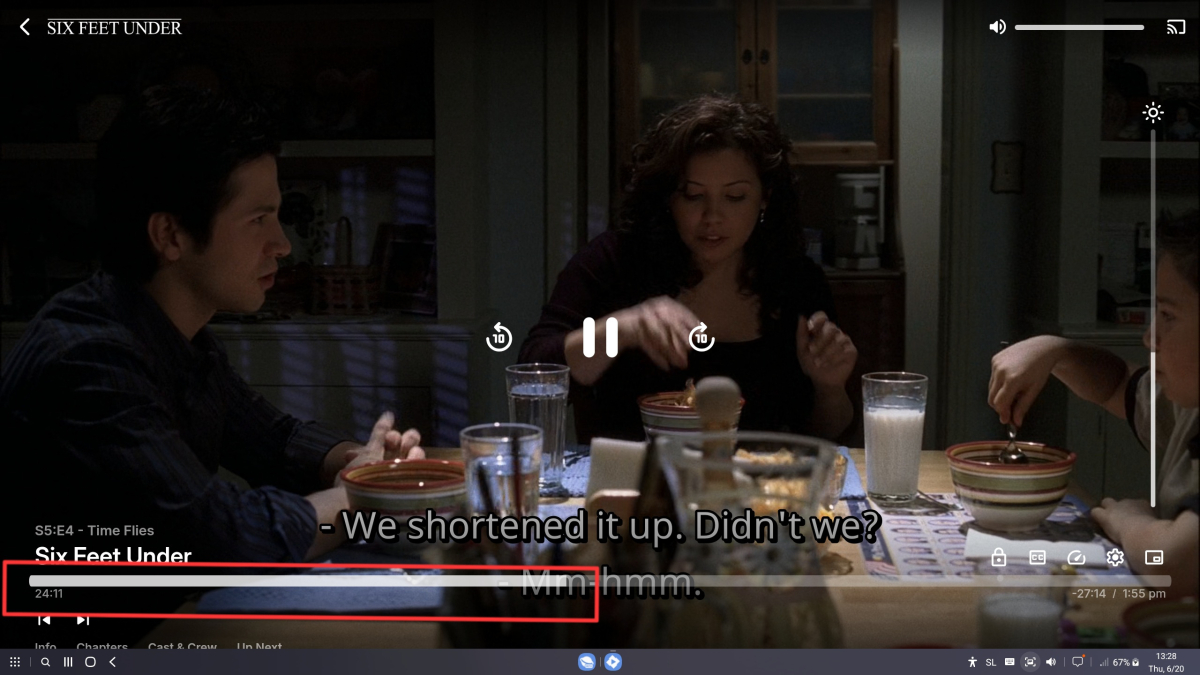 1 point
 -
For those interested, I've tested this at work this morning and the 30 second delay/time-out happens there as well, so it seems to be WiFi connections in general that are affected, not just being on the home network.1 point
-
@Luke @Happy2Play - Just took some time to dig through that thread. DNS resolution was all well, and time was all synced/correct. Then I found the reply suggesting clearing certs in the /volume1/@apphome/EmbyServer/.dotnet/corefx/cryptography/x509stores/ca/ path. I stopped Emby via Synology's Package Center, moved the certs to a different location, and then started the server again. Happy to report that missing collection images were there upon checking, without having to refresh metadata/etc. One thing I'd like to note is that images for the movies themselves weren't having any issues downloading, only the collection images weren't loading. For example, I added all of my ripped Terminator movies at once and performed a library sync... all of the individual movie images loaded fine, but the collection images didn't load. Here are the .pfx files that were in that directory. -rw------- 1 emby emby 1.4K Aug 8 2021 48504E974C0DAC5B5CD476C8202274B24C8C7172.pfx -rw------- 1 emby emby 1.5K Jun 7 17:13 696DB3AF0DFFC17E65C6A20D925C5A7BD24DEC7E.pfx -rw------- 1 emby emby 2.0K Feb 19 2022 C81A8BD1F9CF6D84C525F378CA1D3F8C30770E34.pfx1 point
-
Ah, bummer!1 point
-
It was DNS on OMV interface once I set it to 1.1.1.1 and restarted Emby server fixed. Thank you all for your help ! Joseph1 point
-
After reading down to the bottom it seems that tablo looked down their api and it's no longer working.1 point
-
Channels DVR might be your friend again! I don't have a Tablo, but here's a link that might help you. https://community.getchannels.com/t/beta-support-for-tablo-tuners-gen-3/338461 point
-
So if Tablo encrypts the stream, how's Emby supposed to decrypt it?1 point
-
I suppose asking on their forums would be a good way.1 point
-
Hi, Please try this version and confirm that it's still behaving: emby-android-google-arm64-v8a-release.zip Thanks.1 point
-
1 point
-
1 point
-
Ah, Actors can no longer be added to collections at all with Version 4.9.0.25 beta. I noticed 404 not found error for apiclient.js?v=4.9.0.25 in function getFetchPromise(instance, request, signal) Did someone change this function or are actors dbase variables out of range after a code update?1 point
-
you want to use the sql like matcher, it uses wild card % where itemname like 'show name%'1 point
-
Moin. Scheinbar ist das Problem durch das Update auf emby-server-deb_4.9.0.22_amd64.deb behoben. Es hatte danach ein paar Tage gedauert, bis die Filme da waren. Der Fix kam zwischen 4.9.0.16 und 4.9.0.22.1 point
-
Uninstall Imdb Helper for now - I will look at that when I have time, install this one called "JustPeople", and reboot your emby process. You can use this one for now - its never been published anywhere - I rebuilt it (recompiled it) today to make sure its the newest version I have. It doesnt access imdb , tmdb or tvmaze at all - it accesses my own person api server, so if it doesnt fill anything in then it probably doest have it. My Personal server people db is pretty large with over 100,000 people. JustPeople.zip
 1 point
 -
Hi, what happens when you switch networks is that current network requests may time out and fail. It's waiting for this that causes the delay. After that, the network switch to the new address is usually very fast. This is something that we are constantly working on improving.1 point
-
@Lukeif time allows, this could be a paid add on with a monthly or yearly fee?1 point
-
Sorry for posting in such an old thread, but I didn't want to make a new thread for the exact same request. An Android Emby Widget for audio (audio books, music, podcasts, etc) would be so awesome! Just a simple 3x1 widget with a play button and maybe a rewind button would be enough for me. Are there still plans to implement this? I use Emby for all of my media now except for podcasts only because my podcast player has a widget. I want to use Emby for everything!1 point
-
It seemed like an easy/fast fix to access the director collection in an easier way, kind of replacing the missing link. But I agree that the option 2 would be nicer !0 points
-
Hey there, I’m back to propose alternatives ! 1. I saw that, on the Web App, the director is present as a clickable link next to the film, and as a ’’card’’ at the very end of the cast/crew section. On the TV app, there is no link, but it’s still present at the end of the cast/crew section. Would it be possible to put it in the first place so that it would be easily clickable ? 2. What about adding a section ’’more of this director’’ before or after the ’’More like this’’ section ? Bonus: Also, about the ordering of the films when we click on the director, I think it would be nice if that was chronological. Thanks in advance for the discussion, Cheers, Takit Edit: I wanted to change the title of the topic to something like ’’director collection’’ but I can’t edit my first post anymore.0 points


















.png.e96e1d985b8c4cfb8996c88934d630f2.png)