Leaderboard




Popular Content
Showing content with the highest reputation on 05/26/24 in all areas
-
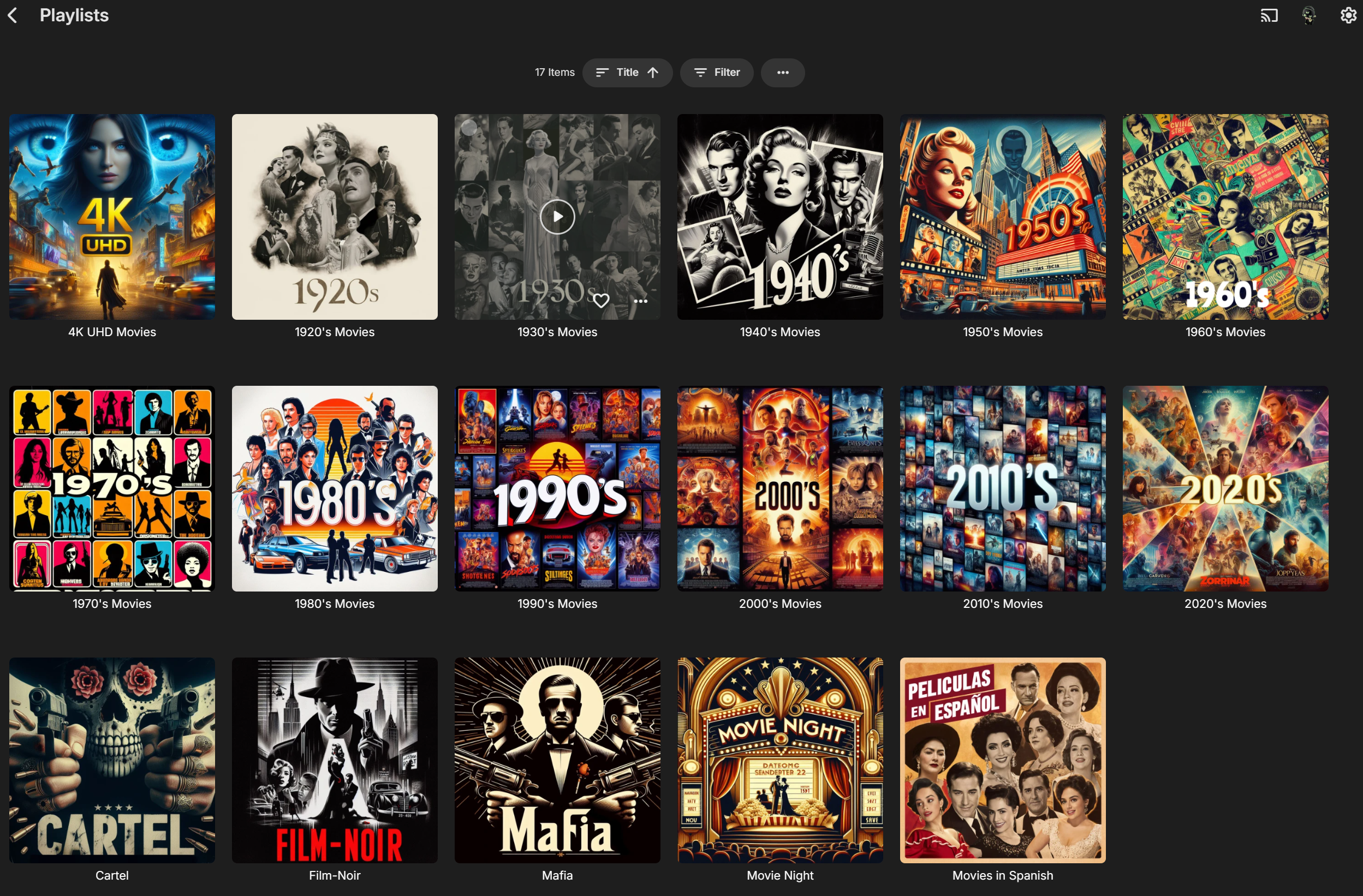
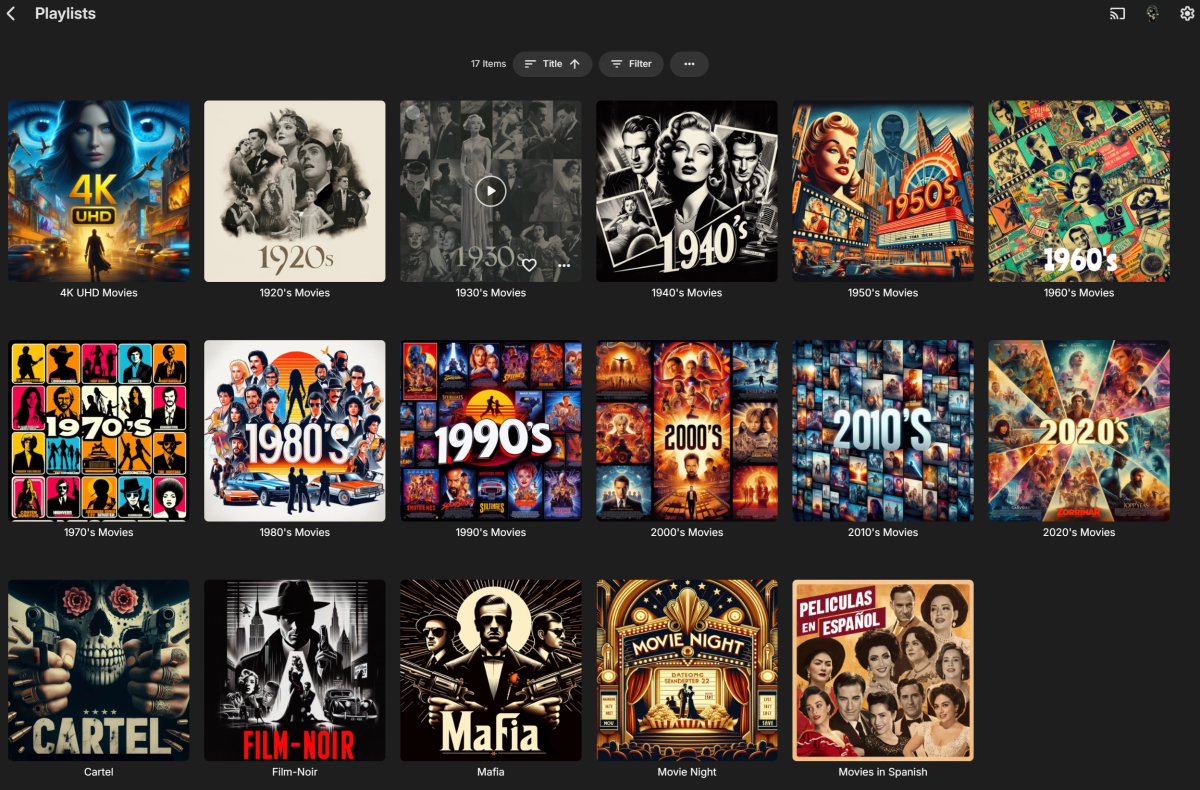
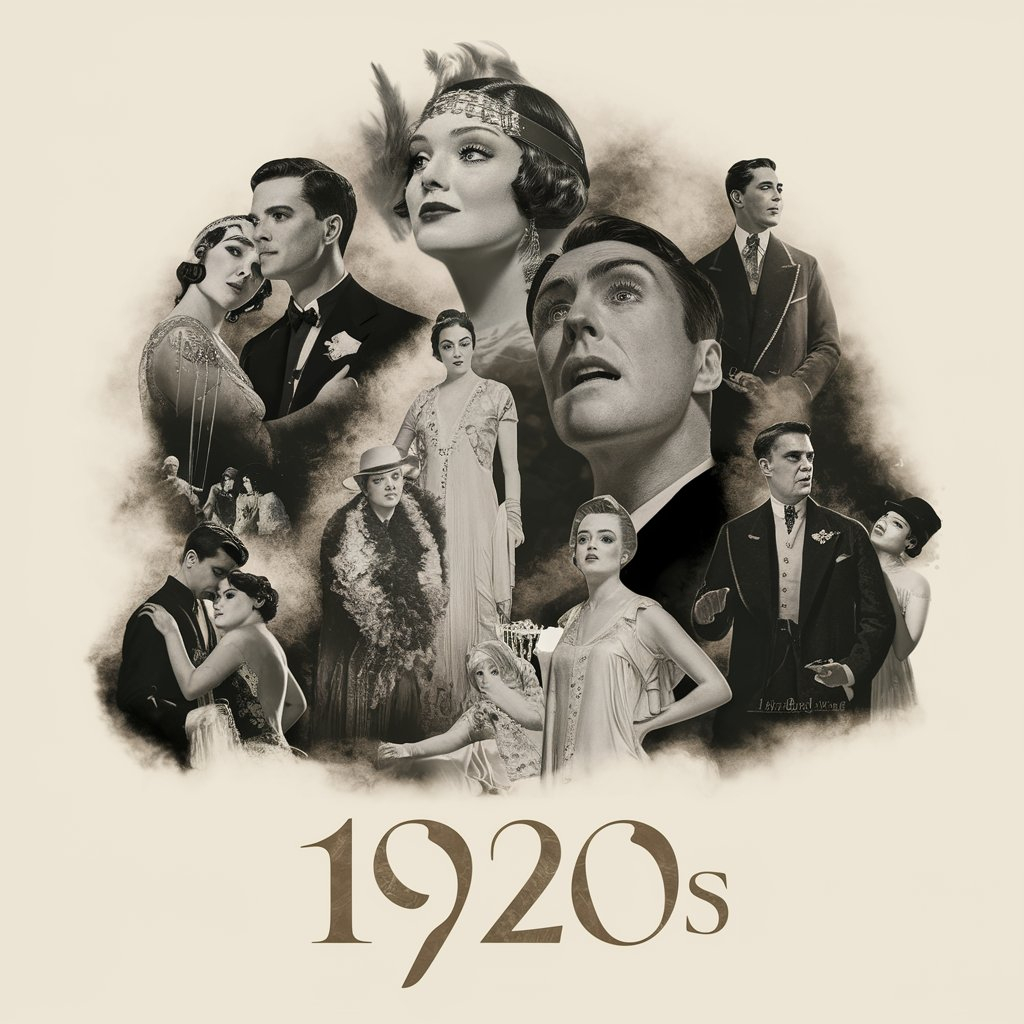
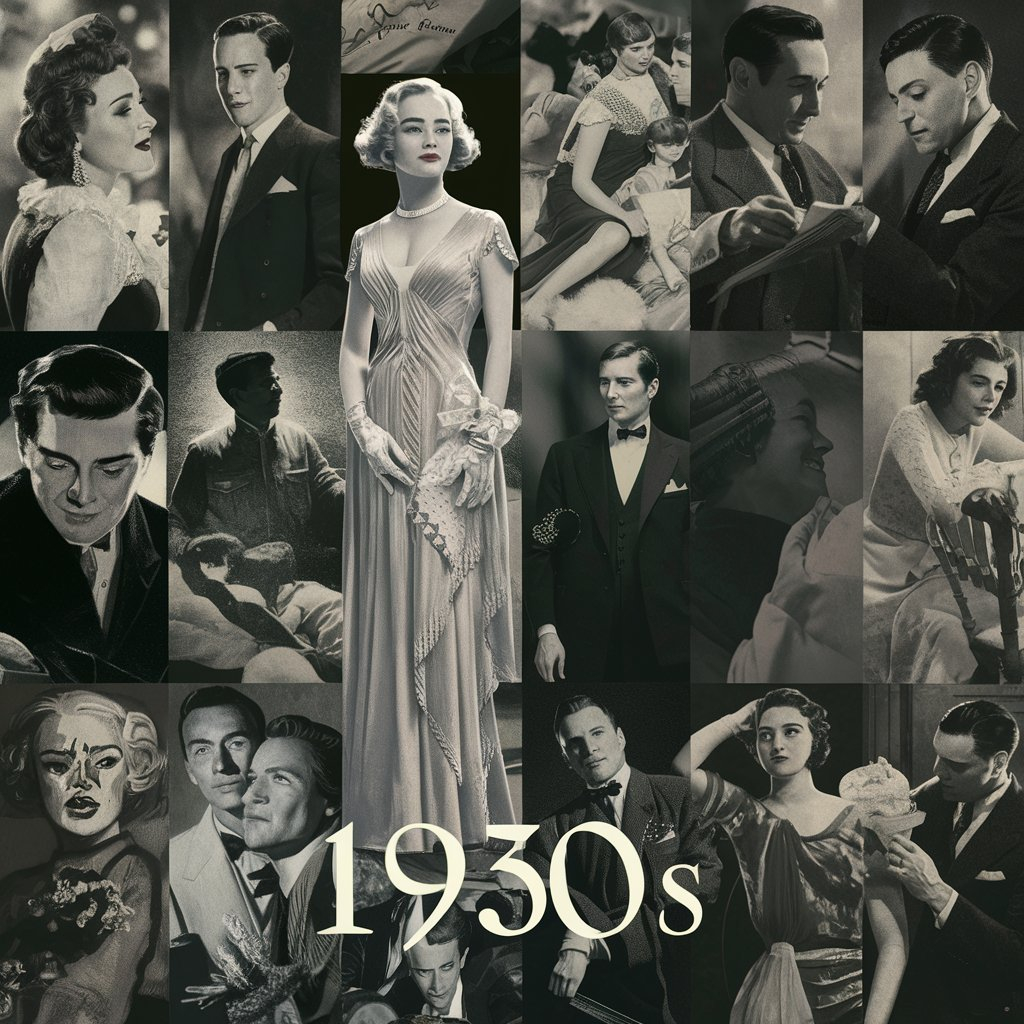
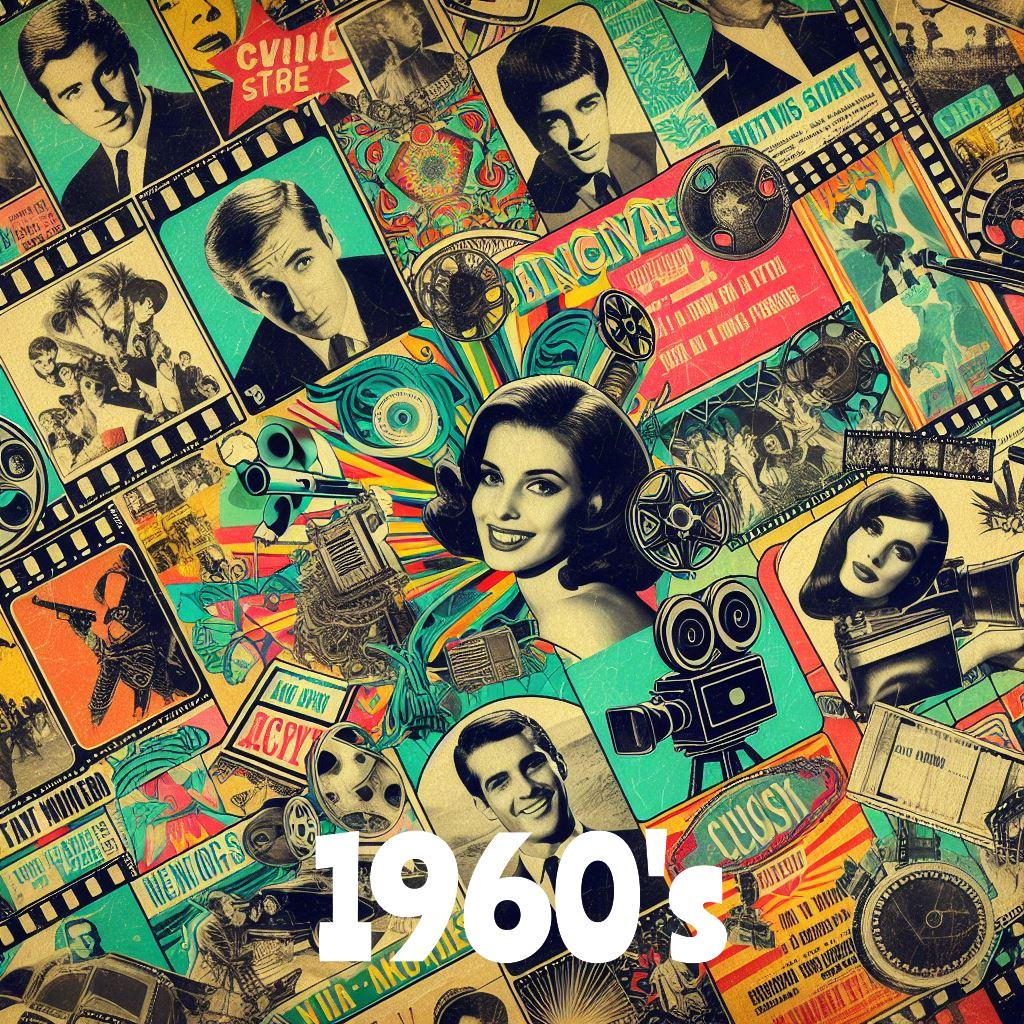
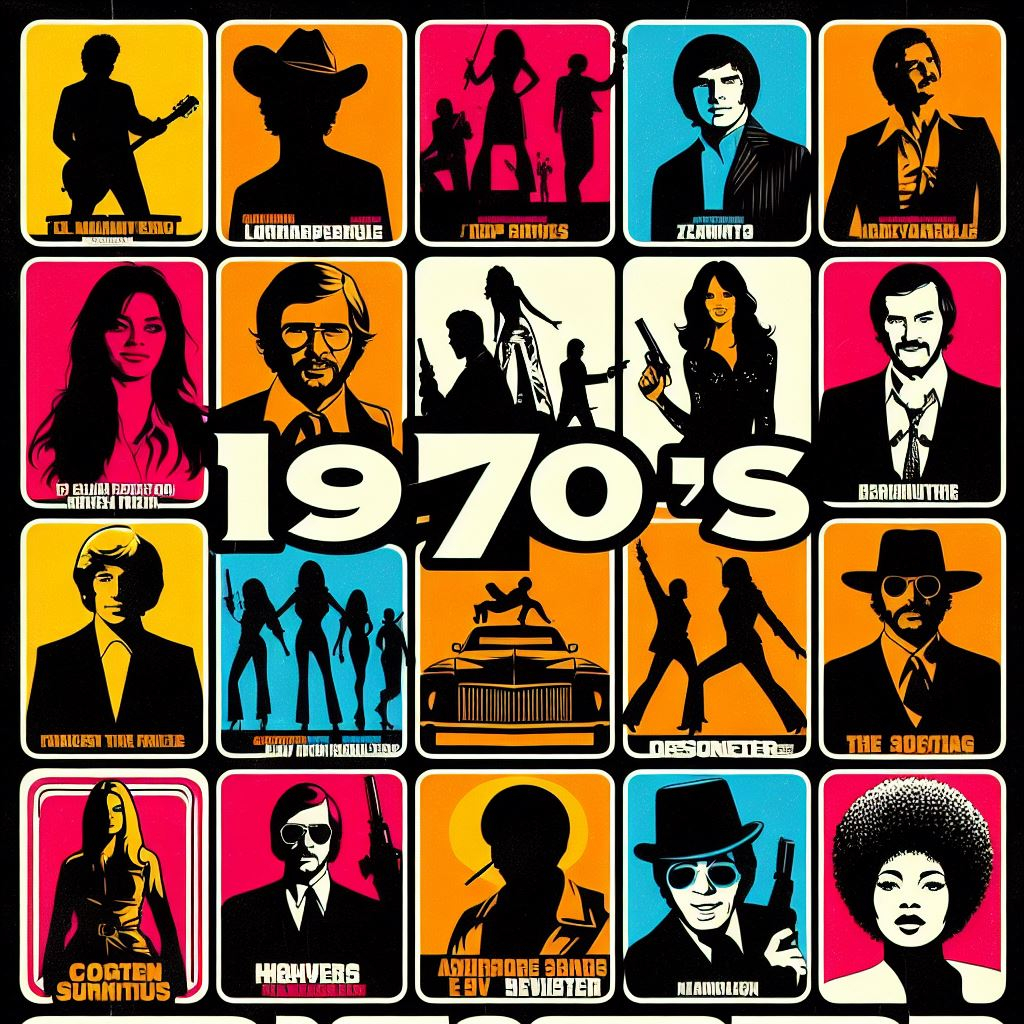
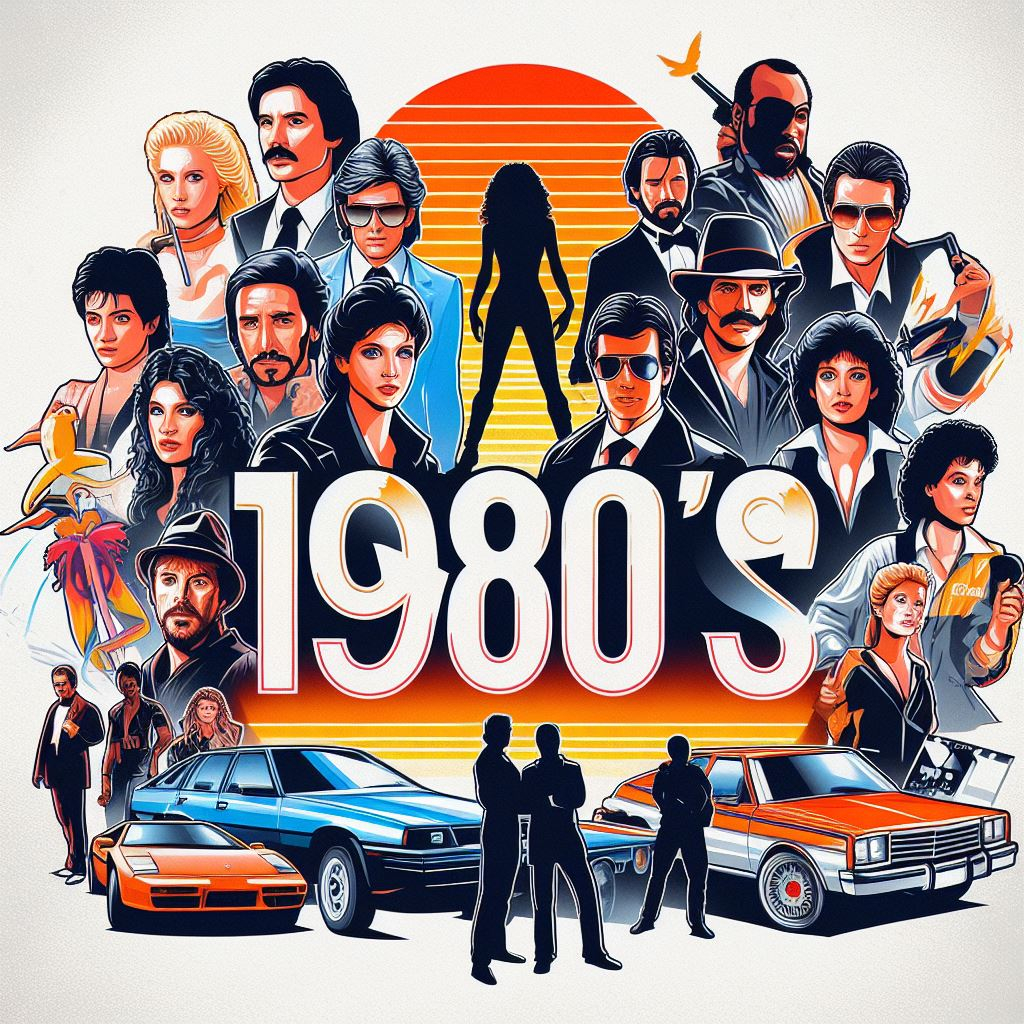
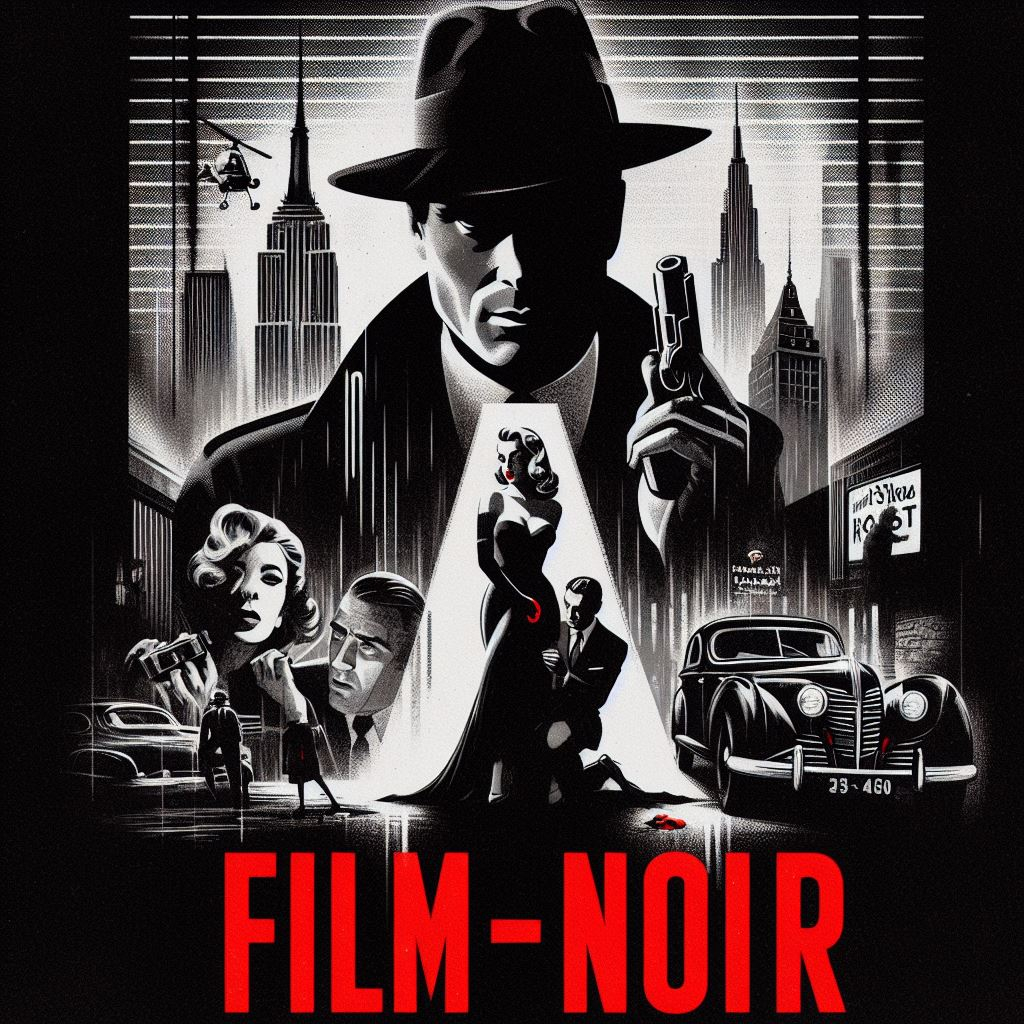
Just started fooling around with Microsoft CoPilot Image Creator because I wanted some icons for my playlists (hated how the generated default square image distorted 2:3 posters). It isn't perfect but it's pretty freakin' awesome IMHO. By default it creates square icons which is exactly what I wanted anyway, not sure if you can change that. The only thing it has problems with is generating text inside of the images it creates. So if you don't want/need text it's super easy. If you want text it might take some extra time/tries. (Separate 7z file with 1024 x 1024, 96 ppi images attached) Decades Playlist Thumbs Square.7z



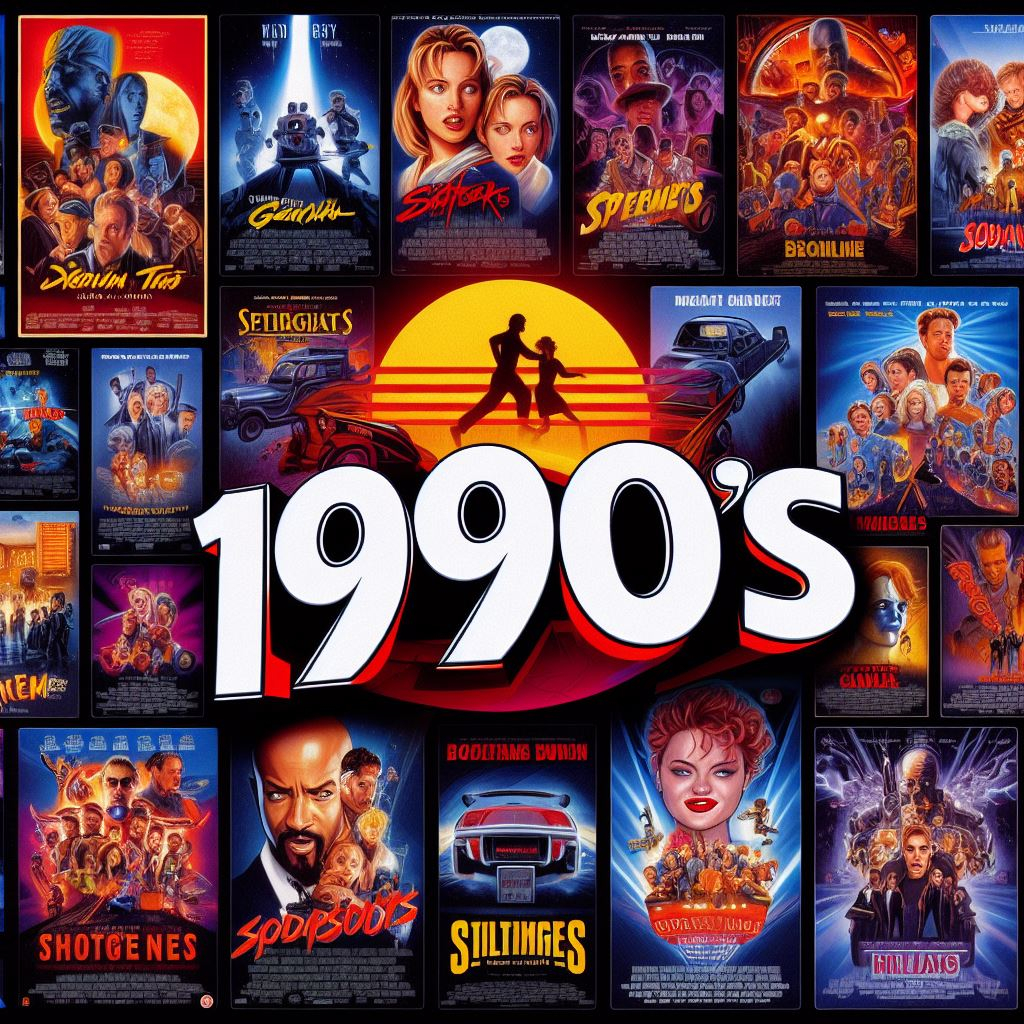
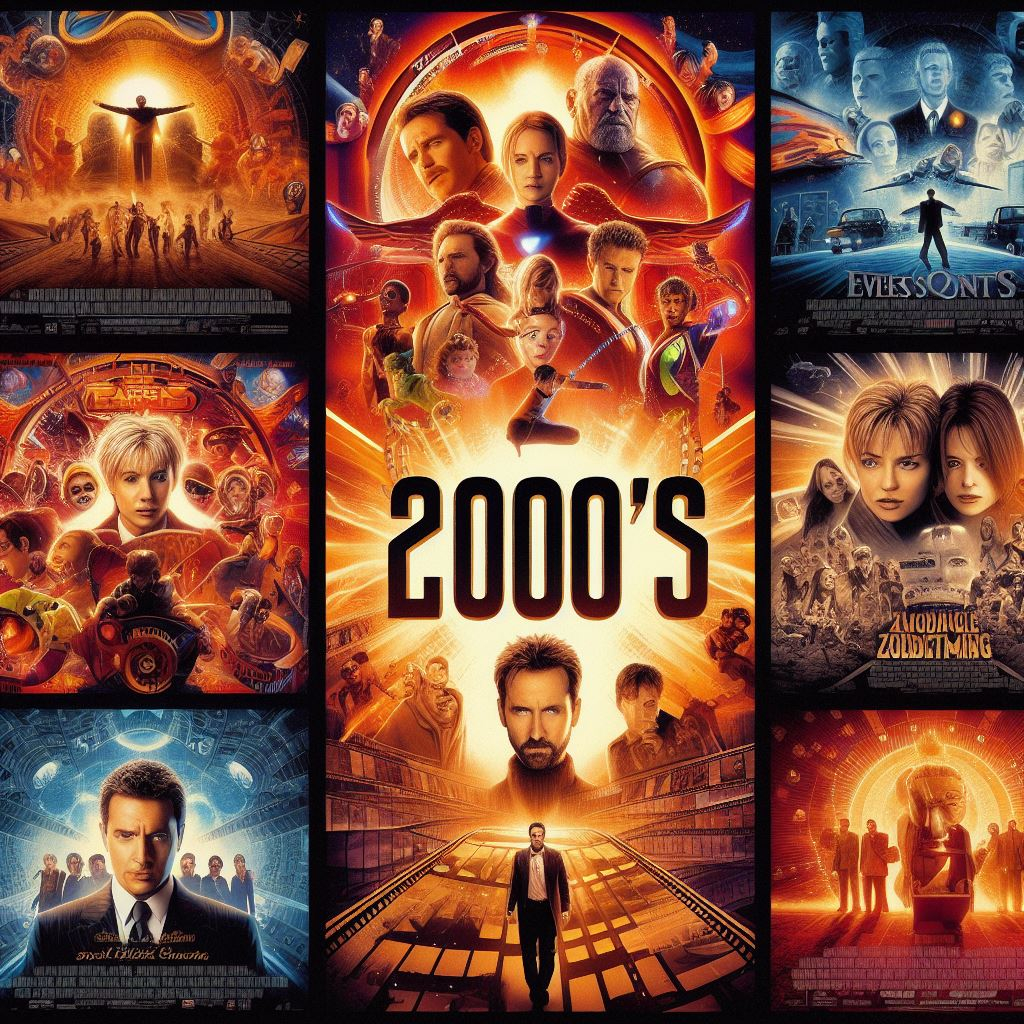
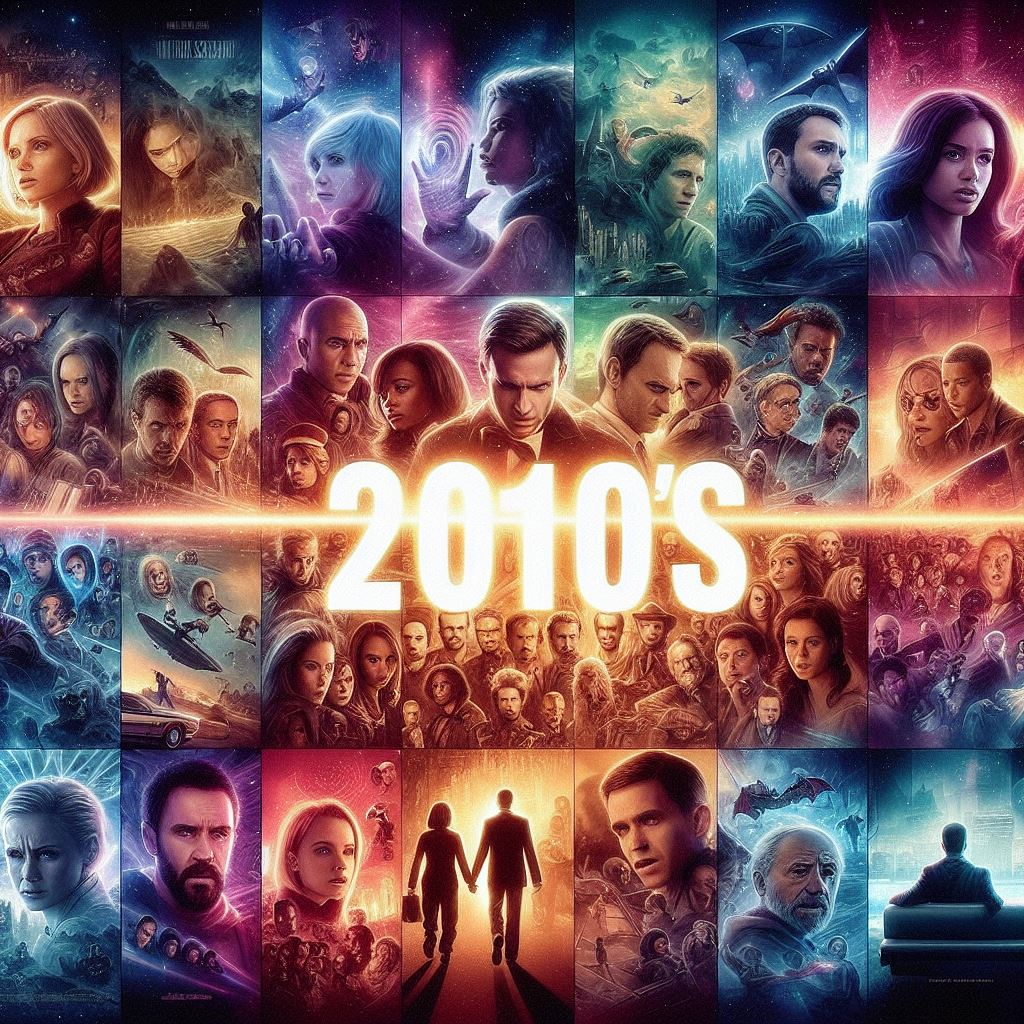
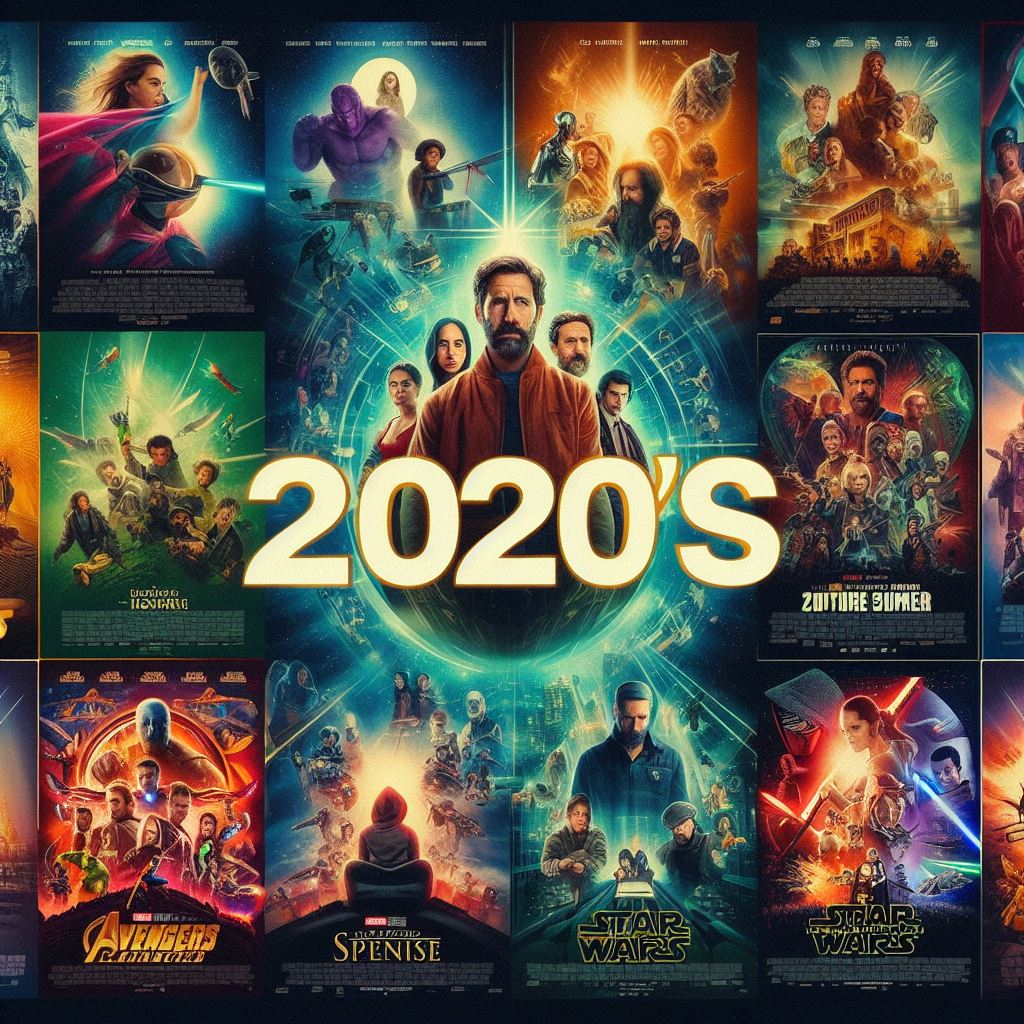




 2 points
 -
Update: I made sure all my metadata options were selected and was able to refresh the metadata and get my library identified. I will check periodically and if they get deselected again I will drop my latest log to hopefully get a resolution. But for now its looking like its working.2 points
-
I had a similar problem... after a thorough look into inotify setup/responses and found that it was OK, I figured out that if the server runs into a file permissions issue (more or less anywhere that is being real time monitored) it gives up, makes a file access error log entry, and requires a manual scan to find updates in the file structure. Once the file permissions error was corrected it went back to normal operation. Be sure that your libraries' directory structures are owned by the user 'emby', or at least has adequate permissions to read and write in all libraries' folders. For example, when I did a Synology based backup and restore onto a larger HDD, the highest container folder was owned by root, even though the individual library folders were owned by emby, the RTM would not work. Once I fixed the permissions it was all good. /volume1/EmbyMedia (owned by root after restore) /volume1/EmbyMedia/Library 1 (owned by emby) /volume1/EmbyMedia/Library 2 (owned by emby) ... etc. Changing the owner of '/volume1/EmbyMedia' back to emby fixed the RTM.2 points
-
Just switched from emby for Android TV to emby for Android (standard). Using the 2019 Shield Pro. On the ATV version I can press and hold on the center button to bring up stats for nerds during playback but on the standard emby for Android this doesn't work. Is there another shortcut to do this or is the shortcut not built into the standard Android version. Thx2 points
-
This is exactly what is happening for me also when pressing the fast-forward or rewind buttons. One press works fine but you have to wait for the OSD to disappear before you can press it a second time. This is a pretty recent change as I've been skipping forward for a long time like this with no issue and no change to my setup. Just recently started acting this way....2 points
-
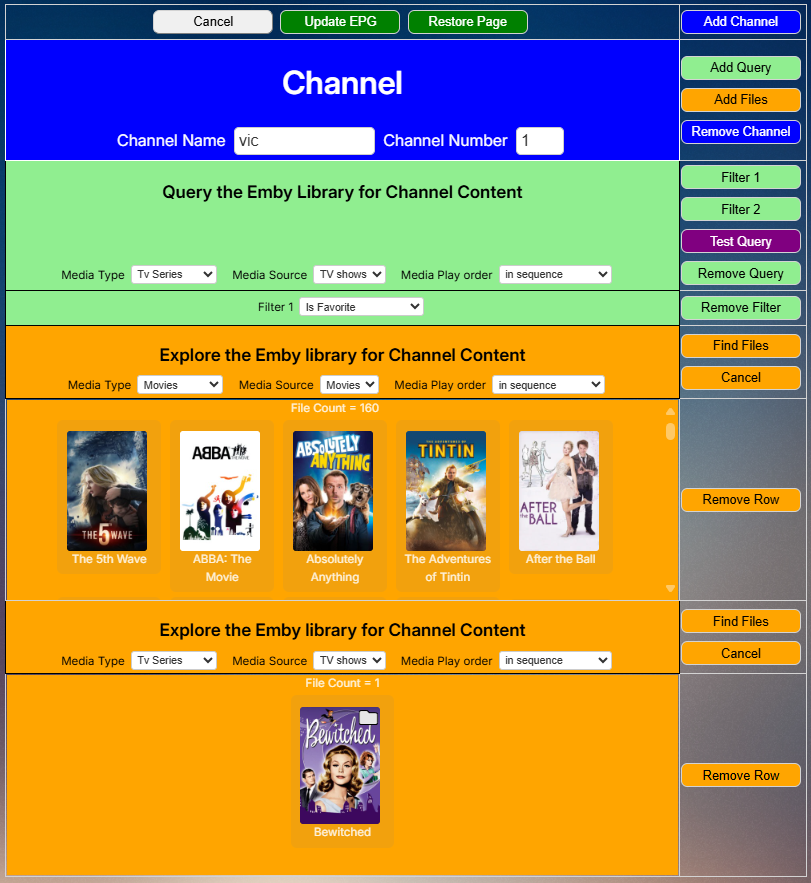
Everyone, the programming for the new GUI is finished. @TZTZoroand I are now debugging it. We will post the code soon. vic
 2 points
 -
So, usually this place is filled with the series/season thumb or an fanart pic. I guess that's okay, no spoilers and all, but it gets boring real quick and to me it would make much more sense to have the episode thumb/screenshot there (maybe with the series logo added somehow). The only way to get it that way, is by deleting thumbs and fanart completely, but the latter are used on different places too, so I want to keep them. How about an option to use ep-thumbs for "continue" and "next up"?1 point
-
These images were inspired from many of the Libary images posted by members. These were made by 1 of my Sons.





 1 point
 -
Hello all, Here of late, I have found myself with an abundance of free time on my hands, and up to now I've been selfishly spending that time almost exclusively playing video games, but even that has grown tiresome so I started thinking of other ways I could occupy myself and the idea hit me one day while digging through old files on my computer, when I found a small collection of Icons I started developing years ago, but I never released publicly because of reasons not worth getting into, that I might like to revive the old project. Then I thought about all the people in this community that have managed to keep my old projects alive, and wondered if after all this time, would there be any interest in a new style being developed? I haven't used any kind of media manager (including emby) for a very long time so I don't really know what sort of styling is being used these days and if my old design would even fit in to the modern UI. So that's where you come in, because I'd like to know if there would be any desire for a new set such as these, and if I were to pick up where I had left off building up this collection, will you guys even use them? Here is a link to download the set so far, for you to play around with to determine if this something you'd enjoy and like to see more of. If you do load these up into emby, please share a screen shot so I too can see how they look in the modern UI! My vision for this new collection is to use the highest quality images possible when creating the new disc's, and to try to not use true disc labels that are covered in badges and unwanted clutter. So these won't be an accurate representation of the disc's in your IRL collections but instead a more aesthetic representation of what I think they should look like. That's about all I have to say on the matter, so go try them out, see how they feel, and then come back and tell me all about it!
 1 point
 -
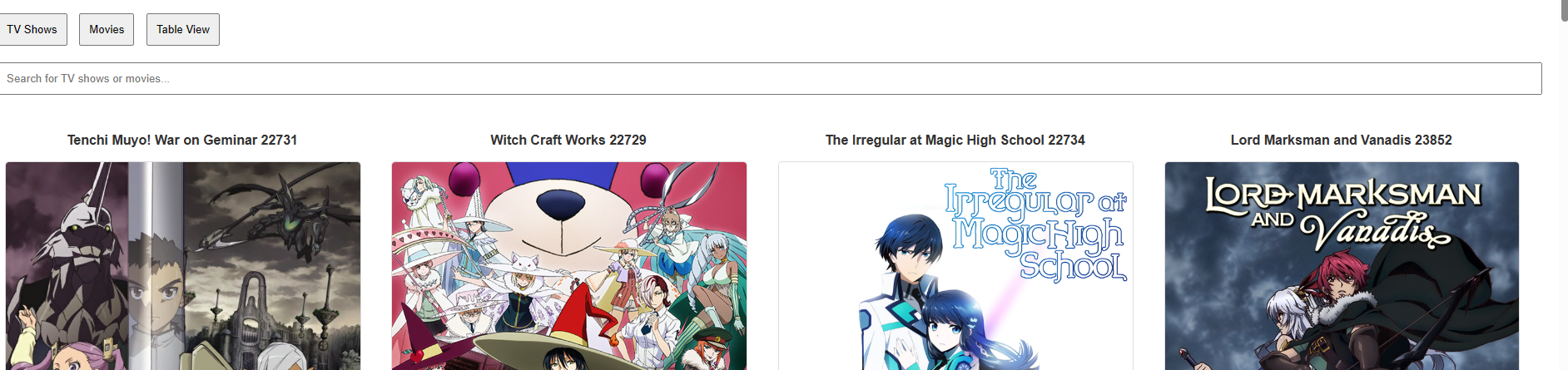
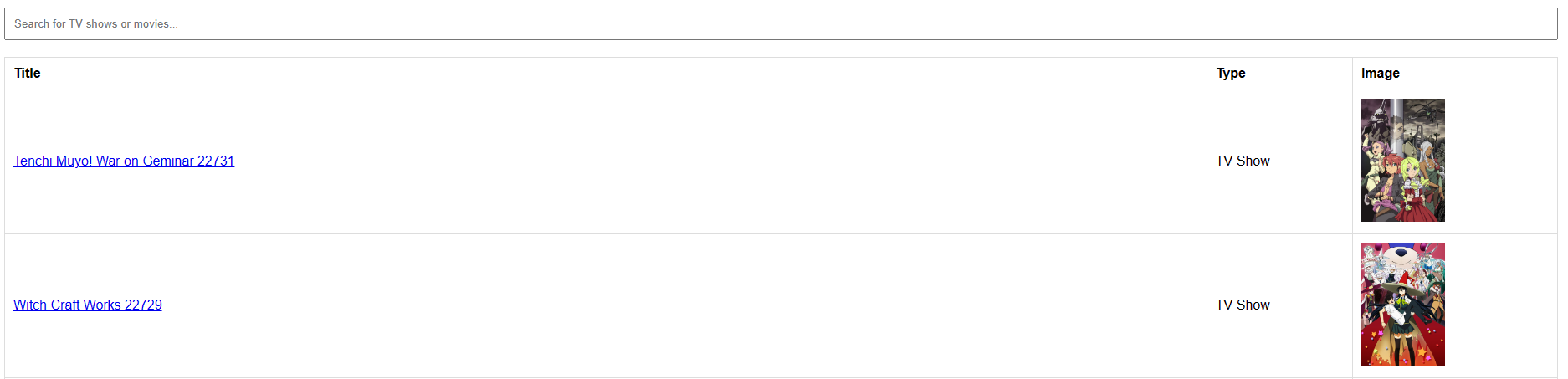
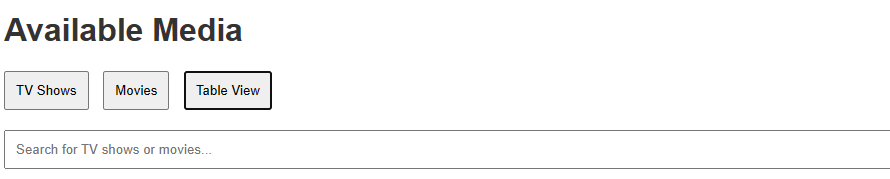
This little script creates an overview of all TV Shows and Movies in your Emby installation. This was a playground script while testing the emby API. It creates a small html file with all shows and movies It includes a search bar and you can switch between Table View (Shows all in an organized table), TV Shows only and Movies only. It also downloads the primary picture of all shows if available into the folder img. Shows can be clicked, and it will redirect you automatically to your emby with the shows overview. Shows Only and Movies only look like this: Table View looks like this: In the header of the script you can define The serverid can be obtained in emby. Visit your emby click any show or movie and look at the URL it looks like this webview.sh
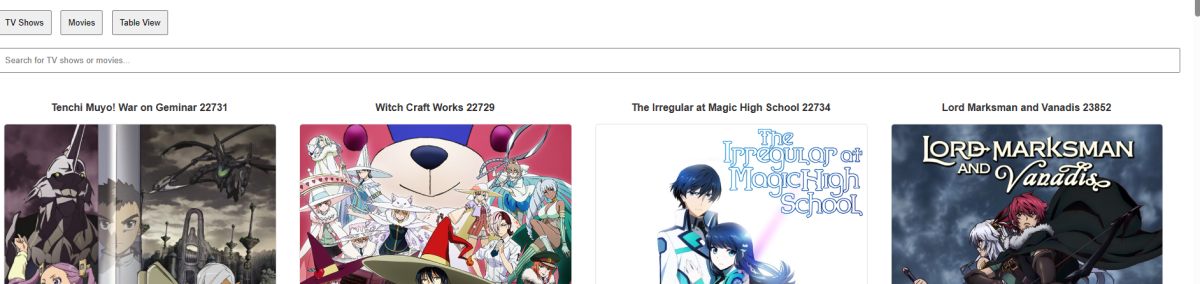
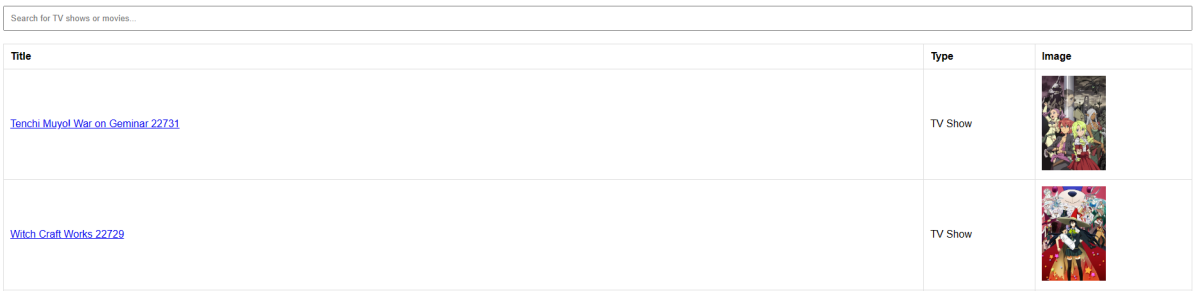 1 point
 -
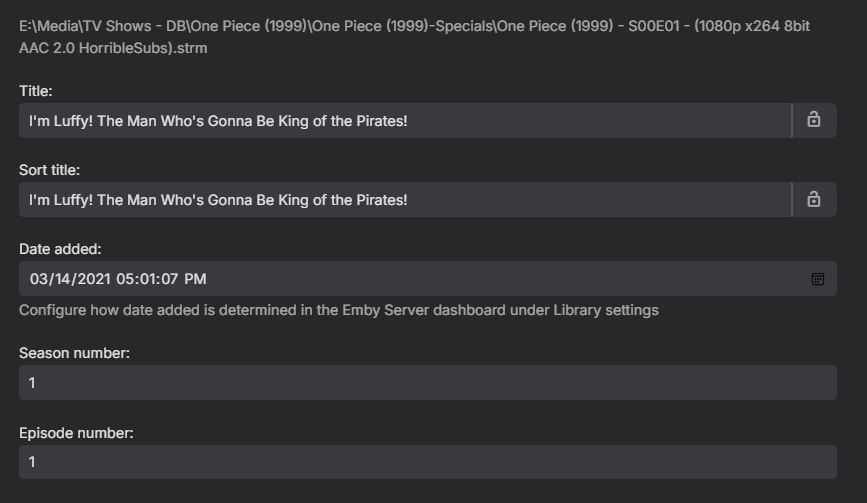
Testing specials does not work and ignores S00Exx and readd Exx and multi-versions, as per provider metadata there is no S00. So Absolute will not add Specials correctly if they are number order. Looks okay here But those 53 as duplicates of the first 53 episodes. requiring manual edit on every special. But have not run into a scenario that episodes are not identified with metadata.
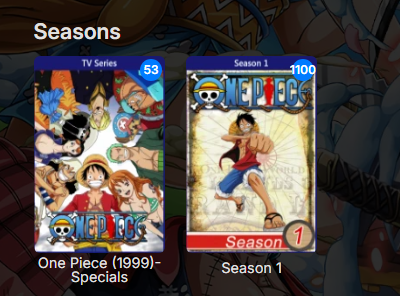
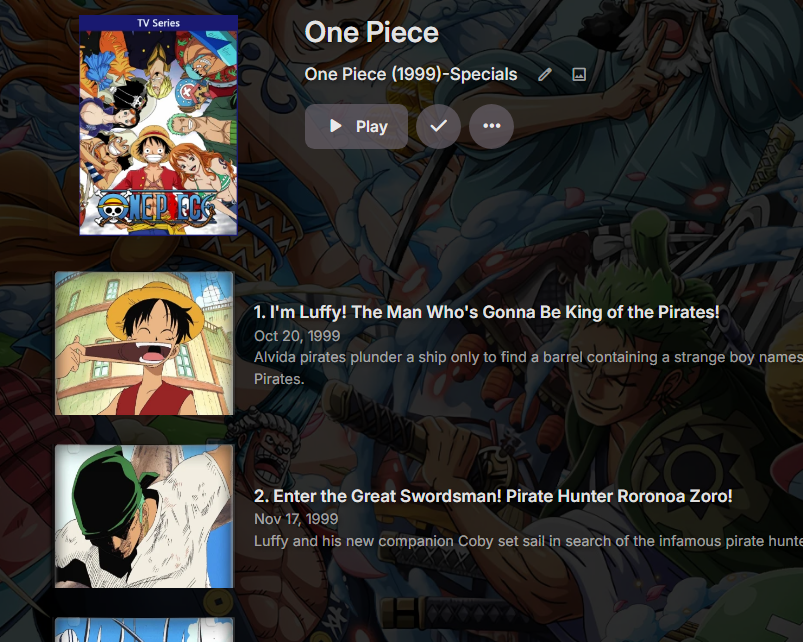
 1 point
 -
Hi, we're looking into this. Thanks.1 point
-
I'll revert my changes and try to let the metadata collection work over night. Tomorrow I'll post pictures and whatever else you wish on how it looks in my emby gui. Thanks for your help!1 point
-
Thank you so much, appreciate your efforts extending the life of this skin!1 point
-
For Kodi Omega skin.embuary2k-matrix.teddyknuddel.zip skin.embuary4k-matrix.teddyknuddel.zip1 point
-
No, you can run the script all by itself without restarting if you're logged on with admin rights. That's the only thing I can think of why it didn't work until the restart for waqar123. Of course, when you restart the system is running the script which is why it works then. Just looking at the guide really quick I don't see where I specified which privileges you needed though.1 point
-
Unless a timing issue as it does take a while to update 1100+ files I have yet to reproduce an issue here. But have not tested most of the experiments above as they are incorrect as Emby must have a parent folder for every show/series. So any of these should provide broken results as this is technically three separate shows/series. Unless the parser by chance eliminates all trailing info and only uses One Piece (1999) but that is/should be hit and miss. But will require the library merge folders option. [Upper directories] \ Animes \ One Piece (1999)- First Part \ Some files [Upper directories] \ Animes \ One Piece (1999)- Second Part \ Some files [Upper directories] \ Animes \ One Piece (1999)- specials \ Some files1 point
-
Not sure if related but closing each edit consoles shows this stacking with each new item edit.
 1 point
 -
I have see what you are describing and just wasn't sure how to reproduce until now but can reproduce it via Metadata Manager. Have not been able to reproduce outside of Metadata Manager. @Luke Note 4.9.0.22 does the same.1 point
-
So, I have absolutely no idea what caused that and how it got fixed but it did. I was struggling with it from the very morning - all metadata was replaced with every scan. I am curating all my media manually and I don't have any of the -arr programs but @Luke's suggestion got me thinking. I turned off all 25 docker containsrs I have on my Synology, turned off all background services on my PC except leaving just Emby Server and Windows Defender:) plus I uninstalled Reports and Playback Reporting plugins as they caused some issues in the past for other users. But that didn't do anything. Than around noon I begun testing on small new libraries and finally got one working correctly - the one I set up on my PC directly. I then set the library on external SSD that first I connected to my NAS and that behaved as predicted, all metadata being replaced. But with the same SSD pluged into PC all metadata were working . So at least I narrowed that to the fact that it's something with NAS. Since than I am not quite sure what helped since I went through a lot of NAS's settings toggling them on and off but my prime suspect (since timestamps were an issue) is that there was some sort of desynchronization between my Synology and PC (if that make sense and is even possible). I refreshed both time settings on both machines, run the library scan and as I saw it hung on 90% I checked the logs and saw it was refreshing metadata again. Pissed off I took my dog for a walk and after I came back the scan was over. I hit the scan again and boom... 60 seconds and scanned finished (couldn't believe it then but I scanned that again and again fir an hour now and it's all good). Then I did the scan for every other library. Initially first scan was rewriting metadata but 2nd was acting normal again. So the solution is is either 4 hour nap, walking your dog or time settings on your machines. Hope the problem is solved. embyserver.txt1 point
-
All fixed for me too. Thank you!1 point
-
We are not looking to use ABS on a tv, but improve Emby support for Audiobooks.1 point
-
Thanks Luke! Updated to 4.8.7 and removed the duplicates.1 point
-
It seems like my issue is resolved. I was messing around with all the settings; after that i restated my device. Now it seems to be picking up all the stuff i upload immediately. I guess it needed a restart after the Inotify patch. Thank you everyone for helping out.1 point
-
You can also just sign up for the beta app releases in your Google account.1 point
-
Small update... I found I didn't have to update the tag for this behaviour to happen, just go into a film, click +Add on genres then cancel. Go into another film, click +add on genres again and cancel and I must close the second dialogue. Repeat for an increasing number of dialogue windows. Navigating away from Metadata Manager and back again resets the 'count'.1 point
-
Sorry for the late reply friends. I finally got http/2 to work well now. It was truly my haproxy setting on my pfsense like Q-Droid mentioned. As of that hint, i tried many settings without success. But the solution was dead simple, shame on me! I just implemented a brand new self signed cert into the emby network settings to rule out any other issues, implemented the same cert into the pfsense so haproxy can use it and then set the "alpn h2,http/1.1" attribute to my emby backend within haproxy, cleared all caches, restartet all services and now everything works as expected. Setting the "alpn h2,http/1.1" attribute to the frontend is not necessary as "h2" between client and haproxy is enabled by default. I thank you all for your help and especially Q-Droid, who ultimately gave the crucial hint. Greetz Schleudi1 point
-
Your library images are really top notch. Thanks for sharing those here. Would it maybe possible to publish the project-files (Photoshop, GIMP or whatever) so that we could easily create individual ones without wasting the time of your son?1 point
-
Don't know if this topic will help or not as it has the same error.1 point
-
Hmm. I did a fresh install on a different Linux computer and could not reproduce the issue. I'll try a few more things on the install which is having problems to see if I can't figure out more about what is going on. (I'm a software engineer by profession, so debugging issues comes natural). I guess worst case is that I re-install (on my media server) and start fresh.1 point
-
I 2nd it. This is why I jumped from Plex, they focused too much on their free content streaming than the functionality. This team here is great, the fact that they reply and even willing to look into Zidoo direct support is amazing. It is the one thing that keeps Nvidia's foothold being able to use HD audio without downmixing. The Zidoo not only has SIGNIFIGANTLY better video quality, the audio seems to be better too. Not to mention Nvidia does not support HDR 10 or higher (legitimately), and Zidoo natively supports 3D...yes I can run from Emby server to Zidoo native player setting. I would happily pay for a actual APK designed to run specifically on Zidoo boxes on top of my lifetime too. It is the missing link to audiophile streaming from Emby.1 point
-
Yes, I believe the current release is 2.1.10g and it was fixed in 2.1.11 as mentioned on the linked page.1 point
-
As this isn't specifically an AndroidTV app problem I was posting about it on this thread Latest update broke Genre even more, but the thread got sidetracked. With server v4.8.7 on either the web browser or the mobile app 3 of 5 ways to shuffle/play are broken, server 4.9.0.16 improved this to 2 of 5 but there has been no improvement up to 4.9.0.22. 1: Music->Genre->Icon Context Menu->Shuffle or Play : Working 2: Music->Genre->Main Page->Shuffle or Play : Working 3: Music->Genre->Artists->Shuffle or Play : Slow playlist creation, high cpu usage during that time (fixed in 4.9.0.16+) 4: Music->Genre->Albums->Shuffle or Play : Very slow playlist creation, high cpu usage during that time (mobile app just give up) 5: Music->Genre->Songs->Shuffle or Play : Slow playlist creation, high cpu usage during that time The speed is somewhat dependant on the number of items in the genre.1 point
-
The hype is real1 point
-
Thanks you too! It works now, I used binhex-emby as far as I can recall and moved to the official emby - at the time I didn't see it. I just changed the owner of the files and it worked directly without loosing any configurations or data.1 point
-
Updated to 3.3.97 and the [Group by] option is pretty neat. "This is the way" :=) Many thanks.1 point
-
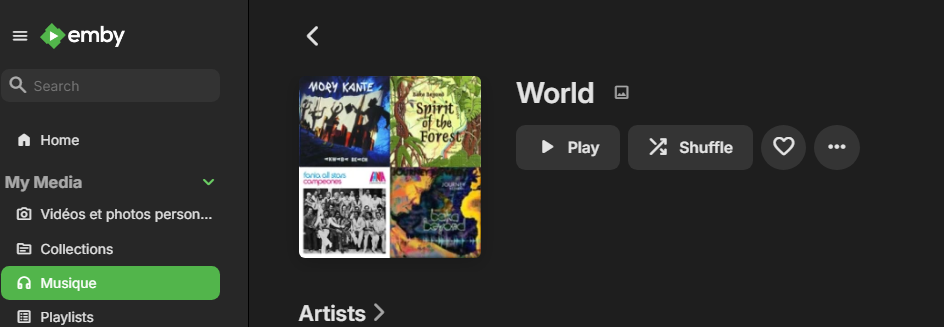
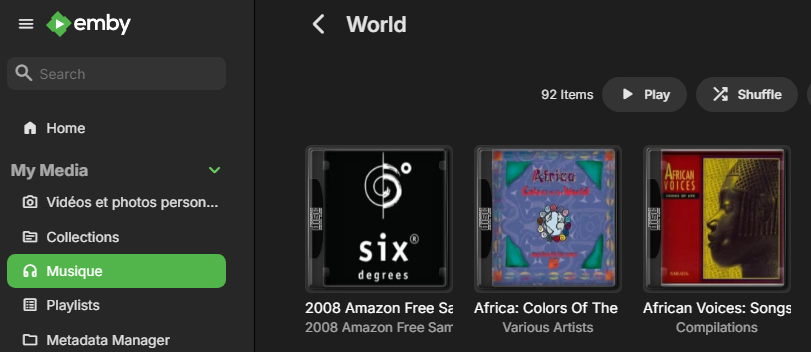
Here are the tests I performed using a web client. I'm running server 4.9.0.22 beta. 1) I selected a Genre and clicked Shuffle at the "top": a playlist got generated after a few seconds. PASSED 2) Within the Genre, I clicked Shuffle from both the Albums and Songs pages. In both instances EmbyServer consumed a third of my CPU for several minutes before a playlist got generated. FAILED I also performed a test on my Google TV Chromecast by doing a Shuffle from a Genre. It was very fast at generating a playlist and play the first song. PASSED
 1 point
 -
I just disabled it and will pay attention to see if the issue persists. Thanks for a possible fix.1 point
-
If anyone is interested in a quick way to export the channel list to be able to check for SortIndex discrepancies, I use the following Linux terminal command line to export a csv: echo "Name","Index","IndexDiff">test.csv && curl -X 'GET' 'http://localhost:8096/emby/LiveTv/Manage/Channels?api_key=your_api_key' -H 'accept: application/json' | cat | jq --raw-output '.[][] | [.Name,.SortIndexNumber] | @csv' >> test.csv Then I open it in any spreadsheet software and calculate the diff between each line's SortIndex.1 point
-
Back in business with 2.2.21! Thank you @Lukefor the quick support!1 point
-
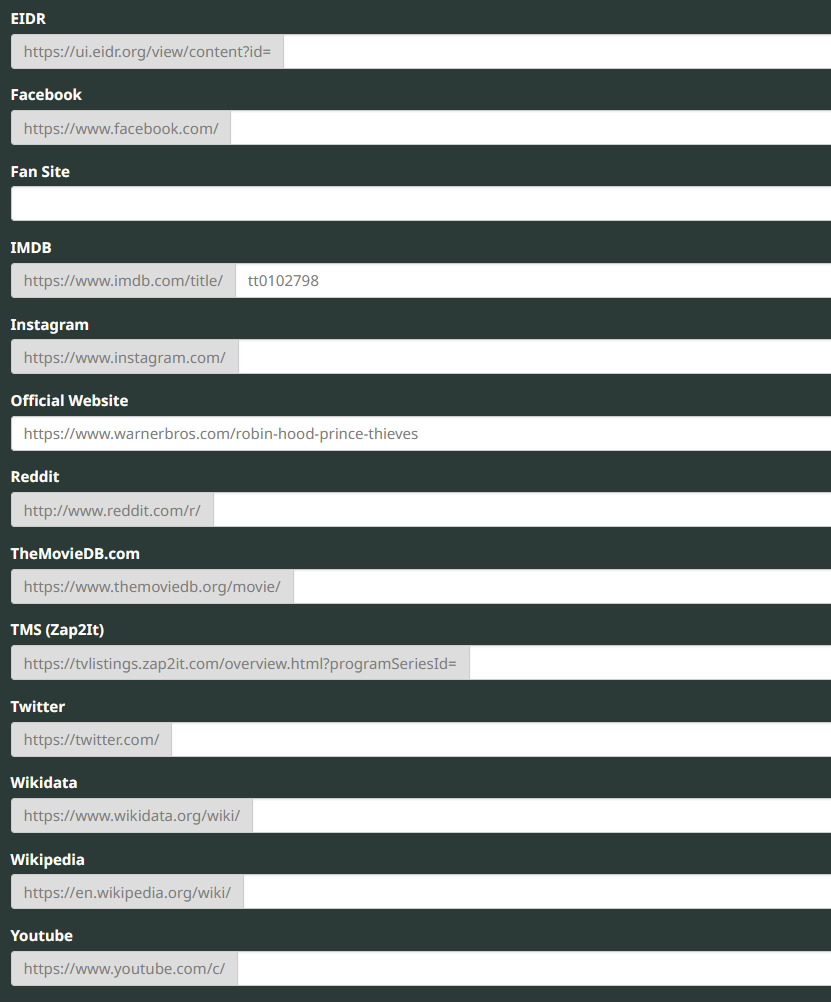
Not sure what happened with the TMDB id as it shows I was the last to edit the metadata. But as for all the rest being empty yes that is normal as it talks someone to populated it if the fields even apply. But it cannot provide wrong info if it doesn't exist, but since you have an account I would just readd the properid.1 point
-
After realizing I could create an account to adjust movie metadata thetvdb.com, I just checked https://thetvdb.com/movies/robin-hood-prince-of-thieves/edit. TheMovieDB.com external id value (along with all but imdb actually) are blank on that record. Is that normal? I don't follow how it was corrected when I can't see the values here.
 1 point
 -
The device is visible but the runtime user doesn't have access. You want to set things up so that the runtime user has access to the render devices. You're using 100 for PUID and PGID. Do these correspond to a real user and group or were they plugged in at random? Based on those variables it looks like you might be running the LSIO docker image for Emby. If you have the option then the official image would be preferable because you can add a GIDLIST variable to include the GIDs for the video and render groups or whichever other values you might have, like 18. But I don't know if the Emby image on unraid comes from a store/repo or if you get to pick which to use.1 point
-
Depends on the definition of high. Before playing a movie, the server was sitting at 3.7GB memory used. During playing, it went up to 11.7GB and settled there. Stopping the movie has the memory use immediately jump back down to 3.7GB. I'm using htop to monitor. Interesting observations: It takes about 2:40 of playing the movie for the "red bar" to show up in the Emby Dashboard It's at this time (when the red bar first appears) when memory use hits the 11.7GB mark. The memory use stops growing and holds there for the duration of the movie The green hardware acceleration symbols next the 4K HEVC and Trandcode (in the Video section of the Dashboard) also show up at this same time (red bar showing up at 2:40 into the movie)1 point
-
Hi, does 2.2.21 resolve it for you?1 point
-
Actually this is going to be a focal point of the 4.9 release, so you’re all in luck.1 point
-
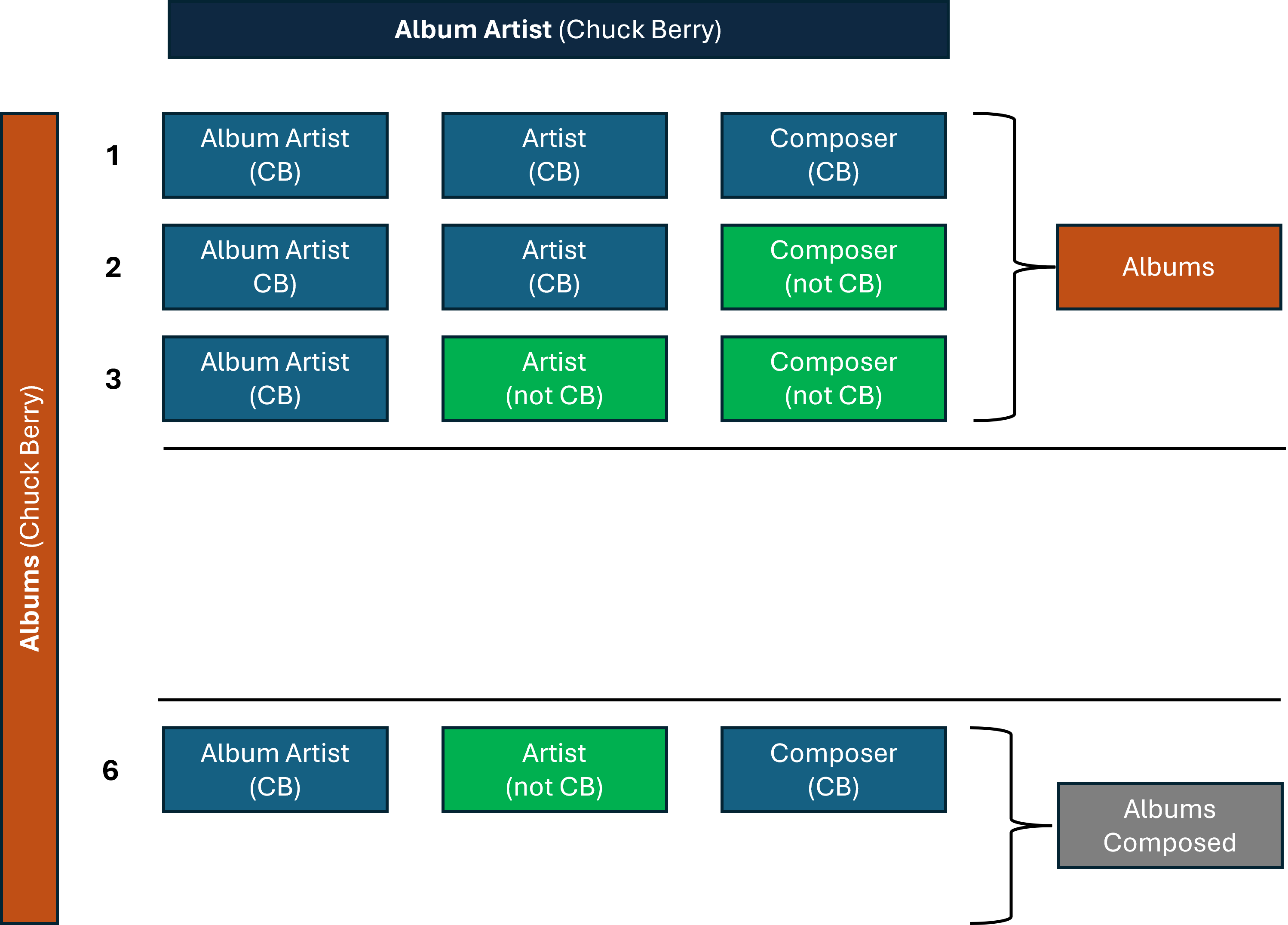
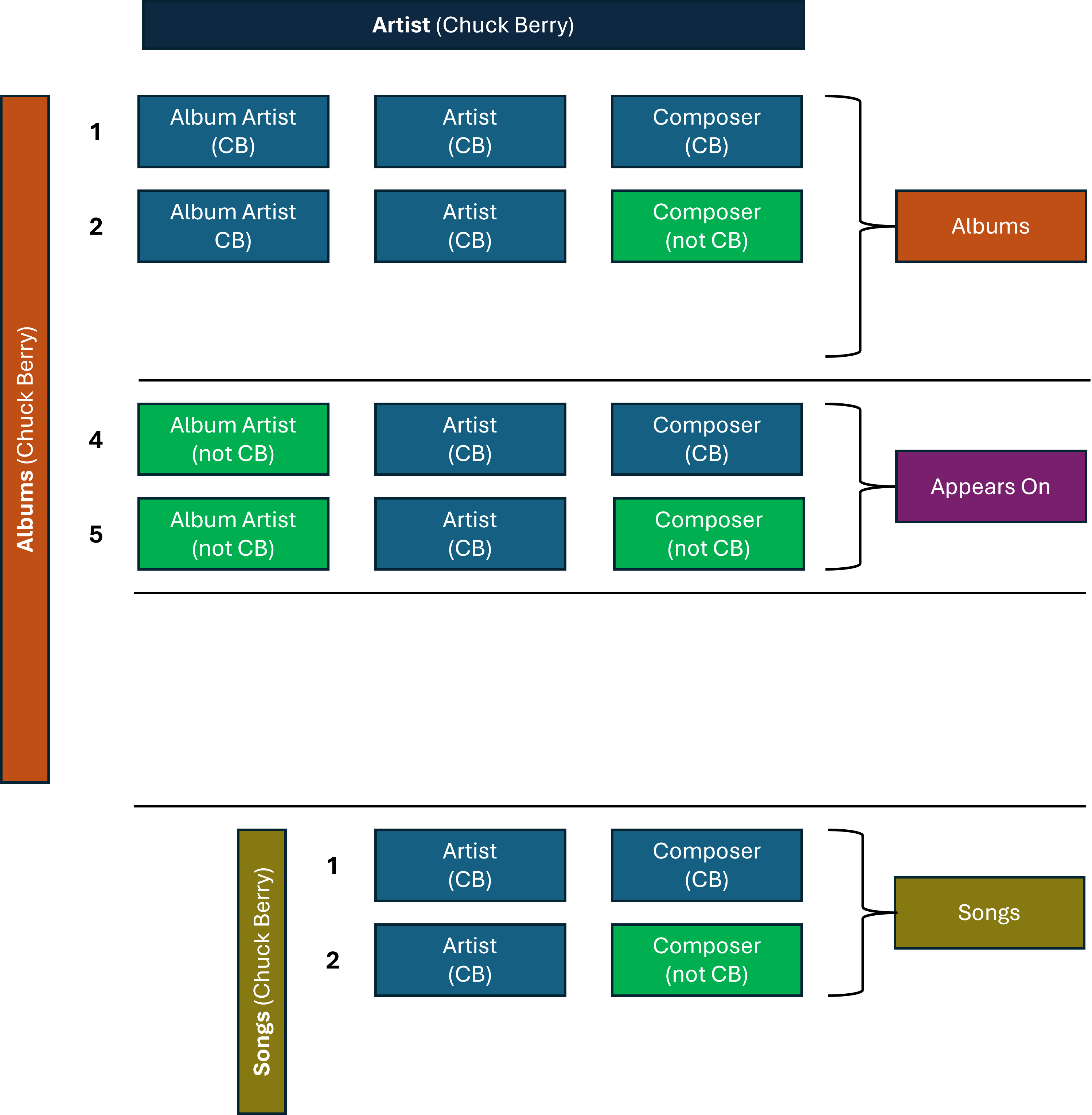
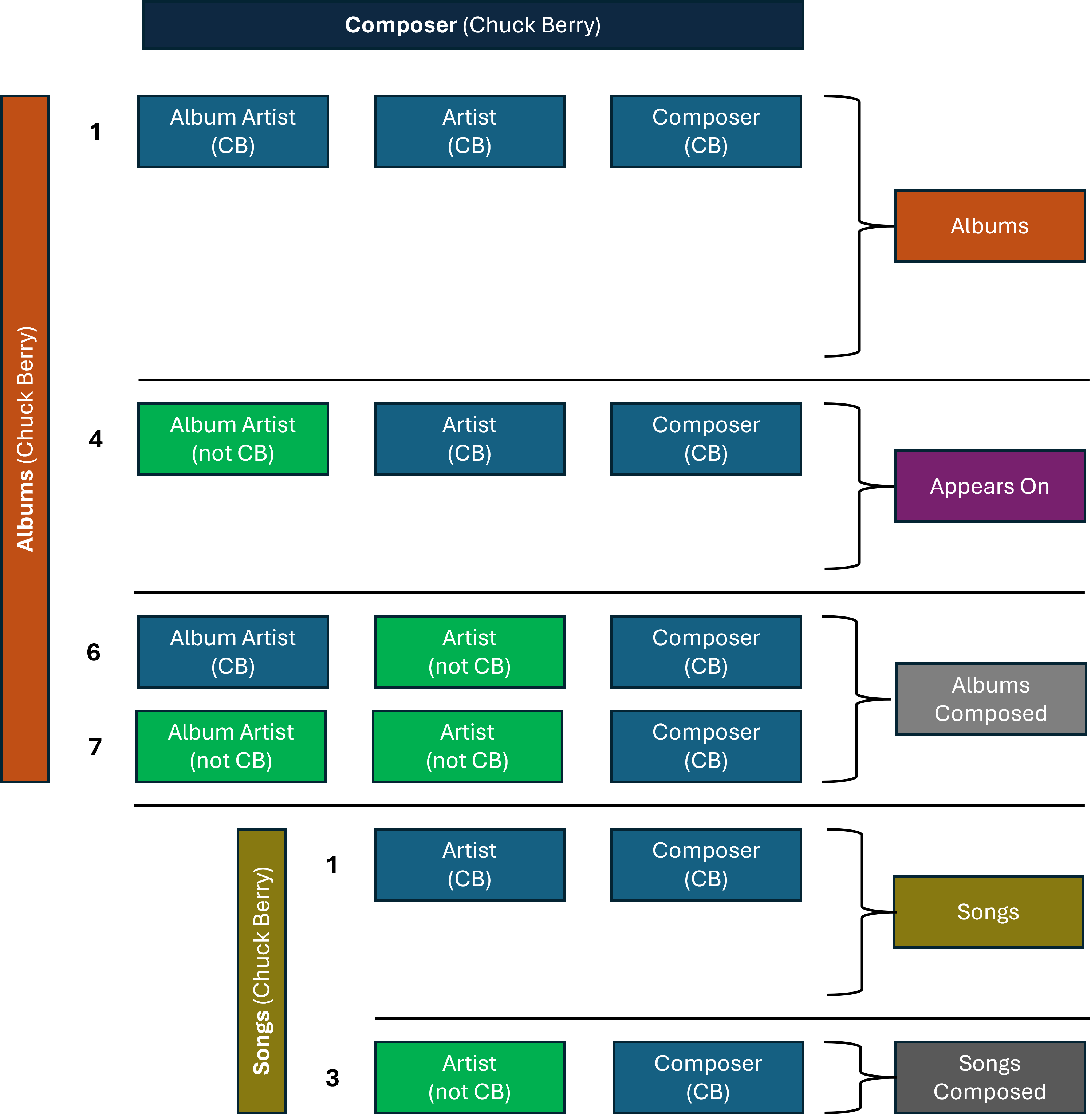
(continuing) ... If the two additional fields (as mentioned previously) were incorporated, the Music pages would then have the following vertical sections: Songs Songs Composed Albums Albums Composed Appears On Included In Music Videos More Like This About A good basic filter (or Smart View) would allow for unwanted vertical sections to be turned off, individually across the Album Artist / Artist / Composer pages. Album Artist pages, focussing on just Albums performed, could just show, e.g.: Albums Appears On More Like This About Whereas the Composer pages, focussed on just composition, could have a different view, e.g.: Songs Composed Albums Composed More Like This About Advanced filters (or Smart Views) could potentially have even more sophisticated settings, where the default views could be based upon “Entity Priority”. That is: Album Artist tab/pages would give priority to the underlying 4 Album Artist combinations Artist tab/pages would give priority to the underlying 6 Artist combinations Composer tab/pages would give priority to the underlying 6 Composer combinations “Entity Priority” would hide likely non-wanted combinations by default, while allowing advanced options to show them, if required: Maybe some of the above is helpful information? Either way, it does show that considering different views/separation/filtering for Album Artists/Artists/Composers is something to think through carefully to get to a good end solution!
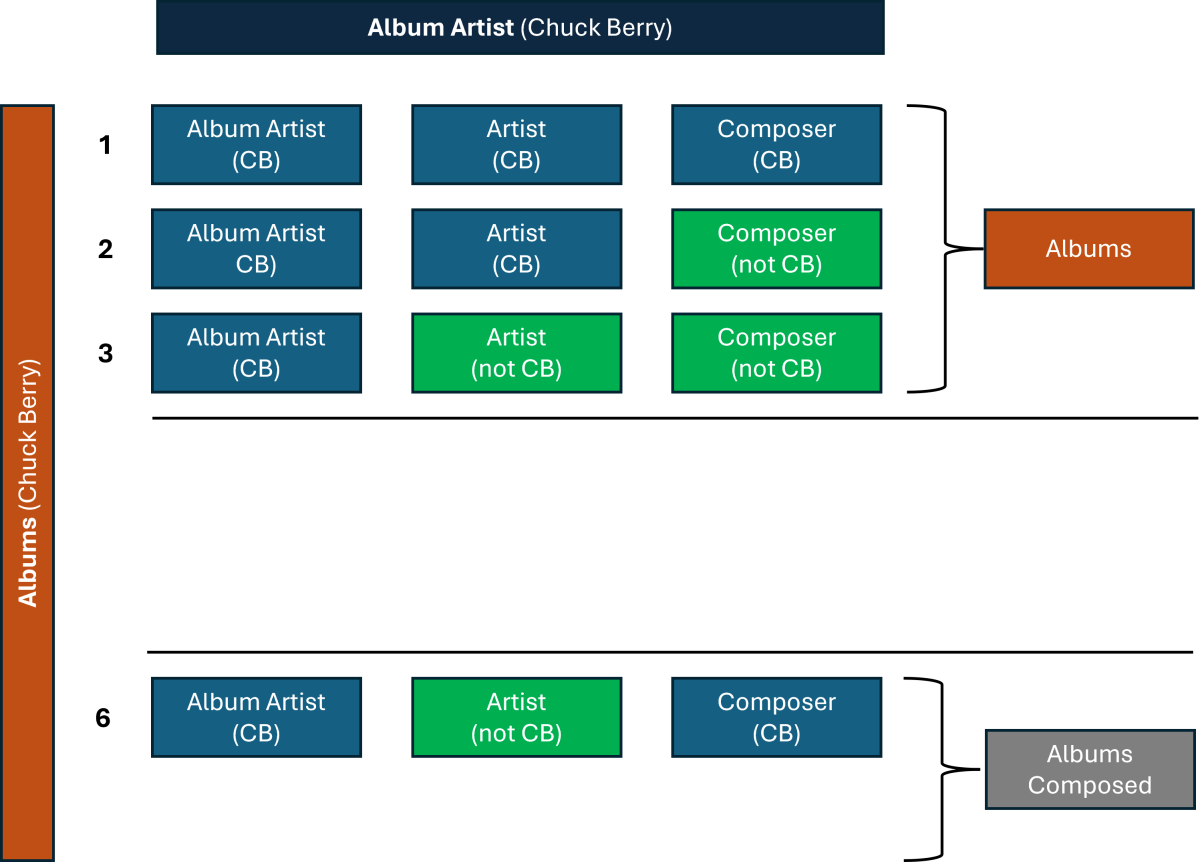
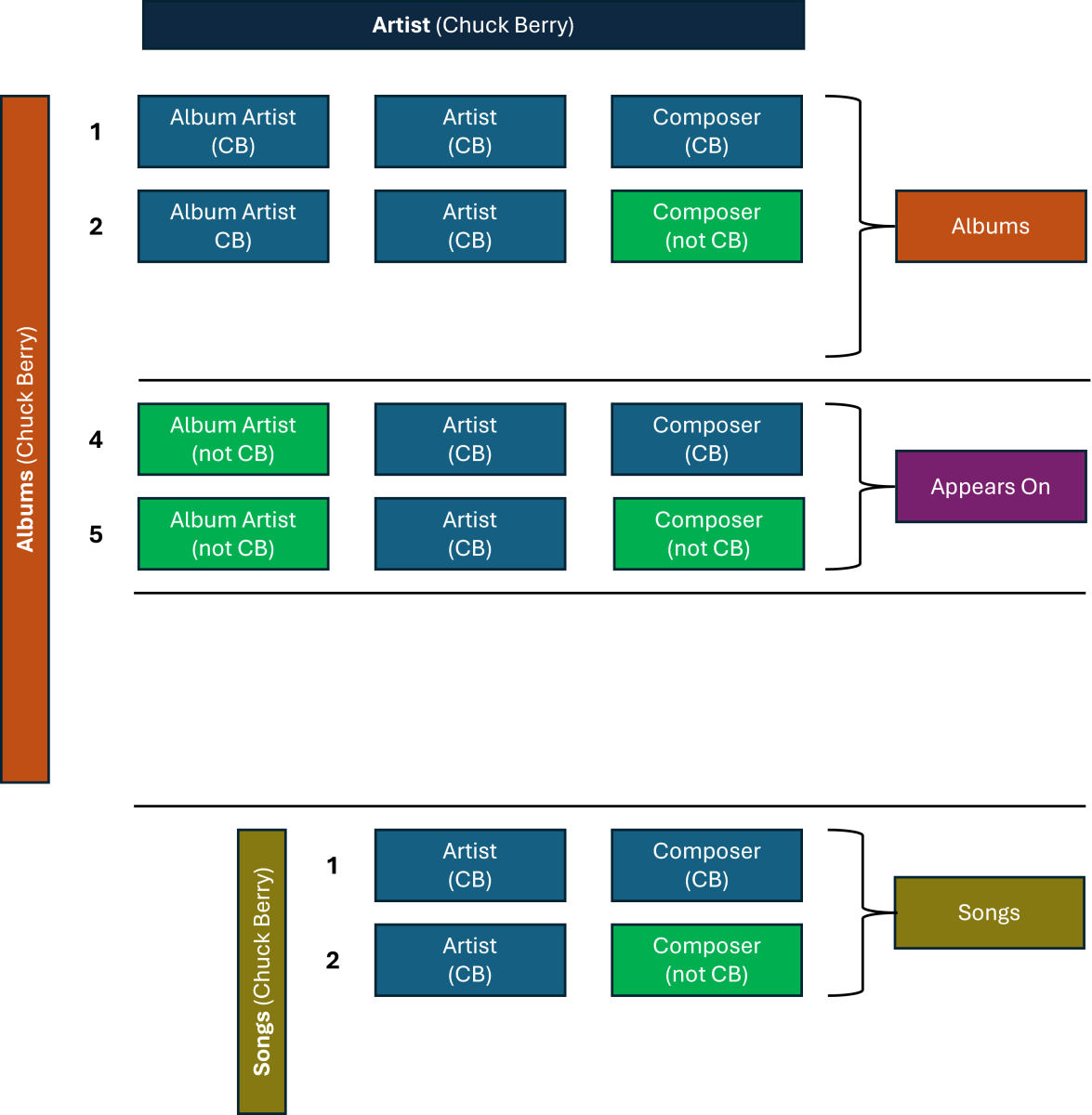
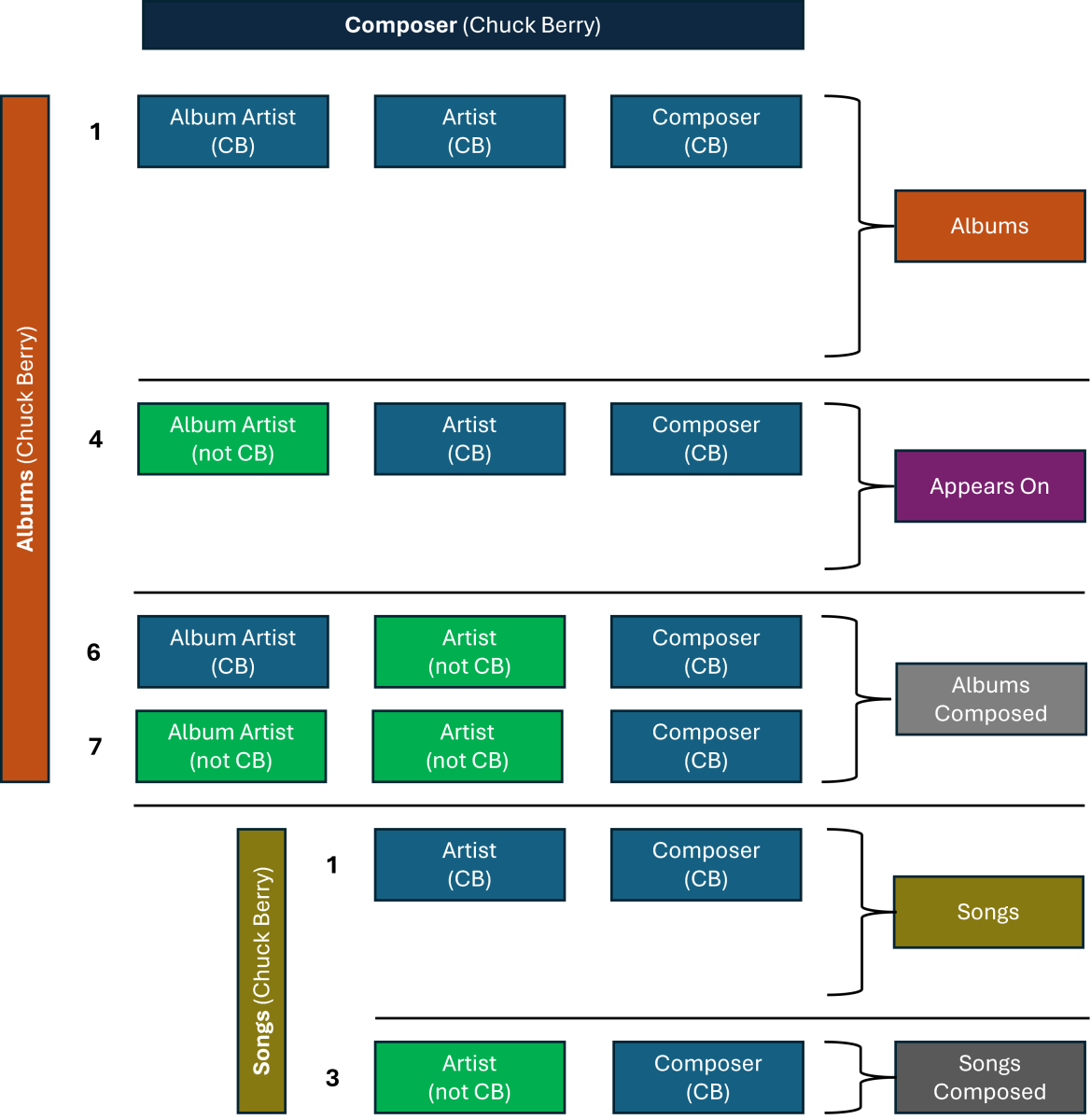 1 point
 -
I have already increased the font sizes to the pain threshold. Even larger, then only individual letters are displayed. I already wrote at the beginning that I have little to no knowledge of programming for Kodi. I can only fall back on HTML knowledge that is over 20 years old. If you change the poster size, the whole layout no longer fits. Integrating the overlays exceeds my knowledge many times over. Actually, the hope when revising the skin was that others would get involved. But that's not really the case. And in the summertime I have a lot of other work to do.1 point
-
I was a WMC user for many years. It had a wonderful feature that let me rewind live TV. I was wondering if there is a way to rewind live TV on Emby and if so, how to set the buffer time? I know once I pause Live TV on Emby it buffers, but wouldn't it be nice to jump back even a a minute or two and rewatch something you missed? In WMC if you hit record on Live TV it would jump back to the beginning of the current program and record from the start of the program as long as you were on that channel from the start. Being able to set this "jump back time" on live TV would be ideal. Thinks you for your consideration on this. I really enjoy Emby very much. Keep up the great work! HAppy New Year! Jack1 point
-
ATV app is superior in pretty much everything... WMV is this -1 point