Leaderboard




Popular Content
Showing content with the highest reputation on 04/23/24 in all areas
-
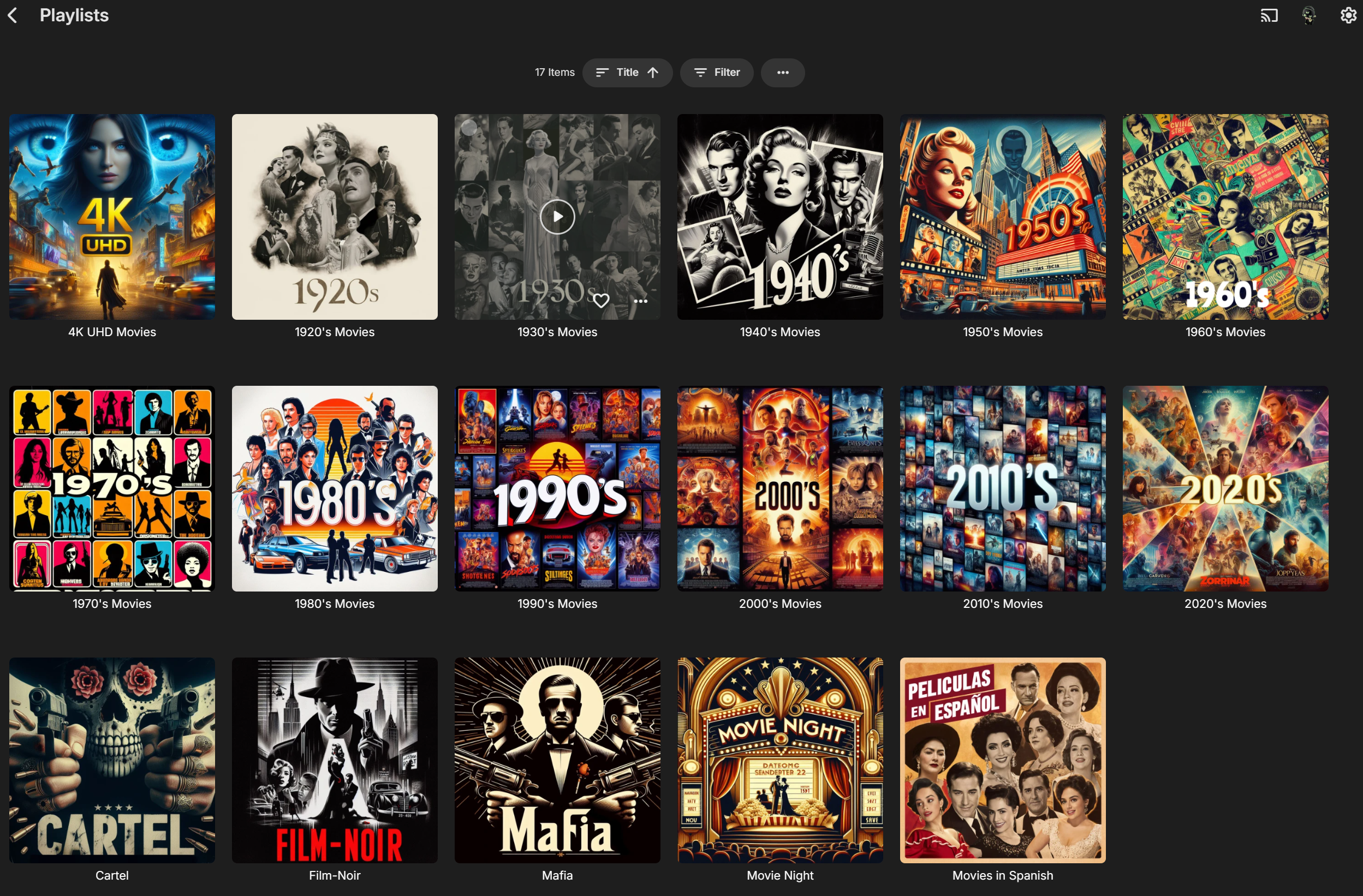
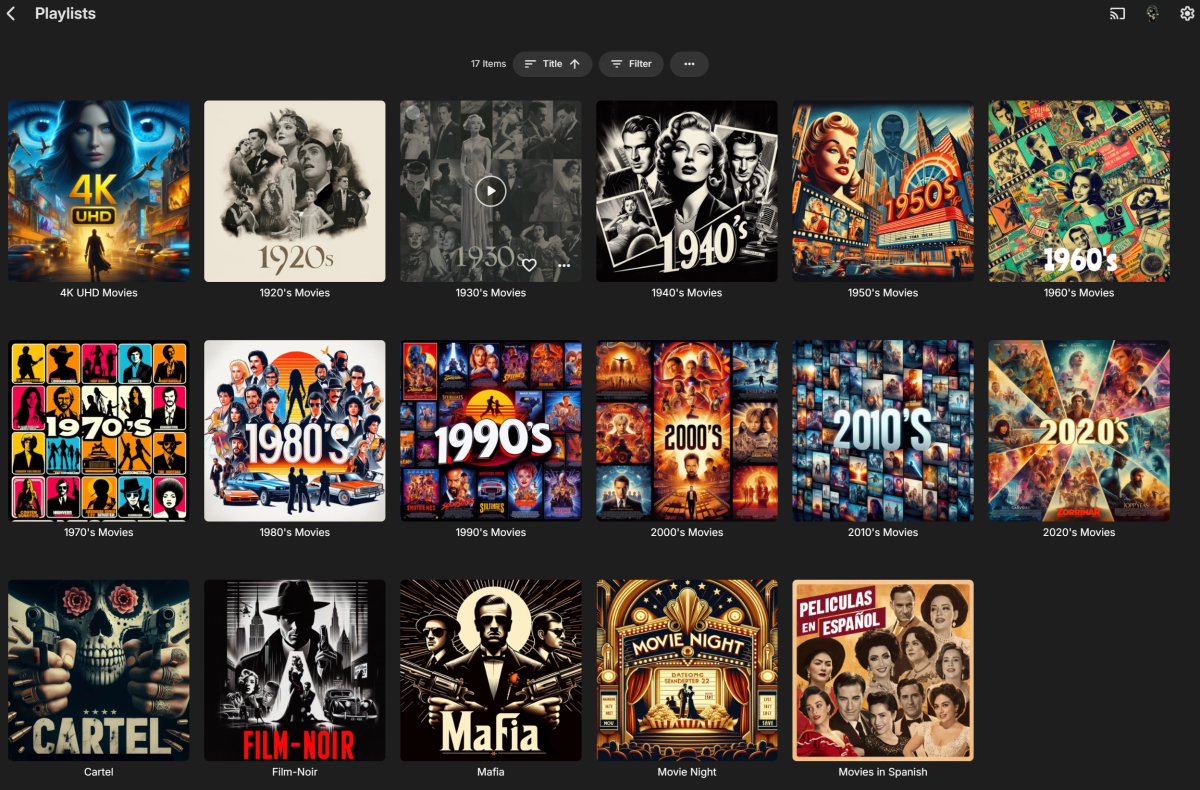
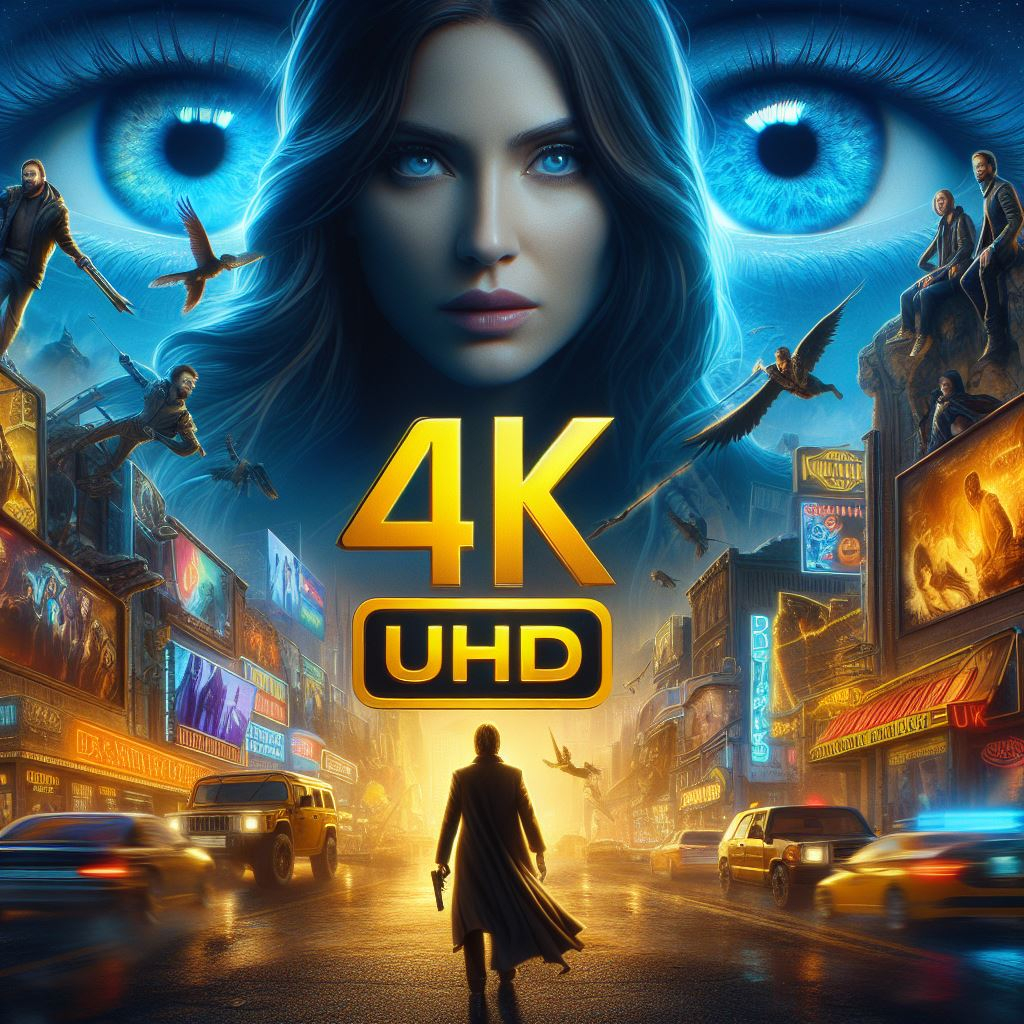
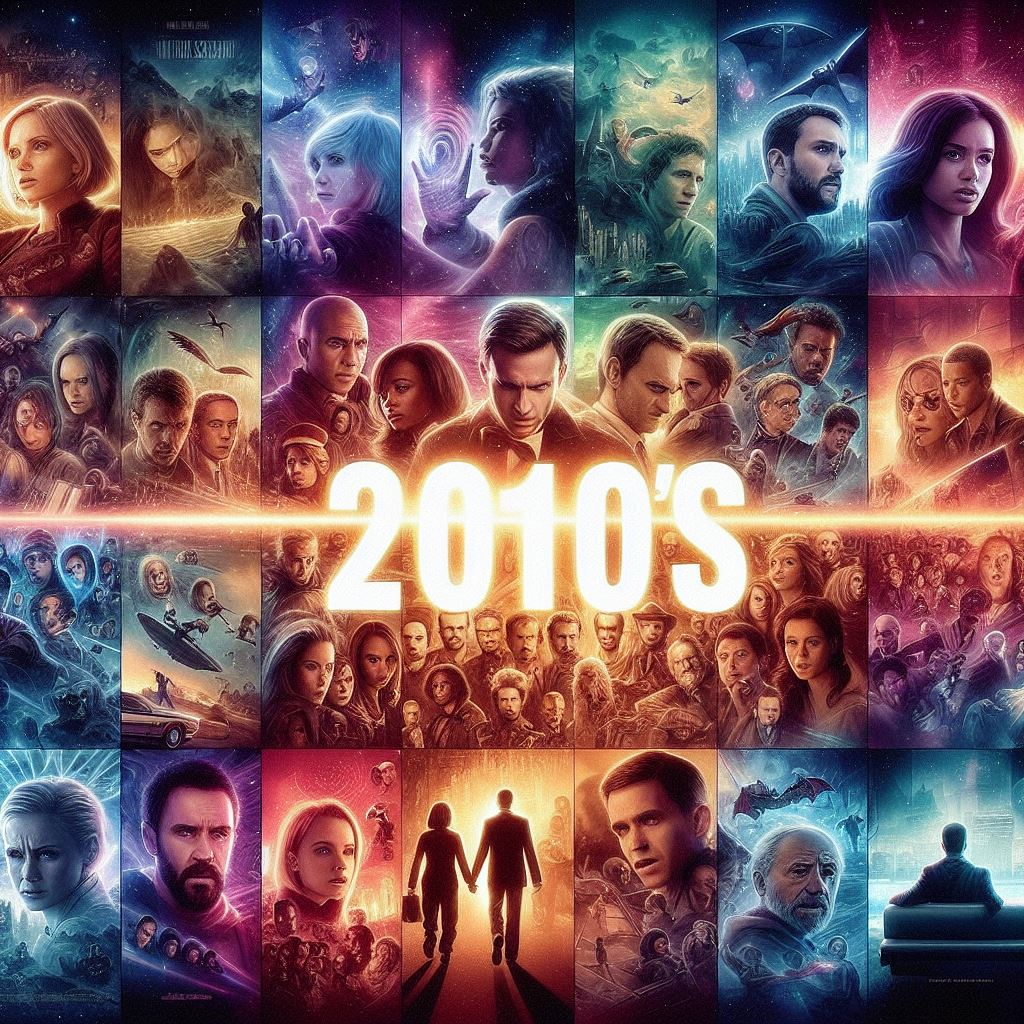
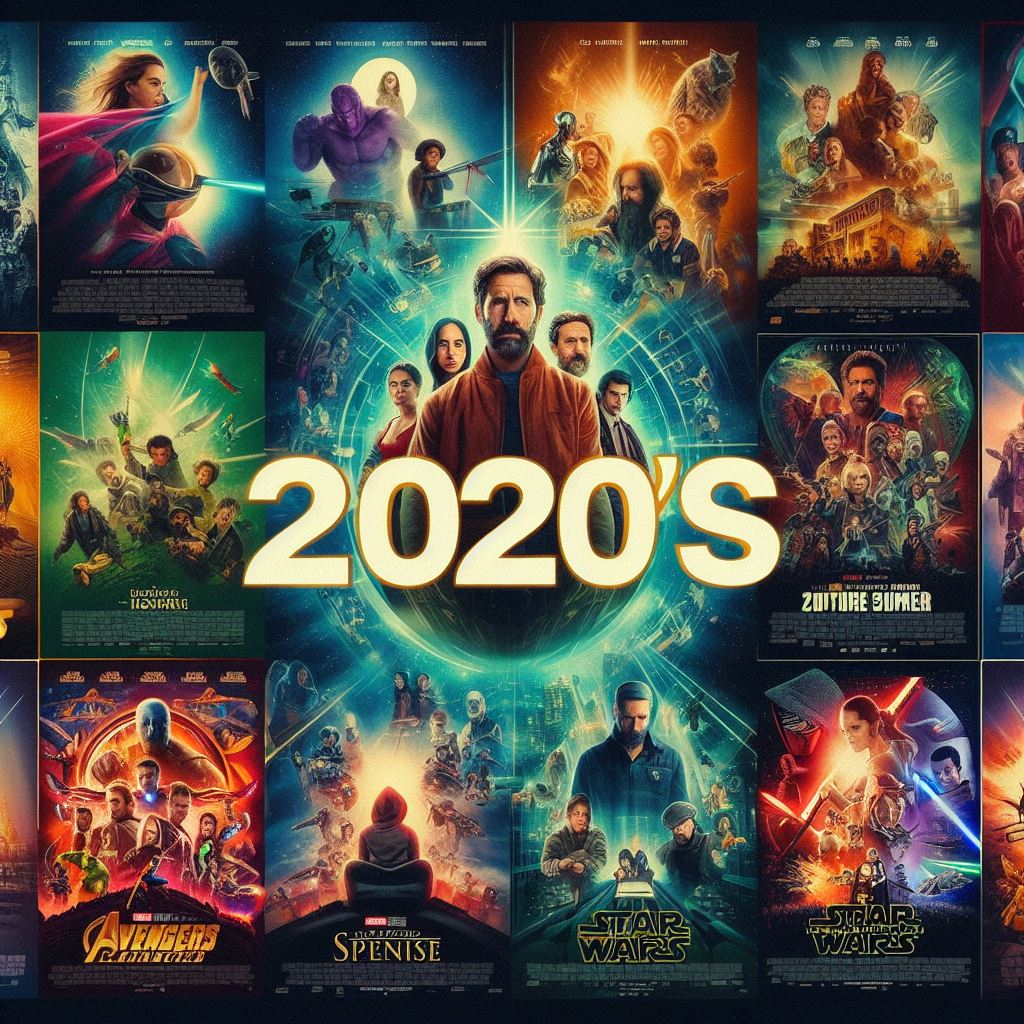
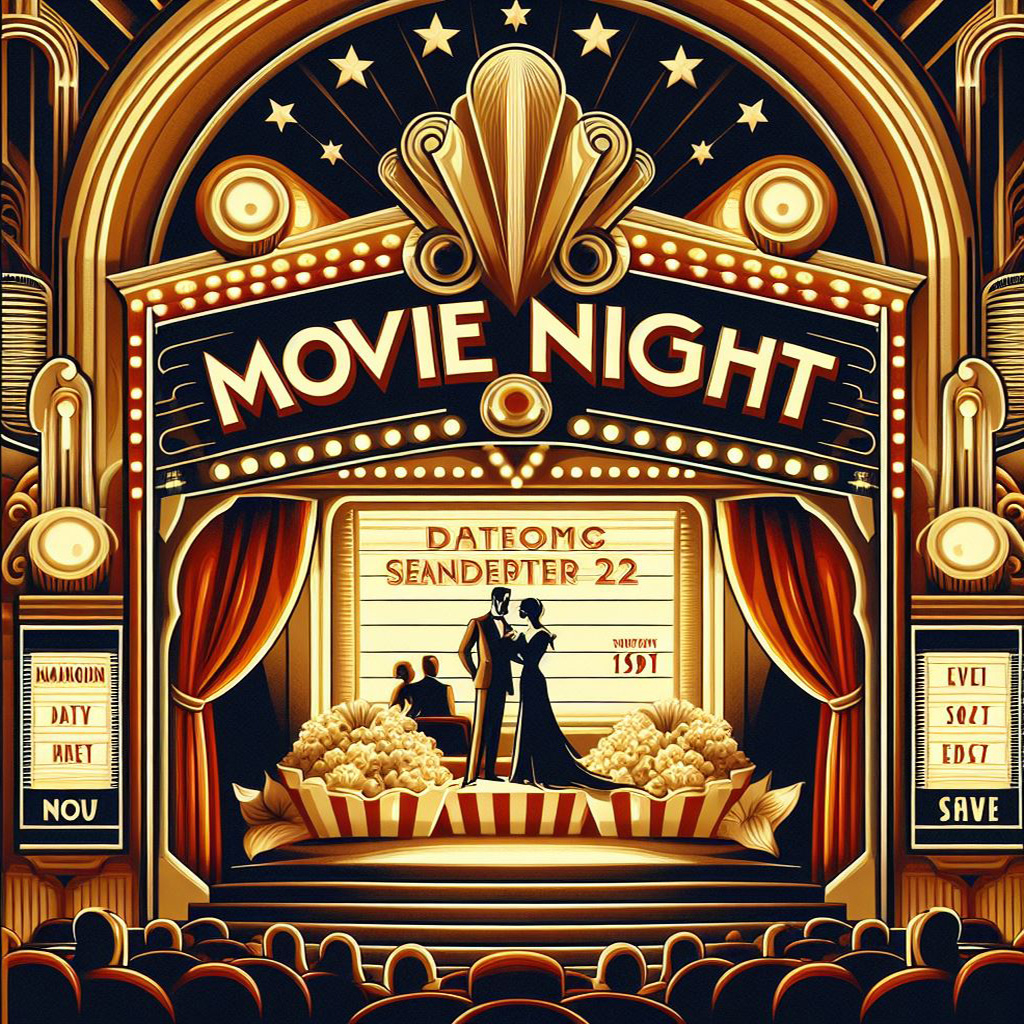
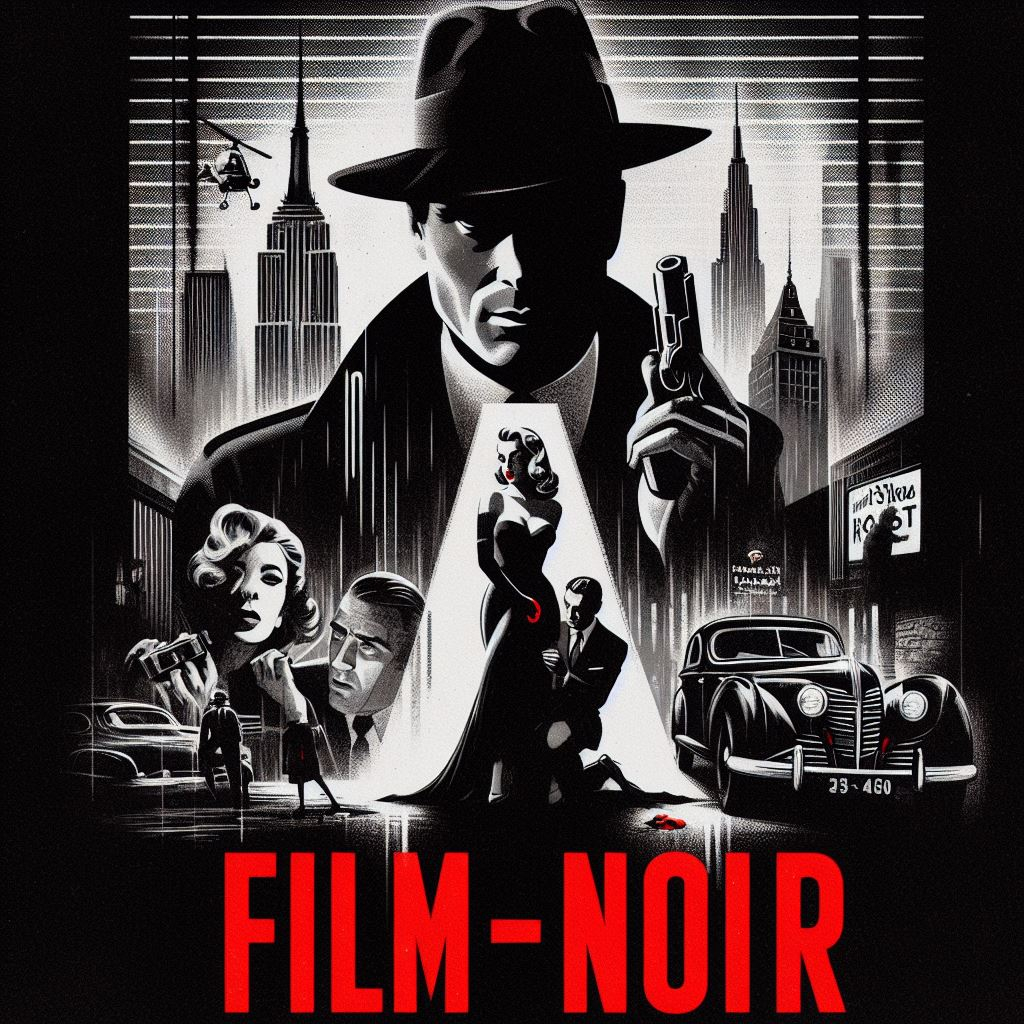
Just started fooling around with Microsoft CoPilot Image Creator because I wanted some icons for my playlists (hated how the generated default square image distorted 2:3 posters). It isn't perfect but it's pretty freakin' awesome IMHO. By default it creates square icons which is exactly what I wanted anyway, not sure if you can change that. The only thing it has problems with is generating text inside of the images it creates. So if you don't want/need text it's super easy. If you want text it might take some extra time/tries. (Separate 7z file with 1024 x 1024, 96 ppi images attached) Decades Playlist Thumbs Square.7z




 3 points
 -
Please also note: A password change invalidates all existing tokens for an account3 points
-
So after confirming with @softworkz(thanks) - a clarification of API/Token usage below - Manually created API keys (using the UI) have full admin priviledges. Session/Login based Client created API keys/tokens have the permissions of the user that created them. So if you ever needed any more reason to not use full admin accounts for general usage - here is one more reason .. I'd like to see the manual API keys have granular priviledges (as it's clearly possible) - but for now, as I've changed them all recently as part of routine account hygiene, I'm not that concerned. However, for others that run clients using admin accounts, or have manually created api keys, and have posted logs on forums without them being obfuscated, I'd suggest some account hygiene on the manual api keys and forced client re-logins to regenerate new tokens.3 points
-
It's not geo-location. There's a reverse DNS registered for the source IP: firewall.rz.opal-consulting.com (didn't want to post it right away, in case you got any relation to them ) I'm not closely familiar with the DLNA implementation of Emby, but I know that you can also use a token for the api_key and maybe those were tokens which had been automatically issued to other local DLNA clients which the attacker has gotten hold of. I'm just guessing in the wild, though, but the question that I'm wondering about is not why he tried two non-working keys first - it's rather: "Why did the third one actually work?" This is what has lead me to believe from the first moment on that it must have been a targeted attack in some form. Maybe a neighbor or a visitor who got access to your LAN. Maybe also somebody in the same subnet of the dynamic IP address assigned by your provider to the router and he managed to get some DLNA communication working through your router (any ports open? UPnP enabled?). That's weird indeed and another reason which brought me in the direction that it might be somebody you know and who might get back to you later in some way like "haha, I've hacked your Emby Server and watched your videos!" And once another detail is that it appears that he (probably) started his actions from his own workplace (that company). This doesn't look like a professional hacker. (If he would have hacked that company, there would have been no need to switch over to Azure for continuing.) The other possibility is that it's an arbitrary hacker who found your server accidentally and is working out a general exploit. Did he really watch videos for a long time like from start to end and then the next one?3 points
-
The one off is great; but I'm looking for a change in your release procedure to include updating docker promptly with each comming update. OR Have docker based emby servers check docker hub for new releases before sending 'update available' notifications. Please stop notifying docker users that an update is available when you have not actually made one available to them.2 points
-
Hi, yes Docker has been updated for 4.8.5. Thanks.2 points
-
TheTVDB now supports more alternative orders than just Aired/Absolute/DVD. Can Emby query these additional orders and add them as options? Two examples of shows I've seen this used are Re:Zero which has a "Director's Cut" display order and Money Heist which has a "Netflix" order. https://thetvdb.com/series/re-zero-starting-life-in-another-world https://thetvdb.com/series/la-casa-de-papel1 point
-
you should add a screen when emby opens on the tv asking which user is watching for environments where multiple users share the tv as manually browsing to switch user will not get users and you have to manually select what that user watched and select unwatched as you have not gotten to watch it yet. Doing that is too much work for most people they are just going to open the app and start using it.1 point
-
Yes that's what I use and I believe that's the issue. Lacking the details of what's new, what's a premier and what are reruns. If there's anyone using epg.best share your guide configuration how you make it work Thanks1 point
-
Retesting this appears original Resolution is used in beta 4.9.0.14.
 1 point
 -
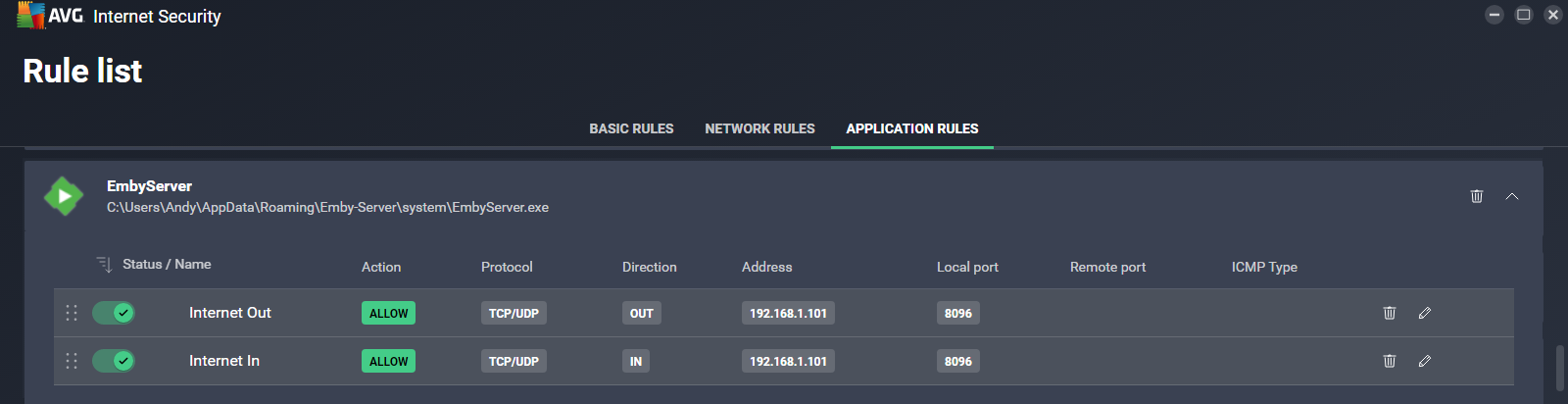
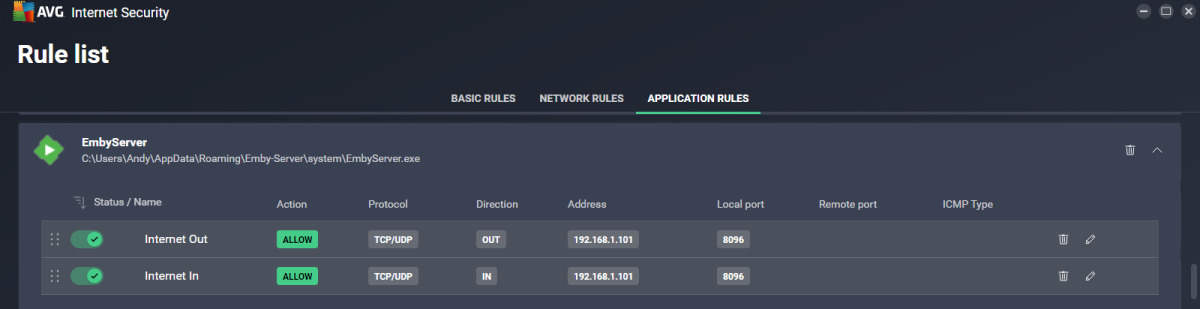
Hold on - the only reason i changed it, was because Emby wasn't displaying the IP address - as mentioned above (refer to initial screenshot). As it turns out, the issue appears to be with AVG Firewall, not the changes i made!! I think I've solved it - AVG introduced a 'default' rule that i have now deleted and have access via Ipad (see my third post compared to settings below).
 1 point
 -
@hackthis02 I can confirm that version 3.2.1.0 resolves this issue and even seems that load faster the "user-based show progress" screen, despite the issues with missing episodes we discussed are still present, thanks.1 point
-
Right it was just hardcoded before.1 point
-
I'm ripping the Looney Tunes Platinum Collection (Volumes 1, 2 & 3) and have tested the naming convention suggested by @Mediaholic948- Tagging the Looney Tunes episodes as Looney Tunes - S[Year]E[Episode Number] - [Episode Name] but was wondering if anyone has used FileBot or some other software to name these cartoons automatically or did you name each one of them manually. Thanks.1 point
-
Have not retested but above sounds correct to a point. I have no issue here as I add Year to naming scheme. \Harry Potter Collection\Harry Potter and the Deathly Hallows, Part 1 (2010)\Harry Potter and the Deathly Hallows, Part 1 (2010).mp4 \Harry Potter Collection\Harry Potter and the Deathly Hallows, Part 2 (2011)\Harry Potter and the Deathly Hallows, Part 2 (2011).mp4 But yes stacking variable may apply when not using year when it comes to media with Part X in titles. as the OP naming above is identical so stacking happens1 point
-
Will test if current beta goes into stable. QUIC support is the only thing holding me back from ditching Caddy and use Emby without reverse proxy.1 point
-
The runtime does but haven’t had a chance to test in Emby yet.1 point
-
Kodi synced content/node I guess? Kodi does not support collections (actually Boxsets/Sets in Kodi terms) for TVShows. You need to use dynamic nodes for TVShow collections. Workaround for synced content would be using tags. There is an option available (Boxsets as Tags) in plugin sync settings.1 point
-
Ordered a universal remote for LG that arrived today, now that I have an Info button it works like a charm, thanks for the solution1 point
-
That was my initial suspicion. The question for me is whether or not api key(s) are included in the urls generated by Emby's DLNA/UPnP implementation.1 point
-
Oh well done Sir! Thank you so much for the explanation. I should have thought of the 2-part thing of course but it completely escaped me. Thanks so much!1 point
-
Very wise - I do the same and with the benefit of using a Windows Service, I get to choose when it updates. The recent unwelcome changes that have not been put into Beta first have re-enforced my views that release management, feedback and testing are not one of embys strongpoints ..1 point
-
Removing is no improvement unless you have the replacement done. This is at least twice things have been removed before the replacement is implemented. Poor programming.1 point
-
I have reproduced this with the following library setup Media\Movies4\Fantasy\Harry Potter\7 Harry Potter and the Deathly Hallows Part 1\Harry Potter and the Deathly Hallows - Part 1.mkv Media\Movies4\Fantasy\Harry Potter\8 Harry Potter and the Deathly Hallows Part 2\Harry Potter and the Deathly Hallows - Part 2.mkv Media\Movies4\Fantasy\Harry Potter\UHD\Harry Potter and the Deathly Hallows - Part 1.mkv Media\Movies4\Fantasy\Harry Potter\UHD\Harry Potter and the Deathly Hallows - Part 2.mkv When viewing by folder and selecting the UHD folder, the Part 1 movie shows there is an additional part. The reason this arises is because you have two media items in the same folder (UHD) named as being parts 1 and 2 and thus being treated as a multi-part item. See Movie Naming | Emby Documentation and specifically the section covering "file stacking" So if the titles of the movies are the same except for having "Part 1" and "Part 2" suffixes, then they must be in separate folders, otherwise they would be treated as one multi-part movie.1 point
-
Yea not really sure what emby are doing with this right now. They have taken away an integral part of TV show viewing (both missing and upcoming) and replaced it with a manual check which is all but useless for the average user. Emby for AndroidTV (you know, the client that has been in the process of being 'replaced' for the last 4 years..) now has some of this put back - it has an 'upcoming' row like before (with a 'future' banner across the poster) and if the latest episode is missing - then it shows that as 'missing'. But if mid-season are missing, then it doesn't show those - so it's only useful for current shows. No other client appears to have this. All in all - it's a bit of an inconsistent mess ..1 point
-
Been after this QOL "feature" since core version was introduced... But seems since it was and the plugin seemingly sent to die, core has been ignored. Shame really.1 point
-
I guess it's a viable alternative if you use the same source, but for any self made/ripped/edited/modified file - it will obviously will not work.1 point
-
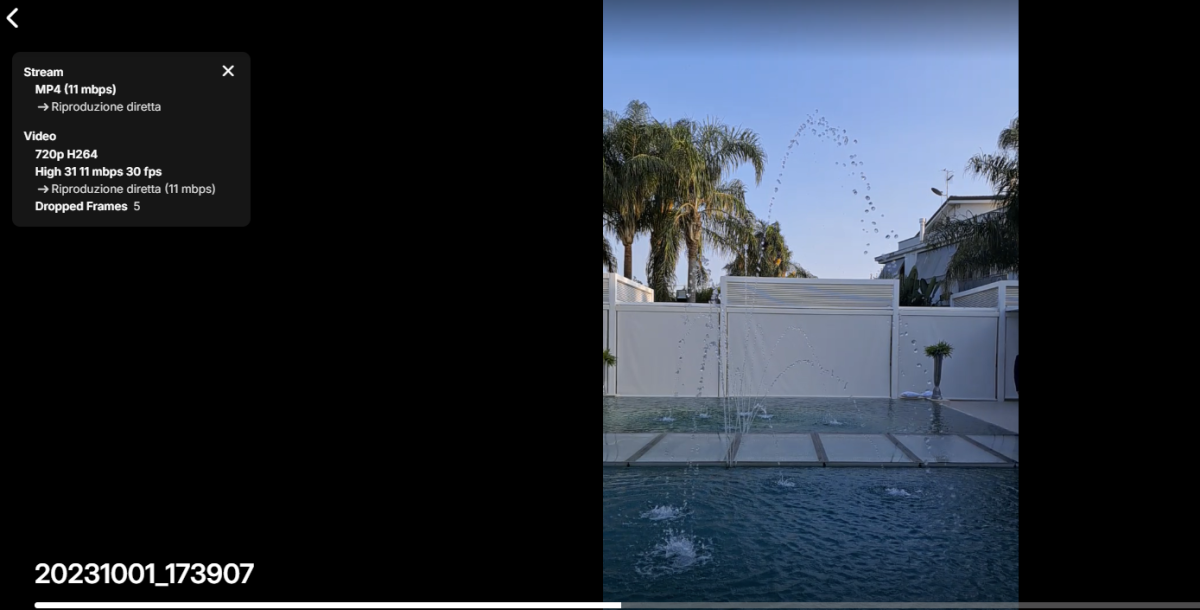
Done , new version istalled and bug seems fixed Versione 4.8.5.0 I just tryed from PC and now the movies is played correct , The last test will be this evening from tv , I will update asap I will do it. From PC the movie now is played correct \Gianni
 1 point
 -
seems like updating the gpu drivers worked1 point
-
Hi Luke. Thanks for following up. I was still having the same issue after updating to 4.8.3.0. I have checked the graphics driver and it is quite old. I don't know why, but I do note that there is a 'security update' driver from Feb. I'll update both and report back.1 point
-
@Lukewill have to comment, but can confirm TV Mode does not have any list view links. Like Home Screen Next Up, Latest.1 point
-
My approach is to not update right away. So from 4.7.x I upgraded to 4.8.3 after it had been out for a couple of weeks and that release has been fine. I can't speak for 4.8.4 or .5 other than to say I will let them sit for a while before considering the update. It's a normal pattern with Emby stable releases to have a few patch updates immediately after the first release. I might run a test instance to check things out but I still wait until a few weeks pass without an update and there are no major problems discussed in the forums. Some things to look out for: - Notifications changed. I had to redo mine. - Backups changed completely. - Live TV recording destinations (path selection) changed their look and added a category but function the same.1 point
-
I don't use app.emby.media (Yes this appears to work) I use my local lan address When will this fix be rolled out to the local web?1 point
-
@VicMooreawesome thanks. I'm not an expert in this by any means, but even just adding the ability to just have a collection or manually created playlist be a channel, and have the order of the channel be the order of the collection/playlist would work for my use case as well. Again, I realize it's easy for me to say without having any understanding of how this all works, but just a thought as well in case it helps!1 point
-
OK I think I know what the issue is. The hopeful fix will be in the beta channel soon with the next build. Thanks.1 point
-
hi, we'll backport this fix to Emby Server 4.8.6. Thanks.1 point
-
It was difficult to me, but I managed to do it. @Happy2Play thank you very much.1 point
-
*Sigh*. Well, your question just encouraged me to check. /media/Shows is just the root directory for all the media of that type. There's nothing there normally except folders and files. HOWEVER, when I looked just now, I found a .ignore file Somehow I must have pasted it in there without realizing it? I have no recollection of doing this or even adding .ignore files to any of the folders in recent weeks, so I have no idea how this happened. Either way, deleting that file fixed the issue and I feel like a big ol' idiot. Thanks for your help, I'll mark this as solved. edit: SOLUTION - If this is happening to you, you may have accidentally dropped a .ignore file into the root directory of your media. Delete it.1 point
-
i also dont like the new version of it before the update there was two independ rows.. one for Shows and one for Movies please split it again up i dont want see movies and shows mashed in the same row of endless scrolling thx1 point
-
Questions for anyone: - As someone who has never created an api key, if I've uploaded a log here which contains a reference to one, then that would definitely be my system api. Correct? - Assuming the answer is yes, how do I get a new api key, short of rebuilding from scratch? Edit: Ok I just checked and I see there are different api keys all over the place in the logs, so I don't know enough to even ask questions. Carry on, everyone, but sooner or later somebody needs to let us laymen know how to deal with this.1 point
-
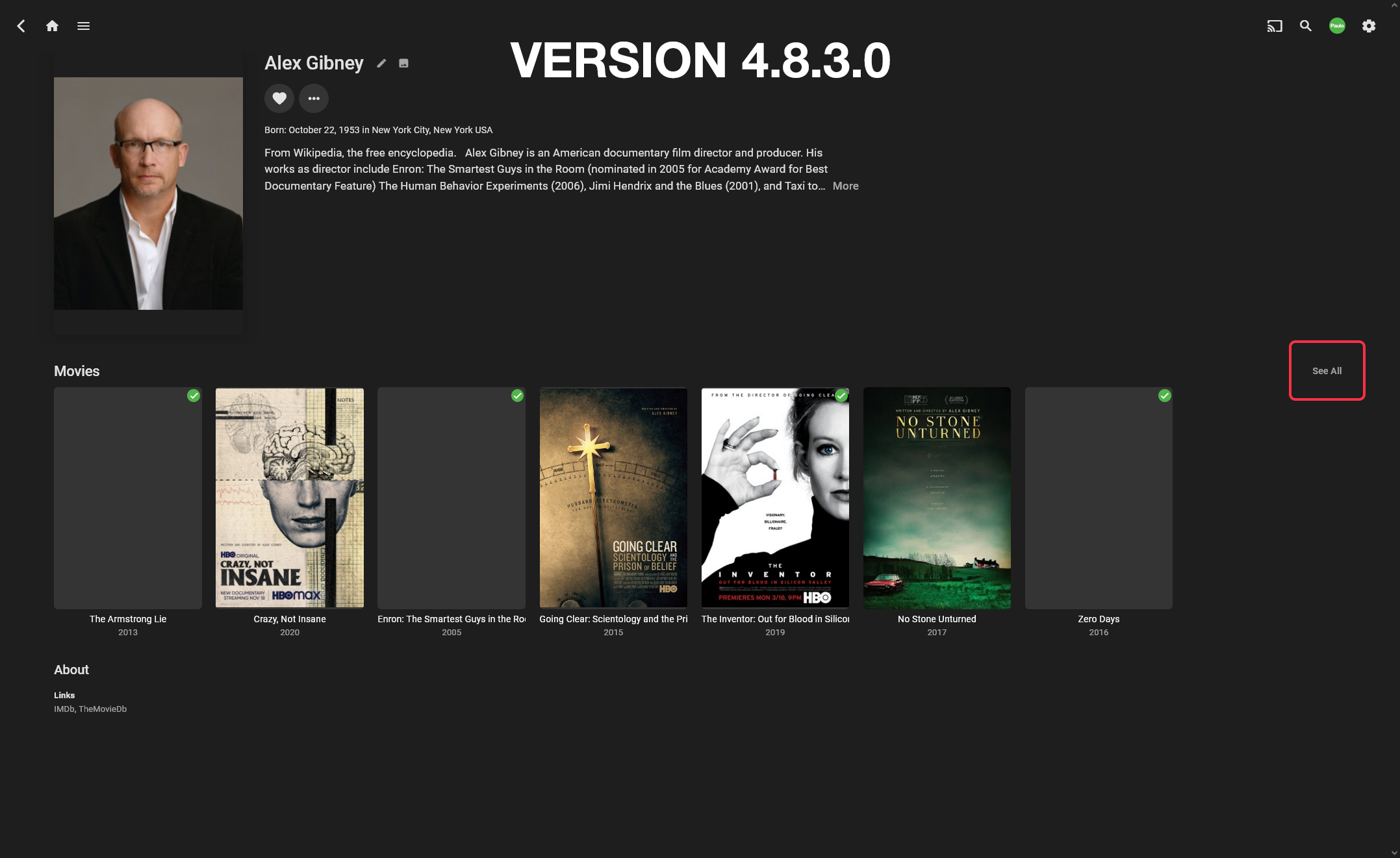
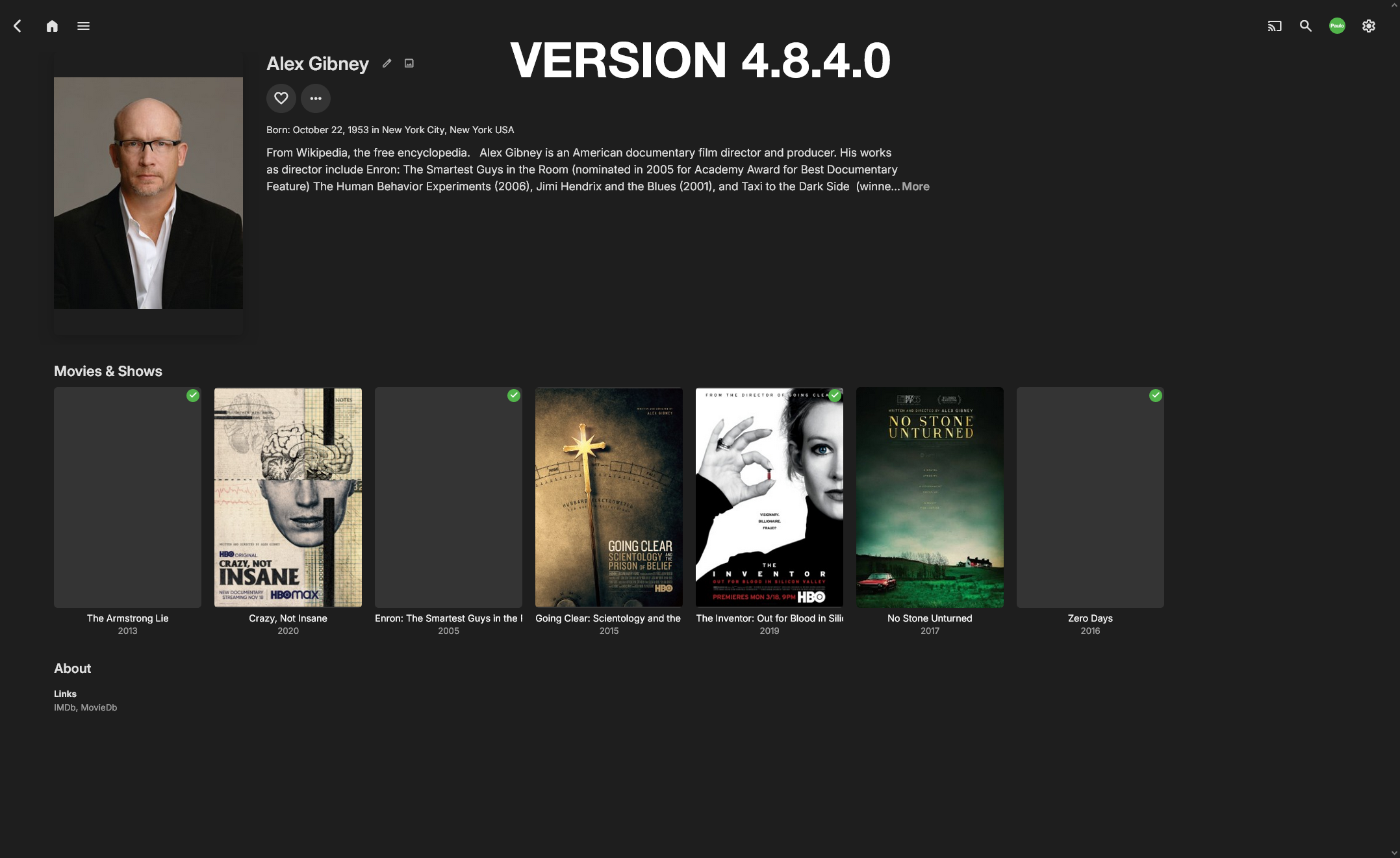
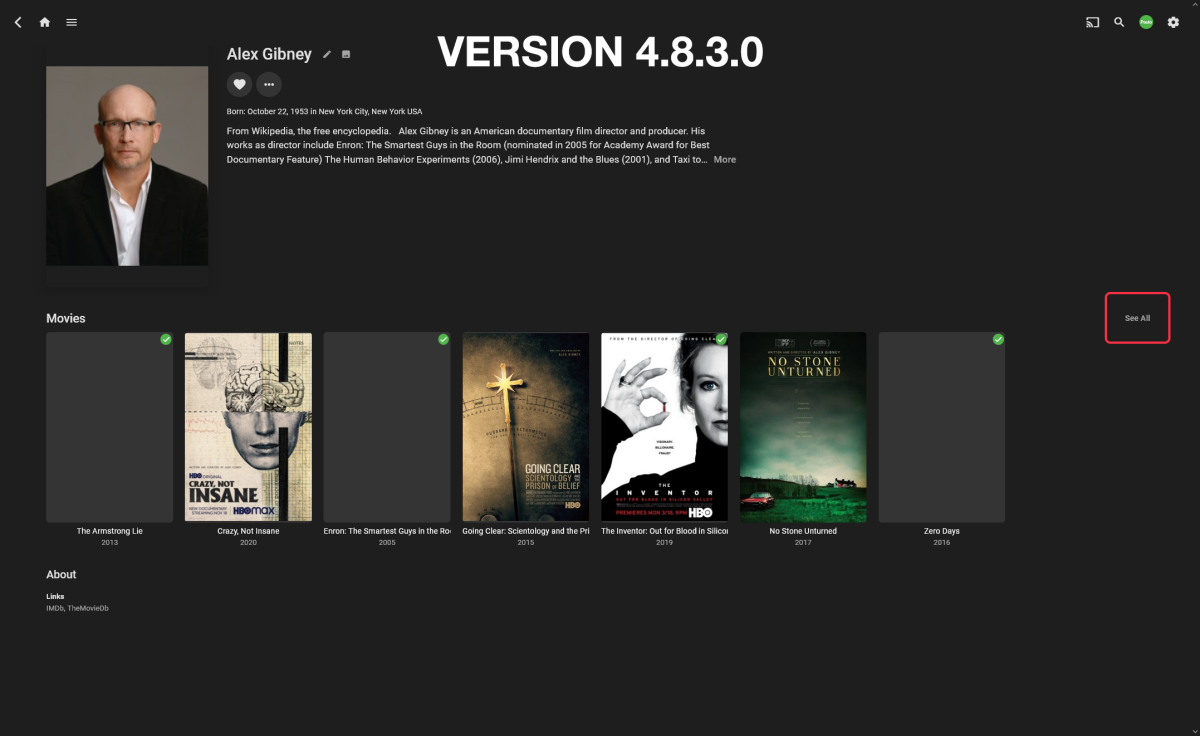
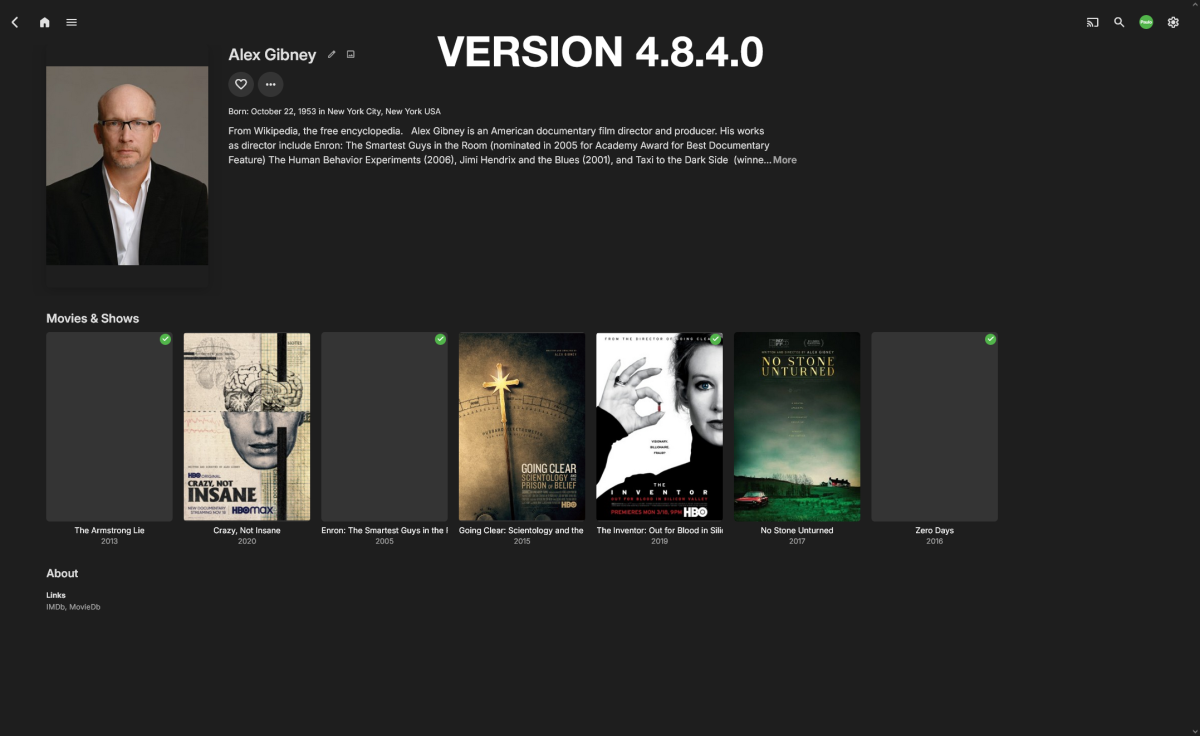
Was the "See All" option for actors/directors removed in the latest update?
 1 point
 -
Probably I should really add a done notification.1 point
-
Thanks @Happy2Playfor the info. Removing "See all" option seems unnecessary. It was useful, and easy to find. I had no idea you could even click the headers to open a new window. To bad "actors" section doesn't do the same thing too. It would be nice to see all the actors listed on one page going up and down. Scrolling through 20-30 actors in a movie to see who is in it drives my nuts.1 point
-
Yes the removal of see all I can understand as header title are clickable, but the combined Move & Show header is not, Episode and Trailer headers are no matter how many items. no link links
 1 point
 -
Can the Dev team stop messing with the UI please! This change is awful! I HATE SIDE SCROLLING! There are actors and actress that are in literally HUNDREDS of episodes. Why on earth would someone want to scroll left to right through all of those just to find one. Will you please stop removing Vertical View options! For the love of god! Edit: I see that episodes is clickable and is in vertical view, thank god! But Movies and shows are not. I still hate side scrolling.................1 point
-
It's going to look the same but will be wrapped in a new windows app that will allow us to finally merge the store and downloaded versions into one.1 point
-
Just go back to that guy, you sorely miss him. Ohh boy, now i'm feeding the amimal in the cage.1 point
-
1 point
-
So much better...
 1 point
 -
I haven't been able to find any way for Emby to fix this problem inside of Emby, which is - 'Suggestions' is the 'default tab' under movies as well as under 'Series' while using a Roku @ebr That causes a major problem for new users who can't seem to figure out how to navigate in order to find the media that they want to watch. They don't notice the tabs (which are highlighting 'Suggestions') at the top and don't see that they are in a screen, which will only show 'Continue Watching', 'Latest', and maybe other things before they scroll down to actually see the 'Suggestions' which isn't what they wanted to see anyways. They don't realize that they need to navigate to the tabs up top to switch to the 'Movies' tab, which is where they thought they would be when they selected 'Movies' from the Home Screen. I really wish that I could just delete the 'Suggestions' tab altogether, primarily so that it can't come up as the default tab, but also because I have never seen any personal value in it. After much research, I finally realized that Roku is the culprit in selecting the 'Default Tab' and that Roku needs to be told to change the 'Default Tab'. Now, I've had to look up in my Active Clients list to see who is using a Roku and send them instructions on how to change the Default Tab in Movies, Series, Music Concerts, Exercise, Kids' Shows, etc. in order to have a much more enjoyable and intuitive experience while using Emby on their Roku. For those of you who may have found yourself in my situation with your friends and family, here are the instructions that I sent out to them (again, I'd love a solution inside Emby that didn't involve re-configuring Roku): Instructions for fixing Default Tabs on Emby using a Roku (This is only for those using a Roku on Emby) Open up Emby and select 'Movies' At the very top of the screen there will be tabs across the top of the screen. The default tab is the one that is highlighted. If you have not done this fix, then 'Suggestions' (the second tab) will be highlighted. If 'Movies' are highlighted, you don't need this fix. Press the asterisk '*' on your Roku remote and choose the 'Set Default Tab' option Make sure to select 'Movie' as the Default Tab Now, go back to the 'Home' screen on Emby and select 'Series' At the very top of the screen you will see that the default tab is on 'Suggestions', which is the second tab As we did in the previous case, press the asterisk '*' on your Roku remote and choose the 'Set Default Tab' option Select 'Shows' as the Default Tab Do the same for Music Concerts and select 'Videos' as the Default Tab Do the same Exercise/Yoga and select 'Shows' as the Default Tab1 point