Leaderboard




Popular Content
Showing content with the highest reputation on 11/09/23 in all areas
-
To clarify my point further. The plugins will be updated to support the new server version but moves with the release branch and not the beta. I used to release for beta but had regular breaking changes which meant it wasn't viable. Hence the decision for it to support the release branch only.4 points
-
It's outside of the scope of any refunds. The error doesn't affect the usage of the plugins under a release environment and no where does it say beta will be supported. In no release of anything ever did anything say beta would work without issue. That's the whole point of beta. The plugins also offer a full trial for this very purpose. You get the wonderful benefit of trialing the plugin and making sure it functions in the way you would expect before handing over your money.4 points
-
Well.... The ATV app is snappy, thumbnails load in miliseconds. In the standard app the navigation on TV does not feel as snappy. Thumbnails load in about a second. First the outlines load for the new row, then the system loads the thumbnails. And it is noticable, especially if you use both side by side. This on Shield, that is more capable TV machine than others built-in.2 points
-
@LukeYou have given me the means to learn. I will study the code in detail and then I will improve it and return it to you. I am building the plugin right now. I will apply my javascript skills to decorate this plugin with a great visual experience. I am having so much fun. Vic2 points
-
Be able to create playlist based on a certain criteria, like genre and or year, in order to create a dynamic playlist that it refreshes automatically when new content is added. This way you can for example, create a tv comedy playlist from the 90's, or a new sci-fi Movies playlist. Some other criteria for rules could be the rating, watched/unwantched, score, tags, language, audio codec, etc The possibilities could be endless1 point
-
Feature request for Auto Box Sets & the Emby server to show missing collection items / placeholder images for what we don't have that is part of a collection. http://emby.media/community/index.php?/topic/22732-auto-box-sets-show-missing-collection-items/ Thanks, hoping to see it worked out.1 point
-
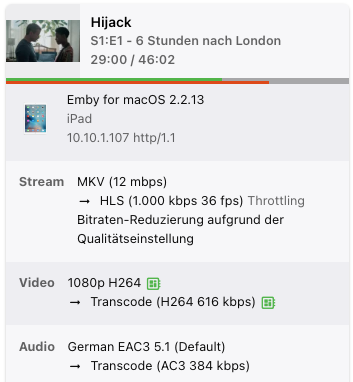
Hi, i have hardware transcoding on on my synology (running emby within docker behind nging proxy manager) - i can see in the logs and also in the server overview that trnascoding is working properly but playback doesnt start. I have tried disabling the subtitle burning but no change. I have attached server and ffmpeg transcode files as well as a screenshot of the running stream where it can be seen that transcode is running (red) but playback is always stuck at the position where i click from the client but doesnt start to play. Direct play will always work fine. Thanks in advance! ffmpeg-transcode-0c7be890-c376-416d-ac15-b9f3062552f0_1.txt embyserver.txt
 1 point
 -
It's per account. Paul1 point
-
Bump I'd like to be able to remove some unused tabs to. For me I'd remove Artists, Composers, Tags and Folders from the music top navigate bar. I find that Album Artists provides a better list for me considering I download albums of artists that I like and don't care too much about those that feature on the tracks. They'd be a few tabs I'd remove from TV and Movies to. I hope this is a feature at some point. I guess you'd add this as checkboxes in the Library settings. Thank you.1 point
-
My mistake. I believe as long as you put in a folder called 'Name (Release Year)' then the metadata works no problem1 point
-
thank you Sir, much appreciated1 point
-
Sorry for the delay ... will post after this weekend's recordings. I deleted all the existing recordings.1 point
-
@radeonI'll send you info on how to update.1 point
-
@DirkAI think I fixed one problem and broke another. I will look into the missing "apply" button ASAP Vic1 point
-
Agree here - the Android TV App still has what I consider a reasonable performance/usability/experience advantage over the standard app especially on older hardware - and that includes the shield pro. Usage of scrolling, selecting items, building screens etc just seems a lot more 'fluid' on ATV than with the standard app. I don't know if Android TV is doing something special here at a 'TV' level (maybe scaling better etc) - but the standard app makes you feel like you are using a 'slow' computer on a large screen (a very 'binary, watch the screen build' experience), while ATV has the screen 'pre-built' and thus displays it as such, making it 'appear' faster .... It's difficult to explain in writing ...1 point
-
@ArmalogYou should really stop using your download folder as your Emby media folders.1 point
-
They should be in the standard app.1 point
-
Hey, the problem is IPv6. The Plugin for TMDB cannot fetch Date via Iv6 Connections to TMDB. Why? I don´t know. A solution for this can be found here: Right now I deactivated IPv6 on my server as it was responsible for some other issues regarding the uage of emby. Now everything works fine since using IPv4 only.1 point
-
Thanks for the good explanation: its clear and it is probably something to get used on: nice to see that you follow the MCE behaviour as good as possible ! Thnx. Peter1 point
-
@LukeThanks a lot. Also the quality is sometimes not good. I dont know your sources but in the case of youtube, when you add "HD" to the search, in most cases you get an good quality trailer. When can we expect an improvements on this (next server stable)? The intial post is already over 3 years old thx1 point
-
Yes, this is a upstream bug, I have to make a hardlink version of solution, but that will involve much large number of file operations and is not very elegant1 point
-
Hi, they're both supported for photo libraries in the upcoming 4.8 server release. We'll add webp support for local artwork as well. Thanks.1 point
-
I understand, You need to put your focus on other things and keeping the bus moving down the road. Looking the same across the board helps with branding I am sure too. Keeping up with "Jones" if you will. Not hating on Emby at all. Just wish I had more options again.1 point
-
Thanks @LukeI appreciate your help. I will learn a great deal from this code. Thank you so much. Vic1 point
-
This guide is for nginx but most reverse proxies have similar options:1 point
-
Really good catch!1 point
-
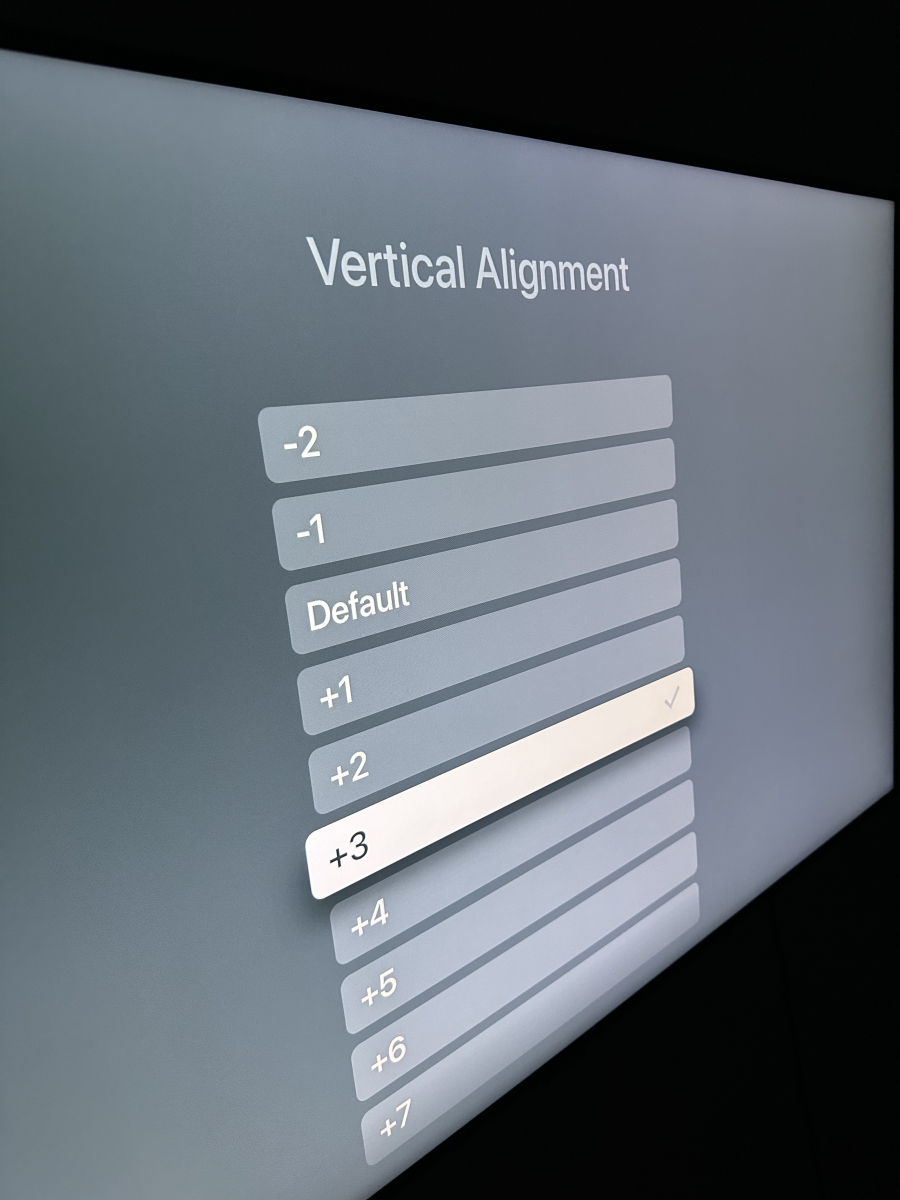
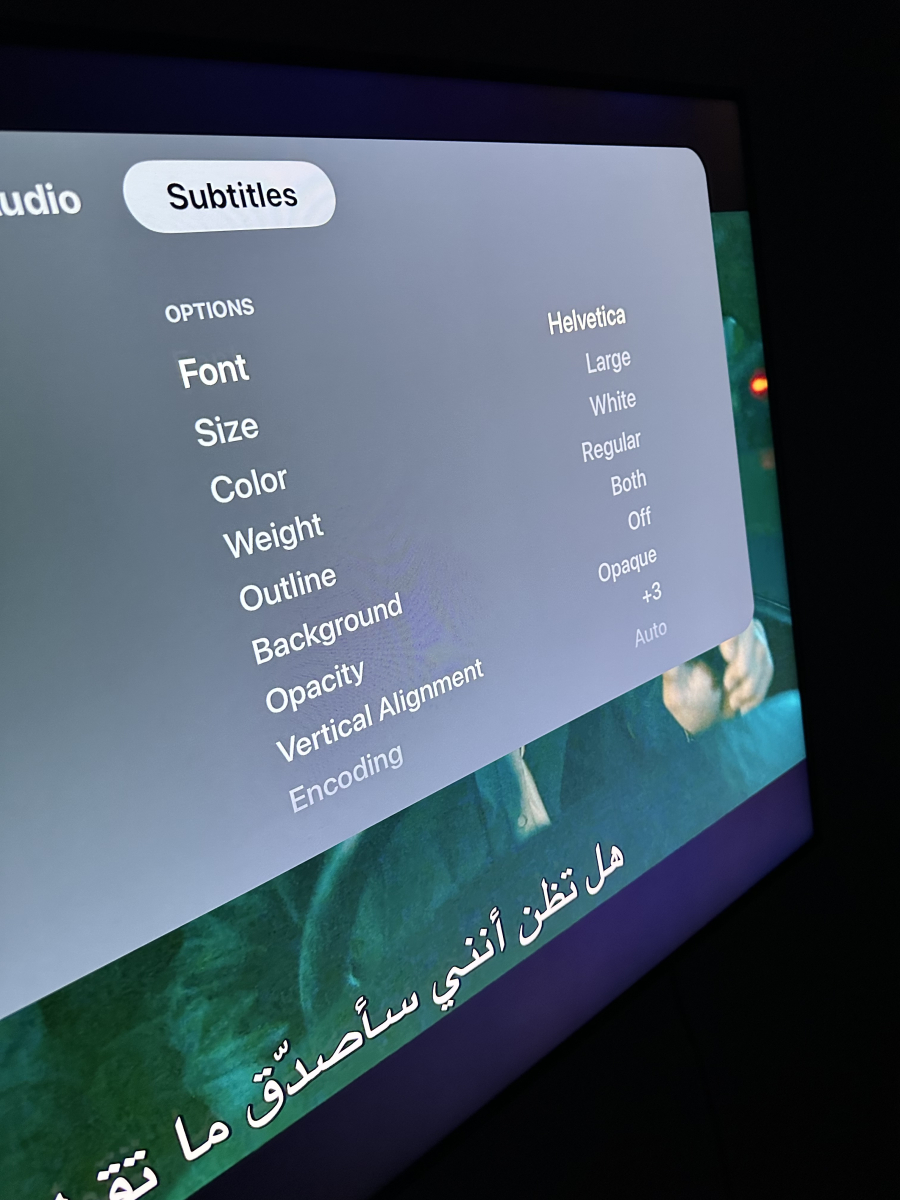
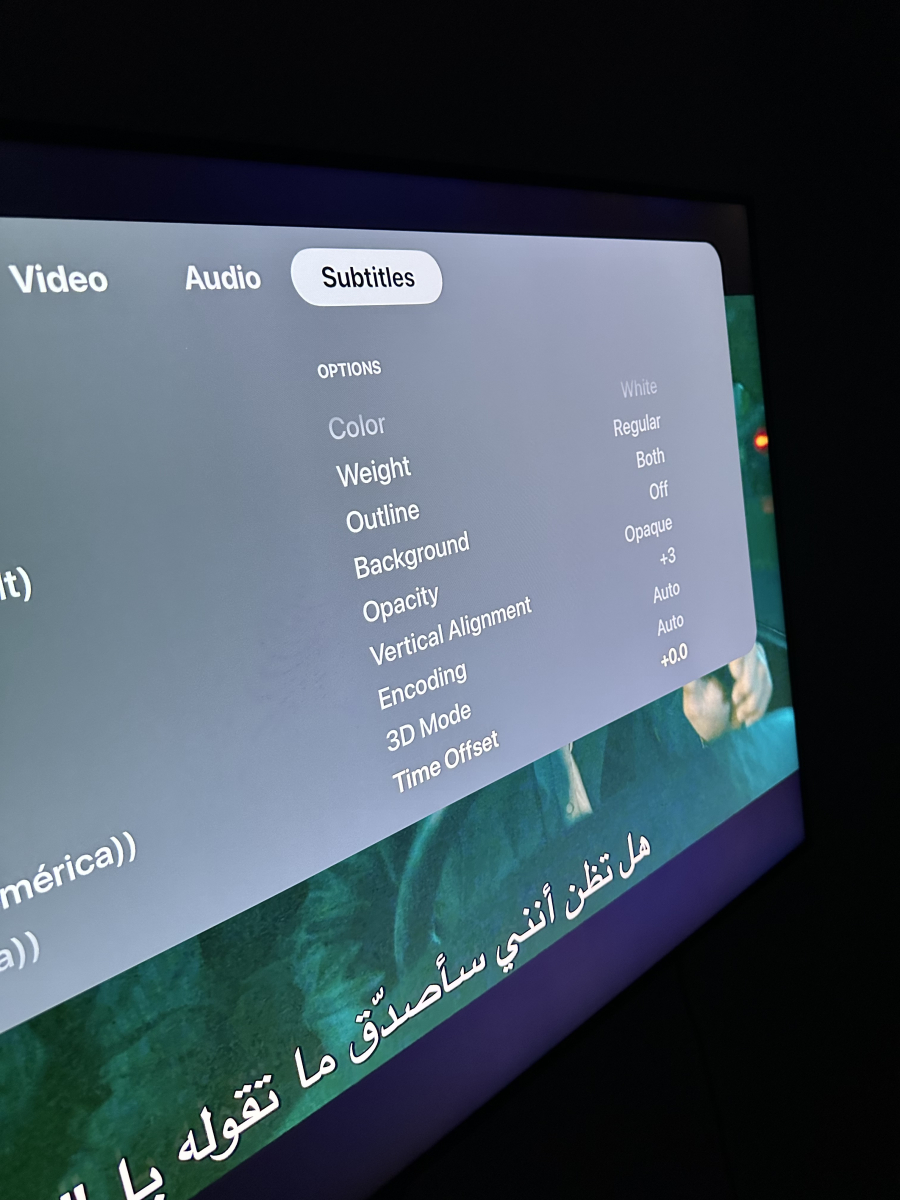
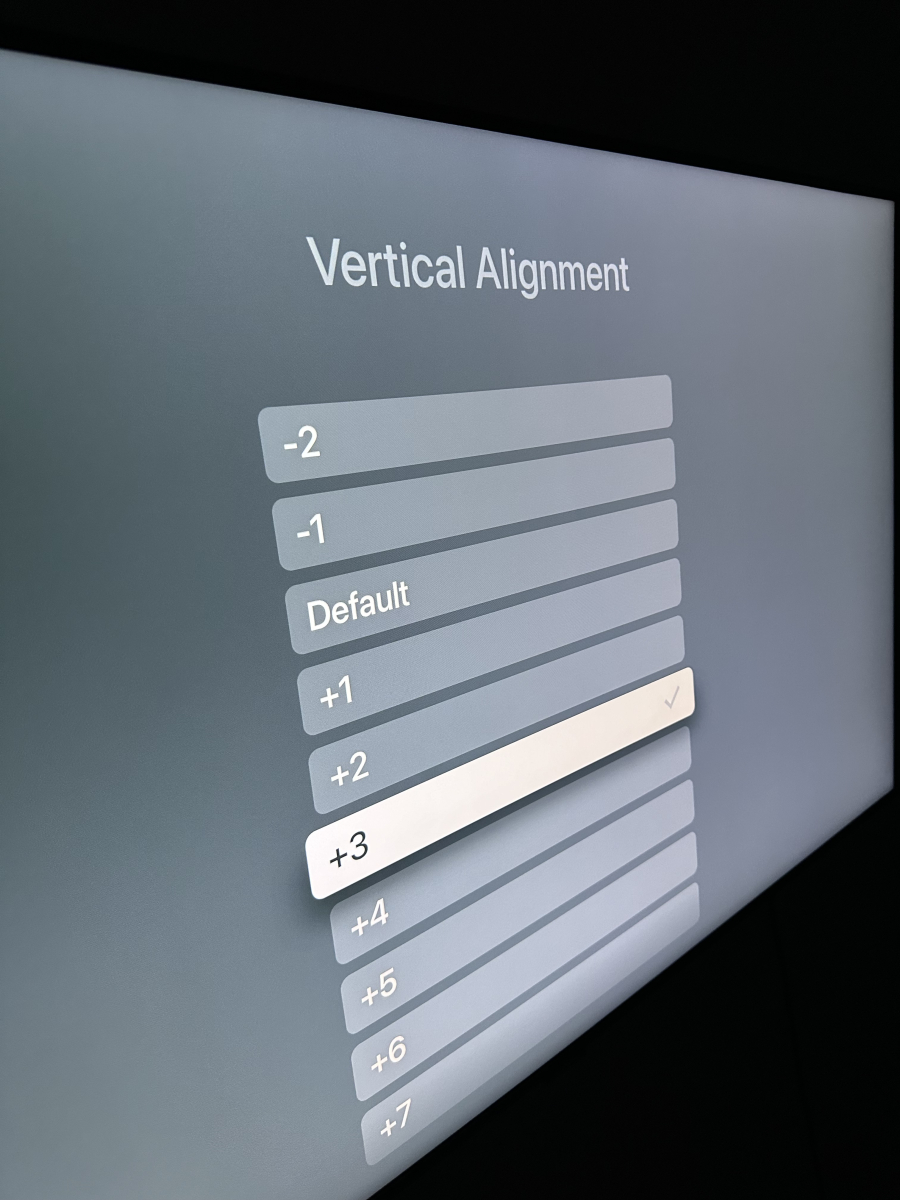
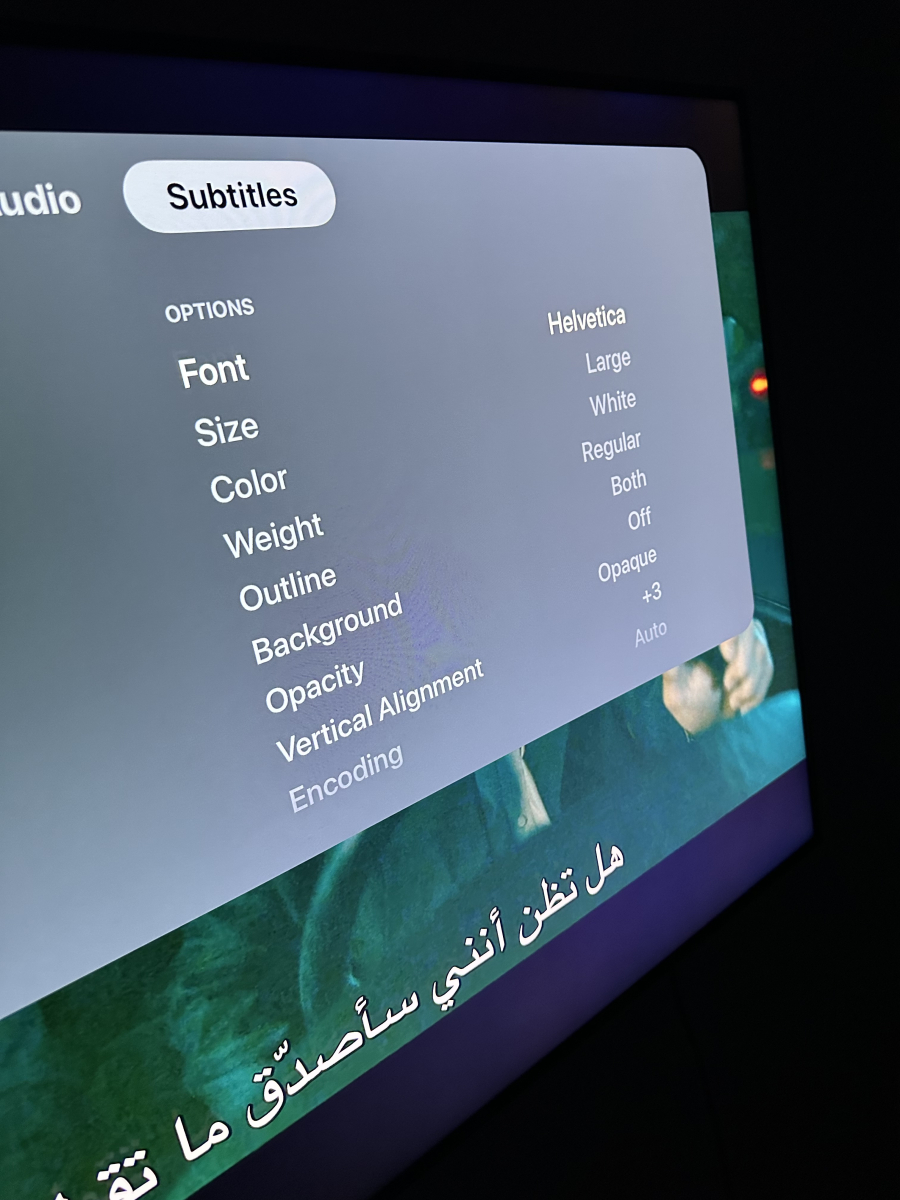
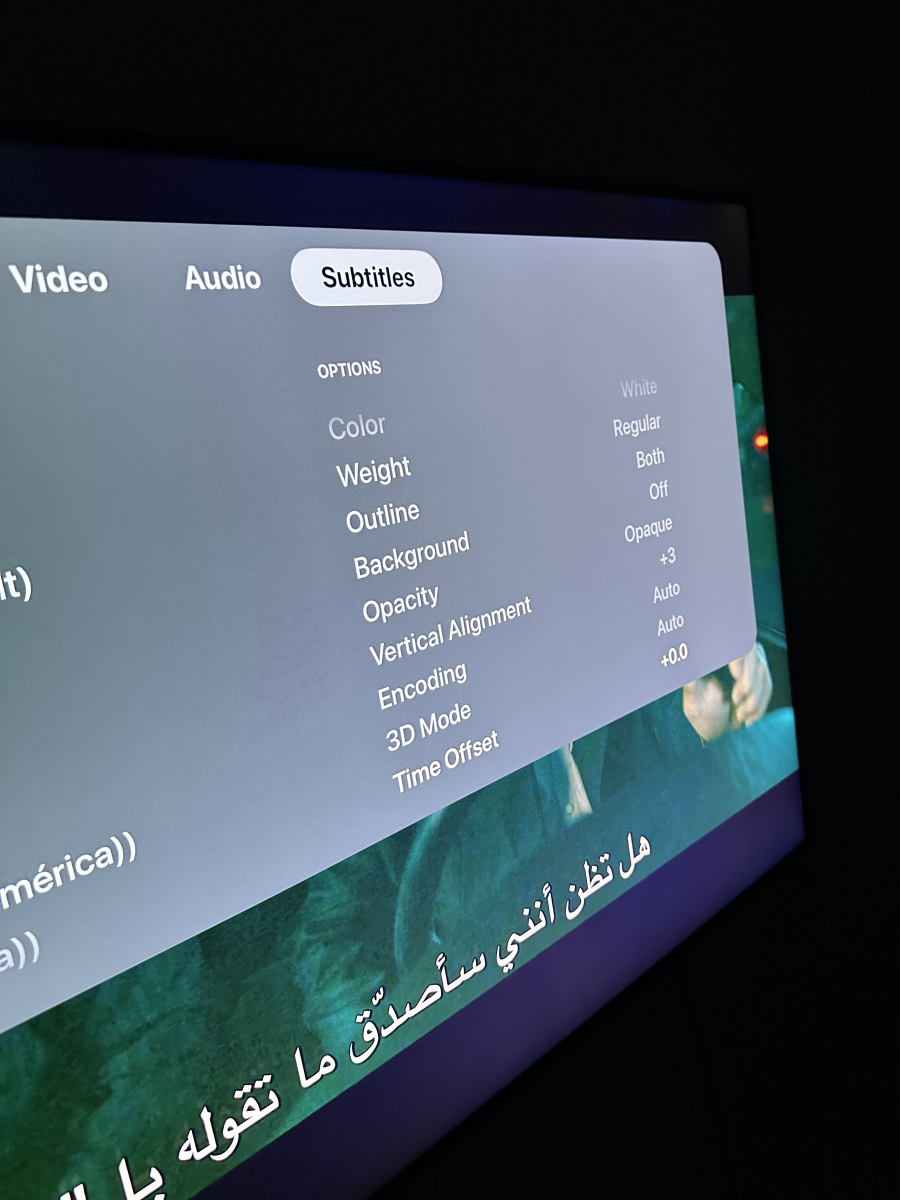
Thanx this infuse
 1 point
 -
This infues
 1 point
 -
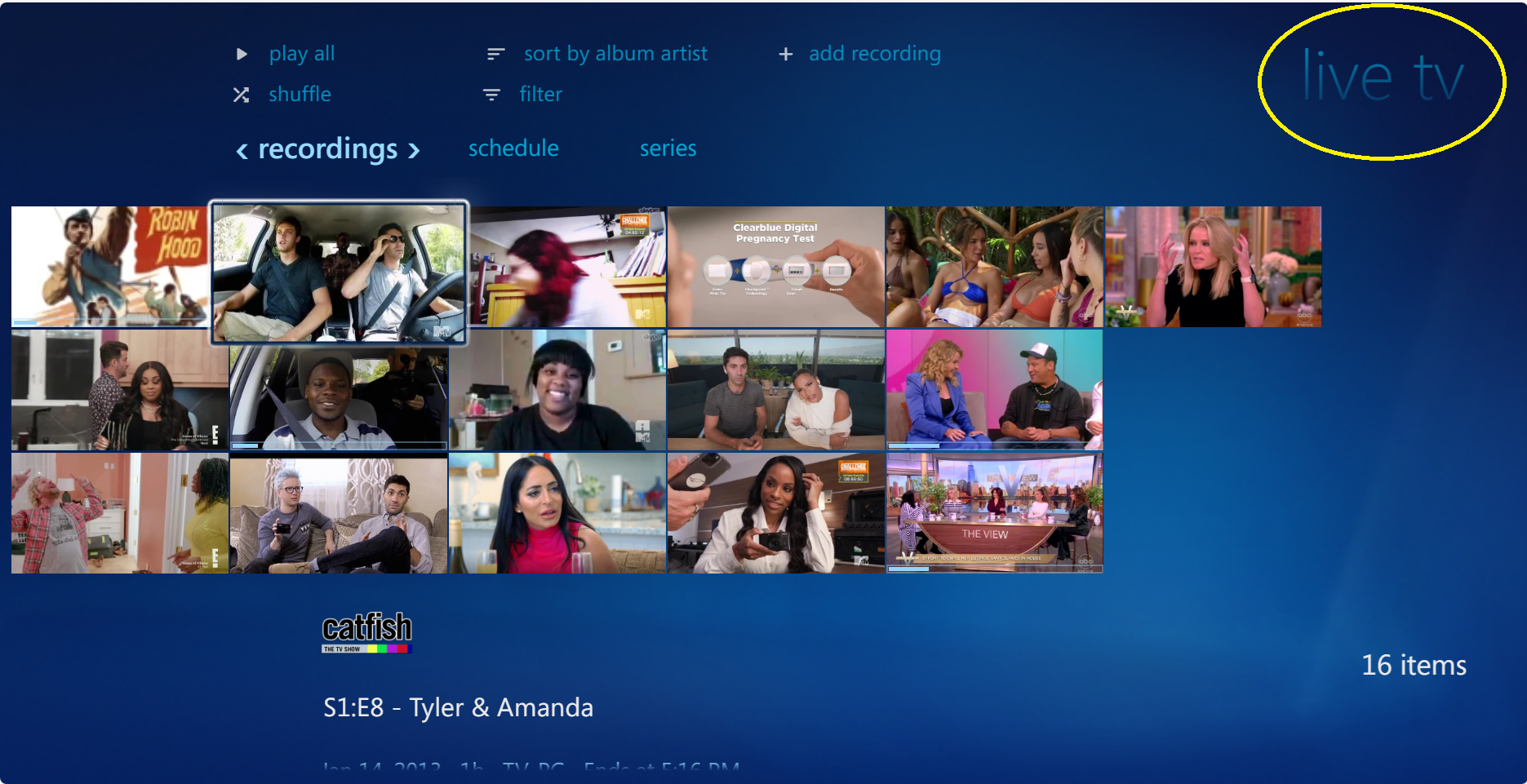
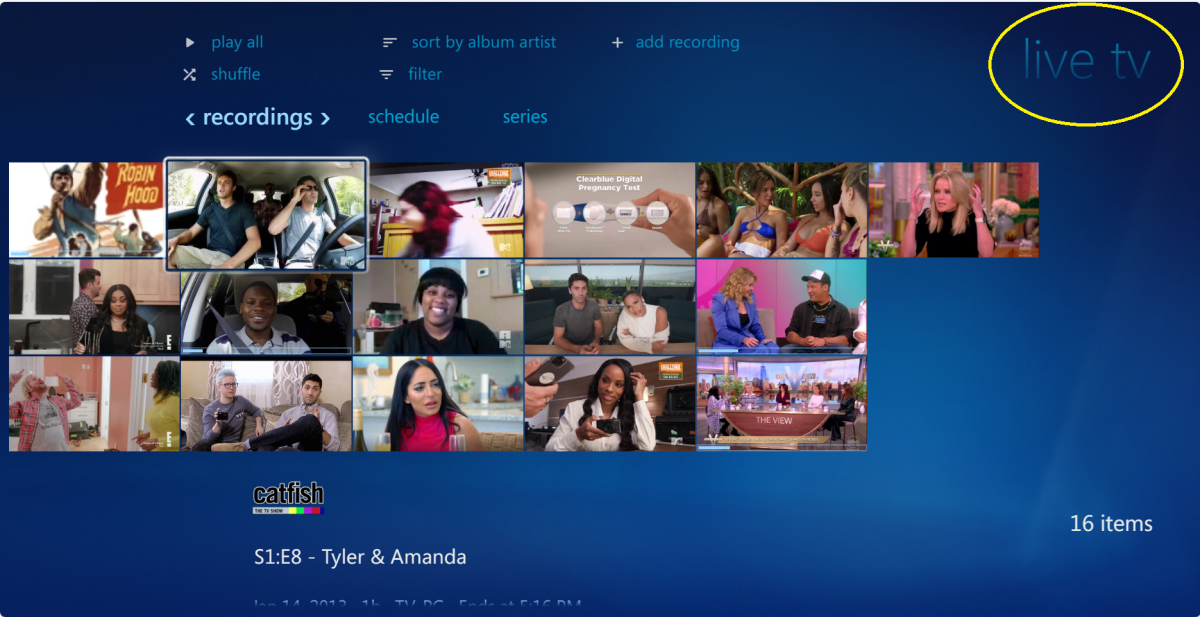
This is the most exciting thing ever! I'm here cause my old WMC rig is failing. Perfect timing In the Recorded TV tab, is there a way to group all of the recordings by series instead of showing all the recordings individually? Also just noticed that the Recorded TV tab say "Live TV"
 1 point
 -
We wanted to do that, but there's currently a technical limitation which will hopefully be resolved soon. I've created a new bug entry. You can track it here: https://github.com/EmbySupport/Emby.WMC.UI/issues/341 point
-
I would be very keen on this option. Currently when playing live tv there are 3 audio tracks with the default as 2 channel and I have to manually change to 5.1 surround everytime I play a channel. Please implement the default selection of 5.1 surround sound for live tv?1 point
-
A few extra ids added Provider_Ids_Extender (06Nov2023).zip1 point
-
AV1 transcode support, when?1 point
-
C'est exacte. Et même par exemple entre plusieurs qualité de film en 4k ou 1080P, 720P, etc. Il suffit que les films soient dans le même répertoire et nommés comme dans les captures d'écran ci-dessus.1 point
-
You're honestly better off to get an offlease micro PC than a Pi at this point. The Pi 5 needs a 27 watt power supply, and a T series Intel or GE series AMD only use 35 watts, and will wipe the floor with the Pi 5, especially the Intel with quicksync.1 point
-
I have a connect quatro and would like to have PIP. It seems to me that emby should be able to do it. I have 4 tuners. I can have 4 channels go to 4 clients, why can't we have 2 channels go to 1 client? I have seen people talk about 3rd party ways to do it and if you can tell me how to do it easily in 2023, then please enlighten me. @LukeAny reason why this couldn't be done? Thanks as always, emby rocks!1 point
-
Yes, there are several ways to do this but one in particular that I've I've been testing with a good half dozen Emby users that needed something like this. I had been testing this personally for maybe 6 months as well. I can't find a downside to this method unlike typical VPNs or typical reverse proxy use. It's not really a secret but I wanted to get some use of this on multiple different platforms first to work out any kinks and be able to support it. The only requirement is that you need to have your own domain name that you can control. It can be a paid or free domain but you need to be able to change the Name Server for the domain to point to cloudflare. Here's the overall list of steps involved: Register a domain name. Signup for a free Cloudflare account. Add your domain to Cloudflare. Change your Name Servers to what Cloudflare gives you to use. WAIT This takes from 15 minutes to a few hours to kick in and transfer to Cloudflare. In the meantime you can configure Cloudflare with the specific settings needed to work with Emby Server and not abuse their services. You will be able to setup any type of DNS record you will need like A and CNAME records but we will handle the "emby" sub domain programmatically so don't set anything up specifically for Emby use. At this point you can get your own domain certificate from a 3rd party like Let's Encrypt or use a private cert directly from Cloudflare (what I do). We have to convert this cert to the pk12 format Emby needs and install this in Emby. Up until this point you are basically doing the same thing anyone would do setting up Emby for Cloudflare use. Now the fun/tricky part and it's a wee bit different depending on OS platform is setting up an Argo Tunnel. This used to be a paid only feature but they opened it up to free accounts as well (hence me starting to play with it). This tunnel is created using a single piece of software called cloudflared which is a CLI (command line only tool) that is used to establish an encrypted connection from your Emby Server machine to the Cloudflare Edge network. There are 5 steps to this but for Emby use I've got pretty much "cut and paste" instructions. These steps include getting authorized by Cloudflare (you do this from the CF dashboard), setting up PEM certs (used between you and CF), setting up the actual tunnel, configuring the tunnel for services (ie https, web sockets & SSH) and port, joining this to a location, creating a special DNS record with PEM cert associated with it (used by tunnel) and giving it a name such as "emby". Now you just start the tunnel and if done correctly you will be able to open a web browser or any Emby app and type in emby.your_domain.ext and it will work. At this point you just set this up so your computer establish the tunnel every time you restart the computer. On windows I create a service to start automatically so you don't have to do anything. After that long process it just works. You do not need to open any ports on your router so this is actually a good solution for anyone! The only way into your network is going through Cloudflare which is setup to only allow secured ports 443 and web socket access. If your ISP gives you a different WAN IP every single day it also wouldn't matter to you either because your computer always initializes the tunnel with an outgoing connection. You could use this on a notebook, walk over to your neighbors with a different IP and it starts working again. Once setup it just works! There are a lot of positives to this approach except for the detailed setup (not hard). If you already have a domain name or want to get one, open a free account on Cloudflare and start the process of updating your Name Servers. Once Cloudflare has control over your DNS records, I can run through the rest of the steps in stages which will give me a chance to write it all down and make a tutorial out of it for everyone's benefit. Carlo1 point
-
Why bother even downloading the sample in the first place? And even if you do download it, why keep it? I add only the main movie/episode files to my collection.1 point
-
0 points
-
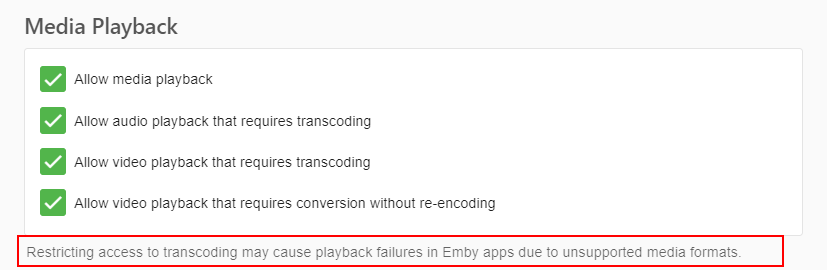
That is probably your issue, Safari likely needed container swap (or possibly full transcode), try enabling all options and playing same item, see how does that compare.0 points