Leaderboard




Popular Content
Showing content with the highest reputation on 09/29/23 in all areas
-
I've spent the last handful of years using different media servers. I've used the two big ones for at least one year each. I had settled on "P" a while back since it seemed more stable than "K". But was never exactly what I wanted. I saw a reference to Emby and decided to give it a quick try and see how it handled my library. I was immediately impressed by both the server management and the client for Nvidia Shield (AndroidTV). Managing metadata from the server was pretty easy. The "identify" button was such a welcome feature to find in the menu! Cover art was easy to work with and had a really nice set of sources for new art. In short, really decent metadata management at the server admin level. The AndroidTV client seems fairly nimble. The number of button presses required to change sorting is fairly small. The two most common sorting options (alphabetical and by import date) are right at the top of the sort button. Awesome! Filtering is actually quite useable and has all of the obvious criteria that I could think of. The alphabet on the side is easy to get to and quick to navigate with. The entire client feels faster than others I have used from competing products. ...and then I watched a movie. "Is that sharper than I remember it? No, it can't be. But it is. This looks better than "P". How have I not been getting full quality? This is awesome!" After noticing that each movie had many images as "assets", I set Emby to store them next to the movie files themselves. I like to have everything associated with my media in the same spot. Which led me to notice that having ALL my movies in the SAME folder wasn't great. So I did a weekend project to move all movies into their own individual folders. I also fixed the naming of all of my media to include the year and thus make them all uniquely identifiable. This was extremely satisfying, even if it didn't really involve Emby. I used TinyMediaManager, which turns out to be awesome as well after you learn a bit about it. At some point I found the "organize by collections" button and checked it. I was so happy when it made all of these automatic collections. Dirty Harry, Harry Potter, Star Trek, Die Hard... all organized into their own containers and ordered by release date. That's EXACTLY what I wanted all this time. But P and K made it so clunky and hard to do. With Emby it was all automatic. Shortly after, I figured out that I had many duplicate versions of movies. Many of them were not exact duplicates though. Things like "Drumline - Theatrical" and "Drumline - Extended Version". I figured out how Emby does "movie versioning" and honestly I'm not a fan. But Emby has a convenient button to "ungroup movie versions" which I used. I then decided I need to make collections for each of these movies with multiple versions. It was incredibly easy to create a collection and add movies to it. Just like it should be! Collections are really a killer feature of Emby for me. My library has never looked so good and never been so correctly organized. As I was cleaning up my collection with help from Emby and TMM, I figured out that I had a handful of movie "extras" I had ripped from Blu-ray and DVD a long time ago. Files that I had honestly lost track of. I had never had a good way to present movie extras or to group them with their parent movies. Emby impressed me again with the ease of making an "extras" folder and then simply automatically showing me all the extras right inside the movie screen for that movie. This is one of those events where after you've seen it, you wonder why it isn't like this on all systems. It's so easy and elegant. My favorite two design paradigms. This has changed my media acquisition workflow. For years now I have been ripping discs and simply ignoring the extras because I couldn't organize them. No more! Now I can rip all the extras and keep them with the parent movies, ready to see any time. This is something I missed from the days of DVD players and physical discs: All the extra content that added richness to the movie experience. Now I have it again. I don't know how "huge" this is to my movie experience, but it is a sea change. It's brought back something that I thought I'd never have again. Early on I subscribed to Emby Premiere. I did this to support the developers and to try out a couple of features that looked compelling. The Cover Art plugin makes movie and TV posters look like disc cases. Blu-ray's look like Blu-ray cases. DVD rips look like... you guessed it, DVD cases. This alone is a HUGE feature. Before this I had to click on each movie to see what the resolution was (DVD or BluRay). Now I can tell just by the case "wrapper". This detail really makes my collection more accessible to me. Premiere is worth having for this feature alone. I was excited to try the "Cinema Intros" feature as well. This shows one or more trailers before your movie. Trailers that should be similar in theme to the movie you are about to watch. In practice this feature is a little rough. Mostly due to the sources of the trailers, which are frequently poor quality, or in a foreign language, or have some other issue that make them unappealing. I think with a better source of trailers, this could still be a really neat feature to have. I'm still experimenting with it. I'll say it again: My movie and TV collection has never been this well presented before. Emby has helped that happen and Emby is the final presentation (the Emby clients) which support all of this organization. I'm very excited about this and have told all of my friends that are interested in home media servers. Is Emby perfect? Not yet. But it's the best media server product I've ever used. Thanks Team Emby! Brian.4 points
-
It’s not in the latest betas but it will need to be .sdh3 points
-
SRT support for same, while we're at it (ie moviename.en.sdh.srt).3 points
-
HI, the hearing impaired status for subtitles, both internal and external will be supported in Emby Server 4.8: Thanks.
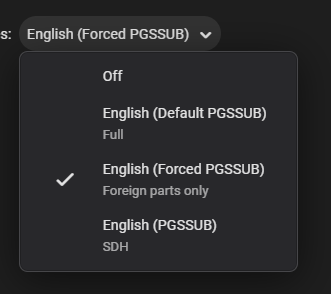 2 points
 -
Is this doable by some sort of plugin ? Maybe add your imdb credentials and then be able to rate movies here and have them on imdb as well (not talking about sorting here, just rating stuff)1 point
-
When setting up a new user I think it would be great if I could copy an existing user. Even better if you could copy certain aspects of a user like views , library access , parental settings1 point
-
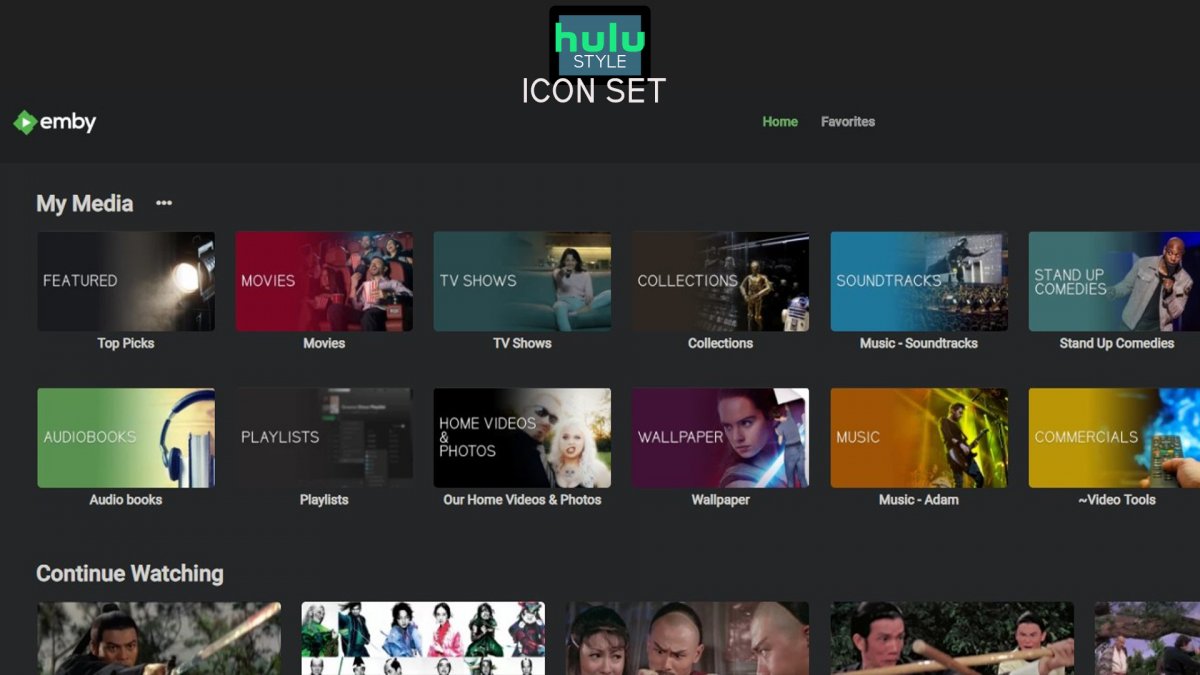
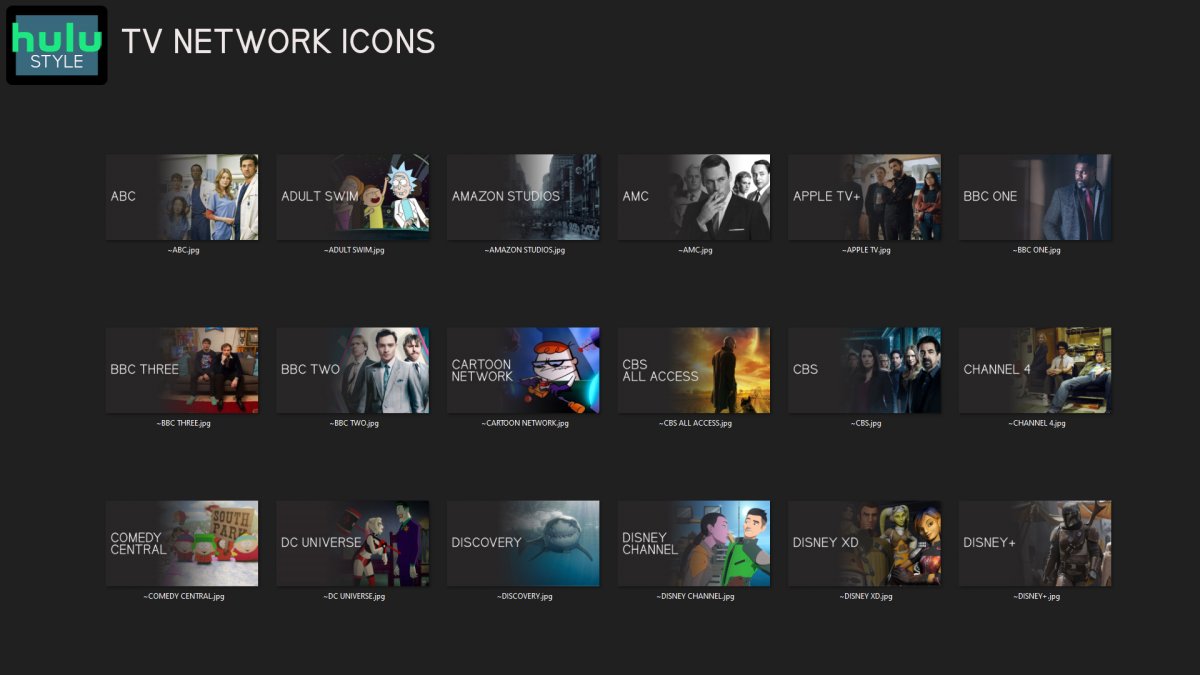
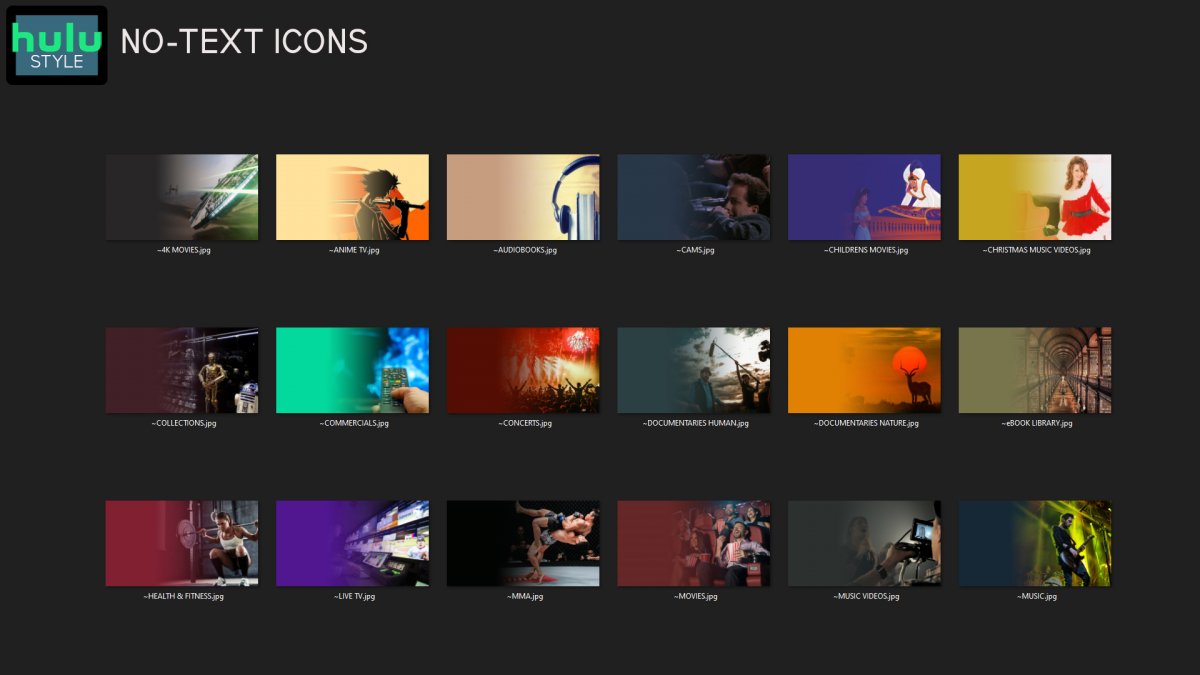
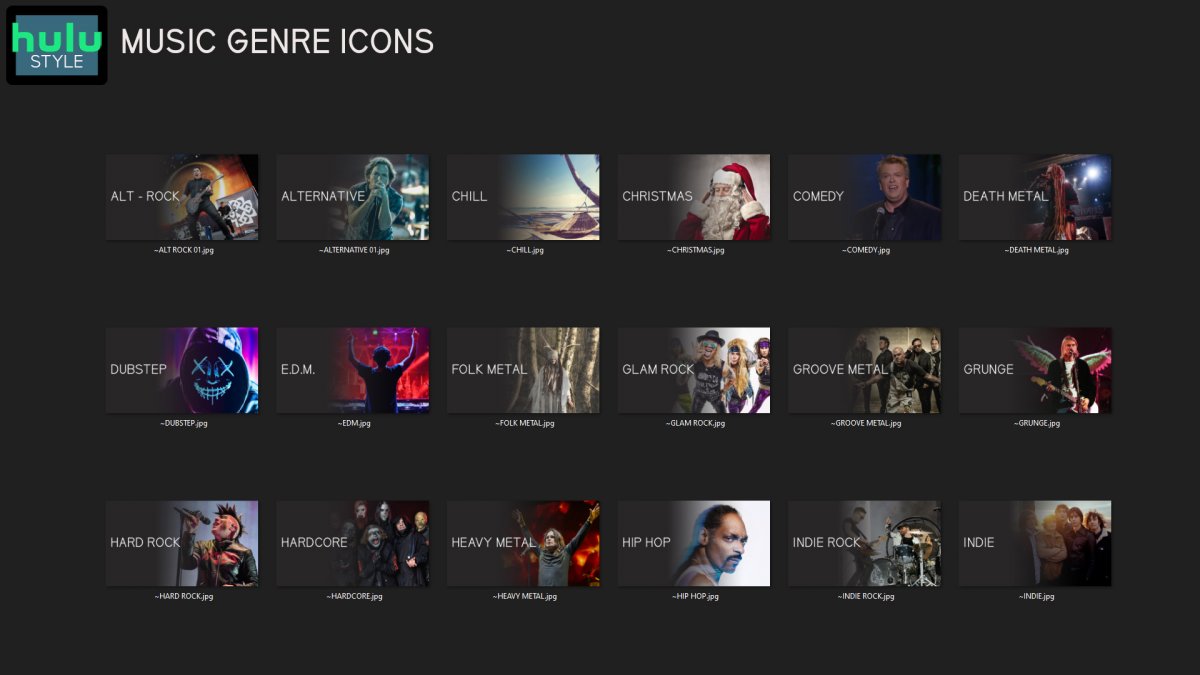
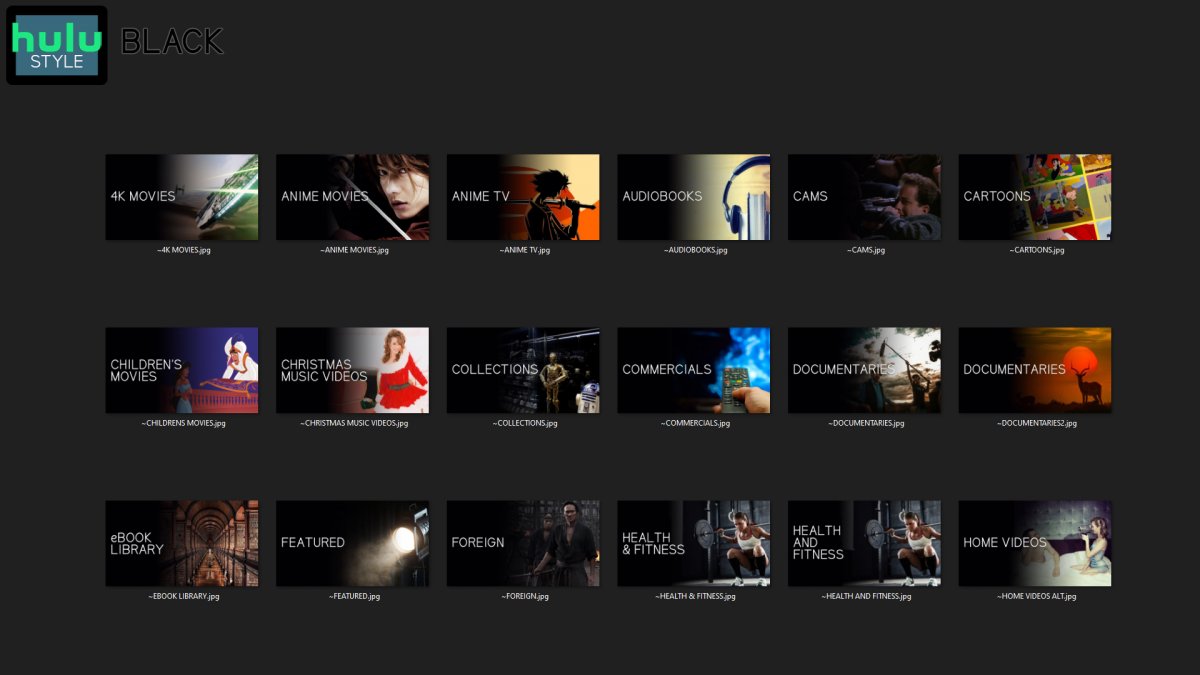
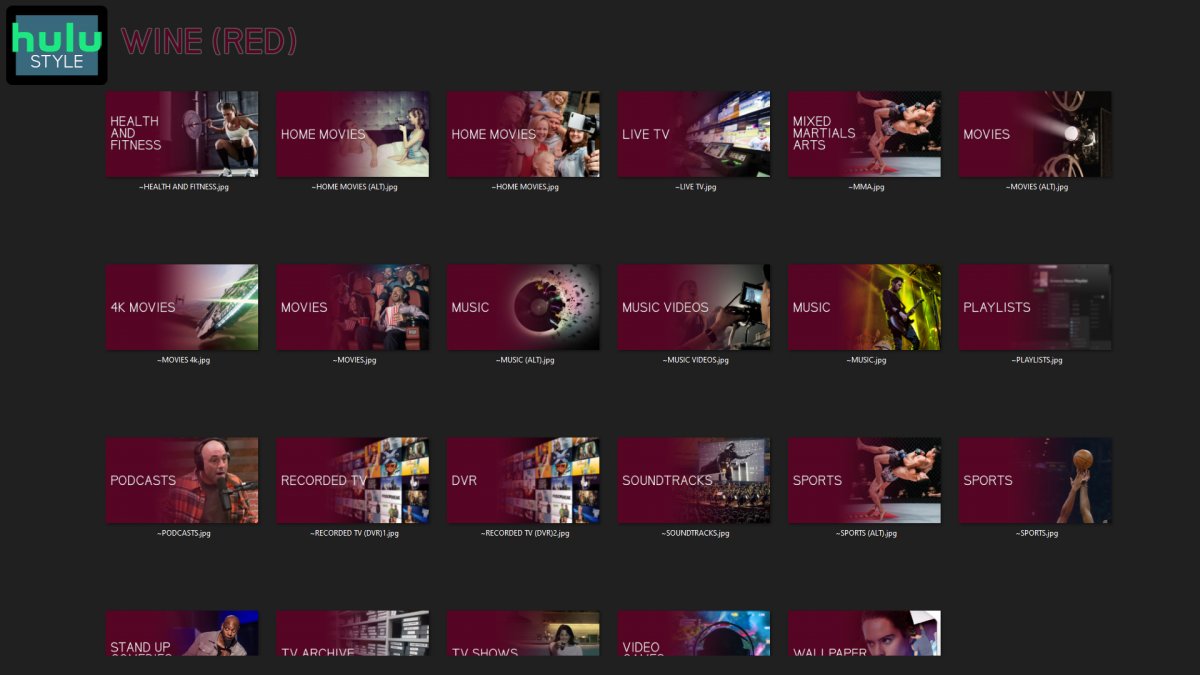
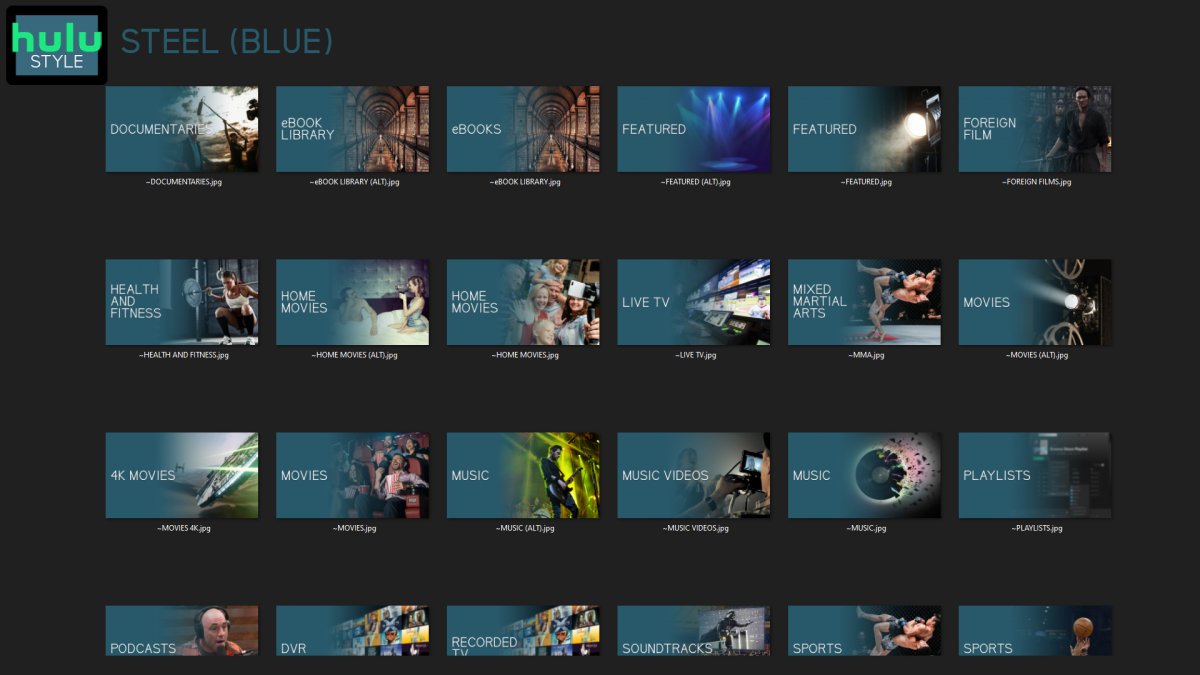
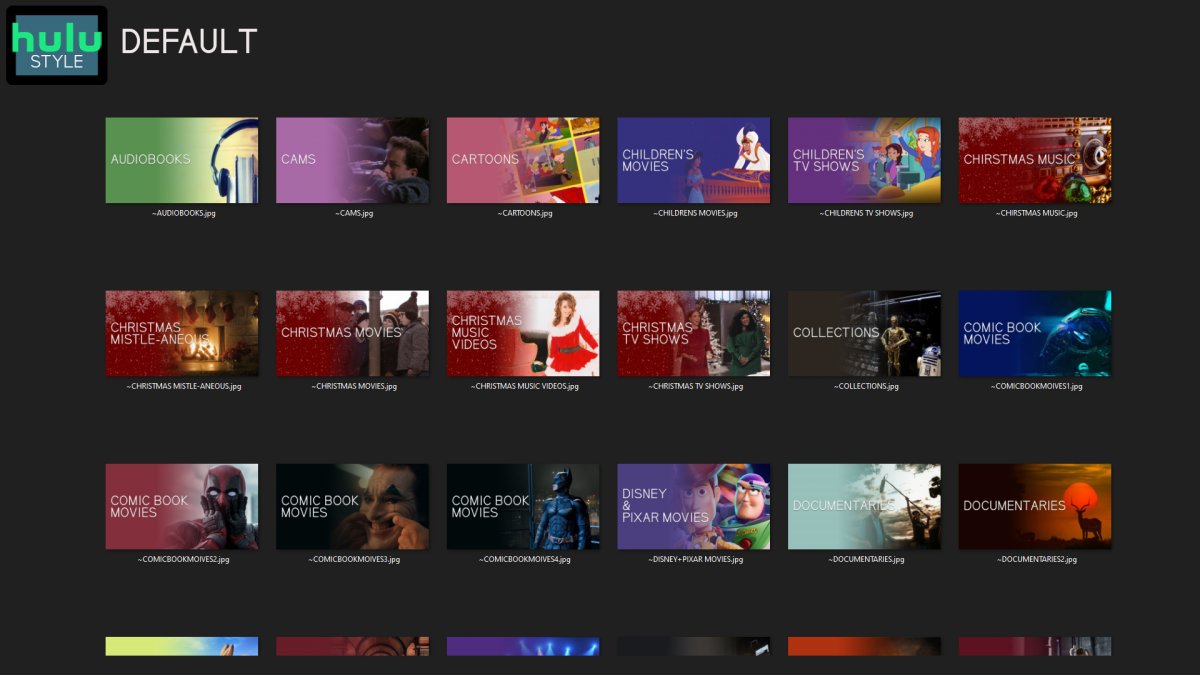
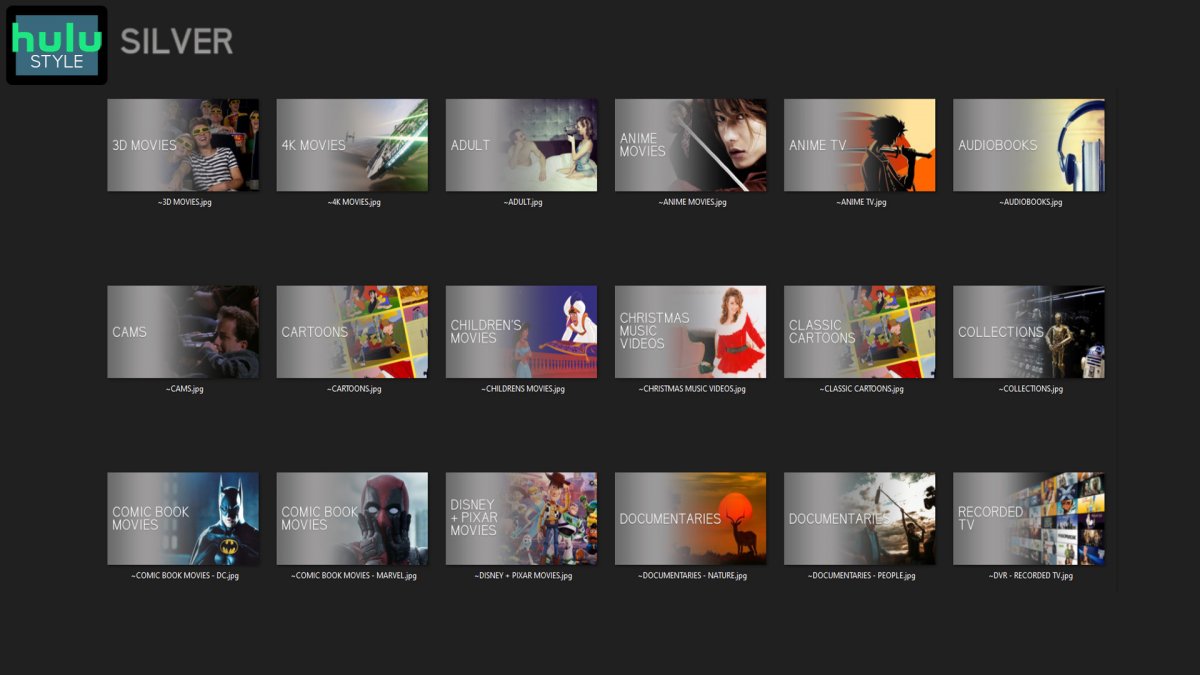
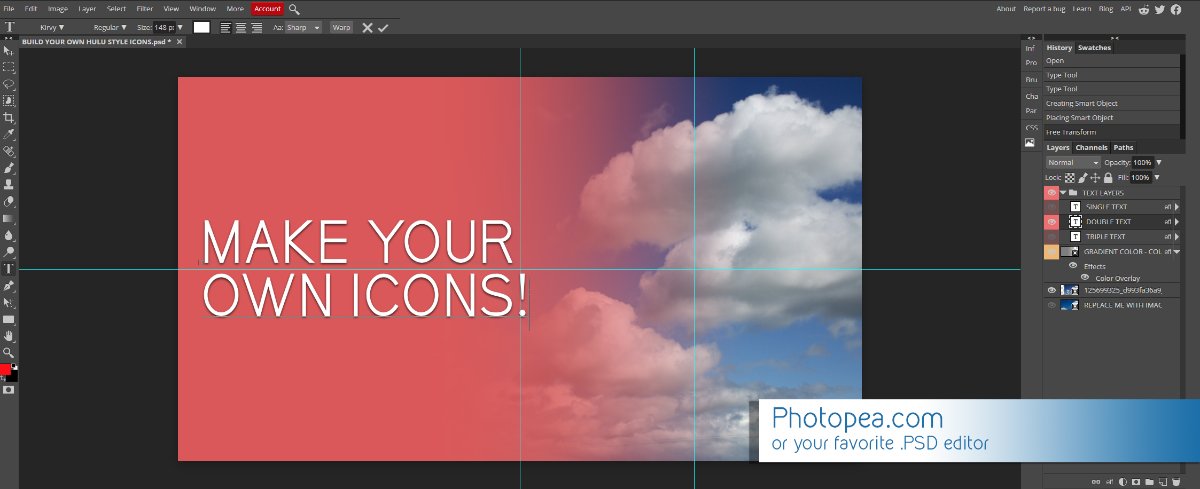
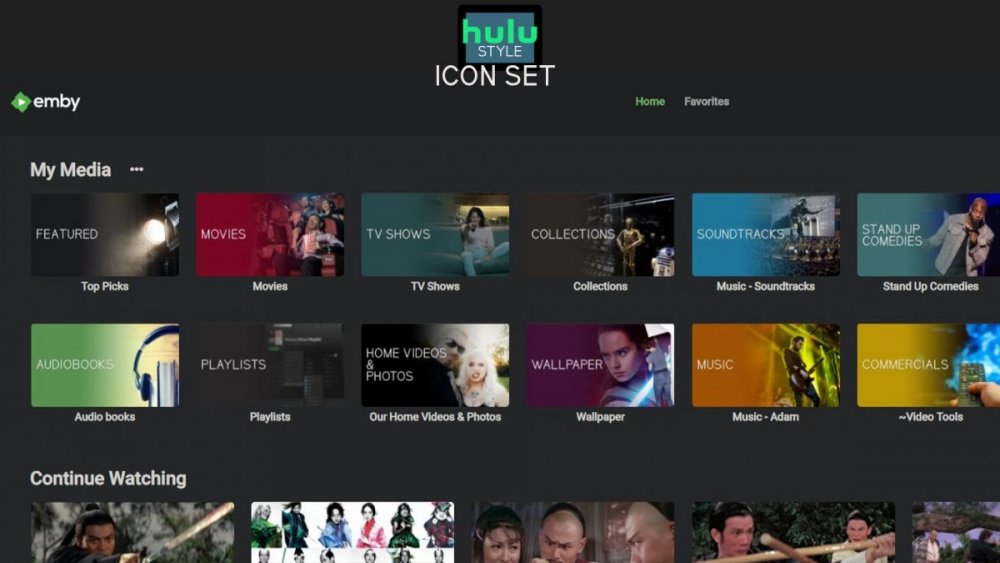
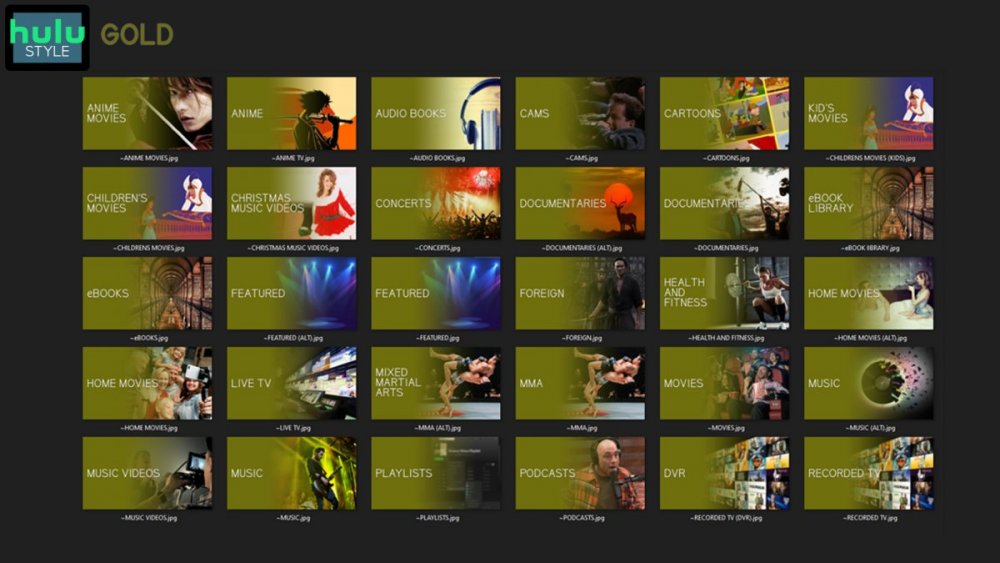
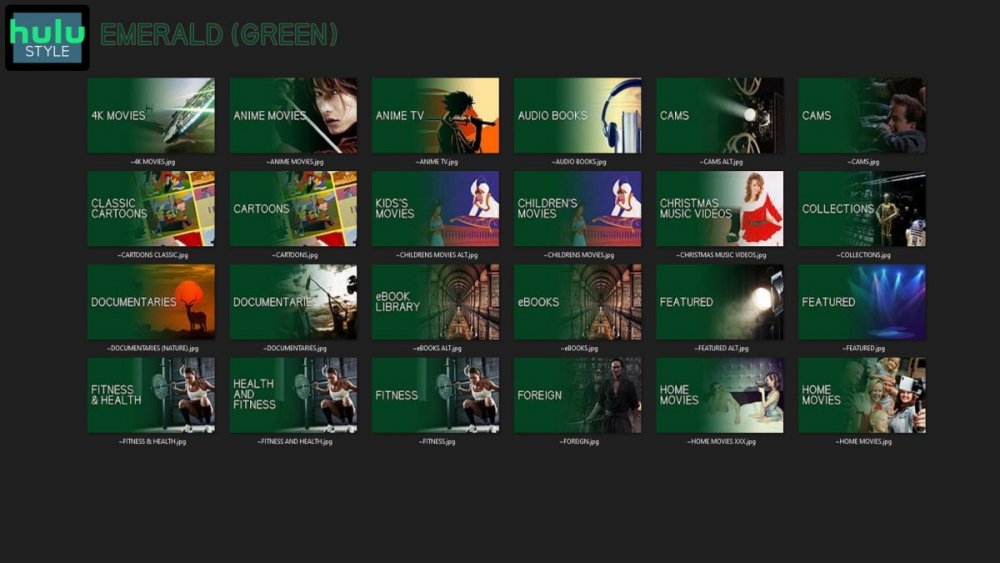
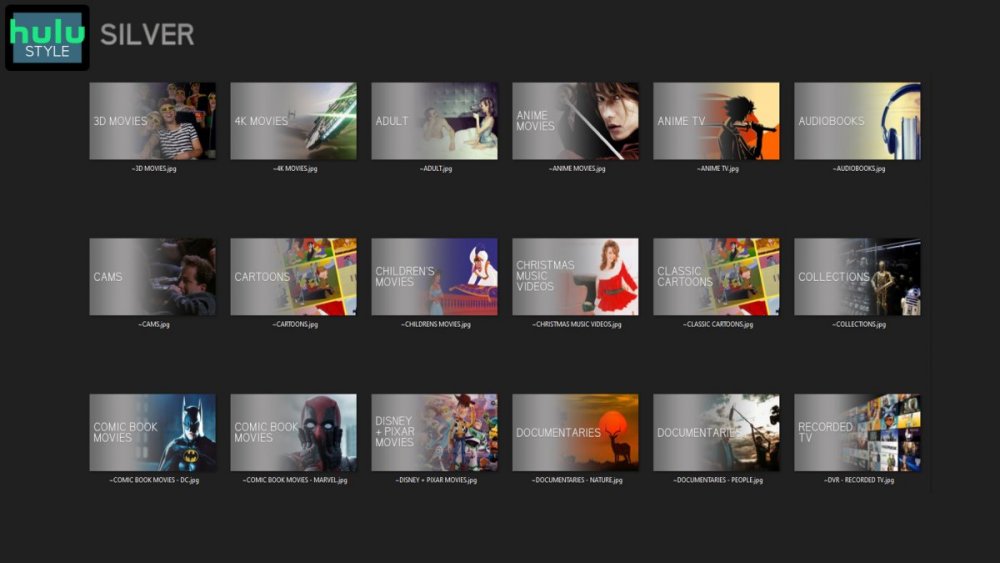
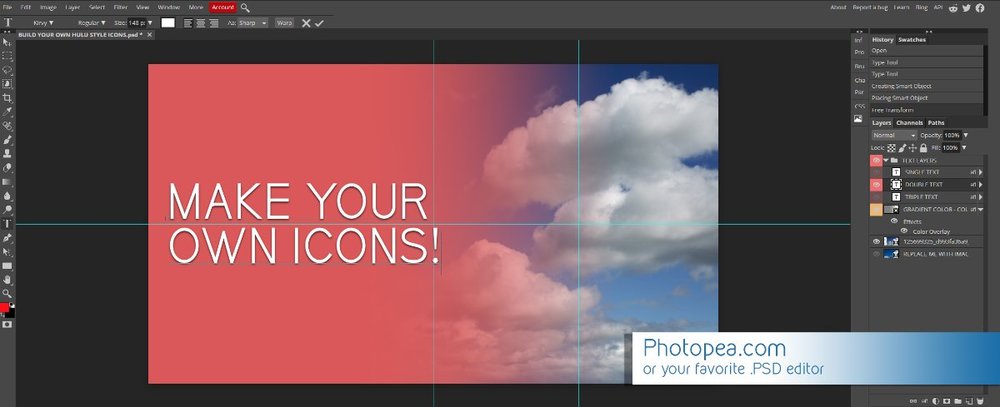
Media Library Icons for Emby Updated: 07/10/2021 I've always had a thing for the simple gradient style Hulu overlays on their library images. I'm not that great at graphic design, but I can mimic some things pretty decent. I hope! It's very simple, and clean and something I've been wanting to attempt for a while. I've never done anything like this, so constructive criticism is appreciated! More color options for media libraries coming soon!!! Also included to make your icons match across the platform, are video genre, music genre and TV network icons: I've hosted this only my Google Drive, so if if the link is not working please, reach out to me and let me know and I will do what I can to resolve! The font (Kirvy), and PSD's are located in the \~TOOLS\ sub-folder Media Library Icons - DOWNLOAD HERE Feel free to create your own to fit your needs! Photoshop Template - DOWNLOAD HERE Gimp Template - DOWNLOAD HERE (ALL credit for creation of Gimp template are thanks to, Mibok, who took the time to recreate the Photoshop template in Gimp!) Many have asked for a smaller and easier version of the .PSD file to create their own custom icons. I have simplified the .PSD and it is now compatible with, Photopea.com photo editor so no need to own Photoshop to make your own icons! Download the new .PSD HERE Thanks for giving me so many hours of entertainment, this was something fun to try and give something back! (If any of the above images are not allowed, please inform me ASAP and I will correct it) *** Change Log*** 07/10/2021 Added GIMP template, created by, Mibok to allow users alternate means to create their own icons 01/25/2021 Added lighter .psd file for easier custom icons 10/04/2020 Added "Silver" Media Library Icon Set and all remaining requests and missing items in each set 08/15/2020 Added some requests and "Emerald" (green) Media Library Icons Set 07/06/2020 Added "Gold" (yellow) Media Library Icons Set 06/29/2020 Added "Wine" and "Steel" (red and blue) Media Library Icons Set 06/29/2020 Updated sample images 06/22/2020 Added "Black" Media Library Icons Set 02/27/2020 Added TV Network Icons for 49 U.S. networks 02/27/2020 Added ~MEDIA LIBRARIES sub-folder to help keep the folder organized 02/24/2020 Added Phase One of Music Genres to Google Drive 01/25/2020 Added requested images to Google Drive 12/21/2019 LITE - Hulu Style Library Icons PSD Added (Uploaded PSD with no graphics for a faster, lighter PSD option) 12/21/2019 Media Library - No Text Icons Added 12/17/2019 Generic Movie Genre Icons Added To Do: Update preview post with images Continue color sets: Black - Maroon - Navy - Emerald- Gold - Silver Update No Text Icons Downgrade PSD for compatibility for older versions of GIMP/Photoshop TV Networks - USA Optimize PSD for simplicity
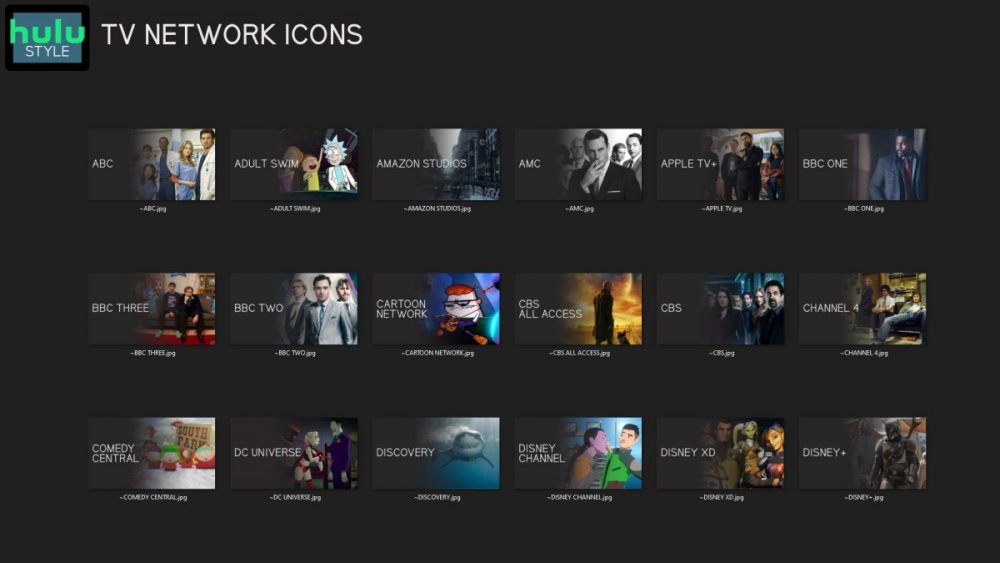
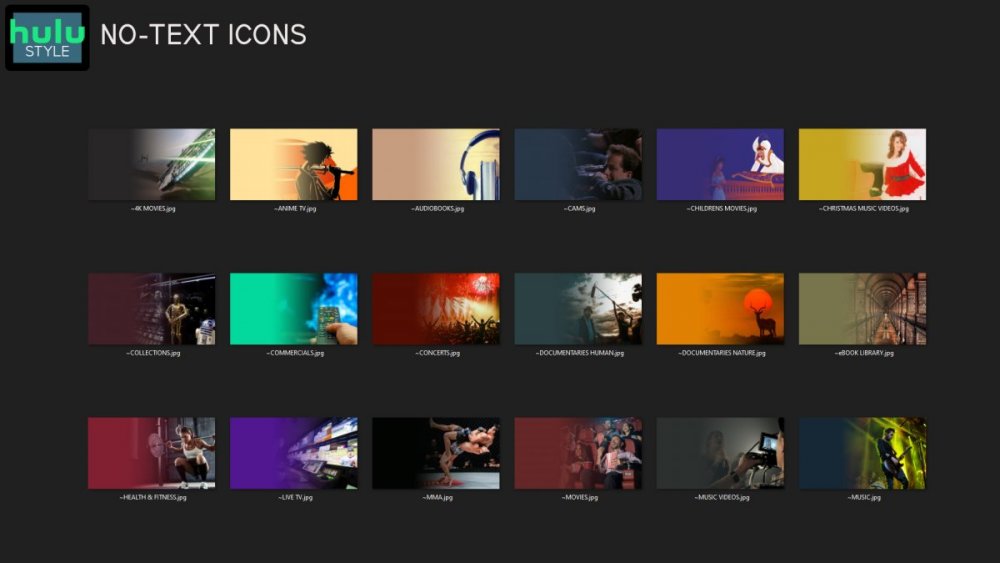
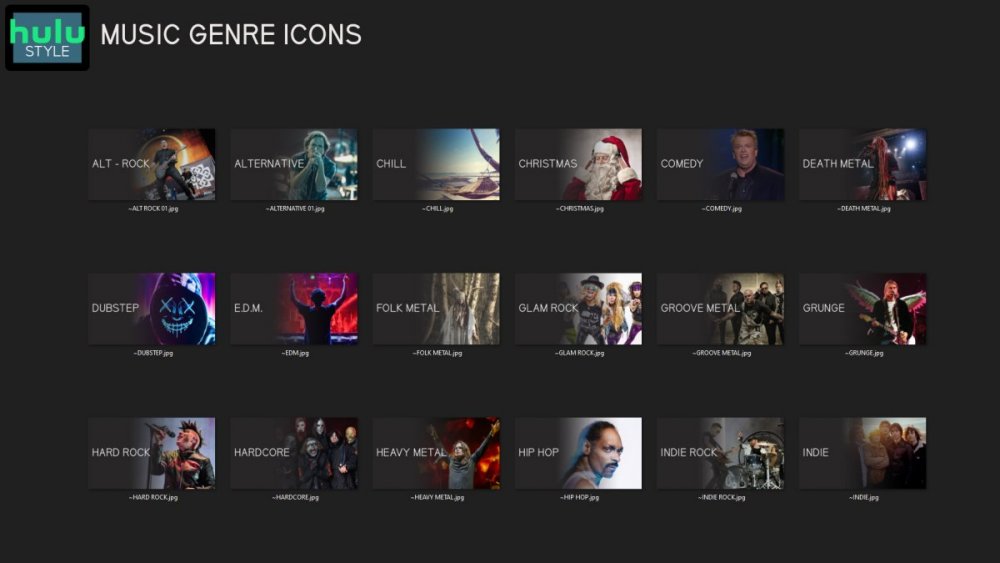
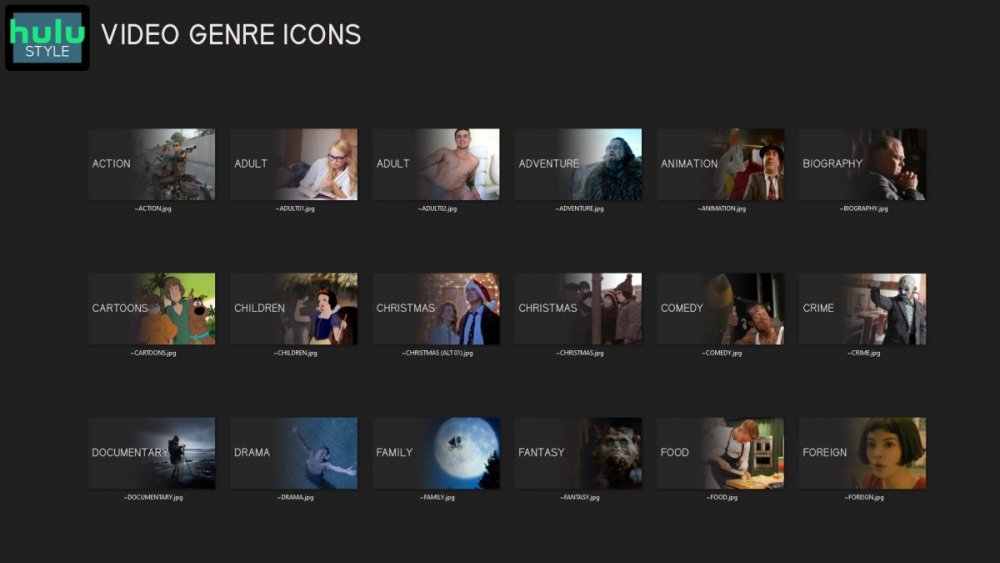
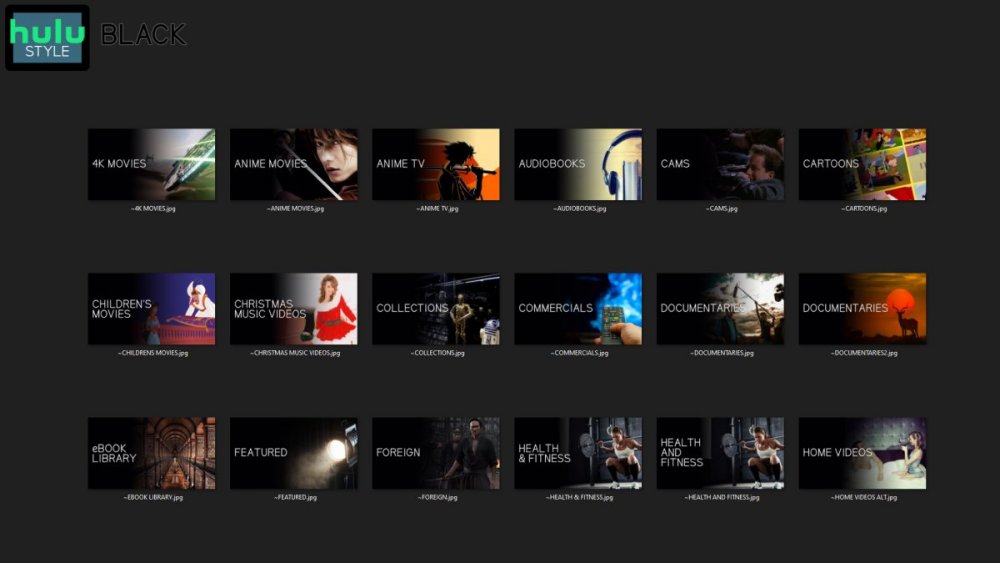
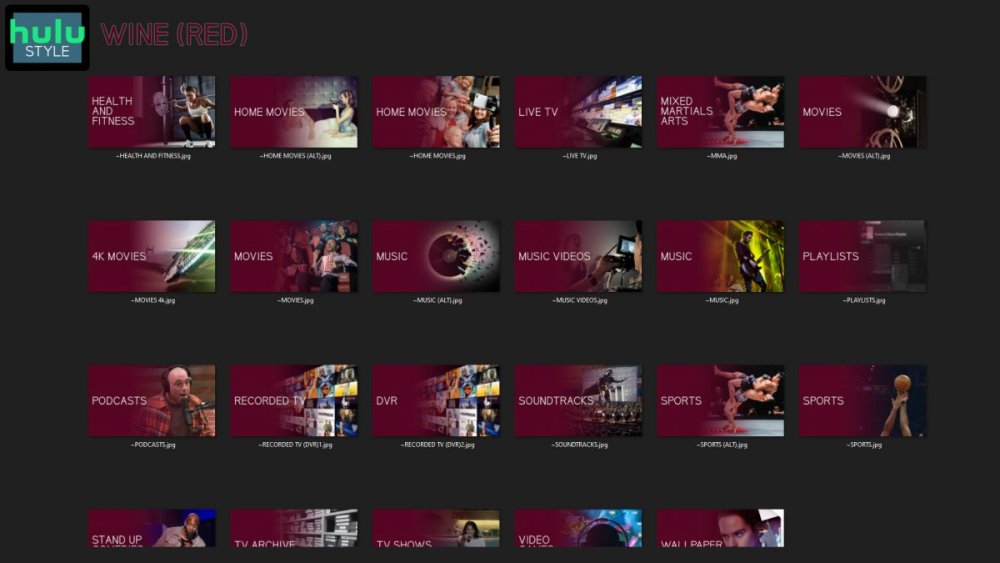
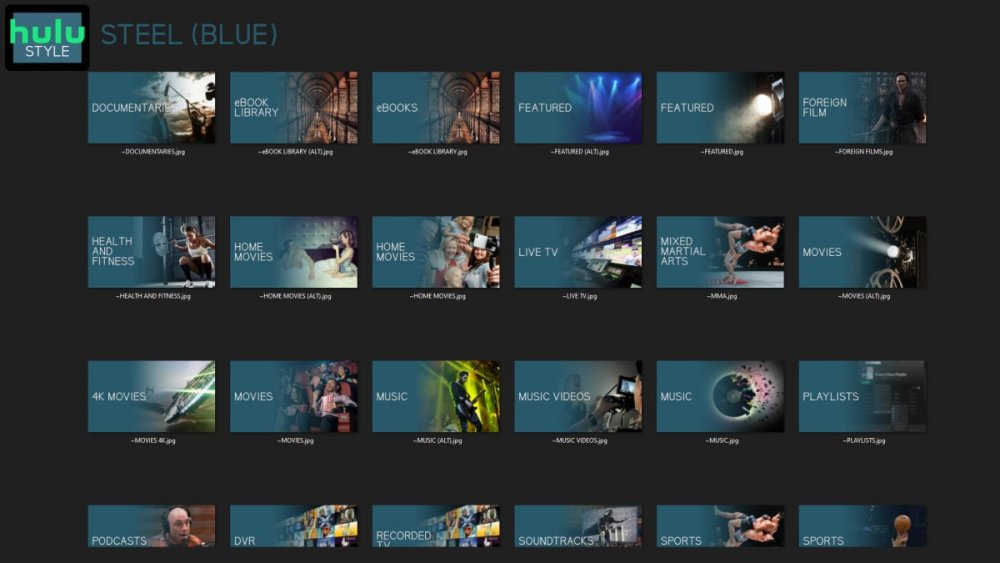
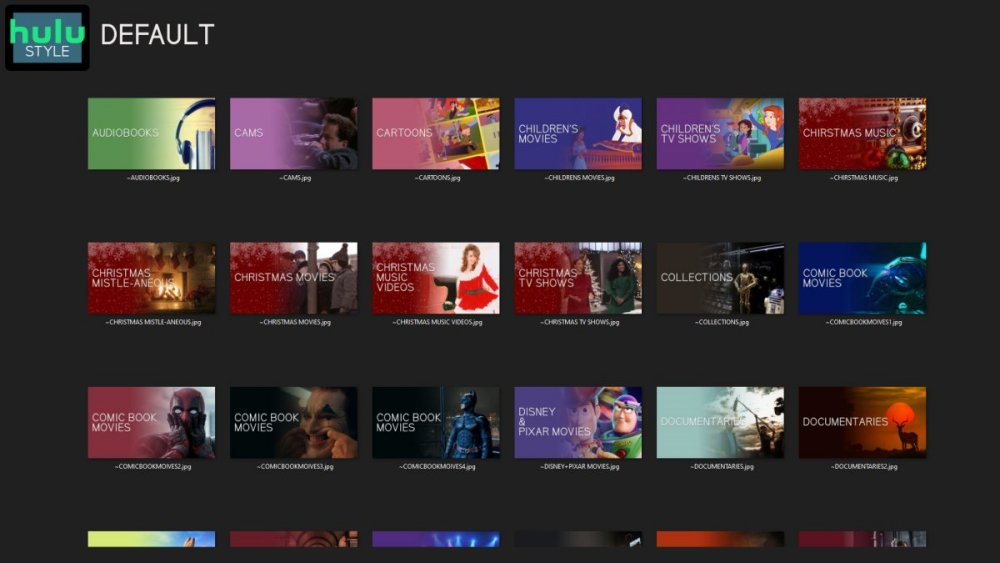
 1 point
 -
No, he's saying that as you provide an https interface, he feels that you should ensure that it is as secure and up to date as that of the best purpose-made web servers. Personally, I'd rather you concentrate on the media server and encourage us to use a specialised (and free!) reverse proxy if we want (and can justify) a higher level of security. I'd even be happy if you removed the SSL stuff so that we had to use a reverse proxy to provide it! Paul1 point
-
Thnx for the change from = to - now it can be fully supported by Radarr and Sonarr. And i can finally update the naming scheme for another Guide1 point
-
@roakuThat was it, it had a remnant from a different naming scheme. Now another question. Is there any way to change the display order in the drop down box and the default one played? Because it is not likely I will watch the full screen version and I would prefer to have it default to widescreen. In other cases I may have a preference of the default and not just based on alphabetical order.1 point
-
Is your parent folder exactly: 'From a Whisper to a Scream (1987)'?1 point
-
It should I guess yes. Just not the intended purpose.1 point
-
In short - no - when developing MediaInfo we hit the same issue - which is why that Plugin only works with mkv. Remuxing mp4's was just too risky for a plugin. You might actually find it quicker to simply convert the mp4 to mkv - using mkvmerge - and wipe the title and comments in the process ...1 point
-
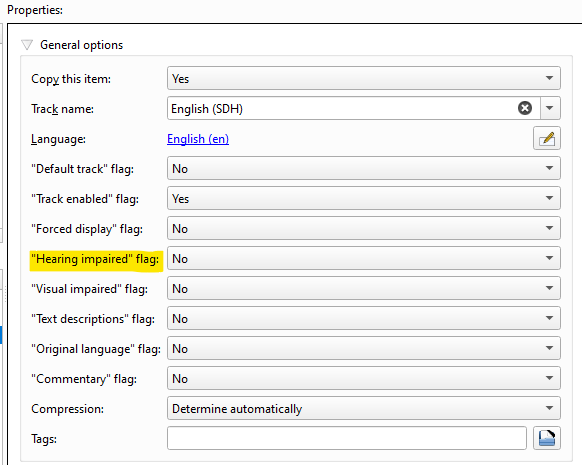
If they are not already tagged as such - then depending on the container, you'll need to use ffmpeg/mkvtoolnix/mkvpropedit/mp4box to add the internal 'flag'. Depending on the Track 'name' (with the term SDH in it ..) you may be able to automate this using mkvpropedit (if using mkv). If MP4, then I'm not sure this is possible as you can't just edit headers without remuxing the entire file .. mkvtoolnix manual example (remux, or use the header option to add the flag=Yes) - If in a script - then you can use mkvpropedit - s1 = first subtitle track, but you could use a script to identify if the subtitle track name contains SDH - mkvpropedit "input.mkv" --edit track:s1 --set flag-hearing-impaired=1 ffmpeg/ffprobe (what emby uses) will pick it up as a DISPOSITION on that stream - meaning you can write it too, but again, you'll need to remux the file to add it, so if you use mkv, then mkvpropedit is by far the quickest and easiest way. DISPOSITION:hearing_impaired=1
 1 point
 -
So it appears that my starting and stopping recordings within about 5 to 10 seconds as I was testing may have caused the com_skip.sh script to fail. I decided to just leave it alone and see how it would perform with my existing scheduled recordings. So far I have recorded 3 shows and the com_skip.sh script has generated the EDL files without error. I hope the issue is truly resolved. I will give it about a week to see how it performs. Thanks for all the help, this is awesome!!!1 point
-
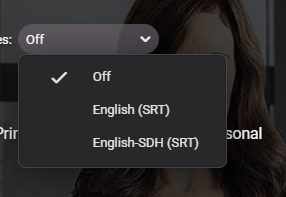
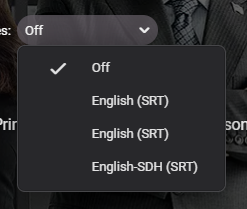
Thanks @Luke Can you confirm the external naming convention please - as currently I'm having to append it to the language - otherwise it gets ignore - even on the latest beta. The below 'works' - Billions (2016) - s07e08 - WEBDL-1080p.English-SDH.srt giving - but filename.en.sdh.srt does not - it just ignores the sdh part - giving - Thanks !
 1 point
 -
For TV shows, Home Screen sorts by "Last episode date added", not "Date added".1 point
-
I can answer my question myself, maybe it will be helpful for someone in the future. I opened the SD card with the goolge file explorer and I pressed on a file and selected "properties". This showed me the REAL path: /storage/50A6-13B16//Movies/... With this setting, it works! Jens1 point
-
Your screenshot shows a movie playing - which next episode you'd be expecting to show there? This is a screenshot of an episode playing, with transport controls visible:1 point
-
@GrimReaper HI, the hearing impaired status for subtitles, both internal and external will be supported in Emby Server 4.8: Thanks.
1 point
-
HI, the hearing impaired status for subtitles, both internal and external will be supported in Emby Server 4.8: Thanks.
1 point
-
HI, the hearing impaired status for subtitles, both internal and external will be supported in Emby Server 4.8: Thanks.
1 point
-
HI, the hearing impaired status for subtitles, both internal and external will be supported in Emby Server 4.8: Thanks.
1 point
-
HI, the hearing impaired status for subtitles, both internal and external will be supported in Emby Server 4.8: Thanks.
1 point
-
Awesome, thanks for the quick addition.1 point
-
Hi Luke, thanks for the information! I had searched before posting and was sure that I was doing everything correct so I thought that I'd ask. Have a great weekend!1 point
-
It should yes.1 point
-
It ;looks like its fixed now but what happened was I would start an audiobook on my website but continue listing wouldn't show up so when I stopped it my progress was lost. Then when I started on my mobile app it would show continue listing but once I clicked stopped it deleted on my website.1 point
-
Ah, ok. Also, the email config issue appears to be an issue rendering the user list specifically in the web app. From the android app, I can see the user list in the email plugin config and the correct details fill in when I select the user I've configured.1 point
-
Just sent you a link to sample. Thanks1 point
-
Hi, yes please create a topic in the testing area. Thanks.1 point
-
Hi, it's fixed, I had TMDB and TOMD I think that by enabling TODB they conflict or something like that. What I did was delete the old Liberia and try to create a new one without touching anything in the configuration and it worked.The strange thing is that the way the old one was configured, my almost 200 movies were Well, only that one had The defect of not showing everything The cast of actors. Thank you for everything and continue with this wonderful Emby project.1 point
-
it may not. it could just be an option in the metadata settings for each episode to be manually switched on/off or the audio itself could be selected as “audio commentary” rather than a general setting for an episode (i assume that’s possible since it can parse both audios from MKVs for selection). but, if it has the ability, it could look for the “director’s comments” flag in an audio track1 point
-
You might want to change that to Use date scanned into the library and see how does it compare going forwards.1 point
-
HI, this has been changed for the upcoming 4.8 server release, where each audiobook track will get it's own embedded image.1 point
-
OK we'll take a look at it. Thanks.1 point
-
Hey @PuffyToesToo. for more complicated sort options, you can create a "Sort Job" for a playlist. as sorting is process heavy, this is done as a background scheduled task. (The AZ icon on a playlist). Also the latest version allows you to select sorting on Limited.1 point
-
Hey @ThormanI have added a new option to 'Duplicate' a playlist, so you can basically copy all the values from one to a new playlist.1 point
-
Hey @dreadino, have added "Audio Stream Language" as a criteria to the next release.1 point
-
HI, yes it's an interesting idea. It's certainly possible.1 point
-
Well our new app update was approved by Samsung pretty quickly, so that's good news. Now we just have to wait for them to actually release it, and unfortunately, sometimes this can take a long time, like a month or more. But that's at least progress.1 point
-
Yes, I converted my AC3 audio to a M4A container and Emby via Roku recognizes it as a multi-channel audio and plays it via Dolby Digital 5.1. And yes I am able to add tags to the M4A files. I was struggling to find a program that would batch-convert AC3 audio to M4A. Finally found "FFBatch AV Converter". It works perfectly. Thanks for the info.1 point
-
So I'm not saying I disagree with you, but what core features is JF years behind in? Forget the app side of things, that I agree with, but I'd be curious to know what core features you're talking about for my own knowledge? There's some things that Emby does better in my opinion like Live TV and there's some things that JF does better like transcoding. Those are just two examples where one is better than the other IMO. I do disagree with the statement that the community who supports jellyfin believes that everything other people work on should be theirs. There are a lot of people out there who prefer FOSS solutions for a variety of reasons. One of which is being security. The recent Emby hack is a really good example of that. The Emby team knew about the security risk for a very long time and didn't do anything about it. Right or wrong, it is what it is. With JF being open source, as long as someone wanted to fix the security risk, they were able to and they had it done for a long time before Emby brought their servers down. Again, not saying I disagree with you on most of your stuff, just bringing to the argument that there are other reasons for FOSS other than "it's mine and I want it my way".1 point
-
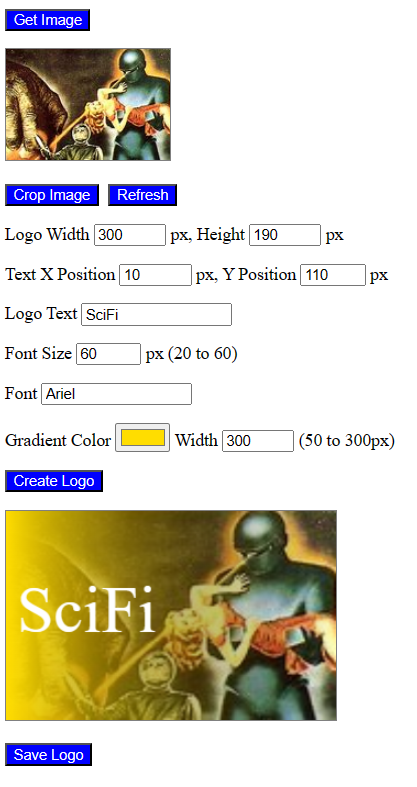
Just for fun I created a simple HTML file for creating logo images for Emby. Just select the image you want to use. If necessary, crop from the image the part you want to use. Next click "Create Logo" to create the logo image. You can experiment with the settings to produce the exact logo that you want. This code is not perfect. If you experience problems let me know. Vic canvas.html
 1 point
 -
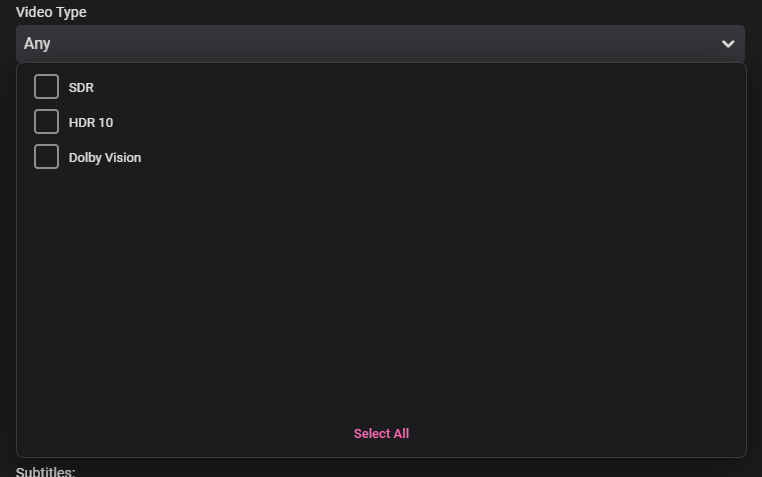
Thanks for the filter @Luke- not sure why you didn't call it 'Video Dynamic Range' rather than 'Video Type' ? The Plugin still provides much more detail on the DV Profile, HDR10+ Support and full HD Audio object based detection - so the Core has a way to go yet ..1 point
-
HDR filters are coming in Emby Server 4.8, just fyi:
 1 point
 -
One thing the streaming community hasn't done well is really create tools that allow us to simulate live TV well. I think the biggest reason that binging on Netflix (and Emby) is so popular is because you push a button and go. I'd like to see Emby create a "To Watch List" that basically allows you to sort shows into a specific order. When you watch that list, it will only play the most recent episode of each show in the list that premier inside that week. Lets pretend I made a DC TV Watch list, it would only play this weeks episode of Arrow, Flash, Legends, Supergirl and Gotham one after another. If an episode didn't premier that week, it gets skipped. Additionally, I'd like to see this system *ALSO* allow us to insert bumpers similar to Cartoon Network or Toonami. In the here and now, it would only insert bumpers between the series, but it would be nice if in the future, a system that allows some method for choosing the appropriate points between each act of an episode where bumpers could also be inserted. Bumpers would be a community thing to create, but inside the "to watch list", you'd choose what bumpers (if any) are used. Bumpers could even be surrounded by previews. Finally, another thought: while Emby already can pull Movie Trailers, it might be another cool future project if we could pull previews of related series not in the "To Watch List" and/or perhaps ones that aren't on your server that are similar to what you are watching. There's a lot of ideas in this post to digest and several should be their own project as part of this concept. Thoughts1 point
-
Any chance this can be added to the Emby plugin's catalog?1 point
-
I'd rather the development effort was put into improving playback and organisation of local personal music libraries, rather than trying to integrate cloud based services. If you want to use tidal or spotify, then surely you use tidal or spotify, why go through another app that is designed to manage local content1 point
-
If i was going on a cruise, I would have fun. Not sitting i a cabin, watching things that could wait. If I should, i would bring my media on a external HD. And not having to deal with bad internet.1 point