Leaderboard




Popular Content
Showing content with the highest reputation on 09/15/23 in all areas
-
Right, other apps are free to display however they wish. We stopped trying to put a name on the overall play method. Instead it's either MKV -> Direct or MKV -> HLS (if hls is used). And then same for the video and audio streams, e.g. HEVC -> Direct or HEVC -> H264 In other words, just showing Direct if it's untouched, or if it's converted, then showing what the output is. That removes the whole debate about what is direct play or direct stream, and for us, problem solved. The viewer can also see the protocol that it's being streamed from, and all of this is more explicit than before and no more questions about well if it's this protocol it's direct play or that protocol is direct stream blah blah, etc.3 points
-
As said: i.e. isDirectPlay for both Video and Audio streams. That ain't the issue. Issue is that Emby put itself into the corner using same terminology for different scenarios: 1. DirectPlayed item (actually DirectStreamed) gets reported PlayMethod: DirectStream in API. User using some external tool or plugin sees DirectStream and wonders why it ain't DirectPlaying (this actual case); In reality, Emby is reporting correctly as it IS DirectStreaming, and since DirectStreaming impact is generally negligible/non-existent and probably not worth investigating further; some might, tho, like the OP. 2. DirectStreamed item (audio remux for example) gets reported PlayMethod: Transcode in API (again, reported correctly). BUT User using some external tool or plugin sees Transcoding and (rightfully) wonders why, as it should be DirectStreaming - knowing that Transcoding usually means high(er) impact on server machine (while in reality it was likely just negligble audio remux) completely unnecessary investigation is very likely to ensue, as why is it transcoding? As API calls are primarily directed towards 3rd party devs/advanced users and generally are of no interest to majority of users, PlayMethod argument should not use same terminology, as that would alleviate any confusion: they're not intended for average users, and devs would not need to know that DirectStream in API call does not mean DirectStream as we are all familiar with and denoted in KB article. I reckon very few devs and advanced users knew that distinction till now, myself included.2 points
-
You have a Meteor Lake Intel CPU ? Interesting as they have yet to be released ... Pleas read what I wrote - AV1 Encode is not available in any mainstream CPU ... Yes many CPU's have AV1 Decode - but we are not talking about that ...2 points
-
As opposed to now? I feel like we're running in circles or you're deliberately sidelining it - it is not about what's displayed in the Dashboard or presented to end users - it is about the API not returning results in respect to well established Emby's own nomenclature. Funny thing is, I completely agree with the above, and still remember last occurrence when we had same discussion, where @CBers, @rbjtechand myself advocated for DirectStream to denote delivery protocol as we still had File access widespread in AndroidTV app and have it reference file delivered as-is over http to discern same happening with direct file access which would be DirectPlay only, and have Remux category implemented in addition, to cover cases where audio remux/container swap was required (what is currently covered under DirectStream), in addition to Transcoding. And I still remember both you and @ebrvehemently defending your stance that delivery method is irrelevant since item is untouched and that DirectPlay should apply to both delivery methods and DirectStream to cover other scenarios where video track is untouched. And now you're stating that item that it is DirectPlayed should report in API call as DirectStreamed? Can't have it both ways, if that is the new norm now, it should be clearly communicated to the devs and KB article appended or removed altogether, as only audio remux (currently considered DirectStream) also gets reported as PlayMethod: Transcode in the API now.2 points
-
I guess the API should reflect Emby's decision, and display the API as what the Dashboard is showing. Other wise devs, user will be running in circles around this forever.2 points
-
You don't want to go there, it is a long-standing (neverending) debate which pops-up in regular intervals about what should or should not be considered DirectPlayed, Streamed or Transcoded - current (and has been for a long time) schema in Emby is: https://emby.media/support/articles/DirectPlay-Stream-Transcoding.html So, It's not, it's considered DirectStream in Emby's nomenclature. As long as video track is untouched, nothing is considered Transcoding.2 points
-
I don't think this is a bug. If there's a direct stream and there's a conversion from one container to another, it's probably considered a transcoding because ffmpeg comes into play. There are other attributes such as "TranscodingInfo.IsVideoDirect" or "TranscodingInfo.IsAudioDirect" or "TranscodeReasons". I think I need to modify the exporter by finding the right attributes to correctly detect the status.2 points
-
When making an API call to Emby, the PlayMethod attribute given by the api is direct stream for direct play and transcode for direct stream. That's why the exporter and plugin don't display the right value, I think.2 points
-
That would be cool. Is there any documentation what is available. For example what i use is the new Media Notofication Summary of the Playback Reporting Plugin because it creates a Batch Message for all the Stuff coming onto the Server since the last run. That looks like this: New Media Report Notification New media added since last check 3 days 3 hours 24 minutes ago. Movies - (Movie) The Reef - Schwimm um dein Leben (2010) - (Movie) Massive Talent (2022) - (Movie) Lammbock (2001) - (Movie) Jeepers Creepers Reborn (2022) Serien - (Episode) CSI: Vegas - 01x01 - Am Anfang der Anschlag - (Episode) CSI: Vegas - 01x02 - Unter großem Fuß - (Episode) CSI: Vegas - 01x03 - Für und gegen David Hodges - (Episode) CSI: Vegas - 01x04 - Schwein gehabt - (Episode) CSI: Vegas - 01x05 - Es stinkt zum Himmel - (Episode) CSI: Vegas - 01x06 - Clownerie - (Episode) CSI: Vegas - 01x07 - Blutrotes Pferd - (Episode) CSI: Vegas - 01x08 - Entschlackung - (Episode) CSI: Vegas - 01x09 - Flügel ohne Vogel - (Episode) CSI: Vegas - 01x10 - Mit der Hilfe von allen - (Episode) Navy CIS: L.A. - 13x05 - Das perfekte Opfer - (Episode) Navy CIS: L.A. - 13x06 - Bis Sonnenuntergang - (Episode) Andor - 01x04 - Aldhani - (Episode) Andor - 01x05 - Die Axt vergisst ihr Werk2 points
-
I was referring to "direct file playing" where the client is playing the file directly from the file system as GrimReaper had mentioned. This is not the same as the normal "Direct Play" you see in the console that works with all devices. With that said, if you have a pretty fast server that can restart quickly, you sometimes can do this with regular direct play streams as well and get away with it if the client buffer is full and the server has restarted before the client buffer goes dry. Don't do it if transcoding or direct streaming. A much safer bet that will work far more often (direct play only) is to pause the client, restart the server, then continue playback. Keep in mind we're talking about existing files already on the server and not live TV or anything like that. I certainly wouldn't try this the first time during a family movie night. Try it if you must when its only you playing something back. As Luke pointed out it's not something we advocate doing, but sometimes can be done under the right circumstances.2 points
-
So basically this. I have TV Shows, Movies, and Anime libraries. For anime; I'd prefer to set the default to Japanese with Subtitles. For movies, English and no subs unless forced. For TV Shows, the same. However, Emby only allows one overall setting this for this, for all libraries, instead of just one. I think it'd be a pretty nice little feature.1 point
-
Hello, I have been using Emby for a few years now and I must say that it works great ! Thanks to all the team. However, using it every day, I am regularly confronted with a problem of subtitles not being available on the OpenSubtitles or Addic7ed platforms with Emby, often I find them on small French sites (I think the problem must be present for other languages too ). I'm using Emby on a remote server and there are several of us accessing it, everything is done through the web browser (reverse nginx). I decided to set up a "web file browser" (github\filebrowser) to be able to manually copy the subtitle to the location of the video, rename it with the: 'name of the video.fr.srt' then in Emby on the desired video use the option "Update metadata" then F5 so that the subtitle is available but it's tedious. Would it be possible to have a button to upload a subtitle manually from a file available locally on the PC ? Sincerely, Romain.1 point
-
We've just submitted an update to Samsung. Unfortunately over the last 1-2 years their typical turnaround time has been 6-8 weeks, and that's if we get through on the first try . They used to be much faster. We'll see what happens. With any luck, maybe you'll have the update by Halloween.1 point
-
Nice. As far as my setup this is good for beta/stable since the other thing may take a while. No showstoppers in .15 for me.1 point
-
Bad timing, but congrats on the upgrade. A lot of 2023 models aren't in the store yet. Once the region updates are done then Luke will submit an app update for all models. Hopefully that won't be too much longer.1 point
-
Yes, I'm working on that, but will take a while. I'm not just fixing this issue, I want to remove the whole Emby specific context menu. Therefore the Kodi favorites must be supported. Unfortunately Kodi's favs are incredibly ugly/totally stupid. I need to fix them too at least as much as I can from plugin side.1 point
-
Hi, yes this idea has come up before and is possible for future updates. Thanks.1 point
-
correct1 point
-
ok - and the 2nd line (that you have blanked) is your WAN IP correct ? If yes, then your ISP is not using CGNAT - so we can rule that out.1 point
-
Emby Server Release/stable versions: Not supported Emby Server Beta (and upcoming 4.8.x): Well supported1 point
-
I've just installed it in Austria. I was surprised that it showed up.1 point
-
Support has been a lot better in the last 6 months or so. tbh, I think until mainstream CPU's support AV1 encode in hardware, then it's not going anywhere soon. ARC is a discreet GPU option only if you want to 'dabble' in AV1 encode (they are still not cheap enough to seriously compete with Nvidia/Amd) - and the 4000 Nvidia GPU's are still silly money if your only interest is AV1 encode... I think 14th Gen Intel and the Amd/Zen5 will both have AV1 encode built it - THEN I think we may see some traction....1 point
-
Hola Luke.. no ya no..puesto que a tu comentario .. he mirado y aparece la nueva version la version 1.6.4. Asi que probare la version del tv.. haber cual se instala y sino pues esta nueva. Gracias1 point
-
I've also just hit this, so I rather presume it's to do with .46 server (unless Theatre's just updated - I have v3.0.21). Attempting to play in Windows Theatre results in the timeline appearing, but just a spinning circle above it, and no indication of play on the dashboard. I noticed this yesterday and planned to experiment today, but just now I attempted to play two different files which I would expect to direct play. The log of those attempts is attached (no ffmeg logs were generated). The quality setting is at 1080p/8Mbps. Paul embyserver.txt1 point
-
Aren't they the same thing? Yes we are working on it. @speechlessays he can't reproduce in the latest code so that could be a good sign that it's resolved for the next app update.1 point
-
I just had a look on my daughter's Fire Kids tablet and the Emby Mobile app was showing. Selected it and it seemed to download it again (does it do that for each user?!) but started up fine and found my Emby server straight away. Thanks!1 point
-
Is the 192.x.x.x is on the 2nd line ? Posting the output (excl the final public IP) would be useful.1 point
-
That did it. I really appreciate everyone's patience to teach me this. There are so many things about Windows I still don't know. Learning things like this make it so much easier and more enjoyable messing with all the things it takes to keep emby running smoothly. I am going to put all this info in a TXT file on the desktop so when I need to do this I remember and have the commands to copy and paste LOL You guys make my family and friends who use my one server think I know what I'm doing1 point
-
Subscribe to Premiere for a month, it'll come cheaper and you'll have longer period for testing.1 point
-
Oh, Ok....I tried that several times and it said it could not find CMD but I had to zero out what was in the path leaving that directory open...and now it works. Awesome, you learn something everyday around here and I love that!! I will now try all this and report back in a bit. Thanks all1 point
-
Your were already given alternative method to open cmd, maybe you missed it:1 point
-
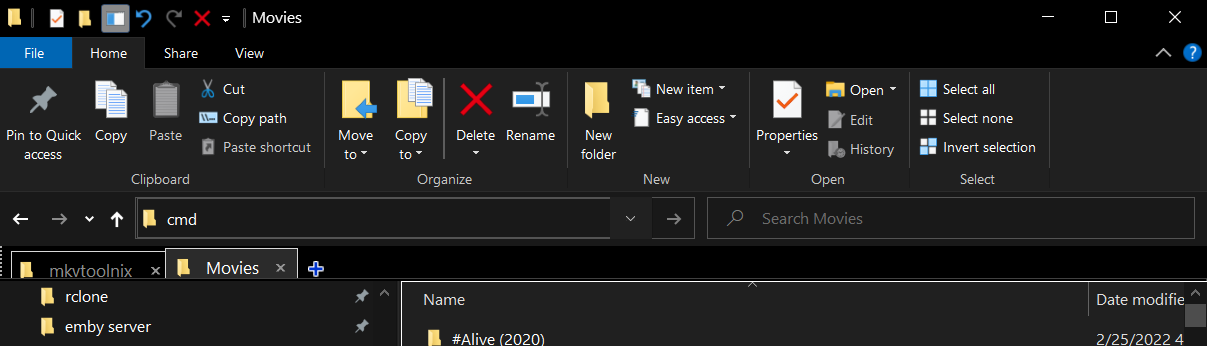
Or open the folder where your movies are located and type cmd in the path, it will open the command prompt window.1 point
-
For windows it would be something like this Download mkvtoolnix and put mkvpropedit.exe in the root of the media you want to modify Open a cmd there Execute this for /R %G IN ("*.mkv") do mkvpropedit "%G" --edit track:s1 --set flag-default=0 for /R %G IN ("*.mkv") do mkvpropedit "%G" --edit track:s2 --set flag-default=0 for /R %G IN ("*.mkv") do mkvpropedit "%G" --edit track:s3 --set flag-default=0 s1 means subtitle track 1, and so on. Its best to run a command separately for every track instead of all in one, because if you execute the command with 3 subtitle tracks at the same time, the files that got only 2 or 1 track of subtitles wont get modified.1 point
-
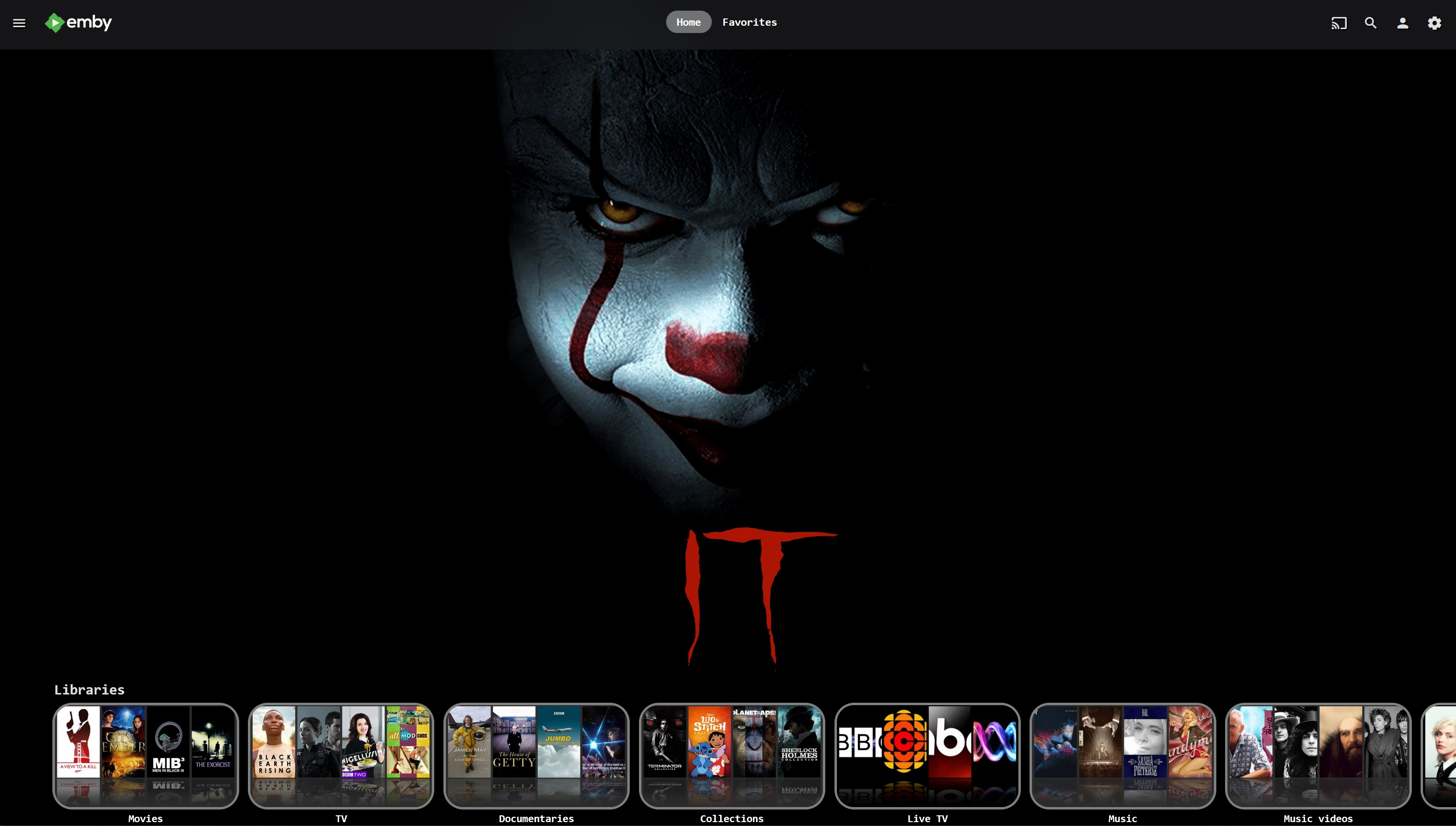
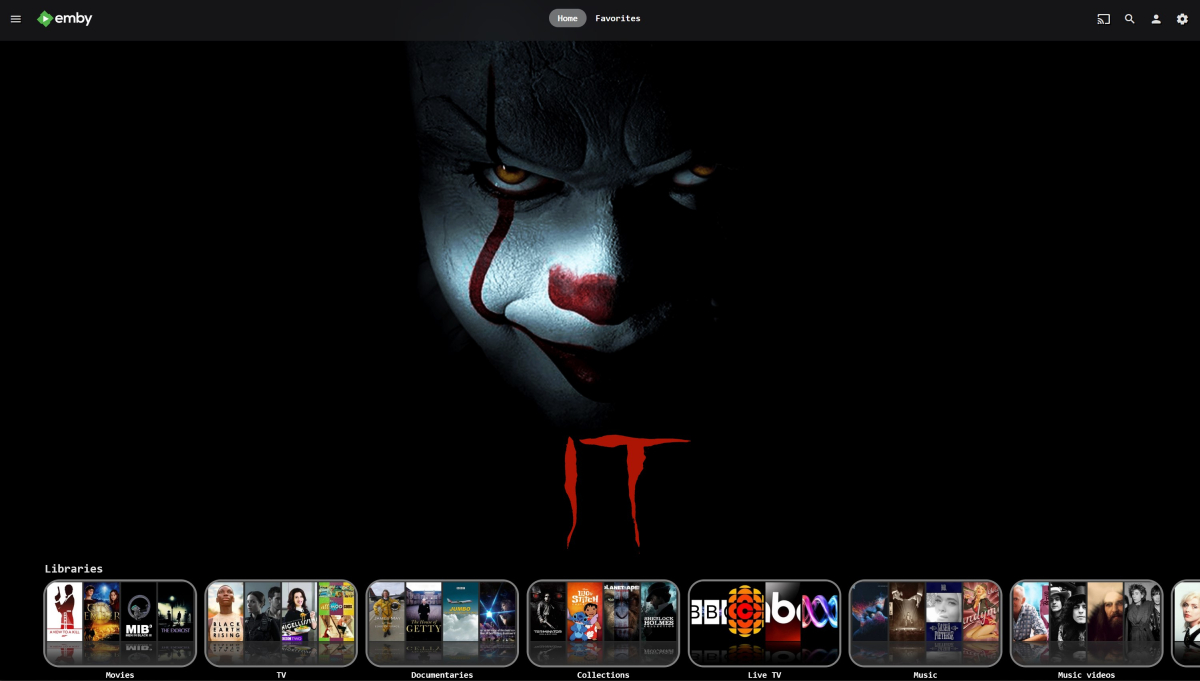
I quite like the Home page as well - sorry, I do tend to take over things just to plug my own stuff - bad habit. As you can see, I'm doing it again.
 1 point
 -
...thanks. The Infuse version is also nice with the controls and info next to each other rather than stacked, and of course bigger, but I ain't complaining.1 point
-
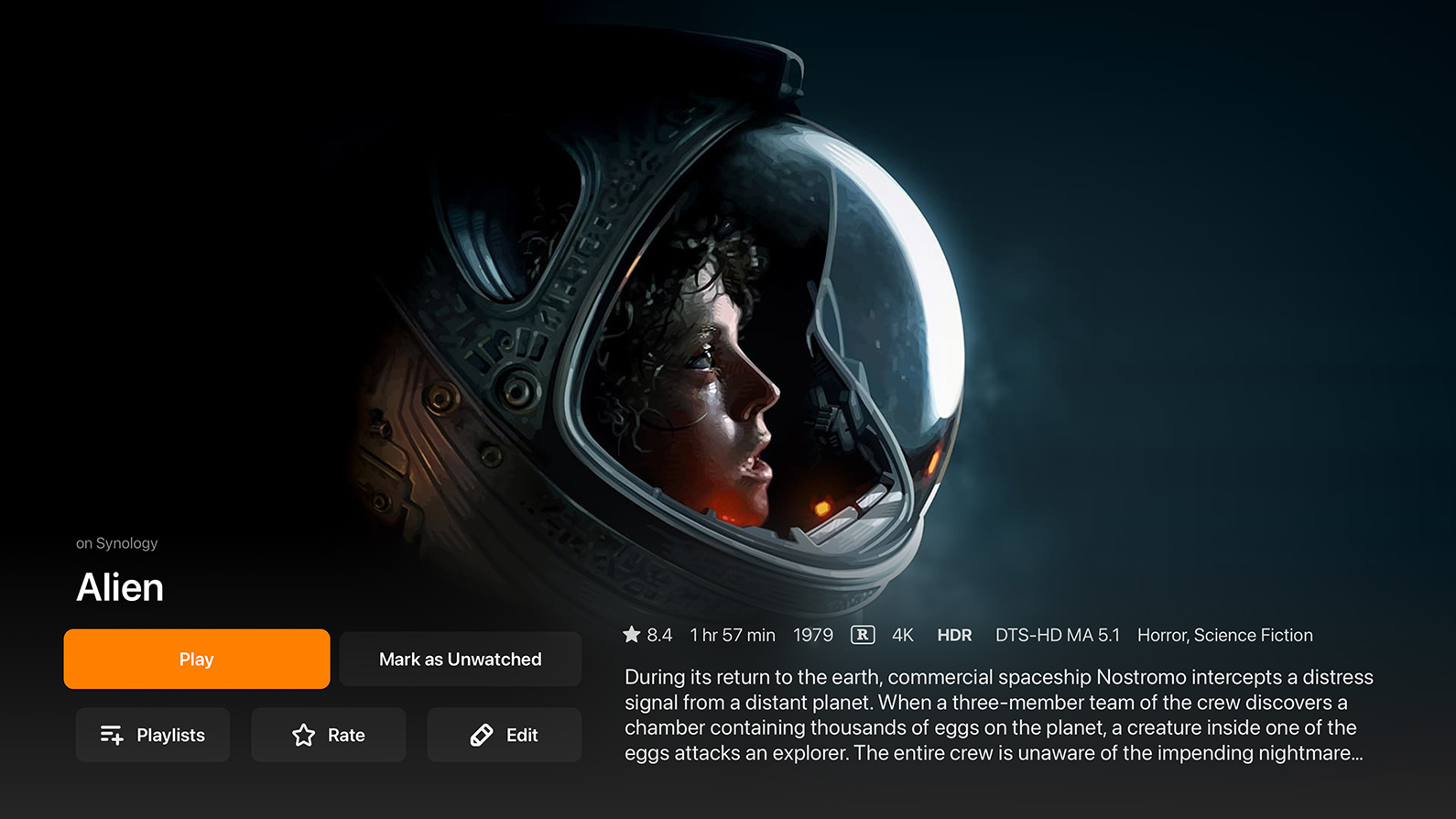
Sorry, can't resist...I sure agree about the backdrops. Infuse (very nice) - Emby. Firefox + css (but not on Apple TV unless there's a way to make Apple TV screenshots) -
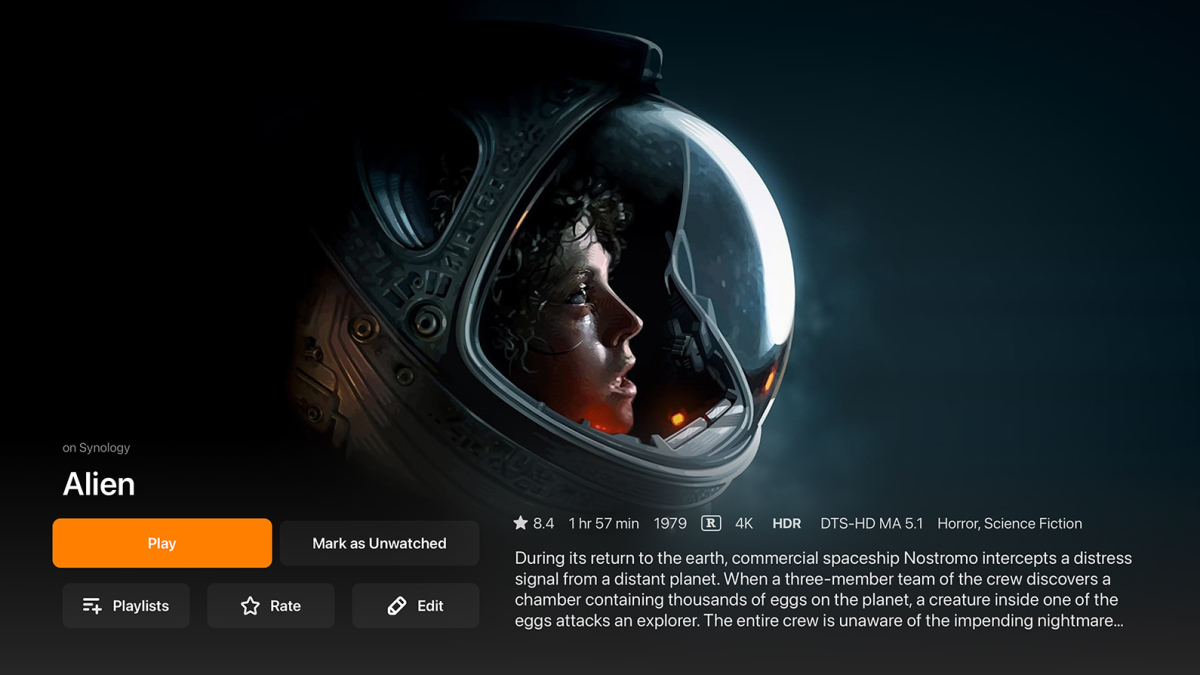
 1 point
 -
/Home Alone (1990) Home Alone.mkv Home Alone.srt Home Alone.eng.default.srt or Home Alone.en.default.srt or Home Alone.english.default.srt1 point
-
Just add "default" between language code and extension, i.e. <moviefilename>.en.default.srt.1 point
-
Try running your refresh internet channels scheduled task.1 point
-
I'm gonna tentatively say yes... Of the several videos I've seen this problem with recently, I only had one remaining in original form. The rest I re-encoded to get them to play better. The untouched one is playing properly now. So I think that might've been the problem! I'll keep an eye on it and report back if I run into this again. What is it about the mpv library that would have caused the problem? Thanks Luke!1 point
-
Hi Carlo, If Plex is working locally (canyouseeme.org sees plex's local port) then I ruled out cgnat. But Plex might possibly have some tricks to make this work for them .. If the OP is in the command prompt - then using powershell to see if emby is listening would also be a good thing to check. Type powershell <ENTER> then test-netconnection localhost -port 8096 ComputerName : localhost RemoteAddress : ::1 RemotePort : 8096 InterfaceAlias : Loopback Pseudo-Interface 1 SourceAddress : ::1 TcpTestSucceeded : True If the test is successful, then emby is 'listening' for the incoming connections OK.1 point
-
If you are happy with a reduced maximum potential from your original source - lets say avc/h264 @ 4Mbit with aac Stereo - then it's pretty well going to play on anything with zero issues - it's certainly a reasonable strategy, but do remember that there is always a new codec around the corner ... (AV1, h266 etc ..)1 point
-
@beefsnackOpen a command prompt (DOS Window) on your server and type tracert 1.1.1.1 The first "hop" will likely show a 192.168.x.x style entry. For the 2nd, 3rd or 4th entry do any of those start with 10.x.x.x, 192.168.x.x or 172.168.x.x? Please don't post the results publicly as it would show your IP but you can send me a PM with that info if need be. But it should be easy enough to let us know if you see any of those addresses more than for the 1st hop. BTW, the "x" above can be any number. We only care about the first part being 10, 192.168 or 172.168. Carlo1 point
-
Great news everyone. Another 40 countries have been added, and according to our Samsung developer portal, the app is available in over 60 countries now. Too many to list Please check and see if the app is available in your country. If not then rest assured we are working on releasing in more countries. Thanks everyone.1 point
-
What does this tell you. Remember to change port to 8096. Open Port Check Tool -- Verify Port Forwarding on Your Router (canyouseeme.org)1 point
-
Hi guys, great news. Emby for Samsung is now available in the store for more countries. If you're in any of the following countries, please check and see if it's available now for your TV: Argentina Australia Canada Czech Republic Denmark Finland France Germany Greece Iceland Ireland Italy Netherlands New Zealand Poland Portugal Spain Sweden Switzerland Turkey United Kindgom United States Virgin Islands Let us know. We are working on adding more countries so stay tuned.Thanks !1 point
-
Hello Get this error massage [/mnt/HDA_ROOT/.config/QcloudSSLCertificate/cert] # openssl pkcs12 -export -out emby.p12 -inkey key -in cert -passout pass:......... Can't open key for reading, No such file or directory 139639876617984:error:02001002:system library:fopen:No such file or directory:crypto/bio/bss_file.c:69:fopen('key','r') 139639876617984:error:2006D080:BIO routines:BIO_new_file:no such file:crypto/bio/bss_file.c:76: unable to load private key Pleas help , what im doing wrong. Regrads1 point
-
+1 I'm in the same situation as sirmadman TV Mosaic plugin does not work with my DVBLink TV Server (even changing the ports). So if u can port the DVBLink plugin it will be appreciated.1 point
-
@cayars and @GrimReaper on the server side i have not touched any of the settings regarding bandwidth. I don't use transcode either because my movies and tv are not high bitrate anyway. What i have done, is in Emby for Android app in the settings>plackback>internet quality i changed it from the default setting which was Auto to 1080p - 20Mbps. Now it does plays with no hanging1 point