Leaderboard




Popular Content
Showing content with the highest reputation on 08/22/23 in all areas
-
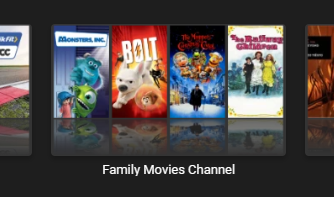
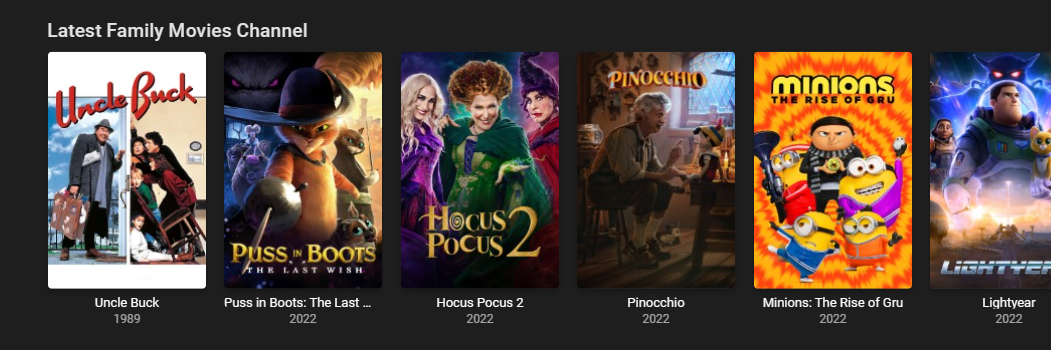
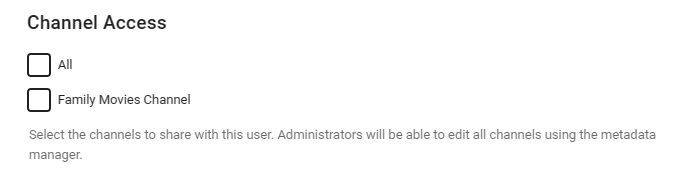
So keeping things very simple to start with - I've just used the Channel Plugin framework from @chefto build a very simple Movie Plugin where Genre = Family. I've been meaning to do this for a while, so I can just give my young viewers access to a 'Channel' - rather than mess about with Tagging. So you get a dedicated Channel - it re-creates itself every time you run the 'Internet Channels' task. (it's on a schedule) and of course being a channel, as opposed to a 'playlist' - you have full control over it - and can add user permissions etc. I can sort it by date as well - so all the newest stuff is at the start. Obviously very limited at the moment - but no reason why this should not include TV Series as well (seperate Channel) - and any other 'filter' that you want applied before creating the channel. Note - Being a channel - there are no duplicates shown in the main Movies library .. () I'll build on it to see how it goes - maybe take the output from the Smart Playlists - and call it Smart Channels ... Once I've tidied it up and added TV series/shows - I'll share the DLL .. Any thoughts welcome ..
 2 points
 -
TheTVDB now supports more alternative orders than just Aired/Absolute/DVD. Can Emby query these additional orders and add them as options? Two examples of shows I've seen this used are Re:Zero which has a "Director's Cut" display order and Money Heist which has a "Netflix" order. https://thetvdb.com/series/re-zero-starting-life-in-another-world https://thetvdb.com/series/la-casa-de-papel1 point
-
@@Luke stated in a previous post (https://emby.media/community/index.php?/topic/49933-replaygain-music-support/) adding support for this could easily be done for at least the theater client seeing as the player used already supports replaygain. I'm making this feature request in hopes that this support is added, as I have no dev experience myself1 point
-
It would be great if emby can advance over the typical media servers by offering an animated hover thumbnail to videos. maybe in m3u8, webm, mp4 or gif format? There are several libraries on github that can do the task of generating the files needed for the thumbnails with a quick google search I found the following: https://github.com/grafov/m3u8 , https://github.com/tjenkinson/hls-live-thumbnails , https://github.com/video-dev/hls.js/, https://github.com/flowplayer/flowplayer-thumbnails I think it is up for the user to use these libraries to generate animated thumbnail on the video. What emby should do however is give support to animated video or gif on hover. I have not seen this feature implemented at another media server. I am aware that emby has the animated backdrop support to some extent. But this different. Netflix currently uses this feature on a tvshow/movie level and not on each single episode. I know the emby developers here are against animated thumbs.. Imagine browsing through your library with all thumbnails animated.. it will be distracting and messy! thats is why I think animatition on mouse over (or on selection in case of tv apps) would be the best idea to satisfy both sides.1 point
-
Thanks @GrimReapermy brain doesn't work well some days.....got them and like both requests.......1 point
-
Emby doesn't allow you to search the DV codec data - so this is currently the only way .. The MediaInfo plugin will also give you a significant amount of other data to search on - the DV profile, HDR10+, all the HD Audio Codecs, Atmos etc I've enhanced the mediaInfo Plugin myself to add all sorts of other stuff - but as an example, all the tags below are automatically added - making it very easy to find what you are looking for .. Anyway - your call - I've plugged the Plugin enough - haha
 1 point
 -
Hi! Uninstalling the plugin KillStreams solved my problem. Thank you so much!1 point
-
They should perform the same as per the fact that the ASICS are the same. There are some filtering and stuff that could be used differently, but encoding wise, they will produce the same results with the same command lines.1 point
-
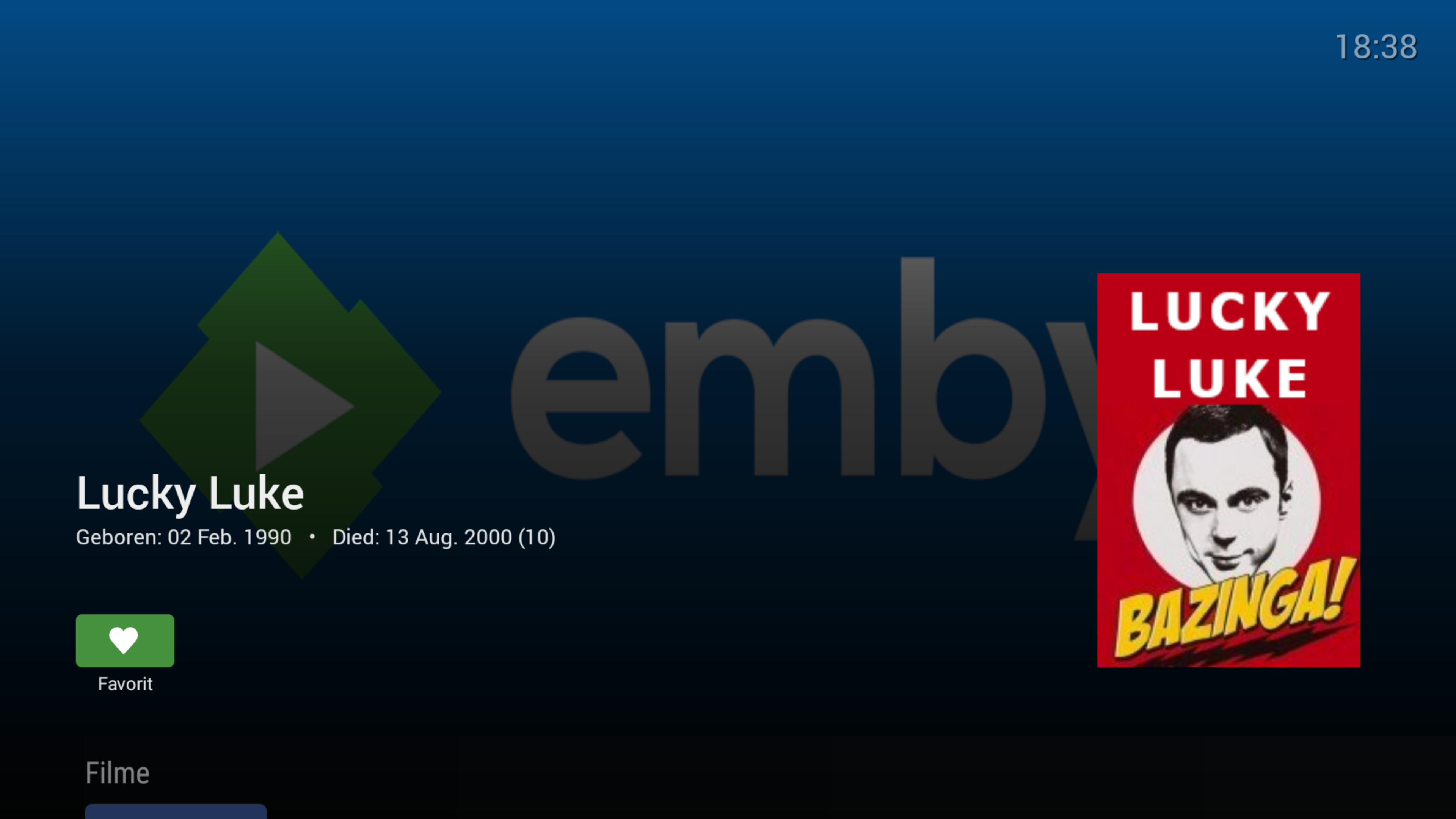
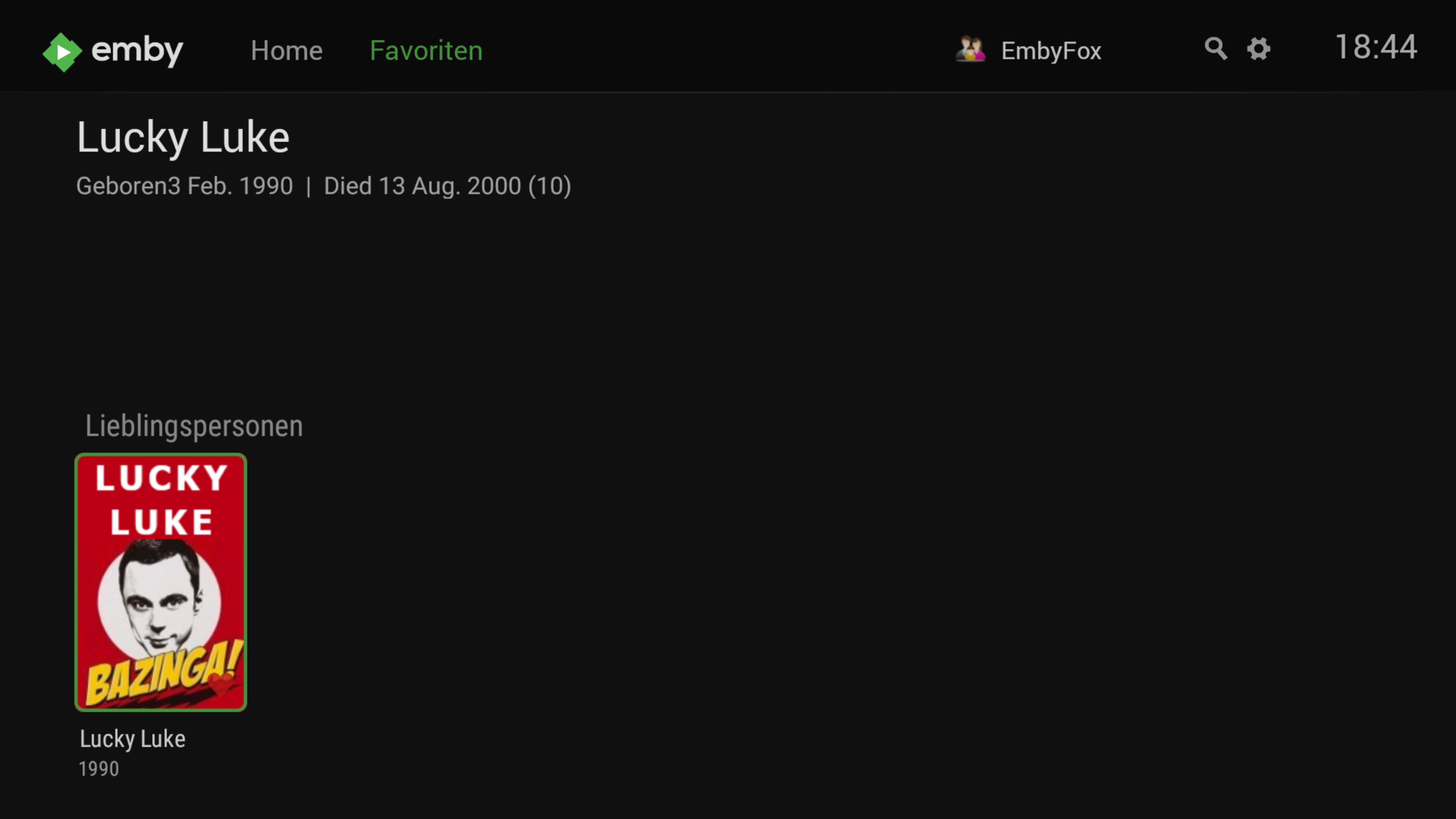
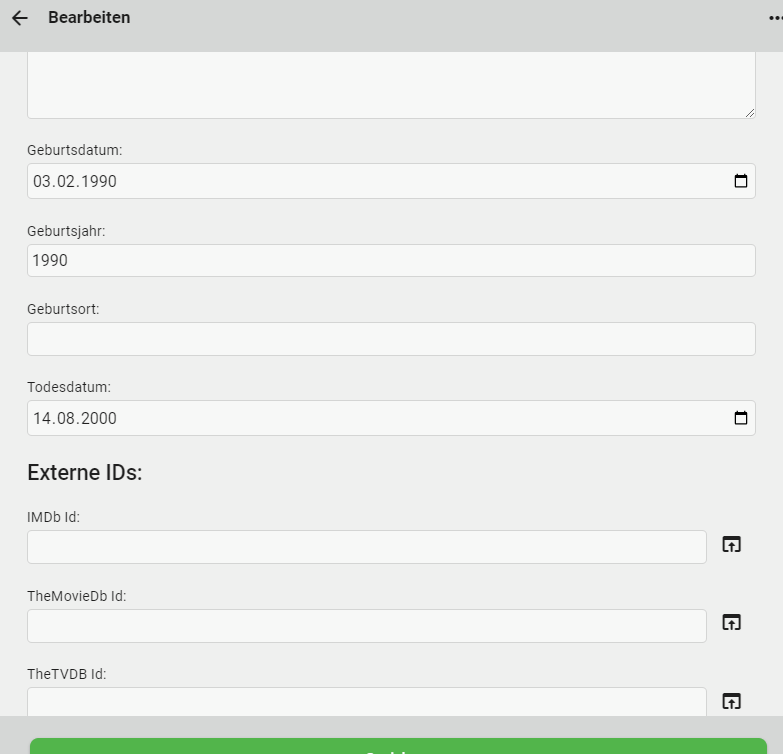
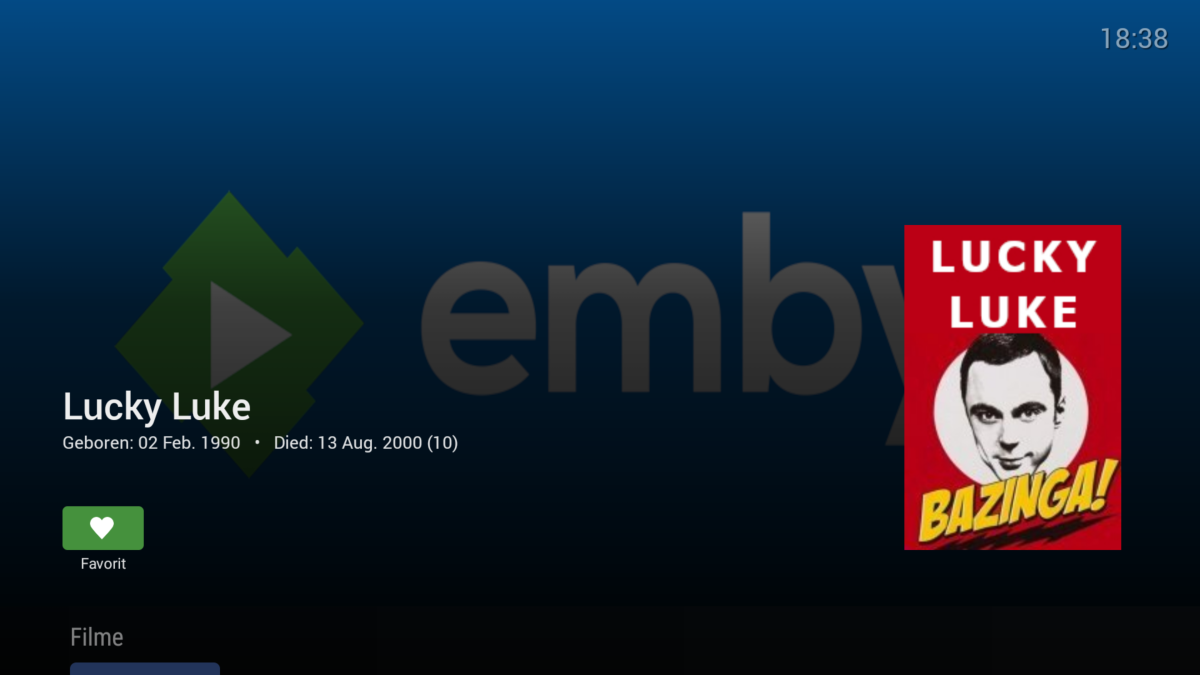
@Luke As you can see, the behaviour is a little bit weird: If you call an item via your Media, date of birth and death are wrong. if you call it via favorites, only date of death is wrong.
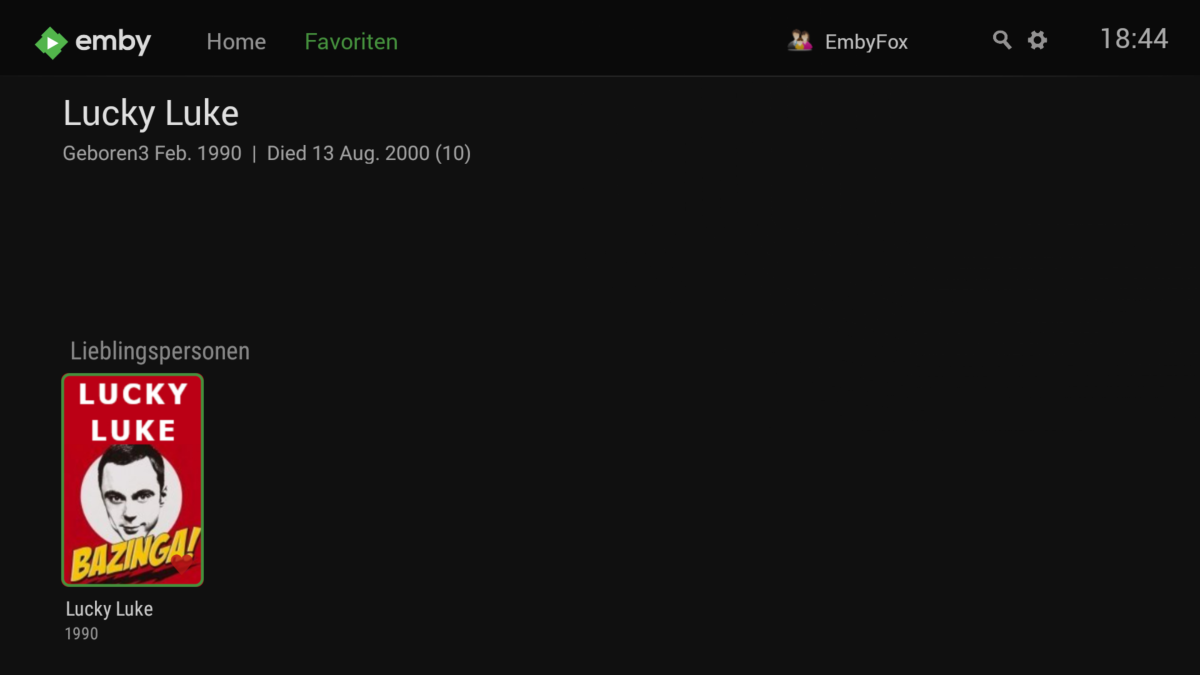 1 point
 -
HI, yes this should be improved in the upcoming 4.8 server release.1 point
-
Hi, no it's not related to that.1 point
-
Agreed that it shouldn't. It's something we'll need to look at changing the way that it's stored.1 point
-
Will do, thank you for the support.1 point
-
thanks for the hint1 point
-
Output from a 1080p SDR blu-ray, you mean? All 4K material will be HDR10. I can try re-ripping with MakeMKV and see if there’s a difference.1 point
-
You've been pointed by Paul above to a Feature Request where you can lend your support. Yeah, one for TVDB and another for TMDB Groups - for basically same thing, alternate orders.1 point
-
Np, glad you got it sorted.1 point
-
You may also want to look into autoscan with its manual trigger and emby target which can rewrite paths so that it's mapped correctly from the caller to the target. https://github.com/Cloudbox/autoscan/#manual https://github.com/Cloudbox/autoscan/#emby1 point
-
No, no nfo file. But I don't have them for any of my other series either, and none of them have had any problems. I tried setting the episode order to DVD again, saving, and refreshing the metadata. Now all of the series images are gone, no descriptions, and the episodes are still titled wrong. Should I just remove it and re-add it? EDIT: God help me, I don't know why or how, but it's working now. After changing the order and refreshing AGAIN, I re-identified and it finally took. Don't know why, because it wasn't the first time I tried that, but I'm just glad it's working. Thanks for your help, and GrimReaper, sorry about being dense earlier. It's been a long day.1 point
-
To run a full scan of all libraries, yes.1 point
-
Currently only admins can create them, therefore they inherit from that. But we plan to make them more granular in future updates.1 point
-
Good evening everyone, I just wanted to take a minute and thank @Lukeand the whole team, I noticed we now have vertical video playback on iOS (don't know about Android)! I know it's been requested a lot and I use it every day! So thank you all and keep the good work!1 point
-
Damn it !! I figured I will try !! But I guess I might do the samething and move on! Thanks for your help1 point
-
Hi, we're looking into this. Thanks for reporting.1 point
-
Good evening @Lukewould the logs still be valid even though it's been so long? I can get them but I don't know if you can still see anything, also, the issue seems to have gone away on it's own. Thank you.1 point
-
No doubt. The flip side of course is complaints of unexpected full library scans. There is an api to trigger full scans that could be used if that is the intention. Yea this is a scenario that needs review and thought.1 point
-
No it's can't. If the value is empty, then how will the server know what files were updated? 204 response code: https://www.webfx.com/web-development/glossary/http-status-codes/what-is-a-204-status-code/1 point
-
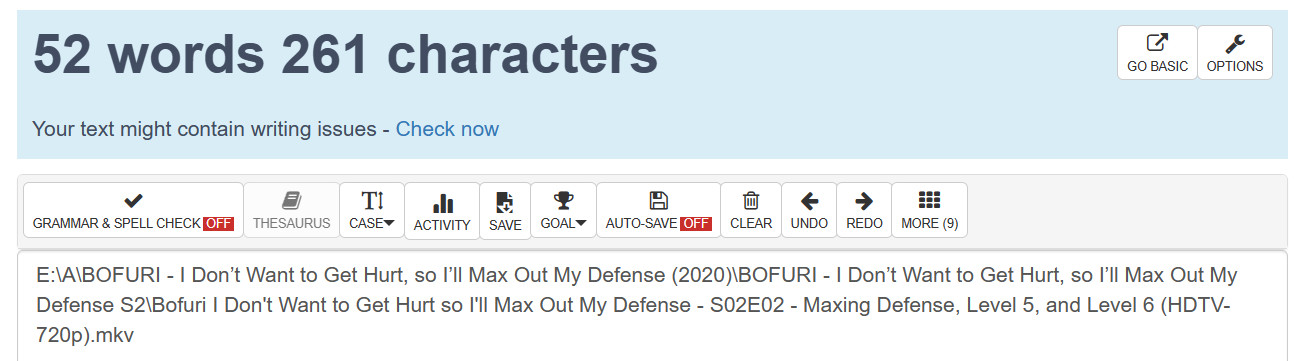
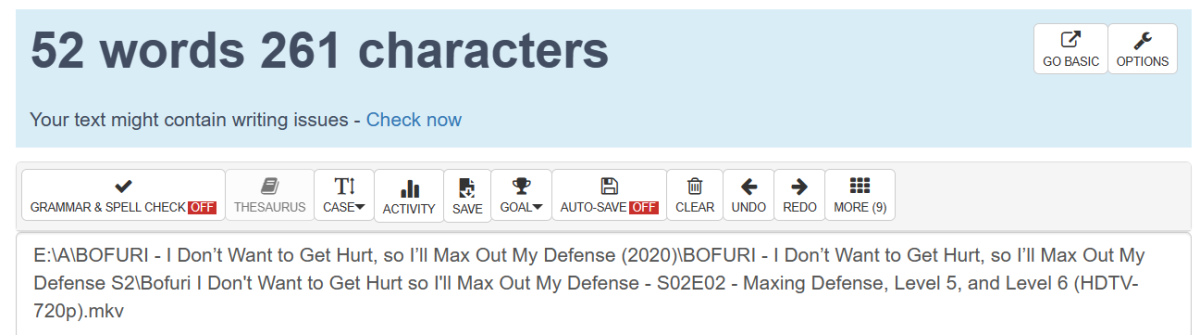
Wild guess would be you're exceeding Windows MAX_PATH limit of ~256 characters so file can't be probed nor subsequently streamed. Edit: Also, just noticed, that single quote in you folder names looks like right single quote, ’ vs ' , causing this: Try replacing those with single quotes, see what gives. Related topic: encoding - "’" showing on page instead of " ' " - Stack Overflow
 1 point
 -
Thanks. Any way someone can figure that out from the doc? Might be a good idea to add it if not. Also, what's a 204 response code? It's not listed in the possibilities and it's what emby is logging. Also, also, just to be sure, can the path value be empty? Sickgear has a fallback to the new api(in case the old one gets removed) that has both values empty but if I try to call it manually, it tells me it cannot be empty so I just wanted to make sure I didn't do something wrong before relaying that information. It's also information that seems to be lacking in the doc about which parameters are optional or not as well as default values as far as I can tell, unless I haven't looked at anything that has one.1 point
-
I got the red page with the messege like this and must to click on details and visit this site. On Sunday it fixed itself without to do nothing... i had this problem 4 months now... and i did everything (clear cache, delete cookies etc.) but nothing. I cross fingers to keep it works!
 1 point
 -
Thank you, GrimReaper: The funny thing is that I actually checked the link you suggest when I first set up the serve some weeks before posting this topic and I thought the naming of my files was just right because I got the three seasons and their episodes showing correctly in the app. And, when I whatch them manually, the next episode function has been working as expected. I never thought that the naming could affect the behaviour of the "Continue Watching" feature. Using the wonderful renamer included in the Powertoys by Microsoft I have just renamed all the episodes like this "Family Guy - SxxExx.mp4" and now everything is working like a charm. Thank you for the tip! And just in case it can be useful for others in my situation, https://www.advancedrenamer.com is an even more powerful free renamer tool than Powertoys. I hope this helps. Regards,1 point
-
Thank you for fixing the login issue in 1.7.7 version on Apple tv! Please investigate also the HDR switch issue, I am still using the LG WebOS app due to this.1 point
-
1 point
-
thanks! This fixed the issue for me, I've created a shortcut so I can easily find the settings again. I might look at making a batch script and a scheduled task to delete this file every time I restart1 point
-
Missing episode data is only provided by TheTVDB and not other providers as reported by Happy2Play, this seems true from what I can tellL This is correct.1 point
-
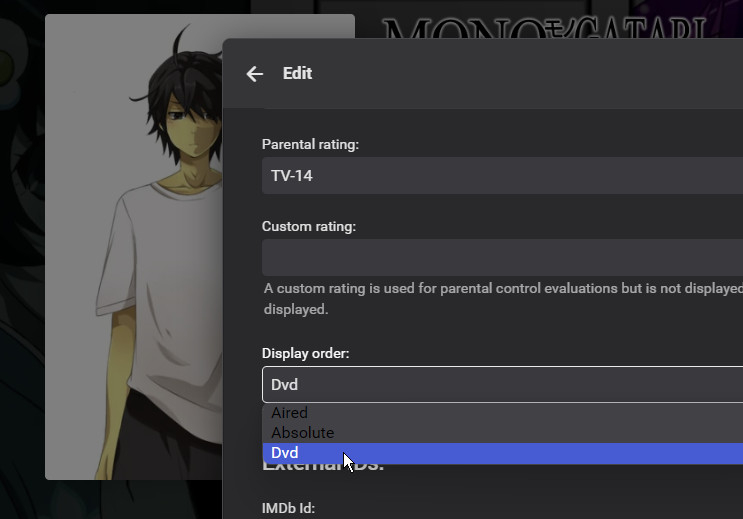
Emby can't check what order your files are named in for itself, as the names contain no indication of that. The procedure is that you name the files to match the episode numbering (in the chosen metadata provider) of the order you wish to use, and then when you've added the series immediately go to edit its metadata and select the order that matches your files. There is a present limitation that the only orders known to Emby are Aired (the default), DVD, and Absolute - so if you want to use a different order (e.g. Book order for the -monogatari series) you can't. There is an open feature request concerning this. Paul
 1 point
 -
I've seen some sql hacks from @Carlo ... But if you are using NFO's as well - then it's probably worth going the official route and let emby sort itself out. Maybe move small sections at a time to allow emby to play catch up ..1 point
-
Yes shift-select would help, instead of clicking on a year 10 times to get, say, the 50's. But by decade would still be ideal. Maybe replace the list of years with a list of decades, each of which has a sublist for individual years...1 point
-
Hi, yes that’s not a bad idea. Thanks.1 point
-
Hi, no ETA but we're working hard on it.1 point
-
The render group ID. $ getent group render | cut -d: -f31 point
-
Why it's so complicated to add this simple filter? Maybe developper missunderstand the request? We don't want wait a decade before obtain this filter but filter by decade.... Emby is more powerfull player than Plex but their filter when I search for a movie is archaic. It's the main reason I use Plex again.1 point
-
I remember DECADES being an option years ago when it was still Media Browser. It was in the options tabs when you entered your MOVIES library next to GENRE. Someone had also made up a nice set of DECADES fanart. Would be nice to see it return in a future update.1 point
-
I think allowing access to my server is a really limited thing. But I'm not trying to build my own TV Station for $6/month. The current license allows to go well beyond what is "legitimate" for most use cases. In my case, I have a couple friends that have their own servers, and we allow each other access. Even if I add a few more "freeloaders" and a few close family, I'll be nowhere near the standard limit. Sounds like the "gimme, gimme" generation. Voting for leftists, complaining about inflation caused by their policies, and demanding more anarchy to fill the gap. You're not allowed to have a movie theater without paying for the copyright for what's on the screen. Period. In Emby's case, it's a line. They need to allow the majority of what amounts to the equivalent of borrowing someone's DVD, without letting people have that movie theater. If you need a movie theater, host it elsewhere and await your DMCA letter.0 points