Leaderboard




Popular Content
Showing content with the highest reputation on 08/16/23 in all areas
-
Hello devs ! Would it be possible in a future update to separate the limit between live TV and movies from the library? It would be nice to be able to have an overall limit and a separate limit for live TV. Example : Global stream limit: 2 Live TV limit: 1 Because Live TV streams are more important to limit than the rest. This feature would be very useful I think! Thank you2 points
-
It's probably better if you encode to an eac3 track these days - as almost all equipment can play these just as well as AC3 and of course, the quality is far better. The number of Channels using ffmpeg will unfortunately still only be 5.1 But going back to the original post - why 6 minutes ? Are you transcoding to a small ssd perhaps or a ramdrive that is filling up ? As it's audio only, it seems odd that this is causing things to stall. That being said - my honest advice for problem free direct playback of HDR/Dolby and HD Audio formats - is to just invest in a Shield Pro - as it will play 99.9% of '4K rips' without issue - be they DV5, DV7 or DV8 - DTS-HD or True-HD. MKV or MP4 etc - it will play them all ...2 points
-
New docker container is building now, should be pushed in a minute or two https://hub.docker.com/r/hooray4rob/ustreamgen2 points
-
I'm assuming you're running the standard release (not beta) server. It's possible that this issue has improved in the next server release, but the other option is to use either the convert option on the server to create a version with an AC3 track, or you can use ffmpeg to add an AC3 track to a copy of the existing file if you're comfortable trying that. You can use a command like this one : ffmpeg.exe -i input.mkv -map 0:v -map 0:a:0 -map 0:a -map 0:s? -c:v copy -c:s copy -c:a copy -c:a:0 ac3 -disposition:a:0 default -disposition:a:1 0 output.mkv2 points
-
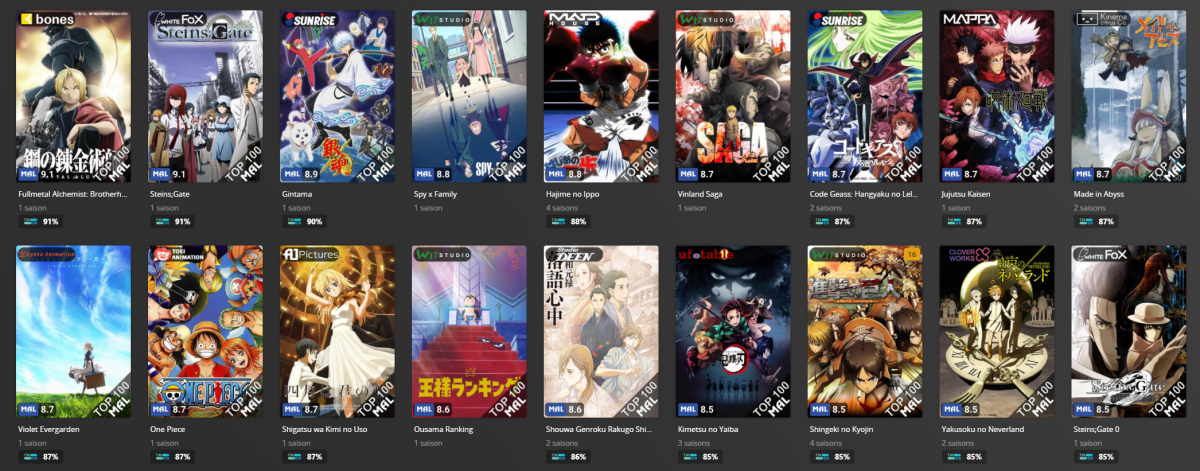
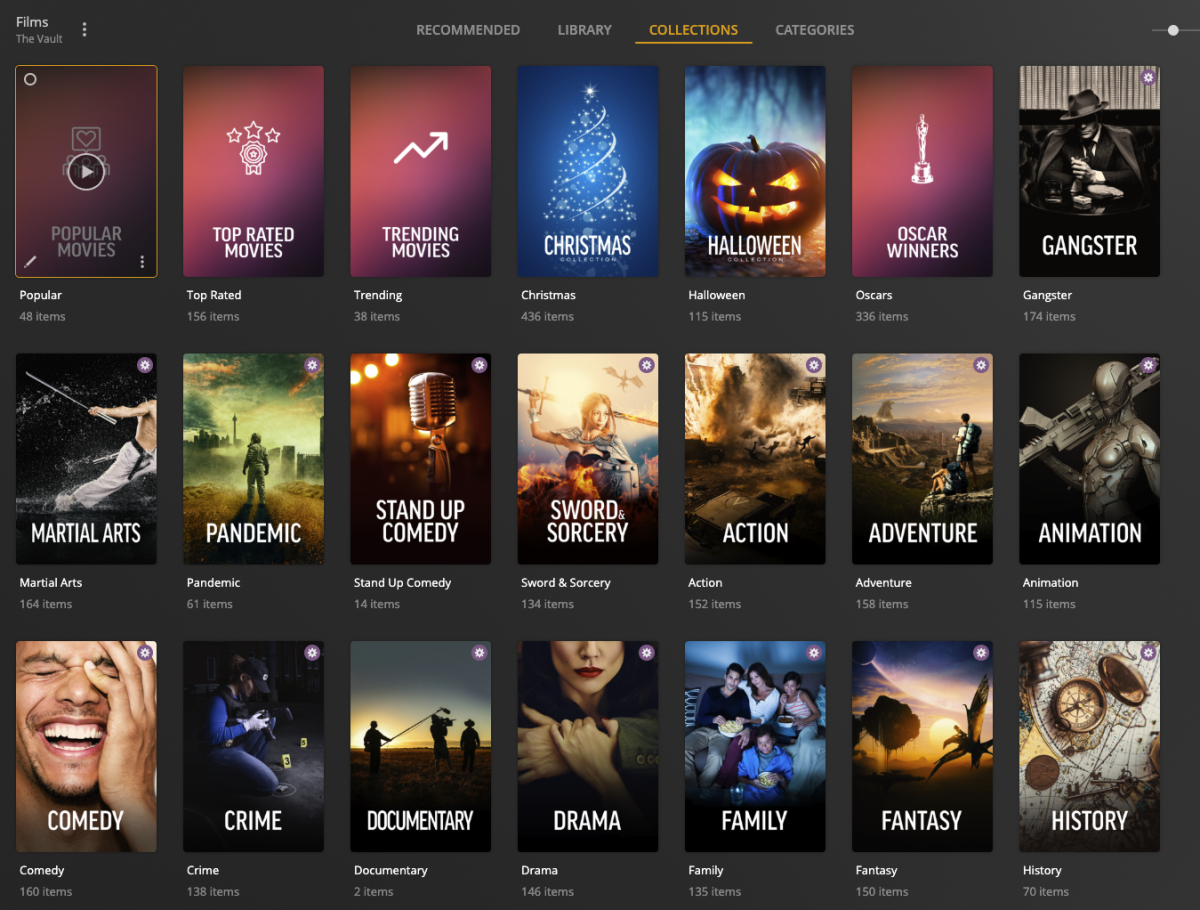
Hi everyone! I'm looking to get some more support from Emby community on getting PMM (Plex Meta Manager) to support Emby. This is an Collection / Poster Tool that will auto-populate collections based on criteria, for example TMDB Collections List. IMDB Collections List. Trakt Lists Etc... You can also overlay things on top of the posters. They haven't started but I suspect its API related so anymore that whats to help then lets get this done Check it out and if you want to throw in some support, Sponsor! (This isn't me, i'm just plugging) https://metamanager.wiki/en/latest/ & https://github.com/sponsors/meisnate12 Discord is running: https://discord.gg/xwJ9kfaJ & Feature Request for Emby https://features.metamanager.wiki/features/p/emby-jellyfin-support
 1 point
 -
Guys, The ebook side of Emby/MediaBrowser has been long stalled or rather stagnated. I would like to offer up a couple of suggestions. Many people use calibre as an ebook/comic book tool for scraping data and general management of their collection already. This program is absolutely astonishing in its ability to pull metadata from post calibre scans, as well as draw in metadata from the file source and/or directory structure. http://vaemendis.net/ubooquity/ Its a self contained .jar server/reader combination. And honestly I am very impressed by it's small footprint and wide range of abilities. The other option is COPS , which was written specifically with calibre in mind. It is open source, so making it work with emby I would think would be fairly easy. https://blog.slucas.fr/projects/calibre-opds-php-server/ Ever since the original release of MediaBrowser's bookshelf I have always wanted something that would allow me to 'read' my collection, rather than being basically nothing more than a place-set for images of books I own. I am sure that those who mainly have audiobooks are thrilled with bookshelf , but it's nothing more than an extension of the music library IMHO, not new features. We can have both right? Here I give you two suggestions free of charge.. Just because I love you, and Emby Personally I plan on running the Ubooquity Server along side of Emby from now on, just because of it's massive functionality and tiny footprint. But I sure hope that someone decides -- "yeah, ebook support should be in here too" and do something about it - rather than allow this now very very ancient issue to continue to remain an issue. And so I don't have to have 20 different ports open, some with SSL support - some not, because Emby isn't delivering the 'complete package'. (Please take some of this with humor, I know you have your hands full with improvements/bugs/suggestions/requests)1 point
-
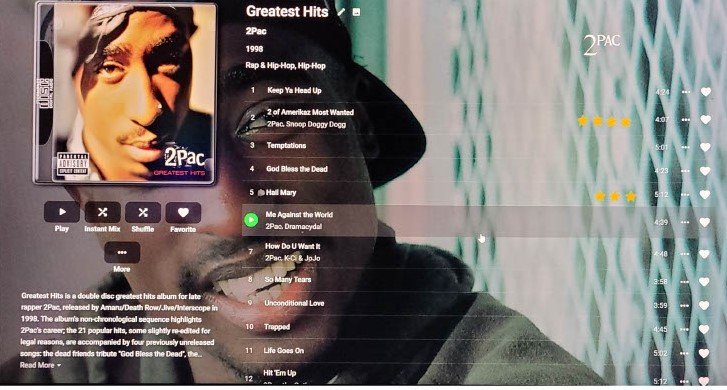
I think this would be a nice feature to have. Maybe something similar to how windows media player handles this and the admin user can edit just by clicking on stars next to song. This would be easier and faster than having to go into metadata and change for every song you want to rate. This can be useful for smart playlists. If ten stars is too much then use five and have half a star counts as 1.
 1 point
 -
I am looking to see if a SAML2/OAuth plugin is something others would use. I myself would love this feature to share Emby publicly with family members and friend and worry a little less about insecure passwords that some may use. I personally am a big advocate for security as I work in IT and see how a lack of good security can cause havoc. I love Okta and what it offers. Anyone can sign up and use it for free under 1000 users if you sign up as a Developer. That is just plain awesome. Let's see who else is interested. I am excited to find out! Thanks1 point
-
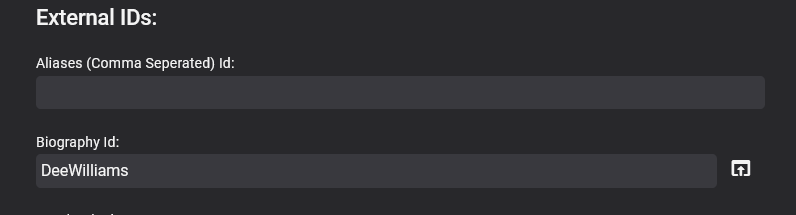
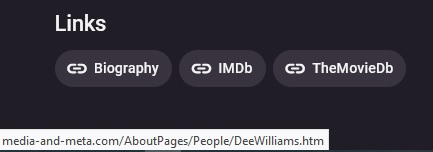
This is an Alpha version so far. - Check the last posts for the latest version What it does is allow you to add external links like this, to people, movies, tv shows, episodes, albums (including audiobooks) , artists and games It has not been extensively tested!!! and is still a bit rough round the edges with no real instructions I have not documented anything yet However you can use shortened urls / redirectors etc !!! For security reasns please bear in mind that external links can be hijacked, malicious code injected etc so please verify your sources before adding them to your server !!!! It has some custom fields too so you can create your own links Its is no where near finished, there is still a lot to do, its jsut posted here for testing for now. Provider_Ids_Extender(12Aug2023).zip 18-02-2024 Update Added a few more Ids and a section for tracks - see thread for details (page 3) Provider_Ids_Extender(18-02-2024).zip 19-02-2024 Update Fixed typo is Custom Id 3 of Artists Added Generic Youtube url to artists (so now can either add channel or generic youtube url - youtube.com/{0}) Added Amazon to Albums and Artists Provider_Ids_Extender(19-02-2024).zip
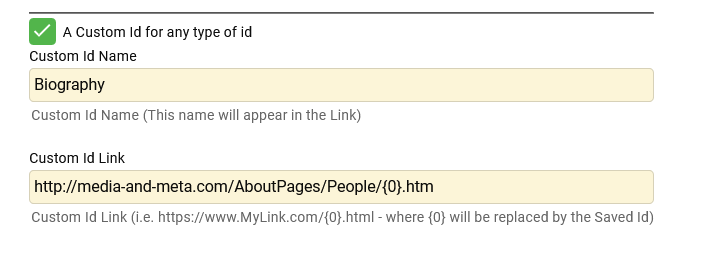
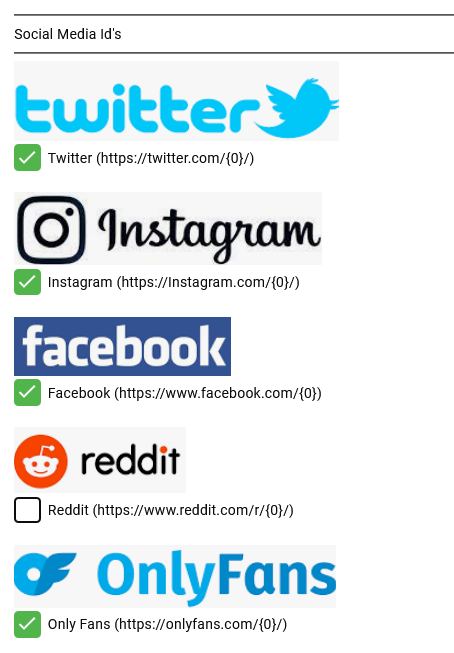
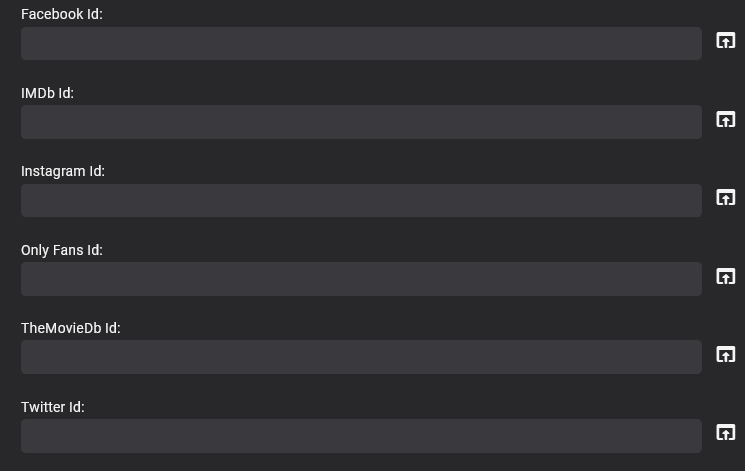
 1 point
 -
I was searching to see if this was implemented and this comment encapsulated my idea fairly well. I enjoy being able to control during which hours viewing can occur each day. I would now like to take that to the next level by defining how much time can be spent. Ideally, it should track the time videos are playing (difference between when they start/stop) and not simply the length of the video(s). I wonder if this type of control has been considered.1 point
-
Hello, I may get roasted for this, but can someone explain to me why can't we have basic push notifications for the Emby apps? I don't want to install plugins and jump through hoops just to get a simple push notification when new media is added to my library. A simple Android notification for my phone and a chrome browser notification for my PC is all I'm asking for here. Does it really need to be this complicated?1 point
-
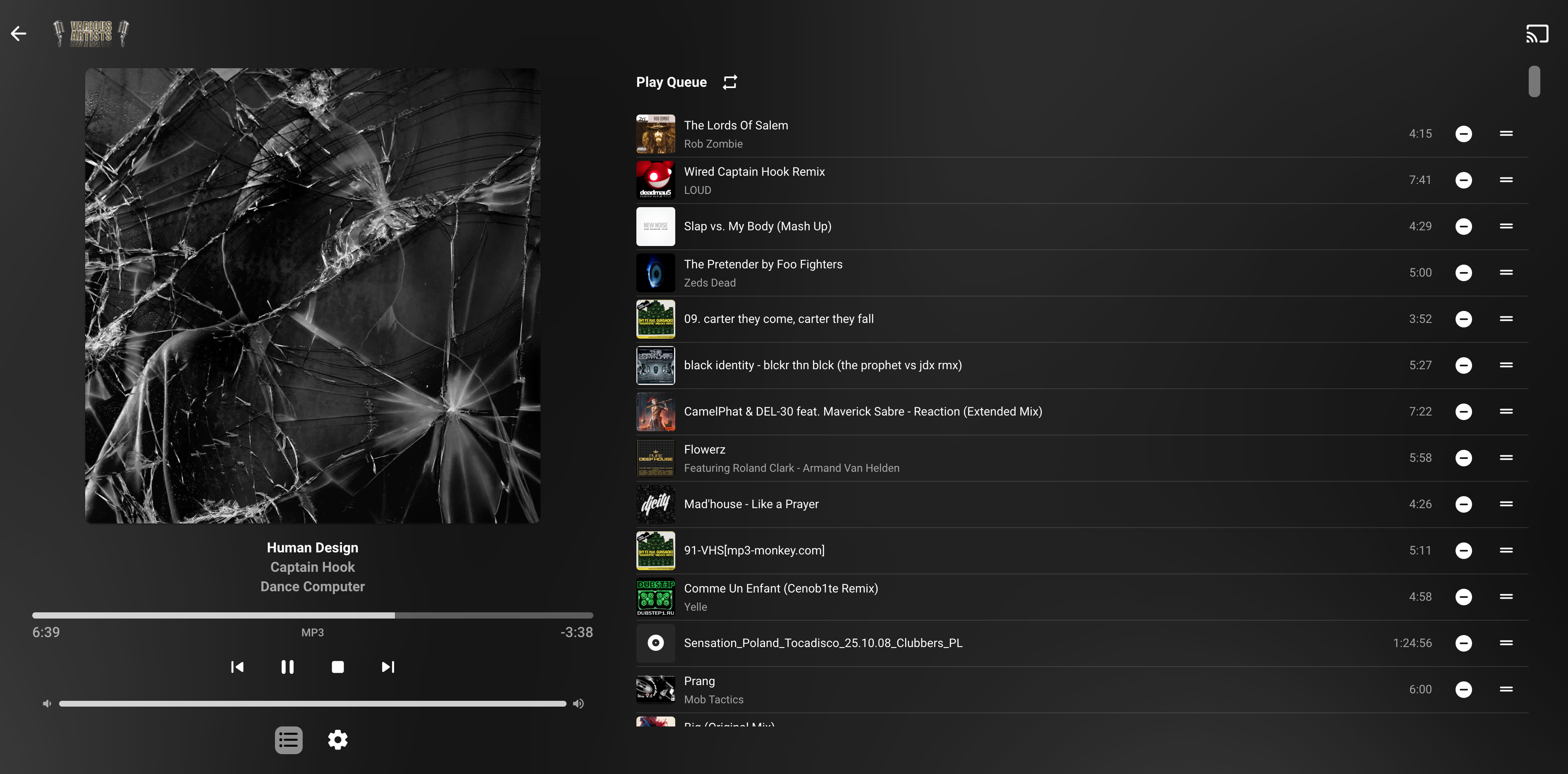
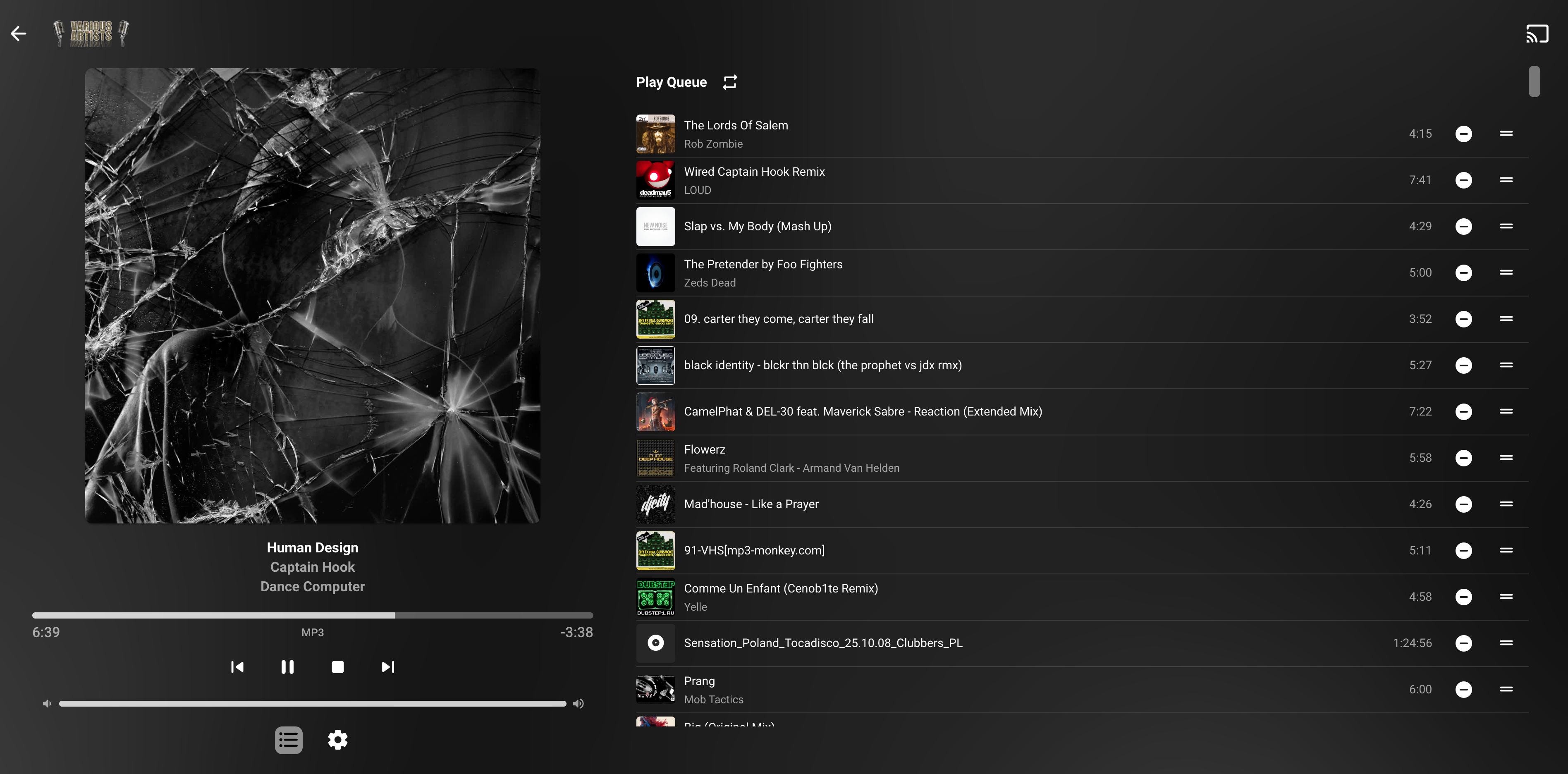
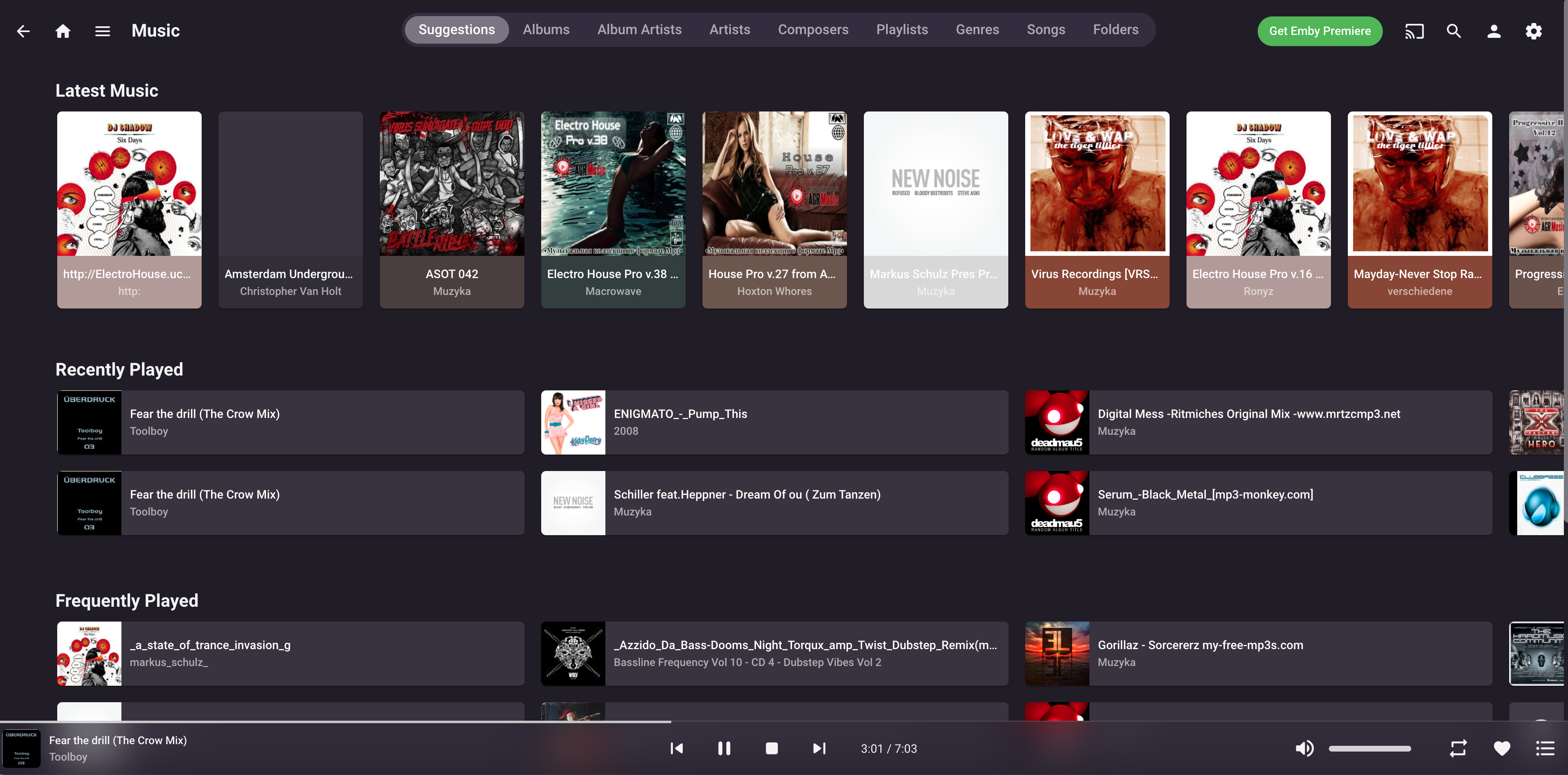
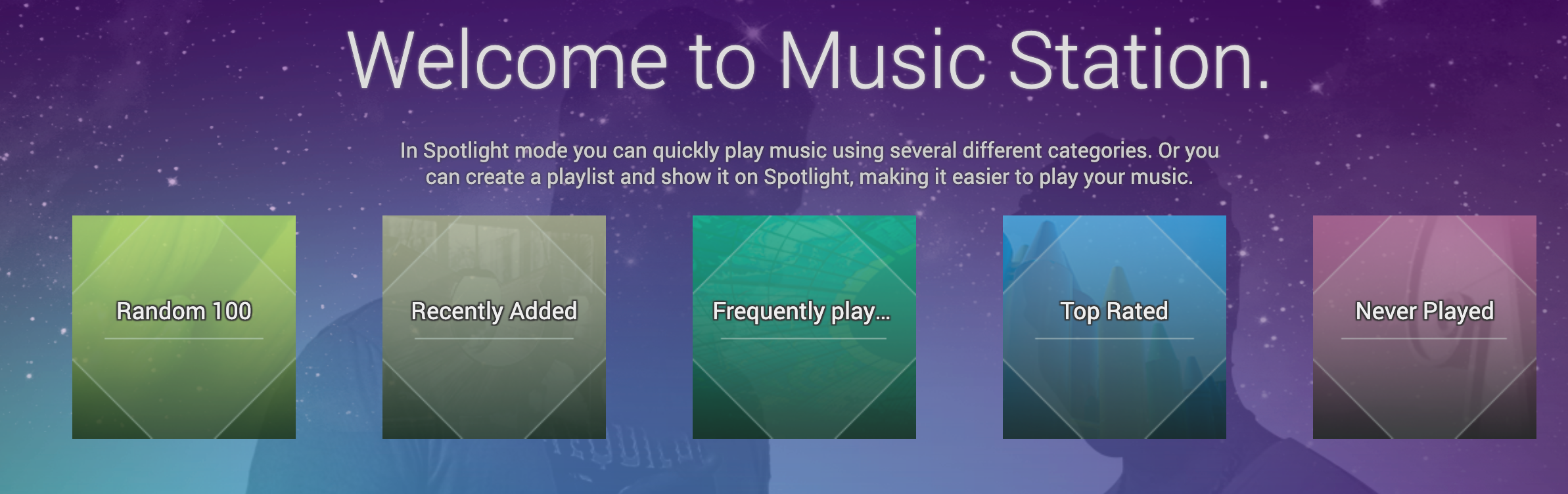
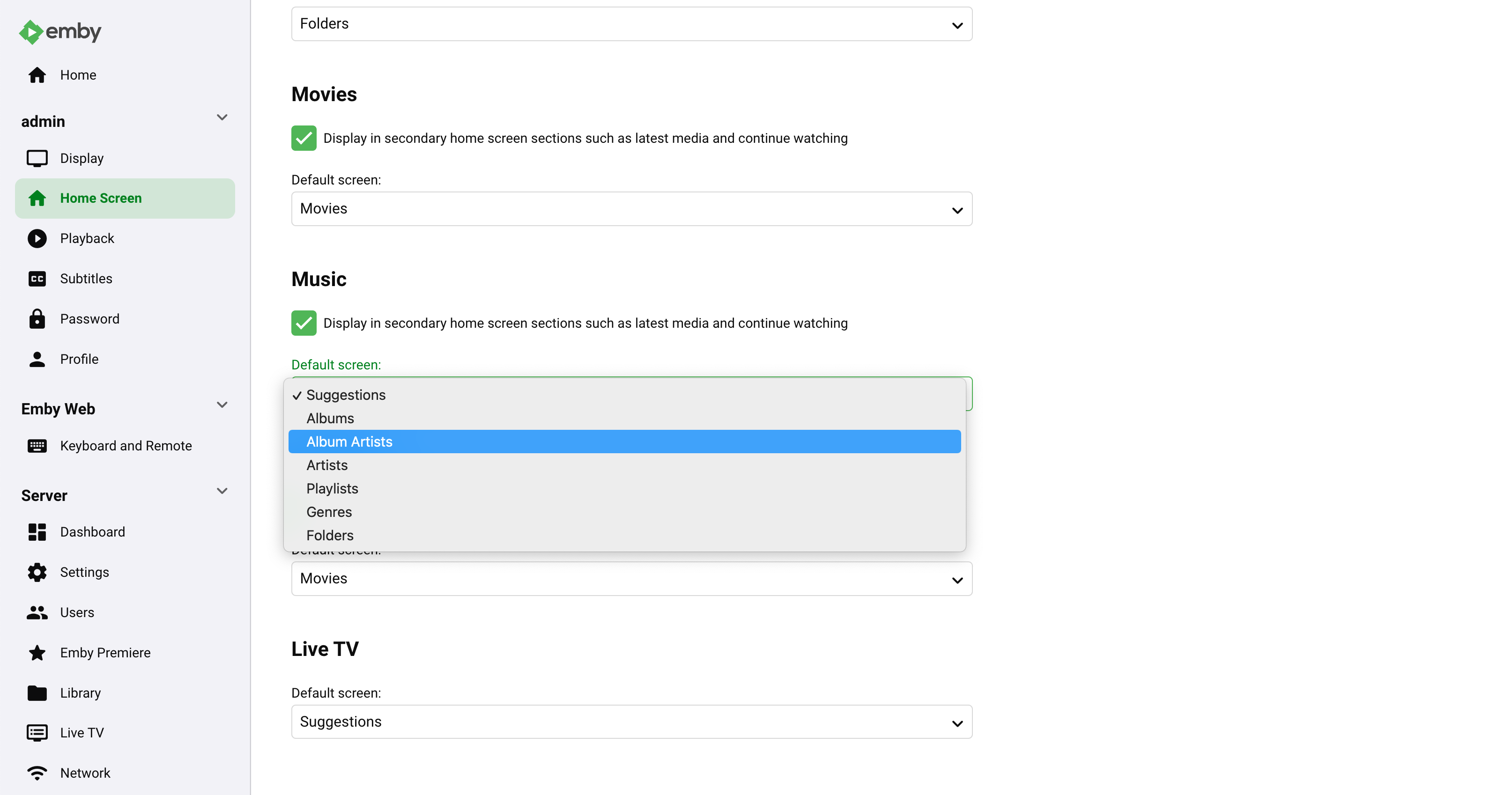
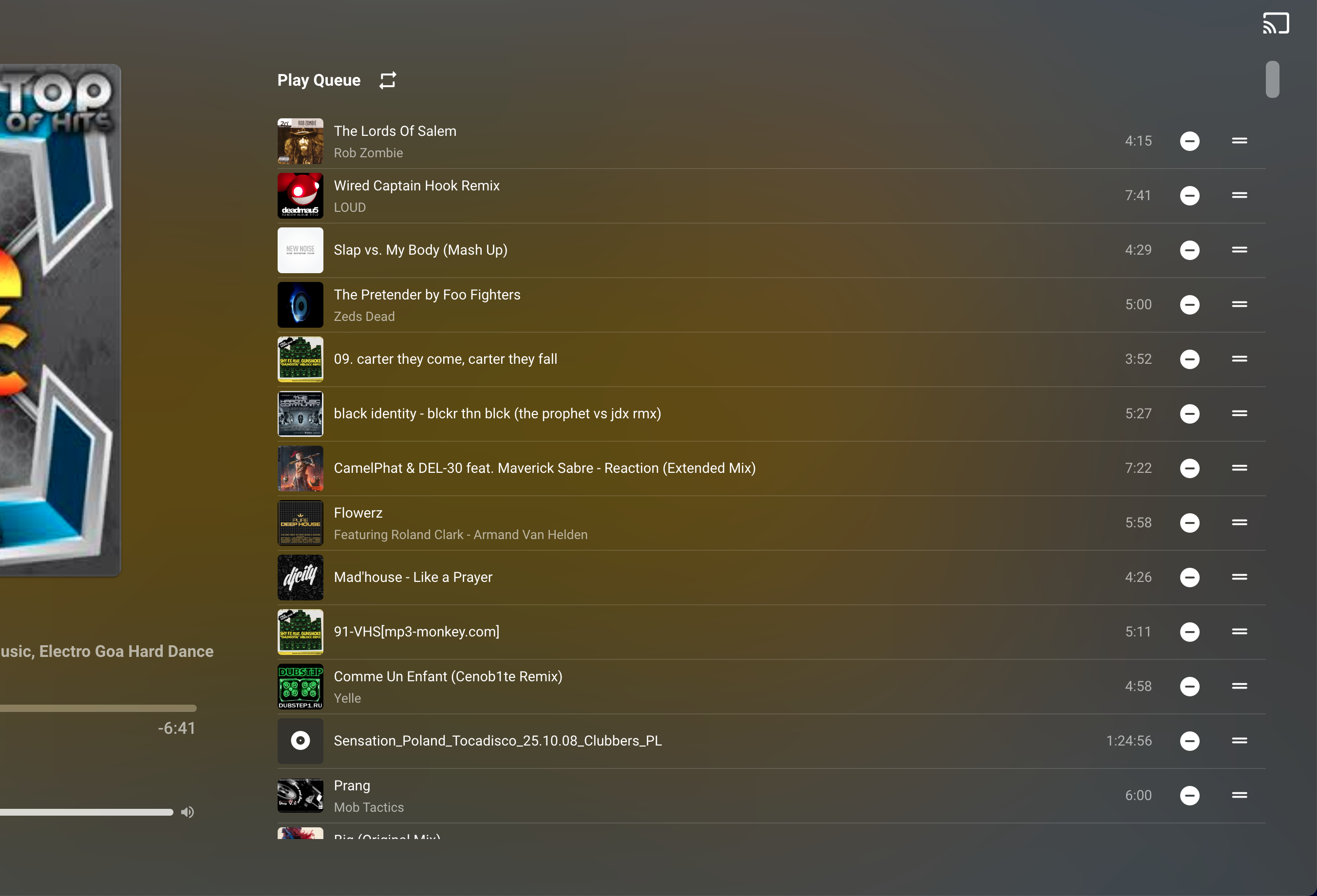
Emby Music Ideas In the beginning I want to say once again that I LOVE EMBY Because I love music same as movies. Emby now replaced all my Qnap apps, Plex, and maybe in the future even more? Some my ideas how to make Emby Music better (in my opinion): Music: Click on the TITLE to show on track the Playlist window - most of the times playlist is fixed position if you don’t scroll. I have 30k tracks, so it’s impossible for me to find actual playing song ———————————— Music: add “Play 100 Random Track” , “Top Rated”, “Never Player” - please, please, please ! Qnap made this very nice -> ————————— Settings -> Home Screen -> Music -> Default Screen: add: SONG from the drop menu. It’s my default place where I go. And maybe Favourite would be nice touch, as well ————— Add: Editing tab order Add: Favorite tab is missing ———— Add: Sorting by name, folder, date, time, size. Add: Visible Bpm, Size MB, Year info, when song plays. Add: 1-5 star rating for songs, would be nice. Add: Track number (!) Add: SEARCH box ! Please Add/Missing: Shuffle playlist - There is one Shuffle in the “Song” tab and when you press on the #tag. But missing on the actual player/playlist. Next to "loop/repeat" it's perfect place. ———— iOS Emby Music: I think me like many iPhone users love sliding across aps, photos, FB, Instagram, settings, when you actually don't have to press "BACK" button, or any other button but just slide... It would be amazing if we could slide "previous/next song", same as "volume up&down". ------ I'm not sure if it's even possible, but Emby it's more NAS tool. So maybe "Share this strack"? --------- Error/Bug: Missing "3 dots" for extra menu. I can't add song to favorite. ---------- Otherwise Emby "Music" is beyond what I could imagine Thank you Emby Team! Keep Going .
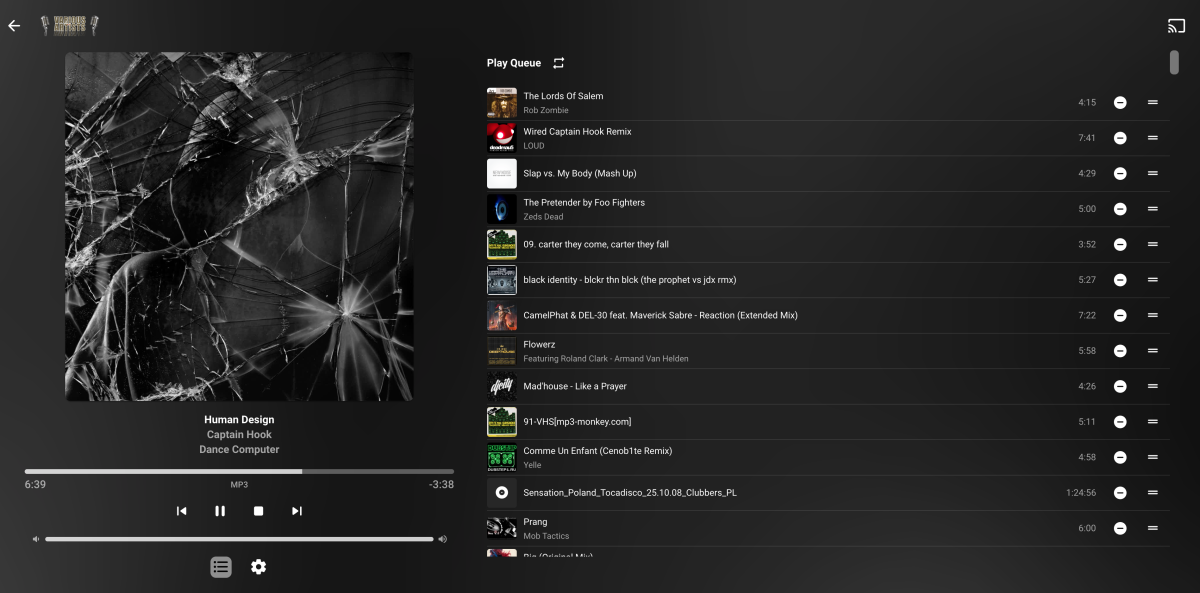
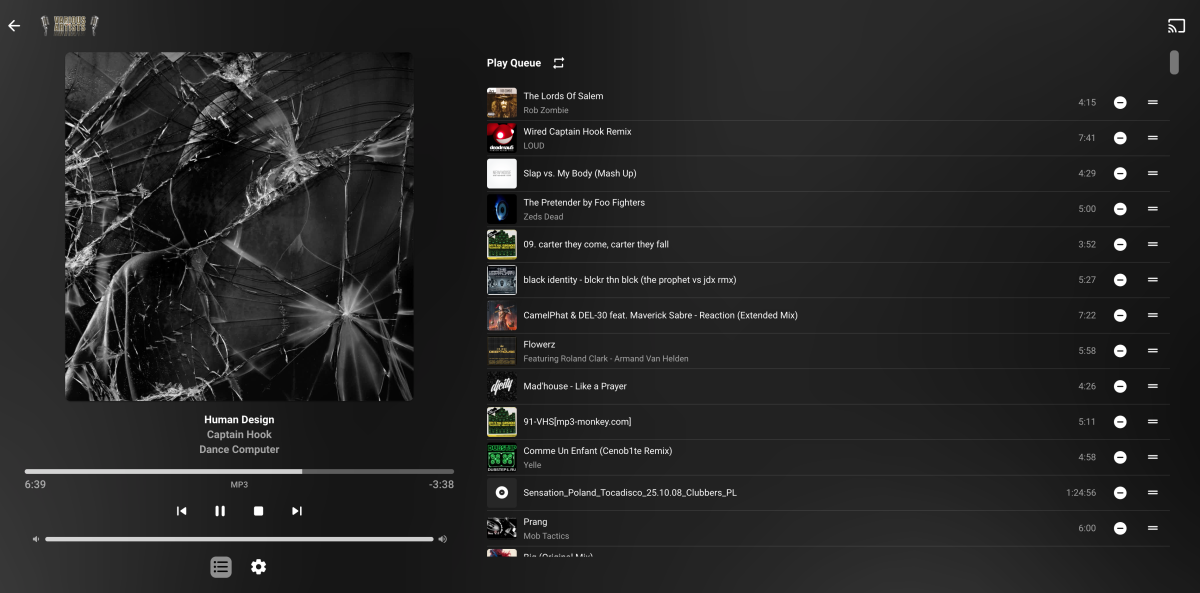
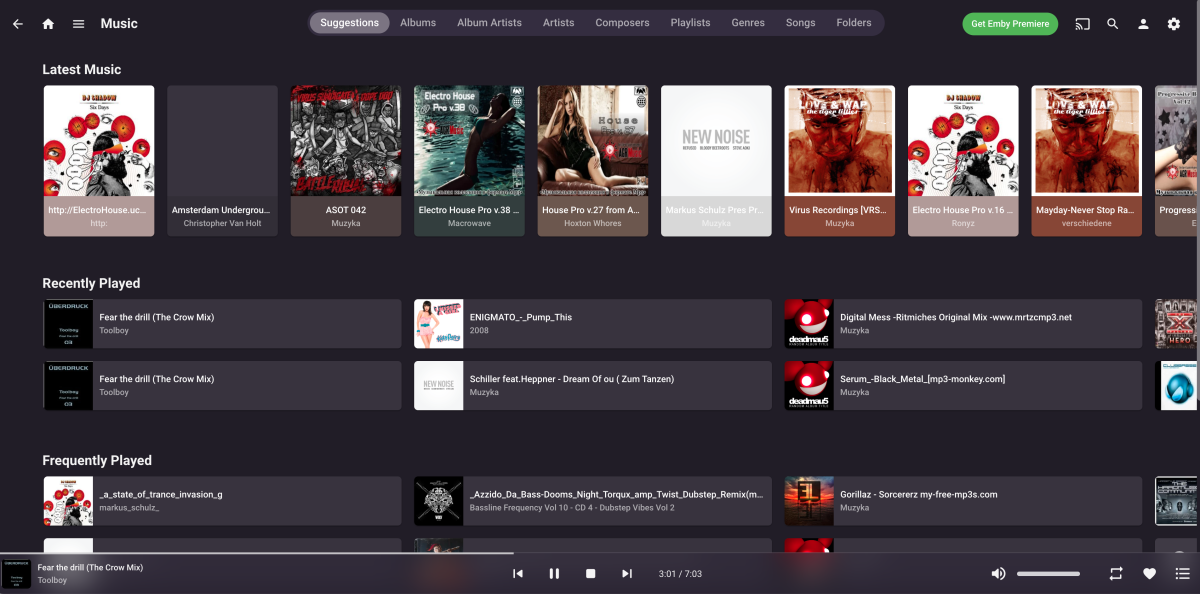
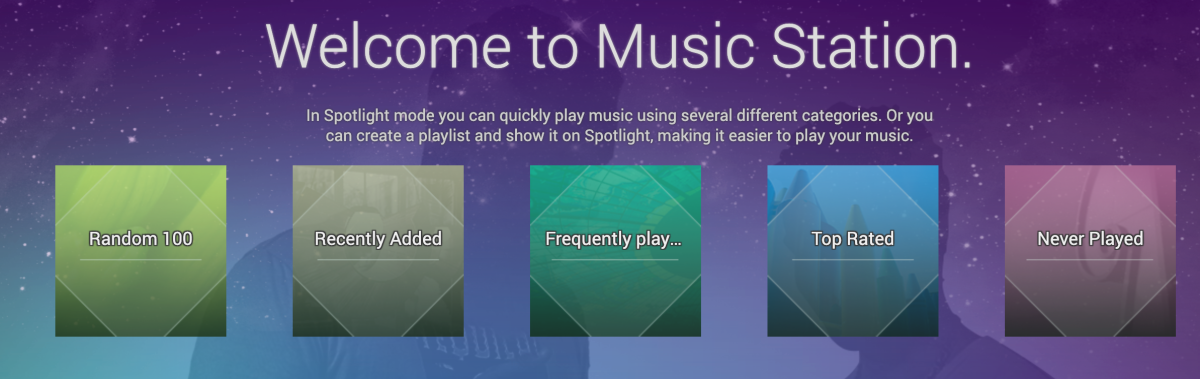
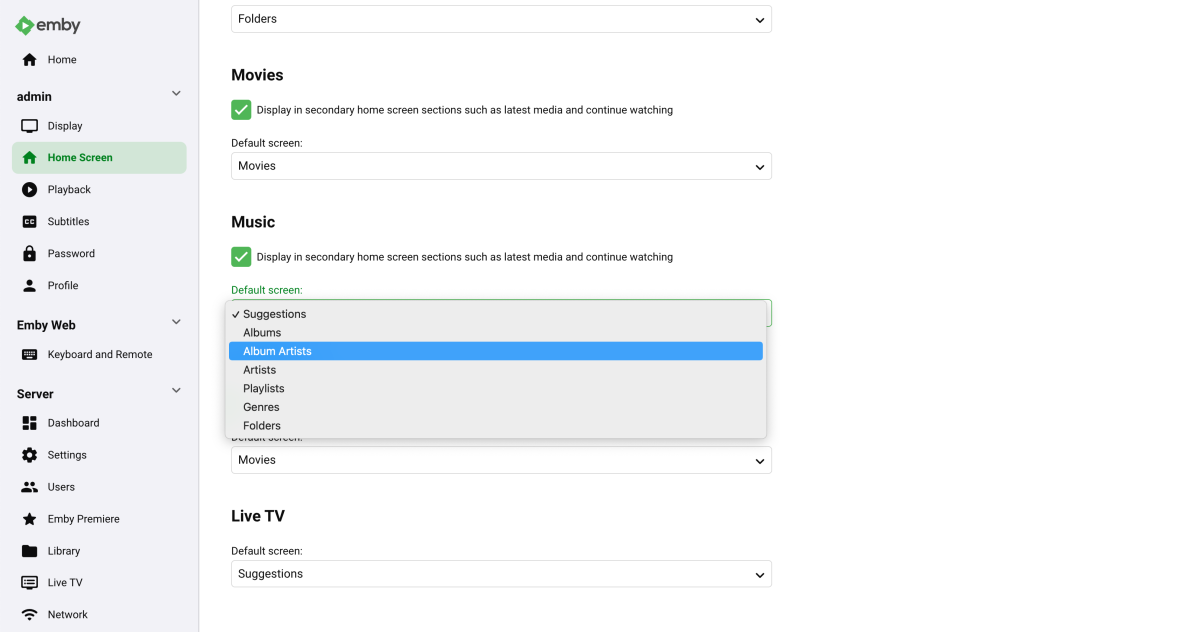

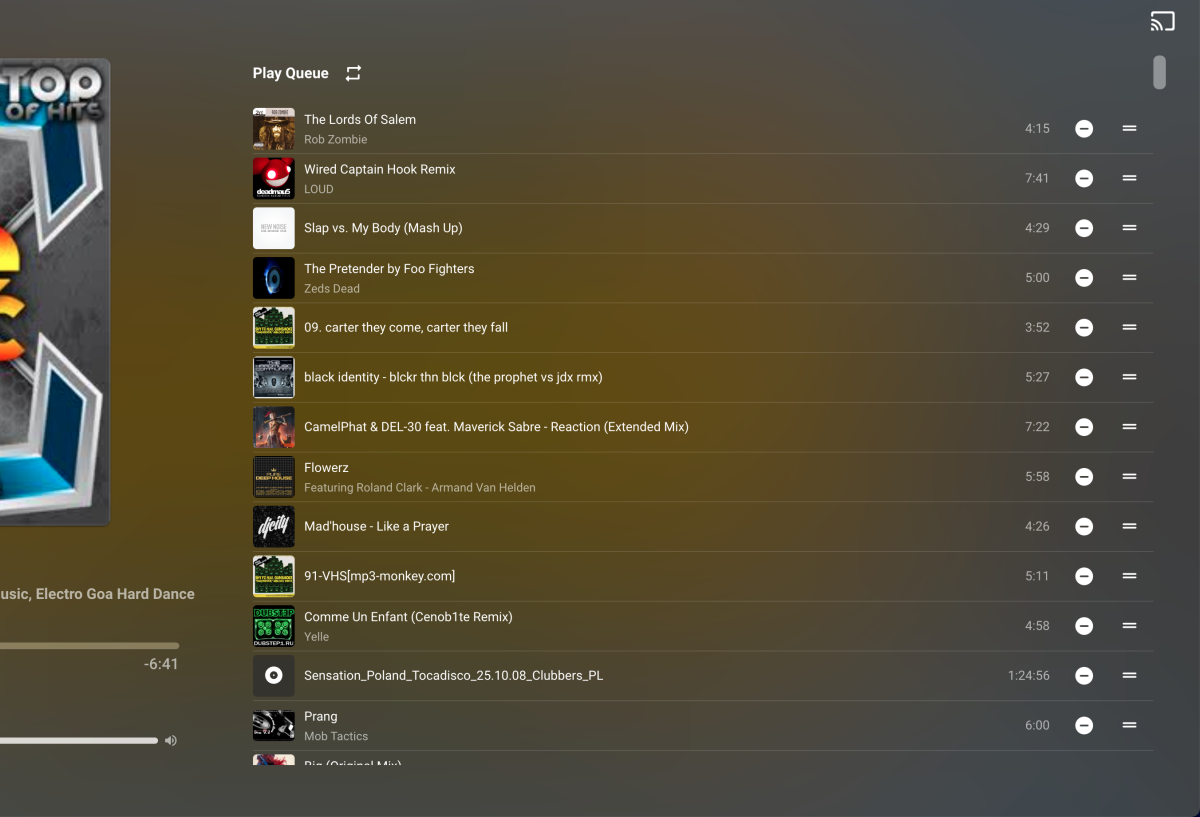
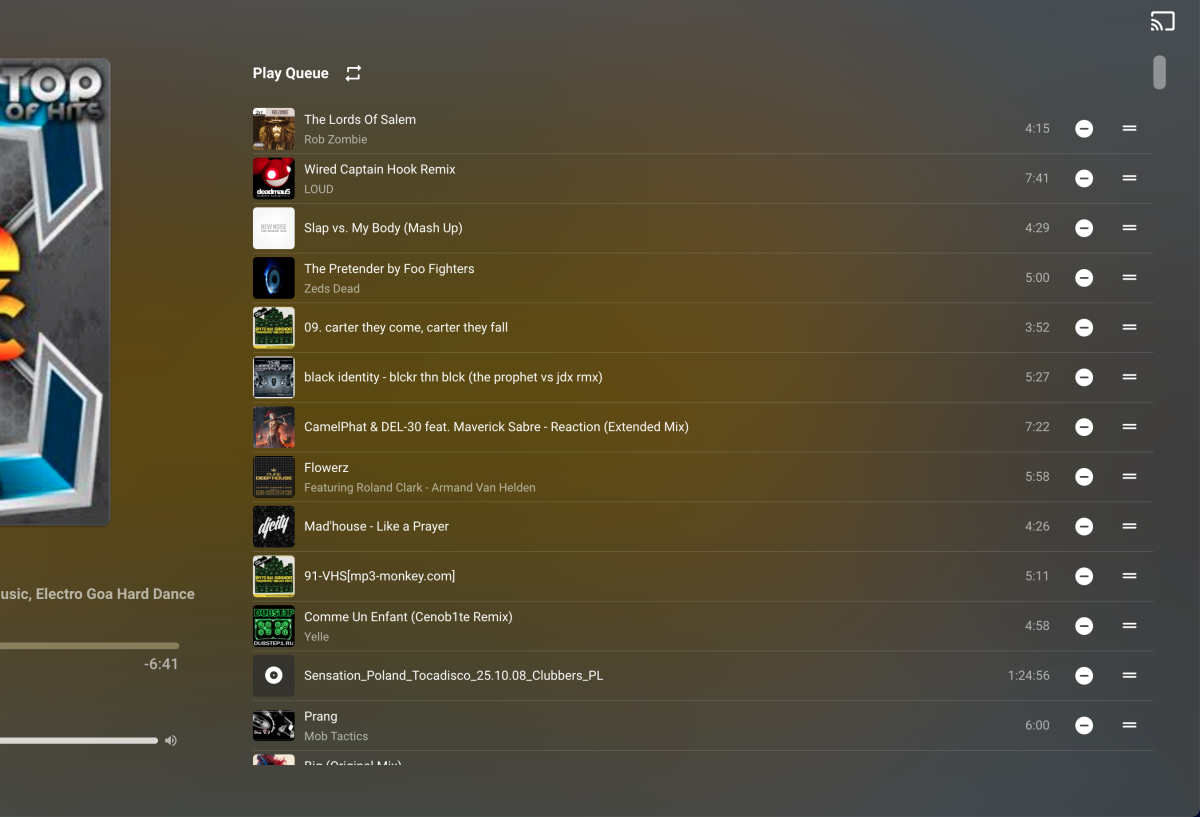


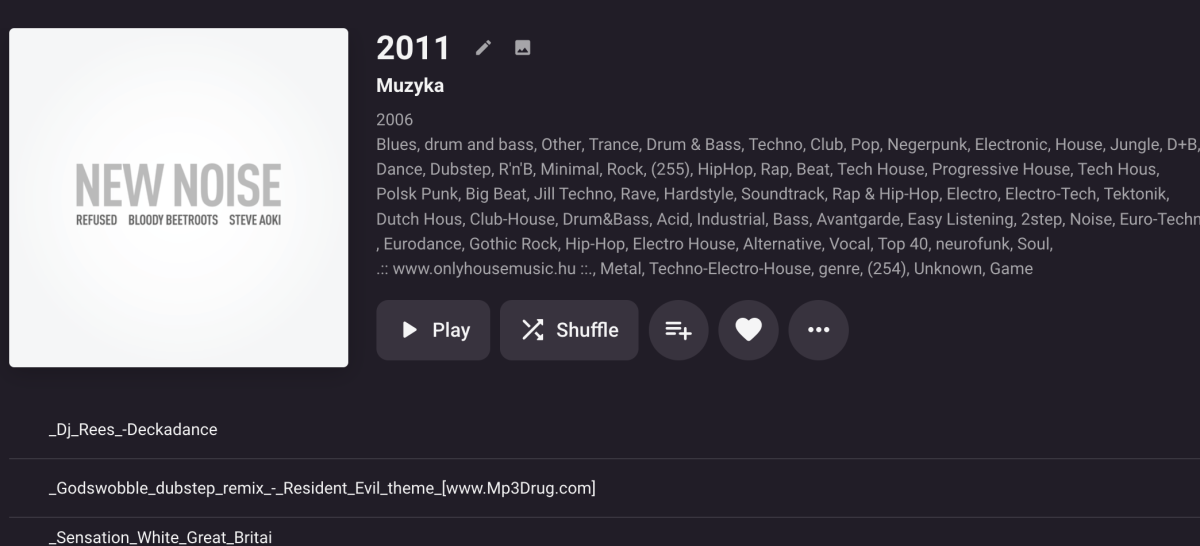
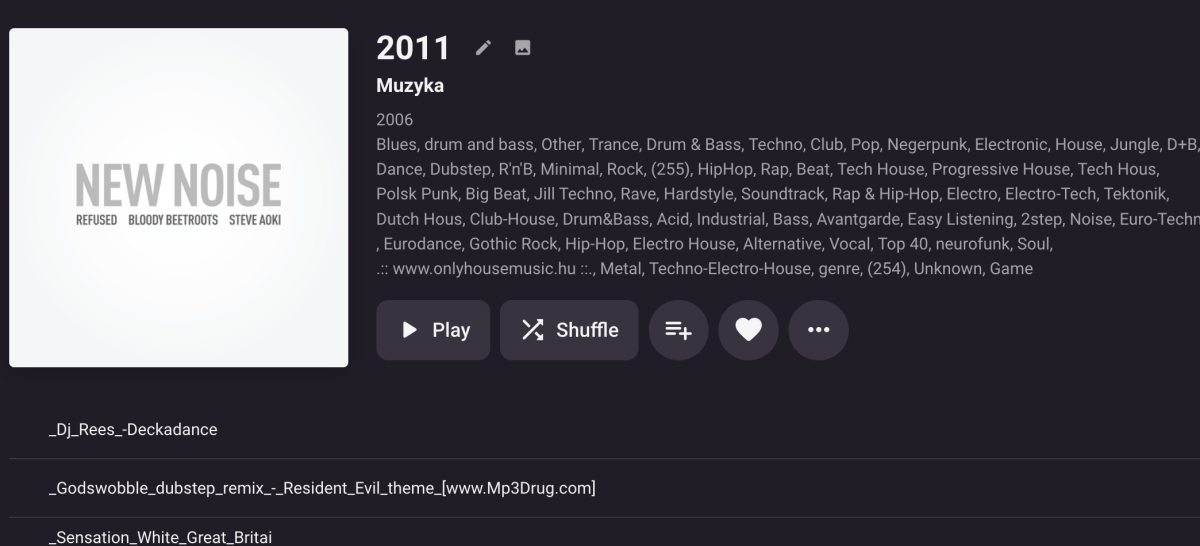
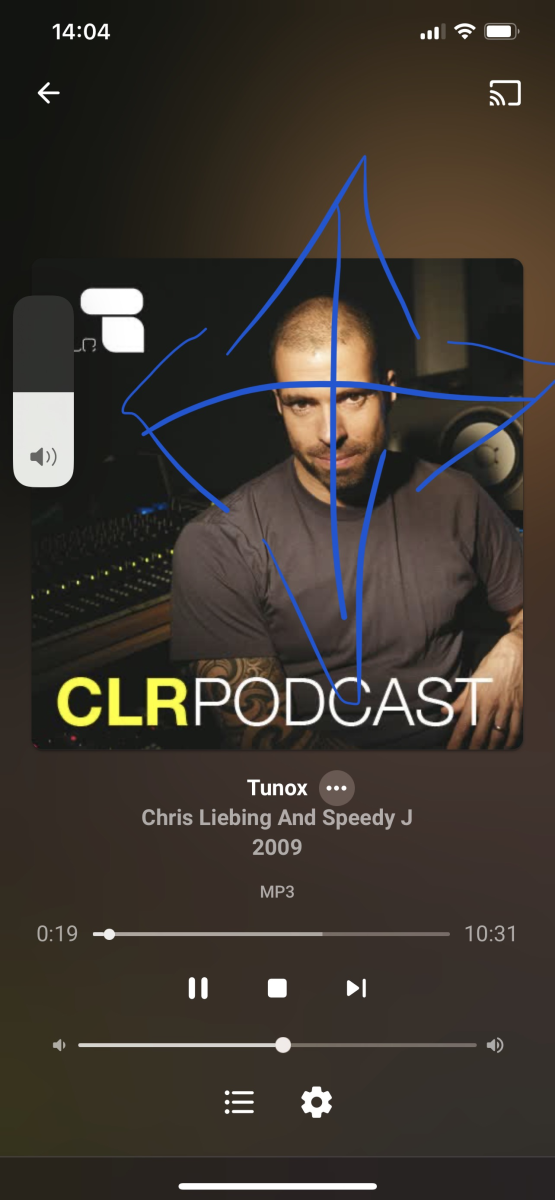
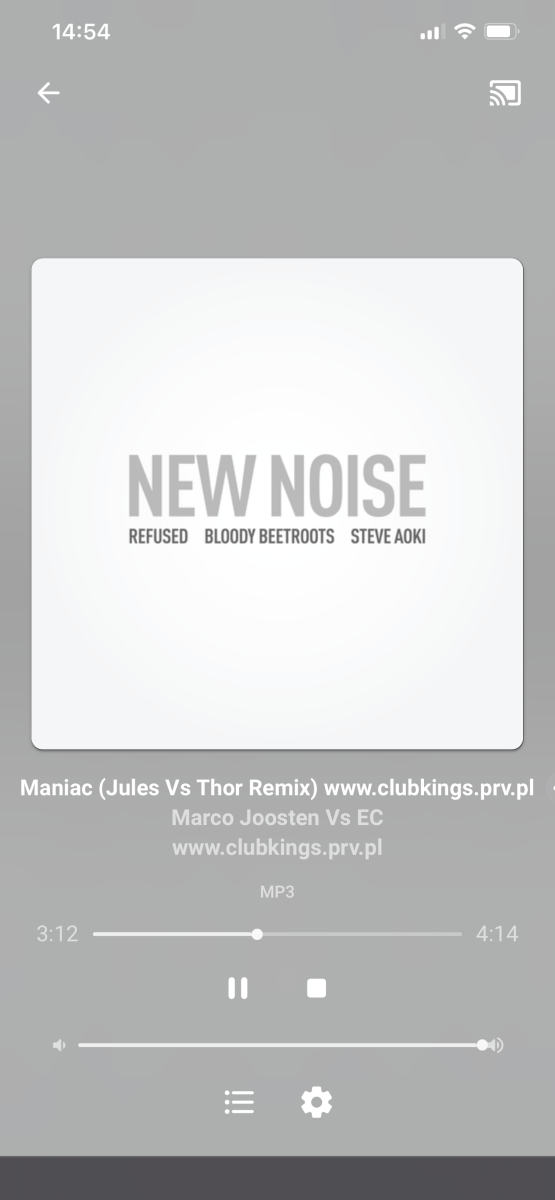 1 point
 -
Hi, that's very interesting and definitely doable. @GrimReaper @Happy2Playanyone want to file feature requests to fanart and moviedb to support these? Does tvdb have a lot of these or is this just something they added recently?1 point
-
Working perfectly - you sir are a legend! Thanks!1 point
-
Hey Luke, Thanks for the suggestion, I fixed this last night. Turned out the play store app was in need of a manual update. I did that, and the billing went through. Thanks for your help.1 point
-
If anyone reads this and wonders how to implement it as well: eventually I am going with the multimedia server solution Serviio (my ISP recommends it as a DLNA server). 1) I add the desired image to a folder named "Album Cover" on my PC. 2) Then I log into Serviio via the browser, which I configured to use my IP address and to "host" this specific folder. Once logged in, I find the URL of the desired image and right-click it to open in a new tab: the URL contains my IP address by default, and then the rest of the URL is made up by Serviio to display the image through the web. 3) Important step: I make sure the word "Original" shows in the tab name above the image URL. 4) I eventually paste that URL in the aforementioned cached file. Easy self-hosting image solution specific to album covers. Seeing my favorite album cover designs displayed makes it all worth it!1 point
-
I've actually got a shield pro I use and your right it plays almost anything direct. My lad just finds using the app on the TV easier so wondered if there was a fix. I not sure why it's 6 minutes but can do some testing tonight. I can transcode 2 films simultaneously and they play flawlessly when playing remotely so I don't think it would be running out of space. It's probably around a 32gb container I have given emby and it's always been enough. It usually deletes temp files when running out of space.1 point
-
@rbjtech Small suggestion for improvement for the optics. Audio bitrate with 1.000 separation - so DTS-HD Master [3.950kb/s] instead of DTS-HD Master [3950kb/s]1 point
-
FYI - I'm just working on getting Audio Metadata and added tags into the Plugin .. I'm making it a seperate tab entirelly - but the idea is to extract suitable tags (FLAC-24Bit-96Khz) etc - so you can use to filter audio tracks by Tag. I'm also playing with using some of this info to auto-complete the 'overview' field on the 'album' layer - as any form of MediaInfo for Audio seems to be absent .. so you can see the 'album' is FLAC-24-96 for example - this will just be scraped from the Album folder name - as per Lidarr's renaming framework. I don't think there is much point doing it at a track layer as it won't be shown and all tracks within the 'album' are usually the same codec/bitrate etc. Let me have any ideas on Audio/Music - as it's an area I haven't really used emby for in the past. It could do things like tag 'low quality' MP3's for example if the bitrate is below a certain level.1 point
-
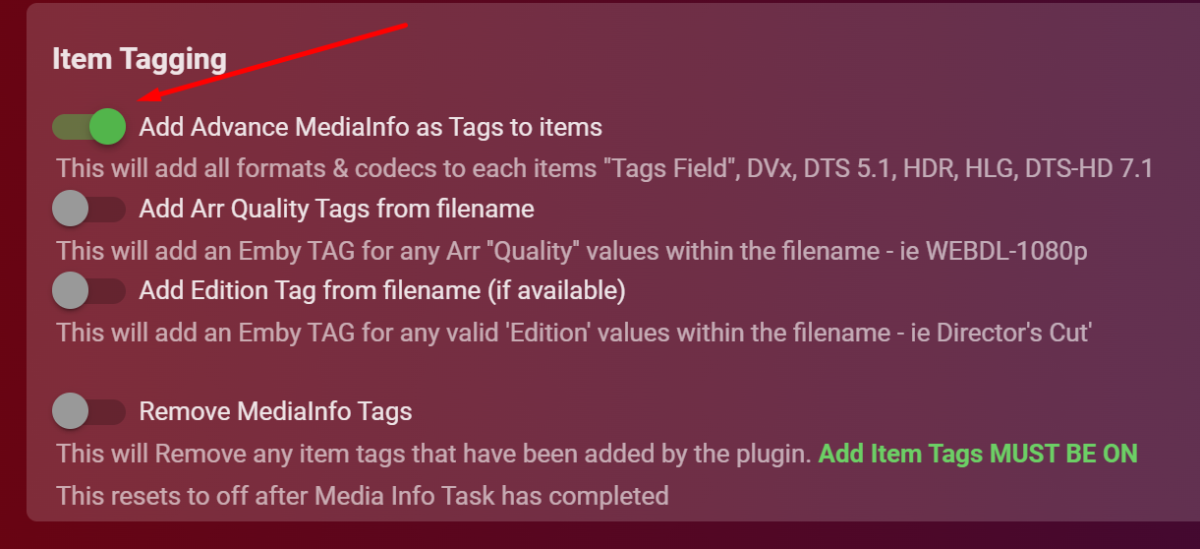
Maybe just activate tags in the plugin?
 1 point
 -
got it sorted edit - one bad file was giving issues1 point
-
Thanks SamES. See video, I've reproduced the date issue - seems to be related to sorting. Date changes when you press on the guide button after attempting to sort. Untitled video.mp41 point
-
When you disable saving of artwork into your media folders and download some images from an online provider inside Emby, then the new image will be stored inside metadata\library. But after a library scan you will see your old image again because your local media files have always precedence. That's why Emby wants to delete your local image in the first place.1 point
-
Its working great for me though.
 1 point
 -
Thanks, I added a new topic.1 point
-
HI, we don't have an answer to this yet but we are certainly monitoring the industry to see how things shake out in regards to this.1 point
-
the watched states are directly from the emby db you dont need to change the keep data for as this data comes from the Emby main DB not the playback reporting DB.1 point
-
Do you have a valid Premiere subscription?1 point
-
Does the movie already have an AC3 track in the file? You are better off selecting that before playback and avoiding transcoding. The built in track will probably be a better quality anyway.1 point
-
Hi there, let's look at an example. Please attach the information requested in how to report a media playback issue. Thanks!1 point
-
Really anxious to see this as well. I have an important playlist that I can't update anymore.1 point
-
Can you try the TV app again and see if it's any different?1 point
-
Yes, there is a problem from right to left in all screens. If it's in the alphabetical order of the movie display. If it's in the order of the chapters you can't choose. I would suggest if you could check for yourself...1 point
-
I'm hoping to get to smart views and playlists after 4.8.1 point
-
I think people are just rightly frustrated at the lack of action. Let's not forget this thread was started in 2018, not as a result of the security incident. I'm hopeful that will have been the kick the emby team needed to start taking security seriously, but if we're still commenting in this thread at the end of the year perhaps it will be time to find an alternative.1 point
-
Native Smart Playlists has been an Emby feature request since 2014, So we should see it built in any day now?1 point
-
UstreamGen Setup Instructions for docker on Synology Attached https://hub.docker.com/r/hooray4rob/ustreamgen ustreamgen.pdf1 point
-
Hi, this is planned for future updates. Thanks.1 point
-
Yep Images will vary.
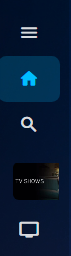
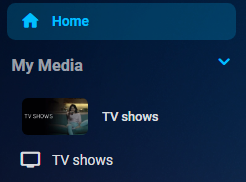 1 point
 -
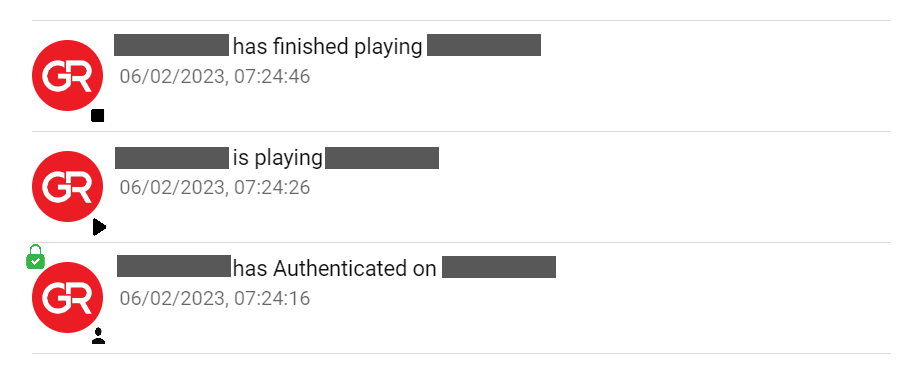
Seeing how all events get jumbled together in Dashboard Activity section, making no distinction between them and making it hard to sift through once particular event is searched for, I reckon some icons should be presented there in order to differentiate events, particularly: - User Authenticated (with Lock icon denoting SSL) - Playback Started - Playback Stopped Rough mock-up attached.
 1 point
 -
Not sure whom mentioned "vulnerability". I wrote "given the risk of having Emby exposed to the Interweb". Two very distinct concepts IMHO. In essence I want to reduce risk and therefore I am researching possible solutions to accomplish that, like reducing risk of unwanted access to a service that I have published to the internet. Nothing else, nothing more.1 point
-
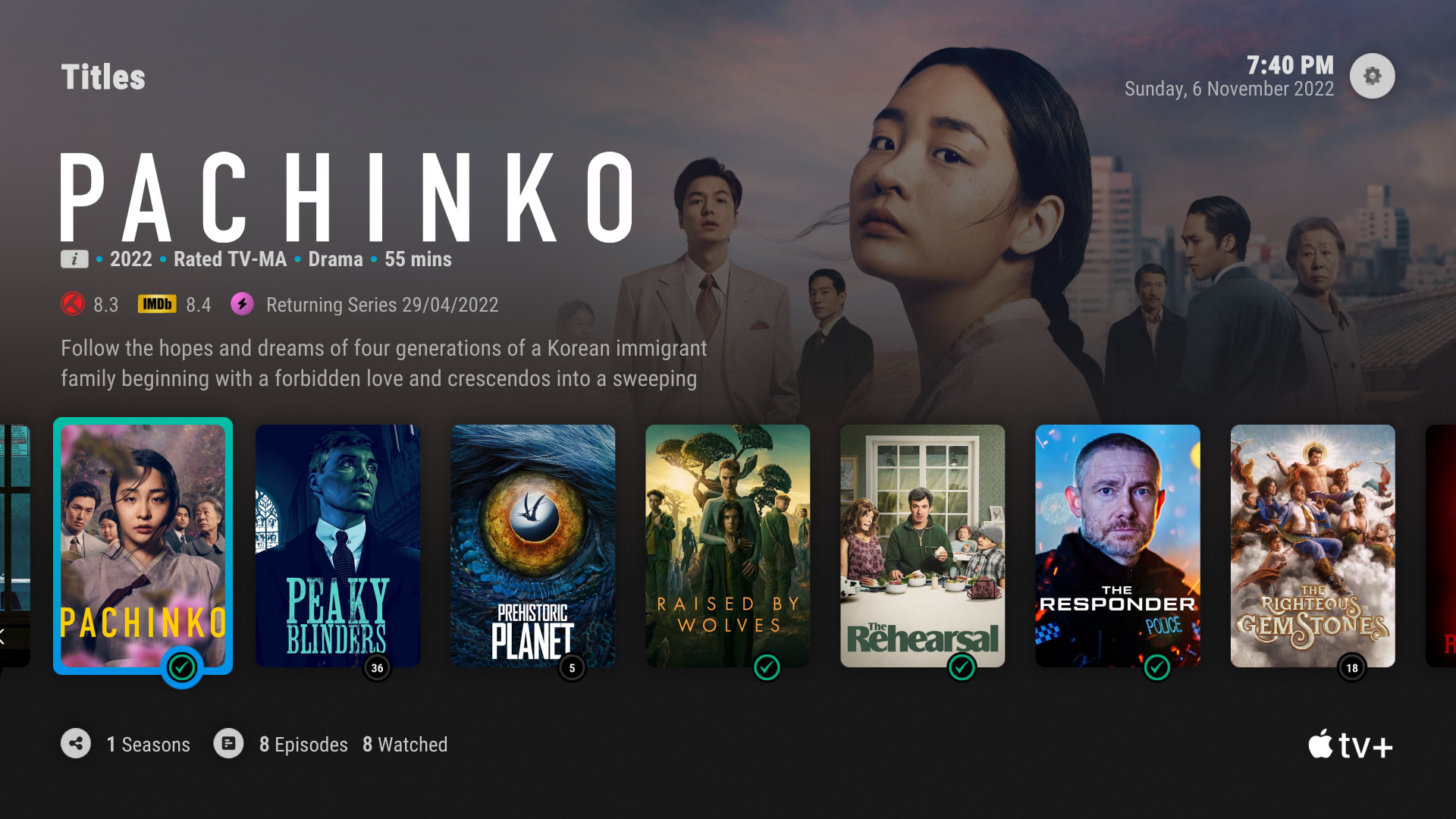
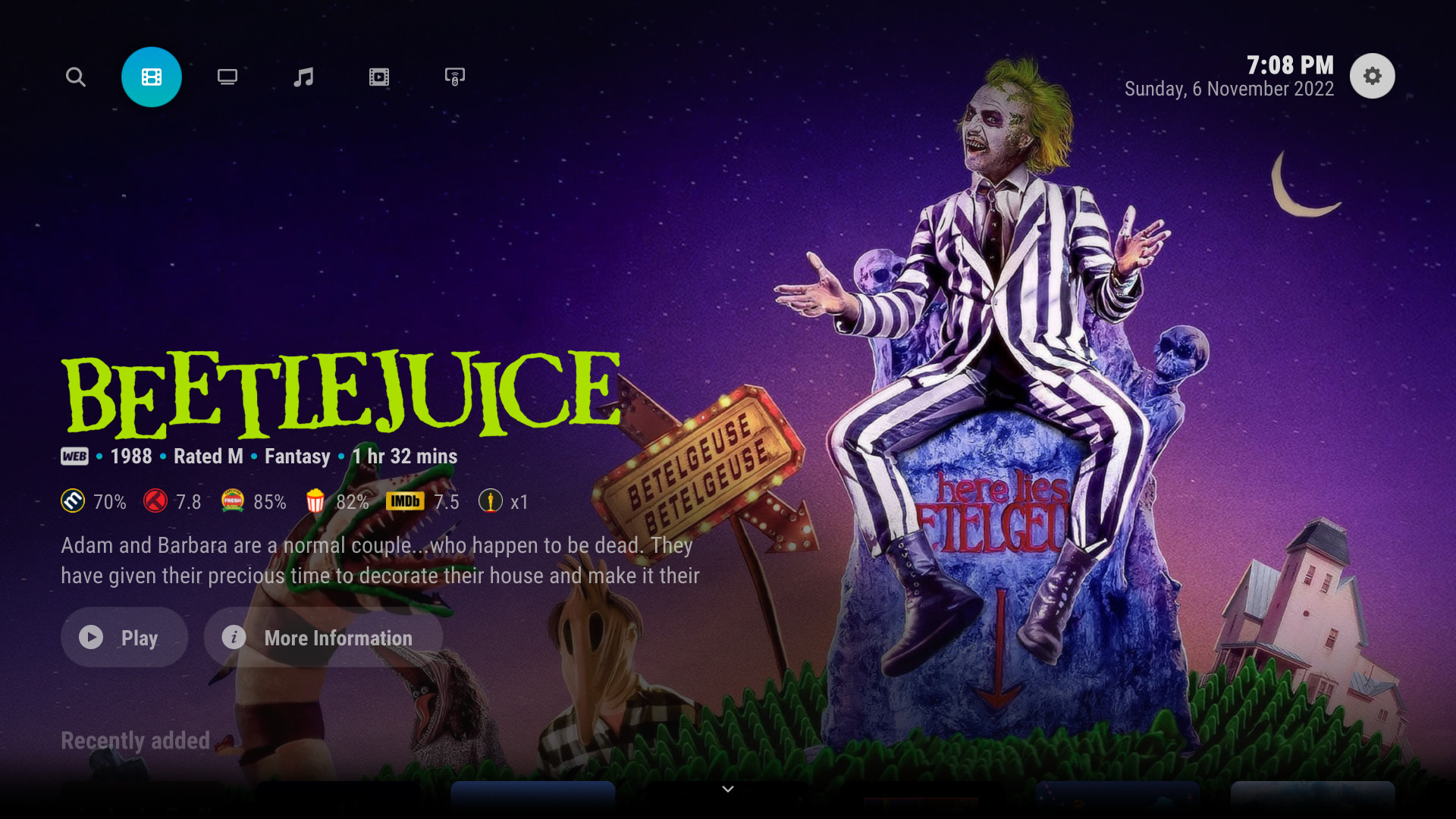
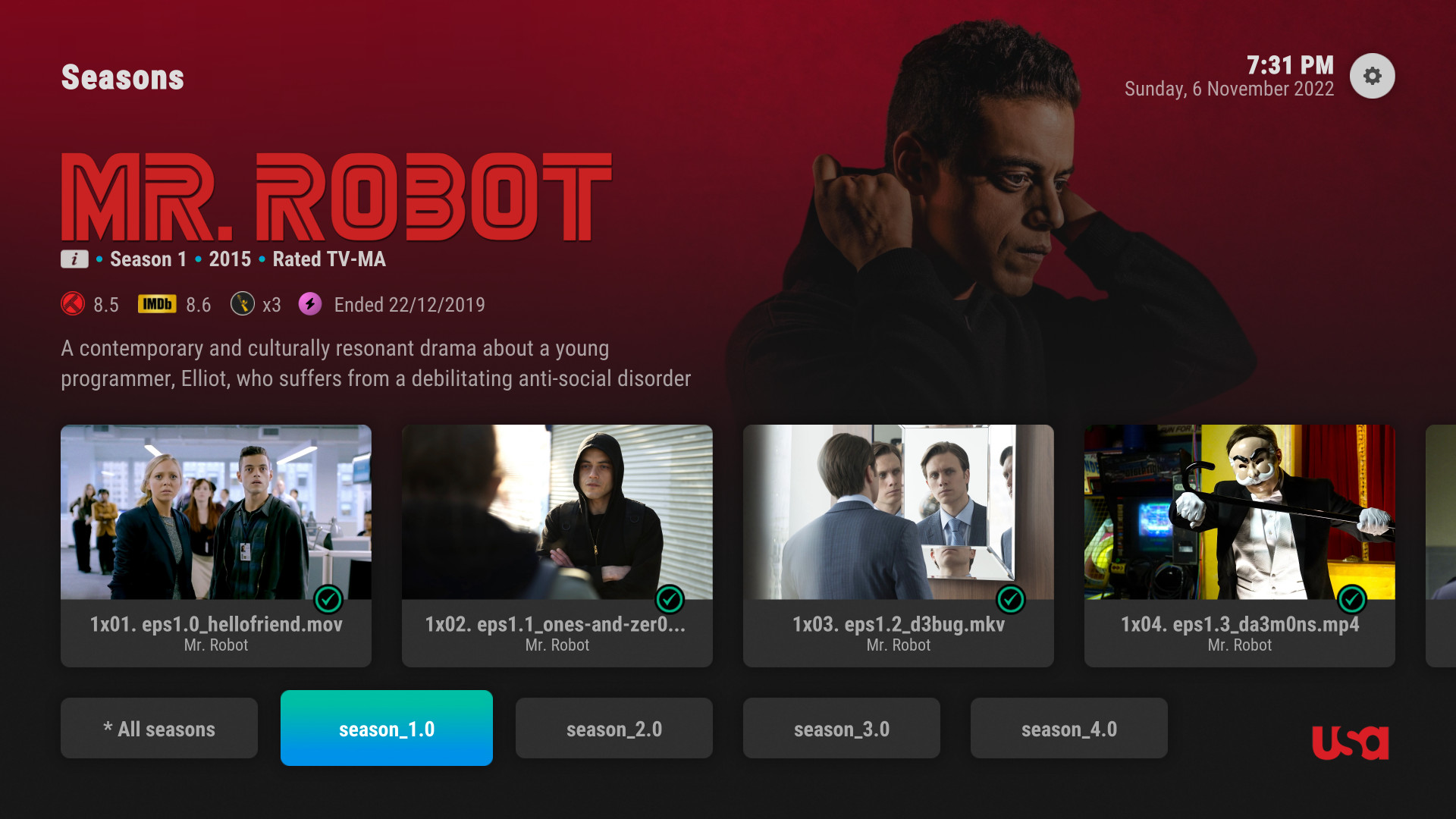
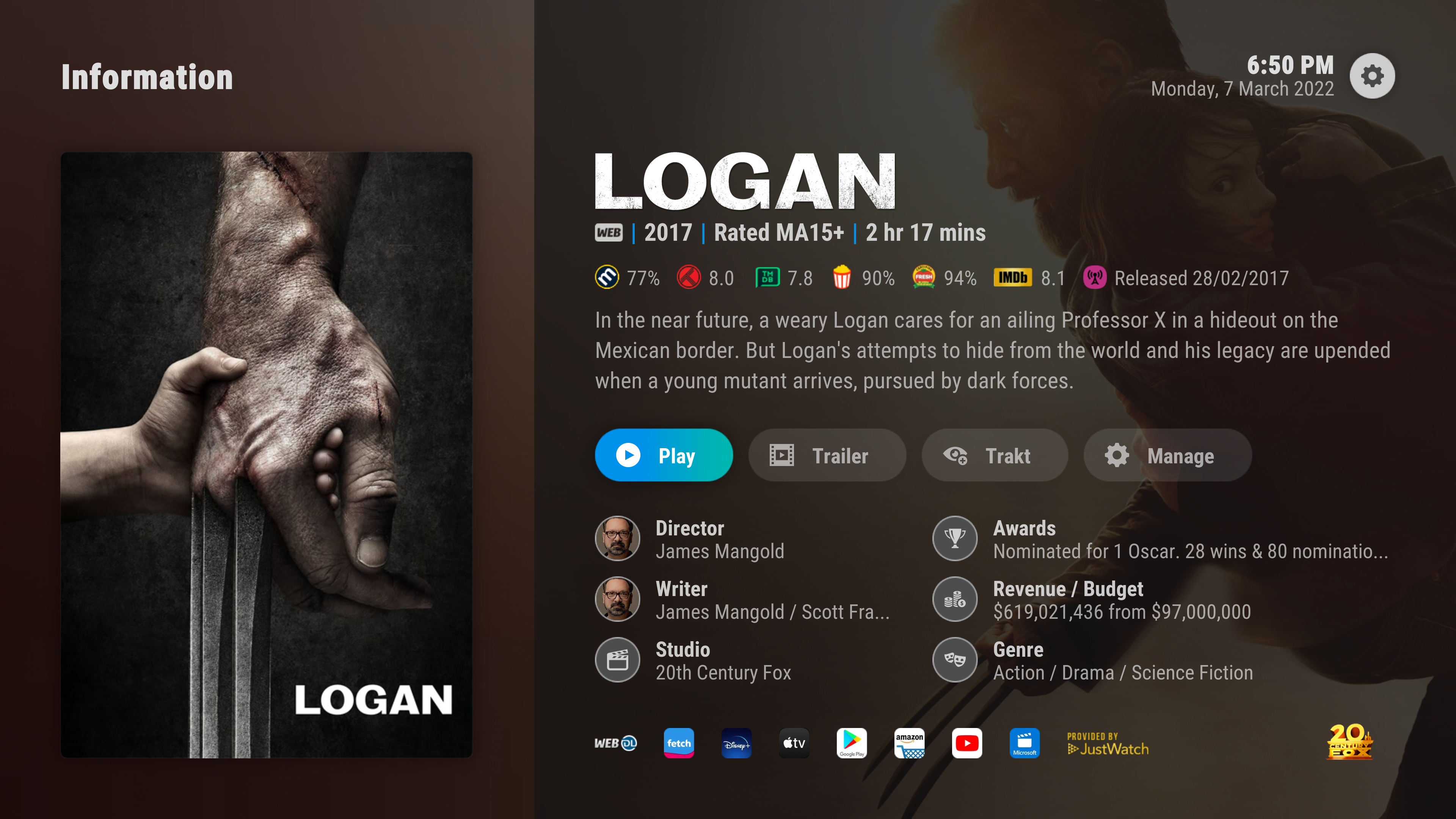
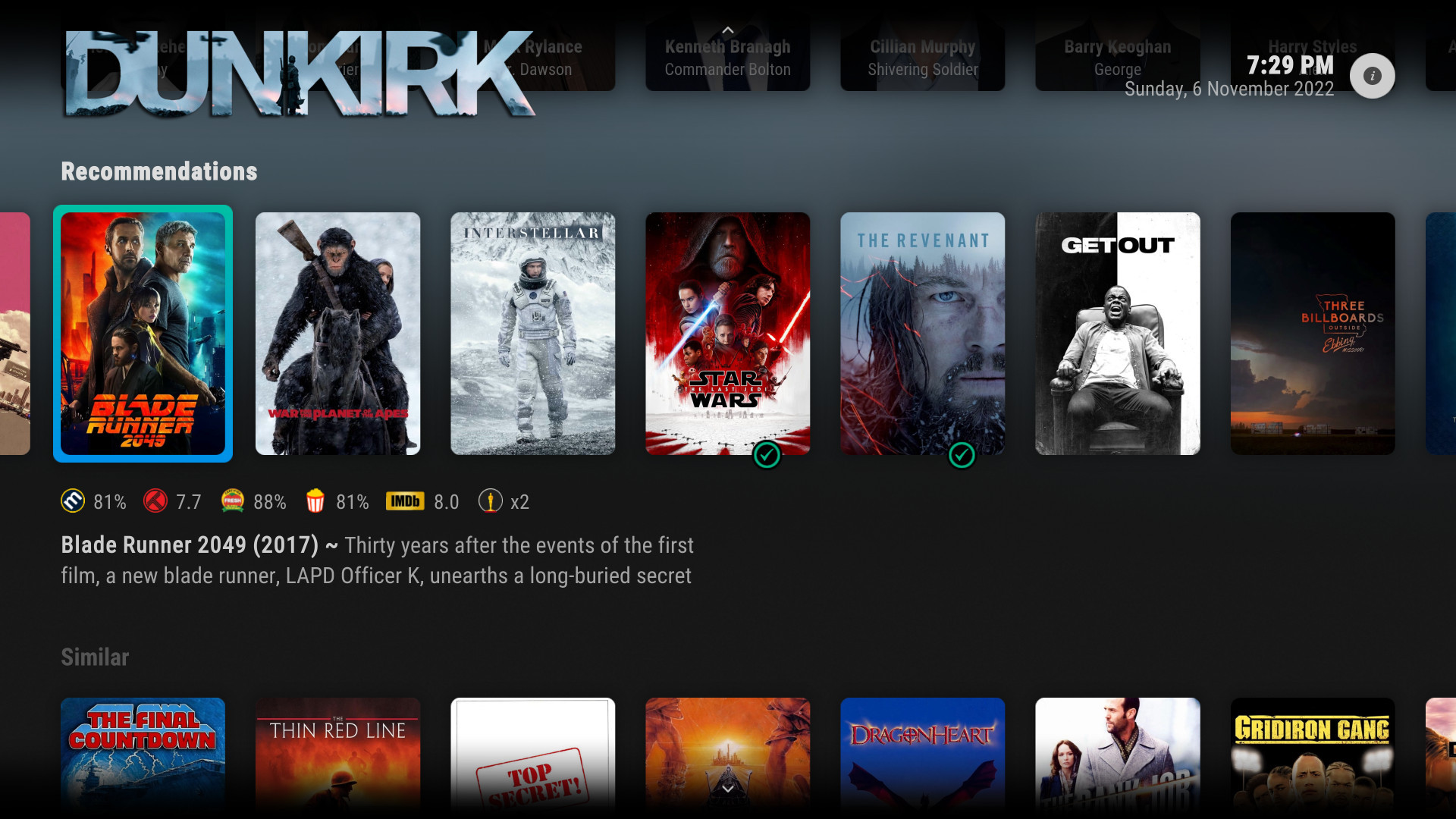
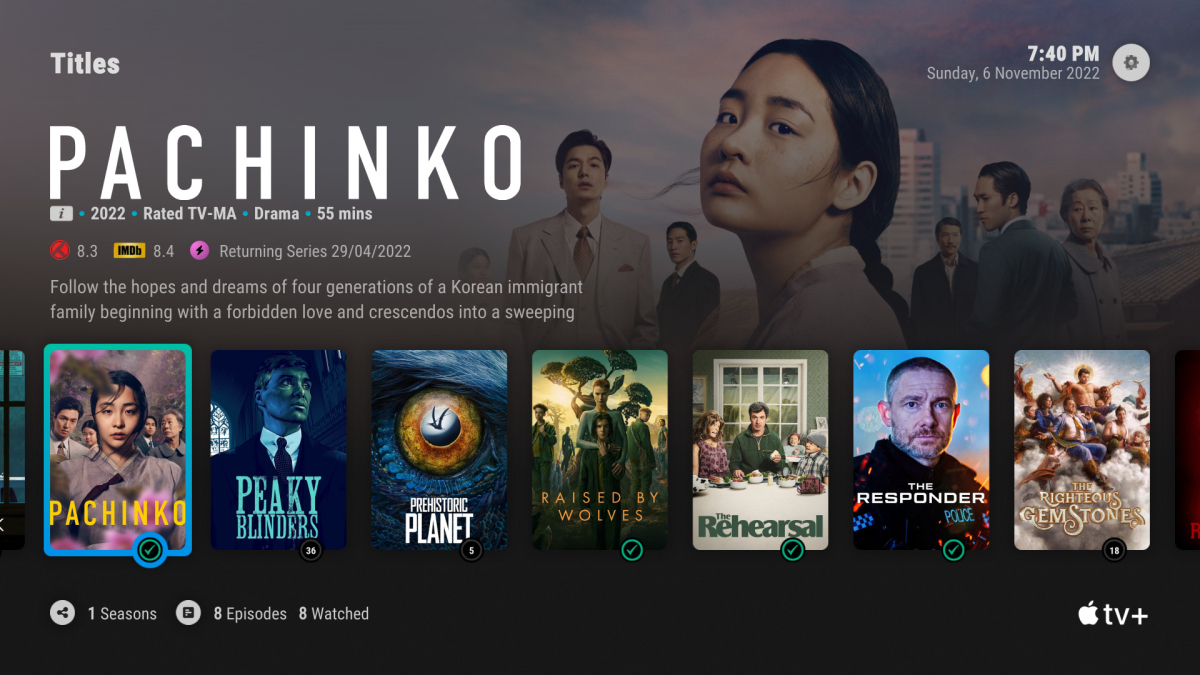
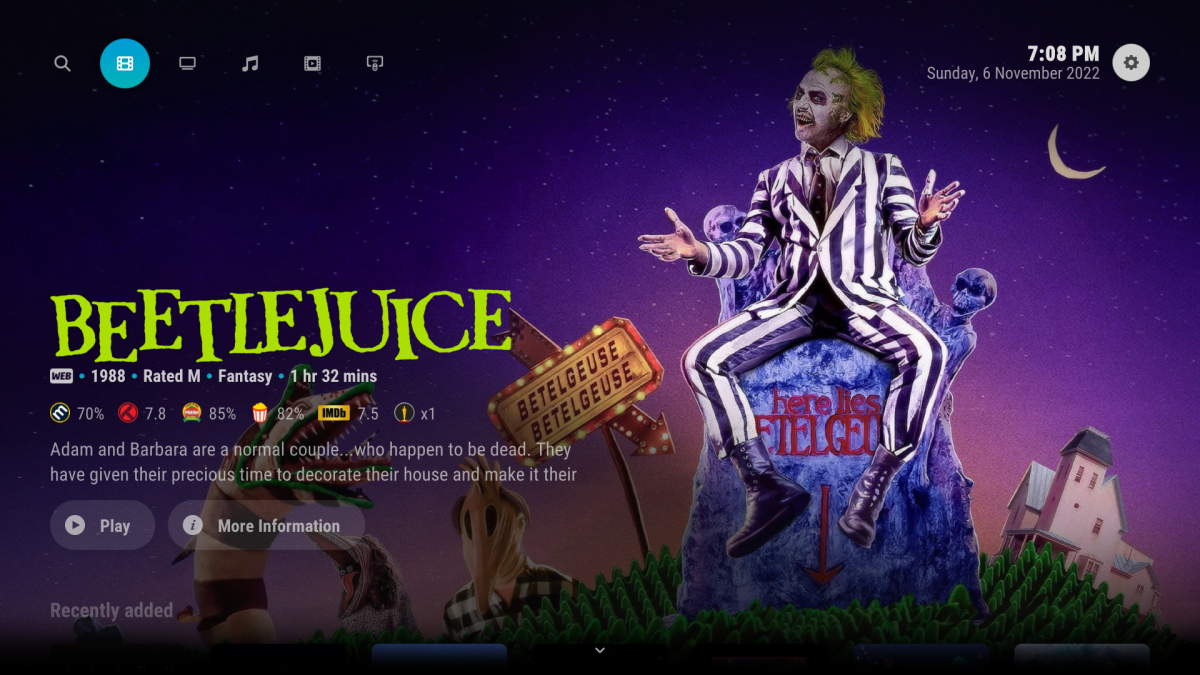
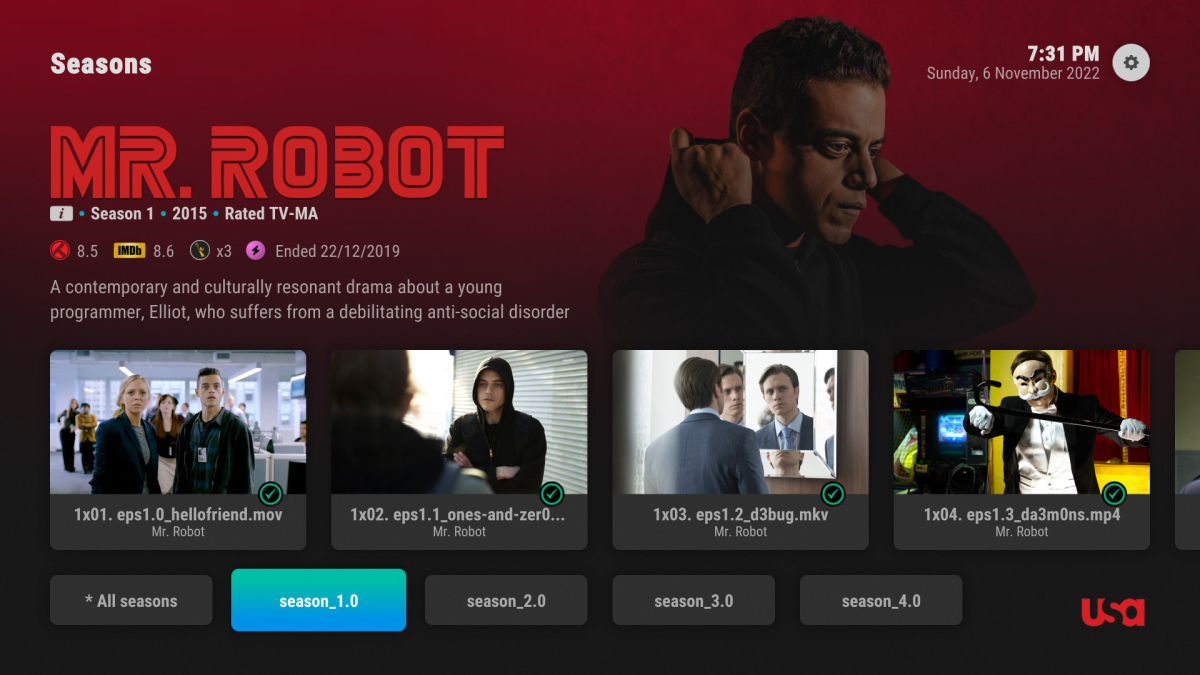
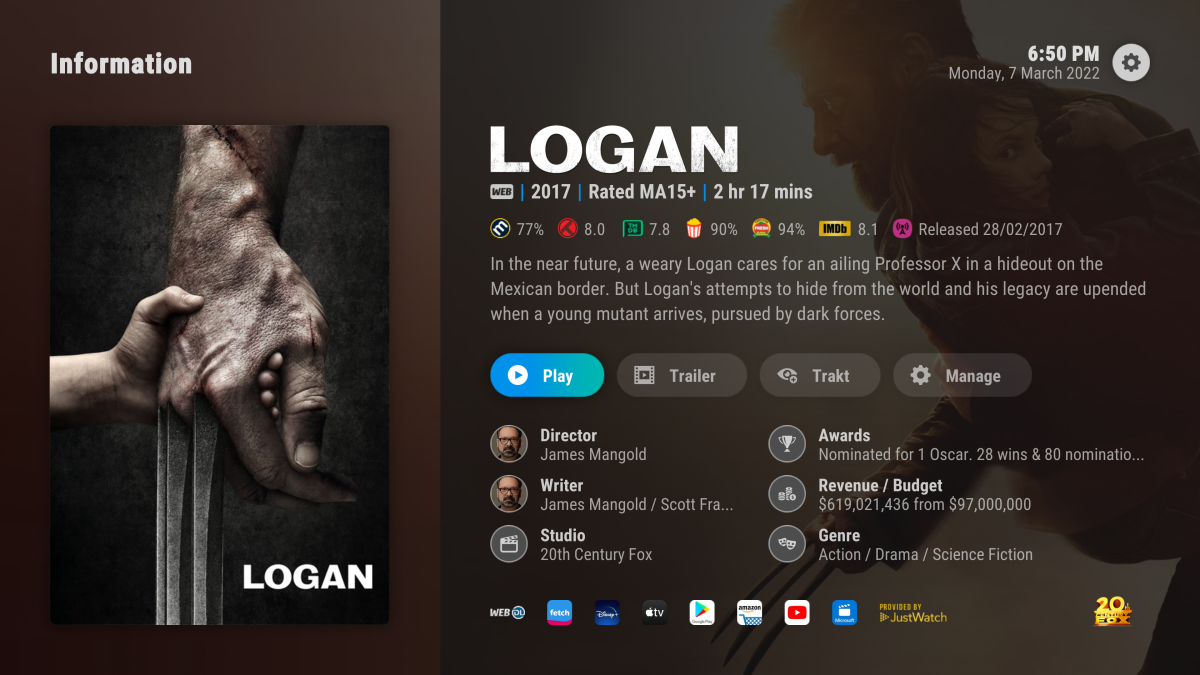
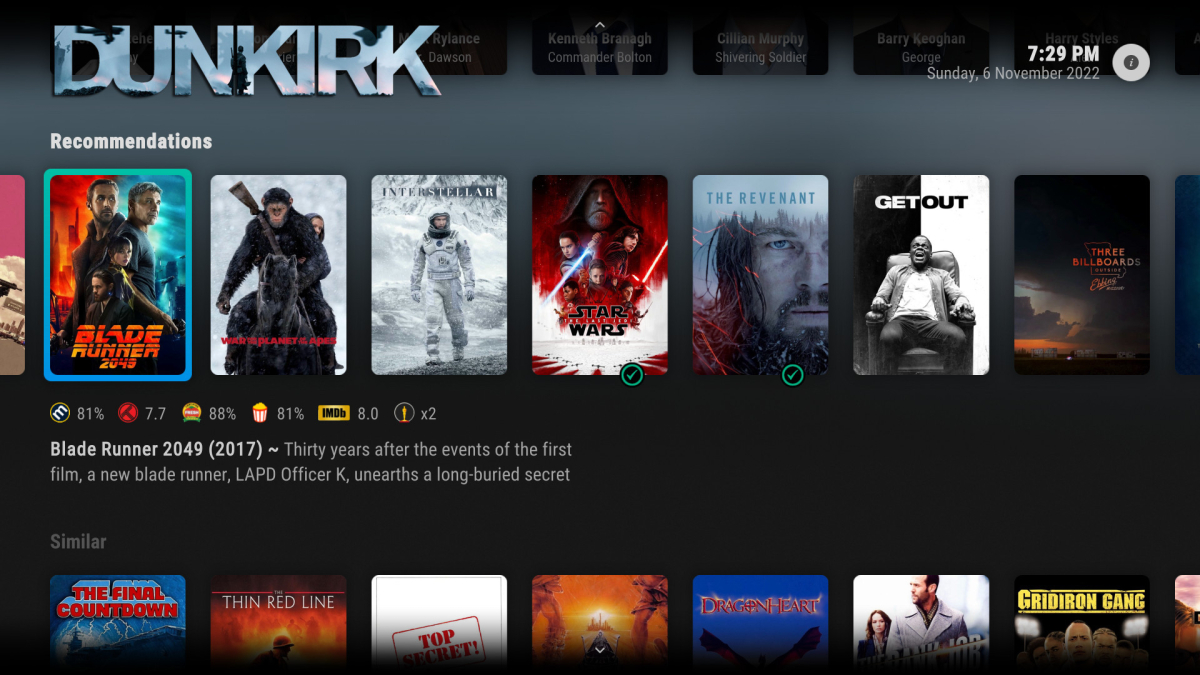
Honestly, I think it'd do well to take inspiration from some of the great skins people have made for Kodi. Maybe even reach out to them to see if they are capable of helping you build a better UI for Emby. This one is my particular favorite: Arctic Horizon 2 (kodi.tv)
 1 point
 -
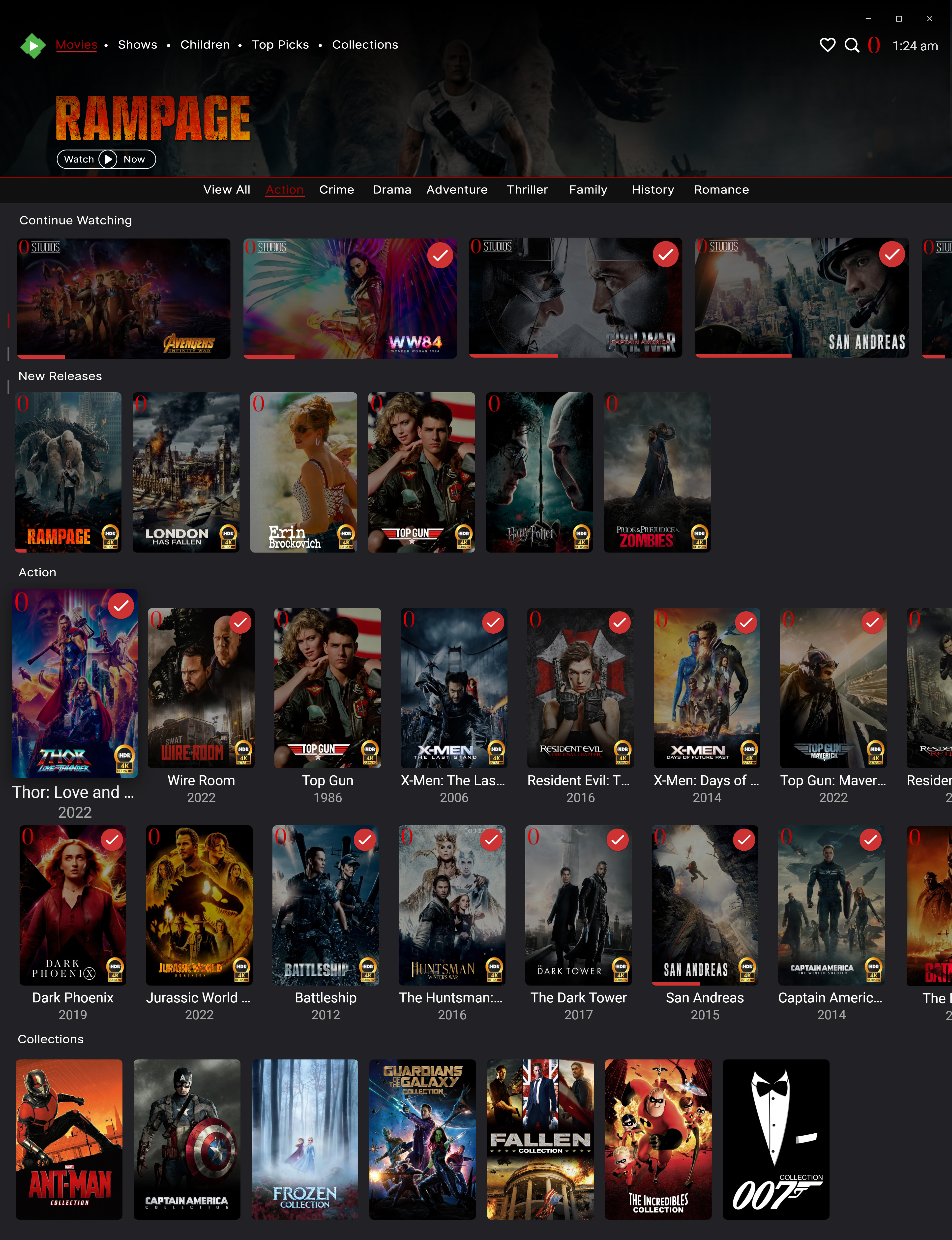
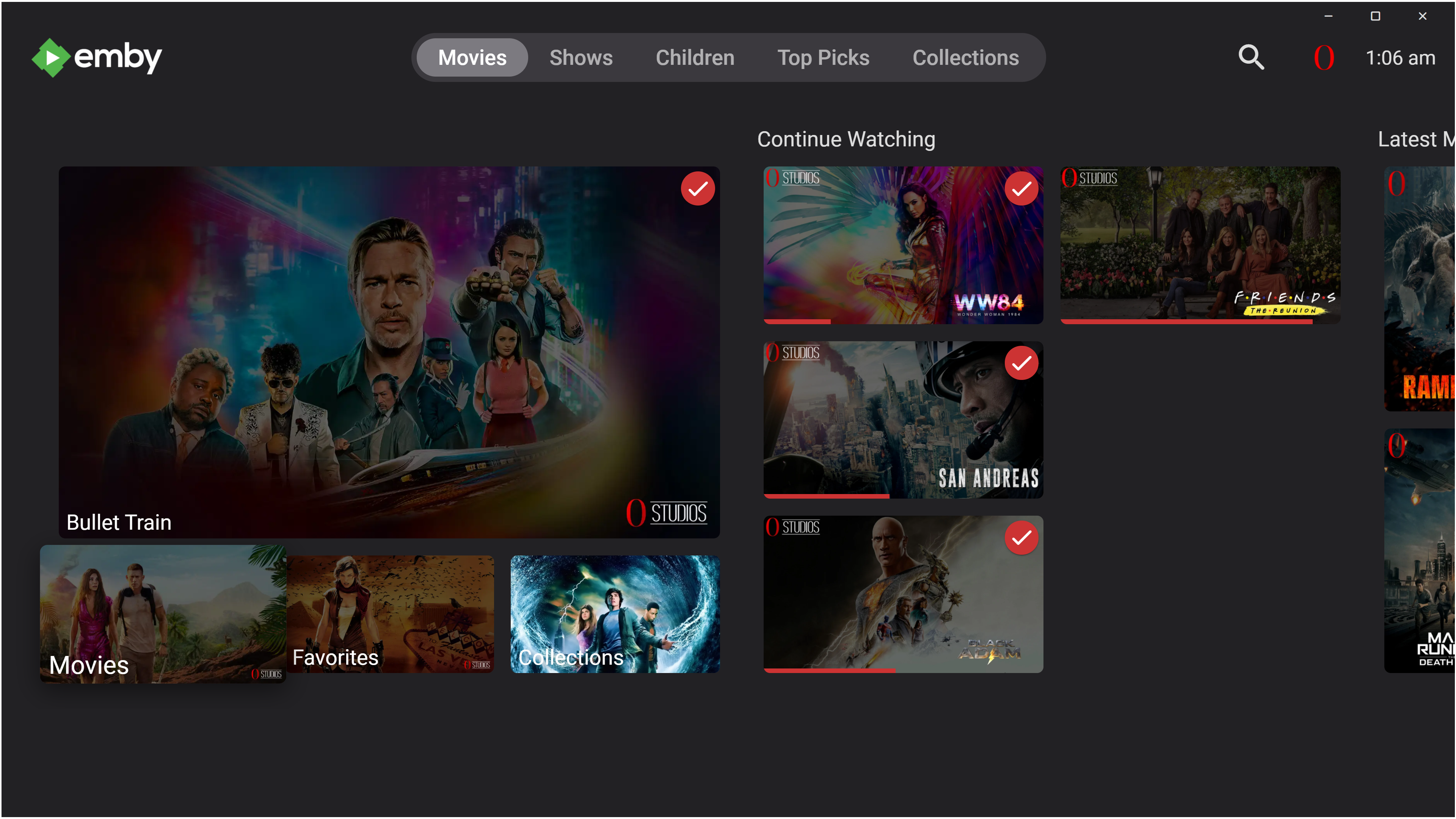
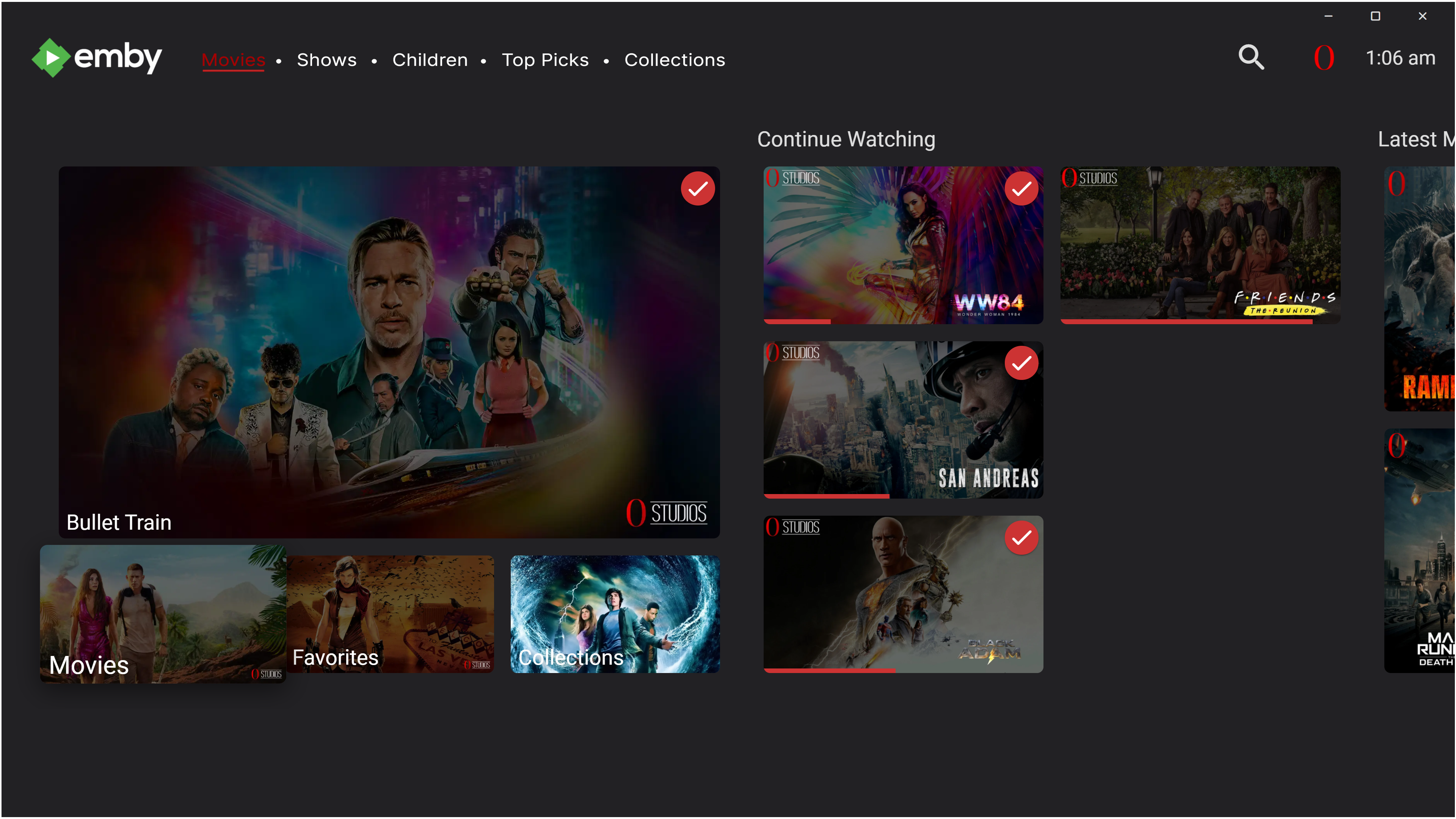
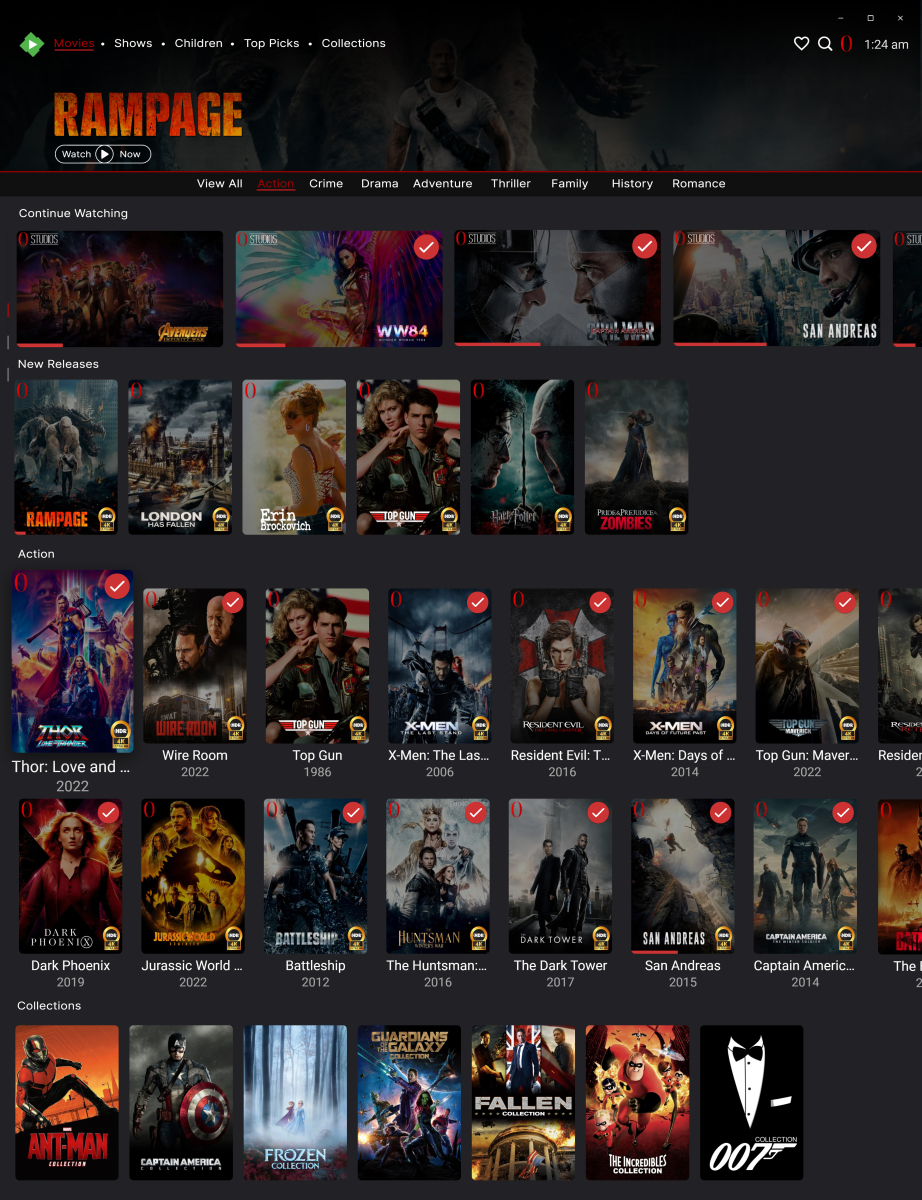
hey @ebr yes completely agree with the default view being laid out like this and cropping out. i would personally shorten the main spotlight image a little going up so that the "continue watching" images are visible and a side indicator on the left in place to show users that more is available when scrolling. i would also try to implement a way for when the user was to press down say "view all" or selecting other genres that the spotlight image shrinks to a blurred out picture with just the logo & show watch now, then when the user scrolls to the play button again it enlarges the screen to the first pic a bit like this down below. the also think i would have this to allow each category to have option to choose different layouts from the others. ie continue watching = thumbnail images, genres = poster images, collections = backdrop, view all = poster images. others like cd art, banners and logos i wouldn't do in this field as they are different sizing and not many people use this. sorry i was very pushed for time this morning so couldnt get measurements right haha, in my head i knew what i ment but forgot to express them properly haha
 1 point
 -
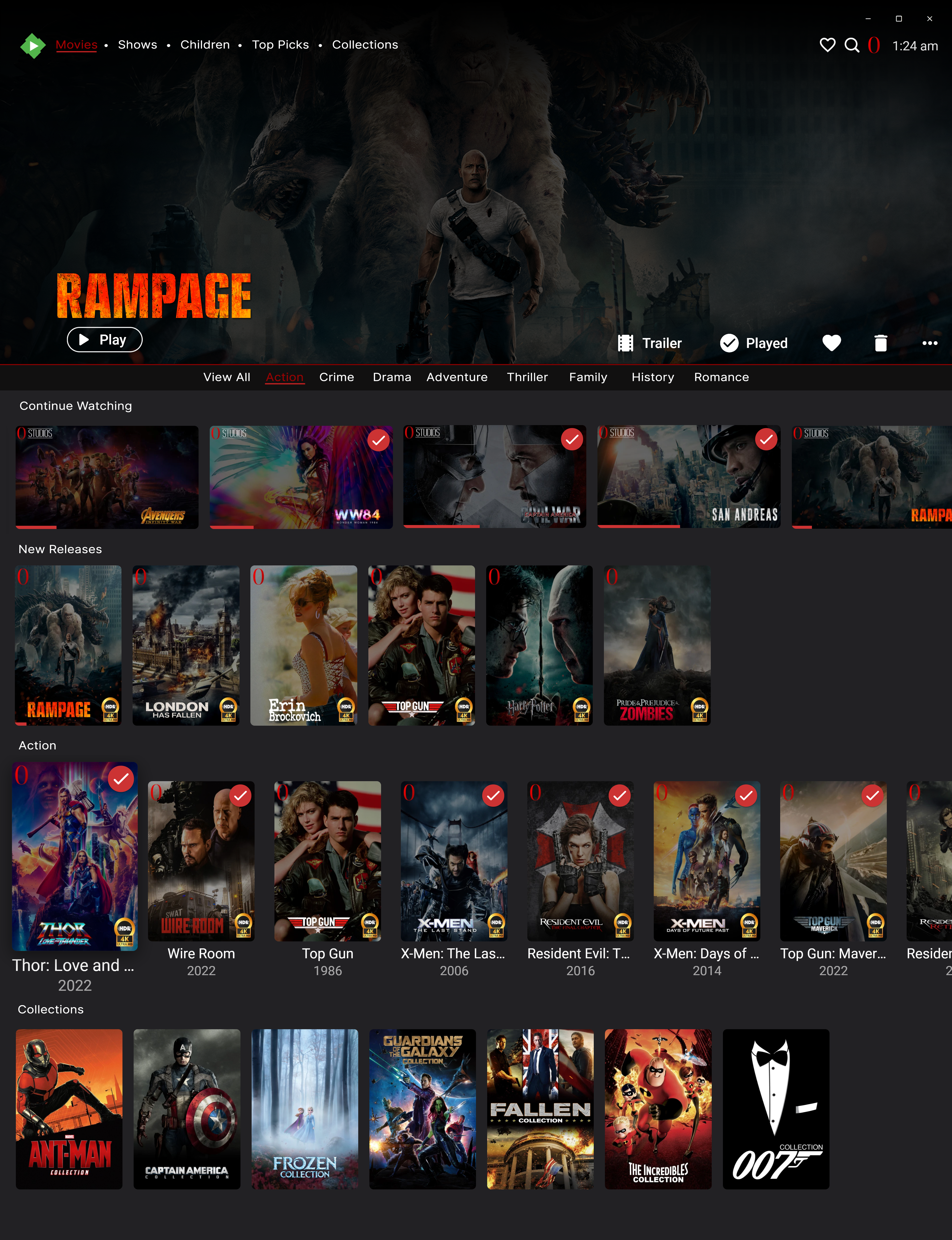
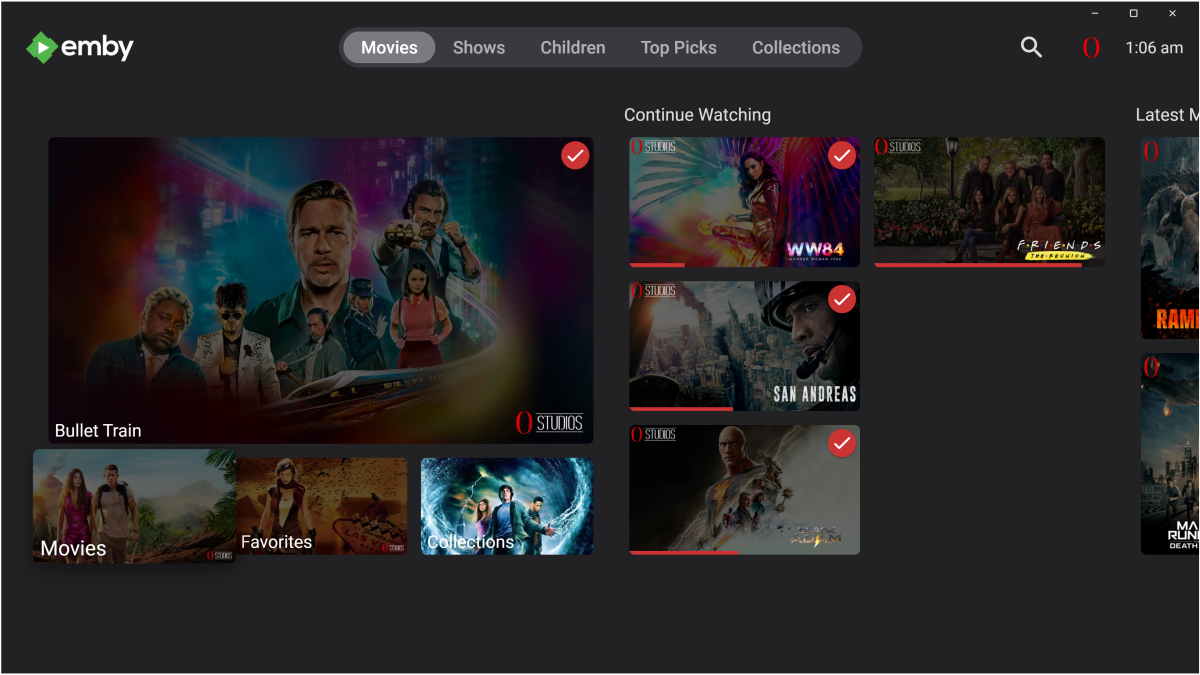
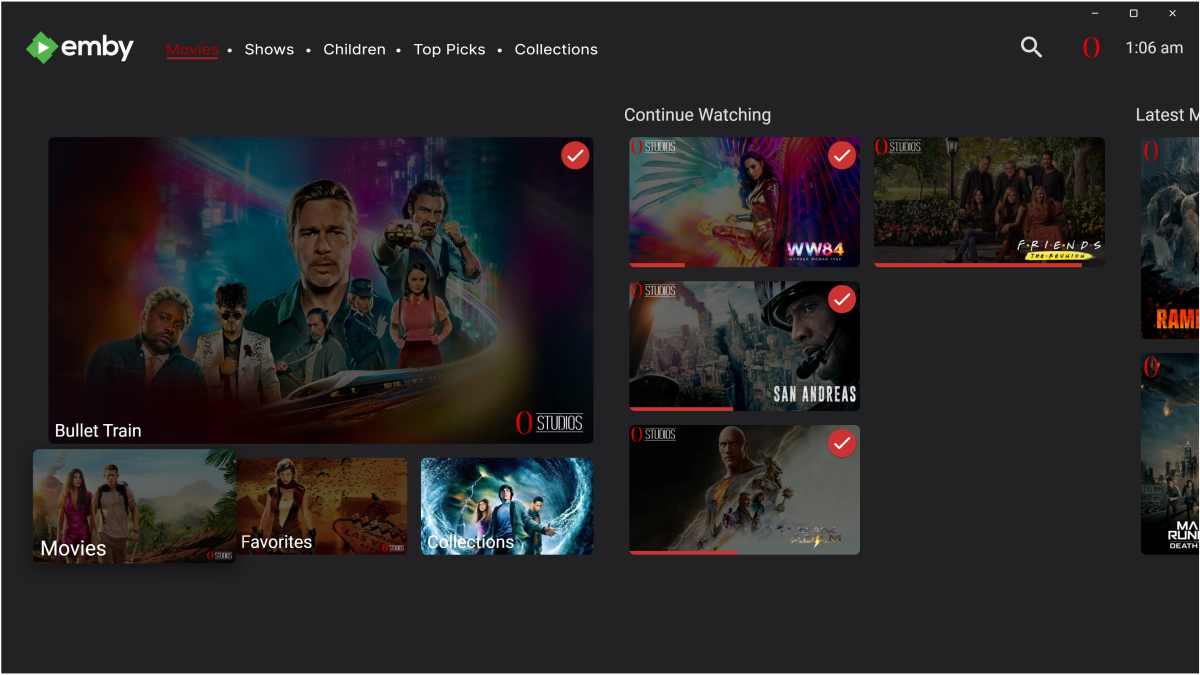
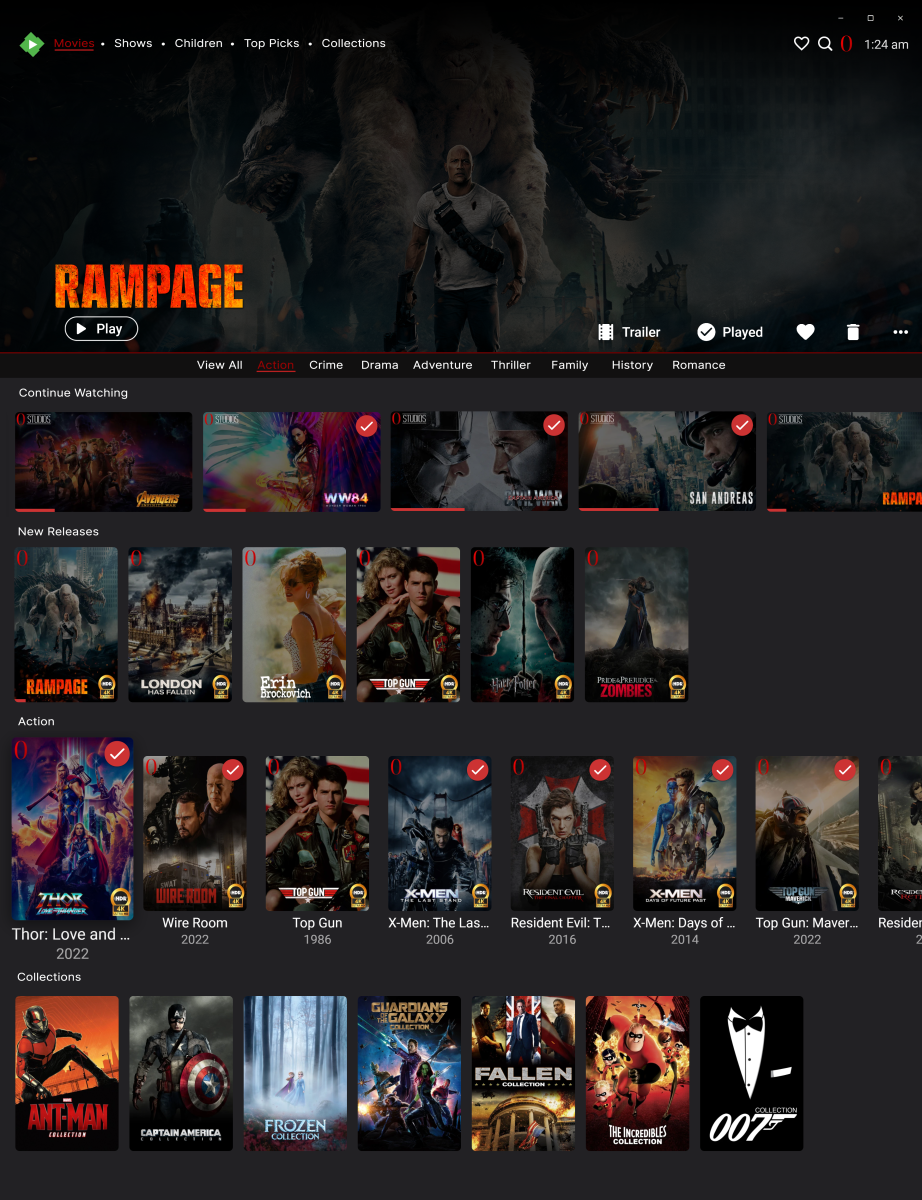
okay after having a lil think i have managed to come up with this. first pics shows emby as it is now and the second pic is where i would change the task bar to look something like this. and then with the main UI screen 1st page i would go with something like this so all nav buttons are in one place if needed but can view whole library's in sperate screen, also i would take the favorite tab away and just have a heart icon that can this screen up instead. the top would be the spotlight that everyone is after that can also play the trailer within this field instead of opening the main video player, (same way theme videos are done) just moved to show the actual video instead of being hidden behind description text. i will look a bit more but right now i need to get ready for work lol, all have a good day speak in a while.
 1 point
 -
I have previously asked for this. please support.1 point
-
Apologies if this feature is already there (or requested) somewhere. I'd like to know when emby is recording (or just using) a tuner. Perhaps at the top of the TV guide there could be small icons representing my tuners that change color when they're in use. I like the way nPVR's tray icon turns red when recording. I think it would be useful to know at a glance my available tuners are when I'm going through the TV guide via the Roku (or whatever device). That would also let me know how busy the system already is before I might start another stream/recording. It would also be sweet if each icon displayed exactly which tuner it represents, maybe having the last two digits of the tuners mac address displayed in the icon. Not sure if any of this would be possible. Hope this makes sense. Thanks, Bobby1 point
-
Well, I tried uploading some of my thumbnails to fanart.tv and they all got rejected because they're not up to their high standards, even though they're high-res scans of the original artwork. In one particular case they think a grungy effect on text is "bad quality" and refuse to be debated with. So unless there's another source for those images, I guess they're going to remain absent for a lot of content.1 point
-
I think it would be nice to have this option when right clicking the icon.1 point
-
the tray icon should change to red, change shape, blink, etc. something different to indicate the server is in use. if the server is a desktop,laptop,etc. that is used for other tasks a user will see the icon and realize not to shutdown,restart,etc. the pc.1 point