
Leaderboard




Popular Content
Showing content with the highest reputation on 07/06/23 in all areas
-
Pretty simple suggestion. I have multiple users for my Emby server. If I want to do continuous maintenance on the media, I have to tell everyone. some of them are harder to reach than others ( i.e. no Facebook or Skype chat etc. ) It would be great if say... on the admin panel, I could hit a check box that enables 'maintenance mode', where the server still runs does everything as normal, but instead of the login screen it displays a maintenance page saying the server is unavailable. Even better if I were able to directly put a reason in a text box that would then display on the login screen as well. Not really sure what others would think of this, but for me it would be quite helpful. mostly if I want to make sure no one is trying to access content I know won't work until I've done a full library scan again. Thanks for reading. -Kyle1 point
-
Hi I would really like to be able to send some custom notifications to my users For example, i would like to be able to send a notification like : -"What content would you like to see added on Emby this week ? https://www.strawpoll.me/#####" -"Blabla Season3 is coming next week !" -"Server will be down for maintenance tonight" A little notification icon on the top right corner would be awesome. I looked in the Feature Requests list but i did'nt find anything like that. Thanks for reading, and for this amazing software.1 point
-
I would like the ability to disable the camera upload feature, both per-user and globally. It seems odd to me that that isn't already there as far as I can find... Sure I could just not use it, but that depends on trust that your other users wont decide to enable it, as the only on/off is in each users personal preferences.1 point
-
Personally, I hope the Android TV app stays up as the "standard" Android app doesn't work as well on my Shield. I still can't ff/rw on Live TV, it doesn't accept number inputs, etc. I use Emby as much for Live TV viewing as I do for recordings or my movie library, so I'd like to keep those functions working. As an aside, it seems (IMHO) that us Live TV viewers don't get as much attention as other parts of Emby do, but I guess that should be a new thread.1 point
-
OK ... I got it working ... I found that the EMBY APP permissions were blocked so I changed the settings. I tried both Shield TV and they actually ask if I am still there, then stop if I don't respond. Big improvement over finding a whole TV series played during the night. Oh, and yes there was a box for "Are you still there?" , and it was already checked, had been for quite some time .. which is what started this madness. For the longest time I wrote it off to Nvidia Shield not working and playing well with others. Having this long weekend off finally gave me time to mess around with all of this .. after 3 years of 12 hr days, 6-7 days a week. Thanks for all the help, truly appreciate1 point
-
I ended up buying a Mecool KM7, was able to sideload v7 of the Emby client, and download media to a microSD for playback offline. Everything so far seems to be working as I want, and I now have a travel media solution to play on TV's!! It will also be the box to stream local content on the patio. Thanks for the help.1 point
-
On your server end, it looks like you've got an incompatible version of the VirtualTV plug-in installed - or at least one with some issues as it is throwing errors that look like the wrong server version for it. On the app end, it was the extremely slow connection that was causing the issue at that time I'm sure. it is possible the two are related but can't be sure.1 point
-
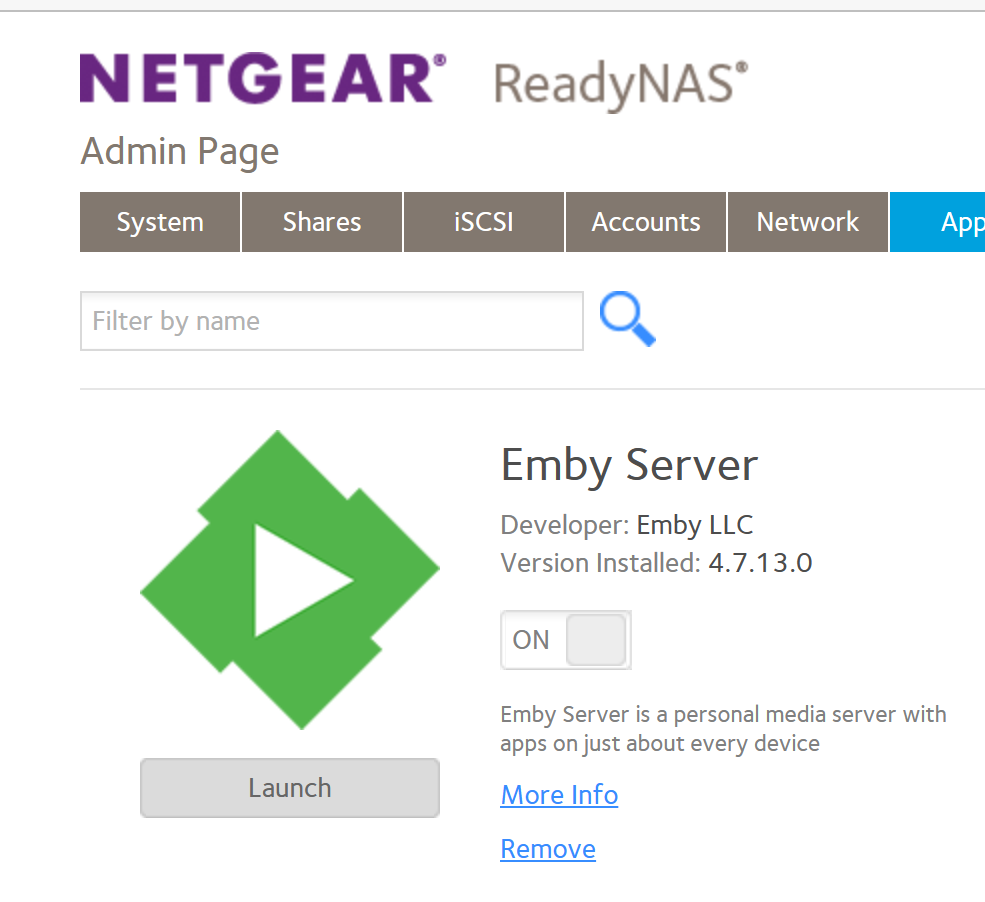
No issues here either (FW 6.10.9)
 1 point
 -
If you see any occurrences of master.m3u8 in the logs, then you're not direct playing. That doesn't necessarily mean you're doing a full video transcode though.1 point
-
I gotta say I steered away from Next Gen the past couple beta releases then I decided today to make a Kodi 20.2 fork and install Next Gen 8.2.8 along with Arctic Horizon 2 skin. Lets just say I am impressed with how well it works. Thanks @quickmicfor all your hard work on it. Btw folks u might wanna update to Kodi 20.2 it seems to have fixed the crashing bug that was in previous releases of Kodi 20 Mook1 point
-
I realized I had the wrong file. Having brought it in on an actual location on the hard drive is now making everything play. It looks like the problem is solved. Thanks again. I'll let you know if somehow things don't work.1 point
-
You've reached inotify limit. Have a read here:1 point
-
Nothing wrong with a DS923+ if you're not transcoding. My DS1821+ has a Ryzen processor and supports M2 drives as volumes also and I run Emby server on it just fine. Clients include Shield, Android phones, and Samsung TV.1 point
-
https://emby.media/community/applications/core/interface/file/attachment.php?id=153475&key=4d14d4de28e08a6587fcc8fcda1a658e Not in store. In this thread.1 point
-
Hi, the DS923+ looks like a great choice to me, and more than capable of being a backup machine.1 point
-
Slightly offtopic: Emby is good for video, but I definitely prefer audiobookshelf for audiobooks (and podcasts). Might be worth a try..1 point
-
Emby for Apple TV 1.7.3 - Multi-Color Logos, Sorting Playlists and Collections Emby for Apple TV 1.7.3 adds many new features that improve the user experience in powerful to subtle ways. Support Multi-Color Logos based on Theme in Use Emby for Apple TV now supports both light and dark sets of logos. The app will automatically choose which logos to use based on the theme in use. Here are a couple screen shots, showing this: Dark Theme Guide with Light Logo Light Theme Guide with Dark Logo Emby's built in guide service for Live TV already provides both sets of logos for most channels. If using a different guide source, the logos can optionally be manually changed to take advantage of this new feature in our Apple TV client app. Support for Sorting Playlists and Collections Emby for Apple TV now supports sorting both Playlists and Collections. For music, you can sort by popular categories such as: Artist, Album, Son & Year. Here's a couple screen shots showing this: Support for Dynamic Data Driven Tabs Navigational Tabs displayed at the top of different media screens are now dynamically created based on the data itself. For example, if the media isn't associated with any tags, genre, playlists or collections, the navigational tab would not include those items. Support for Server Wake on LAN Emby for Apple TV now supports the Wake on LAN feature of the Emby Server. You can now go green by allowing your server to sleep when not in use, knowing you can wake it up from the same local network using Emby for Apple TV. Here's a screen shot of this in action: Various Video Playback Improvements Emby for Apple TV also includes improvements to video playback. View the full article1 point









