Leaderboard




Popular Content
Showing content with the highest reputation on 07/04/23 in all areas
-
2 points
-
Hi I would really like to be able to send some custom notifications to my users For example, i would like to be able to send a notification like : -"What content would you like to see added on Emby this week ? https://www.strawpoll.me/#####" -"Blabla Season3 is coming next week !" -"Server will be down for maintenance tonight" A little notification icon on the top right corner would be awesome. I looked in the Feature Requests list but i did'nt find anything like that. Thanks for reading, and for this amazing software.1 point
-
I watch a lot of Emby on my android phone in rather loud places. Is there any way we can add an option to boost/amplify the volume? I listen on a bluetooth earpiece (not headphones) and I have to think others would find this useful.1 point
-
Unless @Lukeand team are really working towards a solution that could/would supersede the plug-in that @VicMooremade ... the plug-in IS the solution.1 point
-
Мы все еще ждем и надеемся .1 point
-
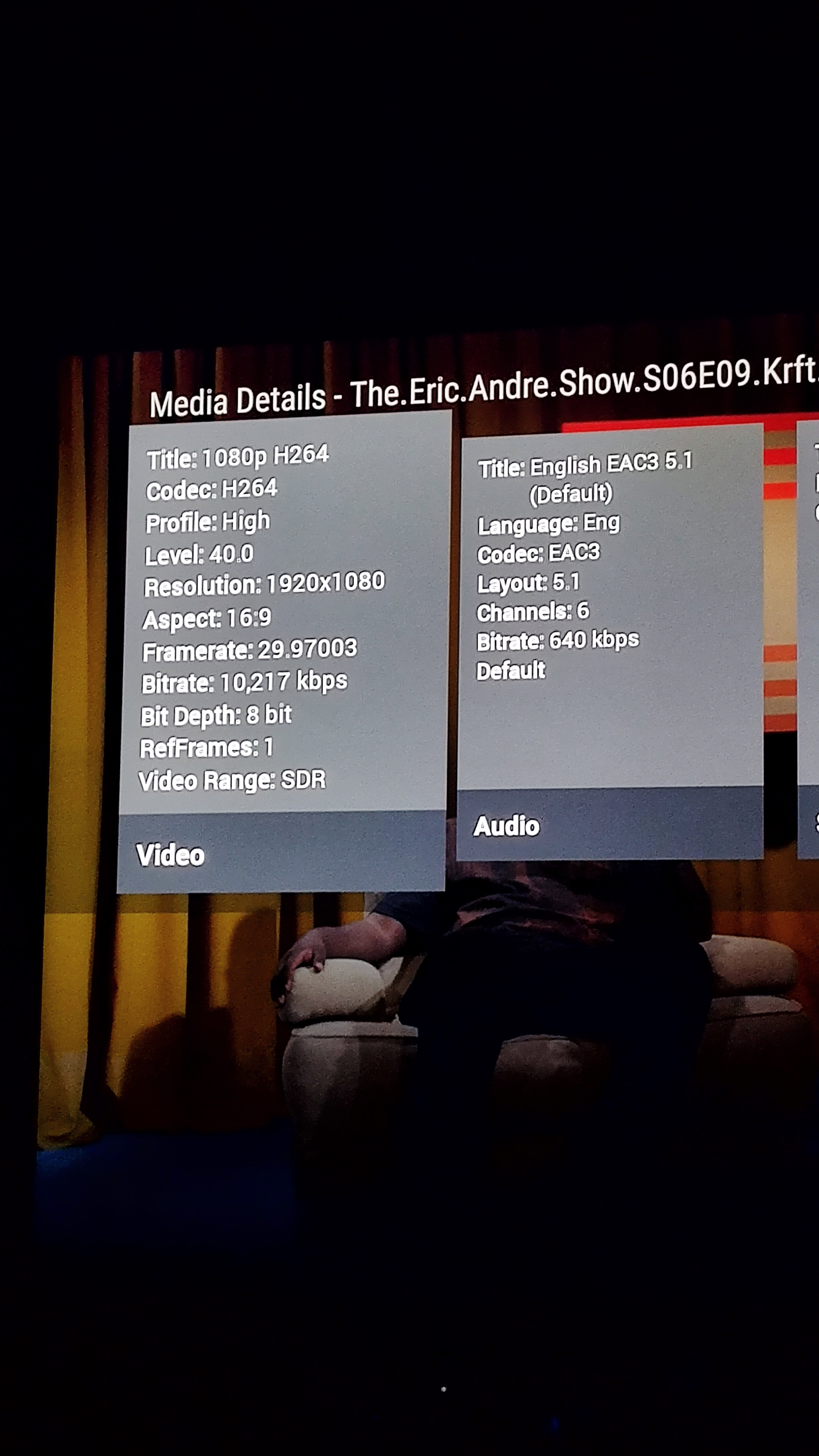
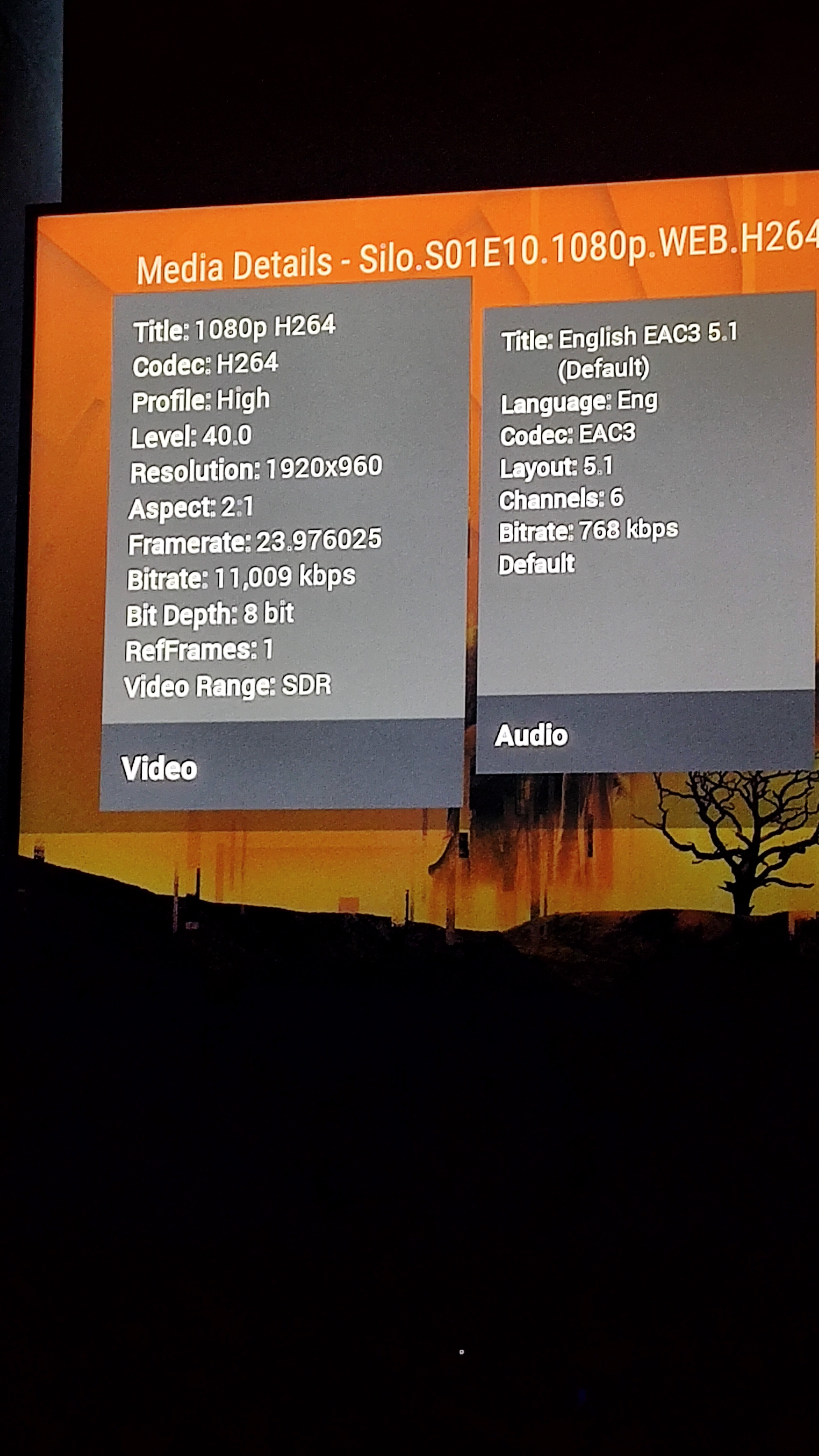
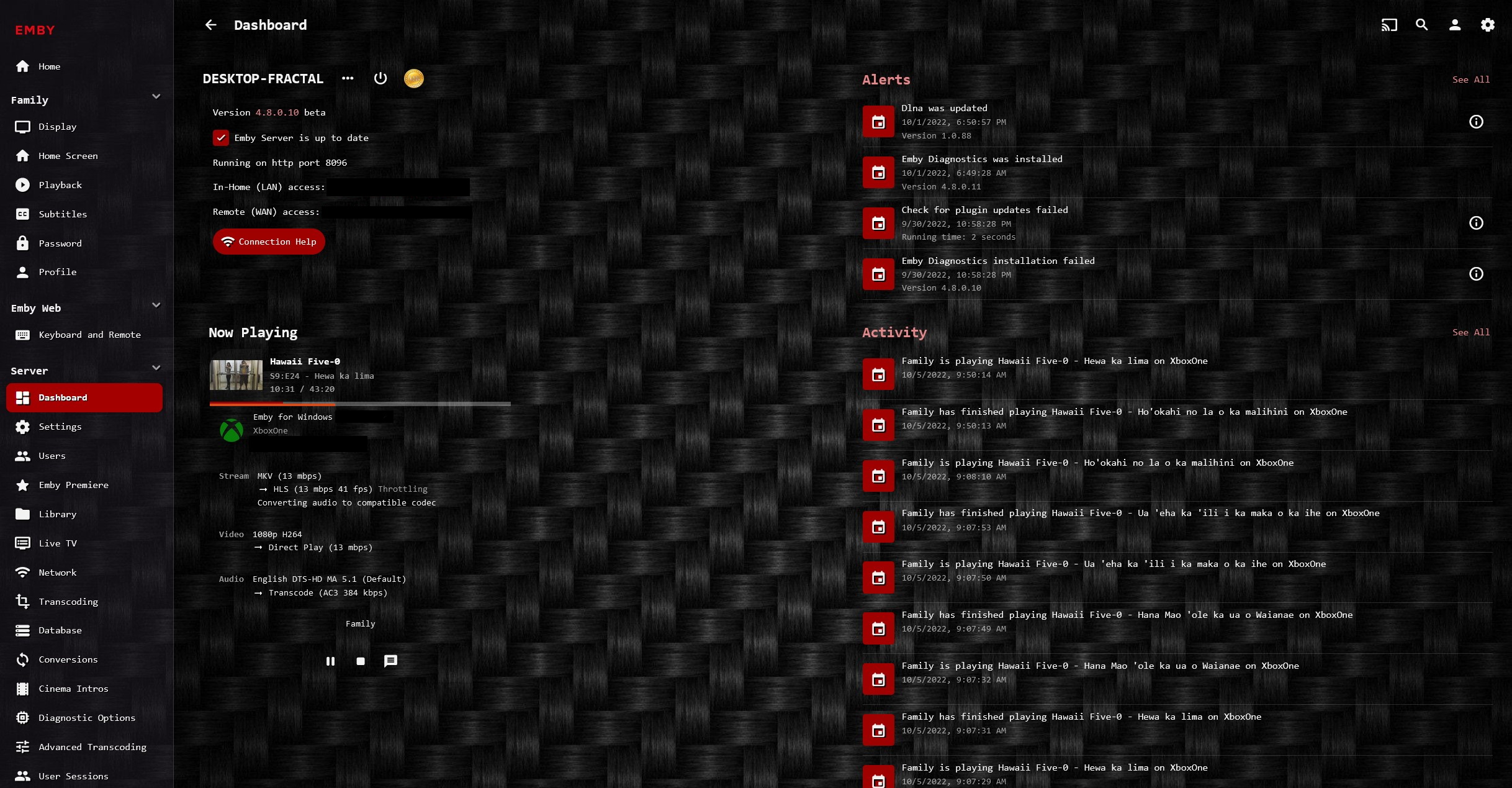
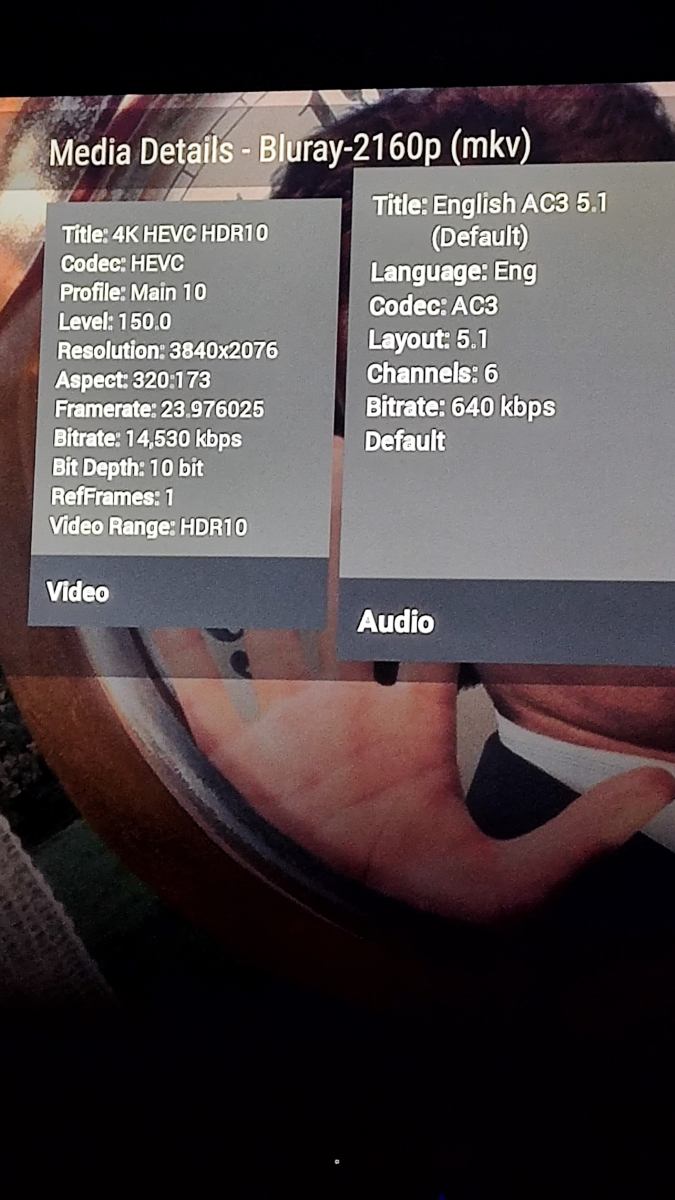
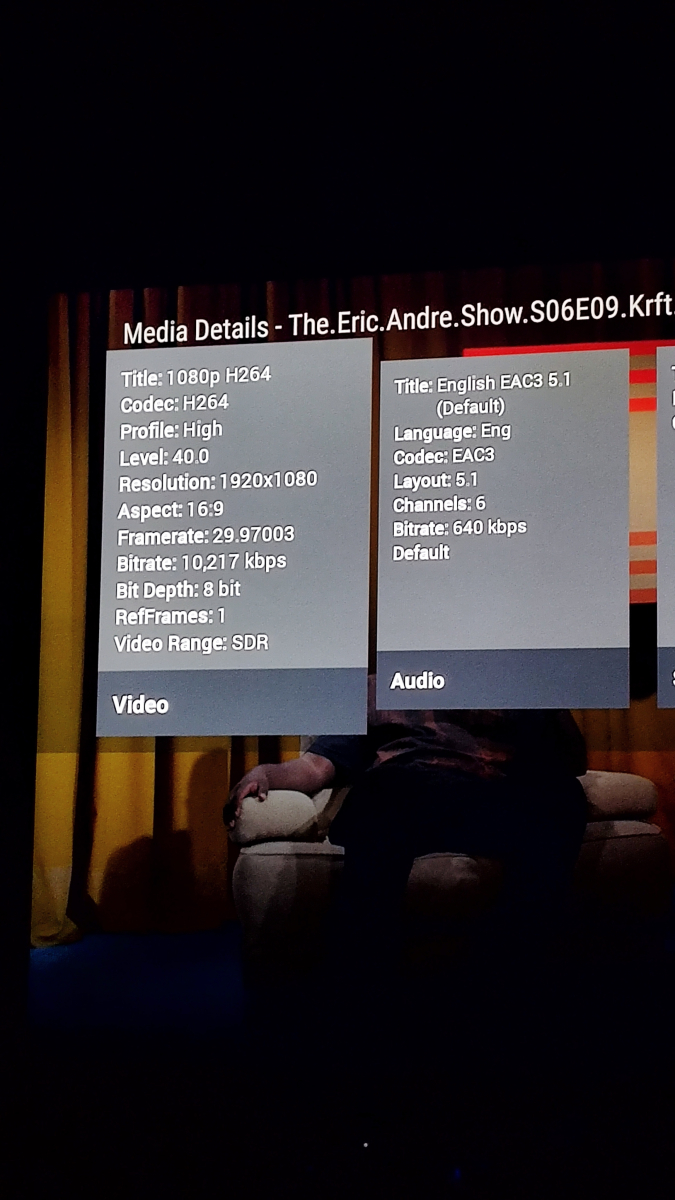
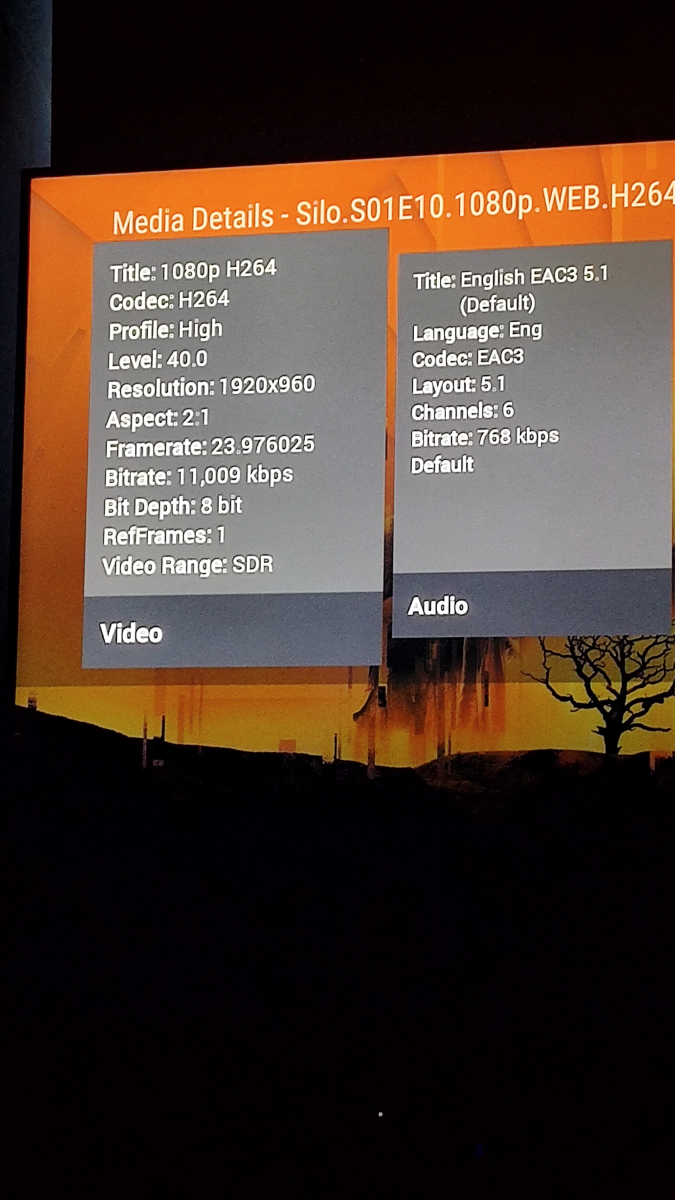
Hi Luke. Regarding my problems with the EMBY for Android TV: Definitively has something to do with the Audio Bitrate. #1: Freezed on 1st frame. Had to select "Playback correction" once to solve it. No problems with Subtitles. #2: Stuttering video/Audio. Had to select "Playback Correction" once to solve it, but with no subtitles. Had to select "Chinese Simplified" to get Spanish language subtitles displayed. Selecting "Playback Correction" a second time, results in crashing with "Too many errors" displayed. #3 Plays perfectly. No stuttering or subtitle problem. In any case, If I select "Downmix to Stereo" in settings, all content plays ok with no problems of stuttering, freezing or subtitle problem. And even 4kHDR or Dolby Vision plays fine. I would love to have an option available to select the transcoding I need, or have the conversion settings be able to select the audio properties I need. Thanks Luke, hope this helps.
 1 point
 -
Yes, in TV mode (or auto which result in TV mode). I just tried with another computer and got the same result. Also navigating with the keyboard arrow keys has the same behaviour as with the remote.1 point
-
@Luke i can confirm. With 2.2.10 live tv is working again with iOS. thanks a lot for fixing1 point
-
FYI: been running server version 4.8.0.39 beta for the past 2 days and have not experienced any freezing or any other video issues when using HW encoding. Thanks for fixing the issue!1 point
-
Hi, we've submitted an update to the apple store to resolve this. Thanks.1 point
-
Well, if you wait until the beta and stable are the same, then that will not be a problem. Are you just looking for a way to get back on the stable track in the future? If so, installing the stable release once it is released should do that for you. But you can't go back to 4.7 from 4.8 without rebuilding or restoring from 4.7.1 point
-
Thanks for the reply, Luke. I'll look into adding a feature request, if "Separate the Username from Display Name", hasn't already been added.1 point
-
Performance wise, there is almost no difference between addon and native mode. The main problem for most people is smb/nfs/network access configuration on Kodi and probably on Emby server as well (network paths). But I agree, it's a tiny bit faster. In the "old" days with 4.x there was a huge performance gap especially when playback was triggered via Kodi's widgets. Next-gen plugin doesn't let the server decide (or even ask the server) what content should be transcoded. It's configured on plugin side. The plugin has full control even in addon mode and dosen't generate overhead. Playback via addon mode is just a single http query for the stream while otherwise there at least two queries necessary. One server query how to play and the second for playback init.1 point
-
It sounds like you've been having some trouble with Emby while trying to record the Colts football game. That can be really frustrating, especially when you've relied on it for years without any issues. It must have been disappointing not being able to watch the game live as you usually do. You mentioned that you updated to the beta version 7_4.8.0.8_x86_64, hoping it would resolve the issue. Unfortunately, it didn't help. It's a bummer that you couldn't go back to the previous stable release either. It might be worth checking the Emby forums to see if others have experienced a similar problem and if there are any known solutions. Including the log files from today (8/16) could also be helpful for the Emby community to assist you in troubleshooting the issue. I hope you're able to find a solution soon so you can enjoy watching your favorite shows and sports hassle-free again. Hang in there!1 point
-
Ok will do and report back my findings.1 point
-
HI, they are combined.1 point
-
Makes sense to me, I'm exclusively using Chromecast with Google TV1 point
-
That worked thank you!!!1 point
-
Luke, I found something that works. I haven't tested the fanart/backdrop file yet. If I use the following naming: Movie Name (2023).nfo Movie Name (2023)-fanart.jpg Movie Name (2023)-Disc 1.jpg Movie Name (2023)-Disc 1.mp4 Movie Name (2023)-Disc 2.mp4 Movie Name (2023)-Disc 3.mp4 Seems to be an issue with using "pt1" vs "Disc 1" for some reason. Thank goodness for FileRenamerTurbo.1 point
-
HI, we should have an update out to the store to resolve this in the next day or two. Please try again with that. Thanks.1 point
-
What I am trying to say is that a simple kodi/smb setup, which native mode is, is the fastest, most reliable approach for media playback. Assuming a player is capable of playing all my media in a LAN it is simply not necessary to connect to an emby-server for playback. Why use http for this? It is just a lot of unnecessary overhead. For above reasons native mode was/is the greatest feature for me - please think about the point I am trying to make Question: As far as I know (please correct me if I am wrong) emby apps connect to the server via http and the server decides whether it will let the player stream from the direct smb path. And Emby server really likes to transcode, even if it is not necessary. Whereas the kodi client in native mode always streams with the direct smb path and does not even need to connect to the server for playback. How would this work in addon-mode? CHEERS1 point
-
Personally I think the best choice is StableBit DrivePool. StableBit - The home of StableBit CloudDrive, StableBit DrivePool and the StableBit Scanner It's much easier to manage than any RAID options. You can duplicate files, allow either of the duplicated files to be read for better performance, and you can add discs of any size at any time.1 point
-
Short read: https://www.change.org/p/tell-the-fcc-no-drm-encryption-of-atsc-3-0-broadcasts Please sign if you agree!1 point
-
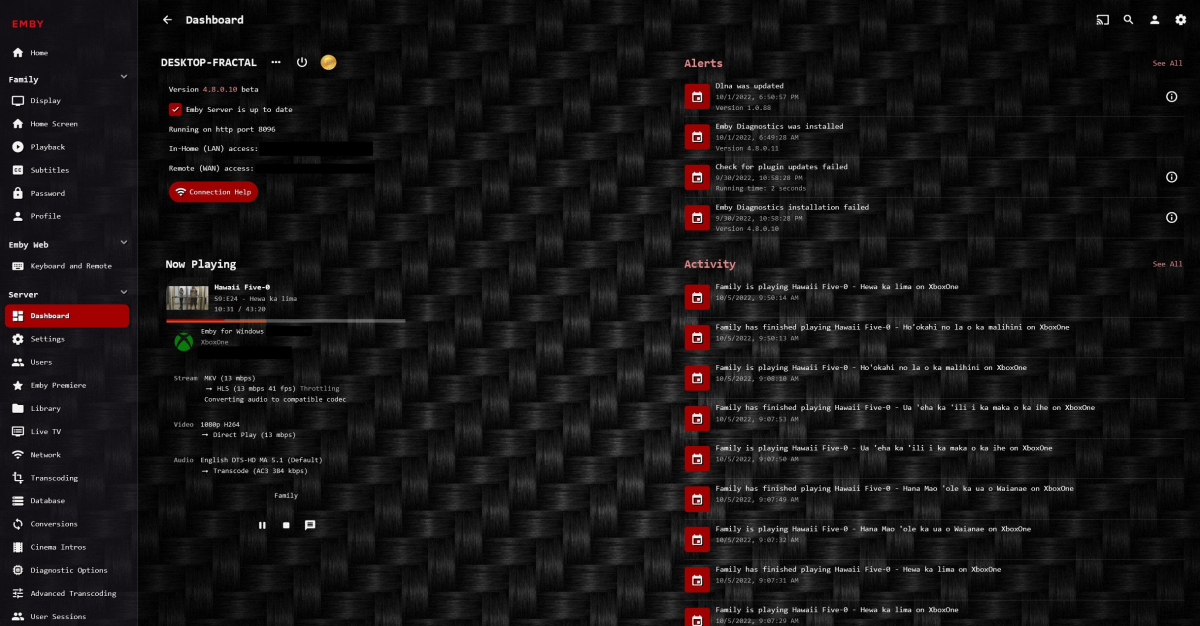
Although, in the meantime -
 1 point