Leaderboard




Popular Content
Showing content with the highest reputation on 06/19/23 in all areas
-
To me, the most valuable information to have is never shown, no notifications, no alerts, nada. Logout as user and try logging in about 10 times using accounts that don't exist on your system make up a password and try logging in with these accounts: Budweiser. Coors, Pabst, Amstel, Corona, Modelo, Heineken, Guinness, Samuel, Dortmunder What did you learn? Emby hides information about beer? Perhaps it likes beer to much and wants to keep it a secret. Your server could be getting hit with a distributed login attempt slowing down the server but unless one of the usernames being tried happens to exist you would never know. If the password is tried on a existing account that will show. I want to see this valuable information as it's the first bit of information that can be used to stop it. If I'm getting a wall of red login attempt or a little gauge showing 400 logins per second or bandwidth in use as well as bandwidth used by streams. When your bandwidth is hitting a level far higher than what's being used by streaming media there is certainly something that needs attention. Notify me of X bandwidth in use, Y login attempts per second and things that give me a fuller picture of abuse and I'm much happier. Carlo7 points
-
What's wrong with you...the only German beer you name is "Dortmunder"?2 points
-
Just checking in on any update or news that can be shared regarding this impressive development? I know there have been other high-impact priorities, however still excited to get to use this at some point. It's been almost 6 months since I started this thread (crazy!).2 points
-
its fine as it is IMO. i actually think it makes more sense to have the create manual recording function on the schedule tab though, which would have also solved this users problem.2 points
-
I see, Thank you for the replies. Just glad that it wasn't something I did. I guess I should log in to the forums from time to time so my account isn't mistaken for being inactive. I use the app but I guess they are separate? Either way thanks again for getting back to me. I linked the account again to my server so everything is okay now. Have a wonderful week everyone.2 points
-
@Abobadermight assist you there.2 points
-
Ok hab jetzt getestet. Läuft soweit. Danke danke2 points
-
Yes, we like to call him that after the unfortunate incident with the bungee chord (but don't tell anyone...)1 point
-
On the Shield home screen ? I did look for it - maybe I missed it - I'll look again ..1 point
-
Ahhhh, looks like these were files from previous used jelly*** Sorry, can be closed1 point
-
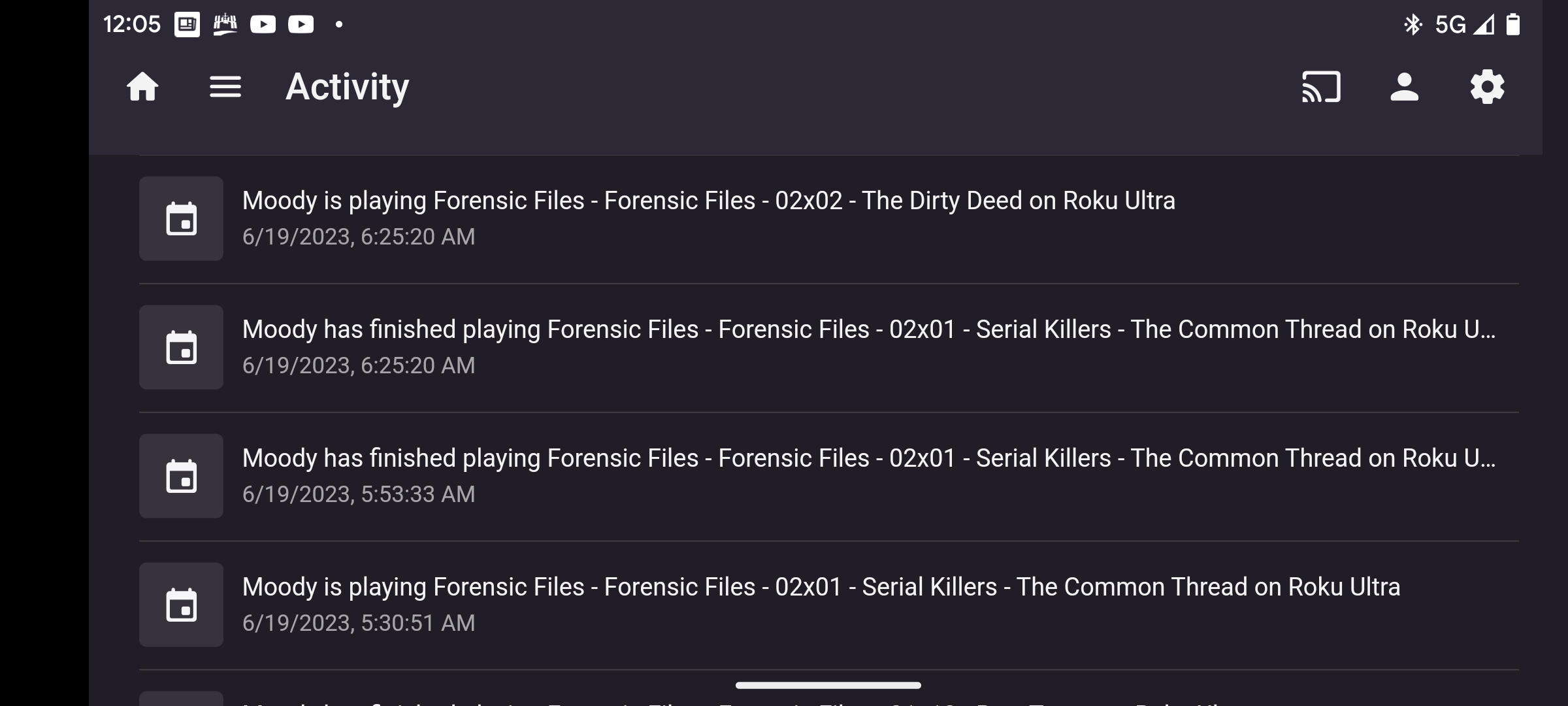
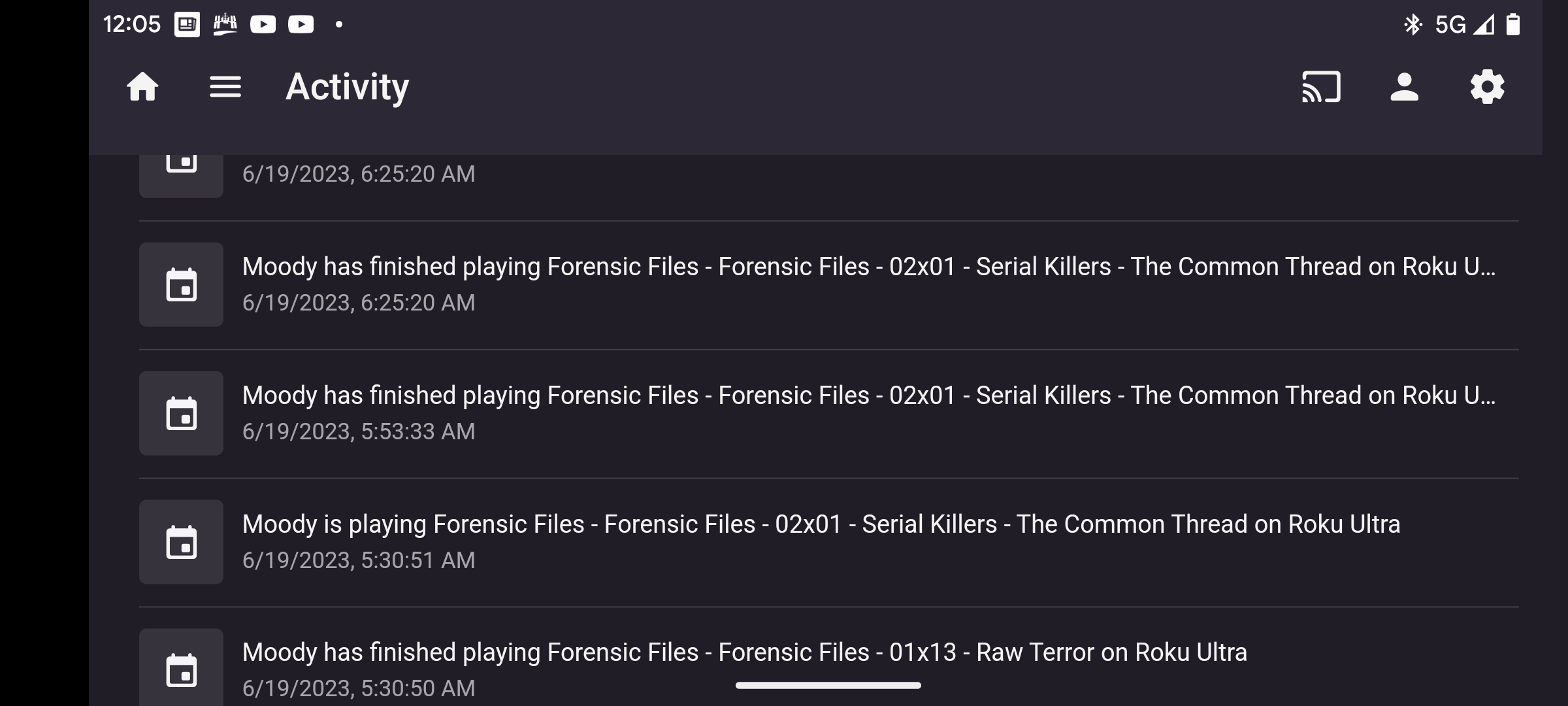
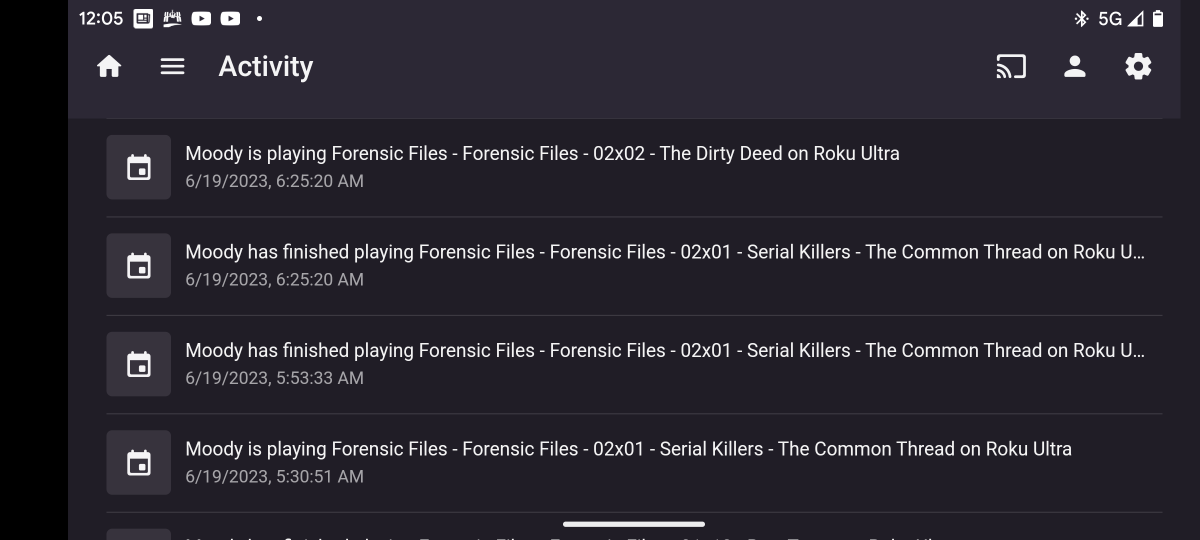
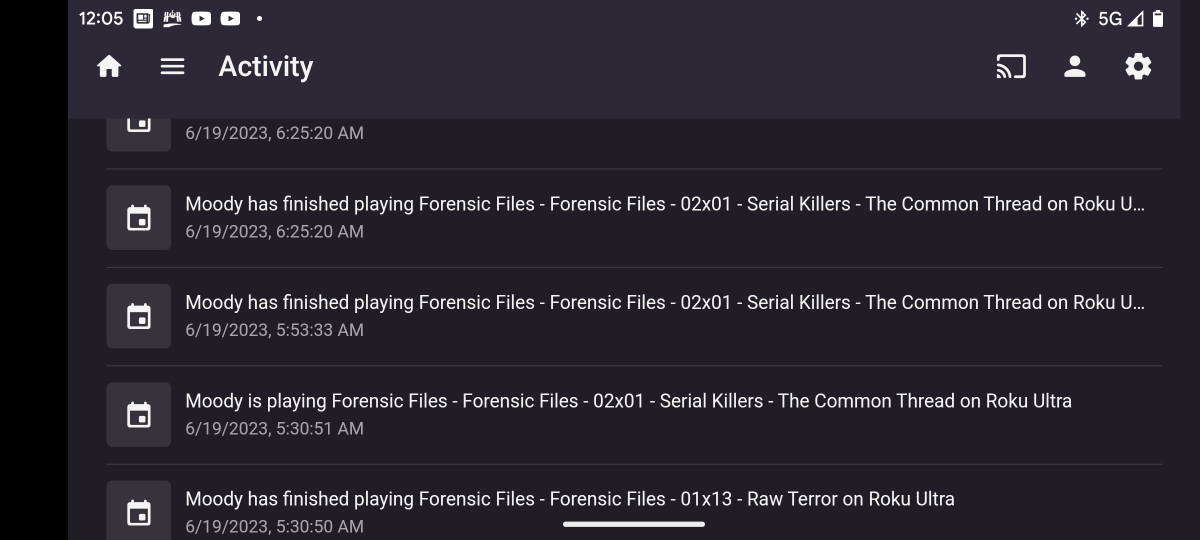
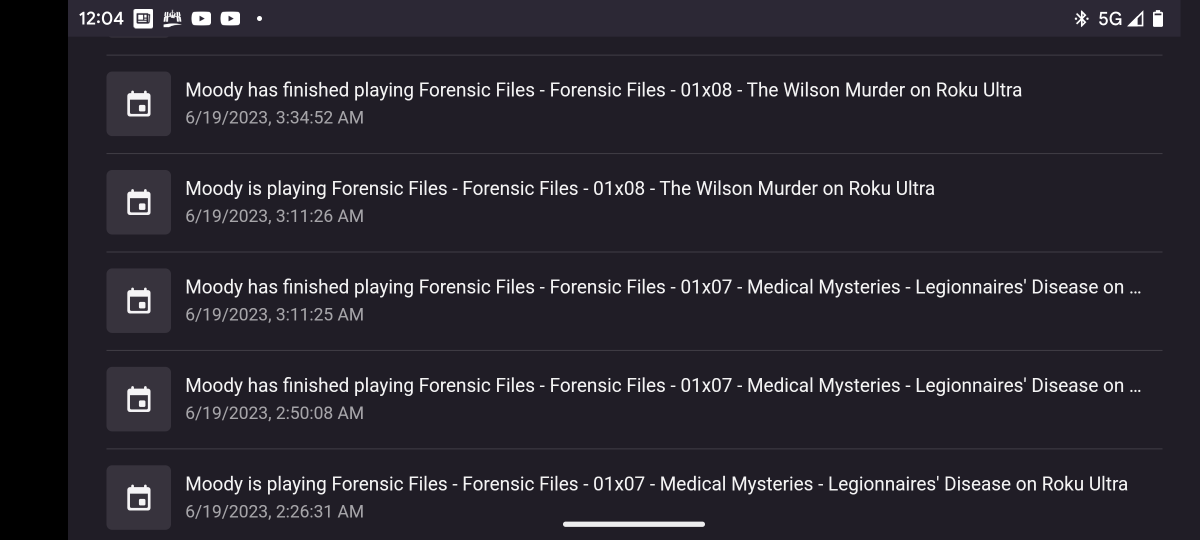
Roku app and the new latest beta build of server still have problems advancing at times. If it fails to advance pressing the right arrow, direction on the remote starts the next episode. In the attached screenshots, you can see where it thinks it ended the episode but it doesn't start the new episode. When you press the right arrow button it then ends the episode again and starts the next episode.
 1 point
 -
Agreed - my mail server tells me of each attempt on a non-existent account name, as does my SSH server. Paul1 point
-
I'm guessing the beta is getting closer to release, but I haven't seen any new functionality added for public/private playlists. @Luke @ebrCan you please at least add the functionality for existing playlists and add edit permissions?1 point
-
Hi. This was a one time thing that we don't plan to repeat. Thanks.1 point
-
Your Premiere subscription isn't linked to your Connect account. It is associated with you personally through your email address when you purchased it, and can be used on multiple servers (though with no increase in client numbers) at your convenience. Paul1 point
-
would be happy if in the next version would be an option to turn off the message. would test that then1 point
-
Good day, Maybe the account was deleted as some threads announcement forum, as example: My best1 point
-
Hmm..... this is weird in the Dashboard it says Transcoding, surely it needs to be changed in the dashboard to say remuxing? I was going to grab a screenshot to show, but for some reason whatever setting I have changed on my TV it is now Direct Playing the audio! Even tho when I was playing around yesterday with settings it kept transcoding/remuxing. Thanks for you help! I'll remember to delve into TV settings next time I have an issue with Audio!1 point
-
I totally missed mentioning you may need to add Emby to the Applications app in control panel or install the Synology Reverse Proxy (nginx) before any items show for Emby in those two sections. I don't think I've used either of these in 7.1 or 7.2. If that doesn't work or if you prefer, reach out to Synology and ask them how to accomplish. They may have a far simpler method. Carlo1 point
-
I tried it. It works, so far. Thanks.1 point
-
Hi, thanks for sharing.1 point
-
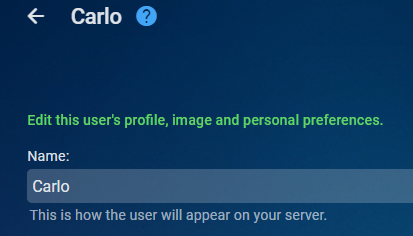
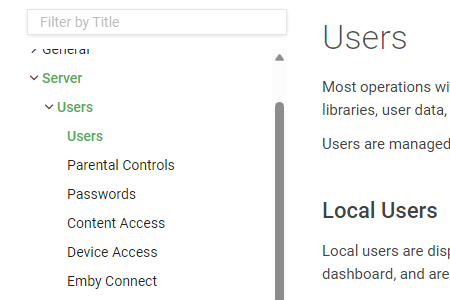
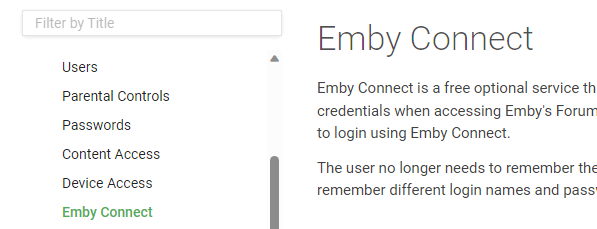
Little tip. Anytime you don't know what to do enter the section in the web console and then click the ? icon at the top left in the main section. That icon right next to my username. It will take you to the Knowledge Base covering that section. licking on it: Would provide the help you were likely in need of. May not work every time but should most of the time. If it doesn't work, send me a message or just make a post in the forum so we know and we'll improve the Knowledge Base. It's a living set of documents meant to be as easy to use as possible, so we want to improve it as much as possible and love feedback that improves it! Worse case is you can do a search for "Emby Connect" or similar to the topic you are looking for and that will help.
 1 point
 -
It turns out there is bitching all over the internet about the Firestick going to sleep, so you were correct. I found the following which turns off auto sleep and it works in case anyone wants to use it. It will disable auto sleep all together. You can still put it to sleep manually if you are so inclined. First you need an android tablet or phone with "ADB Remote" installed from the playstore. The following is based on Fire OS 5.2.9.5 On your firestick: 1)In the Settings screen, go to Display & Sounds 2)Select Screensaver 3)Select Start Time and change to Never 4)Go to Settings, My Fire TV 5)Select Network 6)Get and note the IP address 7)Select Fire TV Stick 8)Press the large center button until you see "No Need, You are already a developer" 9)Return to the previous menu and select Developer Options 10)Select ADB Debugging and press the center button until it's ON 11)On the android device, launch the ADB Remote app 12)On the android device, enter the IP address of the firestick at the top and tap CONNECT 13)On the Fire Stick, enter OK to "Allow USB debugging?" 14)On the Android device enter the following two commands following each with "Run": settings put system screen_off_timeout 2073600000 settings put secure sleep_timeout 0 15)On your Firestick on the My Fire TV screen select Restart and confirm. 16)On the android device, close ADM Remote App1 point
-
Hi Luke, I will send the logs as soon as I get back home, currently on vacation with the fam. Thank you!1 point
-
That worked. 5500 movies/episodes are missing... thank you1 point
-
Another way is to look at the log file at the time of the scheduled scan after the drive went missing. You should see lots of 'item missing - deleting entry' type logs. If you filter these - then that will also be a list to work from.1 point
-
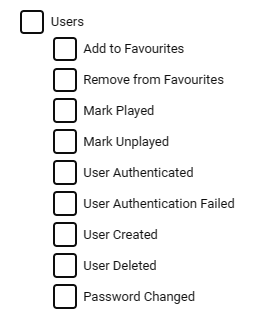
4.8.0.37 Beta does ? Mine is sent to send a Pushover alert on Auth Failed - seem to work fine. (High Priority Alert would have been nice, but small steps and all that..) But agree it still needs abit of work - I would like all Auth requests sent to a file for example and then use that as the log for Fail2Ban. The issue with using the normal Emby logs is they are huge, even with Debug off ...
 1 point
 -
Install a 4.7.12 or later Assign passwords to all accounts Don't enable "Do not require a password in the local network" That's the safest way for new (and existing) installations.1 point
-
Where does it say there is a version 3? version 2.4, 2.5, 2.6 and 2.7 in first post.1 point
-
Yes, that backup worked, so I believe we are all good and this topic can be marked as solved1 point
-
Hi, yes i agree we need to revamp this in regards to playlists. Thanks.1 point
-
Interestingly, the JF AndroidTV Client gives you the full options to list your main TV and Movies libraries ('Latest) on the Shields Home screen ... So you don;t even need to load up JF - you can go straight into playback of these items direct from the Home Screen ... Emby AndroidTV only gives you TV and Recommended for some reason ... Emby Android obviously gives you nothing at all ...0 points