Leaderboard




Popular Content
Showing content with the highest reputation on 06/14/23 in all areas
-
yeah, it works.2 points
-
I'm on version 3.3.07 and still having this issue.2 points
-
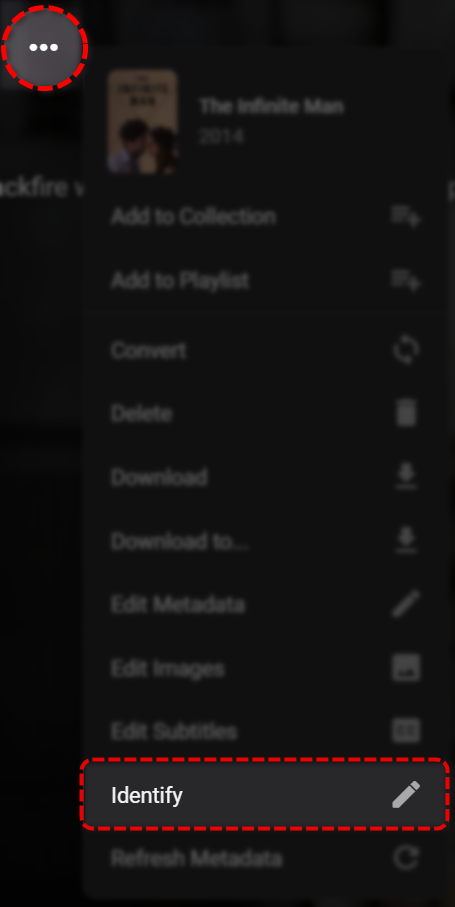
Have you tried using the 'Identify' feature to change it, and choose from a list of results? Alternatively, you can try adding the TVDBid to the folder name if you know it. eg. El-Bayt-Bayti (2022) [tvdbid=420584]
 2 points
 -
Bingo! You got me wondering if maybe there was an extra space in one of those fields, and sure enough, the Album Title had a superfluous space at the end on the Disc 4 trackss. Fixed those and re-scanned, voila, one album now!1 point
-
The primary source is the metadata in the files themselves. The Album Artist and Album Title must match exactly for the tracks to be considered part of the same album. Paul1 point
-
OK so the issue is that internet metadata for artists is not currently supported in music video libraries, so this is why you're not getting anything for them. This is easily added though and will be added for the upcoming 4.8 server release. Until then, If you have a music or audiobooks library containing the same artist, then they'll be able to get internet metadata that way.1 point
-
Hi, I'm not sure about a prompt, but in general, I agree there is room for improvement here. Thanks for the feedback.1 point
-
The way to install programs in manjaro... I do it through pamac. and there appears the version 4.7.11 of emby-server. And if I do it through your way of installing it, according to the web. It would be sudo pacman -S emby-server and here the installed version is 4.7.11. I think that as the partner says, we have to wait for them to update it1 point
-
Happy to report it's working AOK! First, I spun up a VM and Emby was fine on a fresh install of Debian 12 with zero problem. Then, I did an in-place upgrade of my media server and going from Debian 11 to 12, Emby continued to work without problems!1 point
-
Ok. Thank you Luke1 point
-
Crazy. It works now lol. I dont know why it wasnt before it was the main reason i switched back to 'Next Up'. Whelp good to know thanks Luke!!1 point
-
Thanks for the reply @Luke Hmm I haven't had that in my case. I'll need to do some troubleshooting to see if i can recreate it. To date anytime I finish an episode completely without starting the next one it wont show up in continue watching.1 point
-
Hi, continue watching does this like next up. If you stop watching between episodes, then the next episode will appear in continue watching.1 point
-
Most typically, forced subtitles are for words and signs in a different language from the main dialogue; they are not subtitles of the whole dialogue. This is why most of the time you won't see anything - there's nothing to be seen! Paul1 point
-
OUF ! ça fonctionne, merci beaucoup !! (thanks a lot !)1 point
-
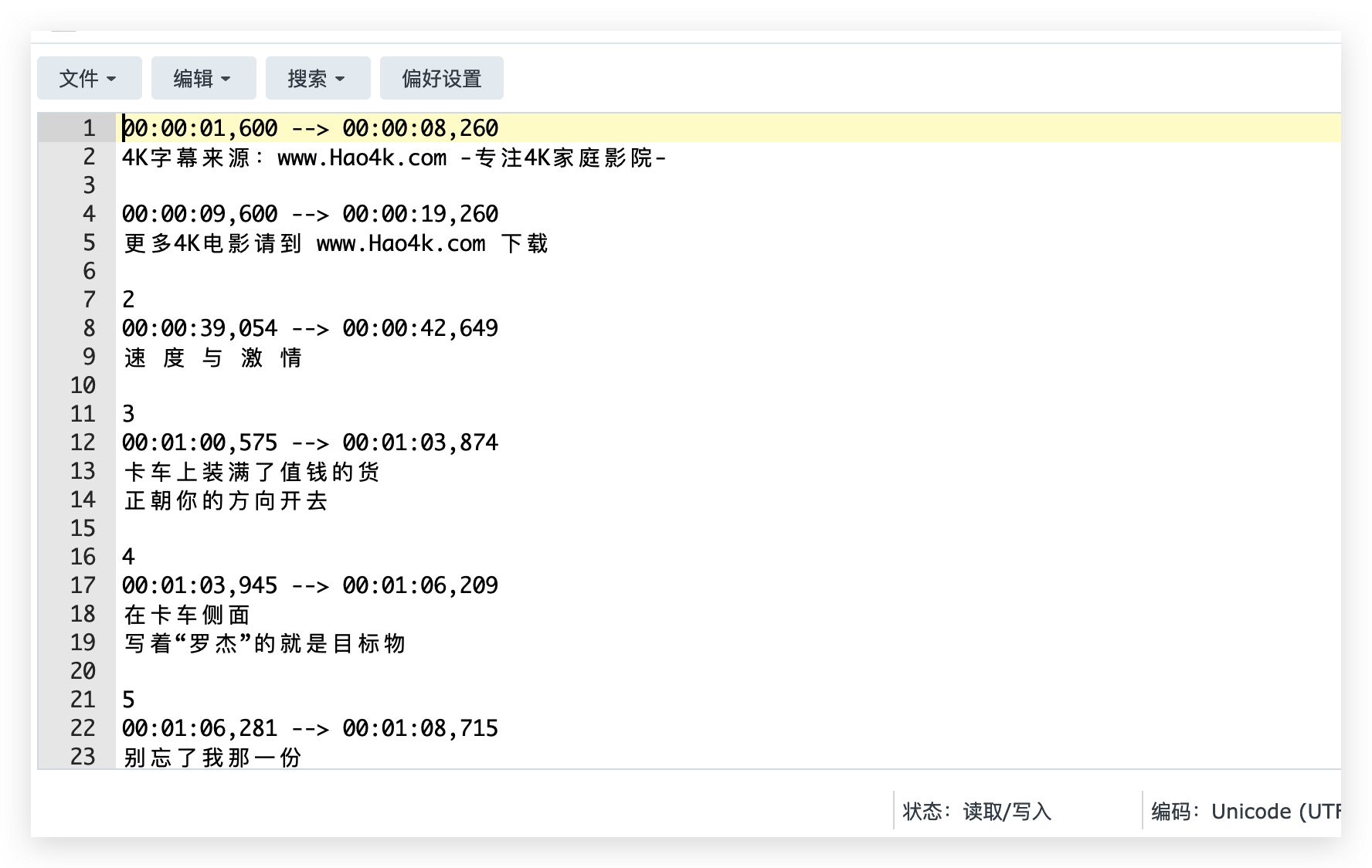
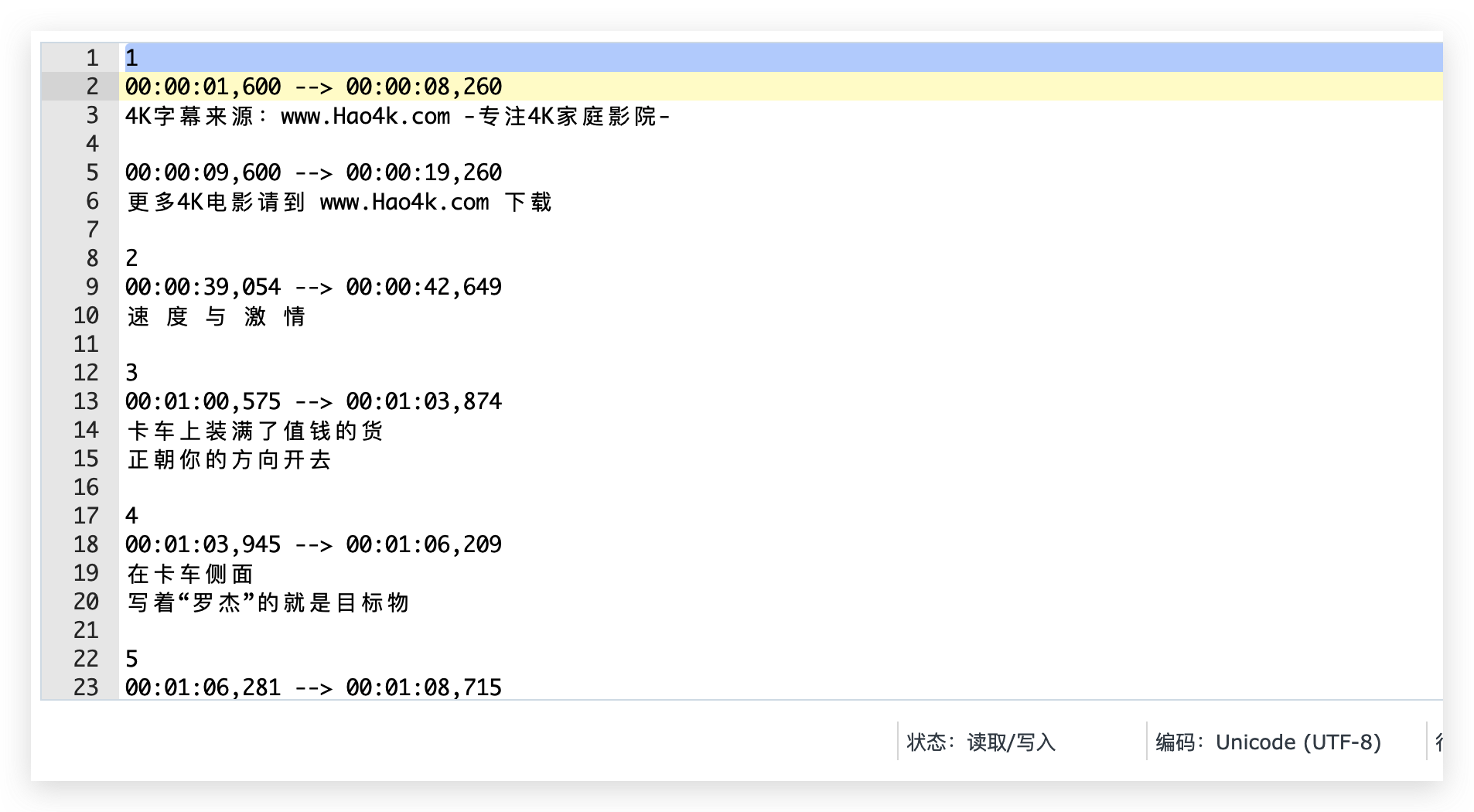
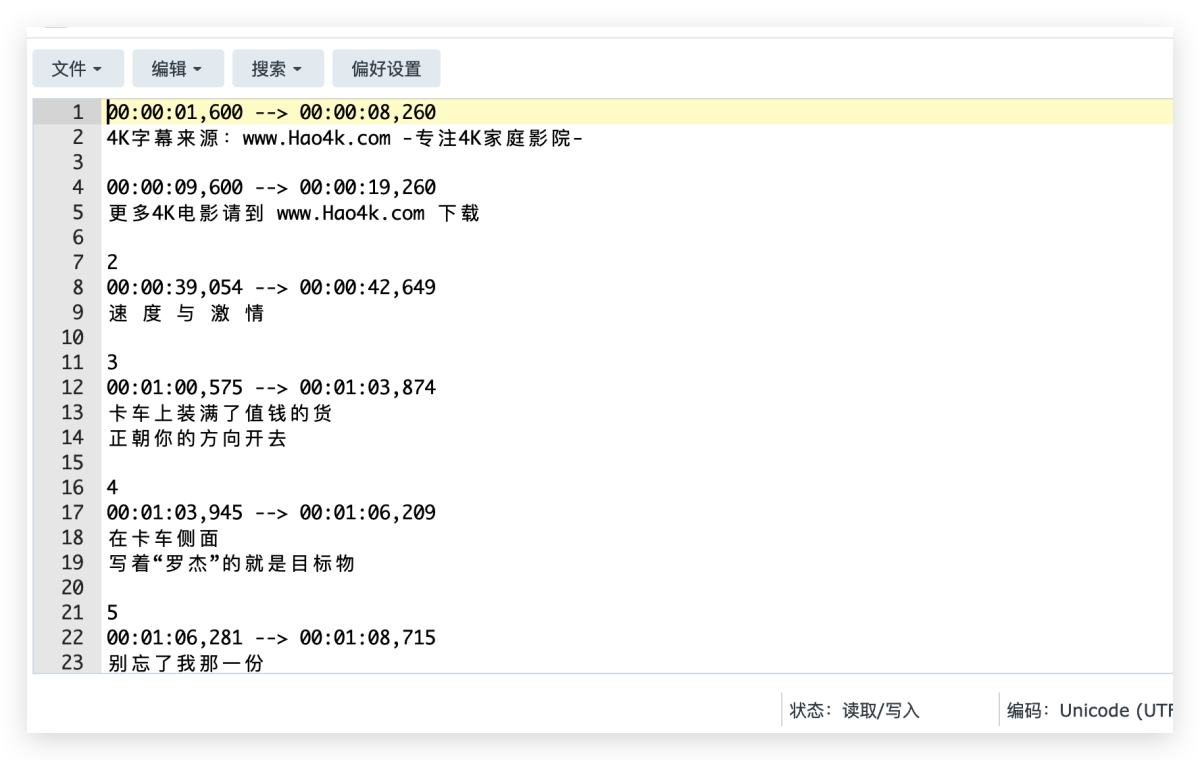
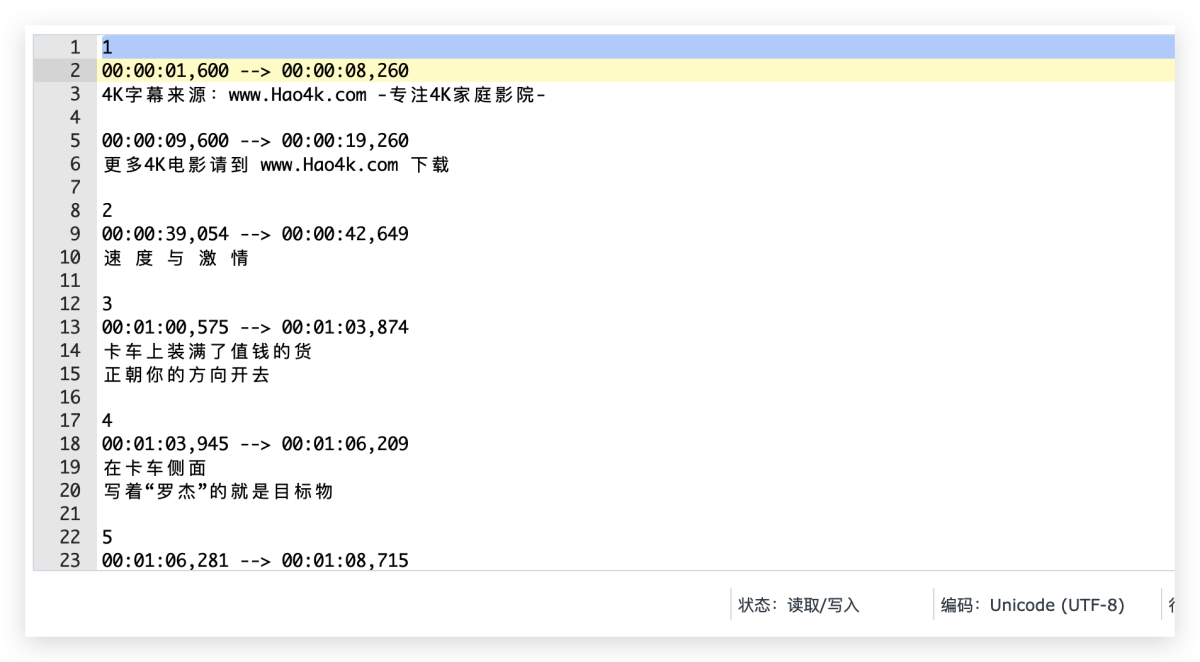
The problem has been solved. 1.Coding issues:The original file is utf8-bom, you need to change it to utf8 2.The initial location of the file does not identify the corresponding data error Normal display One suggestion: is it possible to display more specific and detailed information in the logs?
 1 point
 -
Hope I'm not jinxing it (like last time!) but, knock on wood, so far so good. Thanks.1 point
-
Thank you so much Luke. My 2018 does seem to work very well indeed but I still have no idea that the T2 chip does for video/transcoding. Matt1 point
-
Thank you! If i get a chance, I'll play with some indexes to see if there's an improvement.1 point
-
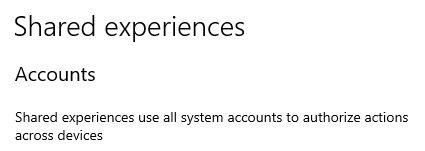
UPDATE: IT'S WORKING!!! Thanks Luke. It usually starts when I turn on my PC. I also tried manually starting and nothing was working. For the heck of it I tried rebooting AGAIN and when my PC booted up, I got a Microsoft alert, saying I needed to "fix" a problem (basically wanting me to sign in again and resubmit my pin). Once I did that, Emby popped right up!!!! IT'S WORKING! Wish all fixes were that easy. Sorry to bump this old thread, but I got paranoid I guess THANKS AS ALWAYS!
 1 point
 -
@ashhaushaltplease email billingsupport@emby.media Thanks !1 point
-
Let us know how you get on. Thanks.1 point
-
Also... do you have a ssl certificate installed on your server? if you are using plain http y possible that your info was leaked by a packet sniffer (a software that inspect the data trafic on your network).1 point
-
@LukeAh, so I can remove it from the home screen. I missed that.1 point
-
In this context, not someone who is poor on stage but someone who takes malicious actions. Paul1 point
-
Hi, yes there are changes to this screen in the beta server.1 point
-
Hi, yes you can.1 point
-
You could use iptables (or Window's firewall) to block those IPs directly on the device your port forwarding points at. Better than nothing, if you can't do it at the router.1 point
-
In this context; It's just a term for someone accessing (or at least trying to access) systems they shouldn't be. Usually with malicious intentions. Hacker, Attacker, Bad Actor, Intruder; all the same thing really. Someone without authorization trying to get in anyway.1 point
-
HI, it's planned for future updates. Thanks.1 point
-
The headers: X-Forwarded-Protocol: https X-Forwarded-Ssl: on X-Url-Scheme: https Each do the same thing; communicate to the backend server (emby in this case) that the connection between the client and proxy used https even if the connection between the proxy and backend server was just plain http. AFAIK Emby doesn't look at these, but @softworkzwould probably have a better idea about that part.1 point
-
@Luke hey luke, by the way i found out in my server on the serverdisk I ran the vacuum database at start up wich didn't do good at the disc mounting itself in the server because emby kept on restarting. so that task i removed from the settings. and secondly i needed to change the port for the wanport to another number because the dashboard of lacie os5 gen 2 was on disc the same port that kept conflicting in the logging in. so when changing the server emby port 8096 for the wan connection to 8396 and restarting firstly the emby server and secondly the lacie disc. through the logged in dashboard once or twice (i think i did it twice) the server is now able to log in from every device and also the dashboard of the dis is seperately able to login. at third problem my brother in this house detected a dns-conflict and problem from the incoming connections. so when that was al rebooted and finished with reconfiguring i let the disc overnight turn an that made the server and embyserver better work. at l east everything was accessible again. so i think the issue is now closeable when this is posted on my side. concerning the issue the other issue i mentioned earlier on the server not running on the phone i changed the port and mac address of my phone to fixed because the phones macaddes kept on switching on the network. god nows why that function is implementedn randomly macaddess in the phones settings- but anyways- switching the port to 8296 on the phones embyserver made everyting work again; as soon as my brother adapted macadress switch too in our routers. everything is working now. and thanks for making the beta version better work towards the normal version of the server because that keeps conflicting anyways. its better to do the beta setup on a nas or a other device anyways. otherways the files wont be found in the 4.7.13 versions (if it is higher excuse me for the error then.) but MANY THANKS TO OPTIMIZE THE BETA VERSION IN MY QUESTIONS. I AM GONNA PRAISE YOU UP TO HEAVEN BECAUSE YOU DID MANY JOB TOGHETER WITH YOUR COLLEAGUES I SUPPOSE TO GET ANDROID BETTER READING THE SERVER OF EMBY. MANY MANY THANKS IN MUCH WAYS I CAN GIVE YOU AND THE TEAM TO THIS ISSUE I EXCLAMATE THREE TTIMES (WHAT IS NOT ENOUGH OFCOURSE) THIS IN A MOMENT OF MANY JOY FEELINGS FOR YOU WORK !!!! KIND REGARDS KEEP UP THE GOOD WORK FOR US PLEASE WIM PAUWELS1 point
-
Al final lo he encontrado. para los que tengan Arch Linux o una derivada..yo uso Manjaro Plasma. Se encuentra en /var/lib/ aqui vereis un archivo (enlace directo o enlace simbolico) que apunta a la ruta privada de la carpeta "private" solo accesible con privilegios de administrador. con lo que he accedido con la terminal y he podido editar el archivo. Pasos a seguir por si hay alguien nuevo en linux o estas distros. Primero hay que apagar el Emby-Server Estando en la ruta /var/lib y teniendo la carpeta private (con un candado) abre una terminal. Escribe " sudo su ", sin las comillas para tener privilegios de administrador y escribe tu contraseña. luego escribe ls y enter ( te saldra un listado con todas las carpeta y archivos que se encuentren. Veras uno que se llama private escribe cd private y accederas a la carpeta private escribe ls y veras las carpetas que tiene dentro escribe cd emby y accederás a la carpeta emby ( que esta dentro de la carpeta private ) escribes ls para listar los archivos y carpetas..y veras uno que se llama system.xml este archivo hay que editarlo. Yo use el editor nano escribes nano system.xml y acederas al archivo. ahi ya buscas lo que pone en el enlace que ha puesto el compañero de arriba. Una vez hecho todo encendeis de nuevo el emby server con systemctl start emby-server y actualizáis todos los metadatos1 point
-
A self-signed certificate is not going to be in any device's trust store unless you manually add either your root or the certificate itself. If you can't add a cert to the LG TV trust store/CA bundle then it's not going to work.1 point
-
I managed to convert my data into docker steps from first post: 1-3 source linux emby: stop emby server. copy complete /var/lib/emby from source linux to folder on unraid array. unraid: stop emby docker (if started) over web gui unraid: open shell. I used ssh. unraid: navigate to /mnt/user/cache/EmbyServerBeta (in my case) unraid: remove (or make backup first): directories data, metadata, root unraid: copy above folders data, metadata, root from made copy (2) unraid: chown -R daemon:daemon * unraid: start emby docker Now, after login, all library content including collections are there1 point
-
After a long time I can use my iPad again! Thanks! uhu2001de1 point
-
Ah yes, silly me! Thank you for the quick reply!1 point
-
Thanks, main thing is things are working as intended but thanks for letting me know about the future upgrade too1 point
-
Thank you. I've been looking forward to it. Our old equipment is working again1 point
-
Not without us taking a lot more control of your network environment and, for a security conscious person, I would imagine that would be undesirable.1 point
-
在这个编辑软件中我选择的是utf8。 不过现在已经找到另一个修复乱码的工具了。1 point
-
Es funktioniert wieder. Ich habe in den Einstellungen unter Premiere den Code noch einmal gespeichert. Sieht irgendwie komisch aus, oben steht sinngemäß "holen Sie sich Emby Premiere" und weiter unten steht der gekaufte Code. Anschließend abgemeldet und alle vorhandenen Emby Tabs im Browser geschlossen und mich erneut angemeldet. Das Abspielen funktioniert wieder.1 point
-
Your Sort Title is locked with an article ("A") at the beginning. Unlock that field (click green lock at the right end).1 point