Leaderboard




Popular Content
Showing content with the highest reputation on 04/13/23 in all areas
-
Coming in Emby Server 4.8:3 points
-
@Junglejimand @NinkoThanks JungleJim for the explanation. I now know what to do and will put it right. I will work on it today. Emby allows multiple views. I will have to resolve how to do that also. Vic2 points
-
Emby is a personal media server. You must have your own server and supply your own media (or Live TV) You can learn more about how to get started here: https://support.emby.media/support/solutions/articles/44001159034-quick-start You can read more about Premiere here: https://emby.media/premiere.html2 points
-
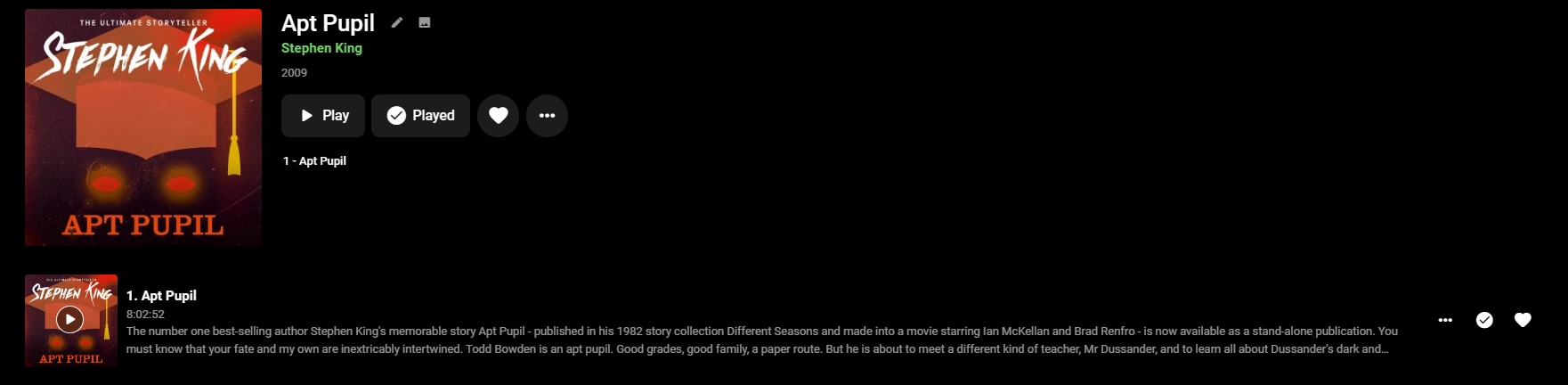
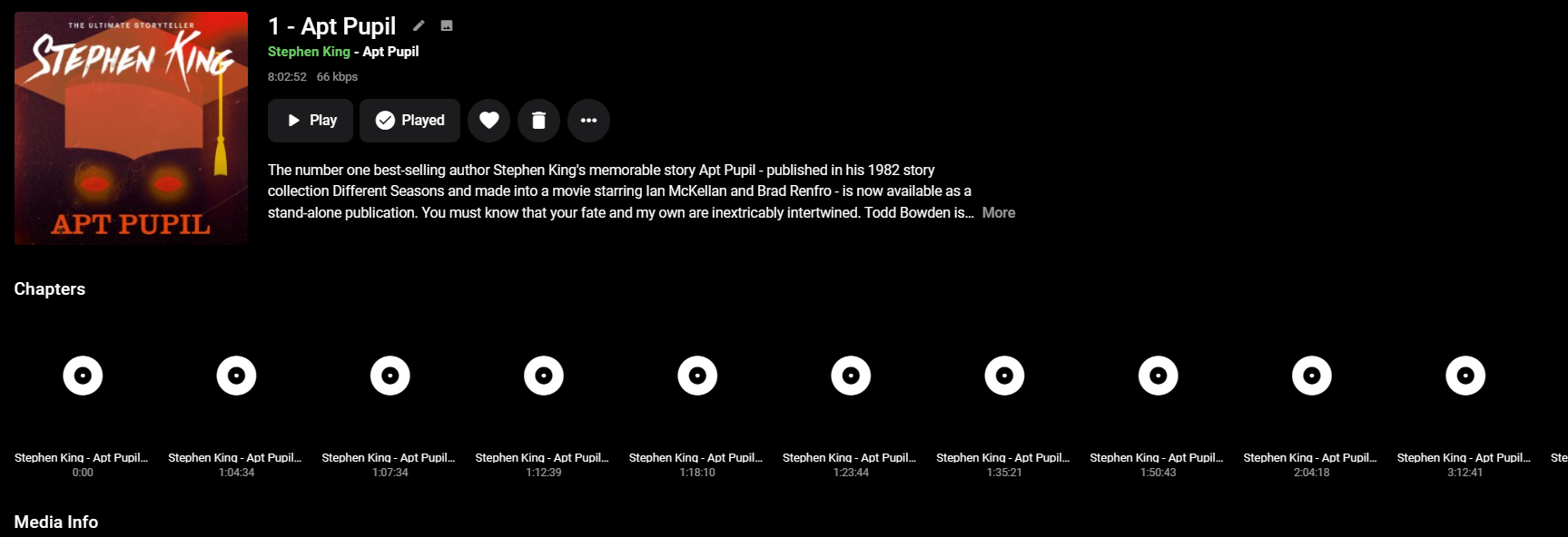
3D Movies, Travel, 4k Movies, UFC, AV Testing, Recorded TV, Collections, Playlists, 4K Documentaries, Live TV, Audio Books, Music, Home Videos, 4K TV Shows, Documentaries, Comedy, Movies and TV Shows.








 1 point
 -
Hi all, So my MacBook only plays DV profile 5 (yay Thanks Apple, totally not a huge hassle). Which means that I have some profile 5 files, but (again thanks Apple) cannot stream them without it trigering transcoding. Not that big of an issue, i'll just open them locally. But now that I have the files anyway it would be cool if I could use them for my family. At the moment, when tonemapping begins for Profile 5, it will give the signature green and purple look. Jellyfin looks to have fixed that and I was hoping this could also come to Emby, especially snce your recent update mentioning Emby will now recognise and tag content as DV @Luke. No rush, it's not that big of a deal for me but maybe easy and nice to implement when you have the time! J1 point
-
TL;DR Ubuntu actually make it really easy to install the right nvidia drivers however there are separate packages for NVDEC & NVENC so you need to find the right packages. The magic sauce (at the time of writing) is... sudo apt install nvidia-headless-525-server nvidia-settings nvidia-utils-525-server libnvidia-decode-525-server libnvidia-encode-525-server Background I'm running Emby in a VM (on TrueNAS SCALE). I decided to add a GPU and PCI passthrough for hardware accelerated transcoding. All the advice on the Emby pages say that you should install the nvidia driver from the nvidia homepage and NOT from the package manager. I couldn't get this to work and it felt wrong as I wouldn't get automatic security patches. There seemed to be other users on the forums that had installed an entire xserver dekstop on their VM's just to get the drivers to work. I was adamant that I wanted to use the package manager. Nvidia drivers can typically be installed with a simple... sudo apt install nvidia-headless-525-server ...however that obviously didn;t work. You have to specifically install the nvidia libraries for NVDEC & NVENC... sudo apt install libnvidia-decode-525-server libnvidia-encode-525-server ... the rest is just gravy which give you tools like `nvidia-smi`... sudo apt install nvidia-settings nvidia-utils-525-server I hope this is of use to someone else.1 point
-
It's certainly possible.1 point
-
Sorry, I missed this post. I'll add this to the list to take a closer look at. I'll do it if I can add something simple like an offset option.1 point
-
unfortunately I don't remember. since you mentioned version numbers though: I went back to the play store, disabled the beta, reinstalled, and now that's working as well (it also says 3.2.92 now). maybe I had an out-of-date version? I'm (what feels like) one of the few people who really enjoy updating things so I always keep my apps up-to-date, I believe I last updated my android apps a day ago. as long as it works, I'm happy, just... confused maybe my testing while setting up SWAG caused the app to bork and reinstalling fixed that?1 point
-
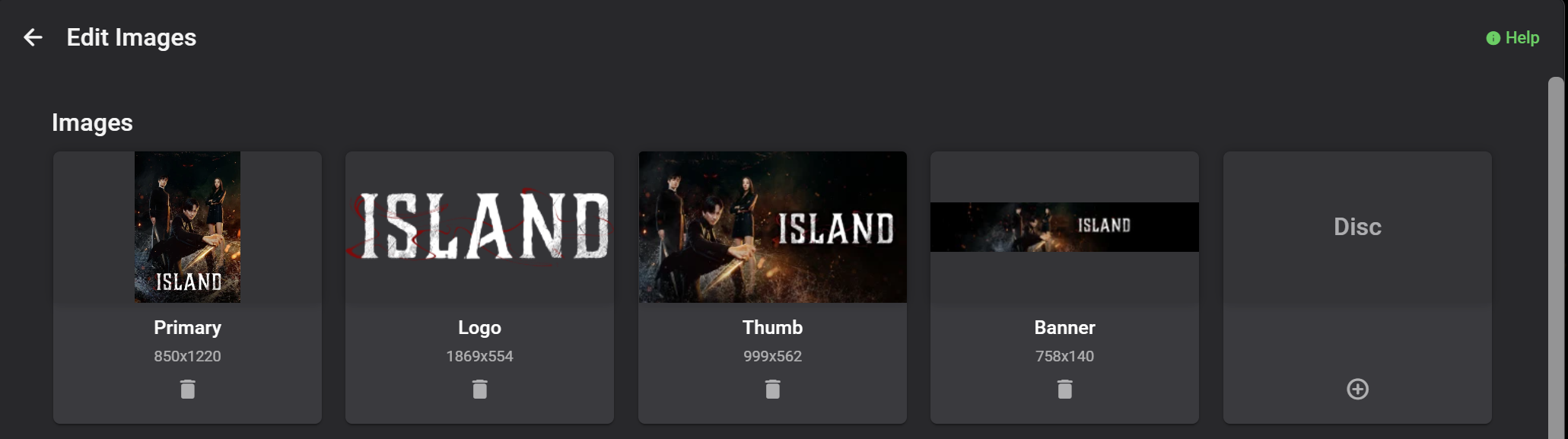
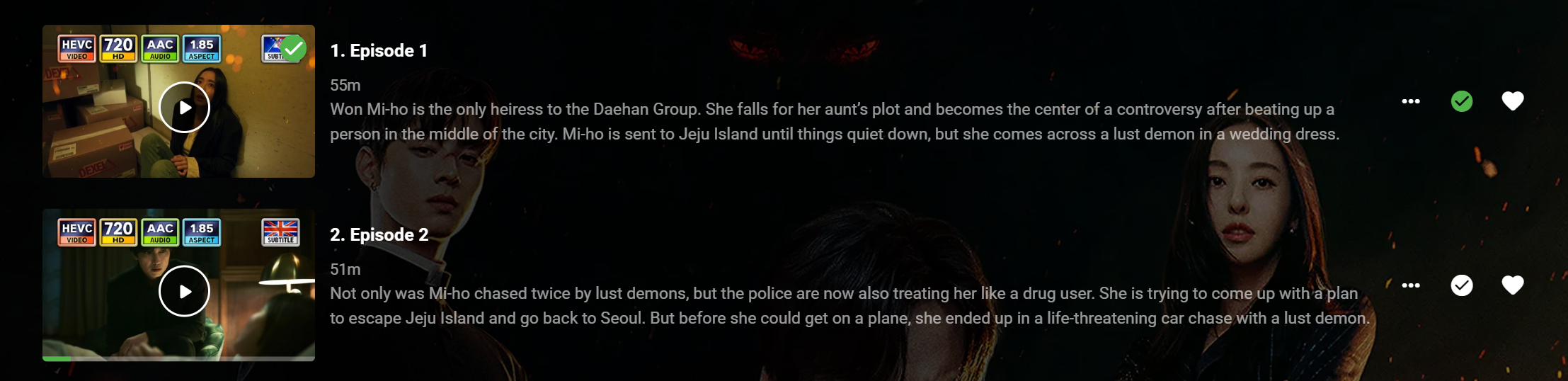
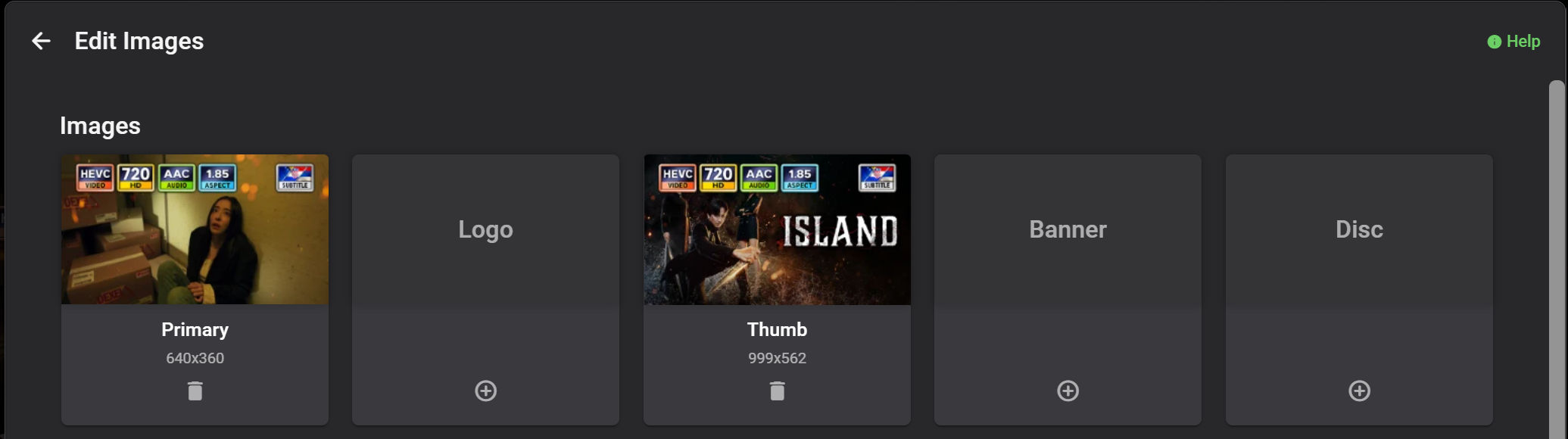
After PM with H2P, it has become apparent that desired outcome (CW/NU rows improvement) might not be properly/understandably/clearly conveyed due to my limited proficiency in English; here's hoping that some visuals would. First, as there are several image types discussed here, some rules for image terminology should be established: - Series thumb: thumb.ext/landscape.ext image, series thumb-type image - Episode thumb: <episodefilename>-thumb.ext, episode primary-type image - Episode landscape: no naming convention, episode thumb-type image Second, setup: Series images Episode thumbs (primary images): Episode 1 images (landscape added manually, copy of series thumb) Episode 2 has primary image only. Third, example: (Episode 2 - no episode landscape, default/current Emby behavior) vs. (Episode 1 - episode landscape (thumb-type image) available). Fourth, summary So, same image (series thumb) with/sans treatment. If series thumb was copied as episode landscape, noone would see any difference - except CA users; there will be absolutely no change for average user compared to current presentation except making use of CoverArt overlays/treatment for Premiere users that opt for it. Not to mention sating that consistency urge and scratching that OCD itch.
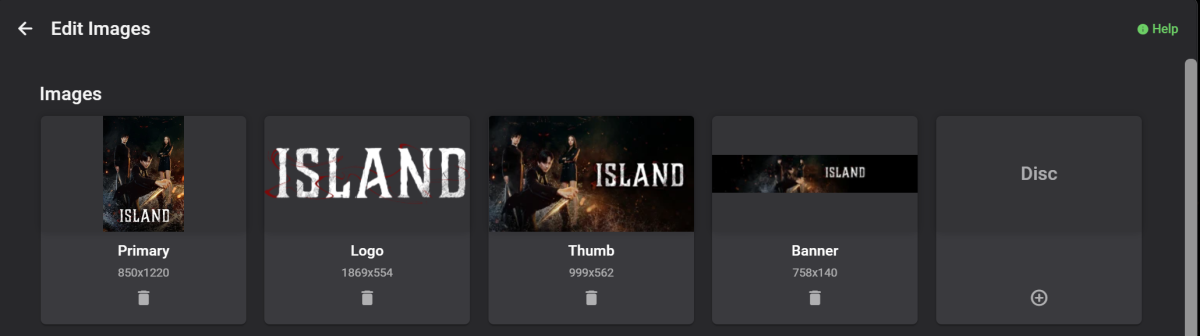
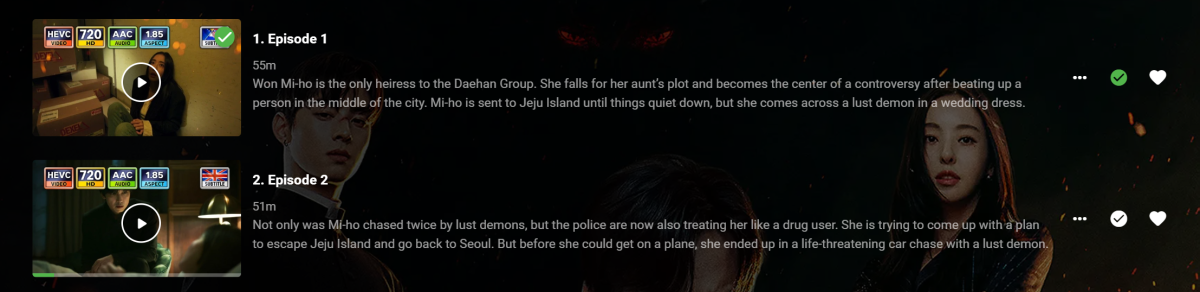
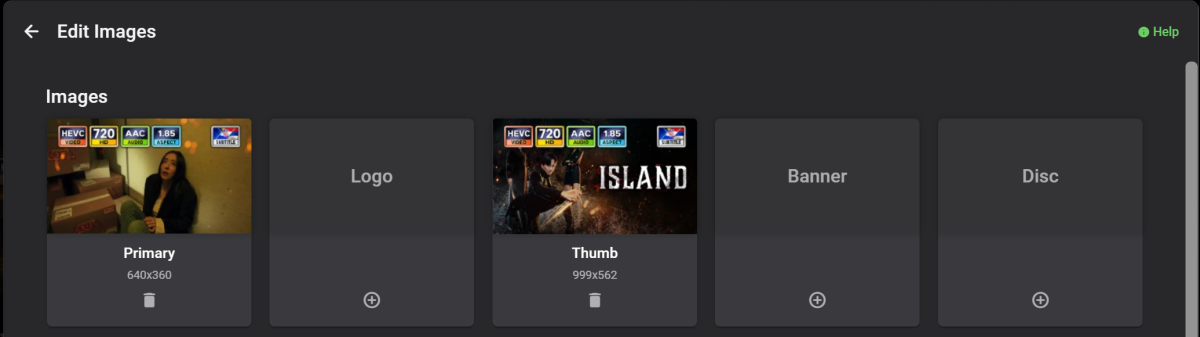
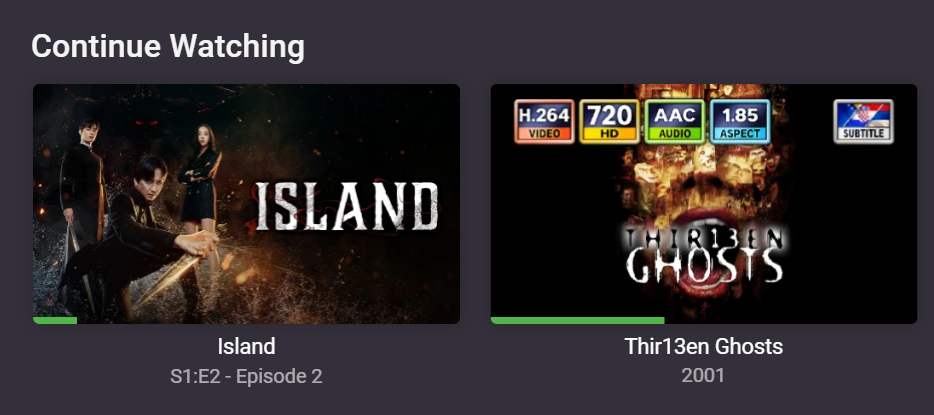
 1 point
 -
Hi Everyone, a new release to the Chromecast today has finally fixed the jerky problems I was experiencing. Worth upgrading to see if it resolves yours. STTE.221215.004.A1 only lists two items in the changelog: Android security patch level has been updated to Jan 2023 Other bug fixes and performance improvements I took them some time to release it but at least it's no longer a paper weight.1 point
-
So if you use the Introskip backup/restore plugin - then it has the option to write the Introskip markers (ticks) to the episode NFO file. Therefore, if an external app wants to add it's own markers, then it can simply write to the NFO and then a 'restore' (using the plugin) would import them into emby. This would not be officially supported - but worth having a play with a test library. The NFO segment is shown below - it sits in the <episodedetails> section in the episode NFO. <markers> <introstart>1175560925</introstart> <introend>2333724542</introend> <creditstart>0</creditstart> </markers> @CheesegeezerFYI1 point
-
An episode folder under the subs folder? I've never heard of that before, so no, it's not looking for that.1 point
-
Header doesn't format very well. I will look at bit more at the node.js files tomorrow to see what its doing. It might be easier to extract straight from plex db rather that a middle software and then parse into correct format json for emby.1 point
-
I'll have to recreate the scenario.1 point
-
This plug-in is updated.1 point
-
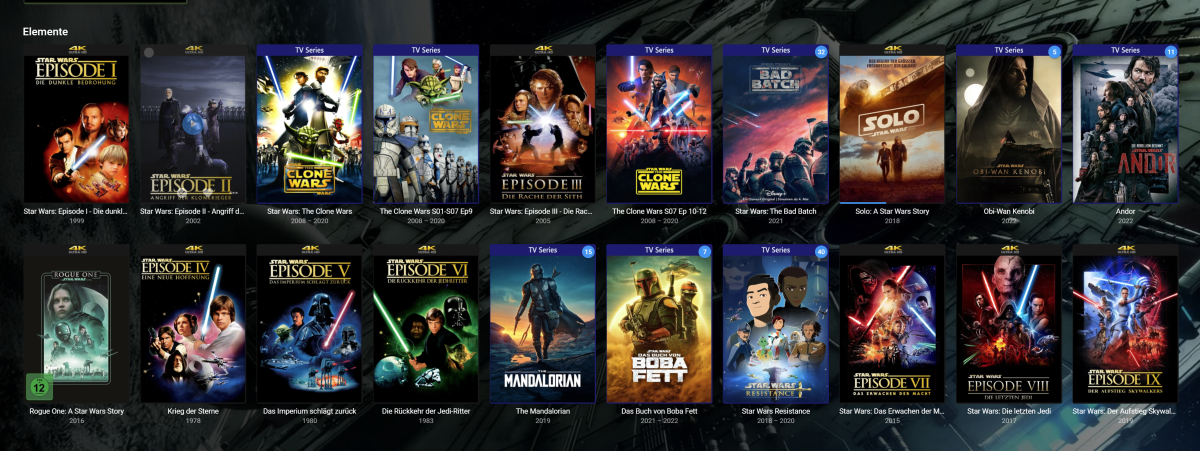
So I did it exactly the way you suggested and of course it works Thanks for this workaround
 1 point
 -
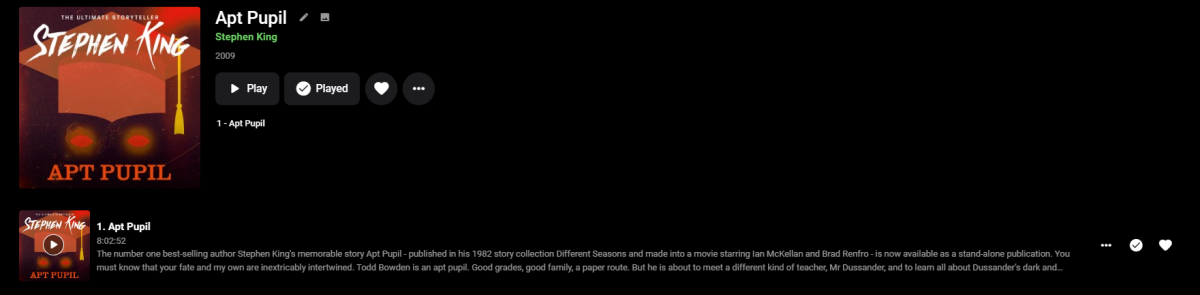
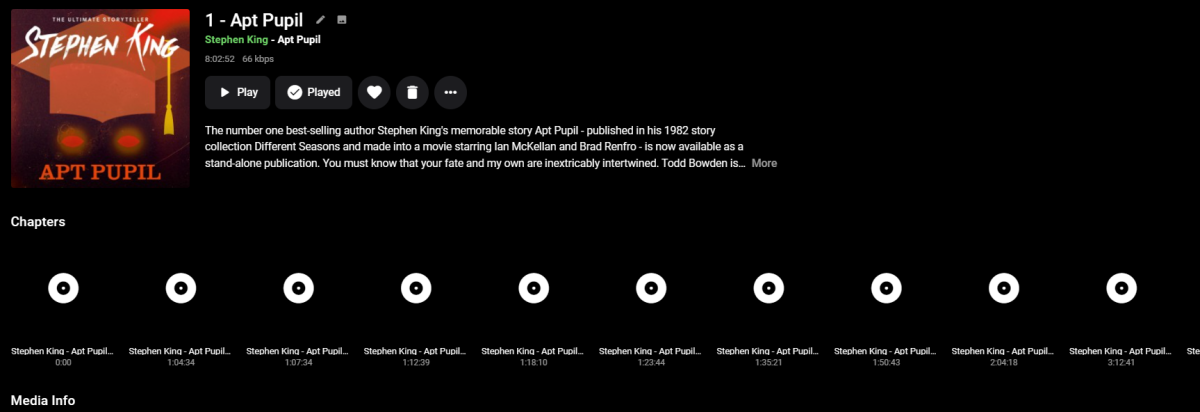
Yes it supports chapters in single files, if you have chapter markers in them. It looks like chapter markers in movies
 1 point
 -
I cannot find anywhere that publishes this level of specs anymore but it would not be surprising at all if the device wasn't designed to support h.264 above 20-30mb/s since that is the highest bitrate that would ever be provided by a streaming service. h.265 would be able to support higher bitrates.1 point
-
It's not the phone. Playback is perfect with VLC and Channels DVR.1 point
-
ahh ok shit thats what i expected. Feels bad to buy a new TV that dont have DTS support anymore. Thanks for help. I was able to watch it with the video station from the synology now so at least i have an workaround.1 point
-
on my emby 4.7.11, i cannot get any log on this.. BUT SOMEHOW, on emby beta 4.8.29, subtitle *.ass issue is no longer a problem. I confused as well consider case close1 point
-
He's right though. That data does not exist in the series nfo file.1 point
-
I'm pretty lazy about my folder structure, but 99% of the time, it's completely fine. Same types of filenames, etc etc. It's a rare occasion, but the Identify option takes like... 10 seconds? I realize people want things to "just work," but there are functionally an unlimited number of ways people can name files, and expecting Emby to be perfect on them 100% of the time is simply unreasonable. I think one of the big problems with Emby users in general is that they don't understand it's server software. There are people who get paid to administer servers for a living (yes, I realize that it's not the SAME thing). That it works as well as it does with minimal intervention is pretty fantastic. Having to do small amounts of maintenance is a small price to pay, in my incredibly humble and unsolicited opinion. Maybe I'm old school, but in my experience of running various pieces of server software in a home environment since at least the 90s, having to do small bits of upkeep was just par for the course....1 point
-
Since the image does not currently exist, I would think an option to prefer episode image instead of Show thumb in Next Up/CW. As this I don't believe would be a good global change and would force user to copy existing images/manually apply them. But I guess the absence of these images would not affect the majority. I guess would the same request here.1 point
-
HC, What about just adding date in your script? https://www.computerhope.com/datehlp.htm1 point
-
And an easier route would be place all of them in their own folder/library and only enable access as needed instead of moving in and out of existing library. But yes a simple script could be made to clear the node if needed. Just like the similar thing done here with notepad++, same concept different node.1 point
-
Do to garbage injected into the url around the key.1 point
-
Just because it's your personal OneDrive doesn't mean you own the data. Microsoft can and will at their discretion nuke your drive, your files, whatever they want as you are violating their TOS. If you do not have your own files hosted at home, you do not own them, period. MS, Google, et al do use deduping software to check file hashes, and they do remove files that are known to them to be against their TOS. The only way to get past this is with full file encryption with file name obfuscation. Just ask any of the anime encoder groups that had their drives nuked. The cloud is not safe, unless it's your own cloud, on your own hardware, like own cloud or next cloud.1 point
-
Outstanding! Thanks @Lukeand team!1 point
-
We can quote you next time rather than you having to repeat. This is exactly how it will look shown above. ^_~1 point
-
The short answer is that the newer TV doesn’t support DTS so the audio has to be converted. Your graphic shows that it is only converting at 8 fps which is way too slow. Basically your server isn’t powerful enough to convert the file. Does the file have an ac3 track that you can select instead?1 point
-
Fully upgraded and seems to work now! ... for now Thanks.1 point
-
Sorry for the delay, I completely forgot to answer. But the issue I had was only with 8.X, 7.X was fine. And the logs I sent in PM were from 8.X, for which you resolve the issue. However, I noticed another issue today, this time with TV Shows (but same behavior, the sync process hangs). I'm sending the new debug logs in PM.1 point
-
An unmatch feature is coming in Emby Server 4.8:1 point
-
An unmatch feature is coming in Emby Server 4.8:1 point
-
Hello, I totally forgot (cause I replaced all the video file). I have to check with the current version see if it's working.1 point
-
Good day! As noted above I was able to resolve the issue by eliminating IMF completely but still wanted to use IMF. So I recreated the problem on another machine (Wndoze) and tinkered with IMF but no joy. Then for whatever reason I installed the portable version to the desktop and everything worked perfectly. Not being yet satisfied with the remedy I installed the production version (non beta) of Emby over the already installed Beta version. Since the portable version didn't appear to be "installed" I figured that it wasn't but I could be wrong. In any event, the result was that the production version had no problem running my files meaning I wasn't receiving a playback error. Again not satisfied I wanted to insure that it was indeed the production version alone getting past the error and not as a result of combining the beta then portable then production versions. So again I reproduced the error on another machine and just installed the beta to see if the error would arise and it did. I then installed the production version over the beta version alone, and all files could be played. Therefore, based on my testing... Beta version alone received the playback error Beta version and portable no playback error Beta and portable and production versions no playback error Beta and production no playback error Production version only no playback error This leads me to believe that there are significant changes in the various versions that would not allow Emby to play the file or would allow Emby to play the file as the case may be. The odd thing about this sequence of testing also yielded a strange outcome. Meaning I could only produce the playback error if I introduced a "new" file to the library. If the files already existed there was no playback error. Cheers!!!1 point
-
@Luke Here is the file. When I try to accelerate, I can see x2, but when I choose it, nothing happen. embyserver.txt1 point
-
@chef, might be similar to what I reported in the PM's, there's also an output of the console. But, get well first!1 point
-
HOC, You can edit the date added, per media and that updates it's position in an added sort or latest recent media. In order to see an immediate change use the Metadata edit in the page in the browser. If you edit in the nfo file, it will probably only show a change then next time the library is scanned.1 point
-
Hi, yes this has come up before and is possible for future updates. Thanks.1 point
-
These icons are pretty amazing and should become the default for emby. Thank you very much! And yeah, if we could manipulate the ordering of icons and maybe get audio-languages in a future release, this would be lovely. Those are probably the two biggest wishes for this plugin from me.1 point
-
No, I haven't tried. Honestly, if an App doesn't work, I'm not going to try resetting a TV to fix it. Also because I have three LG televisions and they all have the same problem so it is clear that the problem is related to the App and not to the configuration of the television. For the moment, as a workaround, I use the DLNA function of Emby because with the native LG player, by connecting to the DLNA, the subtitles work correctly, another confirmation that it is the Emby App for LG that has problems1 point
-
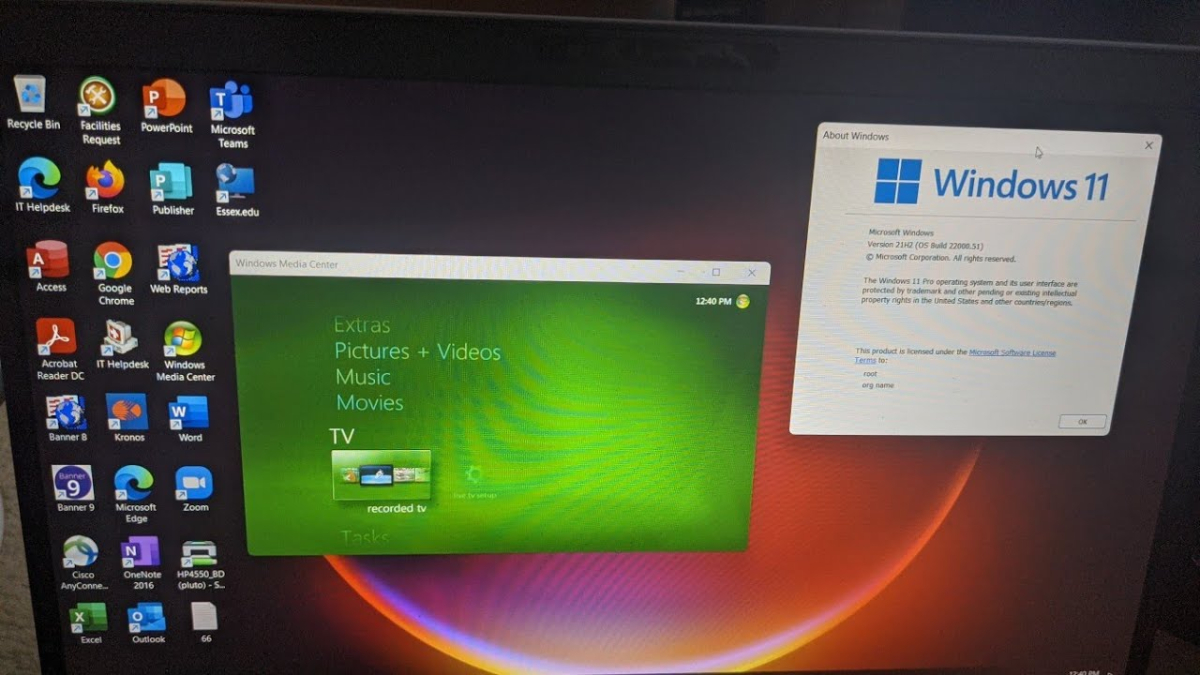
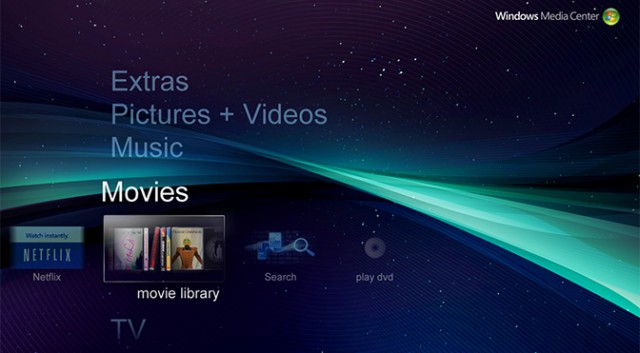
TVNext and this should be a very nice combo. Must apologise though, was asking more about overall colour scheme and maybe backdrops, for a bit of variety, like these Google found for me -
 1 point
 -
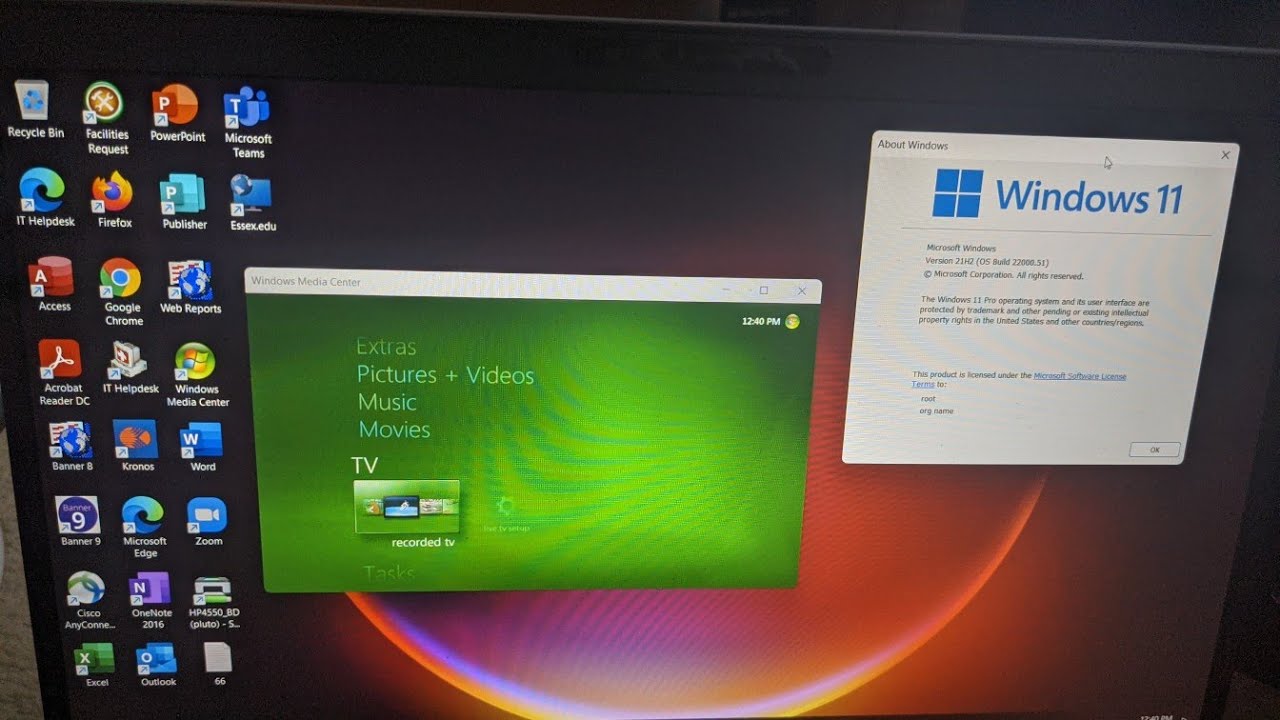
WMC Theme - Movie Library Browsing Time for something new...: WMC_Browse_Movies_cut.mp41 point
-
How can you dare to think I would have forgotten about this? Can't you see it? The video compression has lost a bit of it, but it's visible. You can watch it in the browser here: https://softworkz.github.io/hlstestfiles/wmcbg/background_animation.html (make sure to size your browser to 16:9)1 point
-
1 point
-
BTW, the above was meant to be a subtle hint at that it's actually not WMC. A true WMC lover could have recognized that the two leftmost buttons do not exist in WMC, LOL..
 1 point