Leaderboard




Popular Content
Showing content with the highest reputation on 03/22/23 in all areas
-
If you are able to play higher bitrate files - I suspect it's the files themselves. options - remux the files to recreate them (ffmpeg -i input.mkv -c:v copy -c:a copy output.mkv) or re-rip them with whatever you used in the first-place (makemkv perhaps). AndroidTV has zero issues with DV files (all profiles, 5,7 or 8 - I have played ~100's of them with emby without issue.2 points
-
Großen Dank auch nochmal hier von mir an murxer. Klappt super mit dem Script. MfG2 points
-
Hallo, da ich Anskar aus den Enigma2 Forums kenne und er auch zu meinen Betatester gehört für EmbyDream-Client und EmbyDream-Server, hab ich einen Script erstellt der für seine Struktur passt. So werden jetzt die einzelnen Filme in einzelne Ordner gepackt. Der Script ist aber nichts besonderes auch würde das jetzt nur für die gleiche Struktur funktionieren und muss mit Python gestartet werden. Anskar hat ja den Server auf einem E2 Receiver laufen und hier wird Python3 genutzt.2 points
-
Hi acnp77, The rpi2 may not have enough horsepower to run ET, but below is what I had to do to get it to run on an rpi 3b. I've found that a few changes in the raspi-config really made a difference. You may have already tried these so I apologize if I'm repeating anything. 1. Increase the GPU memory to 128 or 256. 2. Enable the "Fake KMS" driver. To do this go to Advanced Options, GL Driver, enable "Fake KMS". Note, this may kill HDMI audio, but there is a fix for that. You would have to modify the /boot/config.txt file with the below changes, then selecting the second choice for audio in raspi-config (in my case it was MAI PCM i2s-hifi-0). # uncomment to force a HDMI mode rather than DVI. This can make audio work in # DMT (computer monitor) modes hdmi_drive=2 hdmi_force_edid_audio=1 Hope this helps.2 points
-
I don't get many chances to show my gratitude to the Emby team, so I will use this one-in-a-thousand opportunity to thank everyone involved in the development of this particular feature.2 points
-
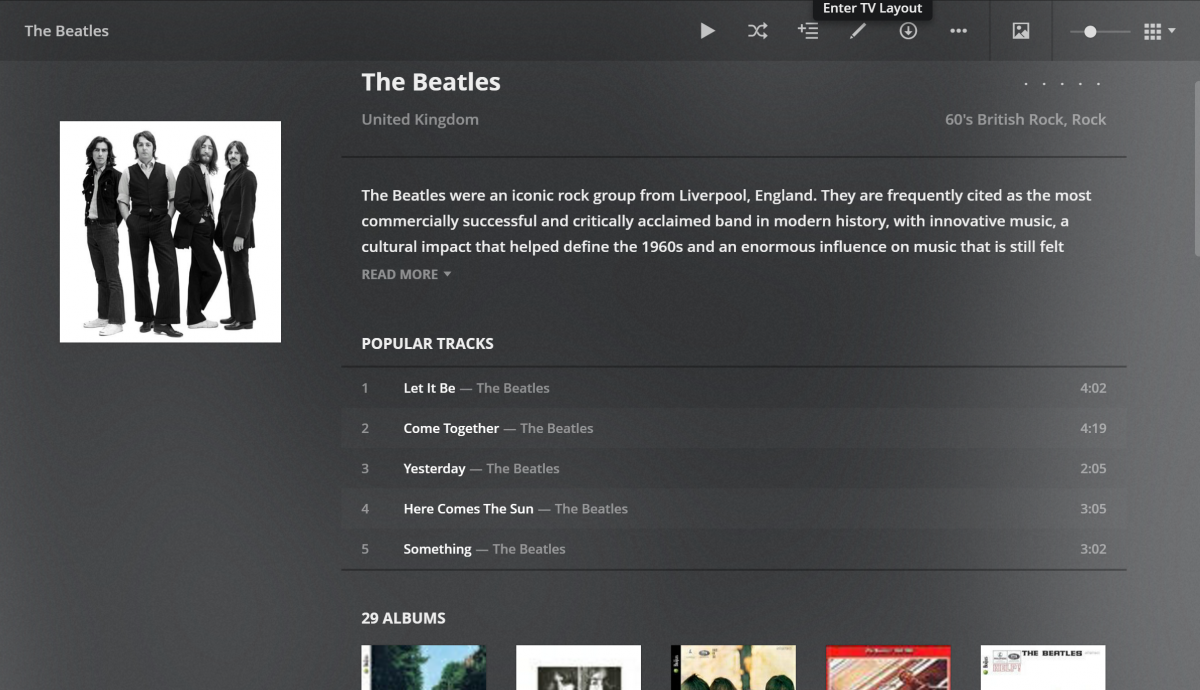
I was just checking out Plex and noticed a feature in Music that I love (see screenshot). In Music when you open an Artist it shows popular songs. This comes in real handy when you don't know all the names of the songs or what albums they are on. Can we please add this to Emby? Thanks
 1 point
 -
Would it be feasible to have a dialogue box that alerts you when you are about to add an item to a playlist that already exists on that playlist? Thanks.1 point
-
Brief update - it's still running, at 92.9%... but: With debug logging on, and watching the log running live, I was able to see that there was one particular .JPG that it was hanging on. I removed that file, it then seemed to run fine, until it found another copy of that picture. Hung on that. I deleted it, started again... and it is cranking through the pictures now. Memory usage is remaining low, so I am hopeful that it was just that one file. Why that file, I have no idea. It opens fine, nothing looks out of the ordinary, but it was definitely hanging on that picture. Hopefully it will finish soon and I can call this done - my SO just moved a LOT of pictures from Shutterfly onto the server...1 point
-
Since you're on the beta server, please let us know how the next build compares. Thanks.1 point
-
I refuse to use MPV player as long as it is not supporting auto refresh rate as stuttering movies do drive me crazy. My ATV runs on 60 fps with autoframerate (and auto-dynamic range) turned on and most movies do run on 23,97 fps … I really appreciate the progress the emby team has made with features and stuff for the MPV player but latest evolution lead to versions where the once rock solid native player is now unpredictable while MPV has a ton of new features but most important things (stuttering playback in a movie player) remain unadressed.1 point
-
Hi daldana Thanks a lot for your reply I will try to test this. At the moment my problem is that I can not do anything, since the screen just turns black after the "raspberry desktop" welcome screen. I tried connecting a keyboard to Ctrl-C out of ET, but no luck yet...1 point
-
Hi. Thanks a lot for this info. Since I do not have access to the player every day, it will take a few days until I can test. But I will update after I can test on the weekend. Have you tried to use mpv player? - could this be a workaround also? Cheers1 point
-
Depende del dispositivo. Puedes ver tus películas sin limites en un navegador de internet, pero para otras plataformas por lo general necesitaras premium. Puedes ver la tabla de limitaciones aquí: https://support.emby.media/support/solutions/articles/44001173099-emby-premiere-feature-matrix1 point
-
Same here, since 1.6.x and native player. I learned it has to do something with HLS Subtitles. There is a plugin called "diagnostics plugin". Install it and check the button "disable HLS Subtitles", than save. Retry and media should play fine. Unfortunately you have to check this button over and over again every time the server restarts (so with every single little update) as diagnostics plugin is not made to save states. So this is just a workaround that could help to play your files again. Would be nice if you could give feedback if that helped, so maybe it is a bit more obvious to the emby team that there is a problem with playback (for quiet some time now). Cheers1 point
-
Whoop!!! You da man!!! While I'm not sure it was actually the mp4 being bad ... I removed all the metadata collateral files withing the directory as well, and now it is running smooth like butter!!!!1 point
-
What is your library "Music folder structure:' option set to as you need proper setting utilize folder images. Causing folder view and other tabs to have different images.1 point
-
You are a hero! Thank you!!1 point
-
Yes, applicable to multi-version items as well.1 point
-
It's the plugins subfolder underneath the server's data path. The data path can be found at the top of a server log.1 point
-
Fixed by resetting addon and in kodi I disabled always play and setted the default "ask what to do" when play a file. Now both file version popup and skip intros are working.1 point
-
I have updated to Version 2.0.8.7 and it seems to be working fine for now
 1 point
 -
Found it - I changed my cache location to an accessible folder instead of hidden away in the system! text3d.png tile3d.png1 point
-
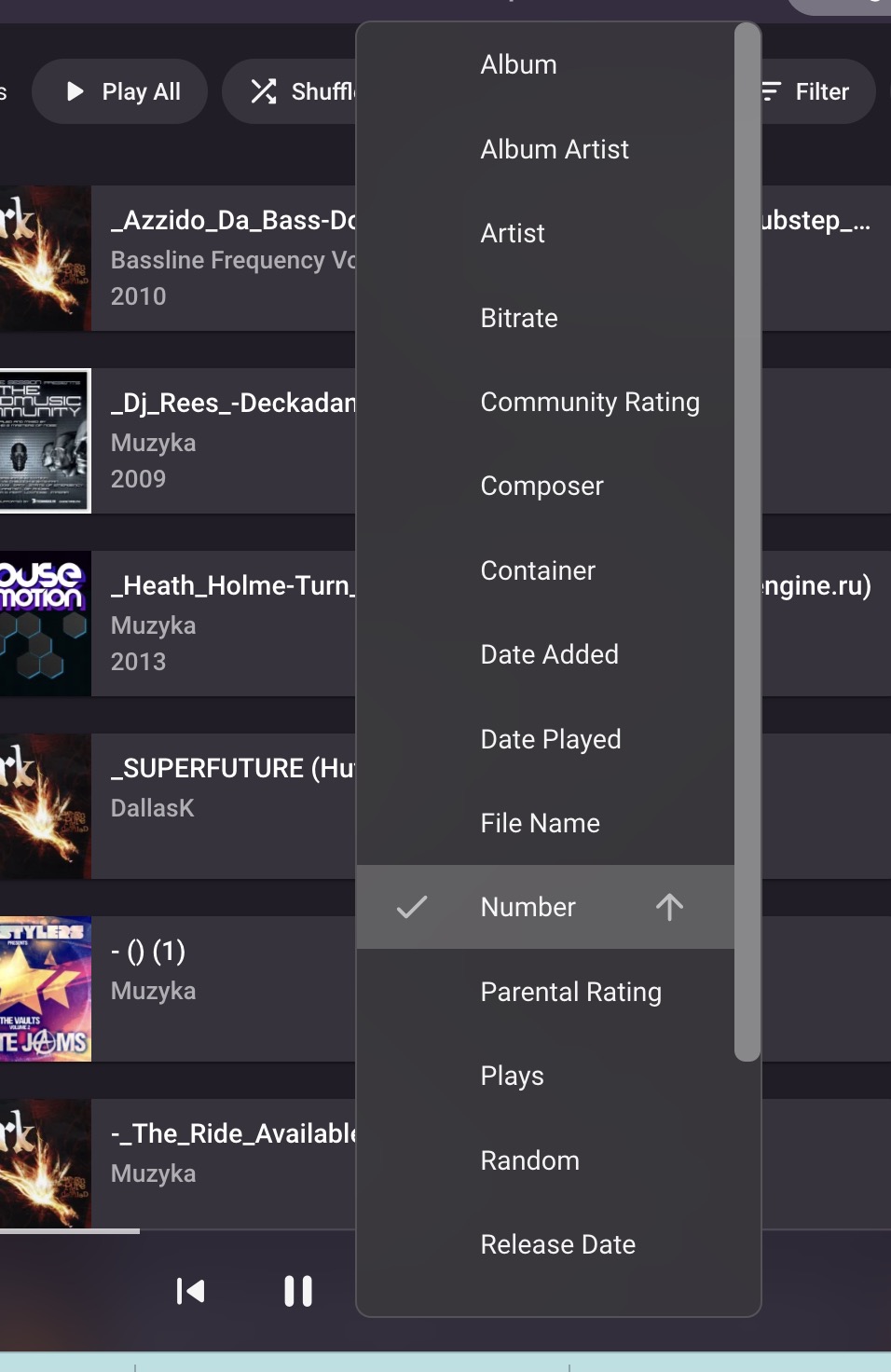
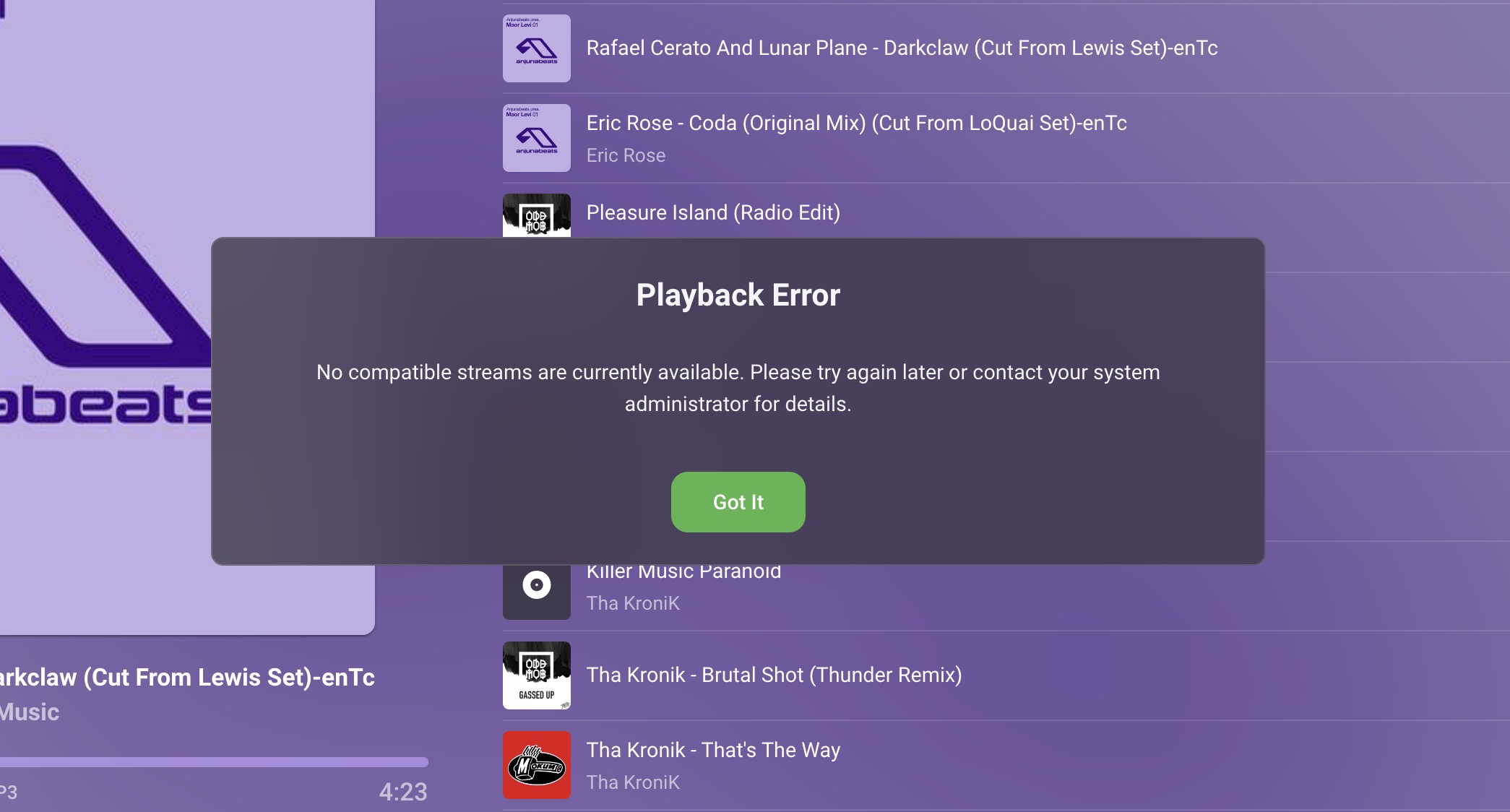
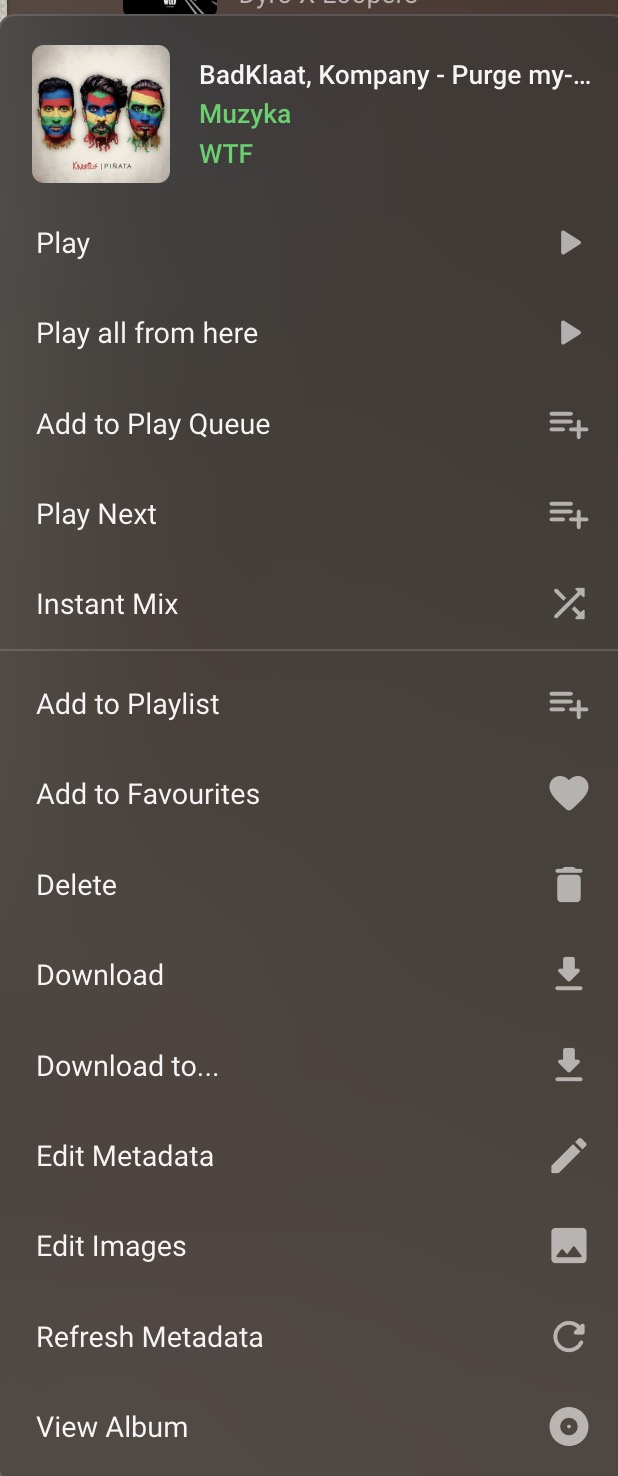
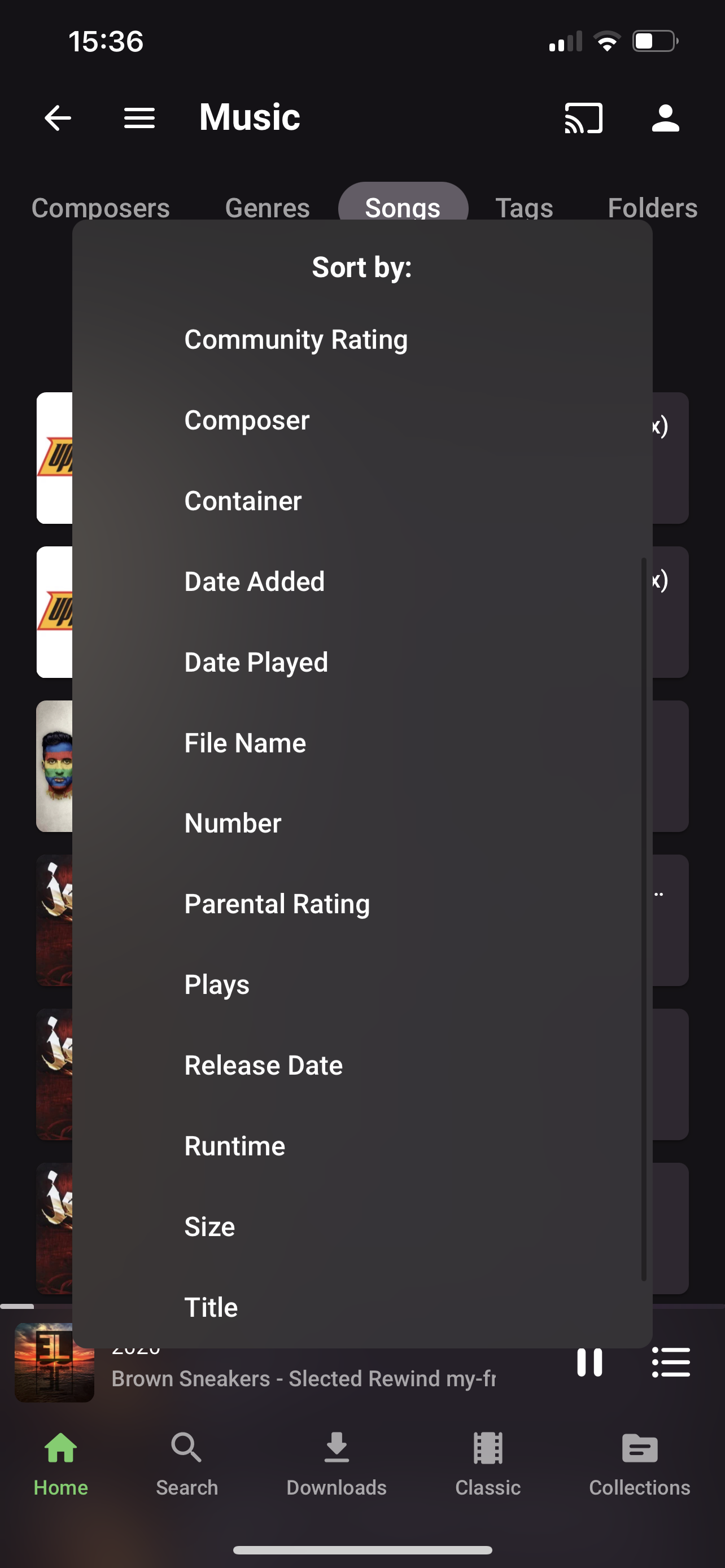
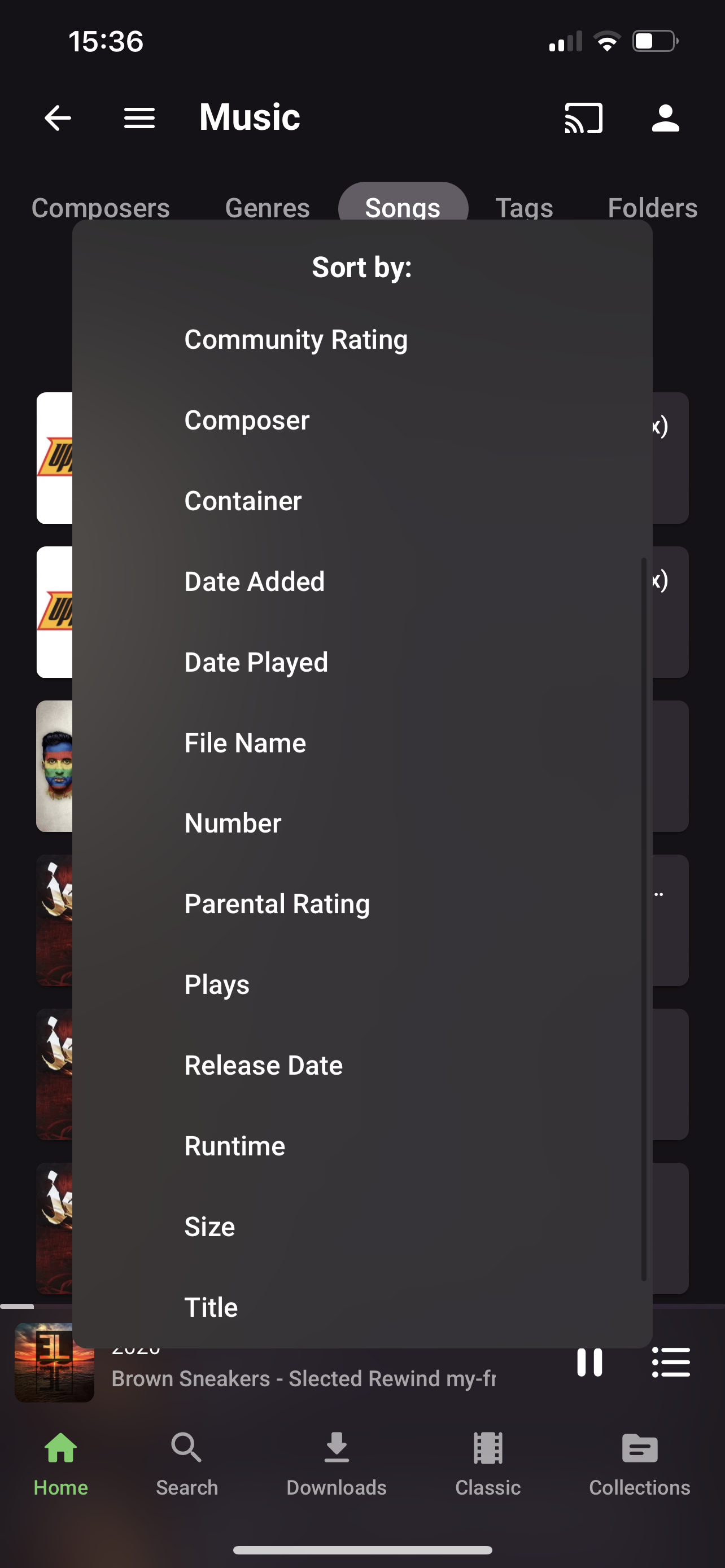
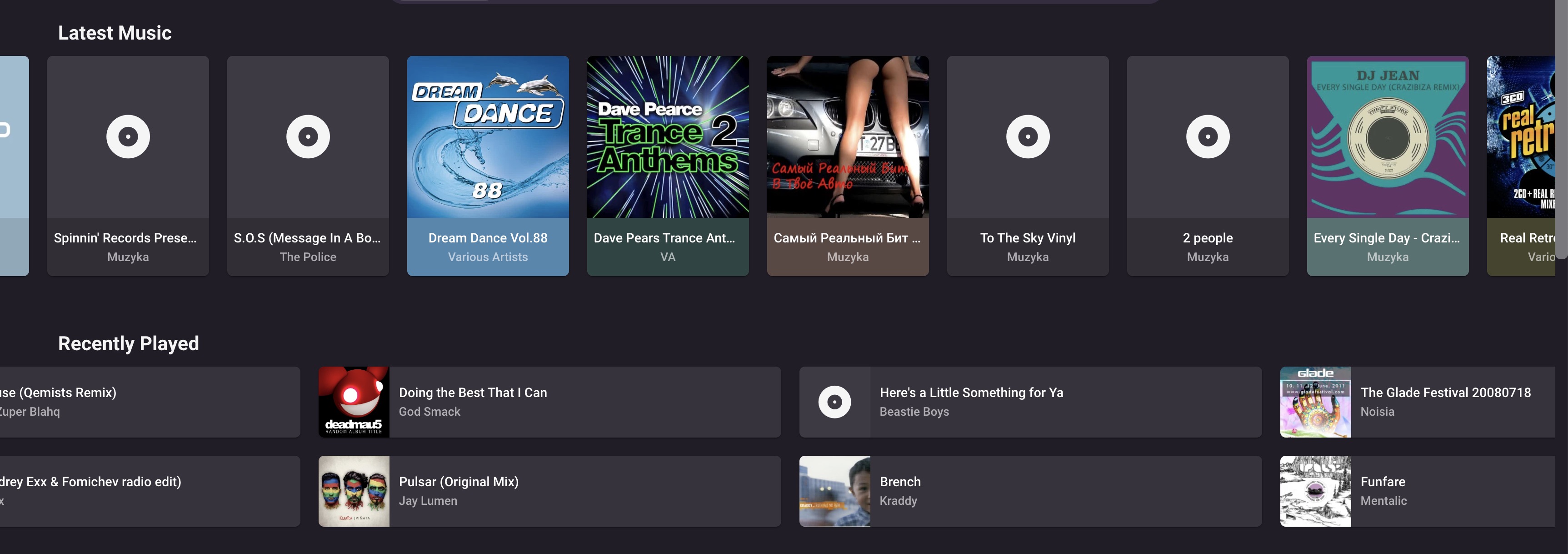
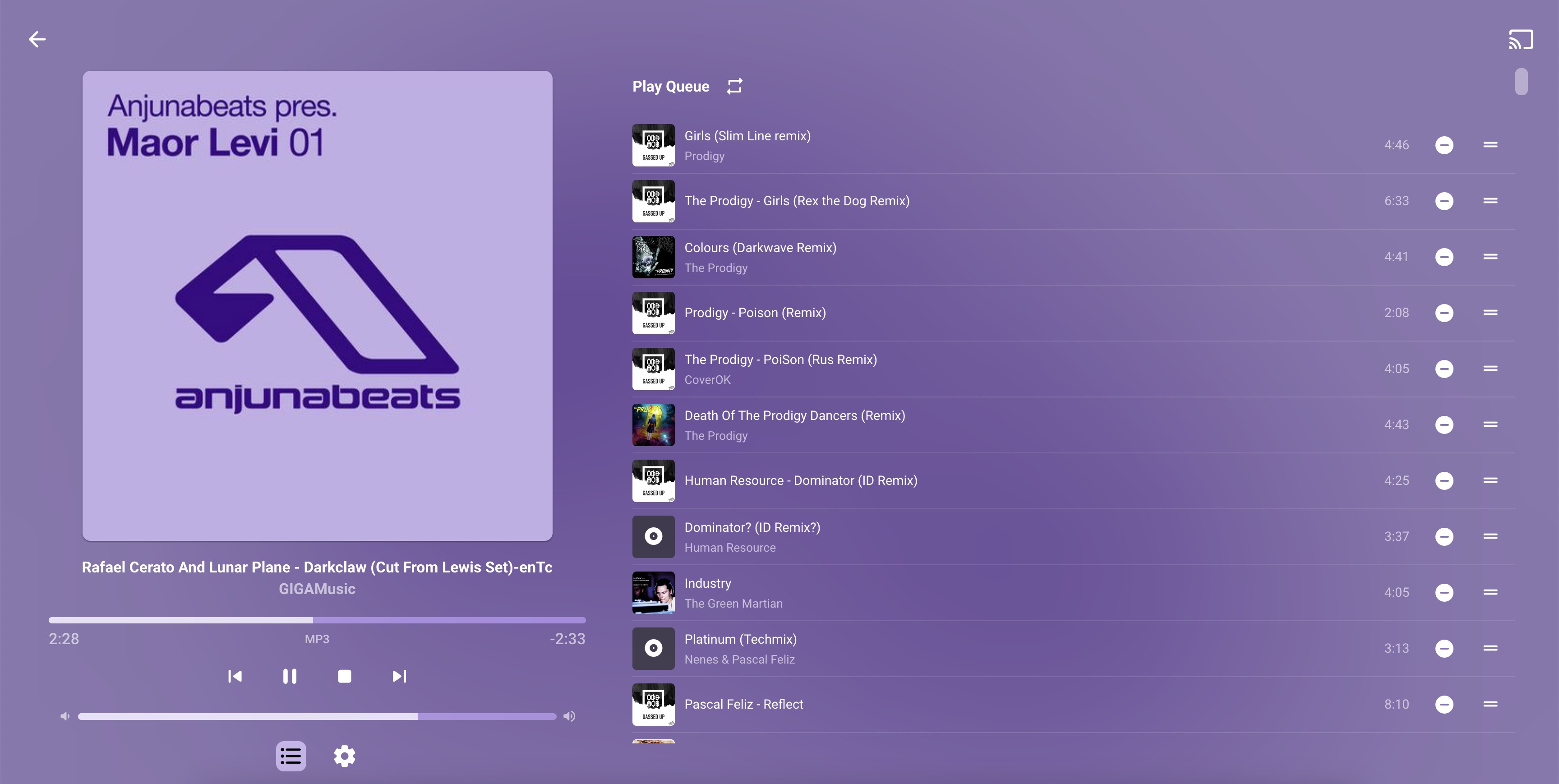
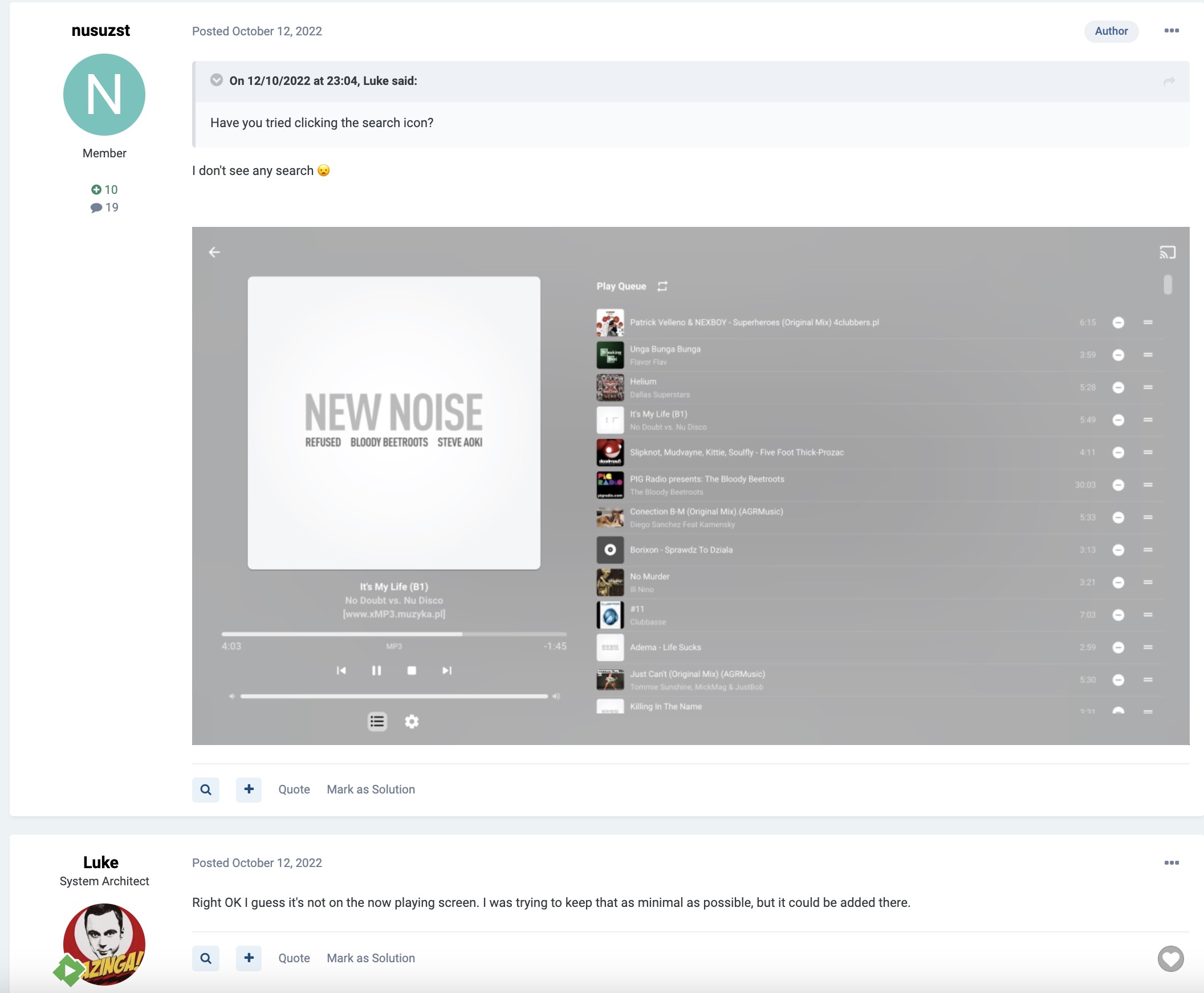
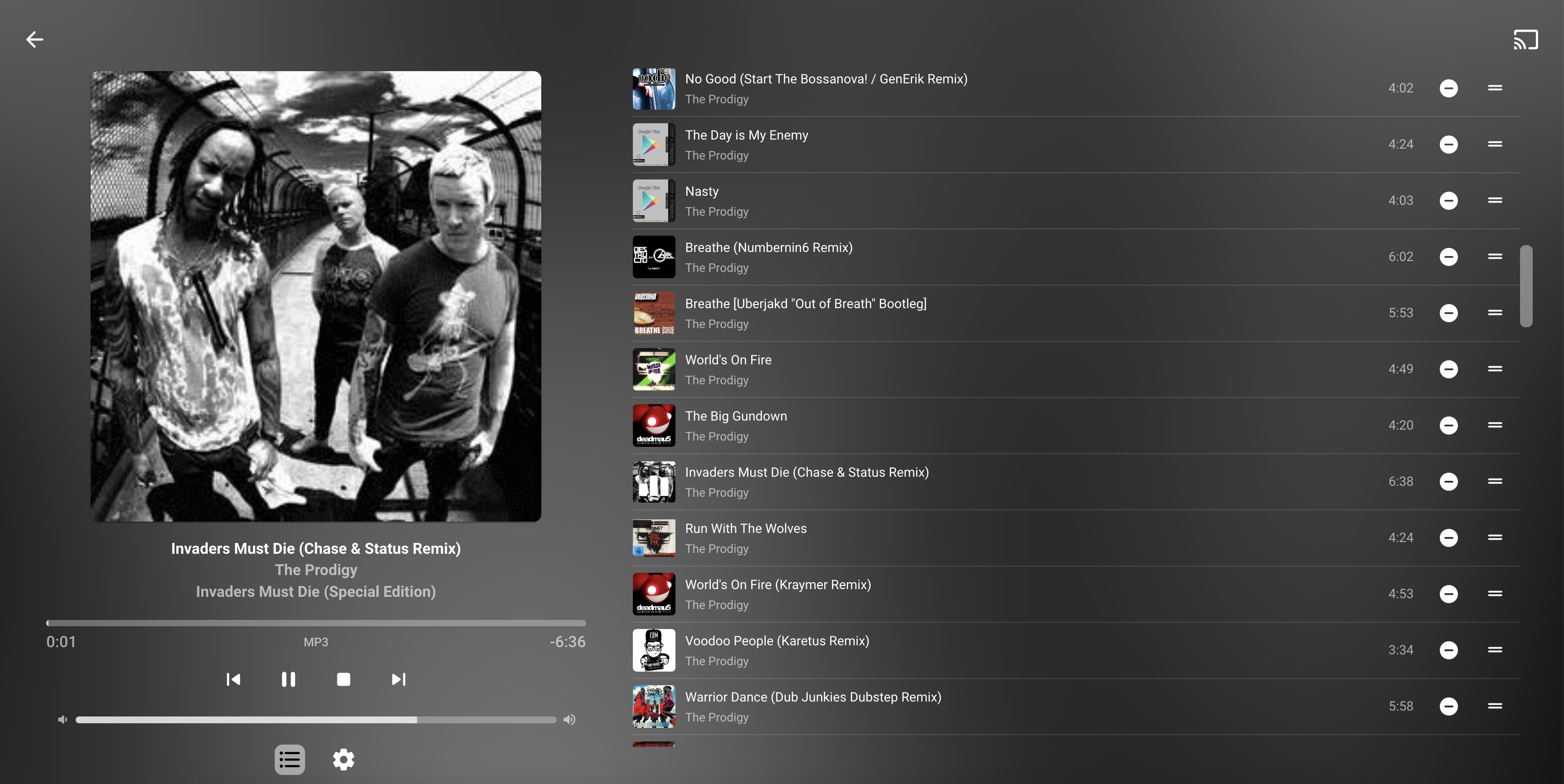
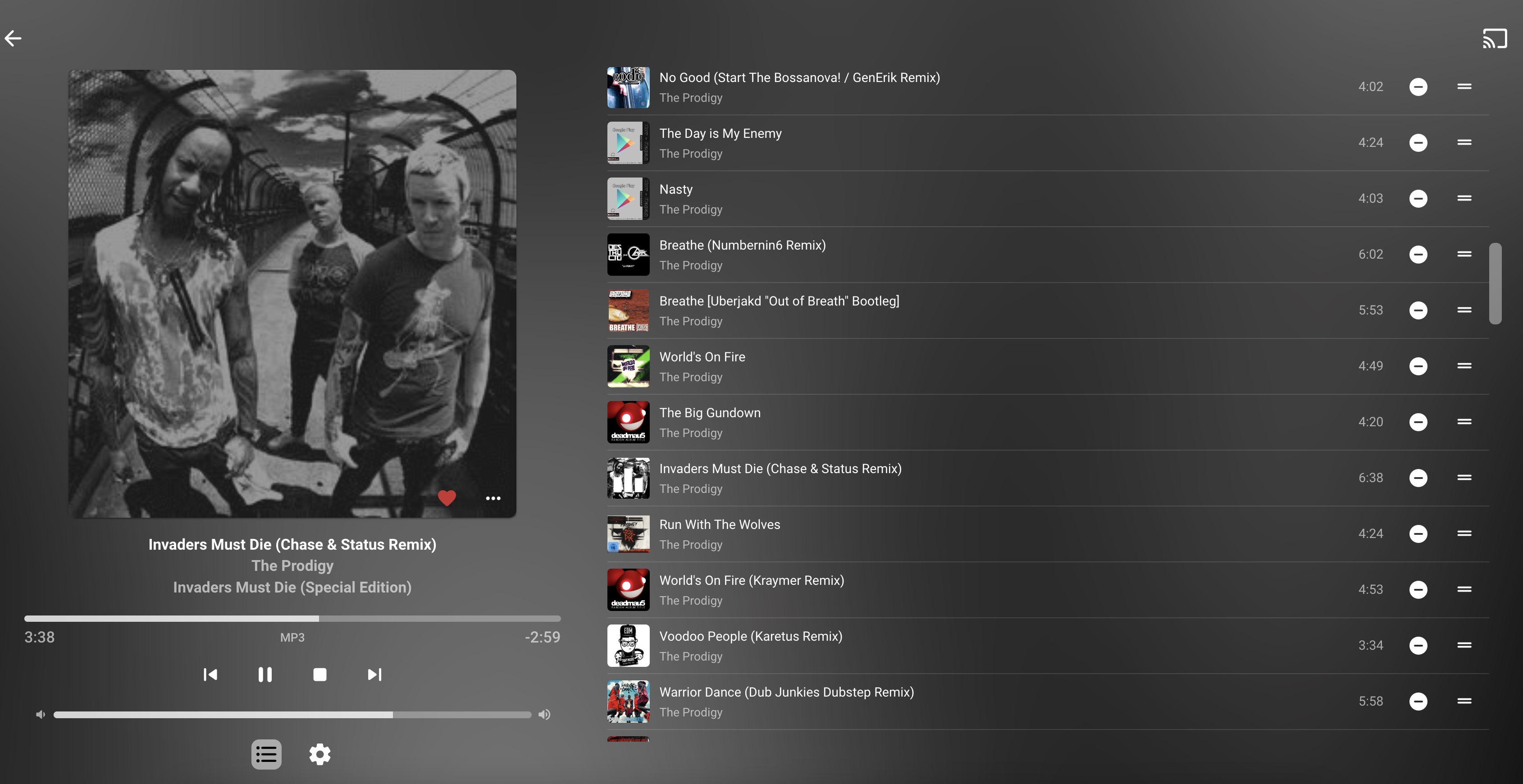
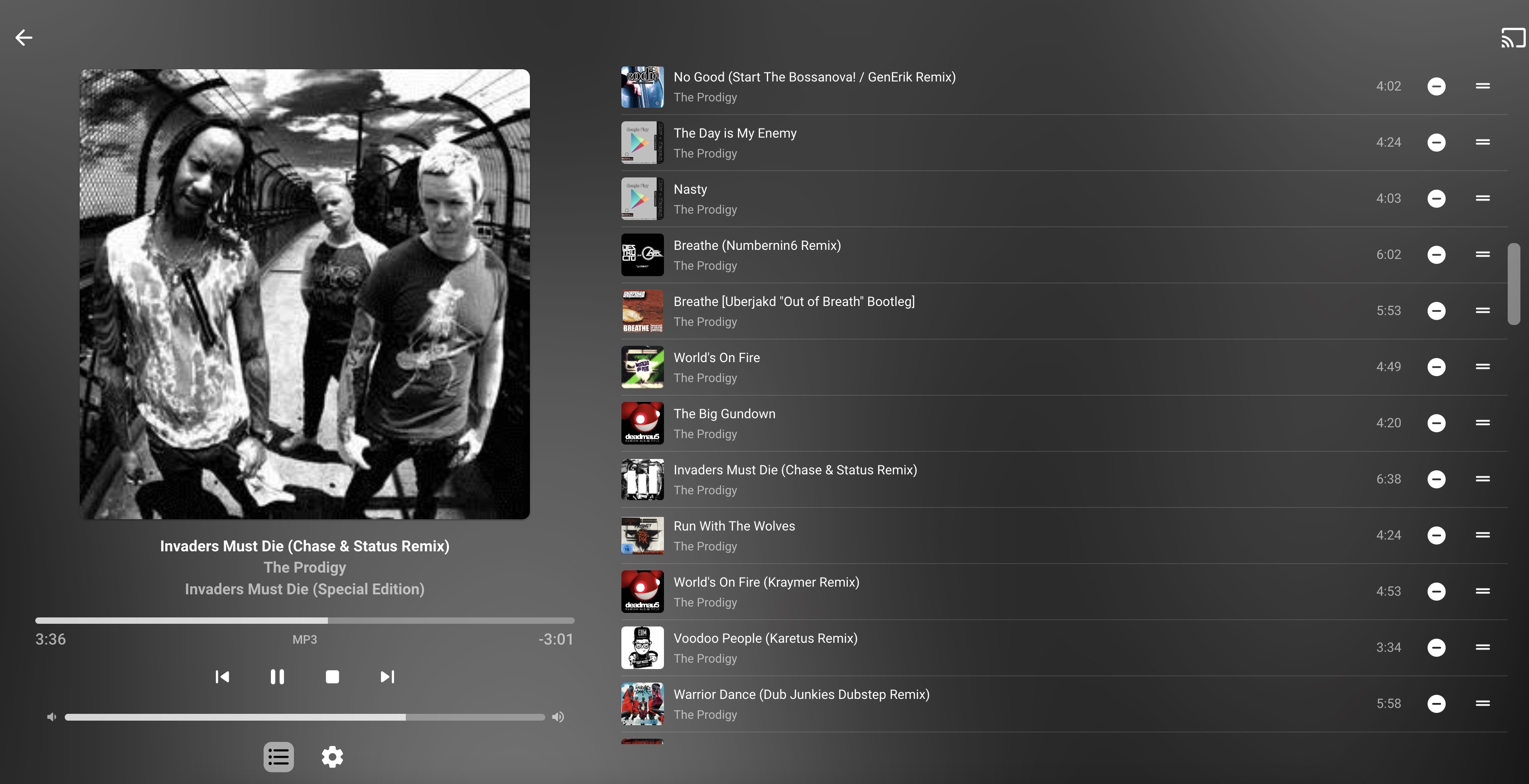
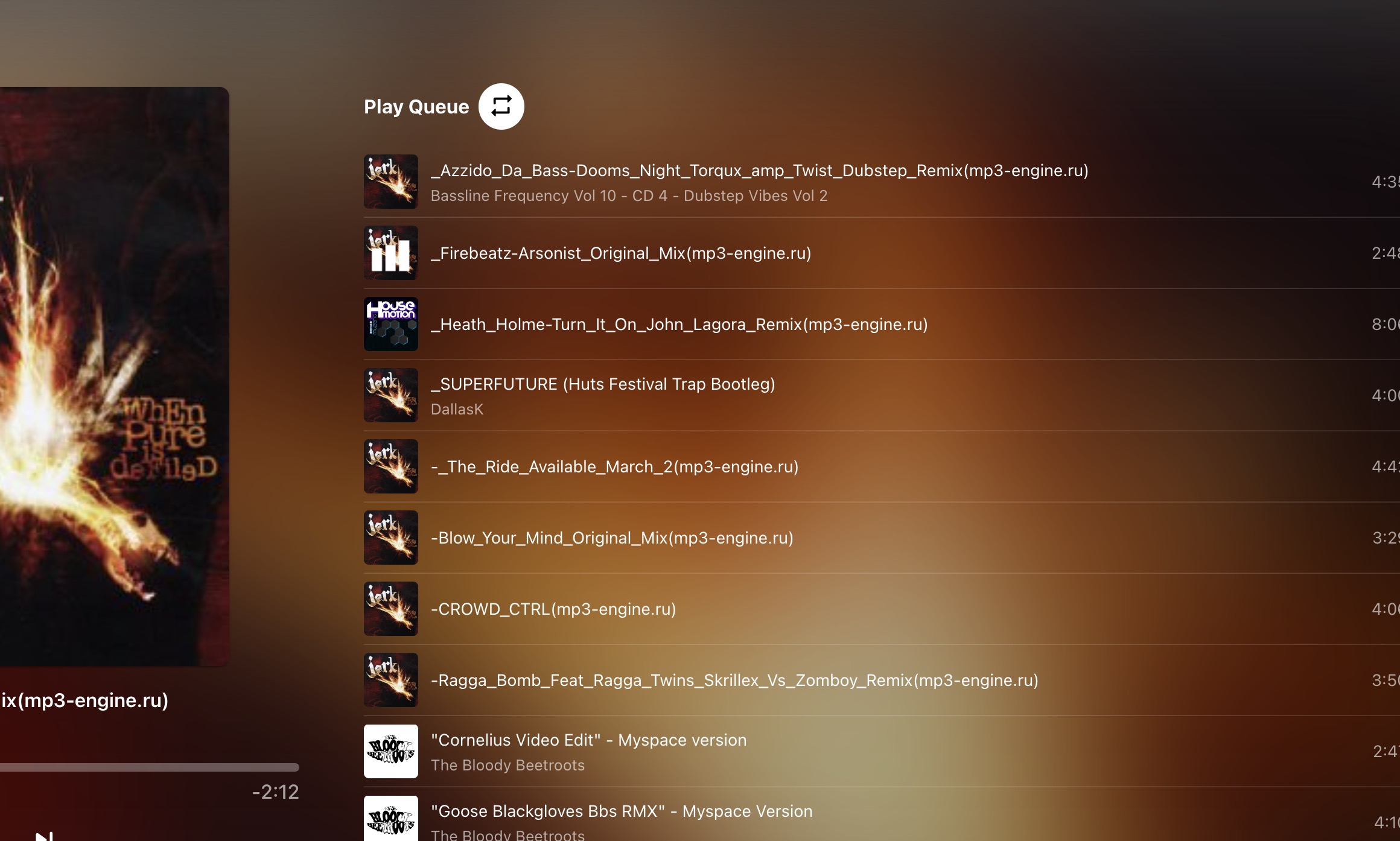
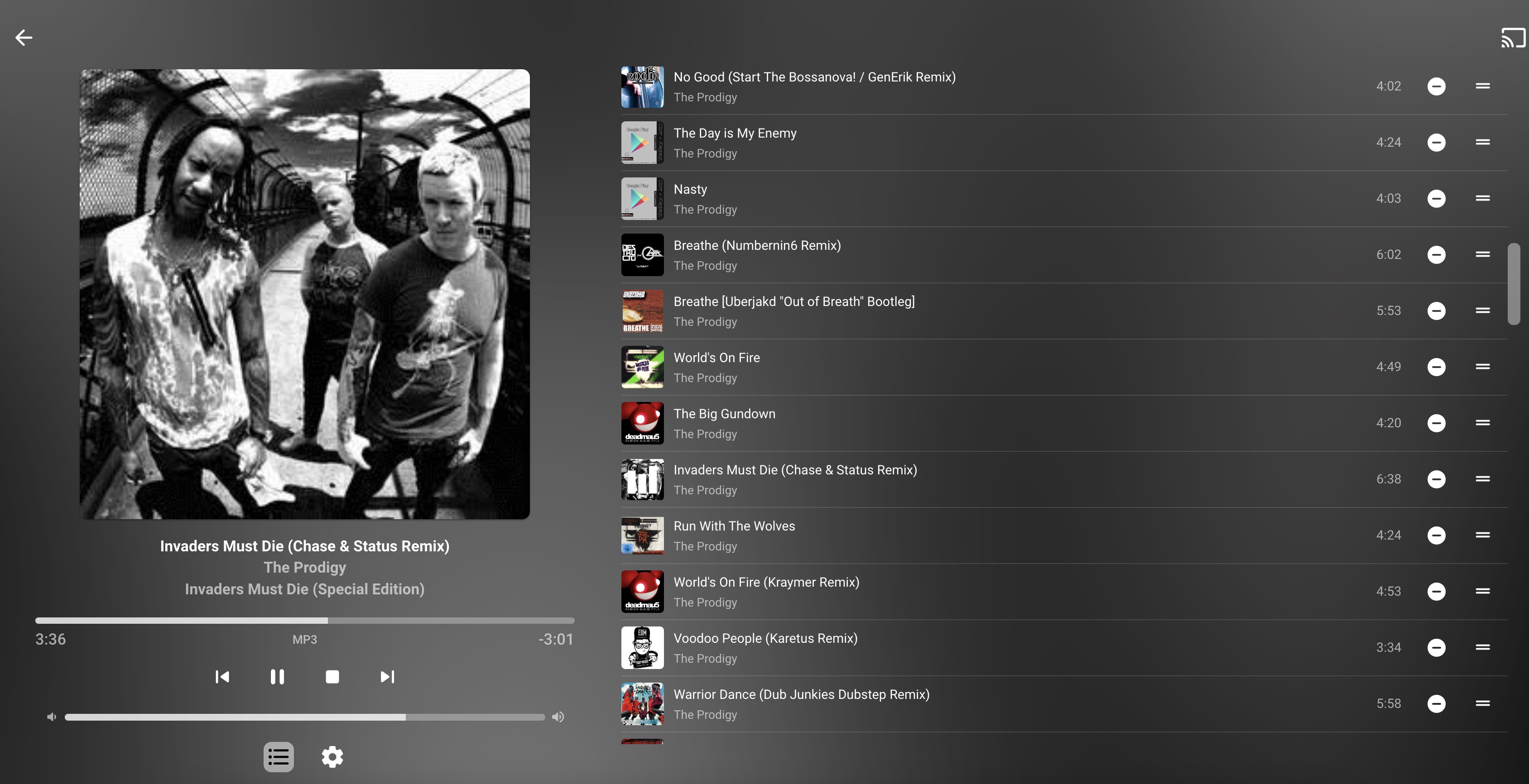
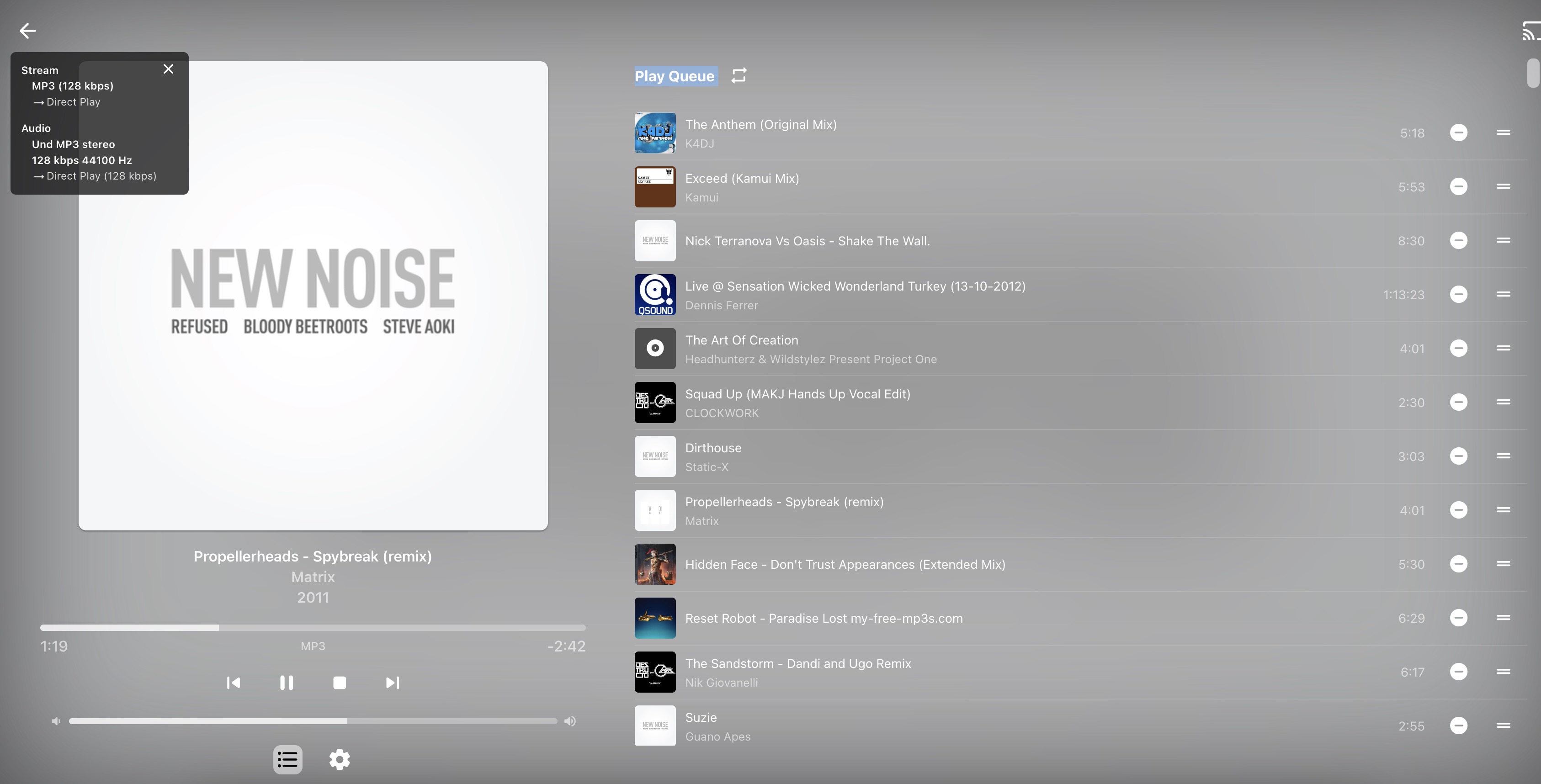
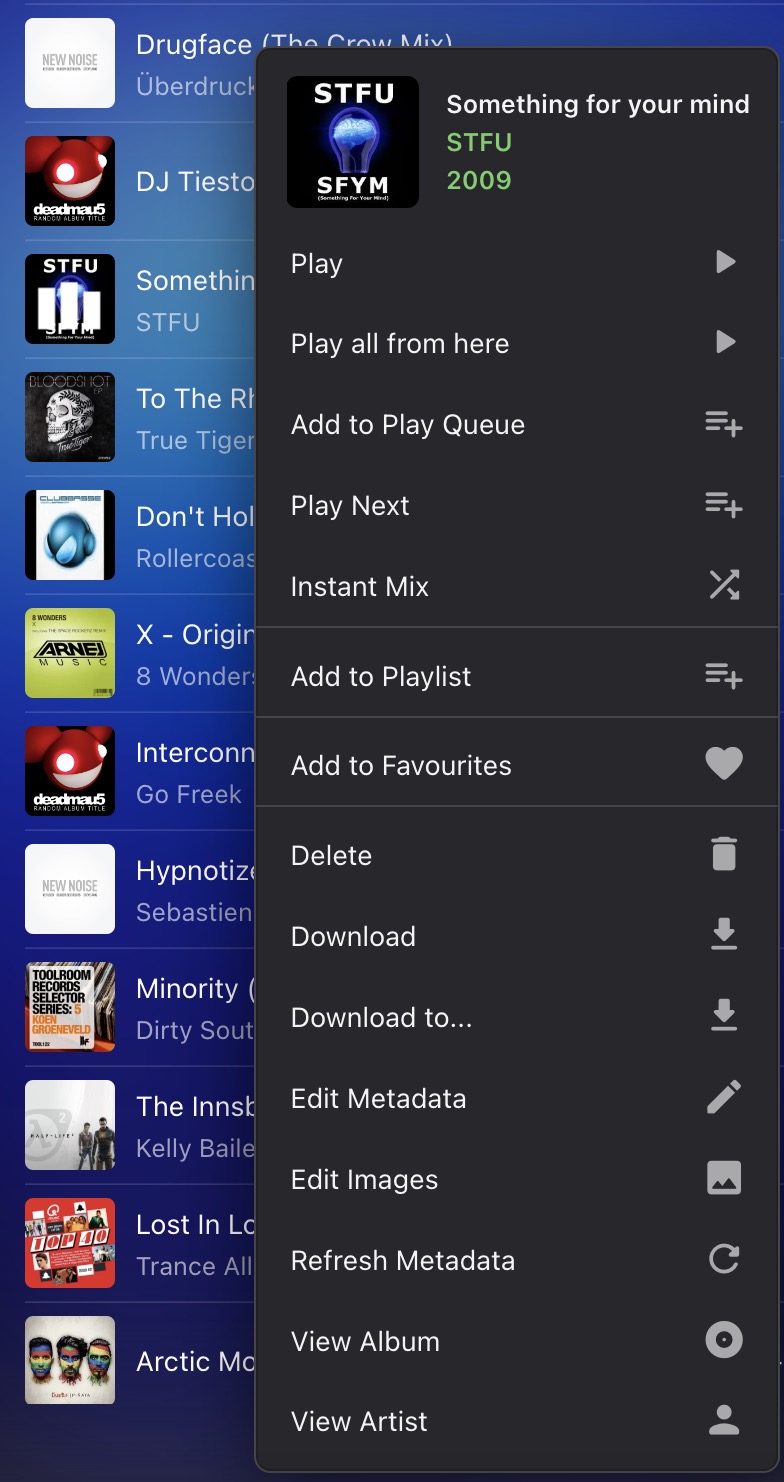
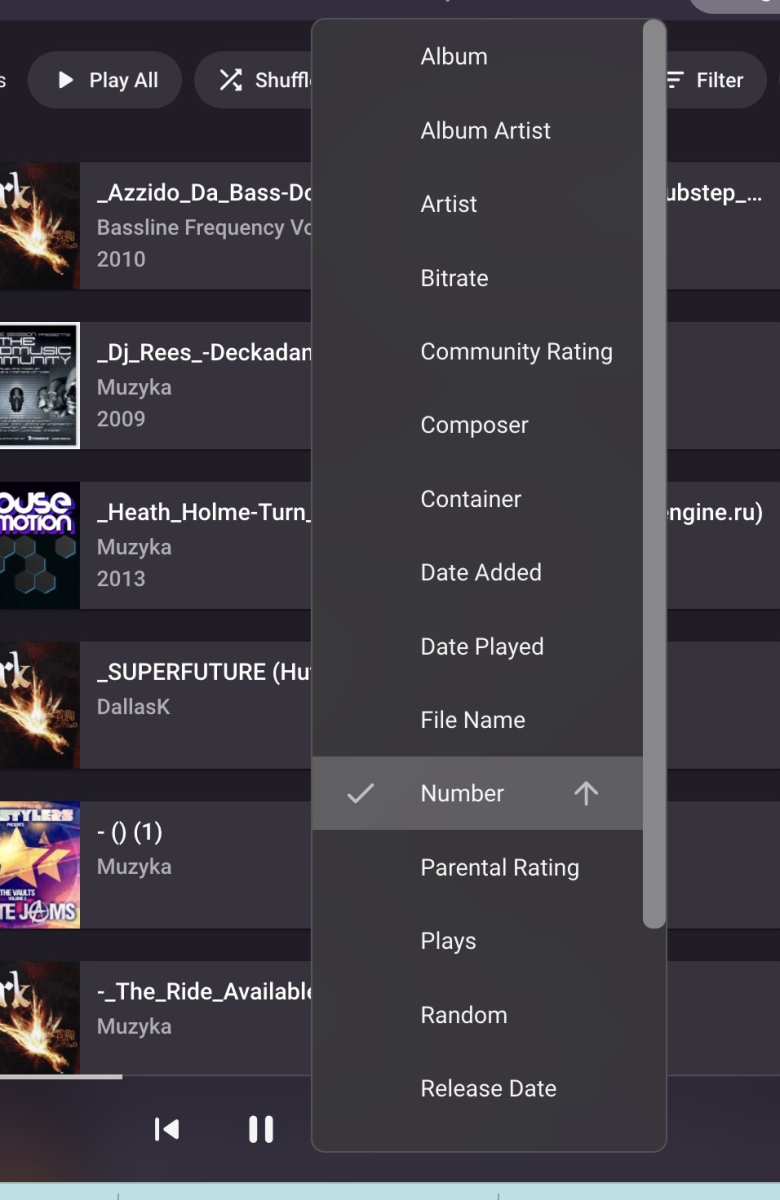
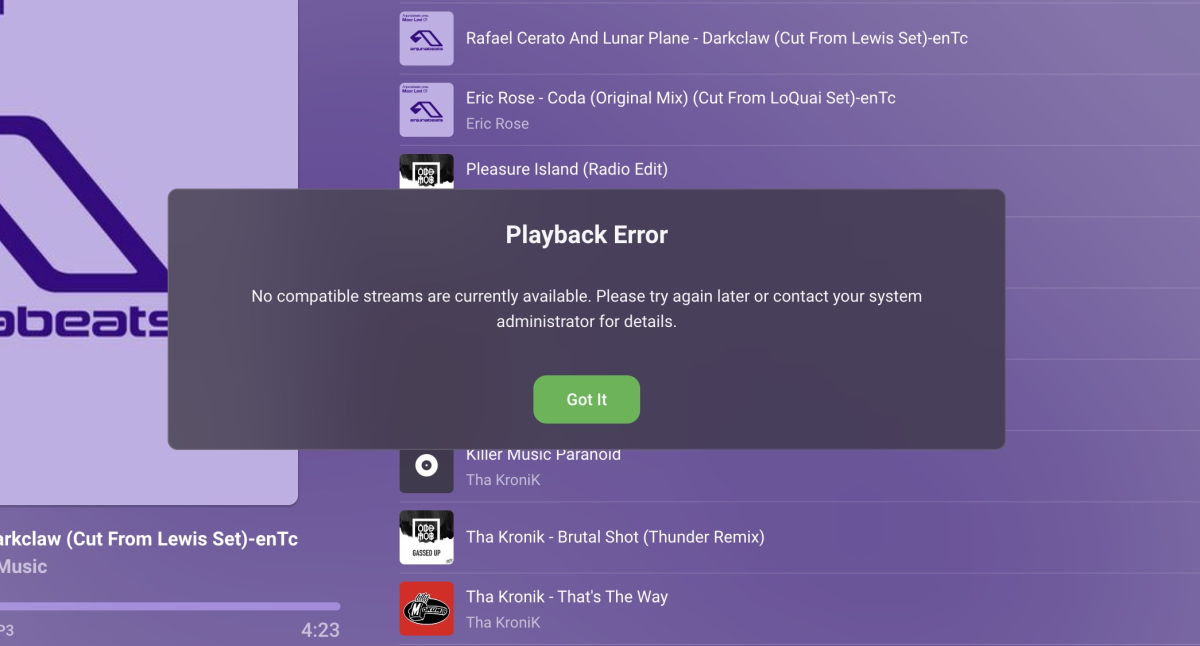
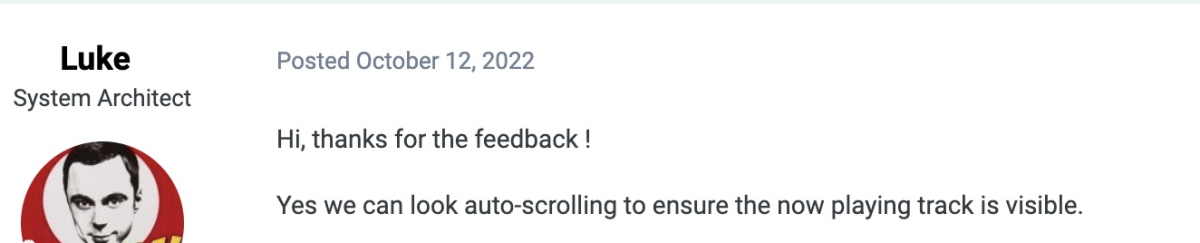
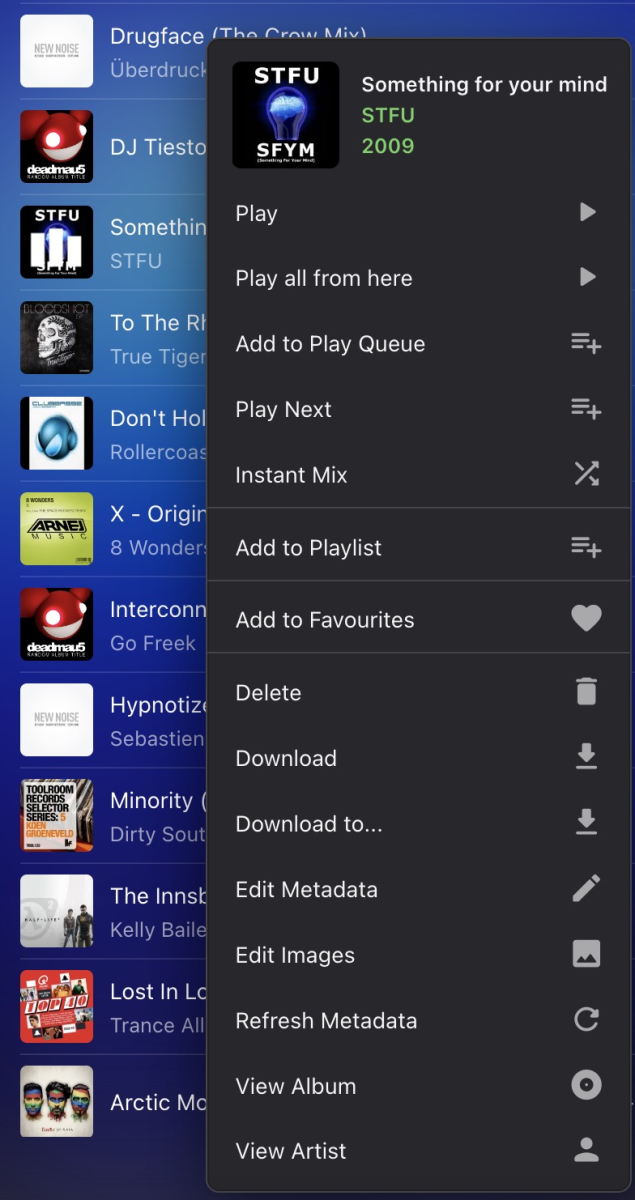
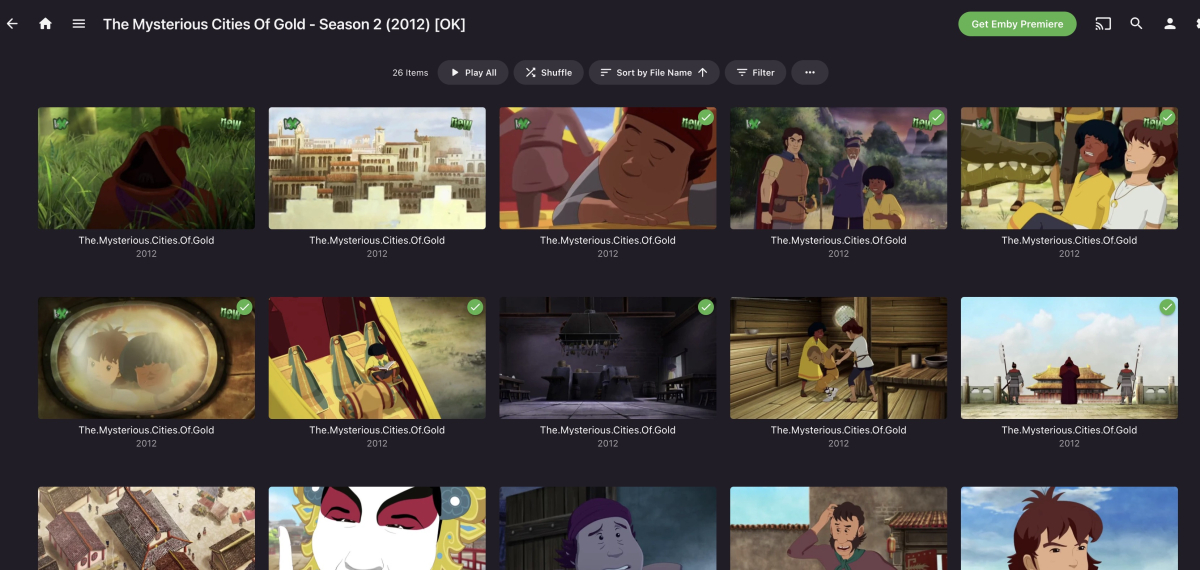
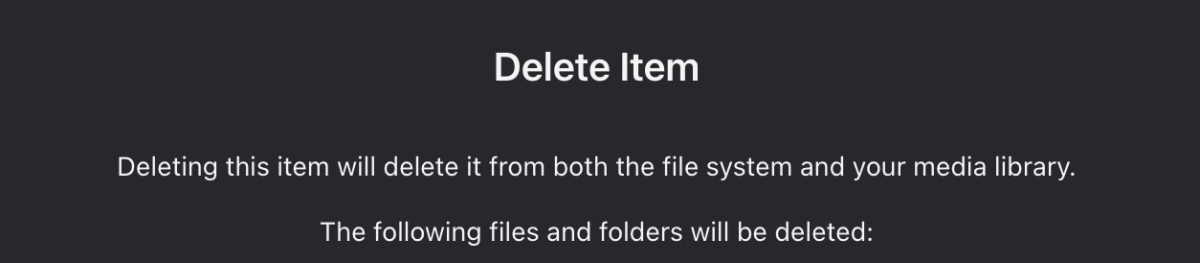
Emby Ideas #Emby Part 2: ±±±±±±±±±±±±±±±±±±±±±±±±±±±±±±±± “Playback Error” stopping playing music - music should skip after some time. 5 second rule? ±±±±±±±±±±±±±±±±±±±±±±±±±±±±±±±± “SHARE” OPTION NEED IT, Emby it’s designed for NAS there should be an option to share. ±±±±±±±±±±±±±±±±±±±±±±±±±±±±±±±± Missing: Sort by Random - iOS App ±±±±±±±±±±±±±±±±±±±±±±±±±±±±±±±± Latest Music/ Recently Played - No option to “play all” files - you can play only 1 track at the time. EMBY Control Example from Qnap: when you play music via Qmusic you can select: -Play on this device Or -control actual playing device example 1: macbook is playing song, I could use iPhone and lower the volume or stop playing songs from my sofa. Example 2: TV is playing song , TV is connected to 5.1 speakers. Controlling volume via iPhone App would be amazing. I don't have to go to TV or find remote. ±±±±±±±±±±±±±±±±±±±±±±±±±±±±±±±± Add: Delete from Playlist or Delete File & playlist. ±±±±±±±±±±±±±±±±±±±±±±±±±±±±±±±± Please add Search anywhere on this screen ±±±±±±±±±±±±±±±±±±±±±±±±±±±±±±±± When you listen to a random playlist, and you like Artist, for example, The Prodigy. Clicking "The Prodigy" will take you nicely to the place where is all Prodigy music, but pressing a BACK button is NOT going to the original playlist. You have to start fresh, which is annoying. I want to be in the original place where I left. ±±±±±±±±±±±±±±±±±±±±±±±±±±±±±±±± Playlist: Favourite Heart should be at all the times visible! Sometimes when I’m listen music and I like song I’m thinking “I need to add it to favourite” but it’s already there. Whiteout moving cursor over cover I wouldn’t know. It’s unnecessary to do it. ±±±±±±±±±±±±±±±±±±±±±±±±±±±±±±±± Ideas: ⁃ Maybe add Internet Radio? Would be nice to have “all in one player” I have few radio stations that I like to listen. ⁃ Delete Duplicates files - would so nice! I have so many doubles. ⁃ Stop Playing in: 5-10-15…. Minute ⁃ Music alarm to wake up? ⁃ Song Playing Counter! Please ⁃ Playlist: Add 1-5 start - please, please, please! ⁃ Add: “Never Played song” - please, please, please! ⁃ Add: Copy current track name - Sometimes I'm sending good tracks to my friends. I would use this daily Ps. I know I can go "Edit Metadata”, Select Artist, Copy, Select Title, Copy, Close - But it's not that convenient as "copy name”, what you think about this idea? ±±±±±±±±±±±±±±±±±±±±±±±±±±±±±±± Keyboard shortcut:1,2,3,4,5 Press button "1" Go to 20% song time Press button "2" Go to 40% song time Press button "4" Go to 60% song time Press button "5" Go to 80% song time YouTube have those shortcuts. I’m using them all the time, probably like many people do. ±±±±±±±±±±±±±±±±±±±±±±±±±±±±±±±± Stats for nerds - I love stats. Sometimes I have songs in bad (old version) and good quality (never version), sometimes FLAC, sometimes DSD and sometimes mp3. Making stats for nerds a bit nicer, clearer, just on the bottom of the Front Label would look much better. I would keep them forever On. ±±±±±±±±±±±±±±±±±±±±±±±±±±±±±±±± Play RANDOM - need it! (Just Next to the Play Queue) ±±±±±±±±±±±±±±±±±±±±±±±±±±±±±± Add: Edit tab order Add: Favourite tab is missing ±±±±±±±±±±±±±±±±±±±±±±±±±±±±±±± Thank you for the update on Auto-Scrolling. But still is missing feature: Like I mentioned on my first post. Click Title - would help. Yes, Playlist is adjusting when NEXT song is playing, but not the actual playing song. @@@@@@@@@@@@@@@@@@@@@@ Movie Player WEB OS TV - I have a lot of Cartoons for my daughter. There is option “Play All” but there isn’t “Play all from here” - would be even better if process would be automatically. Player could pick up that’s series and carry on playing next file (or at least ask?) Thanks
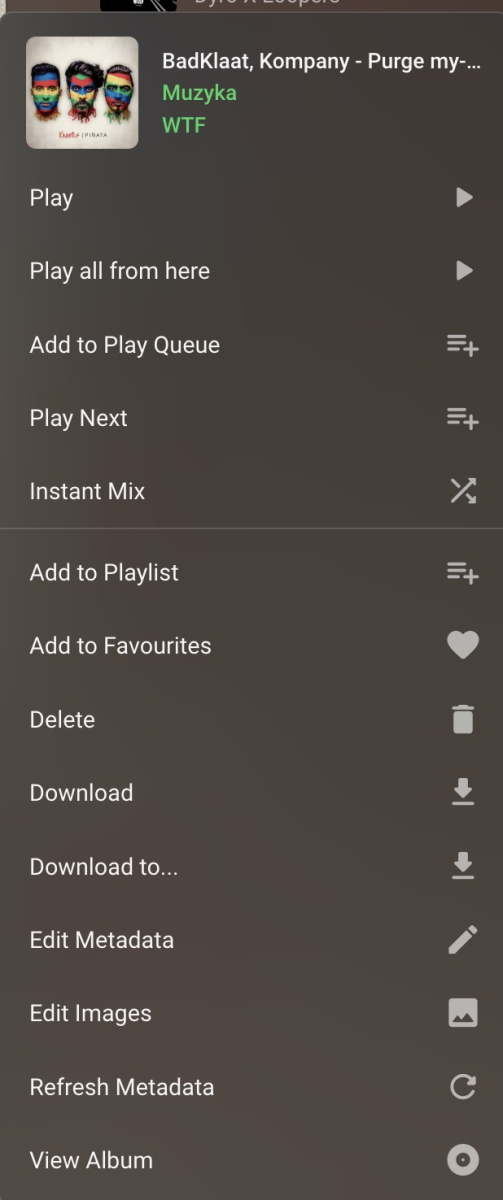
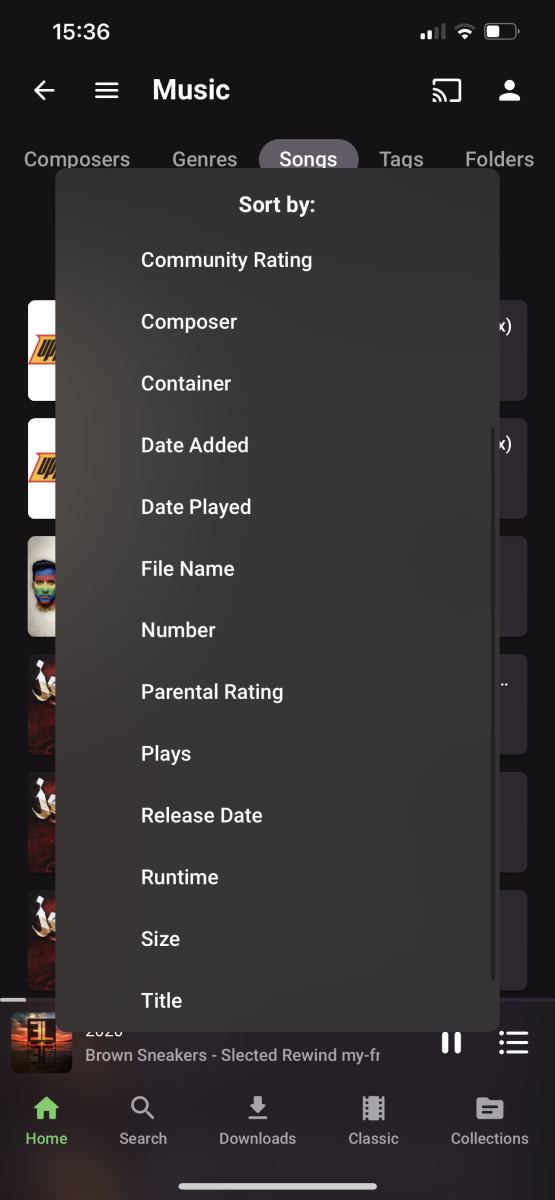
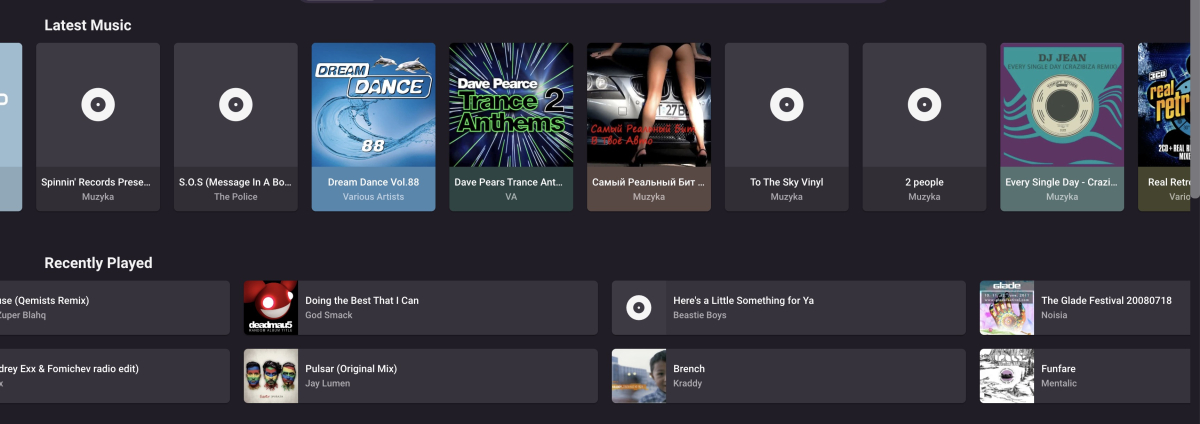
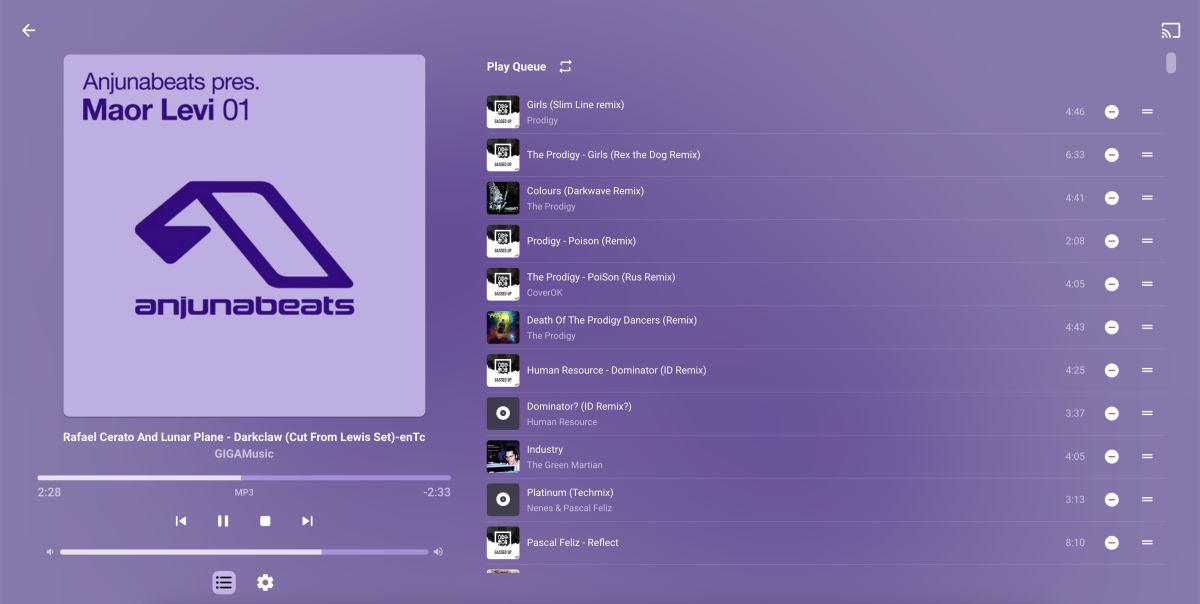
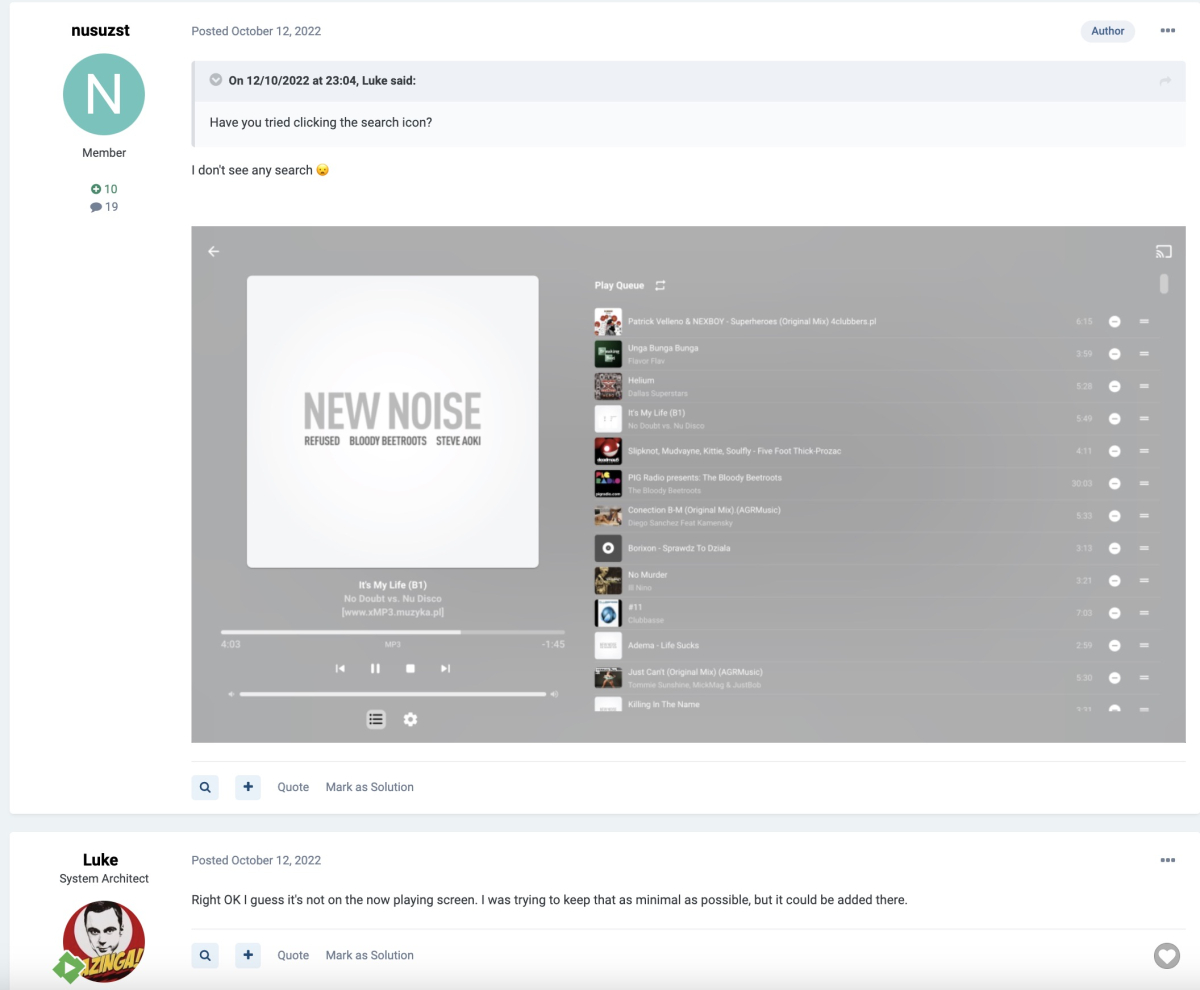
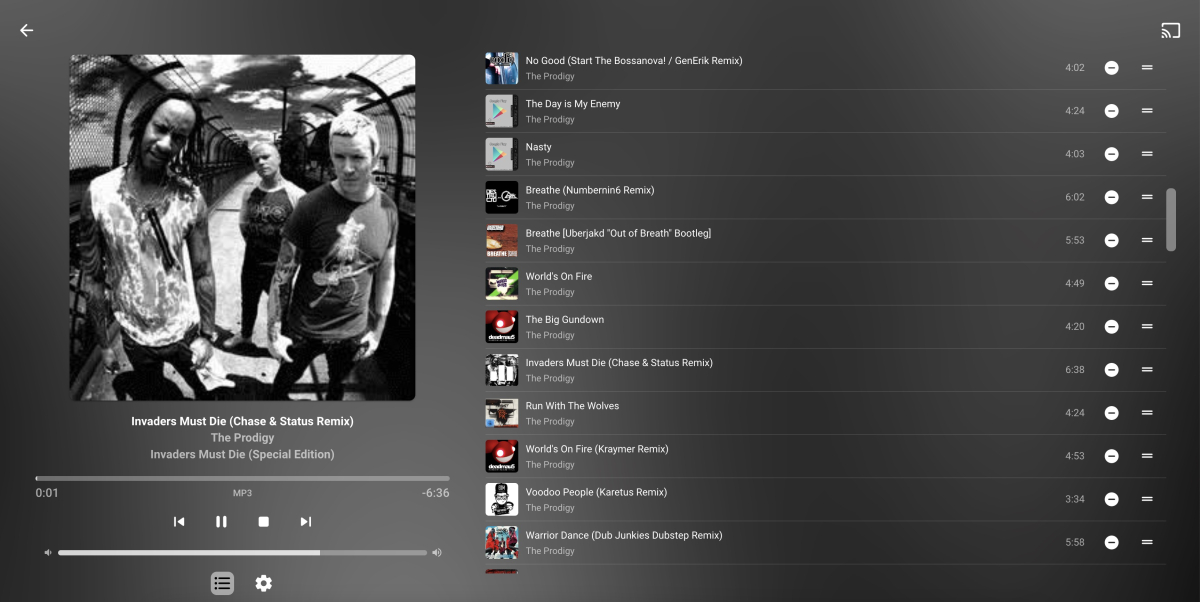
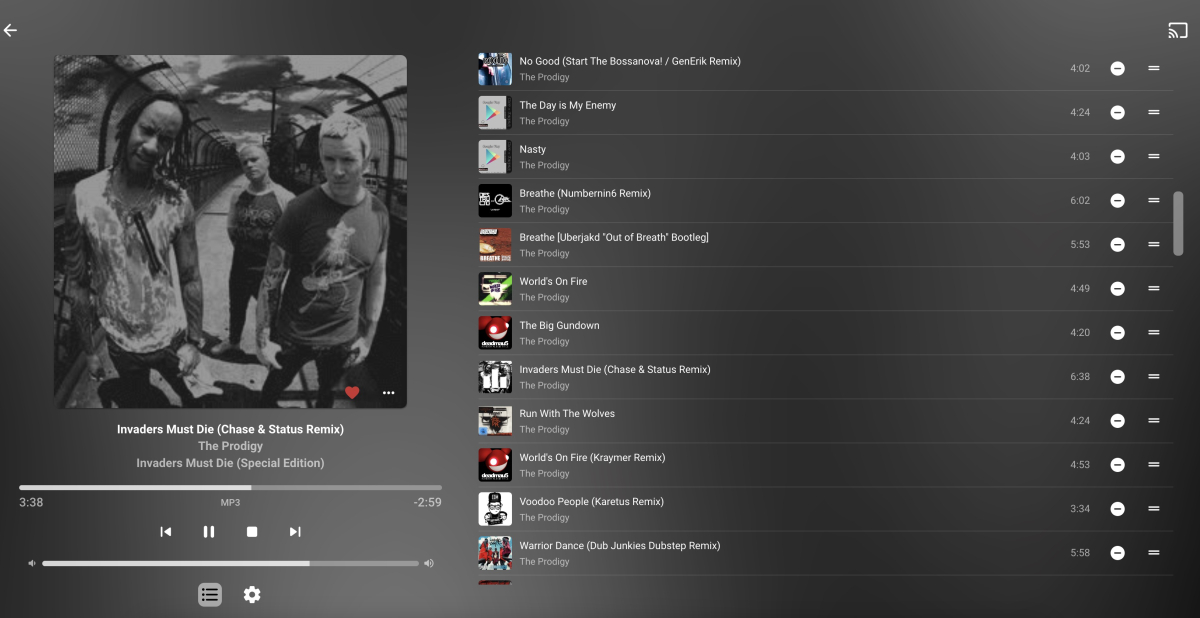
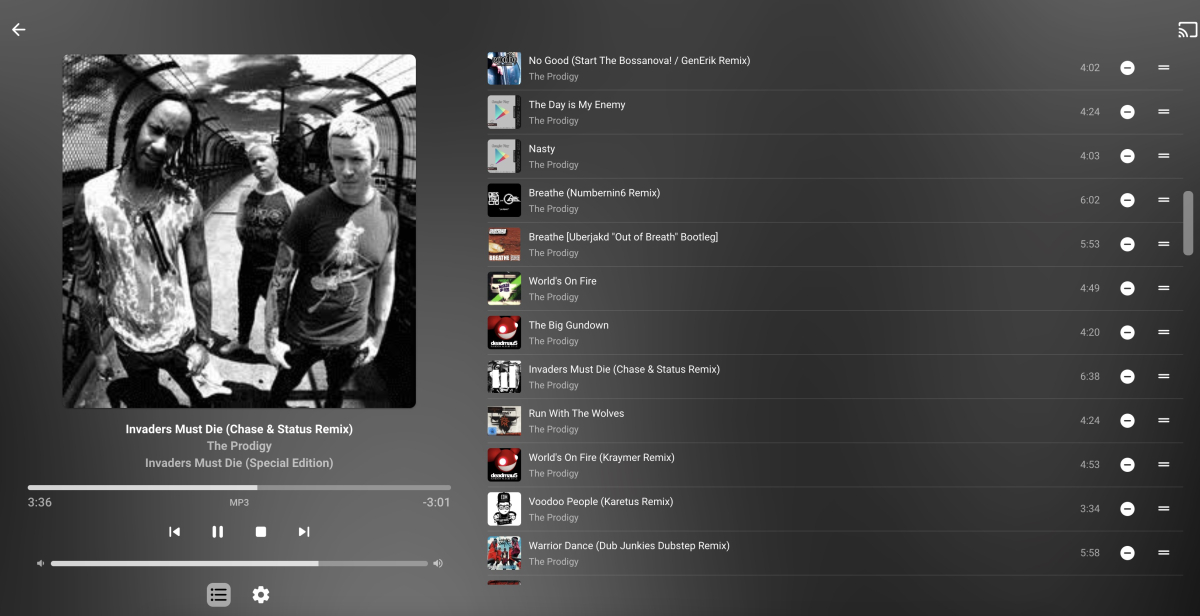
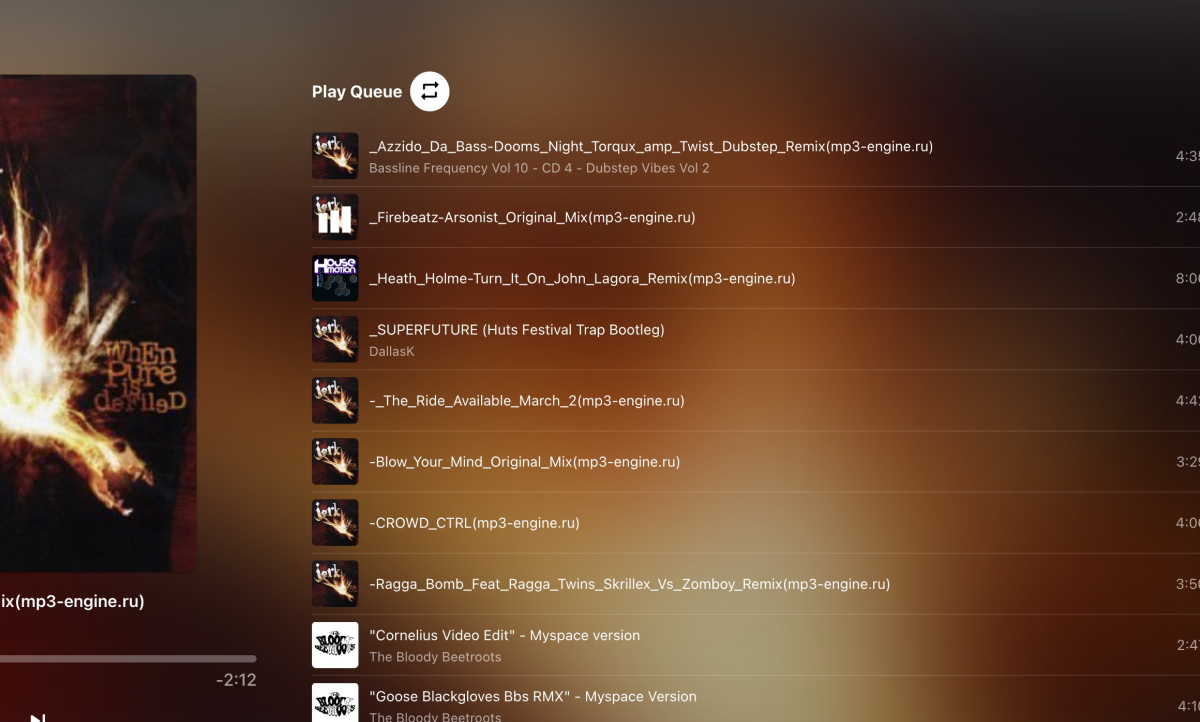
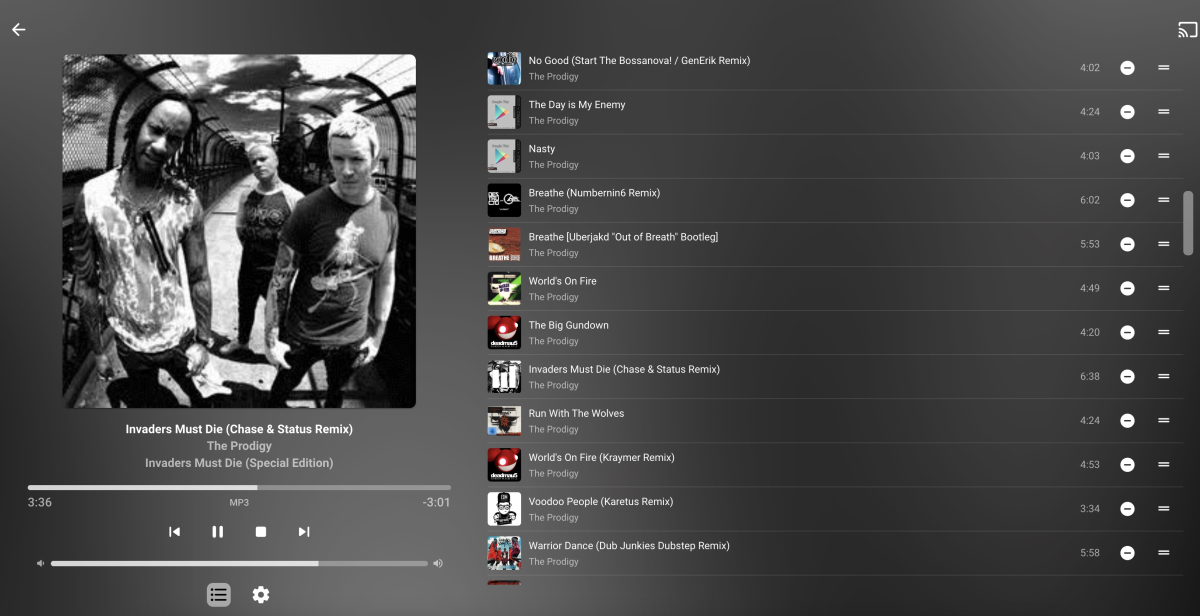
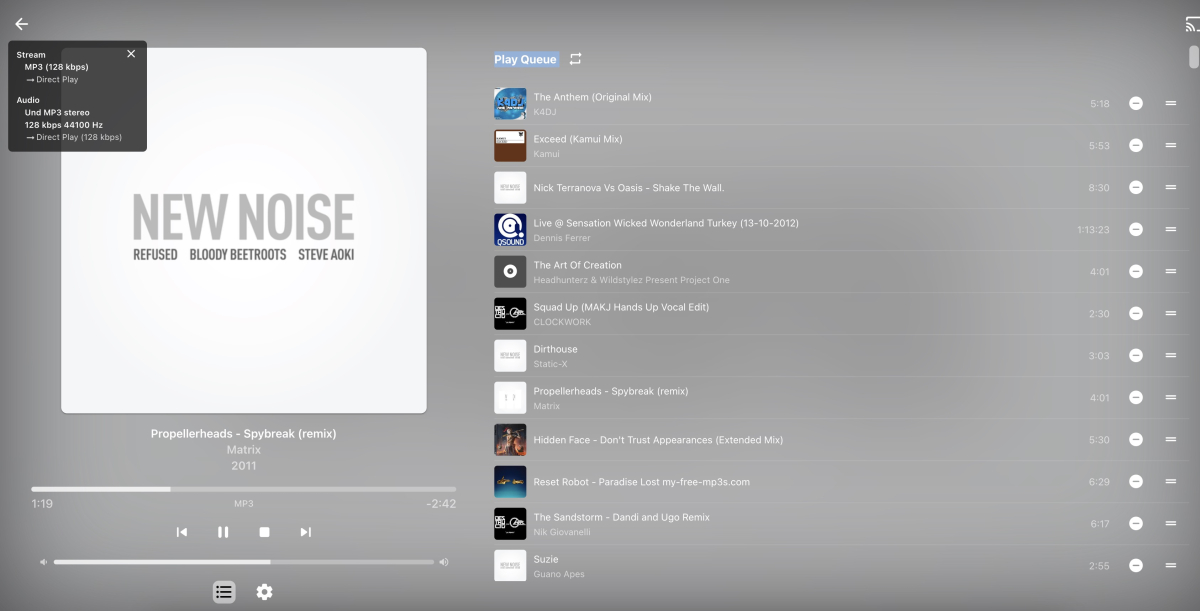


 1 point
 -
Will do that!1 point
-
Nope, I'm almost exclusively on my mobile which is not on the same network as my server (me being onboard and cellphone being the only connection to the outside world), hence practically all my replies are verbal and from memory only, I very seldom attach screenshots as I am very seldom in front of an actual PC. Thanks, though, will check it out once back home and in online-phase of my existence.1 point
-
If I'm understanding the musicbrainz documentation correctly authentication is only required for pulling user (specific) ratings but general ratings are available without authentication.
 1 point
 -
Do you use Lightshot - it's the best for screenshot and annotating extremely quickly. LightShot - Download (softonic.com)1 point
-
Sorry Grimmers I must have missed your post, but at least we are on the same page1 point
-
The SMB protocol does not support directory name ending with dots. Period. ( ) I guess the Linux implementation is applying some workaround - maybe by adding an invisible character to the end or something to make it work. There seems to be a solution to make it work - but I think the consequence is that you won't be able to access those folders from Windows anymore: https://serverfault.com/questions/240504/samba-file-directories-that-end-with-a-period https://ubuntuforums.org/showthread.php?t=2402150 I like the conclusion of the Ubuntu thread:1 point
-
Now that was helpful!!!! ... ok logged out of community, did the forgot my password and reset it, logged in to the community then logged in to emby.media site using that password and shit it worked! I didn't realise that at some stage I had set a different password for the two of them! Issue Solved!1 point
-
1 point
-
Emby is actually for playing your own media, not for finding it. So you'd have your own copies of films or programs or music on a computer and you'd have the Emby server accessing that media and serving it to you on your Apple device, using the Apple app you downloaded above (or Android, or xBox, or other family members). If you have a family member who has an Emby server you could access that to.1 point
-
Glad you provided some additional info as it read like it was a home server except the mention of C-Panel. I don't know if we can say exactly how to do this as we have no idea how the ISP/hosting provider set this up for you but I can try and help. First we need to figure out if you have a domain or not? To login to C-Panel, normally you would use a URL like: http://your-site-address.com:2082 https://your-site-address.com:2083 your-site-address.com could be a domain name or could just be an IP4 or IP6 address. We don't need to know specifics on this but the hosting company should have told you how to access your C-Panel. Do you have a domain name? If so you can try the above URLs using the domain name to see if they set that up for you. If not, it will use IP addresses and the hosting provider should have given you that info in an Email. Are you able to connect to your C-Panel? If so, using IP4, IP6 or Domain? Carlo1 point
-
Emby does not control the transfer rate for the connection, it uses all of the available bandwidth. What Emby does is try to detect the available bandwidth and use that to determine whether the media bitrate needs to be reduced (transcoded) or can be played directly, based on the average. The transfer itself happens as fast as the connection allows until the client buffer fills. As @rbjtech mentioned this buffer should be able to handle the high bitrate parts and refill during the low/avg ones. If the high bitrate parts are long and the detected or manually set bandwidth/bitrate is at or very close to actual max then the client could potentially have a hard time keeping the buffer full. Same goes for unstable or variable connections, for example wireless or mobile networks. Both the server upstream and the client downstream are a factor here.1 point
-
Do you mean with the same movies I've already seen it happen with? Yes. If you mean new movies since I created this post, then I'll have to let you know after I watch one.1 point
-
HI, yes we are working on improving this situation. Thanks.1 point
-
The processor in question has a passmark score of 24781. The usual train of thought is that you need 2000 passmark per each 1080p transcode. You'll be fine, just keep an eye on thermals. Very roughly speaking, for a single full-transcode of a video, the following PassMark score requirements are a good guideline for the following average source file: 4K HDR (50Mbps, 10-bit HEVC) file: 17000 PassMark score (being transcoded to 10Mbps 1080p) 4K SDR (40Mbps, 8-bit HEVC) file: 12000 PassMark score (being transcoded to 10Mbps 1080p) 1080p (10Mbps, H.264) file: 2000 PassMark score 720p (4Mbps, H.264) file: 1500 PassMark score1 point
-
Do not use userbenchmark for ANY cpu comparissons as the site is a joke, and NOTHING on there should be taken seriously at all. The site should be removed from the internet.1 point
-
The UHD770 will outperform the RTX3050 in all aspects of transcoding.1 point
-
Periodically we try to negotiate this with Samsung again and we'll be doing that ASAP. We just need them to finish reviewing our current submissions because we can't submit a country expansion request while they're still in progress.1 point
-
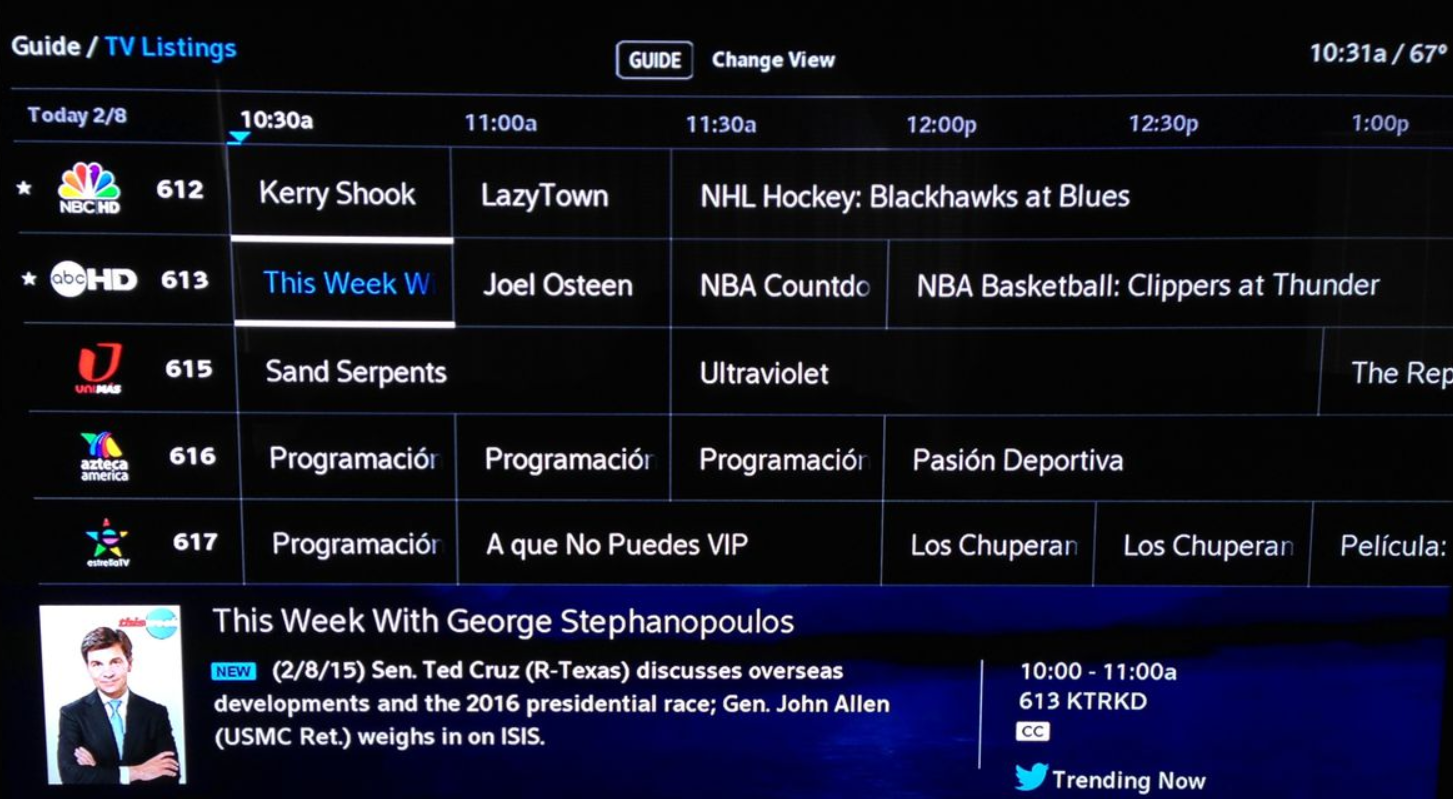
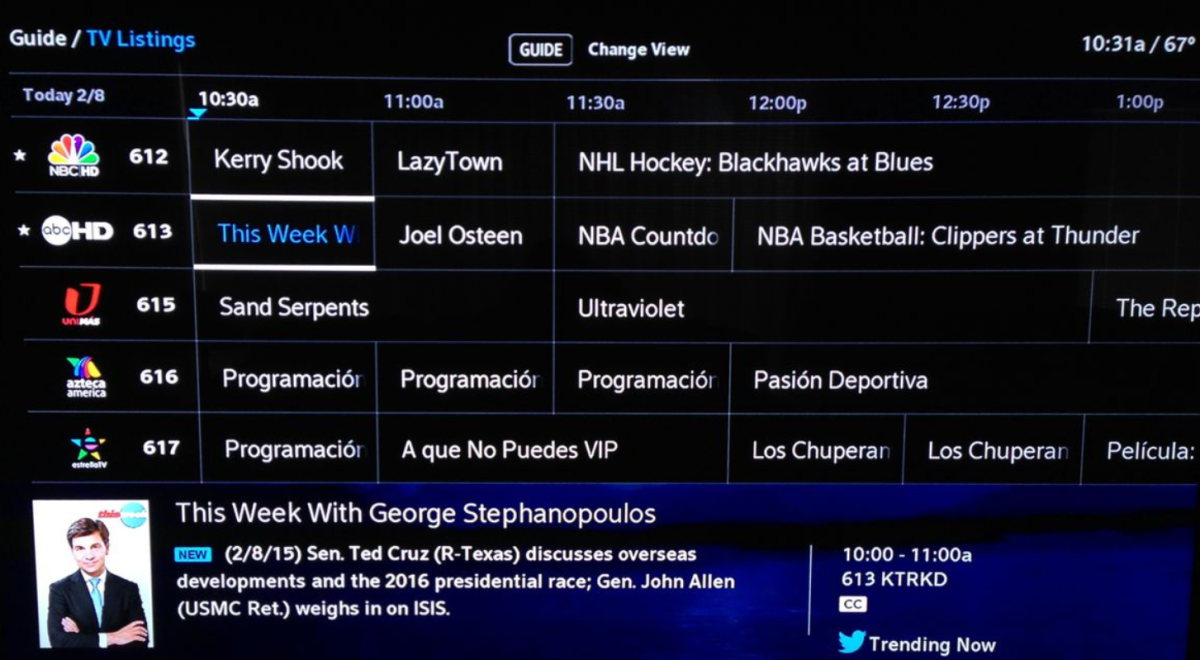
Just a thought, it would be nice to have the info for the channel show at the top or bottom of the guide. Then if you are reviewing something in the current time and click that channel it just starts playing instead of having click, have the pop up or next page, then hit play again. If you wanted to record it it then just have that in the menu of the active playing channel. If you click an item in the future then display the option to record.
 1 point
 -
And here we are - almost 6 years later . . tsk tsk1 point
-
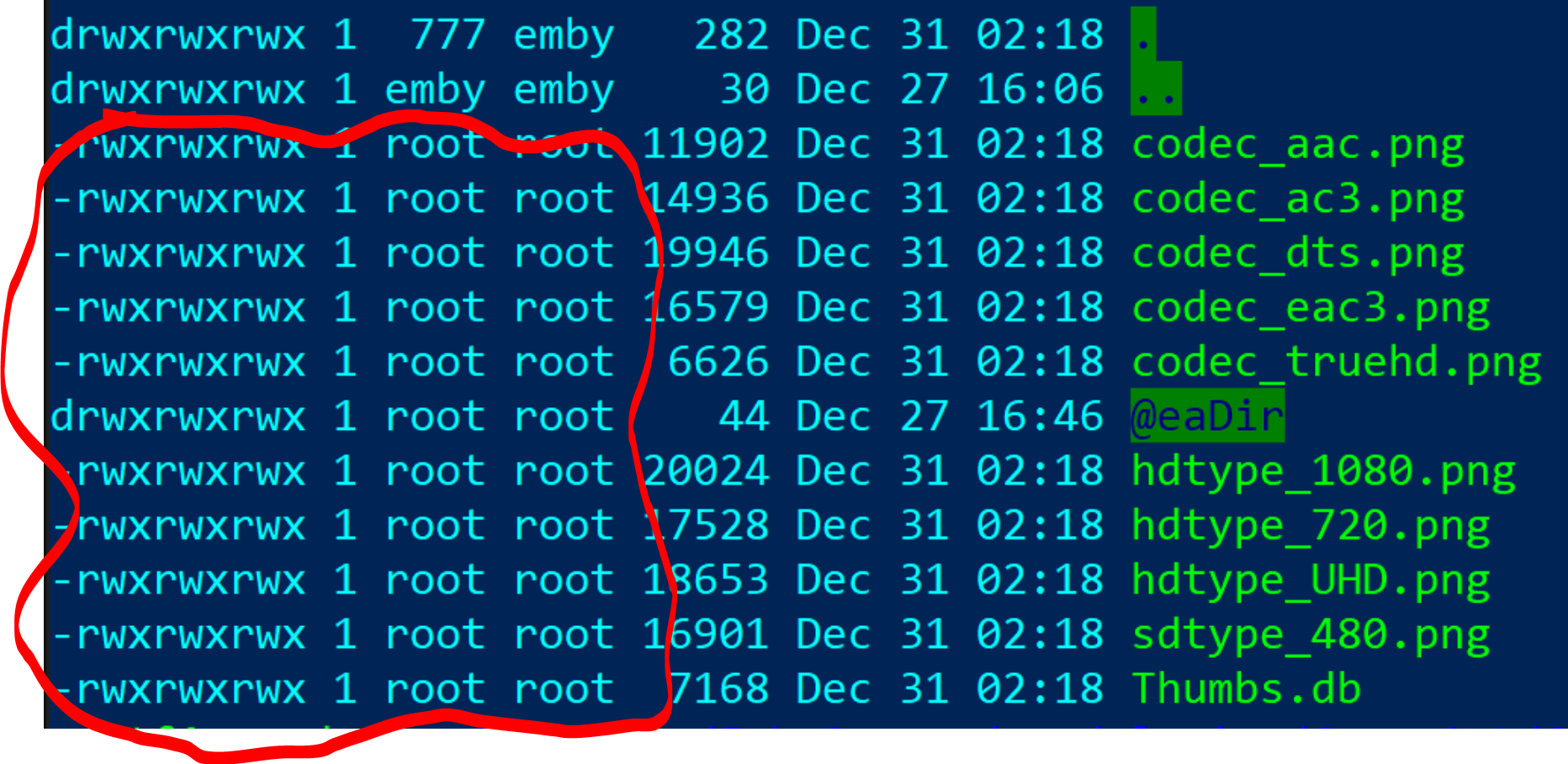
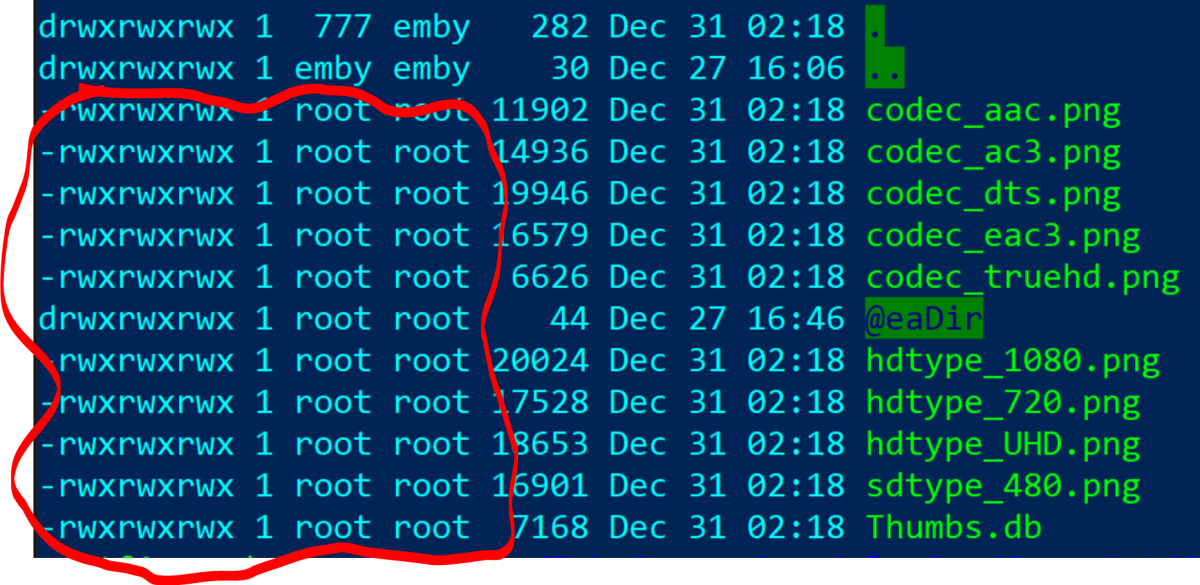
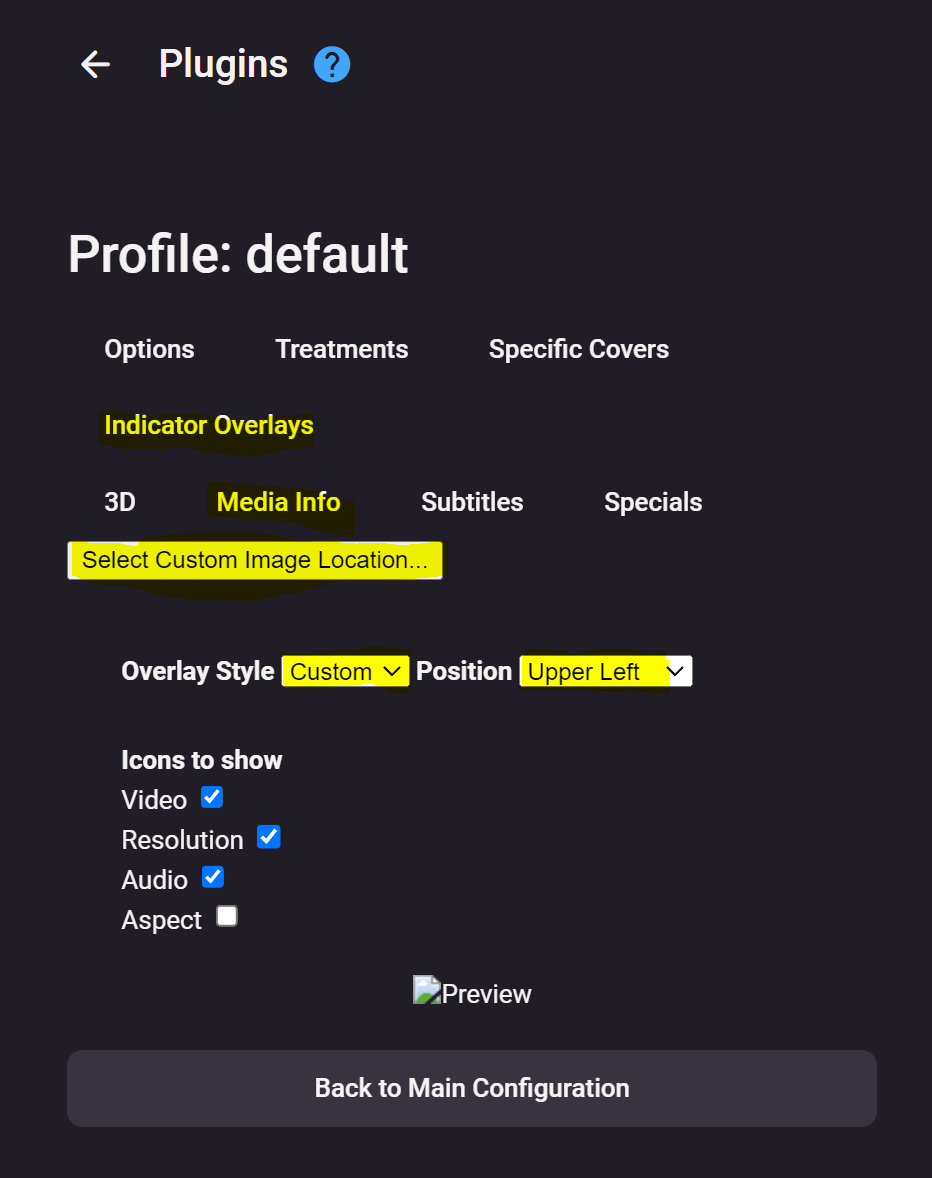
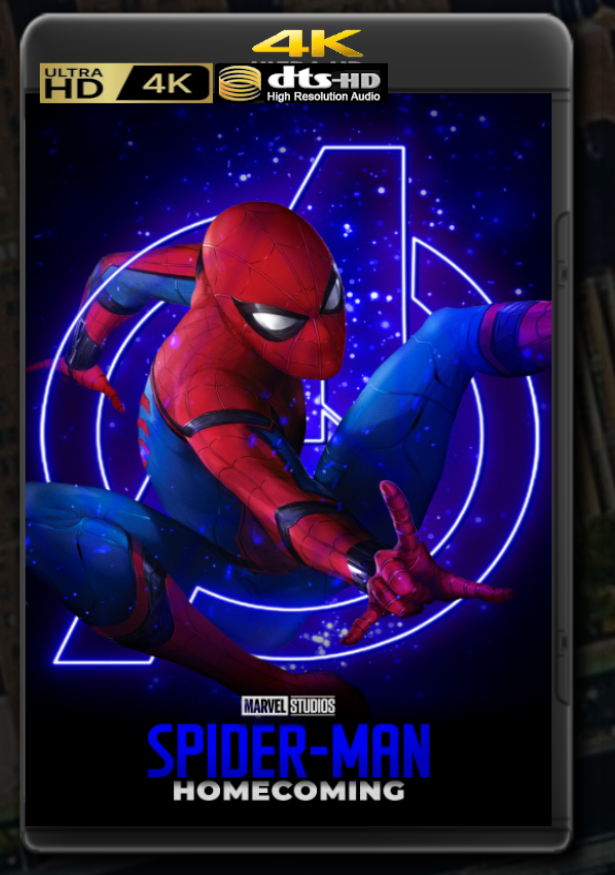
Beginners Guide for Synology NAS Prerequisites Active Emby Premiere Membership Installed Plugin CoverArt (from catalouge) Activated SSH in Synology CP Overlay files unzipped and copied to a folder on your Synology Initial Setup STEP 1 Connect via terminal i.e. Powershell to your Synology: ssh <username>@<synology-ip> -p <port number> STEP 2 Enterr user password, make yourself root: sudo -i STEP 3 After giving your root credentials, navigate to your CoverArt/Custom-Overlays sub-directory: cd /var/packages/EmbyServer/var/plugins/CoverArt/Custom-Overlays STEP 4 Now copy the files to the directory: cp /PATH/TO/FILES/*.* /var/packages/EmbyServer/var/plugins/CoverArt/Custom-Overlays STEP 5 Check if the owner is listed as root via dir cmd STEP 5B If not take ownership: chown ./ In the output you will see that the permissions, even after taking ownership, are not sufficient. STEP 6 Modify the permissions: chmod 777 -R -/ After checking via dir cmd your output should look similar to this: STEP 7 End ssh session by: logout repeat for user logout. Followed by exit to close the terminal. That's it ! STEP 8 Proceed with configuring the CoverArt plugin Make sure you choose "Media Info". Select Custom Image Location, change "Overlay Style" to Custom, choose Position and check your desired Icons. Go back to main screen using POS1 key and enjoy your new style ! As mentioned, depending on files, it may take a while before all covers are updated, BoxSets excluded. Replace Overlays (what I had to do) If you ever feel like changing the Custom Overlay Indicators, you have to delete the cache/db to take effect Therefore, ssh+sudo and navigate to sub.-directory "@eaDir" in Custom-Overlays: cd /var/packages/EmbyServer/var/plugins/CoverArt/Custom-Overlays/\@eaDir and delete the only file inside with: rm -R *.* go back 1 directory cd .. And start over beginning with STEP 4 @ebrFeel free to integrate in your linked guide.
 1 point
 -
Emby Server 4.7.11 - New Intuitive TV Guide Improvements & Other Fixes This is the latest point release of Emby Server. It's a small maintenance release, containing improvements to existing functionality as well as a couple fixes for user identified issues. New Intuitive TV Guide Option Panel for Configuring the Display of Your Guide Data. 4.7.11 features a slick new way to quickly adjust the different options used for the TV Guide grid. Click the icon shown below highlighted by the yellow box. This opens a new panel where you can set over a dozen options including the sort order of channels, the channel groups (tags) you wish to see (or hide) as well as the data used in the far left column representing the channel. The rest of the options configure the information displayed with the program data. Setting the Channel Display to Title gives you this look in the first column. This is how it looks using: This is how it looks using: Right next to the icon we used above is our date picker: Clicking on the date gives us this: The number of days shown will depend on the guide data itself. If using Emby Guide data this can be adjusted here: If your provider supports Groups these will be available as shown below. You can also add tags to any channel you wish to edit which will show up here: Other improvements and fixes included in 4.7.11 include: * Fix intermittent scroll problem with Live TV Guide * Improve intro detection error handling for TV Series View the full article1 point
-
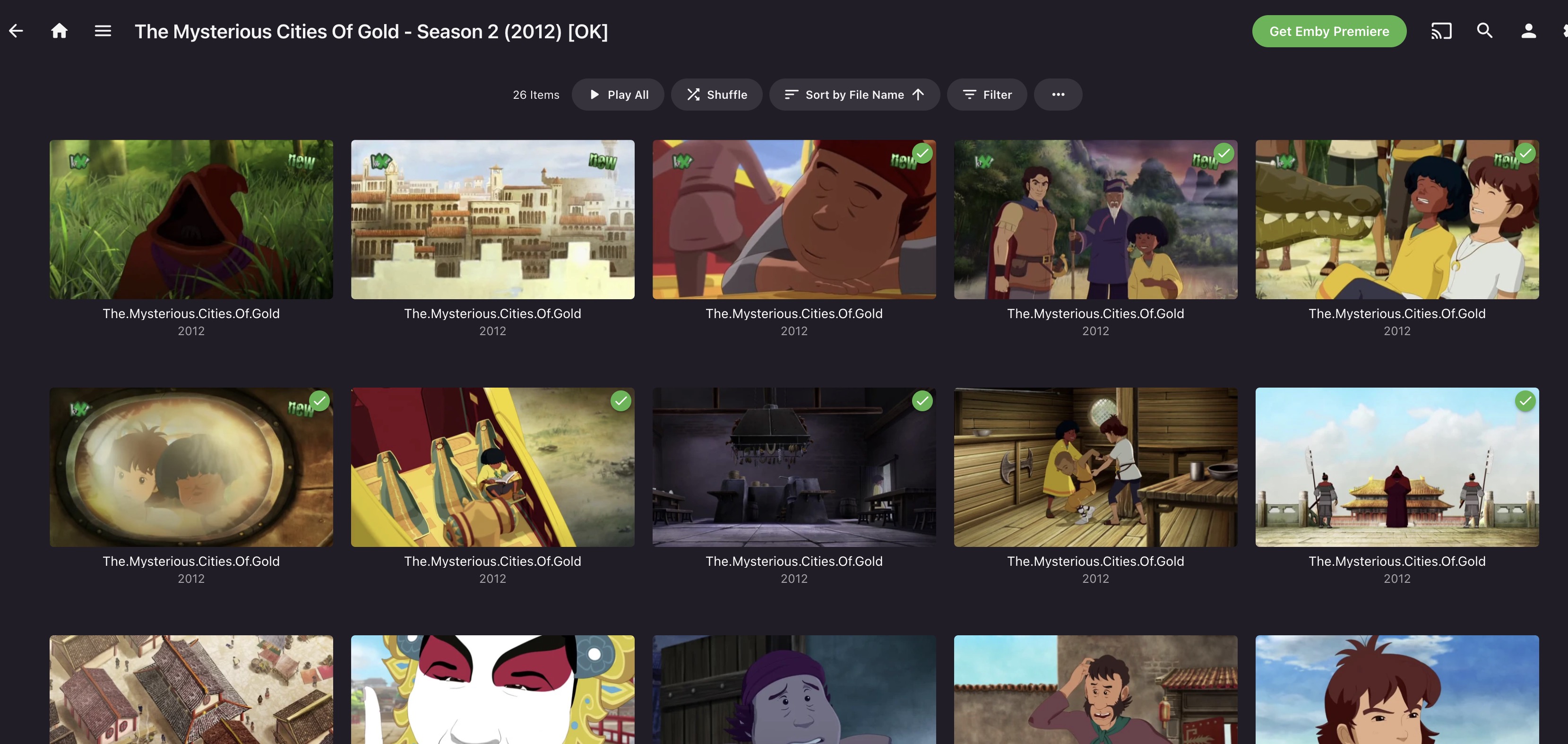
PS - I think this should be expanded out to include movies. Specifically, movies that are straight to streaming platforms. When a new movie downloads immediately upon release, it will have wildly inaccurate star ratings, and other data might be missing, such as unannounced cameos. It would nice to get movies to also refresh after a week or so. Ideally, we could set a different refresh rate for movies vs episodes.1 point
-
This is more of a "wouldnt it be cool if it did this...." It would be nice to keep the live tv stream active in a small picture in the corner of the screen and view the channel guide in full screen. For instance, I am watching a live show and want to look at what comes on next or on another channel without closing the show I am currently watching. Sent from my VS988 using Tapatalk1 point
-
+1 for this to be in Theater. The fact that if you try and use Theater for what it was intended for, ie on a big TV with a remote you cant even change the channel with the channel up and down buttons, you have to back out and go back to the guide which stops the stream. At least being able to bring the guide overlay ontop so you can browse the guide would be a massive move in the right direction. Like you say, you have the code working in the android tv app already, whats holding you back?1 point
-
Or have the video running in the background with the tv guide overlay1 point
-
The complication has been around their revenue sharing requirement in order to release worldwide. And that's tricky for us given that the app is free. However, we have recently agreed to some terms with them and we are currently working on what they want. So we have to get that submitted, released, and then go through another process after that to add countries to the release list.1 point
-
Nearly a year apart with nearly the same quote1 point