Leaderboard




Popular Content
Showing content with the highest reputation on 03/17/23 in all areas
-
Courtesy of @Abobader Sort by Most Reactions at the FR forum:5 points
-
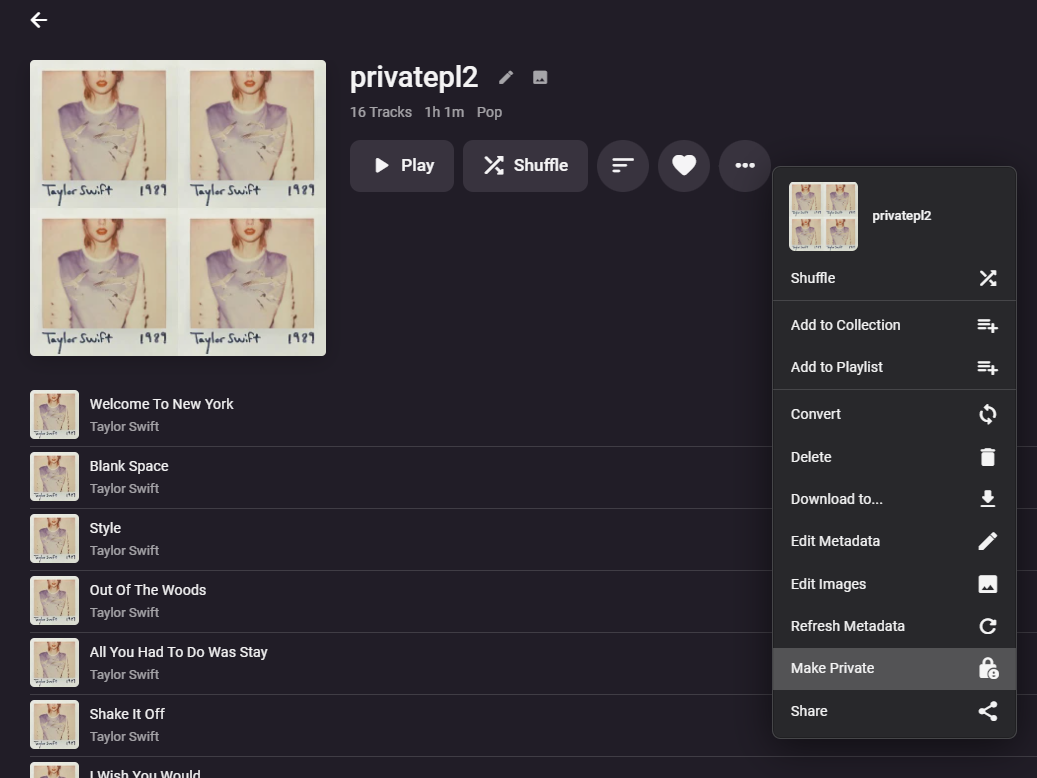
Make a public playlist private again:
 4 points
 -
this has been fixed now (2.0.0.2)3 points
-
I have to agree and moreso… you didn’t know about this haha2 points
-
I feel honored to have been a part of this...lol2 points
-
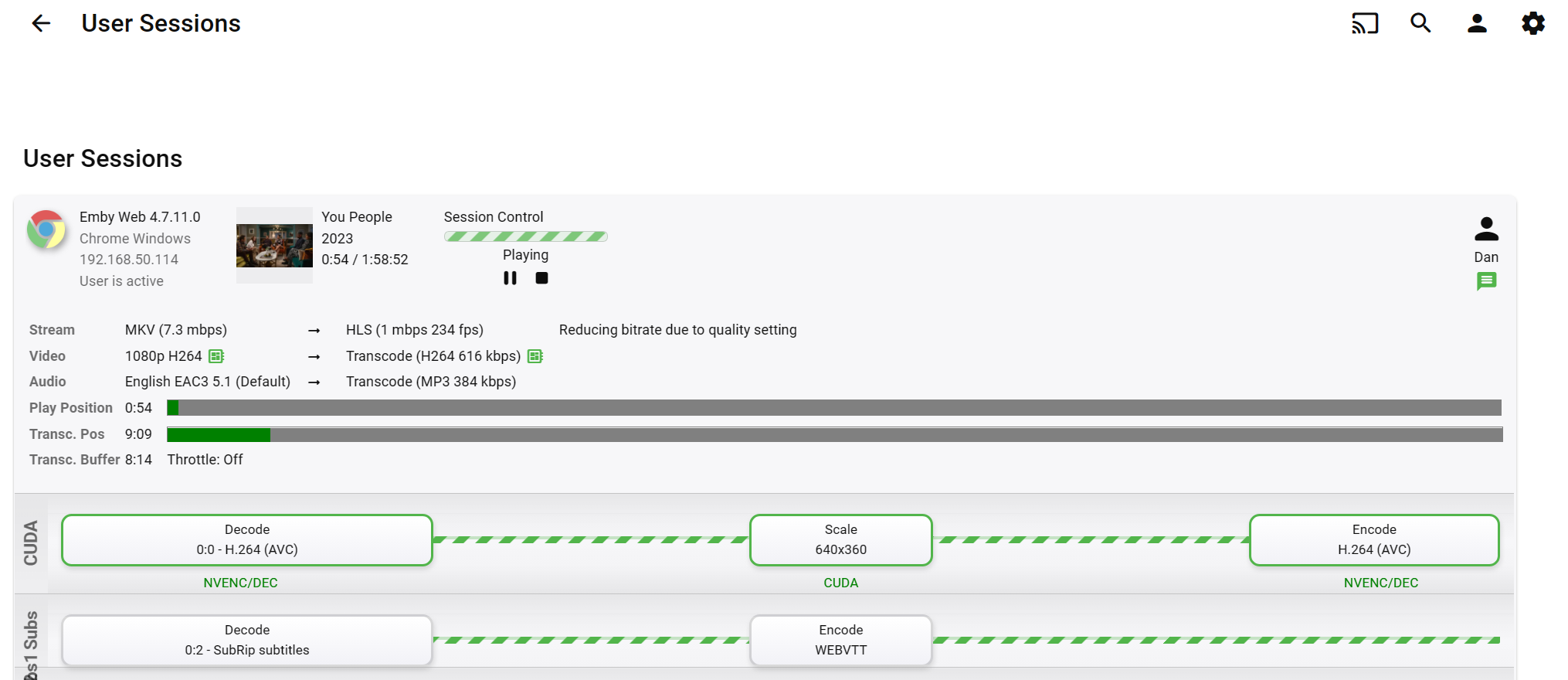
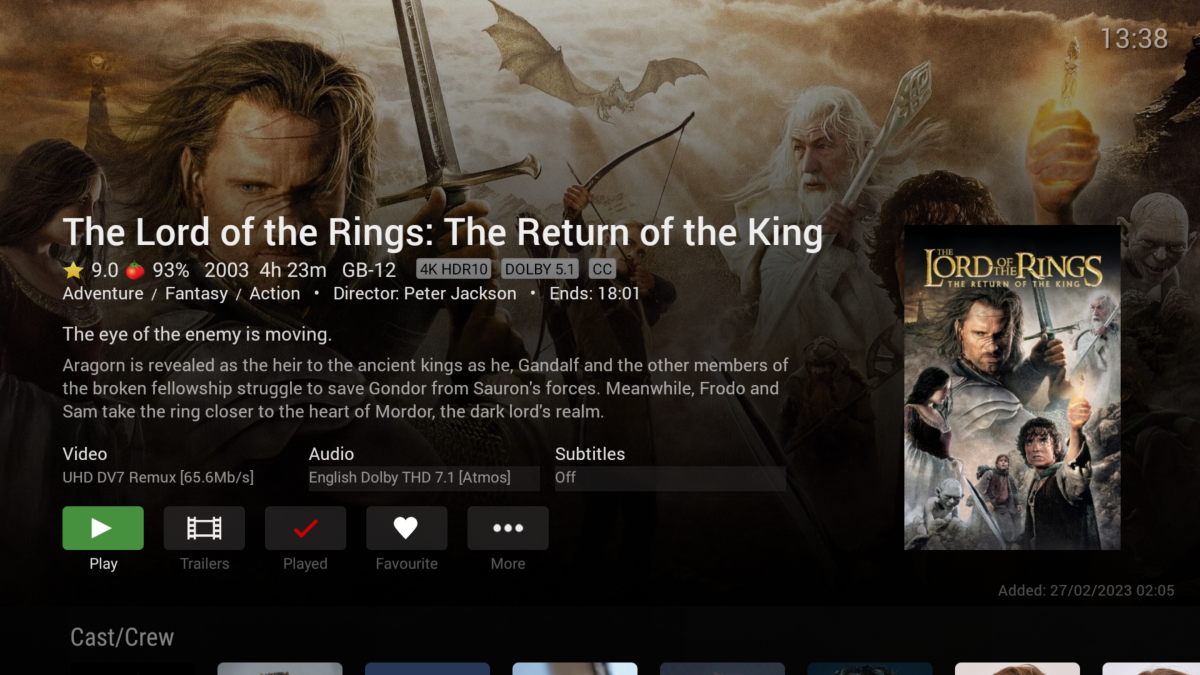
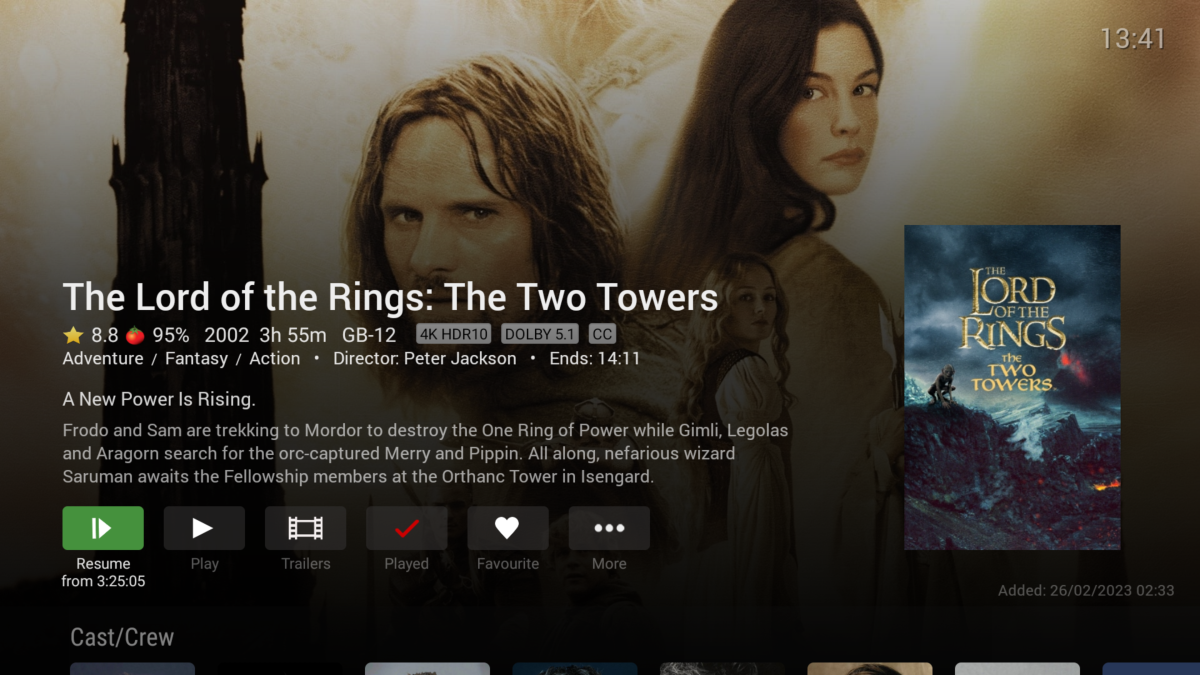
Every day is a school day lol. @GrimReaper- you are spot on. I think it must default to 'ON' - as I've never needed to turn this on. With it ON (default?) - you get the Title Info .. With it OFF - you don't.. So As Grim says - I suspect this is the problem here.
 2 points
 -
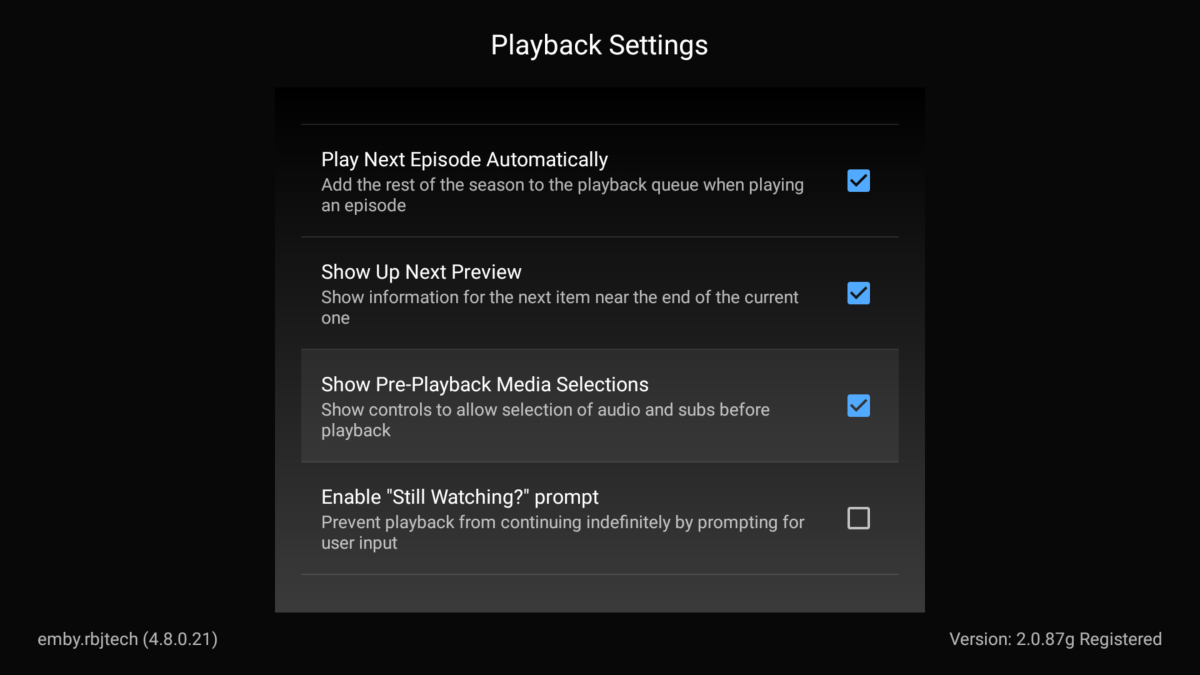
@Kandidat1999Enable "Show Pre-playback Media Selection" in app settings.2 points
-
So there are a few options available now via Plugins - 'Top Picks' for example. However, the new Beta promises some interesting developments around 'Playlists' - so we are hoping that this extends to users being able to add/remove Items as permissioned - and thus, there could be Global 'Recommendations' which is turned into a 'Channel'. Some initial thoughts / design/ proof of Concept was done with reasonable success on this years ago (I'll find the thread shortly) but it could all come to fruition soon with the new Beta features - watch this space. @chef @Cheesegeezer This was the original concept/idea I had back in June 2021 ... https://emby.media/community/index.php?/topic/99029-personalised-recommendations-library-work-in-progress/#comment-10332552 points
-
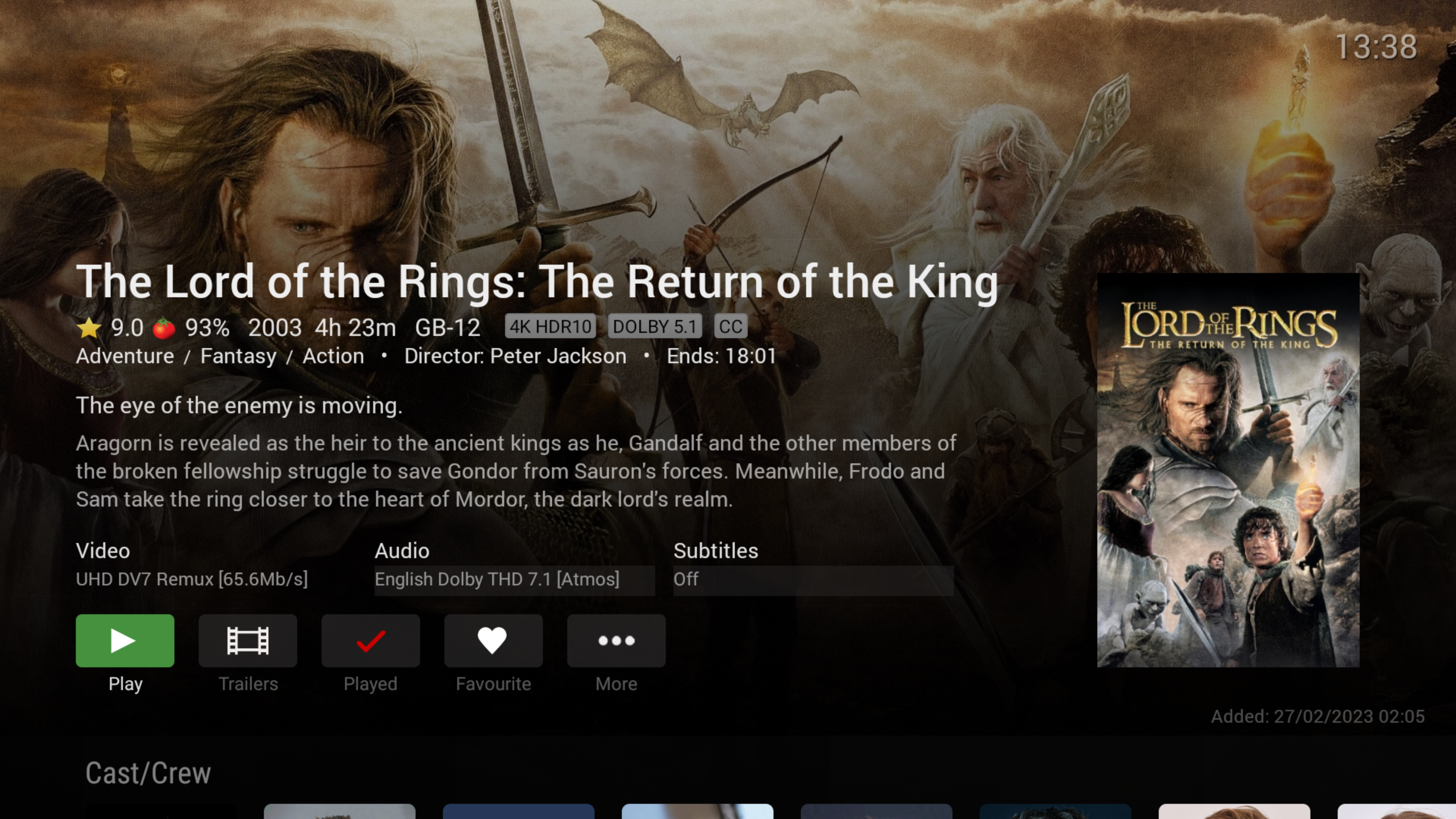
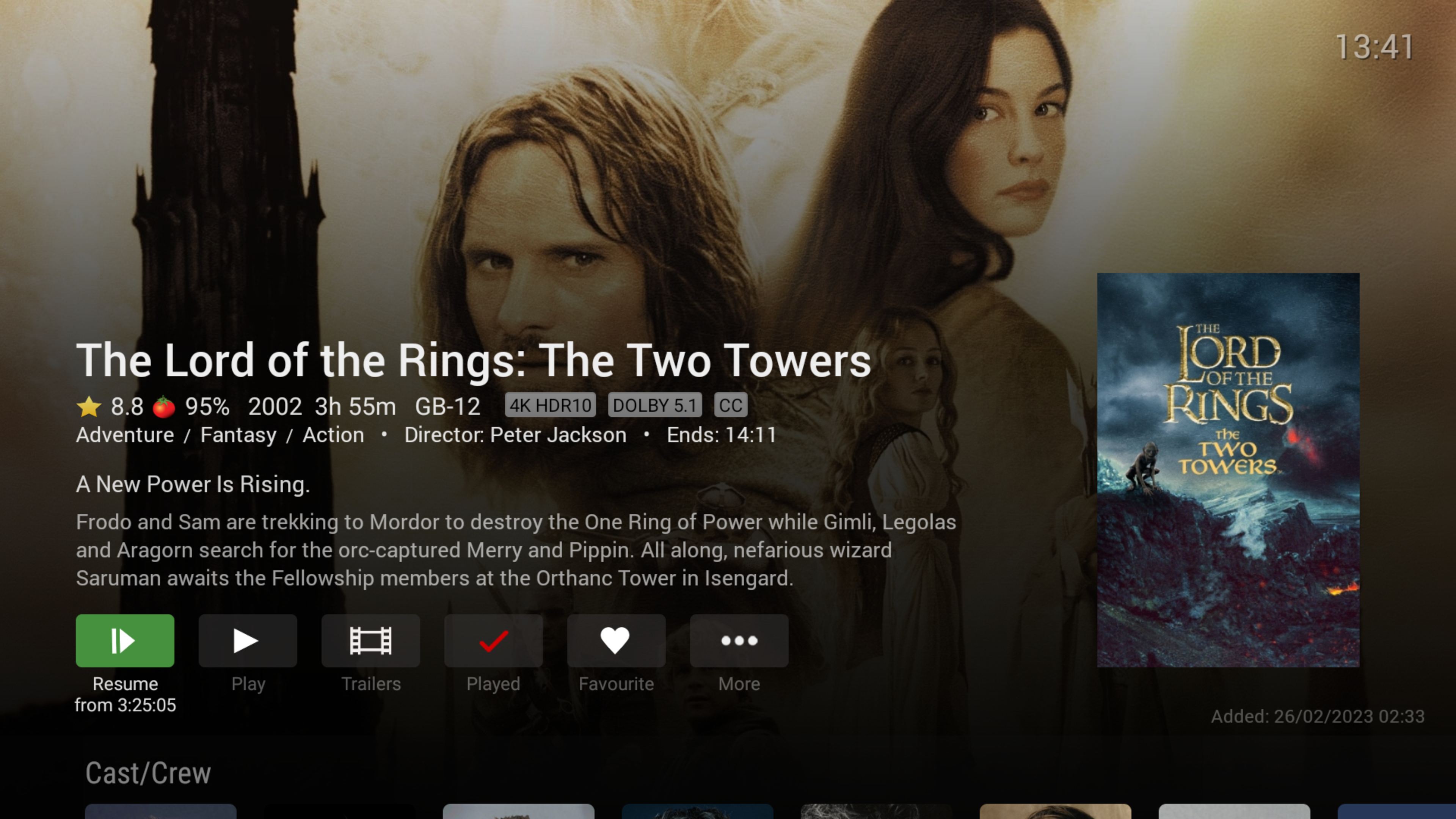
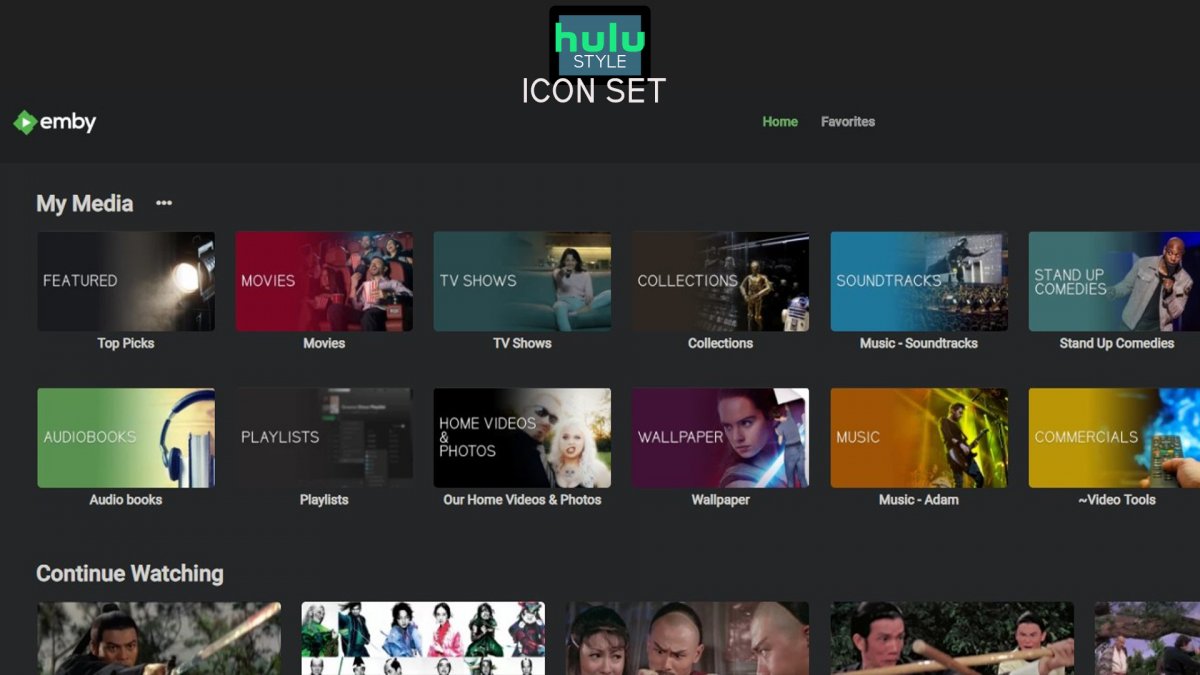
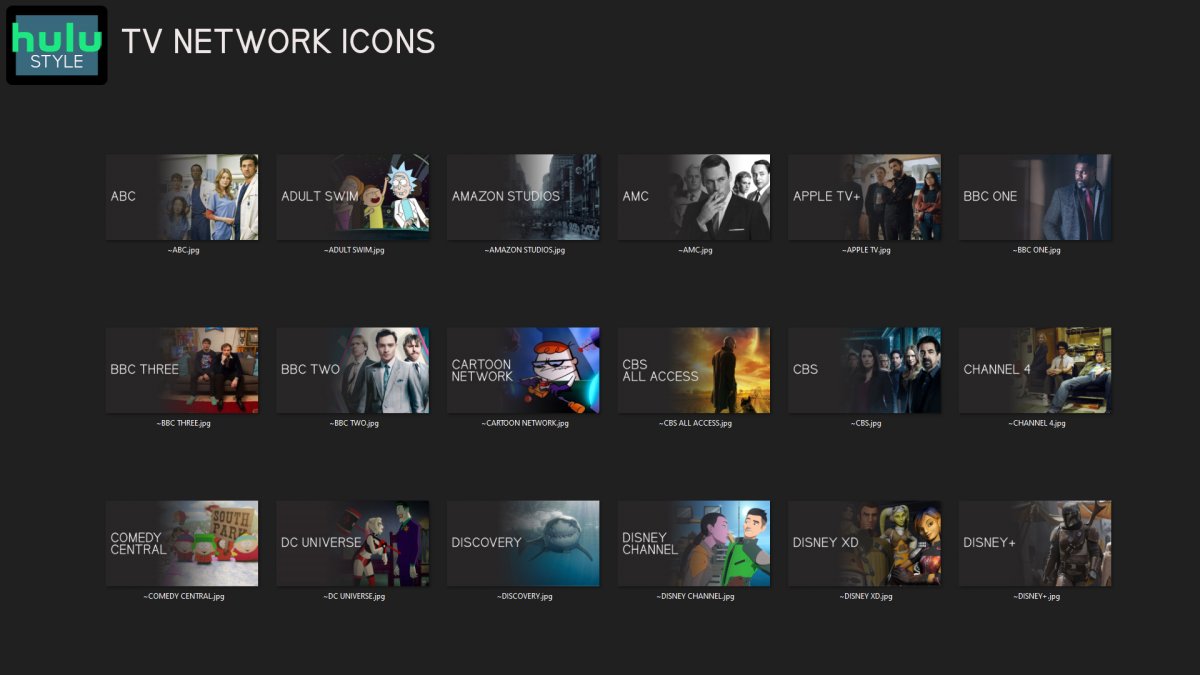
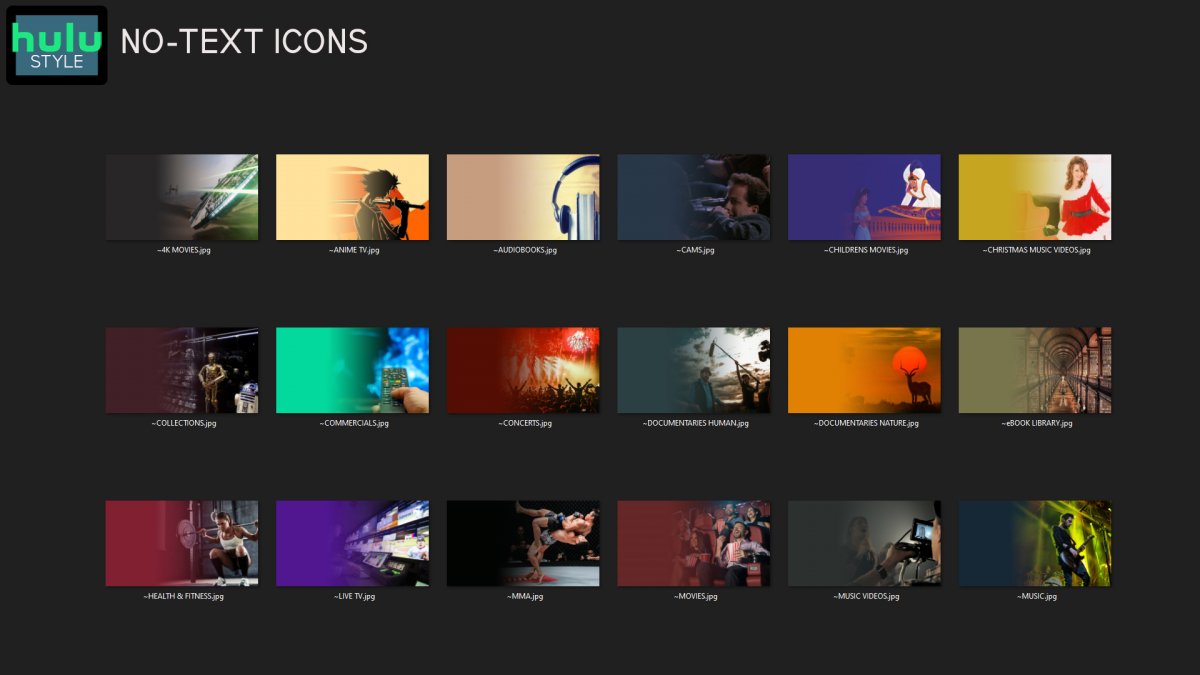
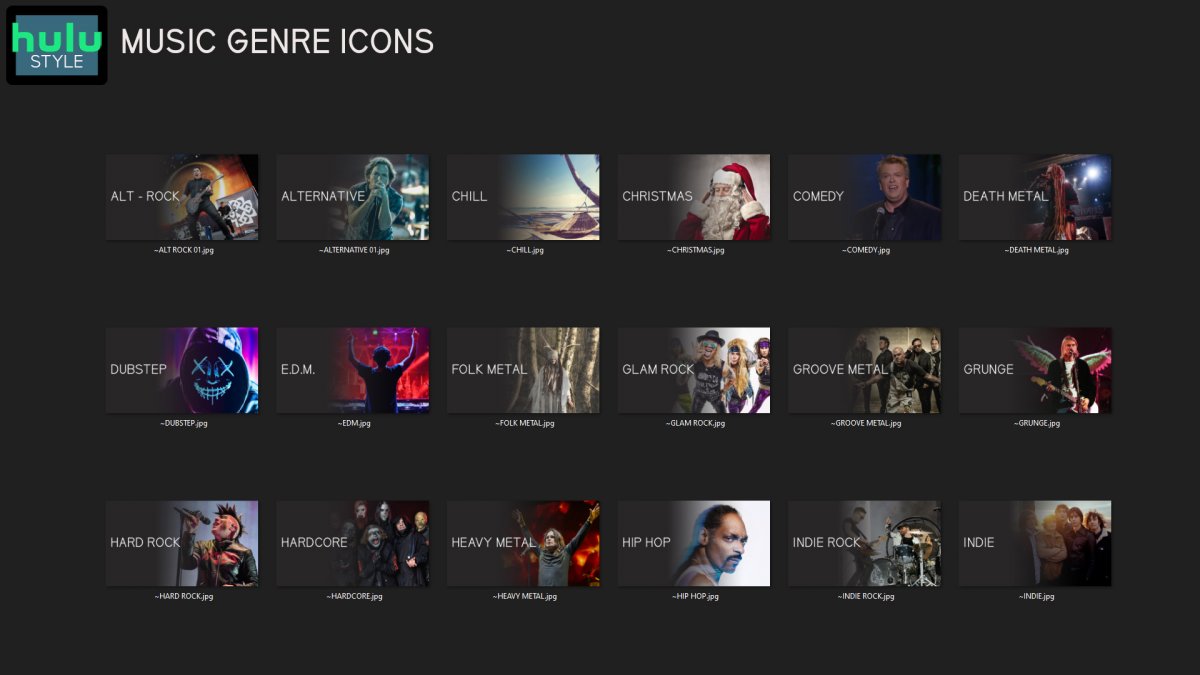
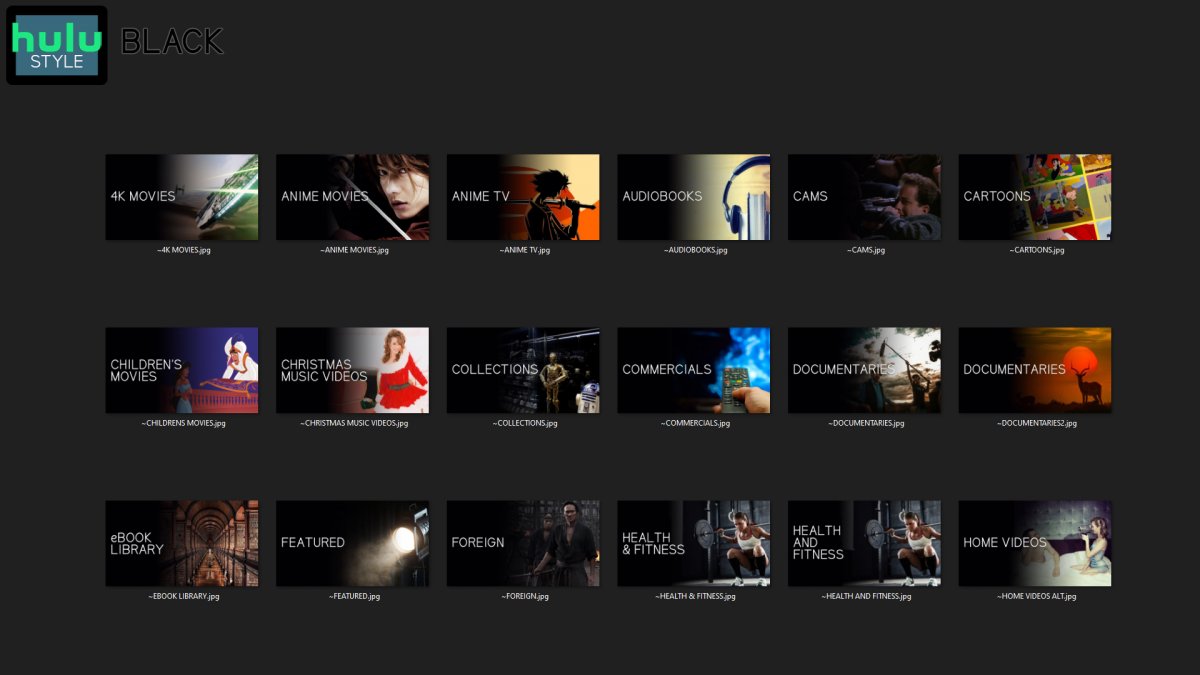
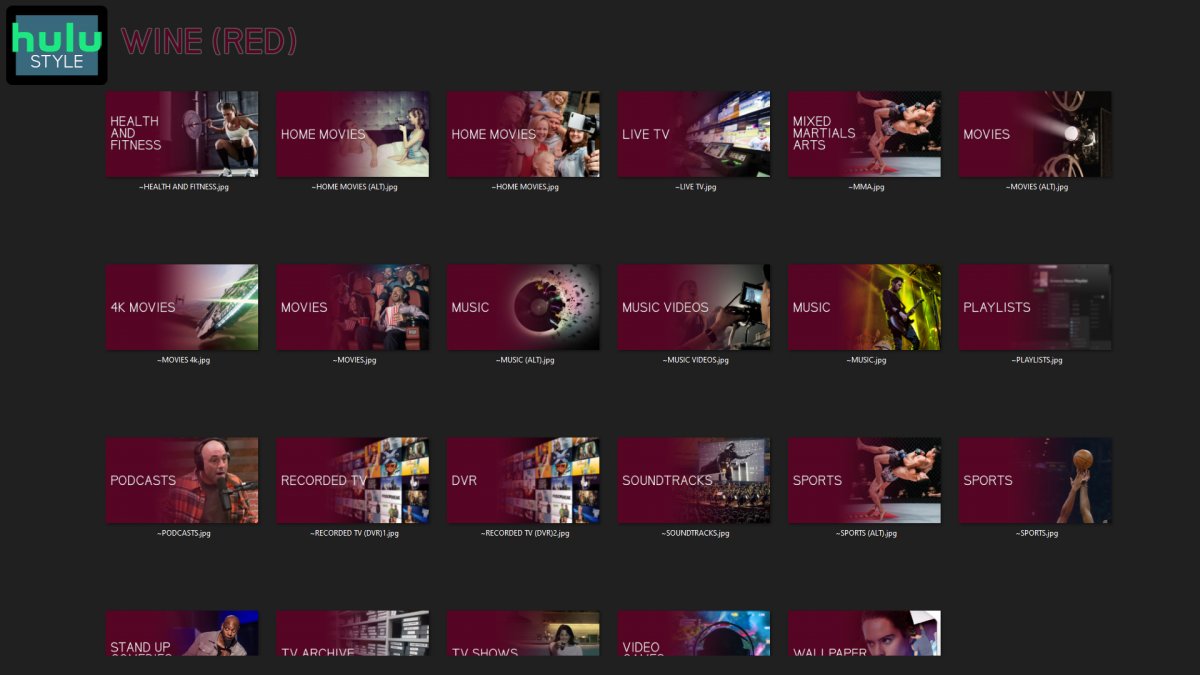
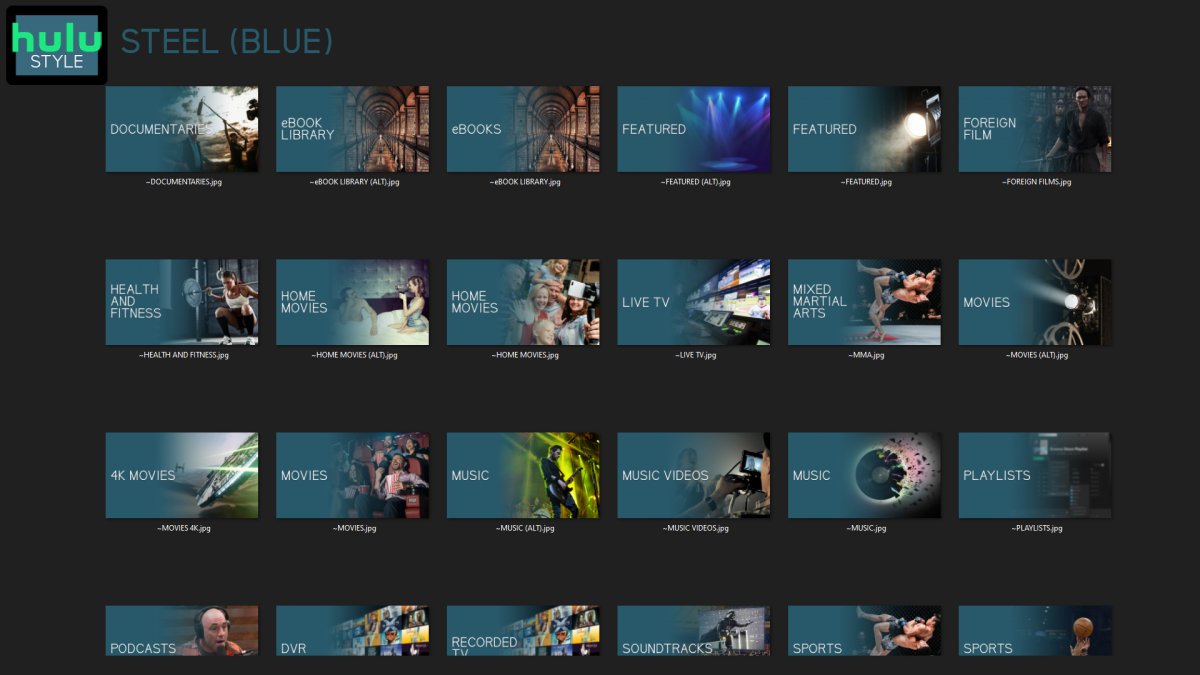
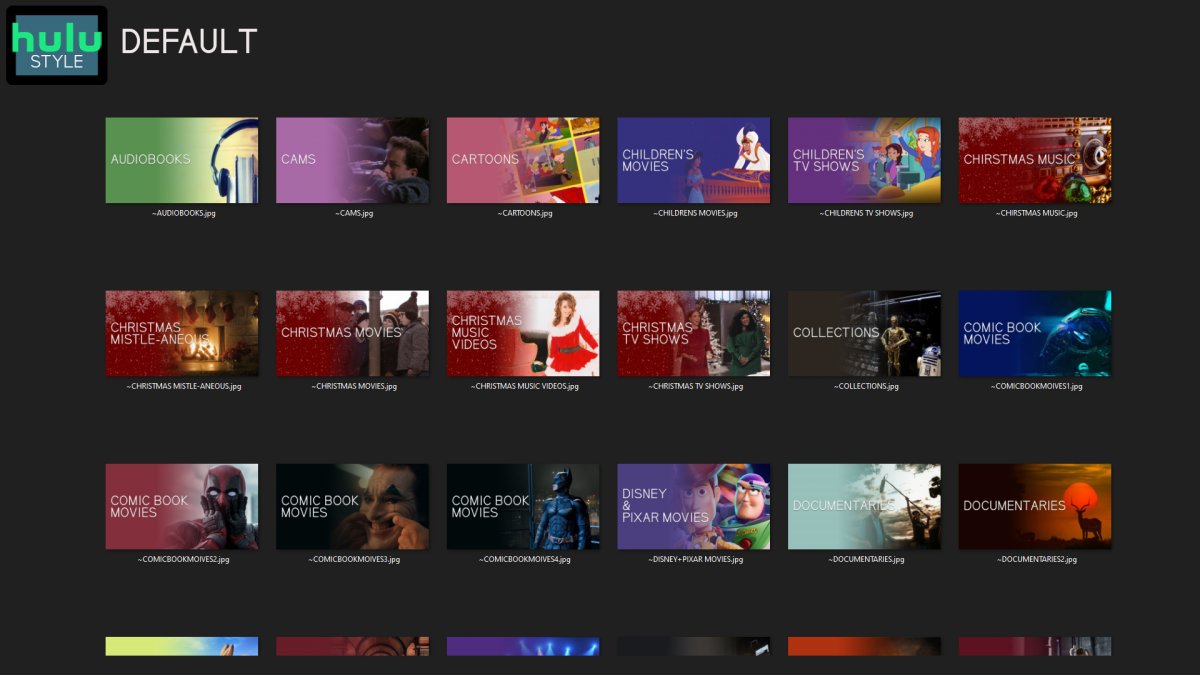
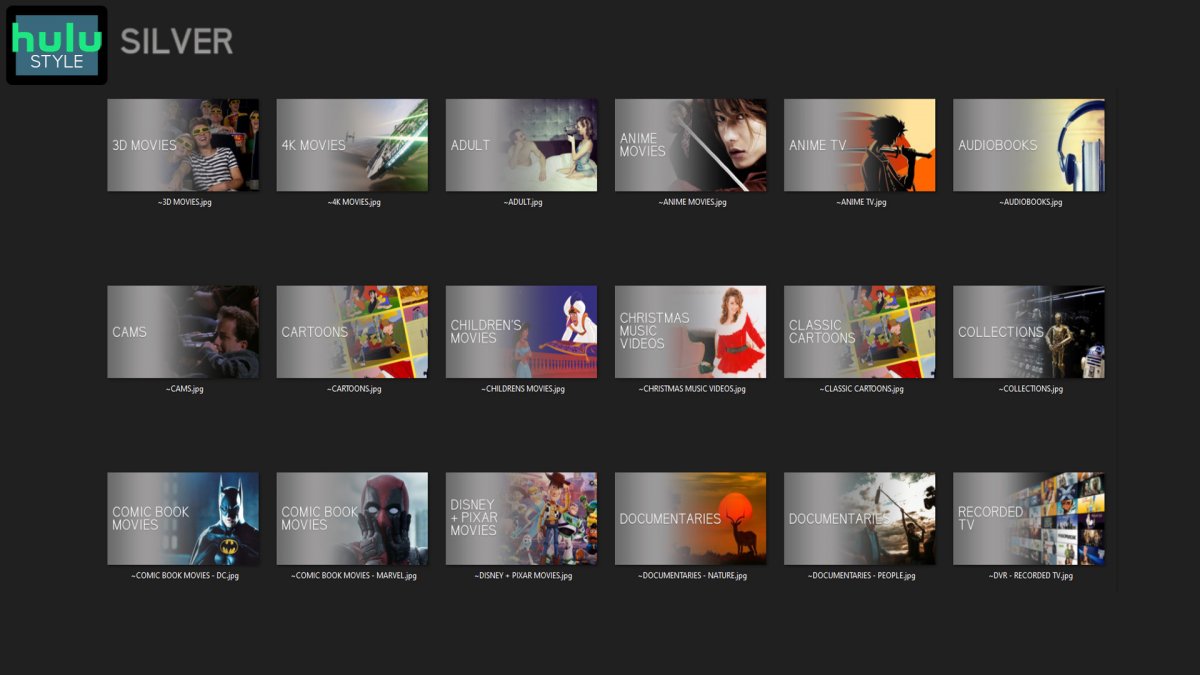
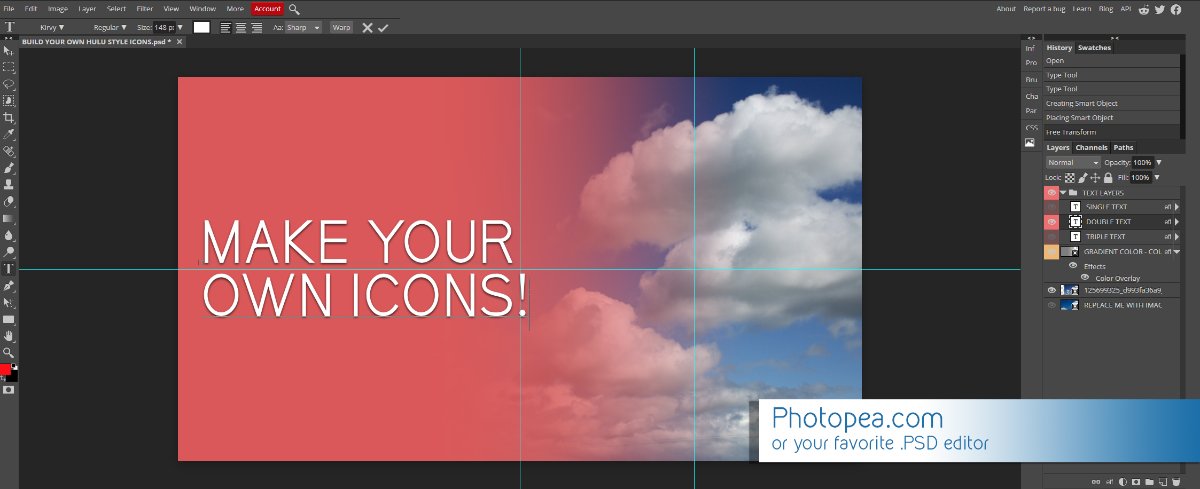
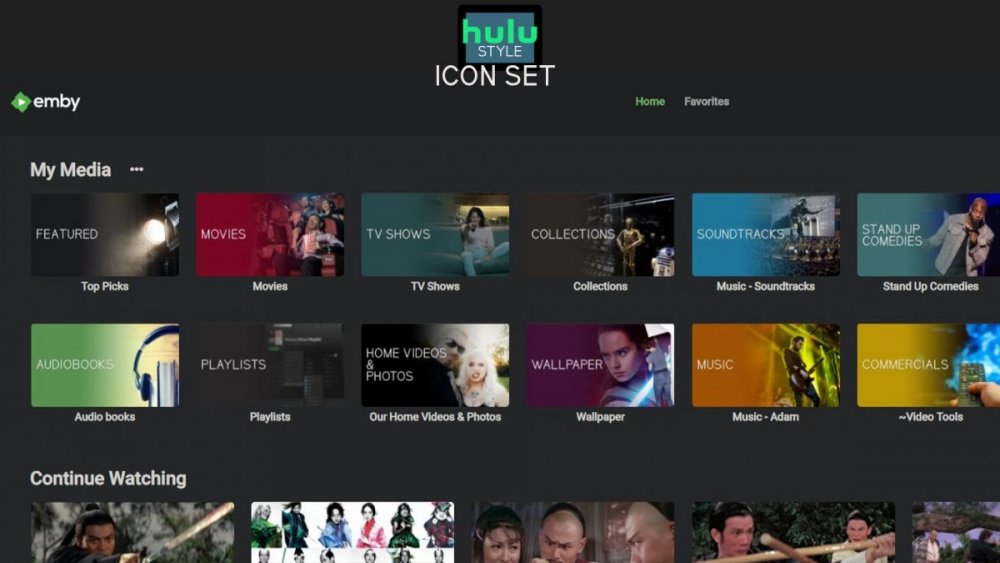
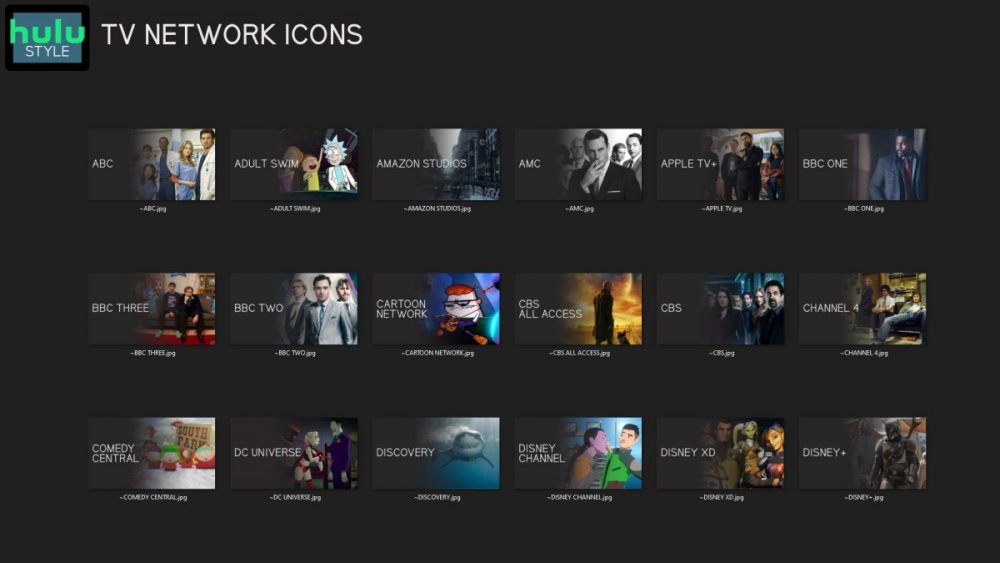
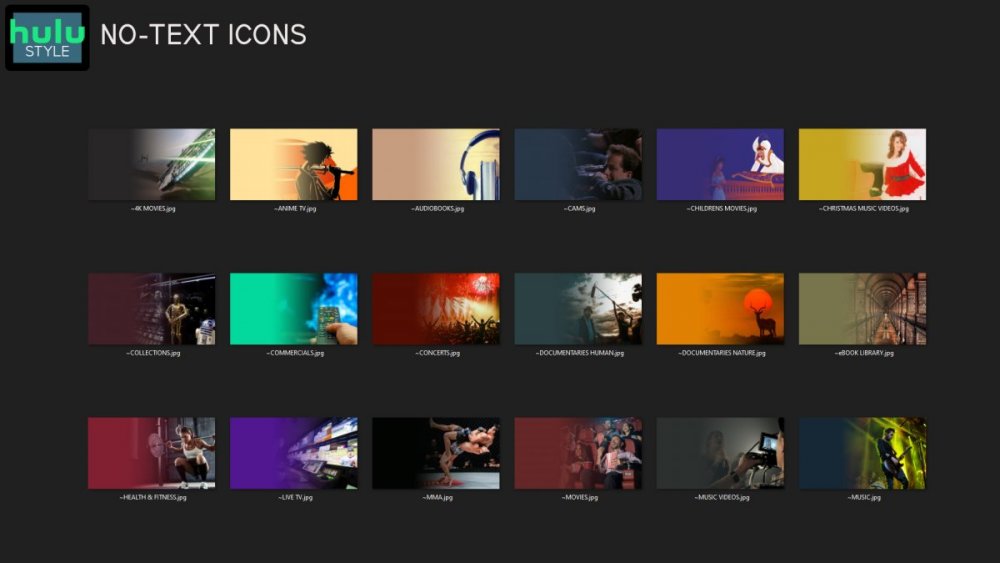
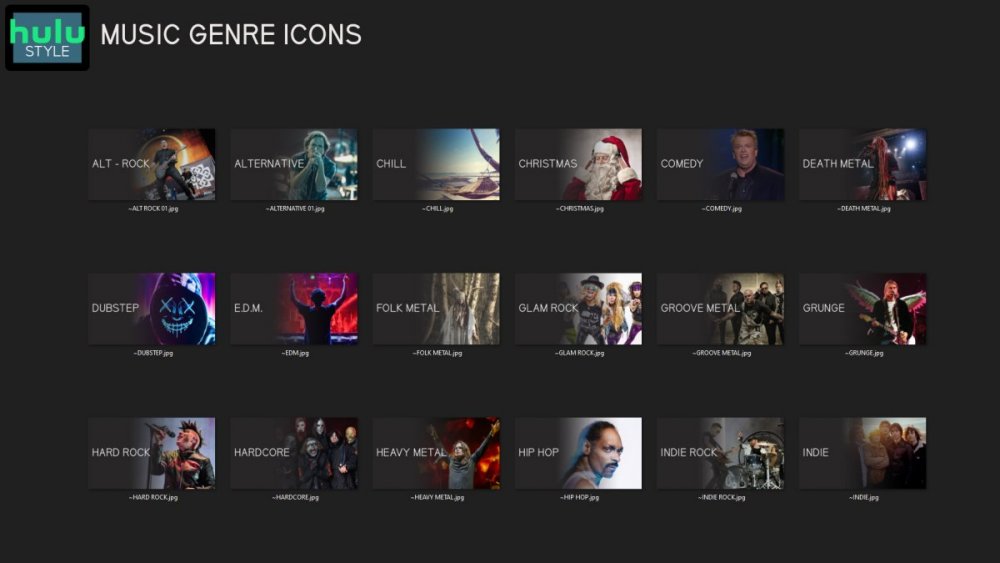
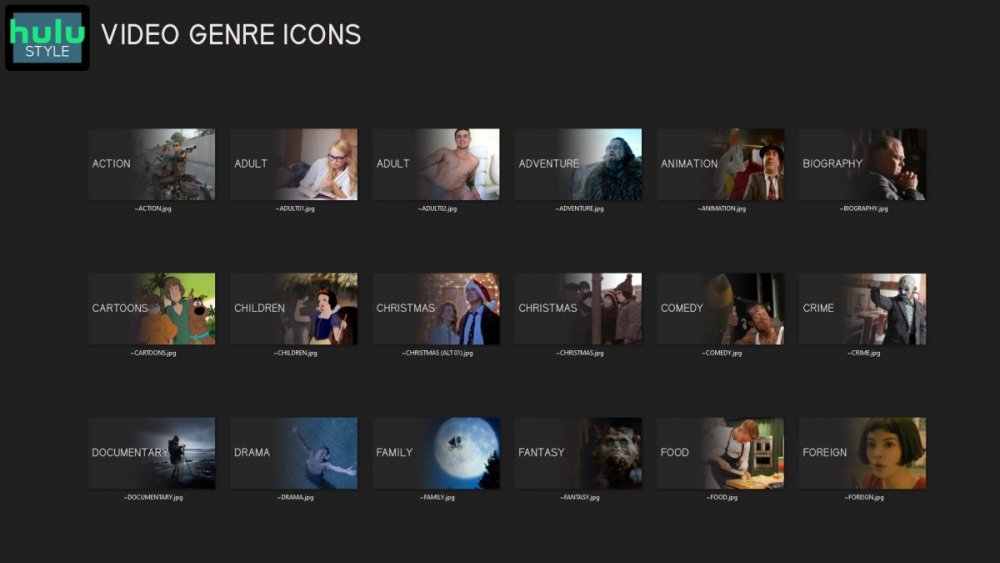
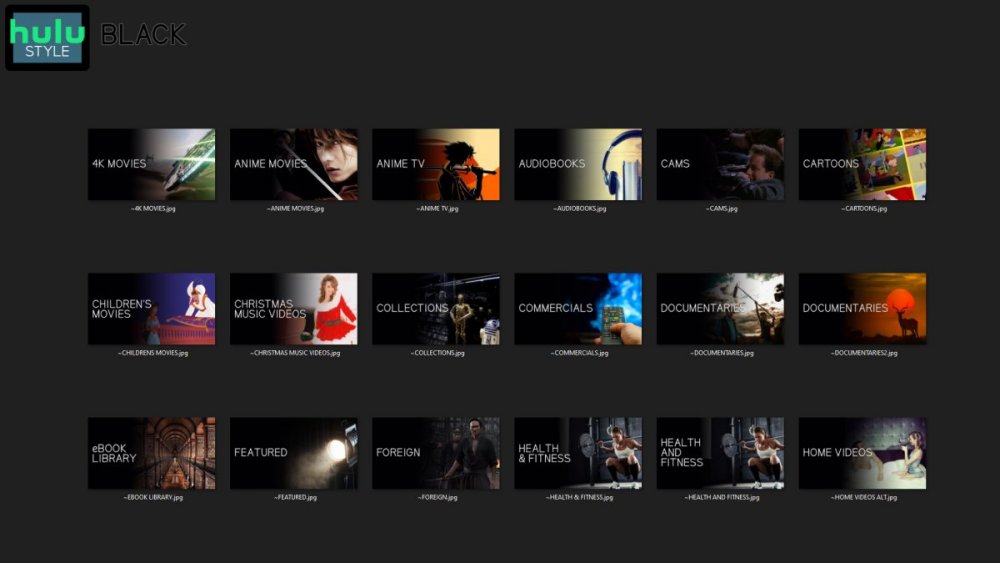
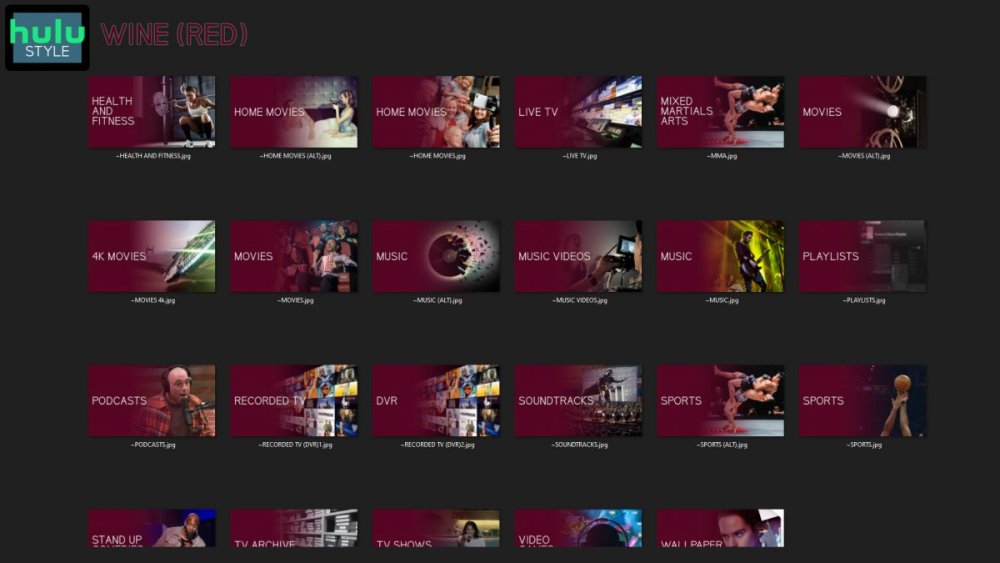
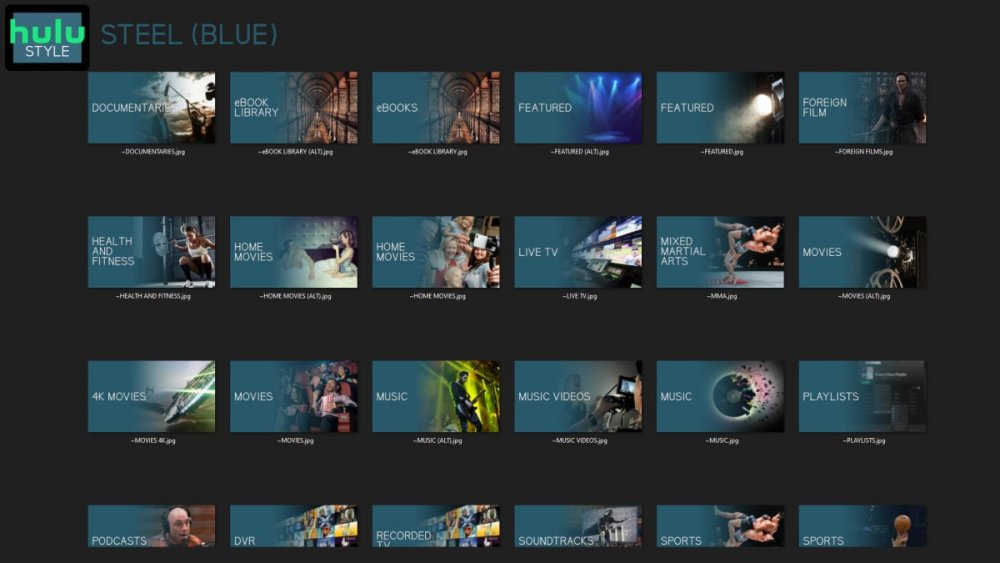
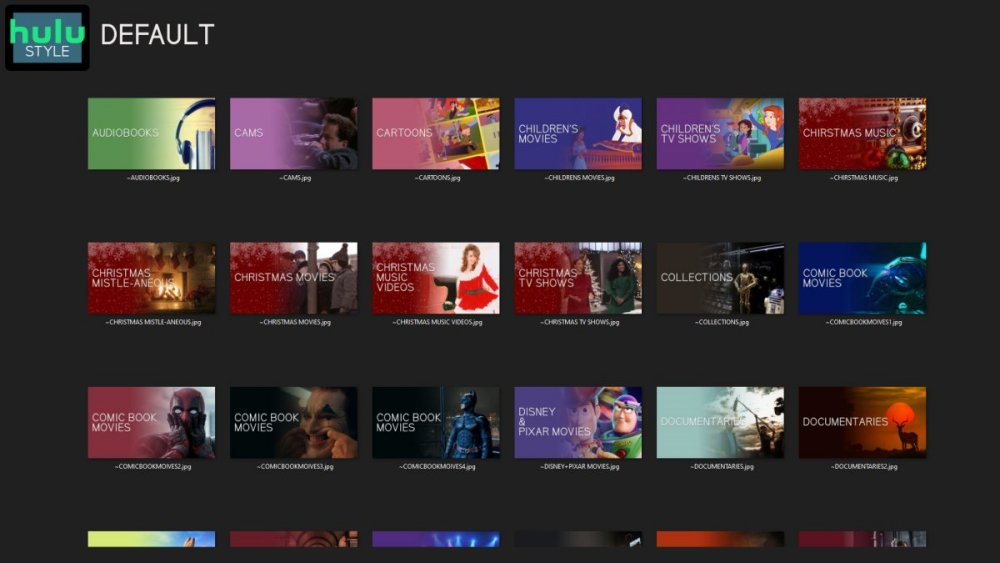
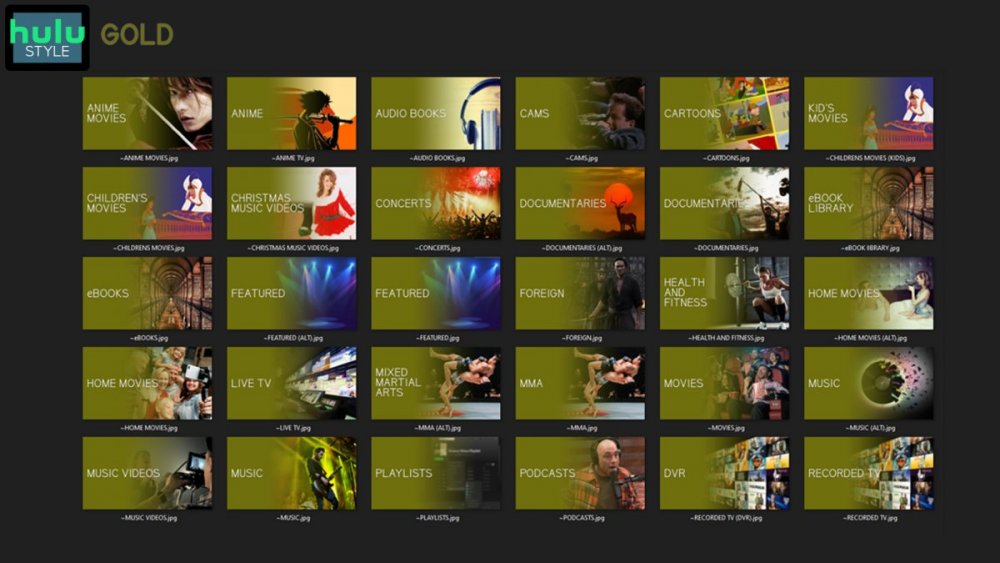
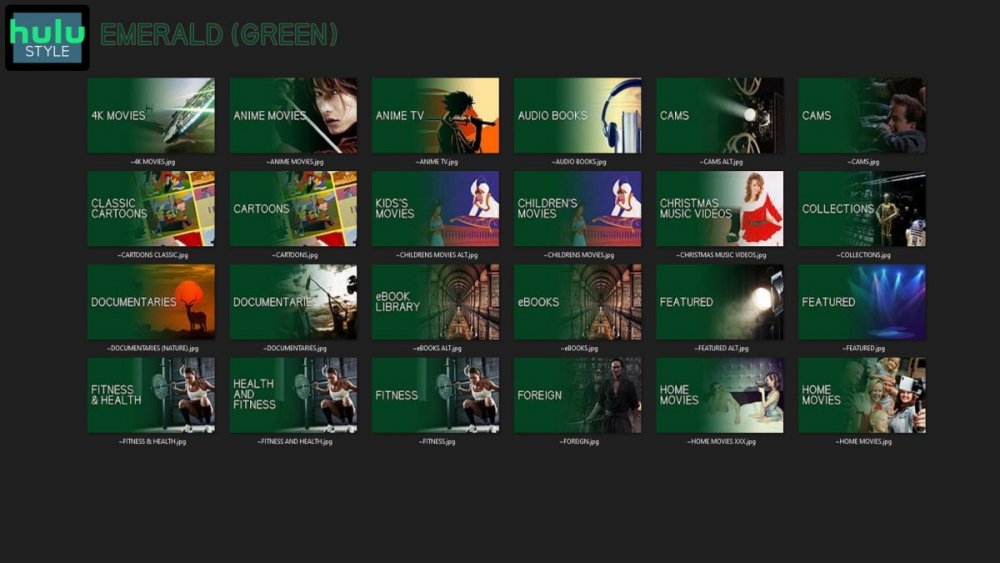
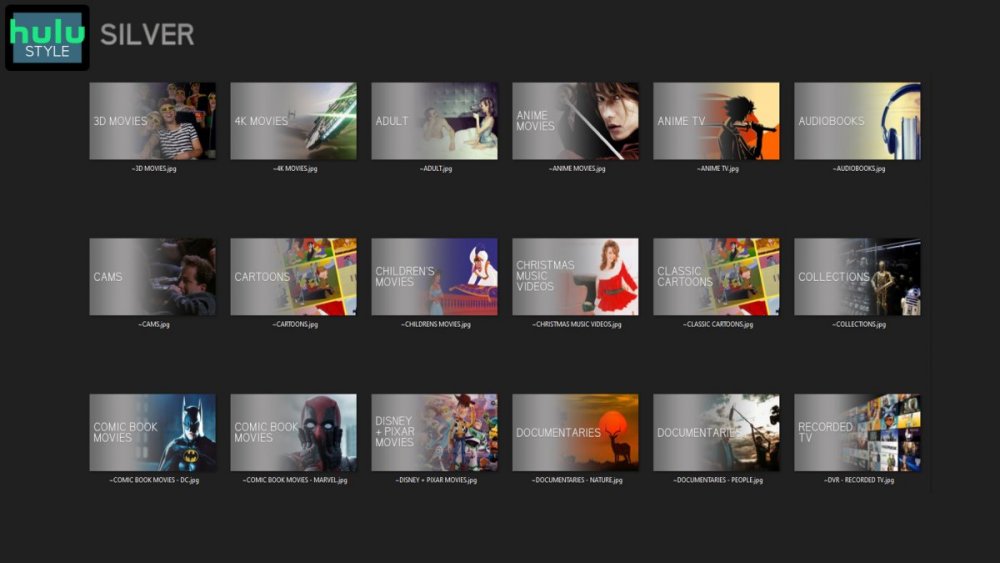
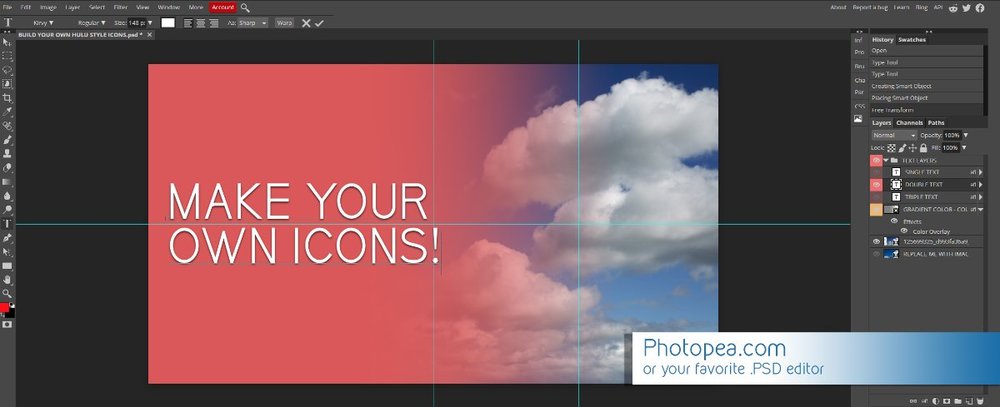
Media Library Icons for Emby Updated: 07/10/2021 I've always had a thing for the simple gradient style Hulu overlays on their library images. I'm not that great at graphic design, but I can mimic some things pretty decent. I hope! It's very simple, and clean and something I've been wanting to attempt for a while. I've never done anything like this, so constructive criticism is appreciated! More color options for media libraries coming soon!!! Also included to make your icons match across the platform, are video genre, music genre and TV network icons: I've hosted this only my Google Drive, so if if the link is not working please, reach out to me and let me know and I will do what I can to resolve! The font (Kirvy), and PSD's are located in the \~TOOLS\ sub-folder Media Library Icons - DOWNLOAD HERE Feel free to create your own to fit your needs! Photoshop Template - DOWNLOAD HERE Gimp Template - DOWNLOAD HERE (ALL credit for creation of Gimp template are thanks to, Mibok, who took the time to recreate the Photoshop template in Gimp!) Many have asked for a smaller and easier version of the .PSD file to create their own custom icons. I have simplified the .PSD and it is now compatible with, Photopea.com photo editor so no need to own Photoshop to make your own icons! Download the new .PSD HERE Thanks for giving me so many hours of entertainment, this was something fun to try and give something back! (If any of the above images are not allowed, please inform me ASAP and I will correct it) *** Change Log*** 07/10/2021 Added GIMP template, created by, Mibok to allow users alternate means to create their own icons 01/25/2021 Added lighter .psd file for easier custom icons 10/04/2020 Added "Silver" Media Library Icon Set and all remaining requests and missing items in each set 08/15/2020 Added some requests and "Emerald" (green) Media Library Icons Set 07/06/2020 Added "Gold" (yellow) Media Library Icons Set 06/29/2020 Added "Wine" and "Steel" (red and blue) Media Library Icons Set 06/29/2020 Updated sample images 06/22/2020 Added "Black" Media Library Icons Set 02/27/2020 Added TV Network Icons for 49 U.S. networks 02/27/2020 Added ~MEDIA LIBRARIES sub-folder to help keep the folder organized 02/24/2020 Added Phase One of Music Genres to Google Drive 01/25/2020 Added requested images to Google Drive 12/21/2019 LITE - Hulu Style Library Icons PSD Added (Uploaded PSD with no graphics for a faster, lighter PSD option) 12/21/2019 Media Library - No Text Icons Added 12/17/2019 Generic Movie Genre Icons Added To Do: Update preview post with images Continue color sets: Black - Maroon - Navy - Emerald- Gold - Silver Update No Text Icons Downgrade PSD for compatibility for older versions of GIMP/Photoshop TV Networks - USA Optimize PSD for simplicity

 1 point
 -
An NBC affiliate enabled "Do Not Record" on their channel which means an HDHR Flex 4k can't tune it anymore. On the Silicon Dust forum a poster said: So I'm wondering if software like Emby on a server would ever have the capability to deal with the DRM? If not, is it a fair assumption that eventually all the channels will use DRM and we have wasted our time and money on ATSC3 development and ATSC3 devices? We have been waiting all this time to be able to use it and they are going to shut us down anyway?1 point
-
Thanks. I didn't realize I could set the order but looked closer after your reply and found it.1 point
-
When will 4.8 be released? FYI I already have it working in 4.7 on detail screen.1 point
-
Just a short update. The EPG XmlTV Liste of https://xmltv.host/ is now working with Emby I checked the quality of the data and so far it fits my need. If you only need or have a few channel, this provider is perfect for a very good price.1 point
-
Sounds right to me,1 point
-
yes, that did the trick! thank you very much1 point
-
Maybe try again with a more manageable reverse proxy server? There is plenty of information in this forum to help with either Caddy or nginx. Paul1 point
-
Hi, How exactly do you mean this? Actually all users have the same top picks, they aren't different for each user1 point
-
Yes. Any previously created playlists as well as playlist files that are just mixed in with your media libraries won't have these functions, so they'll just be visible or not per normal library access rules.1 point
-
Animated gif posters will be supported in Emby Server 4.8 - on detail screens only. What that means is, when you're browsing lists, searching, etc, you won't see the animation, but you will see it on detail screens. Also please note that on some form factors such as mobile layouts in portrait orientation, we don't even show the poster anymore. But where it is used and the platform supports it, the animation will be supported.1 point
-
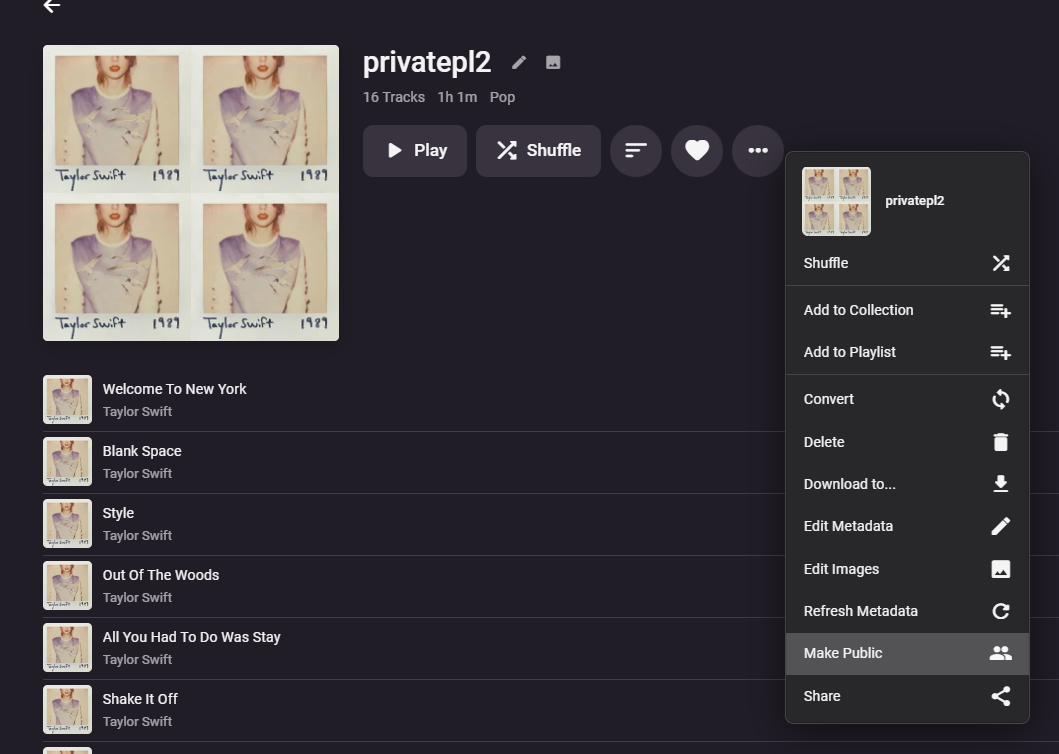
Making a private playlist public:
 1 point
 -
Thanks Dave - Your coding ain't bad either ( .. kidding, kidding - don't hate me!)1 point
-
Rich!! I have to say that you’ve done an absolutely sterling job with the wiki, been a while since i have looked at it and it just is great, and would hold the hand for setup of anyone new to the plugin!! kudos my friend1 point
-
Thanks Grim ! I'm gonna use these - the Emby generated posters are looking a bit tired now imo .. (or maybe I just fancy a change .. haha)1 point
-
Original topic, number of color schemes available (templates included):1 point
-
@GrimReapergreat info buddy, many thanks1 point
-
Shield, AndroidTV app settings, Playback tab, 4th item in a row (below Show Up Next Preview).1 point
-
Hmm ok - I've never changed this 'setting' on the Shield. The info from the plugin is only available in the 'Title' (+ tags) and I'm pretty sure that is displayed regardless. Gonna take a look now - you have me intrigued !1 point
-
More options are good ! I still believe MediaInfo is going to be superior to ffmpeg even with the latest update. For starters it will cover HDR10+, HLG, HDR PQ and DV IQ flavours of HDR - I don't think ffmpeg can do this - yet. Possibly work with the 'display format' that the core uses - ie just DV+HDR10 etc - just to keep it consistent. Lets see what the Beta brings ..1 point
-
Hi Dave - no setting on the Shield - it just displays the Title according to the emby server settings - so if the Apple displays it, so should the Shield. Possibly need a screen grab of the full Shield screen (2nd pic above) to confirm.1 point
-
I have just removed the whole IIS side of this annd nnow it works. I will mark this as closed and will try again some other time.1 point
-
I have no idea about any of this stuff but to my limited way of understanding, web hooks should just 'work' for non dev types. Everything I have tried works - expect emby :-(1 point
-
The Ryzen CPU you are moving to is on par or better in most cases than the I7 7700K. So from a raw computational standpoint you should be sitting at a similar level of performance. The big difference that I can see you experiencing is the loss of Intel Quick Sync. To combat that loss of performance from that feature I would recommend that you go into your transcode settings and set "Enable hardware acceleration when available" to YES. This will enable the radeon 680M GPU to use it's cores to transcode video for you helping to alleviate some of the load on your system. You can confirm that the GPU is going to being used by selecting Advanced instead of YES and it should show your GPU as Radeon 680M and there should be check marks next to the formats it's capable of transcoding from. BTW - This is a comparison of the 2 CPU's side by side. https://cpu.userbenchmark.com/Compare/Intel-Core-i7-7700K-vs-AMD-Ryzen-9-6900HX/3647vsm1792755 Hopefully this is helpful to you in some way and should you have issues just ask. This community has been very helpful to me in the past and I'm sure they will be to you as well.1 point
-
True, since "prefixes" and "Reactions = like" it not core forum matters, it addon and do not apply to this search/sort matters. But soon it may change tho, I am working on this.1 point
-
It doesn't seem to cause any issues now that the complete library metadata has been fetched. However, I'd be interested in a better way to update/maintain the strm files on disk. I'm unsure how I'd tap into the actual emby database to set up something like you are describing, what's the database engine that is in use?1 point
-
I tried a few other things but, here's what worked. Get all the disks mounted in properly from fstab. Create an emby user and group with UID and GID that match what's on the source server. Copy everything in /var/lib/emby from the source to the destination server. Install emby. When I fired it up, everything was there. I didn't need to restore the backup at all. I got a warning from the server when I created a user with a UID under 1000. There's probably a standard that I don't know about somewhere that says that range is reserved for applications. The install gave a warning about the /var/lib/emby directory being present but, it looks like it did what I needed. I hit a snag when I tried to connect remotely. After trying a variety of network settings. I did do a backup restore. That didn't fix it either. Then I found the firewall that SUSE put in and disabled it. That fixed the problem. My router is my firewall. I'm not worried about my LAN. Because I did actually do a backup restore, I can't positively say the backup wasn't needed but, I don't think it was. chmod isn't an issue. Remember these files didn't get copied. Their protection mask never changed. Before I put in my $0.2 about other comments. I need to say I retired in 2019 after working about 40 years as a computer professional. The last 20 was as an Oracle DBA. You can always make something faster. All it takes is time and money. It's not just the disks. This is running on an old I5 micro desktop with 16GB RAM I picked up on EBAY for $80. I'm satisfied with the performance I'm getting. If it gets to be a problem, I'll do something about it. I'll agree there's plenty of room for improvement. I prefer to keep as much application stuff off my system disk as is reasonable. I'm not going to fill up /var with a bunch of symlinks to move things other places but, if the application gives me a reasonable way to do it, I will. Emby gave me a reasonable way to do it for some things. Lastly thanks to all for your help.1 point
-
This is just about what is going to be displayed where. Internally it's all in place in all detail and won't need any refactoring for the next 10 years.1 point
-
Hi Luke, Thanks for the advice - I remapped the channels as suggested with immediate success (why didn't I think of this). Thanks for your help pdm1 point
-
Thank you for your quick response!1 point
-
AH yeah the double folder structure is a relic that I deleted but must not have updated the emby path. that is probably it. thanks. I will try disabling portmapper as well thanks1 point
-
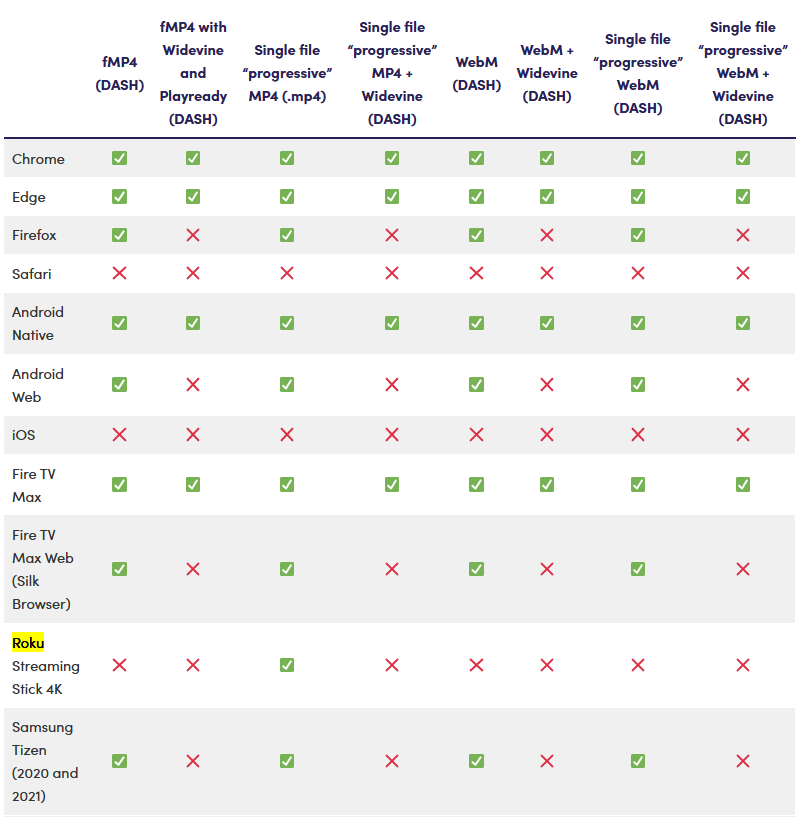
We all would love to have HEVC transcoding, but it comes with it's own set of problems as explained. However, that doesn't mean Emby doesn't support HEVC streaming because the very large majority of streams my server delivers are HEVC encoded. You can pre-process your files offline to getting a much better compression ratio then you could ever get in real-time. If you include an AAC 2 channel stereo audio track as well the media file would never need to transcode because of audio. The same can be done with any subtitles, making sure you have compatible sub formats that won't require transcoding. Short of configured bandwidth restrictions at the server, user or client level the media will play back using HEVC on just about every device including newer browsers from Apple, Microsoft or Google. Pre-encoding the media removes the transcoding complications of HEVC as well as gives you higher quality streams with bitrate savings compared to what you can get doing real-time transcoding (same for AVC). Concerning AV1 support (accurate as of November 1) 100% Support including DRM: Browsers & OS: Chrome, Edge, Android, Android TV, Fire TV Consoles & Streaming Sticks: Amazon Fire TV Stick 4K Max AV1 Suppor: Browsers & OS: Firefox, Windows Consoles & Streaming Sticks: Playstation 4 Pro, Xbox One, Roku Streaming Stick 4K Smart TVs: Android TV, Google TV, Samsung, Sony, LG, Amazon Fire TV No AV1 support: Browsers & OS: Safari, IOS/macOS (AV1 plays in Chrome/Edge and Firefox on macOS) Safari Roku Ultra supports adaptive streaming video via AV1 unofficially (tested with YouTube app) We have AV1 hardware support on some GPUs already such as Nvidia 3000 and 4000 series GPUs. Intel, AMD and Samsung have all commented additional AV1 support is coming at the chip level. Google has already been requiring AV1 support or new Android TV and Google TV devices. Google's newer Chromecasts support AV1 decode support. Industry AV1 support and adoption has been on the rise and gaing momentum quickly. Not that long ago, it took millions of views to offset the higher encoding costs of AV1, but with recent improvements, the break-even point has dropped to as low as 4,000 views!
 1 point
 -
Thanks - for me it's solved. I didnt find details in expolayer documentation, but in some topics on this have been discussed in the last years. So I think this will not change in the near future1 point
-
@kbijvank can you please attach the complete emby server log, rather than just a snippet? Thanks !1 point
-
Hi Luke, I did this, and the Android version of the player plays music files perfectly. Once I checked that I then went back to the Fire TV version and this did not play the music files.1 point
-
Sorry for the late reply. I've been out of the country. It's updated and I haven't seen these connection issues since. Still at a loss understanding why it happened as there was never anything in Emby's or the Windows log to explain it. Someone suggested that DLNA was causing an issue by flooding the wifi (unlikely as any other APP on the TV worked just fine).1 point
-
Thank you for checking in. It’s been quite a journey but yes, for the most part, my issue is resolved. Maybe others can learn from it. The number 1 root cause was the signal quality from my antennas. Working with HDHOMERUN technical support they saw a lot of interference related to LTE/5G signals near my area. Secondly they said the HDHOMERUN does not play nice with these signals. Basically your ATSC tuner in your TV may be okay with this interference but not the HDHOMERUN. They suggested I purchase a LTE/5G filter and once installed that immediately improved the quality everywhere. It essentially fixed my issues watching OTA via the Synology EMBY server! Thank goodness. But of course I couldn’t leave well enough alone and started doing some cable management around the HDHOMERUN and my fancy new Synology Nas. We’ll then every channel looked terrible again. I figured that one out too. Apparently Ethernet cables shouldn’t be wrapped too tightly with zip ties. And bundling electrical cables with coax cables and Ethernet cables are a no no. Once I unbundled all cables and separated them things went back to normal and I’m enjoying beautiful tv again.1 point
-
In the long term will the android app become the TV app? I did notice that there are some differences between the 2, I will need to test the sideloaded app longer term and report back. One thing I won't like is the need to manually update the app.1 point
-
Yes sir, emby is very good. Thank you.1 point
-
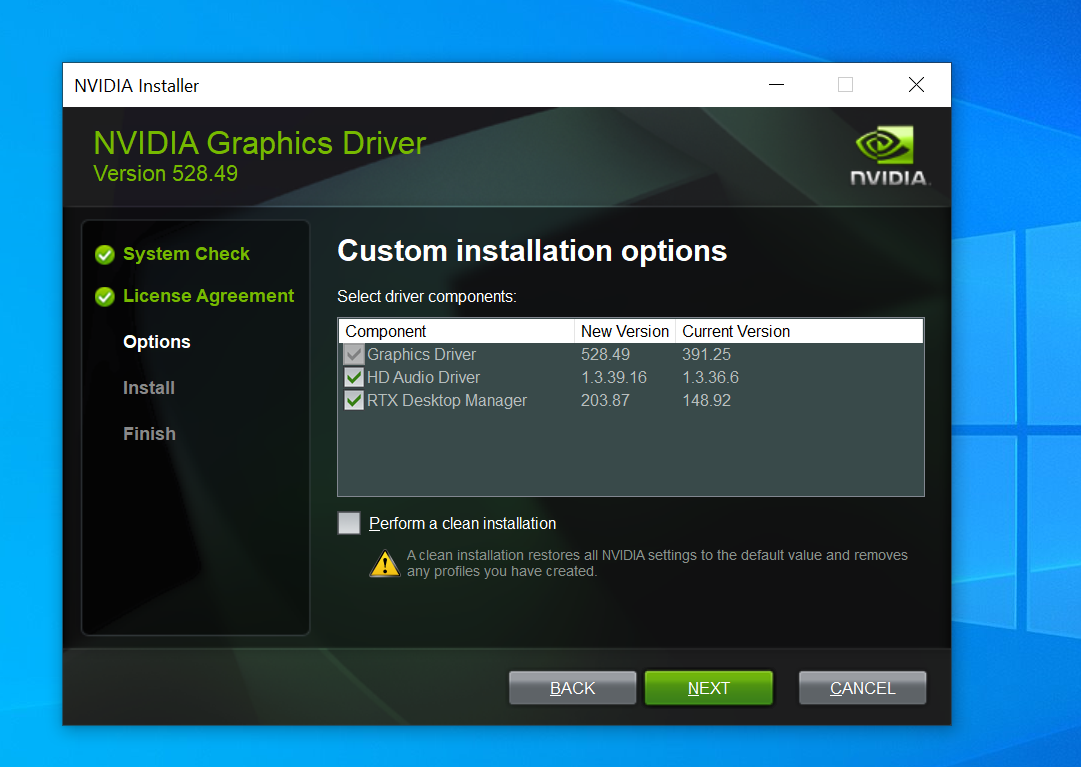
Well, that was dumb. When I put this together for emby, the hardware was old enough that I assumed driver updates had stopped long ago and that I had the latest one pulled from windows update (especially since I had the nvidia tray icon and thought it must have gotten the whole package from Nvidia). Well, that was wrong. I just went and updated with the latest nvidia driver package and it enabled NVENC and NVDEC both in emby and in handbrake. Im still kind of curious why the DXVA don't work as I remember doing older HW decodes with DXVA in the past, but whatever. It works now. I go through all the hard stuff trying to find a solution and it turns out to be something easy like a driver update.... I get what you're saying here, but in this case the card is helping me just enough to be very useful. Some of my latest 4K content will transcode in software, some of it is just barely over what the CPU can do and stutters. With other users transcoding 1080 streams on top, it cant keep up. Decoding my 4K in software and then encoding in HW on the card (and allowing outside network users to dec/enc 1080 in hw) gives me just enough of a margin to get by in the short term and keep people from telling me 'the server isn't working, its stuttering' The 1050ti is going in for sure, but I need to install my sons new GPU in his system before I can take the 1050ti out, and I'm getting fiber internet installed today so the GPU swaps may not happen for a week or so while I prioritize other things. In the meantime, this is a nice short term fix. Thanks for the help everyone!

 1 point
 -
I guess I have nothing to fear because NBC is already gone so I guess I'll just use IPTV for network TV. I regret buying the Flex 4k now though and if I were a dev I wouldn't want to sink any more time into it.1 point
-
Emby will never (I know don't say never) have a protected playback path and pay the licensing fees to playback DRM content so it is highly probable that this won't happen but you never know! I feared years ago that the two way capability of ATSC3 would bring DRM to OTA content. Don't fear though, it may not happen as broadly as you think. I can use 99% of the channels I have from Spectrum in my area via HDHomeRun Prime CableCARD tuners.1 point