Leaderboard




Popular Content
Showing content with the highest reputation on 01/26/23 in all areas
-
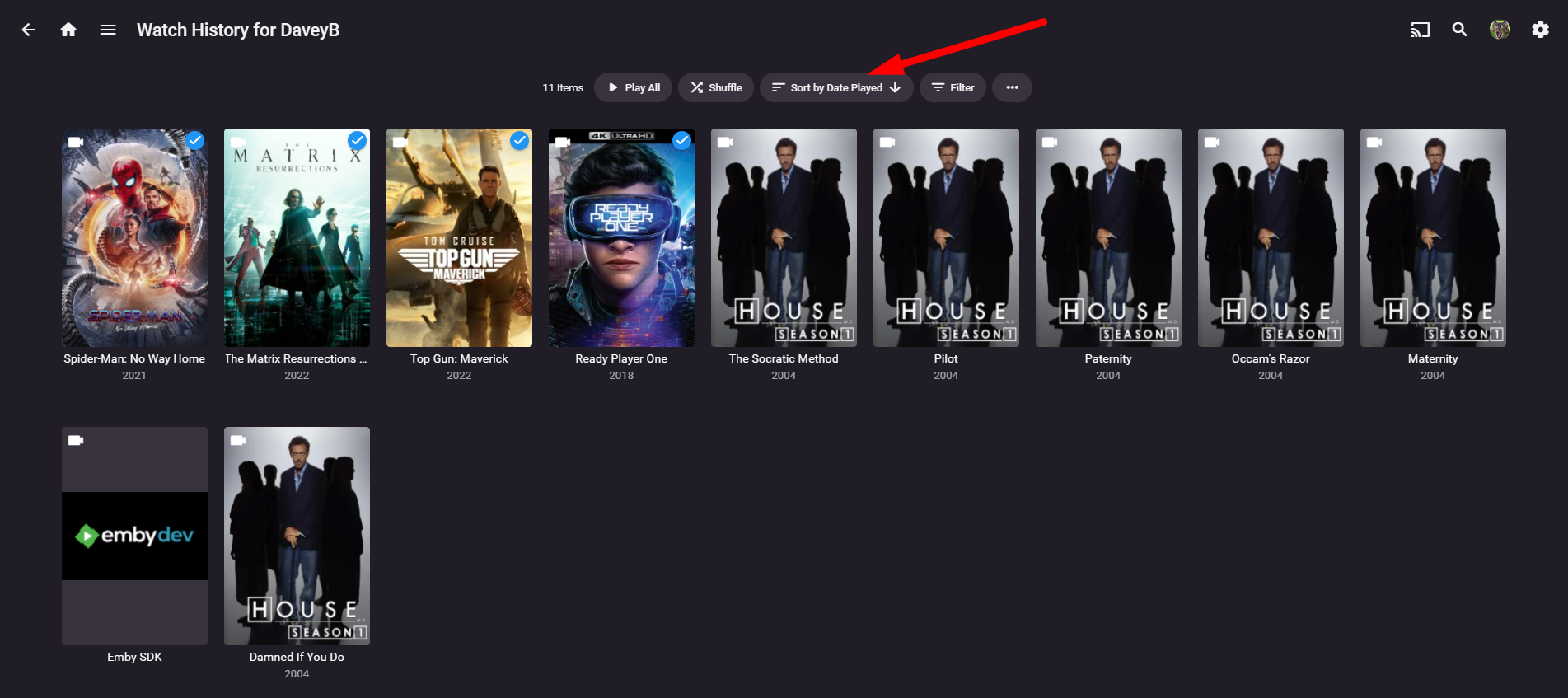
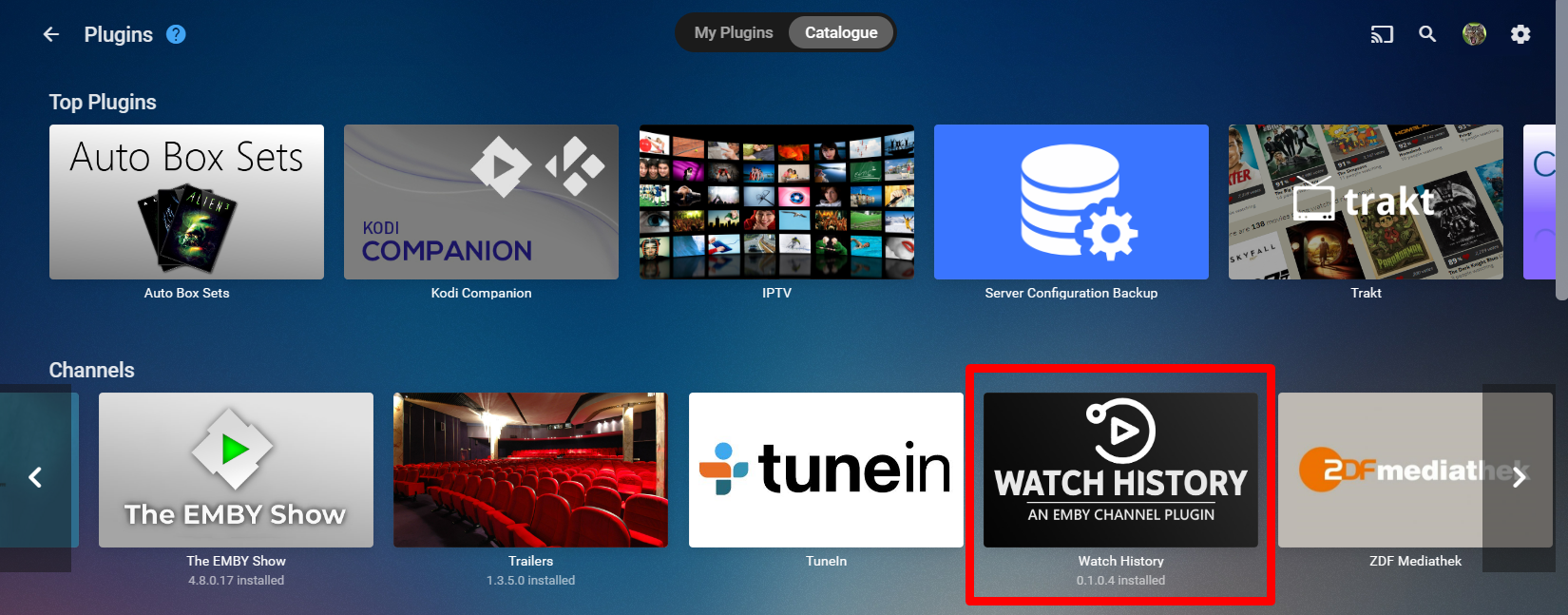
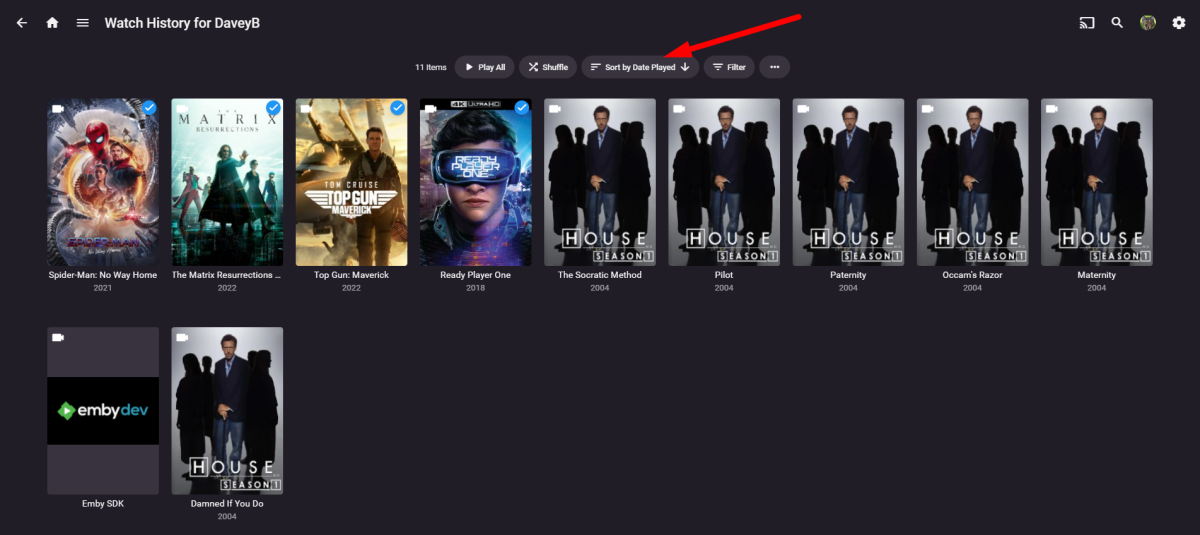
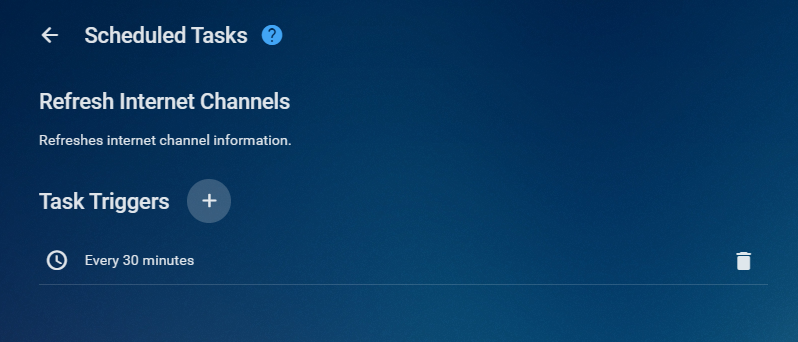
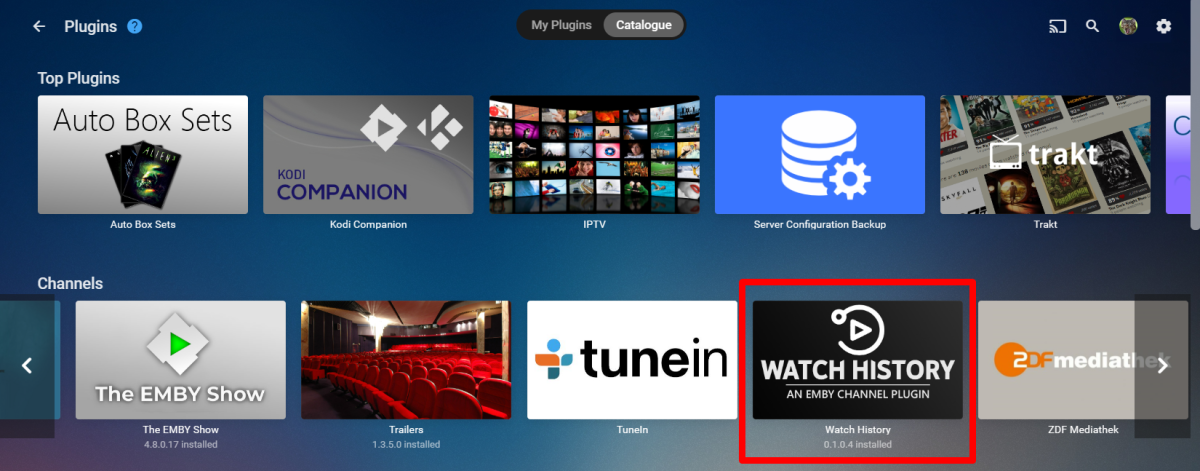
SEE WHAT OTHER USERS ARE WATCHING ON YOUR SERVER What does it do and how does it work? Simply put, it collects every (non-hidden) user's watch history for the last 100 items (Episodes and Movies) and then Displays sub categories for each user. Parental ratings are enabled - so a kid with a max parental rating of PG can't view other content that is higher than this on, say... a Parent's Profile with a Parental Rating of R or GB-18, etc. If a user's profile doesn't have any parental rating set, it defaults to R or GB-18 so that any Adult (Xrated) content is excluded. Important to set the Sort By filter to Date Played in order to get a most recently played order correct Server Compatibility Designed to work with Stable server release - Minimum version for Server Stable Release is 4.7.9.0 But also Tested with Beta Version 4.8.0.21 however some issues arise on beta release due to incompatibility of core enhancements. Installation and Operation Install from Channel section in the plugin catalogue. After installation Restart your server and if Refresh internet channels isn't running, manually start it, to start to populate your watch histories. Set an interval in the ScheduleTask for "Refresh Internet Channels" if you so wish to refresh your installed channels, if required Know Issues? Items without a parental rating (unknown or not rated) will be available to all users and available to be viewed and played by users that shouldn't have access to that parental rating! - Concern has been raised. Workaround - ensure all your library movies and episodes have a parental rating. Thanks @softworkz for providing a basic example in embyDev and his support. More info Here if you are interested in creating a channel plugin Channel Plugin Example: File Browser - Developer API - Emby Community @chef @samuelqwe @rbjtech @BillOatman @ginjaninja Our little 3rd Party Dev Group for their support as always!! V1.0.0.0 - Released to Plugin Catalogue If you don't notice any changes or improvements you may need to follow these steps to force changes and force the fixes. uninstall plugin. Restart. Run channel task, Reinstall, restart and run channel task please test and provide feed back - hope its of use to some of you


 5 points
 -
Ok Fellas!! 0.1.0.2 has been Posted. Fixes Episode info Fixes Movie info Fixes Item Links Option to enable Limits, if switch off, will retrieve EVERTHING since the dawn of time. Hopefully fixed the User Duplications Still not sure on the reliability of the filter for lastplayed date... more testing and investigation required. It appears to me that there is no dynamic refresh built for channels. Looks like a 1 time grab and cache when the channel is first installed. At worst case you may need to follow these instruction to force changes and force the fixes above. uninstall plugin. Restart. Run channel task, Reinstall, restart and run channel task Let me know the results and thanks everyone for your input and help, it really goes a long way to help build a useful tool for the community3 points
-
In short, there is no easy fix. We are obviously working towards improved functionality but its not going to happen overnight.3 points
-
This is kind of a minor request (but I know Plex handles it better). When using the web app and you edit a poster for a movie, etc. it would be nice if after you select the new image and go back to the list of all movies that the page would reflect the new image. I would think there's some sort of page refresh that you could do to reflect it? Only way I can get it to show the new image right away is back out of the library and go back in. Just nice to have it immediately refresh so you know it took affect. Thanks!2 points
-
Sorry they are three separate shows on TVDB/TMDB tales of arcadia — The Movie Database (TMDB) (themoviedb.org) tales+of+arcadia - TheTVDB.com Your only option is creating a Collection for the shows.2 points
-
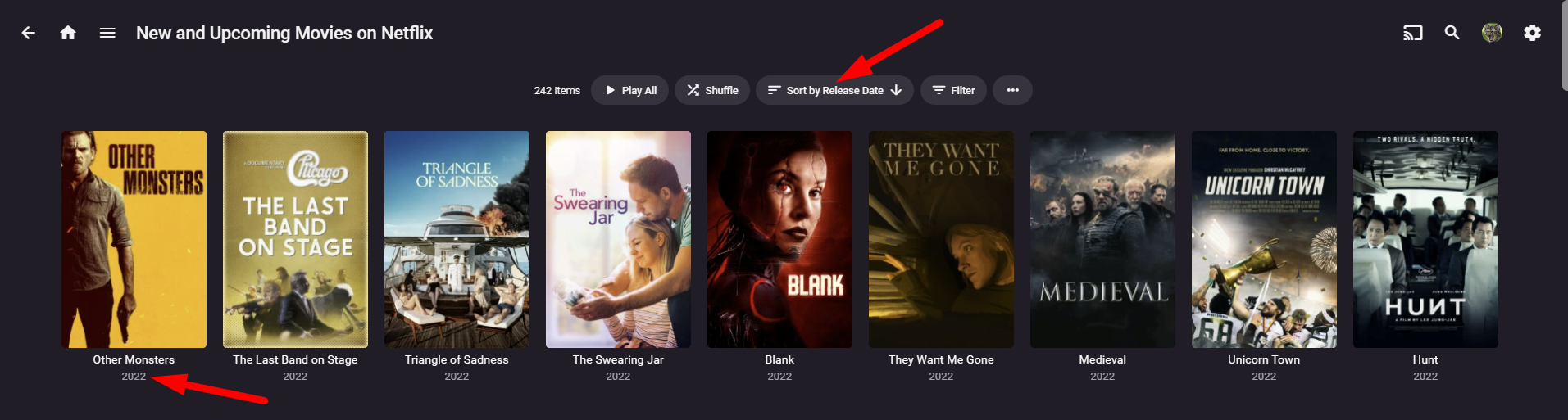
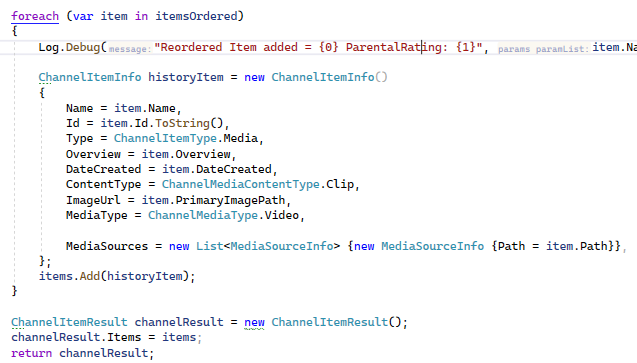
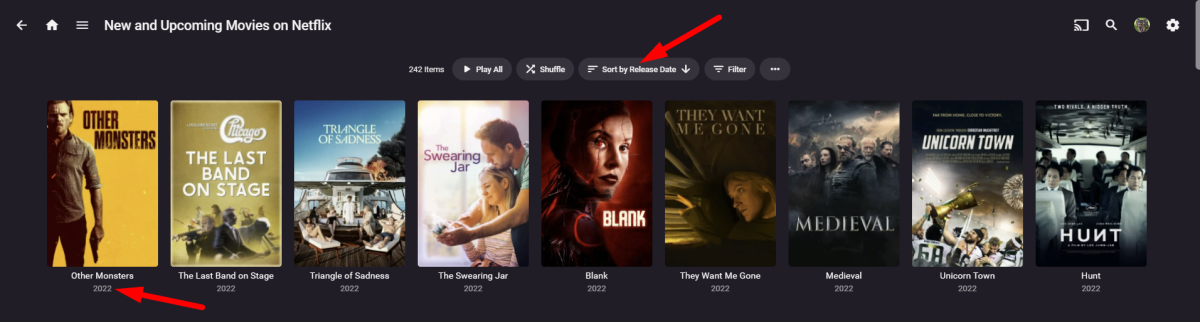
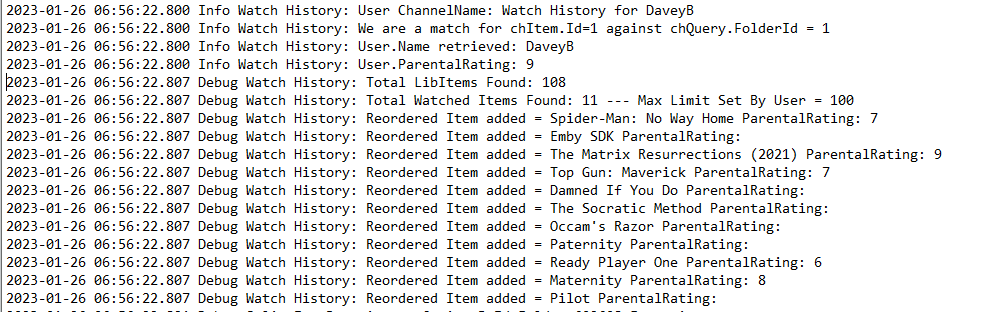
Laptop fired up. Fast typing enabled. Right... so. lets go 1 by 1 Hidden Users not showing.... Let's enable them. Then see if you are happy with results, this will mean that all users will be viewable by all other users. ImageFormat only displaying primary (Posters) Oversight on my part, i can fix this no problems Limit set to 100 I have a TODO to introduce a config option for this, but was waiting to see what the community felt was needed. Layout and information This is out of my hands, all i do is supply information for the Emby structure to populate the information, images, other information. For Example, i'm just collecting library items bases on a Query and this will then be interpreted by the Emby's Channel UI Generator You'll also notice below that relates to Item 2 on this issues list that i have only selected PrimaryImagePath. Order By LastPlayedDate not accurate. I have noticed this also and been trying to figure out why mine wasn't working but it's good that it's repeatable on another system. If you look at the Debug log you will actually see that the lastplayeditems are listed in the correct order to the information is correct that is being passed to the Channel, it appears the channel might not be updating itself properly. I will see what else i can do to force this update, however i also find that the Trailers channel suffers from this anomoly also, and i haven't had any 2023 movies show up in the trailers channel at all and thats in the upcoming for Netflix??? I mean how the hell can that happen

 2 points
 -
V (TV Series 1983-1983) — The Movie Database (TMDB) (themoviedb.org) TVDB has them as specials within V (1984) V - Aired Order - Specials - TheTVDB.com V: The Final Battle (TV Series 1984-1984) — The Movie Database (TMDB) (themoviedb.org) TVDB has them as specials within V (1984) These will provider data issues as they only exist separately via TMDB. V - Aired Order - Specials - TheTVDB.com These two should be fine.2 points
-
Jellyseerr is Google??? that’s awesome… i knew they were upto something…. mwahahha!! and they would have got away with it if wasn’t for those pesky kids2 points
-
Discogs:2 points
-
Request that Emby server store Dolby Vision (including profile), Dolby Atmos, DTS:X, HDR10+ (smpte2094) and HLG for appropriate video in the db and use it for display in the media info and track selection sections of movie/episode details screen. This information once in the db can then also be used in numerous other areas like: Mediainfo Cover Art, Stats for Nerds, Distinguishing different DV profiles for hardware support and tone mapping Example Mediainfo app display of HDR10+ ffmpeg patch for HDR10+ https://patchwork.ffmpeg.org/patch/11491/ Related requested that may require DV profile information in order to prevent unneeded TM1 point
-
Right i might need to assert what to do with the item by Type. You can keep jotting ideas here. I need to get those bits done first and then i'll be back.1 point
-
You don't say.1 point
-
oooooo nice one... I think you are onto something. We can do some cheeky tests1 point
-
it's really bizarre... I would like to understand the update channels mechanism better..... something isn't wired up right on emby side. Why would only 1 user update the name? hmmmmmmm
 1 point
 -
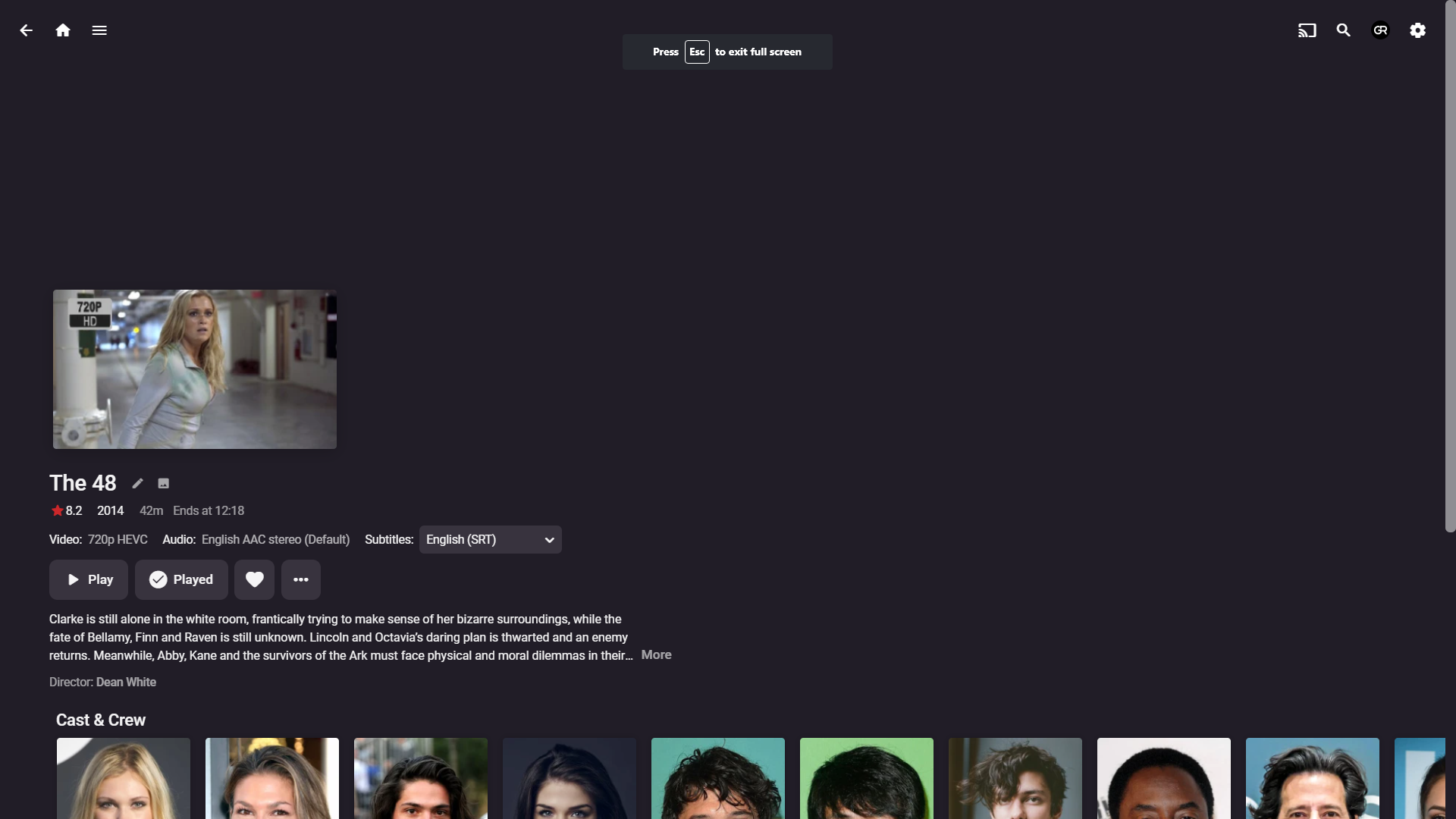
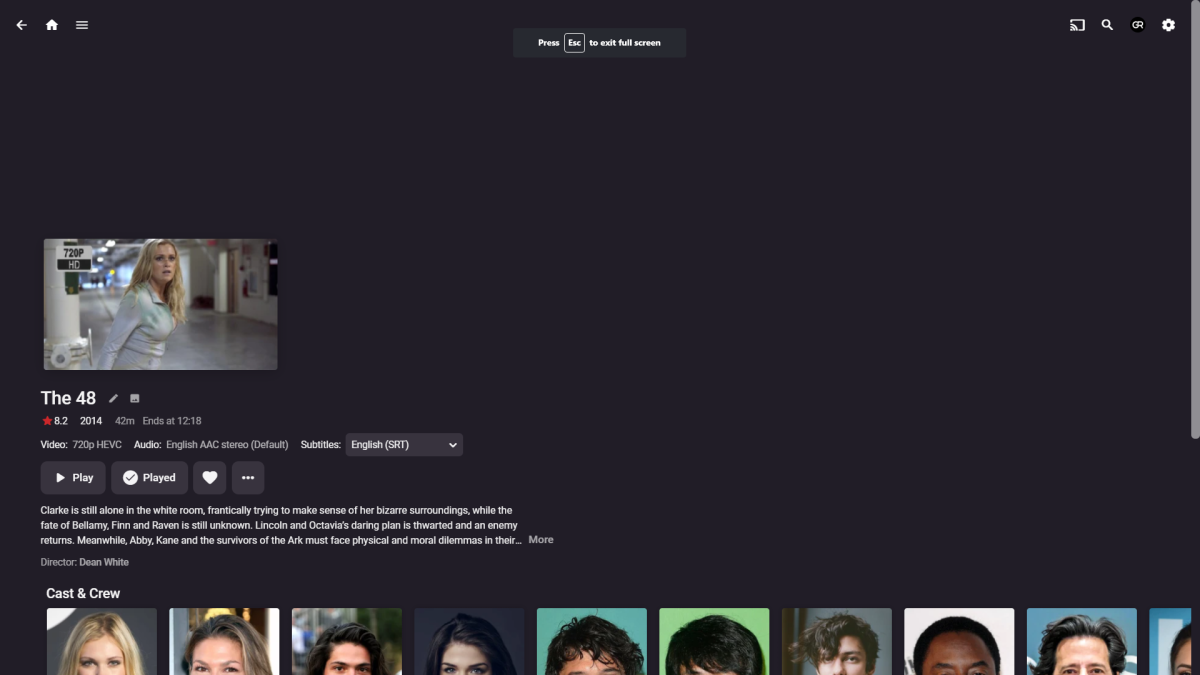
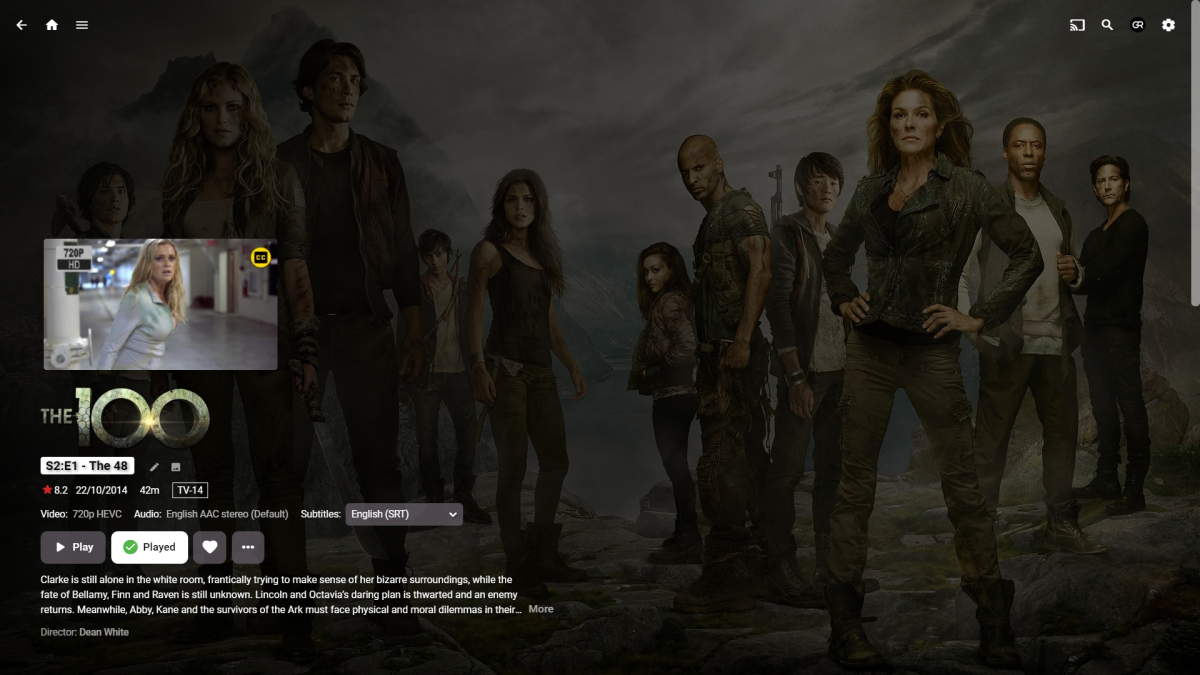
I actually don't envison for anyone to have access to this library besides myself. Noted on both points. Something is off then, as episodes are not getting all the data: parent series, Date Played, Play count. Also, visible from screenshots: in addition to missing logo and backdrop, Air date is just year and there's no PG rating denoted. It also doesn't appear as Played for myself, as movies do. In general, movies work flawlessly - episodes have issues. I'd say because episodes are obviously nor getting Date Played hence throwing sorting off.
 1 point
 -
Thanks - but I'm probably not going to bother - as I use nginx in a dmz, with certbot renewals, have an A+ on the TLS testers blah blah (ie a lot of previous setup) - and also a separate nginx rp entity for my own internal services. So unless there is a good reason to use http/2 (which it appears there isn't, http/1 for the backend has zero performance issues for me) then i'll stick to nginx but good to know there is an alternative.1 point
-
Thanks for the feed back. let me tackle some of the questIons, actually ill do this when i get the laptop open. standby1 point
-
Shit, already did.. Never mind I'm sure @Cheesegeezer will not mind.1 point
-
Cheese, you want to start debugging immediately or you'd wan't me to hold on on bug reports for a little bit?1 point
-
TeamWork makes the DreamWork!!! hahahahaha OMG it's too early for corporate Hurraaaah!!!1 point
-
Yeah, I reckon that'll come up rather sooner than later. That sounds like much better solution, as it'll have alphabetical first letter that eye sticks to, instead of W, while solving above issue along the way.1 point
-
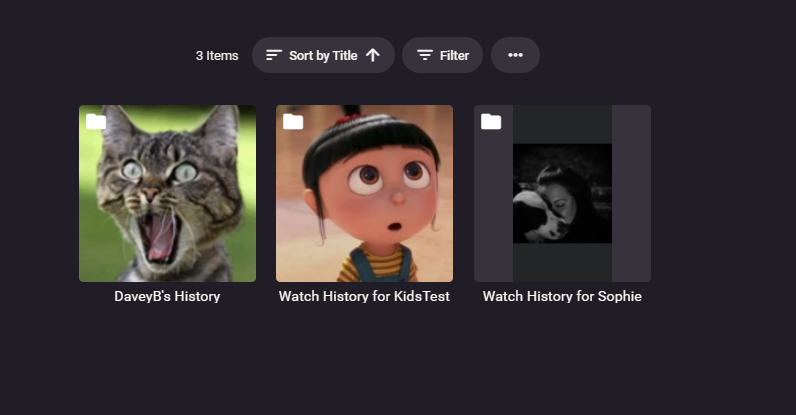
Yeah, i can do that.... i was ummmin and arrrin about it. But didn't want users to get confused with login screen and Watch history by just displaying names... (i'm sure it will happen). What about suffixing with Username + " 's History" = DaveyB's History I'll wait until i get a few more improvement requests and then hit them at once. Cheers fella!1 point
-
Np. Personally, I'd remove "Watch history for..." from item titles, if one enters Watch history library that should be self-explanatory. Besides, if longer user name there'd be unnecessary wrapping.1 point
-
Yeah Thanks... Good Point. It's Release 4.7.9 Minimum version... I will add this to the Description! Thanks Grimmers... glad someone is thinking for me haha1 point
-
That sounds like a really useful stuff - does it work with latest stable or it is beta only?1 point
-
These are some suggestions from @ginjaninja for use Cases - Thanks Ginj!!! Remind me; what i fell asleep to last night; what was that movie i watched (ie sort by playdate descending) Recommendation ideas, general noseyness, admin oversight - what are other people watching (by user name,sort by playdate descending) Granularity/Grouping by media type would aid digestion Movies vs TV Epsiodes vs Home movies (a potentially useful distinction but probably could be lumped together if of benefit to design) if tv was separate (option for show) Audiobooks (option for author) Albums (option for artist) (grouping by library or library folder too bitty cant see a benefit from my library organisation) Option to sort by max plays - what is the systems|users favorite movie, episode|show, album|artist, book|author. Specifically for music, what artists did user x discover in the last X months, what artists could be rediscovered ( were listened to a fair bit but then stopped, ?or have new albums unlistened?) Analysis by system , by user of watched movies and tv by popular directors, actors, screen writers etc, genres - something to base recommendations off. analysis against backdrop of date added...ie popular classics vs popular new.1 point
-
Yea, nice one. That's the go, I've used this trick for actors/images before (tvdb is strange with animation actor images) I think it was @GrimReaper that solved that for me back then.1 point
-
No, just copy-free channels. The Ceton Linux drivers doesn’t support DRM afaik. Thanks for the reply, and I look forward to the release of TVNext. Feel free to use me as a guinea pig.1 point
-
Temporary Solution to this.... I created a Watch History Channel1 point
-
You need to put TMDB as your top preferred meta-provider in your library settings, delete tvshow.nfo, scan media library, lock the item afterwards, revert preferred meta-providers to TVDB on top.1 point
-
Probably should move this to a support section as not an FR but a question for support.1 point
-
Thanks so much for this plugin!1 point
-
This one has been around for a while now and I would hope that is not be too much coding effort to address as this is a metadata display in the various apps. Looking at the thread I would suggest that there are several things that could be utilised to get this working really well. I thought I would try to summarise some the thread and add a few more ideas. The options should probably be user settings individual to each user. But it would also be good to have a system/library default that could be enforced if necessary. For Movie libraries there could be several possible options. New i.e. unplayed Partially played (same metadata used to display the movie in the continue watching section) Watched NO mark For Collections the options could be New i.e. unplayed (with or without count of items) Partially played - 4/7 type format. Options for watched or for new. Watched - all items watched NO mark For TV show the options could be New i.e. unplayed (count or just a mark) (include specials option) Partially played 4/7 type format. Options for watched or for new. (include specials option) Watched NO mark Another addition would be to allow changing the style for each of the marks/indicators. User configurable colour options Options for the indicators icon as well, Tick, X, circle, whatever. I will attempt to mock up in text a possible what to present these possible options. Server-Library-Advanced tab {for setting system wide defaults} Watched/Unwatched Indicators (System Defaults) Content Type Movies Enforced across all Movie Libraries -- New/unplayed Indicator [Style picker] Partially played Indicator [Style picker] Watched Indicator [Style picker] Collections Enforced across all Collection Libraries -- Item Indicator Display as Mark [Style picker] Display Number as NEW [Style picker] Display Number as FULLY Watched [Style picker] Collection Completely Watched Indicator [Style picker] {Takes precedent over Item indicator} Total Items Indicator [Style picker] {separate indicator or changes the above indicators to include this data} TV Shows Enforced across all TV Show Libraries -- Item Indicator Display as Mark [Style picker] Display Number of NEW items [Style picker] Display Number of FULLY Watched items [Style picker] Show Completely Watched Indicator [Style picker] {Takes precedent over Item indicator} Total Items Indicator [Style picker] {separate indicator or changes the above indicators to include this data} Include "Specials" in numbers In individual library {Using TV Shows as example} Enforced for all users -- Use Server defaults {i.e. Server-Library-Advanced tab} Item Indicator Display as Mark [Style picker] Display Number of NEW items [Style picker] Display Number of FULLY Watched items [Style picker] Show Completely Watched Indicator [Style picker] {Takes precedent over Item indicator} Total Items Indicator [Style picker] {separate indicator or changes the above indicators to include this data} Include "Specials" in numbers -- App/User settings Display Watched/Unwatched Indicators Content/Library Type Movies Use library defaults New Indicator [Style picker] Partially played Indicator [Style picker] Watched Indicator [Style picker] Collections Use library defaults Item Indicator Display as Mark [Style picker] Display Number as NEW [Style picker] Display Number as FULLY Watched [Style picker] Collection Completely Watched Indicator [Style picker] {Takes precedent over Item indicator} Total Items Indicator [Style picker] {separate indicator or changes the above indicators to include this data} TV Shows Use library defaults Item Indicator Display as Mark [Style picker] Display Number of NEW items [Style picker] Display Number of FULLY Watched items [Style picker] Show Completely Watched Indicator [Style picker] {Takes precedent over Item indicator} Total Items Indicator [Style picker] {separate indicator or changes the above indicators to include this data} Include "Specials" in numbers I got a bit carried away in the end, but hopefully that makes sense.1 point
-
Official answer - have the user configure the libraries that whatever this feature is will apply to. Then they can exclude adult content or anything else they wish.1 point
-
1 point
-
Thanks! I can control my server from this version of the app.1 point
-
We made some attempts to support Ceton devices but we didn't succeed when it comes to DRM protected CableCard channels. Are you talking about those kinds of channels? Can you watch them with fHDHR? What we tried though, was accessing the devices with the BDA drivers on Windows. I didn't know that they also have an http API - which fHDHR is using. It doesn't appear to be overly complicated, so we can give it another try going this route.1 point
-
Am pretty sure its a beta app.1 point
-
FYI: nginx does not support http2 for the backend connection. So you need to stick with http1.1. caddyv2 seems to support that on the other hand so worth to try and see if there is any performance improvment at all1 point
-
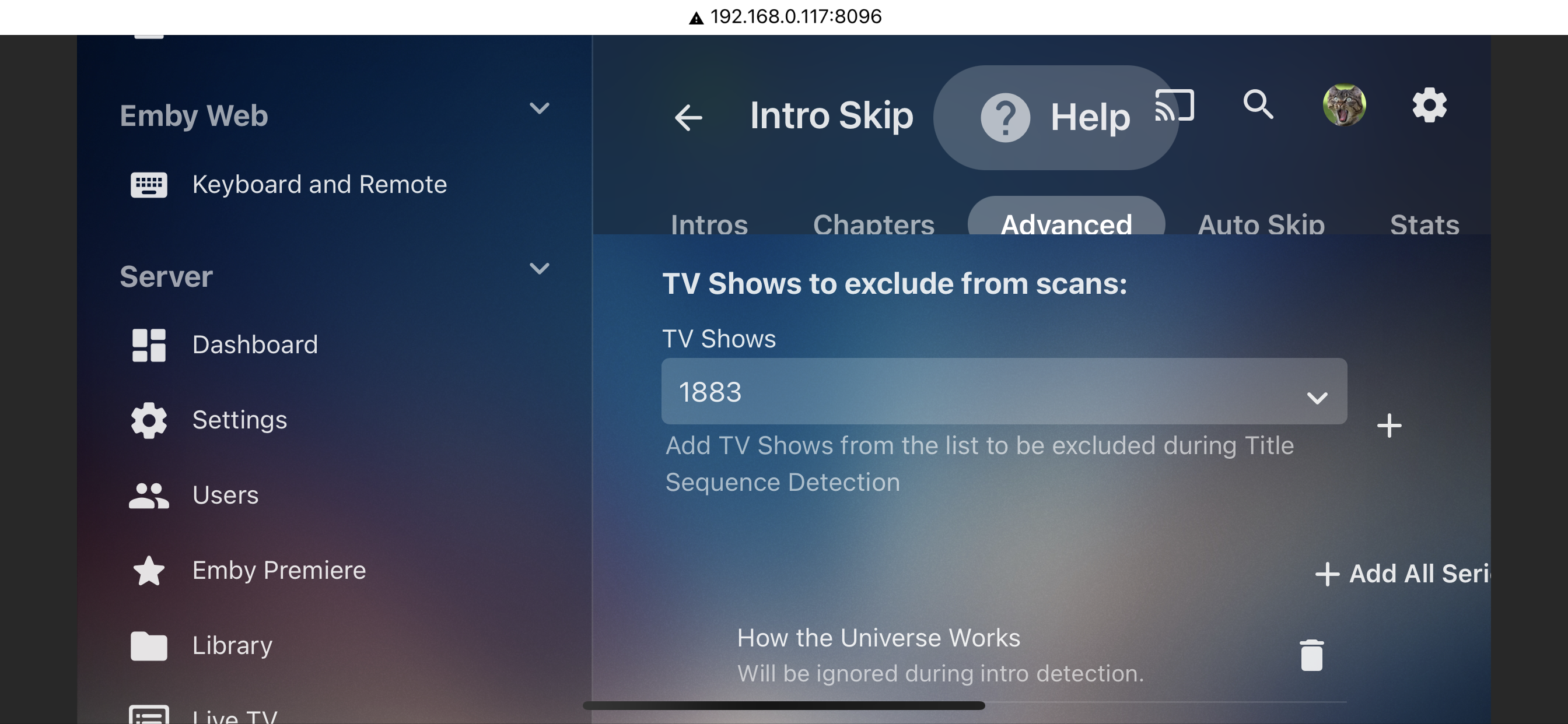
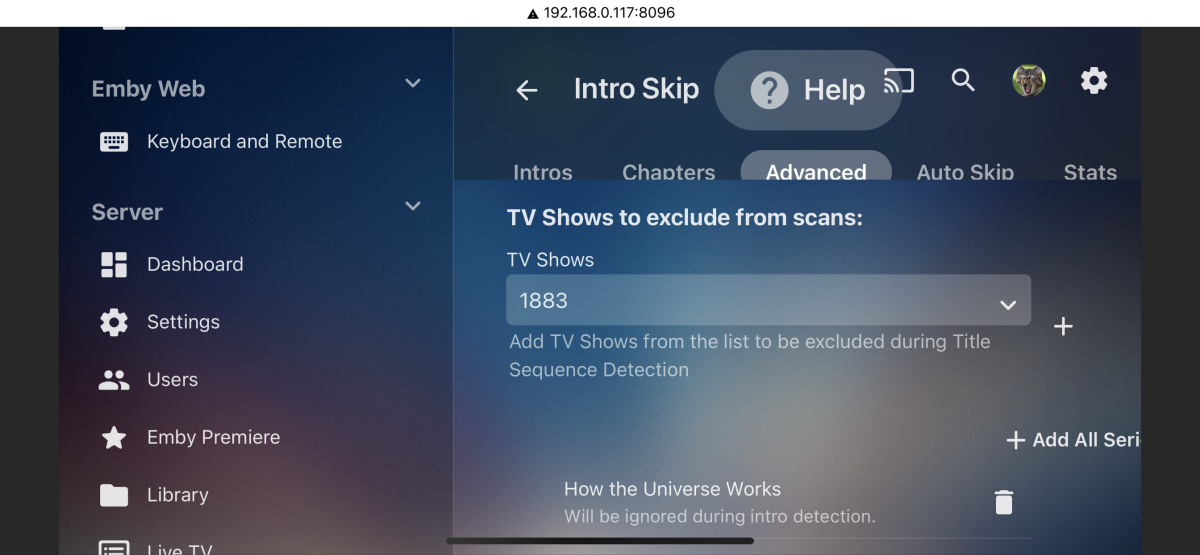
Alas IntroSkip plugin had this feature.
 1 point
 -
Hello Neik... Yes I have looked at implementing your idea. It's not easy to do, and I have a list of simple to implement ideas that I have wanted to do for some time. I want to get through this list first. Thanks for reminding me. Vic1 point
-
done. Check your PM.1 point
-
The first track will give HDR10, the 2nd track is the DV 'layer' which then enhances the first if you have DV capabilities. Only hardware players can read the 2nd track (in parallel to the first) so tools like makemkv have devised a way to combine them into a single track - thus you get a dv7 profile file with both HDR10 and DV attributes from any software based player.1 point
-
Disregard for now actually, I'm realizing it may coincidentally have been separate issues with the 2 specific videos I happened to be testing. Further test videos are playing fine. Sorry about that. Thanks.1 point
-
Don't think there is beside MaxOfficialRating assuming the items have a rating. As they are "Type": "Movie", , "MediaType": "Video"1 point
-
Awesome! One down, four to go.1 point
-
Hi - yes this is possible (via direct database updates) but it is not officially supported. Please ping me on PM and I'll send you the documentation. Thanks.1 point
-
The 'slow' bit is surely getting the API results in the first place - the extra logic being applied to the results already in memory should be miniscule in terms of extra overhead. I doubt it would even be noticed but people would appreciate the increased accuracy for sure .. and it's actually one thing emby can improve its 'detection' statistics on to match/better it's competition. If the logic did have an overhead - then again it's a simple 'option' - on by default, to sacrifice accuracy for speed, blah blah, turn it off.1 point
-
My preference would be that everything stays as it is now, except a fully watched TV show would get the check mark indicator like movies instead of nothing.1 point