Leaderboard




Popular Content
Showing content with the highest reputation on 01/14/23 in all areas
-
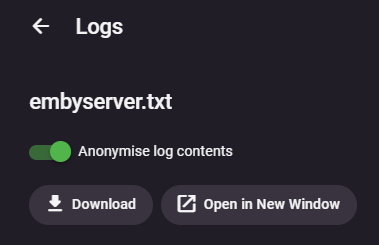
You get the option once you select a server log in the web UI
 2 points
 -
Emby runs perfectly on my Pixel phone with GrapheneOS, I've been using it for around six months. Previously I used CalyxOS+microG, which also works great with the Emby app. If you're looking to protect the privacy of your personal information, I suggest you check into using a de-googled Android OS.2 points
-
Exactly - the same with an AVR - always connect the source to the AVR/Soundbar (where possible in the case of a soundbar) - never use ARC or eARC unless you are forced to - as going 'though or passthrough' involves potentially altering the raw Audio signal or having compatibility issues. A classic example of this is trying to play uncompressed HD Audio - True-HD or DTS-HD - via ARC this will be impossible, via eARC this is also very unlikely via an App - but plugging the source into the soundbar directly will play HD Audio without issue as ARC is not involved. The 'downside' is you are then having to passthough the Video - but this generally seems to have much fewer issues as the HDMI standards are well defined.2 points
-
Pushed a v1.1 compatible with Emby 4.8, hopefully. Feel free to test.2 points
-
log { output file C:\caddy\logs\emby_access.log { roll true # Rotate logs, enabled by default roll_size_mb 5 # Set max size 5 MB roll_gzip true # Whether to compress rolled files roll_local_time true # Use localhost time roll_keep 2 # Keep at most 2 log files roll_keep_days 7 # Keep log files for 7 days } The above has worked for me2 points
-
This is for Emby Theater for Tizen and iOS. It seems all these recent updates are to “clean up” the OSD etc. Well, there is tons of room now that you have removed the poster from the video details screen, so can we please get the “Ends at” time back on details? Makes absolutely no sense that that it was removed in the first place. I realize it can be seen after the video is playing by pressing down to get to video info but the whole point is to see if you have time to watch the video BEFORE you start it! Seems pretty straightforward. thx!1 point
-
Hi, On the Server you can currently see active devices on the dashboard, and consequently which users are watching what on what media. However, there's no way to abort these active devices to either conserve bandwidth, conserve server CPU, or simply to stop a renegade process. One use case that would be particularly helpful is when you're casting from the phone app to ChromeCast. If the phone gets interrupted, you lose control over the stream so that the TV stops showing whatever you were watching, and there's no way to stop it or regain control over it. Instead of having to stop and start the entire server, it would be nice to just click on that particular activity on the dashboard and press KILL (or perhaps a less dramatic word - cancel?) Food for thought? -Florux1 point
-
click on a log via Logs.1 point
-
Then create one...1 point
-
AFAIK remote IPs, remote domains, apikeys... anything that would provide malicious individuals outside your network information to access your network/identify/access your server/users externally.1 point
-
Wäre schön, wenn im Bereich Benachrichtigungen noch ein Schalter für "User Login" dazu kommt! Danke!1 point
-
Hi, yes I agree this would make sense. Thanks.1 point
-
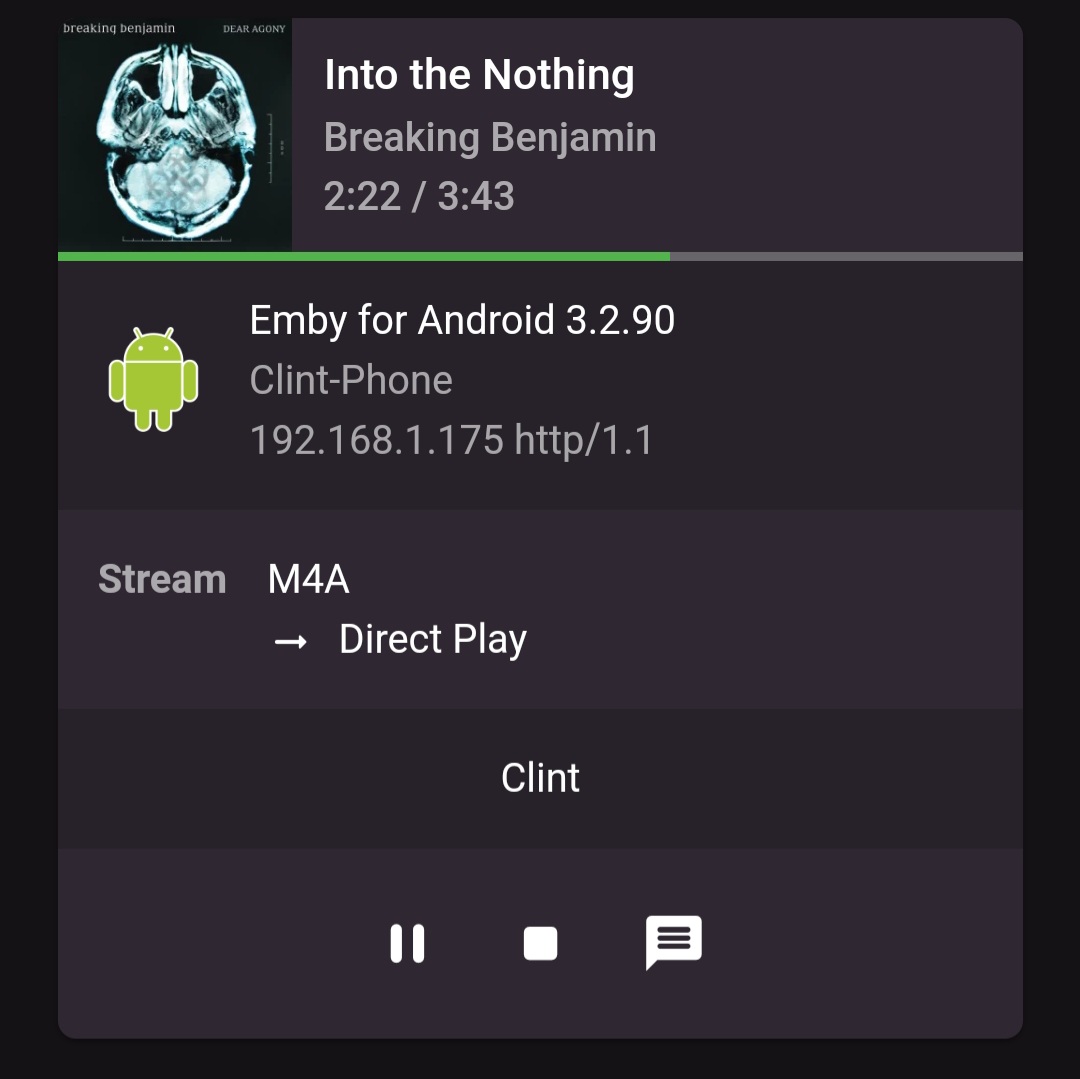
Hi, Just a heads up, when playing a audio .m4a file, no audio stream information is shown on the dashboard. The file plays fine by the way, it's just a cosmetic/information problem. Thanks Ninko
 1 point
 -
Thanks, we'll take a look.1 point
-
working fine here thank you!1 point
-
@jriker1 it sounds like you can set your TV buffer/transcode folder in admin > Transcoding.1 point
-
Great! Can you add the "spinning wheel" once you hit play on live tv as well? If you hit play, nothing happens for a few long seconds then the program starts. The Roku has the spinning wheel so you know to wait. Not a major life changing request, just a nice to have. I've told my family to just chill and wait.1 point
-
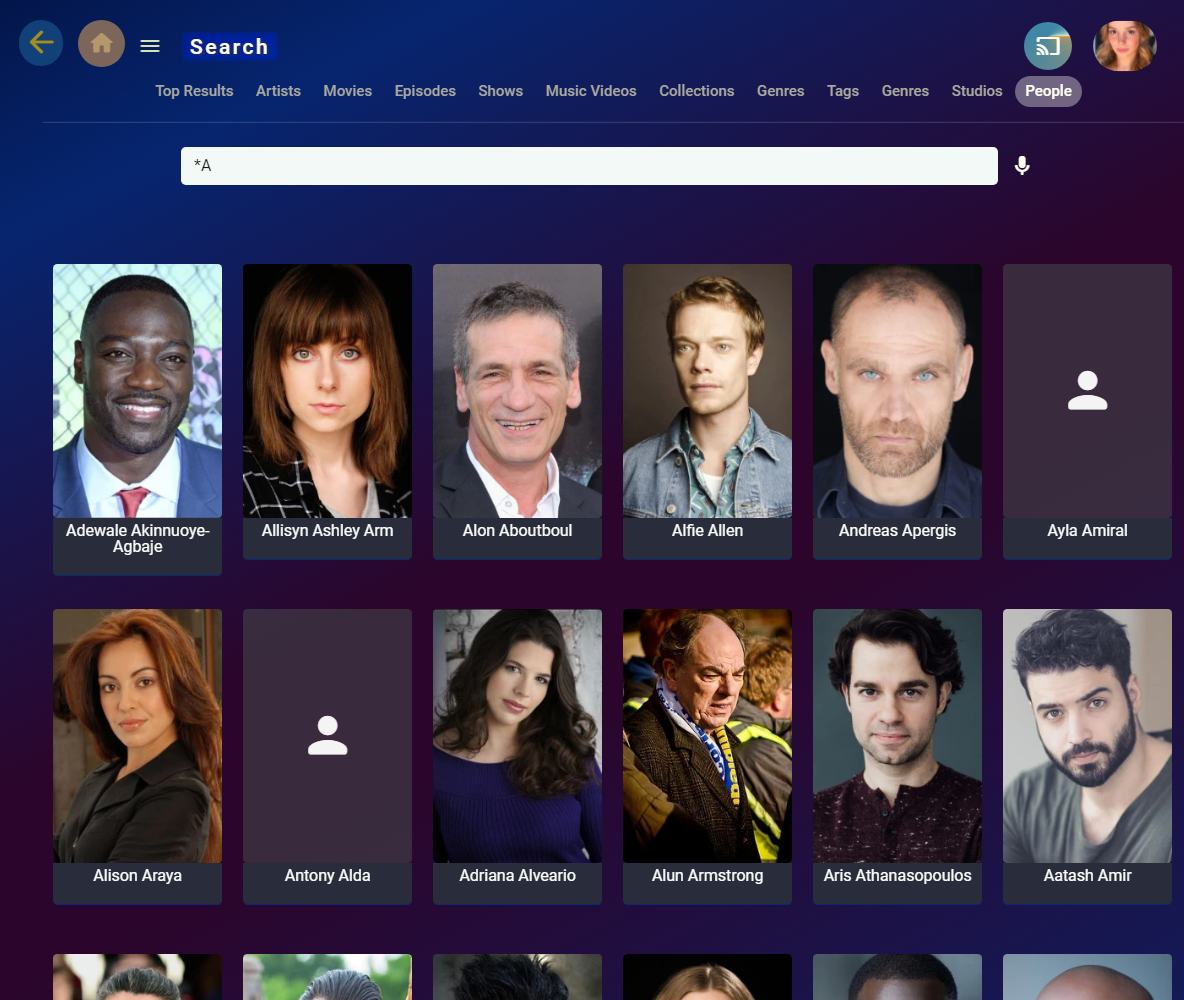
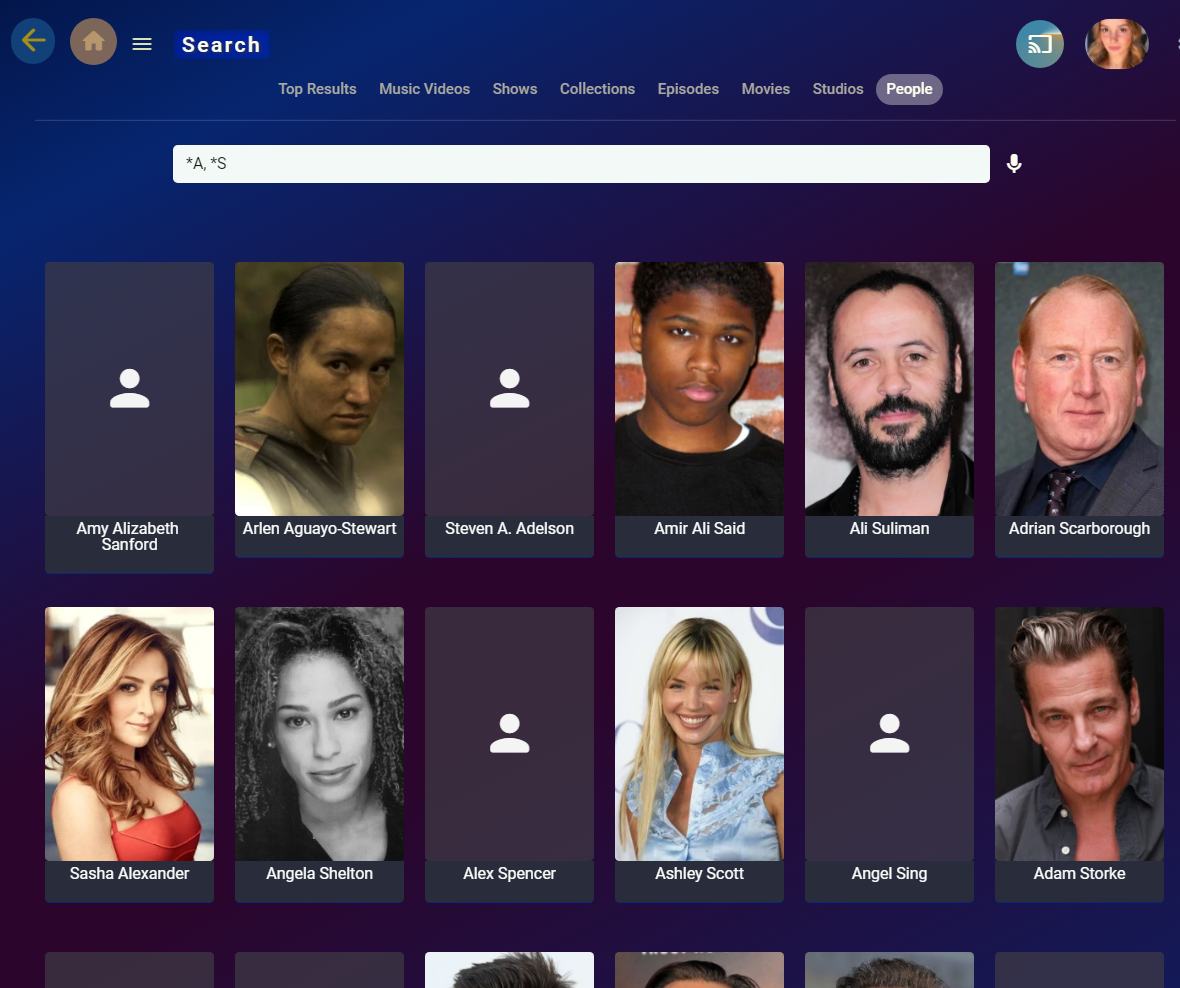
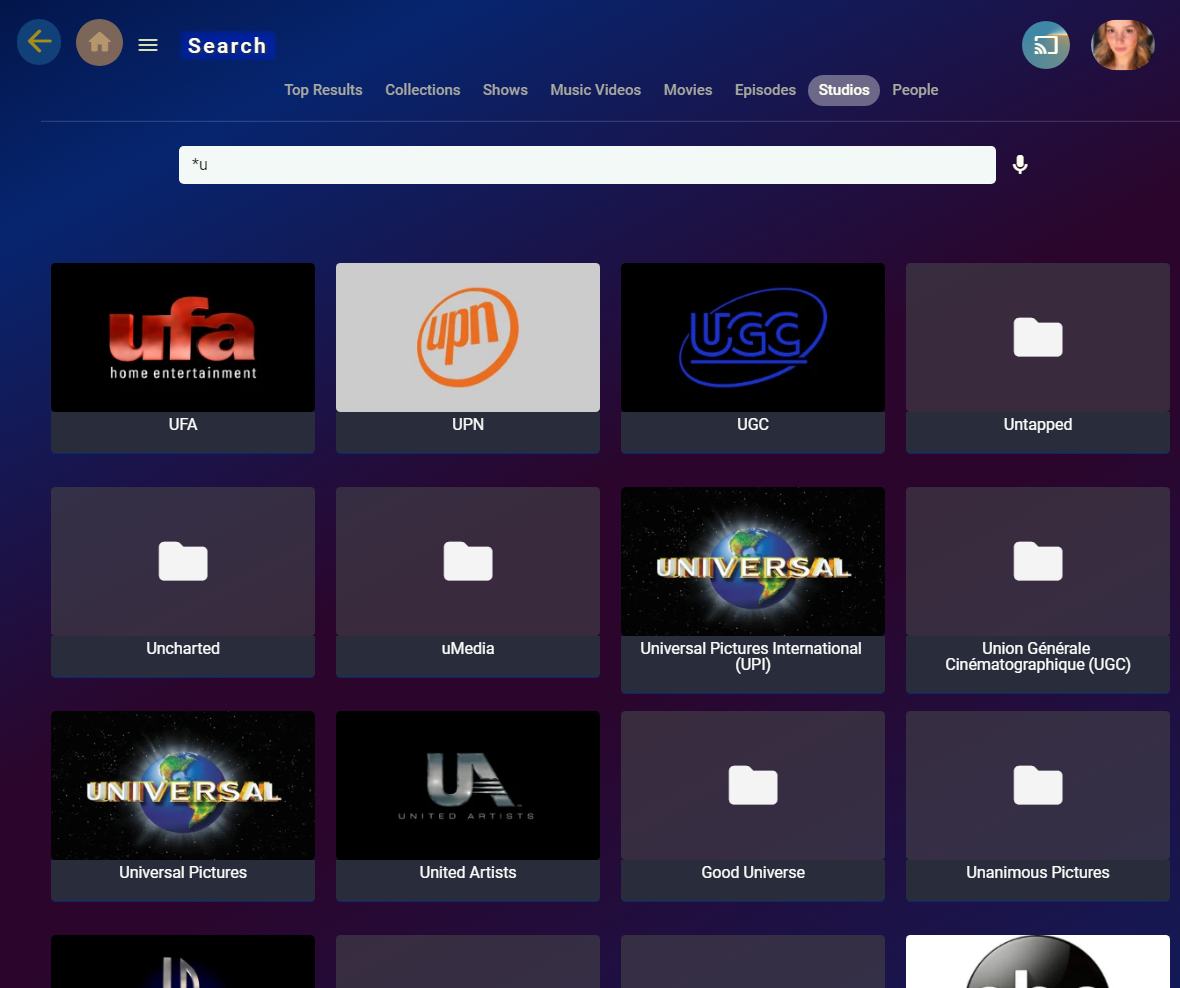
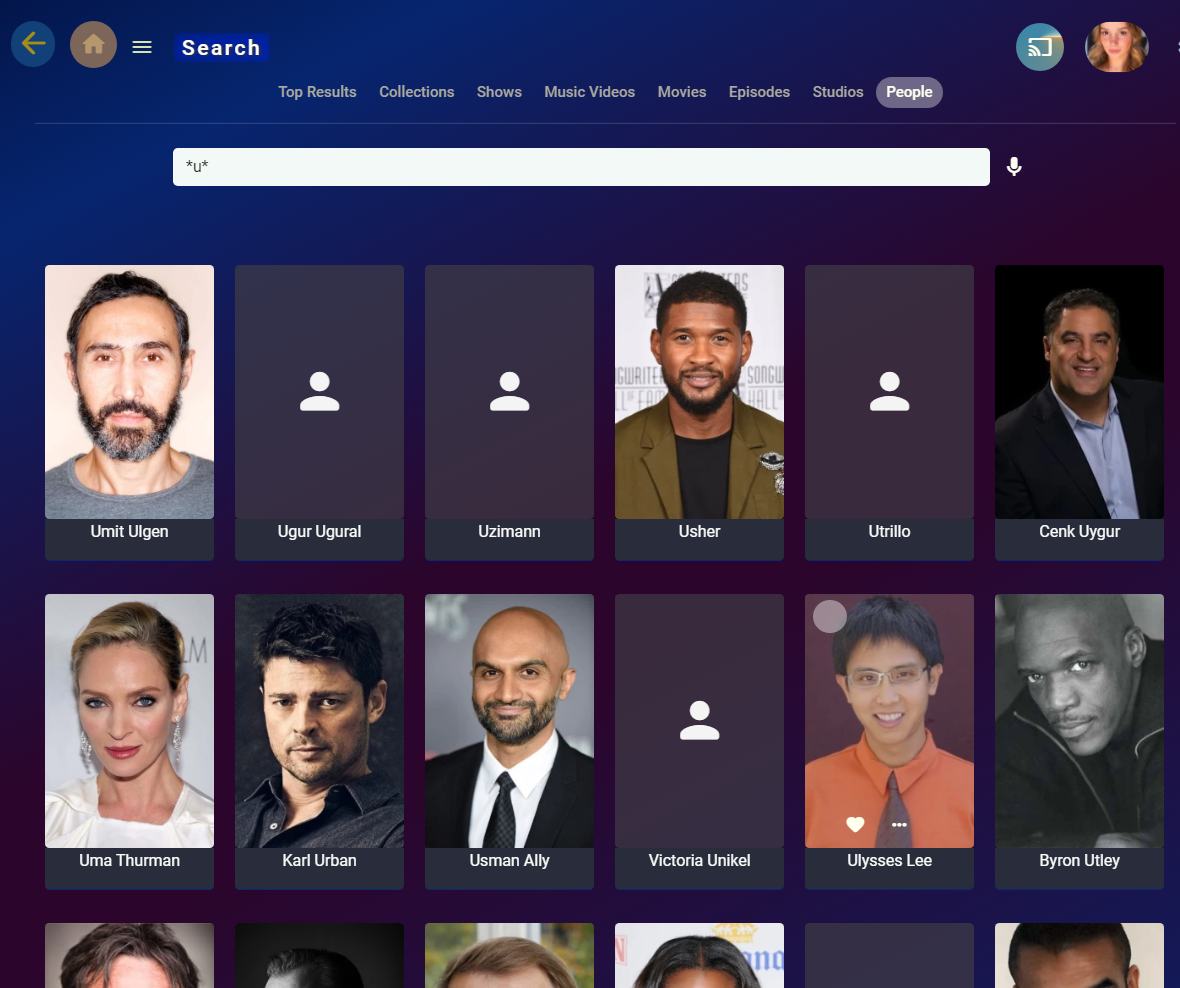
It's there but sort of hidden in Search.
 1 point
 -
Hallo Ob das an Emby liegt kann ich dir nicht sagen! Ich würde die Festplatten mal auf Fehler überprüfen. Sonst weiß ich da leider auch nicht weiter. LG1 point
-
After a month's break, I've decided to resume trying to get Live Recordings working how I would like. I stumbled on this post about converting live recordings to a friendlier format, however I don't see a way to automate this. I have a DVR folder where all recordings go, and I see I can manually select that folder and convert it, but I would like it to happen once the recording is done. Am I missing this option somewhere? UPDATE: Never mind... I'm an idiot. Found it.1 point
-
PERFECT! works like a charm!!! impressed by the response on this issue. Thanx a lot!1 point
-
@rbjtech this one is right up your ally chief1 point
-
Thats what this Update is all about.1 point
-
@GregMoReally no different than the issues seen in Windows 7 and Server 2012 and TLS 1.2. You have to adjust your OS settings and IISCrypto is the easiest route beside many editing the registry.1 point
-
If "main" is a subfolder you don't start the path with "/" which goes back to the base of the file system. Try "./main", where "." means "current directory". This is probably not necessary in Windows, but I think Linux might require it (or even Caddy's parsing might). BTW, you could also save typing by defining your big "header" block as a "snippet" at the top of the Caddyfile, which you then simply import into each site. Paul1 point
-
1 point
-
Yup, and because you're running what's considered a legacy version of Windows now, your system is probably trying to negotiate a much older version of SSL cipher suites. This is not an Emby problem, it's a Windows issue. Have you ever used IISCrypto to modify those in the past?1 point
-
It has to be valid xml, otherwise the parser will fail to make it through the entire file.1 point
-
So I was able to do most of I wanted to do with a single line in Linux (actually WSL on Windows). awk -F ';' -v OFS=';' '{print $6, $9}' ReportExport.csv| sed -e 's/^\"//; s/\";/;/' | sort | uniq -cd | less It still would be nice to have some sort of way within Emby to find duplicates. I'm sure somebody without any kind scripting knowledge would it useful to have.1 point
-
Thanks Q-Droid for the detailed explanation. I originally assumed it was something more for systems with poor caching solutions. I didn't consider that it would be even better than letting ARC take care of it. I also appreciate the recommendation to double the library.db file, rbjtech. I'm surprised that mine is only 180M. I can definitely give it 1/3 GB. I had a feared it could have potentially been taking several GB.1 point
-
@feerlessleadr I've asked the Kodi addon developer for some help. Maybe i need to adjust my plugin again to some changes in the Kodi addon or the Kodi addon is just broken.1 point
-
"Route /*" is serving no purpose in that setup, not least as it has no directives specified as the main parameter! Also, in the first site, "log" used with no parameters is enabling just access logging to the console - is this what you mean to enable, or do you want file logging? And the first site also doesn't specify what files the "file_server" directive can serve! - you need to include: "root * /path/to/site/files" (N.B. in this case, the "*" matcher, although default, is required to disambiguate the path which starts with a "/" as that can also start a matcher). Paul1 point
-
Just wanted to thank the contributors to this thread; I was able to get this working on FBSD12.4 fairly easily. The difference between software transcoding and hardware is astounding!1 point
-
Thank you. I didn't think to search MediaItems for people's name.1 point
-
Bumping a 6 month old thread.... My use case is different from everything I've seen on here. There are times when Emby misidentifies a file sometimes causing a duplicate of a different title. I've written scripts to run against a generated report (ReportExport.csv) comparing the SortName field with the Path field (stripping pathname and extension and articles (the, an, a - my file name will be something like "Big Trail, The (1930).mkv" not "The Big Trail (1930).mkv" or "Big Trail (1930).mkv") and yet I still find duplicates or misidentified files. Very frustrating. The closest solution I've found is on page 1 of this thread where you "Start collapsed" and look for ": 2". That's a simple solution for a small library, but I have a large library and am literally finding hundreds of ": 2".1 point
-
Devs would have to comment on if dynamically increasing this could be done. But think there should be a write-up in KB or Tut/Guide section for db cache size and SqlLiteMMIO setting.1 point
-
Franko72 confirmed on the teramaster forum that this was the same issue he had. And correcting the port to the default port allows authentication to occur. Basically Teramaster breaking a basic configuration... so not that surprising. https://forum.terra-master.com/en/viewtopic.php?p=23891#p238911 point
-
I also have a hard time seeing that the popup message my users got had anything to do with my device-limit. I first thought there was a new feature that I had missed where you could set like this user can watch 40 episodes per day or something. Soo, then I really don't know what fixed it...because after several reboots the problem was still there and I haven't touched anything related to network or users in months. But as soon as I cleaned up my devices (about two pages full) the problem disappeared instantly. Also, none of my users are using Emby Connect.1 point
-
Over the last couple of days alone, we've seen the default DB Cache size being a large performance bottleneck on medium-large systems. So if anything, and to compound the advice from Q-Droid, I would increase the size of the DB cache to twice the size of the logical library.db file. If memory is tight - then make it as large as you can over the default. Also worth vacuuming the DB to reduce the memory requirements.1 point
-
It's not advisable to do this as they are caches that serve two different purposes. The DB cache is a native page cache for faster data fetch while the ARC cache is a file I/O cache with logic to improve file performance. The DB cache is there to prevent I/O so it doesn't even make the calls when it fetches the data from cached pages. For ARC to function the I/O calls have to be made. The DB is also smarter about which data it's going to retrieve so the ARC prefetch would end up doing more work than needed. If you're worried about double buffering then place the DB on a volume not using cache. But even if both are in use the DB is more efficient, will read/write what it needs as it populates its own cache and the size is negligible. Once it's up and running for a while the DB data should age out of the ARC cache while being retained by the DB cache.1 point
-
Sure, I'll send you my IBAN1 point
-
HttpServerPortNumber & HttpsPortNumber parameters found in the system system.xml file do not show in the networks menu in web config. Emby no longer shows those two parameters on DSM 7 as the ports need to be defined in the setup scripts. DSM uses this information to setup other features on the NAS as well as to add additional security around those ports. The ports can be changed but it's not straight forward as you will likely have to edit the install scripts, the system.xml file, entries in DSM's hidden reverse proxy (tricky) as well as possibly needing to edit for VPN, Login Portal as well as External Services. If you happen to be running Docker or Virtual Machines that need access to Emby those will need changes as Normally there is no reason to need to change local port values. The only time I've found the need to do this is if you are running 2 or more versions of Emby or the same device OR when another program uses your code and doesn't bother to change the ports it uses. JellyFin for example uses the same ports as Emby's as they never bothered to pick 2 new ports to use. DSM is first come first served so which ever app is installed first claims the ports and the other would need to change the ports. The only "easy" way around that is to run dual NICS non-binded and assign the two IPs manually to the IP address in network settings. With 2 different IPs (one per media server) they can both use the same ports.1 point
-
Bien sûr, vous pouvez mais devez modifier manuellement le fichier system.xml. @cayars Can you confirm this has to be done manually?1 point
-
Emby for LG 1.0.37 features Intro Skip, Lyrics & RTL Support Embedded Lyrics Support for Music Files Emby now supports display of musical lyrics you provide. This doesn't require modifying your actual music tracks but is done using a text file residing next to the track! You can quickly and easily use a tool such as MediaHumon Lyrics Finder that makes quick work of adding Lyrics to your existing content. Rescan your music library and have this: This is a great new feature that's easy to implement, uses hardly any storage space (text files) and gives you great results! (first icon bottom left) Audio now playing screen The above picture shows one view of our new audio Now Playing Screens. Here's another version of the same screen without the lyrics showing your current queue: Save Time with Emby's Intro Skip New to LG 1.0.37 is the ability to skip TV Show Episode Introductions segments. This allows you to jump right to the start of the action, saving a great deal of time allowing you to quickly get to the good stuff! Combine Into Skip with Automatic Play Next Episode for a superior binge-watching experience! Please see our blog post on Intro Skip setup and use on the server side: Configure Emby Client for Automatic or Manual Intro Skip Each client can be set to ignore TV Show Intros, automatically use Intros, or to prompt use showing a button. You can set this option in the client option's Playback Menu. Using Intro Skip With the Skip Intro button selected you can clearly see the button on the OSD immediately at the start of playback. The timeline is still at 0:00 before the show has started to play and we can already skip the introduction of the show. Clicking the Skip Intro button immediately jumps right to the start of the Episode. With the client option set to Automatically skip intros our TV show intros have been put on auto pilot. Right at the start of playback it jumps to the end of the intro right at the point of the fade in. Right to Left languages: Emby for LG 1.0.37 takes advantage of Emby Server's (4.7.6) support for right to left languages. The above two examples come from the 4.7.6 Server blog where you can read more about this. Emby for LG 1.0.37 has many fixes including: Various subtitle improvements Various video playback improvements View the full article1 point
-
@Luke @ebr Is that it then? We're just going to pretend it's still 2016 (birth of the HLS spec) and keep forcing everything to h264 and on top of that keep setting a max bit rate that is too low for that codec when coming from better codecs? Apple has supported h265 over HLS since iOS 11, 4 years ago. Amazon supports serving h265 over HLS. For AV1, aside from the Cloud Flare link I shared above, this reddit post from early 2022 may be useful:1 point
-
Hi, yes we have a lot of open source plugins.1 point
-
h265 and AV1 can both be sent via HLS. There's no reason to transcode those for clients that support them. Evidence of legit support, not just some guy's hack: https://developers.cloudflare.com/stream/viewing-videos/av1-playback/1 point
-
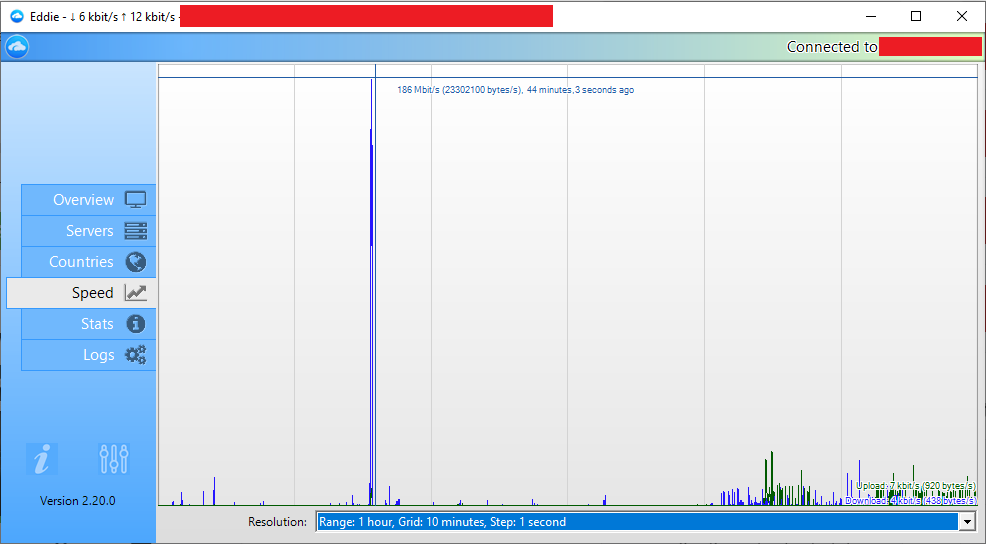
AirVPN is good stuff. Just made a setup for a relatively technically-inept friend with AirVPN (paid), Dynu DDNS (free) and Let's Encrypt certificate (free) through Certify the Web (which has Dynu API preset for authorization/DNS validation), which is basically three client apps with no complicated scripts involved. As AirVPN client (Eddie) acts as a TAP adapter it redirects system traffic from your regular network cards to the TAP adapter, which manages the low-level details of your connection, hence Dynu client sees any VPN exit IP change and propagates domain name, no user interaction is needed anymore after initial setup - he's anonymous, secure (all connections go through https) and has NO open ports in his router, as those are not needed due to secure tunnel and AirVPN port forwarding support. All in all is very user-friendly setup which can be done in abt. half an hour to an hour. Thumbs-up. Edit: For those with speed concerns, AirVPN claims no bandwidth limitations, his 200 Mbps connection had 186 Mbps download:
 1 point
 -
Yeah, i don't want any more external resources implemented to emby. I even want the picture upload feature to be removed. Got tons of private pictures from people i hardly know. XD If you want external services, i'd do what @rbjtech just said.1 point
-
Wouldn't this be a quite interesting improvement? There seem to be a couple of us with the issue of bw variation and this could help us a lot, I guess.1 point