Leaderboard




Popular Content
Showing content with the highest reputation on 01/03/23 in all areas
-
Can we have an option to flatten series if there are XX episodes or less. Just provides the ability to eliminate one frustrating click. I wouldn't want it on my 1,000+ episode Looney Tunes series. However, when you only have one or two seasons in a series, it helps drill down easier.2 points
-
AFAIK Roku client app can't play YouTube url trailers (due to the OS restrictions) hence no Trailer button in the UI (or it gained that ability in the meantime as I remember it from some time ago?).2 points
-
&TranscodeReasons=VideoRangeNotSupported Hence it's transcoding, and to get to as close colors as possible it needs to be tone mapped, which is disabled as per above snippet. Video Processing Steps for [0:0]: H.265 (HEVC) Step HW-Context Format SW-Format Size Next HEVC >> CUDA cuda yuv420p10 3840x2024 >> superscale_cuda superscale_cuda >> CUDA cuda yuv420p 3840x2024 >> setsar setsar >> CUDA cuda yuv420p 3840x2024 >> It should look something like >>>>>> Video Processing Steps for [0:0]: H.265 (HEVC) Step HW-Context Format SW-Format Size Next HEVC >> CUDA cuda yuv420p10 3840x2160 >> superscale_cuda superscale_cuda >> CUDA cuda yuv420p10 3840x2160 >> setsar setsar >> CUDA cuda yuv420p10 3840x2160 >> setparams setparams >> CUDA cuda yuv420p10 3840x2160 >> tonemap_cuda tonemap_cuda >> CUDA cuda yuv420p 3840x2160 >> setparams setparams >> CUDA cuda yuv420p 3840x2160 >>2 points
-
Sorry didn‘t write webgui. It seems you are using the macOS app. Use Safari for this one goto HTTP://<yourembyserverip>:80962 points
-
@Happy2Play You absolute genius! That was the issue. I amended my anime library to only fetch metadata and images from TVDB, refreshed the entire series, and it's perfect. @rbjtech Thank you both for your help! Very much appreciated.2 points
-
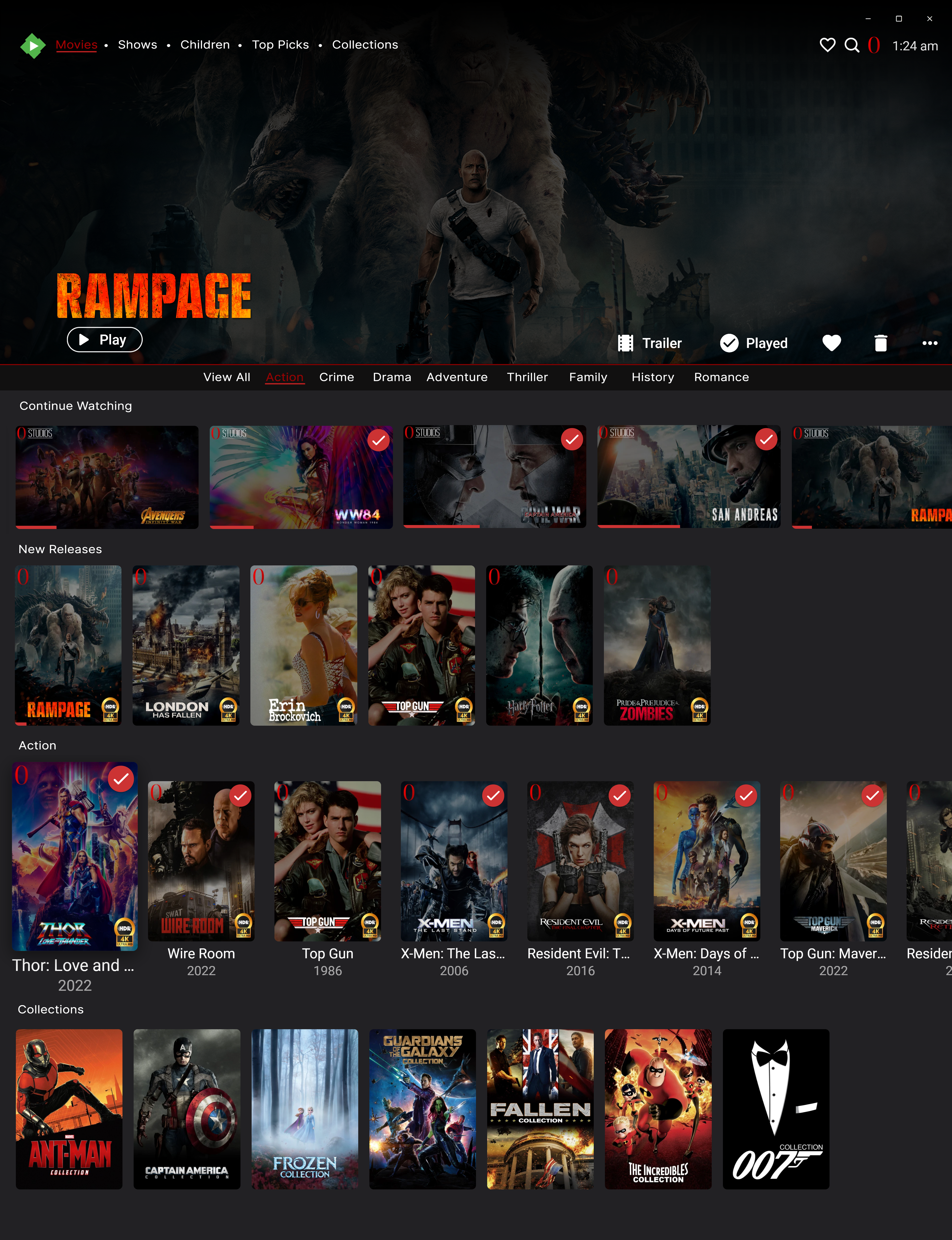
just read through everything everyone has said, maybe this topic of areas of ui and design improvement should be allowed for testing within beta testers only. this way it allows people to test while others that don't have to. i agree with @Luke that things like this take time and he knows i have asked for a lot in the past but also look on what @chef has been working on with top picks and other plugins, along with @Cheesegeezer with iridium ui plugin that is currently in works. Things take time to develop but i think 2023 will be for emby and 3rd party developers to shine. dont get me wrong i will also be thinking on this as will give my list of design and ui ideas across very soon and if emby cant implement everyones ideas maybe some of the very talented 3rd party devs will Happy new year to everyone by the way.2 points
-
Just had a look at the German translation and there are two little typos in Eigeplackter's translation: "One moment please...","Einen Moment bittr..." -> bitte "I Apologize.","Ich entschuldigw mich." -> entschuldige Let me see what I can do with the translations but I will not be able to test it as my house is Alexa-free.2 points
-
Emby for LG 1.0.37 features Intro Skip, Lyrics & RTL Support Embedded Lyrics Support for Music Files Emby now supports display of musical lyrics you provide. This doesn't require modifying your actual music tracks but is done using a text file residing next to the track! You can quickly and easily use a tool such as MediaHumon Lyrics Finder that makes quick work of adding Lyrics to your existing content. Rescan your music library and have this: This is a great new feature that's easy to implement, uses hardly any storage space (text files) and gives you great results! (first icon bottom left) Audio now playing screen The above picture shows one view of our new audio Now Playing Screens. Here's another version of the same screen without the lyrics showing your current queue: Save Time with Emby's Intro Skip New to LG 1.0.37 is the ability to skip TV Show Episode Introductions segments. This allows you to jump right to the start of the action, saving a great deal of time allowing you to quickly get to the good stuff! Combine Into Skip with Automatic Play Next Episode for a superior binge-watching experience! Please see our blog post on Intro Skip setup and use on the server side: Configure Emby Client for Automatic or Manual Intro Skip Each client can be set to ignore TV Show Intros, automatically use Intros, or to prompt use showing a button. You can set this option in the client option's Playback Menu. Using Intro Skip With the Skip Intro button selected you can clearly see the button on the OSD immediately at the start of playback. The timeline is still at 0:00 before the show has started to play and we can already skip the introduction of the show. Clicking the Skip Intro button immediately jumps right to the start of the Episode. With the client option set to Automatically skip intros our TV show intros have been put on auto pilot. Right at the start of playback it jumps to the end of the intro right at the point of the fade in. Right to Left languages: Emby for LG 1.0.37 takes advantage of Emby Server's (4.7.6) support for right to left languages. The above two examples come from the 4.7.6 Server blog where you can read more about this. Emby for LG 1.0.37 has many fixes including: Various subtitle improvements Various video playback improvements1 point
-
New_GUI_2.zip
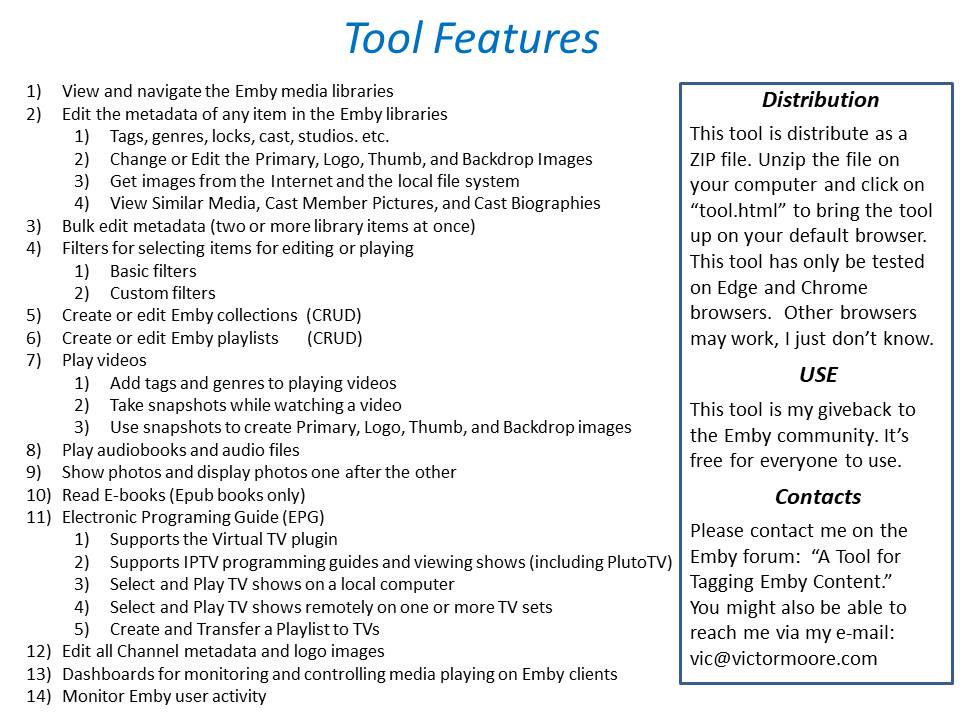
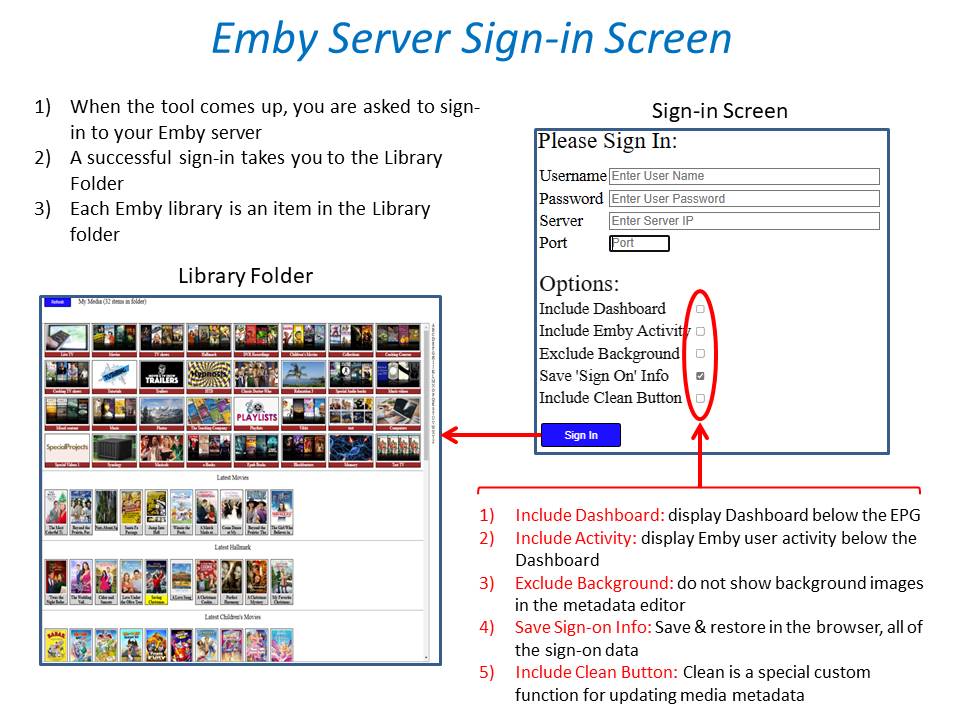
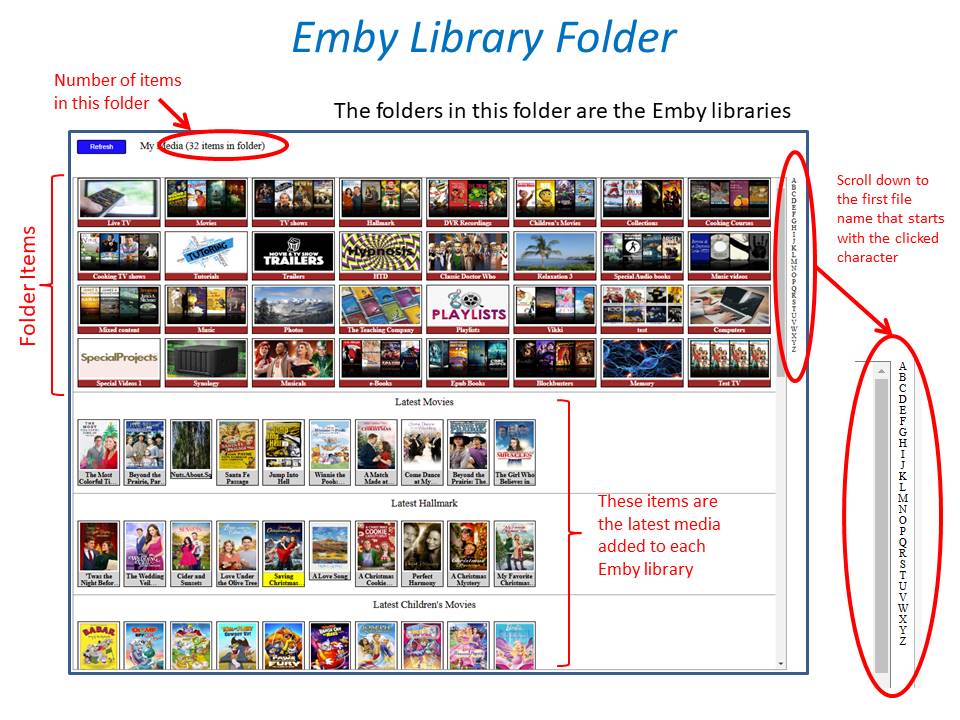
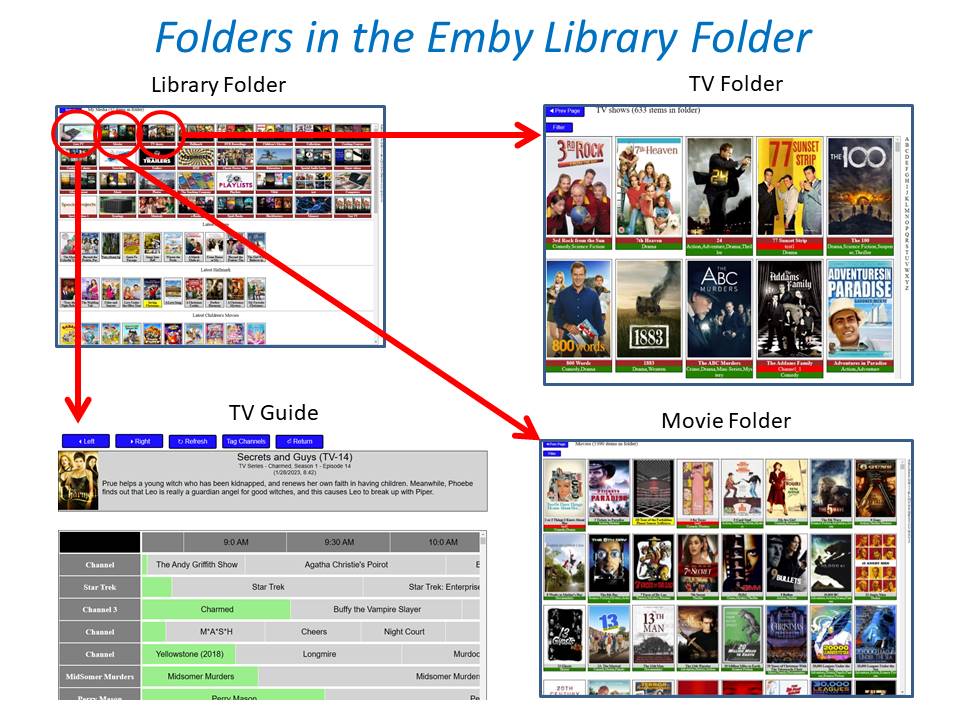
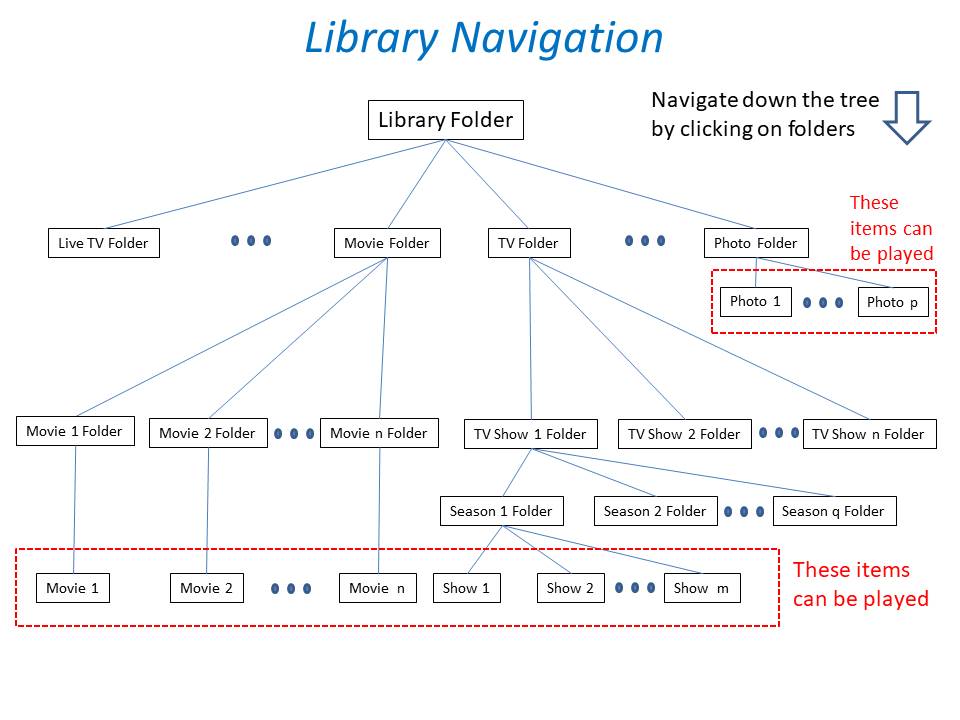
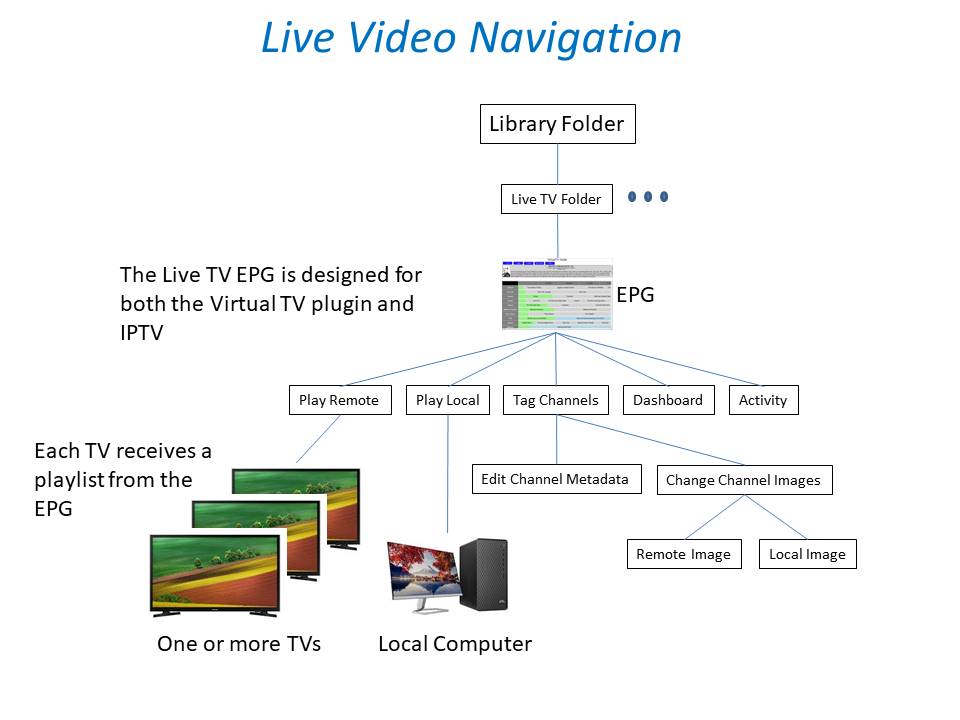
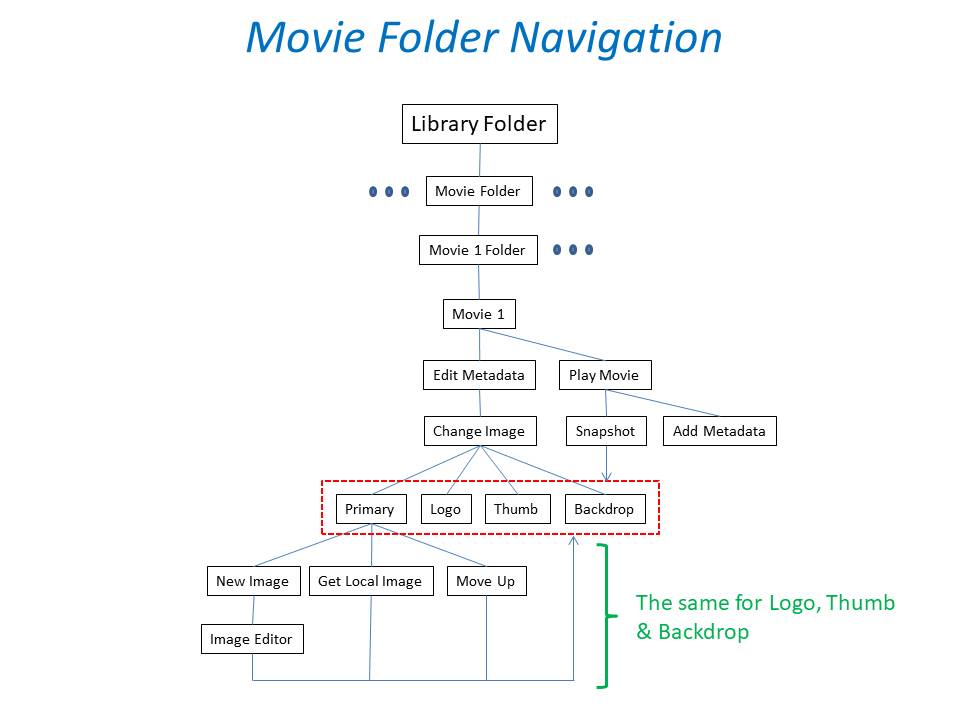
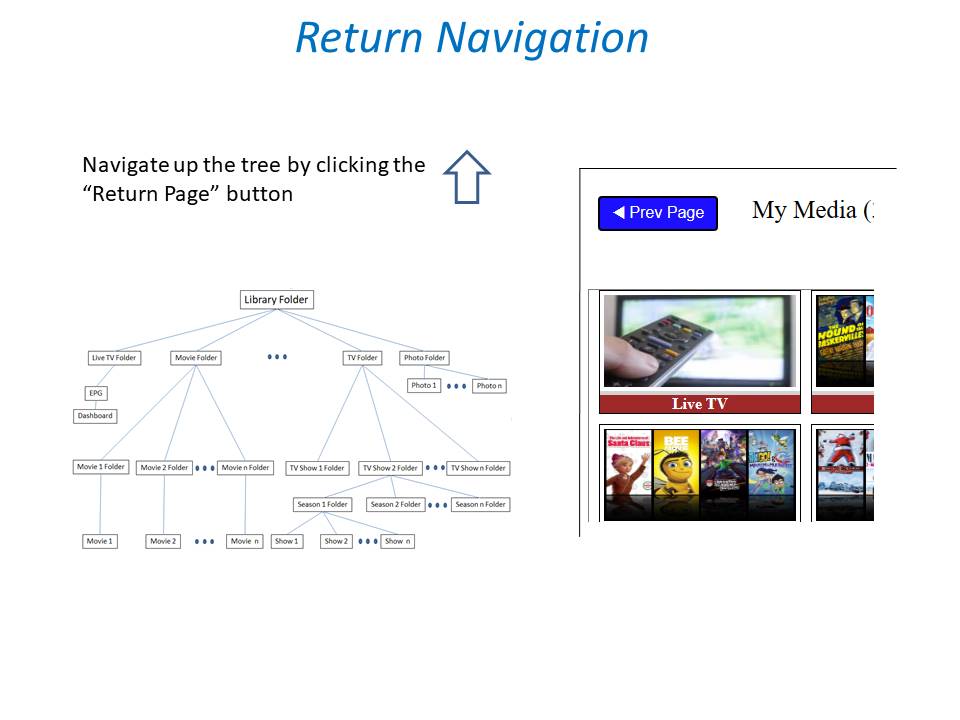
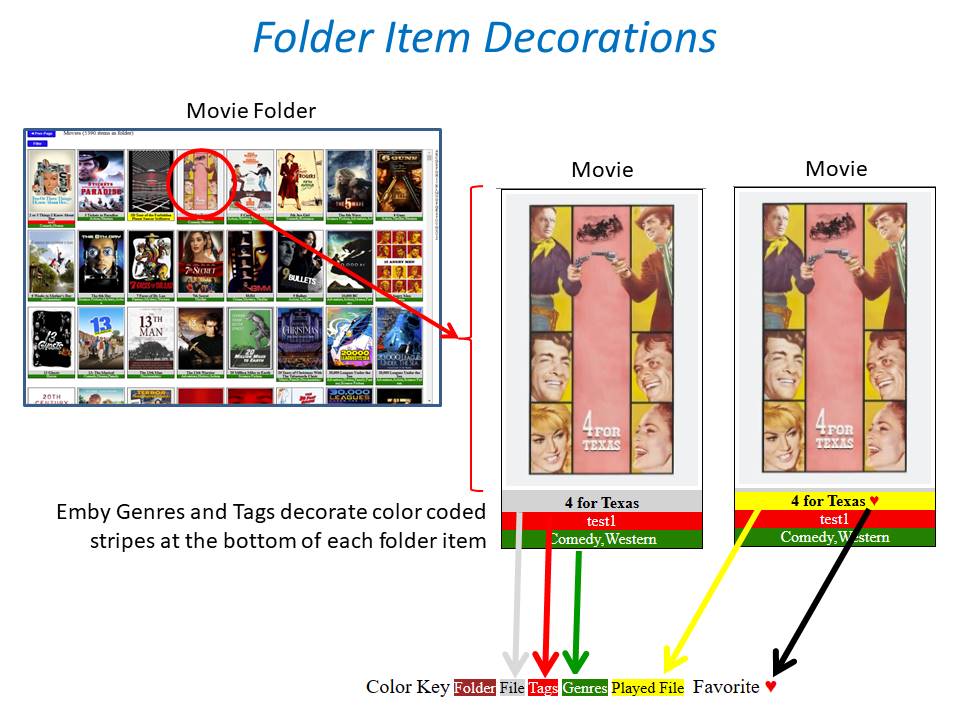
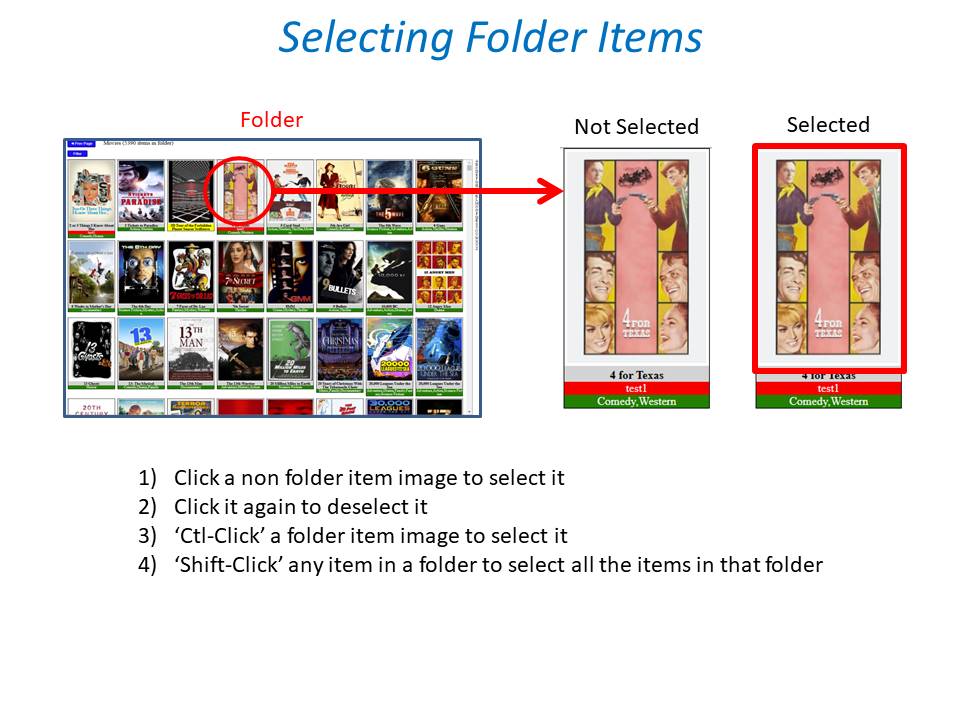
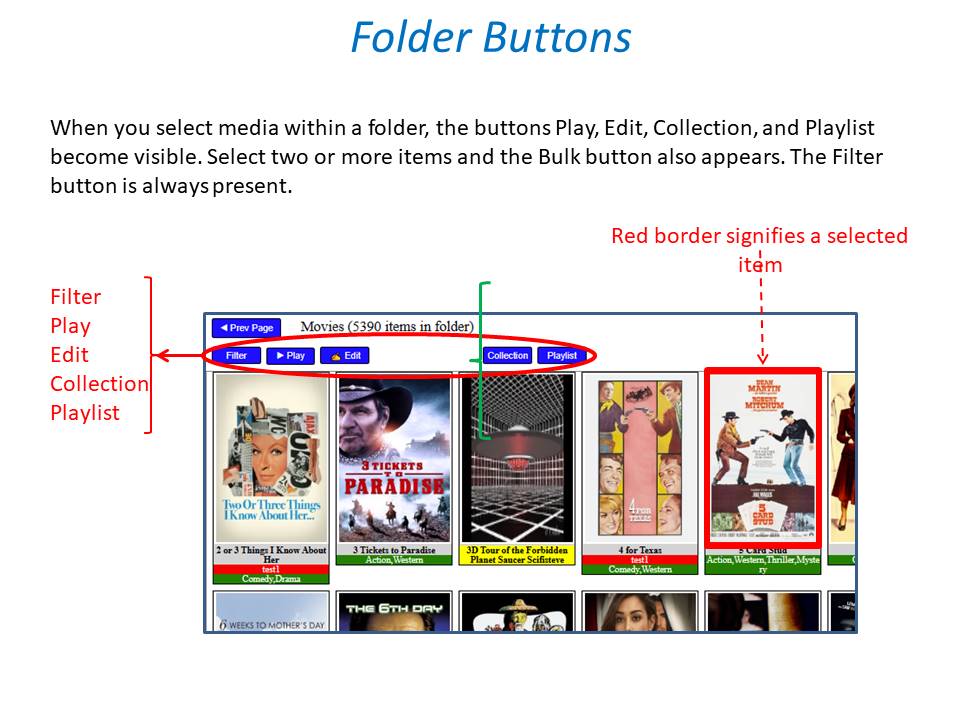
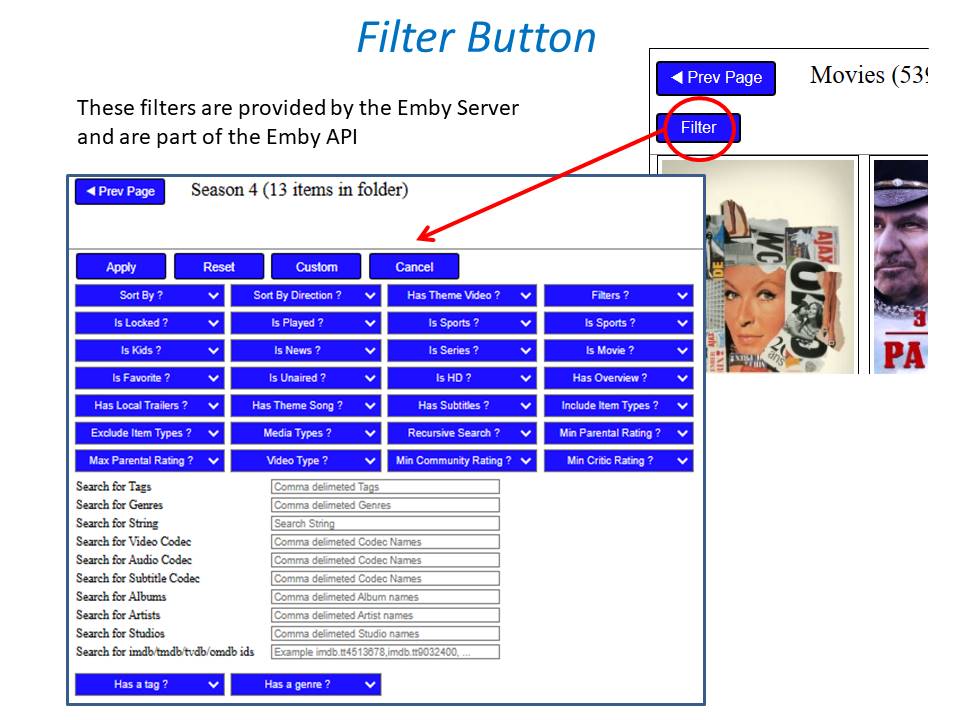
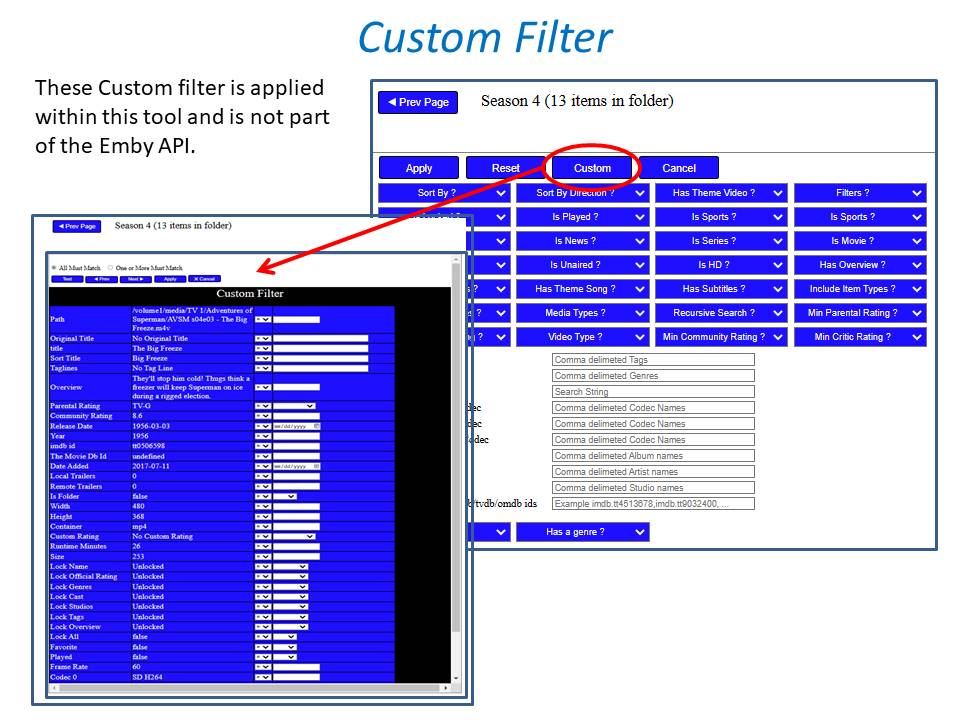
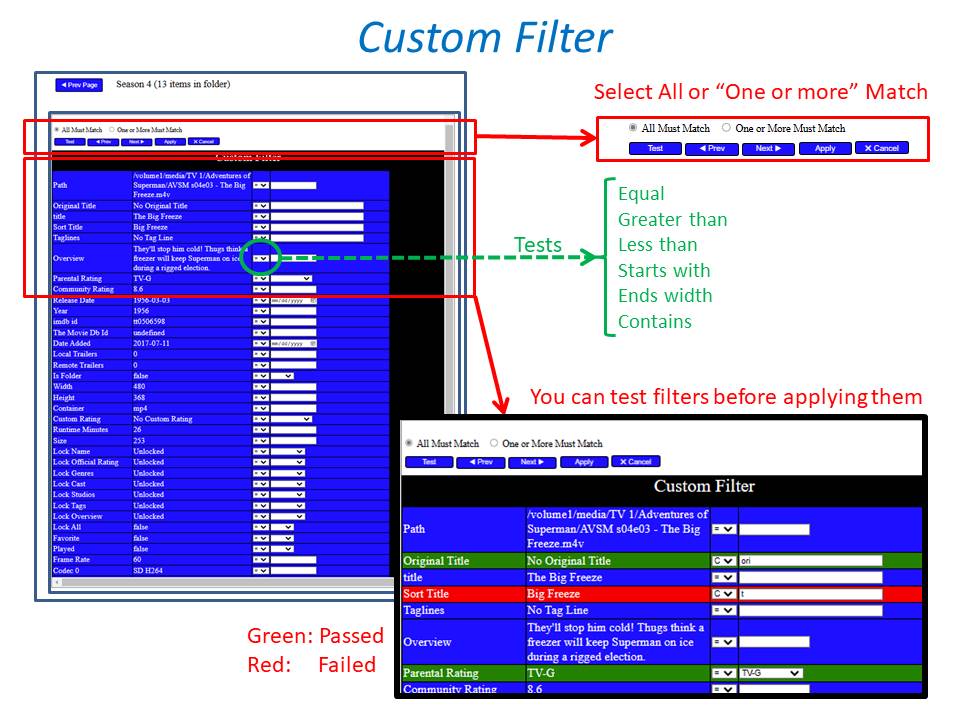
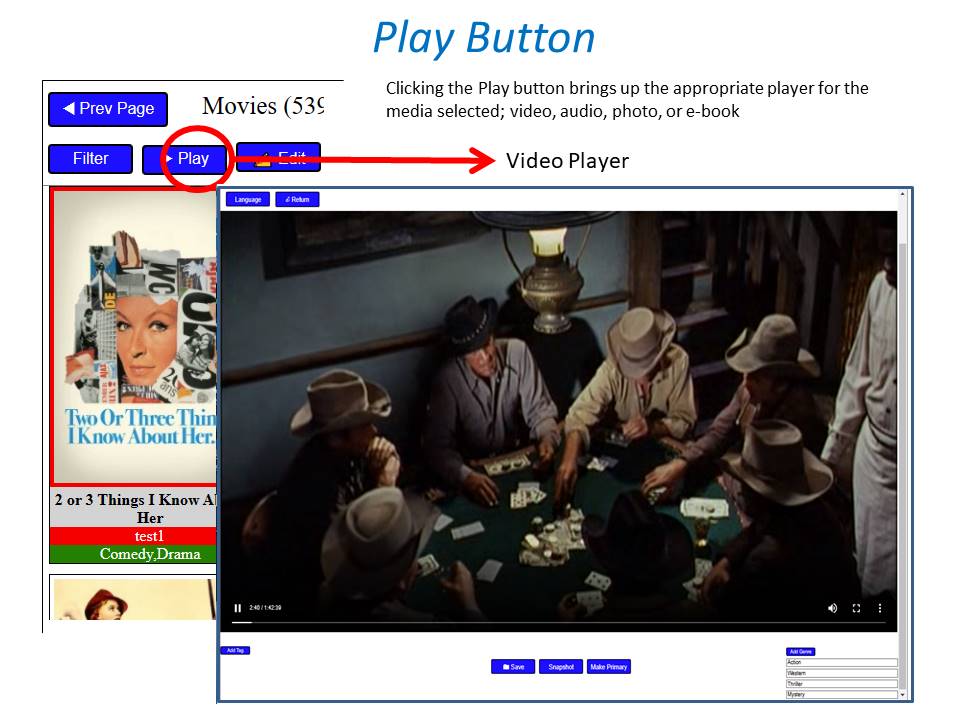
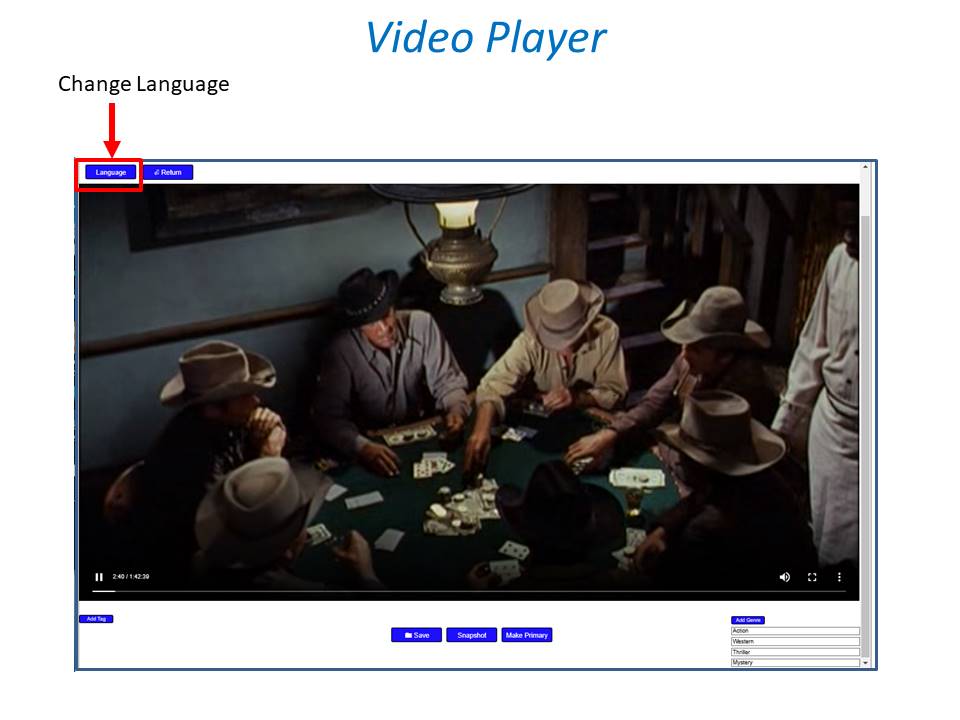
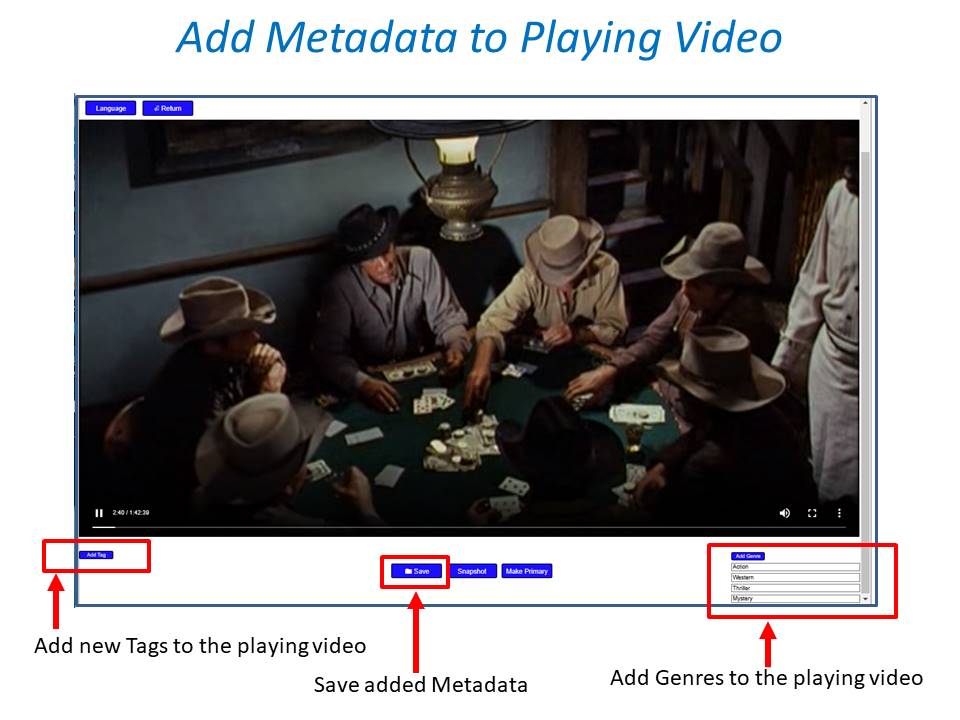
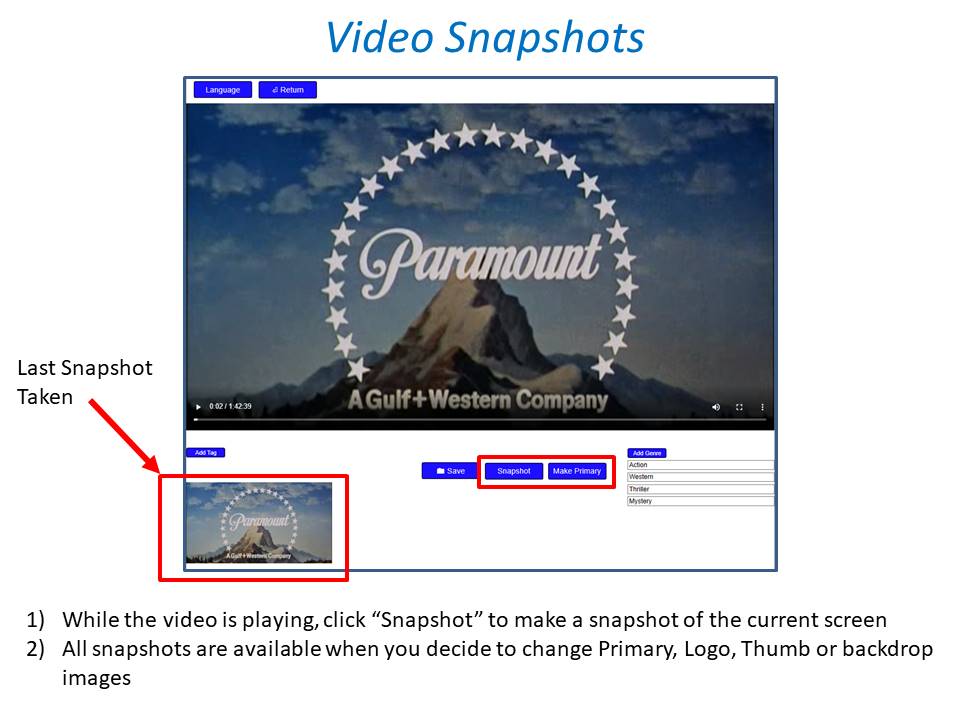
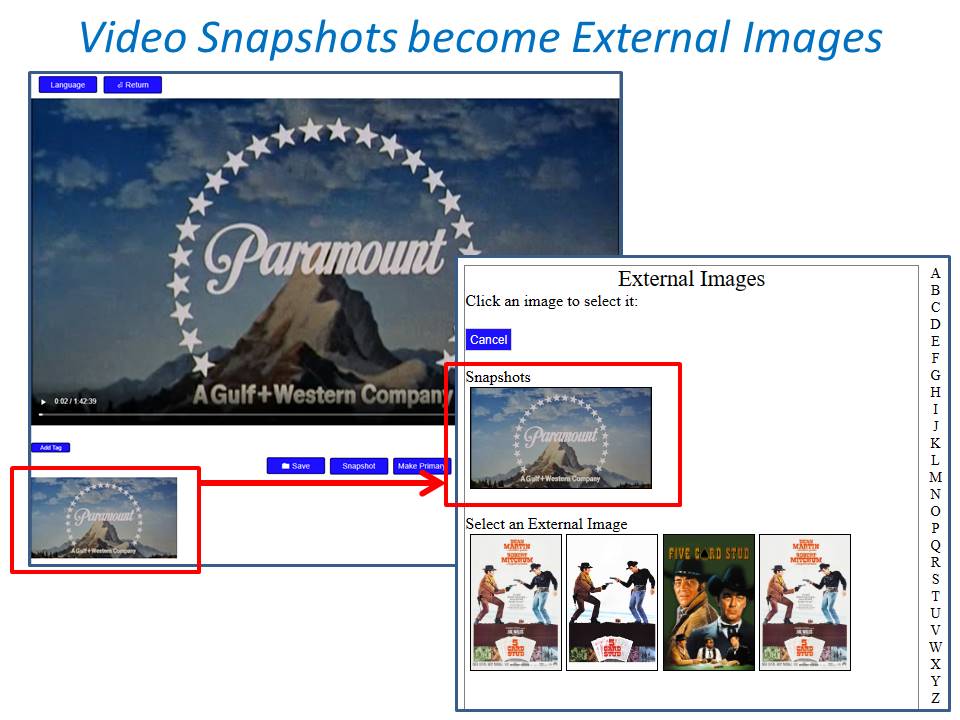
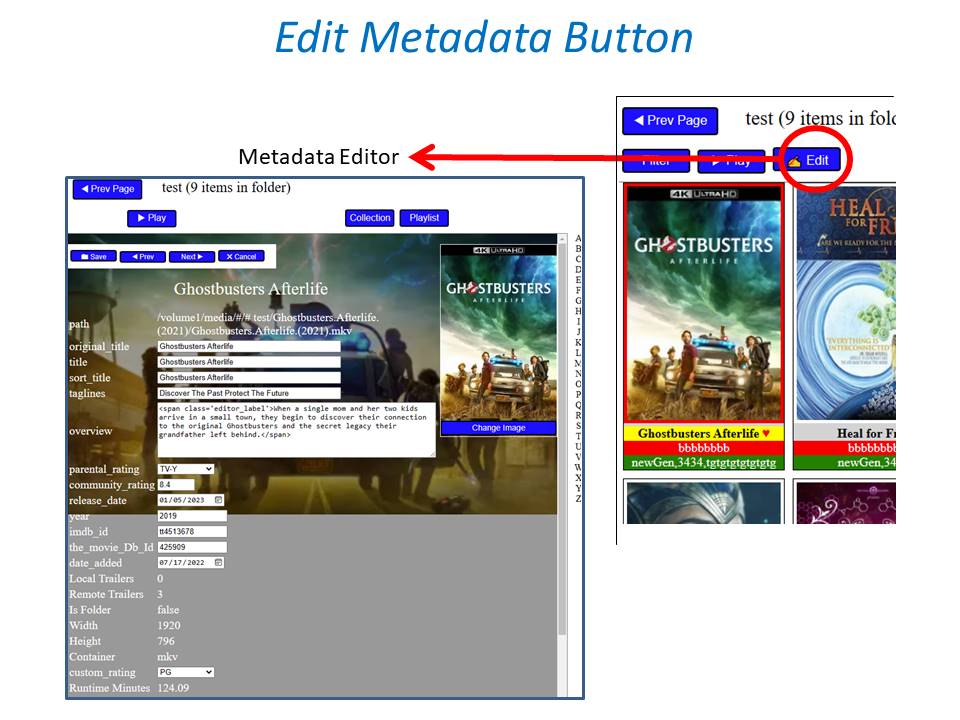
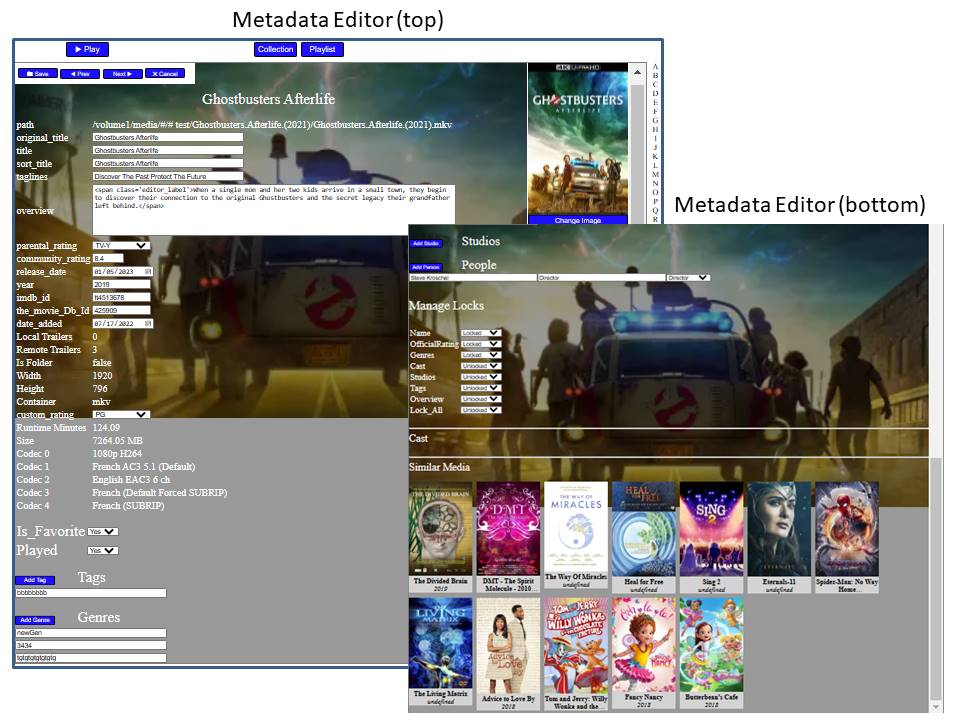
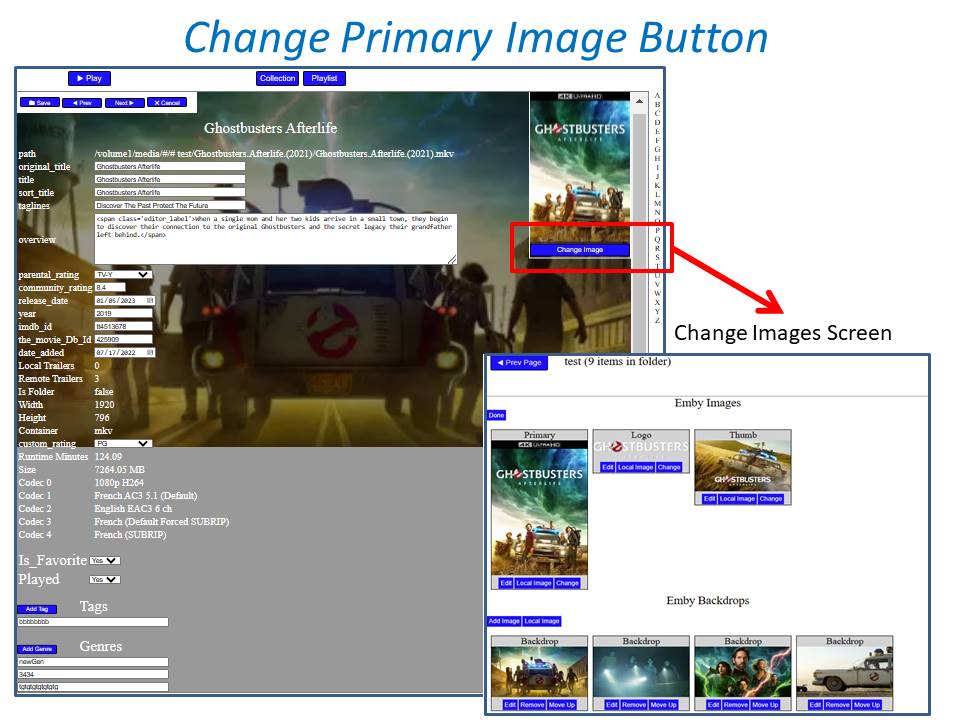
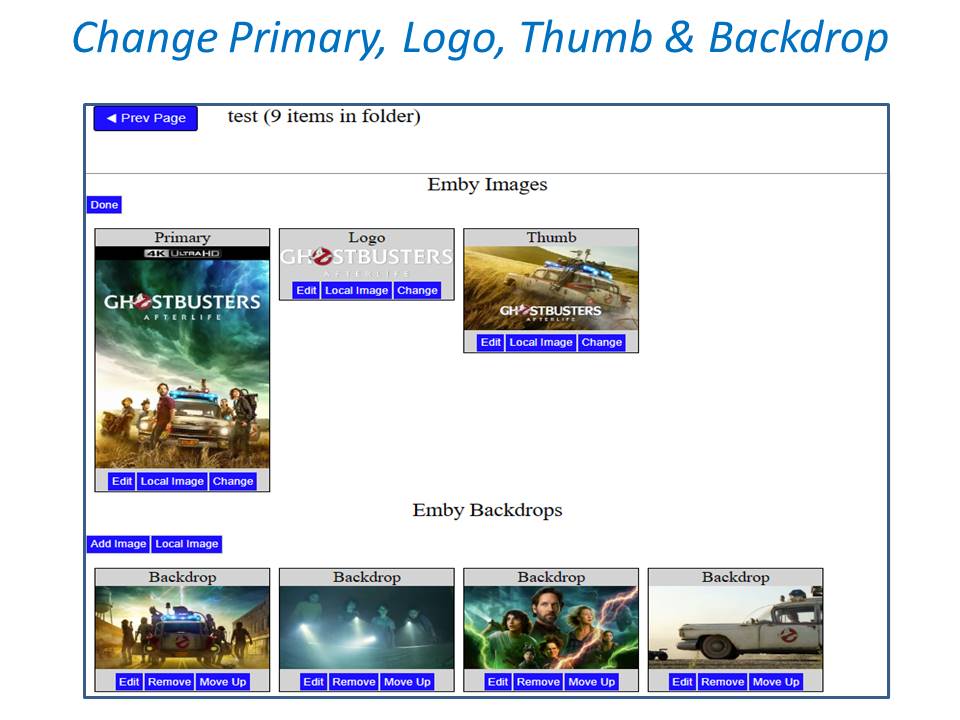
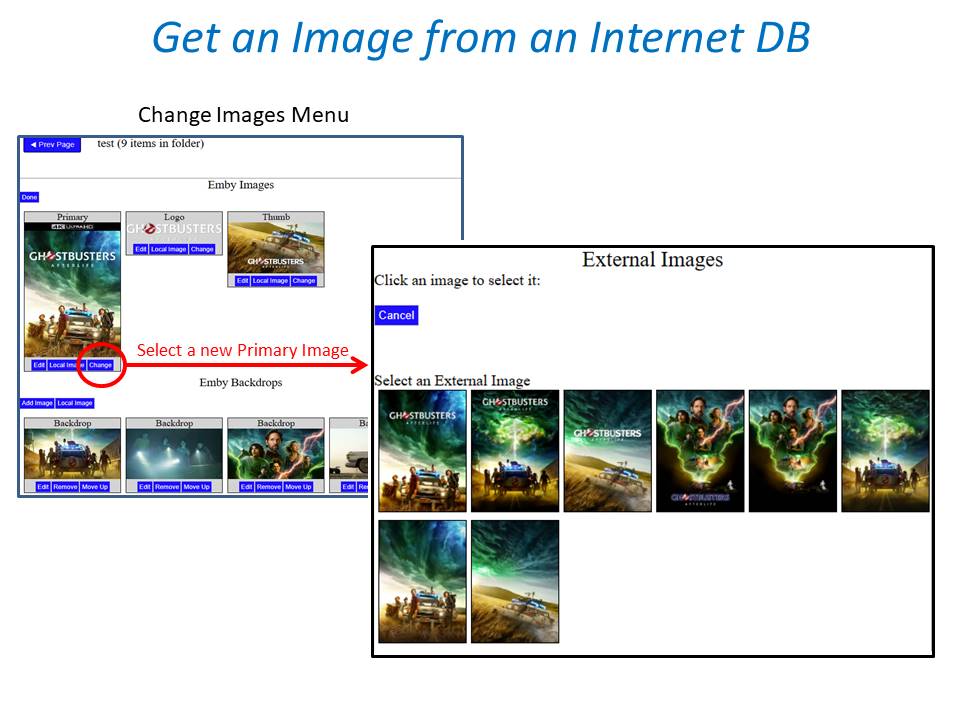
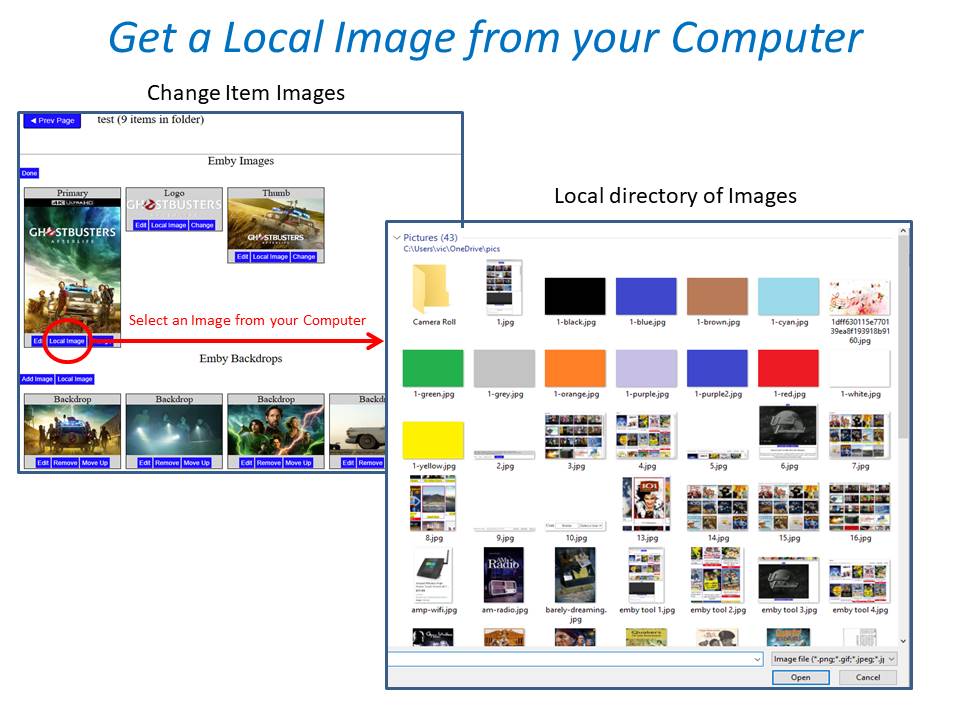
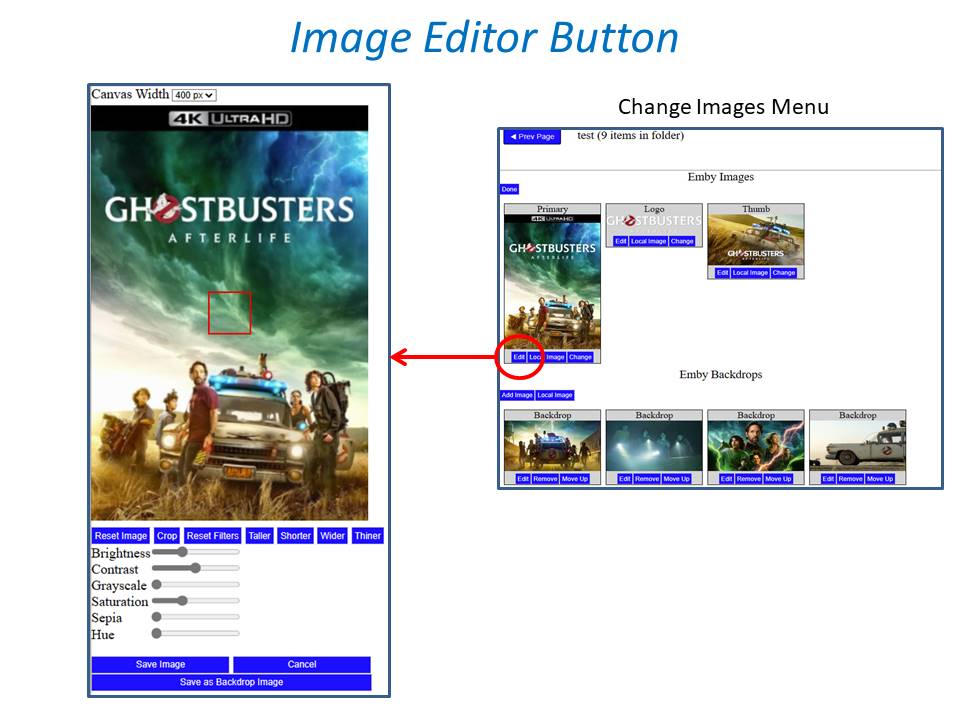
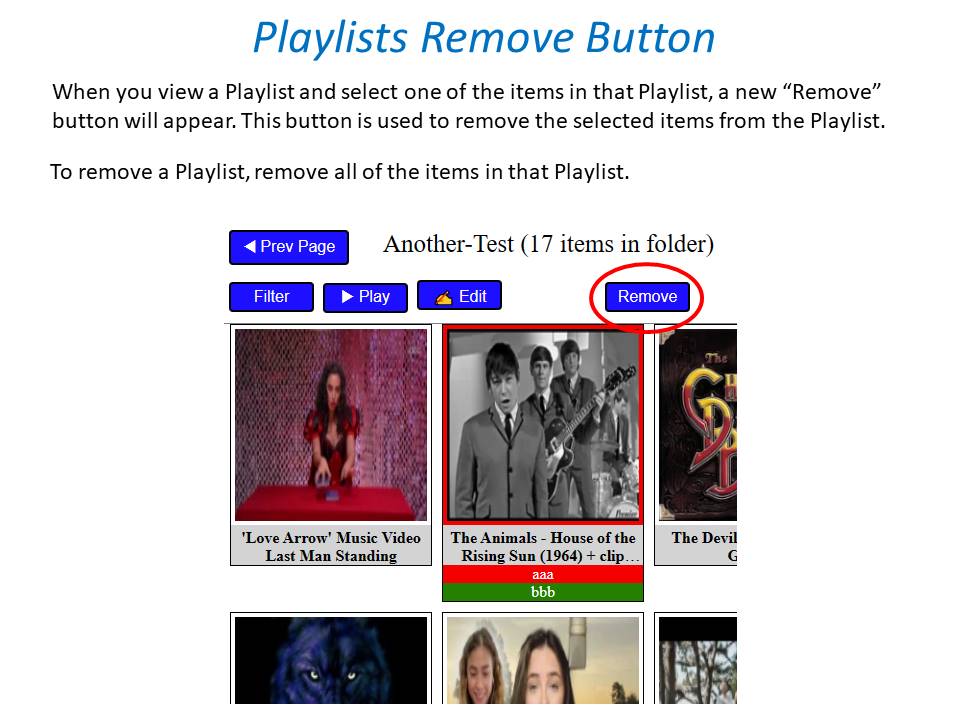
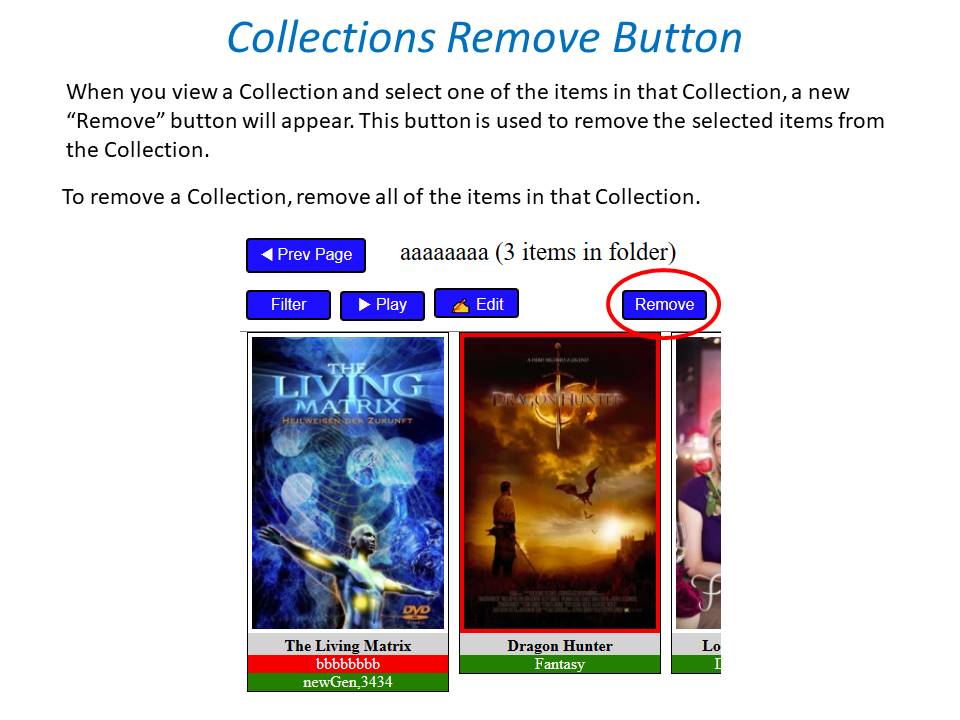
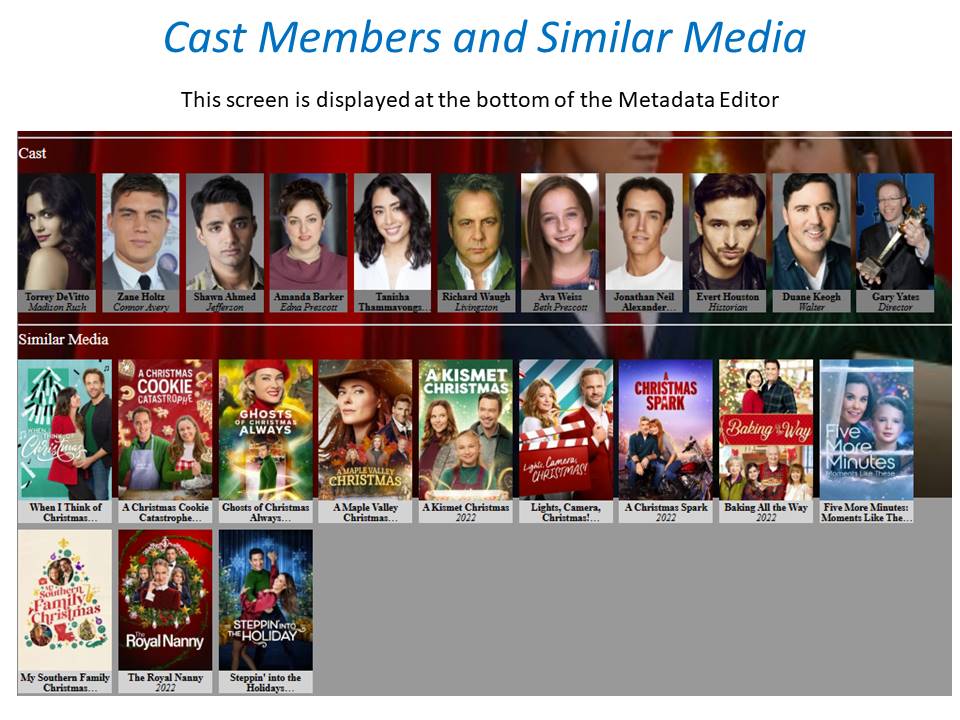
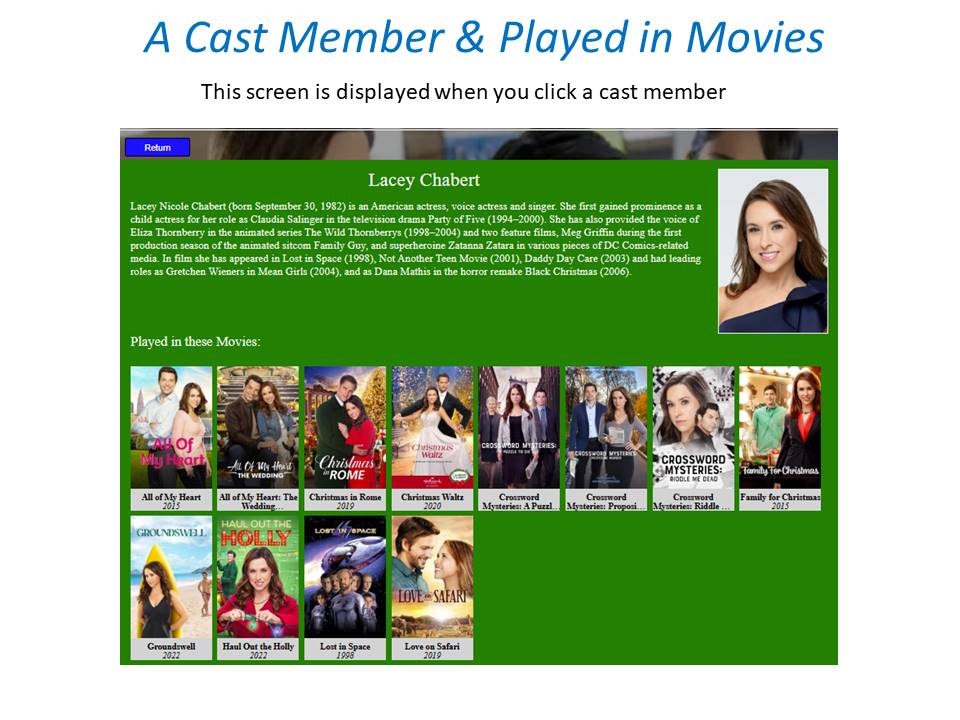
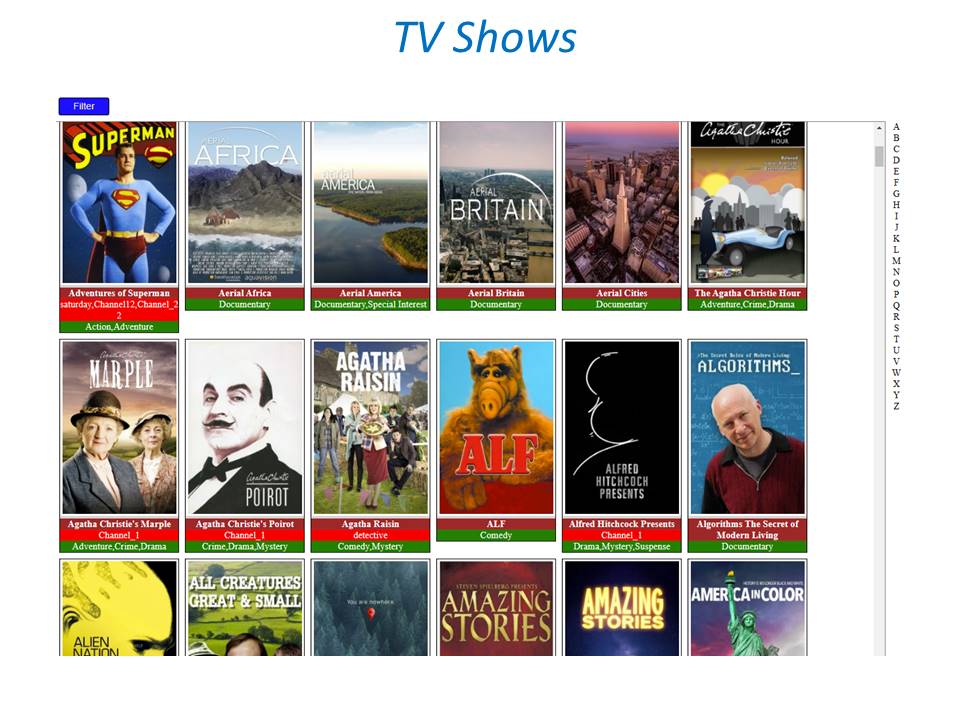
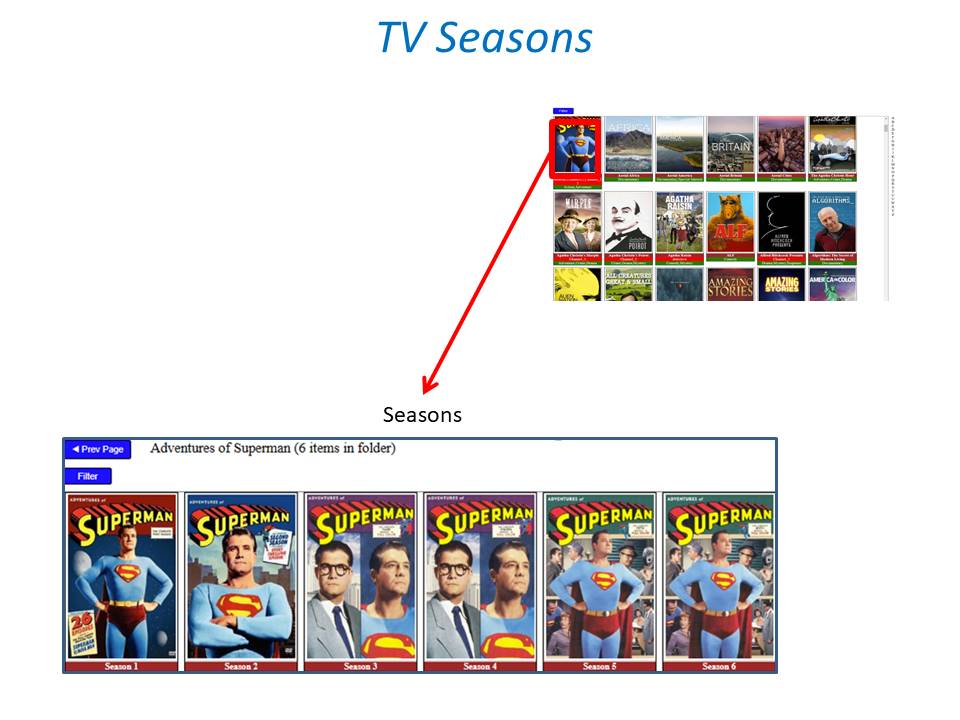
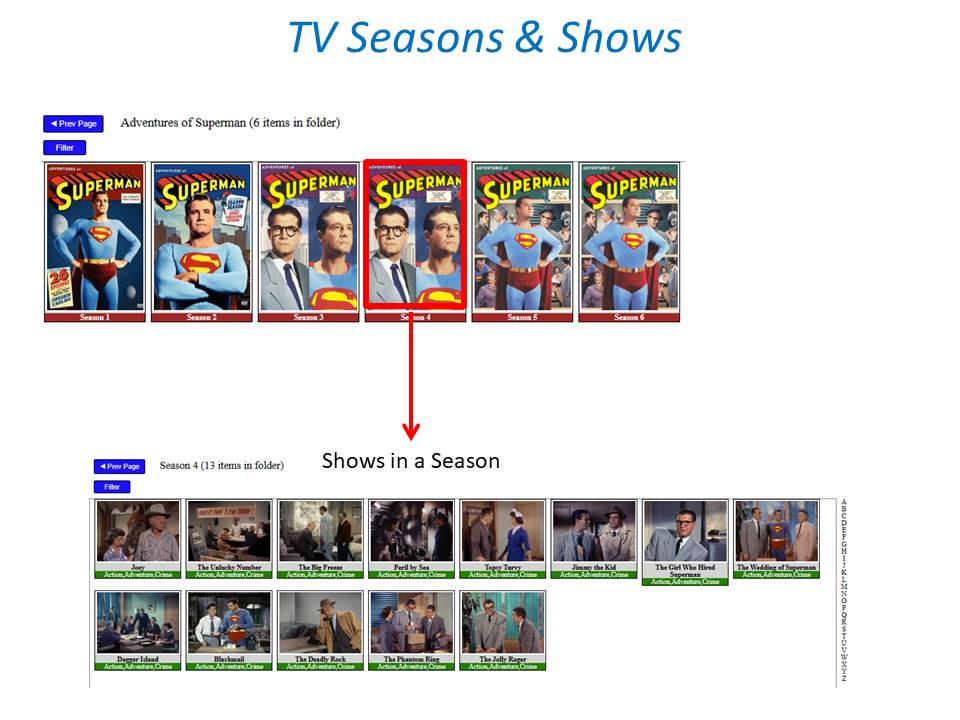
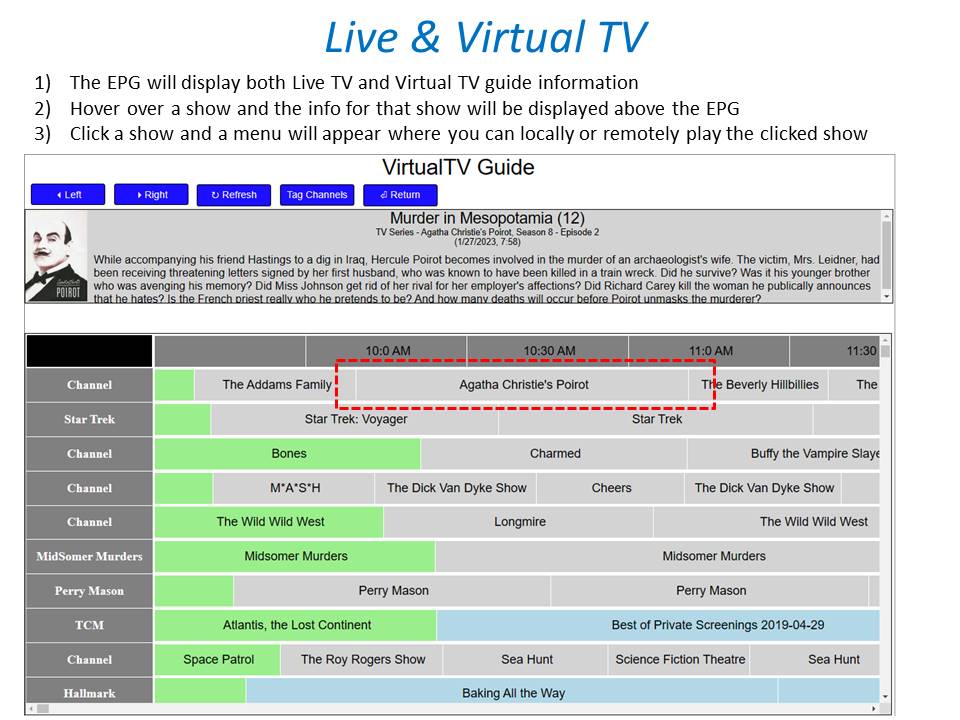
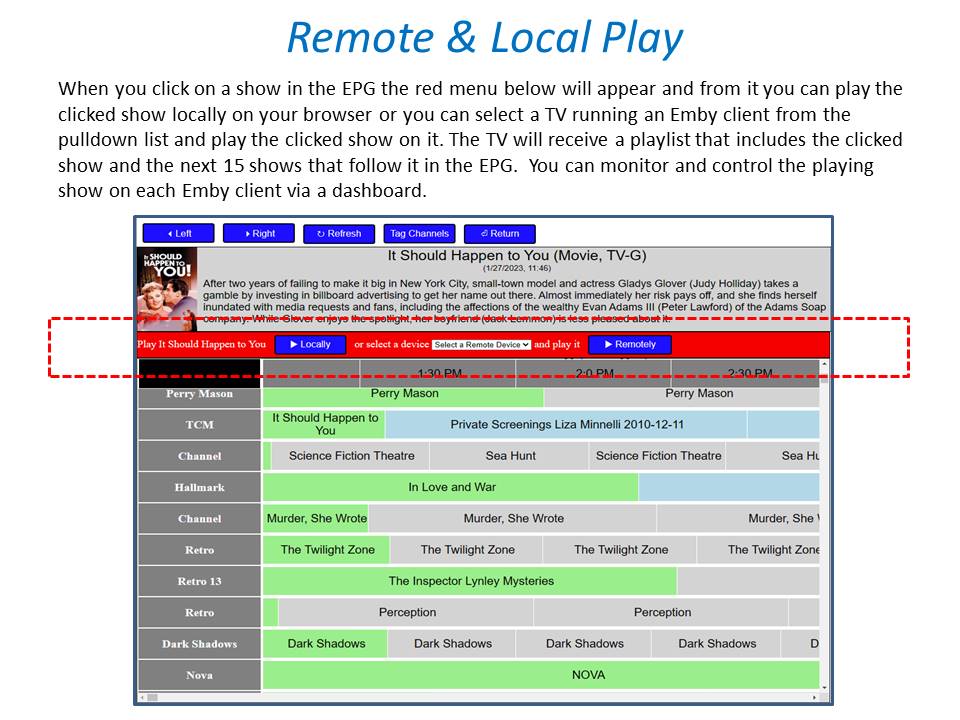
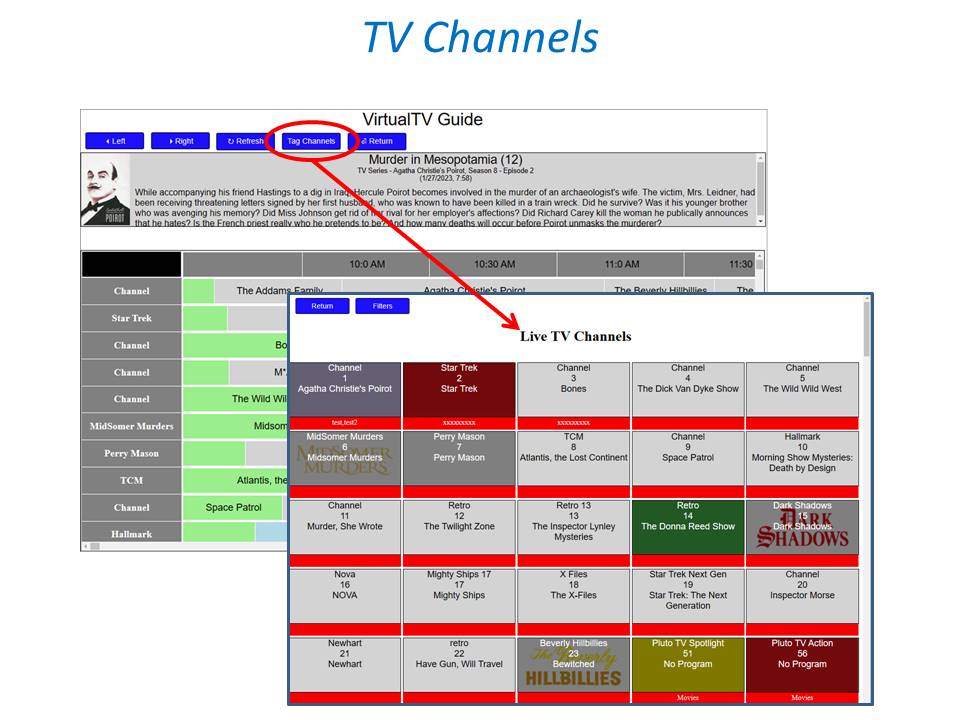
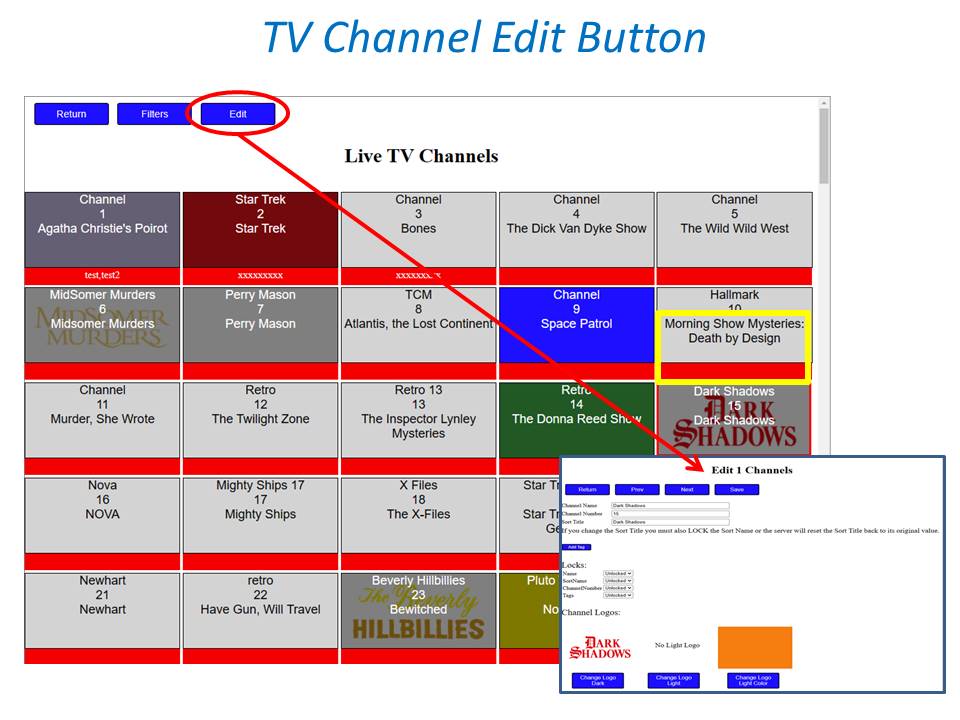
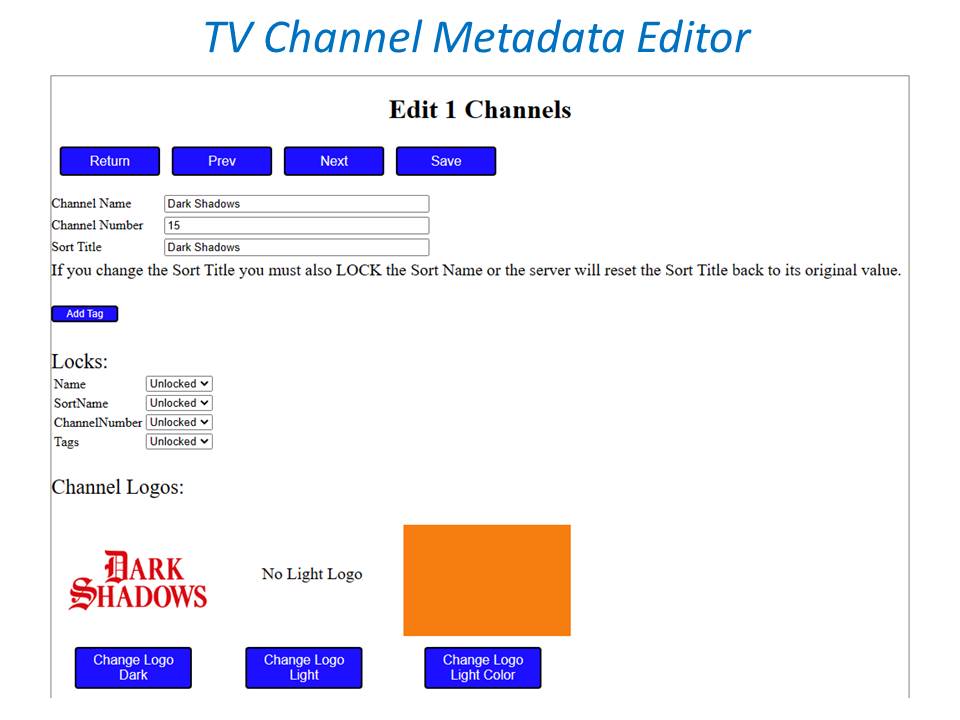
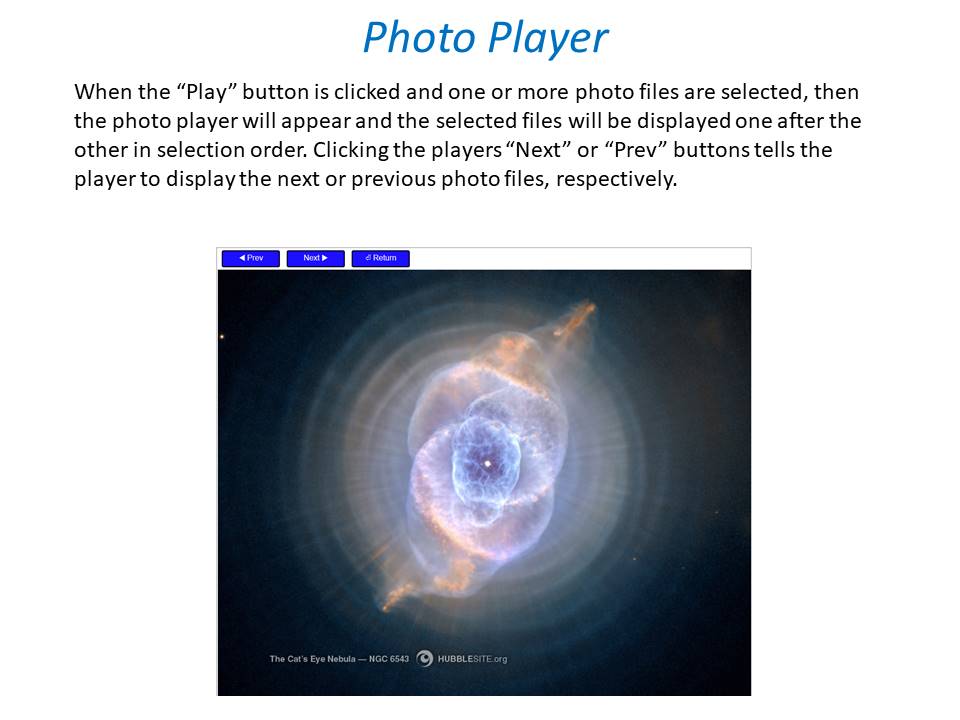
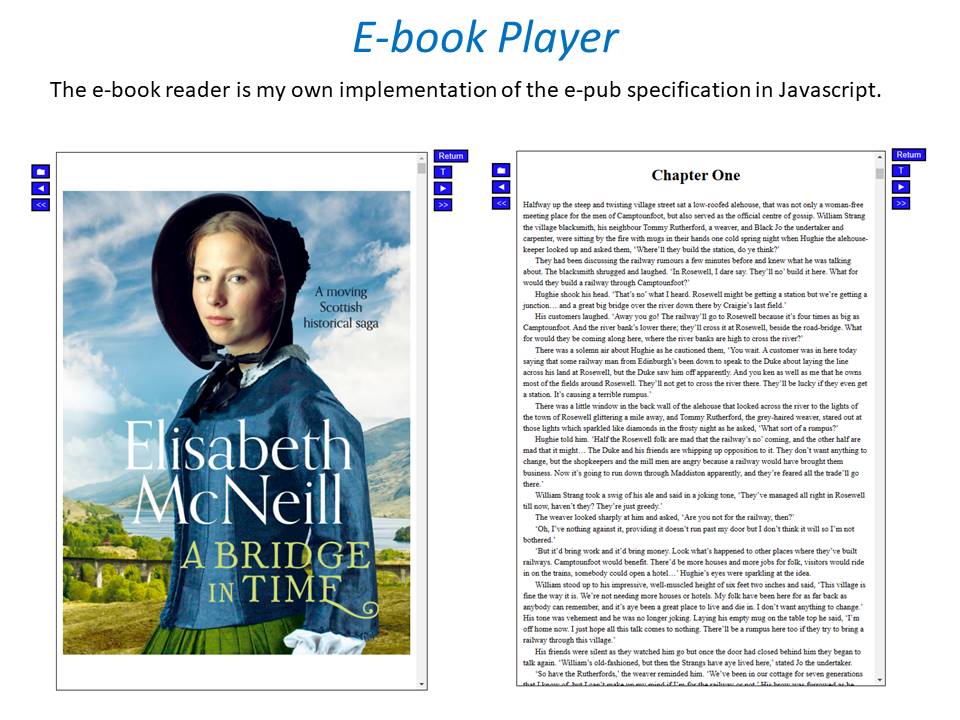 1 point
 -
Don't have ATV but Roku is the same and seldomly make it to itemdetails.1 point
-
Generally yes, though one might desire a bit more control.1 point
-
I can relate, I have 10,000+ local trailers attached to media.1 point
-
@GrimReaper Thank you for that. I'll check it out. Believe it or not, having trailers is big deal to my viewing audience (the family.....).1 point
-
Hi. The Roku cannot spawn external applications without the main application losing focus. This means to play those "YouTube Movie Trailers" like the web app does it must be done through an Official Google player. The only official Google Player on Roku is the YouTube application itself. This means to start the trailer from Emby you would need to have Emby on Roku launch YouTube on Roku and start your trailer. This can happen. It is clunky but this can be done. The issue is once you are inside of YouTube it has no context of going back to Emby. So you wind up stuck inside YouTube after playback and to continue using Emby you have to exit YouTube. Then relaunch Emby and possibly log-in all over again. We figured that was much too painful an experience to even admit that was possible. But it is but won't happen because it is a horrible experience that way. For the Roku to show the trailer button you would need to have those trailers stored with your media. Apologies the Roku application doesn't give context that these cannot be played through YouTube URLs. https://support.emby.media/support/solutions/articles/440011591931 point
-
Thanks for the answers! But wait a minute, the strange thing is that the AMD GPU out puts a Hardware accelerated transcoded HDR stream with correct Tone mapping through Jellyfin. But i dont get the same results with Emby unfortunate, that puts me in a pickle, since my movie collection is like 90% HDR. I could use jellyfin instead BUT Emby is much more polished and got an Apple TV app. I kinda got the Premiere subscription primarily cause of the Apple tv app, since jelly got no alternative. Maybe i missed something in the settings? But i think i turned everything on.1 point
-
New logic is coming. Now we'll take the most watched item (popular) this will include series at top level. If you binge a series the weight count still only counts as 1 for the series. Not 1 for each episode. Then those values are organized by critic rating. The watch status is calculate based on the week. Since that is when the engagement task is set to refresh the list. Because the top picks refresh task needs access to the library refresh, the engagement task will not run the top picks refresh if a library scan is currently running. Instead, the list will only refresh the next time it is possible to run the top picks refresh task. Although, the list will be viewable from the configuration page, the clients won't have access to it until the top picks refresh runs. I hope that has made sense. Look for the update at so e point tomorrow, or late tonight.1 point
-
Just small update from my side: -Native emby android tv app seems to work fine now on ccwgtv4k since (one of) the last updates. No stutter, unsupported audio is converted correctly by transcoding (I manually selected supported formats in the ccwgtv4k settings menu and enabled passthrough+conversion in the emby app), skip/resume works fine. Great! -Casting still same issue: when transcoding the same file as above (due to unsupported audio format) I cannot skip/resume (audio plays, video freezes).1 point
-
I don‘t own a Roku, so this is just a wild guess. In video details it shows profile 10, so is it possible it‘s a 10-bit file and your display can‘t show it correct ? in top right corner it states „videorangenotsupported“.1 point
-
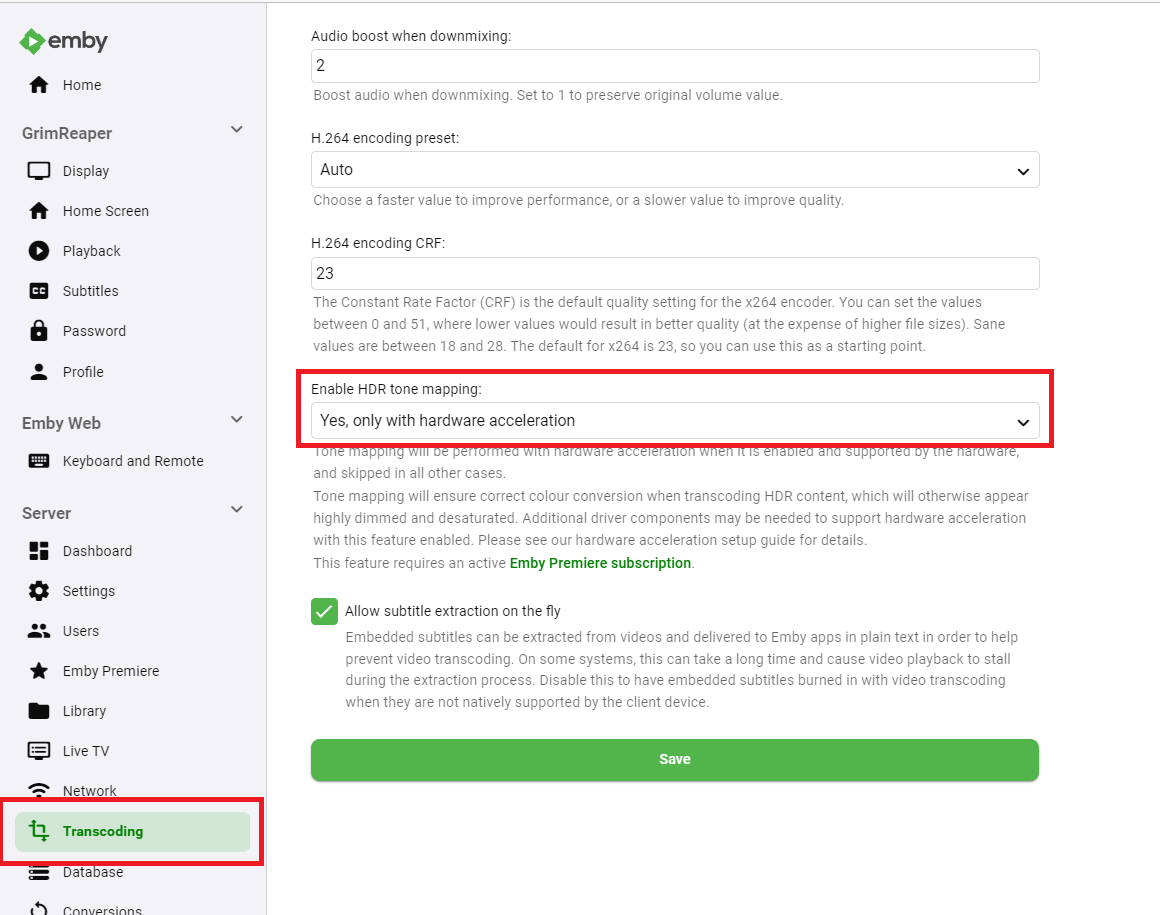
Info Tone Mapping would be desired, but hardware tone mapping is disabled That's some big log. Try enabling HW tone mapping in Settings>Transcoding tab>Enable HDR tone mapping and see how does that compare.
 1 point
 -
Avidemux will only save without transcoding the file if you make the cuts on I-frames. Even if the cuts are not on I-frames it's supposed to only transcode the section at the cut and re-join the file together. However, I have found that doing it that way sometimes makes the overall video file out of sync with the sounds to video.1 point
-
worker_processes 2; events { worker_connections 8192; } http { include mime.types; default_type application/octet-stream; server_tokens off; gzip on; gzip_disable "msie6"; gzip_comp_level 6; gzip_min_length 1100; gzip_buffers 16 8k; gzip_proxied any; gzip_types text/plain text/css text/js text/xml text/javascript application/javascript application/x-javascript application/json application/xml application/rss+xml image/svg+xml image/bmp image/png image/gif image/jpeg image/jpg; tcp_nodelay on; sendfile off; server_names_hash_bucket_size 128; map_hash_bucket_size 64; ## Start: Timeouts ## client_body_timeout 10; client_header_timeout 10; keepalive_timeout 30; send_timeout 10; keepalive_requests 10; ## End: Timeouts ## ## Default Listening ## server { listen 80 default_server; listen [::]:80 default_server; server_name _; return 301 https://$host$request_uri; } ##EMBY Server## server { listen [::]:443 ssl; listen 443 ssl; server_name yourdomain.com; ssl_session_timeout 30m; ssl_protocols TLSv1.2 TLSv1.1 TLSv1; ssl_certificate /etc/letsencrypt/live/yourdomain.com/fullchain.pem; ssl_certificate_key /etc/letsencrypt/live/yourdomain.com/privkey.pem; ssl_session_cache shared:SSL:10m; ssl_prefer_server_ciphers on; ssl_ciphers ECDH+AESGCM:ECDH+AES256:ECDH+AES128:DH+3DES:!ADH:!AECDH:!MD5; proxy_hide_header X-Powered-By; add_header X-Xss-Protection "1; mode=block" always; add_header X-Content-Type-Options "nosniff" always; add_header Strict-Transport-Security "max-age=2592000; includeSubdomains" always; add_header X-Frame-Options "SAMEORIGIN" always; add_header 'Referrer-Policy' 'no-referrer'; add_header Content-Security-Policy "frame-ancestors yourdomain.com;"; #add your domainname and all subdomains listed on your cert add_header Permissions-Policy "geolocation=(self https://yourdomain.com), microphone=()"; error_page 400 497 301 =307 https://$host$request_uri; location / { proxy_pass http://127.0.0.1:8096; # Local emby ip and non SSL port proxy_hide_header X-Powered-By; proxy_set_header Range $http_range; proxy_set_header If-Range $http_if_range; proxy_set_header X-Real-IP $remote_addr; proxy_set_header Host $host; proxy_set_header X-Forwarded-For $proxy_add_x_forwarded_for; #Next three lines allow websockets proxy_http_version 1.1; proxy_set_header Upgrade $http_upgrade; proxy_set_header Connection "upgrade"; } } } das ist meine Proxy Config. Damit hab ich A+ bei https://securityheaders.com/ Das Download Limit ist hier aber nicht mit dabei!1 point
-
Correct, Alternate Order still has not been added yet.1 point
-
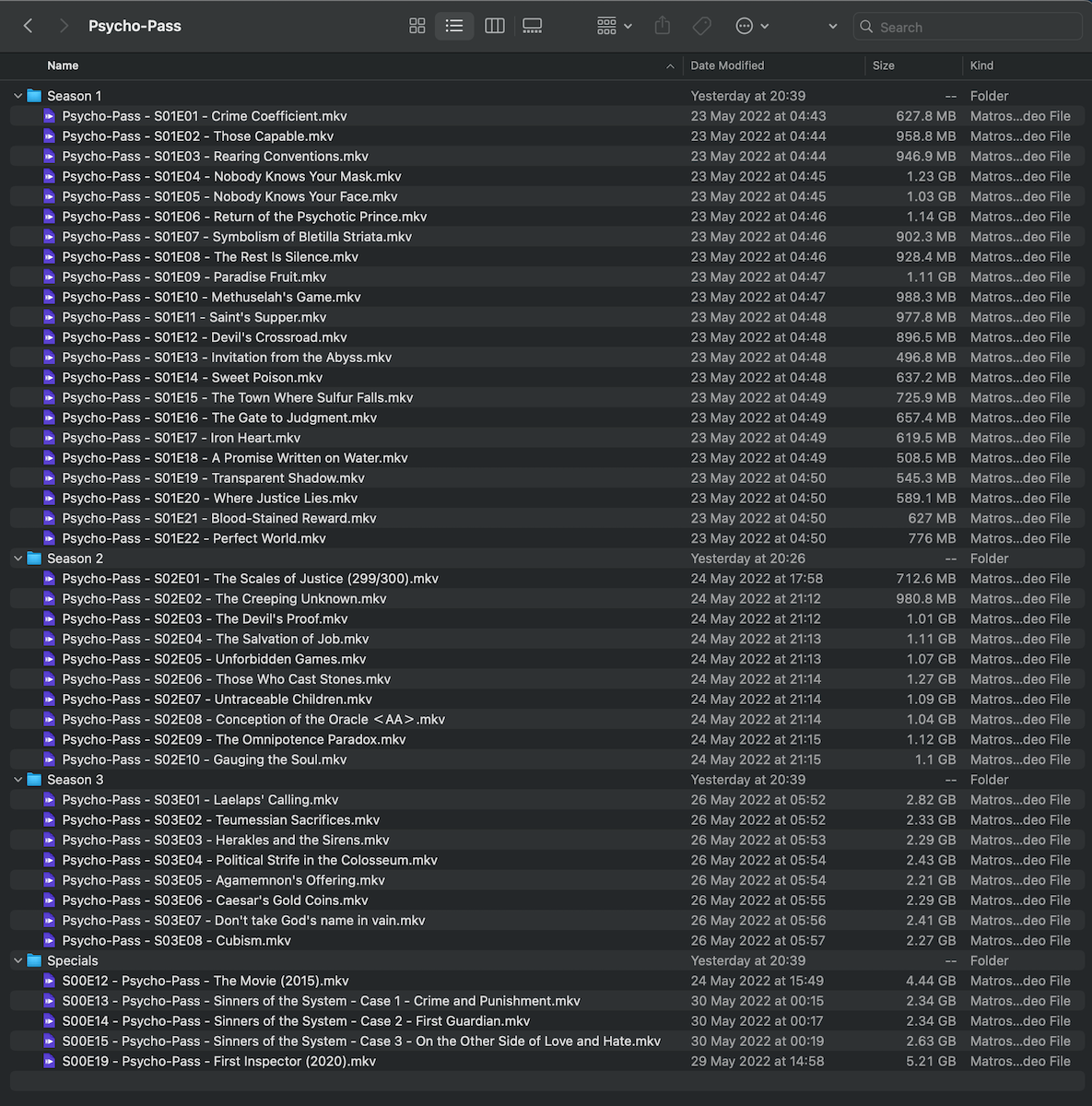
I believe Anime and plugins create issues here as the anidb breaks them up into separate shows while TVDB has them as one series. three different ids so three separate shows. Psycho-Pass - Anime - AniDB Psycho-Pass 2 - Anime - AniDB Psycho-Pass 3 - Anime - AniDB So mixing anime and normal tv can be problematic as to how the different providers are going to handle things.1 point
-
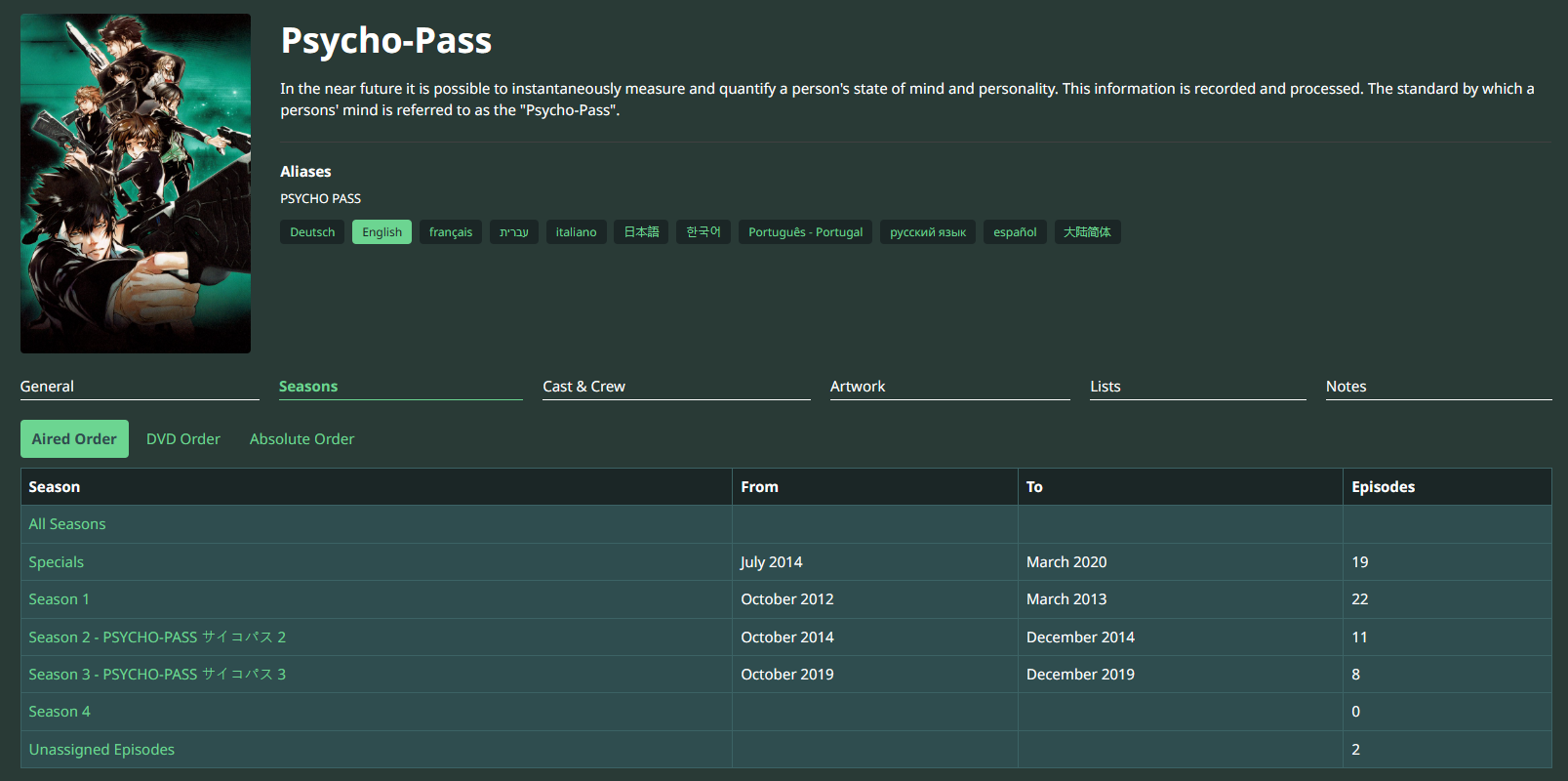
@rbjtech Thank you for your response. Please bear with me as I'm new to this... You are correct, I am using TVDB as the metadata provider and I did look at the listing prior to posting in the forum. I moved all of the movies, etc into a 'Specials' folder and renamed them as per the TVDB list. This displays them inside the various seasons in the correct chronological location which is great. However, I still can't get my head around getting Emby to recognise seasons 2 and 3 correctly if they're all in the same primary folder as mentioned above. Do I need to rename the season 2 and 3 folders as shown in your screenshot with the Japanese characters?
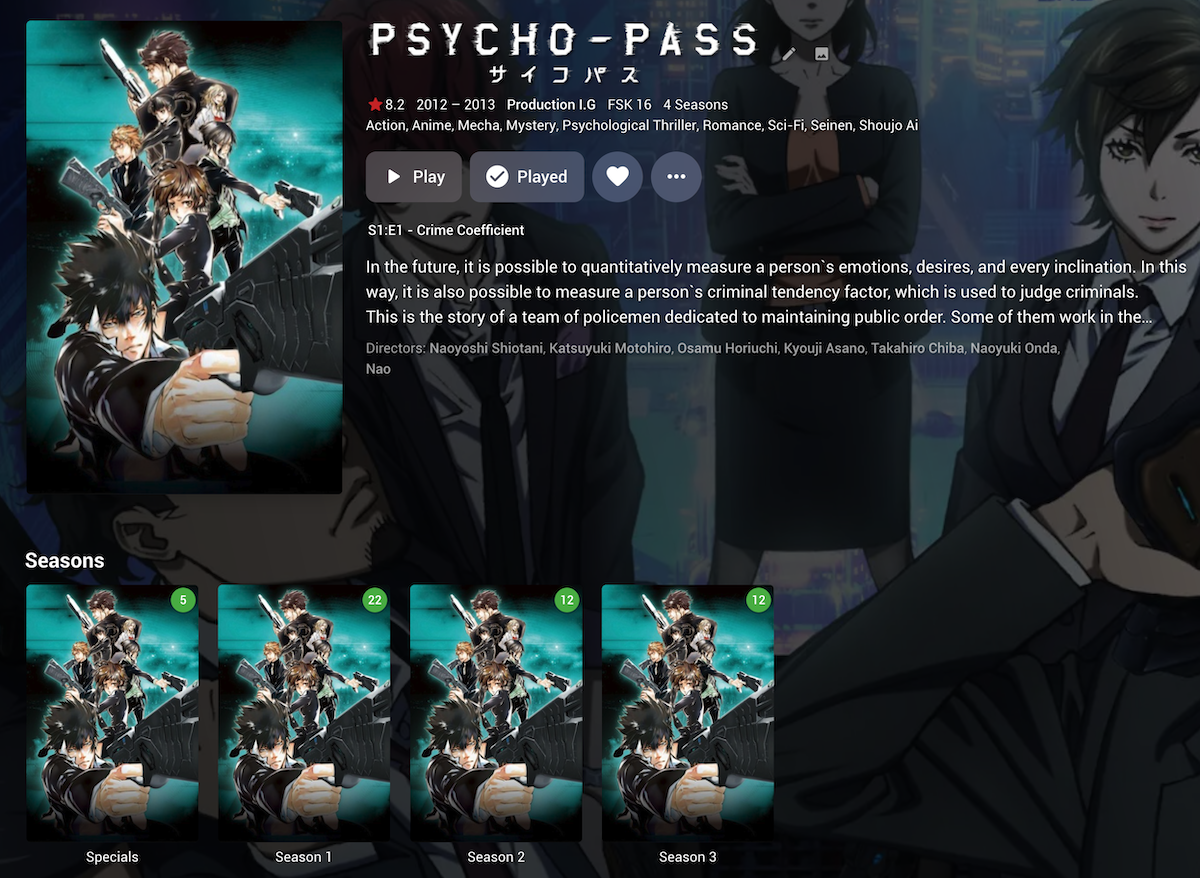 1 point
 -
Depending on your metadata providers setup in emby - you basically need to copy how it is setup on the provider. So if you are using tvdb (likely, unless you have changed it) - then the 'Seasons' are setup as follows - PSYCHO-PASS サイコパス - TheTVDB.com There is also the 'Order' that may need changing to match what you have (ie Aired/DVD etc) - change this on the Emby Metadata setting for that TV Show.
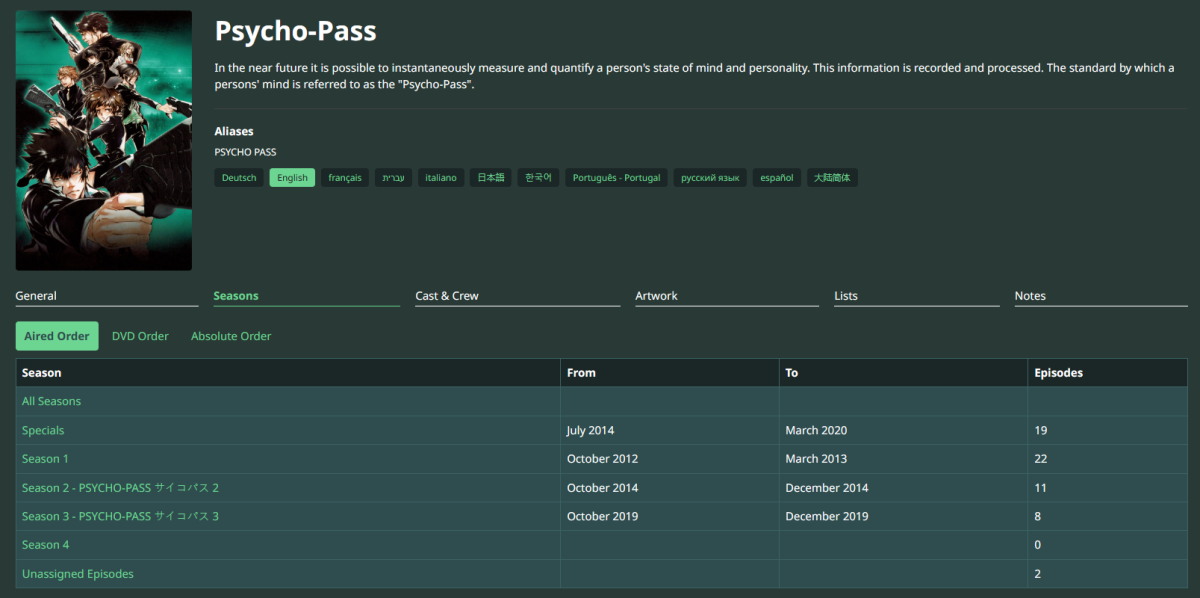 1 point
 -
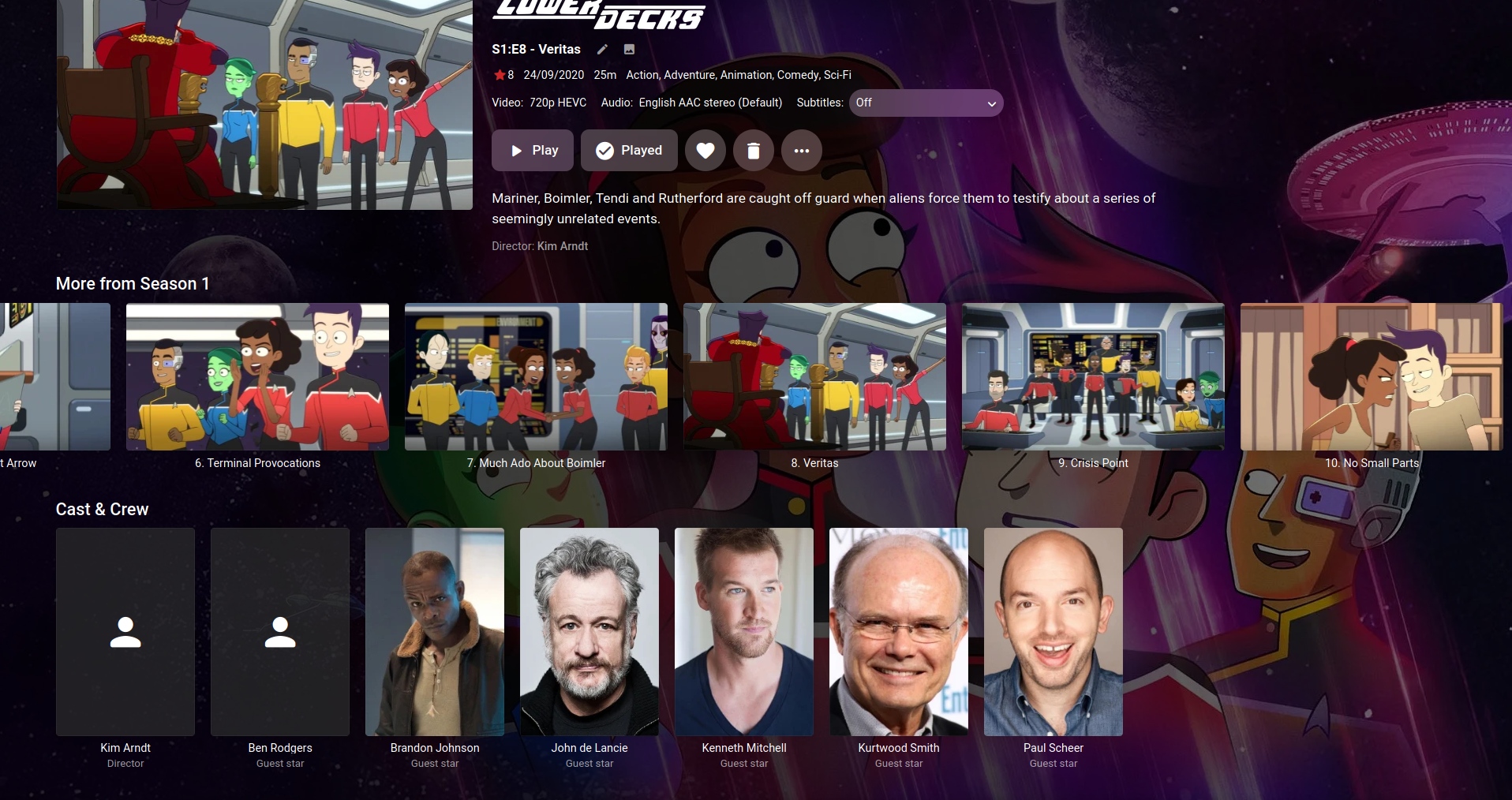
That seems strange, I get the guest actors per episode. Here is the Star Trek Lower Decks episode... I'm also on 4.7.11.0 and have TheTVDB as the main scraper but I probably scraped this tv episode a while ago. So this could be a problem with TVDB or Emby's plugin? Yea after season 1 of Star Trek Lower Decks I just get a copy of the series actors, no episode guest actors. Something has gone wrong there...
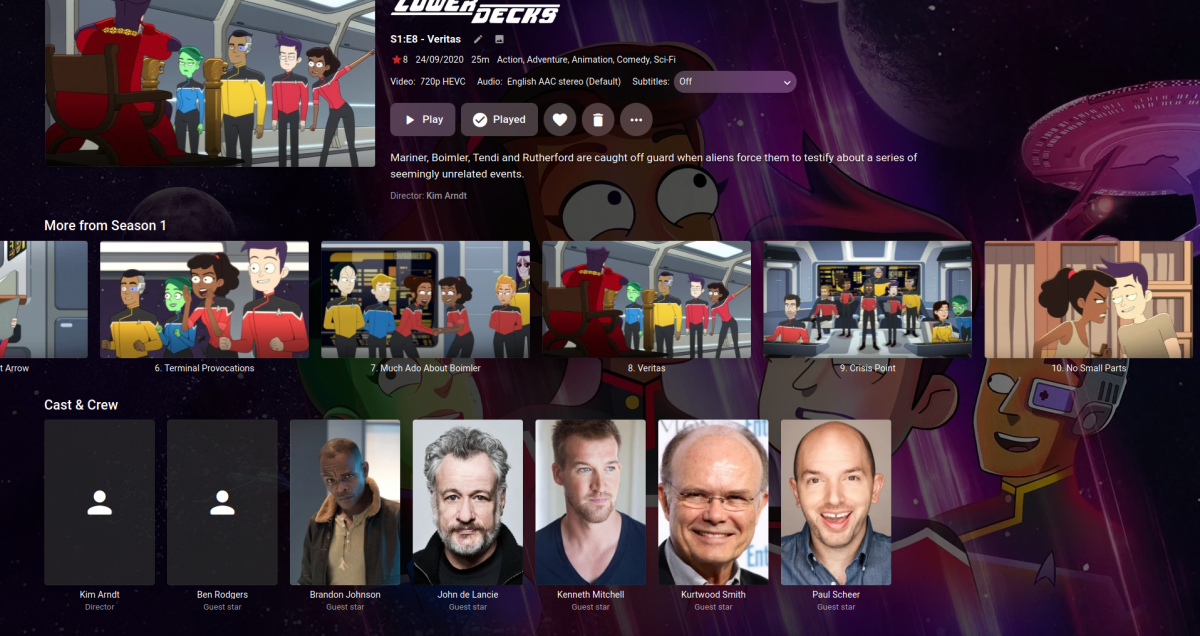 1 point
 -
Which app specifically? Here are the options in the webapp "Table View" is fairly recent and a great way to browse long lists...

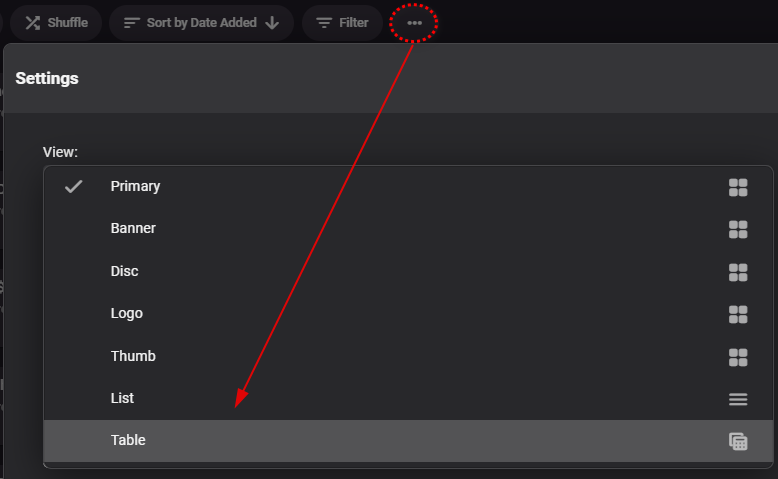 1 point
 -
That is currently what I ended up doing, but that really should not be necessary and a reason for the IP confusion needs to be sought.1 point
-
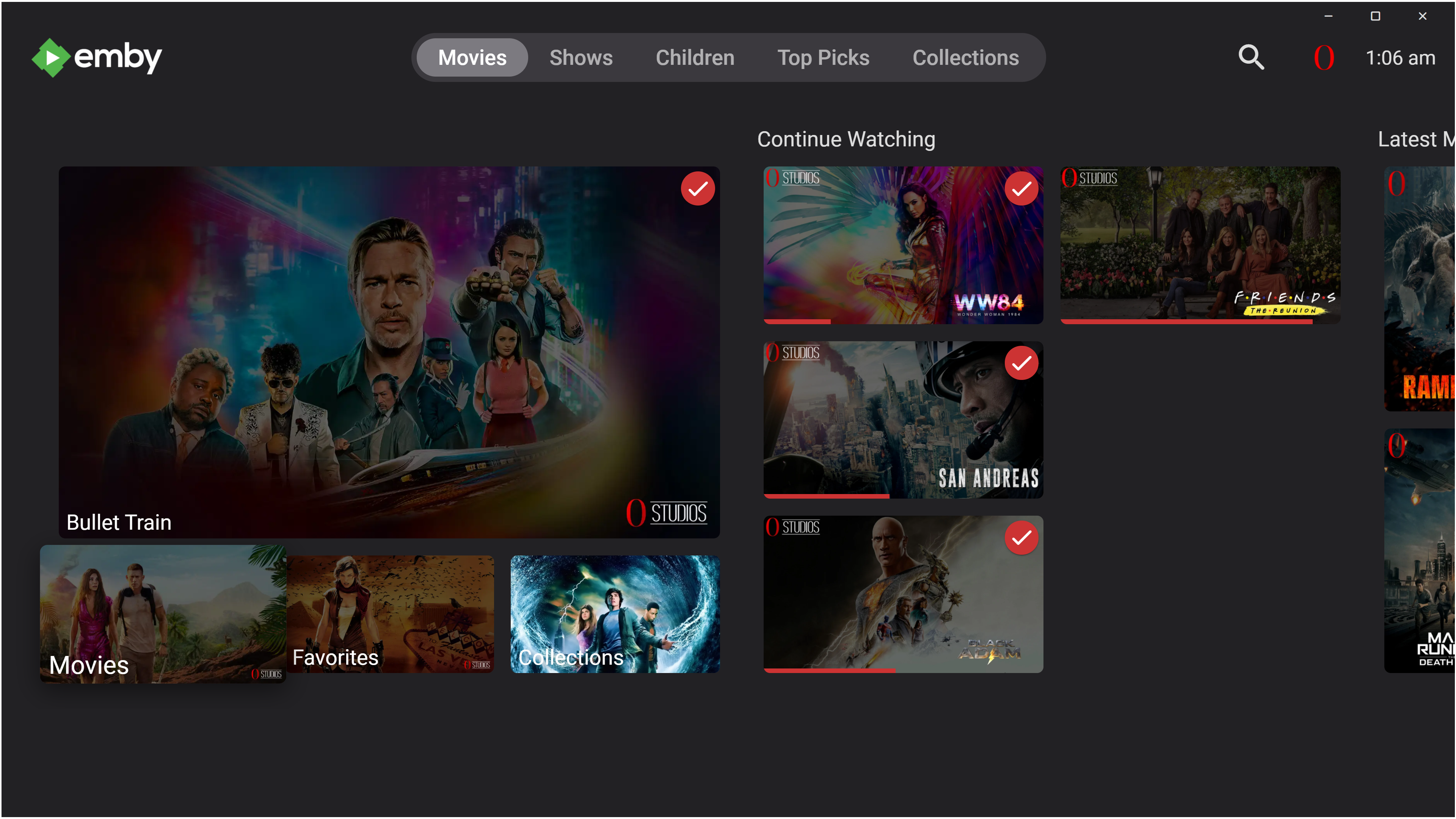
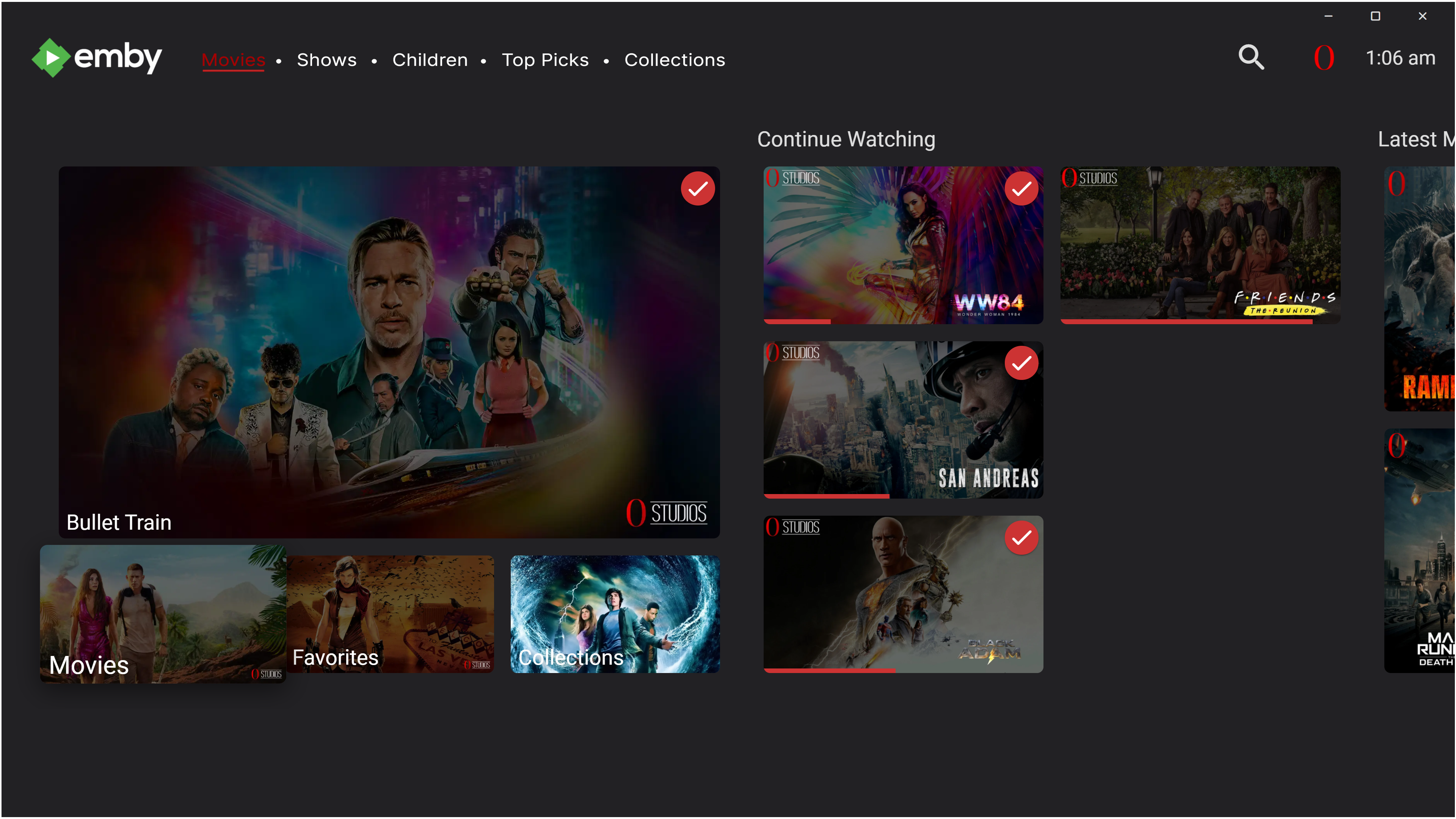
okay after having a lil think i have managed to come up with this. first pics shows emby as it is now and the second pic is where i would change the task bar to look something like this. and then with the main UI screen 1st page i would go with something like this so all nav buttons are in one place if needed but can view whole library's in sperate screen, also i would take the favorite tab away and just have a heart icon that can this screen up instead. the top would be the spotlight that everyone is after that can also play the trailer within this field instead of opening the main video player, (same way theme videos are done) just moved to show the actual video instead of being hidden behind description text. i will look a bit more but right now i need to get ready for work lol, all have a good day speak in a while.
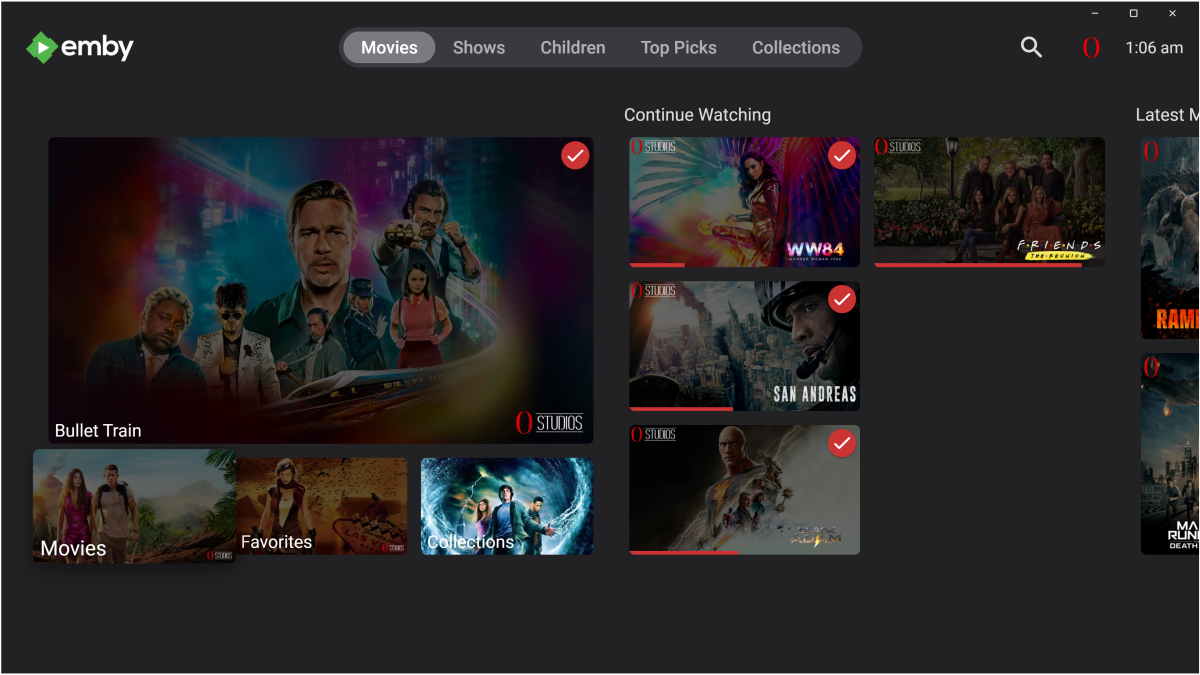
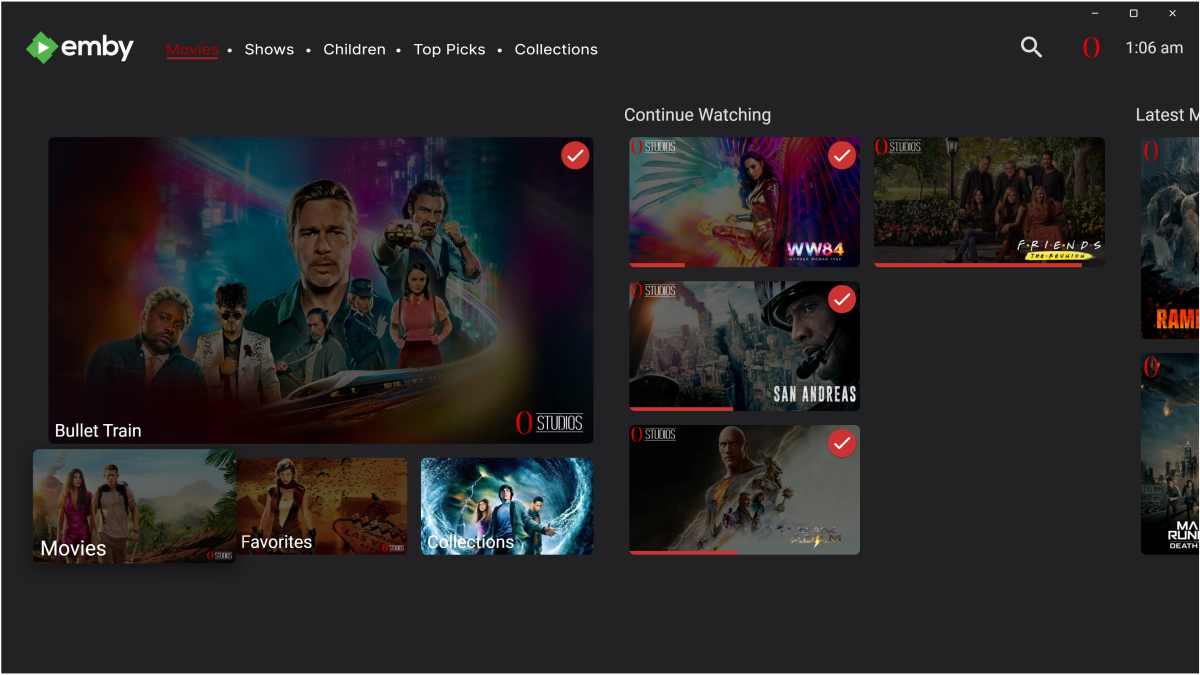
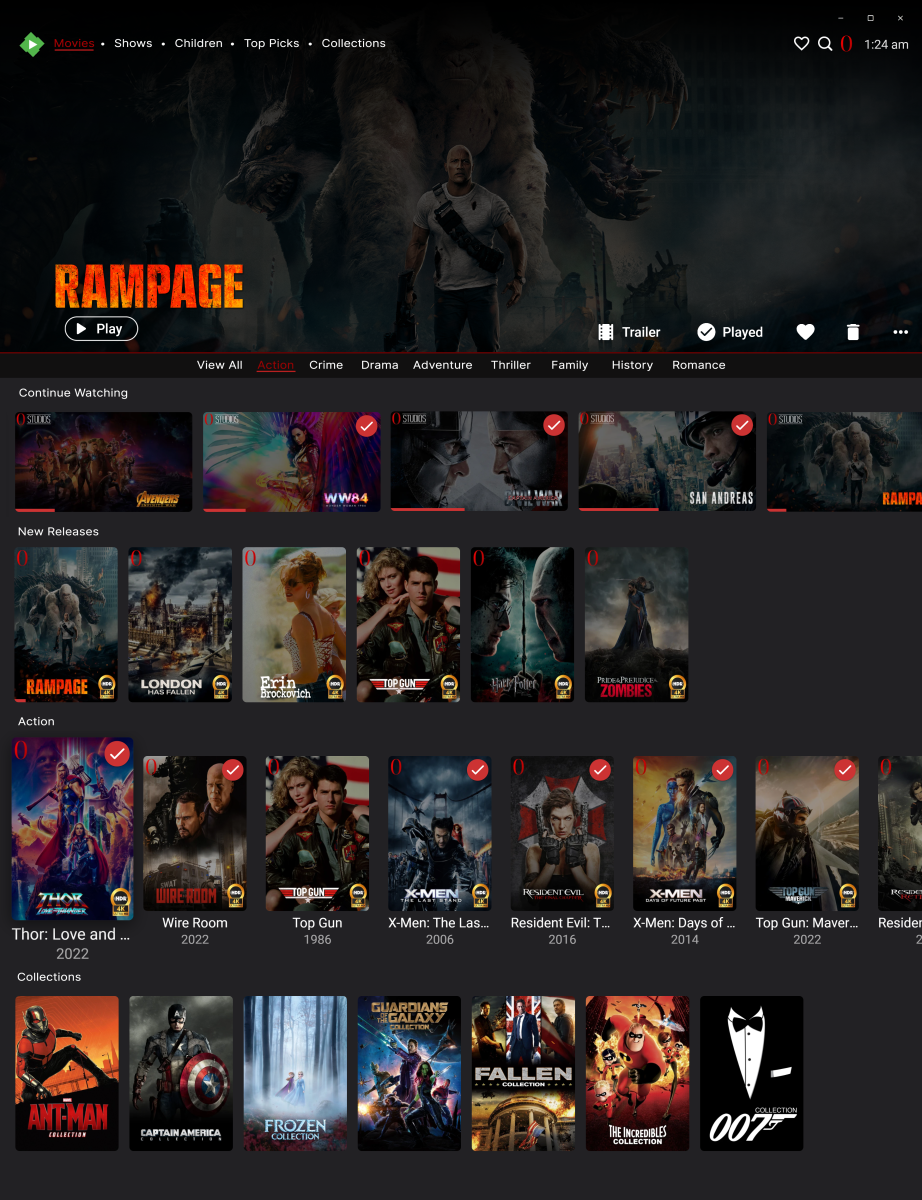 1 point
 -
1 point
-
It is direct playing and sending the raw audio out - which, in this case, was DD+ (EAC3).1 point
-
Thanks GrimReaper was hidden away on another unrelated HDD in the old Windows 10 machine.1 point
-
Thanks for your response. But it just start working for no reason. I literally didnt touch anything. Maybe my server seen me make a post about it lol1 point
-
Thanks to everyone for pointing me in the right direction. Using the Windows software foobar2000 and adding components OpenLyrics and Lyric Show 3 with the sister component Multi-Source Lyrics to foobar2000 works well to find synced lyrics (.lrc files) giving you two options to generate synced lyric files. foobar2000's right-click menu (after loading/selecting all music)... OpenLyrics | Search for lyrics and Download lyrics... When these components are configured properly (as explained in the thread below), these files are automatically dropped into the same folder as the music files. Emby recognizes these files and provides a spectacular synced lyrics interface which is just awesome! Thanks to the devs for all of their hard work and again thanks for everyone's help! Reading this thread was key.1 point
-
Which platform was old machine server running on? Edit: Anyway, you can find \programdata location by selecting three-dots->View Server Info next to your server name in the Dashboard.
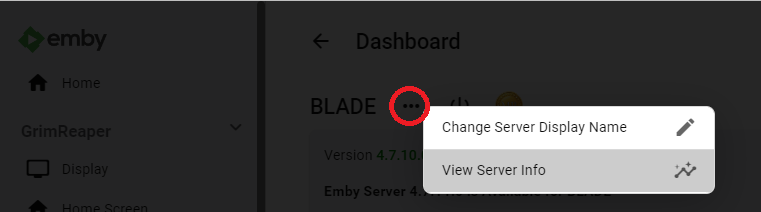 1 point
 -
This may also impact the ability for emby to identify the item on a metadata refresh (but I would hope the providers have logic to capture this) - so I would be very cautious on doing this. The Sort Title is there for this exact reason - it will usually just put the 'the' after the title. ie 'Highwaymen, The' I used to do this myself many years back, but then reverted back to the main title due to Identify issues - you have been warned1 point
-
All set, everything is in Git. Link in first post. Version 1.6.0.0 - Allows configuration of time message is displayed on the screen. Allows configuration of message displayed on the screen. Optionally displays the skipped time in minutes:seconds. As before, there was a configuration UI change so clear your browser cache.
 1 point
 -
As an example take the original "All in the Family" and "Archie Bunker's Place." What I would like is to automatically start/queue up the 2nd when the first has been completely watched. I know of a few, rather intricate, methods to accomplish this, and of course the manual method, but it would be good if two series could be linked so that when the first has been completely watched episode one of the second is added to "Next up." This is not too important but it is something that "seems" fairly simple and I think would have decent value.1 point
-
I really like this, thank you for sharing. Totally agree, I'm a long time Plex and started using Emby a couple years ago. Emby is superior in all the important ways but I missed the Plex UI. This makes a ton of difference in closing that gap. Very appreciated.1 point
-
Yes there would be two options here If using the Server Configuration Backup plugin, you would copy or backup directly to thumbdrive. But not that is just configs, user/userdata. Or if the drive is large enough you copy the entire Emby programdata folder to have a exact backup of your current install. Only thing you have to watch out for is ensure library paths remain the same on new one. Somewhat covered here Emby Backup :1 point
-
Stealing your css. Hope it isn't trademarked, pat pending or copyright... Invoice for royalties is on its way. It was a pleasure doing business with you!1 point
-
Not with a single design choice no - but give some flexibility/options and you'll please most.1 point
-
The thing is, Netflix and the like have these sorts of features to advertise what's on them, because they're trying to interest you in their service. Emby doesn't need to do that, because that's not what makes them their money and because it's all your own media anyway.1 point
-
It's possible that they are not you and have different multimedia libraries than you.1 point
-
Agreed - but with this 'spotlight' function, the idea is the Admin is ultimately responsible for vetting the images.1 point
-
Hey, I'm a recent switcher from Plex to Emby. The main reason for me was the support for the Live TV and DVR. This is just not reliable in Plex. In that regard Emby is miles ahead. Well done! One thing i did like in Plex though, was the different lists it has for live tv. Such as "Upcoming movies" (this is not a list of just movies airing soon, but movies with good ratings that could be worth watching/recording), or "Recommended for you" with a list of tv series or movies that could be interesting based on what i already have in my collection. It also has a section "New episodes tonight", showing tv shows that have new episodes upcoming. I'm not asking you to just copy what plex has, but if you have access to a lot of TV channels, it can be bothersome to find things that could be of interest. These suggestions could help with that. One requirement would probably be to have Schedules Direct linked to your TV, so all meta data is available to generate a list like this.1 point
-
Thank you I’ll try that not a big deal at all more of an annoyance.1 point
-
Not sure of the cause of this one but you will have to follow the steps in the KB to see if it can be saved or start a new one. SQLitePCL.pretty.SQLiteException: Error: cannot rollback - no transaction is active Corrupt Database : Emby Google suggests cause by disk space issue.1 point
-
if you pause a video on 1 device at 50%..thinking you will resume. but actually resume and watch 100% on 2nd device. when you eventually go back to 1st device and back out of paused video (since you watched already), emby remembers playback position 50% of 1st device. can this be avoided? tested on roku as 1st device1 point
-
I think you're missing the evolution of this thread. I'm not complaining. I posted simply asking if there was a way to achieve something. You posted a work around and I replied why it wouldn't work well in my scenario. I realize I have to make a choice based on the available options, but expressing the desire for different options is how we sometimes get change. The only real question I still have is that if a new file name doesn't seem to change the watched status, then why isn't other data retained too? At least optionally.1 point